Best Decentralized And Non-Custodial Crypto Wallets In 2026 (April 2026)

Compare the best decentralized and non-custodial crypto wallets for 2026, from Web3 hot wallets for everyday use to hardware wallets for long-term cold storage. See which options are best for DeFi, XRP, mobile use, and offline security, then learn how to set...

Updated Apr. 6, 2026
Reviews in this list 26
Trusted Reviews Editorially curated & independently checked
Curated by Yousra Anwar Ahmed
Since Feb 2026 50 reviews
Checked by George Ong
Since Mar 2018 111 fact-checks
Affiliate Disclosure

Disclaimer: CryptoSlate may receive a commission when you click links on our site and make a purchase or complete an action with a third party. This does not influence our editorial independence, reviews, or ratings, and we always aim to provide accurate, transparent information to our readers.

A decentralized wallet is a non-custodial wallet that lets you control your private keys while your assets remain on-chain.

Most people use “decentralized” to mean self-custody: you sign transactions yourself instead of trusting an exchange or other custodian. This guide compares decentralized wallets and non-custodial wallets across two common setups: Web3 hot wallets for DeFi and everyday transfers, and hardware cold wallets for long-term storage. You’ll also get a comparison table and a quick checklist to choose the right wallet for your needs.

Top Picks - Decentralized And Non-Custodial Crypto Wallets

Rank
Name
Rating
Type
Best For
Platforms
Key Advantages
Secure Link
Rank 1
8.5
Multi-platform wallet
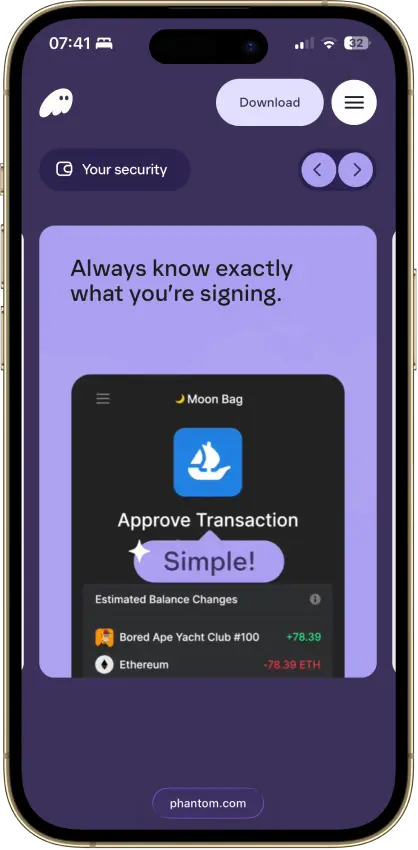
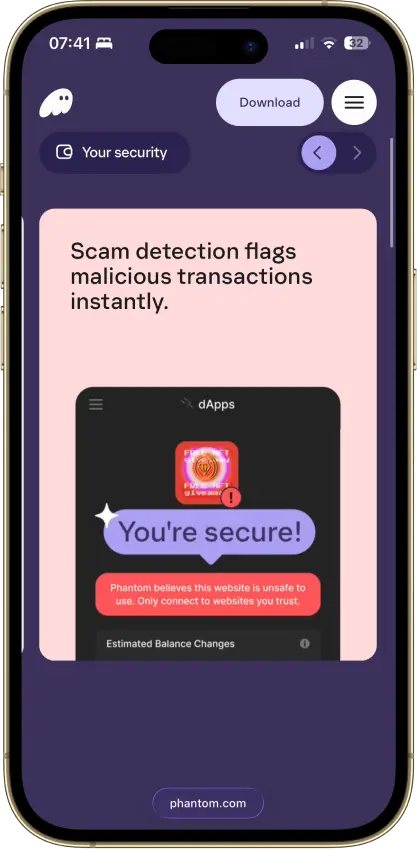
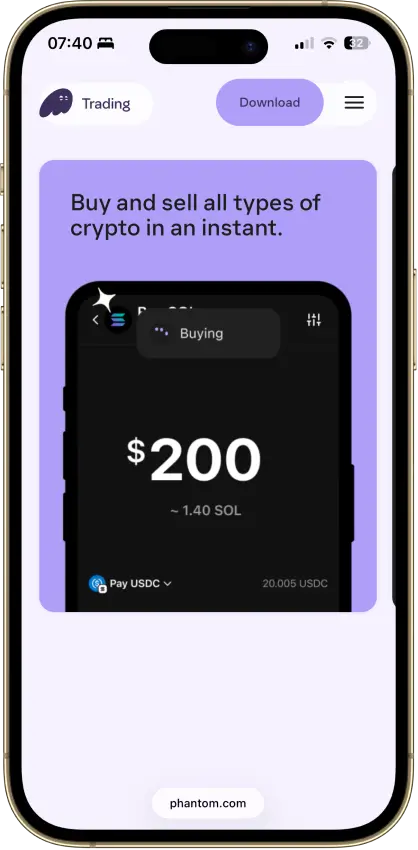
Solana users who want one wallet for swaps, NFTs, staking, and lighter multi-chain use.
Browser extensioniOSAndroid
  • Smooth Solana-first user experience
  • Eight supported chains in one wallet
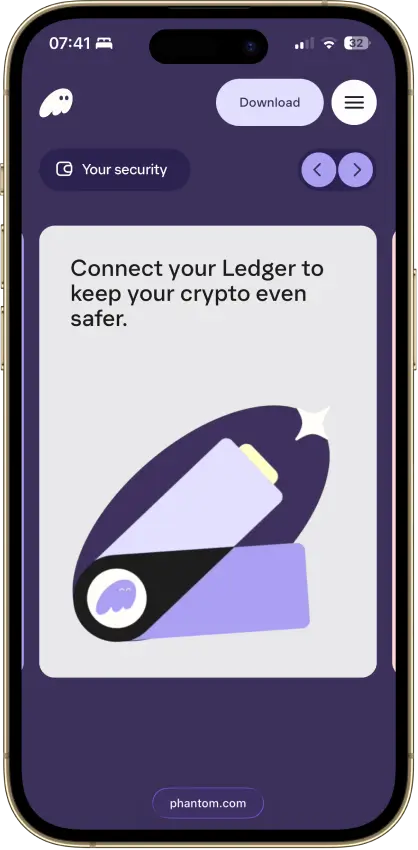
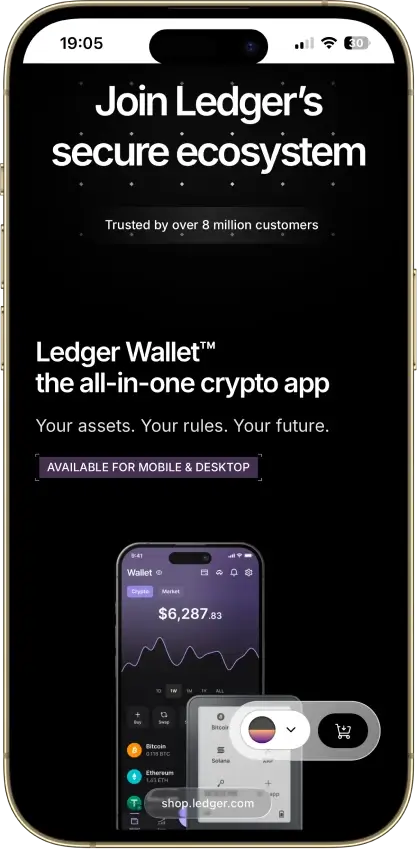
  • Built-in swaps, dApp access, and Ledger support
Rank 2
8.5
Multi-platform wallet
Users who want one self-custody wallet for multi-chain assets, swaps, and dApp access.
iOSAndroidBrowser extension
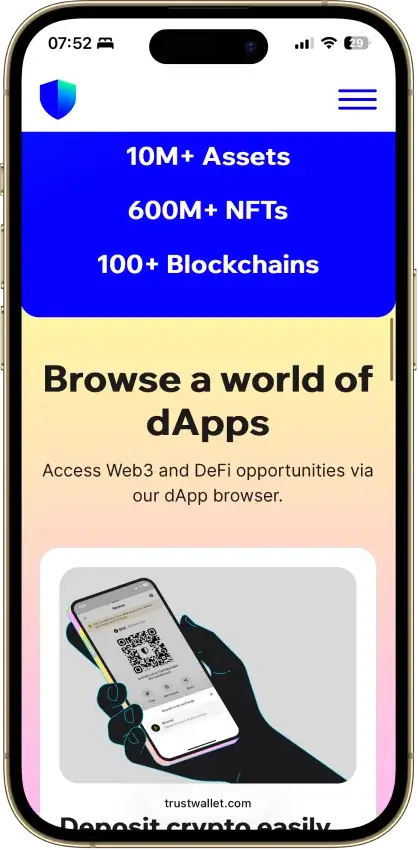
  • Supports millions of assets across 100+ blockchains in one wallet
  • Built-in swaps, staking, NFT support, and dApp access
  • Optional Ledger support through the browser extension
Rank 3
8.3
Multi-platform wallet
Users active in Ethereum DeFi and NFTs who want broader multichain support in one wallet
Browser extensionAndroidiOS
  • Deep dApp compatibility across Ethereum and major EVM networks
  • Built-in swaps, bridging, and staking without leaving the wallet
  • Multichain accounts now include Bitcoin, Solana, and TRON alongside EVM assets
Rank 4
8.0
Hardware wallet
Phone-and-desktop users who sign often enough to care about screen comfort.
iOSAndroidDesktop (Windows)Desktop (macOS)Desktop (Linux)
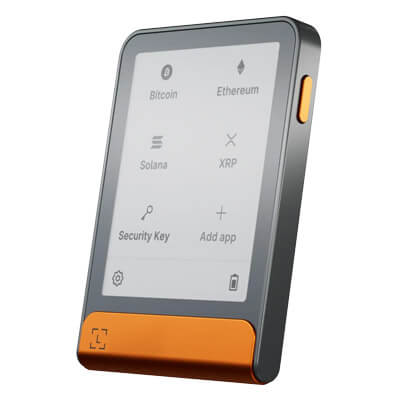
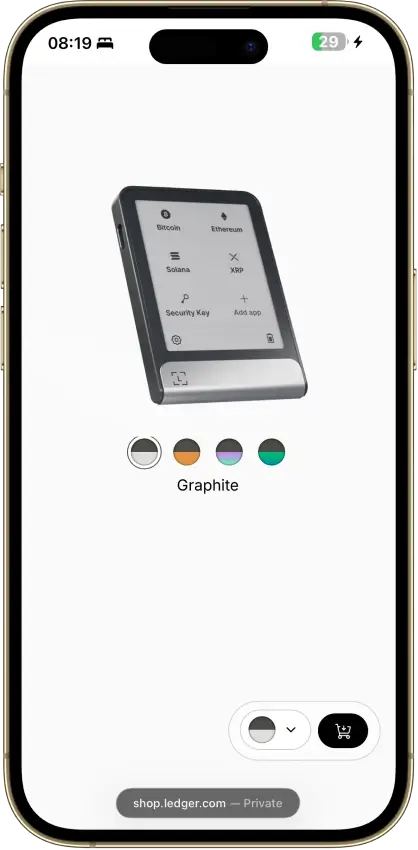
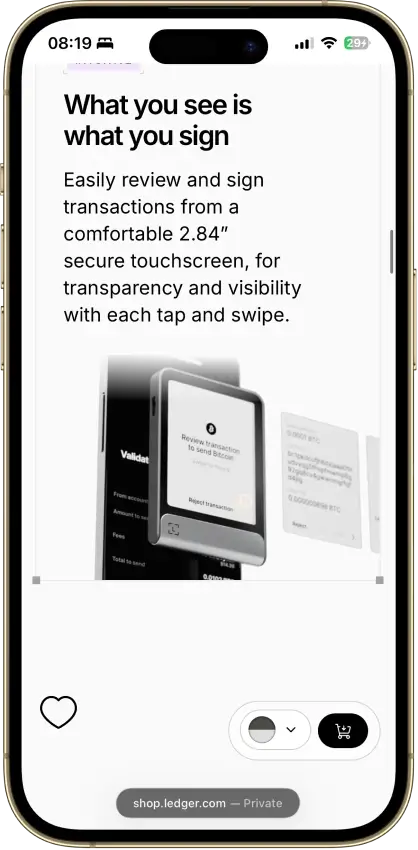
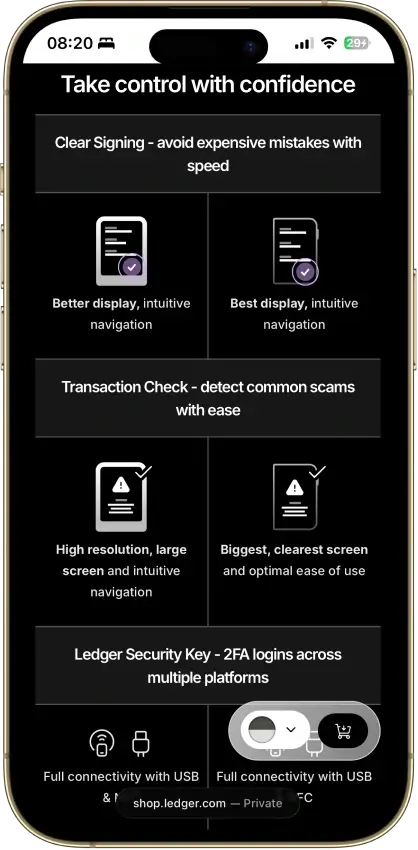
  • Large secure touchscreen for clearer on-device review
  • Strong phone support through Bluetooth and USB-C
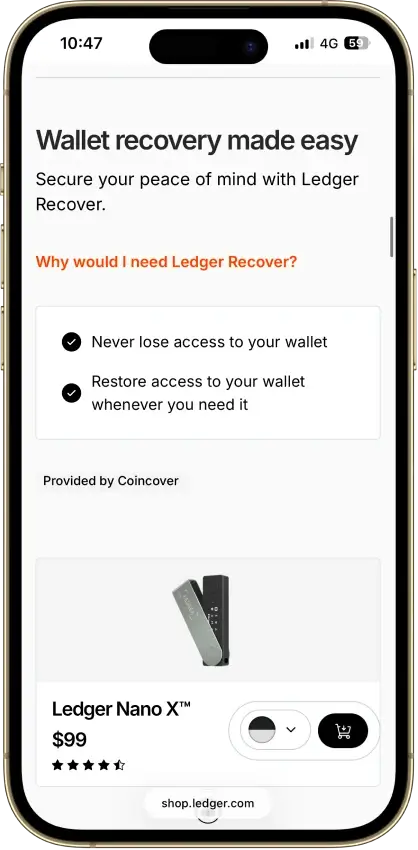
  • Flexible recovery setup with a recovery phrase, Recovery Key, and optional Ledger Recover
Rank 5
7.8
Multi-platform wallet
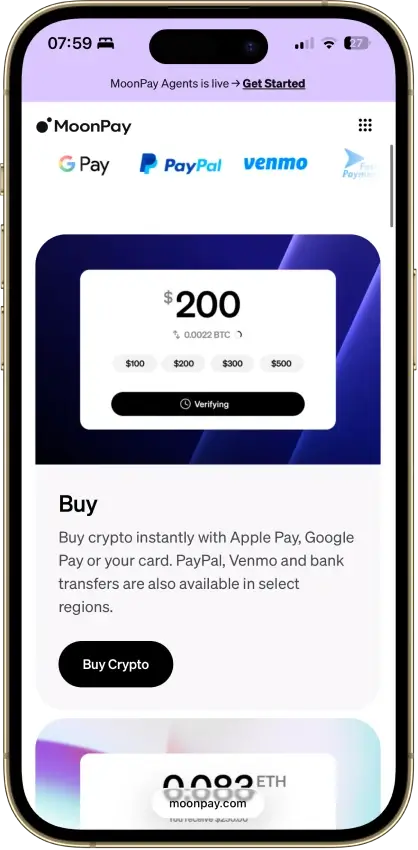
Mobile users who want simple self-custody plus built-in fiat on-ramp and off-ramp tools
iOSAndroid
  • Self-custodial in-app wallets with an exportable recovery phrase.
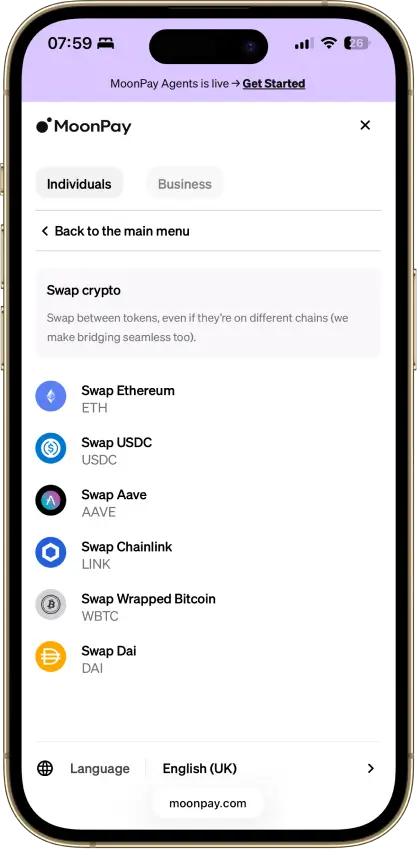
  • Buy, sell, send, receive, and convert from one mobile app.
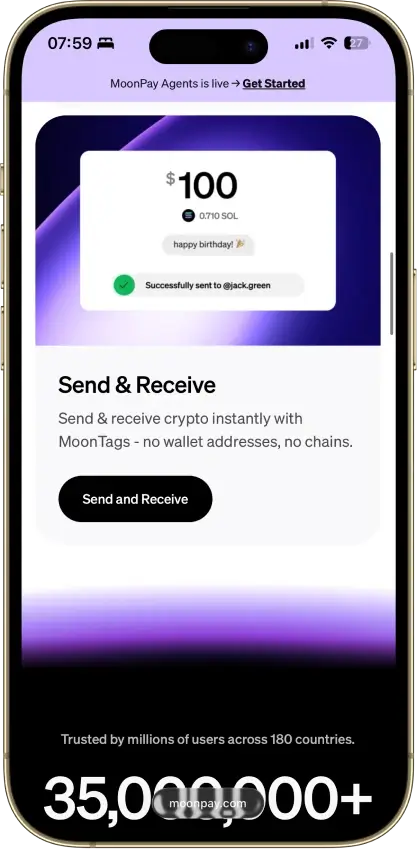
  • MoonTags simplify transfers without pasting long wallet addresses.
Rank 6
7.6
MPC smart wallet
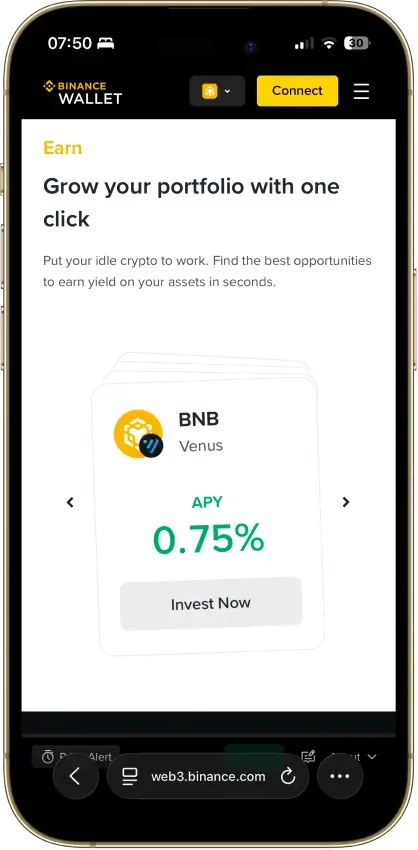
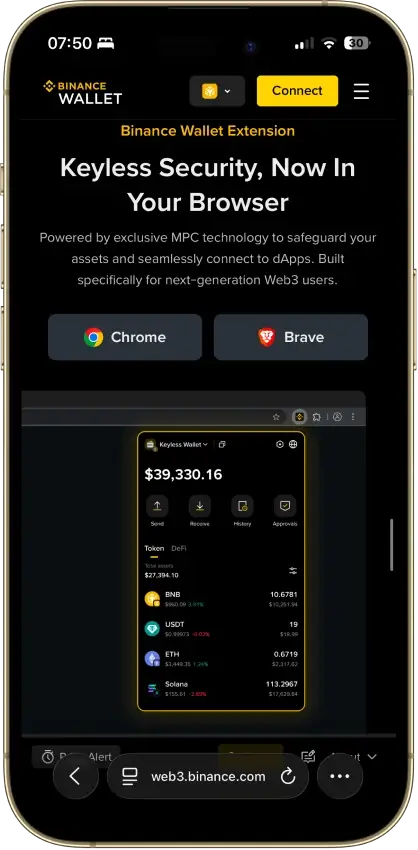
Existing Binance users who want a quick route into DeFi and on-chain trading without setting up a separate wallet stack first
iOSAndroidBrowser extension
  • Fast transfer path between Binance exchange balances and Web3 wallet activity
  • Seedless MPC setup with recovery-password backup instead of a default seed phrase
  • Built-in swaps, bridge tools, dApp access, and desktop/web trading support
Rank 7
7.5
Browser extension wallet
Coinbase users who want self-custody plus EVM coverage, browser extension dApp access, and some Solana support.
iOSAndroidBrowser extension
  • Coinbase-linked funding and transfers reduce friction between exchange custody and self-custody
  • Supports Ethereum, Solana, and a broad set of EVM networks
  • Supports both classic seed-phrase recovery and newer sign-in options
Rank 8
7.5
Multi-platform wallet
Mobile-first users who want easier self-custody and built-in swaps
iOSAndroidDesktop (macOS)
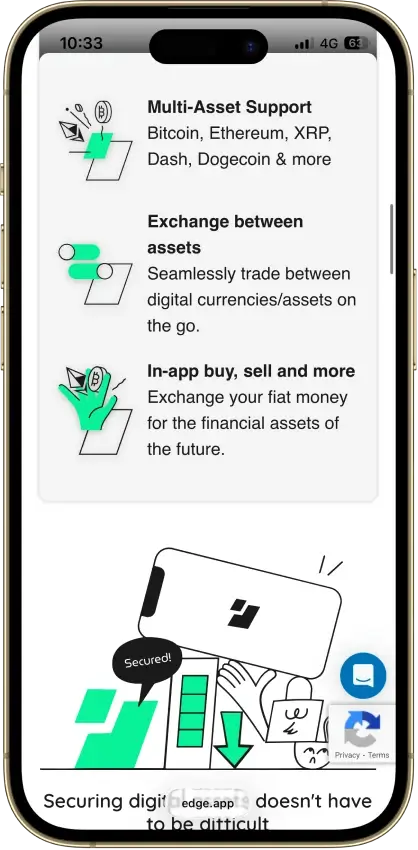
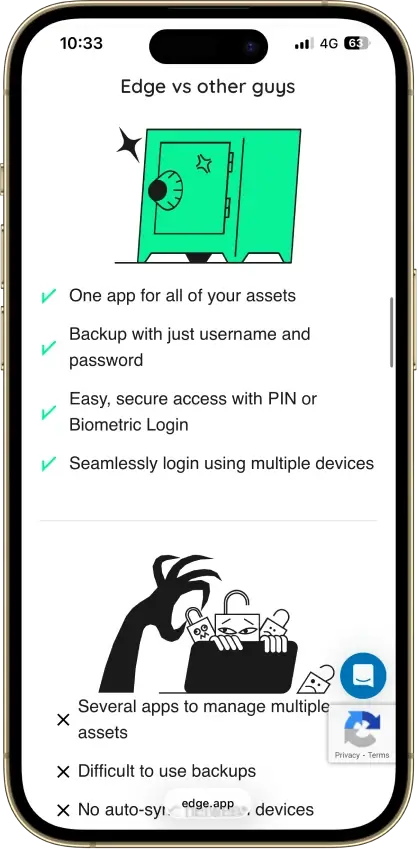
  • Account-style login with client-side encrypted keys
  • Multi-asset mobile wallet with built-in swaps, buy and sell options, and WalletConnect
  • Cross-device sync with PIN, biometrics, 2FA, and recovery tools
Rank 9
7.5
Hardware wallet
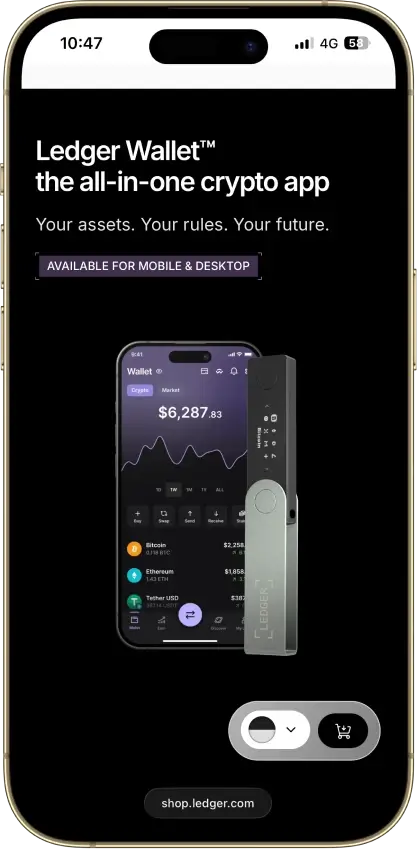
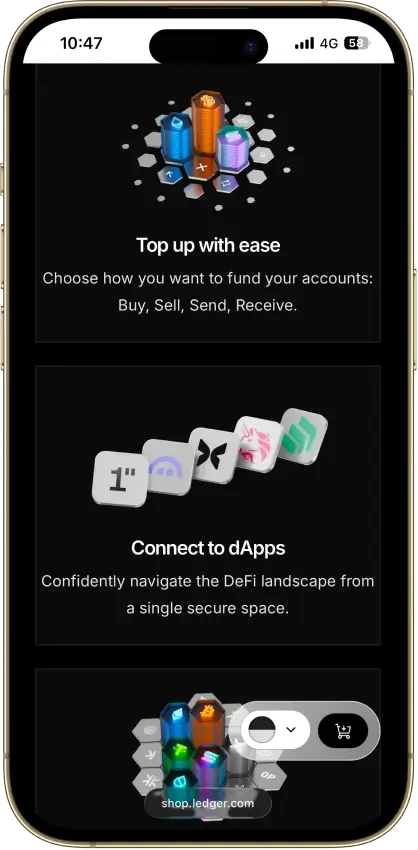
iPhone users and people who use both phone and desktop and want a classic hardware wallet.
iOSAndroidDesktop (Windows)Desktop (macOS)Desktop (Linux)
  • Bluetooth hardware wallet that works well with iPhone.
  • Strong support for major coins and common chains.
  • Compact classic Ledger form factor.
Rank 10
7.5
Multi-platform wallet
Users who routinely move assets across multiple chains and use onchain swaps.
iOSAndroidBrowser extension
  • Broad multichain coverage in one wallet interface
  • Built-in swaps, bridging flows, and dApp connectivity
  • Keystone hardware wallet support plus optional Trader Mode features
Rank 11
7.5
Hardware wallet
iPhone users and people who use both phone and desktop and want a classic hardware wallet.
AndroidDesktop (Windows)Desktop (macOS)Desktop (Linux)
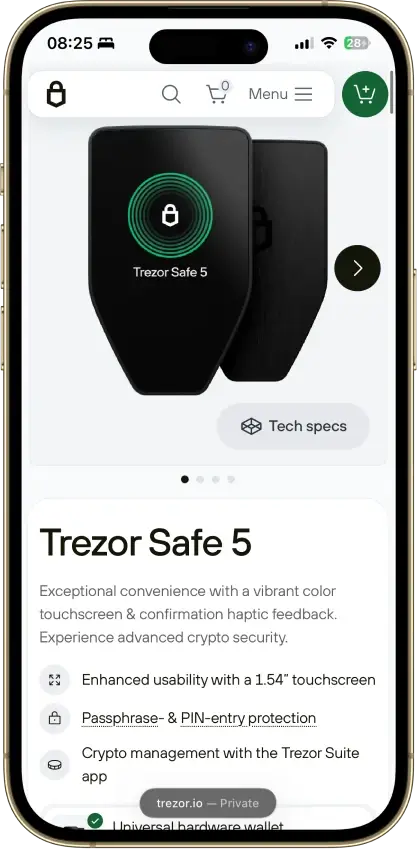
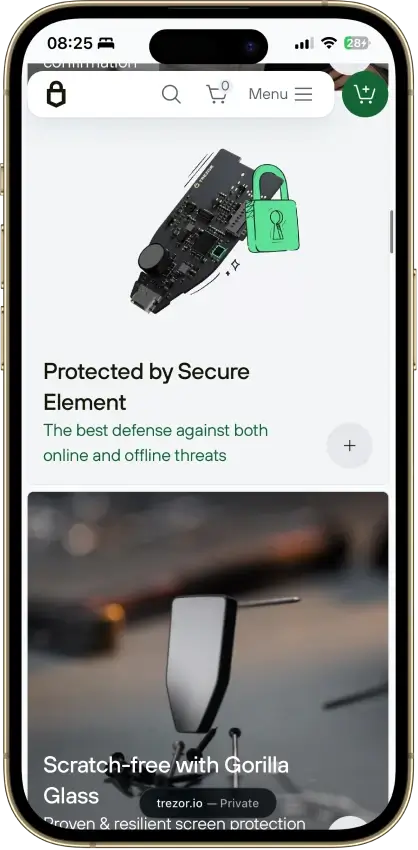
  • Lowest-cost current Trezor with a secure element and on-device approval.
  • Supports 12-, 20-, and 24-word wallet backup formats, including BIP39 and SLIP39. Current Safe 3 units default to a 20-word Single-share Backup.
  • Good desktop and Android fit for long-term self-custody without battery or Bluetooth upkeep.
Rank 12
7.5
Hardware wallet
Desktop or Android users who want a better signing screen without paying Safe 7 pricing.
iOSAndroidDesktop (Windows)Desktop (macOS)Desktop (Linux)
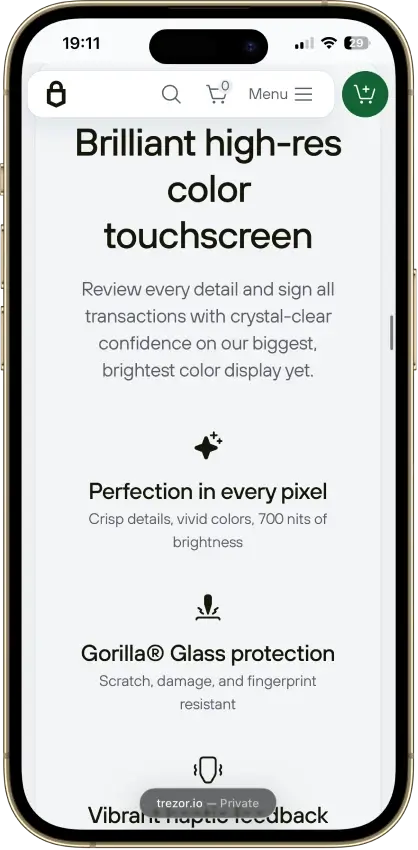
  • 1.54-inch color touchscreen with haptic feedback for clearer on-device review and input.
  • 20-word single-share backup by default, with an upgrade path to multi-share recovery.
  • Trezor Suite plus WalletConnect covers more real dApp activity than older Trezor workflows.
Rank 13
7.0
Multi-platform wallet
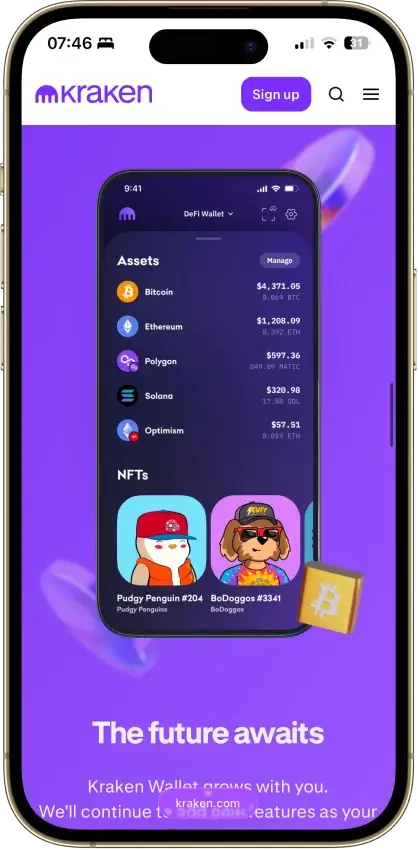
Mobile-first users who want simple self-custody and optional Kraken account linking.
iOSAndroid
  • One mobile wallet for Bitcoin, Solana, Dogecoin, and major EVM networks
  • Kraken Connect reduces friction when moving funds from Kraken Exchange into self-custody
  • Open-source client with a public audit and meaningful scam-warning tools
Rank 14
7.0
Hardware wallet
Desktop-first holders who want broad Ledger asset support without paying for Bluetooth
AndroidDesktop (Windows)Desktop (macOS)Desktop (Linux)iOSBrowser extension
  • Low-cost current Ledger hardware wallet for desktop-first self-custody
  • Standard 24-word recovery phrase with recovery possible outside Ledger
  • No battery and no Bluetooth, with on-device approval for every transaction
Rank 15
7.0
Hardware wallet
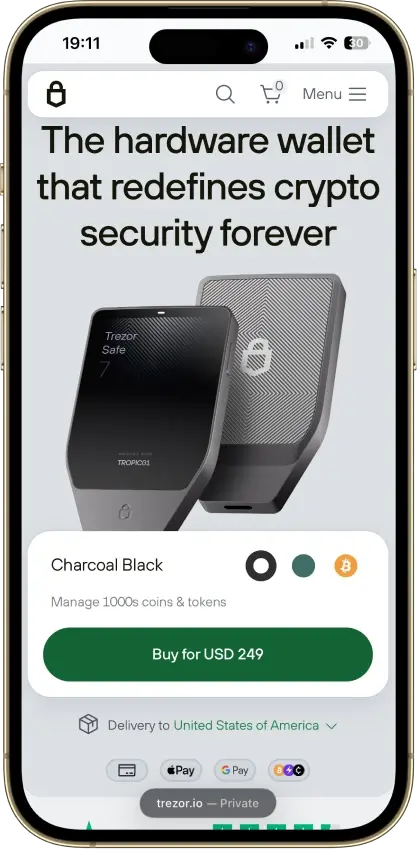
Mobile-first self-custody users who want a premium Trezor with Bluetooth and a large touchscreen.
iOSAndroidDesktop (macOS)Desktop (Windows)Desktop (Linux)
  • Full Trezor Suite mobile support on iPhone and Android
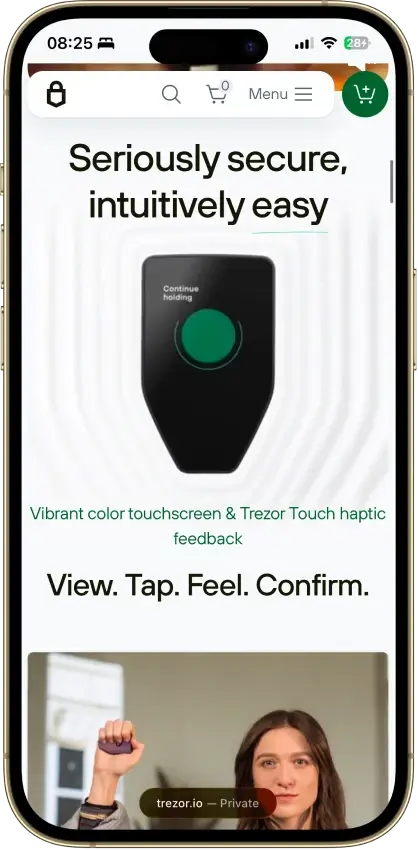
  • Large touchscreen with on-device transaction review and haptic feedback
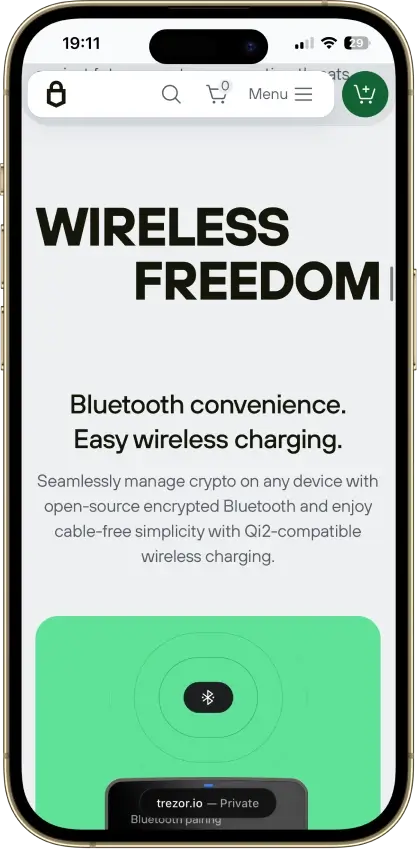
  • Premium wireless design with Bluetooth, built-in battery, and Qi2-compatible wireless charging
Rank 16
6.5
Hardware wallet
Bitcoin-first users who want open-source cold storage with flexible connection options
iOSAndroidDesktop (Windows)Desktop (macOS)Desktop (Linux)
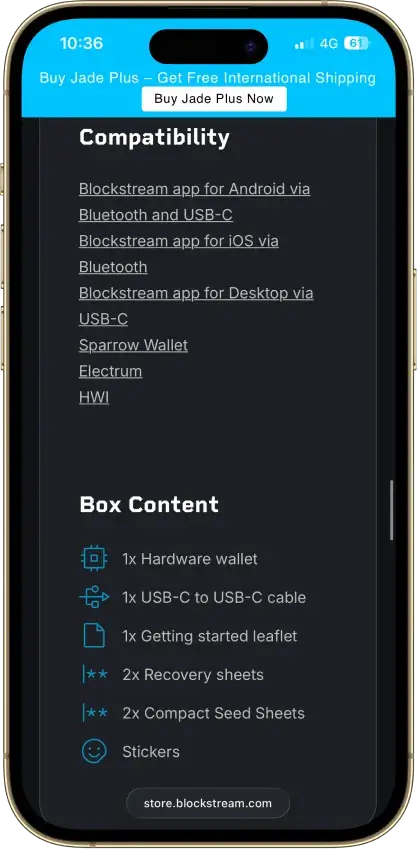
  • Four connection and signing paths: USB-C, Bluetooth, QR, and air-gapped storage workflows
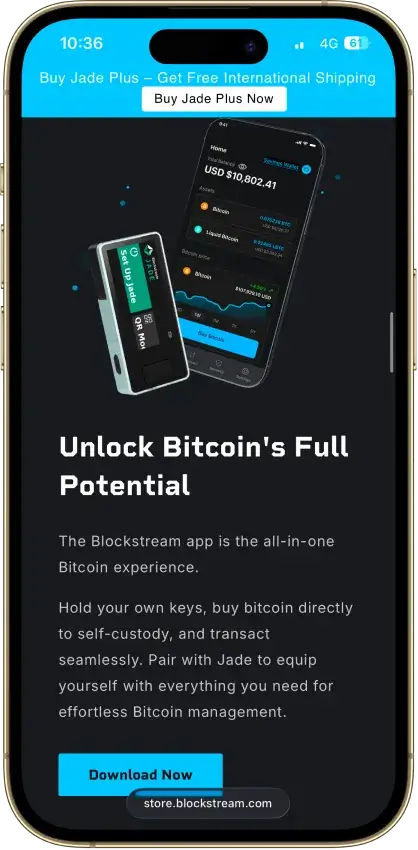
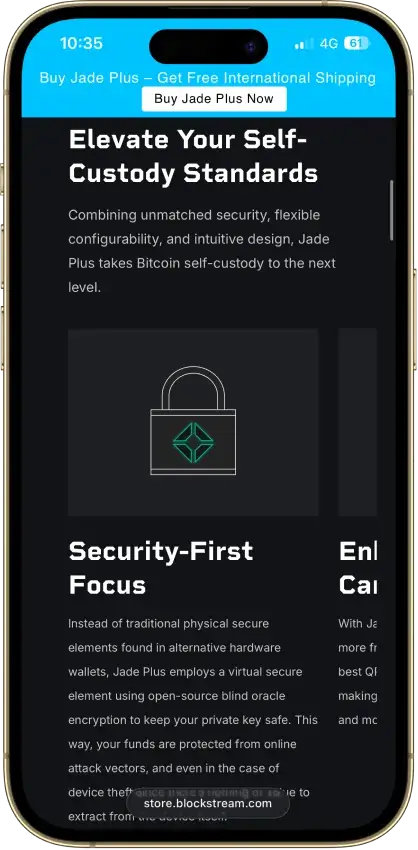
  • Fully open-source hardware wallet for Bitcoin and Liquid assets
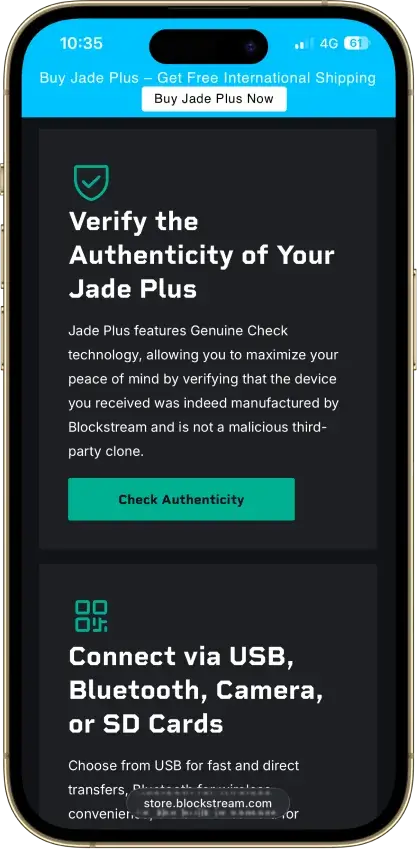
  • Genuine Check helps verify that the device was manufactured by Blockstream
Rank 17
6.0
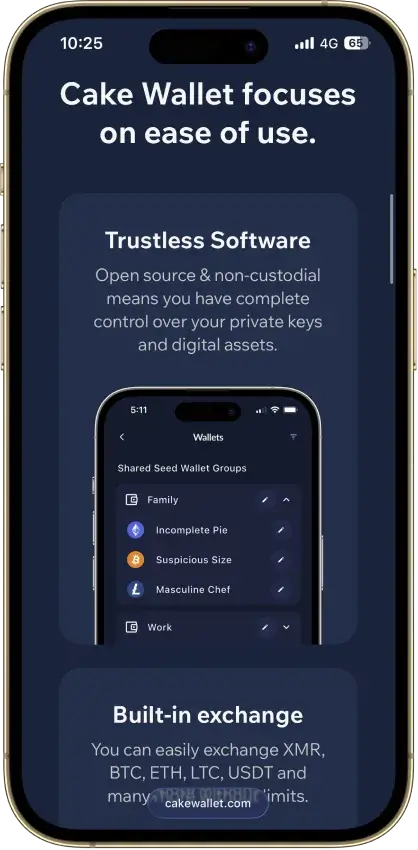
Multi-platform wallet
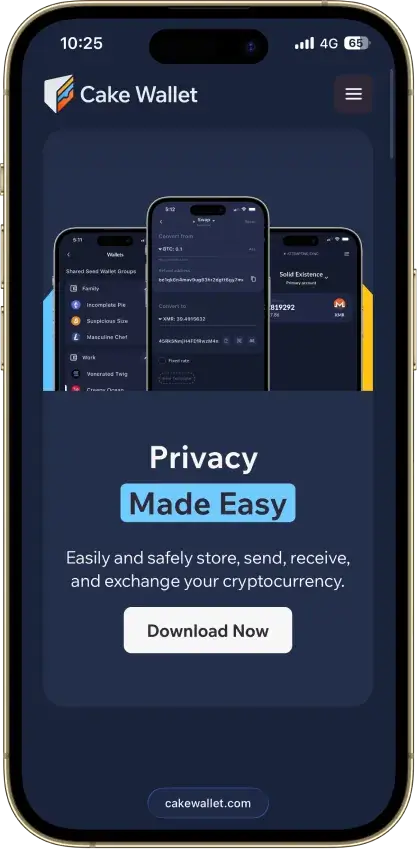
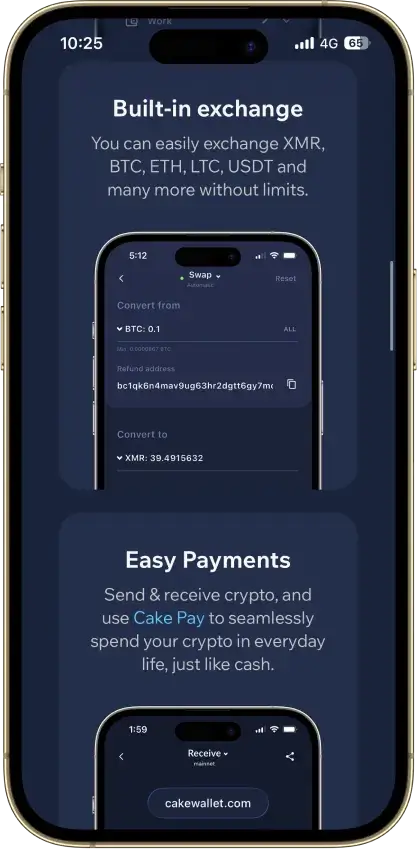
Privacy-focused users who want Monero at the center, but still need Bitcoin, swaps, and selected mainstream chains in one app
iOSAndroidDesktop (Windows)Desktop (macOS)Desktop (Linux)
  • Strong Monero-first workflow with much broader chain support than many users expect
  • Built-in swaps, fiat partners, Cake Pay, and Lightning support reduce app switching
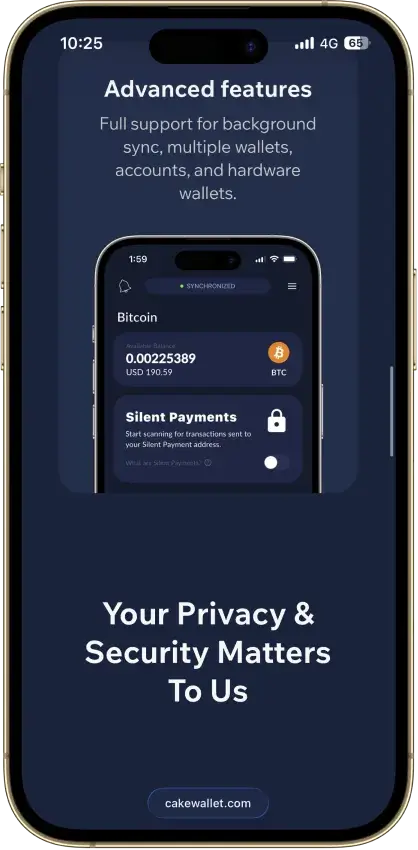
  • Strong privacy toolkit, including custom nodes, Tor options, Silent Payments, and PayJoin
Rank 18
6.0
Multi-platform wallet
Users who want one wallet for daily self-custody, portfolio tracking, swaps, and light web3 activity
iOSAndroidDesktop (Windows)Desktop (macOS)Desktop (Linux)Browser extension
  • Strong desktop experience for portfolio visibility and day-to-day asset management
  • Broad feature set across swaps, staking, NFTs, and light web3 access in one interface
  • Optional hardware-wallet pairing on supported setups for users who want safer signing
Rank 19
6.0
Multi-platform wallet
Desktop-first Monero users who want privacy defaults and advanced controls
Desktop (macOS)Desktop (Windows)Desktop (Linux)
  • Monero-first desktop wallet with deeper controls than many lighter wallets
  • Built-in Tor, reproducible builds, and bootstrappable build process
  • Strong hardware wallet support for Ledger and Trezor Monero devices
Rank 20
6.0
Multi-platform wallet
Users primarily active within the Solana ecosystem.
iOSAndroidBrowser extensionDesktop (Windows)
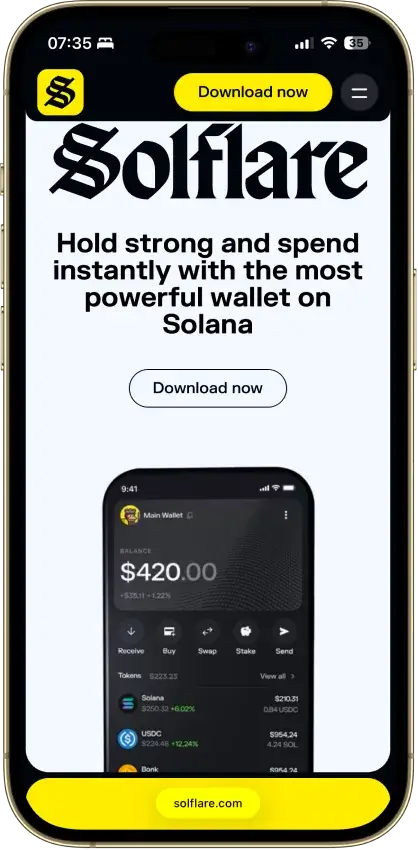
  • Solana-native wallet with built-in staking, swaps, NFT support, and dApp access
  • Hardware signing support through Ledger, Keystone, and Solflare Shield
  • Available on web, browser extension, iOS, and Android with self-custody recovery controls
Rank 21
6.0
Hardware wallet
Phone-first users who want the simplest card-based cold wallet.
iOSAndroid
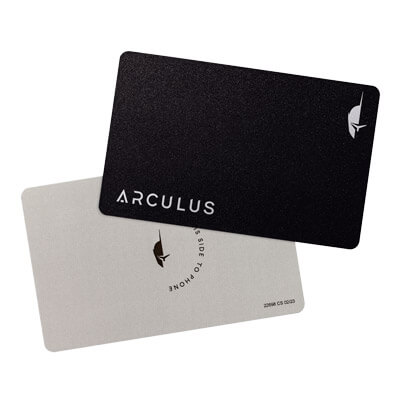
  • Card-based cold wallet design that works with a phone tap instead of cables or charging.
  • Seedless setup option with two or three physical backup devices instead of a written recovery phrase by default.
  • Low-friction mobile hardware wallet flow that can be used across multiple phones.
Rank 22
5.5
Multi-platform wallet
Desktop-first users who want the official Monero desktop wallet for XMR self-custody
AndroidDesktop (Windows)Desktop (macOS)Desktop (Linux)
  • Official Monero desktop wallet with Simple mode, Simple mode (bootstrap), and Advanced mode
  • Supports both remote-node use and deeper local-node control
  • Works with selected Ledger and Trezor devices for Monero storage
Rank 23
5.0
Hardware wallet
Mobile-first holders who want straightforward self-custody
iOSAndroid
  • Credit-card shape with no battery, cable, or Bluetooth.
  • Private keys stay on the card’s CC EAL6+ secure element.
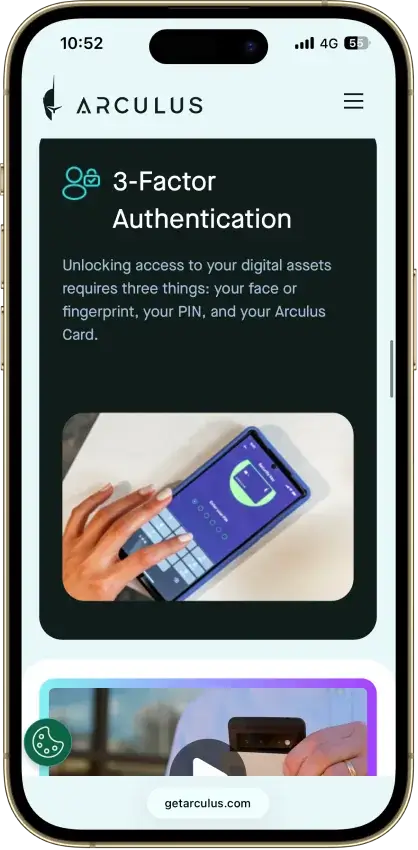
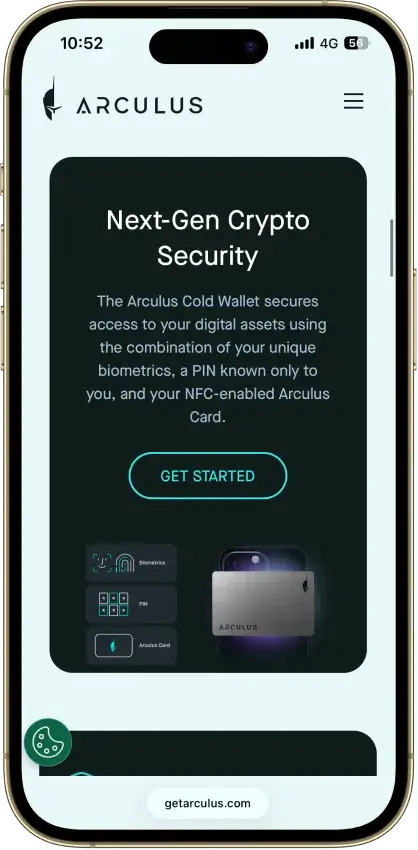
  • Phone-first setup with a 6-digit PIN, optional Face ID/fingerprint, and NFC tap approval.
Rank 24
5.0
Hardware wallet
Mobile-first holders who want QR-only signing and a larger screen for transaction review.
iOSAndroid
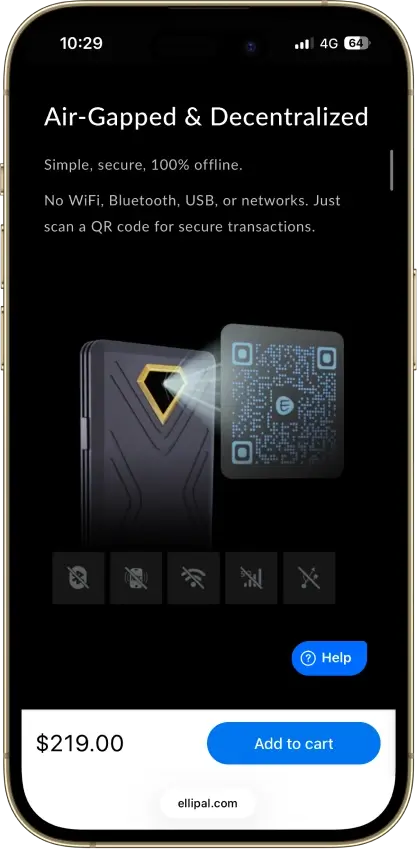
  • QR-only offline signing with no USB or Bluetooth transaction path
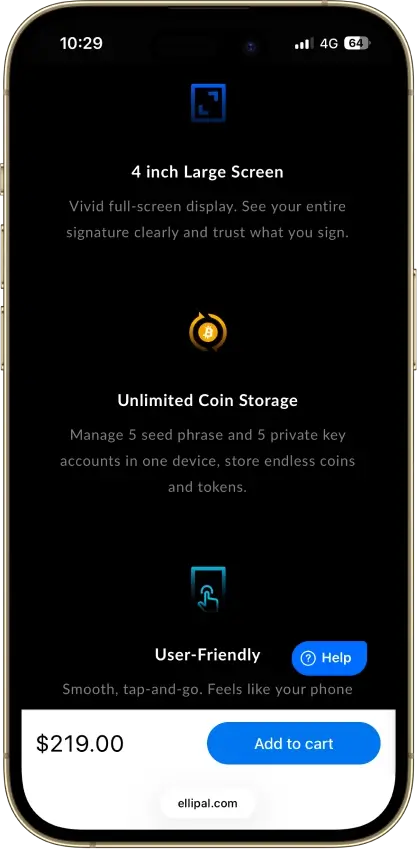
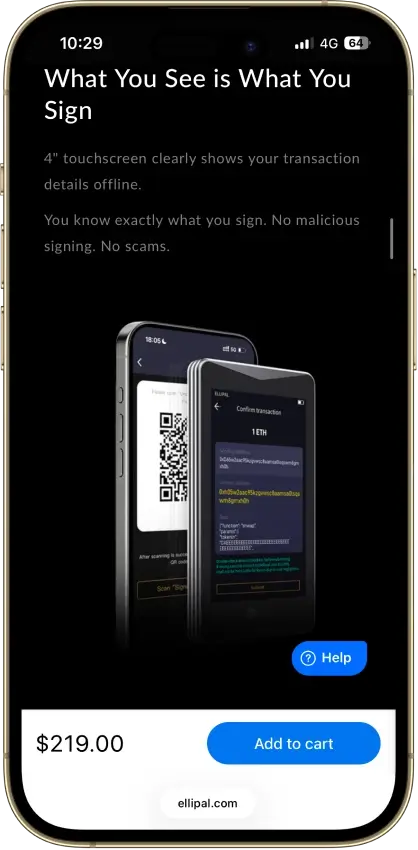
  • 4-inch touchscreen for clearer on-device verification
  • Fully metal sealed body with CC EAL5+ secure element
Rank 25
4.5
Hot wallet (mobile)
Android-first Monero users who want deeper privacy and node control
Android
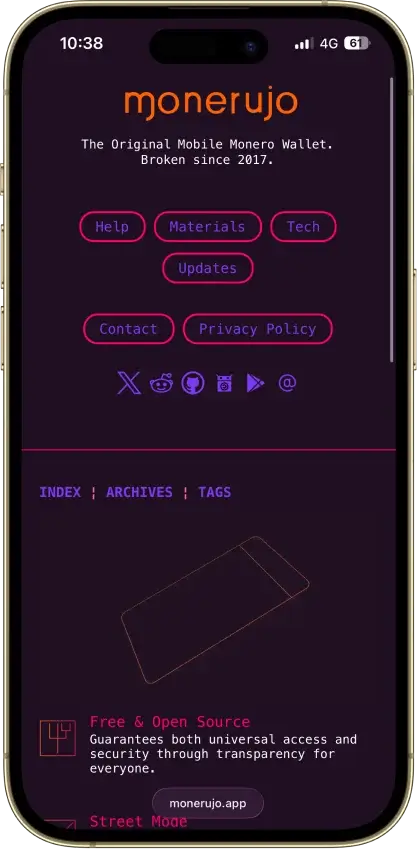
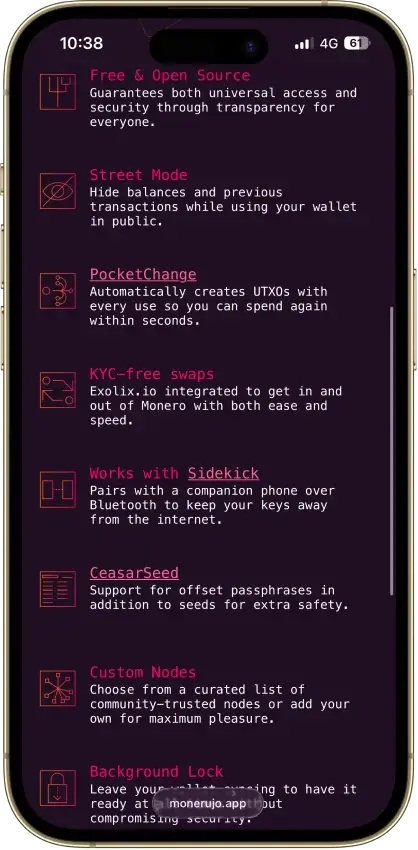
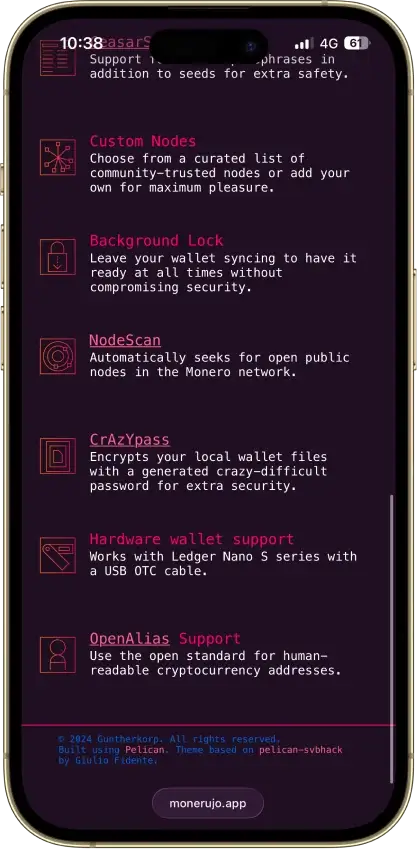
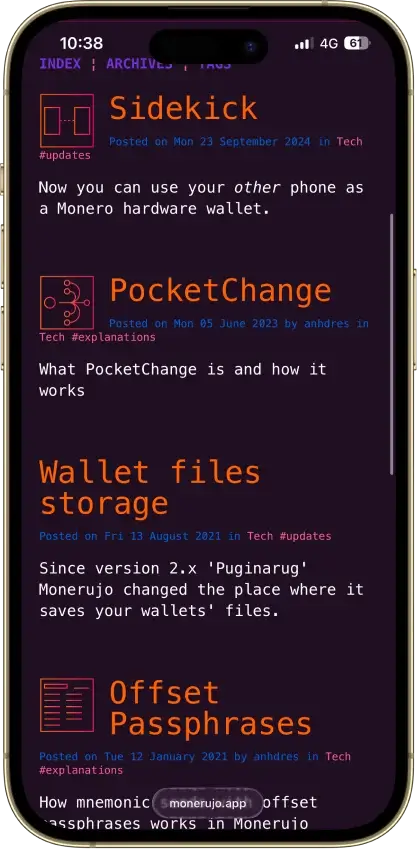
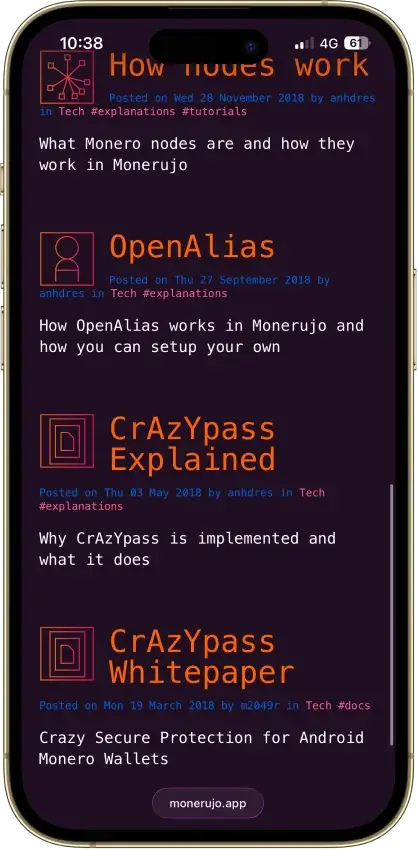
  • Monero-first Android wallet with custom nodes, Street Mode, and PocketChange
  • Optional Sidekick pairing can keep keys on a second Android phone over Bluetooth
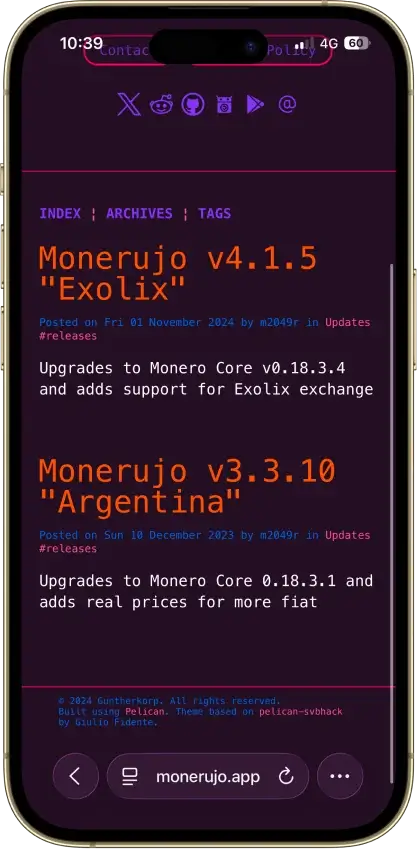
  • Built-in Exolix swap access without wallet-level KYC
Rank 26
3.5
Multi-platform wallet
Privacy-focused users who want one wallet for Monero, Bitcoin, and other niche assets across phone and desktop
iOSAndroidDesktop (Windows)Desktop (macOS)Desktop (Linux)
  • Fully open-source, non-custodial wallet with local key storage
  • Broad support for privacy-focused and niche assets across mobile and desktop
  • Built-in swaps and custom node support without wallet-level KYC

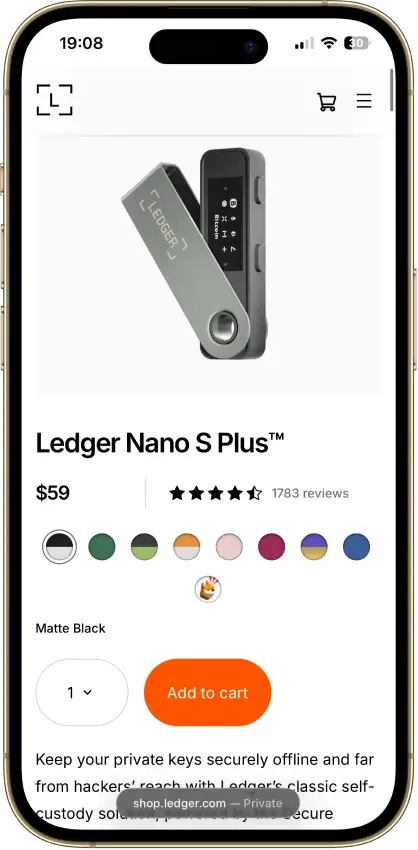
If you’re new to self-custody, Trust Wallet is a simple place to start on mobile. If you’re mainly using Ethereum and EVM DeFi, MetaMask is the default Web3 choice (and Rabby is a strong upgrade if you want clearer transaction previews). For long-term storage, move larger balances to a hardware wallet like Trezor Safe 5 or Ledger Nano S Plus.

Next, the comparison table breaks down chain support, XRP compatibility, backup options, and hardware signing so you can choose the right setup fast.

Remember, recovery and hardware support are no longer one-size-fits-all. Some wallets now offer seedless or email-based onboarding, some only support specific hardware devices, and some limit how dApps connect on mobile or iPhone. Check those details before treating two wallets as interchangeable.

Here’s a quick side-by-side look at what actually matters when you’re choosing a decentralized wallet for self-custody: chain support, XRP compatibility, how you back up access, and whether you can verify transactions on hardware.

Comparison Table

NameCustodyBlockchainsHardware SupportStakingFiat On-ramp
Phantom Non-custodial Solana, Ethereum, Base, Polygon, Bitcoin Yes Limited Yes
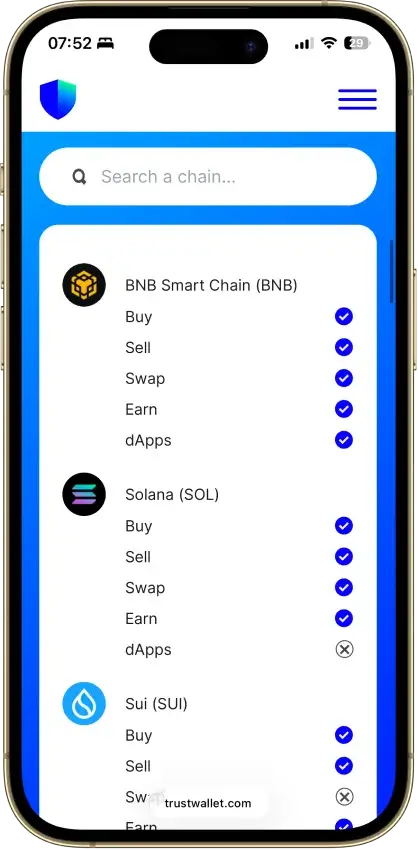
Trust Wallet Non-custodial Bitcoin, Ethereum, BNB Smart Chain, Avalanche, Tron, Arbitrum, Base, Optimism, Polygon, Solana Yes Full Yes
MetaMask Non-custodial Ethereum, Arbitrum, Optimism, Polygon, Base, Avalanche, BNB Smart Chain, Solana, Bitcoin, Tron Yes Full Yes
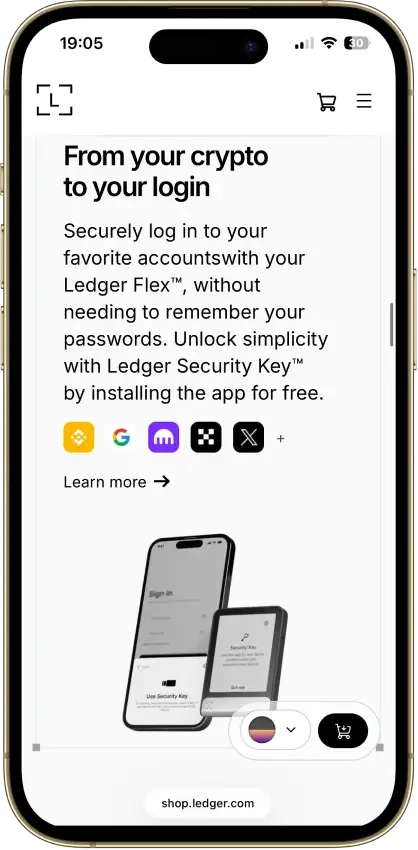
Ledger Flex Non-custodial Bitcoin, Polygon, Ethereum, BNB Smart Chain, Avalanche, Tron, Arbitrum, Base, Optimism, Solana No Limited Yes
MoonPay Non-custodial Bitcoin, Solana, Tron, Ethereum, Polygon, Base, Arbitrum, Optimism, BNB Smart Chain Yes Limited Yes
Binance Wallet Non-custodial Bitcoin, Ethereum, BNB Smart Chain, Tron, Arbitrum, Base, Optimism, Polygon, Solana No Limited Yes
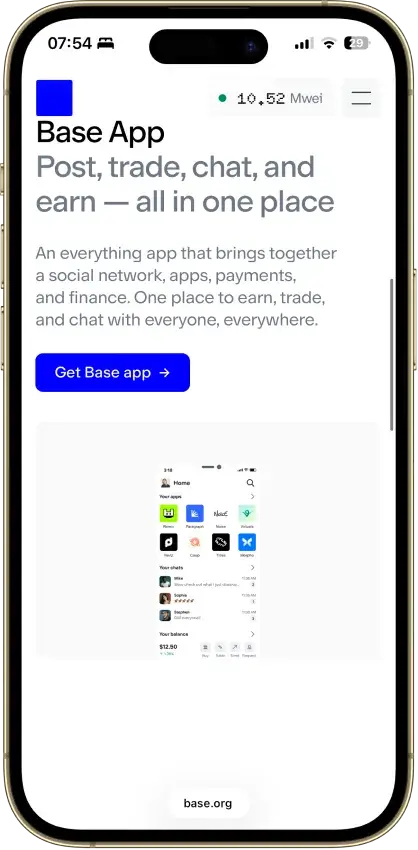
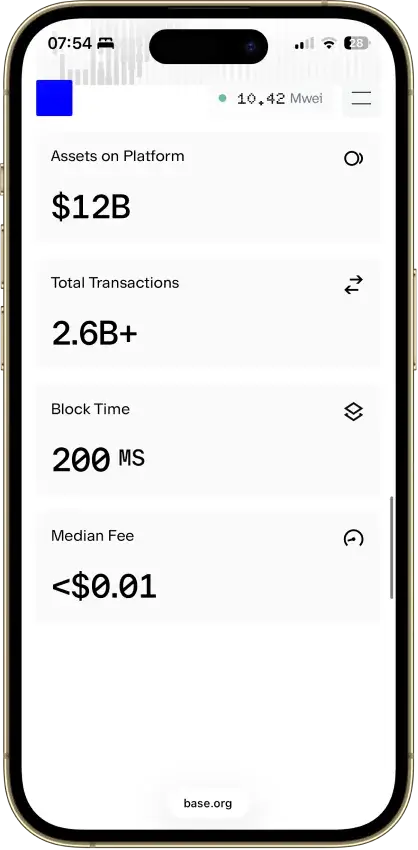
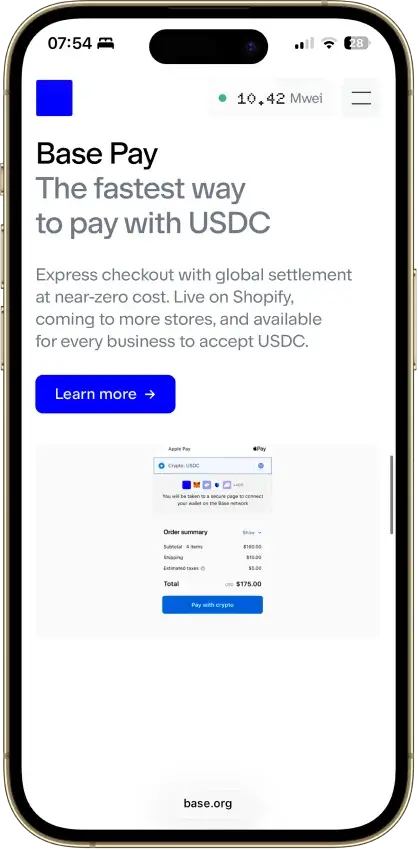
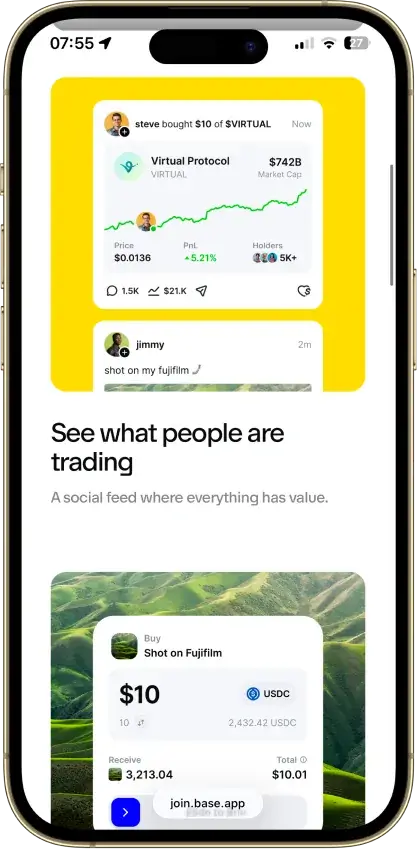
Base App Non-custodial Ethereum, Base, Arbitrum, Optimism, Polygon, Avalanche, BNB Smart Chain, Solana Yes Limited Yes
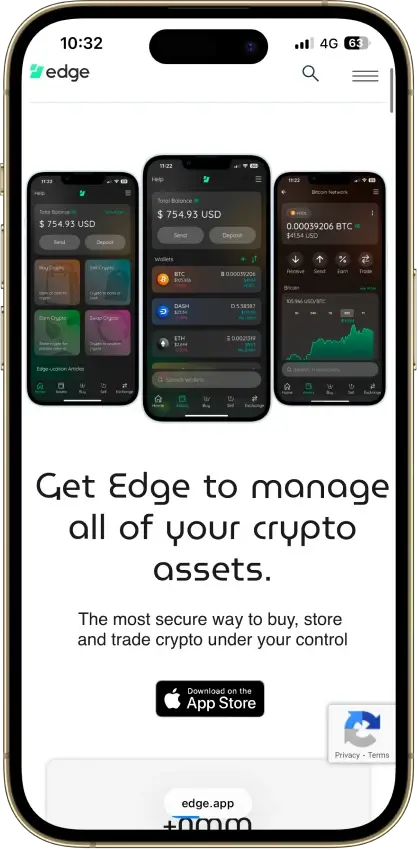
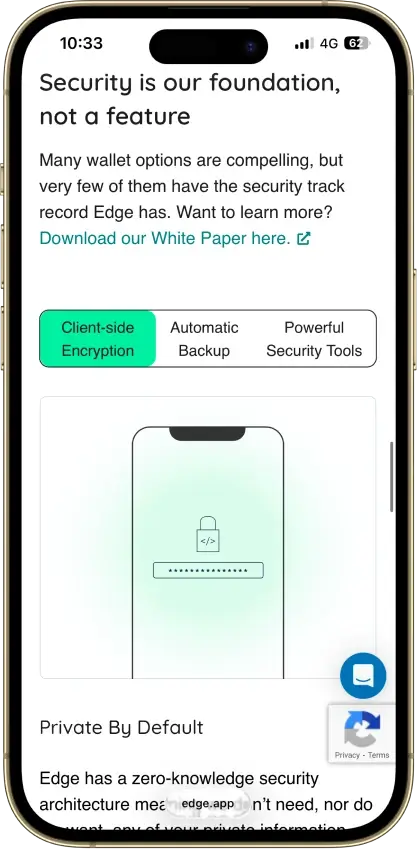
Edge Wallet Non-custodial Bitcoin, Ethereum, BNB Smart Chain, Avalanche, Tron, Optimism, Polygon, Solana No Limited Yes
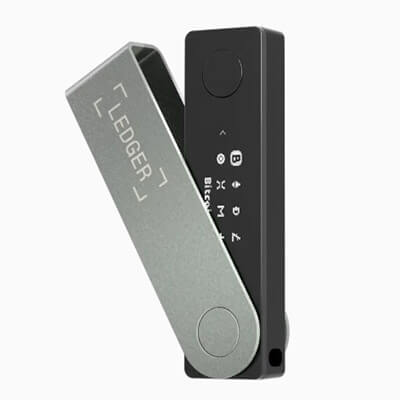
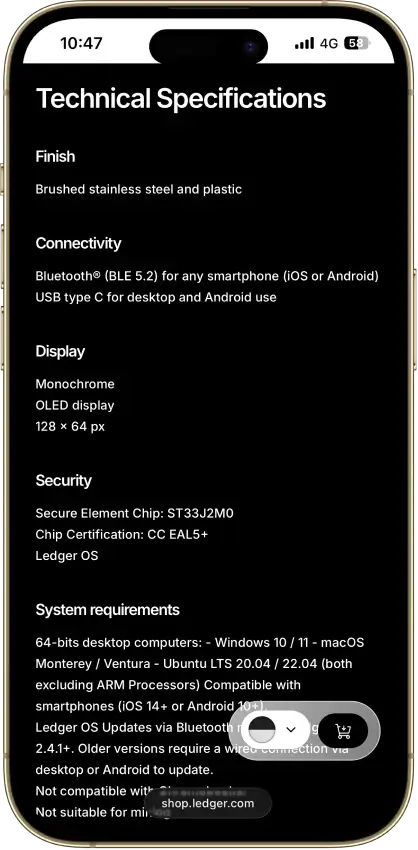
Ledger Nano X Non-custodial Bitcoin, Ethereum, BNB Smart Chain, Avalanche, Tron, Arbitrum, Base, Optimism, Polygon, Solana No Limited No
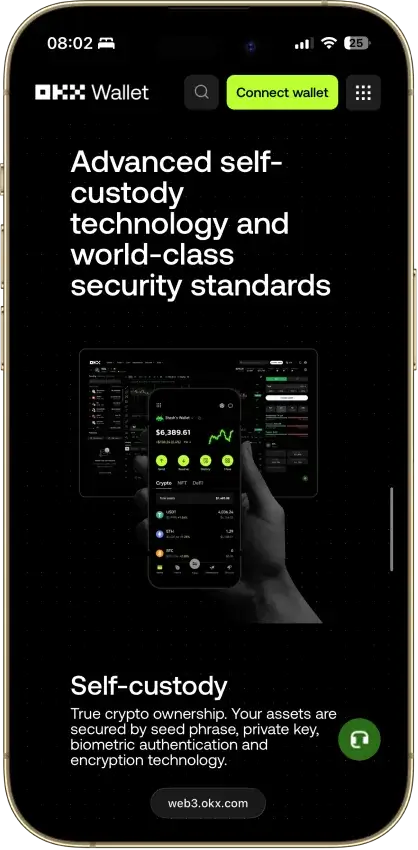
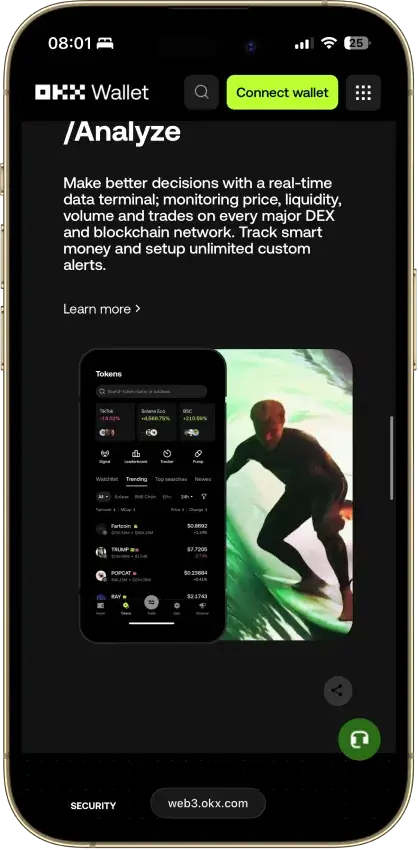
OKX Wallet Non-custodial Bitcoin, Ethereum, BNB Smart Chain, Avalanche, Tron, Arbitrum, Base, Optimism, Polygon, Solana Yes Limited Yes
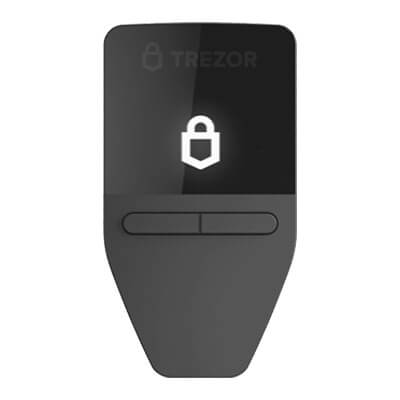
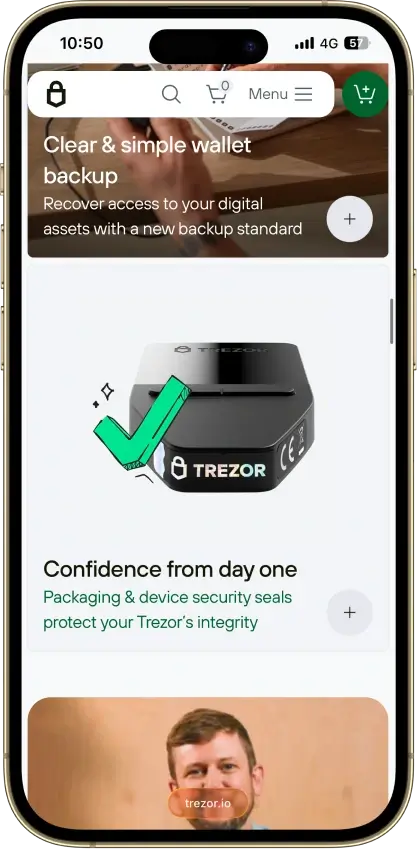
Trezor Safe 3 Non-custodial Bitcoin, Ethereum, BNB Smart Chain, Avalanche, Arbitrum, Base, Polygon, Optimism, Solana No Limited Yes
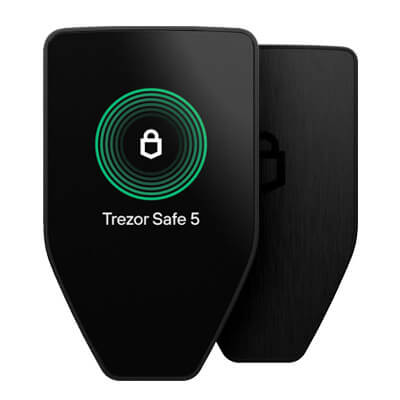
Trezor Safe 5 Non-custodial Bitcoin, Ethereum, BNB Smart Chain, Avalanche, Arbitrum, Base, Optimism, Polygon, Solana No Limited Yes
Kraken Wallet Non-custodial Bitcoin, Ethereum, Arbitrum, Base, Optimism, Polygon, Solana No Limited No
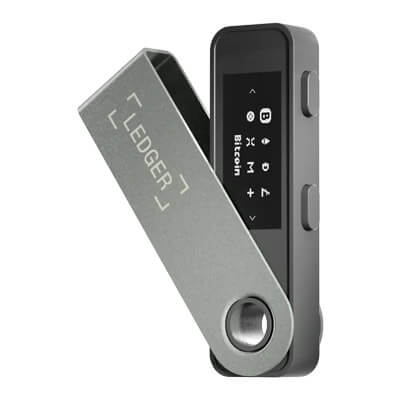
Ledger Nano S Plus Non-custodial Bitcoin, Ethereum, BNB Smart Chain, Avalanche, Tron, Arbitrum, Base, Optimism, Polygon, Solana No Limited Yes
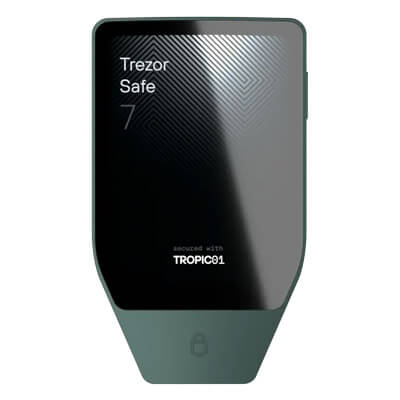
Trezor Safe 7 Non-custodial Bitcoin, Ethereum, BNB Smart Chain, Avalanche, Arbitrum, Base, Optimism, Polygon, Solana No Limited Yes
Blockstream Jade Plus Non-custodial Bitcoin No None Yes
Cake Wallet Non-custodial Bitcoin, Ethereum, Polygon, BNB Smart Chain, Solana, Base, Arbitrum Yes None Yes
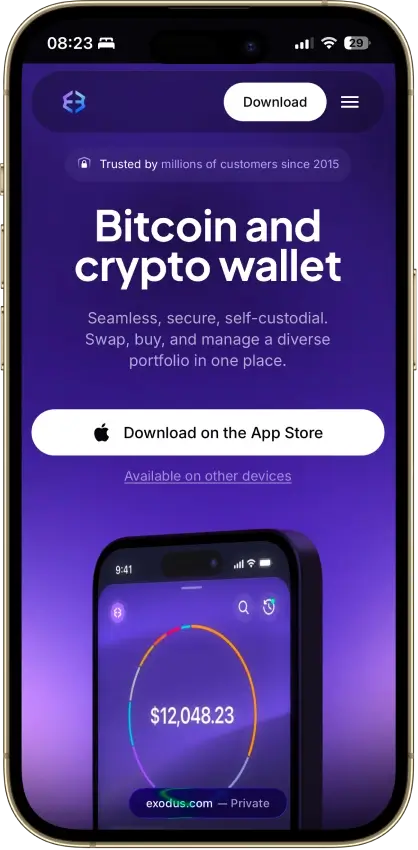
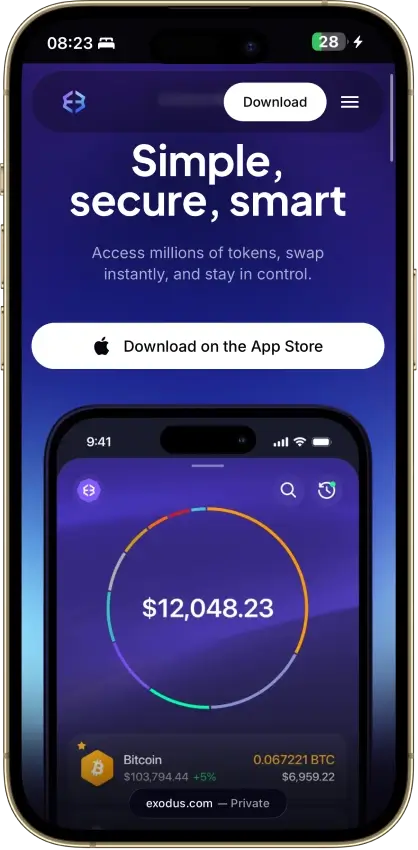
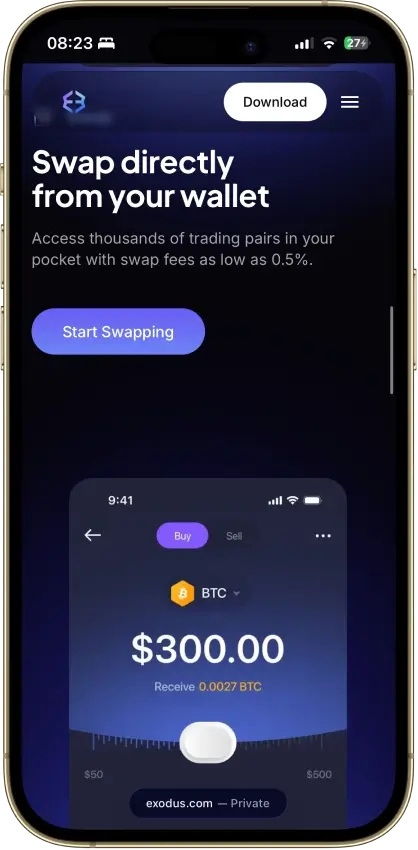
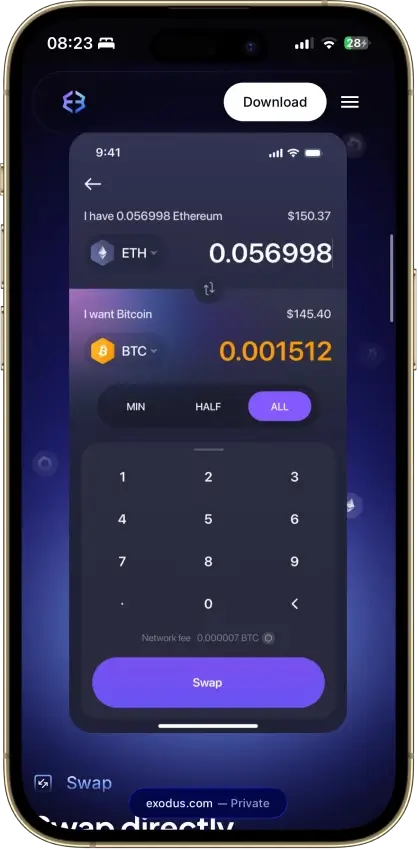
Exodus Non-custodial Bitcoin, Ethereum, BNB Smart Chain, Avalanche, Tron, Arbitrum, Base, Optimism, Polygon, Solana Yes Full Yes
Feather Wallet Non-custodial Yes No
Solflare Non-custodial Solana Yes Full Yes
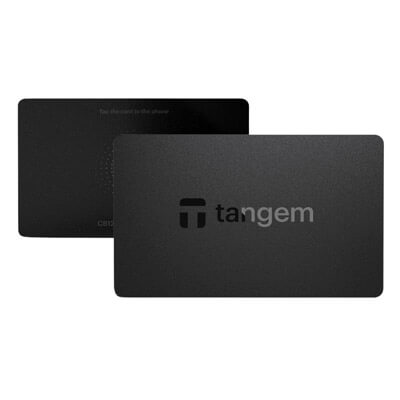
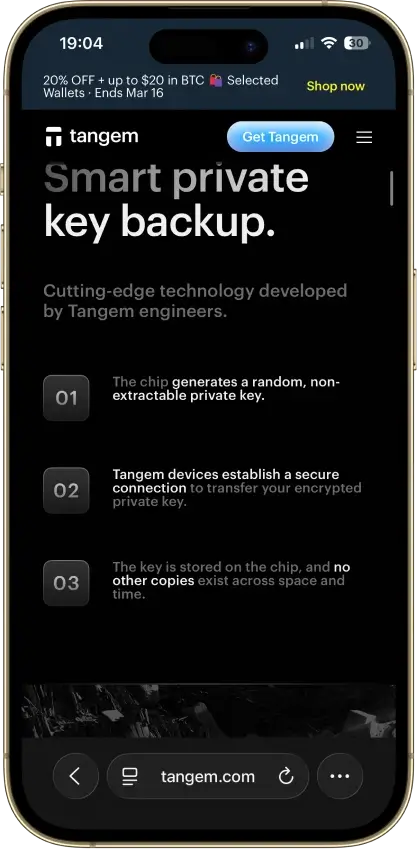
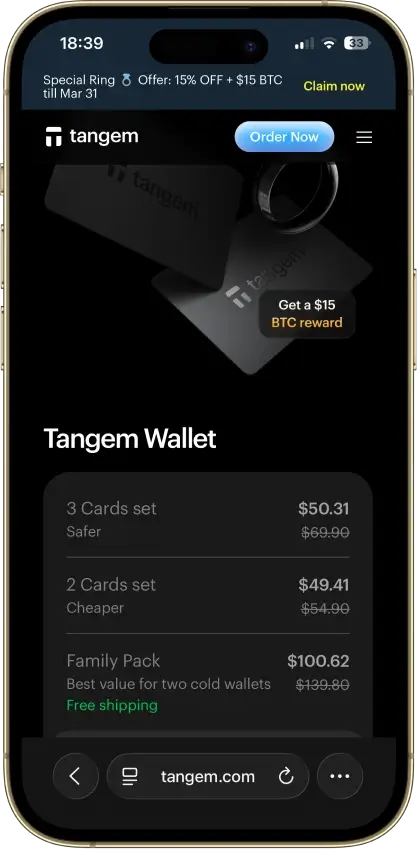
Tangem Non-custodial Bitcoin, Ethereum, BNB Smart Chain, Avalanche, Tron, Arbitrum, Optimism, Base, Polygon, Solana No Limited Yes
Monero GUI Wallet Non-custodial Yes None No
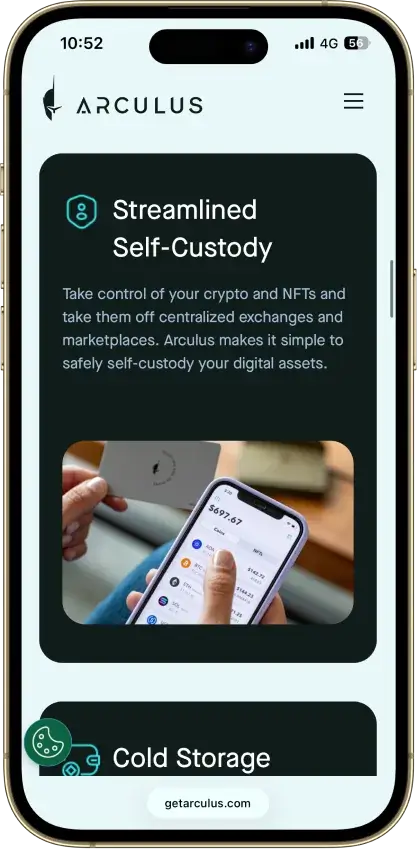
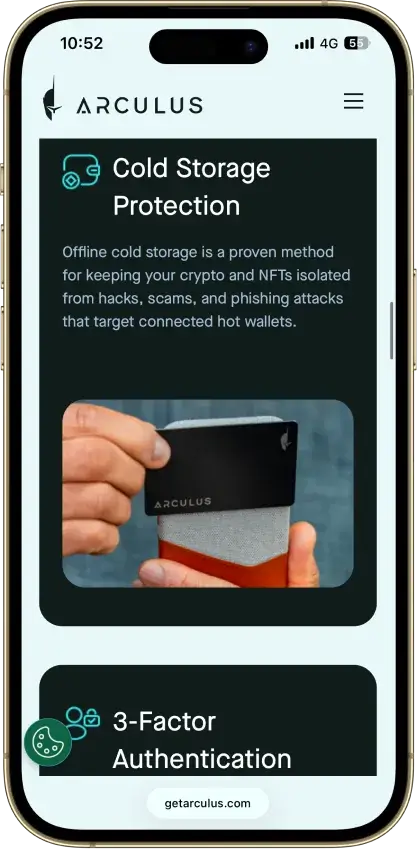
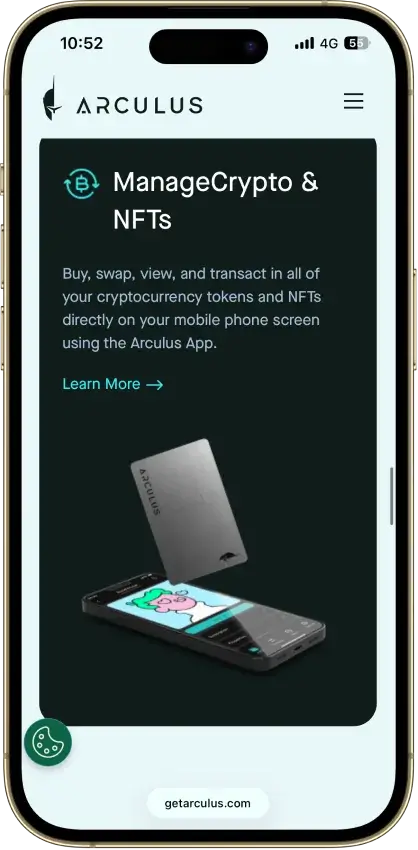
Arculus Wallet Non-custodial Bitcoin, Ethereum, BNB Smart Chain, Avalanche, Tron, Arbitrum, Base, Optimism, Polygon, Solana No Limited Yes
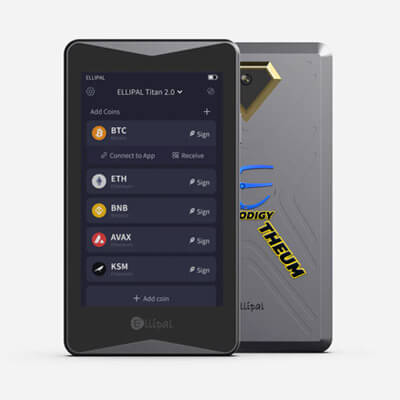
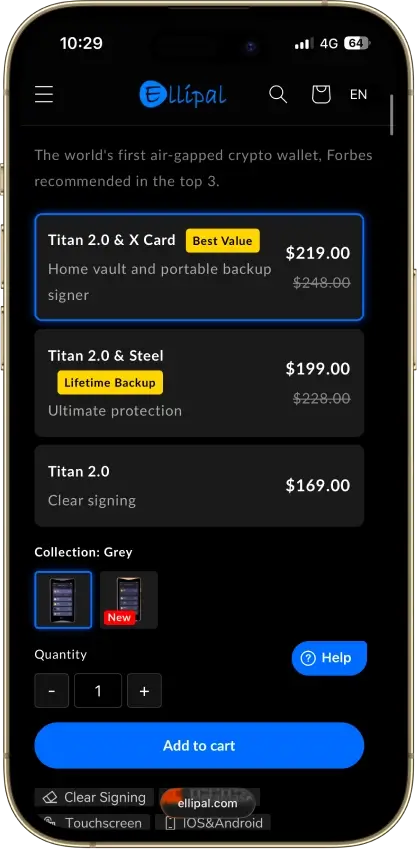
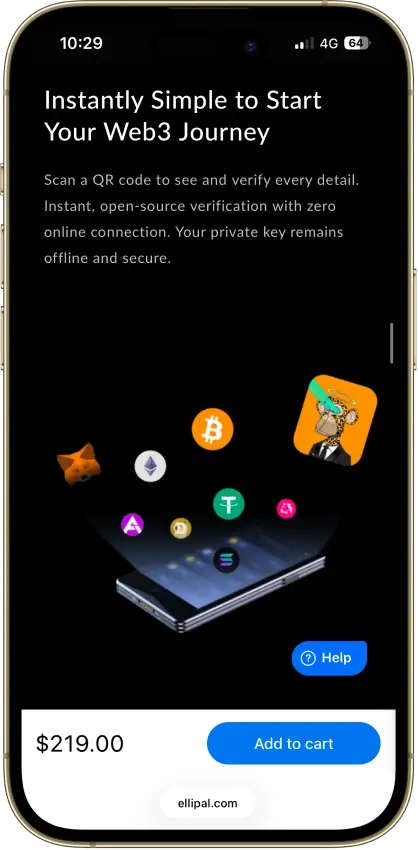
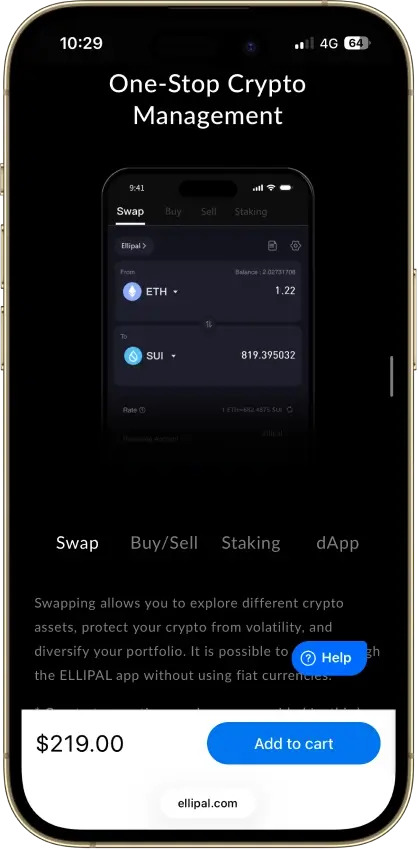
ELLIPAL Titan 2.0 Non-custodial Bitcoin, Ethereum, BNB Smart Chain, Avalanche, Tron, Base, Polygon, Solana No Limited Yes
Monerujo Wallet Non-custodial Yes None No
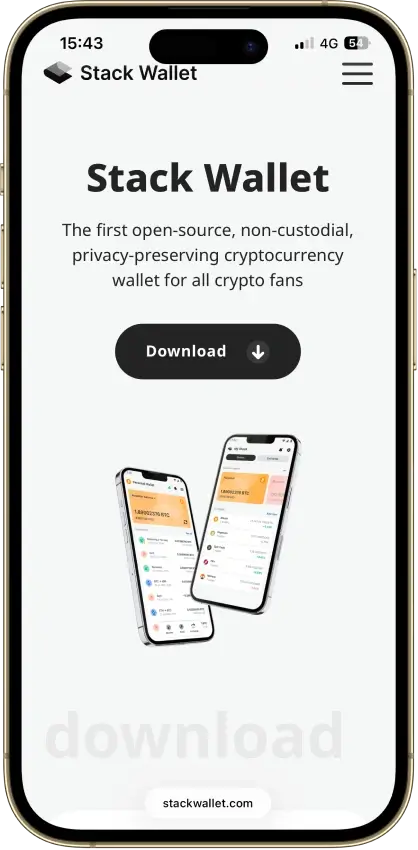
Stack Wallet Non-custodial Bitcoin No None No

What this table shows is that hot/Web3 wallets are best when you’re actively using DeFi and dApps, while hardware wallets are usually the safer default for long-term self-custody. If XRP is a priority, stick to wallets with native XRPL support (not just wrapped XRP on other chains). Chain support and open-source status can change, so confirm details in the wallet’s documentation before you commit.

For many, the right answer is not one wallet but two. A hot wallet is useful for daily transfers, swaps, and dApps. A hardware wallet is the safer place for larger balances and long-term storage. Splitting those jobs reduces the damage a bad approval, phishing mistake, or malicious dApp can do to your main holdings.

Treat the Open Source column as a shorthand, not a full security verdict. On wallet products, app code, firmware, secure element design, and companion software are not always equally open, so a simple yes/no label can hide important differences.

Detailed Review - Decentralized And Non-Custodial Crypto Wallets

Feather Wallet

Rank19
Our score6.0

Feather Wallet is a free, open-source Monero desktop wallet for Linux, Tails, Windows, and macOS. It ships with built-in Tor, coin control, offline signing via animated QR codes, and hardware wallet support for Ledger and Trezor Monero devices. New wallets use a 16-word Polyseed by default, and the app can also restore 14-word and 25-word seeds. There are no swaps, no fiat on-ramp, no mobile app, and no multichain support. It suits desktop XMR users who want more control than a basic wallet offers, and less friction than the CLI.

Pros

  • Built-in Tor works out of the box, so users do not need to install and configure Tor separately just to get started.
  • Monero power-user tools are unusually deep for a desktop wallet, including freeze/thaw, manual input selection, sweep tools, transaction proofs, and transaction rebroadcasting.
  • Hardware wallet support is strong for Monero users, covering current Ledger and Trezor devices that support Monero in Feather.
  • Offline transaction signing with animated QR codes gives privacy-focused users a workable air-gapped flow without forcing them into a dedicated hardware wallet.
  • Reproducible builds, signed release artifacts, and updater verification add more trust signals than many smaller wallet projects provide.

Cons

  • Feather is Monero-only, so it is a poor fit for users who want one wallet for Bitcoin, Ethereum, Solana, or stablecoins.
  • There is no official mobile app, browser extension, WalletConnect flow, or other web3 access path.
  • Built-in swaps, staking, and fiat cash-out tools are not part of the wallet, so users need outside services for those jobs.
  • The feature depth is useful, but it also means new users can run into more settings, node choices, and transaction options than they may want.
  • Older screenshots and older guides can mislead readers: the Reddit and LocalMonero plugins were removed in 2.6.8, Prestium was removed in 2.8.0, and the Mining plugin was marked deprecated in 2.8.0.

Monero GUI Wallet

Rank22
Our score5.5

Monero GUI Wallet is the official desktop wallet for XMR and works best for people who want direct, non-custodial Monero use without touching the command line. It offers Simple mode, Simple mode (bootstrap), and Advanced mode, plus support for local nodes, remote nodes, pruning, and selected Ledger and Trezor devices. The wallet is free, open-source, and focused on Monero only. That focus is both the strength and the limit. You get deeper control than most lightweight wallets, but no mobile app, no multi-chain support, and more setup friction if you want stronger privacy through a local node on your own machine.

Pros

  • Official Monero wallet with current desktop builds for Windows, macOS, and Linux.
  • Three wallet modes. Simple mode is the fastest start, Simple mode (bootstrap) lets you use a remote node while a local node syncs in the background, and Advanced mode gives full control over node and wallet behavior.
  • Supports local nodes, remote nodes, and blockchain pruning. That helps users balance privacy, storage use, and sync time.
  • Works with supported Ledger and Trezor devices for people who want Monero access without keeping signing keys only in a desktop wallet.
  • Includes tools that fit real Monero use, such as a merchant page, in-app fiat value display, and solo-mining access in the advanced interface.

Cons

  • XMR only. It does not support Bitcoin, Ethereum, stablecoins, NFTs, or other chains.
  • Desktop only. There is no official Monero GUI app for iPhone or Android.
  • No swaps, staking, dApp access, or DeFi features. People who want a broader crypto app will outgrow it quickly.
  • Full local sync takes time and storage unless you use pruning or a remote node.
  • The interface is functional, not slick. Advanced mode can feel busy if you only want quick sends.

This shortlist mixes hot Web3 wallets and hardware devices on purpose. Hot wallets are the most convenient way to connect to dApps and move funds daily. Hardware wallets are the safer default for storing larger balances long term, because keys stay offline and every transaction is confirmed on the device.

What Is A Decentralized Wallet?

People use “decentralized wallet” as shorthand for a wallet that isn’t controlled by an exchange. In most cases, that means a non-custodial wallet where you control the keys and sign transactions yourself.

A decentralized wallet typically:

  • Signs transactions locally (your assets stay on-chain)
  • Connects to Web3 apps (if it’s a hot wallet or browser extension)
  • Pairs with hardware for offline signing (optional, but recommended for larger balances)

A decentralized wallet is not:

  • a decentralized exchange (DEX)
  • a guarantee of privacy or anonymity
  • automatically “cold” (cold storage is a separate concept)

Examples include hot wallets like MetaMask and Trust Wallet, and hardware wallets like Trezor and Ledger.

What Is A Non-Custodial Wallet?

A non-custodial wallet (self-custody) means you control the private keys that authorize transactions. That also means recovery depends on your backup method, not an account reset.

Common recovery models include:

  • Seed phrase (recovery phrase)
  • Passkeys or device-based keys
  • MPC (multi-party computation) “seedless” recovery flows that split control across approvals/shares

Practical example: if you lose your recovery method and you don’t have a verified backup, the wallet provider typically can’t restore access.

Custodial Vs Non-Custodial Wallet

A custodial wallet is usually an exchange wallet (or “hosted wallet”) where the provider controls the private keys on your behalf. A non-custodial wallet (self-custody) means you control the keys, so you control access.

FeatureCustodial Wallet (Exchange / Hosted)Non-Custodial Wallet (Self-Custody)
Who controls keysThe provider controls the private keysYou control the private keys
Recovery optionsPassword resets and account recovery are handled by the providerRecovery depends on your backup (seed phrase, passkey, or approved recovery flow)
Typical KYCCommon, especially for fiat rails and higher limitsUsually no KYC to create the wallet (some on-ramps may require KYC)
DeFi / dApp accessLimited or indirect (depends on the platform)Direct Web3 access via wallet connect / browser extension
Counterparty riskHigher: platform outages, freezes, or insolvency can affect accessLower: no custody risk, but you’re exposed to phishing and signing mistakes
Support responsibilityProvider handles most account supportYou are responsible for backups, approvals, and device security
Best forConvenience, frequent trading, small balances, simple onboardingLong-term holding, DeFi/Web3 use, privacy-minded control, reducing custody risk

If you’re comparing custodial vs non-custodial wallet options, the rule of thumb is simple: custodial wallets trade control for convenience, while non-custodial wallets trade convenience for control. For many people, a custodial exchange wallet is fine for small, active balances.

Many people also pick a non-custodial wallet as a non KYC wallet for on-chain storage and transfers, although buying crypto with fiat or cashing out can still trigger KYC through third-party on-ramps.

If you’re thinking about holding crypto on exchange vs wallet for long-term storage, a non-custodial setup is usually the safer default, because you’re not depending on a third party to access your funds.

Types Of Decentralized Wallets

Not every decentralized wallet works the same way. Some are designed for fast Web3 access, while others are built for long-term storage. The “best” option usually depends on how often you transact and how much responsibility you want to take on for backups and security.

Hot Wallets

A hot wallet is a non-custodial wallet that runs on an internet-connected device (phone or browser). It’s the most practical choice for trading, DeFi, NFTs, and everyday transfers because it can connect to dApps quickly.

The main downside is exposure. Hot wallets are more vulnerable to phishing, malicious approvals, and fake websites. If you use DeFi, always read what you’re signing and review token approvals regularly.

Cold Wallets

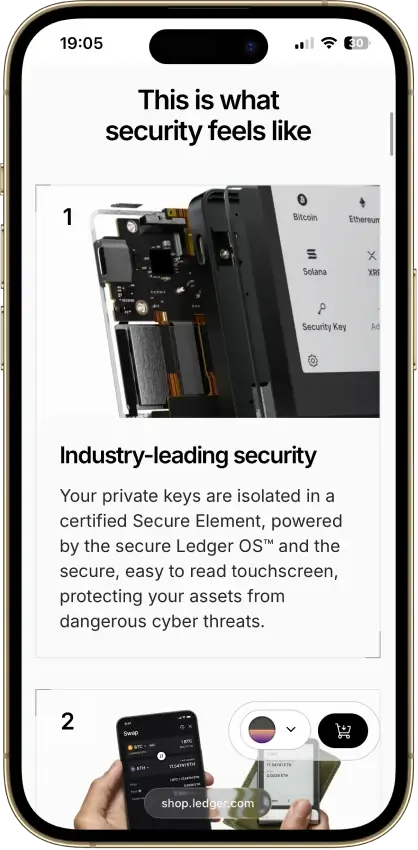
A cold wallet keeps your private keys offline, usually in a dedicated hardware device. In a self-custody setup, that’s a decentralized cold wallet (a non-custodial cold wallet). It’s the safer default for long-term holdings because your keys never live on an always-online phone or computer.

Offline signing, in one line: the hardware wallet signs the transaction on the device, and your phone or computer only broadcasts the signed transaction to the network.

Browser Extension Wallets

Browser-extension wallets are popular for desktop DeFi because they integrate directly with Web3 sites. They’re fast and convenient, especially for EVM apps, but they also make it easier to sign the wrong thing if you’re not careful.

Browser support is not always interchangeable. For example, Phantom officially supports Chrome for full extension support; other Chromium browsers may work, but they are not fully supported the same way.

Keep your habits tight: bookmark key dApps, double-check URLs, and don’t approve unlimited spending unless you understand why you need it.

Mobile Wallet Apps

A decentralized wallet app on mobile is great for everyday use because it’s always with you. It can also connect to dApps through an in-app browser or WalletConnect.

Mobile dApp access also differs by wallet. Phantom mobile connects only inside Phantom’s in-app browser, while Tangem relies on WalletConnect rather than a built-in browser.

Basic setup matters here. Use a strong device lock, enable biometric or PIN protection inside the wallet, and make sure you have a verified backup of your recovery method before you move meaningful funds.

Seed Phrase Vs Seedless / MPC Recovery

Most self-custody wallets use a seed phrase (recovery phrase). It’s simple and portable, but it’s also a single point of failure. If someone gets your seed phrase, they can take your funds.

“Seedless” recovery often uses passkeys, secure enclaves, or MPC-style recovery, where access is restored through multiple approvals or shares. This can reduce the risk of a single phrase being stolen, but it also means your recovery depends on the wallet’s process and any third-party components involved. The best choice is the one you can back up correctly and keep secure.

What Happens To Your Crypto Wallet If You Lose Your Phone?

If your wallet uses a seed phrase, recovery depends on that phrase. If it uses an email or seedless flow, recovery depends on that wallet’s specific process.

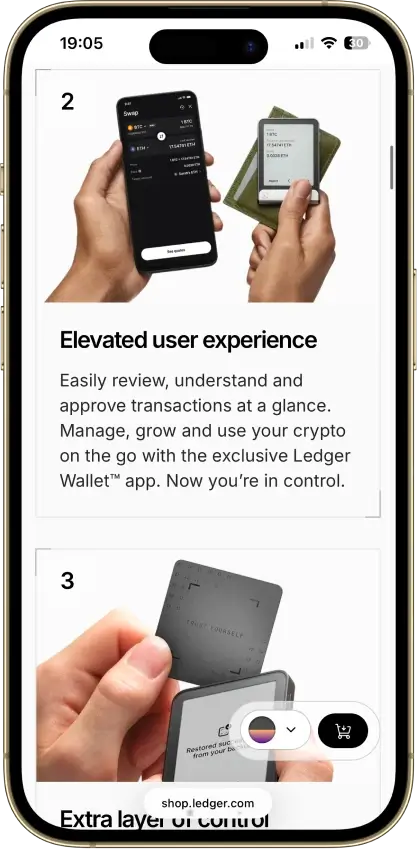
Phantom can be restored with Google or Apple plus a four-digit PIN (depending on the method you used while signing up for the account), Trust Wallet offers optional encrypted cloud backup, Trezor supports Multi-share Backup, and Ledger Flex includes Ledger Recovery Key alongside standard recovery-phrase restore options.

The right model is the one you understand and can verify before you move real money into the wallet.

Smart Accounts And Account Abstraction

Some wallets now add smart-account features on top of self-custody.

In practice, that can mean batched actions, more flexible gas handling, or easier recovery flows. These features can improve usability, but they do not change the core question of who controls the keys and how recovery works.

Treat smart-account UX as a bonus layer, not a replacement for clear custody and backup design.

Decentralized Wallet Vs Cold Wallet

These terms aren’t the same. Decentralized / non-custodial describes who controls the keys. Cold describes whether keys are kept offline. You can have a decentralized hot wallet (self-custody on your phone), or a decentralized cold wallet (self-custody on hardware). The key question is always the same: do you control the private keys and the recovery method?


Best Decentralized Wallet For XRP

If you’re specifically looking for a decentralized wallet for XRP, make sure the wallet supports the XRP Ledger (XRPL) natively. Some apps also show “XRP” on other networks (like wrapped XRP), which isn’t the same thing as holding XRP directly on XRPL.

Two XRP-specific details matter more than people expect:

  • Destination tags: Some recipients, especially exchanges and custodial platforms, require a Destination Tag. If the recipient provides a tag, include it exactly. X-addresses can encode the Destination Tag inside the address itself, so check whether the recipient gave you a classic address + tag or an X-address before sending.
  • Account reserve: XRPL accounts currently require a 1 XRP base reserve to stay active, so an active wallet typically cannot be drained to zero.

Top XRP wallet picks (self-custody)

WalletNative XRPL SupportPlatformsTypeBest For
Ledger (Flex / Nano S Plus)YesiOS, Android, DesktopHardwareLong-term XRP storage with offline signing
Trezor (Safe 5 / Safe 7)YesDesktop, WebHardwareHardware security with strong transparency and XRP support
TangemYesiOS, AndroidHardwarePhone-first XRP cold storage with simple tap-to-sign
Trust WalletYesiOS, Android, ExtensionHotEveryday XRP use with mobile-first self-custody
OKX Wallet (Web3)YesiOS, Android, Extension, WebHotMultichain Web3 wallet that can manage XRP alongside other networks

Quick rule: if you’re moving XRP to an exchange wallet, double-check whether a Destination Tag is required before you confirm the send. If you’re sending to another self-custody XRPL wallet, a tag usually isn’t needed.

Best Web3 Decentralized Wallet And Other Use-Case Winners

If you already know what you want to do with your wallet, these quick picks narrow it down fast. The goal here isn’t to crown one “best decentralized wallet” for everyone. It’s to match the right non-custodial wallet to how you actually use crypto.

Use CaseTop PickWhy It WinsBest ForKey Trade-Off
Best Web3 decentralized walletMetaMaskWidely supported across EVM networks and dApps, with smooth network switching and signingEthereum, Layer 2s, and EVM DeFiNot the simplest UI if you never use dApps
Best non-custodial wallet for beginnersTrust WalletMobile-first, broad chain coverage, and straightforward send/receive flowFirst self-custody setup and everyday transfersNeeds good backup habits to stay safe
Best self-custody wallet for mobileTrust WalletStrong mobile UX with in-app security controls and easy dApp accessMobile-first crypto use with light Web3Not as “power user” as desktop-first tools
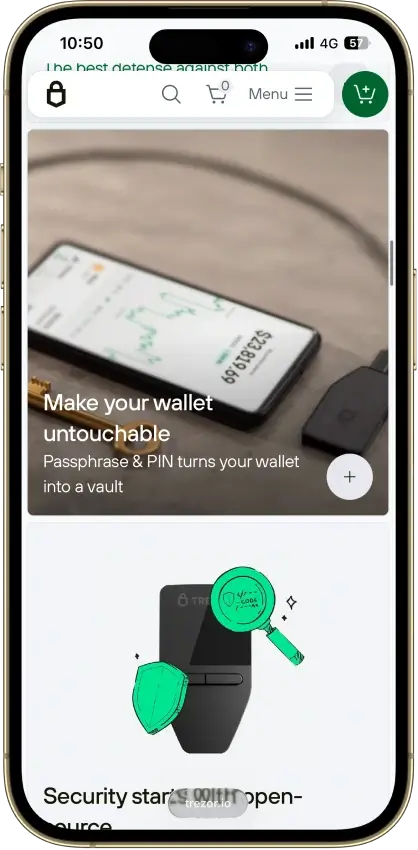
Best hardware self-custody walletTrezor Safe 5Clear on-device confirmation and a storage-first approach that’s hard to compromise remotelyLong-term holding and cold storageLess convenient for frequent DeFi actions
Best EVM wallet for power usersRabbyBetter transaction previews and fewer blind approvals for active DeFi workflowsHeavy DeFi users managing multiple accountsEVM-focused, so it’s not a universal multi-chain choice

Use this table as a shortcut, then cross-check the pick in the full list above. If your priority is long-term safety, hardware wallets usually win. If your priority is DeFi and dApps, choose the wallet that makes it easiest to review what you’re signing before you approve it.

How We Ranked These Wallets

Wallets are security products first, so our scoring puts the most weight on custody clarity, key security, recovery, and real-world scam resistance. We score each criterion using a simple three-level rubric:

  • 1.0 = meets the standard clearly
  • 0.5 = partially meets the standard
  • 0.0 = unclear, missing, or not supported

Those criteria roll up into an overall CryptoSlate Rating (out of 10).

CriterionWhat “1.0” Looks Like
1) Custody + PortabilityYou can migrate/exit without lock-in, and custody is explained clearly
2) Key Security Model ClaritySpecific explanation of how keys are protected (hardware isolation, secure element, MPC thresholds, etc.)
3) Independent Security ValidationPublic audits with scope + date, plus a real bug bounty / disclosure process
4) Recovery QualityRecovery is robust and users are guided to verify backups (seed + passphrase, or well-designed MPC/social recovery)
5) Scam/Drainer ResistanceStrong phishing warnings, approval management, and meaningful risk prompts before signing
6) Incident History + Response MaturityClean recently, or transparent postmortems + fixes with ongoing security communication
7) dApp Connectivity CoverageWalletConnect v2 and/or a strong extension, with stable sessions and reliable return-to-dApp flow
8) Signing UX QualityHuman-readable signing, clear permissions, and easy revoke tools
9) Smart-Wallet UX (AA Readiness)Real smart-account benefits (batching, sponsored gas, better recovery) with user control + portability
10) Fiat Rails + “Bank Wallet” FunctionalityPractical on/off ramps with transparent fees, limits, and availability

We don’t reward feature bloat. The best wallets make custody and recovery easy to understand, reduce “approve and lose funds” scenarios, and help you avoid common mistakes like wrong-network transfers.

How To Choose The Best Decentralized Wallet

The best decentralized wallet is the one that matches how you use crypto. A non-custodial setup gives you control, but it also means your backup and signing habits matter as much as the brand name.

Picking the best decentralized wallet is mostly about matching the wallet type to your goal. The table below is a shortcut. Start with your primary use case, then confirm chain support (especially XRPL for XRP) and your preferred recovery model.

Your GoalBest Wallet TypeGood Picks From This ListWhat To PrioritizeCommon Mistake To Avoid
Long-term storageHardware (cold)Trezor Safe 5, Trezor Safe 7, Ledger Flex, Ledger Nano S Plus, TangemOn-device confirmation, offline key storage, backup you can verifyTreating a hot wallet like a vault
Active DeFi and Web3Hot wallet (extension/app), ideally paired with hardwareMetaMask, Rabby, Trust Wallet, OKX WalletClear signing screens, approval management, stable dApp connectionsBlind approvals or unlimited allowances
XRP managementWallet with native XRPL supportLedger, Trezor, Tangem, Trust Wallet, OKX WalletXRPL-native support, clear send flow, handling Destination Tags when requiredConfusing wrapped XRP with native XRP
Beginner simplicityMobile-first hot wallet (then upgrade to hardware later)Trust Wallet (starter), then add Ledger/Trezor for cold storageSimple backup steps, easy send/receive, clear network selectionSkipping a test transfer or not verifying backups
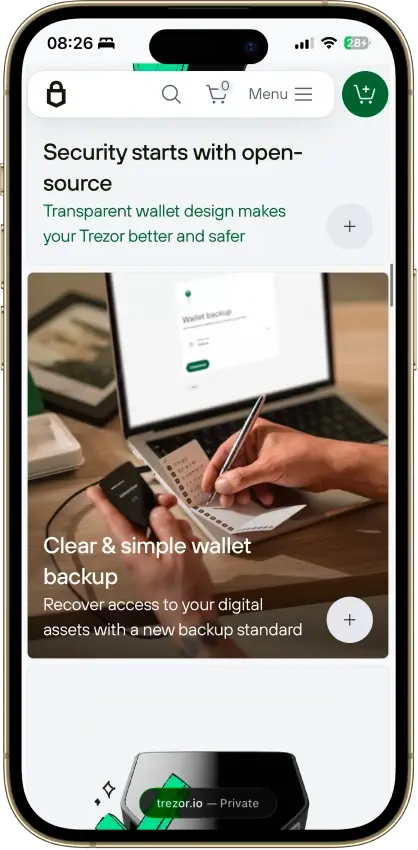
Open-source preferenceOpen-source leaning wallet (verify scope)Trezor (fully open source), Rabby (extension/mobile/desktop open source), Tangem (app open source; firmware closed-source but audited)Audits/disclosure process, documented security model, transparent updatesAssuming “open source” automatically means “safe”

Use the table like a filter, not a final verdict. Many people end up with a two-wallet setup: a hot wallet for daily activity and a hardware wallet for long-term self-custody. No matter which wallet you pick, do a small test transfer first and verify your backup before you move meaningful funds.

Quick Checklist

  • Choose hot for Web3 activity, hardware for long-term storage
  • Confirm your must-have networks (EVM, Solana, Bitcoin, XRPL)
  • Verify the backup model (seed phrase, passkey, MPC) and test it once
  • Prefer clear signing screens and easy approval/revoke tools
  • Use a small test transfer before moving a large balance

How To Set Up A Non-Custodial Wallet Safely

Setting up a non-custodial wallet is straightforward, but it’s worth taking five extra minutes to avoid mistakes that are hard to undo later.

  1. Install from the official source (official website, App Store, Google Play, or the verified browser extension listing). Double-check the publisher name.
  2. Create the wallet and note the recovery model (seed phrase vs seedless/passkey/MPC). If the wallet offers multiple recovery models, choose deliberately before funding it. Phantom can be set up with a recovery phrase or Google/Apple + PIN, Tangem can be seedless or use an optional seed phrase, and OKX Wallet supports seed phrase backup with optional cloud backup.
  3. Back up recovery offline. If you get a seed phrase, write it down on paper or metal and store it somewhere private. Don’t screenshot it or save it in notes.
  4. Verify your backup by re-entering the phrase (if prompted) or using the wallet’s backup-check feature.
  5. Lock the wallet and the device. Enable a device passcode, then add an in-app PIN and biometrics. Turn on auto-lock.
  6. Do a small test transfer first. Send a tiny amount to your new address and wait for confirmation.
  7. Confirm the network matches before you send more. “Wrong network” transfers are one of the most common causes of permanent loss. If you’re sending XRP to an exchange or other hosted wallet, also check whether the recipient requires a Destination Tag. On XRPL, some hosted addresses reject payments without the required tag, and even when the payment reaches the ledger, the platform may not know which customer balance to credit if the tag is missing.
  8. Connect to dApps carefully. Start with reputable apps, review permissions before approving, and avoid “unlimited” token approvals unless you understand why you need them.

Important: disconnecting a wallet from a dApp is not the same thing as revoking token approvals. If you granted a contract permission to spend a token, that permission can remain active until you revoke it on-chain. On EVM wallets, revoking approvals usually costs gas, which is why it helps to review them regularly instead of waiting until something feels wrong.

Security, Backup, And Recovery

Most wallet losses aren’t caused by broken cryptography. They happen because of phishing, unsafe backups, or signing the wrong transaction. Here’s how to reduce the risk without overcomplicating your setup.

  • Avoid fake apps and phishing links: bookmark official sites, double-check domains, and don’t install wallets from ads or random download pages.
  • Treat the recovery phrase like a master key: anyone who has it can take your funds. Store it offline, keep it private, and never share it with “support.”
  • Be cautious with blind signing: if the wallet can’t show what you’re approving in human-readable terms, don’t sign it with a large balance. For higher-value wallets, a hardware signer adds a strong safety layer.
  • Manage token approvals: prefer limited approvals, review permissions periodically, and revoke approvals you no longer need. Consider using a separate “spending wallet” for DeFi.
  • Prevent wrong-network mistakes: match the exact network the recipient expects, copy/paste addresses, and use test transfers when sending to a new destination.
  • Use passphrases deliberately: a passphrase can add protection, but it also creates a separate wallet space. Store passphrase backups separately from the seed phrase.
  • Hardware wallet best practices: buy from official sources, keep firmware updated, and always verify the receive address on the hardware device screen before sending funds.

If you do two things consistently, you’ll avoid most problems: keep a verified offline backup and read what you’re signing before you approve it.

Pros And Cons Of Non-Custodial Wallets

Non-custodial wallets are built around one idea: you control the keys. That’s powerful, but it also means you carry more responsibility for backups and security.

Pros

  • Control: you hold the private keys and can move funds without relying on an exchange.
  • Privacy by default: most self-custody wallets don’t require ID just to create and use the wallet.
  • Direct Web3 access: easy connection to dApps, DeFi, NFTs, and on-chain tools.
  • Lower custody risk: you’re not exposed to platform freezes or solvency issues the same way you are with custodial accounts.

Cons

  • Recovery is on you: if you lose the recovery method (seed phrase, passkey, MPC flow), you may not be able to restore access.
  • Phishing and signing risk: a single bad approval or fake site can drain a hot wallet.
  • User error is costly: wrong network transfers, wrong addresses, or leaked backups can be irreversible.
  • Third-party services still exist: swaps and on-ramps inside wallets may use partners, and those partners can add fees, limits, or KYC.

Key Takeaways

A decentralized wallet is ultimately about control. With a non-custodial wallet, you hold the keys and you decide when and how funds move. That’s the upside. The trade-off is that your backups and signing habits matter more than any feature list.

If you’re active in DeFi and dApps, a hot Web3 wallet can be the most practical daily driver. If you’re storing larger balances long term, pairing that convenience with a hardware wallet is usually the safer default. And if XRP is a priority, stick to wallets with native XRPL support and pay attention to details like Destination Tags when sending to exchanges.

Bottom line: choose the wallet you can back up correctly, verify what you’re signing, and test with small transfers before moving serious funds.

FAQ

What is a decentralized wallet?

A decentralized wallet is typically a non-custodial (self-custody) wallet where you control the private keys used to sign transactions. Your coins stay on the blockchain, and the wallet is the tool that lets you send, receive, and connect to Web3 apps. In everyday use, “decentralized wallet” often describes hot wallets and hardware wallets that don’t rely on an exchange.

What is a non-custodial wallet?

A non-custodial wallet is a crypto wallet where you control the private keys, not the provider. That means you can move funds without asking permission, but it also means recovery depends on your backup method (seed phrase, passkey, or another recovery flow). If you lose the backup and have no verified recovery, the provider usually can’t restore access.

What is a self-custody wallet?

A self-custody wallet is another name for a non-custodial wallet. It means you hold the keys and you authorize transactions by signing them in the wallet. The upside is control and direct Web3 access. The trade-off is responsibility: you must protect your backups, avoid phishing, and double-check networks and addresses before sending funds.

Custodial vs non-custodial wallet: which is safer?

It depends on what “safer” means for you. Custodial wallets (exchange wallets) reduce user mistakes with account recovery and support, but add counterparty risk (freezes, outages, insolvency). Non-custodial wallets reduce custody risk because you control the keys, but increase phishing and backup risk. For long-term holding, self-custody with hardware is often the safer default.

Is a decentralized wallet the same as a cold wallet?

Not exactly. “Decentralized” (or non-custodial) describes who controls the keys. “Cold wallet” describes whether keys are kept offline. A mobile hot wallet can be decentralized because you control the keys, but it’s not cold. A hardware wallet is both decentralized (self-custody) and cold because it signs transactions offline.

Do non-custodial wallets require KYC?

Most non-custodial wallets don’t require KYC just to create a wallet, receive crypto, or send crypto. However, some features inside wallets can involve third parties. For example, buying crypto by card, using certain on-ramps, or cashing out to a bank may trigger KYC depending on the provider, region, and transaction size.

What is the best decentralized wallet for XRP?

The best decentralized wallet for XRP is one that supports native XRPL (not wrapped XRP on another chain) and makes sending clear, especially when a recipient requires a Destination Tag. Popular self-custody choices include Ledger, Trezor, Tangem, Trust Wallet, and OKX Wallet. If you’re storing XRP long term, a hardware wallet is usually the strongest option.

What is a Web3 decentralized wallet?

A Web3 decentralized wallet is a non-custodial wallet designed to connect to dApps and sign smart contract transactions. It usually supports WalletConnect, a browser extension, or an in-app browser so you can interact with DeFi, NFTs, and on-chain tools. Examples include MetaMask, Trust Wallet, Phantom, OKX Wallet, and Rabby (for EVM).

How do I withdraw from a non-custodial wallet?

Non-custodial wallets don’t have “withdrawals” in the exchange sense. To move funds, you send crypto from your wallet to another address, such as an exchange deposit address, another self-custody wallet, or a merchant. If you want fiat, you typically send crypto to an exchange or on-ramp provider that supports cash-outs, then withdraw to your bank.

Are decentralized wallets private?

They can be more private than custodial exchange accounts, but they aren’t automatically anonymous. Most blockchains are public, so transactions are pseudonymous and can be linked through addresses, timing, and on-chain behavior. You also may reveal identity if you use KYC on-ramps or send funds to KYC exchanges. Privacy depends on the chain, tools used, and how you transact.

Does disconnecting my wallet from a dApp revoke permissions?

No. Disconnecting a wallet usually stops the app from reading your wallet data, but it does not automatically remove token approvals or spending permissions you previously granted. To fully cut access, you need to revoke the approval on-chain through the wallet’s approval manager or a supported revocation tool.

What happens to my wallet if I lose my phone?

It depends on the wallet’s recovery model. A seed-phrase wallet is restored with the recovery phrase. Other wallets may use a Google or Apple login plus PIN, encrypted cloud backup, or a hardware-specific backup method. The important part is not the label. It is whether you have already verified the recovery method before an emergency happens.