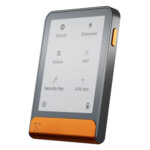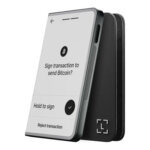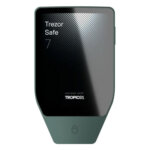


- Touchscreen Trezor for $120 less than Safe 7
- MicroSD card as a second unlock factor
- Recovery words entered on the touchscreen
Trezor Safe 5 Overview
- Crypto Wallet Name
- Trezor Safe 5
- Wallet Type
- Hardware wallet
- Custodial Status
- Non-custodial
- Built-in Swaps
- Yes
- Open-source
- Partially open-source
- Fiat On-ramp
- Yes
Additional details
- Supported Blockchains
- Bitcoin, Ethereum, BNB Smart Chain, Avalanche, Arbitrum, Base, Optimism, Polygon, Solana, Monero
- Token Standards
- ERC-20, BEP-20, SPL
- Platforms
- iOS, Android, Desktop (Windows), Desktop (macOS), Desktop (Linux)
- Hardware Wallet Support
- No
- Staking Support
- Limited
- Hardware Connection Methods
- USB
Trezor Safe 5 Screenshots
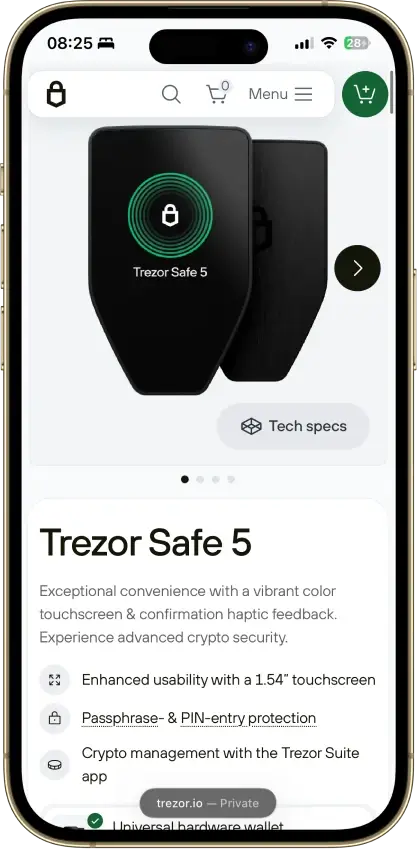
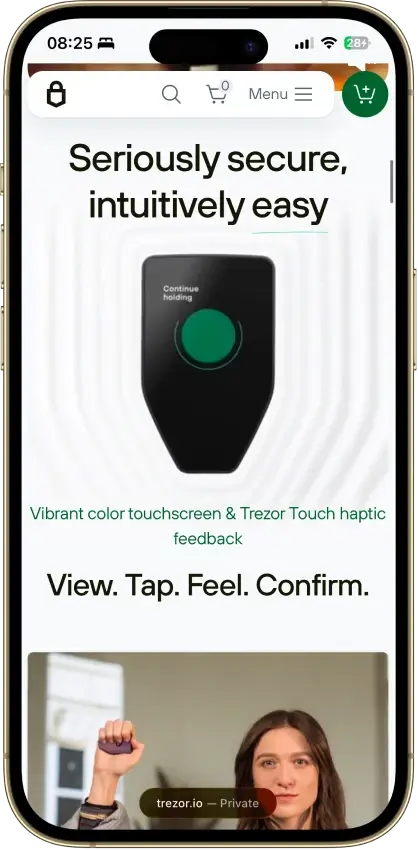
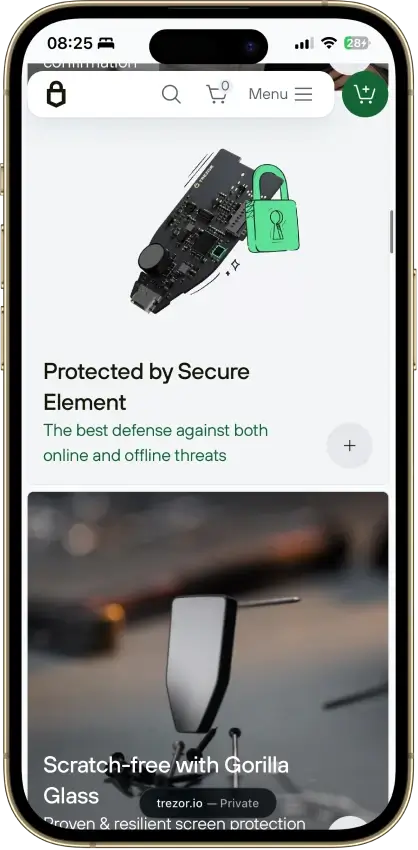
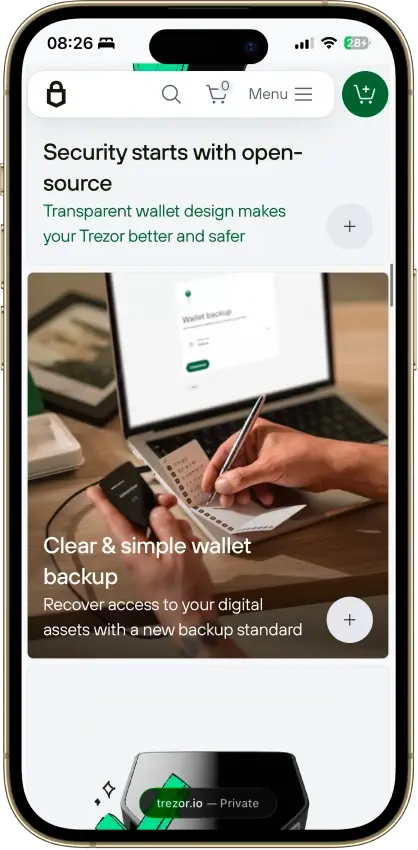
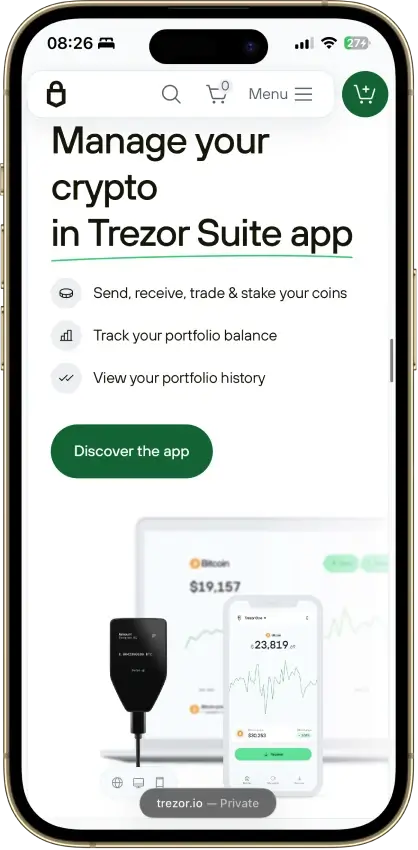
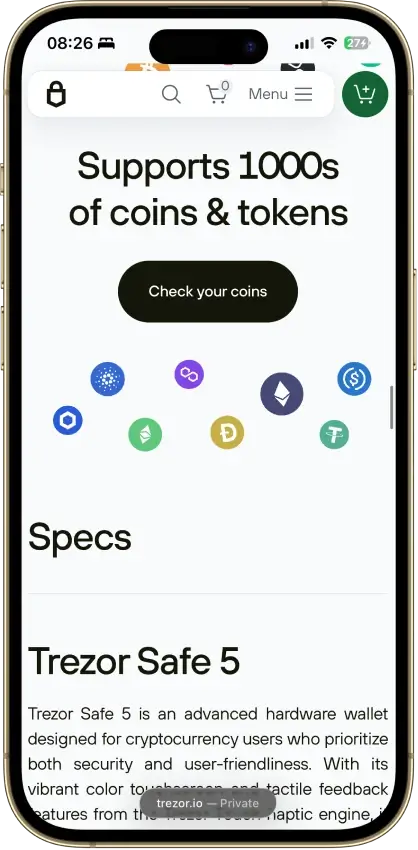
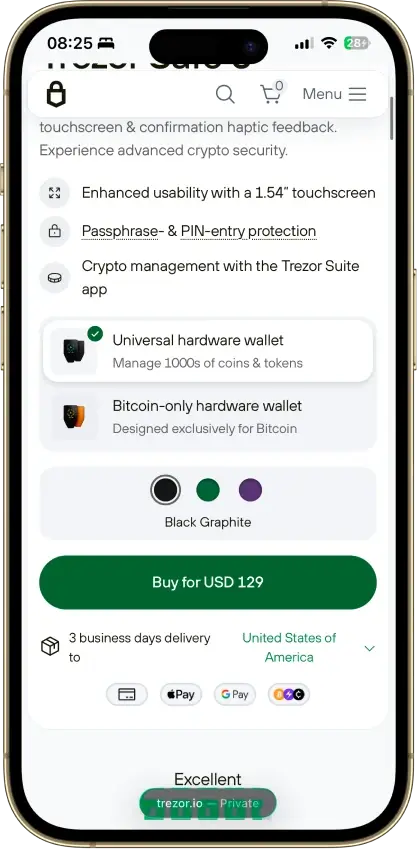
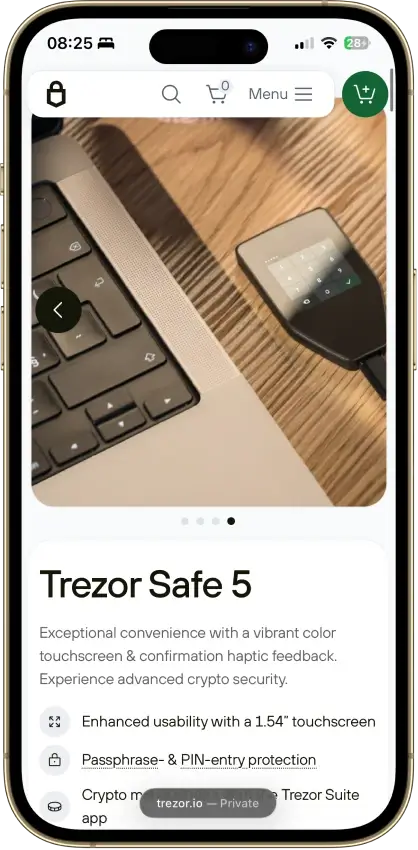
Screenshot 1 of 8
Trezor Safe 5 Pros and Cons
Pros
- Gorilla Glass 3 over the touchscreen
- Native Suite accounts for BTC, SOL and XRP
- Threshold-based SLIP39 backups
- Public core firmware and build instructions
- STM32U5 chip, not hit by the 2025 Safe 3 attack
Cons
- Cannot sign through an iPhone
- MicroSD setup uses a command-line tool
- Provider contracts add staking risk
- Suite has a restricted source license
What Trezor Safe 5 Is
| Key Fact | Detail |
|---|---|
| Type and custody | USB-C hardware wallet with self-custody |
| Display | 1.54-inch color touchscreen, 240 × 240 pixels, haptic feedback |
| Key protection | Encrypted keys on the main chip, protected with a PIN and secure-element secret |
| Secure element | OPTIGA Trust M V3, CC EAL6+ component certification |
| Software | GPLv3 core firmware, separate Trezor Suite reference-source license |
| Example assets | Bitcoin, Ethereum, Solana, Cardano and XRP |
| Backups | SLIP39 single-share or multi-share, with legacy BIP39 support |
| Trading and staking | Third-party purchases and swaps, ETH/SOL/ADA staking options |
| Price | $129 USD listed on September 9, 2026 |
| Maker | Trezor Company s.r.o., Prague, Czech Republic |
| US purchase access | US store offer, with shipping and service eligibility checked separately |
This review assesses product documentation and public security research. It does not include hands-on testing, a completed transaction or a recovery test.
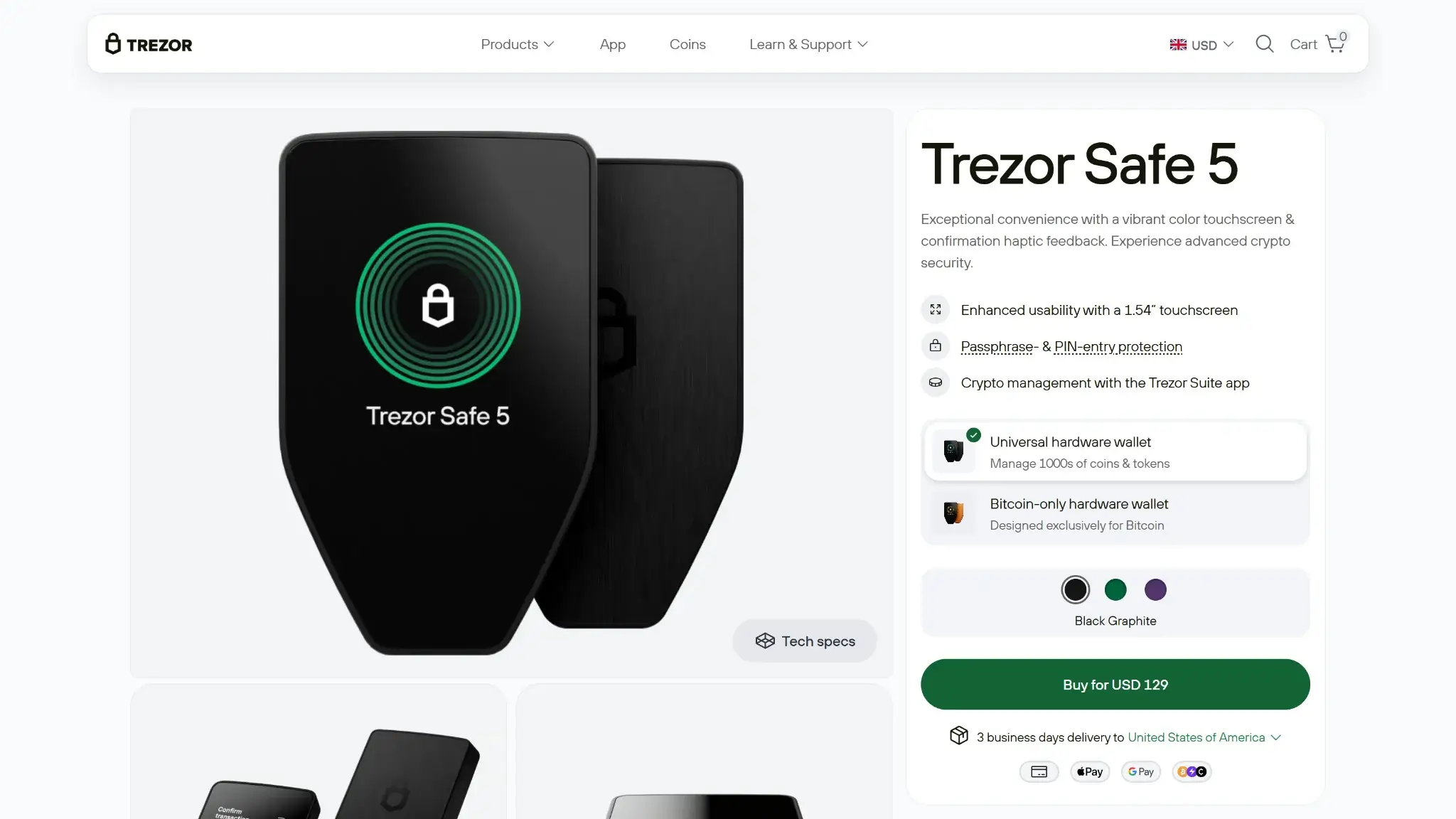
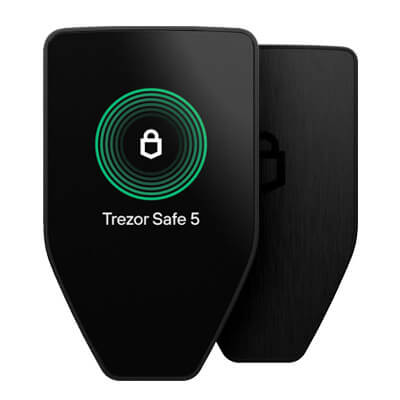
Trezor released Safe 5 on June 14, 2024. The device measures 65.9 × 40 × 8 mm and weighs 23 g. Gorilla Glass 3 covers the touchscreen, while USB-C provides the wired connection. The supplied cable has USB-C connectors at both ends, so older USB-A computers need a compatible cable or adapter.
Bitcoin-only firmware excludes the Ethereum and Solana services available with Safe 5's standard multi-asset firmware. Both firmware choices work with Trezor Suite, the app supplied by Prague-based Trezor Company s.r.o. Compatible third-party apps provide other interfaces for supported assets.
Security And Custody
What The Two Chips Do
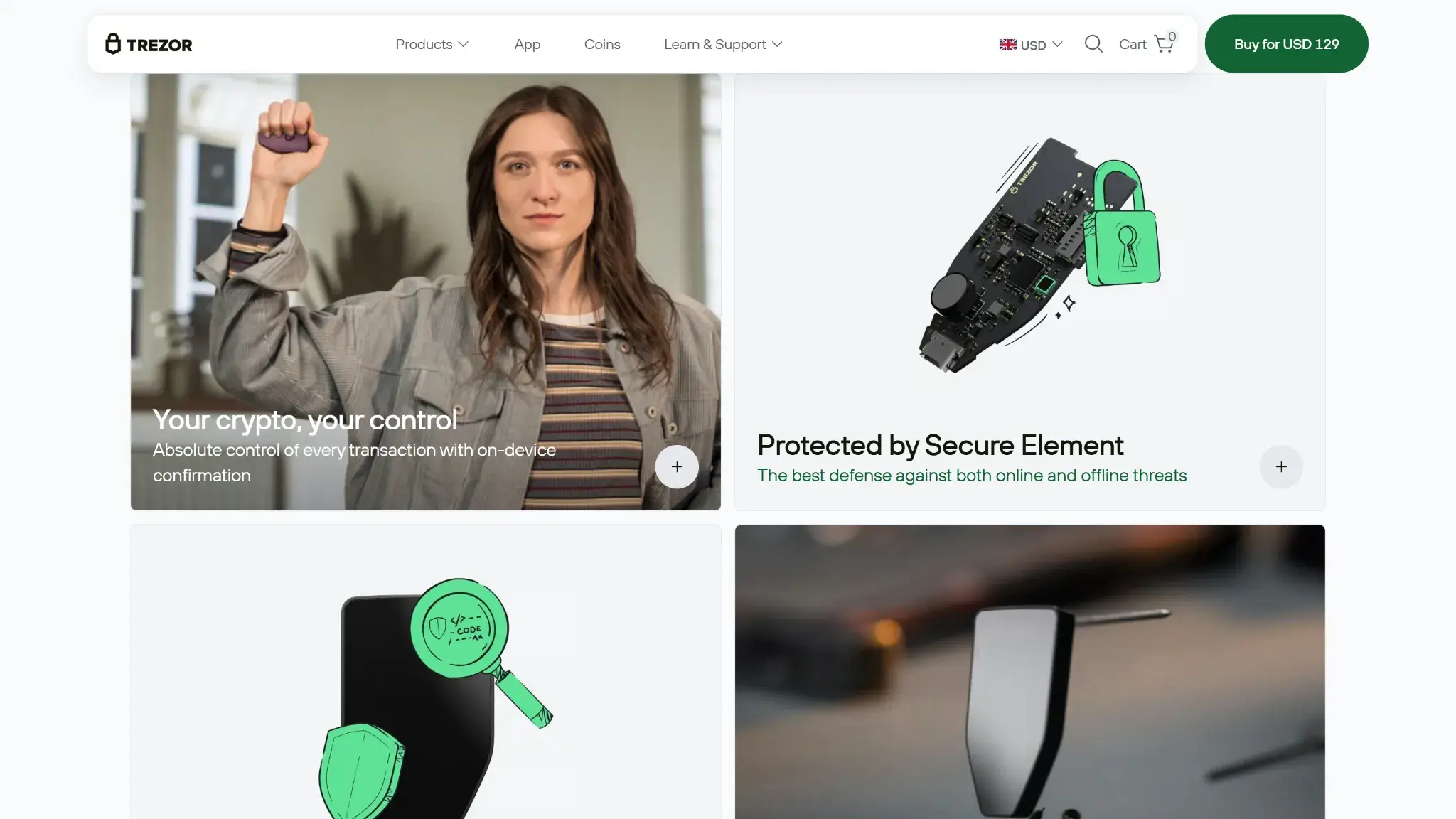
Safe 5 uses an STM32U5 microcontroller and an OPTIGA Trust M V3 secure element. Trezor's design stores encrypted private keys on the main chip. The secure element holds a secret that works with the PIN to protect those keys, without storing the PIN itself. Sixteen incorrect PIN attempts erase that secret and reset the device.
Transaction signing takes place on the main microcontroller. The OPTIGA component's CC EAL6+ certification does not certify the entire wallet, its firmware or a connected dApp. A person who obtains a usable backup and any required passphrase can restore the wallet elsewhere without the original device's PIN.
Safe 5 And The Donjon Disclosure
Ledger's Donjon team described physical-tampering research in March 2025 on a Safe 3 with an STM32F429 chip. It demonstrated ways to change firmware while bypassing authenticity and firmware-hash checks. This was research by a competing manufacturer, and the demonstrated target was that Safe 3 hardware.
Donjon identified the Safe 5's different STM32U5 chip. Trezor's response says Safe 5 was unaffected by the disclosed attack because of its newer microcontroller. That finding does not establish immunity to other attacks. Neither source demonstrates extraction of a Safe 5 user's seed or PIN.
Safe 5's T3T1 firmware changelog records a BIP39-processing side-channel fix in January 2026, an SD-only device-locking fix in June, and Solana and Bitcoin confirmation/signing fixes in July. These patch entries describe corrections without establishing exploitation of a user's wallet. Trezor's official setup and update flow provides the firmware for the connected model.
Firmware Transparency And App Licensing
Safe 5's core firmware is licensed under GPLv3. Other repository components have their own licenses, and Trezor provides reproducible-build instructions for this model. The OPTIGA chip's software is closed-source.
Trezor Suite uses the Trezor Reference Source License, which allows limited reference use and excludes distribution outside the user's company. Calling the entire device-and-app stack unrestricted open-source would hide that distinction. Trezor also has a bug-bounty program for its devices, applications and infrastructure.
Customer-Data Incidents
Trezor customers have faced phishing through compromised or abused service providers. The April 2022 Mailchimp breach led to phishing aimed at Trezor customers. Trezor subsequently said it would leave Mailchimp. In January 2024, a third-party support-portal incident prompted warnings to up to 66,000 contacts about possible exposure of names and email addresses. Trezor said it revoked unauthorized access and warned those contacts.
In June 2025, attackers put phishing messages into support-ticket subjects. Automated replies then delivered those messages from Trezor's real support address. Trezor warned users and said it was implementing defenses against the abuse.
Shipping addresses and contact details exposed at ShipMonk could help attackers target Trezor customers with scams or physical threats. Trezor said it notified affected customers and that neither its devices nor its own systems had been compromised. The September 4, 2026 update expanded the group identified in August 2026 by approximately 67,000 additional US customers with order records dating from 2019–2021. Those older records were still with the shipping provider despite earlier deletion assurances, according to Trezor.
Trezor reported another provider breach on September 9, 2026, this time involving its email service. The company identified an email alleging an STM32 entropy vulnerability as a phishing attempt and told recipients to leave its links unopened. Trezor said it was investigating how attackers had accessed the company's legitimate domain.
Never supply backup words in response to an email or support message. Customer-data exposure gives attackers information for convincing recovery scams without demonstrating extraction of a Safe 5 private key. Trezor's official website provides the software download and support routes for checking unexpected notices.
Trezor Safe 5 Supported Coins
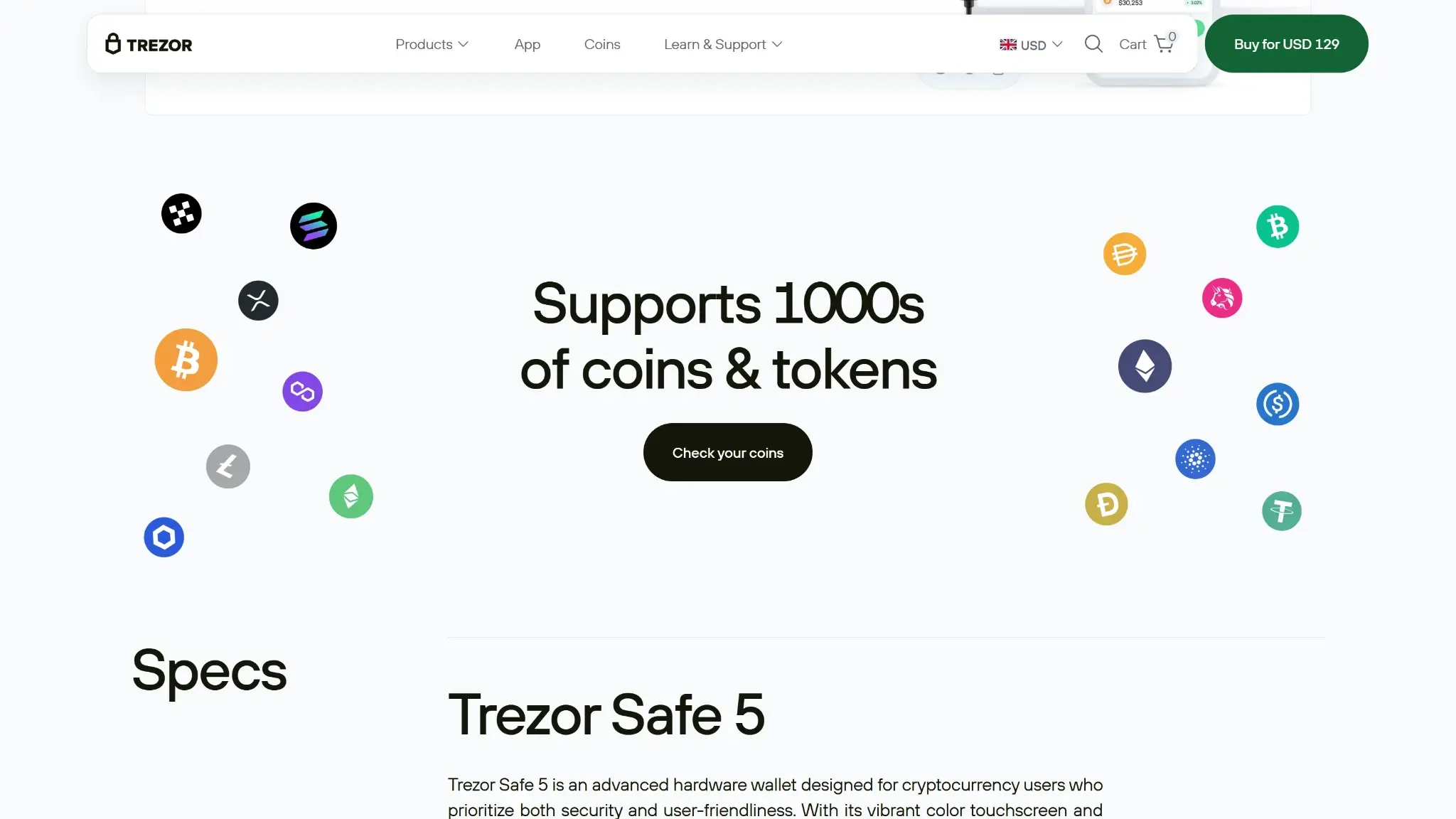
Safe 5 supports native Suite accounts for Bitcoin, Ethereum, Solana, Cardano and XRP. Third-party functions depend on both the asset and the intended operation being supported by the hardware and app.
| Asset Or Use | Interface | Limit To Check |
|---|---|---|
| Bitcoin | Trezor Suite | Standard or Bitcoin-only firmware |
| Ethereum and ERC-20 tokens | Trezor Suite | Correct Ethereum network and token contract |
| Solana | Trezor Suite | Standard firmware and a Solana account |
| Cardano and XRP | Trezor Suite | Separate network-specific accounts |
| Solana dApps | Compatible app such as NuFi | Confirm hardware support for the intended operation |
| Other assets | Trezor's model-specific asset directory | Check both the hardware model and required app |
The withdrawal network must match the account you are funding, even when two chains use similar address formats. Token names can appear on several networks, so an Ethereum token and a similarly named token on another chain have separate deposit routes.
Setup And Recovery
Starting A New Wallet
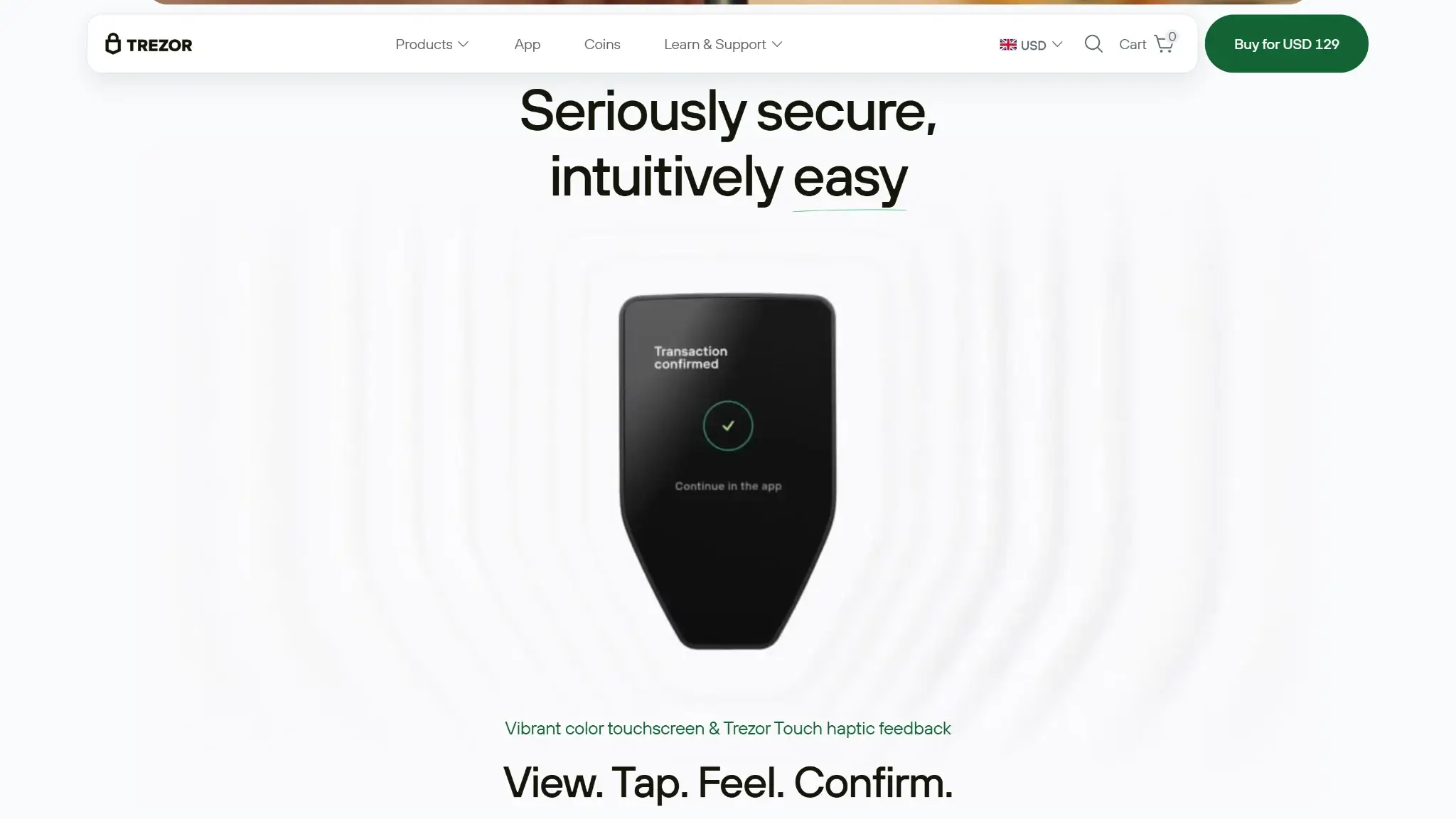
Trezor's Safe 5 instructions provide desktop and Android setup paths. The device ships without firmware. The documented sequence is to connect it, perform the authenticity checks, install the selected firmware, create a wallet, record the backup and set a PIN on the touchscreen.
An authenticity check cannot replace scrutiny of suspicious packaging or unexpected setup requests. During setup, the standard backup choice is a 20-word SLIP39 backup, with legacy BIP39 options also available. Suite's backup-check function lets you check the recorded backup before relying on it for substantial holdings. Receiving addresses and approval details should be checked on Safe 5's screen.
| Platform | Safe 5 Use |
|---|---|
| Compatible desktop computer | USB setup, management and signing through Suite |
| Compatible Android phone | USB setup and signing through Suite |
| iPhone | Balance tracking and receiving functions, without Safe 5 signing |
Single-Share, Multi-Share And Passphrases
SLIP39, also called Shamir backup, uses recovery shares instead of multiple transaction signatures. It can use a single share or a threshold of several shares. A two-of-three arrangement needs two shares from that backup set to restore access. Keeping the shares in separate locations reduces the chance of losing the entire set in one place.
For compatible SLIP39 wallets, creating a new multi-share backup does not invalidate an older usable backup of the same wallet. Shares from separate backup sets cannot be mixed. Before replacing a backup arrangement, check the new one and account for every older copy that could still restore access. Newer multi-share backups require compatible firmware and recovery software.
Trezor cannot reset a lost passphrase. This optional feature opens a separate wallet derived from the backup, and recovery needs both the backup and the exact passphrase. Case, spaces and punctuation matter. A typo can open an empty wallet instead of producing a password-error message.
The passphrase is an additional secret to retain for recovery. Keep a secure offline record separately from the backup and device. Safe 5 supports passphrase entry on its touchscreen, though Suite also offers host entry. Its on-device T9 recovery interface also lets you select backup words without typing them into the computer.
What The MicroSD Feature Adds
Optional microSD protection stores an additional secret on a card. Once enabled, access needs the paired card and PIN. The card is not a copy of the wallet backup. Trezor documents this as an advanced feature using its trezorctl command-line tool and a FAT32-formatted card.
Storing the card separately makes it another item you must retrieve for access. If it is lost, recovery depends on the wallet backup and any passphrase. Enabling microSD protection therefore adds card retrieval and storage to the owner's routine.
| Loss Scenario | Recovery Requirement |
|---|---|
| Device fails or is lost | Compatible replacement, usable backup and any exact passphrase |
| PIN is forgotten | Verify the backup before wiping and restoring the device |
| Paired microSD card is lost | Recover from the wallet backup and any passphrase |
| Too few shares remain | That backup cannot restore access without meeting its threshold |
| Passphrase is lost | No support reset can recreate the same passphrase wallet |
| Device and every usable backup are lost | Trezor has no account-recovery copy of the wallet |
Swaps, Staking And dApps
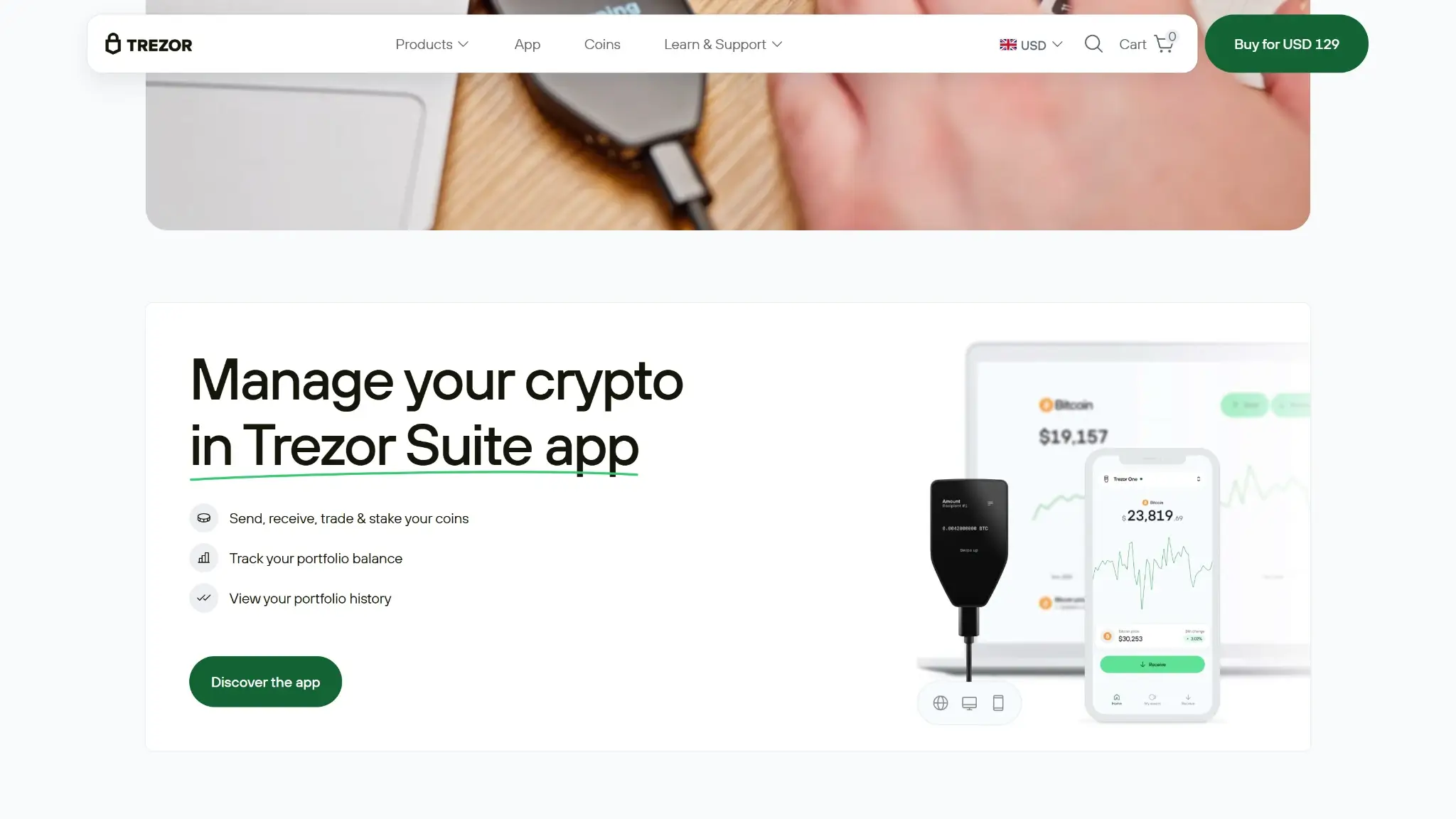
Suite integrates fiat-purchase providers including Banxa and MoonPay, centralized swap services such as Changelly and ChangeNOW, and decentralized routes through 1inch and LI.FI. Available offers depend on the asset, location and payment method. Providers may require identity verification.
A centralized swap sends funds to the exchange provider for processing. If the order fails, a refund can involve that provider's checks. Decentralized swaps involve smart contracts and token allowances, which can cover the amount needed or grant unlimited permission. A contract can exercise an allowance approved with hardware-held keys, including in a passphrase-protected wallet.
Contracts outside Clear Signing's coverage still produce a blind-signing warning. For supported Ethereum/EVM interactions, Safe 5 can display the action, amount and destination using ERC-7730 contract descriptions. Trezor introduced this feature in September 2026 for updated standard firmware. It works through Suite, WalletConnect and Trezor Connect.
SOL staking delegates funds to Everstake and involves activation and cooldown periods. Staked ETH becomes available to move after withdrawal processing through Everstake's contracts and infrastructure. Trezor warns that an Everstake failure could prevent recovery of staked ETH. ADA delegation leaves ordinary account funds available to move. Staking returns vary, and provider rules can restrict service availability by location.
Trezor Safe 5 Price And Ongoing Costs
Trezor's store listed Safe 5 at $129 USD on September 9, 2026. Delivery, applicable taxes and duties affect the final checkout total for the selected variant. The shop's country selector determines direct shipping availability. US buyers must separately check their eligibility for integrated purchase and staking services.
Suite does not require a subscription for basic wallet management. Network transactions and optional services still have costs.
| Expense | What To Budget For |
|---|---|
| Hardware | $129 listed device price, plus applicable checkout charges |
| Accessories | Optional microSD card, metal backup or replacement cables |
| Transfers | Network fees for the relevant blockchain |
| Purchases and swaps | Provider pricing and applicable network costs, reflected in the quote |
| SOL staking | 7% Everstake commission on rewards, not principal |
| ETH staking | 10% commission on rewards |
| ADA delegation | Refundable 2 ADA registration deposit, network fees and applicable pool terms |
The difference between a swap's input and output amounts shows the effect of provider pricing on the trade. Slippage tolerance sets acceptable price movement and is separate from a fixed service fee. Staking commissions and reward breakdowns can change. Suite provides migration instructions for ADA users still delegated through the older 5binaries arrangement.
Who Should Choose Safe 5?
Safe 5 suits holders who use a computer or Android phone and want on-device touch controls. Its backup choices allow more planning than a single paper copy, provided the owner understands the threshold and keeps enough usable shares.
- Consider it for regular USB signing when you want a color touchscreen.
- Consider the microSD option only if you can manage a separate card and recovery plan.
- Choose another model if iPhone signing is essential.
- Avoid adding a passphrase until you understand how to recover the resulting wallet.
The Trezor Safe 3 uses buttons for on-device approval. Compare those controls with Safe 5’s touchscreen before paying for touch input. When comparing hardware and software wallets, decide whether you need signing on a separate device or on your phone or computer.
Safe 5 combines touchscreen PIN entry with T9 word selection for recovery. Those controls work without enabling microSD protection. Adding that protection requires the paired card for every device access, and losing it makes a backup restore necessary. The touchscreen is the everyday benefit, while the separate card is an additional security arrangement to maintain.
Crypto Wallets Pillar Scores
- Custody and key security 30% weight Who can authorize spending, protection of keys and signing, and independent access to every reviewed account type.9.5 / 10
- Security validation and track record 25% weight Independent security assessments, their coverage and findings, plus updates and the handling of known incidents.6.5 / 10
- Transaction safety and signing 20% weight Transaction details, signing warnings, scam checks, permission controls and the handling of unreadable requests.8.5 / 10
- Backup and recovery 10% weight Repeatable backup checks, complete restoration, recovery dependencies, costs and resilience after backup loss.10.0 / 10
- Usability, privacy and costs 10% weight Setup and everyday tasks, accessibility, support guides, data-sharing choices and device, service and transaction costs.9.0 / 10
- Assets, networks and compatibility 5% weight Asset and network support, devices, companion apps and connections needed for the uses covered in the review.10.0 / 10
Final Verdict
Safe 5's touchscreen puts PIN entry and recovery-word selection on the device. That is the main reason to choose it for regular USB use. Optional passphrases require an offline record stored separately from the backup, and microSD protection adds a card that must be available for device access. Both need a workable recovery plan. An iPhone user who needs signing should choose a different model. Integrated swaps and staking deserve a separate risk decision from the hardware purchase.
CryptoSlate may earn a commission when you use partner links, at no extra cost to you. Our reviews, ratings, and editorial decisions remain independent of advertisers. Read How CryptoSlate Makes Money for funding details.