Choosing the best USDT wallet is not just about picking the most popular app. The right choice also depends on which Tether networks the wallet supports, how much you will pay to send funds, and whether you want full self-custody or a simpler managed experience.
In this guide, we compare the best Tether wallets for different use cases, including TRC20 transfers, ERC20 compatibility, mobile apps, and cold storage. We also explain how a USDT wallet works, how wallet addresses differ by network, how to create and use a wallet safely, and how to transfer Tether without making costly mistakes.
Top Tether Crypto Wallets

- Custody
- Non-custodialPartially open-source
- Networks
- Platforms
- 2.8-inch E Ink touchscreen for approvals
- Recovery Key card stores an encrypted backup
- Built by French device maker Ledger
- Custody
- Non-custodialPartially open-source
- Networks
- Platforms
- Curved 3.7-inch E Ink touchscreen
- Qi charging alongside USB-C
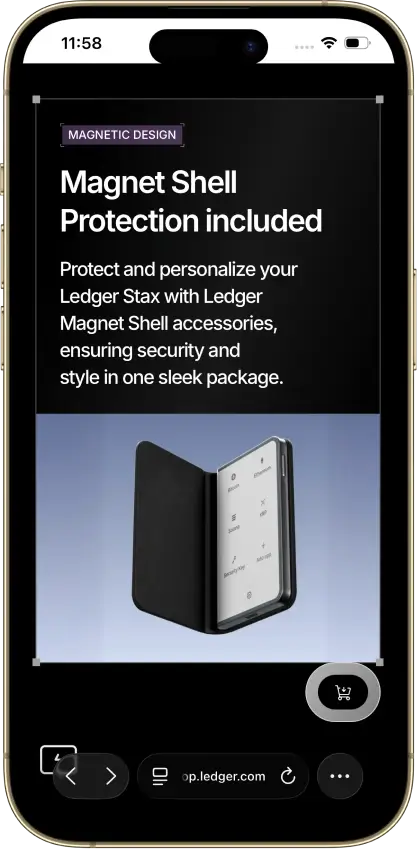
- Magnet Shell included in the box
- Custody
- Non-custodialFully open-source
- Networks
- Platforms
- Built by the team behind Kraken exchange
- Native Dogecoin support, not wrapped
- Token risk scoring and spam-NFT filter
- Custody
- Non-custodialPartially open-source
- Networks
- Platforms
- Touchscreen Trezor for $120 less than Safe 7
- MicroSD card as a second unlock factor
- Recovery words entered on the touchscreen
- Custody
- Non-custodialPartially open-source
- Networks
- Platforms
- Two secure elements protect PIN access
- Post-quantum device authentication
- The only Trezor that signs with an iPhone
- Custody
- Non-custodialPartially open-source
- Networks
- Platforms
- Tied for the cheapest hardware wallet we review
- Bitcoin-only firmware option
- FIDO2 authentication for compatible services
- Custody
- Non-custodialPartially open-source
- Networks
- Platforms
- Room for up to 100 apps on the device
- Recovery Check app tests your backup
- From Ledger, a wallet maker based in France
- Custody
- Non-custodialPartially open-source
- Networks
- Platforms
- Up to 100 apps, depending on size
- Wireless firmware updates from a phone
- Made by Ledger, a French company
- Custody
- Non-custodialPartially open-source
- Networks
- Platforms
- Supports 130+ native chains
- DEX aggregator draws on 100+ liquidity pools
- Create and trade NFTs inside the wallet
- Custody
- Non-custodialPartially open-source
- Networks
- Platforms
- Separate Cash account for Solana payments
- Pay Solana network fees in the token you send
- PSOL keeps staked SOL tradable in DeFi
- Custody
- Non-custodialPartially open-source
- Networks
- Platforms
- Its own Shield card for hardware signing
- Selected Solana DeFi positions in portfolio
- Optional instant exit with a quoted fee
- Custody
- Non-custodialPartially open-source
- Networks
- Platforms
- Snaps add third-party wallet capabilities
- Social login that still signs on your device
- Transaction Shield cover on marked transactions
- Custody
- Non-custodialPartially open-source
- Networks
- Platforms
- Automatic network selection for dApps
- GasAccount pays gas across EVM networks
- Hardware support from Ledger to GridPlus
- Custody
- Non-custodialClosed-source
- Networks
- Platforms
- Battery-free NFC card signing
- Separate cards managed in one app
- MoneyGram cash pickup via USDC on Stellar
- Custody
- Non-custodialPartially open-source
- Networks
- Platforms
- Smart-wallet recovery key can replace a passkey
- USDC sends on Base with sponsored gas
- Coinbase-funded USDC Rewards for holders
- Custody
- Non-custodialPartially open-source
- Networks
- Platforms
- Largest screen of any hardware wallet we review
- Public upgrade-file verification tool
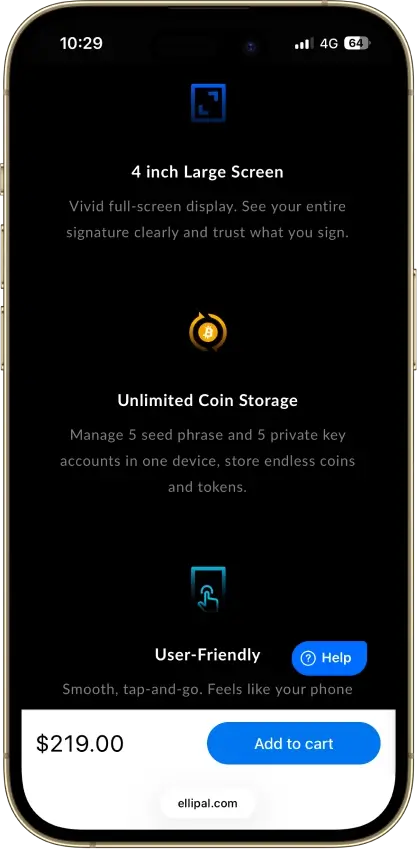
- Room for five seed and five key accounts
- Custody
- Non-custodialClosed-source
- Networks
- Platforms
- Quick Backup moves keyless wallets to new phones
- Web trading through Secure Auto Sign
- Buy DEX tokens with your Binance balance
- Custody
- Non-custodialPartially open-source
- Networks
- Platforms
- Duress Mode displays decoy wallets
- Account setup without seed transcription
- Optional password recovery and Edge 2FA
- Custody
- Non-custodialClosed-source
- Networks
- Platforms
- MoonTag usernames for MoonPay-to-MoonPay sends
- US Balance buy/sell waives MoonPay's fee
- Phrase export still works on a restricted account
- Custody
- Non-custodialPartially open-source
- Networks
- Platforms
- Ledger and Trezor portfolios in one app
- Cloud backup unlocked only by a passkey
- Listed company with public financial filings
- Custody
- CustodialClosed-source
- Networks
- Platforms
- Borrow against your crypto in the same app
- Anti-Scam Engine can pause risky withdrawals
- Nexo Card with no monthly or annual fee
- Custody
- Non-custodialPartially open-source
- Networks
- Platforms
- SWIFT offers passkey-based wallet recovery
- Custom EVM network connections
- Premium loyalty tiers reward wallet activity
- Custody
- Non-custodialClosed-source
- Networks
- Platforms
- Seedless recovery through linked NFC cards
- 25-year limited hardware warranty
- Optional seed phrase on newer cards
CryptoSlate may earn a commission when you visit partner sites through links on this page, at no extra cost to you. Our rankings and reviews remain editorially independent and based on our published methodology. Read disclosure
Disclaimer: CryptoSlate may receive a commission when you click links on our site and make a purchase or complete an action with a third party. This does not influence our editorial independence, reviews, or ratings, and we always aim to provide accurate, transparent information to our readers.These top picks show that there is no single best Tether wallet for every type of user. Trust Wallet and Exodus stand out for flexibility and ease of use, SafePal is a stronger fit for TRC20-heavy transfers, MetaMask makes more sense for ERC20 and DeFi activity, and Ledger is better when long-term security matters more than convenience. The comparison table below should make those trade-offs easier to scan by putting custody, supported USDT networks, platform coverage, and ideal use case side by side.
Comparison Table
| Name | Custody | Blockchains | Hardware Support | Staking | Fiat On-ramp |
|---|---|---|---|---|---|
 Ledger Flex Ledger Flex | Non-custodial | No | Limited | Yes | |
 Ledger Stax Ledger Stax | Non-custodial | No | Limited | Yes | |
 Kraken Wallet Kraken Wallet | Non-custodial | No | Limited | No | |
 Trezor Safe 5 Trezor Safe 5 | Non-custodial | No | Limited | Yes | |
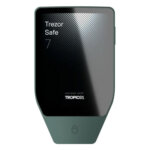 Trezor Safe 7 Trezor Safe 7 | Non-custodial | No | Limited | Yes | |
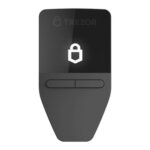 Trezor Safe 3 Trezor Safe 3 | Non-custodial | No | Limited | Yes | |
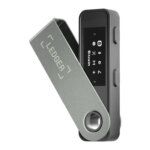 Ledger Nano S Plus Ledger Nano S Plus | Non-custodial | No | Limited | Yes | |
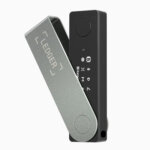 Ledger Nano X Ledger Nano X | Non-custodial | No | Limited | Yes | |
 OKX Wallet OKX Wallet | Non-custodial | Yes | Limited | Yes | |
 Phantom Phantom | Non-custodial | Yes | Limited | Yes | |
 Solflare Solflare | Non-custodial | Yes | Full | Yes | |
 MetaMask MetaMask | Non-custodial | Yes | Full | Yes | |
 Rabby Wallet Rabby Wallet | Non-custodial | Yes | None | No | |
 Arculus Wallet Arculus Wallet | Non-custodial | No | Limited | Yes | |
 Coinbase Wallet Coinbase Wallet | Non-custodial | Yes | Limited | Yes | |
 ELLIPAL Titan 2.0 ELLIPAL Titan 2.0 | Non-custodial | No | Limited | Yes | |
 Binance Wallet Binance Wallet | Non-custodial | No | Limited | Yes | |
 Edge Wallet Edge Wallet | Non-custodial | No | Limited | Yes | |
 MoonPay MoonPay | Non-custodial | No | None | Yes | |
 Exodus Exodus | Non-custodial | Yes | Full | Yes | |
 Nexo Nexo | Custodial | No | Limited | Yes | |
 Trust Wallet Trust Wallet | Non-custodial | Yes | Full | Yes | |
 Tangem Tangem | Non-custodial | No | Limited | Yes |
Some exchanges and wallets list USDT on BNB Smart Chain as “BEP20” and USDT on Polygon. These routes are not listed on Tether’s supported-protocol page, so only use them when both the sender and receiver explicitly support that exact network.
The clearest pattern in the table is that hot wallets win on convenience while hardware wallets win on security. Trust Wallet and Exodus are the strongest general-use options if you want to hold and move USDT regularly, especially across more than one network. SafePal is a better fit if you prioritize TRC20 transfers and lower-cost movement, while MetaMask is more compelling for ERC20 USDT and DeFi use than for TRON-based Tether. Ledger stands apart as the best option for long-term storage, where protecting a larger balance matters more than quick day-to-day access.
If you’d rather choose by scenario than features, the use-case table below maps the most common USDT workflows (TRC20 transfers, ERC20 DeFi, long-term storage) to the best wallet for the job.
Best Tether Wallets By Use Case
Different Tether wallets solve different problems. Some are better for low-fee TRC20 transfers, some are better for ERC20 and DeFi, and some make more sense when security matters more than convenience. This table pulls those use cases into one place so you can match the wallet to how you actually use USDT.
| Use case | Best wallet | Main USDT networks | Why it stands out | Best for | Main drawback |
|---|---|---|---|---|---|
| Best overall USDT wallet | Trust Wallet | ERC20, TRC20, and other supported in-app routes | It combines broad network coverage, an easy mobile experience, and self-custody without forcing a complex setup. It is one of the easiest ways to manage Tether across common routes from a single app. | Most users who want one flexible wallet for storing, receiving, and sending USDT. | It does not give you the same hardware-first security as a device wallet, and power users may want deeper DeFi tooling. |
| Best for beginners | Exodus | ERC20, TRC20 on desktop and mobile, plus other supported networks such as Solana and Polygon (platform-listed route) | Exodus has one of the cleanest interfaces in the category, which helps newer users understand balances, networks, and transfers without getting lost. Desktop support also helps if you do not want to manage everything on a phone. | Newer USDT users who want a wallet that feels straightforward on both mobile and desktop. | Its Web3 experience is not identical across every network, and advanced DeFi users may still prefer MetaMask. |
| Best USDT wallet app | Exodus | ERC20, TRC20 on desktop and mobile, plus other supported networks | Exodus is available on mobile and desktop, including TRON transfers. Its Web3 browser extension retired on October 1, 2026. That makes it a strong pick if you specifically want the best USDT wallet app rather than a cold-storage-first product. | Users who care most about ease of use, device flexibility, and simple portfolio management. | Built-in swaps and buys can add spread or service costs compared with moving funds manually. |
| Best wallet for USDT TRC20 | SafePal | TRC20, ERC20 (plus BSC/BEP20 routes where supported) | SafePal is the best fit when cheap TRON-based transfers are the priority. It gives access to TRC20 USDT inside a broader multichain wallet, so it still works well if you move funds between ecosystems. | Anyone who sends USDT often and wants to keep transfer costs down. | The interface can feel more crowded than a simpler beginner wallet, especially if you only use one or two chains. |
| Best wallet for USDT ERC20 | MetaMask | ERC20 and other EVM-compatible routes | MetaMask remains the most natural choice for ERC20 USDT when the goal is DeFi access, token approvals, browser-based workflows, and Ethereum ecosystem compatibility. | DeFi users, DEX traders, and anyone who spends most of their time on Ethereum and EVM networks. | ERC20 transfers can cost more than TRC20, and MetaMask is less beginner-friendly than Exodus or Trust Wallet. |
| Best cold wallet for Tether | Ledger | ERC20 directly, with broader USDT access through compatible wallet connections | Ledger is the strongest USDT cold wallet option if you want to secure larger USDT balances offline. It shifts the focus away from convenience and toward long-term key protection. | Long-term holders and security-first users. | It costs money upfront and is slower to use for quick everyday transfers. |
| Best free USDT wallet | Trust Wallet | ERC20, TRC20, and other supported in-app routes | Trust Wallet is free to install, simple to start using, and broad enough for most mainstream USDT use cases. | Users who want self-custody without paying for a device or desktop-first setup. | Free does not mean fee-free. You still pay network fees and any swap or on-ramp costs. |
| Best for multichain users | Exodus | ERC20, TRC20 on desktop and mobile, plus other supported networks such as Solana and Polygon (platform-listed route) | Exodus is especially useful if you do not want a separate wallet for every chain. It gives a cleaner way to manage Tether across several supported networks with a lower learning curve than many multichain alternatives. | Users who move between Ethereum, Solana, Polygon (platform-listed route), and TRON (on Exodus Mobile/Desktop), plus other supported ecosystems. | TRON/TRC20 is supported on Exodus Mobile and Desktop. The Web3 browser extension retired on October 1, 2026. |
The biggest split here is between convenience and specialization. Trust Wallet and Exodus are the easiest places to start, SafePal is stronger when TRC20 transfer costs matter most, MetaMask is the better fit for ERC20 and DeFi-heavy use, and Ledger is the right answer when storage security matters more than speed. The detailed reviews below expand on those trade-offs so you can see where each wallet fits beyond the headline label.
Tether Crypto Wallets Reviews
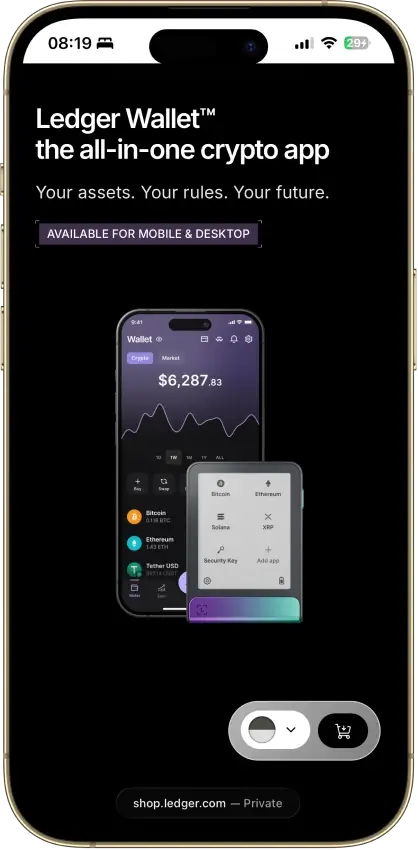
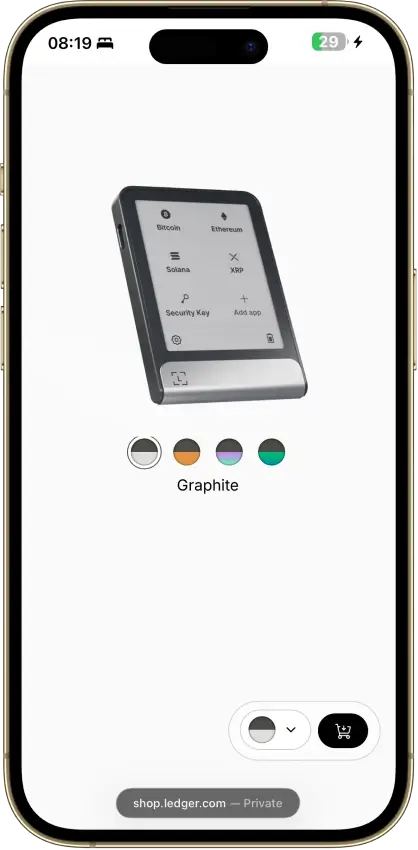
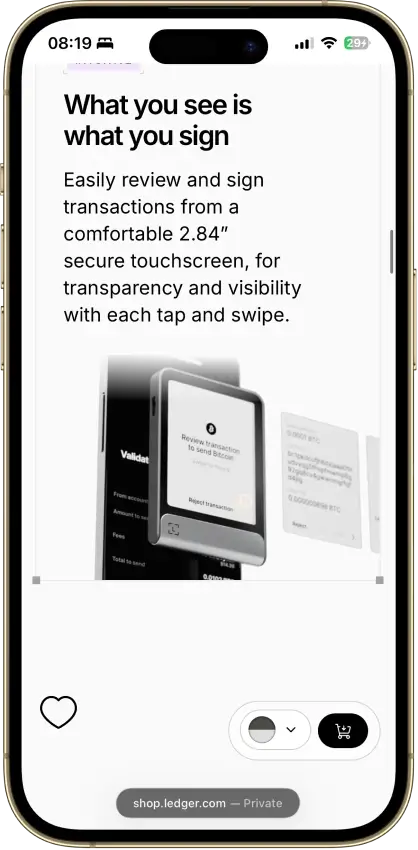
Ledger Flex
- Custody
- Non-custodialPartially open-source
- Networks
- Platforms
Pros
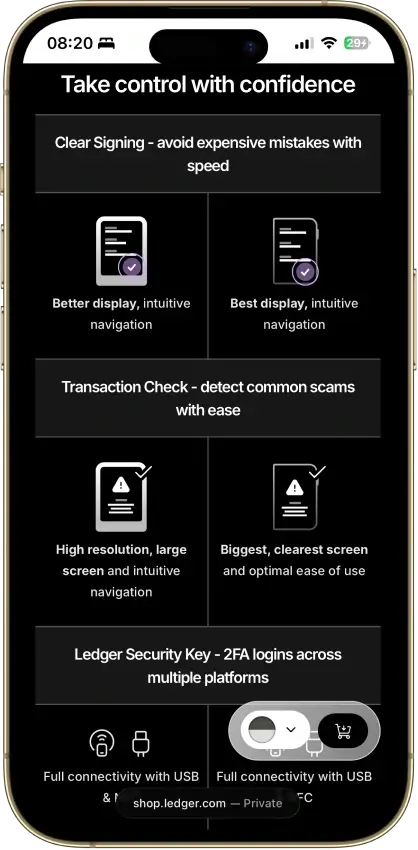
- Secure Element certified to CC EAL6+
- Clear Signing on supported apps
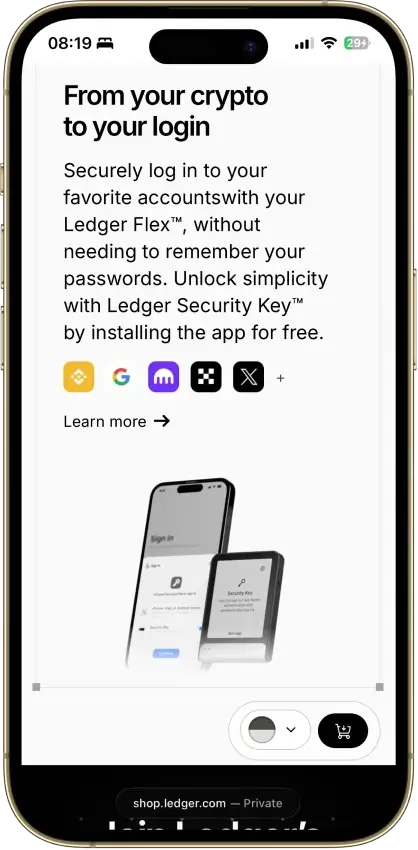
- Doubles as a security key for logins
- Transaction Check shows a risk verdict on screen
- 500+ coins supported in Ledger Wallet
Cons
- Low-level firmware is partly closed source
- Recovery Key card skips any passphrase
- Some swap routes hold funds with a provider
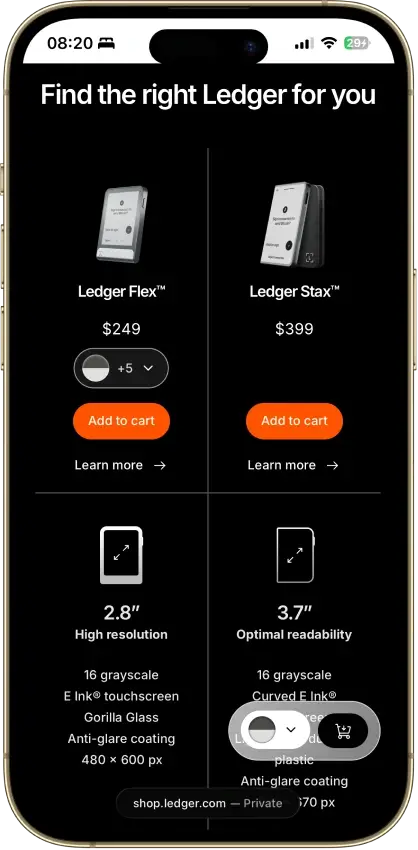
Ledger Stax
- Custody
- Non-custodialPartially open-source
- Networks
- Platforms
Pros
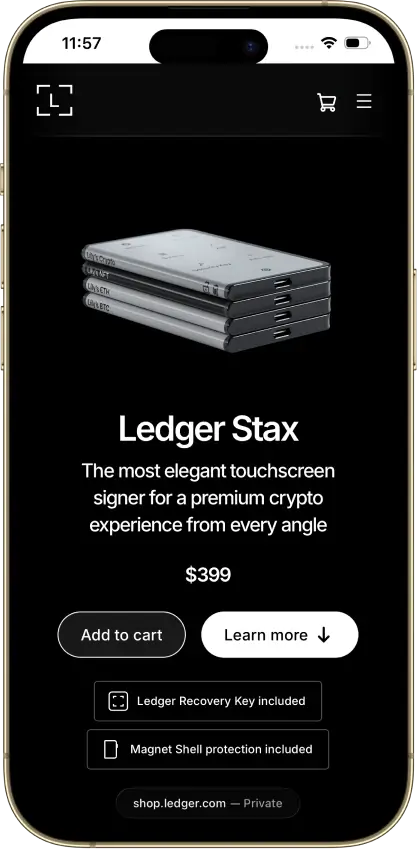
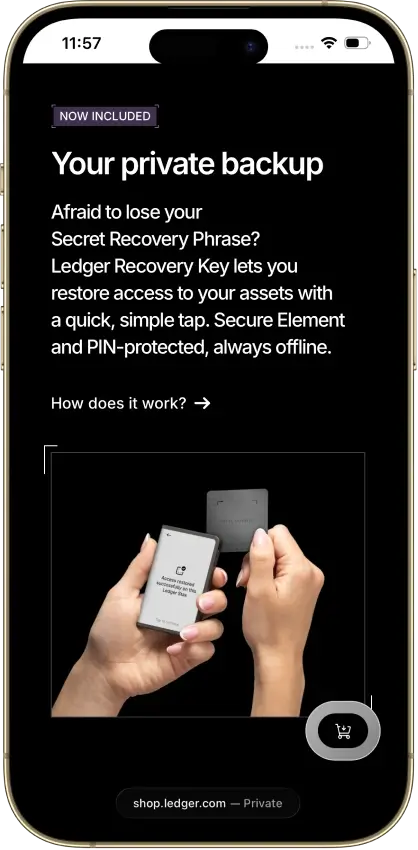
- PIN-protected offline backup card included
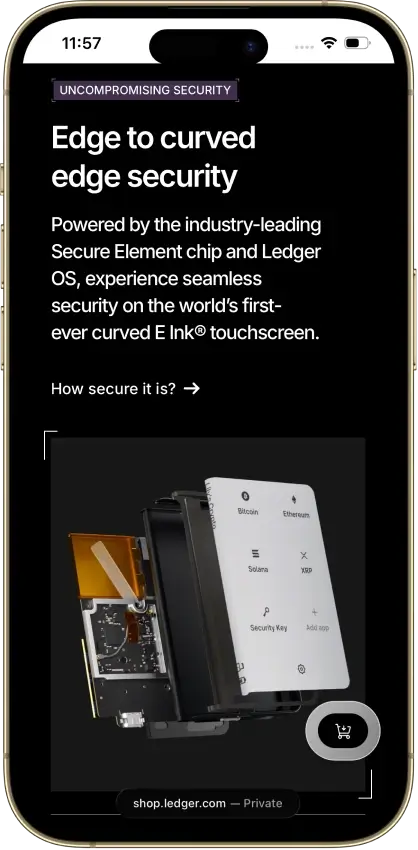
- EAL6+ certified Secure Element chip
- Bluetooth 5.2 for iPhone and Android
- Separate passphrase accounts supported
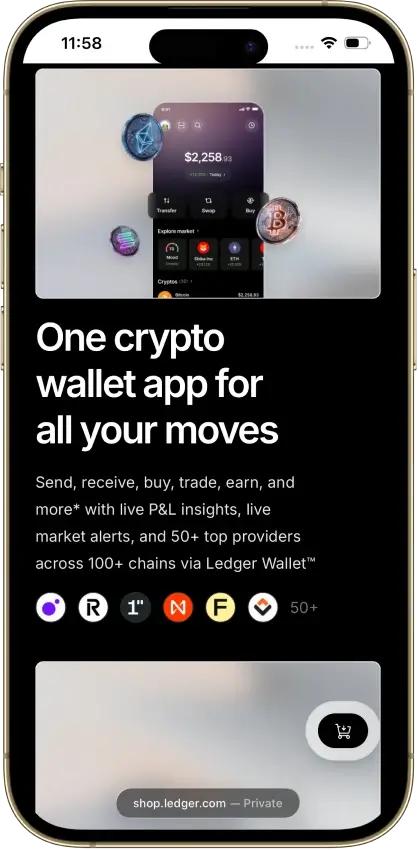
- Mobile and desktop companion apps
Cons
- Low-level firmware remains partly closed
- Coin-app updates need separate attention
- Recovery Key excludes extra passphrases
- Buyer data exposed in 2020 and again in 2026
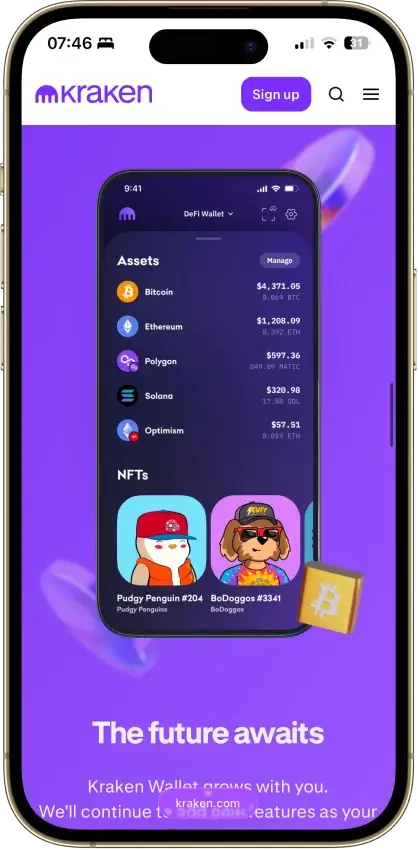
Kraken Wallet
- Custody
- Non-custodialFully open-source
- Networks
- Platforms
Pros
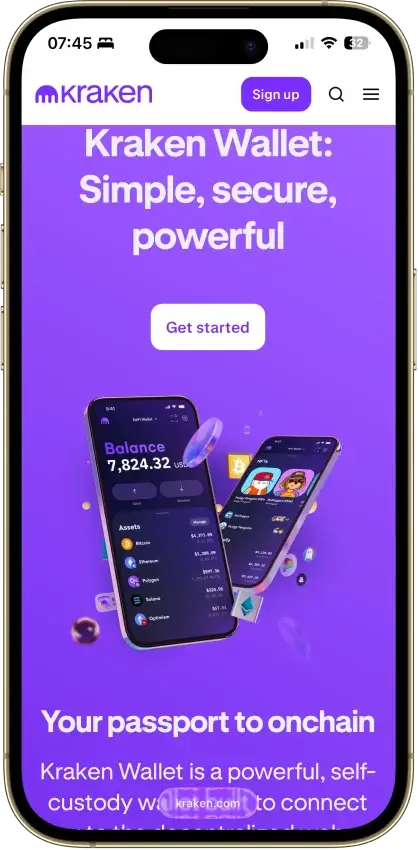
- Mobile code released under MIT in 2024
- Trail of Bits audited the mobile wallet
- Works without a Kraken exchange account
- Kraken Connect links your exchange account
- Available to US users
Cons
- No hardware pairing for mobile seed wallets
- No browser extension
- Swap routes and fees vary
- Exchange transfers need an eligible account
- No passphrase option
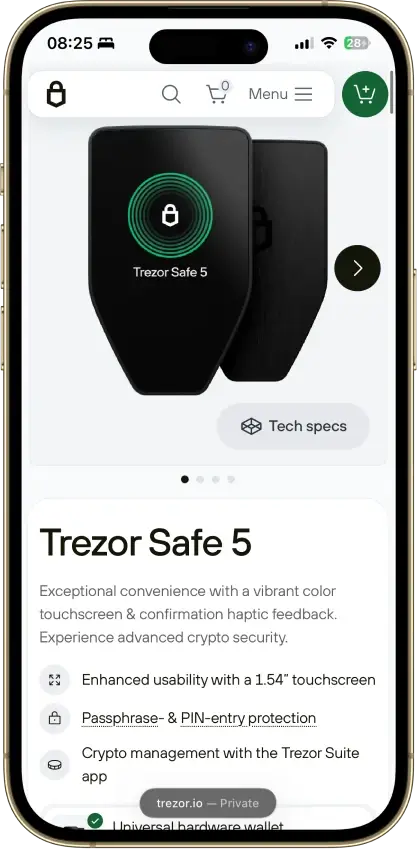
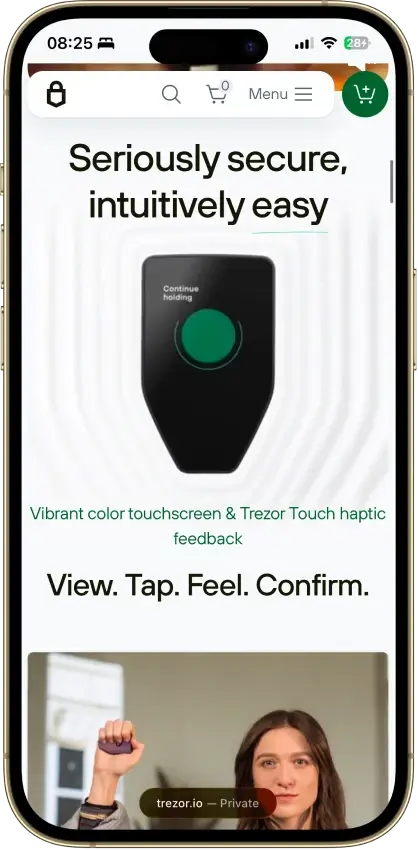
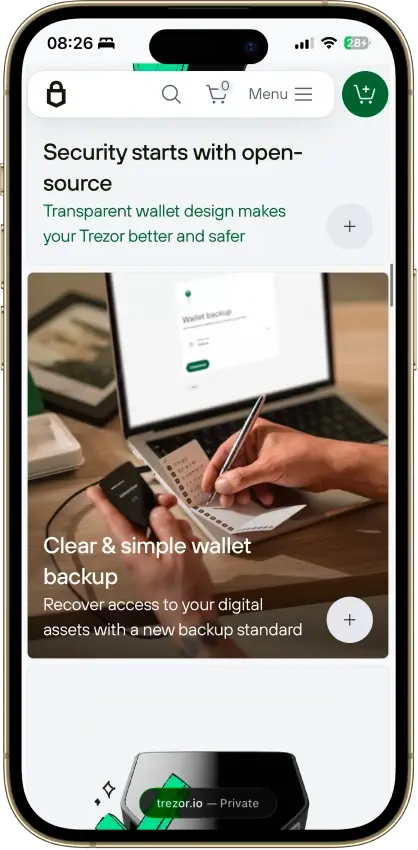
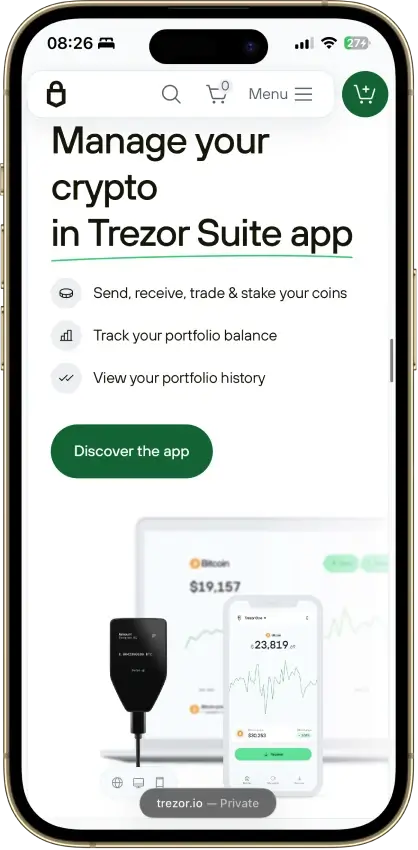
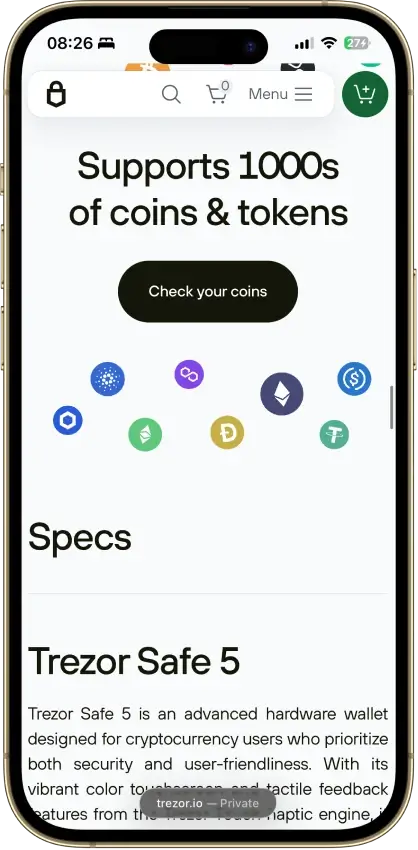
Trezor Safe 5
- Custody
- Non-custodialPartially open-source
- Networks
- Platforms
Pros
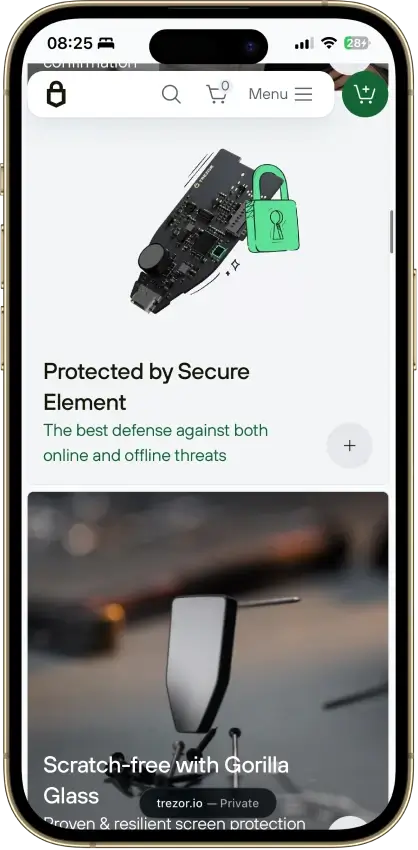
- Gorilla Glass 3 over the touchscreen
- Native Suite accounts for BTC, SOL and XRP
- Threshold-based SLIP39 backups
- Public core firmware and build instructions
- STM32U5 chip, not hit by the 2025 Safe 3 attack
Cons
- Cannot sign through an iPhone
- MicroSD setup uses a command-line tool
- Provider contracts add staking risk
- Suite has a restricted source license
Trezor Safe 7
- Custody
- Non-custodialPartially open-source
- Networks
- Platforms
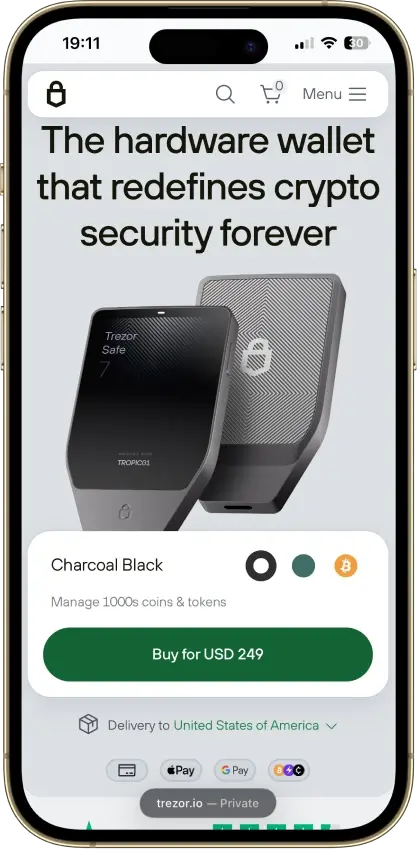
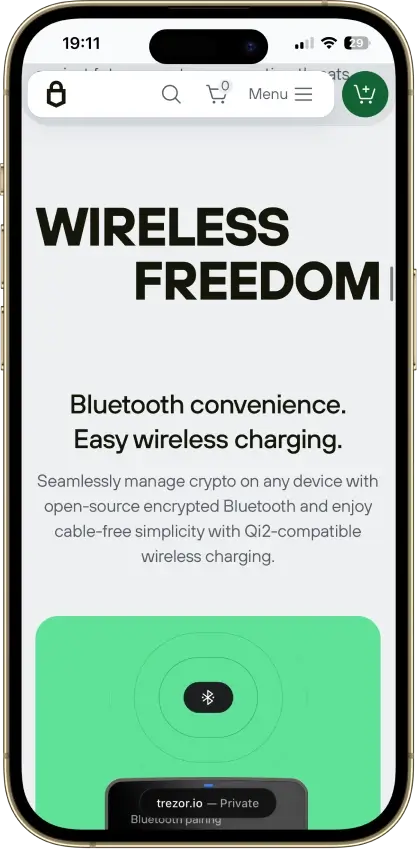
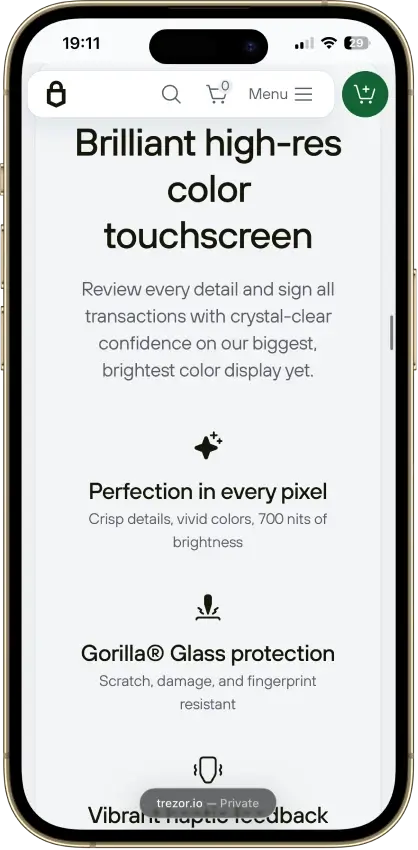
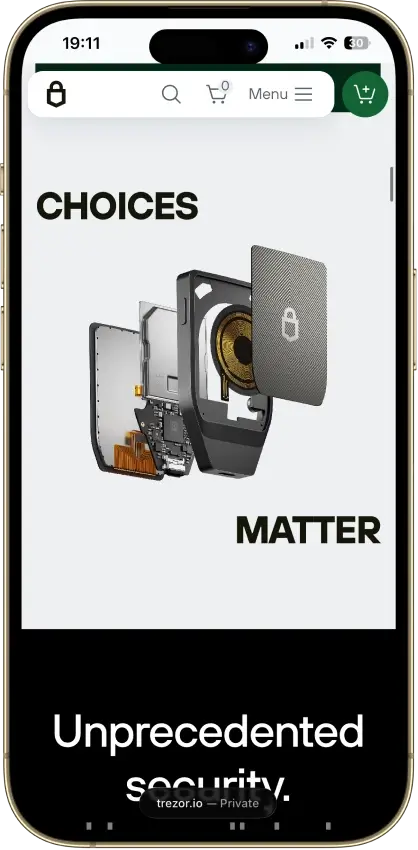
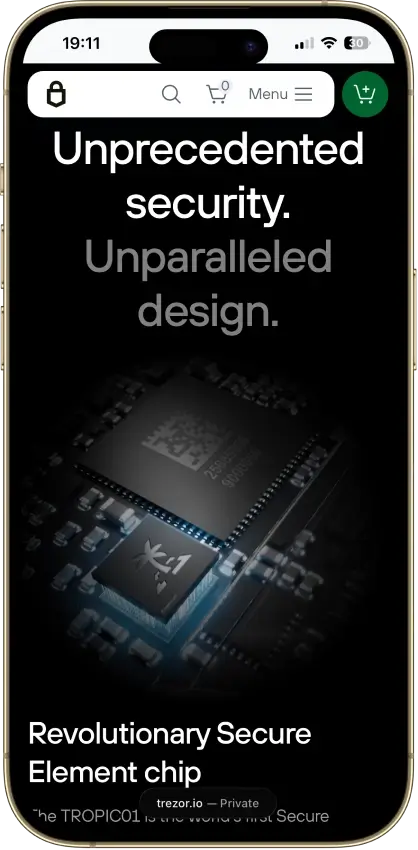
Pros
- Touchscreen backup recovery
- USB operation with a depleted battery
- GPLv3 firmware with reproducible builds
- Choice of single or multi-share backup
- Clear Signing for supported EVM contracts
Cons
- Costs $120 more than the Safe 5
- Battery cannot be replaced by the user
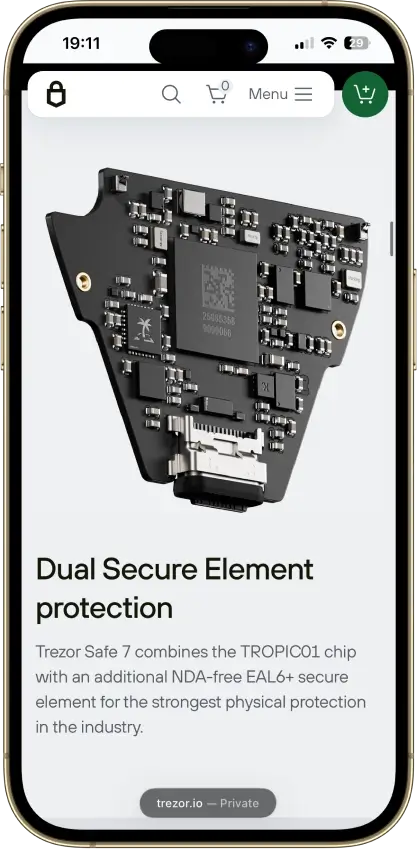
- Disclosed physical TROPIC01 vulnerability
- Monero needs a separate app
- iPhone signing works only over Bluetooth
Trezor Safe 3
- Custody
- Non-custodialPartially open-source
- Networks
- Platforms
Pros
- USB power needs no battery maintenance
- Secure element guards the PIN
- Recovery words entered on the device
- SLIP39 supports distributed backup shares
- Core firmware can be inspected and rebuilt
Cons
- Cannot sign with an iPhone
- Small screen and repeated button navigation
- 2025 research bypassed its authenticity checks
- Secure element software is closed-source
- Shipping-data exposure raises phishing risk
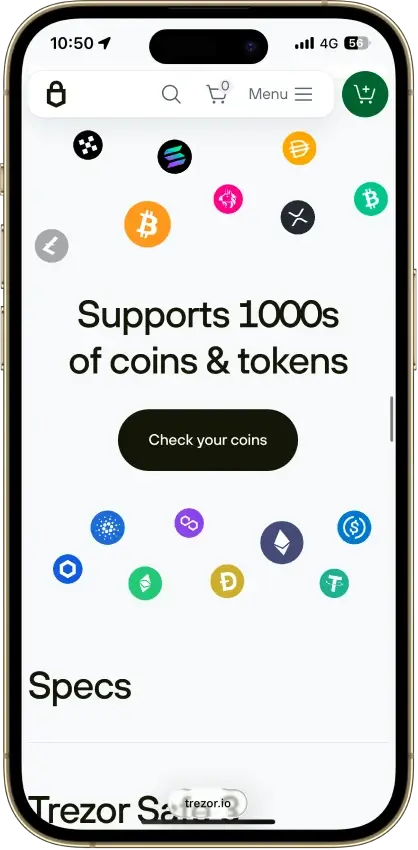
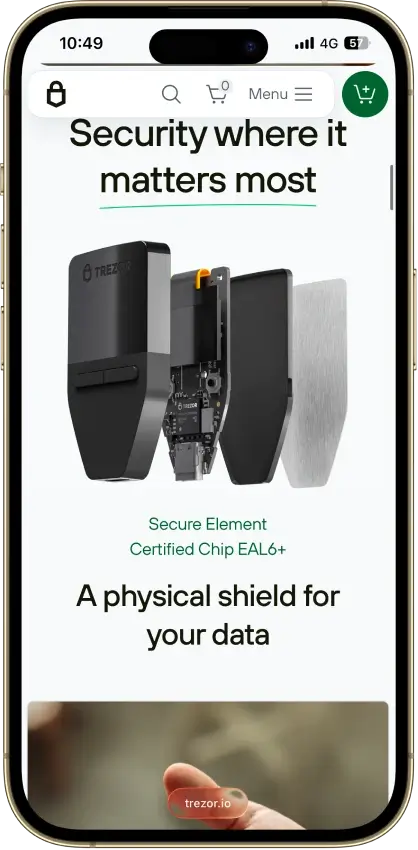
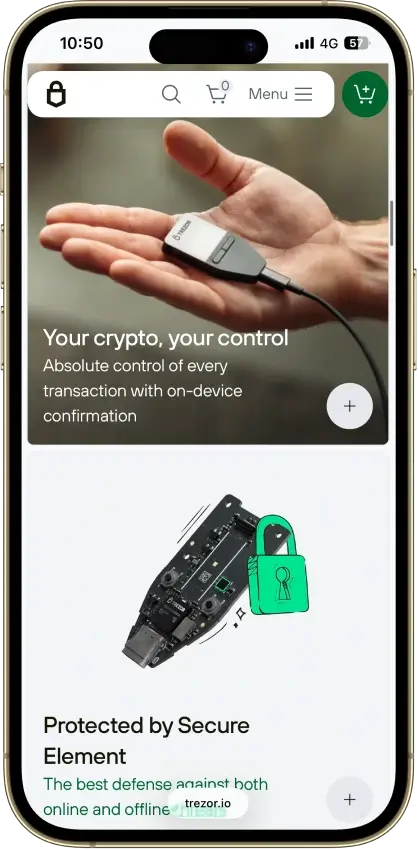
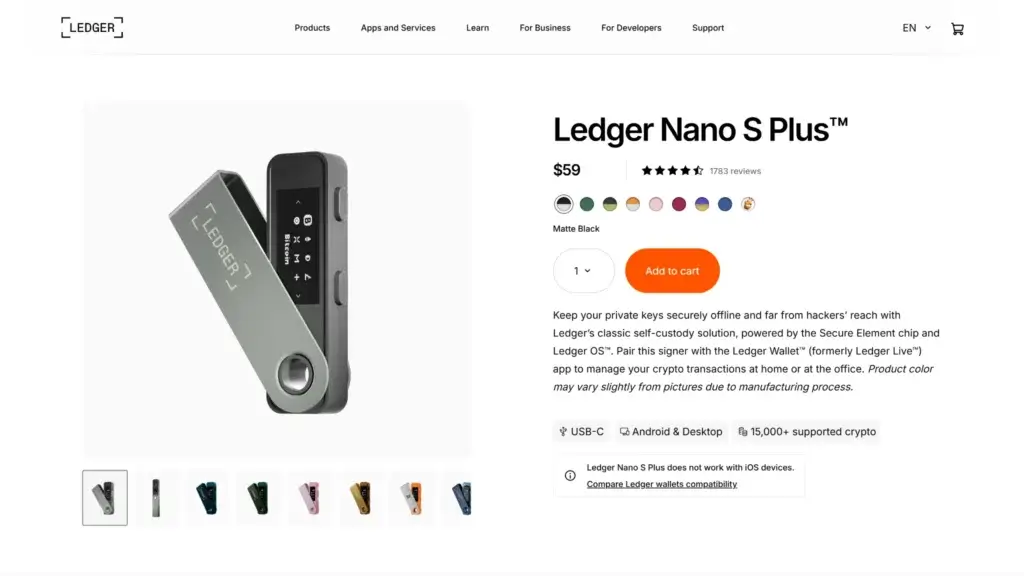
Ledger Nano S Plus
- Custody
- Non-custodialPartially open-source
- Networks
- Platforms
Pros
- CC EAL6+ certified Secure Element
- Battery-free operation
- Public companion and app code
- Bitcoin, Ethereum, Solana and XRP built in
- Ledger's $59 entry price
Cons
- No iPhone signing support
- Small screen and button navigation
- Closed low-level device firmware
- Blockchain apps need separate updates
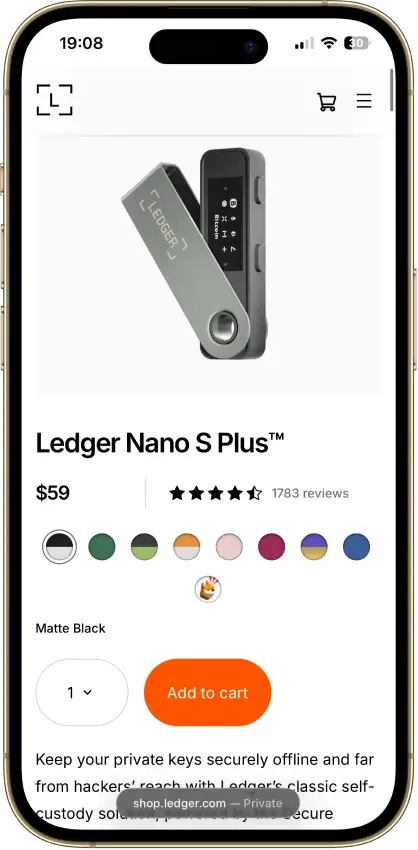
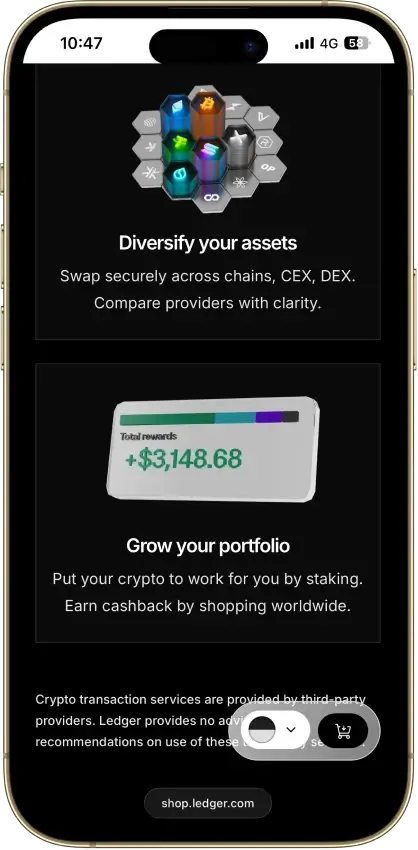
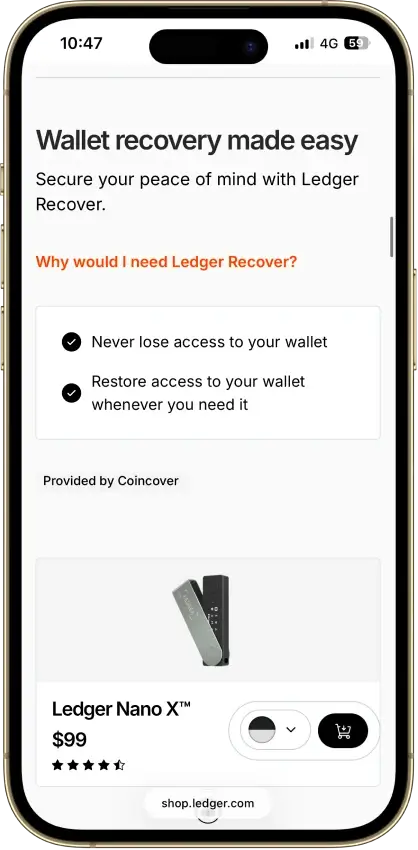
Ledger Nano X
- Custody
- Non-custodialPartially open-source
- Networks
- Platforms
Pros
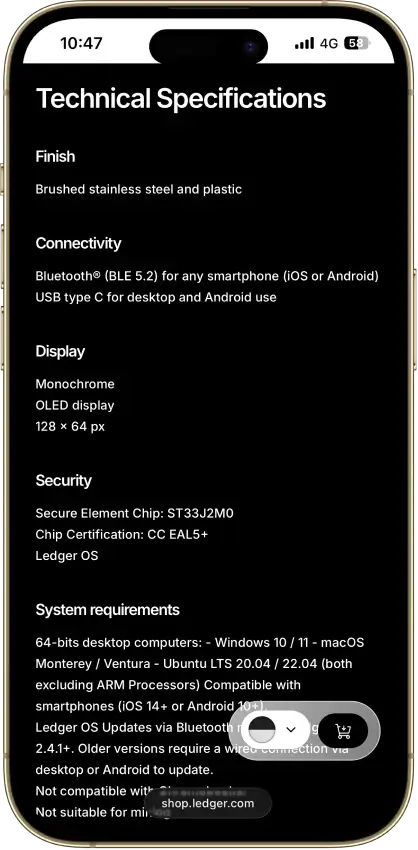
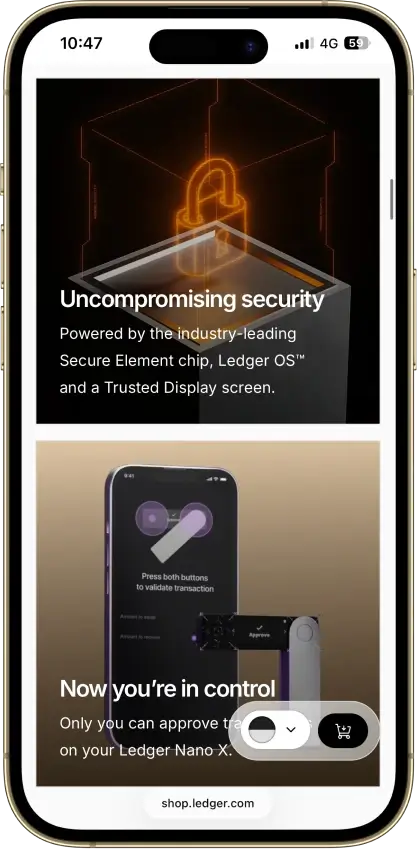
- CC EAL5+ certified Secure Element
- Public companion and device-app code
- Optional passphrase accounts
- Bluetooth for phones, USB-C for desktops
- Encrypted Bluetooth with pairing codes
Cons
- Small display requires scrolling
- Low-level firmware remains closed
- Apps need their own security updates
- 2026 Monero app flaw could expose keys
OKX Wallet
- Custody
- Non-custodialPartially open-source
- Networks
- Platforms
Pros
- Pre-approval scam and phishing alerts
- Built-in token-approval revoke tool
- CertiK and SlowMist audits plus bug bounty
- Cross-chain bridging in one interface
- Earn staking stays non-custodial
Cons
- $505M DOJ guilty plea, consultant to 2027
- DEX service suspended in March 2025
- Keyless mode hands OKX one key share
- Client code is not fully open source
Phantom
- Custody
- Non-custodialPartially open-source
- Networks
- Platforms
Pros
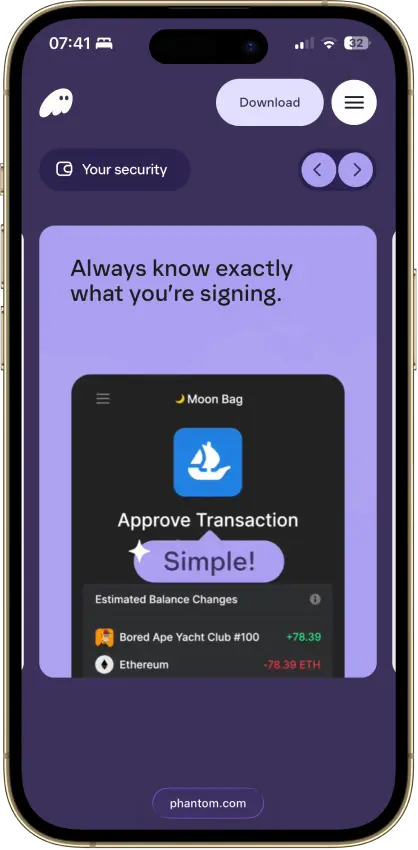
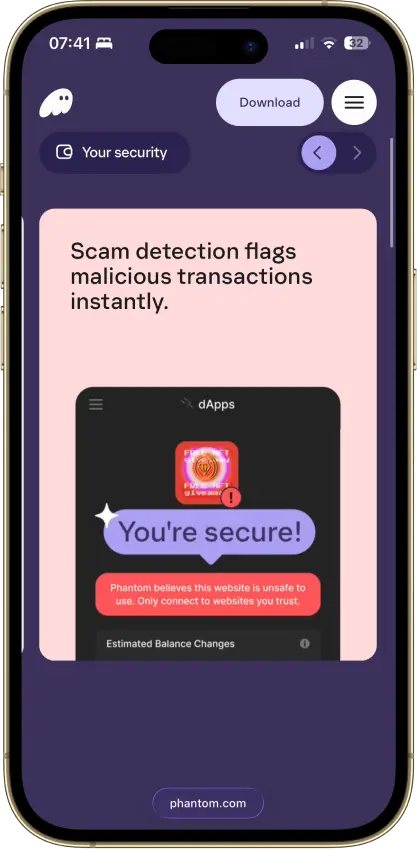
- Transaction previews and scam warnings
- Ledger Bluetooth support on mobile
- Bitcoin Native SegWit and Taproot support
- Third-party audit reports open to read
- Google or Apple login with a portable backup
Cons
- Core app is proprietary
- Dropped Sui and Monad support in 2026
- New native stakes need the extension
- Google and Apple wallets sign on a remote server
- No native Arbitrum, Optimism or Avalanche
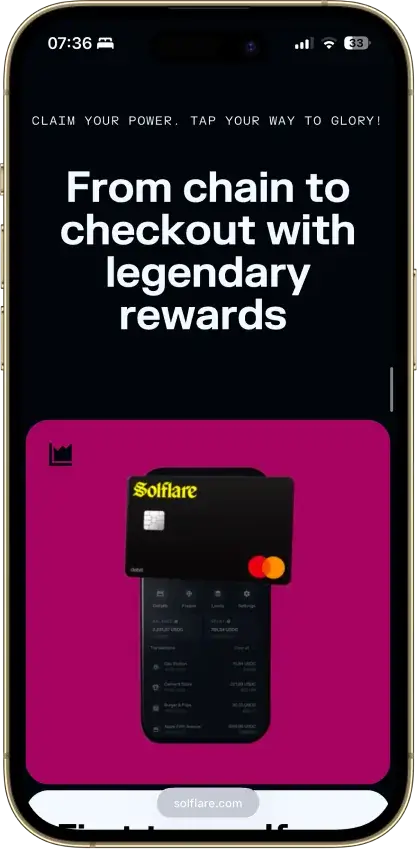
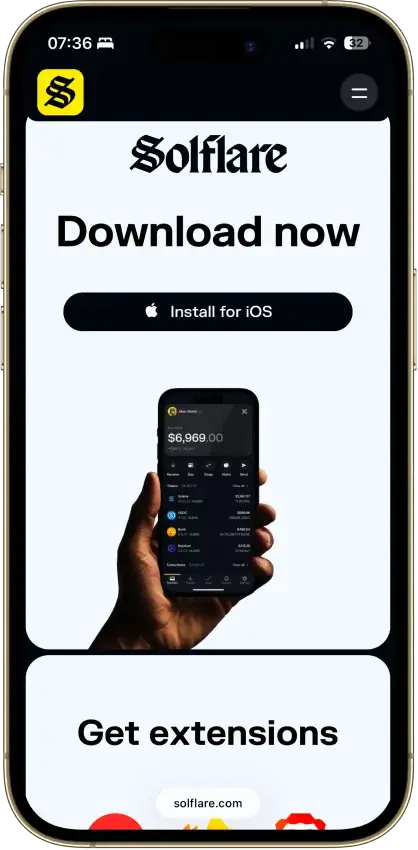
Solflare
- Custody
- Non-custodialPartially open-source
- Networks
- Platforms
Pros
- Validator choice for native SOL staking
- Ledger and Keystone signing supported
- Jupiter swaps inside the wallet
- Transaction checks and biometric app lock
- NFT display in the wallet
Cons
- Shield has no independent signing screen
- Keystone extension connection is watch-only
- Shield's phrase is shown once at setup
- Instant Unstake costs 0.5% to 3%
MetaMask
- Custody
- Non-custodialPartially open-source
- Networks
- Platforms
Pros
- Default-on transaction security alerts
- Mobile connections to compatible hardware
- ETH pooled staking without a product minimum
- Custom EVM networks alongside native Bitcoin
- Publicly accessible extension source code
Cons
- Swaps carry a 0.875% service fee
- Linked Ledger accounts are EVM-only
- Social login can't be changed or unlinked
- Passkeys unlock but can't restore the wallet
Rabby Wallet
- Custody
- Non-custodialPartially open-source
- Networks
- Platforms
Pros
- Simulation shows balance changes before signing
- Token approvals can be revoked in-app
- Tracks EVM tokens and DeFi positions
- Extension code released under MIT terms
- Optional encrypted mobile cloud backup
Cons
- No native Bitcoin, Solana or Tron
- Custom networks have fewer features
- Mobile hardware support is more limited
- Apple/Google Pay gas deposits cannot be withdrawn
- 2025 audits include unresolved findings
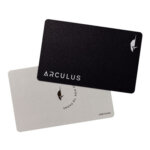
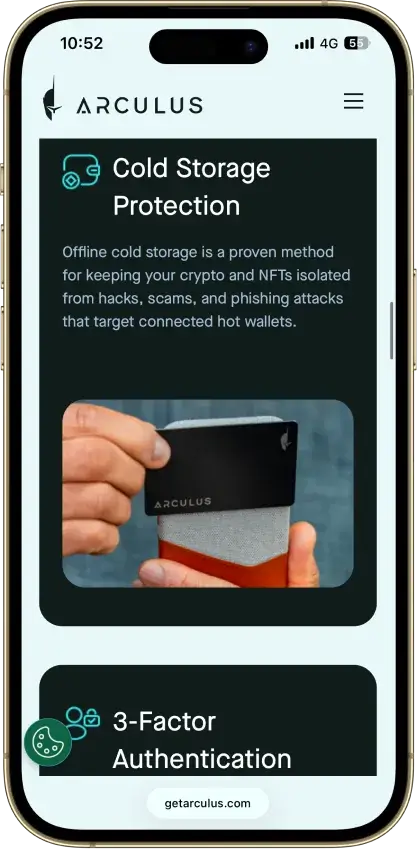
Arculus Wallet
- Custody
- Non-custodialClosed-source
- Networks
- Platforms
Pros
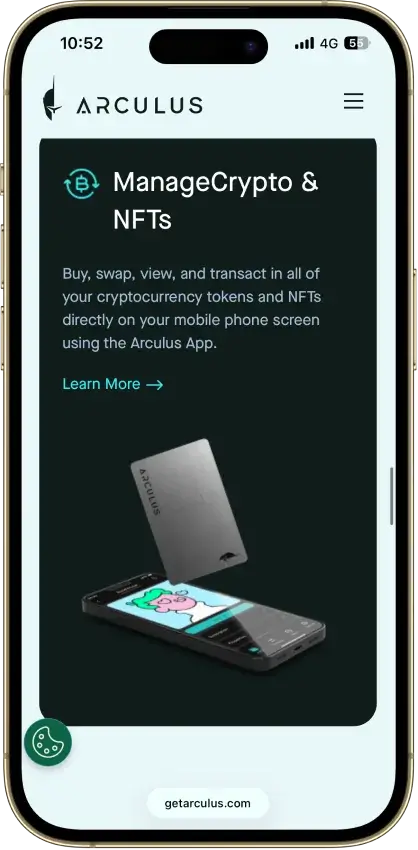
- MetaMask link through a webcam QR code
- Native ADA and SOL staking
- Safe integration through WalletConnect
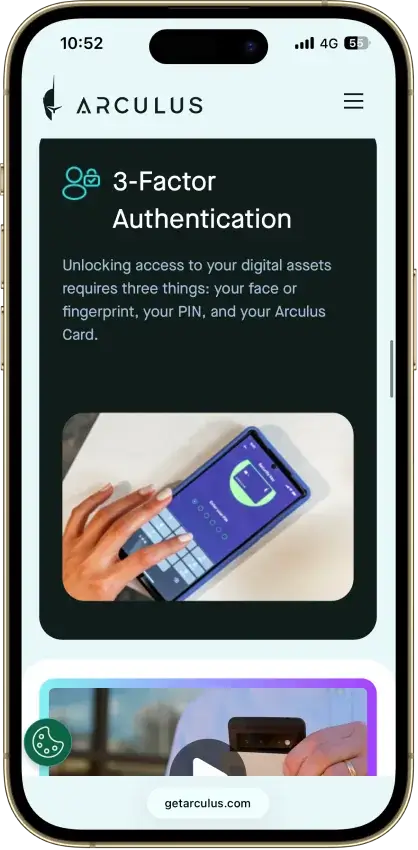
- Optional biometrics on top of a six-digit PIN
- Two-year limited card warranty
Cons
- No independent transaction screen
- Recovery words appear on the phone
- Proprietary wallet software license
- No public audit findings
- Three wrong PINs force a full restore
Coinbase Wallet
- Custody
- Non-custodialPartially open-source
- Networks
- Platforms
Pros
- Ledger approvals through the extension
- Audited, MIT-licensed smart-wallet contracts
- ETH staking below 32 ETH via Kiln
- Gasless swaps on Ethereum and Polygon
- Security Lock on opening and approvals
Cons
- Passkey smart wallets exclude BTC and SOL
- Dropped Dogecoin, Litecoin, XRP and custom chains
- Swap fee of up to 1% per trade
- No Bitcoin swaps in the app
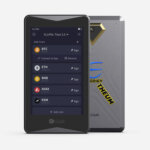
ELLIPAL Titan 2.0
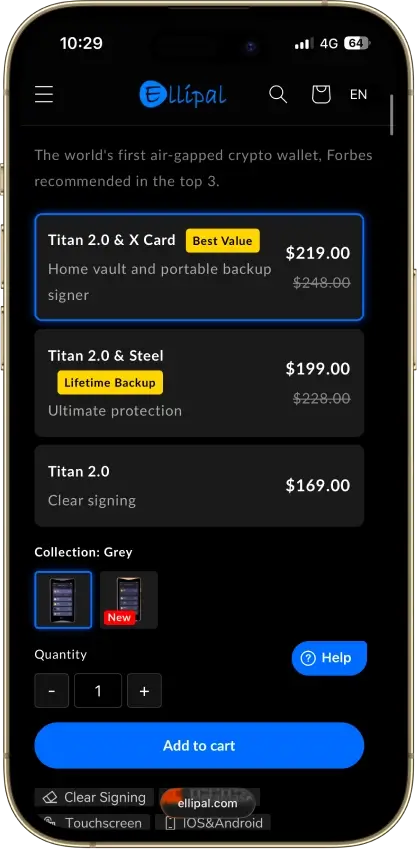
- Custody
- Non-custodialPartially open-source
- Networks
- Platforms
Pros
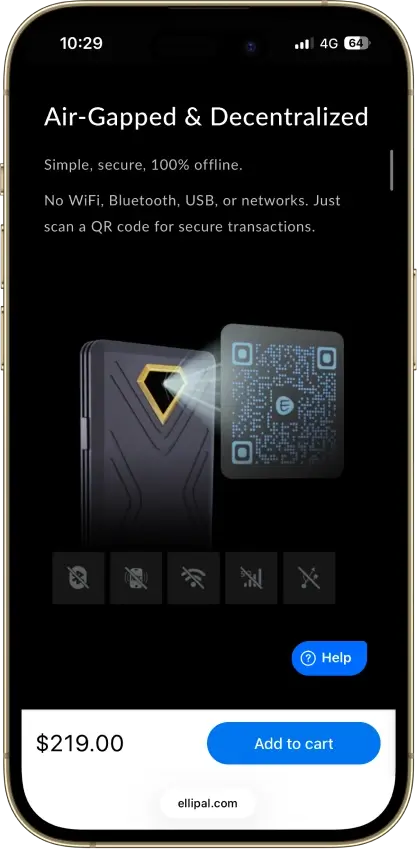
- No cable or radio link for transactions
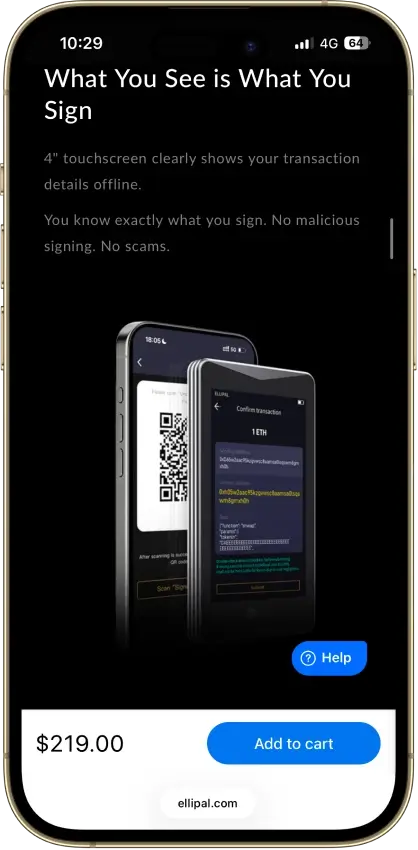
- On-device recovery phrase verification
- Optional passphrase-derived wallets
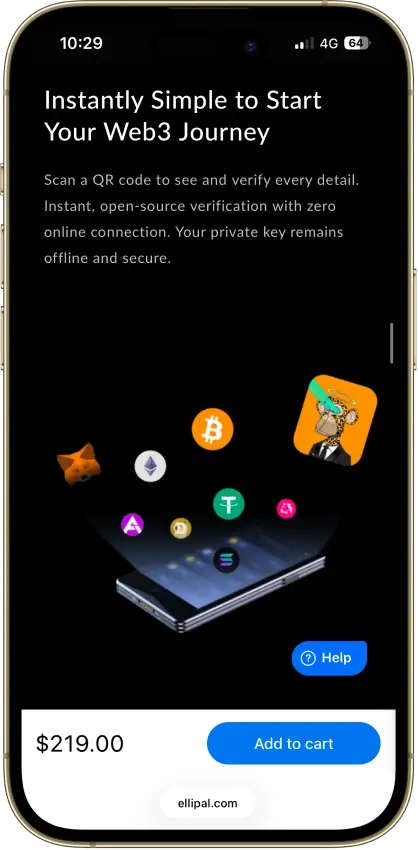
- 45+ blockchains in the ELLIPAL app
- 30-day change-of-mind returns
Cons
- Firmware transparency is partial
- Updates need a separate adapter and microSD
- SOL staking is still marked coming soon
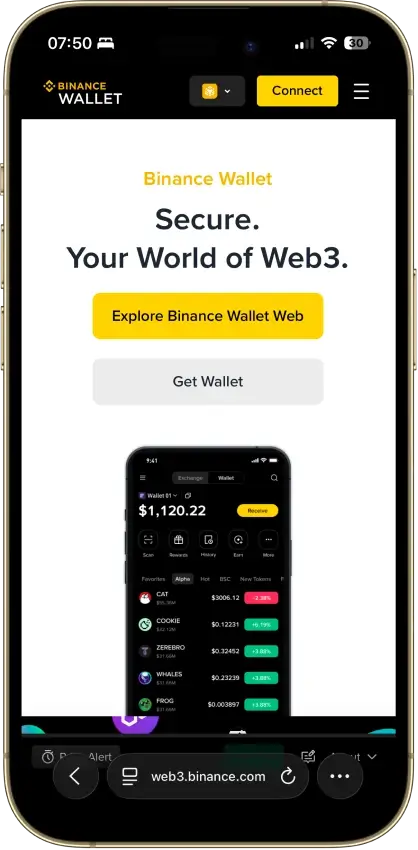
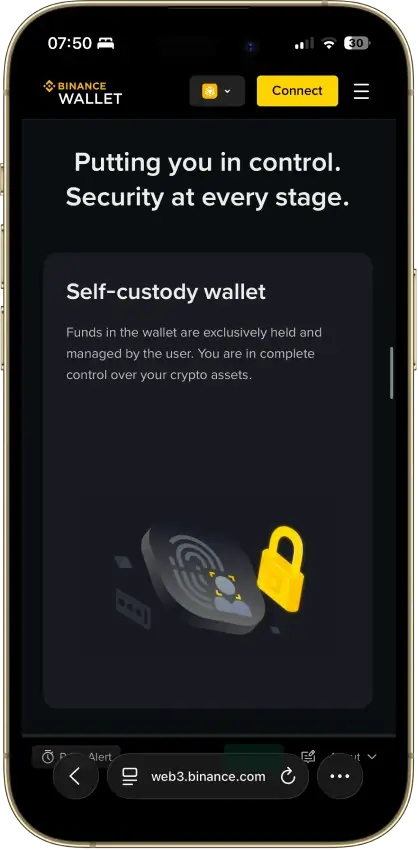
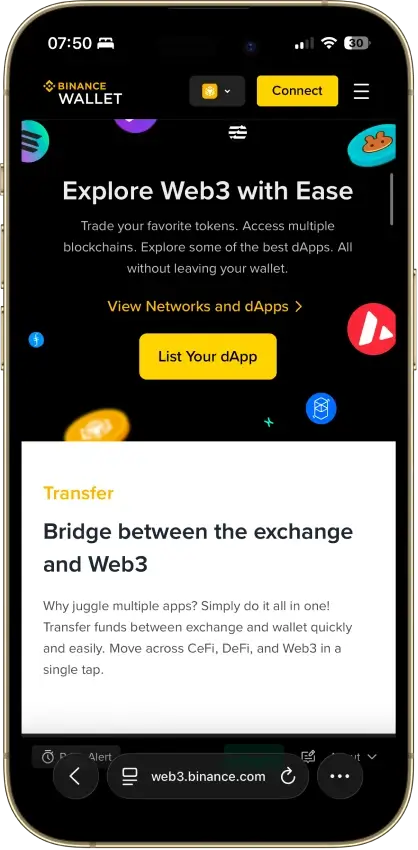
Binance Wallet
- Custody
- Non-custodialClosed-source
- Networks
- Platforms
Pros
- Existing-wallet imports in the extension
- Bitcoin controls in the mobile wallet
- Independent extension audit anyone can read
- Address-poisoning filters on sends
- Binance deposit-address option in Send
Cons
- Conversion removes keyless recovery
- Audit excludes backend verification
- No documented hardware pairing
- Ordinals are treated as plain BTC
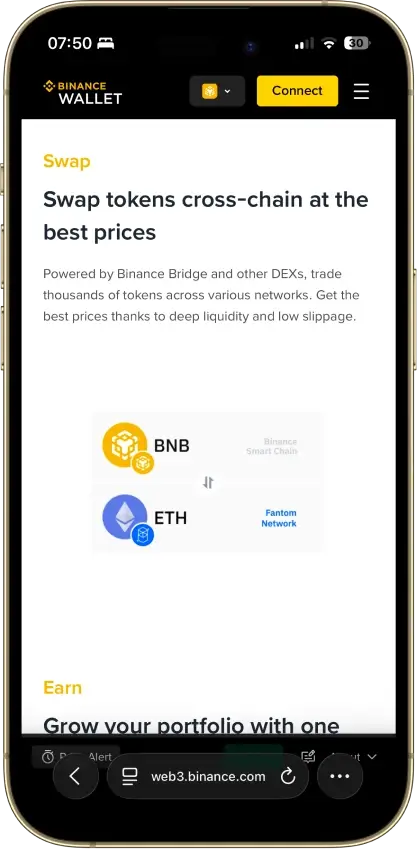
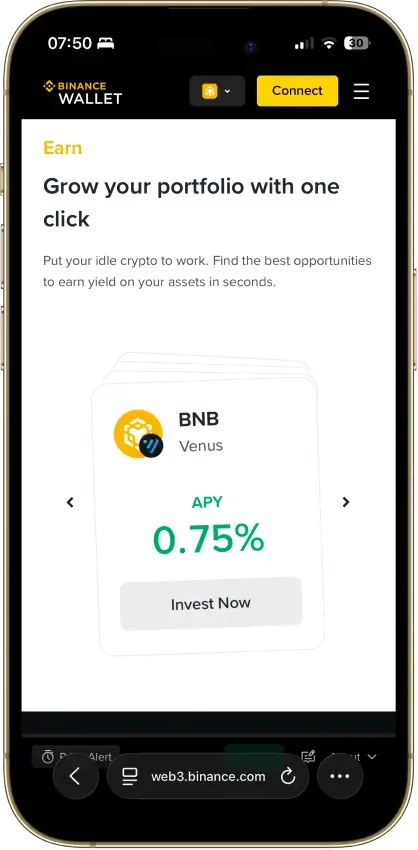
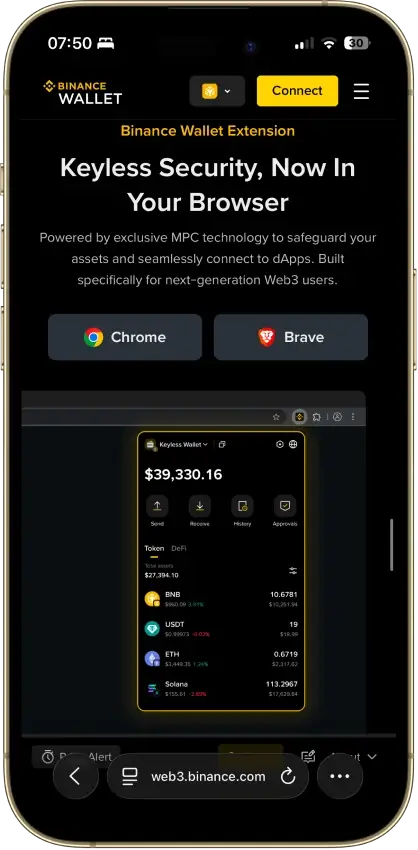
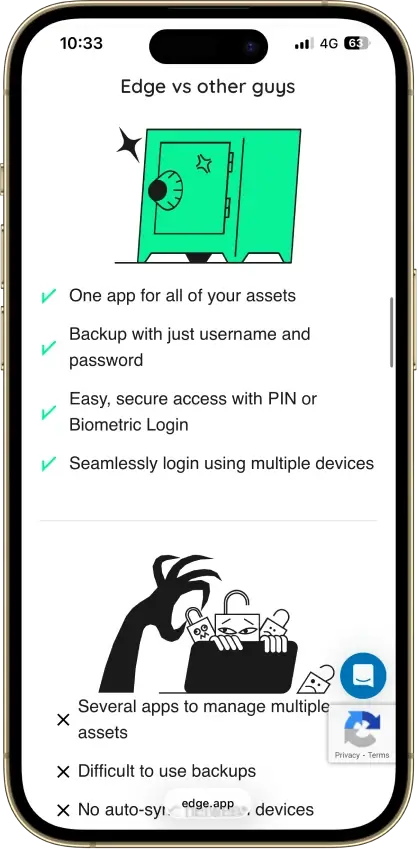
Edge Wallet
- Custody
- Non-custodialPartially open-source
- Networks
- Platforms
Pros
- Public, auditable code (BSD-3-Clause app)
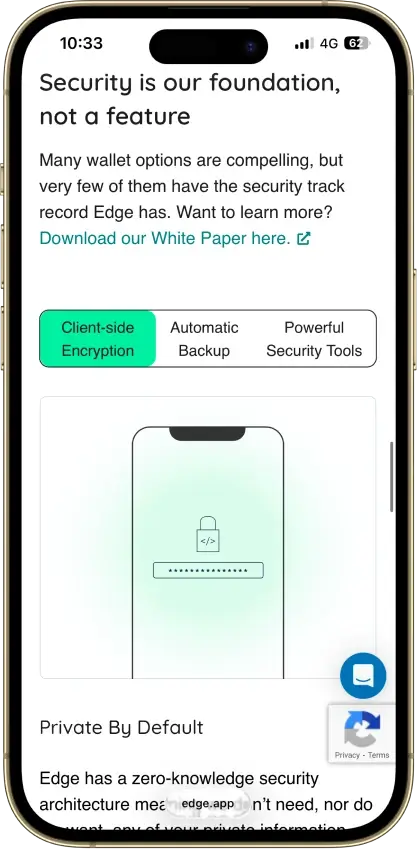
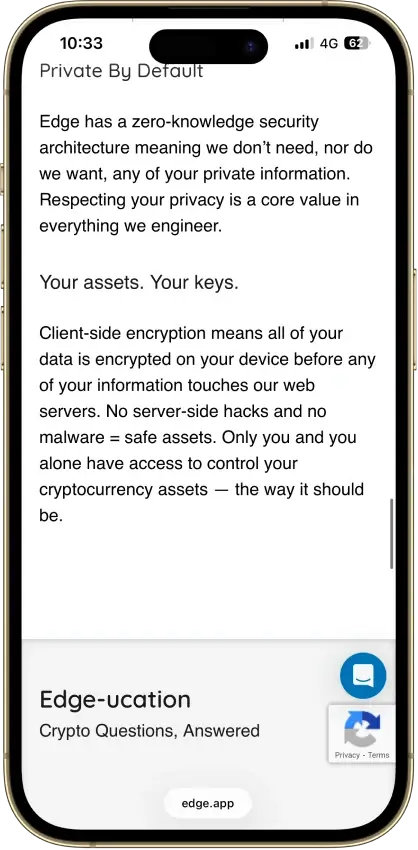
- Non-custodial, zero-knowledge encryption
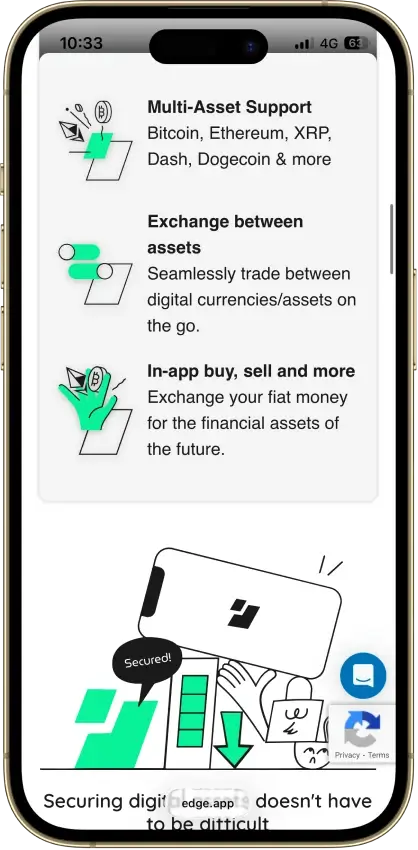
- 120+ assets plus major token standards
- Swaps shop quotes across several providers
- Apple lists compatible Apple Silicon Macs
Cons
- Weak passwords increase credential-guessing risk
- Encrypted key blobs sit on Edge servers
- 2023 bug exposed about 600 private keys
- No audit report in the reviewed sources
- No dedicated desktop app or browser extension
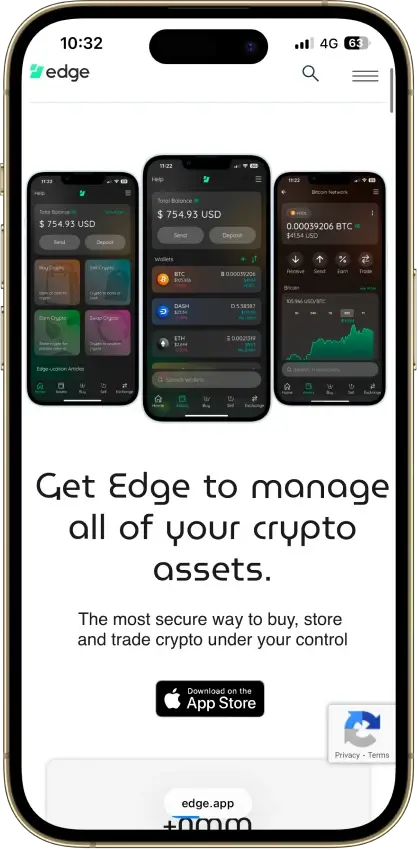
MoonPay
- Custody
- Non-custodialClosed-source
- Networks
- Platforms
Pros
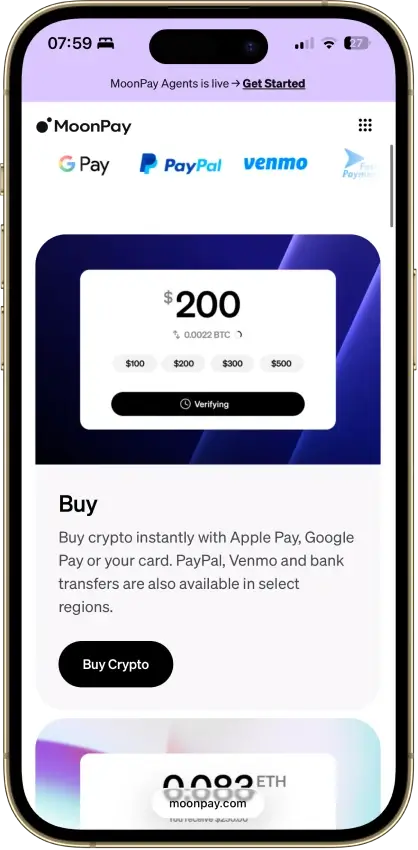
- Buying and wallet management in one app
- App Lock with biometrics or device PIN
- Supports Bitcoin, Solana, TRON and EVM networks
- PayPal, Apple Pay, card and bank options
- Trade can route across blockchains
Cons
- Fees up to 4.5% on US purchases
- Up to $3.99 minimum fee on small orders
- Pots closed to new staking in April 2026
- Wallet app code is not public
Exodus
- Custody
- Non-custodialPartially open-source
- Networks
- Platforms
Pros
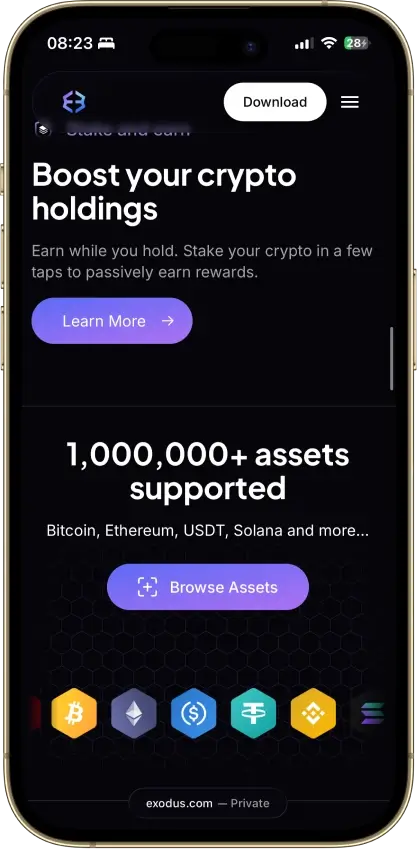
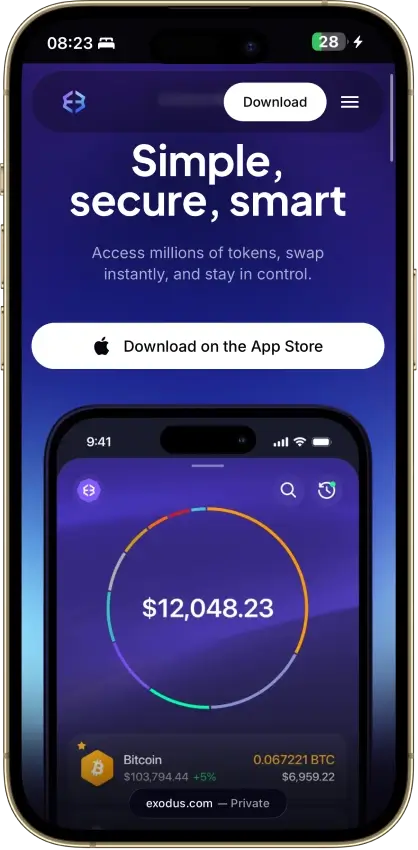
- Desktop app for Windows, macOS and Linux
- Desktop and mobile sync to one wallet
- Custom tokens on supported networks
- Human support alongside the chatbot
- Recovery phrase backup still available
Cons
- Complete wallet is not open source
- WalletConnect removed from the mobile app
- Ledger portfolios work on mobile only
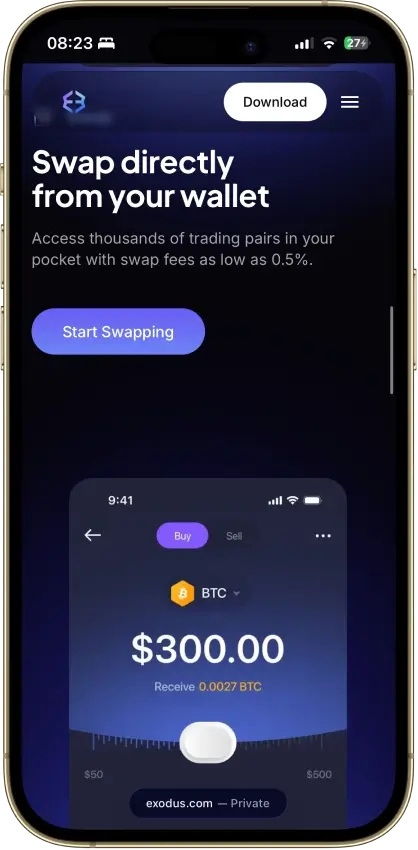
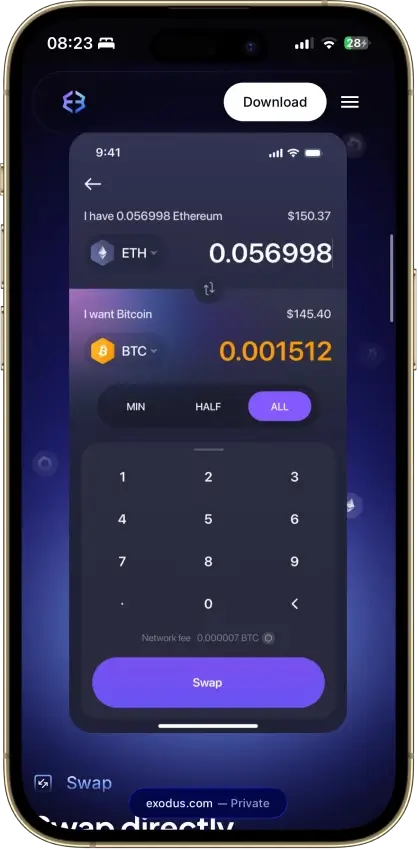
- Swap spread varies with the quote
- $3.1M OFAC sanctions settlement in 2025
Nexo
- Custody
- CustodialClosed-source
- Networks
- Platforms
Pros
- Ten major networks for deposits and withdrawals
- Address whitelisting and anti-phishing code
- Recover access without a seed phrase
- SOC 2 Type 2 audits three years running
- Nexo Pro trading inside the same account
Cons
- No seed phrase or key export
- No WalletConnect or browser extension
- Swap spread is built into the quote
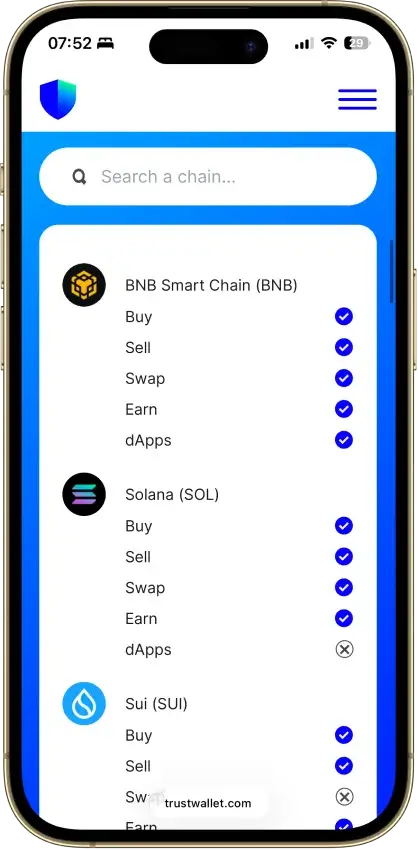
Trust Wallet
- Custody
- Non-custodialPartially open-source
- Networks
- Platforms
Pros
- Transaction previews on supported networks
- Optional encrypted cloud backup
- Ledger signing through the extension
- Staking for ETH, SOL, BNB and TRX
- No email account needed for a classic wallet
Cons
- December 2025 extension hack hit about $8.5M
- 2024 mobile build review found incomplete source
- Dropped several networks in September 2026
- SWIFT covers only a handful of EVM chains
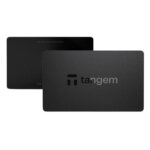
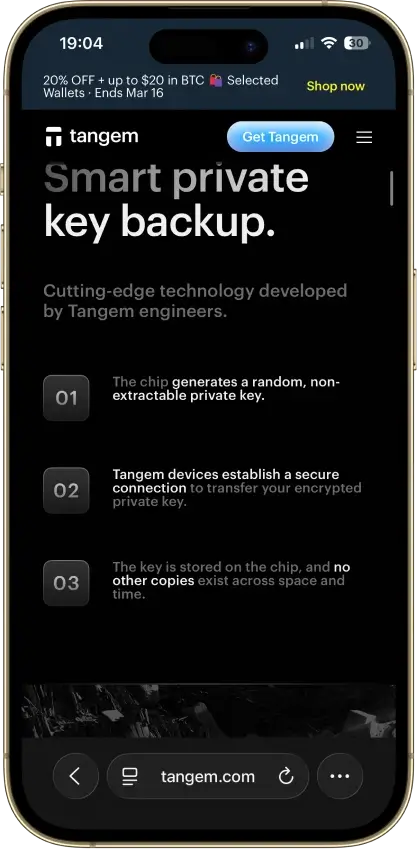
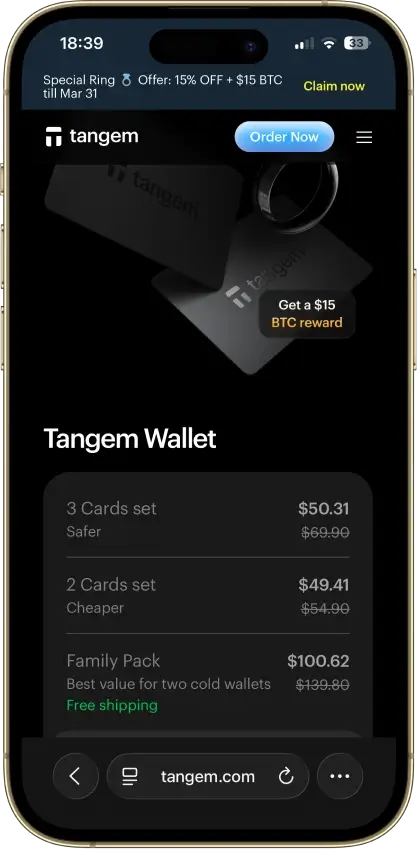
Tangem
- Custody
- Non-custodialClosed-source
- Networks
- Platforms
Pros
- Native BTC, ETH, SOL and XRP support
- No battery, the phone powers signing
- App source code is publicly inspectable
- Independent SDK audit with a public summary
- WalletConnect on Solana and listed EVM chains
Cons
- No on-card transaction display
- Card firmware cannot be updated
- Proprietary app licenses limit reuse
- Some Solana NFTs can't be sent from it
The big pattern across the top picks is that they split cleanly by how you use USDT. If you move Tether often, the best options are the ones that make TRC20 vs ERC20 impossible to miss and keep sending friction low — that’s why Trust Wallet and SafePal show up so often for TRC20-heavy use. If USDT is mainly being used inside Ethereum/EVM apps, MetaMask is usually the more natural fit because it’s built around ERC20 workflows like approvals and signing. Exodus is strongest when you want USDT on both mobile and desktop, but TRON/TRC20 is supported on Exodus Mobile and Desktop. Its Web3 browser extension retired on October 1, 2026. Ledger sits in a different bucket altogether: it’s not about convenience, it’s about keeping a larger USDT balance safer when you don’t need to move it daily.
How We Rank
- Custody and key security 30% weightWhat we assess
Who can authorize spending, protection of keys and signing, and independent access to every reviewed account type.
What earns 10/10 Users control spending and have complete independent access for every reviewed account type. Signing and authorization are isolated from the connected app, with key and recovery dependencies explained. - Security validation and track record 25% weightWhat we assess
Independent security assessments, their coverage and findings, plus updates and the handling of known incidents.
What earns 10/10 Independent assessments cover the current design and material changes. Material findings are resolved, and sustained maintenance records show no unresolved material incident consequences. - Transaction safety and signing 20% weightWhat we assess
Transaction details, signing warnings, scam checks, permission controls and the handling of unreadable requests.
What earns 10/10 Transfers and supported signing requests show readable details before consent. Risk warnings and integrated permission revocation cover relevant tasks, with unclear requests identified and easy to reject. - Backup and recovery 10% weightWhat we assess
Repeatable backup checks, complete restoration, recovery dependencies, costs and resilience after backup loss.
What earns 10/10 Repeatable checks verify complete backups without resetting the wallet. Recovery survives loss of a backup or dependency, with clear costs and no third party able to spend alone. - Usability, privacy and costs 10% weightWhat we assess
Setup and everyday tasks, accessibility, support guides, data-sharing choices and device, service and transaction costs.
What earns 10/10 Clear workflows, accessible controls and useful support guides make routine tasks straightforward. Nonessential data sharing is optional, and mandatory costs are transparent and reasonable. - Assets, networks and compatibility 5% weightWhat we assess
Asset and network support, devices, companion apps and connections needed for the uses covered in the review.
What earns 10/10 Official compatibility lists and setup guides cover the reviewed assets, networks, devices and connections. Required transfer routes are documented and available, with no known blocker.
We ranked wallets based on what actually matters for USDT: correct network support (TRC20 vs ERC20 and other routes), recovery quality, and day-to-day transfer safety. We also factored in custody model (self-custody vs custodial), platform coverage, and whether the wallet makes fees and gas requirements obvious before sending. The goal is not to crown a “perfect” wallet, but to help you pick the best USDT wallet for the way you move or store Tether.
What Is A USDT Wallet?
A USDT wallet is a crypto wallet for Tether (sometimes searched as “wallet tether”) that lets you hold, receive, send, and sometimes swap USDT. In practice, the wallet does not store the coins themselves. It gives you access to your USDT through private keys, recovery credentials, and wallet addresses tied to the blockchain network you are using.
That network detail matters more than many beginners expect. USDT exists on more than one blockchain, including Ethereum and TRON, so the best wallet for USDT is not just the one with the nicest app. It also needs to support the exact version of Tether you plan to use, whether that is ERC20 USDT, TRC20 USDT, or another supported route.
USDT Networks Explained — TRC20, ERC20, And More
When people search for a Tether wallet, they are often really trying to solve a network question. USDT is available on multiple blockchains, and the version you choose affects fees, speed, wallet compatibility, and the exact address format you will use. The two most common versions for everyday use are TRC20 on TRON and ERC20 on Ethereum, but Tether’s supported-protocol list also includes Solana, Ton, Aptos, Tezos, Polkadot AssetHub, and Liquid, plus ERC20 deployments on Avalanche, Cosmos (via Kava), Celo, and Kaia.
If you’re searching for a USDT Tron wallet (or “tron usdt wallet”), you’re looking for TRC20 USDT — a wallet that supports TRON addresses and lets you pay fees in TRX.
The key rule is simple: always match the sending network, receiving wallet, and destination platform. A wallet may show “USDT,” but that does not mean every USDT route is interchangeable. Some wallets and exchanges also display USDT on additional token routes, so it is worth checking both the wallet’s asset details and Tether’s current supported-protocol list before moving funds.
| Network | Token standard | Gas token needed | Typical fee profile | Speed | Address format | Best use case | Example wallets |
|---|---|---|---|---|---|---|---|
| Ethereum | ERC20 USDT | ETH | Usually the most expensive of the common USDT routes, especially when Ethereum is busy | Usually slower and more variable than TRON for simple transfers | Starts with 0x | DeFi use, DEX access, and broad Ethereum ecosystem compatibility | MetaMask, Trust Wallet, Exodus, Ledger |
| TRON | TRC20 USDT | TRX | Usually much cheaper than ERC20 for standard sends | Usually faster and more predictable for simple wallet-to-wallet transfers | Usually starts with T | Low-cost USDT transfers, exchange deposits, and frequent sends | Trust Wallet, SafePal, Exodus (Mobile/Desktop) |
| Solana | SPL USDT | SOL | Usually low, though fees still depend on the wallet and service used | Generally fast for simple transfers | Base58 Solana address, not 0x or T | Users already active in the Solana ecosystem who want an officially supported Tether route | Exodus and other Solana-compatible wallets |
| TON | Jetton USDT | TON | Usually low, but you still need TON for fees | Generally fast | TON wallet format, not EVM or TRON style | Users operating inside the TON ecosystem | TON-compatible wallets |
| Avalanche | ERC20-compatible USDT on Avalanche C-Chain | AVAX | Usually lower than Ethereum mainnet, but not identical to TRON | Generally quick once submitted | Starts with 0x | Users who want an officially supported EVM-compatible route with lower costs than Ethereum mainnet | MetaMask, Trust Wallet, SafePal |
| Other officially supported Tether routes | Aptos, Celo, Kaia, Tezos, Polkadot AssetHub, Cosmos via Kava, Liquid | Varies by chain | Varies by chain | Varies by chain | Address format depends on the network | Useful when a platform or wallet specifically supports that Tether route | Network-specific wallets and some multichain wallets |
For most people, the real choice comes down to TRC20 versus ERC20. TRC20 USDT is usually better when the goal is cheap, straightforward transfers, while ERC20 USDT makes more sense when you need Ethereum-based apps, DeFi access, or broader EVM compatibility. The main mistake to avoid is assuming that the word “USDT” is enough on its own. It is the network underneath it that determines whether the transfer arrives correctly.
Note: Tether’s current supported protocols page lists ERC20 issuance via Ethereum, Avalanche, Cosmos via Kava, Celo, and Kaia; TRC20 via Tron; plus Liquid, Solana, Polkadot AssetHub, Tezos, TON, and Aptos.
The same Tether page says Kusama, Bitcoin Cash SLP, Omni Layer, EOS, and Algorand are legacy references only and are no longer issued or redeemable by Tether.
Hot Wallet Vs Cold Wallet For Tether
With USDT, “hot vs cold” is mainly about how often you move funds and which network you use.
If you send USDT frequently (payments, exchange transfers, moving funds between wallets), a hot self-custody wallet is usually the most practical option. It’s faster for switching between TRC20 USDT and ERC20 USDT, approving transactions, and sending without extra hardware steps. Examples: Trust Wallet and Exodus for day-to-day USDT management, and SafePal if TRC20 is your default route.
If USDT is mostly being held and you only make occasional transfers, a cold wallet (hardware wallet) is the safer default for a larger balance. You trade speed for security: sending takes more steps, but your signing keys stay offline. Hardware setups are usually most straightforward for ERC20 USDT. Examples: Ledger and Trezor for ERC20 USDT held on Ethereum.
Custody matters too:
- Self-custody: you control the wallet and choose the USDT network route. Examples: Trust Wallet (TRC20/ERC20), MetaMask (ERC20).
- Custodial (exchange/app balance): the platform controls withdrawals and decides which USDT networks you can deposit/withdraw. Examples: Binance and OKX.
| If you use USDT like this | Best setup | Why it fits | What to watch for |
|---|---|---|---|
| Frequent low-cost transfers (TRC20) | Hot self-custody wallet (e.g., Trust Wallet, SafePal) | Fast sends and typically lower transfer costs on TRON | You still need TRX for fees, and you must select TRC20 every time |
| DeFi or EVM apps (ERC20) | Hot EVM wallet (e.g., MetaMask, Trust Wallet on Ethereum) | Best compatibility with Ethereum/EVM apps and token approvals | You need ETH for gas; fees can spike on mainnet |
| Holding a larger USDT balance, rarely moving it | Cold wallet (e.g., Ledger, Trezor) | Better protection for an idle balance | Transfers take longer; confirm your intended USDT network route in advance |
| Keeping USDT on an exchange and withdrawing occasionally | Custodial (e.g., Binance, OKX) | Simple UX and no key management | Withdrawals are limited to the platform’s supported networks and rules |
How To Choose The Best USDT Wallet
Most USDT wallet mistakes come from picking the wrong network or not having the right gas token to move funds. Use the table below to choose faster.
| What to check | Why it matters for USDT | What “good” looks like | Examples |
|---|---|---|---|
| USDT network support | USDT is not interchangeable across chains. TRC20 and ERC20 use different networks and addresses. | The wallet clearly labels TRC20 USDT and ERC20 USDT as separate routes and makes network selection obvious. | Trust Wallet, Exodus (multichain); MetaMask (ERC20/EVM) |
| Gas token requirement | You can’t send USDT without gas (TRX on TRON, ETH on Ethereum). | The wallet warns you when you don’t have enough TRX/ETH and shows fee estimates before sending. | TRC20: Trust Wallet, SafePal; ERC20: MetaMask |
| Recovery quality | If you lose the recovery phrase / method, the USDT is gone in self-custody. | Clear backup flow, a second “confirm your phrase” step, and strong lock options (PIN/biometrics). | Exodus, Trust Wallet |
| Transaction clarity | You need to verify the network, address, and status quickly (especially for exchange deposits). | “Receive” screen shows the network next to the address and links to the right explorer for tracking. | Trust Wallet, Exodus |
| Security + approvals | ERC20 USDT often interacts with dApps; approvals can be a common risk. | Easy-to-find approvals/permissions view and clear signing prompts. | MetaMask (EVM), Trust Wallet |
| Platform fit | USDT usage differs by device: mobile transfers vs desktop tracking vs DeFi in a browser. | The wallet matches how you use USDT: mobile-first for frequent sends, extension for DeFi, desktop for management. | Mobile/desktop: Exodus; DeFi: MetaMask; mobile: Trust Wallet |
| Hardware option (if holding more) | For a larger USDT balance that sits still, hardware reduces exposure. | Hardware support is straightforward for your intended USDT route (most commonly ERC20). | Ledger (ERC20); Trezor (ERC20) |
Once you’ve picked the network route you’ll actually use (TRC20 vs ERC20) and the custody model you’re comfortable with, it’s easier to choose the right wallet app for your devices.
Best USDT Wallet Apps For Mobile And Desktop
If you’re choosing a USDT wallet app (a Tether wallet app), pick based on how you actually use Tether: quick TRC20 sends, ERC20 + DeFi, or holding USDT across devices. The options below cover the most common setups on mobile, desktop, and browser.
| What you want | Best pick | Works on | Best USDT routes | Why it’s a strong fit | Main trade-off |
|---|---|---|---|---|---|
| Best all-around USDT wallet app (mobile + desktop) | Exodus | iOS, Android, Windows, macOS, Linux | TRC20 + ERC20 (plus other supported routes) | One of the simplest ways to manage USDT across devices without juggling multiple wallets. Useful if you switch between phone and computer. | DeFi tooling is not as deep as a DeFi-first wallet. |
| Best mobile-first USDT wallet app | Trust Wallet | iOS, Android | TRC20 + ERC20 | Fast for everyday USDT use (receive/send) and keeps network selection close to the send/receive flow. | Not a desktop app; you’re mostly mobile + extension. |
| Best USDT Android wallet (simple + flexible) | Trust Wallet | Android | TRC20 + ERC20 | Strong default if you specifically want a USDT Android wallet and don’t need a desktop app. | You still need gas tokens (TRX/ETH) and correct network selection. |
| Best desktop-compatible wallet for USDT (including Mac) | Exodus | Windows, macOS, Linux | TRC20 + ERC20 (plus supported routes) | If you want a Tether wallet on Mac, Exodus is one of the most straightforward desktop choices and pairs well with mobile use. | Desktop wallets are less convenient for quick “on the go” transfers. |
| Best wallet if you want app + extension for DeFi (ERC20/EVM) | MetaMask | Browser extension + iOS/Android app | ERC20 USDT (and other EVM routes) | Best fit when USDT is used inside Ethereum/EVM apps (approvals, swaps, dApps). | Not the best choice if TRC20 is your main route. |
| Best wallet if TRC20 is your default and you still want an extension | SafePal | iOS/Android app + browser extension | TRC20 USDT (plus ERC20; BSC/BEP20 where supported) | Strong when you send USDT often and want TRC20 inside a multichain wallet, with an extension option for browser use. | Interface can feel “busy” compared to beginner-first apps. |
If you only need one quick rule: TRC20-heavy usage usually fits Trust Wallet or SafePal best, while ERC20 + DeFi usually fits MetaMask best. If you want one app that works across mobile and desktop (including Mac), Exodus is the cleanest starting point.
How To Create A USDT Wallet
Creating a USDT wallet is easy. The important part is choosing the right network (TRC20 vs ERC20) and setting up recovery properly.
- Decide which USDT network you need
- TRC20 (TRON): typically cheaper for simple transfers.
- ERC20 (Ethereum): common for DeFi and Ethereum/EVM apps.
- If you’re depositing to an exchange, check which USDT deposit network it supports before you pick.
- Download the wallet from the official source
- For your USDT wallet app download, use the official website or official app store listing.
- Avoid “sponsored” downloads and lookalike apps.
- Create a new wallet (or import an existing one)
- New wallet = new addresses.
- Import only if you already have a seed phrase and know what you’re doing.
- Back up recovery immediately
- Write down the recovery phrase (or whatever recovery method the wallet uses) and store it offline.
- Never paste it into a website, DM, or “support” chat.
- Lock the wallet down
- Enable PIN/biometrics.
- Turn on any built-in warnings (phishing, risky approvals) if available.
- Add USDT on the correct network
- In the wallet, select USDT and make sure the network is correct (TRC20 vs ERC20).
- If USDT doesn’t appear, use the wallet’s “add token” / “manage tokens” option and select the correct network version.
- Test with a small transfer first
- Copy the receive address from the wallet (with the network shown next to it).
- Send a small amount, then confirm on the correct explorer for that network.
- Only then send the full amount.
TRC20 USDT setup note:
- You’ll need a small amount of TRX in the same wallet to pay TRON network fees when sending.
- TRON receive addresses typically start with T.
- When withdrawing from an exchange, choose USDT (TRC20) explicitly. Sending TRC20 USDT to an ERC20 address (or vice versa) is the most common way people lose funds.
USDT Wallet Address Guide
A USDT wallet address is the public address you share to receive Tether on a specific network. The important part is the last three words: on a specific network. TRC20 USDT uses a TRON address, ERC20 USDT uses an Ethereum address, and those are not interchangeable.
Two common mistakes:
- Copying the right address on the wrong network. The address can look valid, but the funds won’t land where you expect.
- Confusing a USDT contract address with your wallet address. A contract address identifies the USDT token on a chain. Your wallet address is where the funds are sent.
How to find your USDT wallet address (fast):
- Open the wallet and tap Receive.
- Select USDT.
- Choose the network (for example, TRC20 or ERC20) before copying anything.
- Copy the address (or scan the QR code).
If your wallet shows multiple USDT entries, that’s normal. Many apps list USDT (TRC20), USDT (ERC20), and other routes separately, because each one has its own address format and explorer.
| Network | Typical address appearance | Where you’ll find it in most wallets | Explorer to verify |
|---|---|---|---|
| Ethereum (ERC20 USDT) | Starts with 0x… | Receive → USDT → Ethereum / ERC20 | Etherscan |
| TRON (TRC20 USDT) | Often starts with T… | Receive → USDT → TRON / TRC20 | Tronscan |
| Avalanche C-Chain (USDT) | Starts with 0x… | Receive → USDT → Avalanche C-Chain | Snowtrace (or Avascan) |
| Solana (SPL USDT) | Solana base58 address (not 0x or T) | Receive → USDT → Solana | Solscan |
| TON (Jetton USDT) | Often starts with EQ… / UQ… | Receive → USDT → TON | Tonviewer |
USDT Wallet Lookup And Tracker Tools
For a quick USDT wallet lookup (or a simple USDT wallet tracker), paste the address into the explorer for the network you’re using. This shows the real on-chain balance and transaction history, even if a wallet app isn’t displaying USDT correctly.
- ERC20 USDT: Etherscan
- TRC20 USDT: Tronscan
- Avalanche C-Chain USDT: Snowtrace (or Avascan)
- Solana USDT: Solscan
Quick sanity check before anyone sends you USDT:
- The sender’s network selection matches your receive network (TRC20 ↔ TRC20, ERC20 ↔ ERC20).
- You’re using the correct chain explorer for that network.
- If you plan to send USDT out later, keep a small amount of the gas token on that chain (for example, TRX for TRC20, ETH for ERC20).
How To Transfer USDT To Another Wallet
If you’re wondering how to transfer USDT to another wallet, the steps are straightforward. The one thing you cannot get wrong is the network. USDT (TRC20) and USDT (ERC20) are different routes, with different addresses and different fee tokens.
- Confirm the receiving wallet supports the same USDT network
- Ask: “Am I sending USDT (TRC20) on TRON, USDT (ERC20) on Ethereum, or something else?”
- Make sure the receiving wallet (or exchange deposit screen) explicitly supports that same network.
- Copy the receiving address from the correct network screen
- In the receiving wallet: Receive → USDT → select network (TRC20/ERC20) → copy address.
- Don’t type addresses manually. Copy/paste or use QR.
- Make sure you have the right gas token for fees
- TRON transactions use bandwidth and energy. If your account does not have enough resources, TRX is used instead.
- ERC20 USDT requires ETH for gas.
- If you don’t have gas, the send will fail or you won’t be able to broadcast it.
- Send a small test transfer first
- This is the fastest way to catch a wrong-network mistake before it becomes expensive.
- Confirm the transaction status in your wallet
- Look for a TXID/transaction hash.
- If you’re sending to an exchange, wait for their required confirmations.
- Track it on the right block explorer
- ERC20 (Ethereum): Etherscan
- TRC20 (TRON): Tronscan
- Solana USDT: Solscan
- Avalanche C-Chain USDT: Snowtrace (or Avascan)
Troubleshooting
Most USDT transfer issues come down to one of three things: the wrong network, not enough gas token, or the wallet showing the wrong USDT route. Before doing anything else, open the transaction hash on the explorer for the network you used (Tronscan for TRC20, Etherscan for ERC20). If the explorer shows the transfer completed to the right address, the problem is usually display/network selection. If you sent to an exchange on the wrong network, the explorer is also the fastest way to gather the details support will ask for.
- Wrong network: If you control the destination address, switch to that network in your wallet and enable the matching USDT route. If the destination is an exchange deposit, contact support with the TXID.
- Balance not showing: Verify the balance in the explorer, then make sure you’re viewing the correct USDT route in the wallet (TRC20 vs ERC20) and enable the token if needed.
- Can’t send (fee error): You’re missing gas for that network (TRX for TRC20, ETH for ERC20). Top up a small amount and retry.
- Pending / slow: ERC20 can lag during high gas periods—keep tracking on Etherscan. TRC20 delays are less common; verify status on Tronscan before re-sending.
Trust Wallet TRC20 USDT Fees
TRON transfers use bandwidth and energy, and TRX is used when the account does not have enough resources to cover the transaction. If you try to send TRC20 USDT and see an “insufficient TRX” or fee error, it usually means you don’t have enough TRX to cover the TRON network fee. When sending USDT on TRON, the sender pays the transaction cost in TRON resources. If the account does not have enough energy or bandwidth, TRX is used instead.
To avoid failed transfers:
- Keep a small TRX balance in the same TRON address you use for USDT (TRC20).
- Double-check you’re sending USDT (TRC20) before you copy the destination address.
- Review the fee preview before confirming, then track the TXID on Tronscan if the wallet UI looks delayed.
USDT Wallet Fees And Transfer Times By Network
USDT transfer costs and speed depend on the network you use. Network fees are usually paid in the blockchain’s native token or resource model rather than in USDT itself.
| Network | Gas token needed | Typical fee profile | Typical confirmation speed | Best suited for |
|---|---|---|---|---|
| TRON (TRC20 USDT) | TRX | Usually low for standard sends | Usually fast for simple transfers | Frequent USDT transfers and exchange withdrawals where TRC20 is supported |
| Ethereum (ERC20 USDT) | ETH | Often the most expensive of the common routes; fees can spike when gas is high | More variable than TRON; depends on gas conditions | DeFi usage, EVM apps, and broad ecosystem compatibility |
| Avalanche C-Chain (USDT) | AVAX | Usually lower than Ethereum mainnet, but not “free” | Usually quick once submitted | EVM-style apps with lower typical costs than Ethereum mainnet |
| Solana (SPL USDT) | SOL | Usually low | Generally fast | Solana ecosystem activity and platforms that support USDT on Solana |
| TON (Jetton USDT) | TON | Usually low | Generally fast | TON ecosystem activity and platforms that support USDT on TON |
| Other supported routes | Varies | Varies by chain | Varies by chain | Only when the sending platform and receiving wallet both support the same USDT route |
TRC20 USDT is popular because it is usually the lowest-friction way to move Tether for everyday transfers: fees are typically lower, and many platforms support TRON withdrawals for USDT. ERC20 USDT still matters because it is the default route for Ethereum and EVM DeFi, where USDT needs to interact with dApps, approvals, and liquidity on Ethereum-based networks. The trade-off is cost — ERC20 transfers can become expensive during busy periods. If a platform supports USDT on other networks like Solana, Avalanche, or TON, those routes can be a solid middle ground, but the rule stays the same: the deposit network and the send network must match exactly.
Common USDT Wallet Mistakes And How To Avoid Them
Most USDT wallet problems come from one preventable issue: treating “USDT” as if it is the same thing everywhere. In reality, USDT (TRC20), USDT (ERC20), and other USDT routes are different networks with different addresses, different fee tokens, and different explorers.
| Mistake | What goes wrong | How to avoid it |
|---|---|---|
| Sending on the wrong network | The transfer is broadcast on TRON when the destination expects Ethereum (or the reverse), so the deposit does not credit where you expect. | Match the network on both sides every time: USDT (TRC20) to TRC20, USDT (ERC20) to ERC20. If you are sending to an exchange, use the exchange’s deposit page to confirm the network. Send a small test amount first. |
| Downloading a fake USDT wallet app | Lookalike apps and phishing clones steal your recovery phrase or trick you into signing a drain transaction. | Install only from the official app store listing or the wallet’s verified website. Never type your recovery phrase into a site, form, DM, or “support” chat. |
| Not backing up the wallet correctly | A lost phone or corrupted device becomes a total loss because the recovery phrase was never saved safely. | Write the recovery phrase down offline and store it somewhere secure. Do not screenshot it. Do not save it in email or cloud notes. Verify the backup once during setup. |
| Losing access to the recovery phrase | Self-custody has no reset. If the recovery phrase is lost, the wallet and USDT are effectively unrecoverable. | Treat the recovery phrase like the key to the funds. Keep it offline, keep it private, and keep it in a place you can access years later. Consider a second secure copy stored separately. |
| Ignoring approvals and suspicious links | ERC20 USDT use often involves approvals. A bad approval or signature can let a drainer move funds later. | Only connect wallets to sites you trust. Review what you are signing. Periodically check and revoke token allowances, especially if you use USDT with DeFi apps. |
| Sending large transfers without testing first | A single wrong-network send or wrong address can lock up a large amount of USDT. | Always send a small test transfer, confirm it arrived on the right network, then send the full amount. Keep enough gas token to move USDT (TRX for TRC20, ETH for ERC20). |
If USDT looks “missing,” do not guess. Check the transaction on the correct explorer for the network you used, then confirm the wallet is viewing the matching USDT route (TRC20 vs ERC20) before you take any recovery steps.
Who Each USDT Wallet Is Best For
If you’re down to a final choice, match the wallet to the way you use USDT (network + behavior). This quick map covers the most common scenarios.
| If you are… | Best pick | USDT routes to focus on | Why this is the best fit | Solid alternative |
|---|---|---|---|---|
| New to USDT and want something simple | Exodus | TRC20 or ERC20 (depending on where you send/receive) | Clean UX across mobile + desktop, easier to avoid basic send/receive mistakes | Trust Wallet |
| Sending USDT often and trying to keep costs low | SafePal | TRC20 USDT | Strong fit for TRON-based transfers and frequent sends | Trust Wallet |
| Using USDT mainly for DeFi on Ethereum/EVM | MetaMask | ERC20 USDT (and other EVM routes) | Best dApp compatibility and approval/signing workflow | Trust Wallet (EVM use) |
| Holding a larger USDT balance long-term | Ledger | Usually ERC20 USDT | Hardware wallet security is the safer default for an idle balance | Trezor |
| Want one wallet that covers most mainstream USDT use | Trust Wallet | TRC20 + ERC20 | Flexible self-custody option for everyday use across common USDT routes | Exodus |
| Moving USDT across multiple ecosystems and devices | Exodus | TRC20 + ERC20 + other supported routes | Good multi-device setup when you don’t want separate wallets per chain | Trust Wallet |
If TRC20 is the default route (exchange withdrawals, frequent transfers), start with Trust Wallet or SafePal. If ERC20 + DeFi is the priority, MetaMask is usually the better choice. If the balance is large and mostly sits still, Ledger is the safer answer.