Litecoin users do not all need the same kind of wallet. Some want a simple app for sending and receiving LTC, while others care more about long-term storage, self-custody, or deeper desktop control.
This guide compares the strongest options for storing and using LTC across mobile apps, hardware wallets, desktop wallets, and more advanced self-custody setups. The focus is on security, ease of use, Litecoin support, and recovery design so you can choose a wallet that fits the way you actually plan to use LTC.
These are the top picks for most users right now. The ranking balances security, ease of use, LTC support, platform coverage, and how well each wallet fits common Litecoin use cases.
Top Litecoin Wallets

- Custody
- Non-custodialPartially open-source
- Networks
- Platforms
- Tied for the cheapest hardware wallet we review
- Bitcoin-only firmware option
- FIDO2 authentication for compatible services
- Custody
- Non-custodialPartially open-source
- Networks
- Platforms
- Up to 100 apps, depending on size
- Wireless firmware updates from a phone
- Made by Ledger, a French company
- Custody
- Non-custodialFully open-source
- Networks
- Platforms
- Bitcoin Silent Payments with scan controls
- Mobile Litecoin MWEB private balances
- Cake Pay buys gift cards with crypto
- Custody
- Non-custodialClosed-source
- Networks
- Platforms
- Battery-free NFC card signing
- Separate cards managed in one app
- MoneyGram cash pickup via USDC on Stellar
- Custody
- Non-custodialFully open-source
- Networks
- Platforms
- Monero, Firo, Epic Cash and Wownero support
- Combined backup for multiple Stack wallets
- Opt-in Tor routing for each node
- Custody
- Non-custodialPartially open-source
- Networks
- Platforms
- Ledger and Trezor portfolios in one app
- Cloud backup unlocked only by a passkey
- Listed company with public financial filings
- Custody
- Non-custodialPartially open-source
- Networks
- Platforms
- SWIFT offers passkey-based wallet recovery
- Custom EVM network connections
- Premium loyalty tiers reward wallet activity
CryptoSlate may earn a commission when you visit partner sites through links on this page, at no extra cost to you. Our rankings and reviews remain editorially independent and based on our published methodology. Read disclosure
Disclaimer: CryptoSlate may receive a commission when you click links on our site and make a purchase or complete an action with a third party. This does not influence our editorial independence, reviews, or ratings, and we always aim to provide accurate, transparent information to our readers.The top spot will not suit everyone. Hardware wallets make more sense for long-term storage, while mobile-first options are often better for everyday use. Users who want simpler setup may lean toward Exodus, Nexus Wallet, or Zengo, while more advanced LTC users may prefer Cake Wallet or Litecoin Core.
Comparison Table
| Name | Custody | Blockchains | Hardward Support | Staking | Fiat On-ramp |
|---|---|---|---|---|---|
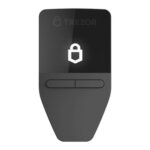 Trezor Safe 3 Trezor Safe 3 | Non-custodial | No | Limited | Yes | |
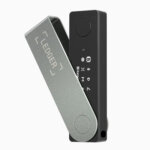 Ledger Nano X Ledger Nano X | Non-custodial | No | Limited | Yes | |
 Cake Wallet Cake Wallet | Non-custodial | Yes | None | Yes | |
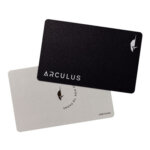 Arculus Wallet Arculus Wallet | Non-custodial | No | Limited | Yes | |
 Stack Wallet Stack Wallet | Non-custodial | No | None | Yes | |
 Exodus Exodus | Non-custodial | Yes | Full | Yes | |
 Trust Wallet Trust Wallet | Non-custodial | Yes | Full | Yes |
Taken together, the shortlist separates into wallets built for storage, wallets built for everyday use, and wallets built for users who want more control. Some wallets are better for long-term storage, some are easier for everyday use, and some are built for users who want more control.
Litecoin Wallets Reviews
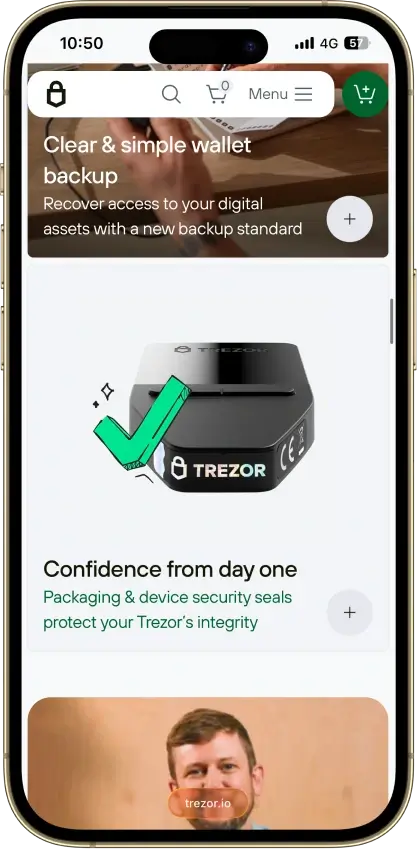
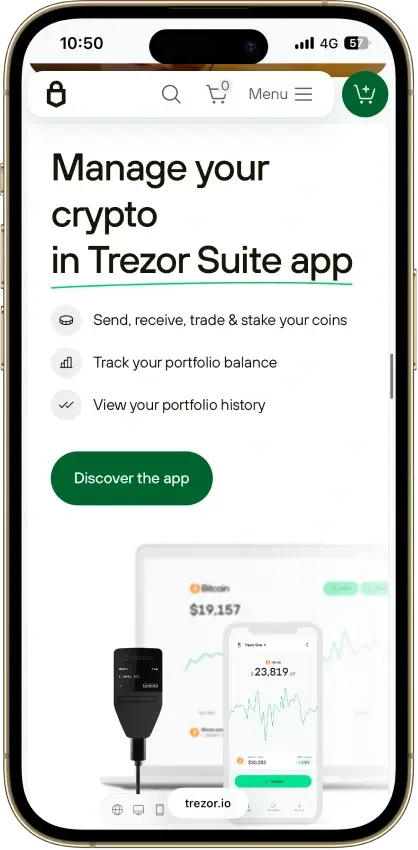
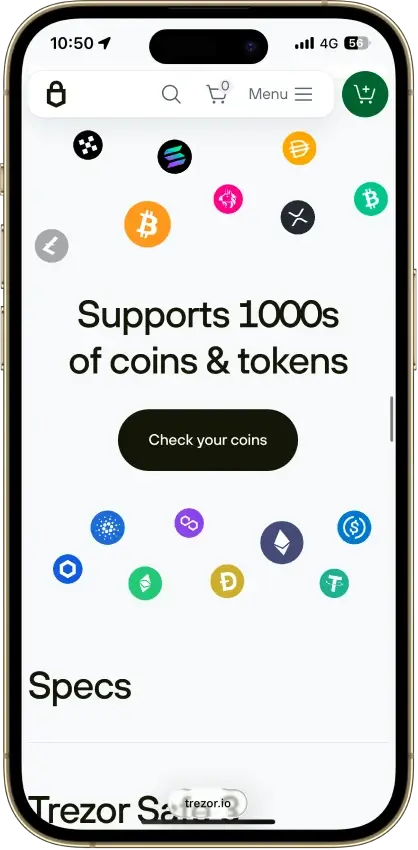
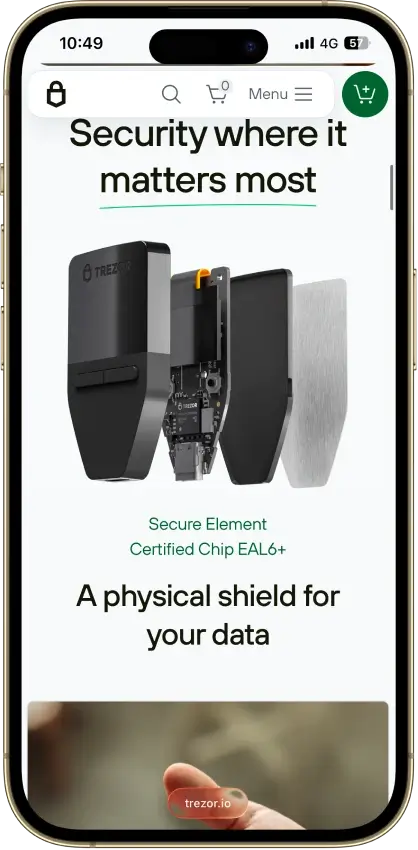
Trezor Safe 3
- Custody
- Non-custodialPartially open-source
- Networks
- Platforms
Pros
- USB power needs no battery maintenance
- Secure element guards the PIN
- Recovery words entered on the device
- SLIP39 supports distributed backup shares
- Core firmware can be inspected and rebuilt
Cons
- Cannot sign with an iPhone
- Small screen and repeated button navigation
- 2025 research bypassed its authenticity checks
- Secure element software is closed-source
- Shipping-data exposure raises phishing risk
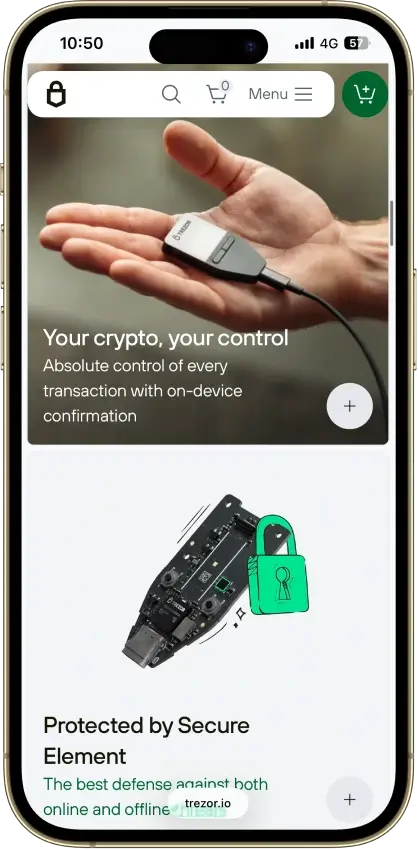
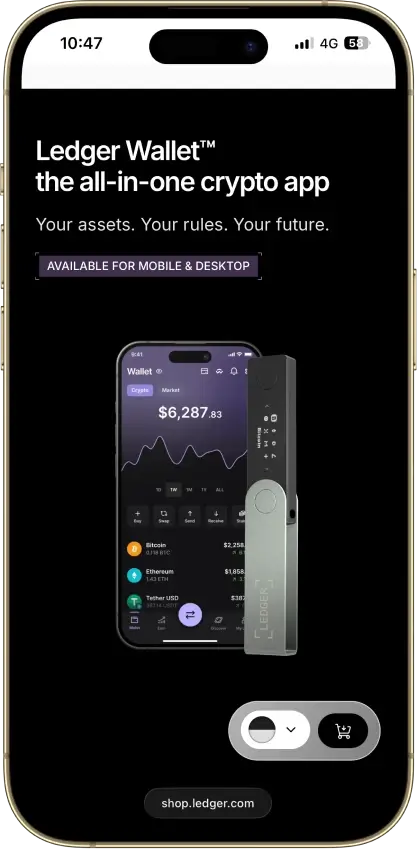
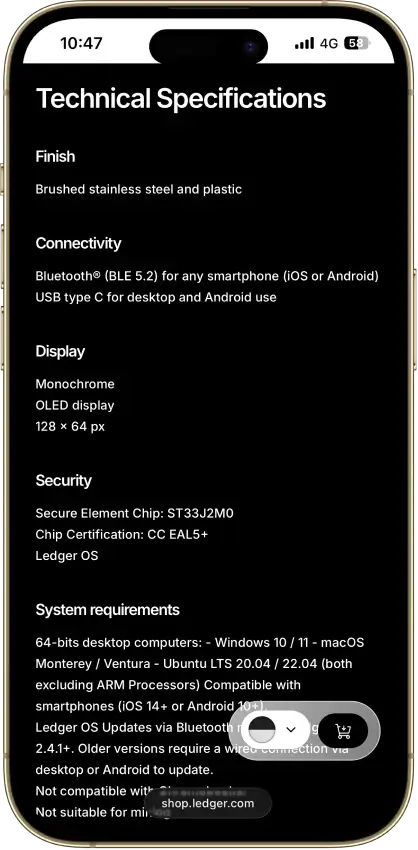
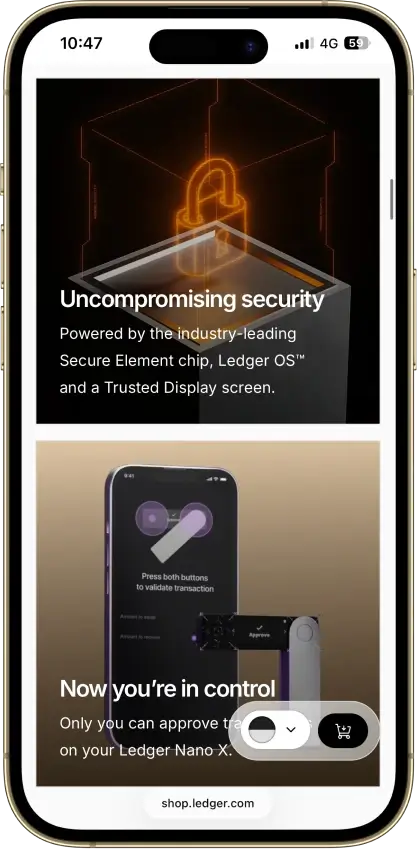
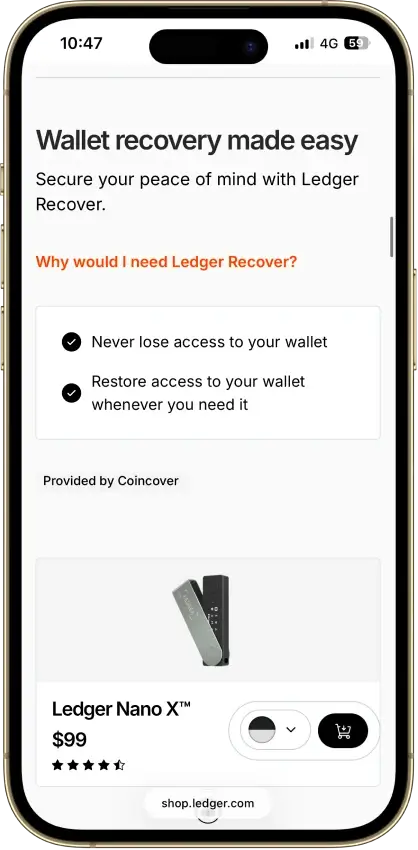
Ledger Nano X
- Custody
- Non-custodialPartially open-source
- Networks
- Platforms
Pros
- CC EAL5+ certified Secure Element
- Public companion and device-app code
- Optional passphrase accounts
- Bluetooth for phones, USB-C for desktops
- Encrypted Bluetooth with pairing codes
Cons
- Small display requires scrolling
- Low-level firmware remains closed
- Apps need their own security updates
- 2026 Monero app flaw could expose keys
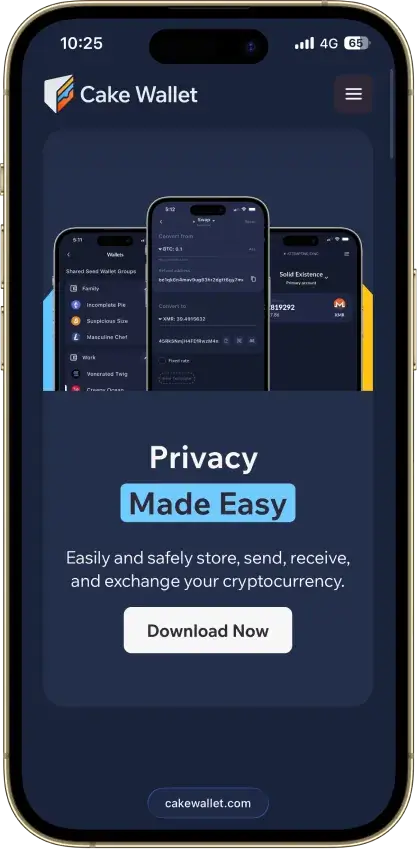
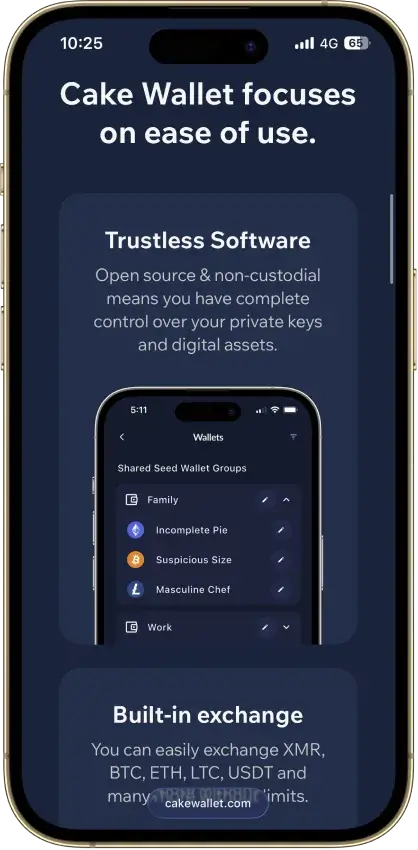
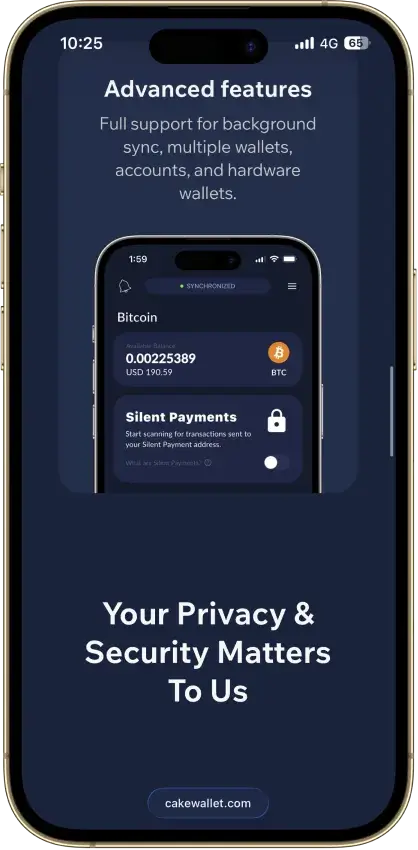
Cake Wallet
- Custody
- Non-custodialFully open-source
- Networks
- Platforms
Pros
- Monero accounts and subaddresses
- Encrypted whole-app backup export
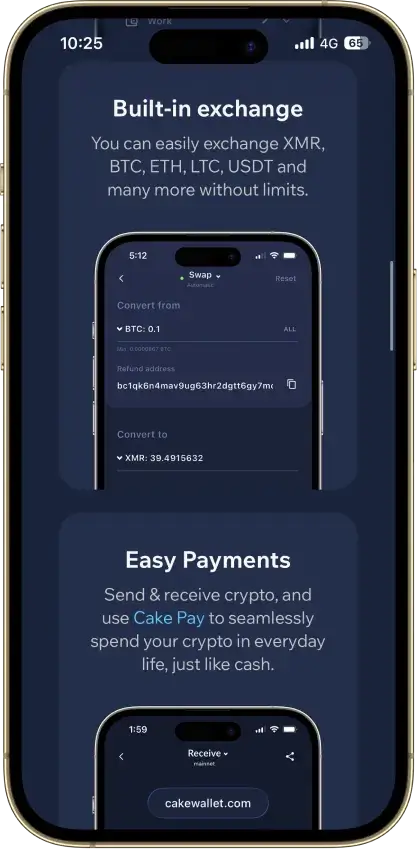
- Multiple swap providers to compare
- Publicly documented security fixes
- Custom nodes and restore-height control
Cons
- Windows builds are currently paused
- Past BTC seed flaw needs manual migration
- Tor routing is still labeled experimental
- Lightning sits in a separate Spark balance
- Ethereum NFTs display but can't be sent
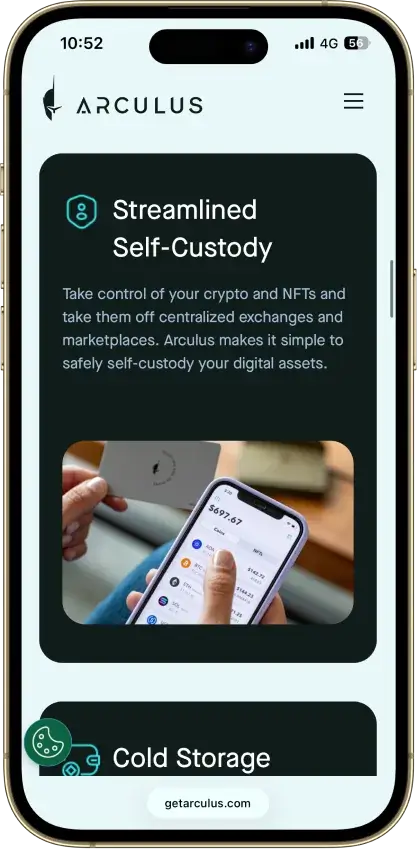
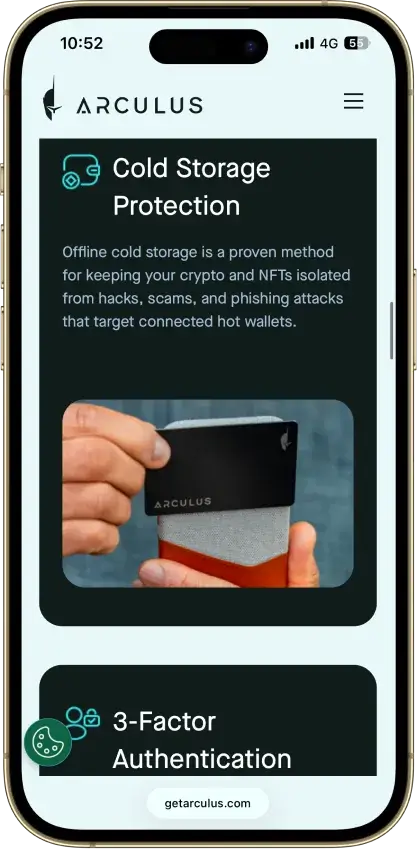
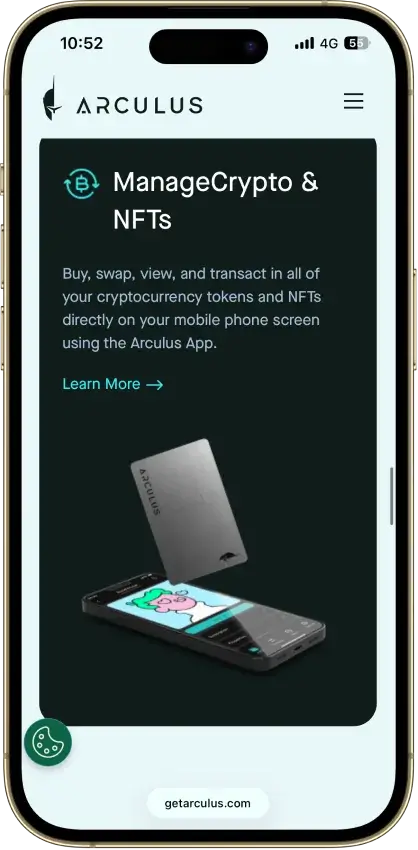
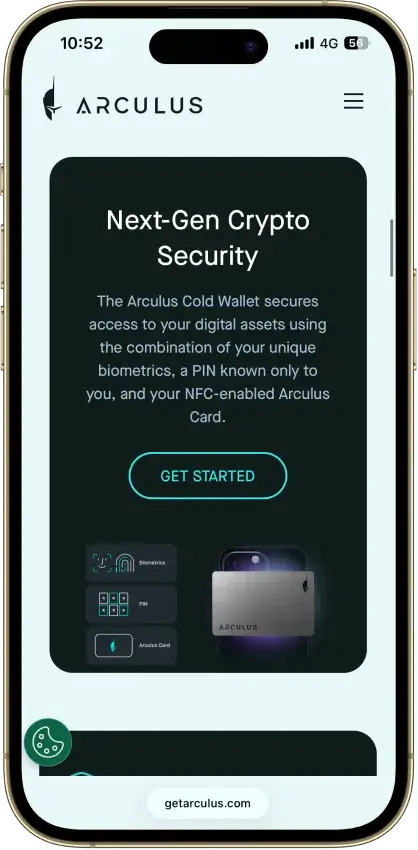
Arculus Wallet
- Custody
- Non-custodialClosed-source
- Networks
- Platforms
Pros
- MetaMask link through a webcam QR code
- Native ADA and SOL staking
- Safe integration through WalletConnect
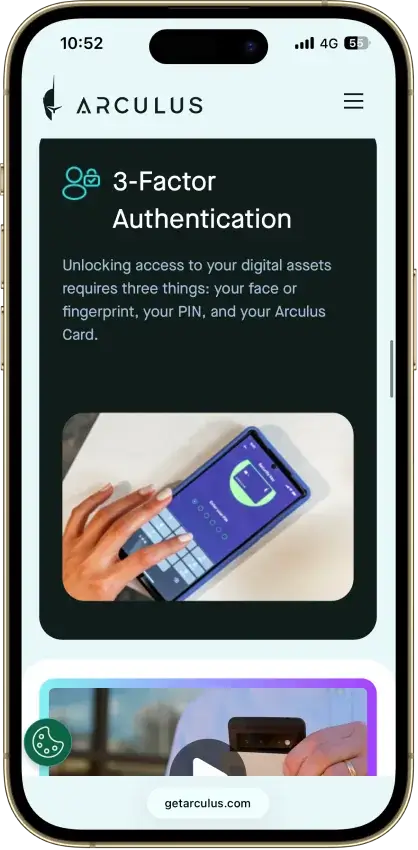
- Optional biometrics on top of a six-digit PIN
- Two-year limited card warranty
Cons
- No independent transaction screen
- Recovery words appear on the phone
- Proprietary wallet software license
- No public audit findings
- Three wrong PINs force a full restore
Stack Wallet
- Custody
- Non-custodialFully open-source
- Networks
- Platforms
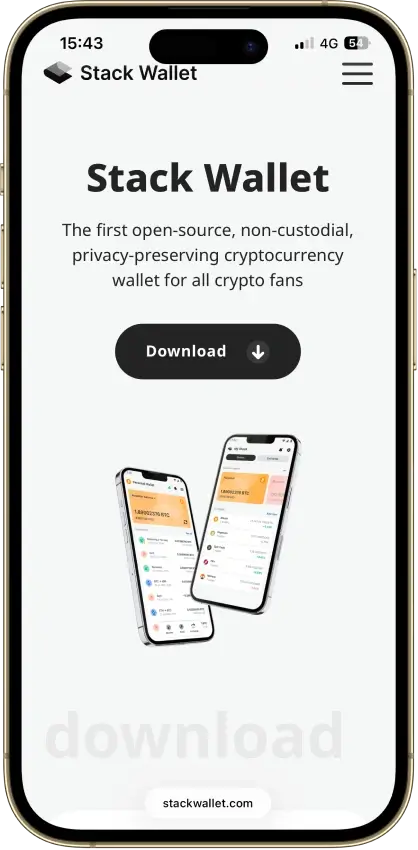
Pros
- Public source code for technical inspection
- Apps for mobile and desktop alike
- Coin control on Bitcoin and privacy coins
- Point it at your own node per coin
- Its own F-Droid repo for Android
Cons
- No dApp browser or WalletConnect
- No hardware-wallet pairing
- App-level backup restores into Stack only
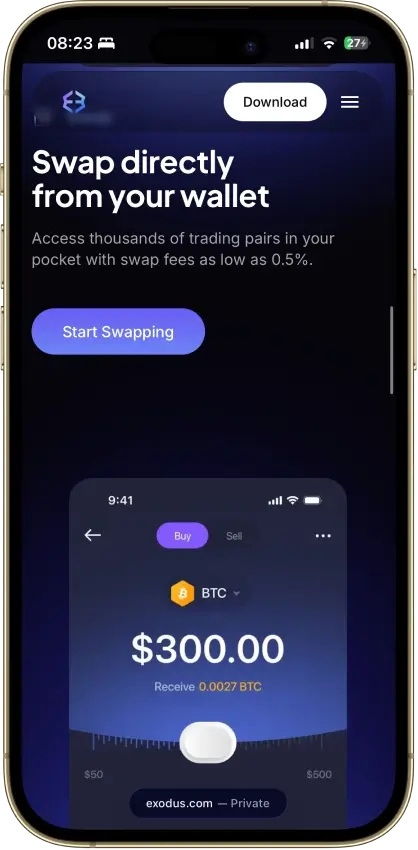
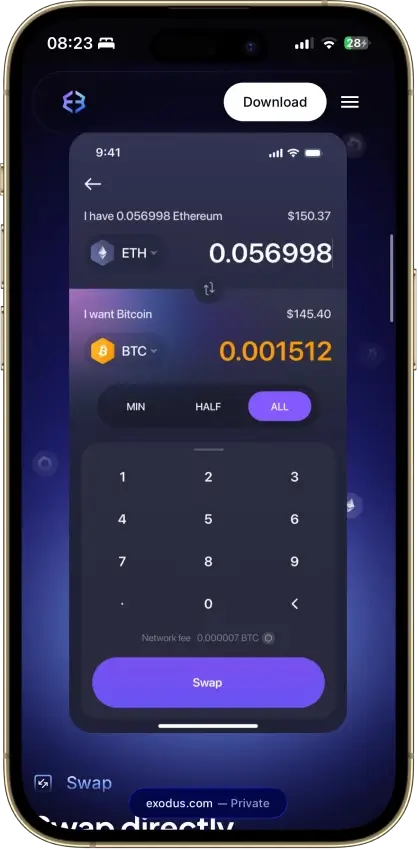
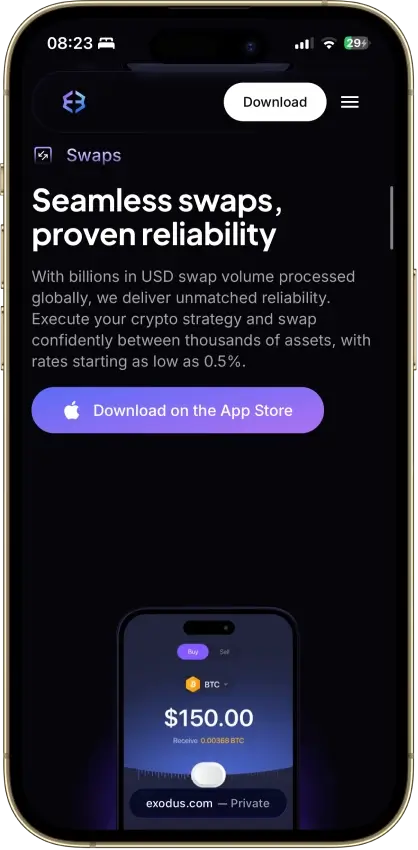
Exodus
- Custody
- Non-custodialPartially open-source
- Networks
- Platforms
Pros
- Desktop app for Windows, macOS and Linux
- Desktop and mobile sync to one wallet
- Custom tokens on supported networks
- Human support alongside the chatbot
- Recovery phrase backup still available
Cons
- Complete wallet is not open source
- WalletConnect removed from the mobile app
- Ledger portfolios work on mobile only
- Swap spread varies with the quote
- $3.1M OFAC sanctions settlement in 2025
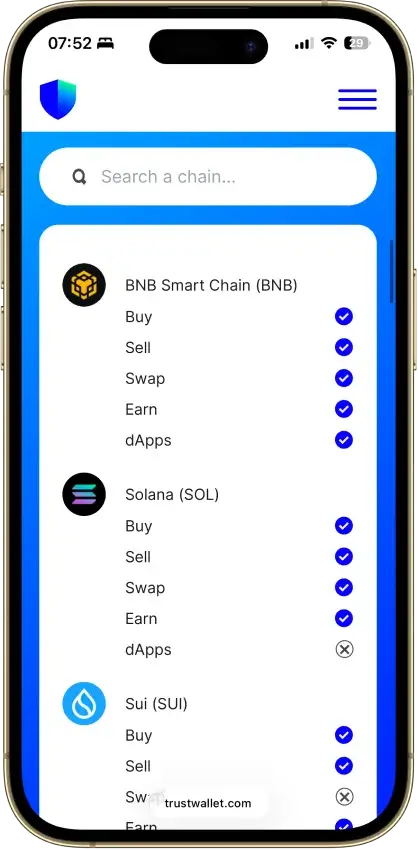
Trust Wallet
- Custody
- Non-custodialPartially open-source
- Networks
- Platforms
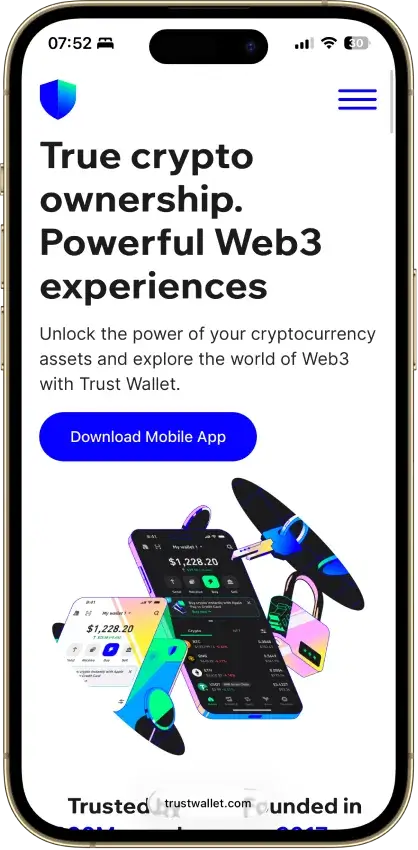
Pros
- Transaction previews on supported networks
- Optional encrypted cloud backup
- Ledger signing through the extension
- Staking for ETH, SOL, BNB and TRX
- No email account needed for a classic wallet
Cons
- December 2025 extension hack hit about $8.5M
- 2024 mobile build review found incomplete source
- Dropped several networks in September 2026
- SWIFT covers only a handful of EVM chains
The wallets in this guide break into a few broad camps. Hardware wallets are the strongest choice for long-term storage and self-custody. Mobile and desktop wallets work better for quicker setup and everyday use. Full-node and more technical options suit users who want more direct control over how they manage LTC.
Another clear pattern is that the best options are not always the ones with the longest feature lists. For most readers, the better wallets combine reliable Litecoin support, simple backups, and a clean experience across the devices they already use. More advanced tools can offer extra control, but they also ask more from the user.
Best Litecoin Wallets By Use Case
Some wallets are better for long-term storage, some work better for everyday use, and some suit users who want more control over how they store and manage LTC.
The table below highlights which wallet fits each use case best. It also shows where each option stands out and what trade-off matters most before you move into the more detailed breakdowns.
| Use Case | Best Wallet | Why It Fits | Main Trade-Off |
|---|---|---|---|
| Best Litecoin Wallet Overall | Ledger Hardware Wallets | Best all-around fit for users who want strong security, broad LTC support, and long-term self-custody | Less convenient for quick daily spending than a mobile-first wallet |
| Best Litecoin Wallet App | Exodus | Clean interface, strong cross-platform support, and an easy learning curve for everyday LTC storage and transfers | Not as secure as a dedicated hardware wallet for long-term holdings |
| Best Litecoin Wallet For Android | Cake Wallet | Strong mobile experience for LTC users and a better fit for users who want more Litecoin-specific functionality on Android | Better for informed users than complete beginners |
| Best Litecoin Hardware Wallet | Trezor Hardware Wallets | Strong cold-storage choice for users who want offline key storage and a clear hardware-first setup | Requires extra setup and is slower to use than a free LTC wallet app |
| Best Litecoin Desktop Wallet | Litecoin Core | Best choice for advanced desktop users who want direct interaction with the Litecoin network | Too complex and resource-heavy for most new users |
| Best Litecoin Wallet For Long-Term Storage | Ledger Hardware Wallets | Strong offline protection and a better fit for storing LTC over longer periods | Paid device and less convenient for frequent transactions |
| Best Free Or Online Litecoin Wallet | Zengo | Easy mobile setup, free core access, and a smoother recovery flow than many traditional seed phrase wallets | Users who want a classic seed phrase model may prefer a different wallet |
The best pick by use case will not always match the overall top choice. Ledger stands out for long-term storage. Exodus is easier for everyday use. Cake Wallet is a stronger fit for Android, while Litecoin Core makes more sense for advanced desktop users who want full-node control. The detailed reviews add the context behind those trade-offs.
What Is A Litecoin Wallet?
A Litecoin wallet is the tool you use to send, receive, and manage LTC. It does not hold the coins in the way a physical wallet holds cash. Instead, it stores or manages the keys that prove you control a Litecoin balance on the blockchain.
The wallet you choose affects both security and convenience. Some wallets give you direct control over your keys, which is usually called self-custody. Others are custodial, which means a third party manages access on your behalf. Self-custody gives you more control, but it also makes you responsible for backups, recovery, and safe device use.
For most readers, the right wallet is the one that matches the way they plan to use LTC. A mobile wallet may be enough for everyday transactions, while a hardware wallet is often the better choice for long-term storage. More advanced users may prefer a desktop or full-node wallet if they want deeper control over how they interact with the Litecoin network.
Litecoin Wallet Types Explained
Wallet type matters before brand does. Some readers want a simple mobile app, while others are looking for stronger long-term protection or more direct control over their Litecoin. Readers starting from scratch may also want to compare a few wallets for new crypto users. The better choice depends less on popularity and more on how you plan to store, move, and secure LTC.
The differences between wallet types shape almost every other decision that follows. Mobile wallets are usually faster to set up and easier to use day to day. Desktop wallets can offer a better balance between usability and control. Crypto hardware wallets are often the safest option for long-term holding. Full-node wallets give advanced users the deepest level of network interaction. Online and paper options still exist, but they come with trade-offs that are easy to miss if you focus only on convenience.
| Wallet Type | What It Is | Best For | Main Advantage | Main Drawback | Better For |
|---|---|---|---|---|---|
| Mobile Litecoin Wallet Apps | Smartphone wallets used to send, receive, and manage LTC on the go | Everyday users who want fast access and simple setup | Quick access, easy setup, and strong day-to-day usability | Less secure than cold storage for larger balances | Active use |
| Desktop Litecoin Wallets | Software installed on a computer to manage LTC with more screen space and control | Users who want a balance between convenience and deeper control | Better visibility, stronger control, and a good middle ground between mobile and hardware | Tied to one device and still exposed to internet-connected risks unless paired with extra security | Active use and medium-term storage |
| Hardware Litecoin Wallets | Physical devices that keep wallet keys offline | Long-term holders and users focused on self-custody | Strong offline security and better protection for larger LTC balances | Costs money and adds extra steps when sending funds | Long-term storage |
| Full-Node Litecoin Wallets | Wallets that download and validate the Litecoin blockchain directly | Advanced users who want direct interaction with the Litecoin network | Maximum control, self-verification, and deeper network access | Slower setup, higher storage demands, and too much complexity for most beginners | Advanced long-term use |
| Online Litecoin Wallets | Wallets accessed through a web interface or service provider | Users who value convenience and easy access across devices | Simple access and fast setup from almost anywhere | Higher counterparty risk and less direct control, especially in custodial setups | Convenience-first active use |
| Paper Litecoin Wallets | Offline wallet credentials stored on paper rather than in an app or device | Niche users who want a fully offline backup format | Fully offline by design and not dependent on an app | Harder to use safely, easier to damage or lose, and less practical than modern wallet options | Backup-only or niche storage use |
Convenience and control usually move in opposite directions. A mobile or online wallet can be a practical choice for smaller amounts and everyday transfers, especially if you want quick setup. As the security stakes rise, many users move toward desktop wallets with stronger controls or hardware wallets that keep keys offline.
That is also why wallet type comes before wallet brand. If your priority is daily access, a hot wallet usually makes more sense than a full-node setup. If you are storing a larger balance, a hardware wallet is usually the safer fit. Paper wallets still come up in the broader discussion, but for most users they are now less practical than modern self-custody options with better recovery flows and easier compatibility.
Litecoin Features That Matter When Choosing A Wallet
Not every wallet that lists Litecoin support delivers the same experience. Two wallets can both hold LTC, yet still differ in address compatibility, send and receive flow, privacy-related features, and recovery design. Those details shape how smooth the wallet feels in daily use and how manageable it is if something goes wrong.
For most readers, the goal is not to chase every technical feature. It is to choose a wallet that supports the kind of transactions they plan to make and the level of control they want. That means looking past broad claims such as “supports Litecoin” and checking how the wallet handles common LTC tasks in practice.
Address Compatibility
Litecoin uses more than one address format, and not every wallet handles them equally well. A good wallet should make it easy to receive funds without confusion, display addresses clearly, and reduce the chance of sending LTC to an incompatible format. This matters most when you move coins between exchanges, wallet apps, and desktop or hardware devices.
If you plan to use newer Litecoin features or move funds between different wallets often, address support becomes even more important. A wallet that handles common Litecoin address formats cleanly will save time and lower the risk of mistakes, especially for users who are not checking technical details before every transfer.
Fee Efficiency And Send Experience
Send experience matters more than many wallet roundups suggest. A strong wallet should make it easy to review the destination address, confirm the amount, understand the network fee, and send without extra friction. For everyday users, that often matters more than a long list of secondary features.
Litecoin is often used for transfers and payments, so the wallet should make sending and receiving feel simple rather than buried behind menus. A strong mobile wallet should also make it easy to copy addresses, scan QR codes, and confirm transaction details clearly before funds leave the wallet.
Privacy And Advanced Litecoin Support
Some Litecoin wallets are built for basic storage only, while others support more advanced LTC use cases. That difference matters for users who care about stronger privacy, deeper network control, or closer alignment with Litecoin-specific functionality. A wallet can still be a good general LTC option without offering those extras, but advanced users may find the gap important.
This is where simpler mobile wallets and more technical tools start to diverge. A beginner-friendly wallet may be ideal for holding and transferring LTC, while a more advanced wallet can make more sense for users who want deeper control over how they interact with the Litecoin network or more privacy-focused features.
Recovery And Backup Model
Recovery design is one of the most important parts of wallet choice. It determines how easy it will be to regain access if your phone, computer, or hardware device is lost or replaced. Many Litecoin wallets still rely on a standard seed phrase, while others use device-based or MPC-style recovery flows. Neither approach is automatically better for everyone.
The right backup model depends on the user. Some people prefer a standard seed phrase because it gives them direct control and wider portability. Others are more comfortable with a guided recovery system that reduces the chance of losing access through poor phrase storage. Either way, a secure wallet should make the recovery process clear before you deposit a meaningful amount of LTC.
Taken together, these features show why wallet quality is about more than whether LTC appears on a supported-assets list. The better options combine clear address handling, smooth transfers, backup methods users can realistically manage, and the right level of Litecoin-specific functionality for the job.
Official Litecoin Wallet Options
If you are looking for an official Litecoin wallet, it helps to separate Litecoin ecosystem-backed tools from third-party wallets. On mobile, the closest thing to an official option is Nexus Wallet, which the Litecoin Foundation presents as its next-generation wallet app. On the desktop side, Litecoin Core remains the standard full-node client. It is also the most direct way to interact with the Litecoin network itself.
Those two options suit very different users. Nexus Wallet makes more sense if you want a mobile-first option for buying, holding, and using LTC day to day. Litecoin Core is built for advanced users who want to run a full node, verify the blockchain themselves, and play a more direct role in supporting the network. That also makes Litecoin Core slower to set up and harder to use than a typical wallet app.
Most of the other wallets in this guide are third-party wallets with Litecoin support rather than official ecosystem options. That does not make them weaker choices. In many cases, they are easier to use, better for multi-asset storage, or a stronger fit for hardware-based security.
How To Get A Litecoin Wallet
Getting a Litecoin wallet is usually straightforward, but the safest setup starts before you download anything. The first choice is whether you want a mobile wallet for daily use, a desktop wallet for more control, or a hardware wallet for stronger long-term protection. Once that is clear, the rest of the setup becomes much easier.
The steps below work for most self-custody wallets. If you choose a custodial or exchange-based option, the process may include account registration and identity checks. With a non-custodial wallet, the most important step is protecting your recovery method from the start.
- Choose the wallet type that fits your needsDecide whether you want a mobile app for quick access, a desktop wallet for more control, or a hardware wallet for long-term storage. This choice affects convenience, security, and how often you will actually use the wallet.
- Download the wallet from the official sourceInstall the wallet only from the wallet provider’s official website, app store listing, or hardware manufacturer. This lowers the risk of downloading fake wallet software or a copycat wallet app.
- Create a new wallet or import an existing oneMost users setting up a wallet for the first time will create a new wallet. If you already have a recovery phrase or backup file from another Litecoin wallet, you may be able to import it instead.
- Back up the recovery phrase or backup fileWrite down the recovery phrase exactly as shown and store it securely offline. If the wallet uses another backup method, follow the instructions carefully before adding funds. This step matters because losing your recovery method can mean losing access to your LTC.
- Turn on available security settingsSet a strong password, PIN, biometrics, or device lock if the wallet supports them. A secure Litecoin wallet should give you more than one layer of protection in case your phone or computer is lost, stolen, or compromised.
- Copy your receive addressOnce the wallet is ready, open the receive section and copy your Litecoin wallet address. This is the public address you use to receive LTC. Make sure you are copying the correct network and address format before using it.
- Test the wallet with a small LTC transfer firstBefore moving a larger balance, send a small test amount to confirm that the wallet is set up correctly. This simple step helps you catch address mistakes, backup issues, or setup problems before they become expensive.
For most users, that is all it takes to get a wallet up and running. The difference between a smooth setup and a risky one usually comes down to the basics: downloading from the right place, backing it up properly, and confirming everything with a small test transaction before relying on it.
How To Get A Litecoin Wallet Address
Your Litecoin wallet address is the public receive address you use to accept LTC. Once you create a wallet, you can usually find it in the Receive section of the wallet app, desktop client, or hardware wallet interface. Most wallets let you copy the address directly, display it as a QR code, or generate a fresh receive address for the next transfer.
A wallet address is public, while your seed phrase, private key, and recovery backup are not. You can share a Litecoin wallet address to receive LTC, but you should never share your recovery phrase, private key, or backup file. Those credentials control the wallet itself and can be used to take your funds.
| Address Type | What It Looks Like | Best Use | Compatibility Note |
|---|---|---|---|
| SegWit | Starts with ltc1 | Best default option for most modern wallets and everyday LTC transfers | Widely supported by current Litecoin wallets and services |
| Legacy | Often starts with L | Useful when sending to or receiving from older Litecoin wallets and services | Older format, but still commonly recognized |
| P2SH / Compatibility | Often starts with M | Helpful when a wallet or service uses script-based compatibility addresses | Older legacy compatibility can still appear in some tools and services |
| MWEB | Uses an MWEB-specific Litecoin address format | Best for users working with wallets and flows that support Litecoin privacy-related features | Only works with wallets and services that support MWEB, so double-check before sending |
If you are wondering how to get a Litecoin wallet address, the process is usually simple. Create the wallet, open the receive tab, and copy the address shown there. Before using it, confirm that you are on the Litecoin network and that the address format matches the wallet or service you are sending from. This matters most when moving funds between exchanges, wallet apps, and Litecoin Core.
Litecoin Wallet Lookup, Checker and Tracker Explained
Searches for a Litecoin wallet lookup, LTC wallet checker, or Litecoin wallet tracker usually do not mean access to a wallet. In most cases, they refer to tools that show public blockchain data tied to a Litecoin address. That can include balance history, confirmed transactions, incoming and outgoing transfers, and transaction status.
A lookup tool is not a wallet login tool. It cannot unlock a wallet, recover funds, or prove that someone controls an address. It only shows the public on-chain activity connected to the address you enter.
What A Litecoin Wallet Lookup Tool Does
A Litecoin wallet lookup tool is usually a blockchain explorer or similar public search tool. You paste in a Litecoin address, and the tool returns the on-chain data associated with that address. That can include current balance, transaction history, transaction IDs, timestamps, and confirmation details.
This is useful when you want to verify that a payment arrived, check whether a transfer has confirmed, or review the activity tied to a public LTC address. It does not show private wallet credentials, and it does not tell you who owns the address unless that information is already public elsewhere.
What An LTC Wallet Checker Can Show
An LTC wallet checker usually shows the same kind of public blockchain data in a simpler format. Depending on the tool, it may highlight the current balance, recent transactions, number of confirmations, and whether the address has received or sent LTC recently.
That can help if you want to check an LTC wallet balance or confirm that a transfer reached the correct address. It is still important to understand the limit of what these tools can do. They do not verify wallet ownership, they cannot reverse transactions, and they cannot restore access to a wallet. Privacy-related Litecoin activity may also be less visible than standard address activity, depending on the wallet and feature set involved.
What A Wallet Tracker Is Used For
A Litecoin wallet tracker is usually built for repeated monitoring rather than one-off checks. Some trackers let you follow a public address or portfolio over time so you can watch incoming transfers, outgoing transfers, and balance changes without opening a wallet each time.
This can be useful for portfolio monitoring, merchant payments, treasury tracking, or checking whether a known address has moved funds. It is still a public-data tool, not a wallet control tool. A tracker can show address activity, but it cannot sign transactions or give you access to the coins.
Safe Ways To Check An LTC Wallet Balance
The safest way to check a Litecoin wallet balance is to use a reputable Litecoin blockchain explorer or a well-known portfolio tracker and paste only the public receive address. Never paste a seed phrase, private key, JSON backup, or recovery file into a lookup or checker tool. A real explorer does not need those credentials to show public blockchain data.
It also helps to double-check that you are using a Litecoin address and not another network by mistake. If you are checking funds sent to an exchange, remember that the explorer may show the transaction on-chain before the exchange credits the deposit internally. In other words, an explorer can confirm that LTC reached the address. It cannot control how quickly a wallet provider or exchange reflects that balance in your account.
How To Use A Litecoin Wallet Safely
Using a wallet safely comes down to a few habits that matter more than extra features. Most mistakes happen during setup, backup, or the first few transactions, not because Litecoin itself is hard to use. Treating wallet security as part of setup, rather than something to think about later, lowers the risk of losing access or sending LTC to the wrong place.
A secure wallet should also make safe behavior easier, not harder. Clear receive addresses, simple backup prompts, device-level security, and readable confirmation screens all help. Even so, the wallet alone cannot protect you from every mistake. You still need to verify what you are sending, where you are sending it, and how you would recover access if your device stopped working.
How To Send LTC Safely
Before sending Litecoin, double-check the destination address, the amount, and the network. If you are sending to a new wallet or service for the first time, start with a small test transaction. That extra step helps confirm that the address is correct and that the receiving wallet or exchange is set up properly before you move a larger balance.
It also helps to review the address carefully instead of trusting copy and paste without checking. Wallet malware and address-replacement scams are designed to exploit rushed transfers. A good Litecoin wallet should show the full address clearly and make the final confirmation screen easy to review.
How To Receive LTC Safely
When receiving LTC, always copy the address directly from your wallet’s receive screen and confirm that you are using the Litecoin network. If the wallet provides a QR code, that can reduce typing errors, but it is still worth checking the address format before sharing it.
If you use more than one wallet or service, pay attention to address compatibility. Litecoin supports more than one address format, and some services may still handle certain formats differently. Taking a moment to confirm the correct address is one of the easiest ways to avoid preventable transfer issues.
How To Back Up A Wallet
Your backup is what protects you if your phone, computer, or hardware device is lost, damaged, or replaced. For many wallets, that means writing down a recovery phrase exactly as shown and storing it securely offline. Do not keep it in a notes app, cloud document, screenshot folder, or email draft.
If the wallet uses another recovery method, follow the provider’s backup instructions before storing a meaningful amount of LTC. The most common mistake is treating backup as something to do later. In practice, backup should happen before the wallet holds funds, not after.
How To Recover Access
Recovery only works if the backup was stored correctly in the first place. If you lose access to your device, you should be able to restore the wallet using the recovery phrase, backup file, or recovery method supported by that wallet. That is why it helps to understand the recovery process early, even if you never expect to use it.
For larger balances, some users go a step further and test recovery on a spare device or secondary setup before relying on the wallet long term. That may feel excessive for small amounts, but it can be a practical safeguard if the wallet will hold more than everyday spending funds.
Common Mistakes To Avoid
The most common Litecoin wallet mistakes are usually simple. Some users download fake wallet apps. Others skip the backup step, store recovery phrases online, send LTC without a test transaction, or rush through the confirmation screen without checking the address carefully. Those errors are avoidable, but only if you treat them as real risks from the start.
It also helps to keep wallet software, browser extensions, and hardware wallet firmware updated. Updates are not just about new features. They can include security fixes, compatibility improvements, and bug fixes that make the wallet safer and more reliable over time.
For most users, safe Litecoin wallet use is less about technical skill and more about consistency. If you download from the right source, keep your recovery method offline, use device-level security, and confirm transfers carefully, you already avoid many of the mistakes that cause the most damage. Those habits make even a simple wallet far safer to use in practice.
How We Rank
- Custody and key security 30% weightWhat we assess
Who can authorize spending, protection of keys and signing, and independent access to every reviewed account type.
What earns 10/10 Users control spending and have complete independent access for every reviewed account type. Signing and authorization are isolated from the connected app, with key and recovery dependencies explained. - Security validation and track record 25% weightWhat we assess
Independent security assessments, their coverage and findings, plus updates and the handling of known incidents.
What earns 10/10 Independent assessments cover the current design and material changes. Material findings are resolved, and sustained maintenance records show no unresolved material incident consequences. - Transaction safety and signing 20% weightWhat we assess
Transaction details, signing warnings, scam checks, permission controls and the handling of unreadable requests.
What earns 10/10 Transfers and supported signing requests show readable details before consent. Risk warnings and integrated permission revocation cover relevant tasks, with unclear requests identified and easy to reject. - Backup and recovery 10% weightWhat we assess
Repeatable backup checks, complete restoration, recovery dependencies, costs and resilience after backup loss.
What earns 10/10 Repeatable checks verify complete backups without resetting the wallet. Recovery survives loss of a backup or dependency, with clear costs and no third party able to spend alone. - Usability, privacy and costs 10% weightWhat we assess
Setup and everyday tasks, accessibility, support guides, data-sharing choices and device, service and transaction costs.
What earns 10/10 Clear workflows, accessible controls and useful support guides make routine tasks straightforward. Nonessential data sharing is optional, and mandatory costs are transparent and reasonable. - Assets, networks and compatibility 5% weightWhat we assess
Asset and network support, devices, companion apps and connections needed for the uses covered in the review.
What earns 10/10 Official compatibility lists and setup guides cover the reviewed assets, networks, devices and connections. Required transfer routes are documented and available, with no known blocker.
These rankings are based on the factors that matter most when choosing a wallet in practice. There is no objectively perfect option for every reader. The list reflects how well each wallet balances security, usability, Litecoin support, recovery design, and overall fit.
That also means the rankings favor wallets that are both credible and usable. A wallet may support LTC, but still rank lower if setup is too complex for most users, recovery is harder to manage, or the overall experience creates more friction than it solves.
Overall fit is what ties the ranking together. Some wallets are better for beginners, some for everyday use, and some for advanced users who want more control. The higher-ranked wallets are the ones that perform well in their intended role without creating unnecessary trade-offs for the people most likely to use them.
In this ranking, security, recovery, Litecoin support, and day-to-day usability matter more than marketing claims or long feature lists. That is why a simple, well-designed wallet can rank above a more complex option that technically does more but fits fewer users well.
Which Litecoin Wallet Fits You Best?
What makes sense for you comes down to how you plan to use LTC. Hardware wallets are usually the strongest fit for long-term storage. Mobile and desktop wallets are often better for faster everyday access. Readers who want deeper control over privacy or network interaction may be better served by a more advanced option. Litecoin Core or a more privacy-focused mobile wallet may make more sense in that case.
The better approach is to narrow the choice by wallet type first, then compare backup model, address support, and day-to-day usability. That makes it easier to match a wallet to how you plan to store, send, and receive Litecoin instead of defaulting to the most familiar name.
Litecoin Price and News

Latest Litecoin news
View all
Its a dangerous game to fund stock buybacks by selling your primary reserve asset – but one Litecoin company just pulled it off without using a dime of debt

Litecoin likens XRP to rotten eggs as Ripple community floats lawsuits and flaunts White House access