

- Battery-free NFC card signing
- Separate cards managed in one app
- MoneyGram cash pickup via USDC on Stellar
Arculus Wallet Overview
- Crypto Wallet Name
- Arculus Wallet
- Wallet Type
- Hardware wallet
- Custodial Status
- Non-custodial
- Built-in Swaps
- Yes
- Open-source
- Closed-source
- Fiat On-ramp
- Yes
Additional details
- Supported Blockchains
- Bitcoin, Ethereum, BNB Smart Chain, Avalanche, Tron, Arbitrum, Base, Optimism, Polygon, Solana
- Token Standards
- ERC-20, BEP-20, SPL, TRC-20
- Platforms
- iOS, Android
- Hardware Wallet Support
- No
- Staking Support
- Limited
- Hardware Connection Methods
- NFC, WalletConnect
Arculus Wallet Screenshots
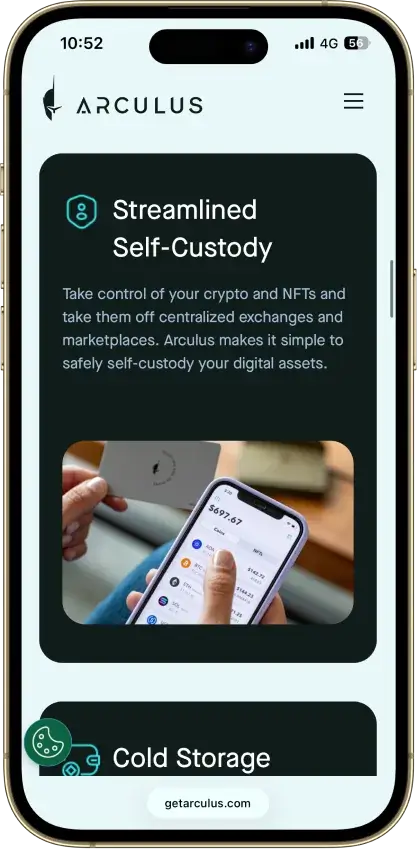
Screenshot 1 of 8
Arculus Wallet Pros and Cons
Pros
- MetaMask link through a webcam QR code
- Native ADA and SOL staking
- Safe integration through WalletConnect
- Optional biometrics on top of a six-digit PIN
- Two-year limited card warranty
Cons
- No independent transaction screen
- Recovery words appear on the phone
- Proprietary wallet software license
- No public audit findings
- Three wrong PINs force a full restore
What Arculus Is And Who Makes It
| Key Fact | Detail |
|---|---|
| Wallet type | Metal NFC hardware card with mobile app |
| Custody | Self-custody, with keys stored in the card's secure element |
| Phone requirements | Android 11+ with NFC, or iOS 17.5+ on iPhone XR or newer |
| Transaction display | Phone only |
| Authentication | Card and six-digit PIN, with optional biometrics |
| Software license | Proprietary wallet usage terms |
| Secure element | Marketed by Arculus as CC EAL6+ certified |
| Assets | Bitcoin, Ethereum, Solana, XRP and other supported networks |
| Recovery | 12 or 24 words, plus a passphrase if enabled |
| Multiple wallets | Separate cards can be managed in one app |
| Buying and swapping | Third-party services with separate costs |
| Staking | Selected native, liquid and third-party options |
| Device price | Store displayed $59.76, reduced from $99, on September 9, 2026 |
| Company | Arculus Holdings LLC, part of CompoSecure's business |
| US access | US app listing and sales, with separate service eligibility |
We reviewed Arculus's setup and recovery guides, company filings and App Store feedback without testing a card or making transactions.
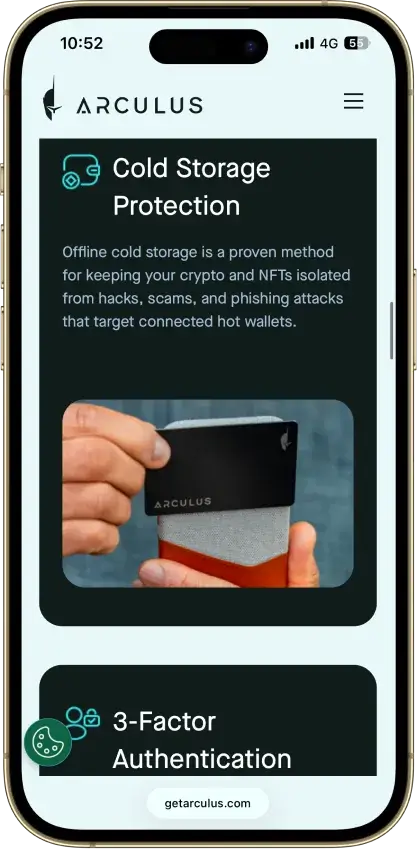
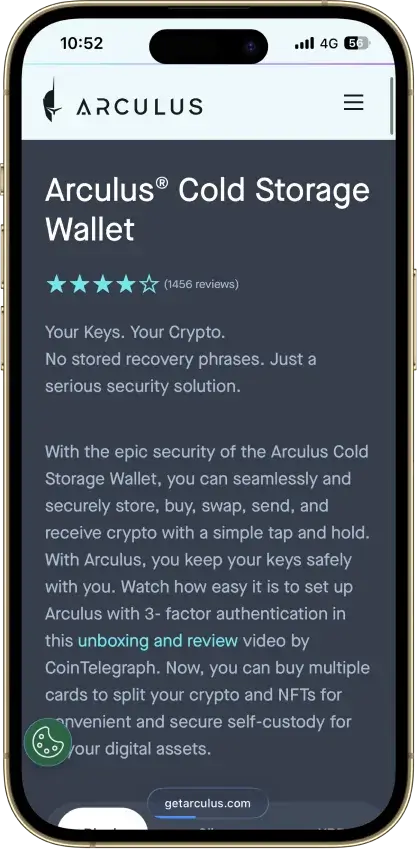
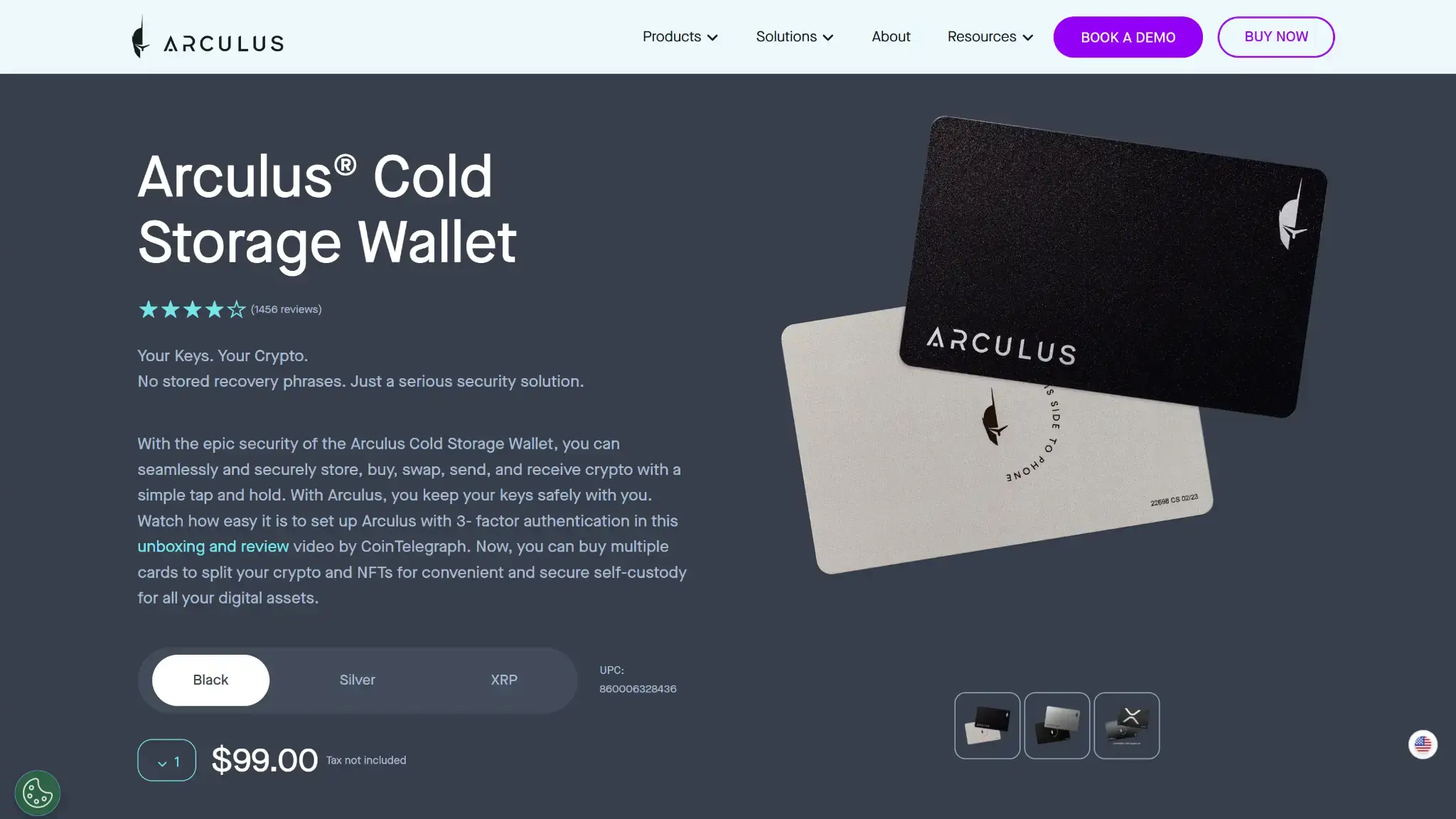
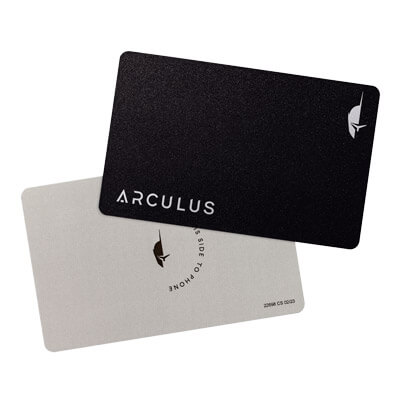
The Arculus Cold Storage Wallet combines a metal card with the Arculus Wallet app. Tapping the card against a compatible phone provides the NFC connection used in its signing process. The card needs no charging cable.
Arculus Holdings LLC is based in Somerset, New Jersey. Its wallet belongs to CompoSecure's business. The corporate parent completed its GPGI rebrand in January 2026 and trades on the NYSE as GPGI. Customers keep custody of their crypto themselves.
Arculus also sells authentication and enterprise technology, separately from its consumer wallet. The wallet card is not an ordinary bank payment card. Phone compatibility limits your crypto wallet selection, since Arculus needs NFC and a supported Android or iOS version.
Security And Custody
Card Protection And Phone Dependence
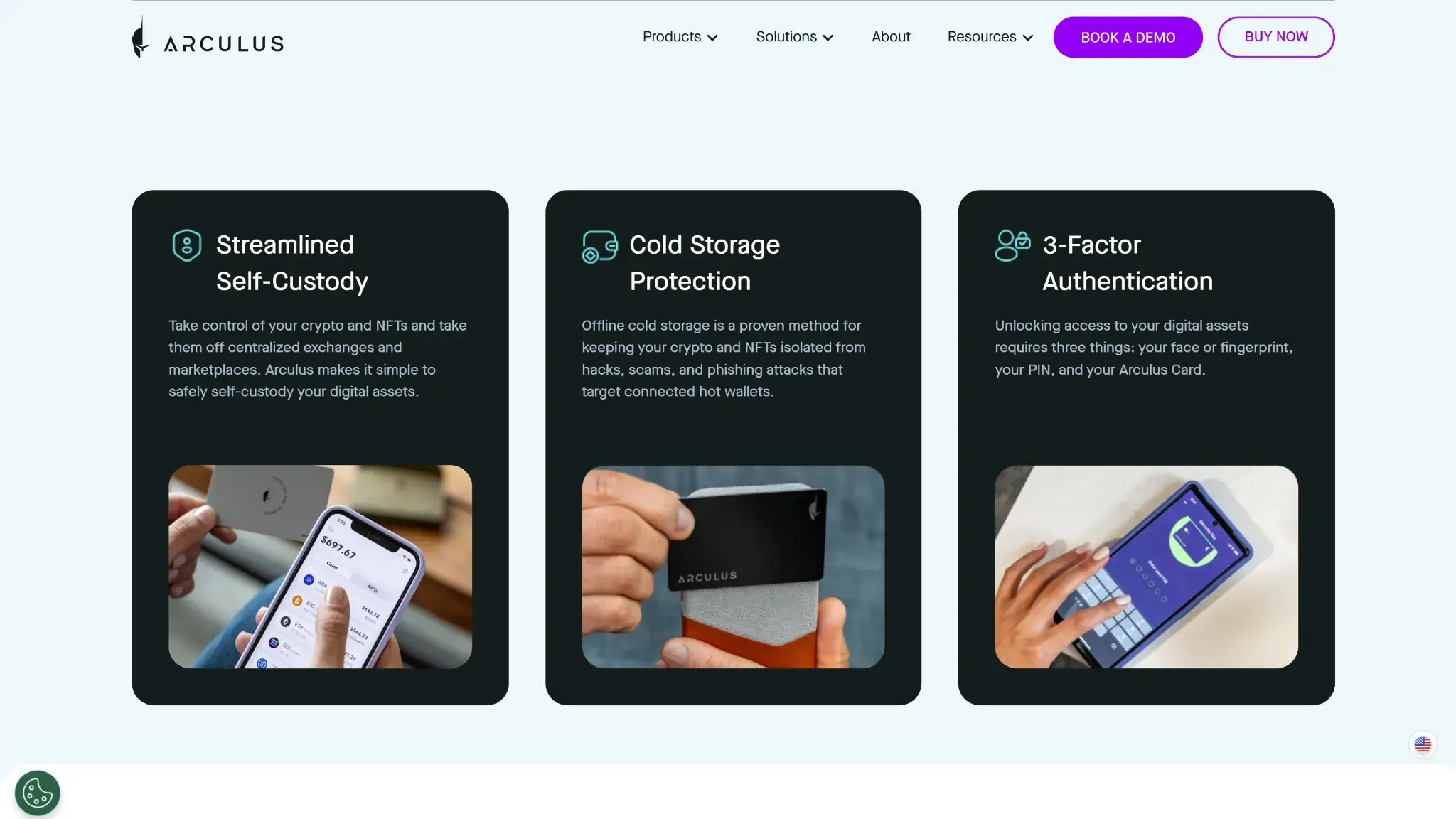
Arculus stores private keys in the card's secure element and describes that chip as CC EAL6+ certified. The certification claim concerns that component. The phone app, connected services and your recovery backup have separate security requirements.
Private keys are generated, encrypted and stored in the Arculus card's secure element. During setup, the recovery words appear on the phone. Keeping that backup private is part of securing the wallet.
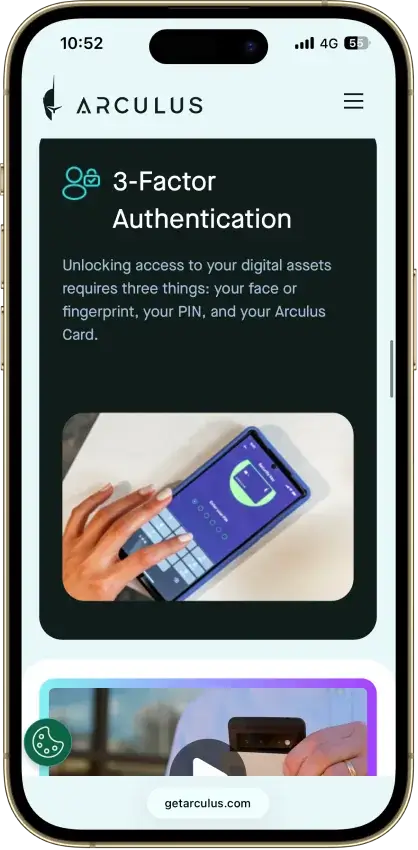
Card possession and a six-digit PIN are part of transaction approval. Biometrics can be enabled or disabled during setup.
The card has no screen. WalletScrutiny's assessment identifies the lack of an interface for checking transactions on the hardware itself. A compromised phone could misrepresent a destination or approval without giving you a second display to compare. Checking an unfamiliar smart contract remains your responsibility before signing.
Software Transparency And Audit Disclosures
Arculus supplies its wallet under proprietary usage terms that restrict modification and reverse engineering. Its recovery words follow the public BIP39 standard. A wallet supporting the same assets and derivation paths can use those words and any enabled passphrase to restore access.
Company correspondence filed with the SEC identifies a Halborn audit in 2024 and a Kirkpatrick Price SOC II review in 2023. The latter concerns software-development processes. Two December 2024 letters also identify Stratum Security, but disagree on whether its audit took place in 2021 or 2023.
The filings name historical reviews without supplying detailed audit findings or a verdict on the current wallet version. Buyers looking for independent security validation need to distinguish those company statements from an auditor's assessment of the software they will use.
Phishing Reports And Recovery Exposure
Arculus users posted fake firmware-update emails on Reddit in June 2023. Another Reddit discussion describes an unsolicited chip-patching email with an August 2026 deadline that eventually requested recovery words. Neither discussion establishes a successful card exploit or how the senders obtained contact details.
Arculus's own security guidance warns about fake update requests and websites asking for recovery phrases. The guidance also distinguishes locked card hardware from updates delivered through the official phone app store.
Arculus shows the backup words on your phone during setup. Copy them privately, and keep them out of websites reached through emails or support messages. Someone with those words and any enabled passphrase can restore a compatible wallet without the original Arculus card or its PIN.
Supported Chains And Assets
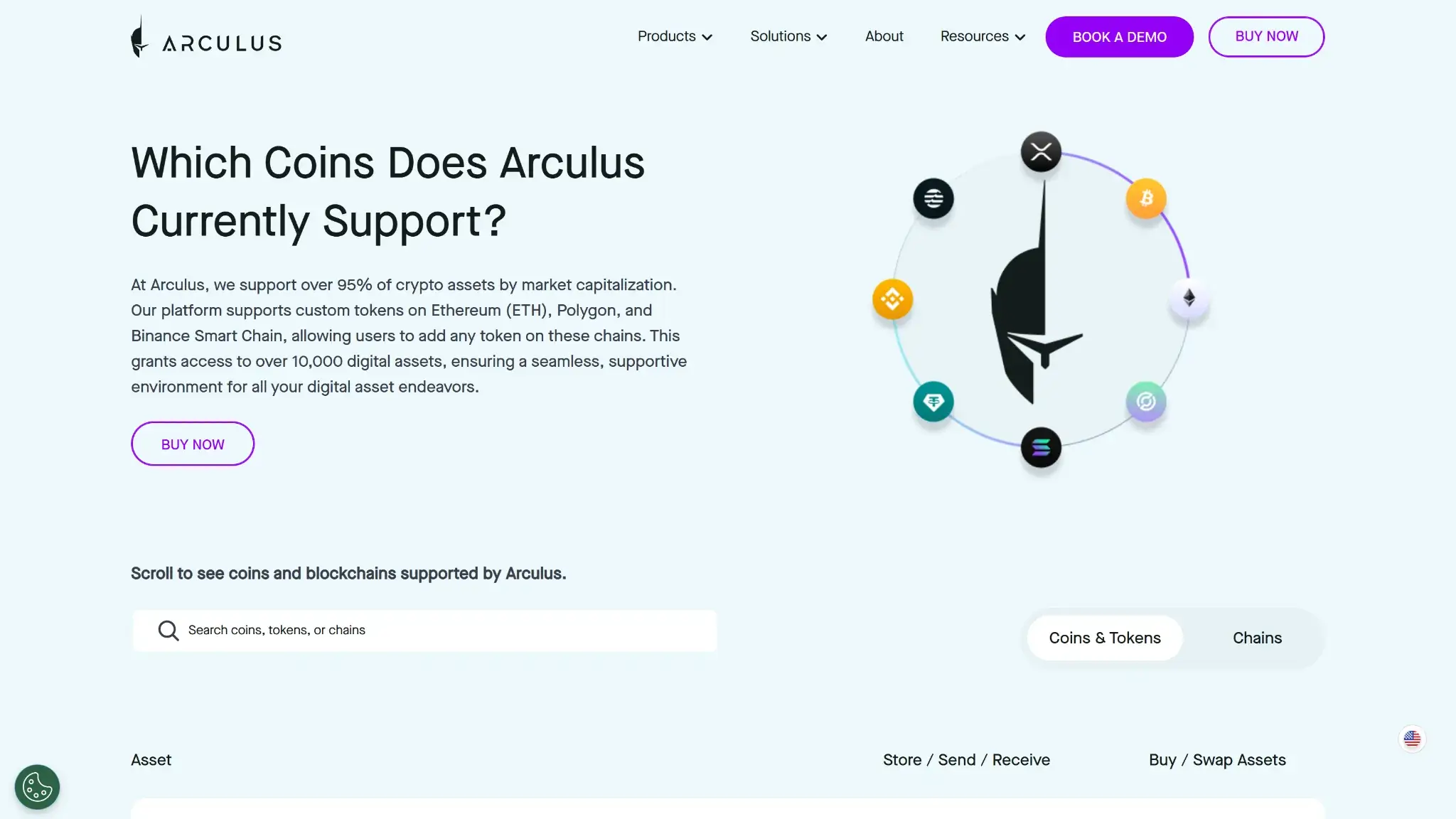
Arculus supports native Bitcoin network transfers alongside assets on Ethereum, Solana, XRP Ledger, Cardano, Polkadot and other listed networks. Support for storage, transfers, buying, swapping and staking varies by asset.
| Example Asset | Supported Storage Network Examples | Detail To Check |
|---|---|---|
| BTC | Bitcoin | Use the Bitcoin deposit network |
| ETH | Ethereum, Arbitrum, Base, Optimism | Select the exact network used by the sender |
| SOL | Solana | Native staking is available |
| ADA | Cardano | Native staking is available |
| XRP | XRP Ledger | Storage and transfers are supported |
| USDC | Ethereum, Solana, Stellar and others | MoneyGram uses the Stellar version |
For Ethereum and its assets, network selection is as important as the ticker. An exchange withdrawal must match a network supported for that asset in Arculus. Custom tokens also remain tied to blockchains the wallet supports.
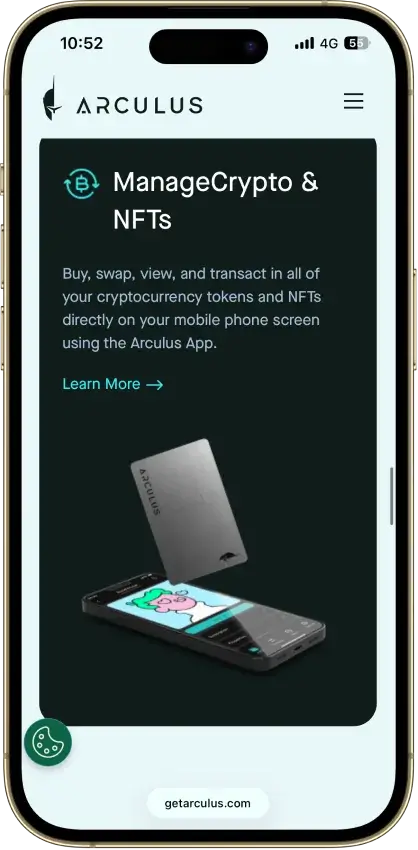
The app's gallery supports NFTs on networks including Ethereum and Solana. Compressed Solana NFT sending, however, was still a coming-soon feature in the August 2026 release notes. Check the specific NFT format and action before transferring it into Arculus.
Setup And Recovery
Starting With A New Card
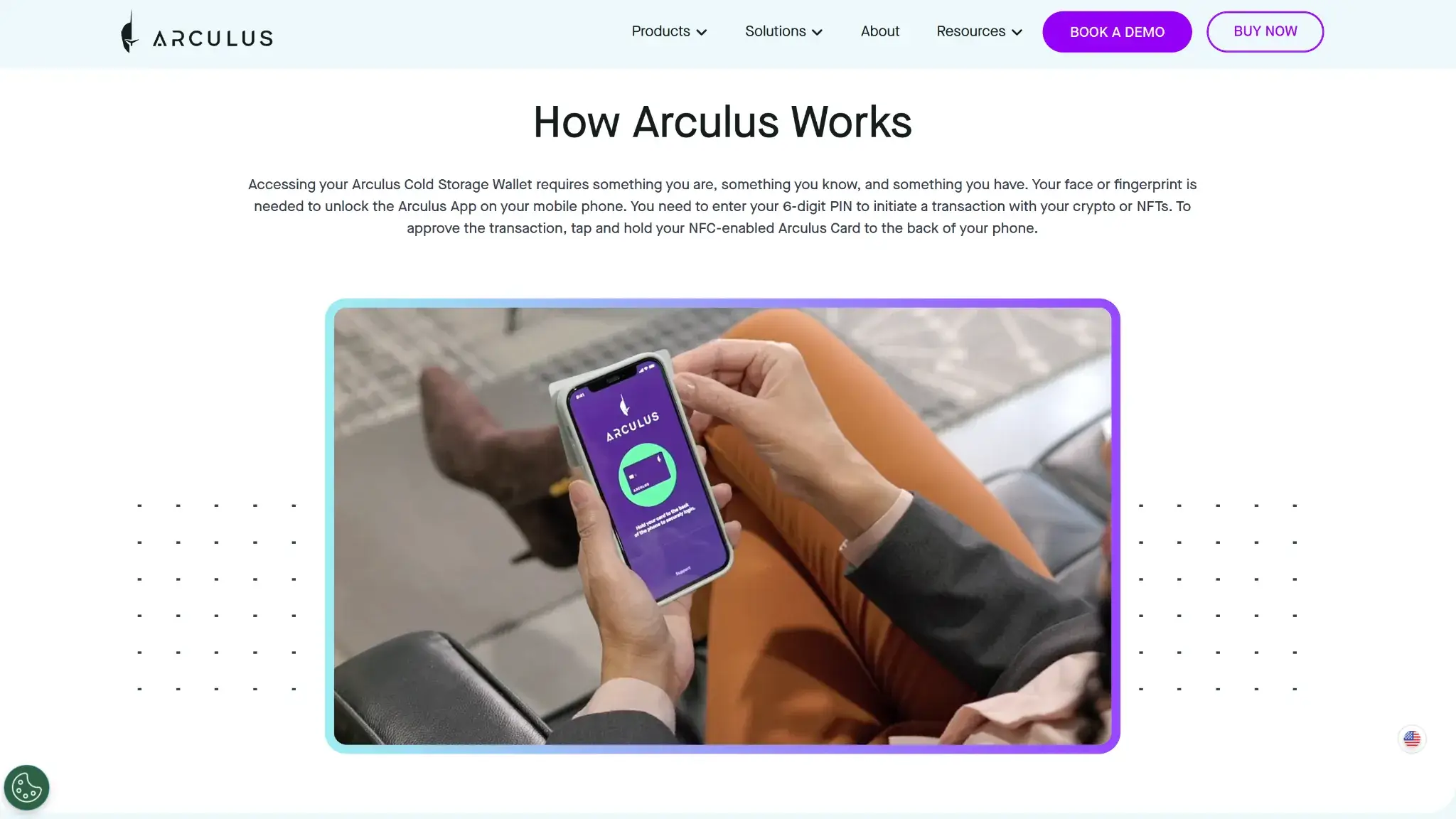
Arculus's setup lets you choose both the length of the recovery phrase and whether to add a passphrase.
- Install the official Arculus Wallet app and accept its terms.
- Hold the card against the phone when prompted and select Create New Wallet.
- Choose 12 or 24 recovery words, your biometric setting and the optional passphrase setting.
- Set and confirm the six-digit PIN, then tap the card again.
- Write down the recovery words privately and complete the word-order check.
- Name the wallet and enable the assets you intend to use.
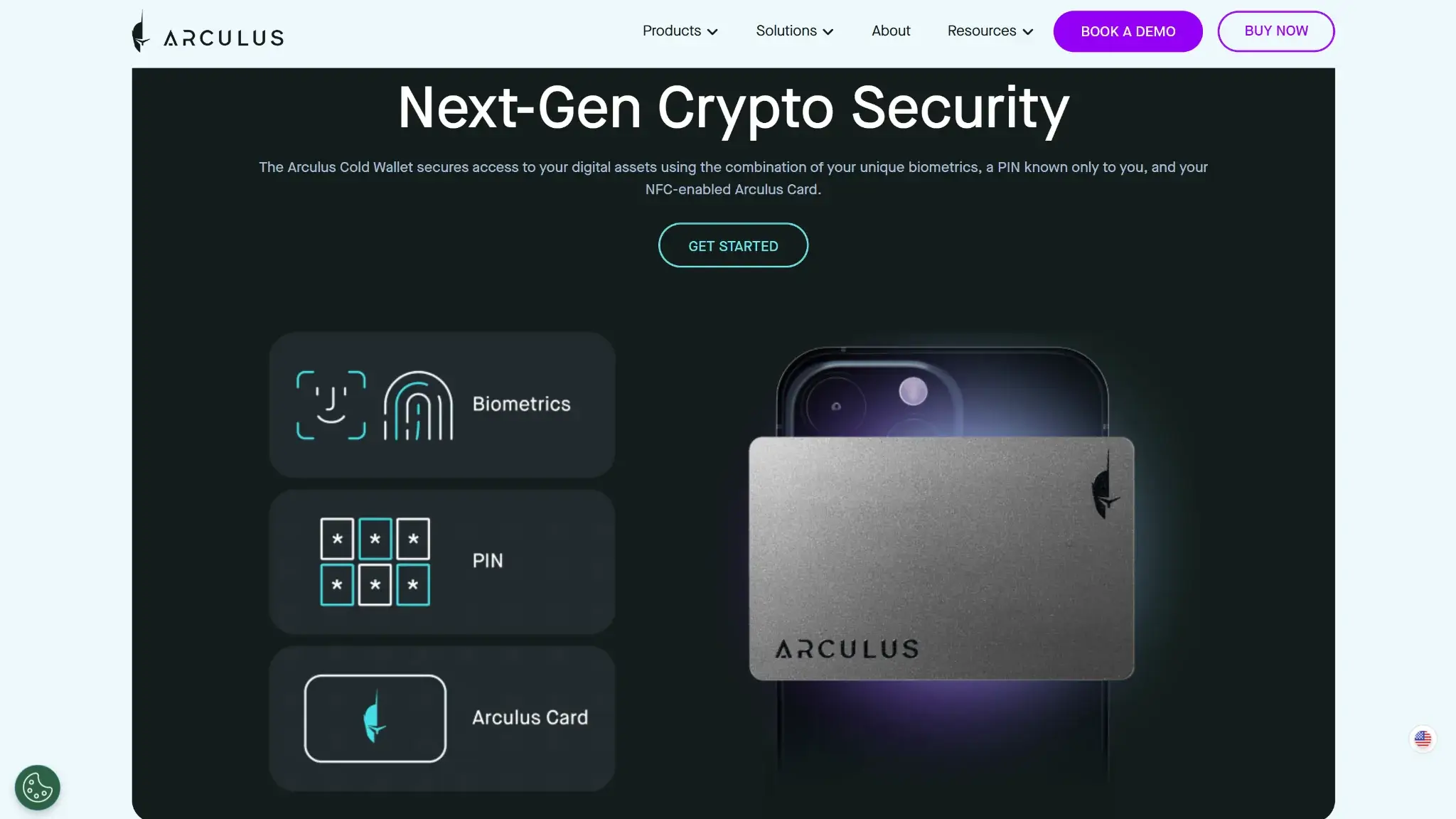
If you enable a passphrase, preserve it accurately alongside the recovery words. Under BIP39, a different passphrase produces a different wallet. The card's PIN serves a separate purpose: authorizing use of the signing device.
Quick setup initially enables fewer assets to reduce NFC timeout interruptions. Additional currencies can be enabled afterward. Hold the card in the correct position throughout each NFC interaction.
Losing A Card, Phone Or PIN
A lost card can be replaced and the wallet restored with its recovery information. Moving to another phone also requires the restore process. Three incorrect PIN entries force an Arculus restore. Locate your backup before making further attempts.
Recovery outside Arculus requires a wallet that supports the same assets and derivation paths. Those paths determine the addresses created from a recovery secret. Check both requirements as well as BIP39 support, and preserve any passphrase you enabled.
If you lose the written backup, a working app and card still give you access to your coins. Losing or breaking that remaining setup would leave you without a recovery route. Arculus cannot retrieve forgotten recovery words.
After restoring, use Manage Assets to enable the currencies you held. Check that display setting when a restored wallet appears empty.
Multiple Cards And Customer Support
One Arculus card stores one wallet at a time, but the app can manage several distinct wallets, each with its own card. Creating or restoring a different wallet on an existing card overwrites the keys previously stored there. Keep the earlier wallet's recovery information before reusing its card.
An April 2023 App Store reviewer reported that a replacement card resolved an NFC pairing problem. A July 2024 reviewer reported an unsuccessful restoration, while the developer said the restored address differed from the original. The accounts describe individual support cases, with different outcomes.
Use the official Help Center for card or restoration problems. Its guides cover replacement cards, setting a new PIN during restore and restoring wallets from an existing backup.
dApps And In-App Features
WalletConnect, MetaMask And Safe
WalletConnect links the mobile app to compatible websites through a QR-code connection, separately from the NFC link between phone and card. NFT marketplaces are one use: their approval request appears in Arculus, where the card and PIN authorize signing.
Arculus also supports a MetaMask browser wallet connection using a computer's webcam and a QR code from the phone app. This setup selects the first wallet address and keeps signing on the phone-and-card workflow. The recovery words stay out of the browser extension.
The standard Arculus wallet is not a native multisignature wallet. Its address can, however, act as an owner of a Safe account connected through WalletConnect. Safe's additional owners and approval rules belong to that separate account.
Swaps, Staking And Cash Access
In-app swaps route through providers including Changelly and n.exchange. The input asset leaves your wallet for the provider during execution, then the chosen output asset is returned. The provider handles that exchange step even though you retain your wallet keys.
Arculus offers native staking for assets such as ADA and SOL. Liquid staking returns a staked token, while its third-party staking category uses a provider-selected pool. As of September 2026, ADA staking has a 15–20-day warmup before rewards accrue, compared with three days for SOL. Review your chosen route's minimum, fees and exit conditions before committing funds. Staking returns are not guaranteed.
MoneyGram cash access uses USDC on Stellar at participating locations. The flow asks for personal details and location selection. Eligibility depends on the service's regional availability as well as holding USDC on that specific network.
Arculus Wallet Price And Fees
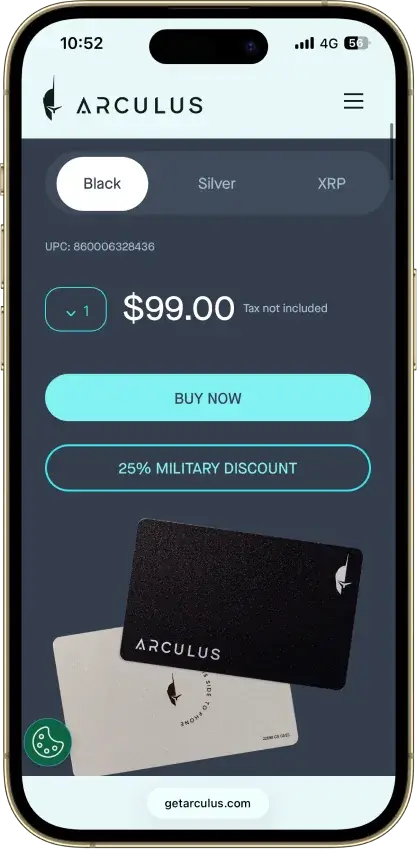
The consumer store displayed a discounted price of $59.76 against $99 on September 9, 2026. Taxes were excluded. Check the chosen variant and delivery total before ordering, especially for international purchases.
Arculus charges no separate fee for sending or receiving supported crypto, but blockchain transaction fees still apply. Its app is free to download. Buying and swapping introduce provider costs, and the quoted exchange rate affects the amount you receive.
| Cost | What To Expect |
|---|---|
| Card purchase | One-time hardware price, plus applicable delivery and taxes |
| Ordinary transfers | Network fees, without an extra Arculus transfer commission |
| Crypto swaps | Provider quote and any applicable network costs |
| Fiat purchases | Payment-provider charges and conversion terms |
| Staking | Fees and exit conditions depend on the asset and service |
Arculus uses service providers including Onramper and Changelly, with their charges displayed before buying or swapping. Compare the quoted output amount before approving the transaction.
Arculus's direct-purchase terms provide a two-year limited card warranty. It covers qualifying hardware faults and card replacement, not reimbursement for lost crypto.
Delivery is available in the US and many other countries, with exclusions including China, Russia and Iran. Delivery eligibility and the availability of a particular buying, swapping or cash service are separate questions.
Who Arculus Suits
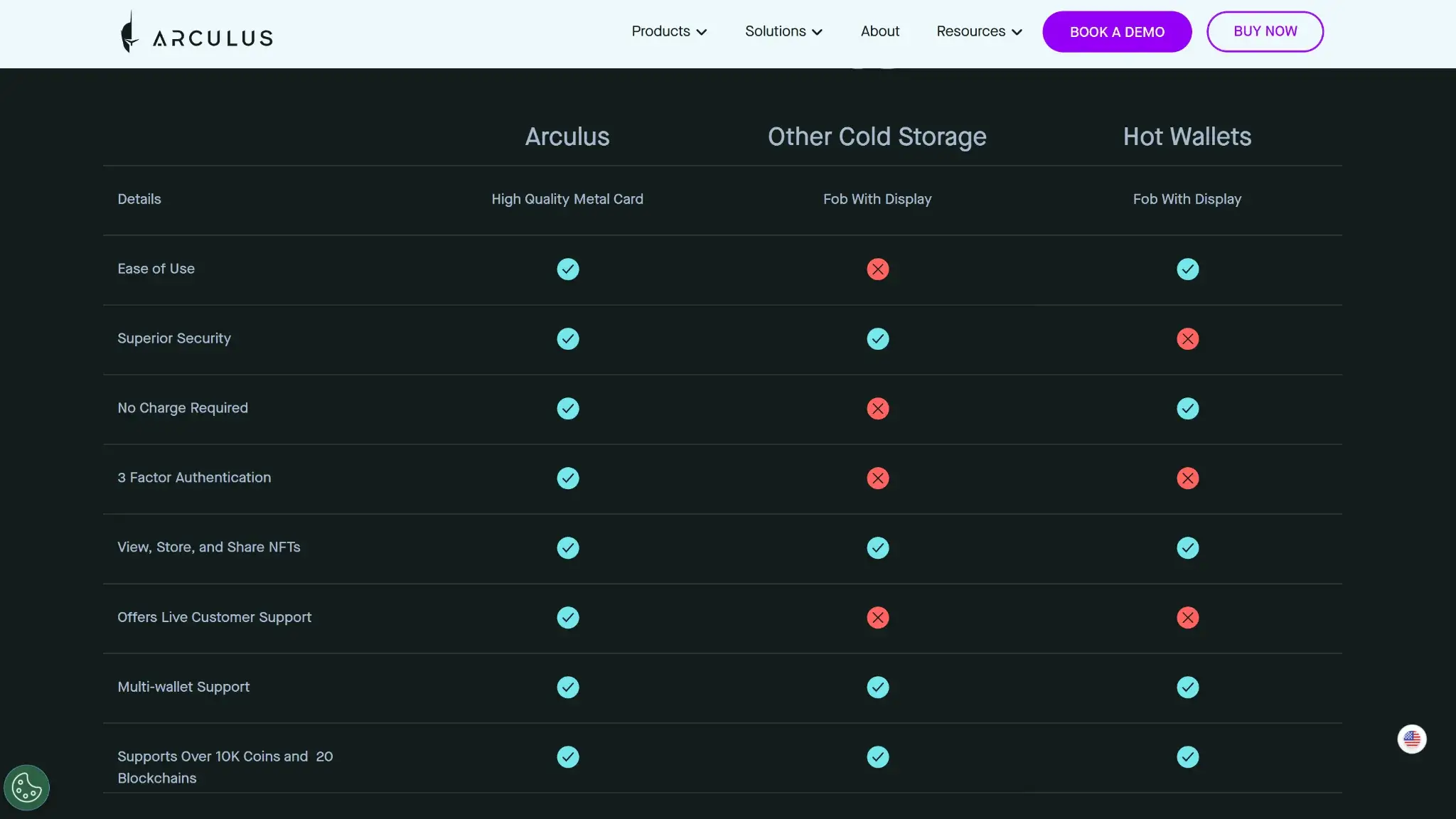
Arculus is a reasonable fit if you already manage supported assets on a compatible phone and prefer tapping a card to connecting a separate powered device.
- Choose it if you will maintain an offline backup and accept phone-based transaction checks.
- Consider it for separate wallets in one app when buying a card for each is acceptable.
- Look elsewhere if independent on-device address verification is a requirement.
- Avoid buying before checking your exact networks, phone compatibility and provider access.
The card format removes charging from routine use. Your phone supplies the transaction display and shows the recovery words during setup, so protecting that device remains part of using Arculus safely.
Crypto Wallets Pillar Scores
- Custody and key security 30% weight Who can authorize spending, protection of keys and signing, and independent access to every reviewed account type.9.0 / 10
- Security validation and track record 25% weight Independent security assessments, their coverage and findings, plus updates and the handling of known incidents.6.0 / 10
- Transaction safety and signing 20% weight Transaction details, signing warnings, scam checks, permission controls and the handling of unreadable requests.7.5 / 10
- Backup and recovery 10% weight Repeatable backup checks, complete restoration, recovery dependencies, costs and resilience after backup loss.8.0 / 10
- Usability, privacy and costs 10% weight Setup and everyday tasks, accessibility, support guides, data-sharing choices and device, service and transaction costs.8.0 / 10
- Assets, networks and compatibility 5% weight Asset and network support, devices, companion apps and connections needed for the uses covered in the review.9.0 / 10
Final Verdict
Arculus puts hardware key storage into a battery-free card, with swaps, staking and an NFT gallery in its mobile app. Multiple-card management and the MetaMask connection give phone-based users ways to organize separate wallets and reach browser dApps. The missing transaction screen remains the main limitation. Arculus's proprietary software terms restrict modification and reverse engineering. The company filings stop short of providing detailed audit findings. Arculus fits a buyer who accepts phone-based verification and can protect the recovery backup. Its chip certification does not cover the complete wallet or connected services.
CryptoSlate may earn a commission when you use partner links, at no extra cost to you. Our reviews, ratings, and editorial decisions remain independent of advertisers. Read How CryptoSlate Makes Money for funding details.