

- Duress Mode displays decoy wallets
- Account setup without seed transcription
- Optional password recovery and Edge 2FA
Edge Wallet Overview
- Crypto Wallet Name
- Edge Wallet
- Wallet Type
- Multi-platform wallet
- Custodial Status
- Non-custodial
- Built-in Swaps
- Yes
- Open-source
- Partially open-source
- Fiat On-ramp
- Yes
Additional details
- Supported Blockchains
- Monero, Arbitrum, Base, Bitcoin, Ethereum, BNB Smart Chain, Avalanche, Tron, Optimism, Polygon, Solana
- Token Standards
- ERC-20, BEP-20, TRC-20, SPL
- Platforms
- iOS, Android, Desktop (macOS)
- Hardware Wallet Support
- No
- Staking Support
- Limited
Edge Wallet Screenshots
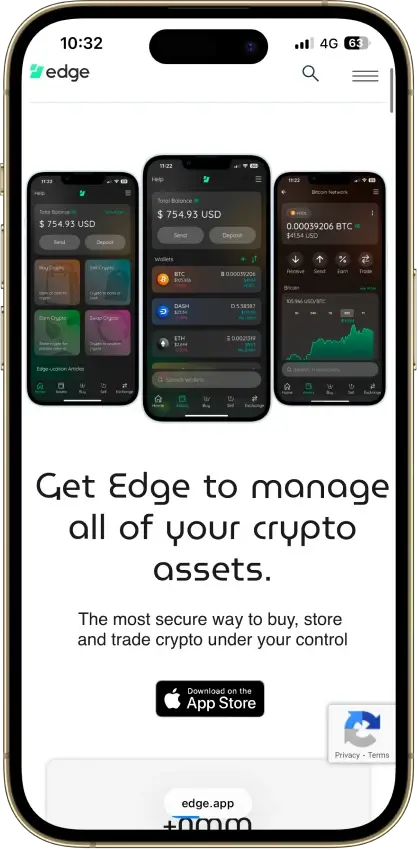
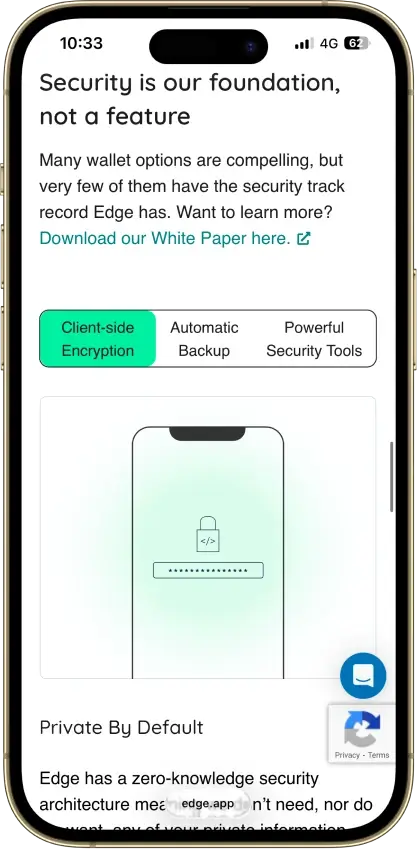
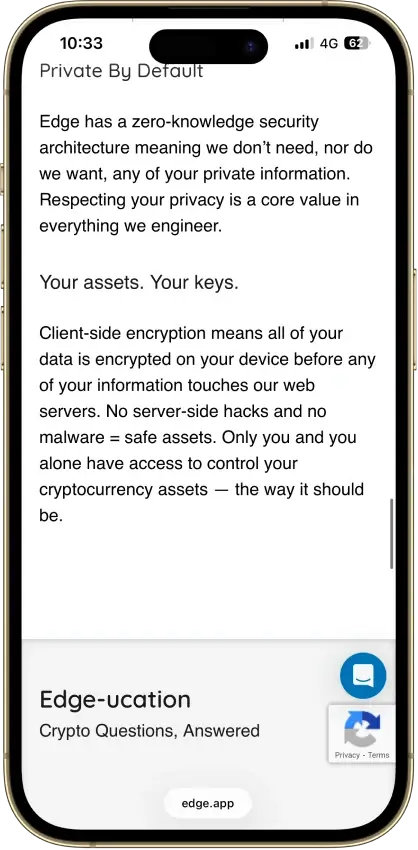
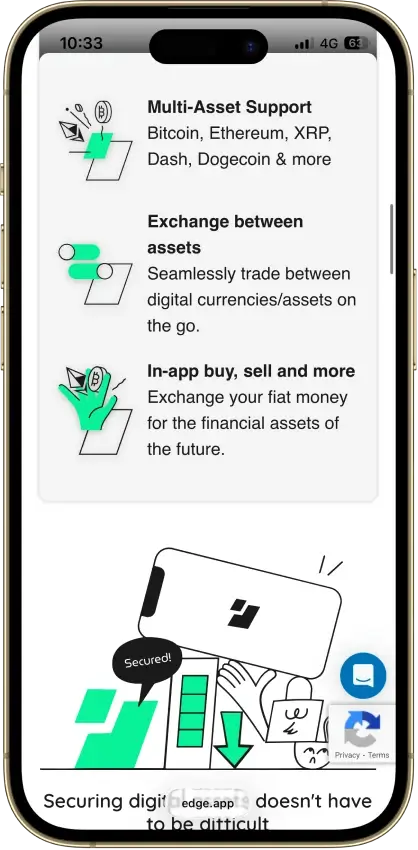
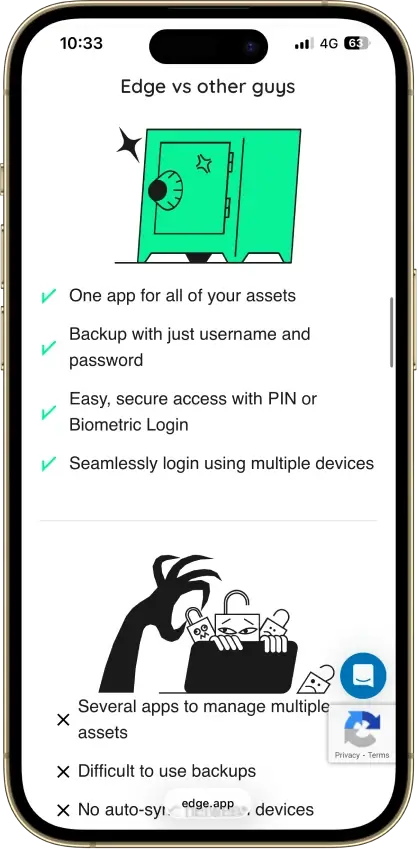
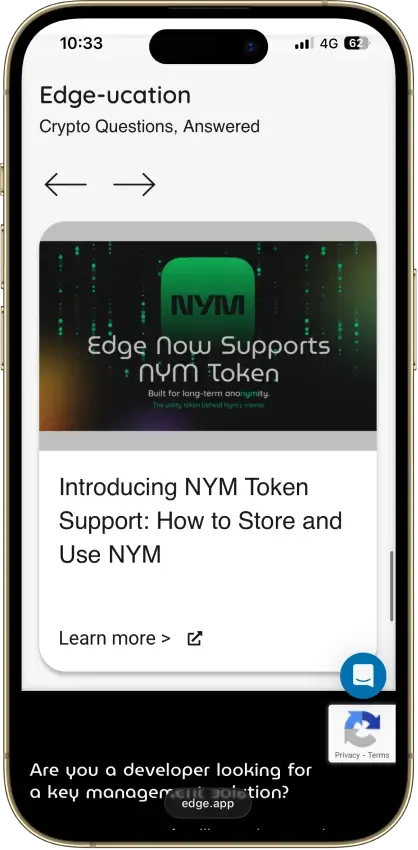
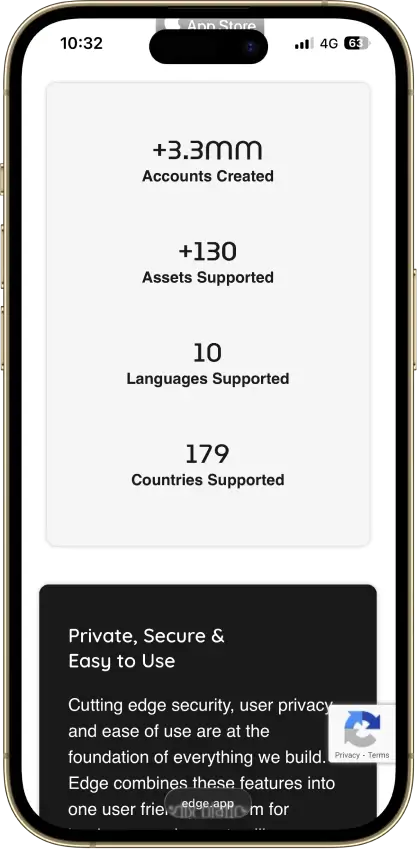
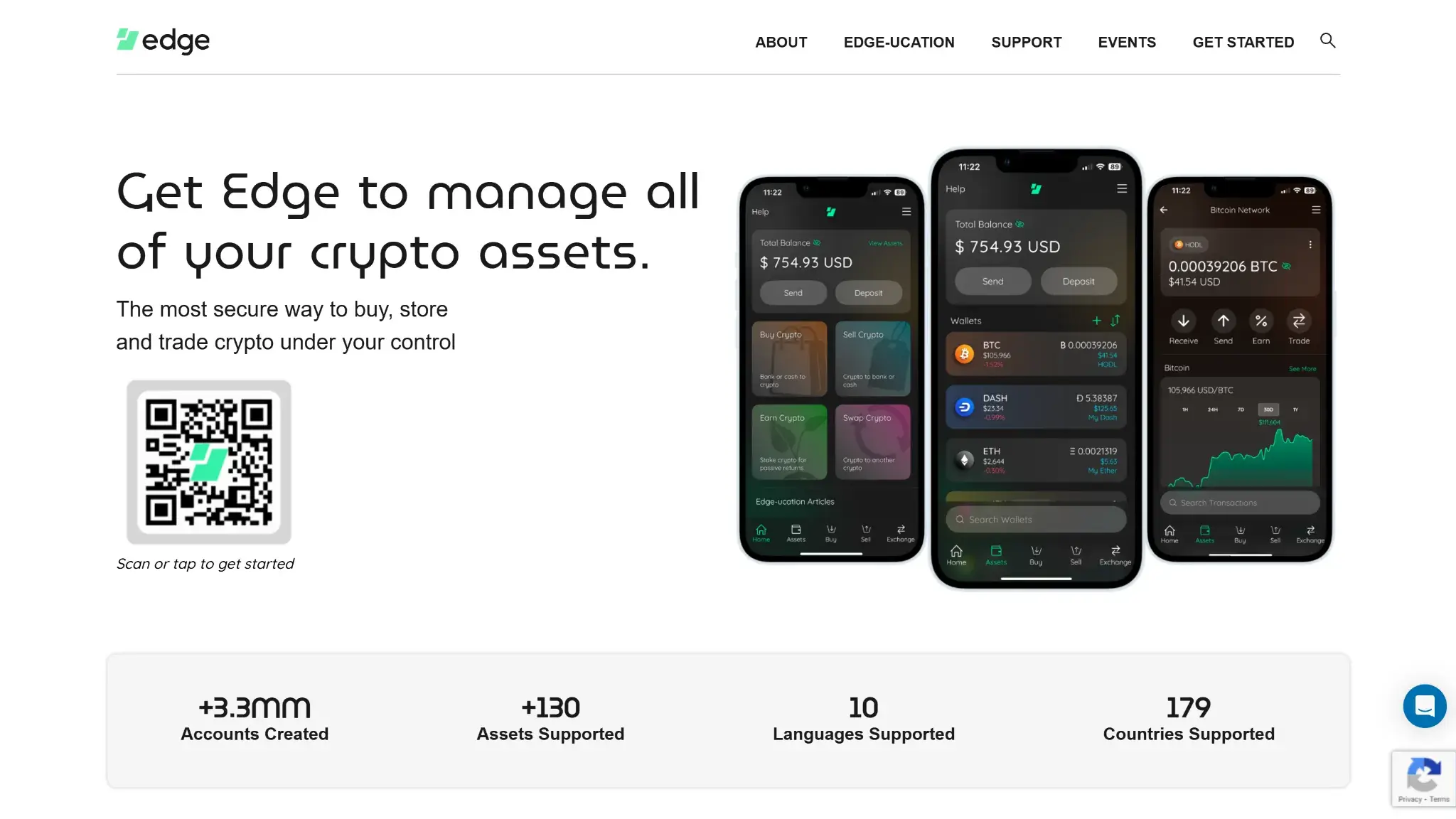
Screenshot 1 of 8
Edge Wallet Pros and Cons
Pros
- Public, auditable code (BSD-3-Clause app)
- Non-custodial, zero-knowledge encryption
- 120+ assets plus major token standards
- Swaps shop quotes across several providers
- Apple lists compatible Apple Silicon Macs
Cons
- Weak passwords increase credential-guessing risk
- Encrypted key blobs sit on Edge servers
- 2023 bug exposed about 600 private keys
- No audit report in the reviewed sources
- No dedicated desktop app or browser extension
Who Edge Wallet Is Best For and Who Should Skip It
Edge fits people who prefer restoring an encrypted account with credentials to transcribing a seed during setup.
- Newcomers willing to save account credentials and prepare recovery
- Multi-chain users who live on their phone and want synced devices
- Open-code advocates who want a wallet whose entire codebase is public and auditable on GitHub
- Privacy-minded users who want no-KYC wallet use with optional on-ramps
A separate hardware signer or browser extension requires a different product. Edge also requires a long, unique password and a plan for replacing a lost device.
What Is Edge Wallet and How Does It Work?
Edge is a self-custody wallet for iOS and Android, with a direct APK for sideloading. Apple lists its iOS app as compatible with Apple Silicon Macs running macOS 13 or later, while marking it as designed for iPad and not verified for macOS. That is compatibility for the mobile app, not a dedicated desktop application. There is no browser extension.
The company behind it is Airbitz Inc. of San Diego, California, which launched the Airbitz Bitcoin wallet in 2014 and rebranded it as Edge. An Edge account organizes wallets and encrypted backups. It is separate from an exchange account.
Security and Custody
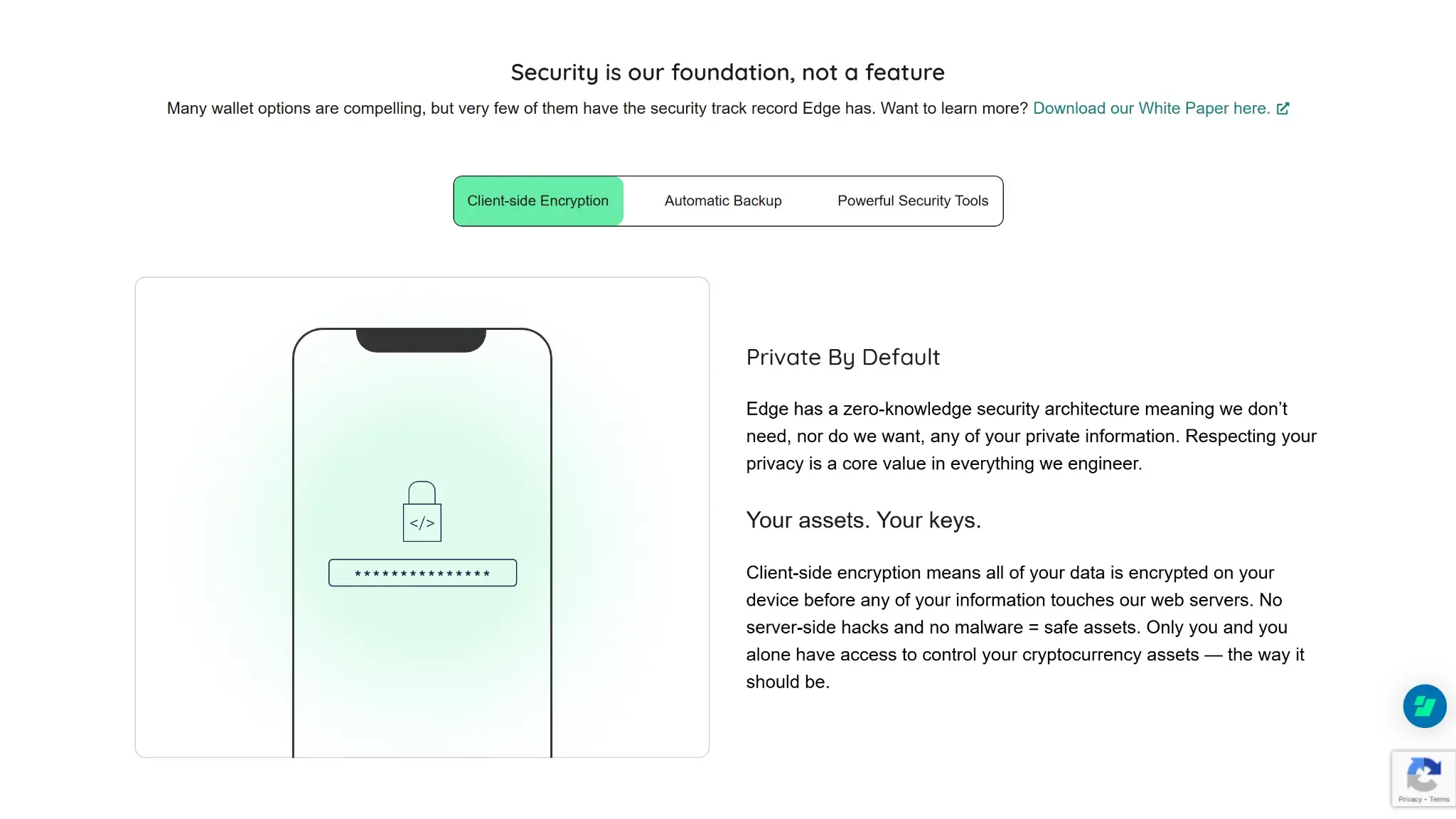
Edge says it encrypts account and wallet data on the device before backing it up to its servers. The company stores encrypted backup data without holding the password needed to read it. That architecture is separate from the security of the device running the app.
You create a username and password, and the app derives encryption client-side. Setup does not require transcribing a seed phrase.
- Logging in on a new device can restore the encrypted wallets, subject to device approval. Optional password recovery requires advance configuration and saved recovery material. Duress Mode displays decoy wallets while hiding the usual wallets, but does not guarantee physical safety.
- A weak or reused password increases guessing and credential-stuffing risk. Phishing can also expose credentials. Device-access controls and a securely stored 2FA backup code provide separate protections.
In its notice updated June 21, 2023, Edge reported that a logging bug could expose private keys after users visited certain buy or sell screens and uploaded app logs. It estimated about 600 exposed keys, under 0.02% of platform keys, and reported losses in the low five figures in US dollars. Version 3.3.1 fixed the logging flaw and removed old device logs. Edge also advised creating new wallets and transferring funds from old wallets. Updating alone does not revoke a private key already exposed. These are Edge's dated estimates, not independently verified totals.
The app interface uses the BSD-3-Clause license. The core library uses a modified license requiring Airbitz's written permission for use or redistribution of modified source. Publicly readable code permits inspection, but it does not establish that the installed app has been independently audited. No third-party audit report was identified in the sources reviewed. Transactions are signed in software on the connected device, without a separate hardware signer.
Supported Chains and Assets
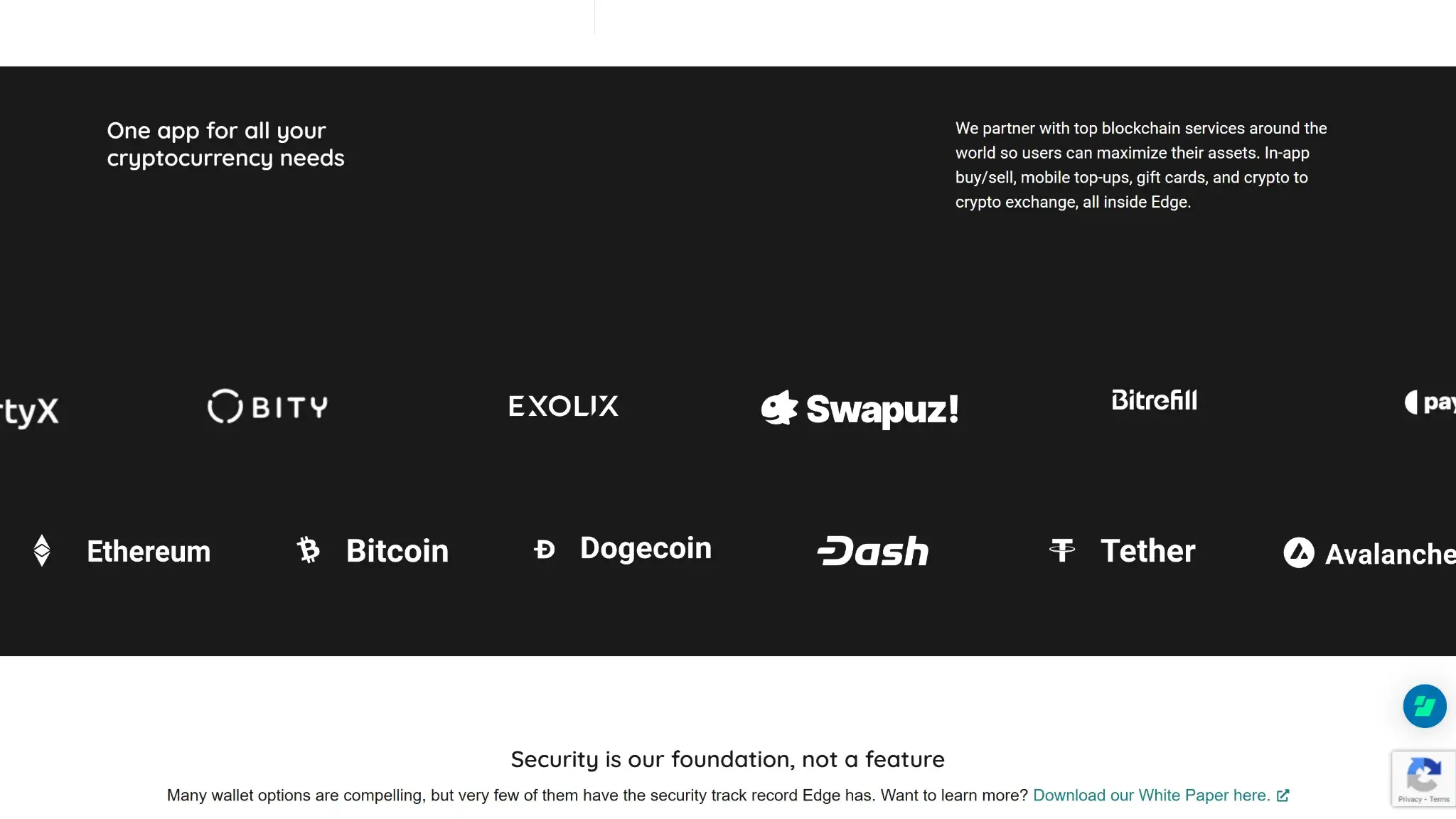
Edge's App Store listing counts 120+ supported assets across Bitcoin and Ethereum plus the major layer-1 and layer-2 ecosystems. Token support covers ERC-20 and BEP-20 plus TRC-20 and SPL. The listing counts assets, not separate blockchains. Trading availability and fees depend on the partner serving the selected asset. Confirm the specific token and receiving network before moving funds.
Edge's July 8, 2026 release added Monero Full Sync and private-key import on iOS and Android. Edge describes Full Sync as downloading and validating blockchain data locally to check the account's history, alongside its existing Fast Sync option. Private-key import lets an existing Monero account be brought into the app.
Cake Wallet offers dedicated macOS and Linux apps for Monero, while Edge provides its Full Sync option within the mobile app. Compare the sync mode and recovery requirements for the device you intend to use.
Usability and Recovery
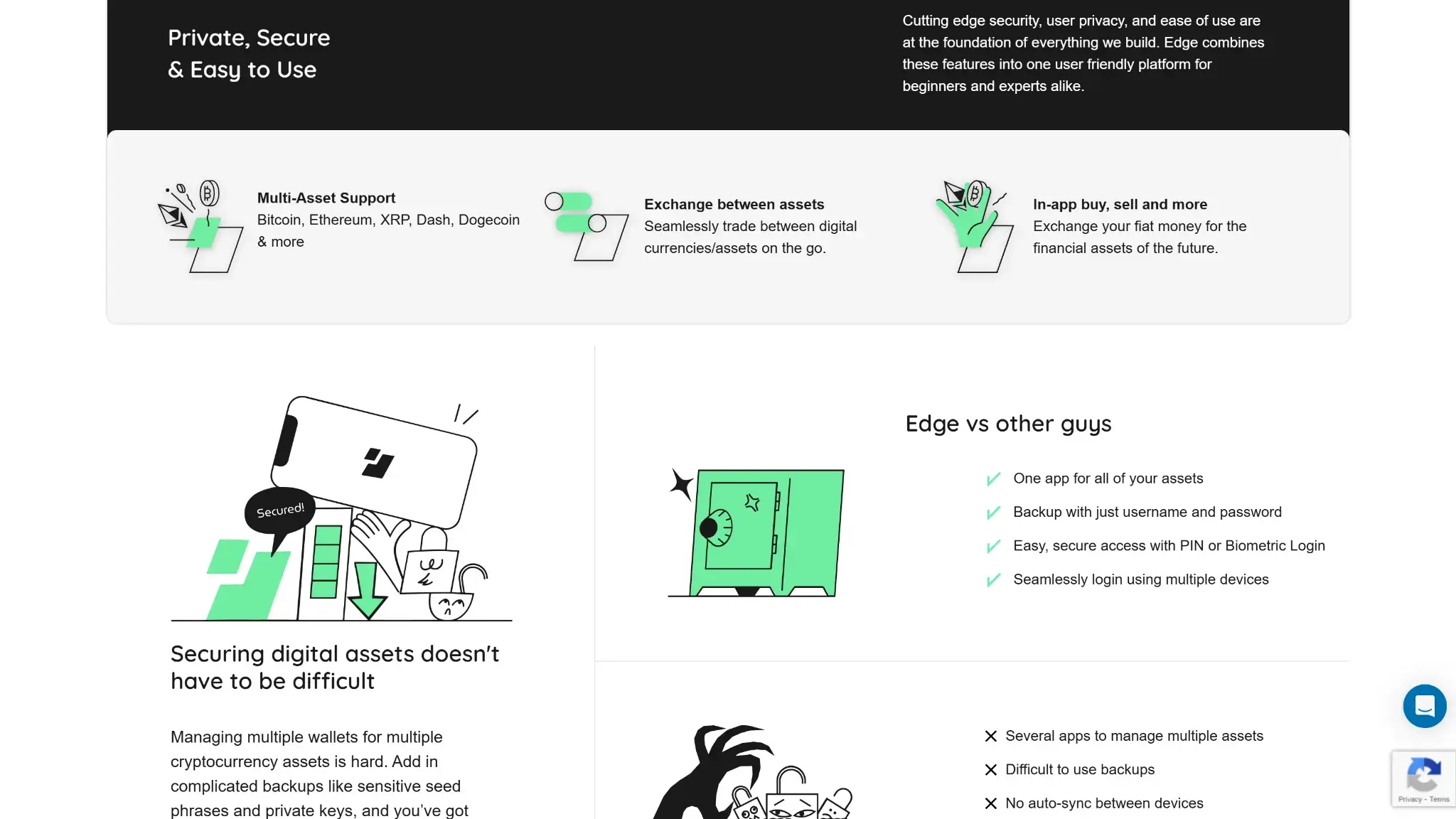
Account setup uses a username and password. An optional PIN and biometric sign-in handle daily access, and the account supports multiple wallets per asset and sync across devices. WalletConnect links it to dApps.
Default IP validation can hold a login from an unfamiliar device and location. Approval from a device already signed in, or a saved Edge 2FA backup code, can avoid the waiting period. Without either, Edge applies a minimum seven-day wait, with longer waits for dormant accounts. Edge 2FA does not use the usual rotating authenticator code. Save its backup code separately from the username and password.
Password recovery must be configured before access is lost. It requires the saved special link, username and matching answers to two questions. An ordinary email address alone cannot restore the account. Keep a long, unique password and the required recovery material somewhere accessible if the device fails.
Features
Swaps run through multiple integrated providers with DEX routing, so the app shops quotes instead of locking you to one provider. Fiat on-ramps and off-ramps come from third-party partners including Paybis and MoonPay, with fees ranging from roughly 1.5% for ACH transfers up to about 8% for ATM-style purchases. Basic wallet use requires no KYC, but centralized swap providers can also require identity checks. Edge explicitly notes that possibility for ChangeNOW, alongside checks imposed by buy or cash-out partners. Earn features exist for some assets via third-party partners, though staking is not a headline capability here.
Optional NYM Mixnet routes wallet traffic through layered encryption and packet mixing to limit network-metadata exposure, including IP and timing information. Edge's March 24, 2026 announcement says connection reliability varies by region and account speed decreases as more wallets use Mixnet. It recommends enabling it for one wallet at a time. The feature does not establish that every account action is anonymous.
Cost
The app is free and has no subscription tier, so your costs come from network fees on transactions and from the spreads and fees set by whichever provider fills a swap quote. Fiat purchases add partner fees that run from about 1.5% for ACH to 8% at ATMs. As with any partner-driven wallet, the full cost of a trade depends on the routed provider, so check the quoted total before confirming.
Comparison with Other Wallets
-

Kraken Wallet
Kraken Wallet has iOS and Android apps plus a web interface. Its mobile seed-phrase wallet needs no exchange account or identity check. Seed-based mobile signing keeps keys on the phone, without hardware-wallet...
-
Trust Wallet
Trust Wallet combines multichain accounts with optional cloud backup and a separate SWIFT passkey wallet. Classic and SWIFT recovery differ, and the September network changes require checking continued access for affected assets.
-

MetaMask
MetaMask combines EVM dApp access with native Bitcoin, Solana and TRON accounts. It offers hardware connections and optional linked-login recovery, with a 0.875% wallet swap fee.
A wallet with a browser extension provides a computer interface that Edge lacks. Recovery design and public audit evidence also distinguish the alternatives.
- Kraken Wallet published build instructions and a Trail of Bits audit for its mobile wallet. Current access to the linked repository remains unconfirmed.
- Trust Wallet uses a 12-word recovery phrase for its classic wallet setup, a different backup approach from Edge's account credentials.
- MetaMask offers a browser extension for desktop dApp use.
Edge's account recovery requires credentials and device-access preparation. Compare those requirements with the backup method of the specific account type you would create in another wallet.
Crypto Wallets Pillar Scores
- Custody and key security 30% weight Who can authorize spending, protection of keys and signing, and independent access to every reviewed account type.8.5 / 10
- Security validation and track record 25% weight Independent security assessments, their coverage and findings, plus updates and the handling of known incidents.6.5 / 10
- Transaction safety and signing 20% weight Transaction details, signing warnings, scam checks, permission controls and the handling of unreadable requests.7.0 / 10
- Backup and recovery 10% weight Repeatable backup checks, complete restoration, recovery dependencies, costs and resilience after backup loss.8.0 / 10
- Usability, privacy and costs 10% weight Setup and everyday tasks, accessibility, support guides, data-sharing choices and device, service and transaction costs.8.0 / 10
- Assets, networks and compatibility 5% weight Asset and network support, devices, companion apps and connections needed for the uses covered in the review.10.0 / 10
Final Verdict
Edge combines encrypted account backups with a mobile app and multiple swap providers. Its username-and-password setup avoids a seed-writing step, but users still need to preserve credentials and configure recovery before losing access. The app signs in software, and its public source code is not proof of an independent security audit. The 2023 logging incident also shows why login protection cannot protect an exposed private key. Edge suits users prepared to manage device approval and backup material, with provider fees and identity checks assessed for each financial service.

CryptoSlate may earn a commission when you use partner links, at no extra cost to you. Our reviews, ratings, and editorial decisions remain independent of advertisers. Read How CryptoSlate Makes Money for funding details.