


 Released in 2021
- Separate Cash account for Solana payments
- Pay Solana network fees in the token you send
- PSOL keeps staked SOL tradable in DeFi
Phantom Overview
- Crypto Wallet Name
- Phantom
- Release Date
- 2021
- Wallet Type
- Multi-platform wallet
- Custodial Status
- Non-custodial
- Built-in Swaps
- Yes
- Open-source
- Partially open-source
- Fiat On-ramp
- Yes
Additional details
- Supported Blockchains
- Solana, Ethereum, Base, Polygon, Bitcoin
- Token Standards
- ERC-20, ERC-721, ERC-1155, SPL
- Platforms
- Browser extension, iOS, Android
- Hardware Wallet Support
- Yes
- Staking Support
- Limited
- Supported Hardware Wallets
- Ledger
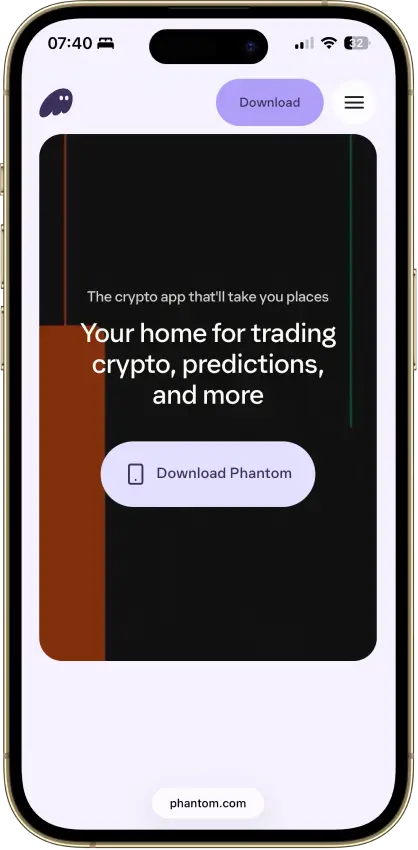
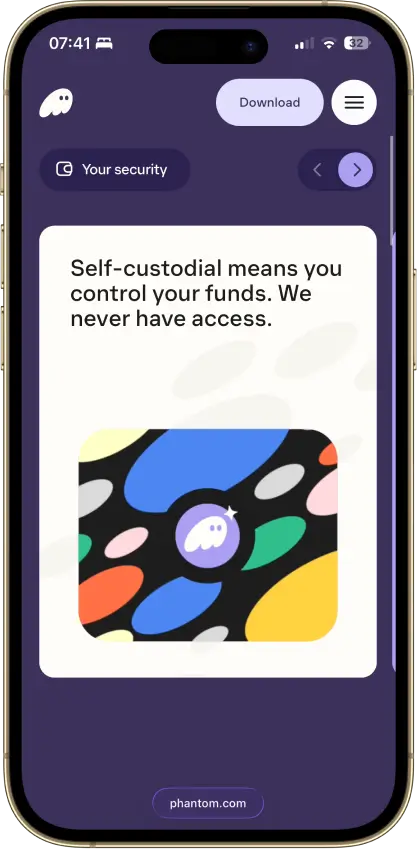
Phantom Screenshots
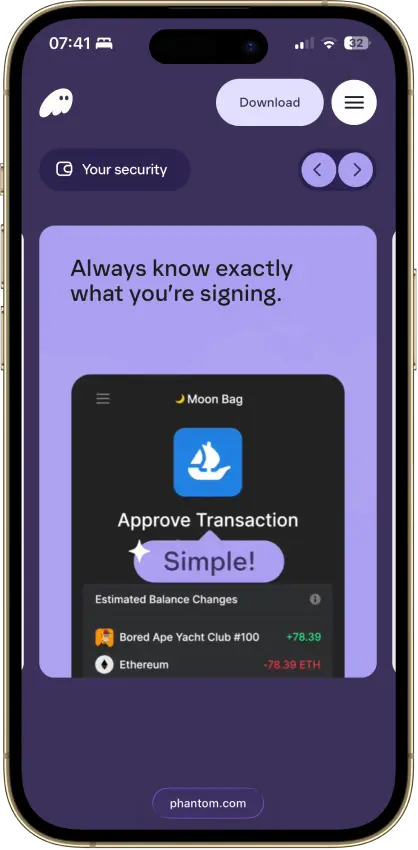
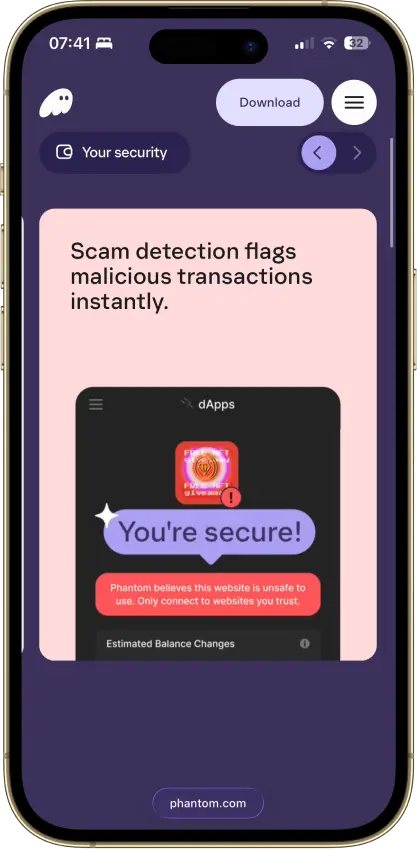
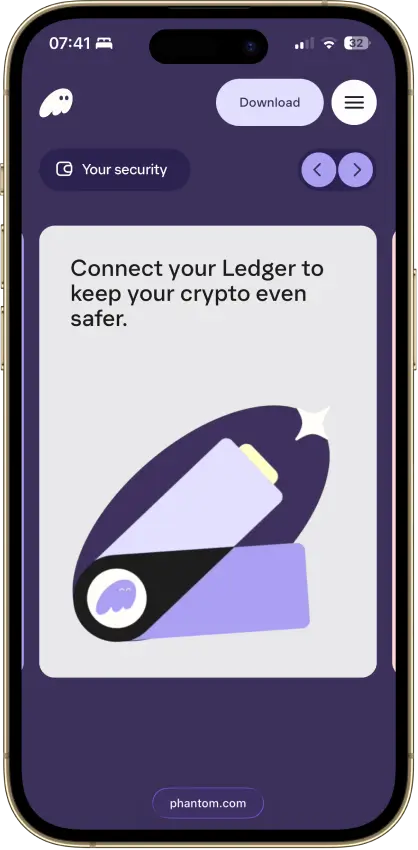
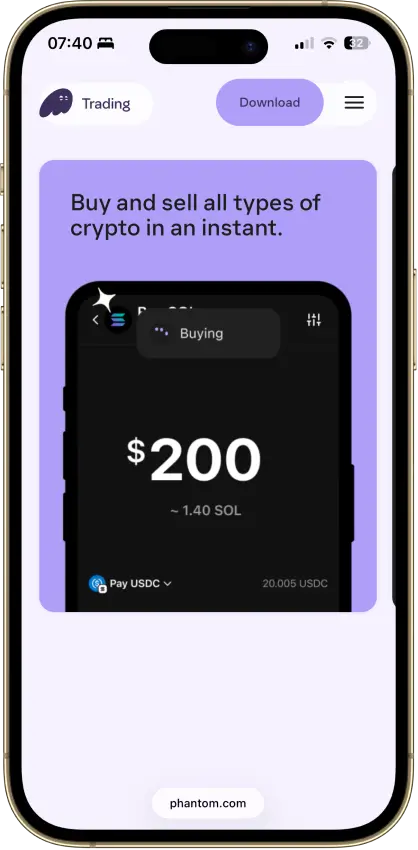
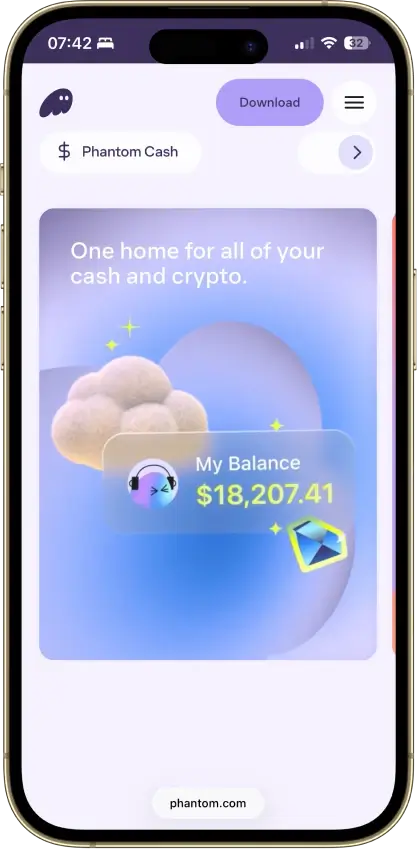
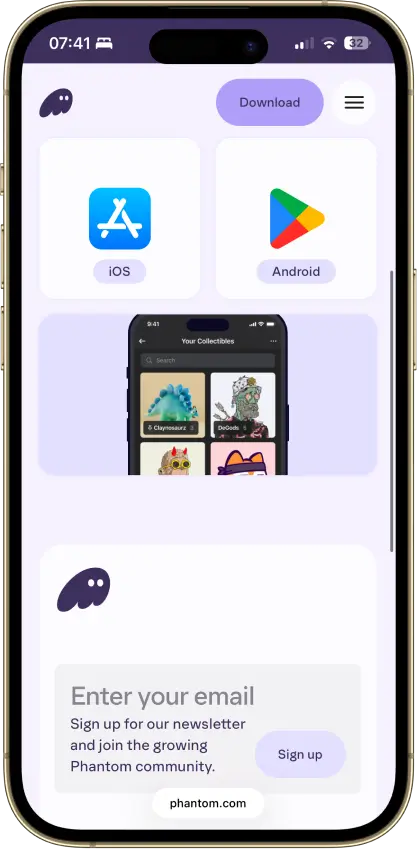
Screenshot 1 of 8
Phantom Pros and Cons
Pros
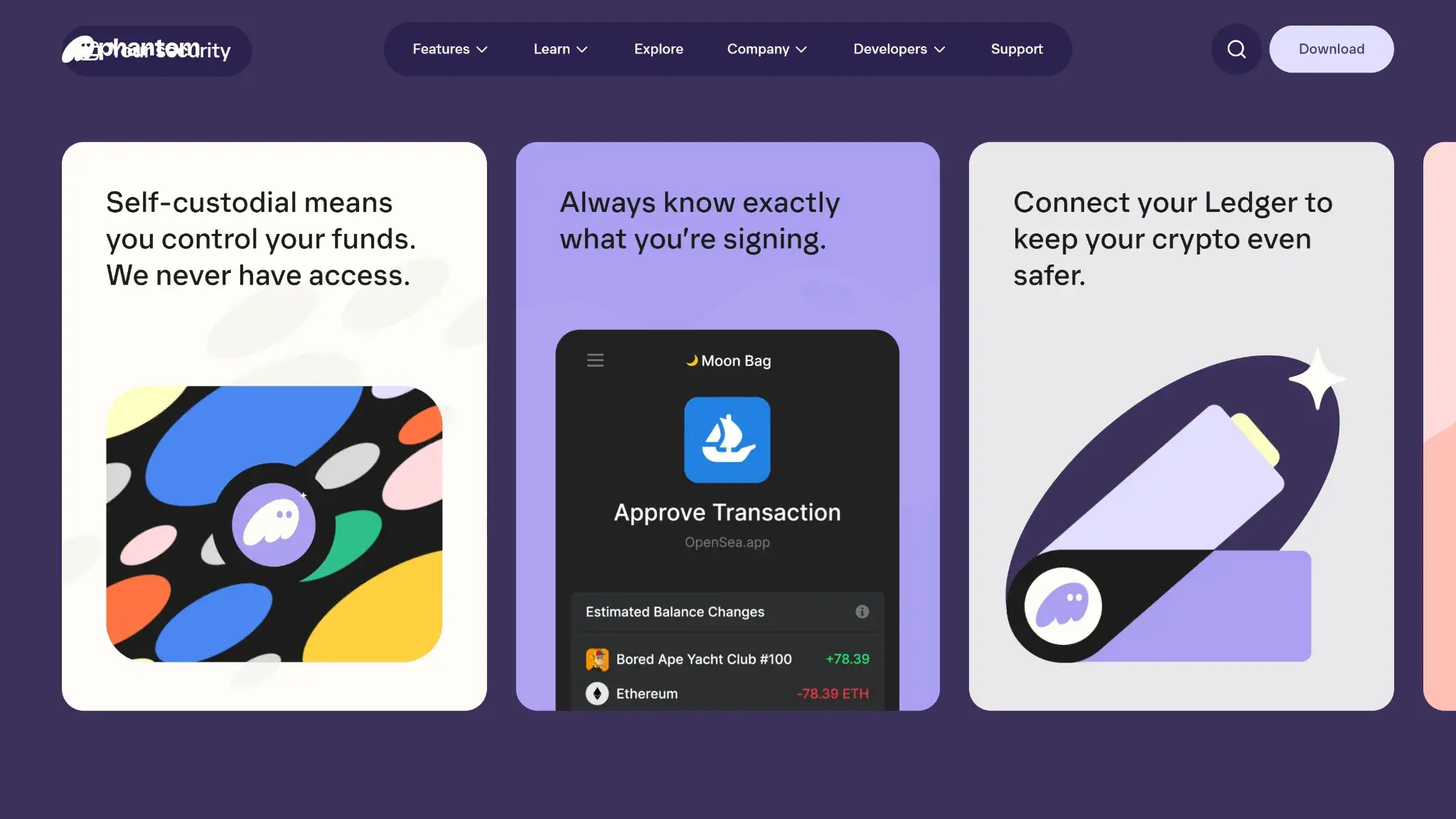
- Transaction previews and scam warnings
- Ledger Bluetooth support on mobile
- Bitcoin Native SegWit and Taproot support
- Third-party audit reports open to read
- Google or Apple login with a portable backup
Cons
- Core app is proprietary
- Dropped Sui and Monad support in 2026
- New native stakes need the extension
- Google and Apple wallets sign on a remote server
- No native Arbitrum, Optimism, BSC, or Avalanche
Who Phantom Is For
Phantom suits people who regularly move between its supported networks and want to manage transfers and staking together.
Phantom fits these users best.
- Solana users deciding between direct validator delegation and liquid staking.
- Ledger owners who want a software interface for compatible hardware accounts.
- Users comfortable securing a Google or Apple login and maintaining an independent backup.
Look elsewhere if your daily activity requires unsupported chains or if public review of the complete application source is essential. The same goes if you want cold storage without buying and connecting separate hardware. Phantom ended Sui support on September 24, 2026, so Sui users need a different wallet.
What Phantom Is and How It Works

Phantom Technologies, Inc. develops the wallet and names its leadership team publicly, and the company traces its beginnings to 2021. Its product now goes beyond a wallet interface, with Cash payments plus separate trading services alongside onchain asset management.
Phantom is a non-custodial wallet interface and works differently from an exchange deposit account. Where it stores signing keys depends on the account setup.
Phantom Key Facts
Phantom Wallet Security and Custody
Local, KMS, and Hardware Accounts
Phantom offers three signing arrangements.
| Account Setup | Where Signing Happens | What You Depend On |
|---|---|---|
| Local recovery-phrase account | Your phone or computer | Device security and an independent recovery backup |
| KMS account, including new Google or Apple wallets and Cash | A remote secure enclave | Account authentication and availability of the signing service |
| Connected hardware account | The paired hardware wallet | A supported connection, the device and its recovery backup |
For KMS accounts, the device holds a separate authenticator. Phantom's service checks the request's permissions before returning a signature.
Connecting hardware keeps its signing keys on that device. Importing its recovery phrase into Phantom instead creates software access to those keys and defeats that separation.
Transaction previews and suspicious-activity warnings help identify risky requests, along with a malicious-site blocklist. They do not establish that a transaction is safe or reverse an approval after funds have moved. Disconnecting a site also does not cancel existing token permissions. Phantom's revocation guide directs Solana users to a separate tool and EVM users to approval-management guidance.
Source Code, Audits, and Privacy
Phantom's app is proprietary, although components such as the blocklist are public, so it falls short of a fully open-source application. Kudelski Security audited it in 2021 and Least Authority in 2024, and Phantom shares both reports. Those audits show outside assessment, though they do not cover every later build or feature.
Phantom's bug bounty runs on Cantina and lists a maximum reward of $100,000, although Phantom's security landing page advertises $50,000. The Cantina program's own reward schedule is the one that applies.
Self-custody does not make you anonymous, because Phantom's July 7, 2026 privacy policy allows wallet addresses to be associated with account identifiers, with an in-app opt-out. The policy also covers IP processing for security and connectivity as well as legal requirements. Phantom says its systems are not designed to connect IP addresses to identifying wallet or account information.
Vulnerabilities and Disputes
Phantom was among the browser wallets affected by the 2022 Demonic vulnerability. Under particular device-access and browser conditions, recovery phrases could be exposed. Halborn reported remediation, and Phantom said its users were protected by April 2022 after fixes began rolling out in January. That documented vulnerability belongs in the history even though it was addressed.
CryptoSlate also covered a January 2025 security dispute in which a researcher alleged a risk and Phantom denied that funds were vulnerable. That report did not establish the technical details.
A lawsuit filed in April 2025, Murphy versus Phantom Technologies, alleges that keys were exposed and stolen. A March 2026 post by Murphy's Law, a law firm associated with the plaintiffs, describes the allegation as extraction of a private key from browser memory and reports that Phantom denied wrongdoing. The claims are contested, and the public docket mirror stops in August 2025 without any later outcome.
In February 2025, Scam Sniffer warned of fake update requests targeting Phantom users, followed by prompts demanding their recovery phrases. That was credential phishing, so never give a recovery phrase to anyone offering to fix a wallet or install an update. The same applies to anyone offering to move Sui assets out of Phantom.
Supported Chains and Assets
Phantom supports Solana and Bitcoin as well as Ethereum. Its EVM coverage adds Base and Polygon plus Robinhood Chain and HyperEVM. Monad support ended on August 26, 2026.
Phantom ended Sui support on September 24, 2026, so its interface no longer displays or transacts with Sui assets. Those assets still belong to their owners on the Sui blockchain and remain accessible through a compatible wallet with the right backup credentials. Each separately imported account needs its own backup, since the main wallet phrase does not cover it.
Bitcoin support covers both Native SegWit and Taproot addresses, while Arbitrum and Optimism are unsupported, as are BSC and Avalanche. A ticker alone is not enough to choose a deposit route, so confirm the blockchain and receiving address before sending.
Usability and Recovery
Phantom's extension officially supports Chrome. Brave and Opera can run it, as can Edge, but Phantom does not promise equivalent support there. Firefox no longer receives extension updates. The supported mobile platforms are iOS and Android.
A newly created recovery-phrase wallet uses a 12-word backup, and the extension password or mobile biometrics only protect access on that device. Neither helps you recover the wallet after losing the device, so record the backup securely offline and verify that it covers each account you intend to restore.
Google or Apple login offers another way to access the wallet across devices. New accounts use KMS, and existing accounts are being migrated away from the separate four-digit PIN. Some legacy accounts may still use a PIN. Follow the instructions for your actual account, since the older login process does not apply universally.
A login-created wallet also has an exportable recovery phrase, and an offline copy gives you a portable recovery option that anyone who obtains it can use too. Secure the linked Google or Apple account with two-factor authentication.
User Reviews
Phantom wallet reviews on Trustpilot and Reddit describe different experiences. Comments in a July 2025 Reddit thread praise everyday use and Solana app access. Trustpilot complaints cover recovery after a phone change and swap outcomes, along with alleged losses. Those reports do not identify a common technical cause. The Trustpilot profile also contains an unrelated car-dealer review and recovery-service promotion, which provide no useful assessment of the wallet.
Features
Native SOL Staking and PSOL
Opening a native SOL stake requires the browser extension and at least 1 SOL. You select a validator and keep the position in a stake account. Mobile can still display existing native positions and lets you unstake and withdraw them. After deactivation, withdrawal is a separate action whose wait follows Solana's epoch timing.
PSOL represents pooled staked SOL and is available through mobile and the extension. Rewards change the amount of SOL redeemable for each PSOL without increasing the token balance. The token can be traded or used in supported DeFi services, which a native stake cannot, and that adds pool risk plus application risk wherever it is used. Instant redemption depends on available reserves. If those run short, Phantom falls back to a native stake account that requires manual unstaking and withdrawal.
PSOL reward viewing is temporarily unavailable on mobile, so use the extension to see rewards.
Direct delegation lets you choose the validator, while PSOL gives you a transferable position whose liquidity and fees matter before you treat it as spendable SOL. Choose between the routes based on whether validator control or a transferable staking token matters more to you.
Swaps, Bridging, and Gasless Transactions
Same-chain trades route through third-party decentralized exchanges, and on mobile the destination may default to Cash, so check which asset you will receive. Cross-chain swaps use a bridge route found by LI.FI. A route displayed inside the wallet still depends on outside liquidity and bridge infrastructure, so check the destination asset and network as carefully as the price.
Some eligible Solana transactions deduct a flat fee from the token being transacted to cover the network cost. “Gasless” therefore does not necessarily mean free. Optional gasless EVM swaps use smart-account delegation and currently exclude Google or Apple wallets. Phantom warns that a compromise of the delegated contract could threaten the account's assets. Treat it as a separate account upgrade instead of a routine app update.
Hardware Connections
On mobile, Phantom connects over Bluetooth to the Ledger Nano X and Stax as well as the Flex. The extension connects by cable to the Nano S and Nano S Plus as well as the Stax and Flex. Trezor and Tangem are unsupported, as is the Ledger Nano Gen5. Check the specific model and connection method before purchase, since a generic Ledger badge does not establish compatibility for every device.
Cash, Funding, and Trading Services
Cash is a separate Solana account holding the USD-pegged CASH token, which is different from a fiat balance in a bank account. Its keys use KMS. US bank and debit-card features require identity verification and exclude New York. The card is issued by Lead Bank, with Bridge as program manager. Using those services brings the partners' terms and identity requirements into the relationship.
Fiat purchases go into Cash, since you buy USDC that converts into CASH. Outside the US funding options, regional providers include MoonPay and Banxa as well as Topper. Review the destination and provider quote instead of assuming a card purchase deposits the desired coin directly into a regular wallet account.
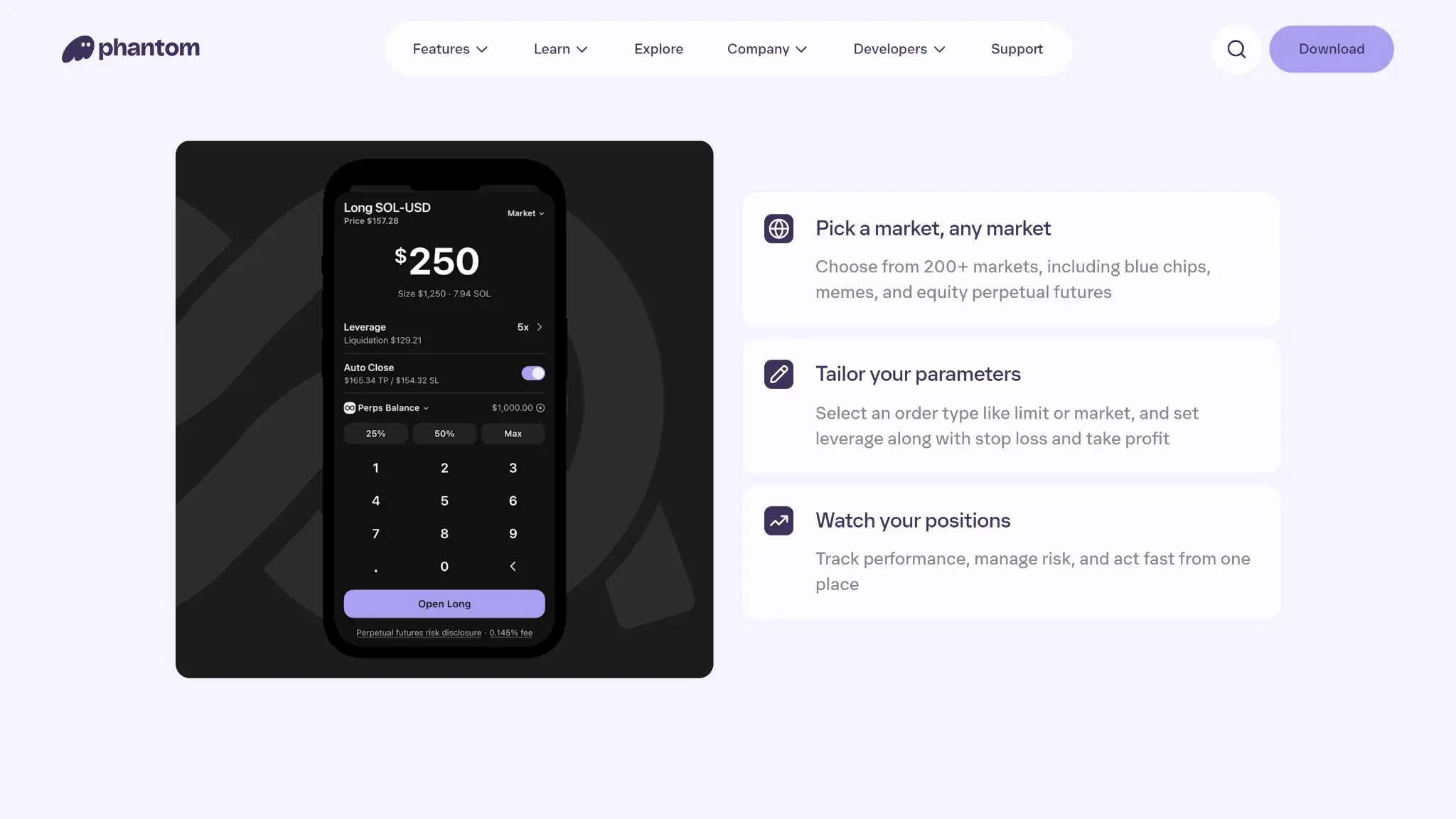
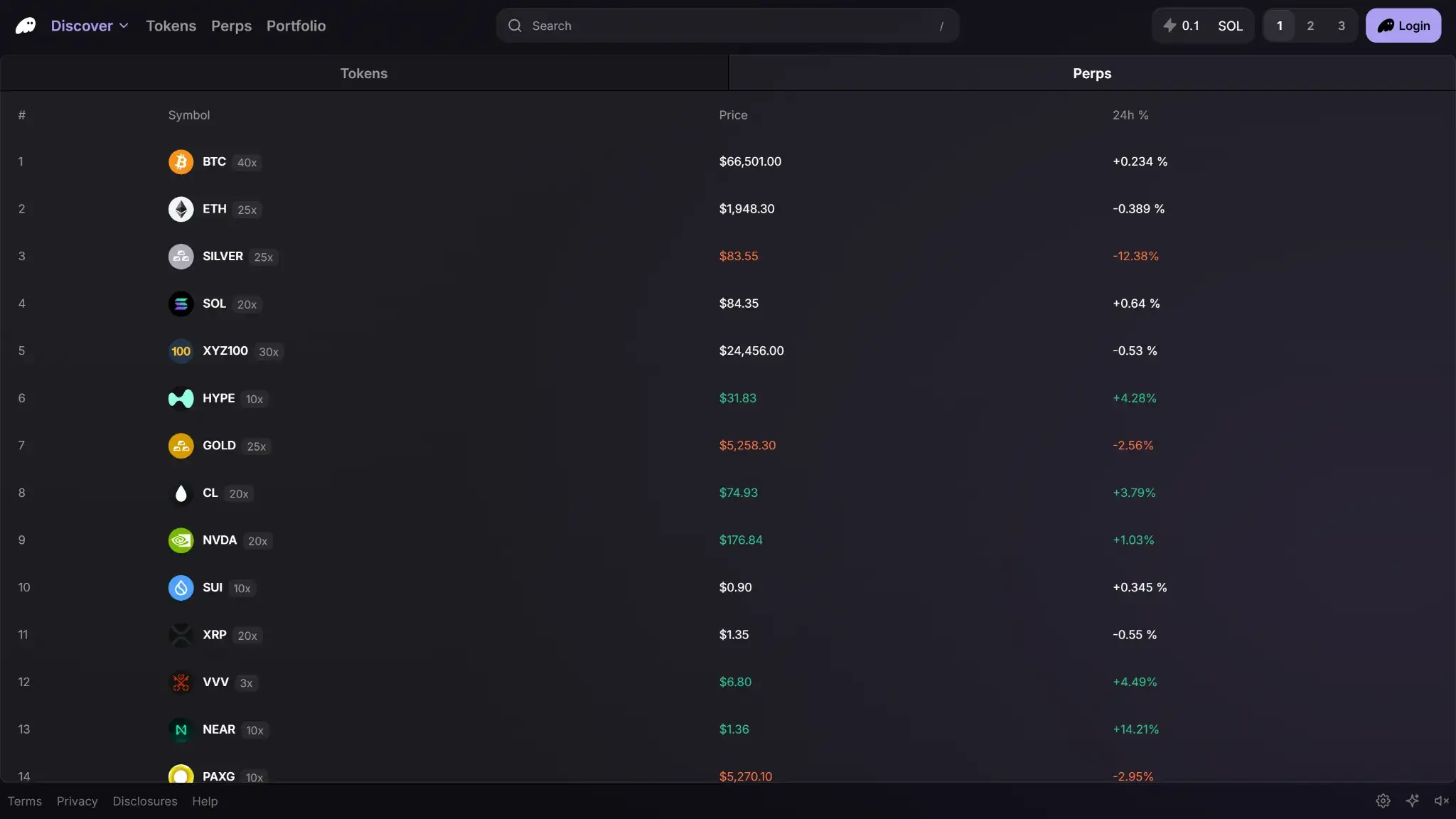
Phantom also offers Hyperliquid-powered perpetuals through mobile and Terminal. These are leveraged trading products with liquidation risk, and are unavailable in the US and UK. Prediction markets and tokenized equities have their own regional rules. None of those features is necessary to use the core wallet.
Phantom Wallet Fees
Phantom is free to download, and what you pay to use it depends on the action you take instead of one wallet-wide fee.
For a trade on which the 0.85% rate applies to $1,000 of value, that component is $8.50 before other costs. Slippage tolerance is not an extra fixed charge, because it only sets how far execution may move from the quote. Price impact reflects how far your own trade moves the price, given available liquidity.
Phantom's 0.85% selected-pair fee and a cross-chain quote cover different costs. A bridge route includes bridge and network charges, so the final received amount is a better basis for comparing routes than the displayed percentage alone.
Phantom Alternatives
-


Solflare
Solflare brings native SOL staking, Jupiter swaps and Solana NFTs into one wallet. Optional Shield signing works on mobile, but the screenless card leaves transaction review on your phone.
-

MetaMask
MetaMask combines EVM dApp access with native Bitcoin, Solana and TRON accounts. It offers hardware connections and optional linked-login recovery, with a 0.875% wallet swap fee.
The CryptoSlate wallet directory lists alternatives such as Solflare and MetaMask. Start with Phantom's network list and your chosen account setup, then compare the costs for the transaction you plan to make.
Phantom's Google or Apple accounts depend on a remote signing service. A comparison with local recovery-phrase accounts therefore needs to include service availability. For staking, PSOL charges 4% of rewards plus a 0.1% exit fee, while direct delegation carries the chosen validator's commission.
Crypto Wallets Pillar Scores
- Custody and key security 30% weight Who can authorize spending, protection of keys and signing, and independent access to every reviewed account type.8.0 / 10
- Security validation and track record 25% weight Independent security assessments, their coverage and findings, plus updates and the handling of known incidents.7.0 / 10
- Transaction safety and signing 20% weight Transaction details, signing warnings, scam checks, permission controls and the handling of unreadable requests.9.0 / 10
- Backup and recovery 10% weight Repeatable backup checks, complete restoration, recovery dependencies, costs and resilience after backup loss.8.0 / 10
- Usability, privacy and costs 10% weight Setup and everyday tasks, accessibility, support guides, data-sharing choices and device, service and transaction costs.8.0 / 10
- Assets, networks and compatibility 5% weight Asset and network support, devices, companion apps and connections needed for the uses covered in the review.8.0 / 10
Final Verdict
Choose Phantom's local recovery-phrase account if keeping signing on your device matters more than Google or Apple login. You remain responsible for securing the device and offline backup. Connecting a supported Ledger moves signing off that device, with a separate hardware purchase if you do not already own one. Audit reports and transaction warnings support its case. Its limits are the proprietary code and exposure to third-party trading services, plus the recovery work that falls on you. Choose Phantom for the functions you will use, and set up an account and backup you understand.
Disclaimer: CryptoSlate may receive a commission when you click links on our site and make a purchase or complete an action with a third party. This does not influence our editorial independence, reviews, or ratings, and we always aim to provide accurate, transparent information to our readers.