
 Released in 2017
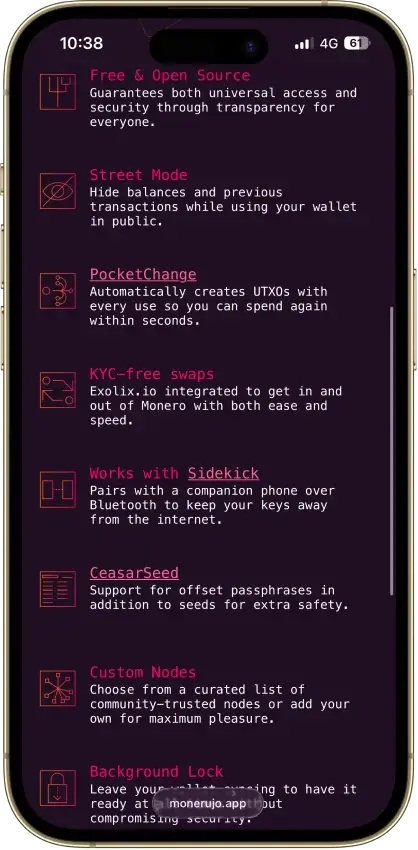
- PocketChange for repeated payments
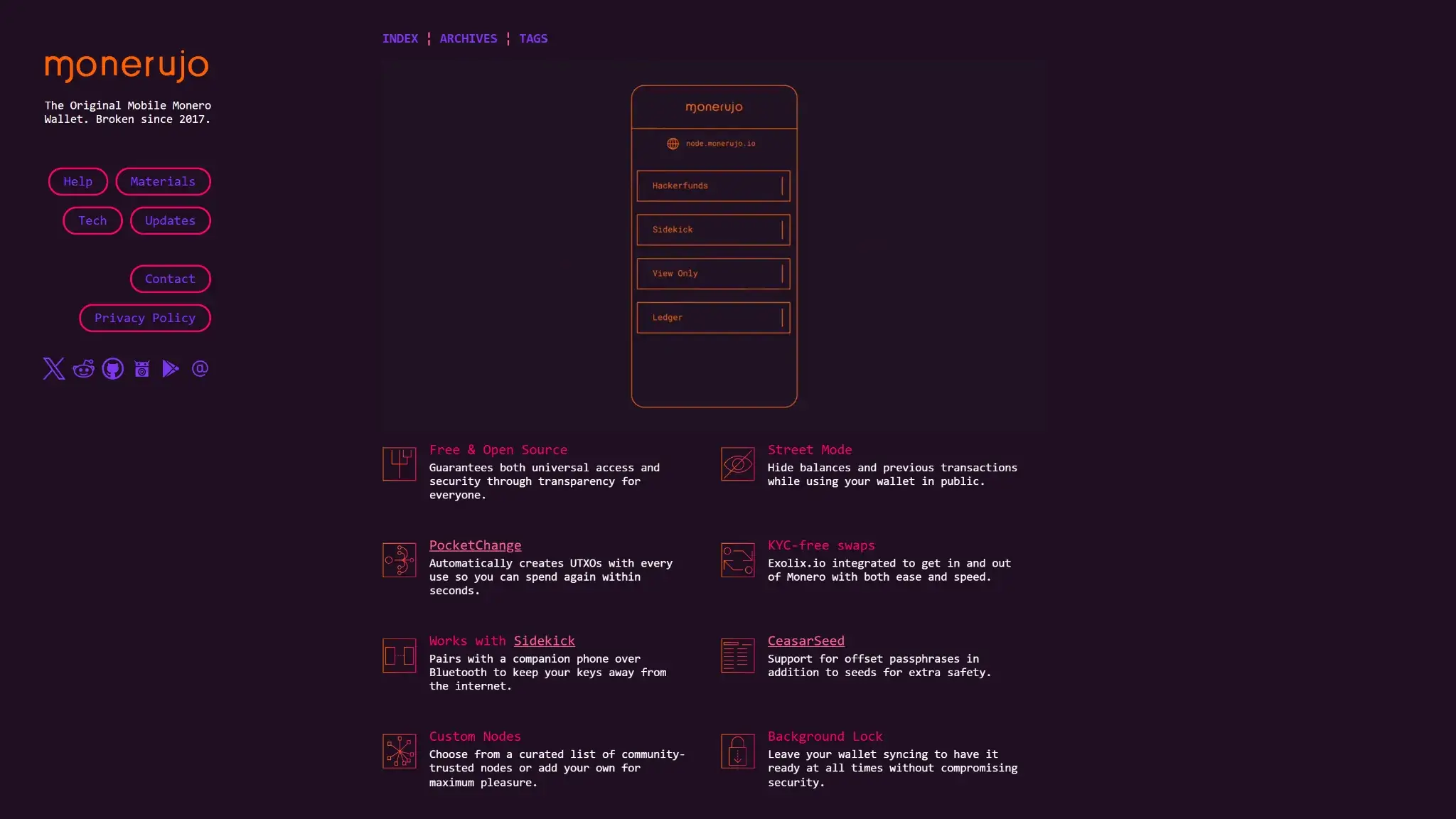
- Street Mode conceals on-screen balances
- View-only wallets for incoming payments
Monerujo Wallet Overview
- Crypto Wallet Name
- Monerujo Wallet
- Release Date
- 2017
- Wallet Type
- Hot wallet (mobile)
- Custodial Status
- Non-custodial
- Built-in Swaps
- Yes
- Open-source
- Fully open-source
- Fiat On-ramp
- No
Additional details
- Supported Blockchains
- Monero
- Platforms
- Android
- Hardware Wallet Support
- Yes
- Staking Support
- None
- Supported Hardware Wallets
- Ledger
- Hardware Connection Methods
- USB
Monerujo Wallet Screenshots
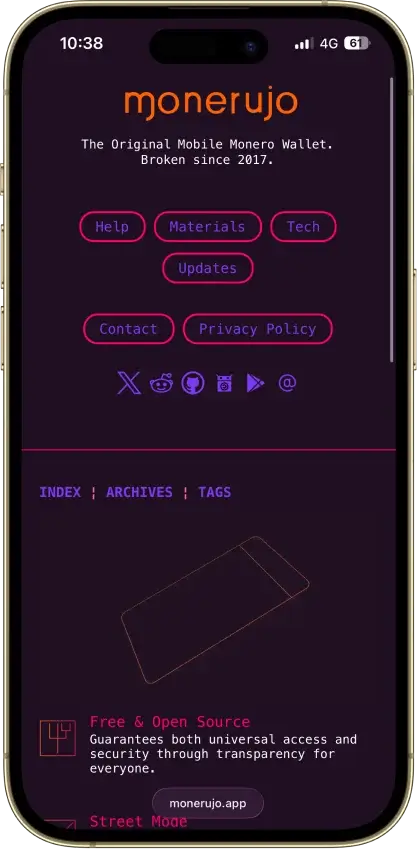
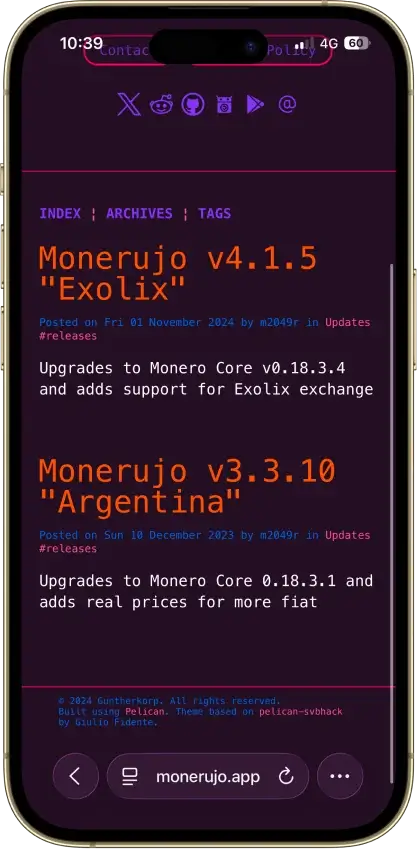
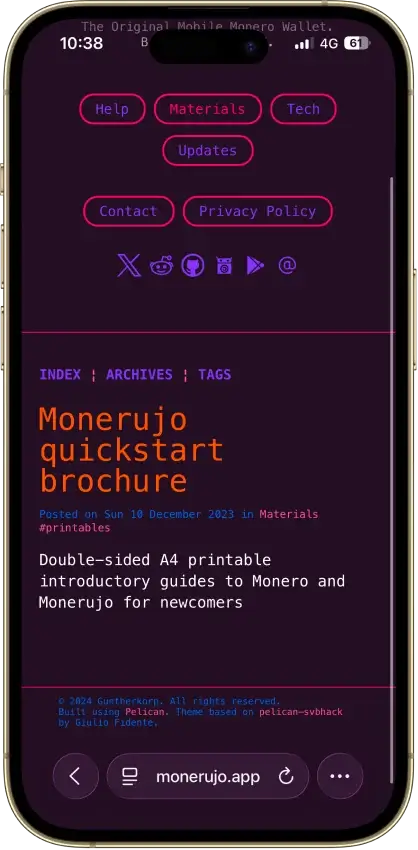
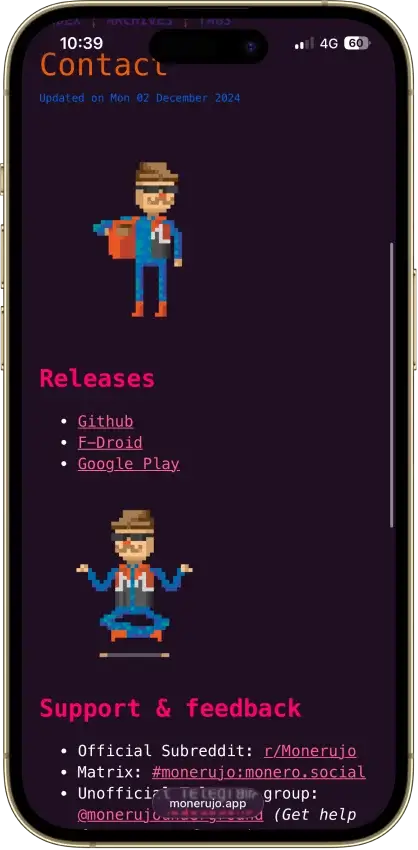
Screenshot 1 of 8
Monerujo Wallet Pros and Cons
Pros
- Public application code under Apache 2.0
- Own F-Droid repository and APK downloads
- Choose the node your wallet connects to
- Nano S-series Ledger signing over USB
- Multiple wallets, accounts and subaddresses
Cons
- File recovery has a separate password
- Sidekick still carries an alpha warning
- Last release was v4.1.7 in June 2025
What Is Monerujo and Who Makes It?
| Key Fact | Detail |
|---|---|
| Type | Android software wallet with optional external signing |
| Custody | Self-custody, with software keys held on the phone |
| Open Source | Application source available under Apache 2.0 |
| Native Asset | Monero, XMR |
| Platforms | Android |
| Connectivity | Remote Monero node, USB Ledger pairing, Bluetooth Sidekick pairing |
| Security Model | Encrypted wallet files, optional offset passphrase or separate signer |
| Recovery | Monero seed and any offset, or wallet files plus restore password |
| Price | Free app, network fees and optional equipment costs |
| Funding Routes | XMR transfers and documented Exolix crypto exchange integration |
| Fiat Purchases | None documented in the cited project materials |
| Swaps and Staking | Exolix exchange, no XMR staking feature |
| Developer | m2049r and contributors, Guntherkorp LLC listed on Google Play |
| Listed Business Address | Sheridan, Wyoming, United States, per Google Play |
| US Availability | Country policy not disclosed in the cited project materials, provider rules apply |
Monerujo connects an Android phone to the Monero network through a remote node. The phone scans blockchain data for the wallet's transactions without keeping a full node's copy of the chain. You can use a public node or connect to one you operate separately.
The project dates its launch to 2017. Its public repository is maintained under the handle m2049r, while Google Play identifies the developer as Guntherkorp LLC and lists a Wyoming contact address. The application code uses the Apache 2.0 license. That gives developers permission to inspect and modify it, subject to the license terms.
As of September 14, 2026, GitHub lists version 4.1.7 as the latest release. It was released on June 17, 2025, with fixes for QR-code amounts and node-port input, plus translation updates. Google Play displayed the same update date. Check the release history before installing, and again when Monero network requirements change.
Security and Custody
Local Keys and Wallet Encryption
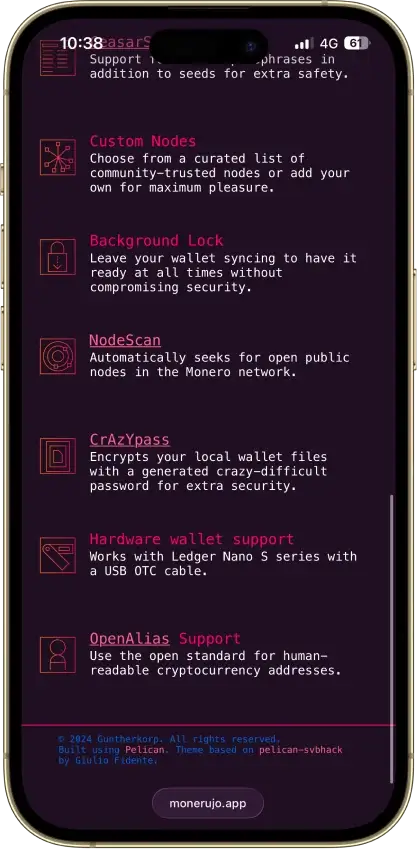
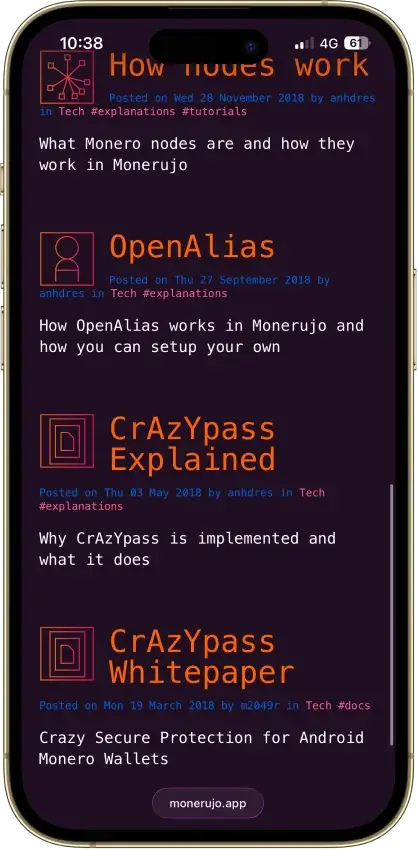
Monerujo encrypts locally stored signing keys in wallet files using CrAzYpass, also labeled the Wallet Files Restore Password. Its design combines the password you choose with Android-backed key storage. The everyday access password and the generated file password serve different purposes when you move or restore files. Device compromise can still put those locally stored keys at risk.
The public release supplies an APK checksum and signing-certificate verification instructions. These let a technically equipped user check a download against the maintainer's verification data. The linked project documentation does not disclose an independent app-wide security audit.
Separate Signing With Ledger or Sidekick
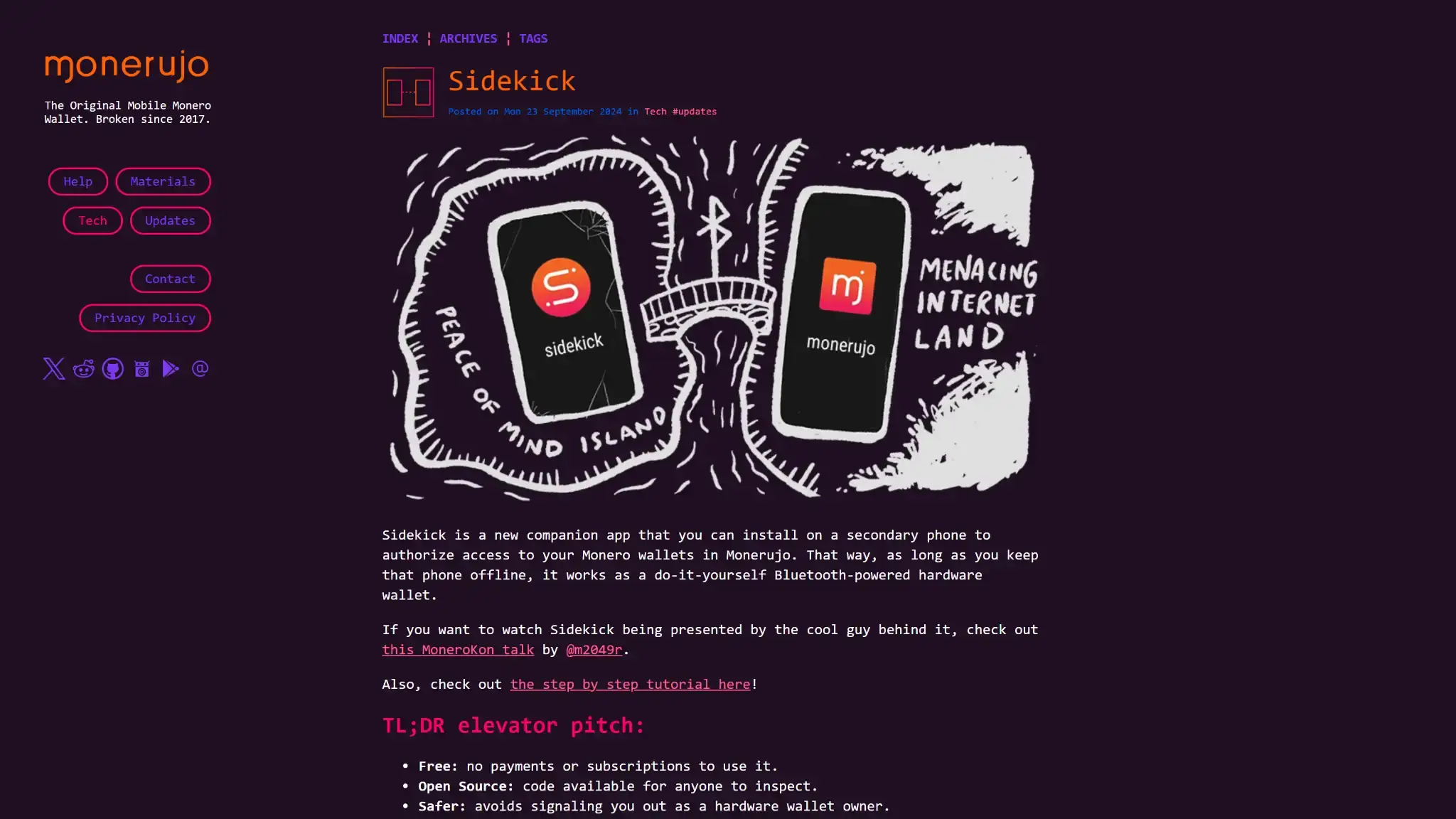
Monerujo's website names the Ledger Nano S series for USB pairing. This arrangement uses the hardware device for signing while the Android app supplies the wallet interface. Confirm your exact Ledger model, Monero app version, phone and cable before relying on the connection. Pairing a device does not require typing its recovery words into the phone.
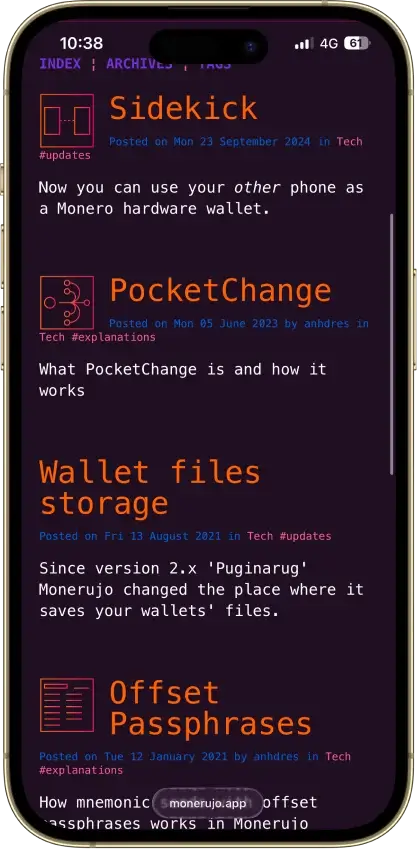
Sidekick is a separate companion application for another Android phone. Monerujo connects to it through Bluetooth, and spending requires approval on the Sidekick device. During setup, match the pairing code on both screens and record the seed and restore height on the signing side.
The September 2024 Sidekick manual calls the software alpha and warns against committing substantial funds. Its GitHub release, version 1.0.4, was still marked prerelease when checked. Keep those qualifications in mind before treating a spare phone as a replacement for a dedicated signer. Isolation depends on keeping that phone off the internet, and Bluetooth remains an active radio connection.
Node Choice and Privacy
NodeScan helps discover public Monero nodes, while custom settings let you choose your own. A quick response tells you a node is reachable, not who runs it. Monero's remote-node guidance warns that an untrusted node can collect information linking connections with transaction activity.
Using a node you control reduces reliance on an unknown third party for blockchain data. Other app functions still have their own data flows. Monerujo's privacy policy says its optional currency converter requests rates from external services, and its Exolix integration shares the destination address and amount with that provider. The provider can also observe an IP address.
The 2023 CCS Theft and PocketChange Analysis
Monero's Core Team disclosed that the Community Crowdfunding System's main wallet lost 2,675.73 XMR on September 1, 2023. In its November announcement, the team said it had not established how the breach occurred.
Separately, Moonstone Research examined the movement of the stolen funds. It considered the attacker likely to have used Monerujo with PocketChange enabled, based on patterns in transaction outputs. Moonstone described its tracing methods as heuristics that can produce errors.
That analysis concerns the suspected movement of funds after the theft. It does not establish a Monerujo software flaw as the cause, or certify the application's wider safety. PocketChange prepares change for consecutive payments. It should not be treated as a privacy upgrade.
Supported Chains and Assets
Monerujo manages native XMR. Accounts and subaddresses organize activity within Monero wallets. View-only mode uses an address and view key for monitoring receipts, without the key needed to spend them.
Exchanging XMR for another cryptocurrency through an integrated provider does not add that asset as a native Monerujo balance. You need a suitable destination wallet for the asset received. Users who want XMR alongside other cryptocurrencies, or an iPhone application, can consider Cake Wallet.
Usability and Recovery
Installation and Everyday Use
The official contact page links to Google Play, GitHub APK releases and Monerujo's own F-Droid repository. The latter is a project-operated repository that you add to an F-Droid client. Follow the project's links and verification information when choosing a download.
Creating a wallet involves choosing a name and password, then securing the recovery information. Restoring an older wallet also requires a blockchain scan. The documented restore-height or date setting should precede the wallet's creation, because starting too late can omit earlier transactions. Starting earlier gives the app more history to scan.
Street Mode hides balances and previous transactions on the screen when you use the app in public. Multiple wallets, named accounts and subaddresses help separate different streams of payments. These are useful organizational controls for a phone used frequently, though navigating them adds work compared with a single balance screen.
Public Google Play feedback includes a July 2026 report about difficulty entering a date during seed restoration. Older comments describe navigation and node issues. These are individual dated accounts, not a measure of how often current users encounter problems.
Three Secrets With Different Jobs
| Backup Item | What It Does | What to Preserve |
|---|---|---|
| Monero mnemonic | Recreates the software wallet's keys | The complete seed in its original order |
| Optional offset passphrase | Derives a different wallet from the base seed | The exact offset used for that wallet |
| Wallet Files Restore Password | Opens encrypted wallet-file backups outside the original installation | The matching CrAzYpass and the backup files |
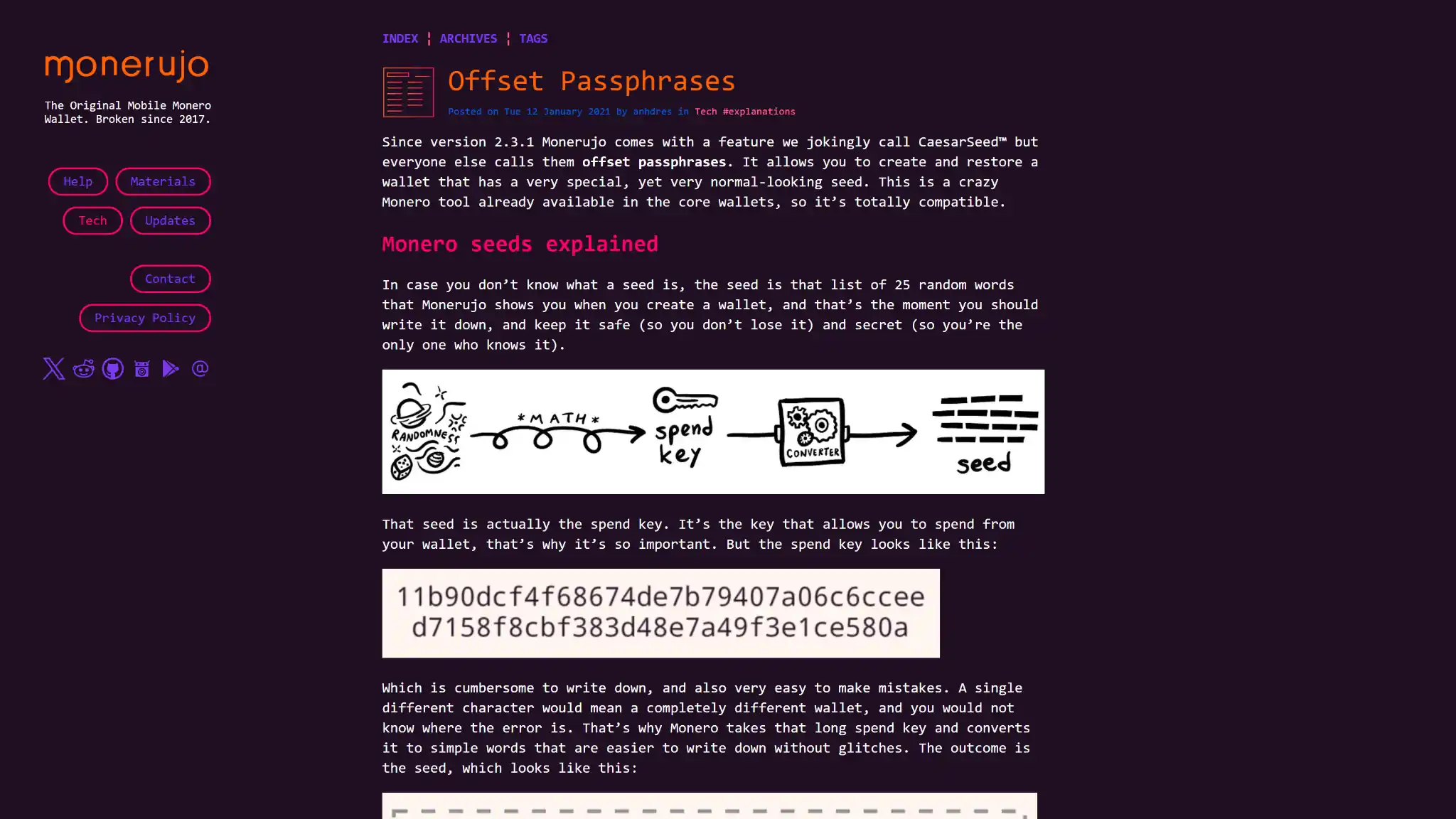
Monerujo's documented software recovery uses a 25-word Monero seed. An optional offset derives a different wallet from the same seed words. If your funds are in an offset wallet, the base seed alone will not restore that wallet. Retaining an accessible wallet or another complete backup may still provide a recovery route if one record is lost.
File backups preserve information that seed restoration cannot recreate, such as account labels and transaction notes. On another device or after reinstalling Monerujo, opening those files requires the corresponding Wallet Files Restore Password. The ordinary password you remember from daily use may not work for that import.
Back up each wallet separately before uninstalling the app, which deletes wallets from the device. The migration guide also explains that changing the ordinary password changes the generated restore password, so update the associated record. Keep recovery information private and separate from the phone. For a Ledger-backed wallet, follow the hardware device's own backup procedure.
Features
PocketChange for Consecutive Payments
A Monero payment can leave change that must mature before it can be spent again. The normal lock lasts ten blocks, roughly twenty minutes on average. If other unlocked outputs are available, you can spend those while the change waits.
PocketChange prepares multiple smaller change outputs during payments so that later purchases can draw on separate available amounts. It takes an initial transaction and the relevant unlocking period to prepare them. A wallet that has no unlocked funds cannot use the feature to skip that wait.
Creating extra outputs increases transaction data and can raise the network fee. Extra output preparation is most useful when you make several payments close together. Occasional senders may have little reason to pay for it.
Exolix Swaps and Identity Checks
The current project website, privacy policy and release documentation identify Exolix as the exchange integration. Some older guides and the Google Play description still mention previous providers. Check the service actually named in the app before sending funds.
Exolix's July 2026 AML policy permits identity and source-of-funds checks. It can suspend, delay or reject a transaction during review, and its independent exchange partners may apply their own checks. The wallet site's KYC-free marketing therefore does not guarantee an exchange without verification.
Cost
The app is free to download. Sending XMR costs a network fee, which varies with transaction data and network conditions. It is not a fixed percentage of the value sent. The confirmation details are the appropriate place to check the charge for a particular payment.
For Exolix, compare the quoted output with a comparable market rate and account for the sending fee. Its FAQ describes a fixed recipient amount without an additional deposit or withdrawal charge. The FAQ does not state a universal markup percentage. A quoted exchange rate can still be less favorable than another available offer.
Optional signing equipment adds to the cost of using the wallet. A spare phone may avoid another purchase for Sidekick, but does not remove its experimental status or the work of maintaining two devices. Monerujo's cited documentation lists no integrated fiat purchase flow and no XMR staking feature.
Who Monerujo Suits
Monerujo is worth considering if you use an Android phone for XMR payments and want to manage the connection and backup details yourself.
Choose it if you:
- Want multiple XMR wallets, accounts or subaddresses on one phone.
- Prefer to select a Monero node you trust or operate yourself.
- Can maintain seed records and encrypted wallet-file backups.
Look elsewhere if you:
- Need an iPhone or desktop application.
- Want to hold several cryptocurrencies in one wallet.
- Need a provider to restore access after losing your recovery information.
For desktop XMR use, Feather Wallet runs on Linux, macOS, Windows and Tails. If you hold coins beyond XMR, choose a wallet with native support for those assets.
Review Method
Updated September 14, 2026 using project documentation, public release metadata, provider policies and third-party incident analysis. We did not install the wallet, restore funds, execute a swap or test signing hardware.
Crypto Wallets Pillar Scores
- Custody and key security 30% weight Who can authorize spending, protection of keys and signing, and independent access to every reviewed account type.9.0 / 10
- Security validation and track record 25% weight Independent security assessments, their coverage and findings, plus updates and the handling of known incidents.6.0 / 10
- Transaction safety and signing 20% weight Transaction details, signing warnings, scam checks, permission controls and the handling of unreadable requests.8.0 / 10
- Backup and recovery 10% weight Repeatable backup checks, complete restoration, recovery dependencies, costs and resilience after backup loss.8.0 / 10
- Usability, privacy and costs 10% weight Setup and everyday tasks, accessibility, support guides, data-sharing choices and device, service and transaction costs.8.0 / 10
- Assets, networks and compatibility 5% weight Asset and network support, devices, companion apps and connections needed for the uses covered in the review.10.0 / 10
Final Verdict
Node selection, separate accounts and optional Ledger pairing fit users willing to manage their own setup. PocketChange addresses repeated-payment friction, at the cost of extra transaction data. Keep the correct backup secrets, check the age of the current release, and treat Sidekick's documented warning seriously. Exolix exchanges also introduce verification and processing conditions beyond the local wallet.

CryptoSlate may earn a commission when you use partner links, at no extra cost to you. Our reviews, ratings, and editorial decisions remain independent of advertisers. Read How CryptoSlate Makes Money for funding details.