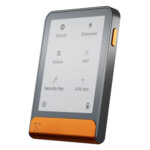


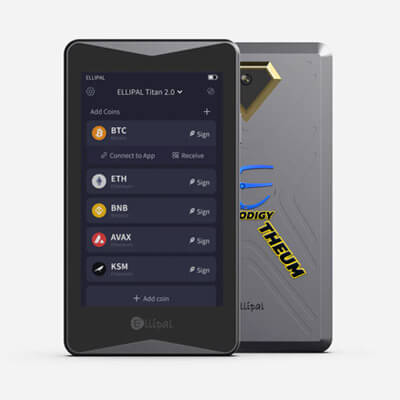
- Largest screen of any hardware wallet we review
- Public upgrade-file verification tool
- Room for five seed and five key accounts
ELLIPAL Titan 2.0 Overview
- Crypto Wallet Name
- ELLIPAL Titan 2.0
- Wallet Type
- Hardware wallet
- Custodial Status
- Non-custodial
- Built-in Swaps
- Yes
- Open-source
- Partially open-source
- Fiat On-ramp
- Yes
Additional details
- Supported Blockchains
- Bitcoin, Ethereum, BNB Smart Chain, Avalanche, Tron, Base, Polygon, Solana
- Token Standards
- ERC-20, BEP-20, TRC-20, SPL
- Platforms
- iOS, Android
- Hardware Wallet Support
- No
- Staking Support
- Limited
- Hardware Connection Methods
- QR (air-gapped), WalletConnect
ELLIPAL Titan 2.0 Screenshots
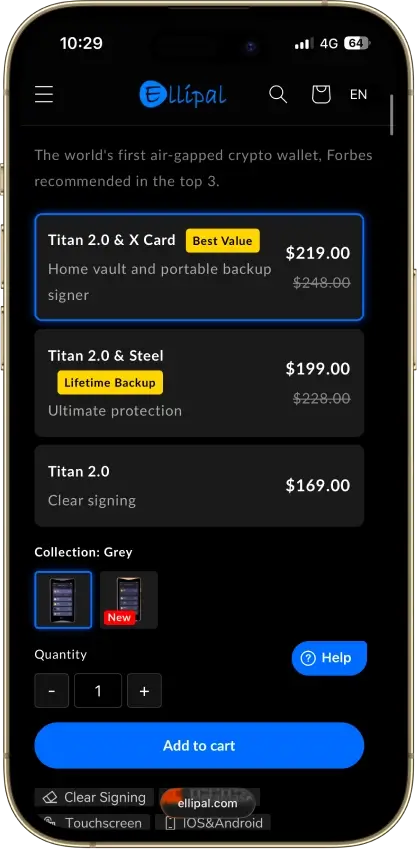
Screenshot 1 of 8
ELLIPAL Titan 2.0 Pros and Cons
Pros
- No cable or radio link for transactions
- On-device recovery phrase verification
- Optional passphrase-derived wallets
- 45+ blockchains in the ELLIPAL app
- 30-day change-of-mind returns
Cons
- Firmware transparency is partial
- Updates need a separate adapter and microSD
- SOL staking is still marked coming soon
What Is ELLIPAL Titan 2.0?
| Key Fact | Detail |
|---|---|
| Type and custody | Hardware wallet with user-controlled signing keys |
| Maker | ELLIPAL Limited |
| Display | Four-inch IPS color touchscreen |
| Transaction connection | Camera and QR codes, without USB data, Bluetooth, Wi-Fi or NFC |
| Firmware updates | microSD through a separate Security Adapter |
| Security component | CC EAL5+ secure chip, according to ELLIPAL |
| Source availability | QR format and selected tools, not a fully open firmware stack |
| Assets | ELLIPAL advertises 45+ blockchains and 10,000+ assets |
| Main companion | ELLIPAL App for iOS and Android |
| Recovery | BIP39 phrase, plus the exact passphrase if one is set |
| Integrated services | Provider-based purchases, swaps and supported staking |
| Selected store offer | $169 USD device price, checked October 23, 2026 |
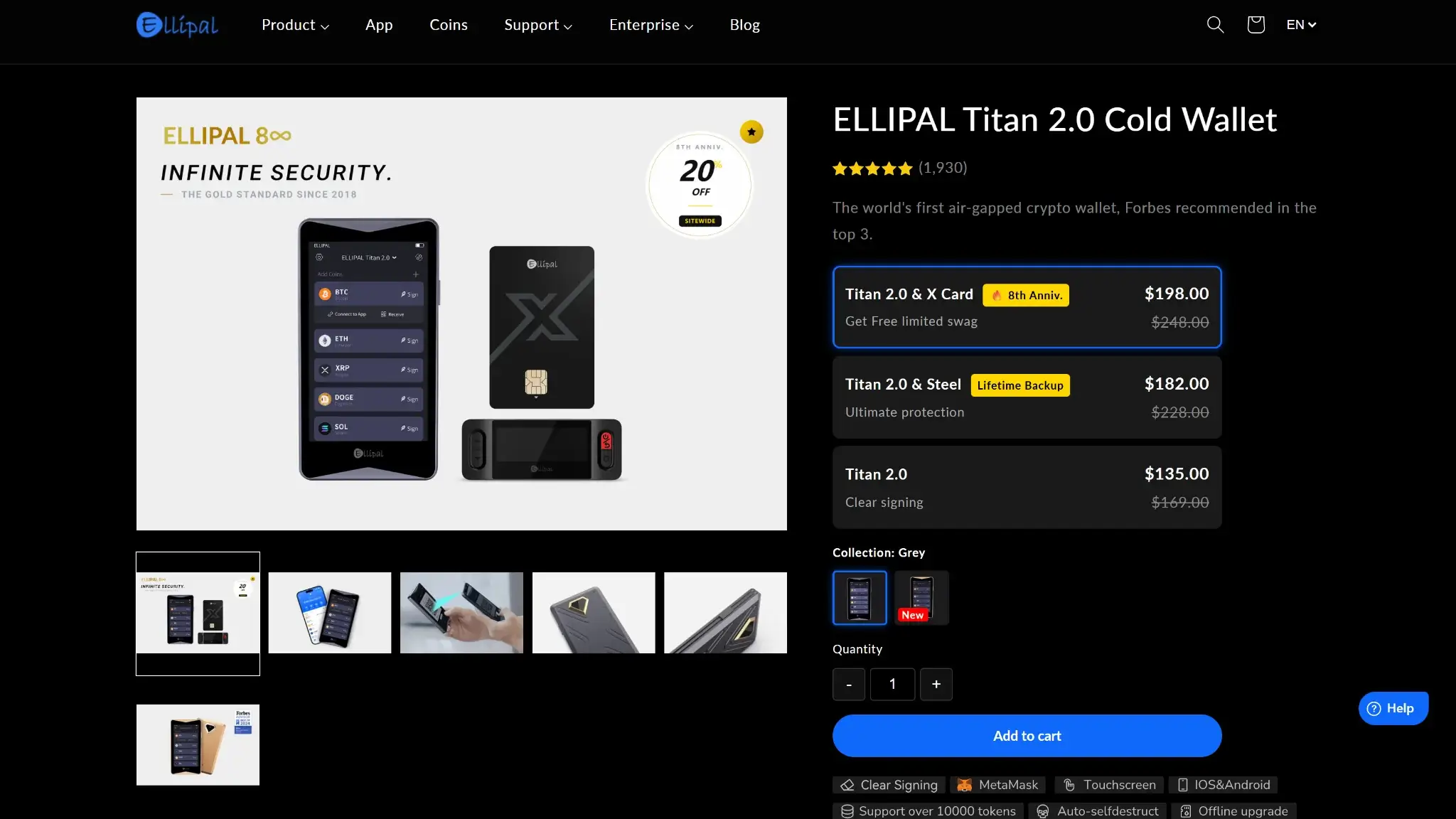
Titan 2.0 is ELLIPAL's touchscreen hardware wallet, a different model from the original Titan and the Titan Mini as well as the X Card. Firmware files are model-specific.
Titan 2.0 pairs with ELLIPAL's mobile app, which displays holdings and prepares transactions while the Titan handles hardware approvals. The separate device lets you review requests away from the phone. Moving signed data between screens requires camera scans.
ELLIPAL Limited is the provider named in its privacy policy, which also discloses the collection of device and usage information as well as IP addresses and public blockchain data. Self-custody means you control the signing keys, and it does not make your use of the app anonymous.
ELLIPAL Titan 2.0 Security and Custody
What the Air Gap Does
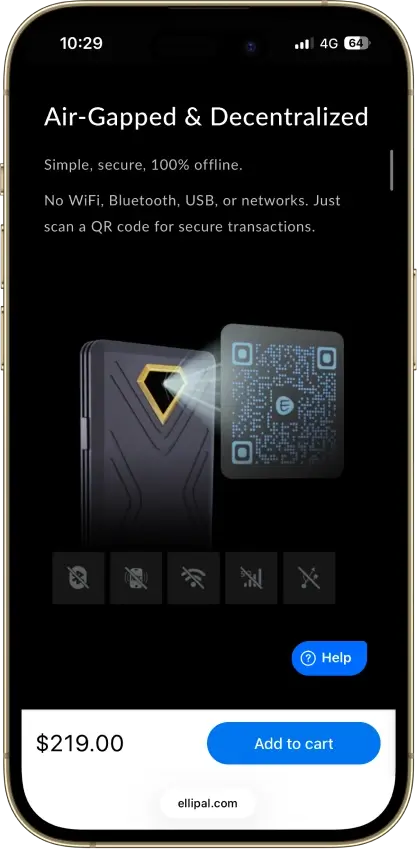
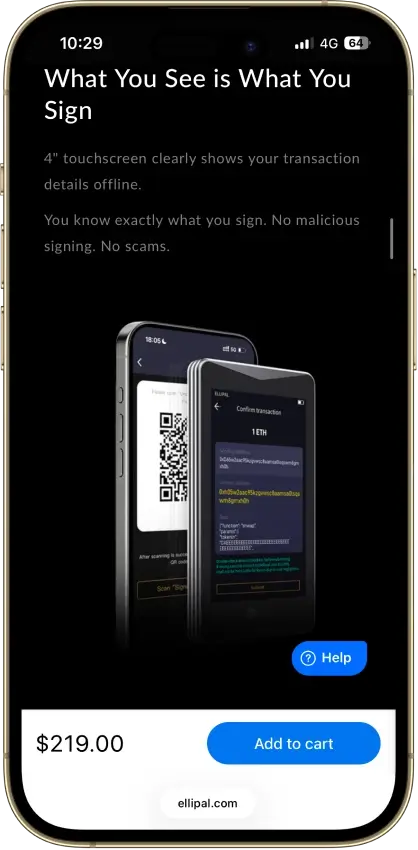
Titan 2.0 avoids a live cable or radio connection for transaction exchange, although its camera still receives data for the firmware to interpret. You still need to check the destination and amount before signing, along with the requested action.
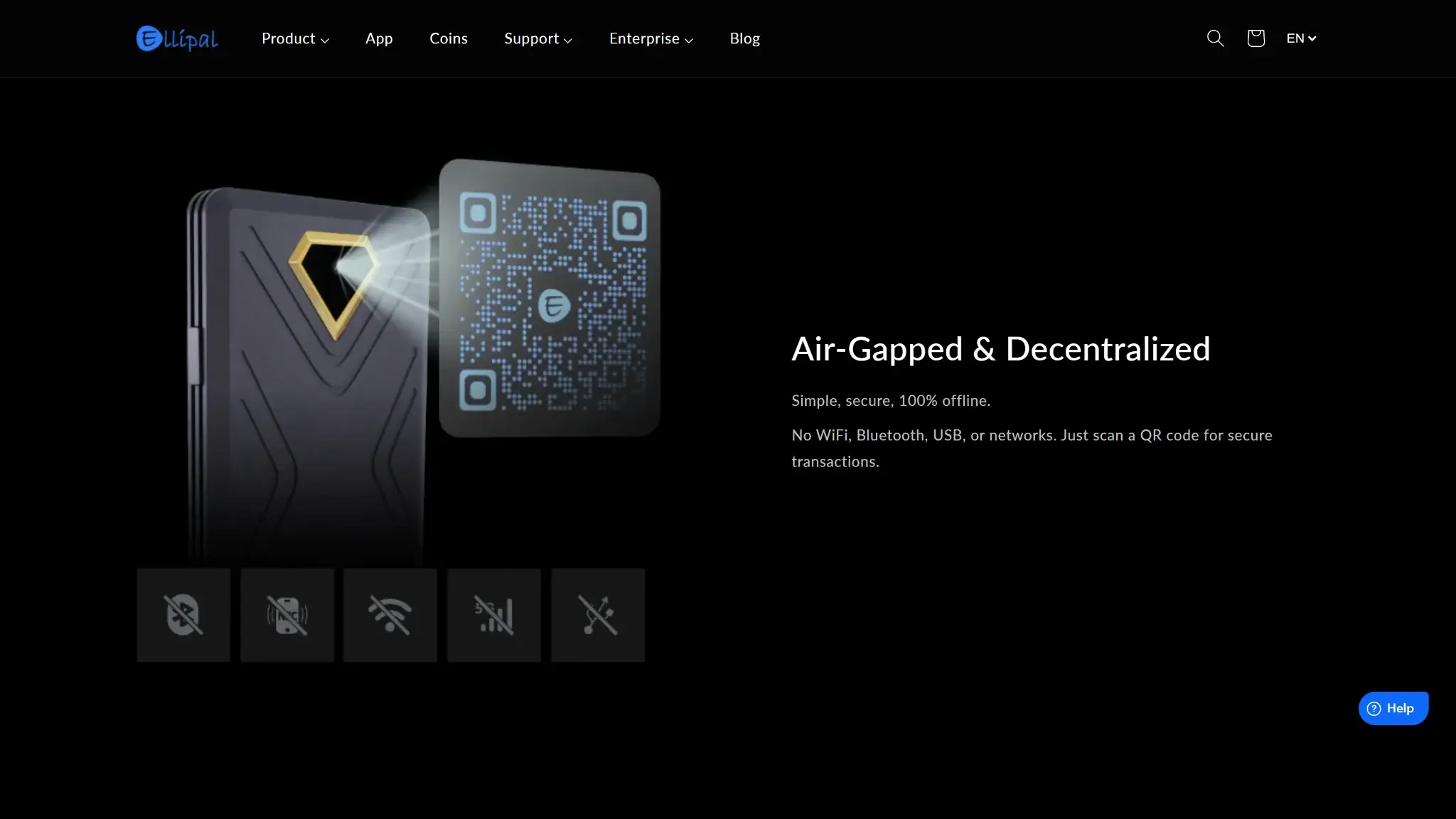
ELLIPAL describes Titan 2.0 as using a CC EAL5+ secure chip with password protection and data erasure if it detects tampering. That chip certification covers the hardware component only, and it does not extend to the mobile app or a connected smart contract.
Titan 2.0 includes an on-device seed-verification function for checking your written backup. Protect that backup separately, because anyone holding the recovery words, plus the passphrase if you set one, can restore the wallet on a compatible device. Keeping the Titan offline does not disable a second copy of the same keys.
Public Code and Firmware Trust
ELLIPAL makes its QR data format public along with an upgrade-file verification tool, which checks a signed firmware-file hash against the manufacturer's verification key. That confirms where a firmware file came from and that it is intact, though it does not prove the program is free of defects.
ELLIPAL's 2019 source-policy explanation describes closed firmware with selected public components. Its QR and verification repositories provide narrower inspection opportunities than a complete open firmware stack. You still depend on ELLIPAL for the behavior of the firmware you install.
The 2019 EC01 Study and 2025 XRP Loss
In 2019, researchers at Donjon, the security lab of competing wallet maker Ledger, documented physical-access weaknesses in ELLIPAL's older EC01. ELLIPAL acknowledged hardware vulnerabilities and described firmware and hardware changes in response, although Donjon did not check the corrective upgrade. That research concerned the EC01 and did not demonstrate an attack against Titan 2.0.
In October 2025, an investor reported losing more than $3 million in XRP. ELLIPAL said its review indicated that the hardware wallet's seed had been imported into its phone app. No one has established the exact cause of the theft, so the case neither proves a Titan 2.0 hardware break nor shows that the hardware cannot be compromised.
ELLIPAL closed its hot-wallet service on October 31, 2025, after a notice on October 23. Its cold-wallet management app continues, with current documentation for Titan pairing as well as swaps and staking. Connecting the app to hardware by QR is different from entering recovery words into the phone. If a seed has been exposed in software, pairing hardware afterward does not make that earlier copy disappear.
ELLIPAL Titan 2.0 Supported Coins
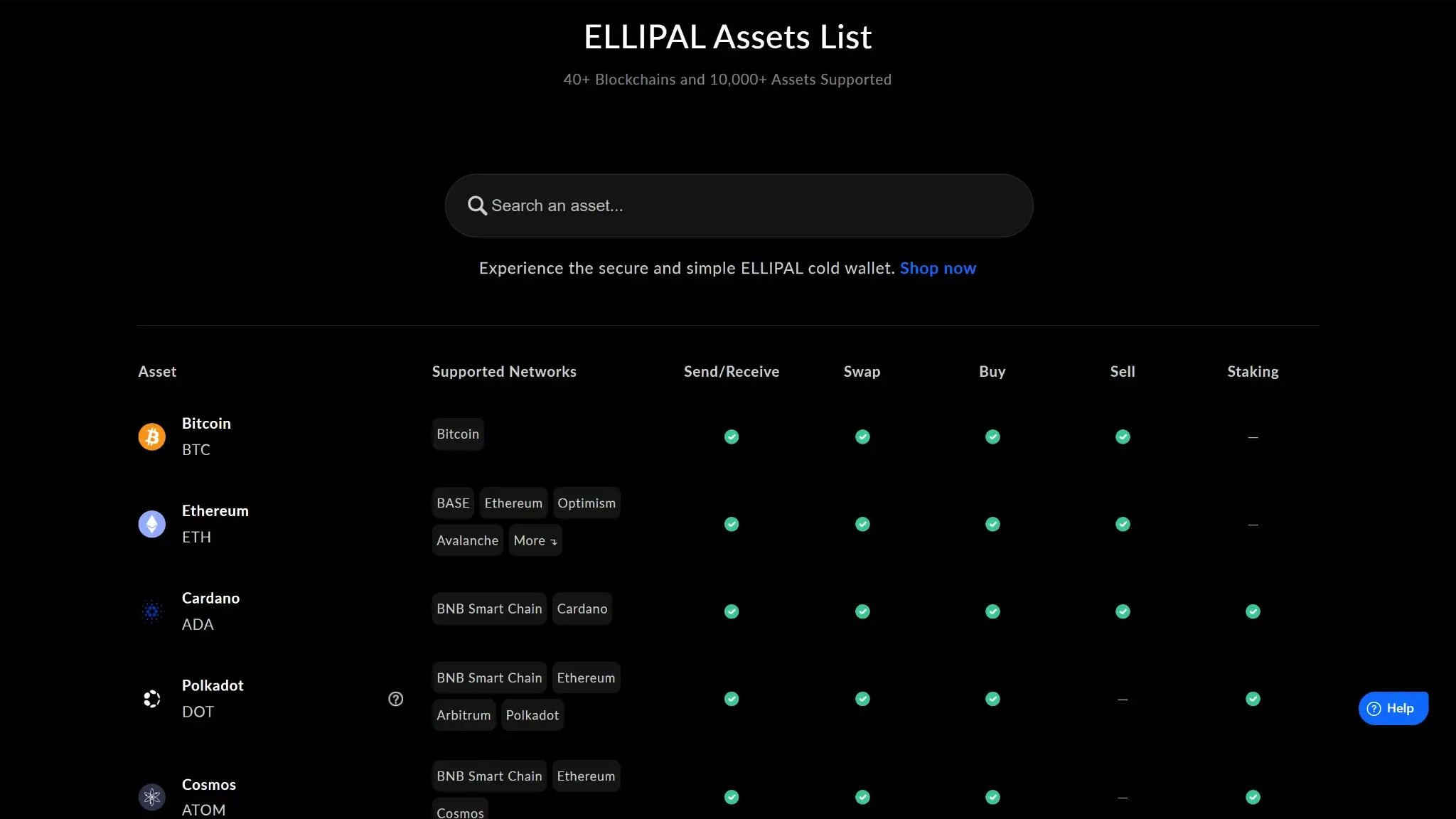
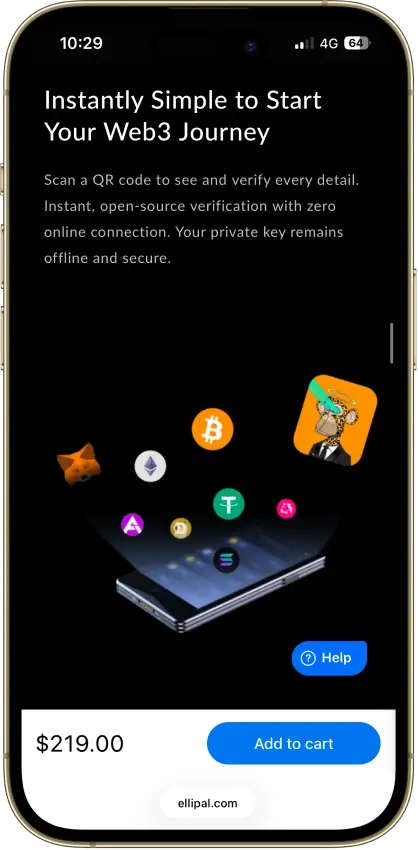
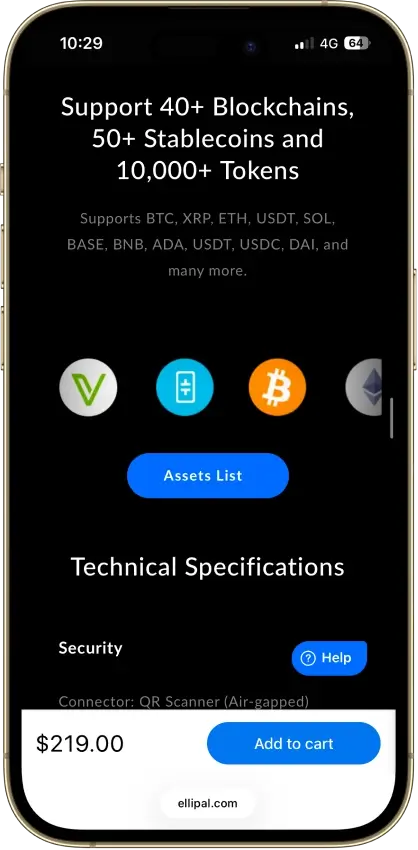
Titan 2.0 supports more than 45 blockchains and 10,000 assets. Bitcoin and Ethereum are covered along with XRP and Solana. Those totals cover holding assets, while the options to buy or swap and stake vary from asset to asset.
Check the exact asset and network in the supported-coin directory and app before transferring. A token name alone is insufficient when that token exists on several chains. The directory lists sending and receiving separately from trading and staking availability.
Current guides cover staking for ADA and ATOM along with XTZ and DOT plus KSM. ETH staking has its own guide. The app page still labels Solana staking as forthcoming, and holding SOL is a different capability from staking it through the integrated service.
Setup, Firmware Updates and Recovery
Creating and Connecting a Wallet
Create the wallet on the Titan and choose its account password, then record the generated recovery words offline. The setup guide then has you verify the words and select networks before showing the connection QR codes.
In the mobile app, choose the cold-wallet connection for Titan and scan the device's codes. The documented pairing process does not ask you to type the recovery phrase into the app. If rotating codes are difficult to scan, ELLIPAL's setup guide includes a pause control.
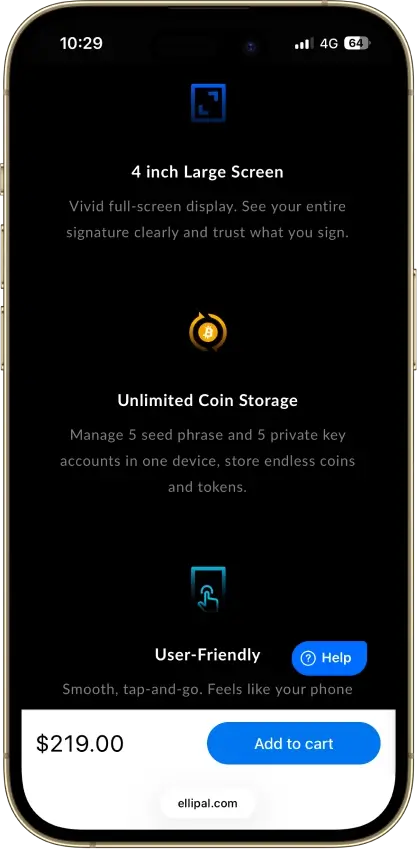
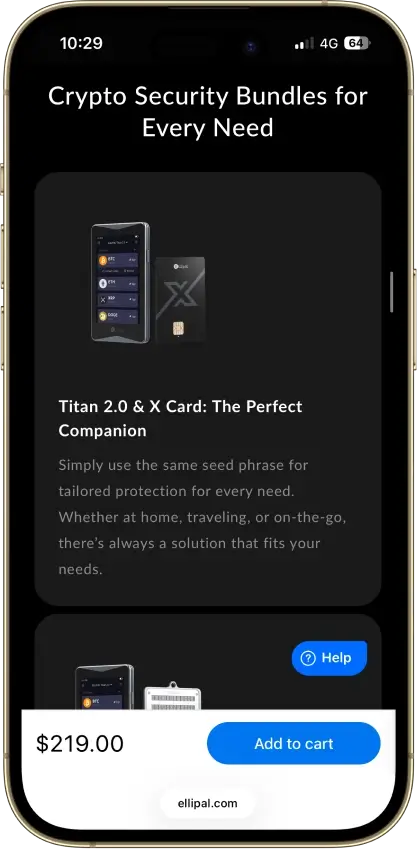
Titan 2.0 supports five seed-phrase accounts plus five private-key or keystore accounts. That is not ten separate seed-phrase wallets. Before adding accounts, be clear about which backup restores each one.
Firmware Uses a Separate Adapter
Titan 2.0 firmware V4.14.0 installs from a FAT32 microSD card through the Security Adapter. Use an 8GB to 32GB card and the firmware download for Titan 2.0.
Keep the downloaded ZIP intact and follow the documented power and adapter sequence without interrupting power. Afterward, confirm the version in the device's About screen. Firmware installation is a removable-media operation, even though normal transaction signing uses QR codes.
Versions before 4.14 can show an unknown-function label during ETH staking or unstaking. Version 4.14 or later enables fuller transaction details for that flow. Update before using it and inspect the displayed request instead of treating an unfamiliar function label as routine approval. For this staking flow, the update affects what you can check before signing.
Checking Backups and Recovering Access
Use Titan 2.0's on-device seed verification to check the recorded words before relying on the backup or resetting the device. A reset removes local account data only, and your funds on the blockchain and any copies of keys held elsewhere stay where they are.
The optional passphrase creates a different wallet derived from the recovery phrase. Recovery needs the exact, case-sensitive passphrase as well as the words. A device password does not substitute for either. Keep a secure offline record of any passphrase separately from the phrase.
If the Titan is lost or fails, a compatible replacement wallet can provide a recovery route. Check support for your assets and address types, then compare restored receiving addresses before using the recovered account. The BIP39 label alone should not be treated as a promise that every replacement supports every asset you held.
Restoring into a software wallet introduces an online copy of the keys. Treat that as a temporary recovery measure and move to fresh hardware-generated keys if you want to reestablish hardware-only storage. Without a usable device or the necessary backup, ELLIPAL cannot restore access for you.
Swaps, Staking and dApp Features
Swaps and Fiat Purchases
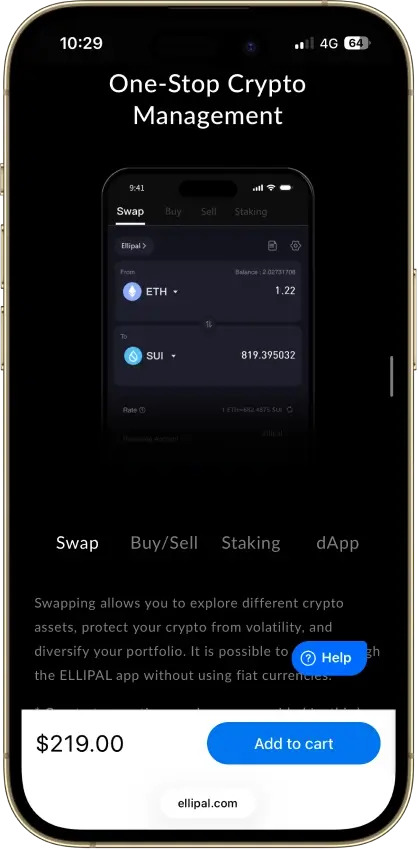
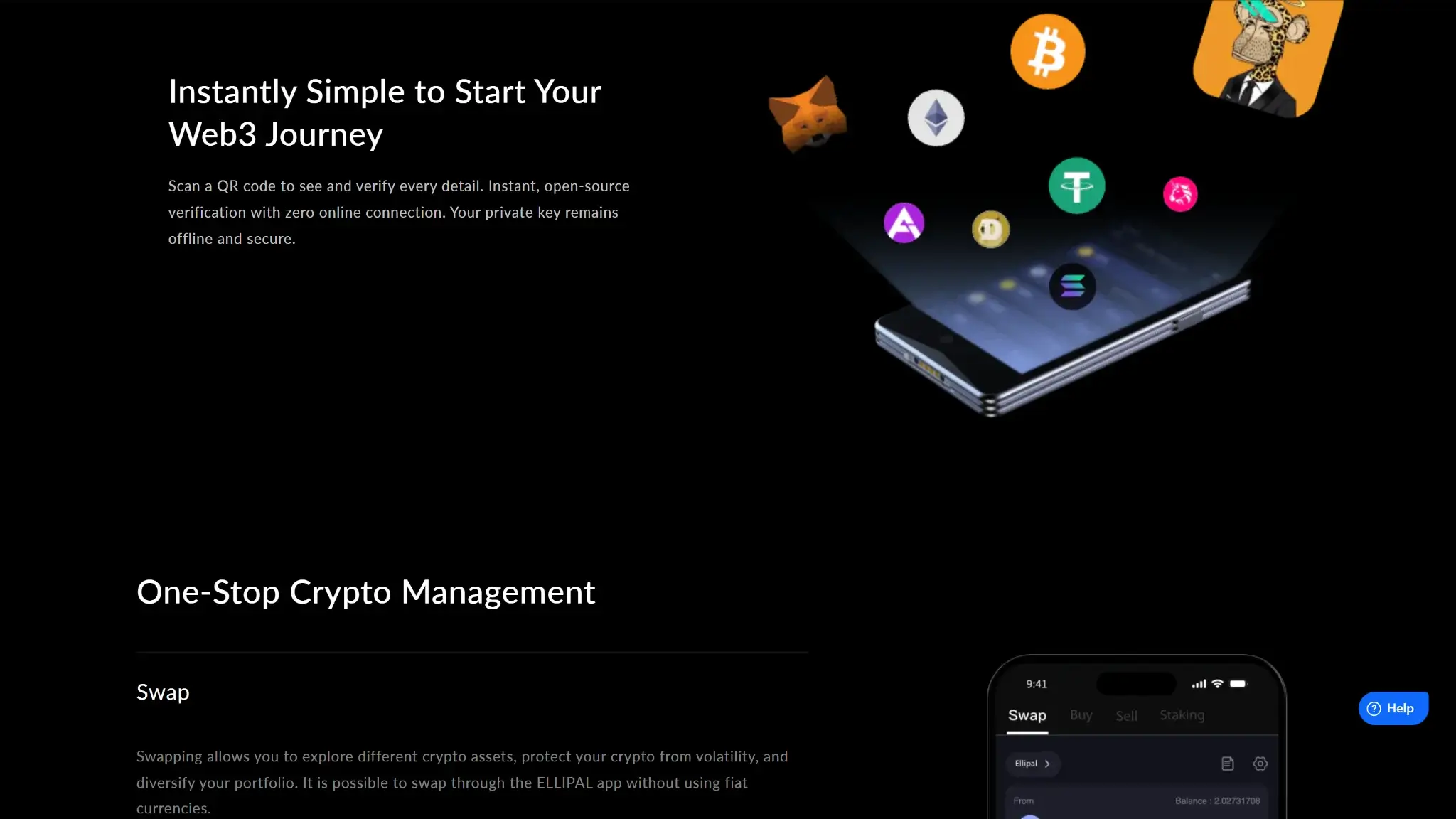
The app provides access to swap services, including providers such as Changelly. ELLIPAL's swap instructions explain that the input assets go to a service provider or smart contract before the replacement asset returns. Signing that transfer on Titan protects the approval step, but it does not eliminate provider or contract risk during the exchange.
Buying crypto goes through a separate provider checkout with partners such as MoonPay and Simplex, and the available providers depend on your location and currency as well as the asset and order size. Those providers set their own verification requirements and limits along with their rates and charges. Check the final crypto amount and receiving address before paying.
Staking and Withdrawals
For supported delegated assets, the app prepares the staking request and Titan signs it by QR. Minimums and withdrawal periods vary by network, as does validator performance. Signing on hardware does not guarantee a return or immediate access to staked funds.
The ETH route uses a Kiln-managed smart contract and has a documented minimum of 0.01 ETH, plus gas. Staking and unstaking each require network fees, and so does the final withdrawal. Review the contract and withdrawal conditions separately from the hardware purchase, and retain enough ETH for those later actions.
MetaMask and WalletConnect
ELLIPAL documents a MetaMask hardware-wallet connection that uses the QR-based option with the Titan's MetaMask connection code and account selection. Check the intended interface and network before relying on it for a particular dApp.
The ELLIPAL App also supports WalletConnect access to compatible dApps. Each connection gives another application a way to request actions. Reject requests you do not understand, even when they arrive through a familiar app.
ELLIPAL Titan 2.0 Price and Ongoing Costs
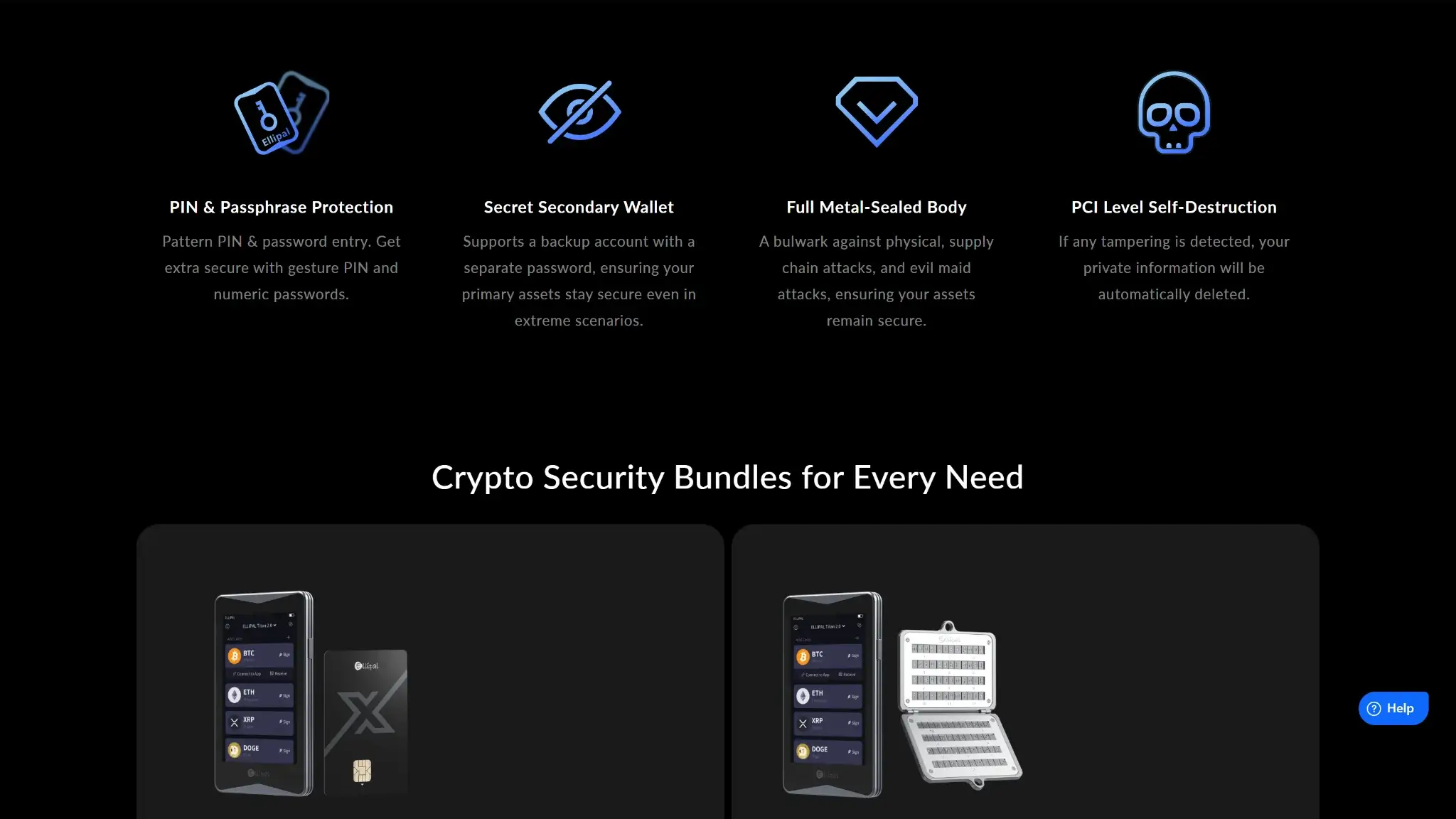
ELLIPAL lists the standalone Titan 2.0 at $169 USD and a Seed Phrase Steel bundle at $199 USD, checked October 23, 2026. Bundle contents and checkout costs can change. Confirm what the package includes and whether it ships to you before ordering, and check the total with shipping and taxes.
| Cost | What to Check |
|---|---|
| Hardware | Selected device or bundle price at checkout |
| Sending crypto | Network fee and the native asset needed to pay it |
| Swapping | Amount received after the exchange rate and applicable network, liquidity or cross-chain charges |
| Buying with fiat | Provider quote, payment charges, limits and identity requirements |
| Staking | Network fees, provider or validator terms, and withdrawal conditions |
| Replacement or return | Warranty eligibility and any return-postage obligation |
ELLIPAL's August 2026 policy provides a one-year replacement warranty from delivery for covered problems. It also permits change-of-mind returns within 30 days, subject to its return process, with the customer paying return postage. Device modification and some forms of damage are excluded. Confirm the policy for your order, because not every failure qualifies.
Who Should Consider Titan 2.0?
Titan 2.0 fits a routine based on managing assets from a phone where you are willing to bring out a second device for approvals. The separate screen is most useful when you actually read it, and the recovery design needs a backup you can keep safe and retrieve later.
- Consider it for multichain holdings managed through a mobile app.
- Choose it only if QR signing and removable-media updates suit your routine.
- Look elsewhere if you need a cable connection or fully open firmware.
- Check staking and dApp requirements before treating asset support as feature support.
Trezor Safe 5 connects by USB to computers and compatible Android phones. Ledger Flex supports mobile Bluetooth and desktop USB connections. When comparing hardware wallet connections, choose a method you can use for each approval. Connection type alone does not establish a security ranking.
Crypto Wallets Pillar Scores
- Custody and key security 30% weight Who can authorize spending, protection of keys and signing, and independent access to every reviewed account type.9.5 / 10
- Security validation and track record 25% weight Independent security assessments, their coverage and findings, plus updates and the handling of known incidents.6.0 / 10
- Transaction safety and signing 20% weight Transaction details, signing warnings, scam checks, permission controls and the handling of unreadable requests.7.0 / 10
- Backup and recovery 10% weight Repeatable backup checks, complete restoration, recovery dependencies, costs and resilience after backup loss.8.0 / 10
- Usability, privacy and costs 10% weight Setup and everyday tasks, accessibility, support guides, data-sharing choices and device, service and transaction costs.8.0 / 10
- Assets, networks and compatibility 5% weight Asset and network support, devices, companion apps and connections needed for the uses covered in the review.9.0 / 10
Final Verdict
Titan 2.0 is worth considering when you want a separate touchscreen for a multichain phone wallet and accept QR scans as part of each hardware-signed transaction. Its firmware is only partly open and updates need an adapter. You must also protect the recovery phrase yourself, while swaps and staking require additional decisions about providers and contracts. Buy it for the documented signing workflow, since an air gap does not remove every way to lose funds.
CryptoSlate may earn a commission when you use partner links, at no extra cost to you. Our reviews, ratings, and editorial decisions remain independent of advertisers. Read How CryptoSlate Makes Money for funding details.