Choosing the wrong XRP wallet can create avoidable friction before you even move your first coins. Some wallets are built for cold storage and long-term security, while others are better for mobile access, web3 use, or managing XRPL features beyond basic XRP storage.
That is what makes this decision more specific than just picking any Ripple wallet or crypto app. The best wallet for XRP depends on how you plan to use it, how much you want to hold, whether you want self-custody, and whether you need XRP Ledger tools like trust lines, token support, or advanced account controls.
This guide compares the best XRP wallet options across those real use cases, from hardware and cold wallets to wallet apps and decentralized XRPL-native picks. Use it to narrow down the safest fit for long-term storage, active use, or broader multi-asset access.
These are the strongest XRP wallet picks by use case, not a one-size-fits-all ranking. Some are better for cold storage, some are better for day-to-day mobile use, and some stand out for deeper XRP Ledger access. For XRP live price data, you can check our coins tracker.
Top Ripple Wallets

- Custody
- Non-custodialPartially open-source
- Networks
- Platforms
- Tied for the cheapest hardware wallet we review
- Bitcoin-only firmware option
- FIDO2 authentication for compatible services
- Custody
- Non-custodialPartially open-source
- Networks
- Platforms
- Lowest price of any Bluetooth hardware wallet
- Wireless firmware updates from a phone
- Made by Ledger, a French company
- Custody
- Non-custodialClosed-source
- Networks
- Platforms
- Battery-free NFC card signing
- Separate cards managed in one app
- MoneyGram cash pickup via USDC on Stellar
- Custody
- Non-custodialFully open-source
- Networks
- Platforms
- Duress Mode hides funds under coercion
- No seed phrase to write down or lose
- Recovery token plus optional 2FA layer
- Custody
- Non-custodialPartially open-source
- Networks
- Platforms
- Ledger and Trezor portfolios in one app
- Cloud backup unlocked only by a passkey
- Listed company with public financial filings
- Custody
- Non-custodialPartially open-source
- Networks
- Platforms
- SWIFT offers passkey-based wallet recovery
- Second only to OKX for network coverage
- Premium loyalty tiers reward wallet activity
- Custody
- Non-custodialClosed-source
- Networks
- Platforms
- Seedless recovery through linked NFC cards
- 25-year limited hardware warranty
- Optional seed phrase on newer cards
CryptoSlate may earn a commission when you visit partner sites through links on this page, at no extra cost to you. Our rankings and reviews remain editorially independent and based on our published methodology. Read disclosure
Disclaimer: CryptoSlate may receive a commission when you click links on our site and make a purchase or complete an action with a third party. This does not influence our editorial independence, reviews, or ratings, and we always aim to provide accurate, transparent information to our readers.The right XRP wallet depends on what you want it to do. If you are storing a larger balance for the long term, cold storage usually makes more sense. If you want quick mobile access or XRP Ledger tools, app-first XRPL wallets are often the better fit.
For a broader market view beyond XRP-specific picks, see our best crypto wallets selection.
The table below compares the top XRP wallets across the factors that change the decision fastest: custody model, XRP and XRPL support, device coverage, recovery setup, price, and whether the wallet is built for cold storage or active use.
Comparison Table
| Name | Custody | Blockchains | Hardward Support | Staking | Fiat On-ramp |
|---|---|---|---|---|---|
 Trezor Safe 3 Trezor Safe 3 | Non-custodial | No | Limited | Yes | |
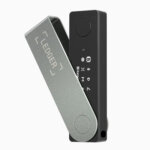 Ledger Nano X Ledger Nano X | Non-custodial | No | Limited | No | |
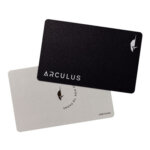 Arculus Wallet Arculus Wallet | Non-custodial | No | Limited | Yes | |
 Edge Wallet Edge Wallet | Non-custodial | No | Limited | Yes | |
 Exodus Exodus | Non-custodial | Yes | Full | Yes | |
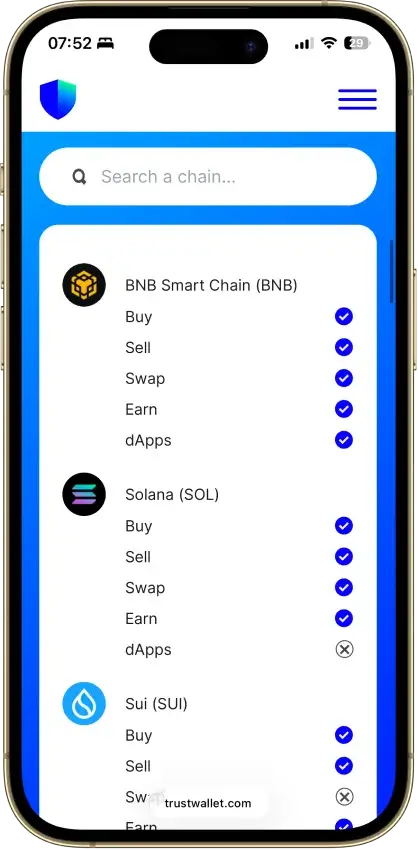
 Trust Wallet Trust Wallet | Non-custodial | Yes | Full | Yes | |
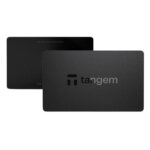 Tangem Tangem | Non-custodial | No | Limited | Yes |
Ledger, Tangem, and Trezor are the strongest options for cold storage and larger long-term balances. Xaman and Joey stand out when you want deeper XRP Ledger access, while Trust Wallet and Exodus are easier entry points for users who care more about multi-asset convenience than XRPL-native tooling.
Best XRP Wallets By Use Case
This section narrows the decision down by the job you want the wallet to do. Instead of repeating full reviews, it highlights the clearest pick in each category and the main trade-off that comes with it.
| Use Case | Top Pick | Edge | Main Trade-Off |
|---|---|---|---|
| Best Cold Wallet For XRP | Tangem | Simple cold storage with easier setup than most hardware wallets. | Lighter on advanced XRPL tools. |
| Best XRP Wallet App | Xaman | Native XRP Ledger wallet with strong day-to-day mobile usability. | Better for active use than long-term cold storage. |
| Best Decentralized And Web3 Wallet For XRP | Joey Wallet | Stronger XRPL token and dApp angle than most XRP wallets. | Less established than older wallet brands. |
| Best Hot Wallet For XRP | Trust Wallet | Easy self-custody and quick mobile access for everyday use. | More generalist than XRPL-specialist. |
| Best Wallet For XRP And XLM | Exodus | Clean multi-asset setup for holding XRP and XLM together. | Less compelling for deeper XRPL-native features. |
The shorter format makes the trade-offs easier to scan. Tangem and Xaman are the clearest category leaders if your decision starts with cold storage or app-first XRPL use.
Joey Wallet stands out more for XRPL-native web3 access than for conservative long-term storage. Trust Wallet and Exodus are simpler fits when convenience matters more than deep XRP Ledger functionality.
If you are newer to self-custody, CryptoSlate’s crypto wallets for beginners guide is a good next comparison point.
Ripple Wallets Reviews
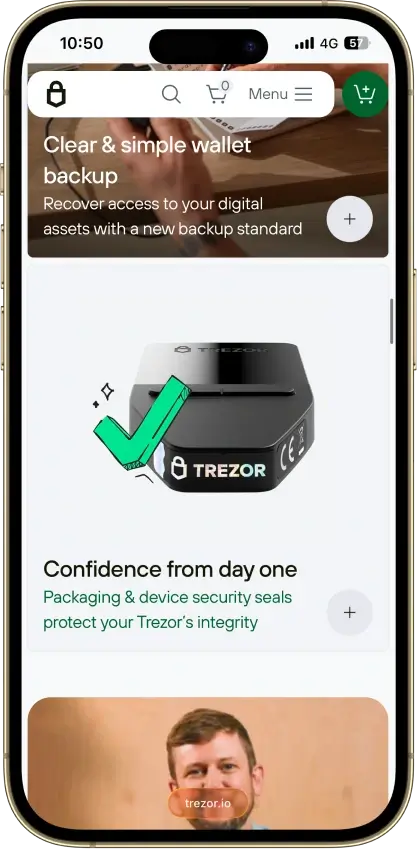
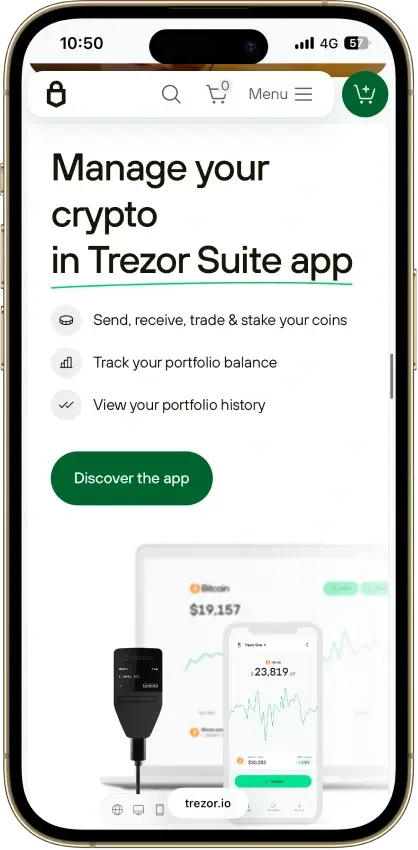
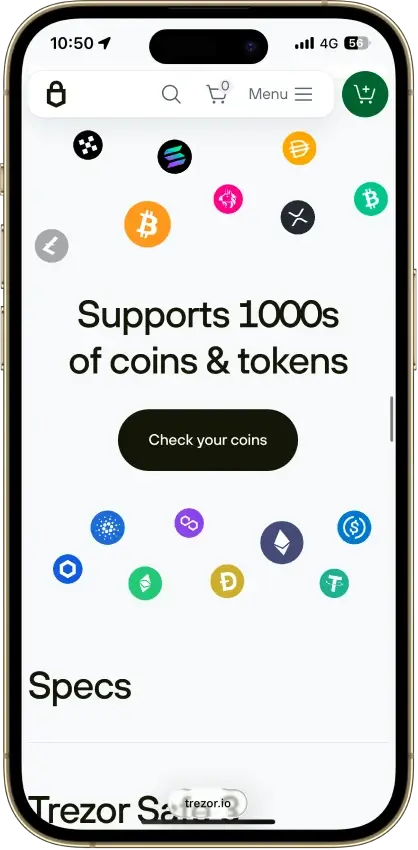
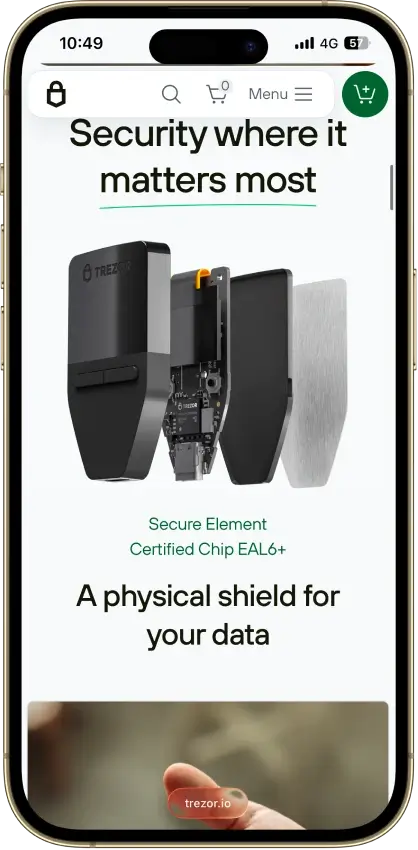
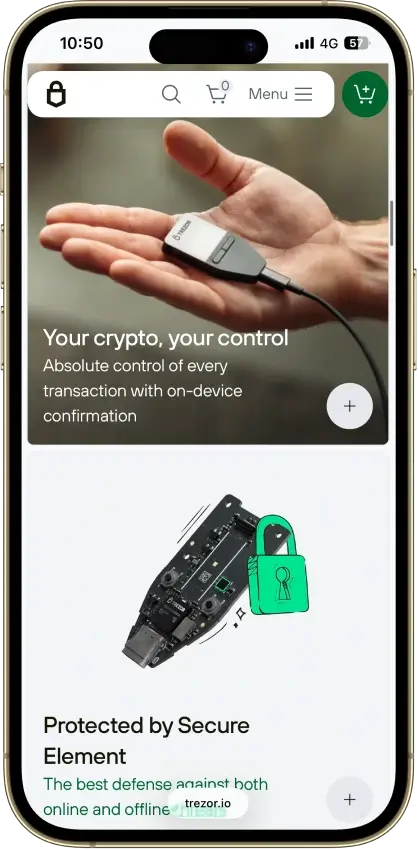
Trezor Safe 3
- Custody
- Non-custodialPartially open-source
- Networks
- Platforms
Pros
- USB power needs no battery maintenance
- Secure element guards the PIN
- Recovery words entered on the device
- SLIP39 supports distributed backup shares
- Core firmware can be inspected and rebuilt
Cons
- Cannot sign with an iPhone
- Small screen and repeated button navigation
- 2025 research bypassed its authenticity checks
- Secure element software is closed-source
- Shipping-data exposure raises phishing risk
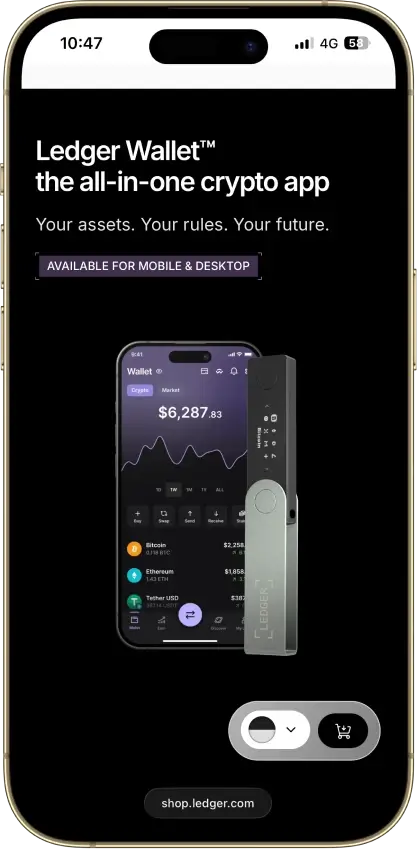
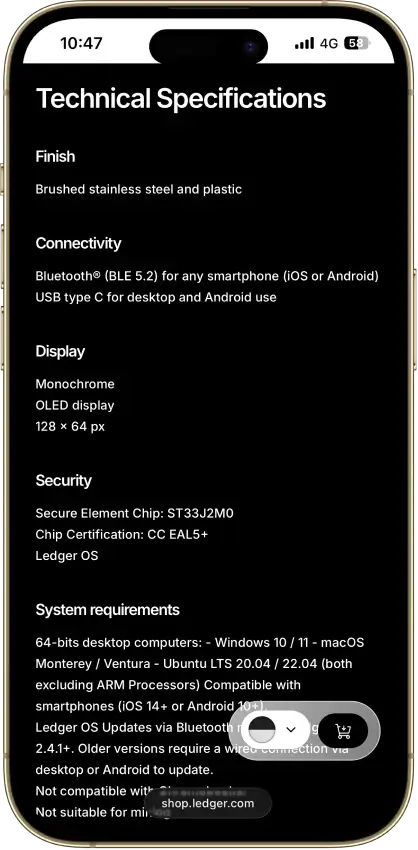
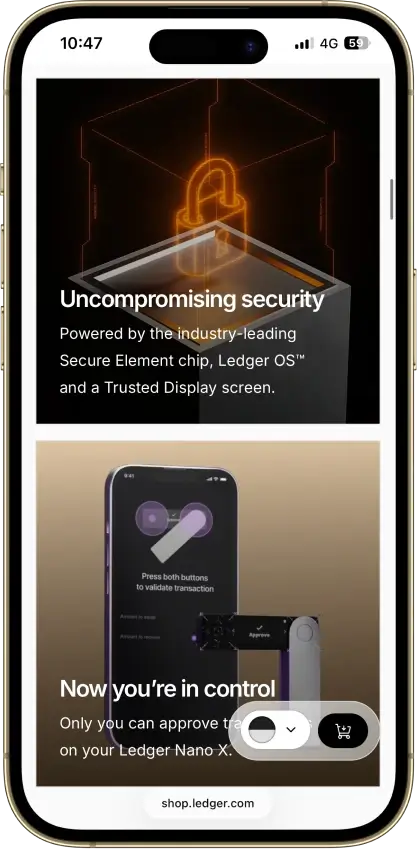
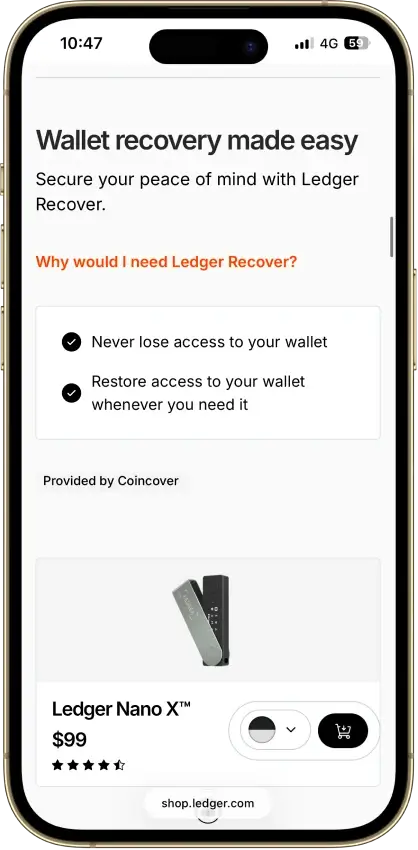
Ledger Nano X
- Custody
- Non-custodialPartially open-source
- Networks
- Platforms
Pros
- CC EAL5+ certified Secure Element
- Public companion and device-app code
- Optional passphrase accounts
- Bluetooth for phones, USB-C for desktops
- Encrypted Bluetooth with pairing codes
Cons
- Small display requires scrolling
- Low-level firmware remains closed
- Apps need their own security updates
- 2026 Monero app flaw could expose keys
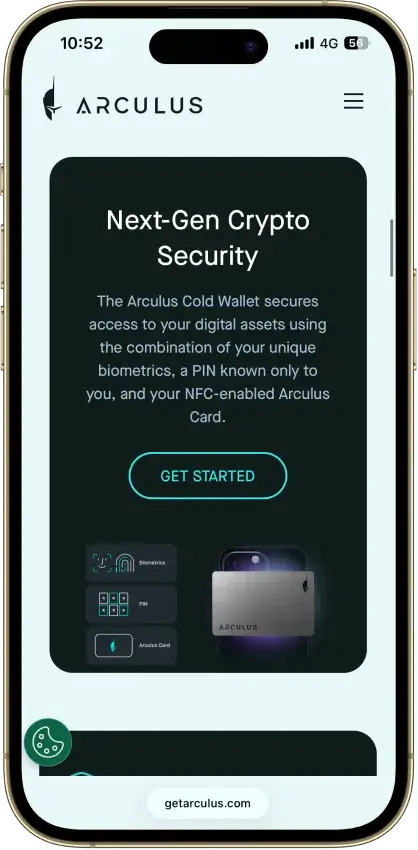
Arculus Wallet
- Custody
- Non-custodialClosed-source
- Networks
- Platforms
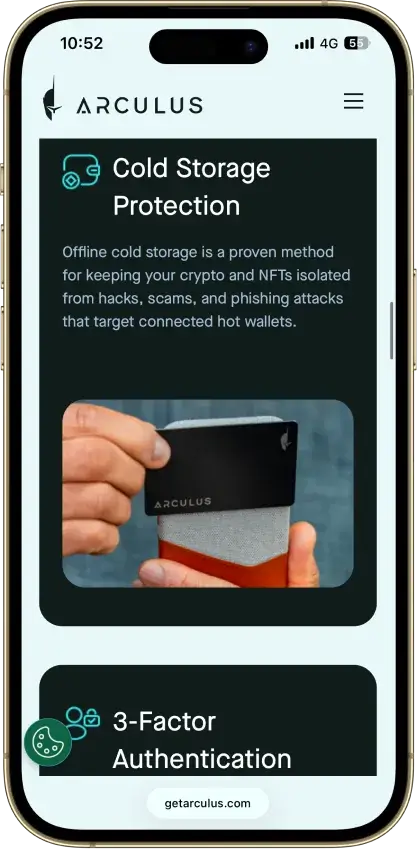
Pros
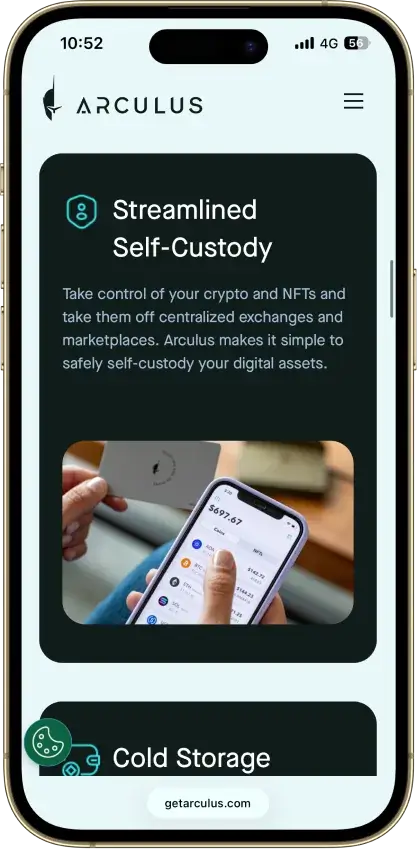
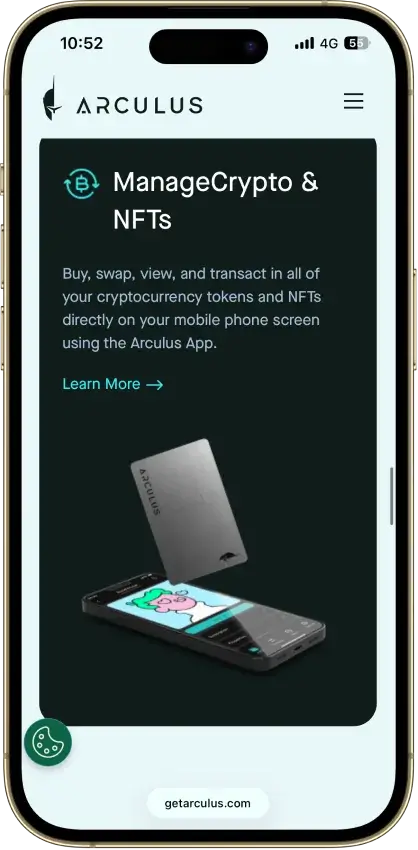
- MetaMask link through a webcam QR code
- Native ADA and SOL staking
- Safe integration through WalletConnect
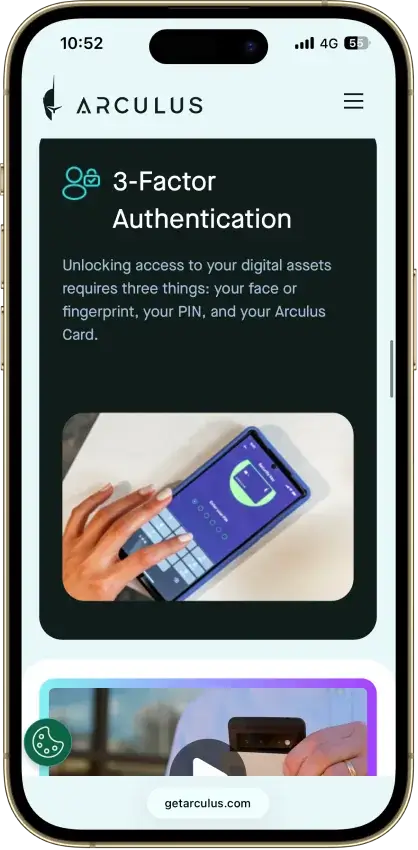
- Optional biometrics on top of a six-digit PIN
- Two-year limited card warranty
Cons
- No independent transaction screen
- Recovery words appear on the phone
- Proprietary wallet software license
- No public audit findings
- Three wrong PINs force a full restore
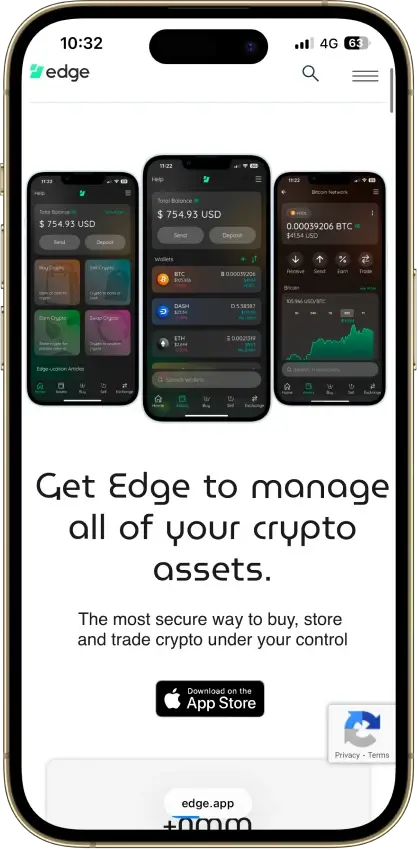
Edge Wallet
- Custody
- Non-custodialFully open-source
- Networks
- Platforms
Pros
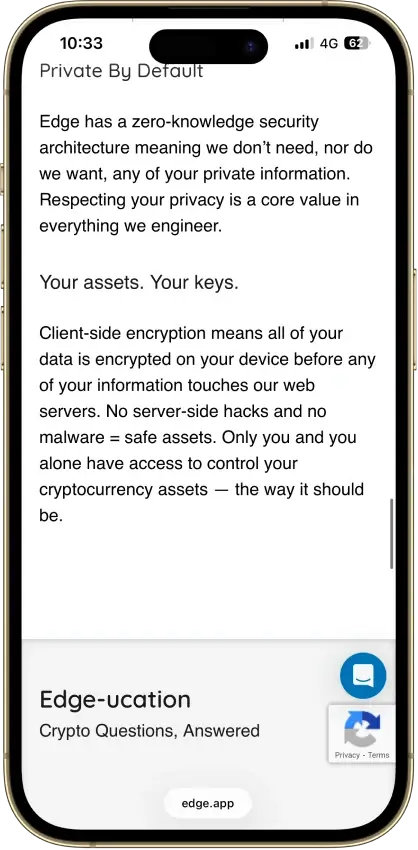
- Public, auditable code (BSD-3-Clause app)
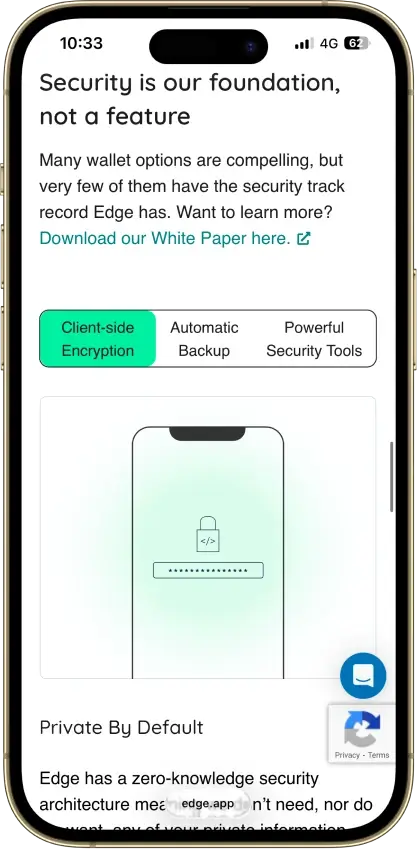
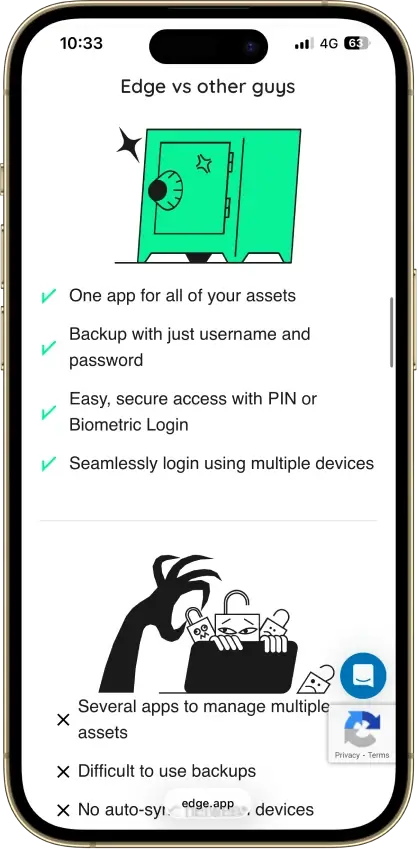
- Non-custodial, zero-knowledge encryption
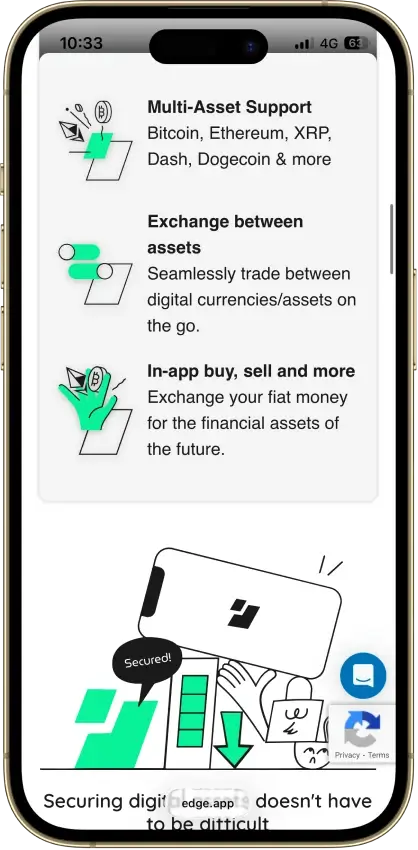
- 120+ assets plus major token standards
- Swaps shop quotes across several providers
- iOS app also runs on Apple Silicon Macs
Cons
- Weak passwords increase credential-guessing risk
- Encrypted key blobs sit on Edge servers
- 2023 bug exposed about 600 private keys
- No third-party audit made public
- No desktop app or browser extension
Exodus
- Custody
- Non-custodialPartially open-source
- Networks
- Platforms
Pros
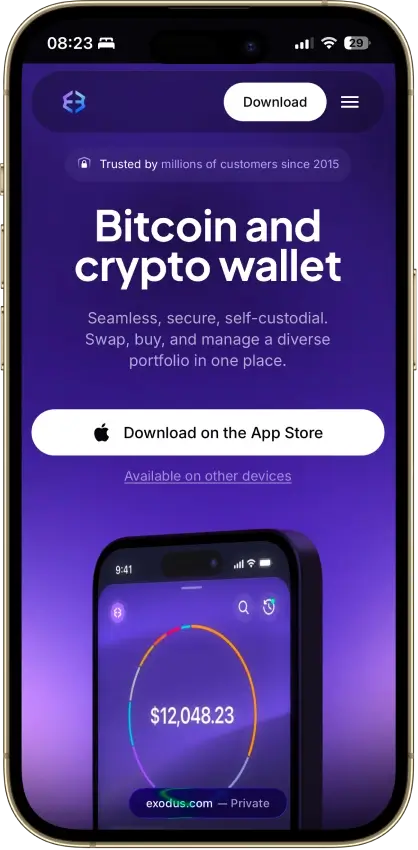
- Desktop app for Windows, macOS and Linux
- Desktop and mobile sync to one wallet
- Custom tokens on supported networks
- Human support alongside the chatbot
- Recovery phrase backup still available
Cons
- Complete wallet is not open source
- WalletConnect removed from the mobile app
- Ledger portfolios work on mobile only
- Swap costs sit inside a quoted spread
- $3.1M OFAC sanctions settlement in 2025
Trust Wallet
- Custody
- Non-custodialPartially open-source
- Networks
- Platforms
Pros
- Transaction previews on supported networks
- Optional encrypted cloud backup
- Ledger signing through the extension
- Staking for ETH, SOL, BNB and TRX
- No email account needed for a classic wallet
Cons
- December 2025 extension hack hit about $8.5M
- Mobile app builds lack public source access
- Dropped several networks in September 2026
- SWIFT covers only a handful of EVM chains
Tangem
- Custody
- Non-custodialClosed-source
- Networks
- Platforms
Pros
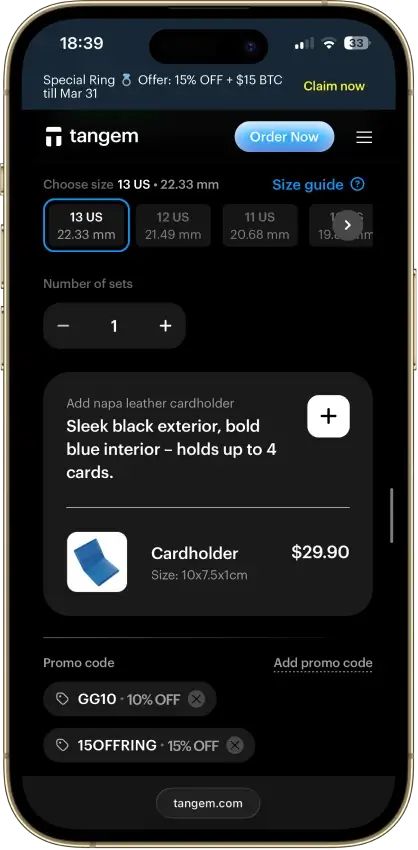
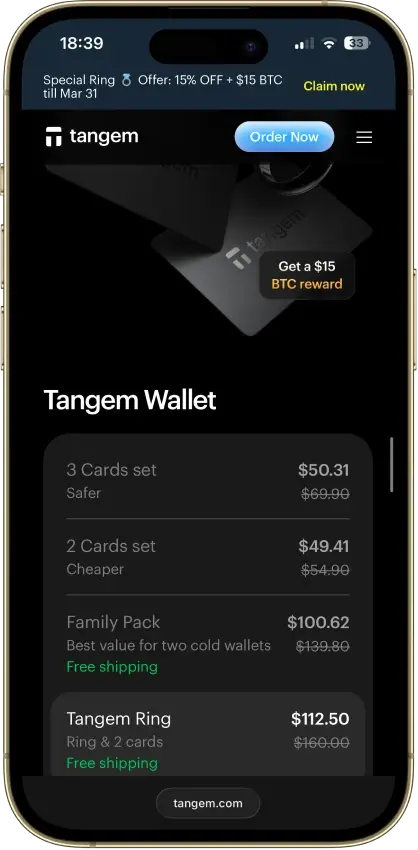
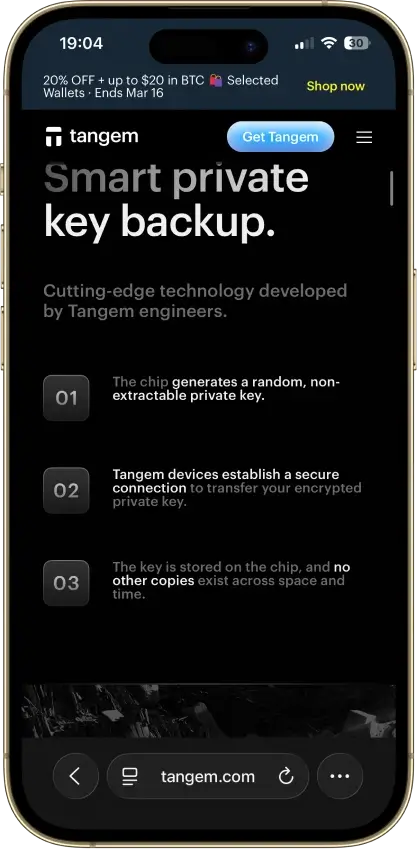
- Native BTC, ETH, SOL and XRP support
- No battery, the phone powers signing
- App source code is publicly inspectable
- Independent SDK audit with a public summary
- WalletConnect on Solana and listed EVM chains
Cons
- No on-card transaction display
- Card firmware cannot be updated
- Proprietary app licenses limit reuse
- Some Solana NFTs can't be sent from it
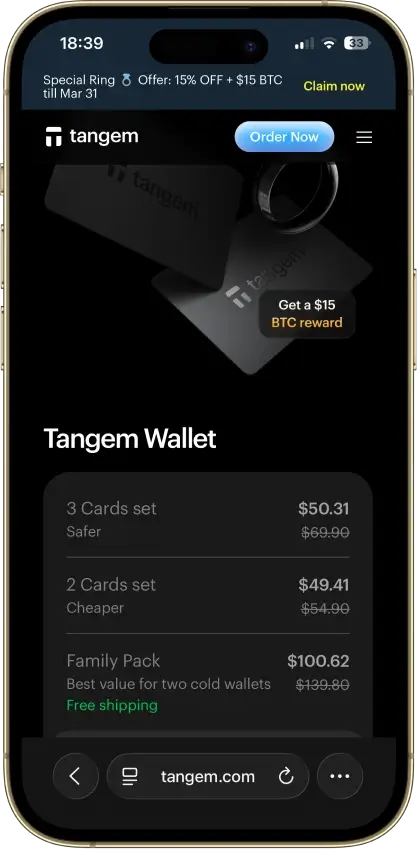
The full reviews below take a closer look at the top XRP wallets and show where each one fits best. Some are better for cold storage and long-term security, while others are stronger for mobile access, multi-asset convenience, or deeper XRP Ledger use. By reviewing the same core factors for each wallet, including custody, device support, recovery, pricing, and XRPL relevance, this section makes it easier to compare the trade-offs and choose the wallet that matches how you plan to store and use XRP.
How We Rank
- Custody and key security 30% weightWhat we assess
Who can authorize spending, protection of keys and signing, and independent access to every reviewed account type.
What earns 10/10 Users control spending and have complete independent access for every reviewed account type. Signing and authorization are isolated from the connected app, with key and recovery dependencies explained. - Security validation and track record 25% weightWhat we assess
Independent security assessments, their coverage and findings, plus updates and the handling of known incidents.
What earns 10/10 Independent assessments cover the current design and material changes. Material findings are resolved, and sustained maintenance records show no unresolved material incident consequences. - Transaction safety and signing 20% weightWhat we assess
Transaction details, signing warnings, scam checks, permission controls and the handling of unreadable requests.
What earns 10/10 Transfers and supported signing requests show readable details before consent. Risk warnings and integrated permission revocation cover relevant tasks, with unclear requests identified and easy to reject. - Backup and recovery 10% weightWhat we assess
Repeatable backup checks, complete restoration, recovery dependencies, costs and resilience after backup loss.
What earns 10/10 Repeatable checks verify complete backups without resetting the wallet. Recovery survives loss of a backup or dependency, with clear costs and no third party able to spend alone. - Usability, privacy and costs 10% weightWhat we assess
Setup and everyday tasks, accessibility, support guides, data-sharing choices and device, service and transaction costs.
What earns 10/10 Clear workflows, accessible controls and useful support guides make routine tasks straightforward. Nonessential data sharing is optional, and mandatory costs are transparent and reasonable. - Assets, networks and compatibility 5% weightWhat we assess
Asset and network support, devices, companion apps and connections needed for the uses covered in the review.
What earns 10/10 Official compatibility lists and setup guides cover the reviewed assets, networks, devices and connections. Required transfer routes are documented and available, with no known blocker.
XRP wallets are security products first, so our review criteria put the most weight on custody clarity, key security, recovery, and how well each wallet actually supports XRP and the XRP Ledger in real use. We also look at the parts that change the day-to-day experience, including device support, ease of setup, long-term storage fit, and whether the wallet is better for simple holding or deeper XRPL use.
Like the broader CryptoSlate wallet methodology, we use a simple three-level scoring approach for each criterion:
- 1.0 = clearly meets the standard
- 0.5 = partially meets the standard
- 0.0 = unclear, limited, or not supported
That keeps the rankings consistent and makes it easier to compare a dedicated XRPL wallet with a broader multi-asset option.
What Is An XRP Wallet?
An XRP wallet is the tool you use to store, send, receive, and manage XRP. It does not “hold” your coins in the way a physical wallet holds cash. Instead, it stores the credentials that let you access your XRP on the XRP Ledger, approve transactions, and control the account tied to your wallet address.
It also helps to clear up the naming. Ripple is the company that helped develop parts of the XRP ecosystem, XRP is the asset itself, and XRPL, or the XRP Ledger, is the blockchain network where XRP moves. When people search for a Ripple wallet, they usually mean an XRP wallet.
Keeping XRP on an exchange is different from holding it in your own wallet. On an exchange, the platform controls the account and the keys. In self-custody, you control access yourself, which gives you more ownership but also more responsibility.
Hot Vs Cold XRP Wallets
A hot XRP wallet is connected to the internet. That makes it faster and easier for everyday use, trading, transfers, and checking your balance on the go. Mobile wallets and many browser-based wallets fall into this category.
A cold XRP wallet keeps your credentials offline or harder to reach from an always-connected device. Hardware wallets are the usual example. They take a bit more setup, but they are usually the better fit for larger balances and long-term storage because they reduce online exposure.
Custodial Vs Self-Custody
A custodial wallet means another platform, usually an exchange or app provider, controls the keys on your behalf. That can make setup and recovery easier, but it also means you depend on that platform to give you access, approve withdrawals, and keep the account secure.
A self-custody wallet gives you direct control of the recovery phrase, seed, or account credentials. That is the stronger choice for users who want full control over their XRP, but it also means there is no support desk that can restore access if you lose your backup.
Mobile, Desktop, Hardware, And Browser Wallets
Mobile wallets are best for quick access and everyday management. Desktop wallets are often a better fit if you want a larger interface for portfolio management or more advanced settings. Hardware wallets are designed for cold storage and long-term security. Browser wallets and browser-connected tools are more useful when you want web3-style access, token management, or quicker interaction with apps built around the XRP Ledger.
The best format depends on how you plan to use XRP. Long-term holders usually benefit more from hardware or other cold-storage setups, while active users often prefer mobile or browser-based wallets for speed and convenience.
How To Choose The Best XRP Wallet
Choosing the best XRP wallet starts with how you plan to use XRP, not with whichever wallet has the longest feature list. Some users need cold storage for a larger long-term balance. Others need a simple wallet app for transfers, or a more XRPL-native option for trust lines, tokens, and account management. Once you know what job the wallet needs to do, the decision usually becomes much easier.
| Factor | What To Look For | Why It Matters For XRP |
|---|---|---|
| Security And Key Control | Self-custody, reputable wallet brand, clear recovery design, and optional hardware isolation | This determines who controls access to your XRP and how exposed your funds are to exchange risk, app compromise, or account recovery issues. |
| Cold Storage Suitability | Hardware support, offline signing, durable backup options, and long-term storage fit | This matters most if you plan to hold a larger XRP balance over time and want to reduce online exposure as much as possible. |
| XRPL-Native Features | XRP Ledger token support, trust lines, destination-tag clarity, and account tools | Some wallets do much more than store XRP. If you want native XRPL functionality, these features matter far more than broad coin support alone. |
| Ease Of Setup | Clear onboarding, simple backup steps, and a clean setup flow on mobile or desktop | A smoother setup reduces mistakes, especially for beginners creating a self-custody XRP wallet for the first time. |
| Mobile Vs Desktop Usability | Strong app design, desktop access where needed, and a workflow that matches how you manage crypto | Some users check balances and send funds on a phone. Others prefer a desktop interface for more visibility and control. |
| Backup And Recovery Method | Seed phrase, backup cards, secret numbers, or another recovery system that is easy to secure properly | Recovery design matters because self-custody gives you control, but it also makes you responsible for restoring access if something goes wrong. |
| Multi-Asset Support | Support for assets beyond XRP, including coins such as XLM, BTC, or ETH | This matters if you want one wallet for a broader portfolio instead of a dedicated XRP-only setup. |
| Price And Value | Hardware cost, free software access, and whether the wallet’s features justify what you pay | A more expensive wallet is not automatically the better choice. The real question is whether its security and usability match your needs. |
| Beginner Vs Advanced Fit | Simple interface for first-time users or deeper controls for more experienced XRPL users | The best XRP wallet for a beginner is not always the best option for someone who wants advanced XRP Ledger tools. |
If your main goal is long-term storage, focus on cold storage support, strong recovery design, and direct key control before anything else. That usually points toward wallets such as Ledger, Tangem, or Trezor. If you plan to use XRP more actively or want access to XRP Ledger-specific features, mobile usability and XRPL-native tools become more important, which is where Xaman and Joey Wallet stand out.
For users who want a simpler all-purpose wallet, convenience matters more than deep XRPL functionality. In that case, Trust Wallet and Exodus are often easier fits. Once you know whether you need cold storage, native XRPL access, or broad multi-asset support, the shortlist becomes much easier to narrow down.
XRP-Specific Setup Notes Most Guides Skip
Some XRP wallet guides stop at basic setup, but the XRP Ledger has a few account rules that can affect how much XRP you need, how you receive funds, and which assets your wallet can actually hold. They are easy to miss, but they matter in real use and can influence which wallet is the better fit.
Understanding these details early helps reduce setup mistakes. It also makes it easier to see why some wallets are better for simple XRP storage, while others are better for deeper XRPL use.
The XRP Reserve Requirement
Every self-custody XRP Ledger account has a base reserve. Right now, that base reserve is 1 XRP, which means part of your balance stays locked in the account and cannot be spent like normal XRP. The reserve exists to discourage spam and keep the ledger efficient.
There is also an owner reserve for certain on-chain objects linked to your account. That matters if you create trust lines, place offers, or use more advanced XRPL features beyond simply holding XRP. In practice, a self-custody wallet may need a little more XRP than you expect, especially if you want to do more than basic storage. New accounts also get a small exception for their first two trust lines, but after that additional objects can tie up more XRP.
XRP Addresses And Destination Tags
An XRP wallet address is the main address tied to your account, but some transfers also need a destination tag. This usually matters when you send XRP to a custodial platform such as an exchange, because the platform may use one shared address for many users and rely on the tag to route the deposit correctly.
If you are sending XRP to your own self-custody wallet, a destination tag is usually not required. The important step is to follow the receiving platform’s instructions before you send, because using the right address with the wrong tag, or skipping a required tag, can delay the transfer or send the funds to the wrong internal account.
XRPL Tokens, Trust Lines, And Advanced Wallet Tools
Some XRP wallets do much more than store XRP. XRPL-native wallets may also support issued tokens, trust lines, swaps, signing requests, account settings, and other tools built around the XRP Ledger ecosystem. That matters if you want to do more than hold XRP in basic self-custody.
A trust line is especially important because it is what allows an XRPL account to hold many issued assets on the network. Not every wallet handles these features in the same way. If you only want simple XRP storage, a cleaner wallet may be enough. If you want deeper XRPL functionality, it is worth choosing a wallet that makes trust lines, token management, and advanced account tools easier to use.
What Wallets Support XRP? Compatibility Matrix
If your main question is simply which wallets actually support XRP, the table below gives you the fastest answer. It focuses on verified XRP compatibility, whether the wallet also supports XRPL-based tokens, and which setup each option is best suited to.
| Wallet | Supports XRP | Supports XRPL Tokens | Self-Custody | Mobile | Desktop / Browser | Hardware | Best For | Notes |
|---|---|---|---|---|---|---|---|---|
| Ledger | Yes | Limited | Yes | Yes | Yes | Yes | Long-term cold storage | Native XRP support is strong, while broader XRPL tooling is better when paired with third-party tools such as XRP Toolkit. |
| Tangem | Yes | Limited | Yes | Yes | No | Yes | Simple cold storage | Good for secure XRP storage and easy setup, but not the strongest option for advanced XRPL account tools. |
| Xaman | Yes | Yes | Yes | Yes | No | No | Native XRPL use | Built specifically for XRP Ledger accounts, XRPL tokens, and day-to-day on-ledger management. |
| Joey Wallet | Yes | Yes | Yes | Yes | No | No | XRPL web3 and dApps | Strong fit for XRPL tokens, WalletConnect-style usage, and app-based ecosystem access. |
| Trust Wallet | Yes | Yes | Yes | Yes | Yes | No | Easy self-custody for beginners | Supports XRP and XRPL tokens in a more general multi-chain wallet format. |
| Exodus | Yes | Limited | Yes | Yes | Yes | No | Multi-asset portfolios | Useful for holding XRP alongside other assets, but less specialized for advanced XRPL workflows. |
| Trezor | Yes | Limited | Yes | Yes | Yes | Yes | Security-first cold storage | Strong XRP hardware support, though deeper XRPL functionality is not its main focus. |
| Phantom | No | No | Yes | Yes | Yes | No | Solana, Bitcoin, Sui, and selected EVM assets | Phantom’s current supported networks do not include XRP or the XRP Ledger. |
The main split is easy to read. If you want secure long-term XRP storage, Ledger, Tangem, and Trezor are the clearest fits. If you want deeper XRP Ledger access, including XRPL token support and more native account tools, Xaman and Joey Wallet are the stronger choices.
Trust Wallet and Exodus make more sense when convenience matters more than XRPL depth. They both support XRP, but they are broader multi-asset wallets rather than XRPL-first tools. If you specifically searched whether Phantom supports XRP, the answer right now is no.
How To Create An XRP Wallet And Move XRP To Cold Storage
Setting up an XRP wallet is usually straightforward, but the details matter. Choosing the right wallet type, backing it up properly, and using the correct XRP address and network are the steps that make the biggest difference. If you plan to move XRP off an exchange and into self-custody, it is worth slowing down and doing the first transfer carefully.
If you still need a platform to buy XRP before moving it into self-custody, compare CryptoSlate’s crypto exchanges, Coinbase Exchange review, and Robinhood Exchange review.
How To Create And Set Up An XRP Wallet
- Choose the wallet type that fits your goal. If you want long-term storage, start with a hardware or cold wallet. If you want quick access and XRP Ledger tools, a mobile self-custody wallet may be the better fit.
- Download or initialize the wallet from the official source. Avoid third-party download pages, sponsored links, or unofficial app listings when you set up a new XRP wallet.
- Create a new wallet or import an existing one. New users should usually create a fresh wallet. Only import an existing recovery phrase or secret if you already control that wallet.
- Back up the recovery method before funding the wallet. That may be a seed phrase, secret numbers, or a hardware backup system. Store it offline and never save it in email, cloud notes, or screenshots.
- Enable device and app security. Use a strong passcode, biometric lock, two-factor authentication where relevant, and any extra security settings the wallet supports.
- Fund the wallet carefully. Copy the XRP address exactly, and if the wallet is self-custody, make sure you have enough XRP to activate and use the account properly.
- Start with a small test amount. Confirm the XRP arrives where expected before you move a larger balance.
How To Move XRP From Coinbase, Robinhood, Or Another Exchange To A Cold Wallet
- Open your cold wallet and copy your XRP receive address. Double-check the first and last characters before using it.
- Check whether a destination tag is needed. For most self-custody XRP wallets, it usually is not. For custodial platforms and exchange deposits, it often is.
- Paste the address carefully and add a destination tag only if your receiving wallet or platform requires one. Never guess on this step.
- Send a small test transaction first. Wait for it to arrive and confirm the receiving wallet shows the balance correctly.
- Move the remaining XRP only after the test transfer clears. This extra step is worth it because crypto transfers are usually irreversible.
The safest way to move XRP into cold storage is to treat the first transfer like a setup check, not a full withdrawal. Once the address, network, and destination-tag requirements are confirmed, moving the rest becomes much lower risk.
XRP Wallet Statistics, Lookup and Large Transactions
Wallet statistics can be useful, but they need context. XRP address counts, balance-distribution data, and large transfers do not map cleanly to individual users because exchanges, custodians, and apps often control shared wallets. Used carefully, though, they can still help you understand account growth, network structure, and how XRP moves across the ledger.
How Many XRP Wallets Are There?
As of March 2026, XRPSCAN shows about 7.7 million activated XRP Ledger accounts. That is best treated as a count of funded on-ledger accounts, not a count of unique holders, because one user, company, or platform can control multiple wallets.
XRP Wallet Distribution Statistics
Distribution data can show how XRP is spread across small and large balances, but it does not tell the full ownership story. Large exchange, custody, escrow, and treasury wallets can make concentration look higher than actual individual ownership. It is more useful as a network-structure signal than a precise holder map.
XRP Wallet Lookup Tools
If you want to check an XRP address, tools such as XRPSCAN and Bithomp let you view balances, transaction history, account status, and recent wallet activity. They are useful for confirming whether a transfer arrived, checking whether an address is active, and reviewing address-level activity before or after a send.
Large XRP Wallet Transactions
Large XRP transfers often attract attention, but they should be interpreted carefully. A big move does not always mean buying, selling, or whale accumulation. It can also reflect internal exchange transfers, custody rebalancing, treasury movement, or other operational activity. The safest way to read these transactions is to check the sending and receiving addresses before assuming market intent.
XRP Wallet Security Tips
Good wallet security is mostly about reducing avoidable mistakes. The strongest XRP wallet is only as safe as the way you set it up, back it up, and use it. A few basic habits make a much bigger difference than chasing extra features you do not actually need.
- Back up your recovery phrase, secret numbers, or other recovery credentials offline and keep them away from cloud storage, email, and screenshots.
- Download wallet apps only from official websites, official app stores, or verified hardware wallet sources to reduce the risk of fake apps and phishing pages.
- Double-check the XRP address and destination tag every time you send funds, especially when moving XRP to or from an exchange.
- Use a separate hot wallet and cold wallet when it makes sense. A hot wallet is more practical for active use, while a cold wallet is usually safer for larger long-term balances.
- Start with a small test transfer before sending a larger amount, even if you have used the wallet before.
- Keep long-term XRP holdings off always-online devices where possible, especially if the balance is large enough that convenience should not come first.
The right wallet choice supports good security habits from the start. If you plan to hold a larger XRP balance for the long term, cold storage usually gives you a stronger margin of safety. If you need active access, a hot wallet can still work well, but only if you treat backup, address checks, and transfer testing as part of the process.
The Best XRP Wallet Depends On How You Plan To Use XRP
The right choice depends on whether your priority is cold storage, everyday access, or deeper XRP Ledger functionality.
If you are holding a larger balance for the long term, Ledger, Tangem, and Trezor are the stronger fits because they are built for security-first storage. If you want faster mobile access and more native XRPL tools, Xaman and Joey Wallet make more sense. If you want a simpler multi-asset wallet, Trust Wallet and Exodus are easier options to live with day to day.
The comparison table gives you the fastest side-by-side view, while the full reviews are where the trade-offs become clearer. Start with the wallet type that matches how you plan to use XRP, then use the broader CryptoSlate wallet coverage as a benchmark if you want more context.