
Beginner Why long-term crypto holders borrow against assets instead of selling A strategic guide to liquidity management, capital preservation, and the real tradeoff between selling and borrowing crypto Open guide 

Exodus is a self-custody cryptocurrency wallet designed for managing digital assets across multiple networks from a single interface. The product is best known as a multi-platform wallet available on desktop and mobile, with additional Web3 functionality for interacting with decentralized applications. Exodus is commonly used by retail users who want portfolio visibility, straightforward sending and receiving, and integrated tools for exchanging assets without relying exclusively on centralized exchange accounts.
Exodus operates under a non-custodial model, meaning users control their private keys and recovery phrase rather than delegating custody to a third party. This approach can be useful for users who want to hold assets such as Bitcoin and Ethereum directly in a wallet they control, while still maintaining a consumer-oriented interface and cross-platform support.
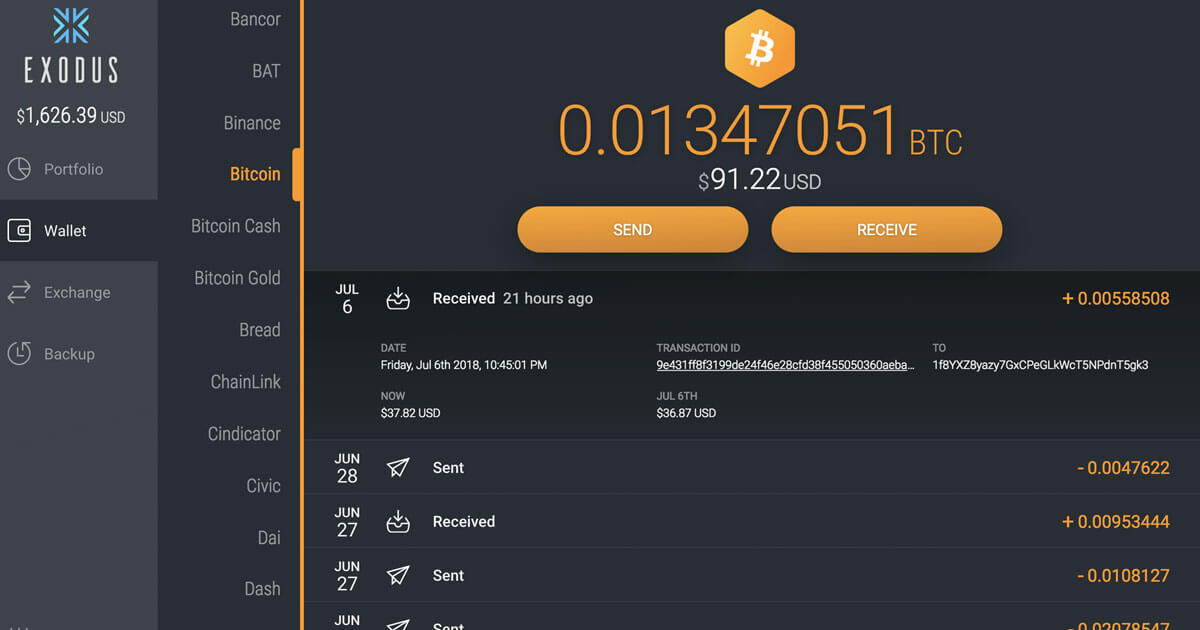
The wallet is built to cover common day-to-day tasks including receiving and sending assets, tracking balances, and managing a portfolio across multiple chains. Exodus also integrates optional features for trading and Web3 access, which can help users move between basic storage and more advanced on-chain activity as their needs evolve.
Exodus launched in 2015 and has remained focused on consumer wallet software with an emphasis on usability and design. Over time, the product expanded beyond a desktop-only footprint to mobile and Web3 experiences, reflecting broader market demand for wallets that work across devices and support decentralized applications.
Exodus is designed around local key management. When a wallet is created, the recovery phrase serves as the core backup mechanism. Transactions are signed using keys derived from that recovery phrase, and the user is responsible for protecting backups and device access. This model reduces reliance on account recovery processes used by custodial platforms, but it also means mistakes, such as losing recovery data or approving malicious transactions, can be difficult or impossible to undo.
For users who actively engage with on-chain applications, Exodus provides pathways to connect with decentralized services and interact with smart contracts. This includes typical wallet workflows such as token approvals, contract calls, and transaction confirmation. On networks where decentralized finance and NFT activity are common, such as Solana and Ethereum, these workflows can enable users to access decentralized exchanges, lending protocols, and NFT marketplaces, while still keeping signing authorization within the wallet or connected hardware.
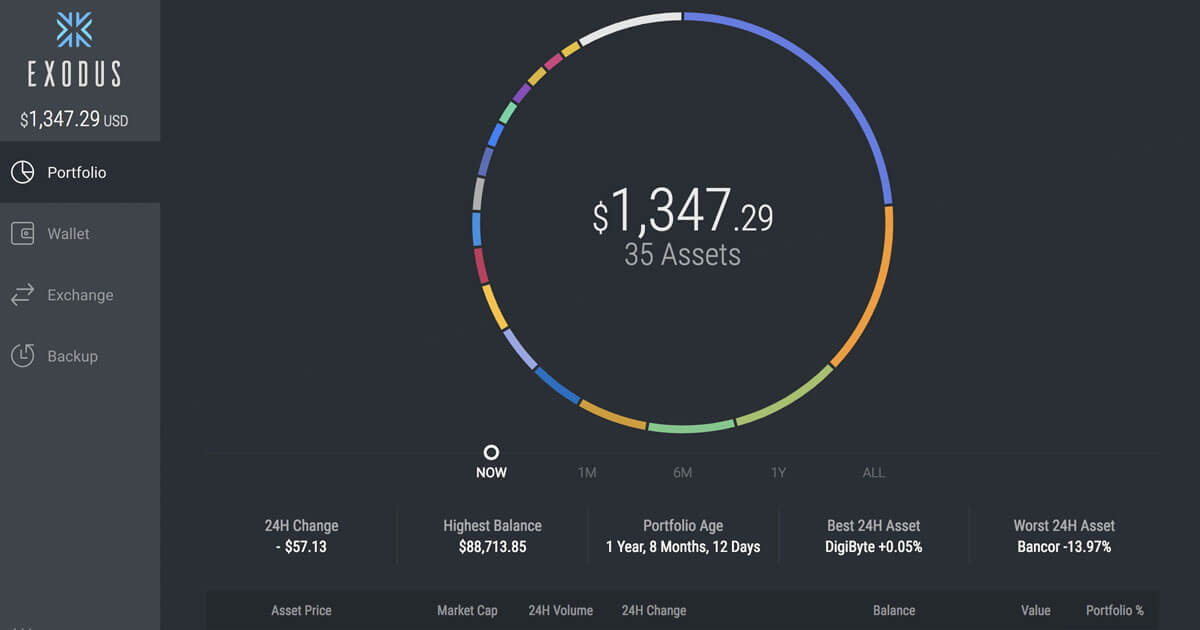
Exodus also emphasizes portfolio presentation, including a consolidated view of holdings across multiple assets. While portfolio features can improve visibility, users should treat displayed valuations and token metadata cautiously, especially for long-tail tokens that may have limited liquidity or spoofed identifiers.
Exodus is often used as a primary wallet for users who want a single interface for managing multiple assets across devices. Common use cases include moving funds off exchanges for self-custody, holding a diversified portfolio, and swapping between assets for rebalancing or ecosystem participation. The wallet is also used by people who want a visually oriented portfolio experience compared with more developer-focused wallet tools.
In the broader wallet landscape, Exodus generally sits in the multi-platform, consumer-first category, competing with other self-custody wallets that prioritize ease of use. Its differentiation typically comes from its design approach and integrated features that can reduce the need to juggle separate apps for basic management and simple exchanges.
| Feature | Details (as described by Exodus) |
|---|---|
| Self-custody security model | Wallet access is controlled by a device-generated 12-word secret key (recovery phrase). Exodus secret keys are always 12 words. |
| Multi-platform wallet | Available on mobile (iOS, Android), desktop (Windows, macOS, Linux), and as a browser extension (Exodus Web3 Wallet). |
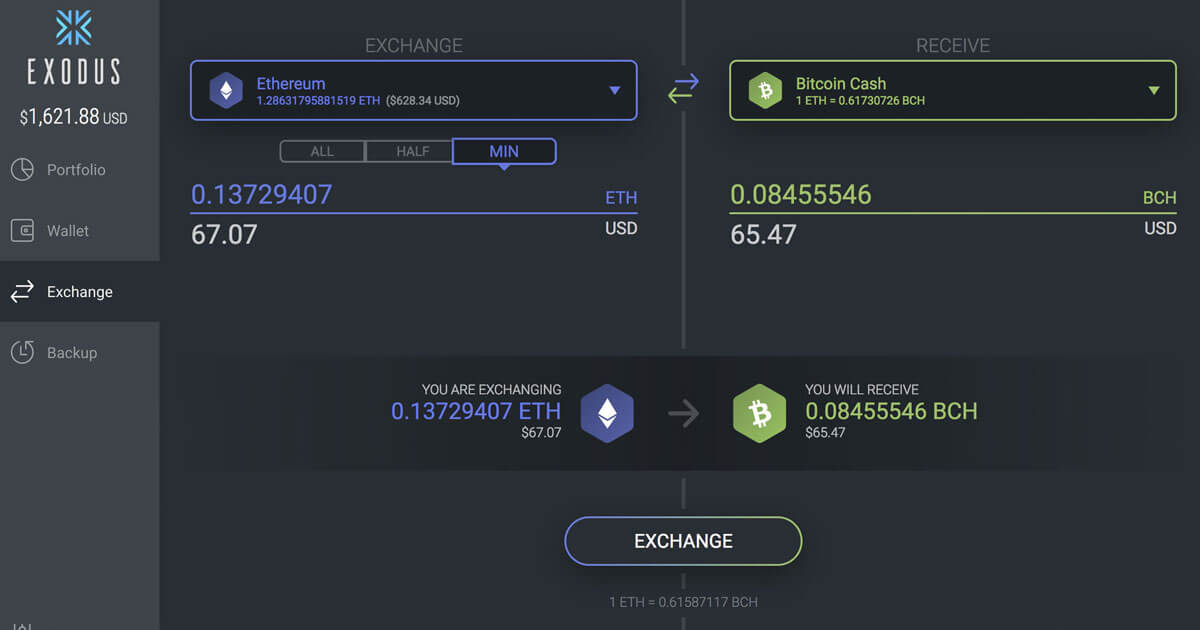
| Built-in swapping | In-app swaps available across Mobile, Desktop, and Web3 Wallet. Exodus states swap fees can start as low as 0.5%. Swaps are routed through third-party swap API providers (DEX and CEX providers), and availability can vary by asset, pair, and location. |
| Buy and sell crypto in-wallet | Exodus promotes in-wallet purchases using payment methods that can include credit/debit cards, bank transfer, and mobile payment options such as Apple Pay and Google Pay (availability varies by region and provider). |
| Staking | Staking rewards are supported for multiple assets within Exodus. Exodus notes staking services are provided by third parties, and features such as auto-restaking can be available on select assets. |
| Web3 and NFT support | Exodus Web3 Wallet (browser extension) supports connecting to dApps and web3 apps, swapping, and interacting with NFTs on supported networks. Networks listed for Exodus Web3 Wallet include:
|
| Hardware wallet integrations | Exodus supports connecting hardware wallets for added security:
|
| App-level protections | Exodus supports device-based security controls such as passcode and biometric locking (for example Face ID or Touch ID on iOS, where available). |
| Backup options | Primary recovery uses the 12-word secret key. Exodus also describes an optional mobile backup flow using iCloud or Google Drive, where an encrypted secret key is stored in cloud storage and decrypted using a device passkey (protected by Face ID, Touch ID, PIN, or password). |
| Open-source posture | Exodus states it uses many open-source components and publishes some open-source work, while other components of Exodus are not open source. |
| Area | Specification |
|---|---|
| Recovery phrase | Exodus secret keys are always 12 words and are required to restore funds if a device is lost or fails. |
| Desktop encryption | Exodus states that after setting a password, wallet files are encrypted by that password when the wallet is closed. |
| Optional cloud backup (mobile) | Encrypted secret key stored in iCloud or Google Drive; a device passkey is used to decrypt the file and restore access. |
| Desktop installer verification | Exodus provides guidance for verifying installer authenticity using developer signatures and release hashes (with a signed hash list). |

Chief Technical Officer

Chief Creative Officer
All images, branding and wording is copyright of Exodus. All content on this page is used for informational purposes only. CryptoSlate has no affiliation or relationship with the product mentioned on this page.