Choosing the best AVAX wallet is not as simple as picking the most popular crypto app. Some Avalanche wallets only support the C-Chain, while others are far better suited to native staking, cross-chain transfers, DeFi, NFTs, and long-term cold storage.
We evaluated each wallet on the points that matter most for AVAX use: chain support, staking access, security, day-to-day usability, and device coverage. This guide also explains the move from the old Avalanche Wallet to Core. That helps you choose the right setup for DeFi, staking, or long-term storage.
Top Avalanche Wallets

- Custody
- Non-custodialPartially open-source
- Networks
- Platforms
- Lowest price of any Bluetooth hardware wallet
- Wireless firmware updates from a phone
- Made by Ledger, a French company
- Custody
- Non-custodialPartially open-source
- Networks
- Platforms
- The widest network list of any wallet we review
- DEX aggregator draws on 100+ liquidity pools
- Create and trade NFTs inside the wallet
- Custody
- Non-custodialPartially open-source
- Networks
- Platforms
- Snaps add third-party wallet capabilities
- Social login that still signs on your device
- Transaction Shield cover on marked transactions
- Custody
- Non-custodialPartially open-source
- Networks
- Platforms
- Automatic network selection for dApps
- GasAccount pays gas across EVM networks
- Hardware support from Ledger to GridPlus
- Custody
- Non-custodialClosed-source
- Networks
- Platforms
- Battery-free NFC card signing
- Separate cards managed in one app
- MoneyGram cash pickup via USDC on Stellar
- Custody
- Non-custodialPartially open-source
- Networks
- Platforms
- Smart-wallet recovery key can replace a passkey
- USDC sends on Base with sponsored gas
- Coinbase-funded USDC Rewards for holders
- Custody
- Non-custodialFully open-source
- Networks
- Platforms
- Duress Mode hides funds under coercion
- No seed phrase to write down or lose
- Recovery token plus optional 2FA layer
- Custody
- Non-custodialPartially open-source
- Networks
- Platforms
- Ledger and Trezor portfolios in one app
- Cloud backup unlocked only by a passkey
- Listed company with public financial filings
- Custody
- Non-custodialPartially open-source
- Networks
- Platforms
- SWIFT offers passkey-based wallet recovery
- Second only to OKX for network coverage
- Premium loyalty tiers reward wallet activity
- Custody
- Non-custodialClosed-source
- Networks
- Platforms
- Seedless recovery through linked NFC cards
- 25-year limited hardware warranty
- Optional seed phrase on newer cards
CryptoSlate may earn a commission when you visit partner sites through links on this page, at no extra cost to you. Our rankings and reviews remain editorially independent and based on our published methodology. Read disclosure
Disclaimer: CryptoSlate may receive a commission when you click links on our site and make a purchase or complete an action with a third party. This does not influence our editorial independence, reviews, or ratings, and we always aim to provide accurate, transparent information to our readers.This is not really a contest between eight equal wallets. It is a choice between Core for full Avalanche functionality, Ledger for colder long-term storage, and C-Chain wallets like MetaMask, Rabby, Trust Wallet, and Coinbase Wallet for day-to-day DeFi and app use.
If you want the best Avalanche wallet for full AVAX functionality, start with Core. It is the official Avalanche wallet. It is also the only option in this list built around the full Primary Network experience, including X-Chain, P-Chain, C-Chain, native staking, and cross-chain transfers.
That does not make every other wallet a bad fit. It means most alternatives are C-Chain wallets first. That is fine for DeFi, swaps, NFTs, and basic AVAX storage. It matters more if you want to stake natively, move between Avalanche chains, or replace the old Avalanche Wallet workflow.
Comparison Table
| Name | Custody | Blockchains | Hardward Support | Staking | Fiat On-ramp |
|---|---|---|---|---|---|
 Ledger Nano X Ledger Nano X | Non-custodial | No | Limited | No | |
 OKX Wallet OKX Wallet | Non-custodial | Yes | Limited | Yes | |
 MetaMask MetaMask | Non-custodial | Yes | Full | Yes | |
 Rabby Wallet Rabby Wallet | Non-custodial | Yes | None | No | |
 Arculus Wallet Arculus Wallet | Non-custodial | No | Limited | Yes | |
 Coinbase Wallet Coinbase Wallet | Non-custodial | Yes | Limited | Yes | |
 Edge Wallet Edge Wallet | Non-custodial | No | Limited | Yes | |
 Exodus Exodus | Non-custodial | Yes | Full | Yes | |
 Trust Wallet Trust Wallet | Non-custodial | Yes | Full | Yes | |
 Tangem Tangem | Non-custodial | No | Limited | Yes |
The biggest mistake users make on Avalanche is assuming every AVAX wallet supports the same thing. In reality, the wallet market splits into two groups: Avalanche-native options that handle staking and cross-chain actions properly, and EVM wallets that are mainly designed for Avalanche C-Chain activity.
If you want native AVAX staking, cross-chain transfers, or a true replacement for the old Avalanche Wallet, Core stands out immediately. Ledger makes more sense if stronger cold storage is the priority. If you mainly want to use AVAX on the C-Chain for DeFi, dApps, and NFTs, MetaMask, Rabby, Trust Wallet, Coinbase Wallet, Exodus, and SafePal are easier to live with. They are not interchangeable with a full Avalanche wallet.
Avalanche Wallets Reviews
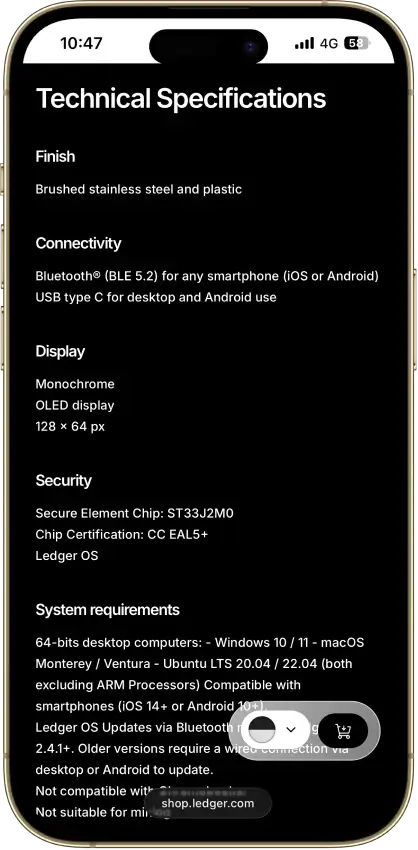
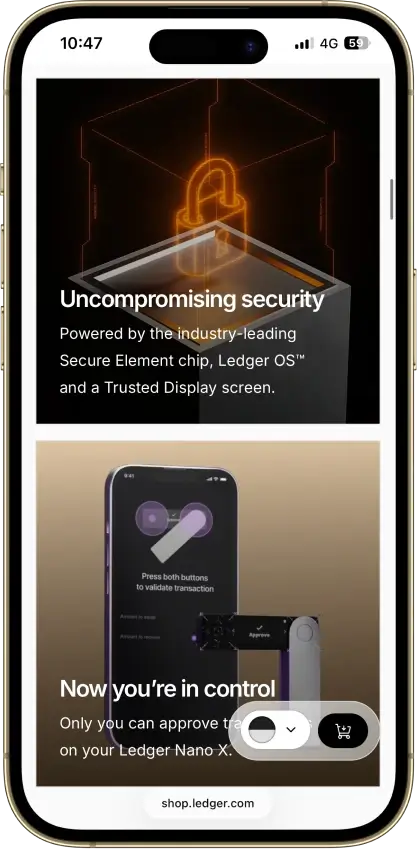
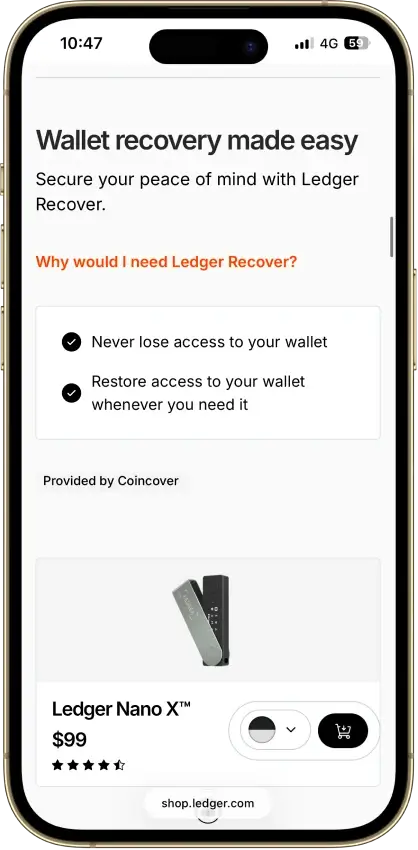
Ledger Nano X
- Custody
- Non-custodialPartially open-source
- Networks
- Platforms
Pros
- CC EAL5+ certified Secure Element
- Public companion and device-app code
- Optional passphrase accounts
- Bluetooth for phones, USB-C for desktops
- Encrypted Bluetooth with pairing codes
Cons
- Small display requires scrolling
- Low-level firmware remains closed
- Apps need their own security updates
- 2026 Monero app flaw could expose keys
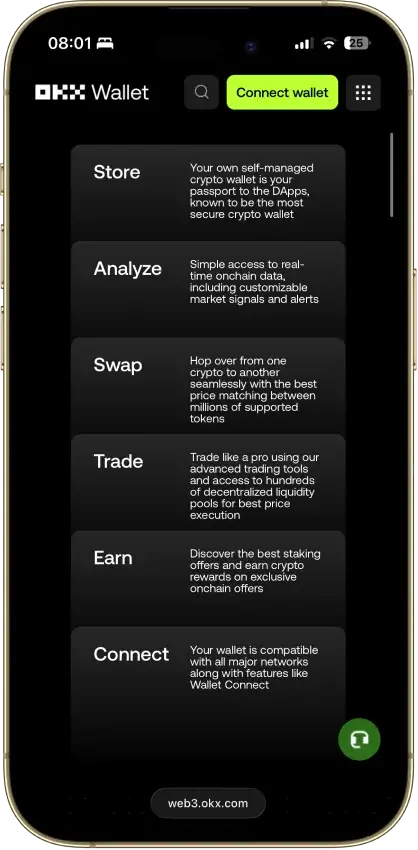
OKX Wallet
- Custody
- Non-custodialPartially open-source
- Networks
- Platforms
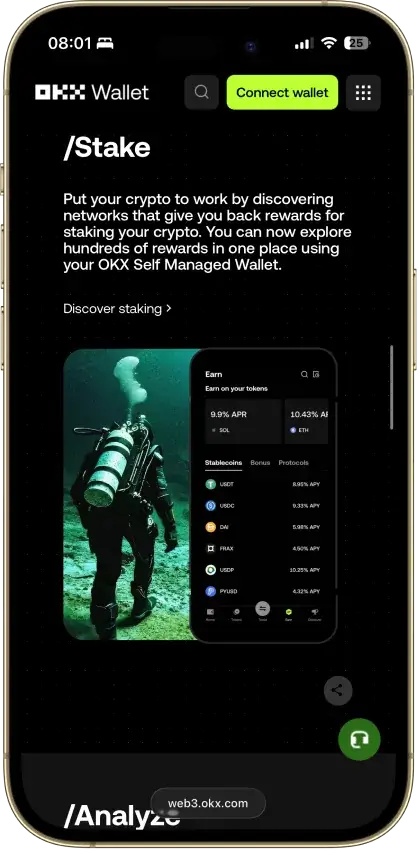
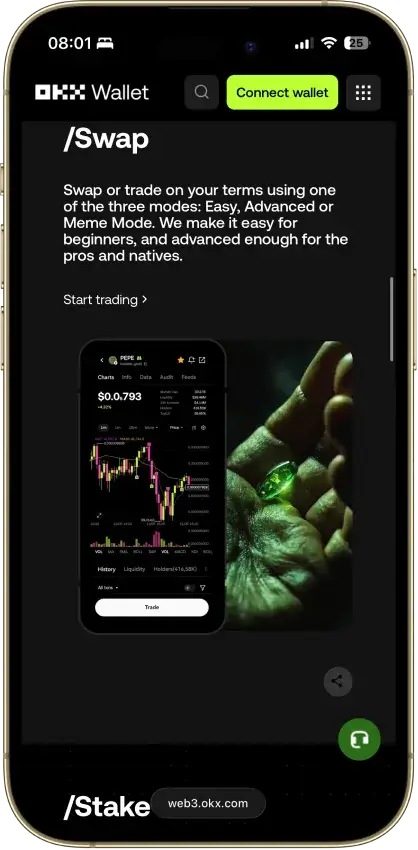
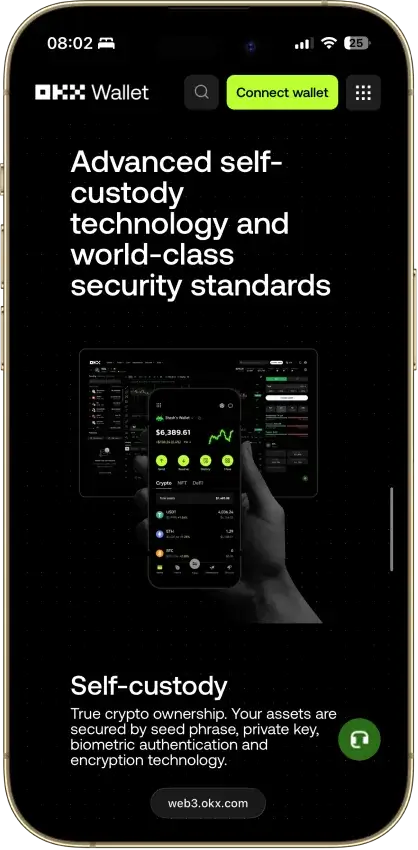
Pros
- Pre-approval scam and phishing alerts
- Built-in token-approval revoke tool
- CertiK and SlowMist audits plus bug bounty
- Cross-chain bridging in one interface
- Earn staking stays non-custodial
Cons
- $505M DOJ guilty plea, consultant to 2027
- Aggregator laundered ~$100M Bybit funds
- Keyless mode hands OKX one key share
- Client code is not fully open source
MetaMask
- Custody
- Non-custodialPartially open-source
- Networks
- Platforms
Pros
- Default-on transaction security alerts
- Mobile connections to compatible hardware
- ETH pooled staking without a product minimum
- Custom EVM networks alongside native Bitcoin
- Publicly accessible extension source code
Cons
- Swaps carry a 0.875% service fee
- Linked Ledger accounts are EVM-only
- Social login can't be changed or unlinked
- Passkeys unlock but can't restore the wallet
Rabby Wallet
- Custody
- Non-custodialPartially open-source
- Networks
- Platforms
Pros
- Simulation shows balance changes before signing
- Token approvals can be revoked in-app
- Tracks EVM tokens and DeFi positions
- Extension code released under MIT terms
- Optional encrypted mobile cloud backup
Cons
- No native Bitcoin, Solana or Tron
- Custom networks have fewer features
- Mobile hardware support is more limited
- Apple/Google Pay gas deposits cannot be withdrawn
- 2025 audits include unresolved findings
Arculus Wallet
- Custody
- Non-custodialClosed-source
- Networks
- Platforms
Pros
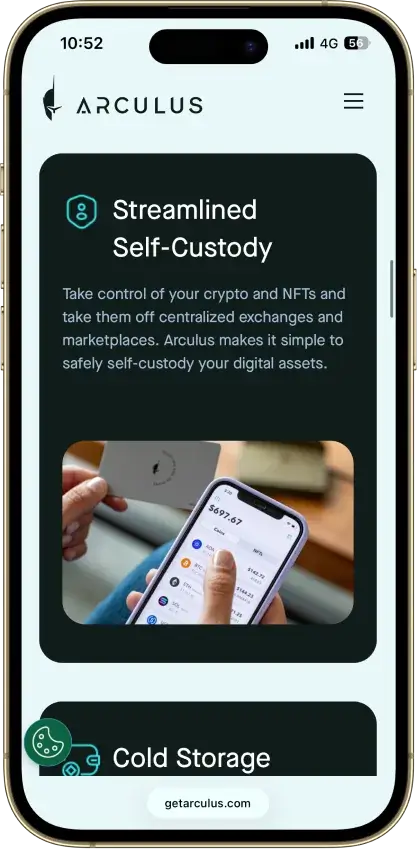
- MetaMask link through a webcam QR code
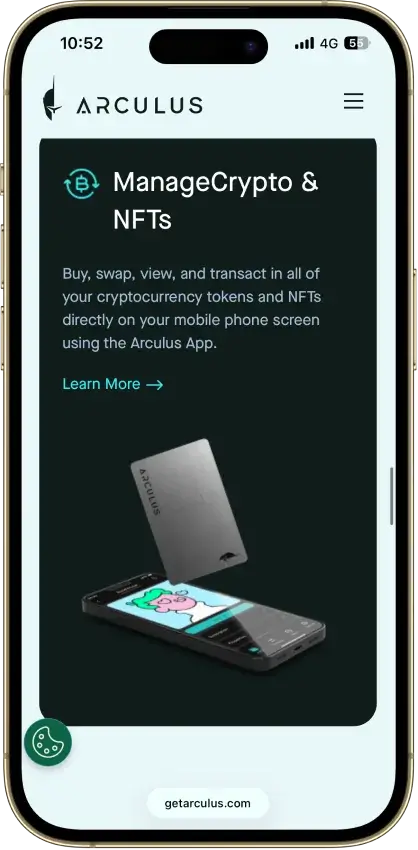
- Native ADA and SOL staking
- Safe integration through WalletConnect
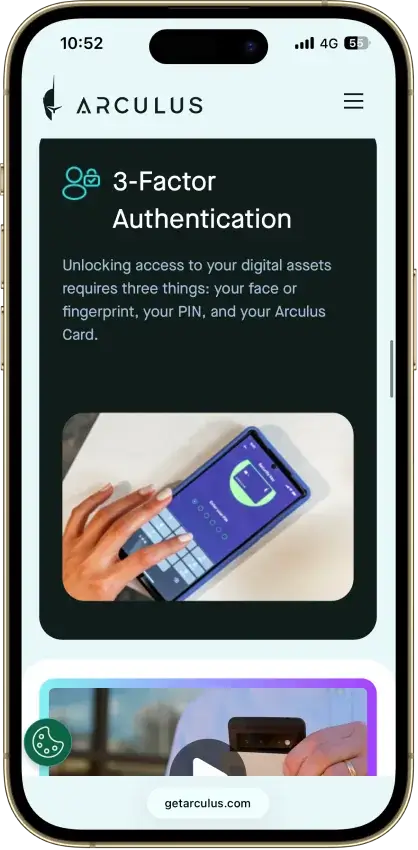
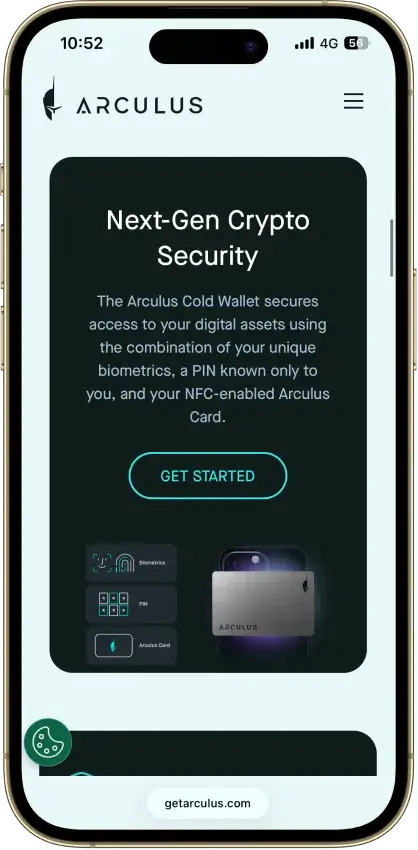
- Optional biometrics on top of a six-digit PIN
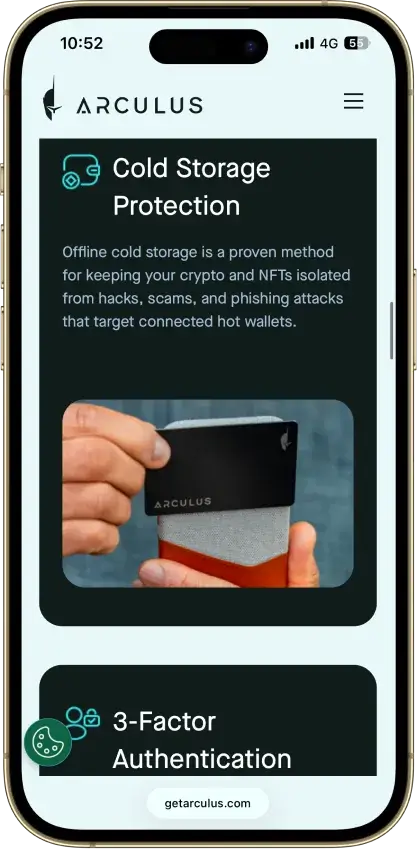
- Two-year limited card warranty
Cons
- No independent transaction screen
- Recovery words appear on the phone
- Proprietary wallet software license
- No public audit findings
- Three wrong PINs force a full restore
Coinbase Wallet
- Custody
- Non-custodialPartially open-source
- Networks
- Platforms
Pros
- Ledger approvals through the extension
- Audited, MIT-licensed smart-wallet contracts
- ETH staking below 32 ETH via Kiln
- Gasless swaps on Ethereum and Polygon
- Security Lock on opening and approvals
Cons
- Passkey smart wallets exclude BTC and SOL
- Dropped Dogecoin, Litecoin, XRP and custom chains
- Swap fee of up to 1% per trade
- No Bitcoin swaps in the app
Edge Wallet
- Custody
- Non-custodialFully open-source
- Networks
- Platforms
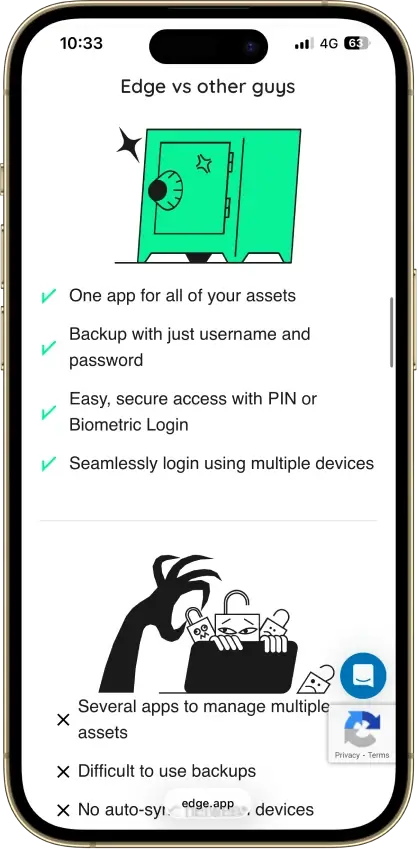
Pros
- Public, auditable code (BSD-3-Clause app)
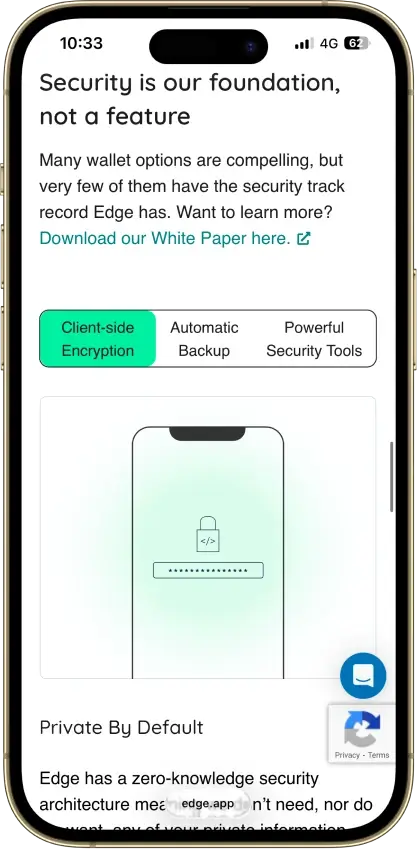
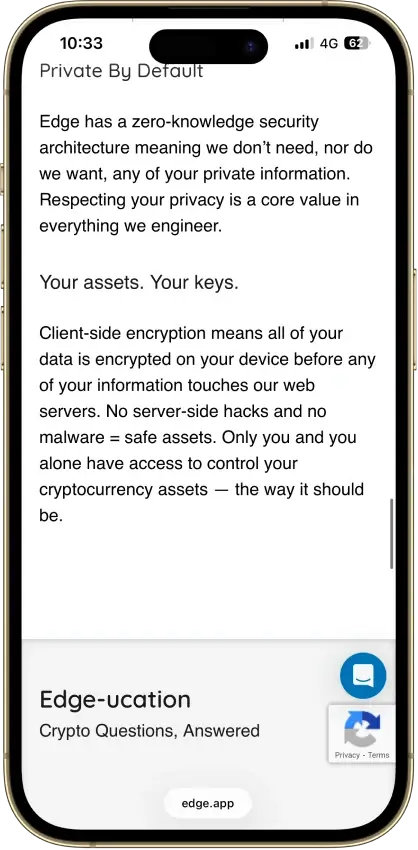
- Non-custodial, zero-knowledge encryption
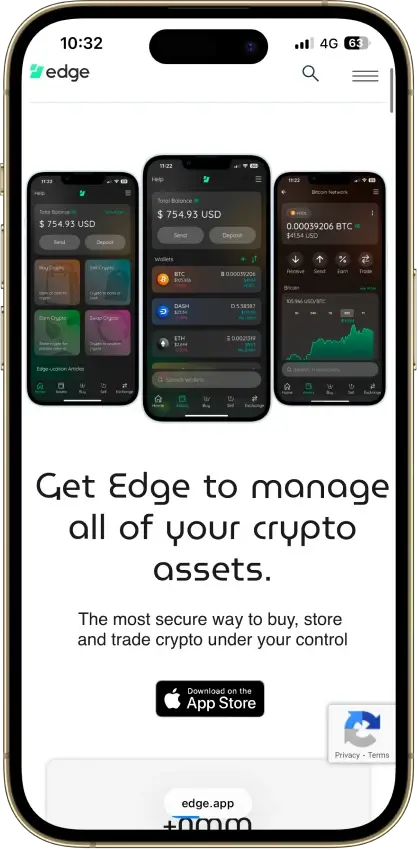
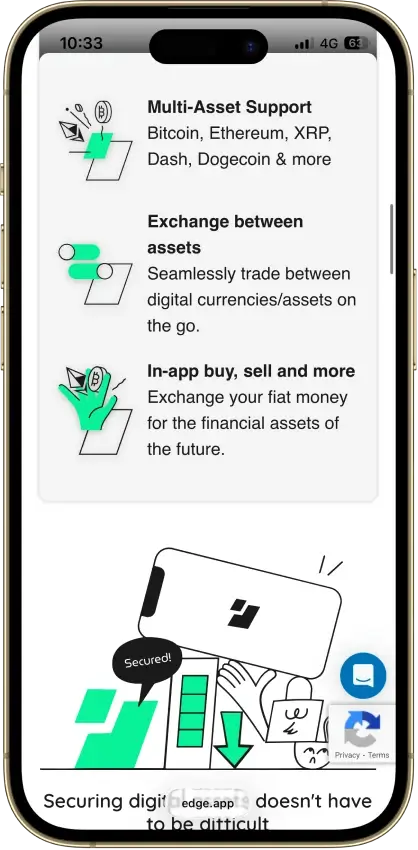
- 120+ assets plus major token standards
- Swaps shop quotes across several providers
- iOS app also runs on Apple Silicon Macs
Cons
- Weak passwords increase credential-guessing risk
- Encrypted key blobs sit on Edge servers
- 2023 bug exposed about 600 private keys
- No third-party audit made public
- No desktop app or browser extension
Exodus
- Custody
- Non-custodialPartially open-source
- Networks
- Platforms
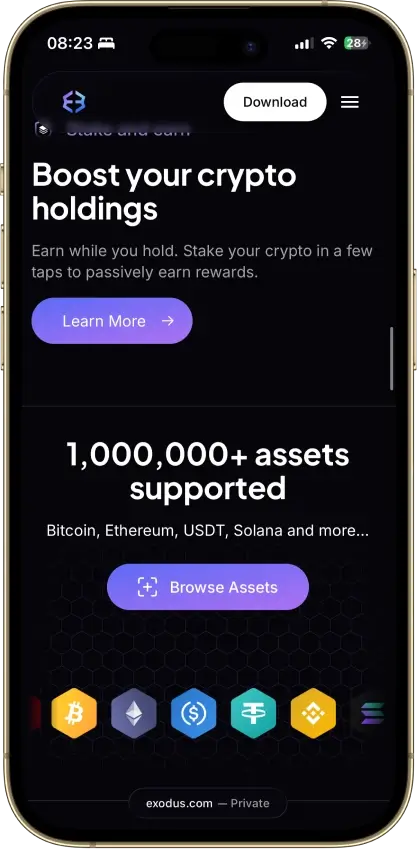
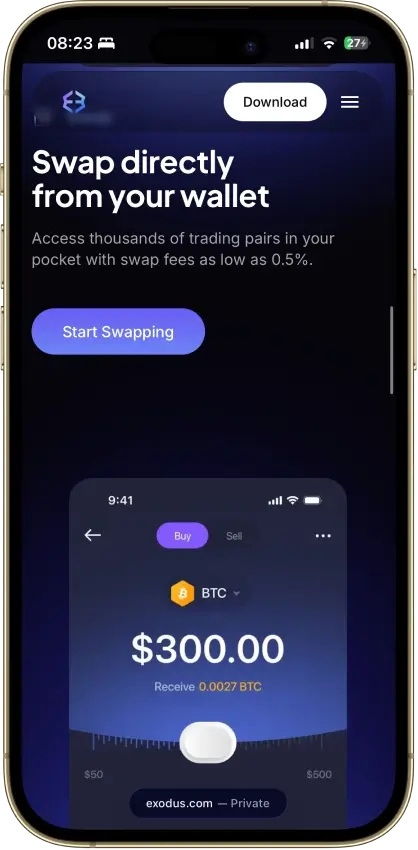
Pros
- Desktop app for Windows, macOS and Linux
- Desktop and mobile sync to one wallet
- Custom tokens on supported networks
- Human support alongside the chatbot
- Recovery phrase backup still available
Cons
- Complete wallet is not open source
- WalletConnect removed from the mobile app
- Ledger portfolios work on mobile only
- Swap costs sit inside a quoted spread
- $3.1M OFAC sanctions settlement in 2025
Trust Wallet
- Custody
- Non-custodialPartially open-source
- Networks
- Platforms
Pros
- Transaction previews on supported networks
- Optional encrypted cloud backup
- Ledger signing through the extension
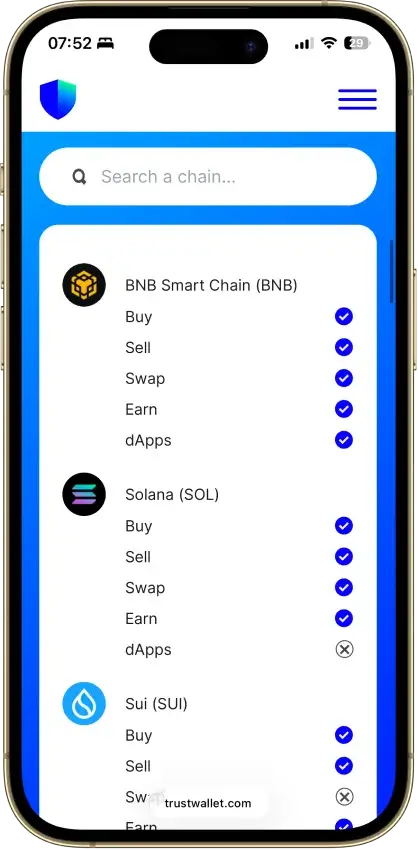
- Staking for ETH, SOL, BNB and TRX
- No email account needed for a classic wallet
Cons
- December 2025 extension hack hit about $8.5M
- Mobile app builds lack public source access
- Dropped several networks in September 2026
- SWIFT covers only a handful of EVM chains
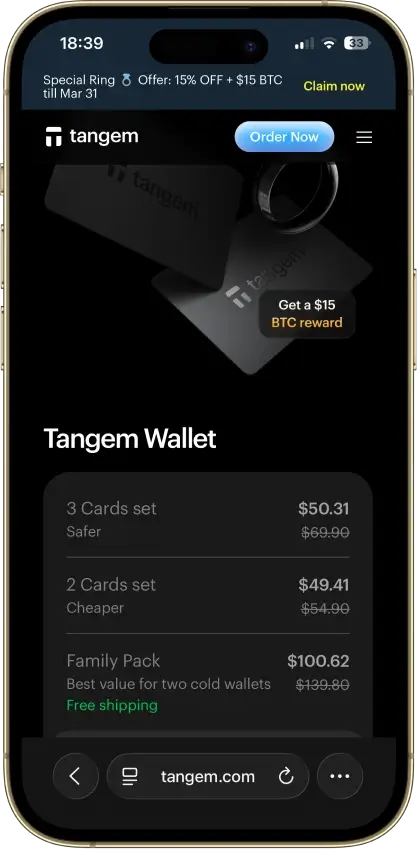
Tangem
- Custody
- Non-custodialClosed-source
- Networks
- Platforms
Pros
- Native BTC, ETH, SOL and XRP support
- No battery, the phone powers signing
- App source code is publicly inspectable
- Independent SDK audit with a public summary
- WalletConnect on Solana and listed EVM chains
Cons
- No on-card transaction display
- Card firmware cannot be updated
- Proprietary app licenses limit reuse
- Some Solana NFTs can't be sent from it
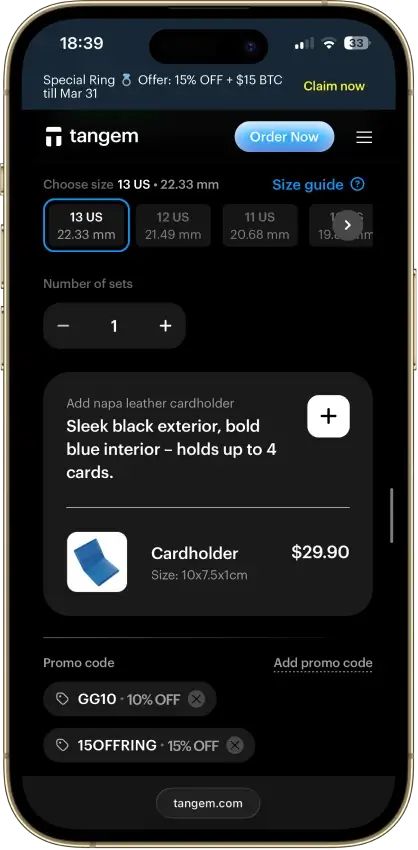
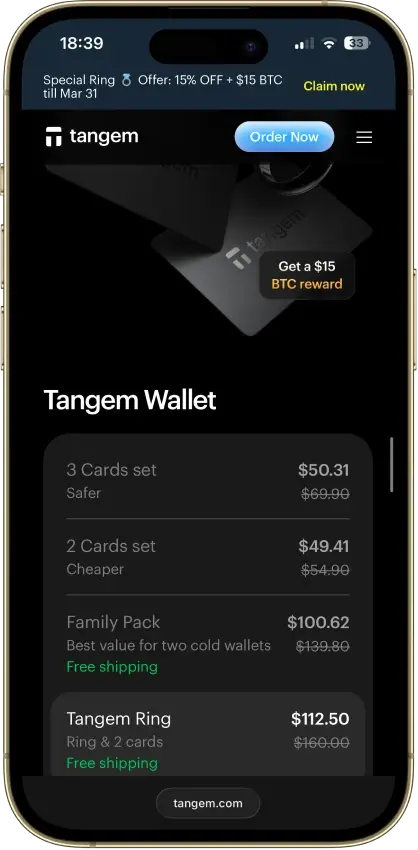
The shortlist and comparison table make it easier to narrow your options. The real differences show up once you look at how each wallet handles Avalanche in practice. The detailed reviews above focus on the factors that shape the user experience most: chain support, staking fit, DeFi access, security trade-offs, and the type of AVAX holder each wallet suits best.
How We Rank
- Custody and key security 30% weightWhat we assess
Who can authorize spending, protection of keys and signing, and independent access to every reviewed account type.
What earns 10/10 Users control spending and have complete independent access for every reviewed account type. Signing and authorization are isolated from the connected app, with key and recovery dependencies explained. - Security validation and track record 25% weightWhat we assess
Independent security assessments, their coverage and findings, plus updates and the handling of known incidents.
What earns 10/10 Independent assessments cover the current design and material changes. Material findings are resolved, and sustained maintenance records show no unresolved material incident consequences. - Transaction safety and signing 20% weightWhat we assess
Transaction details, signing warnings, scam checks, permission controls and the handling of unreadable requests.
What earns 10/10 Transfers and supported signing requests show readable details before consent. Risk warnings and integrated permission revocation cover relevant tasks, with unclear requests identified and easy to reject. - Backup and recovery 10% weightWhat we assess
Repeatable backup checks, complete restoration, recovery dependencies, costs and resilience after backup loss.
What earns 10/10 Repeatable checks verify complete backups without resetting the wallet. Recovery survives loss of a backup or dependency, with clear costs and no third party able to spend alone. - Usability, privacy and costs 10% weightWhat we assess
Setup and everyday tasks, accessibility, support guides, data-sharing choices and device, service and transaction costs.
What earns 10/10 Clear workflows, accessible controls and useful support guides make routine tasks straightforward. Nonessential data sharing is optional, and mandatory costs are transparent and reasonable. - Assets, networks and compatibility 5% weightWhat we assess
Asset and network support, devices, companion apps and connections needed for the uses covered in the review.
What earns 10/10 Official compatibility lists and setup guides cover the reviewed assets, networks, devices and connections. Required transfer routes are documented and available, with no known blocker.
We rated each wallet using the same core framework behind CryptoSlate’s broader crypto wallet rankings. Then we applied it to Avalanche-specific use cases. Because wallets are security products first, we gave the most weight to custody clarity, key security, recovery quality, and real-world scam resistance. We used a simple three-level rubric for each criterion: 1.0 when a wallet clearly met the standard, 0.5 when it only partly met it, and 0.0 when the feature was missing, unclear, or not well supported.
We applied those same criteria to the things that matter most on Avalanche. That includes whether a wallet supports only the C-Chain or the broader Avalanche Primary Network, whether it is suitable for native staking, how well it works with Avalanche DeFi and NFTs, and whether the signing and recovery flow is strong enough for real self-custody. That is why Core and Ledger stand apart from general EVM wallets like MetaMask or Rabby. They are judged on the same standard, but they do not serve the same Avalanche job equally well.
Why Avalanche Wallet Support Is Different
Choosing a wallet for Avalanche is a little more nuanced than choosing one for a single-chain network like Bitcoin or Litecoin. The Avalanche network is built around multiple chains on its Primary Network, and not every wallet supports all of them equally well.
The biggest dividing line is between a standard AVAX C-Chain wallet and a wallet with broader Avalanche support. A typical Avalanche compatible wallet such as MetaMask, Rabby, or Coinbase Wallet is mainly designed for C-Chain use. That is enough for swaps, NFTs, and most DeFi apps. It is also why many users think they already have a full wallet for Avalanche when they only have access to one part of the network.
The C-Chain is the part of Avalanche that feels most familiar to Ethereum users. It powers EVM apps, smart contracts, token swaps, and most of the DeFi activity users touch every day. If you are looking for an AVAX C-Chain wallet or an Avalanche C-Chain wallet for Trader Joe, NFT marketplaces, or WalletConnect-based dApps, a general EVM wallet may be enough.
The X-Chain is different. It is used for sending and receiving assets on the Avalanche Primary Network, and its addresses begin with X-avax. The P-Chain handles validator management, delegation, and staking activity, and its addresses begin with P-avax. If you want to stake AVAX natively, move funds across the Primary Network, or use Avalanche beyond simple C-Chain DeFi, you need broader chain support than a standard EVM wallet usually provides.
| Activity | Required Chain | What The Wallet Must Support |
|---|---|---|
| Swaps, dApps, lending, and NFT activity | C-Chain | EVM compatibility, Avalanche network support, and 0x-style address handling |
| Sending and receiving AVAX on the Primary Network | X-Chain | X-Chain support and the ability to work with X-avax addresses |
| Delegating AVAX or running validator-related actions | P-Chain | P-Chain support, staking tools, and compatibility with P-avax addresses |
| Moving AVAX between Avalanche chains | X/P/C cross-chain support | Built-in cross-chain transfer support, typically through Core or Ledger paired with Core |
Many wallets marketed as Avalanche wallets are really C-Chain wallets first. That is not a problem if your goal is DeFi or NFT use. But if your AVAX use includes native staking, X-Chain transfers, or full Primary Network access, you should not assume every wallet can do the job. That is where Core stands apart. It is also why Ledger becomes much more useful when it is paired with Core rather than treated like a generic EVM wallet.
What Happened To The Avalanche Wallet?
The original Avalanche Wallet was sunset in March 2024. The main wallet.avax.network experience no longer works as the active wallet interface. It now redirects users to Core web, which is the current official path for managing AVAX across the Avalanche Primary Network.
That means Core has effectively replaced the older Avalanche Wallet journey. If you are setting up a wallet today, managing AVAX on the C-Chain, moving assets between chains, or staking natively, Core is the wallet Avalanche now wants users to use across web, mobile, and extension environments.
There is still one important exception for legacy users. If you originally accessed the old Avalanche Wallet with a password, you can still use the legacy access page to log in and download your Keystore file. That matters if you need to recover an older setup, export wallet data, or move to a newer self-custody workflow.
There is no normal AVAX wallet login flow for the old wallet anymore, only a limited recovery path for older accounts. If you are starting fresh, use Core. If you are trying to regain access to a legacy Avalanche wallet, recover what you need from the old access flow, then move to Core rather than treating the retired Avalanche Wallet as an actively supported product.
Best Wallet For AVAX By Use Case
If you already know what job you need the wallet to do, this is the fastest way to narrow the field. Some of these may not rank high among the best crypto wallets, but they are the best fit for this purpose.
| Use case | Best wallet | Why it fits | Main limitation | Best for |
|---|---|---|---|---|
| Best AVAX wallet app | Trust Wallet | A simple mobile-first option for storing, sending, swapping, and using AVAX on the C-Chain without much setup friction | It is better for simple C-Chain use than for native staking or broader Avalanche chain management | Users who want a straightforward Avalanche wallet app for everyday mobile use |
| Best AVAX wallet extension | Core | Gives Avalanche users a browser-based wallet built around the full Primary Network rather than only C-Chain activity | It is more Avalanche-specific than MetaMask, so it feels less universal if you mostly use generic EVM workflows | Users who want an Avalanche wallet extension with deeper native support |
| Best AVAX cold wallet | Ledger Nano X | Keeps keys offline while still letting serious AVAX users access broader Avalanche features when paired with Core | Setup is slower and less convenient than using a pure software wallet for daily dApp use | Long-term holders and security-first users |
| Best wallet for AVAX staking | Core | Built for native staking, delegation, and cross-chain management on Avalanche | It is not as familiar as MetaMask for users who only interact with C-Chain dApps | Users who want to stake AVAX natively rather than just hold or trade it |
| Best wallet for Avalanche DeFi | MetaMask | A familiar option for C-Chain dApps, swaps, NFTs, and WalletConnect-heavy activity across Avalanche DeFi | It does not natively support X-Chain or P-Chain functions | Users whose main goal is DeFi activity on Avalanche C-Chain |
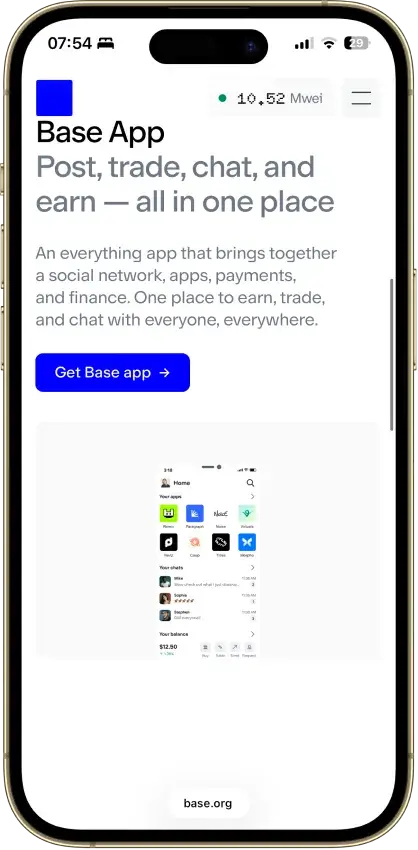
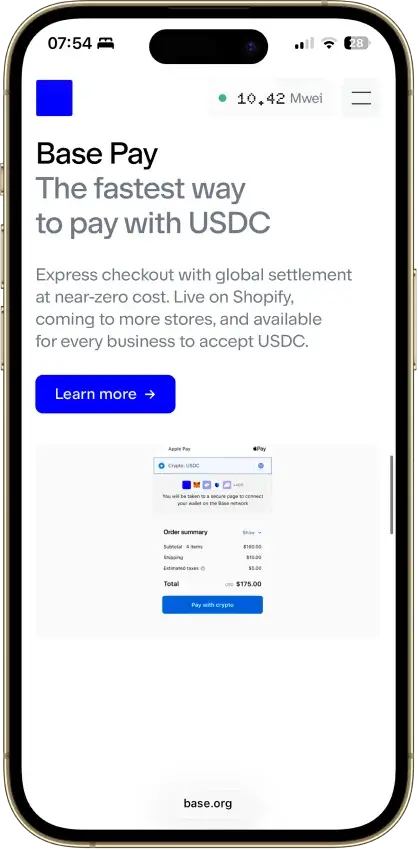
| Best beginner wallet for Avalanche | Base App (formerly Coinbase Wallet) | Familiar onboarding makes it one of the easiest starting points for new self-custody users exploring Avalanche | It is not designed for full Avalanche Primary Network access or native staking workflows | Newer users who want the smoothest path into AVAX and Avalanche dApps |
Core is the strongest fit when full Avalanche support and native staking matter most, Ledger remains the best cold-storage pick, and MetaMask is still a strong option for Avalanche DeFi on the C-Chain.
Hot Wallet Vs Cold Wallet For AVAX
This is one of the most important decisions for any AVAX holder because it affects both security and usability. If you mainly use Avalanche for DeFi, swaps, and NFTs on the C-Chain, a hot crypto wallet is usually the easier fit. If your priority is long-term storage or native staking with stronger key protection, a cold-wallet setup makes more sense.
| Factor | Hot wallet | Cold wallet | Suggested wallet |
|---|---|---|---|
| Security | More exposed because keys stay on an internet-connected device | Stronger protection because keys stay offline | Ledger Nano X |
| Convenience | Faster for daily use, quick swaps, and frequent app connections | Slower because you need a device and extra confirmation steps | Trust Wallet |
| Staking practicality | Good for monitoring and light activity, but weaker for long-term security | Better for long-term AVAX staking when paired with an Avalanche-native interface | Ledger Nano X |
| DeFi access | Best option for Trader Joe, NFT activity, WalletConnect, and browser-based dApps | Less convenient for heavy daily DeFi use because every action adds friction | MetaMask |
| NFT usability | Easier for frequent minting, listing, and marketplace activity | Fine for storage, but less practical for active NFT users | Rabby Wallet |
| Setup effort | Faster to install and start using | Takes longer because you need to initialize hardware and connect it properly | Trust Wallet |
| Best use case | Everyday AVAX use, DeFi, NFTs, and smaller balances | Long-term storage, larger balances, and stronger self-custody security | Ledger Nano X |
The best choice depends on how you use Avalanche, not just on how much security you want in theory. For most active users, the strongest setup is a mix of both. Use a hot wallet like MetaMask, Rabby, Trust Wallet, or Core for day-to-day activity. Pair Ledger with Core when you want colder long-term storage or a more secure way to hold and stake AVAX.
AVAX Wallet Addresses, Networks and Common Mistakes
One of the easiest ways to make a costly mistake on Avalanche is to assume every AVAX wallet address works the same way. It does not. Avalanche uses different chains for different jobs, and the address format changes with the task.
If you are using an Avalanche crypto wallet for DeFi, swaps, NFTs, or most app activity, you are usually working on the C-Chain. That chain uses a standard 0x-style address like Ethereum. If you are sending AVAX on the Primary Network itself or staking natively, you may be dealing with the X-Chain or P-Chain instead. Those use X-avax and P-avax address formats.
| Task | Network | Address type | Common mistake |
|---|---|---|---|
| Withdrawing AVAX from an exchange to a wallet for DeFi or dApps | C-Chain | 0x-style address | Selecting the wrong withdrawal network and sending funds somewhere your wallet does not monitor by default |
| Sending AVAX on the Primary Network | X-Chain | X-avax address | Trying to use a 0x C-Chain address in an X-Chain transfer flow |
| Delegating AVAX or managing validator-related actions | P-Chain | P-avax address | Assuming a normal C-Chain wallet can handle native staking actions on its own |
| Using AVAX in DeFi, NFT apps, or WalletConnect-based tools | C-Chain | 0x-style address | Sending AVAX to the X-Chain or P-Chain and expecting C-Chain apps to recognize the balance |
| Receiving ARC20 tokens or other C-Chain assets | C-Chain | 0x-style address | Assuming every Avalanche wallet automatically supports the same tokens, token lists, or asset views |
| Moving AVAX between Avalanche chains | X/P/C cross-chain flow | Multiple address types depending on direction | Thinking every wallet supports cross-chain transfers natively when many only cover the C-Chain |
The safest habit is to confirm three things before every transfer: which chain the wallet supports, which address format the transfer expects, and whether the asset is meant for C-Chain app use or broader Avalanche network activity. This matters even more if you are using an AVAX wallet address from an exchange withdrawal screen. Many problems start with choosing the wrong network, not typing the wrong address.
How To Add Avalanche To MetaMask
MetaMask works well as an Avalanche wallet for C-Chain activity, but it is not a full X-Chain or P-Chain wallet. If your goal is Avalanche DeFi, NFT use, or app connections on the C-Chain, setup is straightforward.
- Open MetaMask and click the network selector at the top of the wallet.
- Choose Add network.
- If Avalanche appears in the list of predefined networks, click Add and approve it.
- If you need to enter it manually, use these details:
- Network name: Avalanche Network
- RPC URL: https://api.avax.network/ext/bc/C/rpc
- Chain ID: 43114
- Currency symbol: AVAX
- Block explorer: Snowtrace
- Confirm the network appears correctly in MetaMask before sending funds.
- Send a small test amount first before moving a larger AVAX balance.
If you want the smoothest Avalanche-native setup, Core is easier because Avalanche support is already built in. MetaMask is still one of the best options for users who mainly want an AVAX Chrome wallet for C-Chain swaps, dApps, and NFT activity.
ARC20, WAVAX, And Token Compatibility
AVAX is the native asset of the Avalanche network and is the token you use for gas and basic transfers. WAVAX is wrapped AVAX, which tracks AVAX at a 1:1 ratio and conforms to the ARC20 token standard so it can work more easily across DeFi applications that expect ERC20-like behavior.
In practice, a wallet for Avalanche may support AVAX on the C-Chain without automatically showing every ARC20 token you receive. Some wallets detect C-Chain tokens quickly. Others may require you to add a token manually or connect to a dApp before it becomes visible. That is why two AVAX wallets can both support Avalanche and still give you a different day-to-day token experience.
The simple rule is this: use AVAX for gas and basic network activity, expect WAVAX to appear inside DeFi flows, and do not assume every Avalanche wallet supports the same token list, asset display, or network functions out of the box.
How To Set Up And Fund An AVAX Wallet
Setting up an AVAX wallet is straightforward, but the right first steps depend on what you want to do on Avalanche. If your goal is native staking, cross-chain transfers, or full support for the Avalanche Primary Network, Core is usually the best place to start. If you mainly want to use DeFi apps and NFTs on the C-Chain, a wallet like MetaMask, Rabby, Trust Wallet, or Coinbase Wallet may be enough. You can find these often recommended for crypto wallet beginners.
- Choose the right wallet type. Decide whether you need a hot wallet for daily use, a cold crypto wallet for long-term storage, or a mixed setup. Most users who want everyday C-Chain access can start with a hot wallet. Larger balances and long-term holdings are usually better kept on Ledger paired with Core.
- Download the wallet from the official source only.Use the official website or app-store listing for the wallet you choose. For Avalanche-native setup, the official path is now Core, not the retired Avalanche Wallet. Avoid links from ads, random search results, Telegram groups, or social posts.
- Create a new wallet or import an existing one.Most wallets let you either generate a new wallet or import an existing seed phrase, private key, or compatible wallet connection. If you already use an EVM wallet, some Avalanche wallets let you access that same address on the C-Chain instead of starting over.
- Back up your recovery phrase or secure access method immediately.This is the single most important step in the whole process. Store your recovery phrase offline, double-check it, and never save it in a screenshot folder, plain-text note, chat app, or email draft. No legitimate wallet provider, Avalanche moderator, or support agent will ever need it.
- Confirm Avalanche network support before funding the wallet.If you are using Core, Avalanche support is already built in. If you are using an EVM wallet like MetaMask, make sure the Avalanche C-Chain has been added correctly before you try to receive AVAX. If you need X-Chain or P-Chain access for native staking or broader network activity, do not assume a standard C-Chain wallet can handle that.
- Fund the wallet with a small test transfer first.Send a small amount first, confirm it arrives on the right chain, and only then move a larger balance. When sending from an exchange, make sure the withdrawal network matches the wallet and address type you are using. For most DeFi wallets, that means choosing the Avalanche C-Chain instead of guessing between X-Chain, C-Chain, or another network with a similar ticker.
- Keep enough AVAX for gas.Even if most of your balance will be held in stablecoins, WAVAX, or other assets, you still need AVAX in the wallet to pay network fees. This matters most on the C-Chain when you want to swap, bridge, approve tokens, or interact with dApps.
A few mistakes cause most first-time wallet problems. Fake wallet apps and phishing pages are the biggest risk at setup, especially when users search for “Avalanche wallet download” or click sponsored results. Wrong-network deposits are the second major issue. AVAX can appear under multiple chain options on exchanges, and transactions cannot be reversed once confirmed. That is why a test transfer matters so much. It catches the error before it becomes expensive.
The safest setup flow is simple: choose the right wallet, verify the source, secure the recovery method, confirm the correct Avalanche chain support, and fund the wallet with a small test amount before moving anything larger.
How To Stake AVAX From A Wallet
If staking is one of your main reasons for choosing an Avalanche wallet, the most important question is whether it supports the parts of Avalanche that native staking actually uses. Because staking runs through the P-Chain, not the C-Chain, many popular AVAX wallets that work well for DeFi and NFTs are not the best choice for long-term staking.
Delegating is the practical path. It lets you stake AVAX to an existing validator without running your own validator node. That makes it the simpler option for long-term holders who want network rewards with less operational work. Validating is more demanding. It is meant for users who want to run a validator themselves, commit a much larger amount of AVAX, and handle the technical side of uptime and node management.
| Staking path | What it means | Best wallet setup | Best for | Main trade-off |
|---|---|---|---|---|
| Delegating | You stake AVAX to an existing validator instead of running one yourself | Core | Most AVAX holders who want native staking with the least friction | You still need a wallet with real Avalanche staking support, not just C-Chain access |
| Validating | You run your own validator and stake directly to the network | Ledger Nano X | Advanced users, operators, and larger long-term holders | Higher capital, more responsibility, and more technical overhead |
| Long-term staking with stronger security | You prioritize native staking plus better key protection | Ledger Nano X | Users staking a larger AVAX balance over a longer period | Less convenient than a pure hot-wallet setup |
| C-Chain-only wallet use | You mainly use Avalanche for dApps, swaps, and NFTs | MetaMask | DeFi-first users | Not a good fit for native staking because these wallets do not replace full P-Chain support |
Native Avalanche support matters here because staking is not just another dApp action. A wallet can be excellent for C-Chain activity and still be a poor staking wallet if it does not handle the P-Chain properly. That is why Core stands out so clearly. It is the most direct wallet choice for native AVAX staking. Ledger becomes the stronger option when you want colder long-term storage without giving up access to Avalanche staking features.
There is also a big difference between a wallet that is good for holding and staking and one that is best for DeFi access. Core is the better fit if you plan to delegate, manage staking positions, or keep AVAX in a longer-term wallet setup. MetaMask, Rabby, and similar wallets are better when your priority is frequent swaps, app connections, and NFT activity on the C-Chain. In other words, the best staking wallet is usually not the same as the best day-to-day DeFi wallet.
Choose Core if staking AVAX natively is the priority. Choose Core + Ledger if you want that same staking access with stronger long-term security. Choose MetaMask or Rabby only if your real goal is C-Chain DeFi rather than staking itself.