


 Released in 2017
- SWIFT offers passkey-based wallet recovery
- Custom EVM network connections
- Premium loyalty tiers reward wallet activity
Trust Wallet Overview
- Crypto Wallet Name
- Trust Wallet
- Release Date
- 2017
- Wallet Type
- Multi-platform wallet
- Custodial Status
- Non-custodial
- Built-in Swaps
- Yes
- Open-source
- Partially open-source
- Fiat On-ramp
- Yes
Additional details
- Supported Blockchains
- Bitcoin, Ethereum, BNB Smart Chain, Avalanche, Tron, Arbitrum, Base, Optimism, Polygon, Solana
- Token Standards
- ERC-20, BEP-20, SPL, TRC-20
- Platforms
- iOS, Android, Browser extension
- Hardware Wallet Support
- Yes
- Staking Support
- Full
- Supported Hardware Wallets
- Ledger
- Hardware Connection Methods
- USB
Trust Wallet Screenshots
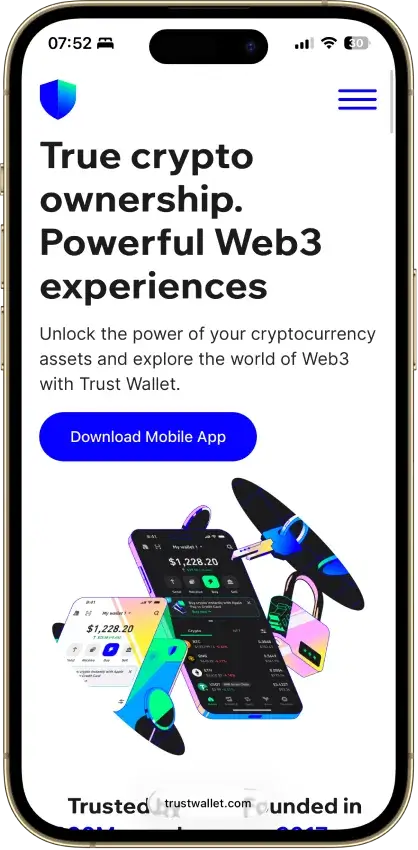
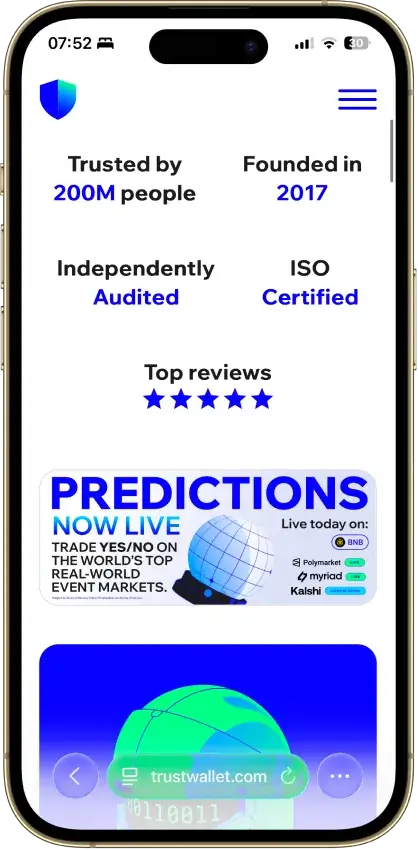
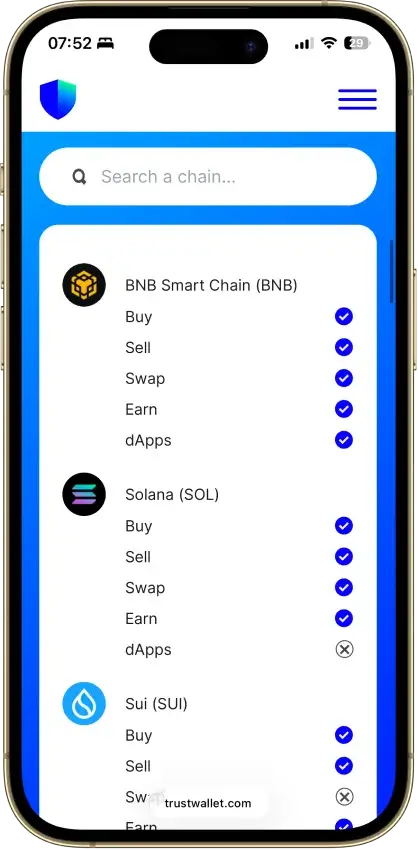
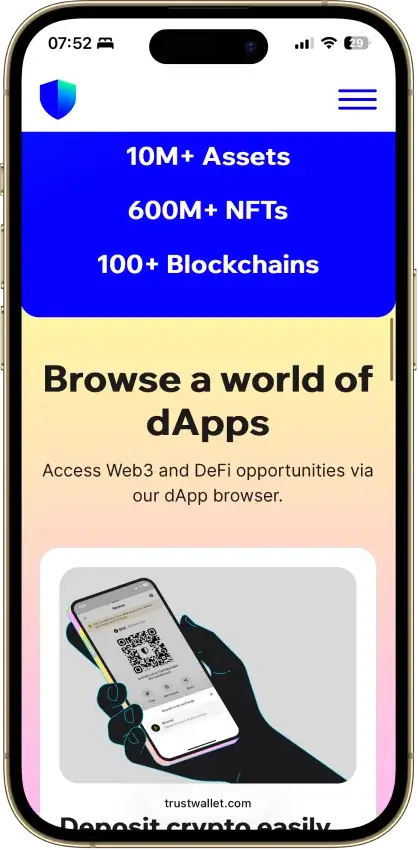
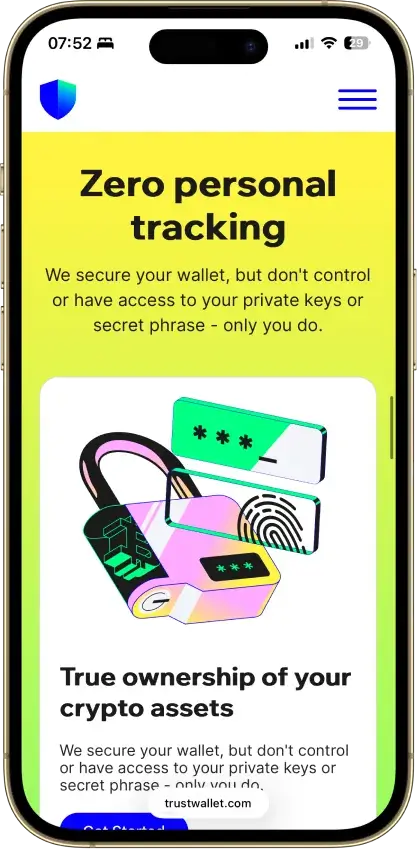
Screenshot 1 of 8
Trust Wallet Pros and Cons
Pros
- Transaction previews on supported networks
- Optional encrypted cloud backup
- Ledger signing through the extension
- Staking for ETH, SOL, BNB and TRX
- No email account needed for a classic wallet
Cons
- December 2025 extension hack hit about $8.5M
- 2024 mobile build review found incomplete source
- Dropped several networks in September 2026
- SWIFT covers only a handful of EVM chains
What Trust Wallet Is and Who Makes It
| Key Fact | Detail |
|---|---|
| Product | Mobile app and browser extension |
| Platforms | iOS, Android and supported browsers including Chrome and Brave |
| Custody | Self-custody, with recovery determined by wallet type |
| Security model | Classic keys generated and encrypted on device, app passcode/biometric access, Security Scanner on supported networks |
| Company | Founded by Viktor Radchenko in 2017, acquired by Binance in 2018 |
| Privacy controller | Dapps Platform Bahrain W.L.L |
| Source code | Wallet Core library uses Apache 2.0. This is not a complete-app open-source claim |
| Networks | Check current network access after the announced September 15, 2026 support transition |
| Recovery | Classic recovery phrase and optional encrypted backup, or SWIFT passkeys |
| Hardware connection | Ledger through the browser extension, subject to compatible device/network support |
| Price | Free download, with transaction and service costs |
| Buying and staking | Third-party payment providers and supported staking networks |
| US access | US app-store distribution, subject to wallet terms and feature-specific eligibility |
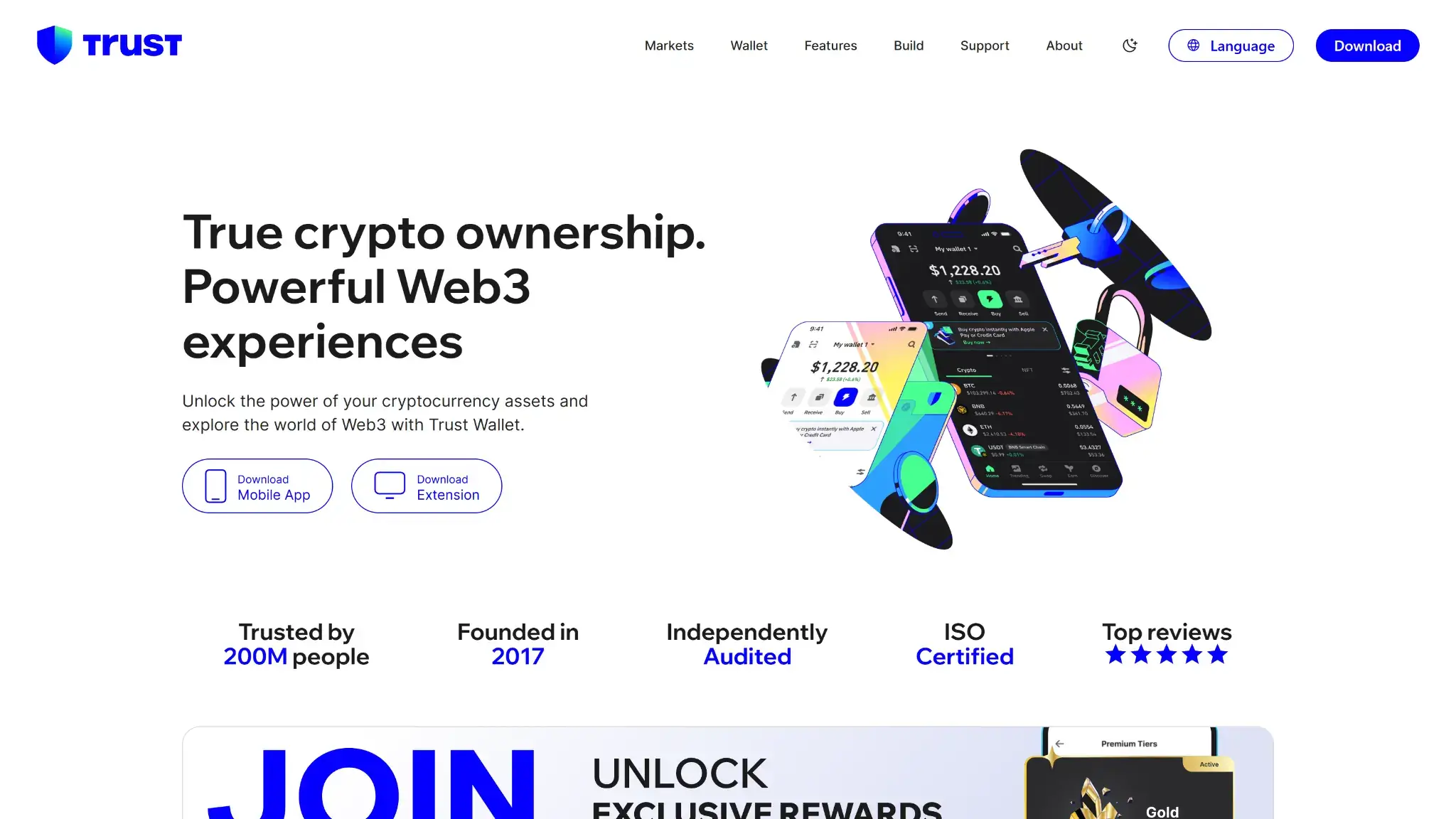
Viktor Radchenko founded Trust Wallet in 2017, initially for Ethereum and its tokens. Binance acquired it in 2018. The current privacy notice identifies Dapps Platform Bahrain W.L.L as the business processing personal data.
Creating or importing a classic wallet does not require an email-based Trust Wallet account. Your assets remain recorded on their respective blockchains. The app provides the interface for viewing balances and authorizing transactions, and its payment integrations can send you to a different provider with separate identity checks.
Trust Wallet Security and Custody
Local Keys and Transaction Warnings
Classic Trust Wallet accounts generate and encrypt private keys on the device. App passcodes and biometrics restrict access to the interface. The recovery phrase can restore the account independently of that installation, which is why protecting the phone alone is insufficient if someone obtains the phrase.
Trust Wallet's Security Scanner simulates transactions on supported networks, checks destinations against known scam contracts and flags risky permissions. It operates in mobile and extension signing flows. New malicious contracts and some off-chain signatures can fall outside its coverage. A warning helps you reject a request, but an absent warning is not a security guarantee.
The privacy notice describes processing of transaction, device and usage information. It describes temporary IP use for regulatory routing and selected third-party connections, with no retention beyond those uses.
Source Code and Audit Scope
Wallet Core is publicly licensed under Apache 2.0 and supplies wallet functionality as a library. The complete mobile app and extension have a wider codebase. WalletScrutiny's Android build assessment, last updated in July 2024, reports that the mobile release cannot be reproduced because its complete source is unavailable.
CertiK's February 24, 2023 report assessed extension version 0.0.200 and recorded eight resolved findings. Its scope excluded external-library implementations of wallet creation, vault encryption, password hashing and key derivation.
Browser-Extension Incident History
The vulnerability disclosed in 2023 as CVE-2023-31290 involved weak randomness when generating wallets in early browser-extension versions. Ledger Donjon demonstrated that the 32-bit seed space could be enumerated. The CVE record identifies affected extension versions 0.0.172 through 0.0.182. Updating the extension prevented new vulnerable generation, but an affected existing wallet also needed its funds moved to a newly created address.
In December 2025, a malicious extension release, version 2.68, reached the Chrome Web Store outside Trust Wallet's normal approval process. The company's update identifies December 24–26 logins as the exposure window, but excludes users who opened and logged in after 11:00 UTC on December 26. It identified approximately $8.5 million in impacted assets. Wiz independently found leaked GitHub and Chrome Web Store credentials, supporting a likely connection to the earlier Shai-Hulud 2.0 supply-chain attack.
Trust Wallet replaced the malicious release with clean code distributed as version 2.69 and opened a reimbursement process. Its update, last revised July 17, 2026, still describes claim verification as ongoing and case-specific. This is not a completed-reimbursement guarantee or insurance against future losses.
The company says that particular malicious release did not affect the mobile app. Exposure follows the account's credentials, so opening an already-exposed account on a phone leaves those credentials in use.
Supported Chains and Assets
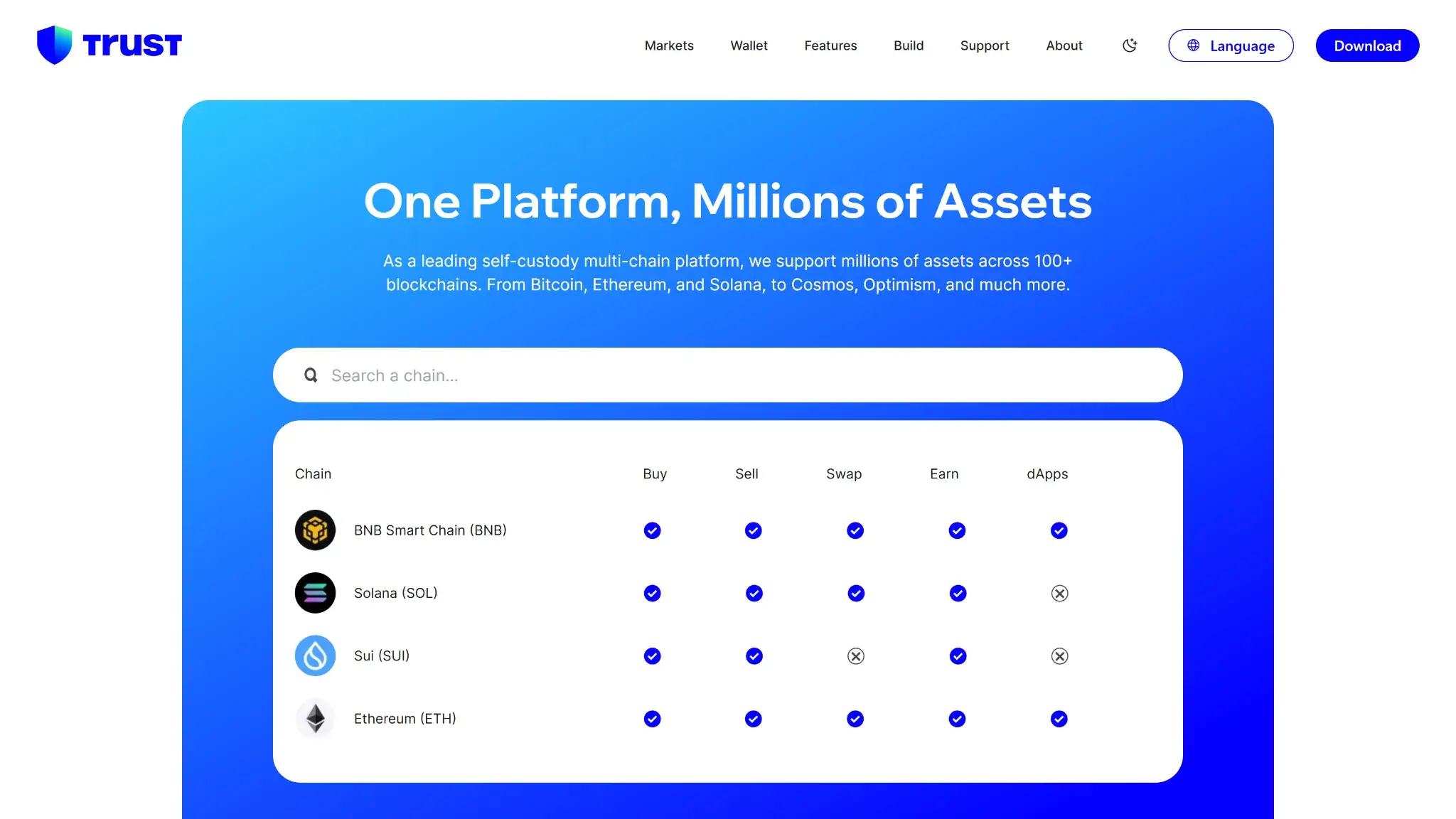
Trust Wallet supports accounts on Bitcoin, Ethereum, Solana and other networks. Its website advertises more than 100 blockchains. Check swapping, staking, NFT support and Ledger connectivity separately for each network you use.
SWIFT has a different network scope. SWIFT supports Arbitrum, BNB Smart Chain, opBNB, Base, Optimism and Avalanche. Creating a SWIFT wallet should not be treated as creating a passkey-controlled account for every asset supported by the classic wallet.
September 2026 Network Changes
Trust Wallet’s announced September 15, 2026 support-transition date has passed. Its notice lists affected networks including Polygon zkEVM, Moonbeam, MultiversX and Nano and says they are removed from the default list. Assets remain on their blockchains. As of our September 17 documentation check, users need to verify continued access in their installed app.
For affected EVM-compatible networks, the notice describes adding a custom network. The listed non-EVM networks cannot be restored that way and require another compatible wallet interface. Verify network details and wallet compatibility before changing access arrangements. Do not send a recovery phrase to anyone offering migration help.
The same notice scheduled the end of Trust Handle support for September 7, 2026. It tells users to use wallet addresses in Trust Wallet while their handle registrations remain on FIO. The announced change affects handle functionality, not ownership of the underlying assets.
Usability and Recovery
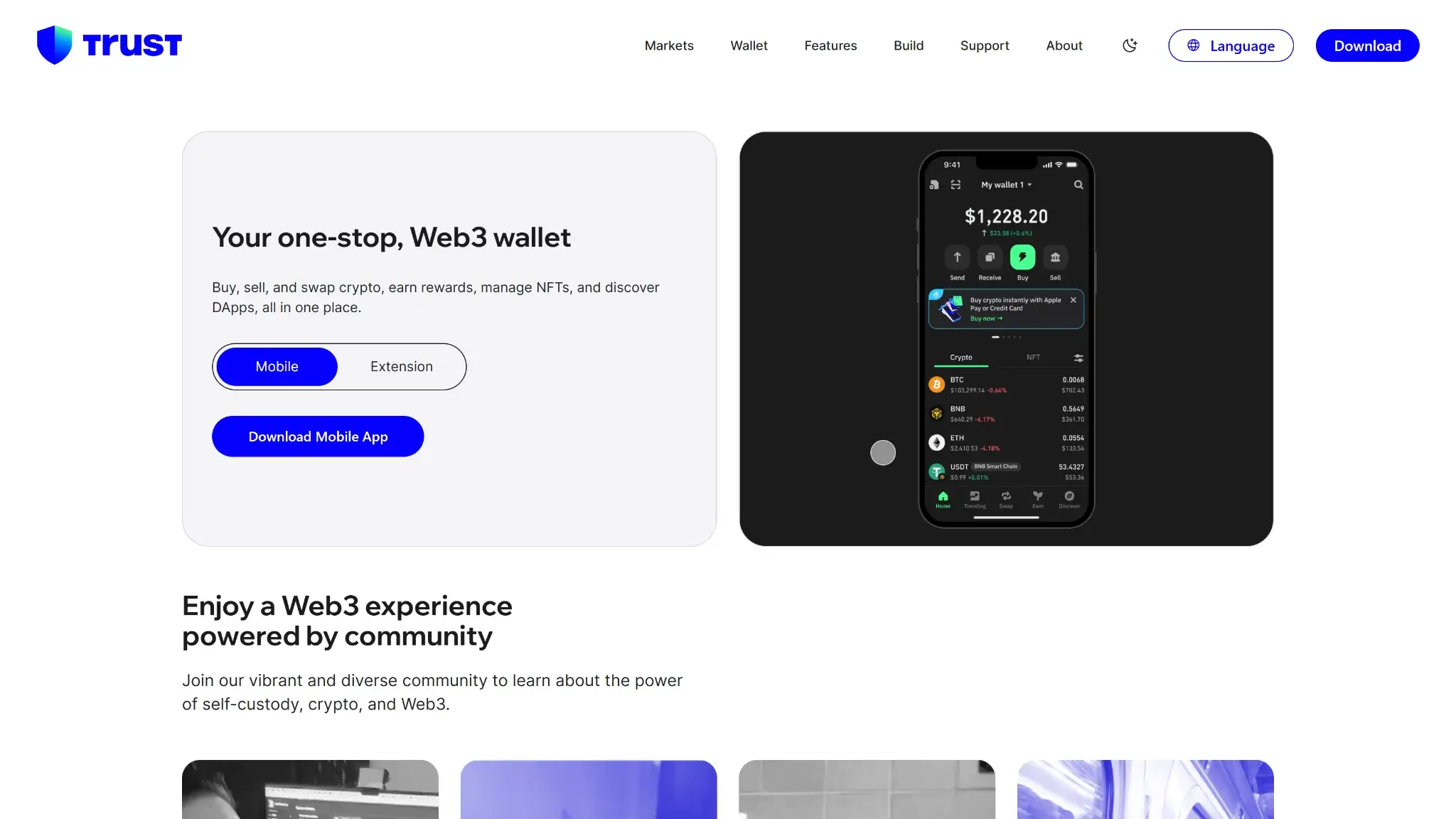
Trust Wallet offers an iOS app, Android app and browser extension. The extension supports Chrome and Brave. Check its available account types and features before choosing it for a mobile-wallet workflow.
| Wallet Setup | Recovery Requirement | Access Consideration |
|---|---|---|
| Classic wallet | Recovery phrase, normally 12 words for a newly created wallet | Losing the device and every usable backup can mean losing access |
| Classic wallet with encrypted cloud backup | The encrypted backup and its separate password | Cloud-account security becomes part of the backup arrangement |
| SWIFT | The associated passkey and access to its recovery environment | Recovery depends on preserving the passkey and relevant cloud account |
| Connected Ledger account | The hardware wallet's own backup arrangements | Connecting a signer is different from importing its phrase into software |
For a classic wallet, record the recovery words in their exact order and keep the backup protected offline. Trust Wallet's manual-backup instructions require confirming the phrase. Support cannot reconstruct missing words or reset the password protecting an encrypted cloud backup.
Optional encrypted backup stores a protected copy in the user's cloud account, such as iCloud or Google Drive. The password should be stored separately. A cloud backup can help after a lost phone, but it adds another account and password to secure.
SWIFT remains labeled public beta on its product page. A February 2024 Trust Wallet guide associates the passkey with iCloud or Google. Deleting the passkey can remove access. Before funding SWIFT, make sure that cloud account is recoverable and understand how access would work on a replacement device. A fingerprint alone is not a substitute for preserving the underlying passkey.
Support and Public Reviews
Trust Wallet's official support site is the starting point for product problems. For a card purchase handled by a payment partner, keep that provider's order reference as well as the blockchain transaction details. Never include a recovery phrase or private key in a support request.
A November 2024 US App Store review describes an investment contact and demands for extra deposits. The developer's reply identifies fraudulent dApp risk. Other public Trust Wallet reviews complain about payment-provider delays and difficulty getting help after losses.
The Trustpilot profile was unclaimed when checked September 9, 2026. Recent complaints include alleged losses and support disputes, but unrelated content also appears on the page. These user accounts alone cannot establish how funds were lost. Distinguish an app problem or payment-provider dispute from a scam demanding payment to release funds.
Trust Wallet Features
Swaps and dApp Access
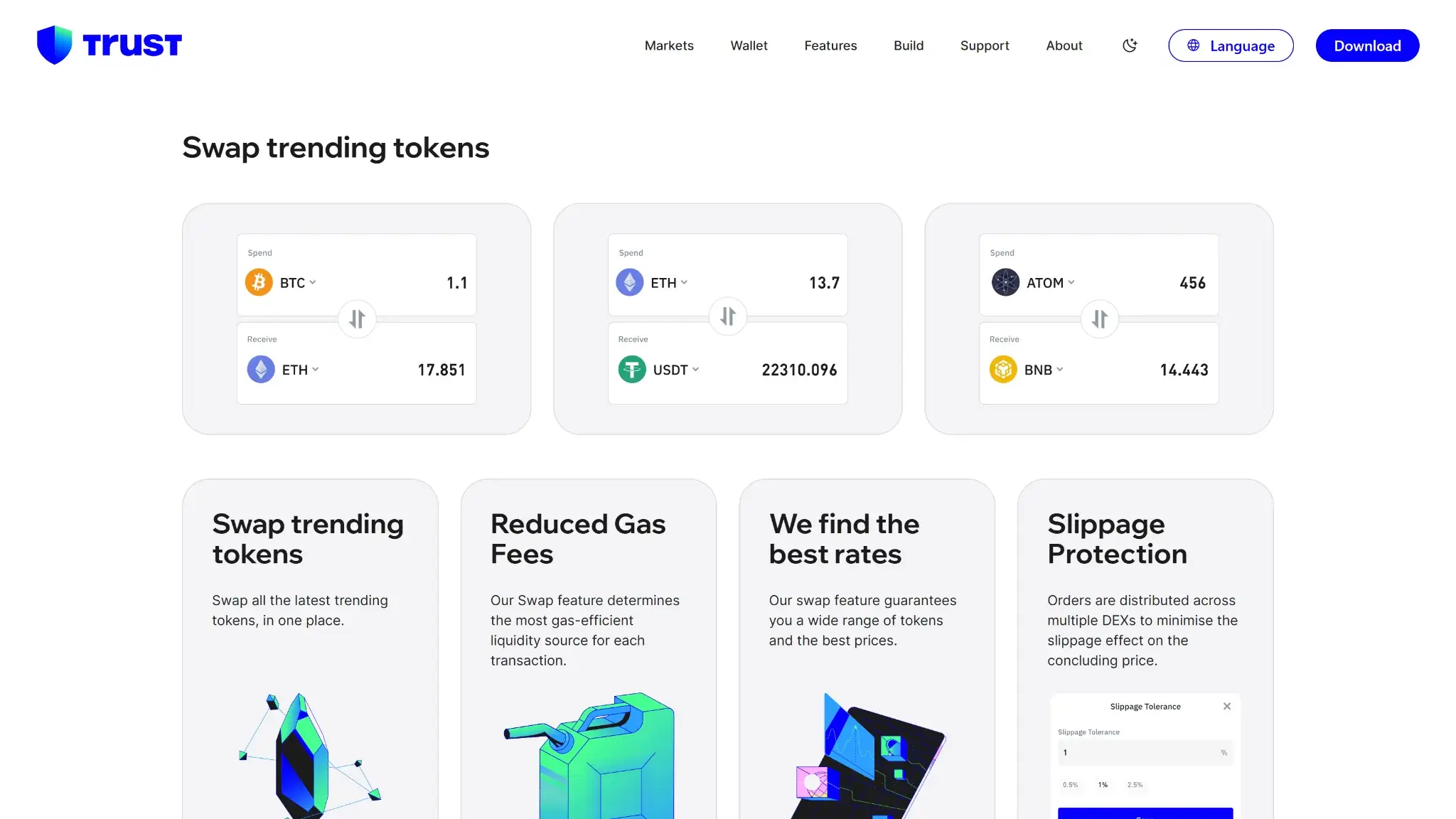
The built-in swap interface supports eligible same-chain and cross-chain routes. Check the destination network as well as the token symbol. A swap into USDT on one network does not give you USDT on another, and cross-chain execution can involve additional routing or bridge costs.
Trust Wallet shows a quoted output, network fee and slippage setting before confirmation. Slippage controls how far execution can move from the quote. It is not the same thing as a service fee. A larger tolerance can allow a less favorable execution, while an expired quote or insufficient gas can prevent a transaction from completing.
Trust Wallet's Security Scanner checks supported signing requests on mobile and in the extension. Some off-chain signatures fall outside that coverage, so inspect token-spending permissions as well as the dApp connection.
Staking and Crypto Purchases
Trust Wallet supports staking for assets including ETH, SOL, BNB and TRX. Staking is network-specific. Validator commissions, unbonding rules and network charges affect the amount and timing of what you receive. Displayed APRs are estimates, not a fixed return or protection against token-price losses.
The wallet's terms also identify staking interruptions, lost rewards and slashing as possible risks. A token appearing in the app does not mean it can be staked, and a staking option shown on a website should be checked against current in-app support, especially around the September network removals.
Trust Wallet routes card purchases to third-party providers that set fees and eligibility. Read the provider's quote and identity-check requirements before paying.
Ledger Connections
Trust Wallet supports Ledger connections through its browser extension. The process uses the connected device and the relevant Ledger blockchain app, with signing kept on the hardware wallet. Check compatibility for the device, browser and chain you intend to use.
Importing a Ledger recovery phrase into Trust Wallet is a different operation. It exposes those credentials to a software-wallet environment instead of keeping that account's signing isolated on the device. Use the hardware-connection flow when that separation is the reason for owning a Ledger.
Trust Wallet Fees and Costs
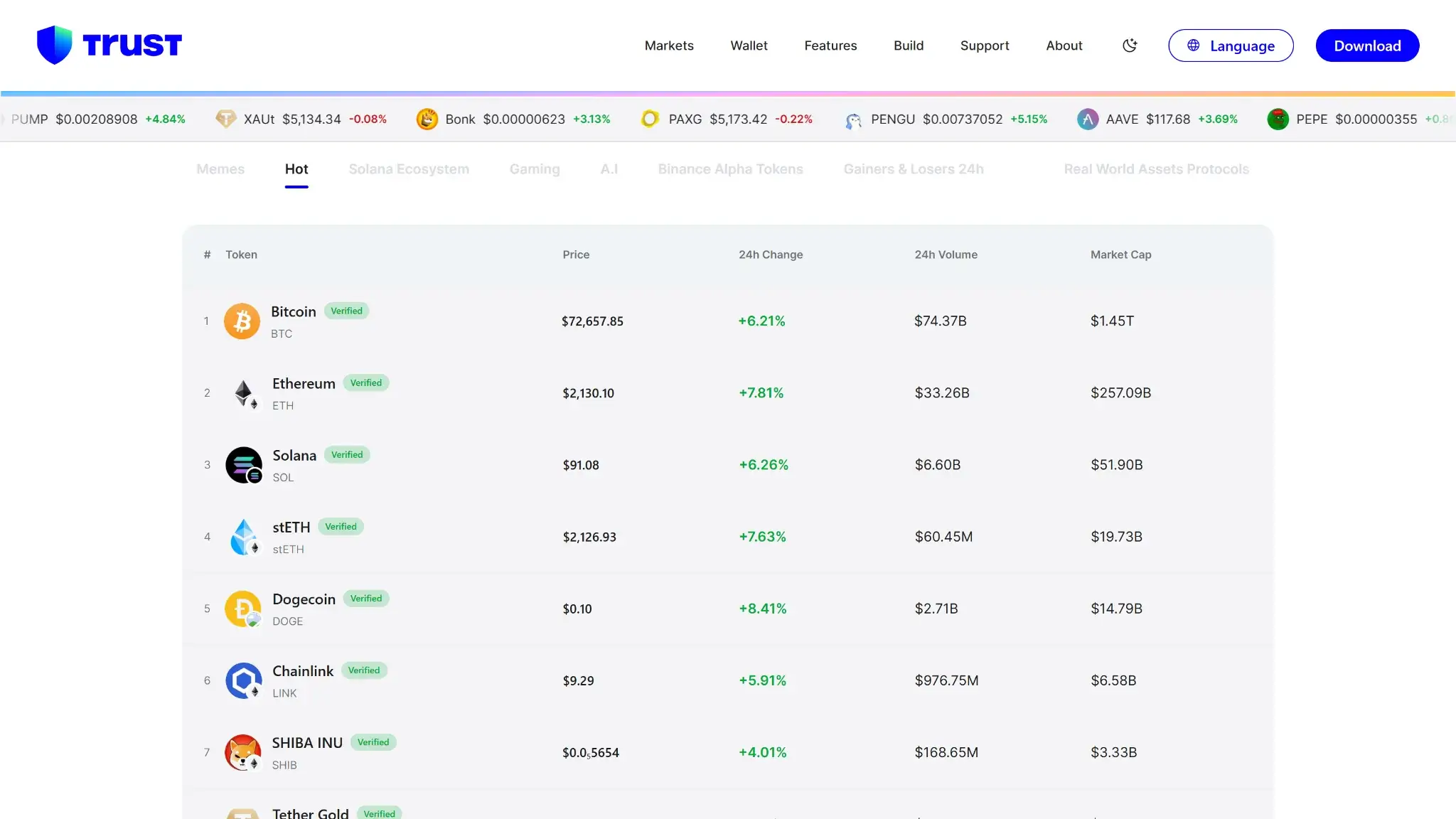
Trust Wallet is free to download, but its own current promotions distinguish a wallet swap fee from network gas. The August 27, 2026 offer waives the Trust Wallet component only for eligible stablecoins swapped on the same supported chain. Ethereum and cross-chain swaps are excluded.
| Activity | Cost To Check |
|---|---|
| Download and create a wallet | No app purchase required |
| Send crypto | Network charge |
| Ordinary swap | Applicable wallet/provider fees, exchange rate, price impact and gas |
| Eligible stablecoin offer | 0% Trust Wallet swap fee, with network gas still payable |
| Cross-chain swap | Route-specific service and bridge costs, plus applicable network charges |
| Buy or sell through a partner | Provider fee, payment-method cost and quoted exchange rate |
| Stake | Validator/service deductions and transaction costs specific to the staking option |
For example, the campaign says a qualifying USDC-to-USDT swap on Base can receive the 0% wallet fee. Moving between Base and Arbitrum does not qualify. The tokens and supported network must meet the offer's conditions, and the swap must use Trust Wallet's in-app interface.
For other trades, compare the amount of the destination asset you will receive and the gas shown alongside it. The quoted output reflects the route's pricing. Paying little gas does not establish that the wallet/provider component is zero, and a fee waiver does not remove price impact.
Trust Wallet Premium is a loyalty program with activity-based tiers and TWT-related benefits. Its November 2025 announcement includes time-limited fee discounts, so those old percentages should not be treated as a permanent current schedule. Check the benefit shown for your tier. Locking TWT or trading just to earn a discount can introduce costs and exposure beyond the discount itself.
Who Trust Wallet Is For
Trust Wallet suits users managing assets across networks such as Bitcoin, Ethereum and Solana who want transfers and eligible swaps in one interface. Classic phrase recovery provides portability to compatible wallets. SWIFT offers another setup for people comfortable protecting a passkey and its cloud-account recovery.
It is less suitable for someone who expects support to reset a lost wallet credential, wants independently reproducible app builds, or holds assets on a network being removed without a plan for continued access. A person choosing it for Ledger use should check the extension connection before assuming the same workflow exists on a phone.
Crypto Wallets Pillar Scores
- Custody and key security 30% weight Who can authorize spending, protection of keys and signing, and independent access to every reviewed account type.8.0 / 10
- Security validation and track record 25% weight Independent security assessments, their coverage and findings, plus updates and the handling of known incidents.6.0 / 10
- Transaction safety and signing 20% weight Transaction details, signing warnings, scam checks, permission controls and the handling of unreadable requests.8.0 / 10
- Backup and recovery 10% weight Repeatable backup checks, complete restoration, recovery dependencies, costs and resilience after backup loss.8.0 / 10
- Usability, privacy and costs 10% weight Setup and everyday tasks, accessibility, support guides, data-sharing choices and device, service and transaction costs.8.0 / 10
- Assets, networks and compatibility 5% weight Asset and network support, devices, companion apps and connections needed for the uses covered in the review.8.0 / 10
Final Verdict
Its extension has a documented compromise history, while WalletScrutiny's July 2024 assessment found no complete public source for reproducing the mobile build. Check source availability for the mobile version you plan to use. The app fits people who want several blockchain accounts in one place and can manage their own recovery. Choose between classic and SWIFT only after understanding the backup each requires. For transactions, compare the route's output and gas before signing, and plan continued access if September's network removals affect your holdings.
Disclaimer: CryptoSlate may receive a commission when you click links on our site and make a purchase or complete an action with a third party. This does not influence our editorial independence, reviews, or ratings, and we always aim to provide accurate, transparent information to our readers.