


Slush is the current official Sui wallet from Mysten Labs. For people who want a wallet built specifically for the Sui ecosystem, it is the clearest place to start. But there is no single right pick for everyone. Some people want the official wallet. Others want a browser extension for daily use, a mobile app for iPhone or Android, or stronger protection for long-term storage.
With several strong wallets now available, the real job is choosing the one that fits your setup. Slush is the clearest starting point for official, Sui-native use. Surf suits mobile-first use. Suiet and Nightly fit extension-led workflows. Phantom and OKX Wallet make more sense for multichain setups. Ledger is the right fit for cold storage. The sections that follow cover where each wallet fits, how to set one up, and what to check before you download it.
Best Sui Wallets at a Glance
If you want the shortest answer, start with Slush if you want the official wallet, Surf if mobile matters most, Suiet if you want a simple Sui-first extension, Nightly if you need broader browser support, Phantom or OKX Wallet if you already use several chains, and Ledger if security is the priority.
Top Sui Wallets

- Custody
- Non-custodialPartially open-source
- Networks
- Platforms
- Lowest price of any Bluetooth hardware wallet
- Wireless firmware updates from a phone
- Made by Ledger, a French company
- Custody
- Non-custodialPartially open-source
- Networks
- Platforms
- The widest network list of any wallet we review
- DEX aggregator draws on 100+ liquidity pools
- Create and trade NFTs inside the wallet
- Custody
- Non-custodialPartially open-source
- Networks
- Platforms
- Separate Cash account for Solana payments
- Pay Solana network fees in the token you send
- PSOL keeps staked SOL tradable in DeFi
CryptoSlate may earn a commission when you visit partner sites through links on this page, at no extra cost to you. Our rankings and reviews remain editorially independent and based on our published methodology. Read disclosure
Disclaimer: CryptoSlate may receive a commission when you click links on our site and make a purchase or complete an action with a third party. This does not influence our editorial independence, reviews, or ratings, and we always aim to provide accurate, transparent information to our readers.That table is the short version. The sections below explain where each wallet makes the most sense, what tradeoffs come with it, and how to choose the right setup for daily use, multichain access, or long-term storage.
Comparison Table
| Name | Custody | Blockchains | Hardward Support | Staking | Fiat On-ramp |
|---|---|---|---|---|---|
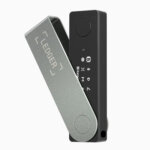 Ledger Nano X Ledger Nano X | Non-custodial | No | Limited | No | |
 OKX Wallet OKX Wallet | Non-custodial | Yes | Limited | Yes | |
 Phantom Phantom | Non-custodial | Yes | Limited | Yes |
Sui Wallets Reviews
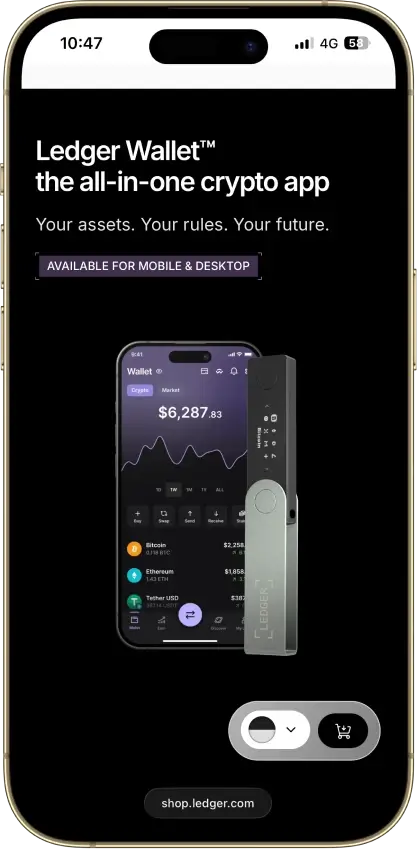
Ledger Nano X
- Custody
- Non-custodialPartially open-source
- Networks
- Platforms
Pros
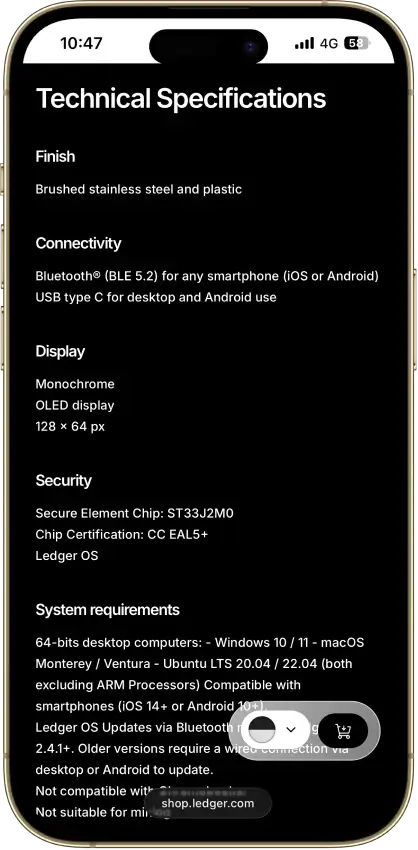
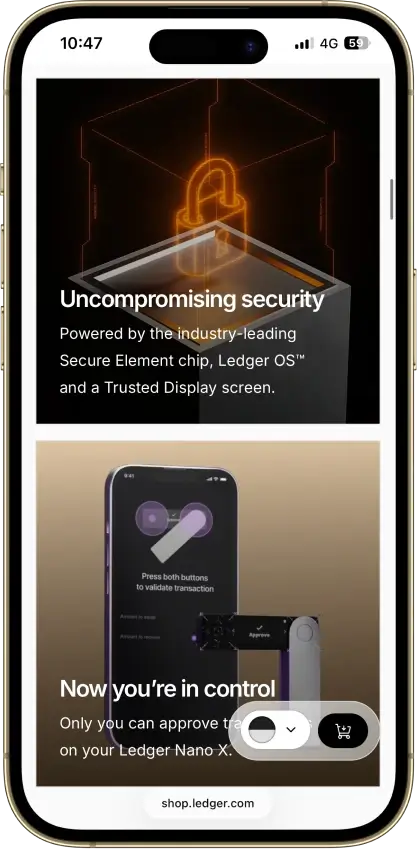
- CC EAL5+ certified Secure Element
- Public companion and device-app code
- Optional passphrase accounts
- Bluetooth for phones, USB-C for desktops
- Encrypted Bluetooth with pairing codes
Cons
- Small display requires scrolling
- Low-level firmware remains closed
- Apps need their own security updates
- 2026 Monero app flaw could expose keys
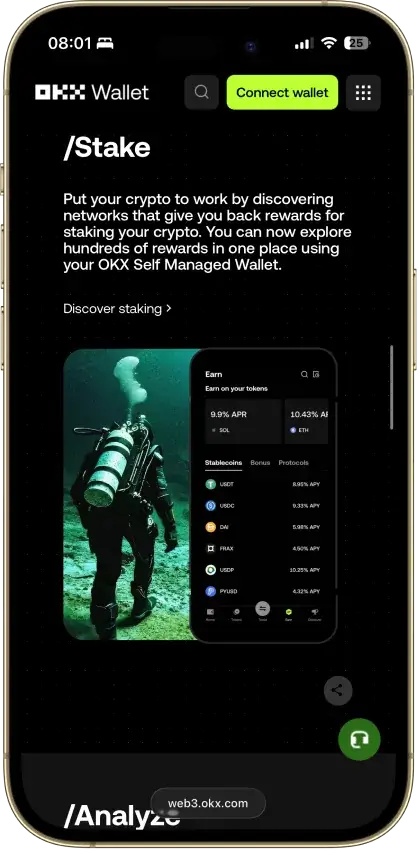
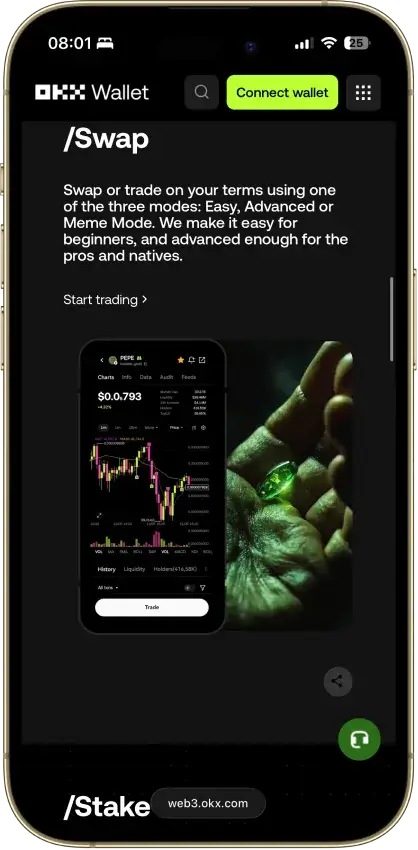
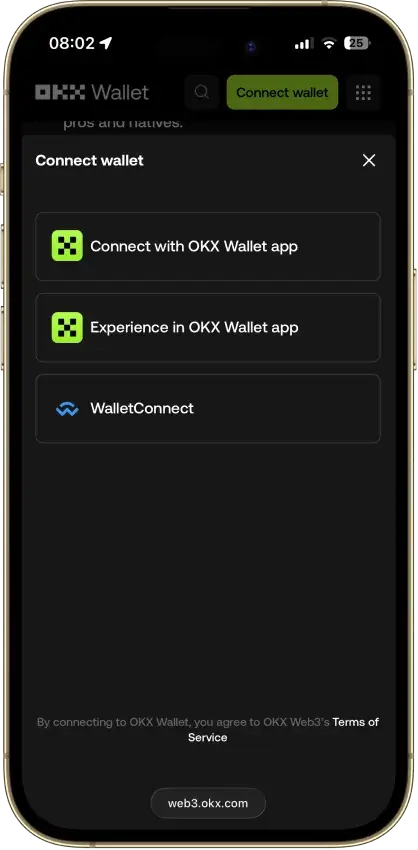
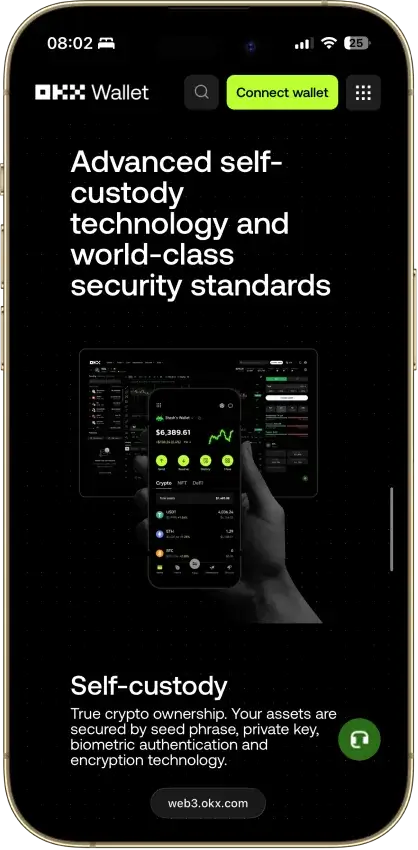
OKX Wallet
- Custody
- Non-custodialPartially open-source
- Networks
- Platforms
Pros
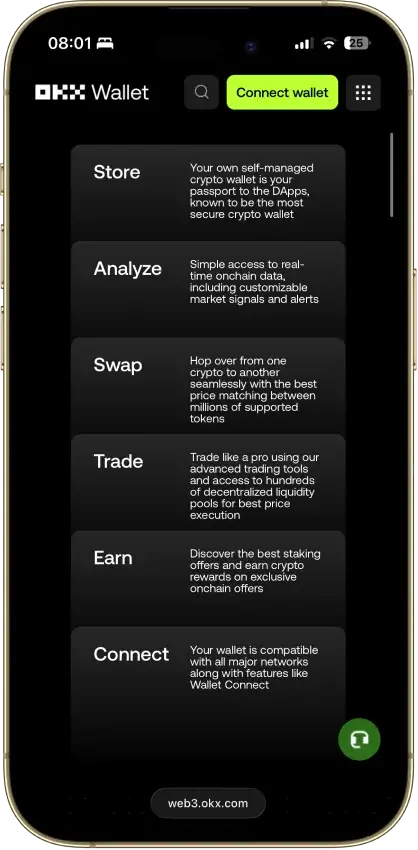
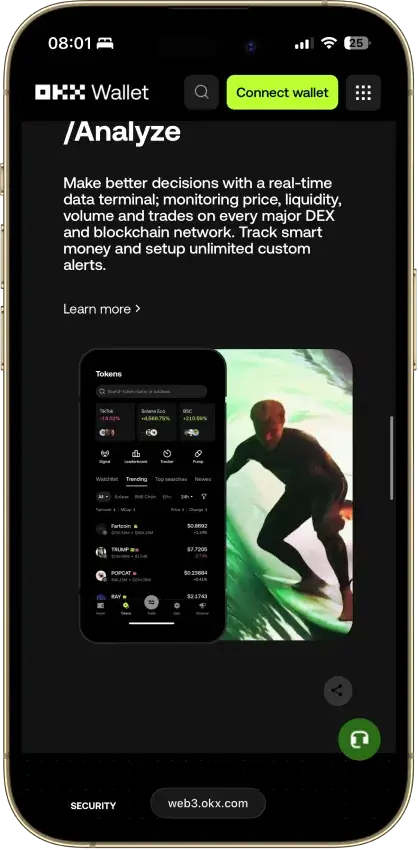
- Pre-approval scam and phishing alerts
- Built-in token-approval revoke tool
- CertiK and SlowMist audits plus bug bounty
- Cross-chain bridging in one interface
- Earn staking stays non-custodial
Cons
- $505M DOJ guilty plea, consultant to 2027
- Aggregator laundered ~$100M Bybit funds
- Keyless mode hands OKX one key share
- Client code is not fully open source
Phantom
- Custody
- Non-custodialPartially open-source
- Networks
- Platforms
Pros
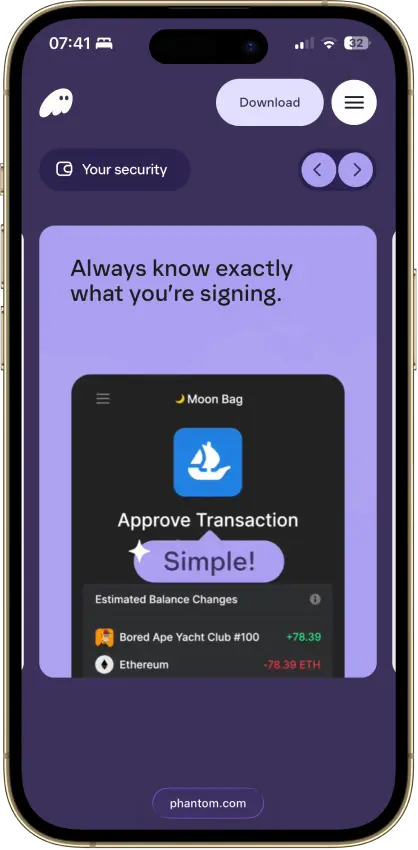
- Transaction previews and scam warnings
- Ledger Bluetooth support on mobile
- Bitcoin Native SegWit and Taproot support
- Third-party audit reports open to read
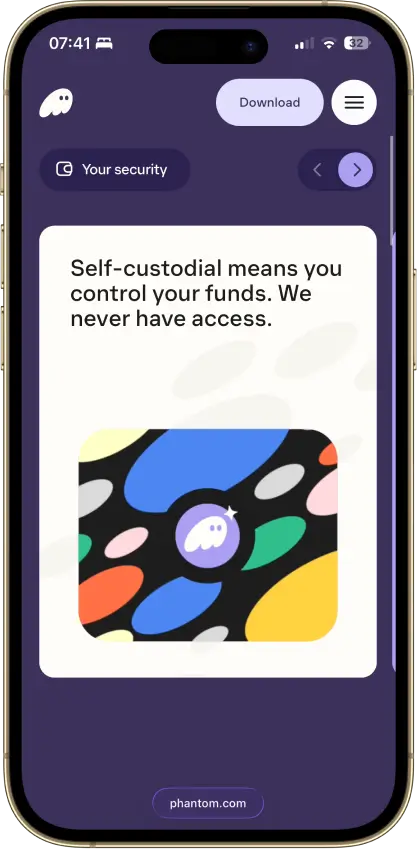
- Google or Apple login with a portable backup
Cons
- Core app is proprietary
- Dropped Sui and Monad support in 2026
- New native stakes need the extension
- Google and Apple wallets sign on a remote server
- No native Arbitrum, Optimism, BSC, or Avalanche
What Is a Sui Wallet?
A Sui wallet is the software you use to control your SUI and other assets on the network. It does not hold coins in the same way a bank account holds money. Instead, it stores the keys that let you access your address, approve transactions, connect to apps, and manage assets such as SUI, tokens, and NFTs.
Like all crypto wallets, it is what you use to send and receive funds, stake tokens, sign into decentralized apps, and confirm onchain actions. That can include everything from swaps and NFT activity to DeFi use and gaming transactions on Sui.
Most wallets fall into three groups. Sui-first wallets such as Slush, Surf, Suiet, and Nightly are built more directly around the ecosystem. Multichain wallets such as Phantom and OKX Wallet support Sui alongside other networks, which helps if you already manage several chains in one place. Hardware wallets such as Ledger focus on cold-storage security and make more sense for larger balances or long-term holding.
How We Rank
- Custody and key security 30% weightWhat we assess
Who can authorize spending, protection of keys and signing, and independent access to every reviewed account type.
What earns 10/10 Users control spending and have complete independent access for every reviewed account type. Signing and authorization are isolated from the connected app, with key and recovery dependencies explained. - Security validation and track record 25% weightWhat we assess
Independent security assessments, their coverage and findings, plus updates and the handling of known incidents.
What earns 10/10 Independent assessments cover the current design and material changes. Material findings are resolved, and sustained maintenance records show no unresolved material incident consequences. - Transaction safety and signing 20% weightWhat we assess
Transaction details, signing warnings, scam checks, permission controls and the handling of unreadable requests.
What earns 10/10 Transfers and supported signing requests show readable details before consent. Risk warnings and integrated permission revocation cover relevant tasks, with unclear requests identified and easy to reject. - Backup and recovery 10% weightWhat we assess
Repeatable backup checks, complete restoration, recovery dependencies, costs and resilience after backup loss.
What earns 10/10 Repeatable checks verify complete backups without resetting the wallet. Recovery survives loss of a backup or dependency, with clear costs and no third party able to spend alone. - Usability, privacy and costs 10% weightWhat we assess
Setup and everyday tasks, accessibility, support guides, data-sharing choices and device, service and transaction costs.
What earns 10/10 Clear workflows, accessible controls and useful support guides make routine tasks straightforward. Nonessential data sharing is optional, and mandatory costs are transparent and reasonable. - Assets, networks and compatibility 5% weightWhat we assess
Asset and network support, devices, companion apps and connections needed for the uses covered in the review.
What earns 10/10 Official compatibility lists and setup guides cover the reviewed assets, networks, devices and connections. Required transfer routes are documented and available, with no known blocker.
The Official Sui Wallet Is Slush
Slush is the official wallet from Mysten Labs. If you still see older references to “Sui Wallet,” that older branding now points users toward Slush. For most people, that makes it the clearest place to start when they want the official wallet. It also clears up older confusion around the official site and the right download page.
Slush is available as a web app, browser extension, and mobile app, so it covers the main ways people use Sui day to day. It also supports more than one onboarding path. You can set up a traditional non-custodial wallet with a recovery phrase, or use a social-login flow that lowers the setup barrier for newer users.
For people who want a wallet closely aligned with Sui’s core ecosystem, Slush is still the obvious first stop. It is not the only strong choice, but it remains the benchmark for the rest of the field.
Best Sui Wallets by Category
There is no single best wallet for every Sui user, so a category table says more than a long series of mini-reviews. Some people want the official wallet. Others care more about extension use, mobile comfort, multichain access, or cold-storage security.
| Category | Wallet | Why It Wins |
|---|---|---|
| Best official wallet for Sui | Slush | Official backing, broad platform support, and direct access to the ecosystem make it the clearest place to start. |
| Best overall wallet for most users | Slush | Broad platform support, simple setup, and strong native features give it the best all-around balance. |
| Best mobile app for Sui | Surf | A phone-first design makes it smoother on mobile than wallets built mainly around desktop use. |
| Best extension for Sui | Suiet | Clean design and tight focus make it a strong desktop choice for everyday browser use. |
| Best Firefox-friendly extension | Nightly | Better browser coverage makes it the obvious pick when Firefox support matters. |
| Best browser extension for multichain use | Nightly | Wide device and browser support make it easier to use across more than one chain. |
| Best multichain wallet for SUI | Phantom | Existing Phantom users can add Sui without switching to a completely different wallet flow. |
| Best wallet for OKX users | OKX Wallet | A natural fit for people already using OKX and wanting swaps, staking, app access, and Sui together. |
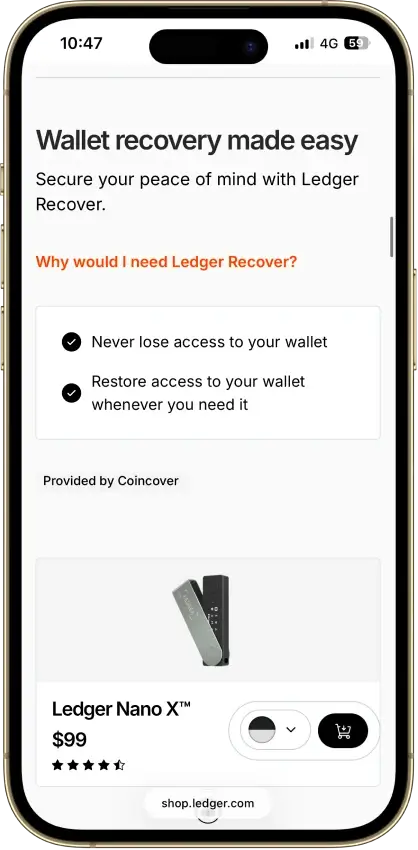
| Best hardware wallet for SUI | Ledger Nano X | Hardware-based key storage makes it the stronger choice for larger balances and longer holding periods. |
The choice mostly comes down to how you plan to use Sui. Slush is the best place to start for official use. Surf is the better mobile choice. Suiet and Nightly are stronger in extension-heavy setups. Phantom and OKX Wallet fit multichain habits better. Ledger is the cold-storage pick.
How to Create a Sui Wallet
The safest way to get started is from an official or verified source, not a random search result, ad, or social post. For most people, that means starting with Slush if they want the official wallet, or going directly to the verified download page for another wallet they already trust.
Here is the simplest setup flow:
- Choose the wallet that fits your use case. Pick Slush if you want the official route, Surf if you want a mobile-first app, Suiet or Nightly if you want a browser extension, or Ledger if you want cold storage.
- Download it from the official website, official app store listing, or verified browser extension page. Double-check the domain and publisher before you install anything.
- Create a new wallet. In most wallets, you will either set up a standard self-custody profile with a recovery phrase or use a social-login option if the wallet supports zkLogin-style onboarding.
- Back up your recovery phrase if the wallet gives you one. Write it down and store it offline. Do not save it in screenshots, email drafts, or chat apps, and never share it with anyone.
- Set a device password, PIN, or biometric lock if the wallet offers it. This does not replace your recovery phrase, but it adds an extra layer of protection on the device itself.
- Copy your Sui address from the receive screen. This is the public address you use to receive SUI and other supported assets on the network.
- Fund the wallet with a small amount of SUI first. You can buy SUI in supported apps, transfer it from an exchange, or send it from another wallet.
- Do a small test transaction before moving a larger amount. Send a small amount in or out first, confirm it arrives correctly, and only then move a larger balance.
- Connect to a Sui app only when needed, and approve each connection carefully. The wallet can safely store SUI without being connected to any app until you actually want to use one.
If you are new to crypto, start with a small amount and keep the process simple. The biggest mistakes usually happen during setup, backup, and the first transfer.
What Is a Sui Wallet Address?
A Sui address is the public identifier for your wallet on the network. It is the address other people, exchanges, and apps use when they send SUI or other supported assets to you.
A standard Sui address appears as a 32-byte hexadecimal string with a 0x prefix. In practice, that means it looks like a long string of letters and numbers beginning with 0x. You do not need to memorize it because wallets let you copy it directly or share it through a QR code.
You usually need your Sui address in three situations. You need it when you receive SUI from an exchange, when someone sends you tokens or NFTs, or when you want to look up your wallet activity on a Sui explorer.
Just as important, an address is not the same as your recovery phrase or private key. Your public address is safe to share when you want to receive funds. Your recovery phrase and private keys are secret credentials that control the wallet. Anyone who gets those can take your assets.
What Makes Sui Wallets Different From Many Other Wallets
Sui wallets feel different from many older crypto wallets because Sui itself uses an object-centric model rather than the account-first model many users know from Ethereum and similar chains. Assets, NFTs, and other onchain items are handled as individual objects with their own IDs, ownership, and history.
You can see that in the wallet experience. Instead of only showing one balance and a flat transaction list, Sui wallets often surface owned objects, token positions, NFTs, app interactions, and other items in a more direct way. That is part of why the Sui experience can feel faster and more structured than the design many users associate with older account-based chains.
Sui also stands out because of zkLogin. Some Sui-compatible wallets let people get started with a familiar social-login flow instead of forcing a seed-phrase-first setup on day one. For beginners, that can make onboarding feel closer to signing into a normal app while still pointing them toward self-custody over time.
Advanced users may still prefer a traditional recovery phrase or a hardware wallet from the start. Even so, the easier onboarding flow helps explain why Sui wallets often feel less intimidating than older crypto wallets.
Sui Wallet News Worth Knowing
Many older search results still treat “Sui Wallet” as the main product name. In the current market, the official wallet from Mysten Labs is Slush. That is the key update people need if they are trying to find the official site, the right download page, or the current wallet app.
People no longer run into just one or two names. They now see a wider mix of Sui-native apps, multichain wallets, and hardware options, including Slush, Surf, Suiet, Nightly, Phantom, OKX Wallet, and Ledger. In practice, the choice comes down to what you need most: the official wallet, a browser extension, a mobile app, multichain convenience, or cold storage.
Setup has also become easier than the old seed-phrase-only model many users still expect. zkLogin and related onboarding features have lowered the barrier for new users, while scam prevention remains just as important. Fake support numbers, fake extensions, and lookalike download pages are still a real problem.
Wallet Standard, Sui Storage Fund and Walrus Explained
Some technical terms show up alongside wallet searches even though they are not wallets at all. One example is the phrase “Sui wallet standard,” which usually refers to the Wallet Standard used by Sui-compatible wallets. It helps to separate those topics clearly so people do not confuse infrastructure, standards, and tokenomics with the apps they are trying to choose.
Wallet Standard
The official docs call this the Wallet Standard. It is a shared connection framework that helps apps discover and interact with wallets more consistently. On Sui, that means apps and wallet providers can use a common connect flow instead of each wallet inventing its own connection method.
This matters when you are comparing extension options. A polished interface helps, but compatibility matters just as much. If something connects cleanly to Sui apps and developers can support it without custom fixes, the experience is smoother for users.
Sui Blockchain Storage Fund
The Sui storage fund is not a wallet feature and not a place where users store SUI. It is part of Sui’s network design and tokenomics.
At a basic level, the storage fund helps cover the long-term cost of keeping data available onchain. When data is stored on Sui, the network collects storage-related fees and uses the storage fund to help align incentives for validators over time. That makes it an infrastructure concept, not a wallet product. If you see searches such as “sui storage fund” or “sui blockchain storage fund,” they relate to how the network handles storage economics, not to which wallet you should download.
Walrus Decentralized Storage on Sui
Walrus is also not a wallet. It is a decentralized storage and data-availability protocol connected to the broader Sui stack.
Walrus uses Sui for coordination, payments, and object-based handling of storage-related resources, which is why it often appears in Sui search results. But it does not replace a wallet like Slush, Surf, Suiet, Nightly, Phantom, OKX Wallet, or Ledger. Instead, it is better understood as infrastructure that can sit alongside the ecosystem.
For wallet shoppers, the line is clear: Walrus is not a wallet choice. It is a storage layer that matters more to developers, advanced users, and Sui-based apps than to someone deciding which wallet to install.
How to Choose the Best Wallet for SUI
The best wallet depends less on rankings and more on how you plan to use SUI. Something that works well for daily mobile use may not be the right choice for long-term storage. In the same way, a multichain wallet that feels convenient for one person may be less useful for someone who wants the most direct native experience.
A quick way to narrow it down is to ask four simple questions:
- Do You Want the Official Wallet or a Multichain Wallet?If you want the most direct route into the Sui ecosystem, Slush is the clearest fit. It is the official wallet from Mysten Labs and is built specifically around Sui. If you already manage assets across several chains and want to keep SUI in the same place, Phantom or OKX Wallet will usually make more sense.
- Do You Want an Extension or a Mobile App?If you mostly use Sui on a laptop and connect to browser-based apps, an extension such as Suiet or Nightly is usually the better fit. It is also the better choice if you want the fastest desktop workflow. If you mainly check balances, send tokens, and use apps from your phone, a mobile-first choice such as Surf is often more comfortable for day-to-day use.
- Do You Want Easier Onboarding or a Traditional Recovery-Phrase Setup?Some wallets make setup easier with social-login flows tied to zkLogin, while others lean more heavily on the standard seed-phrase model. If convenience matters most and you are new to crypto, an easier onboarding flow can reduce friction. If you want the more traditional self-custody setup, choose one that gives you direct control over your recovery phrase from the start.
- Do You Need a Hot Wallet or a Hardware Wallet?A hot crypto wallet is better for active use, smaller balances, and regular app connections. A hardware wallet is the better answer for long-term storage, higher-value holdings, and anyone who wants private keys kept off an internet-connected device. For many people, the right setup is not one or the other, but both: a hot wallet for daily activity and Ledger for longer-term storage.
If you just want the quick answer, start with Slush if you want the official wallet. Pick Surf if mobile matters most. Use Suiet or Nightly for a browser-extension workflow. Look at Phantom or OKX Wallet if you already live across several chains. Choose Ledger if security comes first.
Safety Tips Before You Download Any Sui Wallet
The biggest wallet mistakes usually happen before you even create the wallet. Keep these four rules in mind before you install anything:
- Download only from official or verified sources.
- Ignore phone-number support and unsolicited help.
- Protect your recovery phrase and device.
- Test every new transfer with a small amount first.
Download Only From Official or Verified Sources
Use the official website, official app store page, or verified browser extension listing. Skip ads, sponsored search results, social replies, and random “support” pages. If you want the official wallet, go straight to Slush instead of trusting whichever result appears first.
Ignore Phone-Number Support and Unsolicited Help
Treat any “Sui wallet support number” with suspicion. Legitimate help should come through the official site, app, or help center. No real support agent should ask for your recovery phrase, private key, or remote access to your device.
Protect Your Recovery Phrase and Device
Write your recovery phrase down offline and keep it away from screenshots, cloud notes, and email drafts. Add a PIN, password, or biometrics if the wallet supports it, and keep your phone or laptop updated. If you hold a meaningful amount of SUI, move long-term funds to a hardware wallet instead of keeping everything in a hot wallet.
Test Every New Transfer With a Small Amount First
Double-check the network and wallet address before you send anything. A small test transaction takes extra time, but it catches copy-paste errors, wrong-network mistakes, and other avoidable losses before a larger transfer is at risk.
Conclusion
Slush Is the Default Pick, but the Best Wallet for SUI Depends on Your Setup
Slush remains the clearest all-around pick because it is the official wallet, works across multiple platforms, and gives users a direct route into the Sui ecosystem. For people who want one wallet to start with, it is the easiest choice to justify.
The rest comes down to workflow. Surf suits mobile-first use. Suiet and Nightly fit extension-led use. Phantom and OKX Wallet are easier for multichain portfolios. Ledger is the right call when security and long-term storage matter more than convenience. The important part is choosing the wallet that matches how you actually use SUI. Then download it only from official or verified sources.
Sui Price and News

Latest Sui news
View all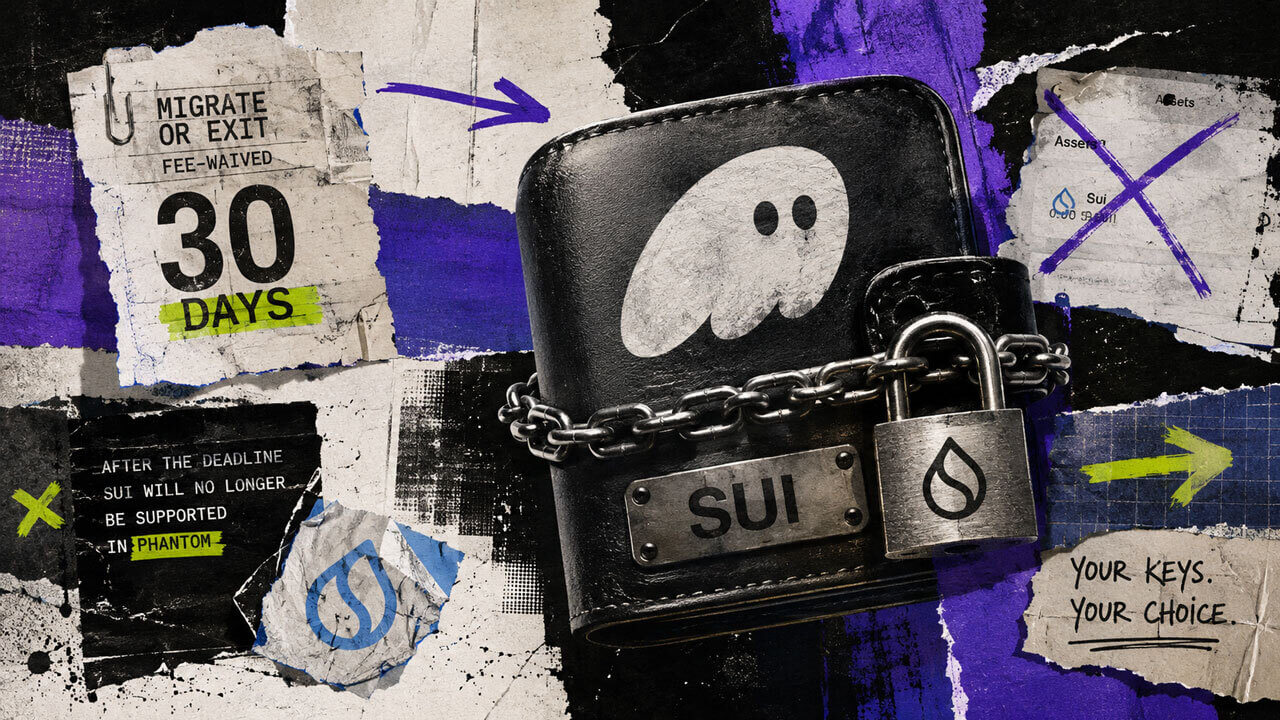
Why holding tokens on non-custodial apps still leaves you vulnerable to sudden platform cutoffs

Inside the uncollateralized deal that locked up 6 million SUI until 2028 while SUI Group trades at a 25% NAV discount

