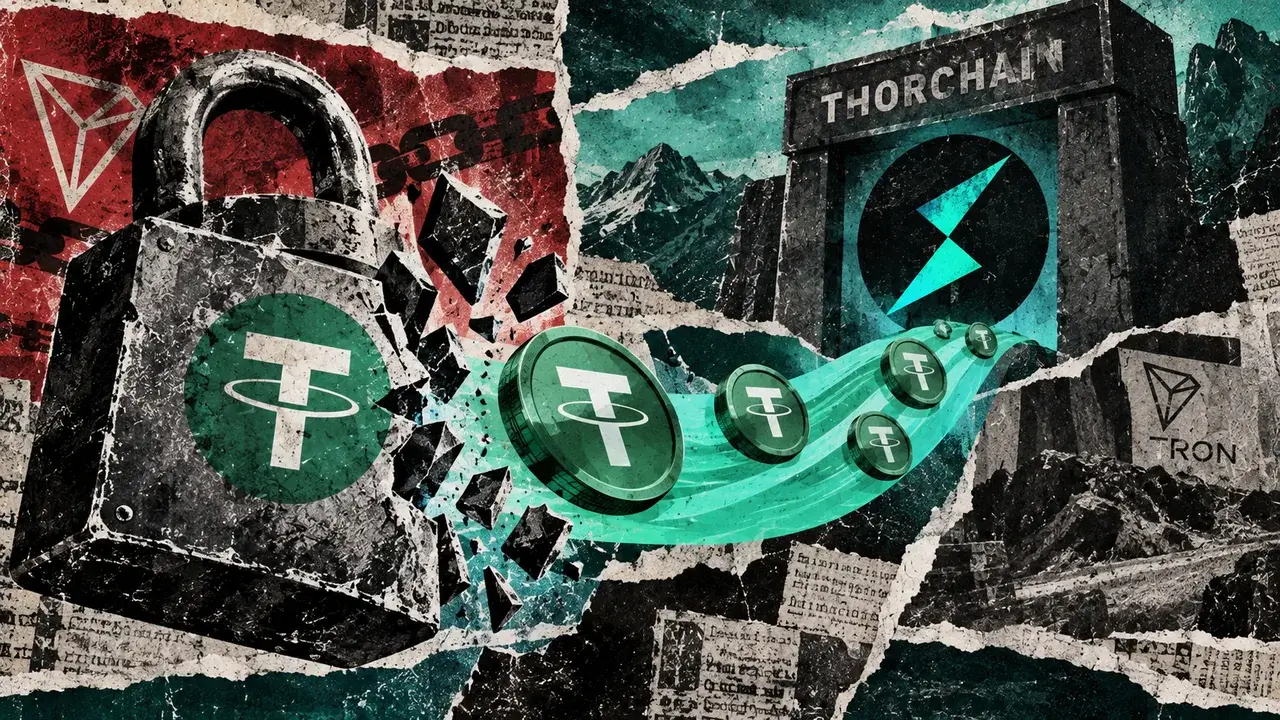
USDT cards are built for people who get paid, save, or move money in Tether and want a card-linked way to spend that value. You fund the account with USDT, the balance becomes available inside the card program, and the card converts value to the merchant's currency when the transaction is approved, that is different from paying merchants directly in raw on-chain USDT.
A good USDT card keeps three steps clear: how Tether gets in, how the card spends it, and how unused value can come back out. Supporting USDT is not enough on its own. A card can still be a poor choice if the cheapest deposit network is unclear, FX costs stack at checkout, refunds return to an unexpected destination, or withdrawals are harder than deposits.
Top Crypto Cards For USDT
- Rewards
- 1.5% USD cashbackStandard; $2,000 spend/month
- Card fee
- $0 Standard planPaid tiers and FX fees apply
- Availability
- 170+ countriesEligibility varies by country
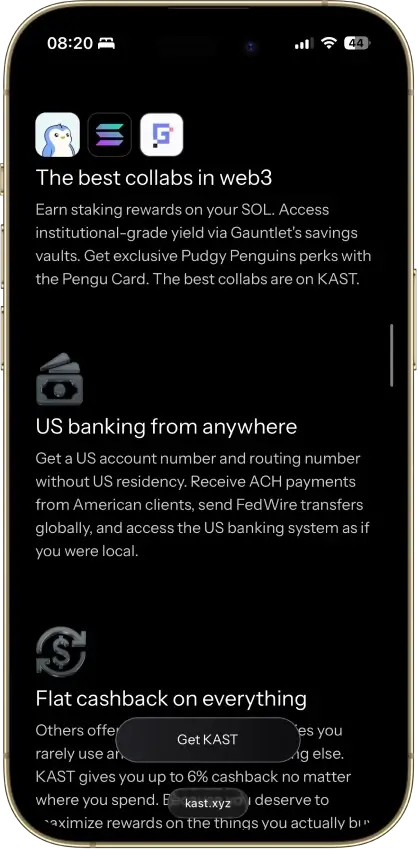
- Virtual US bank numbers for ACH and wires
- Free instant transfers to other KAST users
- Rewards paid in dollars, not a house token
- Rewards
- 2–4% introductory XRP back3 months; tier/funding caps
- Card fee
- $0 EssentialElite $99.99/year
- Availability
- US + UKRegional exclusions apply
- Stablecoin funding avoids tax on each swipe
- Spend gold and silver balances at checkout
- Any of 200+ wallet assets can fund a purchase
- Rewards
- Up to 2% NEXO / 0.5% BTCCredit; tier and balance rules
- Card fee
- $0 / yearFX and ATM fees may apply
- Availability
- Selected Europe + UKEligibility restrictions apply
- Tap to switch Debit and Credit Mode
- Idle Debit Mode balance earns daily interest
- Free ATM allowance grows with loyalty tier
- Rewards
- No cashback$10 referral bonus each
- Card fee
- $10 issuance; $0 monthly3–5% top-up; $0.25 per spend
- Availability
- US + eligible countriesCountry restrictions apply
- No-KYC card that accepts US residents
- AI agents can manage cards through MCP
- Privacy coins like XMR can fund the card
- Rewards
- 0% base; 3% Pro creditsWallet pay; 18 USDs/month cap
- Card fee
- $10 virtual / $100 physicalPro $12.90/mo; FX/ATM fees
- Availability
- 100+ countriesEligibility varies by country
- Fireblocks custody with a wallet address per user
- Hong Kong-licensed, FinCEN MSB registered
- Free on-chain and EUR/GBP funding rails
- Rewards
- 1% EU; 2–10% other programsCaps and funding rules vary
- Card fee
- No annual feeFX and crypto fees vary
- Availability
- Selected countriesSeparate regional programs
- Set your own crypto auto-sell priority
- Fiat funding avoids crypto conversion fees
- Cashback paid in liquid BTC, USDC, or AVAX
CryptoSlate may earn a commission when you visit partner sites through links on this page, at no extra cost to you. Our rankings and reviews remain editorially independent and based on our published methodology. Read disclosure
Disclaimer: CryptoSlate may receive a commission when you click links on our site and make a purchase or complete an action with a third party. This does not influence our editorial independence, reviews, or ratings, and we always aim to provide accurate, transparent information to our readers.KAST ranks first because it gives USDT users broad receive-network coverage, a simple card-spend path after top-up, and practical withdrawal options instead of trapping value only inside the card. RedotPay is the stronger alternative for users outside restricted regions who want app-based stablecoin payments and local payout routes. Nexo, Uphold, and Bybit are better fits when your USDT already sits inside those platforms and you accept their regional limits, conversion rules, and cash-out paths.
Comparison Table
| Name | Network | Card Type | Digital Wallets | Availability |
|---|---|---|---|---|
 Kast Card Kast Card | Visa | Prepaid | Apple Pay, Google Pay | 170+ countries, varies by jurisdiction. |
 Uphold Card Uphold Card | Visa, Mastercard | Debit | Apple Pay, Google Pay | United States and the United Kingdom. In the U.S., the card is not available in New York, Louisiana, or U.S. territories. In the U.K., Crown Dependencies and British Overseas Territories are excluded. |
 Nexo Card Nexo Card | Mastercard | Dual-mode | Apple Pay, Google Pay | Citizens and residents of selected European countries, including the EEA and the United Kingdom. |
 WaldenPay Card WaldenPay Card | Visa, Mastercard | Prepaid | Apple Pay, Google Pay | Worldwide except 12 restricted countries and six Ukrainian regions; US supported |
 RedotPay RedotPay | Visa, Mastercard | Prepaid | Apple Pay, Google Pay | 100+ countries, varies by jurisdiction. |
 Bybit Card Bybit Card | Mastercard | Debit | Apple Pay, Google Pay | Bybit Card is only available in limited countries and runs as separate regional card programs, including EEA and Switzerland, Australia, Argentina, Brazil, AIFC, parts of Asia Pacific, and Mexico. EEA residents may be directed to apply via Bybit EU for an EUR card |
This comparison narrows the list faster than rewards tables or branding comparisons. The real question is whether a card supports your specific network, your preferred card format, and a verification level you can actually complete.
Best USDT Cards By User Type
Some cards look close in a broad comparison but suit very different users. This section makes that split easier to see before you read the full reviews.
| User Type | Best Pick |
|---|---|
| Freelancer Paid In USDT | KAST Card |
| Traveler | RedotPay |
| Low-Friction Spender | KAST Card |
| Exchange-Native User | Bybit Card |
| User Who Needs Stronger Bank Off-Ramp | Uphold Card |
KAST covers most general-use cases because the spend flow is straightforward. Uphold stands out when bank movement matters more. Bybit only becomes the better choice when your money already lives inside that exchange.
Crypto Cards For USDT Reviews

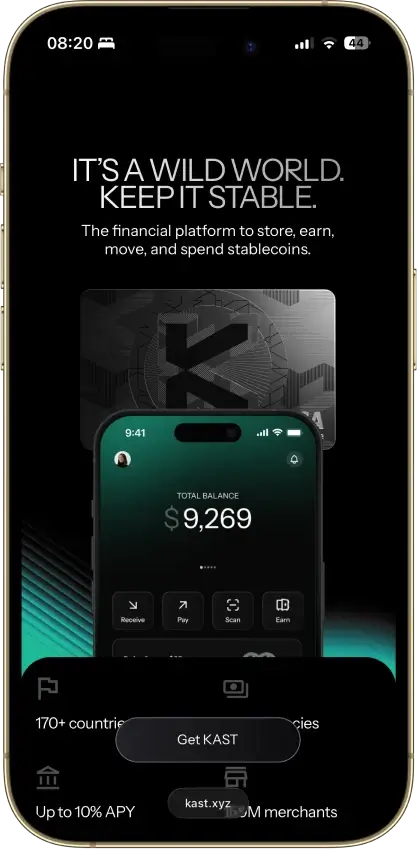
Kast Card
- Rewards
- 1.5% USD cashbackStandard; $2,000 spend/month
- Card fee
- $0 Standard planPaid tiers and FX fees apply
- Availability
- 170+ countriesEligibility varies by country
Pros
- 1.5% back on the free membership
- Stablecoins load at par with no spread
- Virtual card ready minutes after sign-up
- No limit on card purchases
- Five stablecoins across major chains
Cons
- Volatile crypto is sold on deposit at 2%–5%
- Free-tier cashback stops at $2,000 a month
- ATM cash costs $3 plus 2%, limit $750 a day
- Top cashback rates cost $1,000–$10,000 a year
- No listed chargeback fees or timelines

Uphold Card
- Rewards
- 2–4% introductory XRP back3 months; tier/funding caps
- Card fee
- $0 EssentialElite $99.99/year
- Availability
- US + UKRegional exclusions apply
Pros
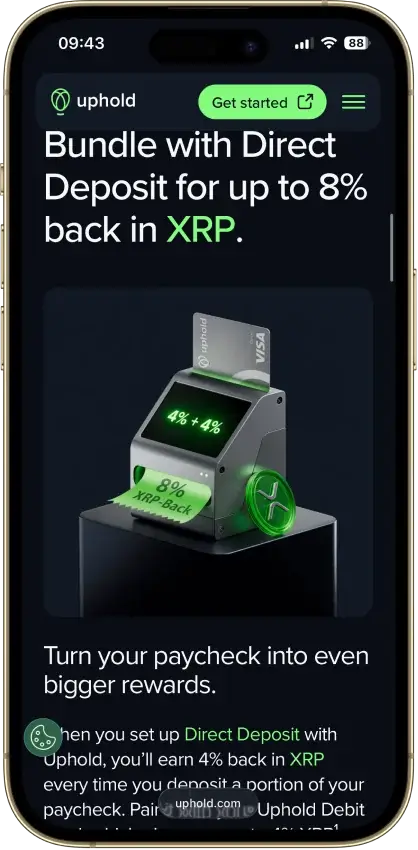
- Introductory 4% XRP on Elite crypto-funded spend
- 0% FX and $0 ATM withdrawals on Elite
- US issuer Cross River Bank is an FDIC member
- No frozen-funds pattern around the card
- Elite lifts daily spend to $25,000
Cons
- Top terms locked to the $99.99/yr Elite tier
- Essential adds 1.50% FX and $2.95 ATM fees
- Crypto-funded spend takes a spread, plus tax
- UK card pays 1% GBP, zero on crypto funding
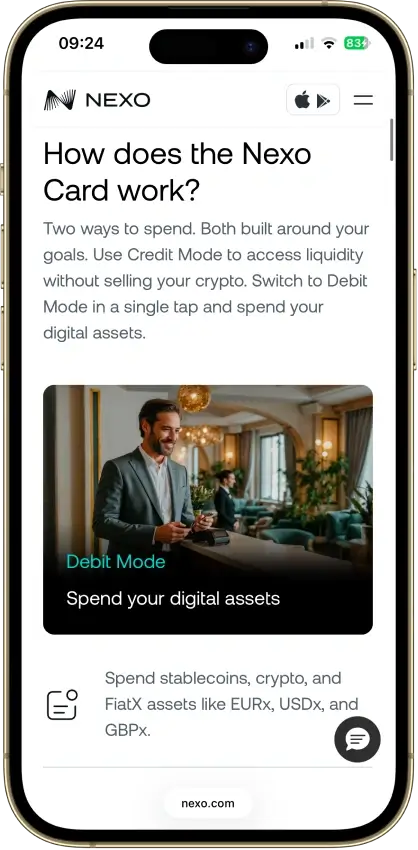
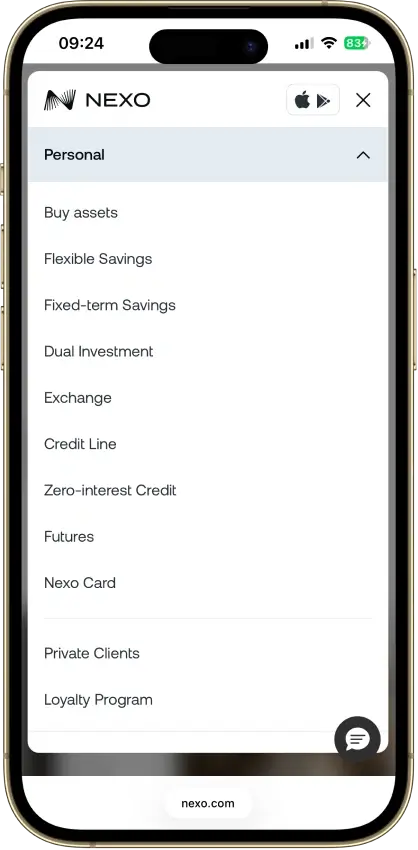
Nexo Card
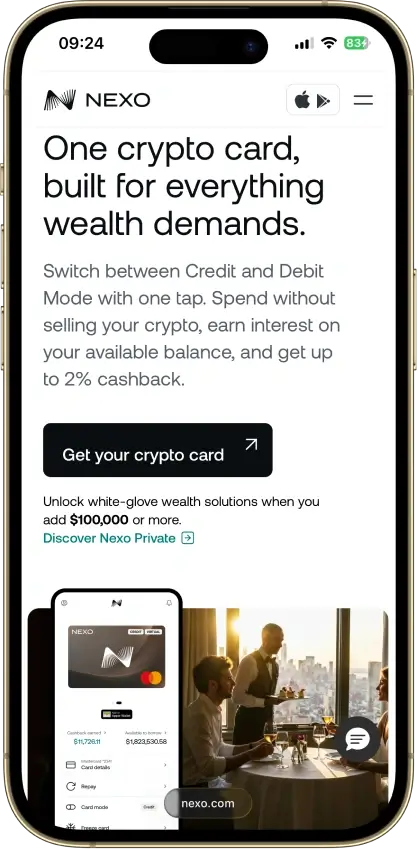
- Rewards
- Up to 2% NEXO / 0.5% BTCCredit; tier and balance rules
- Card fee
- $0 / yearFX and ATM fees may apply
- Availability
- Selected Europe + UKEligibility restrictions apply
Pros
- Credit Mode sells no crypto at purchase
- No monthly, annual, or inactivity fees
- 0.2% weekday FX in the EEA, UK, and CH
- Issued by DiPocket UAB, a licensed EMI
- Fund from stablecoins, fiat or Savings crypto
Cons
- Physical ordering paused since Jan. 2025
- Cashback needs Credit Mode and a $5,000+ portfolio
- Base cashback is 0.5% NEXO or 0.1% BTC
- Credit Mode spending accrues interest
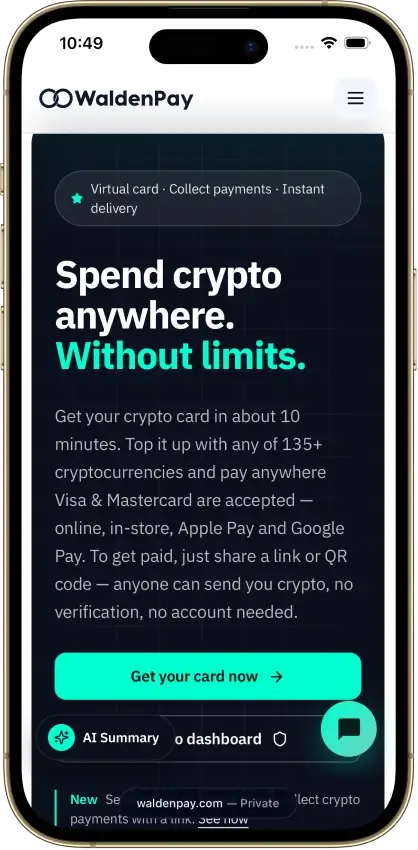
WaldenPay Card
- Rewards
- No cashback$10 referral bonus each
- Card fee
- $10 issuance; $0 monthly3–5% top-up; $0.25 per spend
- Availability
- US + eligible countriesCountry restrictions apply
Pros
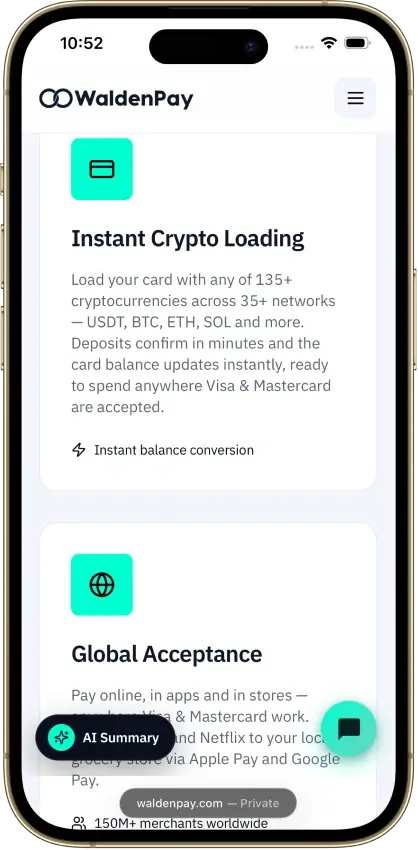
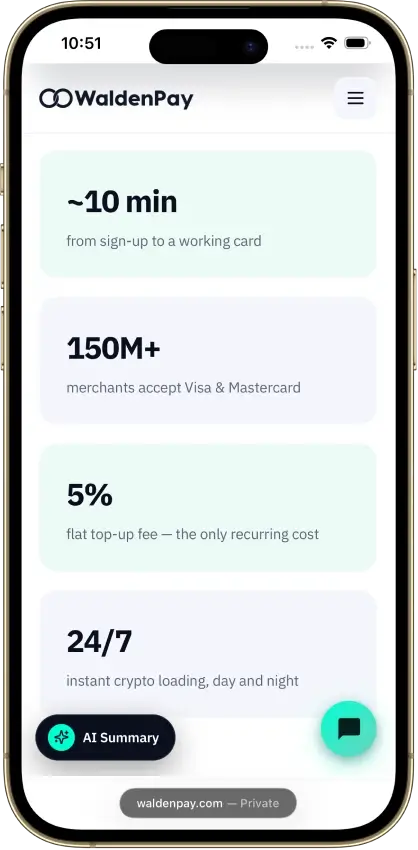
- Card ready within minutes of funding
- No frozen or withheld balances reported
- Instant freeze from the dashboard or Telegram bot
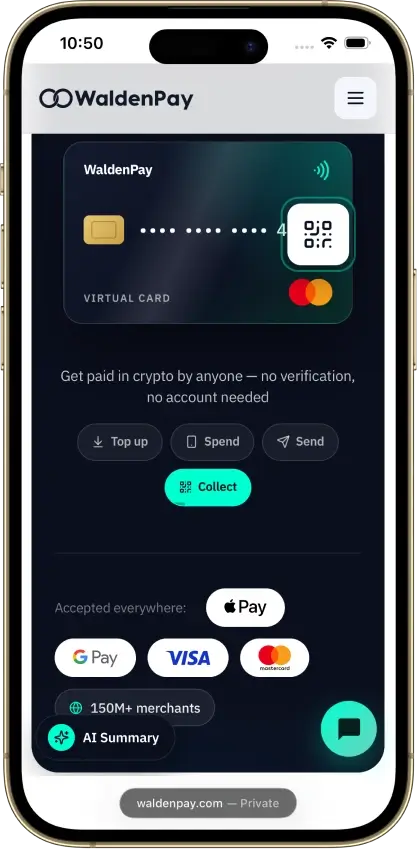
- Apple Pay and Google Pay work for most users
- Support replies within minutes
Cons
- Three fees sit outside the public price list
- 8% lost on merchant refunds
- Issuing bank is not named publicly
- Streaming and gaming subscriptions declined
- 5% top-up fee unless you load $2,000 a month
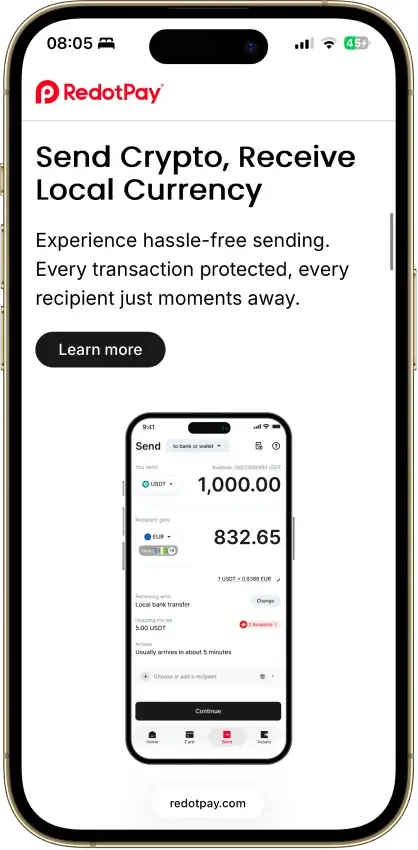
RedotPay
- Rewards
- 0% base; 3% Pro creditsWallet pay; 18 USDs/month cap
- Card fee
- $10 virtual / $100 physicalPro $12.90/mo; FX/ATM fees
- Availability
- 100+ countriesEligibility varies by country
Pros
- No monthly subscription on Standard
- 1.2% FX fee beats most prepaid rivals
- Virtual card goes live within minutes
- Per-card limits and freezes set in the app
- Google Pay, and Apple Pay via a free upgrade
Cons
- Standard issuance: 10/100 USDT, non-refundable
- 2–3% ATM fees, physical card only
- $50 chargeback fee, 3–6 month waits
- Issuing bank and BIN sponsor not disclosed
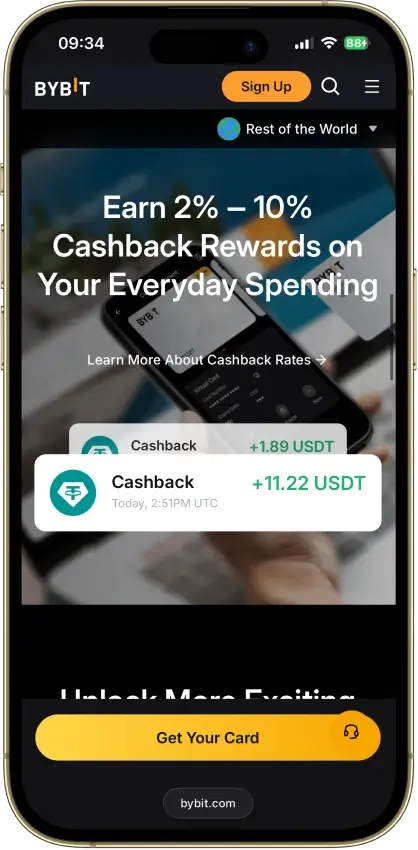
Bybit Card
- Rewards
- 1% EU; 2–10% other programsCaps and funding rules vary
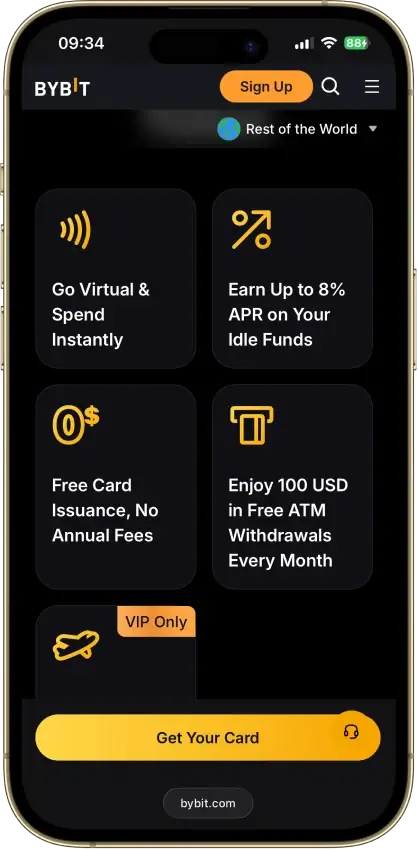
- Card fee
- No annual feeFX and crypto fees vary
- Availability
- Selected countriesSeparate regional programs
Pros
- Bybit EU: 1% uncapped base cashback
- Issued by e-money firms Harmoniie and Moorwand
- No monthly, inactivity, or issuance fees
- €5,000 daily spend and €2,000 ATM limits
- Instant virtual card, freeze and limit controls
Cons
- 0.9% spread plus a taxable sale on crypto spend
- 0.5% FX fee on cross-currency purchases
- Above 1% needs VIP tiers with monthly limits
- €1 minimum makes small crypto buys pricey
Our Ranking Methodology
These rankings score cards for USDT use, not generic crypto-card appeal. The highest-scoring card should make it easy to receive Tether, avoid wrong-network deposits, understand when conversion happens, spend reliably, and move unused value back out without disproportionate cost.
Rewards were not scored as a standalone category on this page. They only affected the ranking when they reduced real cost after caps, exclusions, plan fees, payout currency, and volatility. This page ranks usable USDT card flows first.
| Criterion | Weight | What We Measured |
|---|---|---|
| Availability And Setup Friction | 1.00 | Eligible countries, KYC level, approval friction, virtual-card access, physical-card access, and whether a new user can still apply |
| USDT Funding Rails And Network Risk | 1.50 | Supported USDT networks, cheapest practical deposit route, minimum deposits, wrong-network risk, and whether the app makes the route clear before sending |
| Spend Model And Checkout Conversion Clarity | 1.25 | Whether USDT stays as the funding asset, converts into an internal card balance, or converts at checkout; whether merchants receive fiat rather than raw USDT |
| Real-World Spend Reliability | 1.25 | Online spend, in-store spend, mobile-wallet use, merchant acceptance, subscriptions, pre-authorizations, travel use, and prepaid-card quirks |
| Fees And Hidden Stablecoin Cost Drag | 1.25 | Top-up costs, spread, crypto conversion, FX, ATM, issuance, replacement, withdrawal, inactivity, and partner fees |
| Cash-Out And Refund Practicality | 0.75 | Whether unused value can return to a wallet, bank account, or payout route; refund destination; refund timing; and whether withdrawals use the same network as deposits |
| App, Controls, And Card Tooling | 0.75 | Virtual card speed, physical card option, Apple Pay, Google Pay, freeze/unfreeze, spend controls, alerts, transaction history, and statement access |
| Security, Custody, And Freeze Risk | 1.25 | Custody model, issuer or partner clarity, sanctions and KYT checks, account-freeze risk, stablecoin handling, and whether funds sit with the card program or a partner |
| Support, Disputes, And Chargebacks | 0.50 | Human support routes, fraud reporting, dispute deadlines, chargeback fees, refund tracing, and review timelines |
| Tax And Reporting Readiness | 0.50 | Statements, CSV exports, transaction history, tax forms, cost-basis clarity, and whether crypto spending is explained as a possible taxable disposal |
The scoring favors cards that make the full USDT path clear: USDT in, spend model, fee drag, refund behavior, and money back out. A card can rank lower even with better brand recognition if its USDT network support, conversion path, or cash-out flow is harder to verify.
What Is A USDT Card and How Does It Work?
A USDT card lets you spend against a Tether balance instead of keeping only bank fiat on the card. In most setups, the merchant still gets paid in local currency, and the card program handles the conversion in the background when the transaction goes through.
How that conversion happens depends on the issuer. Some cards act like debit cards tied to a crypto balance. Some convert USDT at checkout. Others sit inside a larger account that supports both crypto and fiat. A few offer a credit mode where you borrow against crypto instead of spending it directly. The four most common setups break down like this:
- Direct spending uses USDT as the balance behind the card
- Auto-conversion turns USDT into local currency when you pay
- Debit-style cards pull value from your crypto balance, not a credit line
- Credit-style models use pledged crypto as collateral and settle later
That setup affects day-to-day use, fees, tax records, and how refunds come back to your account.
USDT Cards Fee
USDT cards are usually cheapest when you avoid unnecessary conversions and use the lowest-cost supported deposit route. The fees below focus on the costs that most often change the real spending value of a Tether balance.
KAST Card
- USDT top-up fee: 0% on stablecoin top-ups; 0% spread on stablecoin-to-USD balance conversion
- FX fee: 0.5% to 1.75% on non-USD transactions
- ATM fee: $3 plus 2%; non-USD ATM use can also add FX and operator fees on top
- Annual fee: $0 on Standard tier; paid tiers start at $1,000/year
RedotPay
- USDT top-up fee: Listed as free on deposit; crypto handling or network costs may apply before crediting
- FX fee: 1.2% for non-default currency transactions; 1% crypto conversion fee
- ATM fee: 2%; USD card rises to 3% after $10,000 in monthly ATM withdrawals
- Annual fee: $0 for account maintenance; card application fees still apply
Nexo Card
- USDT top-up fee: No separate card top-up fee; USDT must be added to the Nexo account through supported asset-network routes
- FX fee: FX and asset-conversion costs can apply by region, mode, and timing
- ATM fee: Free monthly allowance applies; fees apply after limits
- Annual fee: $0 monthly, annual, or inactivity card fee
Uphold Card
- USDT top-up fee: No separate card top-up; fund the Uphold wallet by crypto network, bank, or card route
- FX fee: U.S. Essential: 1.50% foreign transaction fee; Elite: 0%; trading and spread costs can still apply
- ATM fee: U.S. Essential: $2.95; Elite: $0
- Annual fee: U.S. Essential: $0; Elite: $99.99/year
Bybit Card
- USDT top-up fee: Bybit does not charge on-chain crypto deposit fees; network fees still apply from the sender
- FX fee: EEA/CH program: 0.5%; regional programs differ
- ATM fee: EEA/CH program: 2% after the first 100 EUR/month; operator fees may apply
- Annual fee: None in the EEA/CH program
Use this section to screen for fee drag before checking rewards. A higher cashback rate can still lose value if USDT conversion, FX, ATM, or withdrawal costs are triggered often.
Worked Examples
These examples use realistic transaction amounts to show how fees actually stack. They are not projections.
Example 1 – Freelancer receiving 500 USDT and spending it in Europe (non-USD)
You receive 500 USDT via TRC20 and want to spend it in euros using a card.
- KAST: 0% top-up, 1.75% FX on a 200 EUR purchase = roughly 3.50 EUR in FX cost. Annual fee $0 on Standard.
- RedotPay: 0% top-up listed, 1.2% FX on the same 200 EUR = roughly 2.40 EUR. Card application fee applies once at setup.
- Bybit: 0% deposit fee from Bybit's side, 0.5% FX on 200 EUR = roughly 1.00 EUR. Only practical if your USDT already sits in Bybit.
- Nexo: No top-up fee, but FX and conversion costs depend on region and mode – exact amount requires checking in-app before spending.
- Uphold Essential: 1.50% foreign transaction on 200 EUR = roughly 3.00 EUR, plus any spread from the USDT-to-USD conversion step.
For a straightforward non-USD spend, Bybit has the lowest stated FX cost, but only if you are already inside the Bybit ecosystem. For someone depositing fresh USDT, KAST and RedotPay are the more accessible options, with RedotPay slightly cheaper on FX at standard rates.
Example 2 – Occasional ATM withdrawal of 200 USD equivalent
You want to withdraw 200 USD equivalent from an ATM once per month.
- KAST: $3 flat fee plus 2% = $7.00 per withdrawal, before operator fees.
- RedotPay: 2% = $4.00, rising to 3% after $10,000 monthly ATM volume (unlikely for casual use).
- Bybit (EEA/CH): 2% after the first 100 EUR free monthly. On a 200 EUR equivalent withdrawal, the first 100 is free and the remaining 100 is charged at 2% = roughly 2.00 EUR.
- Nexo: Free ATM allowance applies monthly; fees kick in above the threshold, which must be confirmed in-app.
- Uphold Essential: $2.95 flat per withdrawal. Elite tier: $0.
For occasional ATM use, Bybit's free first-100-EUR monthly allowance and Nexo's free allowance are the lowest-friction options – provided you are in an eligible region.
USDT Deposit Networks and Cheapest Routes
The cheapest USDT route depends on the exact asset-network pair shown inside the app. Do not send Tether just because the chain name appears elsewhere on the platform; the card or account must support USDT on that specific network.
| Card | Supported USDT Deposit Networks | Cheapest Network To Check First |
|---|---|---|
| KAST Card | Ethereum, TRON, Solana, Polygon, Arbitrum, BNB Chain | Solana or TRC20, depending on sender support |
| RedotPay | Main app supports USDT network deposits such as TRC20, ERC20, and BEP20; Mini App supports TON separately | TRC20 in the main app; TON only if using the Mini App flow |
| Nexo Card | Nexo supports USDT on selected account networks; exact top-up routes are shown in-app | TRC20 or Polygon if available; avoid ERC20 for small transfers |
| Uphold Card | Multiple crypto-network routes are available through the Uphold deposit screen; exact USDT route must be confirmed in-app | Varies by region and asset screen |
| Bybit Card | Bybit exchange deposit routes shown on the USDT asset page; common USDT routes include TRC20, ERC20, BSC, and Polygon/MATIC where available | TRC20 when available |
For small USDT top-ups, TRC20 is usually the first route to check because it is widely supported and typically cheaper than ERC20. Solana, Polygon, BSC, or TON can be cheaper in some flows, but only use them when the exact USDT route is confirmed for that card or account.
Direct USDT Spending vs. Auto-Conversion
Two cards can both support USDT and still behave differently after you top up. The important question is whether USDT remains a selectable funding asset until payment or whether it is converted into an internal fiat or card balance before the spend happens.
Three models cover most of the cards on this page:
- USDT-funded spending: Tether is the asset or source balance behind the card flow
- Checkout conversion: the card program converts enough value into the merchant's currency when the purchase is approved
- Pre-converted balance: USDT is converted into an internal USD, EUR, GBP, or other card balance before you spend
For most users, the best model is the one that makes deposits, checkout costs, refunds, and withdrawals easiest to track.
What To Check Before Choosing A USDT Card
Before picking a USDT card, narrow the decision to the things that actually change day-to-day use. That removes cards that look fine in a feature list but become awkward once you start paying with them.
These are the questions that matter most before you apply:
- Do you want USDT kept as the funding asset until checkout, or converted into an internal card balance first?
- Which USDT network will you actually use?
- Do you need Apple Pay or Google Pay?
- Do you need a physical card or is a virtual card enough?
- Do you need ATM access?
- Are you okay with full KYC?
- Will you keep only a spend balance there, or more?
These checks narrow the list faster than cashback rates or feature badges. They tell you whether the card stays usable after signup, not just whether it looks good in a comparison row.
Availability, KYC and What Each Card Requires
USDT support says nothing about how much verification a card requires. The more useful question is what each card asks for, what verification unlocks, and how regional issuance changes what you can do with the account.
KAST Card
- KYC level: Level 1 at signup; Level 2 required for card use
- What you submit: personal details, government ID, live selfie; proof of address if asked
- What verification unlocks: Level 1 opens the app and basic receive functions; Level 2 unlocks sending, receiving, virtual card, and physical card
- Region notes: country and residency checks apply; card support varies by market
RedotPay
- KYC level: full individual KYC
- What you submit: personal details, original government ID, face scan; personal statement if requested
- What verification unlocks: full account use and card application
- Region notes: not available in the US; one verified account per person
Nexo Card
- KYC level: identity verification on the Nexo account
- What you submit: personal details, country and address, government ID, selfie, regulatory information
- What verification unlocks: access to Nexo products, crypto top-ups, and card use in supported countries
- Region notes: selected European countries only, including the EEA and UK; physical card orders are paused
Uphold Card
- KYC level: fully verified Uphold account required
- What you submit: personal details, phone, government ID, selfie; financial details or source-of-funds prompts may appear
- What verification unlocks: trading, funding, withdrawals, and debit card access in supported regions
- Region notes: card available in the US and UK; excludes New York, Louisiana, US territories, Crown Dependencies, and British Overseas Territories
Bybit Card
- KYC level: identity verification plus card-region checks
- What you submit: government ID; proof of address or valid residential address in many card programs
- What verification unlocks: card application, funding, and spending in eligible regions
- Region notes: issuance depends on the regional card program, so supported countries and document checks vary
KYC is not only a signup issue. It determines when the card becomes usable and when limits move. Unusual activity, larger transfers, or account reviews can still trigger additional checks after the initial verification is complete.
Virtual Card vs. Physical Card for USDT Spending
A virtual card is enough for many people if the main goal is online spending or phone-wallet payments. When Apple Pay or Google Pay works in your region, a virtual card covers most day-to-day use without waiting for plastic delivery.
A physical card adds value when you need ATM access, an international travel backup, or a second payment option if phone-wallet acceptance fails. It also matters more in places where tap-to-pay coverage is weaker or merchants still require a card insert. Here is how to think through the choice:
- Online purchases: a virtual card is usually enough
- Apple Pay / Google Pay: virtual cards work well if wallet support is live in your region
- In-store tap-to-pay: a phone wallet can cover this, but acceptance is not consistent across every merchant setup
- Travel backup value: a physical card is more reliable if your phone dies or wallet acceptance fails
- Whether a physical card is worth getting if the virtual card already works: yes, if you want ATM access, a travel backup, or a second payment path
Where USDT Cards Usually Fail
USDT cards usually fail at the points where the crypto rail, card rail, and compliance rail do not line up. The card may work for a normal purchase and still become awkward when a deposit uses the wrong network, a merchant places a hold, or a refund returns differently than the original payment.
The most common failure points are worth knowing before you load funds:
- Deposit network mismatch: USDT exists on multiple chains. Sending TRC20, ERC20, BEP20, Solana, TON, or another version to the wrong route can delay or permanently lose funds.
- Hidden FX drag: a card can advertise free card spending while still charging crypto conversion, FX, weekend, ATM, or network withdrawal costs.
- KYC friction: card access can require higher verification than simple account signup, and larger transfers or unusual activity can trigger another review.
- Refund destination uncertainty: refunds may return as fiat balance, card balance, or the original asset depending on the program and settlement route.
- Cash-out friction: some products are easy to spend from but slower or more expensive when you try to move unused value back to a wallet or bank.
- Expensive ATM use: ATM withdrawals often add card fees, operator fees, FX fees, and low daily caps.
Treat a USDT card as a spend tool, not a long-term storage wallet. Test the deposit route, make one small purchase, confirm withdrawal options, and keep a bank card available for hotels, fuel holds, subscriptions, and disputes.
Common USDT Crypto Card Problems and Fixes
Most USDT card problems do not come from the coin itself. They come from the payment layer, the card program, or how the balance was funded before the transaction started. Each of these has a practical fix:
- Wrong-network deposit: check the supported network before sending and use a test transfer for any new route.
- Merchant decline: some merchant types, pre-authorizations, or risk filters can fail even with a sufficient balance.
- Refund delay: card refunds often take longer to settle than wallet transfers, so allow extra time before raising a dispute.
- Cash-out friction: a card that works well for spending can still add steps when you try to move unused funds back out.
- Extra KYC review: spending limits or withdrawal blocks often appear when users try to unlock higher tiers or additional card features.
- Travel checkout issues: FX fees, merchant category blocks, and offline terminals can all create friction on the road.
The safer approach is to treat a USDT card as a spending tool rather than a place to hold significant funds. Start with small amounts, keep a backup payment method, and check how the card handles refunds and withdrawals before loading more.