


 Released in 2023
- Quick Backup moves keyless wallets to new phones
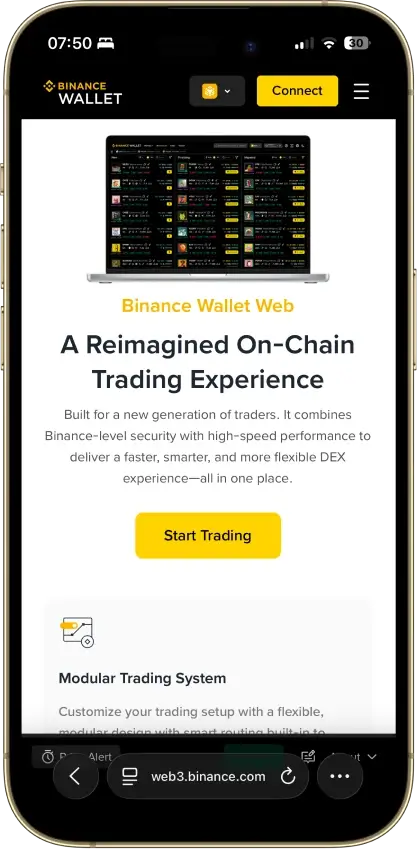
- Web trading through Secure Auto Sign
- Buy DEX tokens with your Binance balance
Binance Wallet Overview
- Crypto Wallet Name
- Binance Wallet
- Release Date
- 2023
- Wallet Type
- MPC smart wallet
- Custodial Status
- Non-custodial
- Built-in Swaps
- Yes
- Open-source
- Closed-source
- Fiat On-ramp
- Yes
Additional details
- Supported Blockchains
- Avalanche, Bitcoin, Ethereum, BNB Smart Chain, Tron, Arbitrum, Base, Optimism, Polygon, Solana
- Token Standards
- Native coin, ERC-20, BEP-20, SPL, TRC-20
- Platforms
- Web app, iOS, Android, Browser extension
- Hardware Wallet Support
- No
- Staking Support
- Limited
Binance Wallet Screenshots
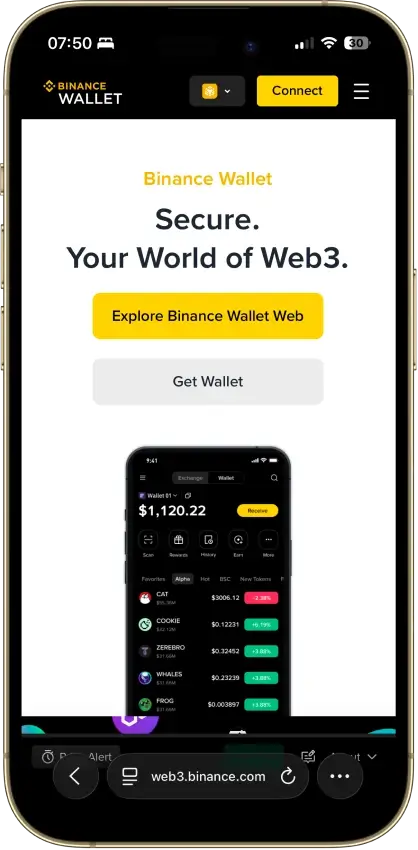
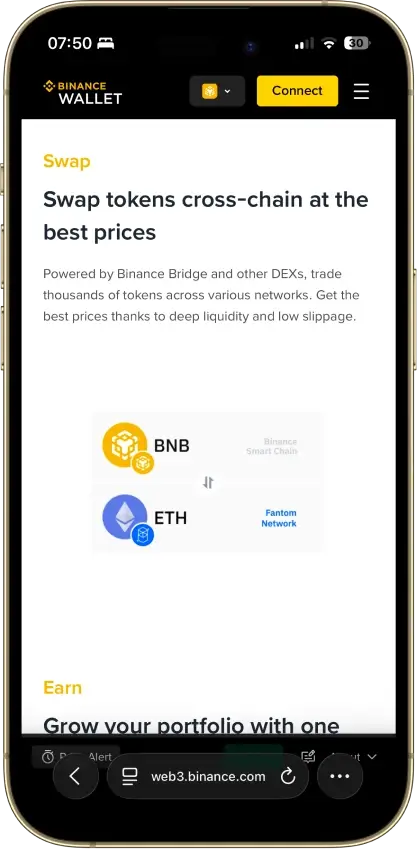
Screenshot 1 of 8
Binance Wallet Pros and Cons
Pros
- Existing-wallet imports in the extension
- Bitcoin controls in the mobile wallet
- Independent extension audit anyone can read
- Address-poisoning filters on sends
- Binance deposit-address option in Send
Cons
- Conversion removes keyless recovery
- Audit excludes backend verification
- No documented hardware pairing
- Ordinals are treated as plain BTC
What Is Binance Wallet?
| Detail | Value |
|---|---|
| Product | Binance Wallet, formerly Binance Web3 Wallet |
| Provider | Binance Barbados Limited, under the wallet terms |
| Type and custody | Self-custody software wallet, separate from exchange balances |
| Platforms | Binance app on iOS and Android, Chrome/Brave extension, web trading interface |
| Connectivity | Internet-connected software, with phone pairing for keyless extension access |
| Security model | Keyless MPC, imported keys, or web Secure Auto Sign, depending on use |
| Source transparency | Public extension audit, no full-application source verification in this review |
| Assets | Bitcoin on mobile, EVM networks and additional chains, with interface-specific support |
| Recovery | Quick Backup, encrypted cloud or QR backup for keyless accounts, original secrets for imports |
| Hardware pairing | Not specified in the current extension setup guide |
| Cost | Free app download, with network, trading and payment charges |
| Buying crypto | Binance Pay Onchain payment options for eligible verified users |
| Swaps and yield | Aggregated swaps, bridges and third-party DeFi products |
| Regional access | Keyless creation requires an eligible verified Binance account. Extension access and individual services have separate restrictions. |
The September 13, 2026 assessment relies on public product instructions and audit reports. No wallet was funded or restored for this update, and CryptoSlate has not audited Binance's software.
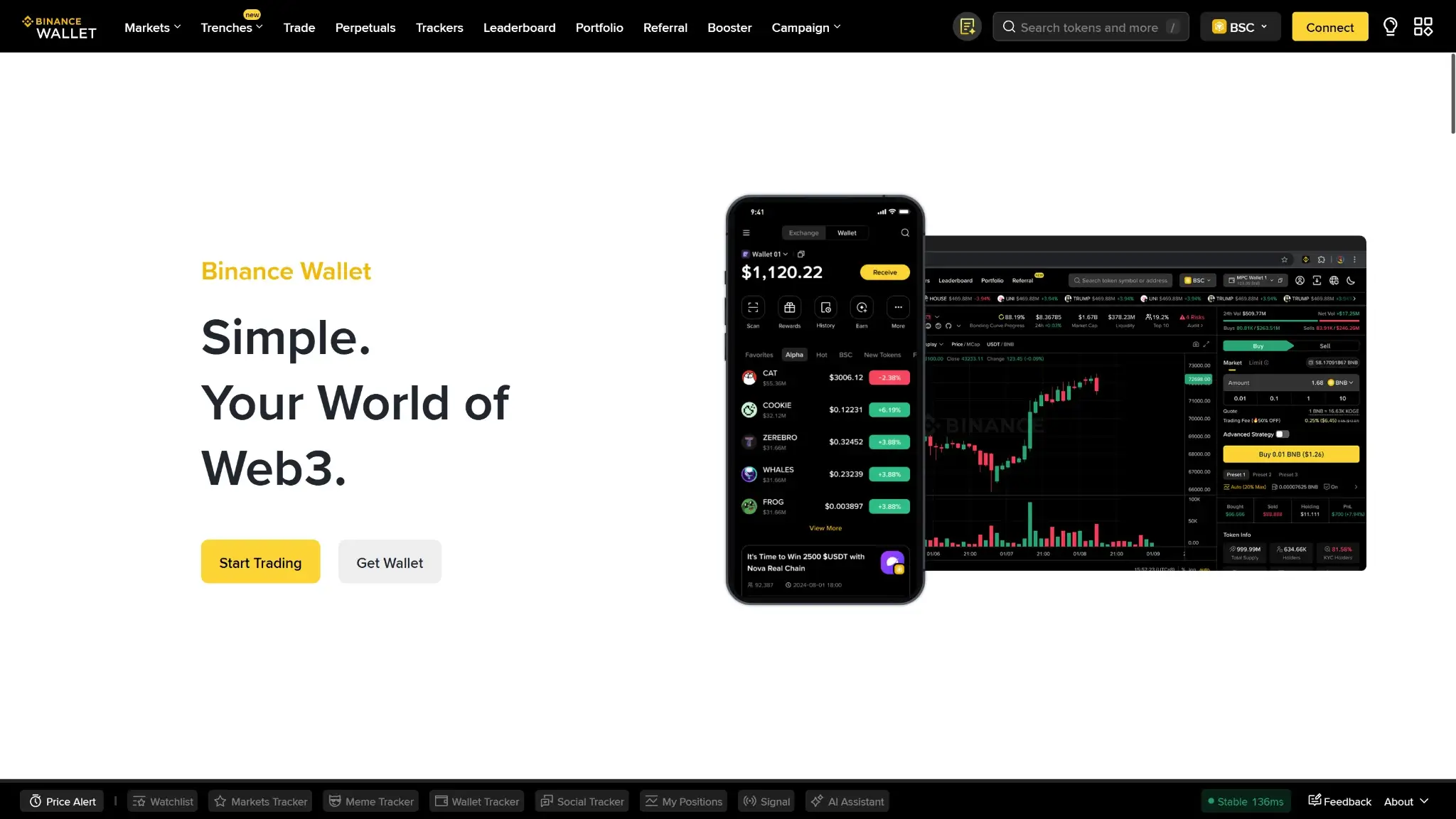
The product launched as Binance Web3 Wallet and dropped “Web3” from its name in December 2024. It provides self-custody accounts through the Binance app and desktop interfaces. Its wallet terms identify Binance Barbados Limited as the service provider, distinct from the exchange entities named elsewhere on Binance's website.
Binance Wallet balances and the exchange's Spot or Funding balances are separate. Moving assets between them can require a blockchain transaction and a fee. Exchange balances use the exchange's custody arrangements. Access to self-custody funds relies on the credentials for the wallet account holding them.
Binance Wallet is also separate from Trust Wallet. Trust Wallet's classic phrase-based accounts have their own recovery process. A Binance login is not a backup for an unrelated Trust Wallet address.
Binance Wallet Security and Custody
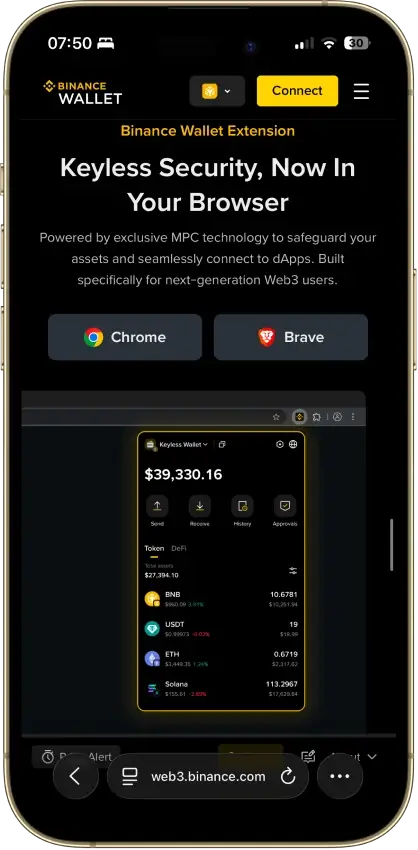
The keyless wallet uses multi-party computation, or MPC, with a two-of-three key-share arrangement. Binance's terms say it holds one share for recovery and cannot sign autonomously. The June 2026 terms describe mobile signing with two user-controlled shares on the phone. An encrypted backup provides a way to restore access after losing that phone.
The Web Interface Uses a Different Signing Arrangement
Web trading and limit orders use Secure Auto Sign, or SAS. The terms describe one encrypted share held by Binance and another in a third-party Trusted Execution Environment, an isolated computing environment. They characterize this as user-authorized temporary delegation, with a default seven-day period that can extend with activity or open orders.
Binance's Academy overview simplifies SAS differently, describing keys held exclusively inside the TEE. These descriptions do not establish an independently verified account of every server component. Enabling web trading adds a different authorization arrangement from ordinary phone use.
Imported phrase or private-key wallets have another recovery model. Their owners must retain the original secrets. The keyless wallet's recovery services do not restore those imported accounts.
What the SlowMist Audit Found
SlowMist examined browser-extension version 1.1.3 in October 2025. Its report recorded six vulnerabilities and four suggestions, including a high-risk plaintext-key-storage issue marked fixed. One low-severity finding and one suggestion remained acknowledged at the report's close. A separate keyless-import finding was marked fixed in a later extension version.
The report's final assessment was Low Risk within its scope. SlowMist explicitly excluded verification of backend security and server-side key-share management. The report documents assessed software defects, not proof that the whole current wallet is vulnerability-free.
Binance describes transaction simulations, risky-approval warnings and address-poisoning filters in its September 2026 Security Center update. Its send guide still allows users to proceed after risk warnings. Read the recipient, asset movement and permission request before signing, including when no warning appears.
Company History and Support
Binance agreed to a $4.3 billion US resolution in November 2023. The Justice Department's case concerned compliance, money-transmission and sanctions offenses, not an exploit of this wallet's code.
The wallet FAQ says its services are not supervised by the Financial Services Regulatory Authority or another regulator. Binance advertises round-the-clock support. Support can explain the product, but the company says it cannot refund a transfer to the wrong address or reimburse a loss in a third-party DApp.
Supported Coins and Platform Differences
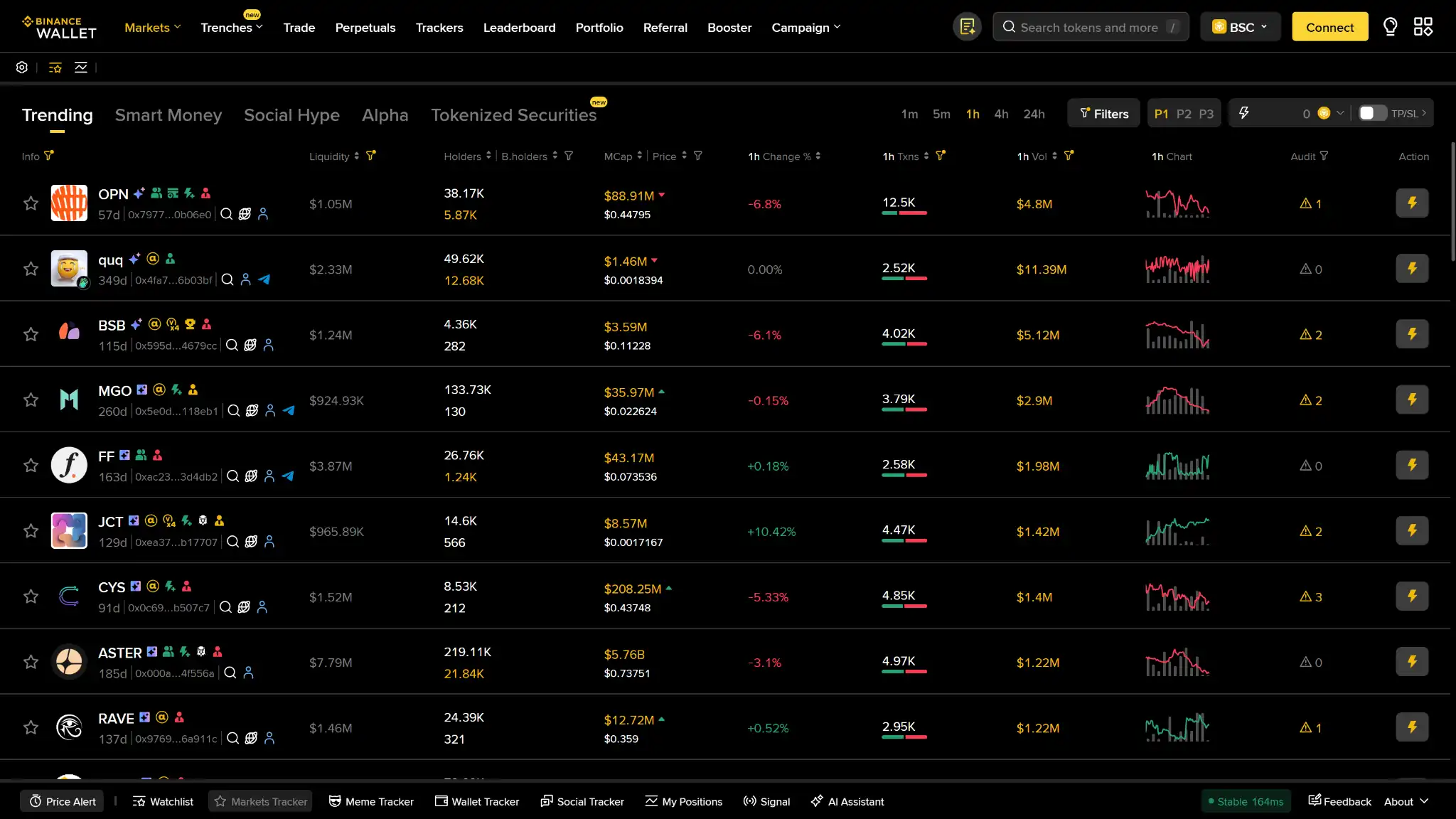
The wallet supports Ethereum, BNB Smart Chain, Solana, Polygon and Arbitrum, among other networks listed by Binance. Mobile users can also send BTC and manage its unspent transaction outputs. Network totals differ between Binance's own pages, so the asset and network selector is more useful than a headline count.
The extension supports EVM-compatible networks, Solana, TRON and SUI. Bitcoin sending is available on mobile, but not in the extension. Swapping and yield products each have their own asset support, which can be narrower than the wallet's holding capabilities.
Ordinal NFTs are unsupported and treated as BTC. Marking an inscription-bearing output as spendable bitcoin can cause the attached inscription's value to be lost when the output is spent.
Keyless pairing and software-key imports are the methods described in the current extension setup instructions. A hardware-wallet connection method is not specified there. Importing a hardware wallet's recovery phrase into software would expose its keys to that software environment, so it is not a substitute for connecting a separate signing device.
Setup and Binance Wallet Recovery
For a new keyless wallet, use the official Binance app and its Wallet tab. The creation flow requires a verified Binance account. The current app also offers import for an existing phrase or private-key wallet. Choose the account type deliberately before depositing funds.
The extension cannot generate a new wallet. It can import an existing software wallet without a Binance account, or connect a keyless wallet already created and backed up in the app. For the latter, scan the extension's QR code and compare the pairing code on both devices. Some keyless transfers still require approval in the phone app.
Three Keyless Backup Options
| Backup Method | What Recovery Depends On | Practical Limitation |
|---|---|---|
| Quick Backup | Account verification, MFA and a liveness check, with an encrypted share held by a third-party provider | Avoids a recovery password but depends on successful verification and provider access |
| iCloud or Google Drive | The correct cloud account, encrypted backup and recovery password | Losing the password and usable wallet access can prevent recovery through this method |
| QR backup | Saved QR code and recovery password, with an encrypted share stored on Greenfield decentralized cloud storage | The QR is access to an online backup, not a complete offline seed phrase |
Wallet Management provides backup verification and a Backed Up indicator. Establish and check the intended method while the wallet is still accessible. Keep recovery passwords and backup QR codes out of ordinary messaging and shared photo folders.
On a replacement phone, select the backup method associated with the original wallet. Quick Backup's liveness check is tied to the account's verified identity. Cloud and QR restoration require their corresponding password. Registering a different account does not recreate the old wallet's backup.
An imported wallet needs its original phrase or private key. Before resetting an extension or deleting app data, confirm that you retain the recovery material for every account it contains. Keyless backup and imported-wallet backup are separate tasks.
Conversion Is a Permanent Change
The Convert to Private Key Wallets function requires identity verification and reveals keys for the relevant networks. Conversion is irreversible. It removes the keyless recovery services and eligibility for exclusive campaigns such as token-generation events.
Use that function only when you intend to change the account's recovery model and can protect each required key. It should not be treated as an extra routine backup alongside Quick Backup. Losing the exported secrets can leave a converted wallet inaccessible.
Swaps, DeFi and Funding
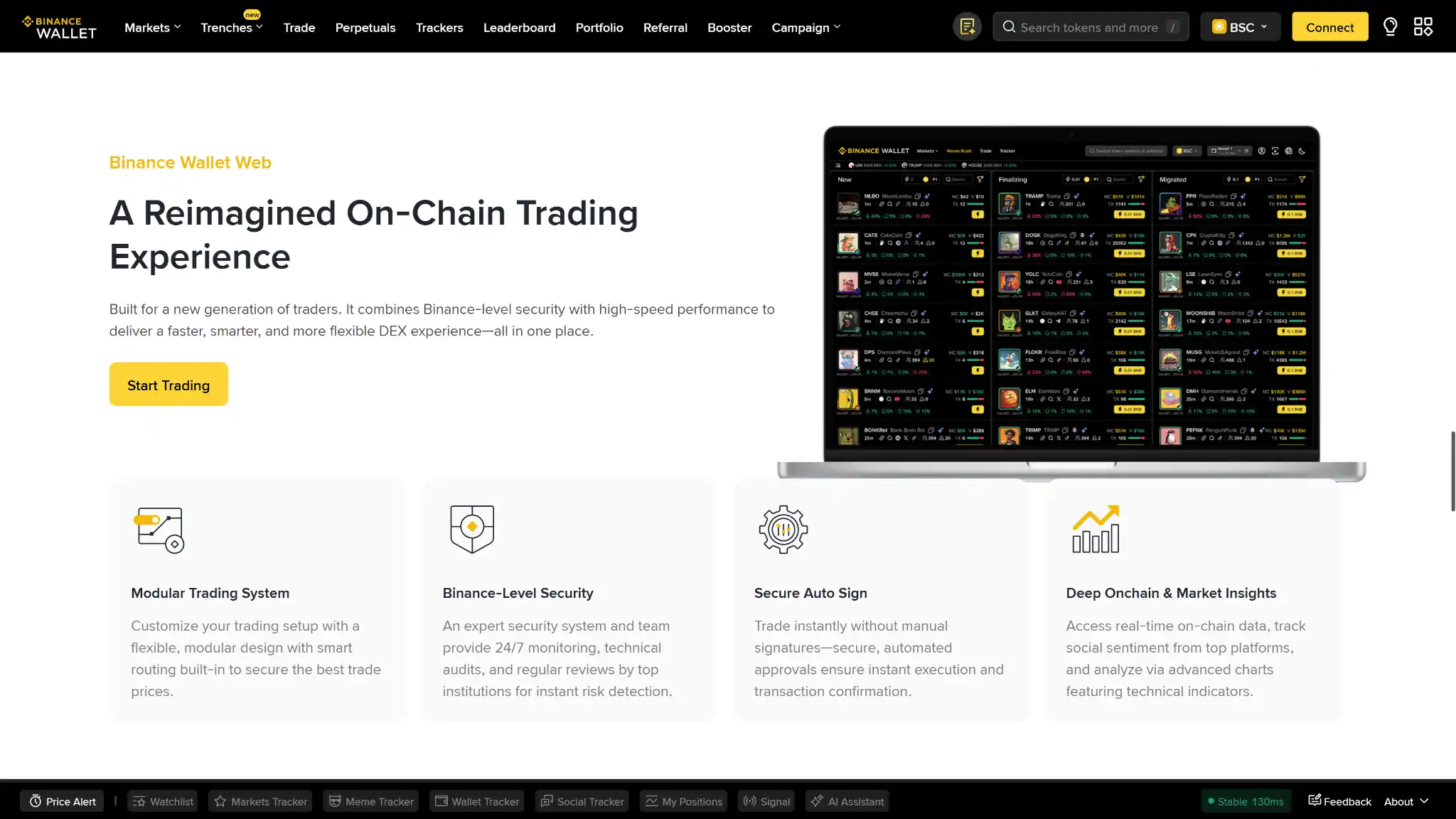
Binance Swap's quote identifies the provider and slippage tolerance alongside network and transaction fees. Its app service-fee groups distinguish Alpha tokens from other assets, so token selection affects the wallet charge as well as the trade price. A token approval can be a separate on-chain transaction with its own gas cost.
Binance's February 2026 extension guide describes same-chain swaps for version 1.9.0 onward. Older extension help still says swaps are unavailable. For extension trades, follow the newer swap-specific instructions and review the route offered in that interface.
Alpha highlights early-stage tokens and campaigns. Appearance there is not assurance of a future exchange listing, token quality or profit. Campaign eligibility can also depend on the wallet type and account, so it is separate from the ability to hold a token.
Yield Products Use Third-Party Protocols
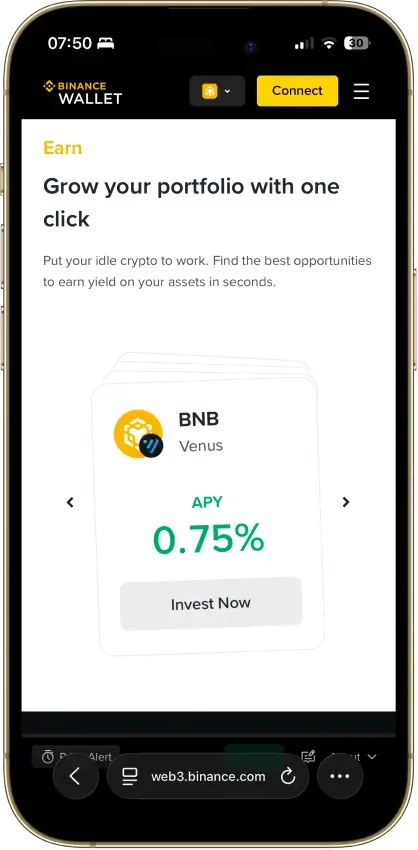
Simple Yield includes lending through protocols such as Aave and Venus. Those deposits earn through lending, with different risks from delegating a coin to a network validator. Yield+ combines liquid-staking and restaking strategies, adding protocol dependencies and potentially several withdrawal steps. The protocol sets any waiting period, and exits can incur network fees. Examine those conditions alongside the displayed variable return. A contract failure or a fall in the asset's price can reduce the position's value.
Buying Crypto and Moving It Back to an Exchange
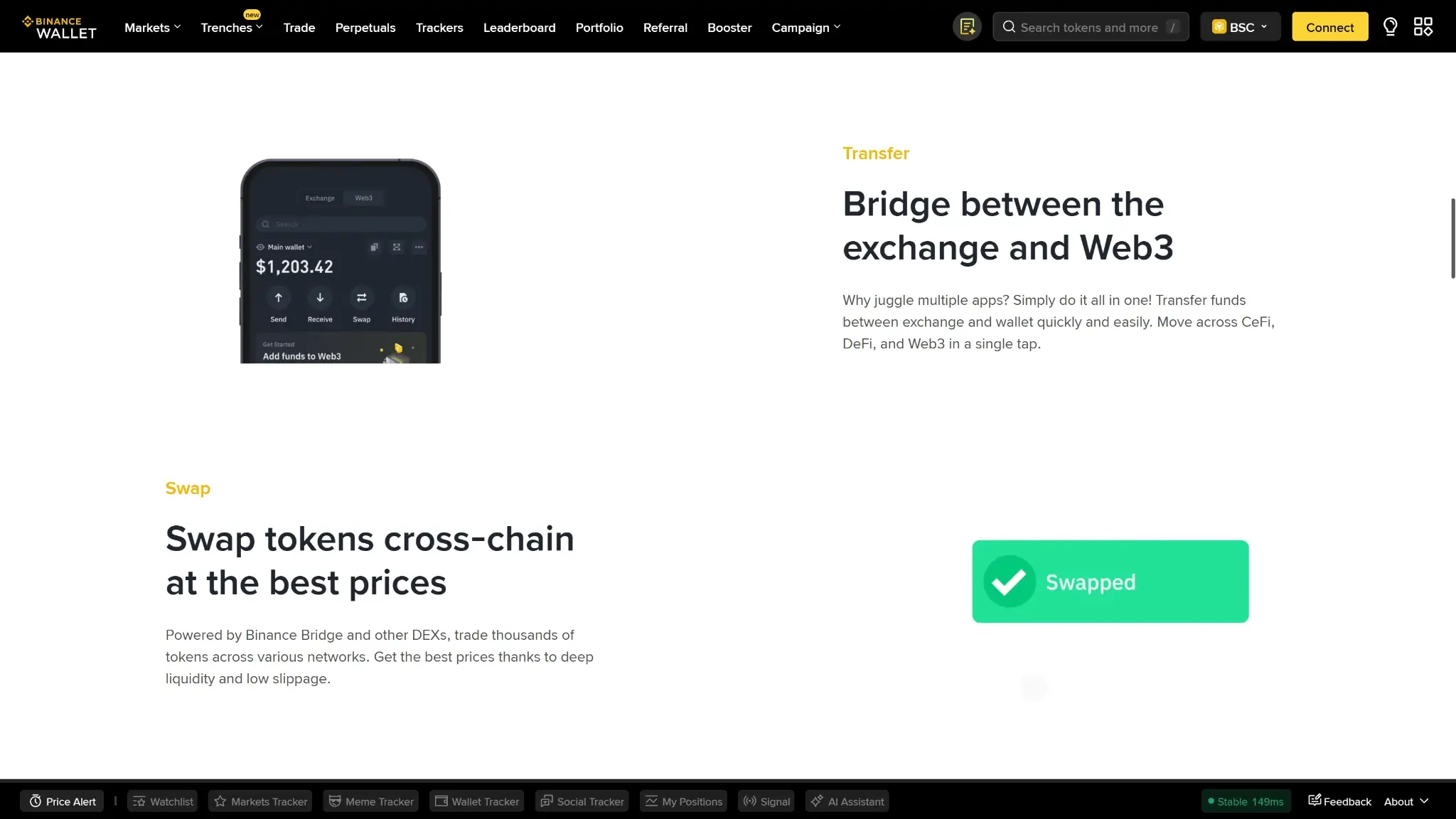
As of September 9, 2026, Binance Pay Onchain purchases require a verified Binance account. Supported choices include credit or debit cards, Apple Pay, Google Pay and Spot balances. The available method and its charges appear during checkout. After payment, the flow withdraws the purchased crypto from Binance to the self-custody wallet.
Eligible users can also pay for some DEX purchases using the Use Exchange Balance function. It draws on Spot or Funding balances through Binance Pay and delivers the purchased token to the wallet. Its documented network options include BNB Smart Chain, Ethereum, Solana and Base, with a verified linked account required.
To send funds back to Binance, the wallet's Send flow offers a Binance Deposit Address option. Select a token and network that the exchange accepts, then review the transfer amount and gas fee. Selling and withdrawing fiat are separate exchange services with their own eligibility. In the opposite direction, an exchange account with withdrawal allowlisting enabled needs the wallet address added before it can send funds there.
Binance Wallet Fees
The app is free to download. Binance's June 29, 2026 schedule divides swap service fees by interface and token group. Group 1 covers selected stablecoins, major-chain native tokens and specified tokenized securities. Group 2 contains Alpha tokens. “Other” means tokens outside those groups.
| Interface and Pair | Wallet Service Fee |
|---|---|
| App: Group 1 with Group 1 or Group 2 | 0% |
| App: Group 2 with Group 2, or Other with Other | 0% |
| App: Group 1 or Group 2 with Other | 0.5% |
| Web: Group 1 with Group 1 | 0% |
| Web: Group 1 with Group 2 | 0.01% |
| Web: Group 1 with Other | 0.5% |
The schedule exempts TON swaps, Bridge and Use Exchange Balance from the wallet service fee. That exemption does not remove every possible network or provider cost. The schedule gives no extension-specific rate, so check the fee on the extension's quote screen before trading.
At 0.5%, a $2,000 trade incurs a $10 service charge before other costs. Group membership can change weekly, so check the fee and final output on the transaction screen. Ordinary failed on-chain transactions may still consume gas. Card purchases and DeFi withdrawals have separate charges.
Who Should Use Binance Wallet?
Binance Wallet is a practical choice for eligible Binance users who regularly fund on-chain trades and want to manage those steps within related interfaces. Its keyless recovery options may appeal to someone willing to maintain account verification and backups instead of a conventional phrase.
Consider another self-custody wallet if you need recovery independent of account-linked services, a documented hardware connection or the same required features on phone and desktop. Verify those requirements for the account you intend to use before moving funds.
Crypto Wallets Pillar Scores
- Custody and key security 30% weight Who can authorize spending, protection of keys and signing, and independent access to every reviewed account type.8.0 / 10
- Security validation and track record 25% weight Independent security assessments, their coverage and findings, plus updates and the handling of known incidents.7.0 / 10
- Transaction safety and signing 20% weight Transaction details, signing warnings, scam checks, permission controls and the handling of unreadable requests.8.0 / 10
- Backup and recovery 10% weight Repeatable backup checks, complete restoration, recovery dependencies, costs and resilience after backup loss.8.0 / 10
- Usability, privacy and costs 10% weight Setup and everyday tasks, accessibility, support guides, data-sharing choices and device, service and transaction costs.7.0 / 10
- Assets, networks and compatibility 5% weight Asset and network support, devices, companion apps and connections needed for the uses covered in the review.8.0 / 10
Final Verdict
Binance Wallet lets eligible users fund on-chain purchases from exchange balances. Keyless setup avoids a conventional recovery phrase, but restoration depends on the selected backup method. Imported accounts need their original secrets, and web trading uses a separate authorization arrangement. For existing eligible users, it can serve as an on-chain trading wallet. Keep the configured backup usable and review the fees before each swap.
Disclaimer: CryptoSlate may receive a commission when you click links on our site and make a purchase or complete an action with a third party. This does not influence our editorial independence, reviews, or ratings, and we always aim to provide accurate, transparent information to our readers.