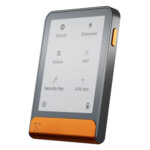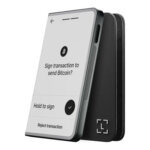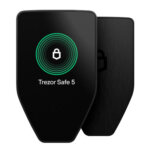


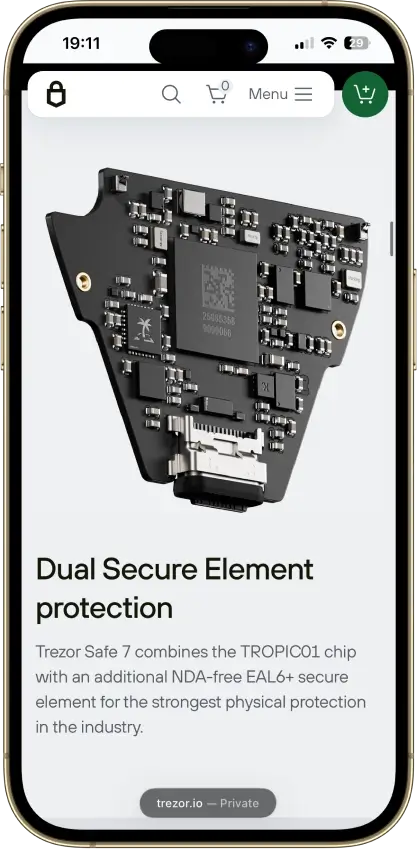
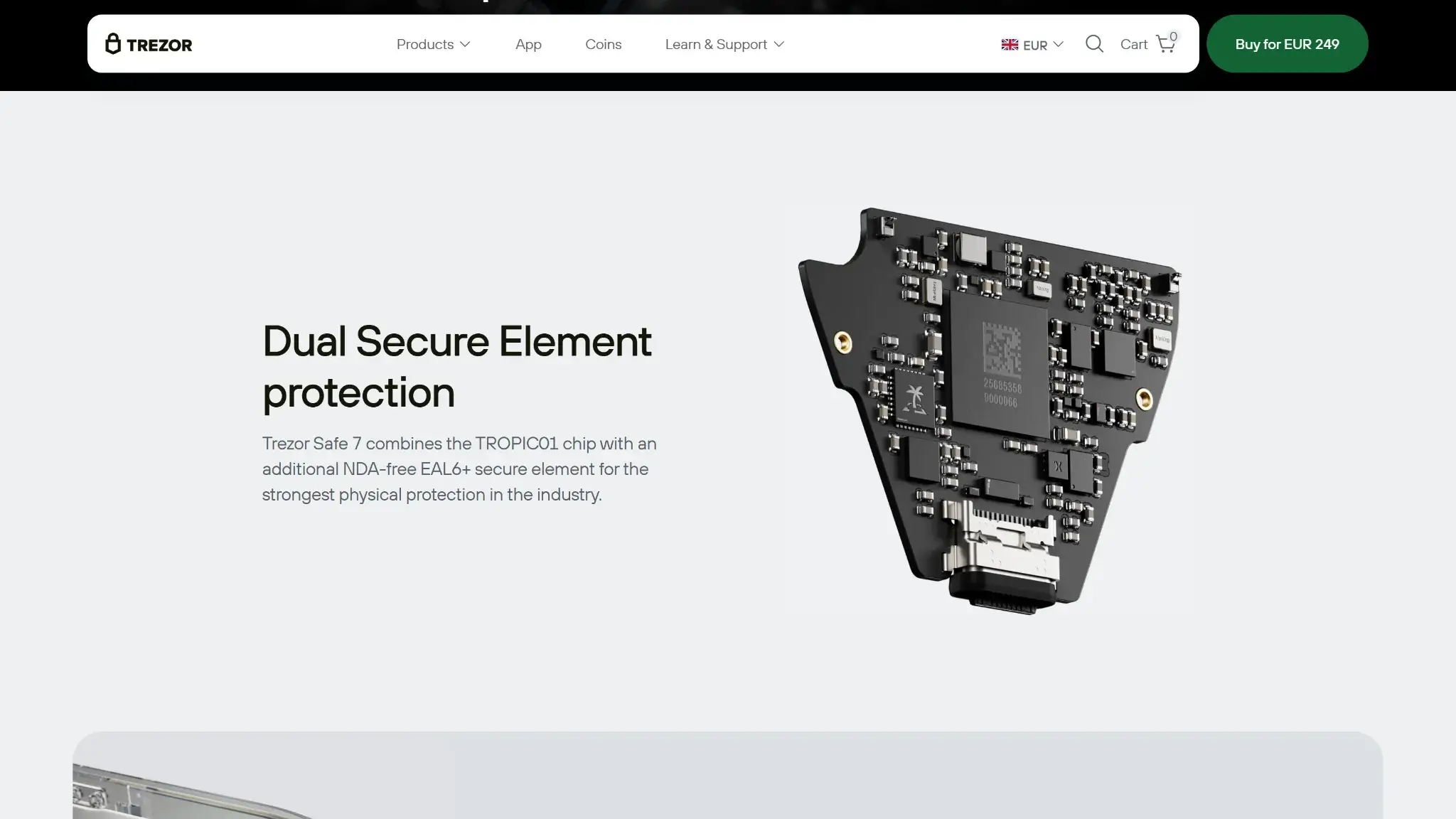
- Two secure elements protect PIN access
- Post-quantum device authentication
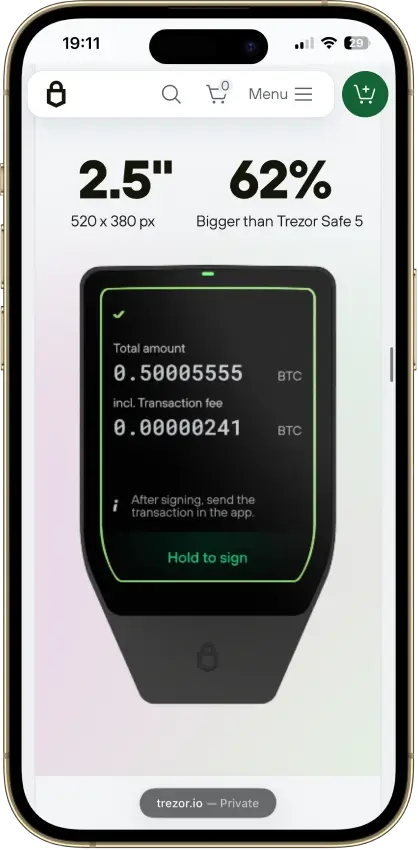
- The only Trezor that signs with an iPhone
Trezor Safe 7 Overview
- Crypto Wallet Name
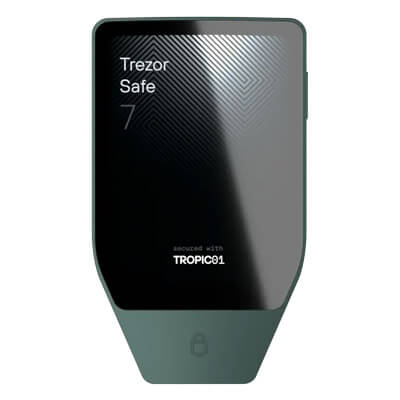
- Trezor Safe 7
- Wallet Type
- Hardware wallet
- Custodial Status
- Non-custodial
- Built-in Swaps
- Yes
- Open-source
- Partially open-source
- Fiat On-ramp
- Yes
Additional details
- Supported Blockchains
- Monero, Bitcoin, Ethereum, BNB Smart Chain, Avalanche, Arbitrum, Base, Optimism, Polygon, Solana
- Token Standards
- ERC-20, BEP-20, SPL
- Platforms
- iOS, Android, Desktop (macOS), Desktop (Windows), Desktop (Linux)
- Hardware Wallet Support
- No
- Staking Support
- Limited
- Hardware Connection Methods
- USB, Bluetooth, WalletConnect
Trezor Safe 7 Screenshots
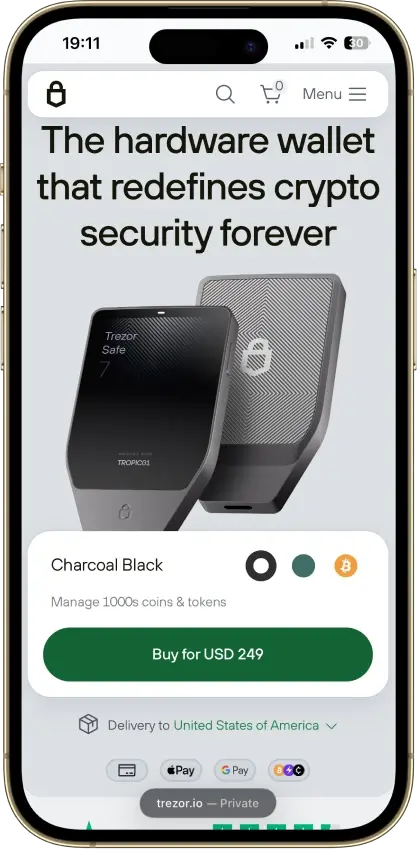
Screenshot 1 of 8
Trezor Safe 7 Pros and Cons
Pros
- Touchscreen backup recovery
- USB operation with a depleted battery
- GPLv3 firmware with reproducible builds
- Choice of single or multi-share backup
- Clear Signing for supported EVM contracts
Cons
- Costs $120 more than the Safe 5
- Battery cannot be replaced by the user
- Disclosed physical TROPIC01 vulnerability
- Monero needs a separate app
- iPhone signing works only over Bluetooth
What Trezor Safe 7 Is
| Key Fact | Detail |
|---|---|
| Type and custody | Self-custody hardware wallet |
| Connections | Bluetooth and USB-C. iPhone signing uses Bluetooth, USB-C charges only |
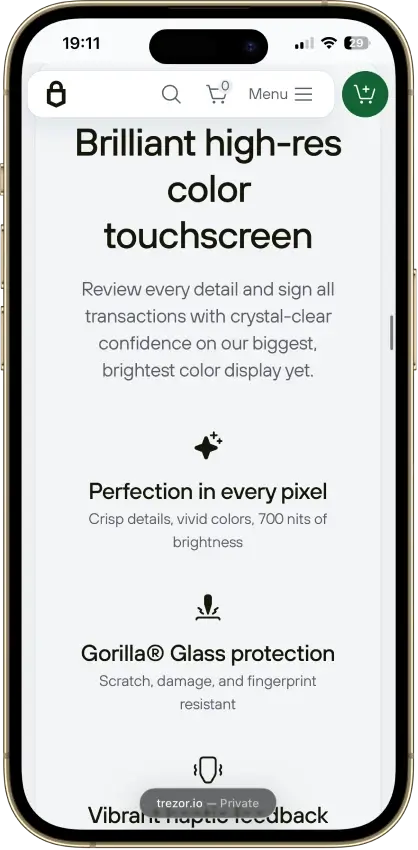
| Screen | Color touchscreen, 520 × 380 pixels, haptic feedback |
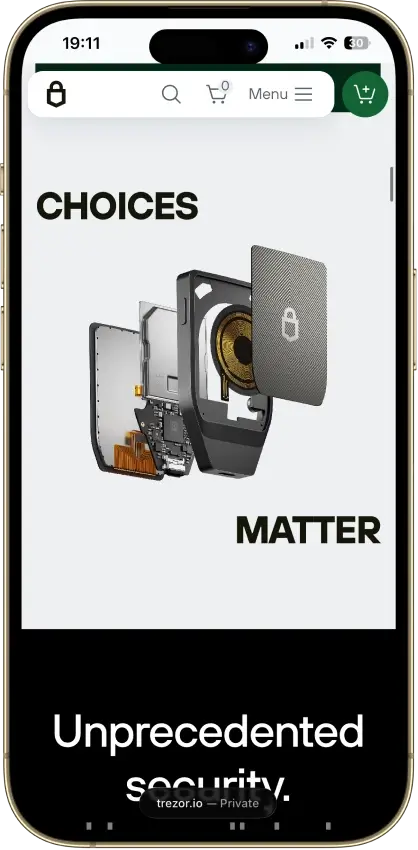
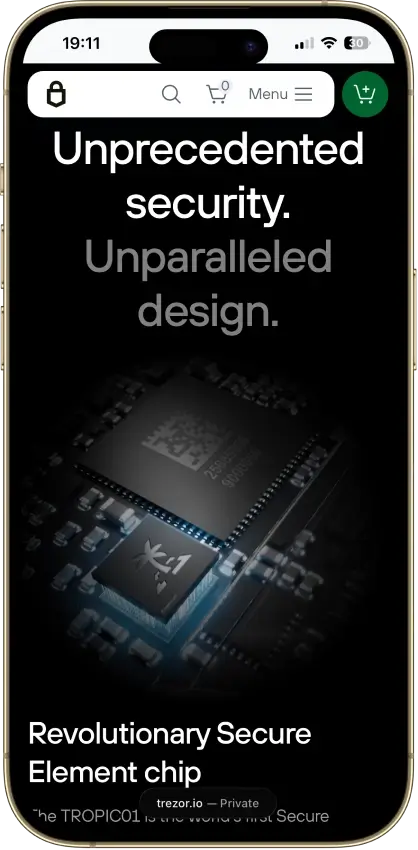
| Security hardware | TROPIC01, OPTIGA Trust M and STM32U5 MCU |
| Certification scope | OPTIGA component rated CC EAL6+, not the whole wallet |
| Software transparency | GPLv3 core firmware, restricted reference-source Suite license |
| Example assets | Bitcoin, Ethereum, Solana, Cardano and XRP |
| Backup | SLIP39 single/multi-share or BIP39 recovery |
| Services | Provider purchases and swaps, ETH/SOL/ADA staking |
| Device offer | $249 USD, checked September 10, 2026 |
| Company | Trezor Company s.r.o., Prague, Czech Republic |
| Purchase availability | Trezor's shipping guide directs buyers to the checkout country selector |
This assessment uses product documentation and security disclosures, alongside public licenses, changelogs and build instructions. It includes no hands-on device, battery, transaction or recovery test.
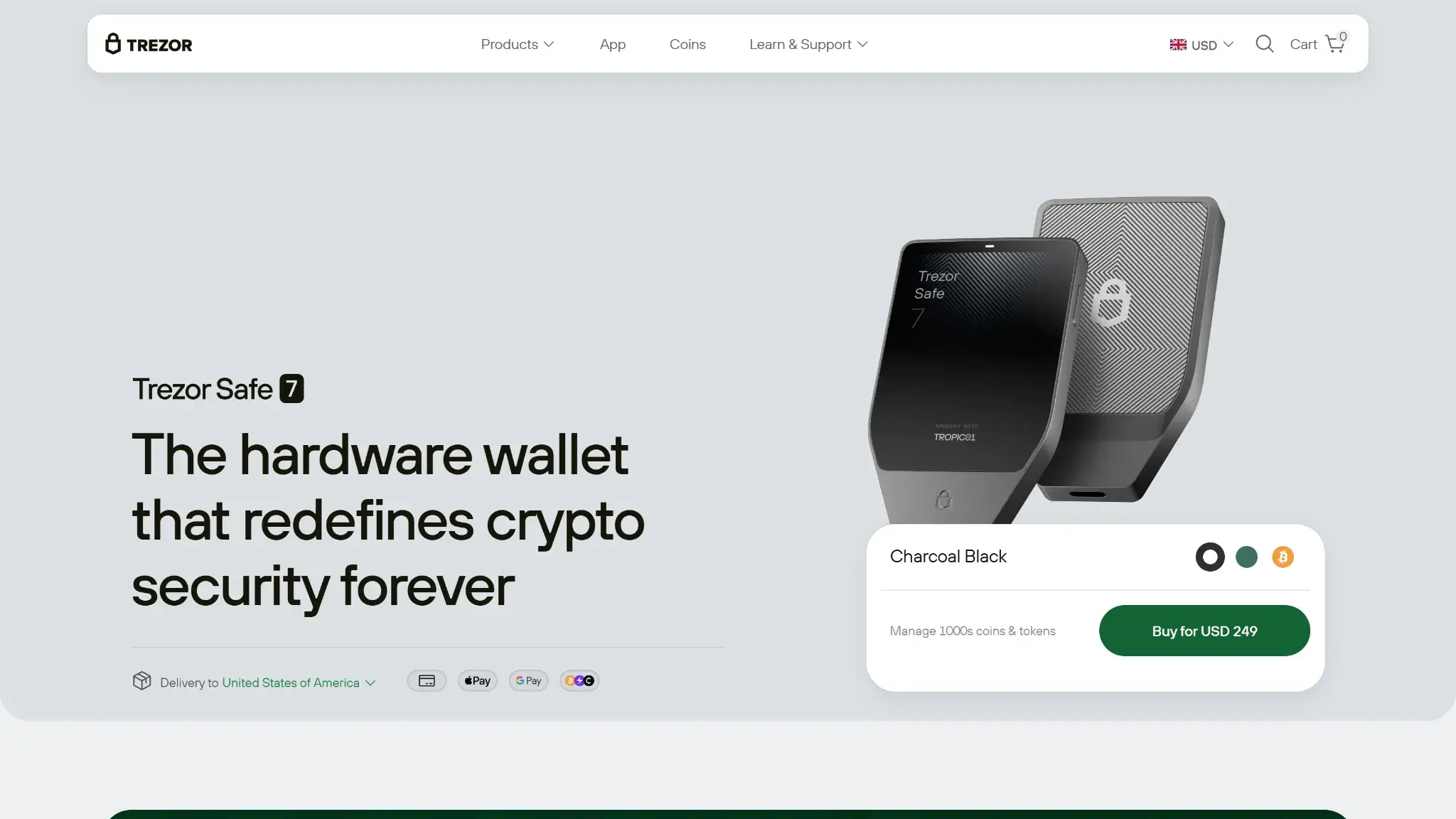
Safe 7 is the wireless model in Trezor's hardware-wallet range. Trezor Company s.r.o. supplies the device and its companion app, Trezor Suite. Standard firmware supports multiple assets, while Bitcoin-only firmware removes the altcoin functions.
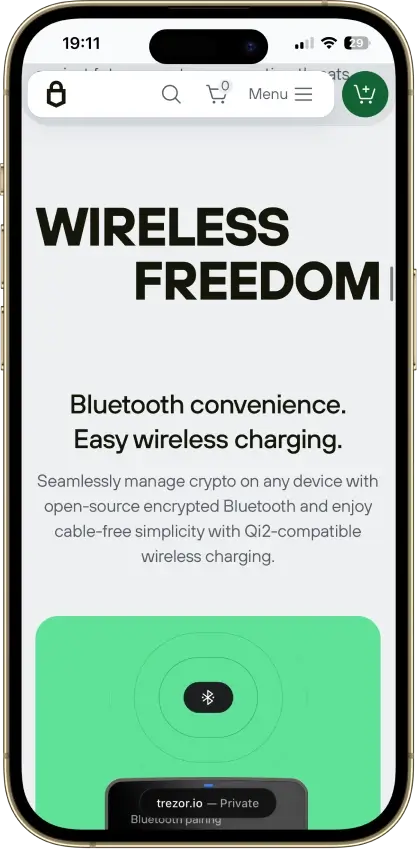
The aluminum device weighs 45 g and has Gorilla Glass 3 over its display. Its 330 mAh LiFePO4 battery charges through USB-C or Qi2-compatible wireless charging. Charging transfers power, not a transaction approval.
As a self-custody hardware wallet, Safe 7 displays transaction requests on its 2.5-inch screen for approval while Suite prepares them on a connected phone or computer.
Security And Custody
PIN Protection And The Three Chips
Trezor's architecture stores the wallet backup encrypted in the STM32U5 microcontroller's flash memory. TROPIC01 and OPTIGA Trust M hold separate secrets used with the PIN to decrypt that storage. The PIN itself is not stored. After 10 incorrect attempts, Safe 7 erases the wallet from the device, making a usable backup essential for recovery.
The two secure elements are intended to prevent access after a single component fails. OPTIGA's CC EAL6+ certification applies to that chip, not every part of Safe 7 or the services accessed through it. Possession of a valid backup and any required passphrase can allow recovery without the original device or PIN.
What The TROPIC01 Attack Demonstrated
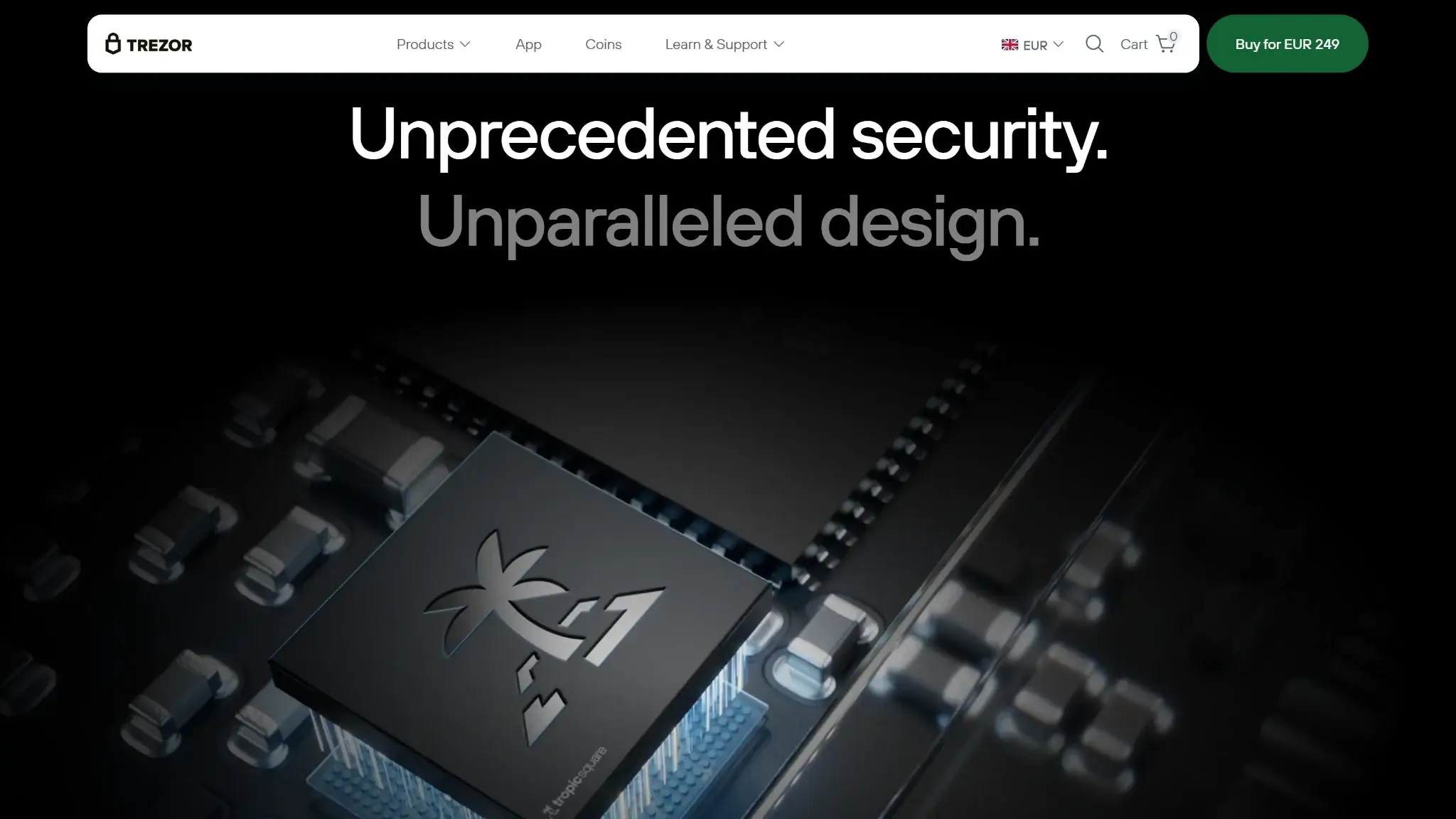
Ledger's Donjon security team described a TROPIC01 laser fault-injection attack on June 3, 2026. It bypassed signature verification and ran unauthorized firmware on chip samples. The work required physical access, preparation of the silicon and specialist laboratory equipment.
Donjon's initial tests left the chip's MAC-and-Destroy secret storage intact. Later research by Tropic Square and Donjon compromised that protection. Donjon also bypassed the maintenance-mode mitigation with an additional fault.
Trezor says compromising TROPIC01 alone does not expose Safe 7's PIN, wallet backup or funds because other protections remain. The chip research does not demonstrate recovery of a complete Safe 7 wallet.
Trezor says a fix for the affected hardware cannot arrive through a remote firmware update. Tropic Square plans revised silicon for late 2026, but that plan does not establish which chip revision a buyer will receive today.
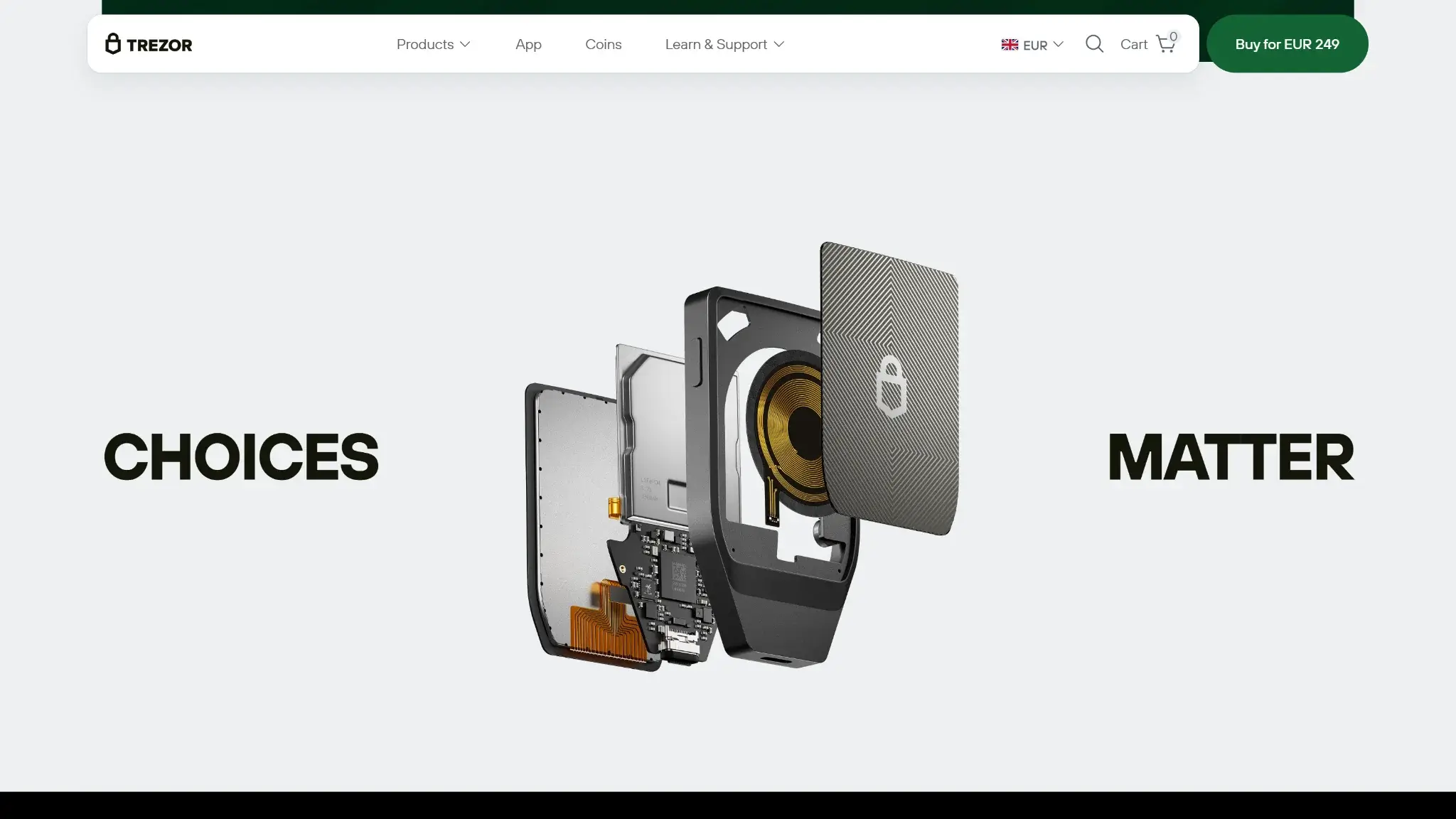
Open Firmware Is Not An Entirely Open Product
The main firmware is GPLv3-licensed, and Trezor provides instructions for reproducing firmware builds. Suite's separate Trezor Reference Source License restricts reuse and redistribution. Access to its code is not the same as an unrestricted open-source license.
Donjon inspected TROPIC01's public SPECT coprocessor boot ROM. The CPU boot ROM and laser detectors are proprietary, and OPTIGA also contains proprietary software. Transparency differs by component.
Trezor runs a bug-bounty program. Its Safe 7 firmware changelog records security fixes, including pairing and transaction-confirmation changes. Separately, its vulnerability register describes corrected pairing-code validation and per-chip authenticity-proof issues, disclosed in June 2026 and August 2026 respectively. Those records describe the vendor's fixes, not independent confirmation that every attack path is closed.
What Quantum Protection Covers
Safe 7 uses post-quantum cryptography for device integrity. Its documented update-verification design combines classical Ed25519 with SLH-DSA, while MCU device attestation uses ML-DSA-44. These protections concern what software the device accepts and how it proves its identity.
Bitcoin and other networks have their own transaction-signature rules. Buying Safe 7 does not replace those rules or protect existing blockchain signatures from a future quantum attack. Network upgrades and compatible wallet software would still be needed.
Customer Data And Phishing History
Trezor's service-provider history is relevant even though customer contact records are separate from wallet keys.
- In 2022, attackers used a Mailchimp breach to target Trezor customers with phishing messages. Mailchimp confirmed the breach to BleepingComputer, and Trezor acknowledged the campaign.
- In January 2024, unauthorized access to a third-party support portal potentially exposed names or nicknames and email addresses for up to 66,000 contacts. Trezor said it revoked access and warned those contacts.
- In June 2025, attackers abused support-ticket auto-replies to deliver phishing text from a legitimate Trezor email address. This was support-system abuse, not evidence that Safe 7 signing keys had been extracted.
- Trezor's September 4, 2026 ShipMonk update identified about 67,000 additional affected US customers with old order records from 2019–2021. Data included shipping addresses and phone numbers. Trezor said the records remained despite deletion assurances and warned of phishing and physical-security risks.
- On September 9, Trezor warned that a third-party email provider had been breached and that an email alleging an STM32 entropy problem was phishing. Its notice described an investigation into use of the legitimate sending domain. That notice does not establish a Safe 7 hardware failure.
The September 9 phishing alert involved Trezor's legitimate sending domain, so the sender address alone cannot authenticate a security message. Open Trezor Suite or the official website independently to check the alert. Never submit backup words to a website, email sender or support agent.
Trezor Safe 7 Supported Coins And Apps
Safe 7's firmware support and an app's ability to use it are separate checks. A token logo on a product page does not tell you which app can sign its transactions.
| Asset Or Activity | Documented Route | Important Limit |
|---|---|---|
| Bitcoin | Trezor Suite | Standard or Bitcoin-only firmware |
| Ethereum and supported ERC-20 tokens | Trezor Suite | Use the correct supported network |
| Solana, Cardano and XRP | Trezor Suite | Capabilities depend on the asset and app |
| Monero | Cake Wallet on iOS and Android | Not native to Trezor Suite |
| EVM dApps | Supported WalletConnect/Connect integrations | Contract decoding and network support vary |
Monero uses a separate app because Trezor Suite does not support it. Safe 7 works with Cake Wallet on iOS and Android. Cake Wallet's v6.2.0 release notes announced Trezor Monero support in June 2026, and a later Trezor forum response identifies Cake as a Safe 7 route. Replies in that thread also report difficulty connecting. Confirm the current Cake version, operating system and passphrase support before committing to that setup.
Monero GUI and Monero CLI do not support Safe 7. A companion app must support Safe 7's communication protocol as well as the asset.
Wireless Use, Setup And Recovery
Phone And Computer Connections
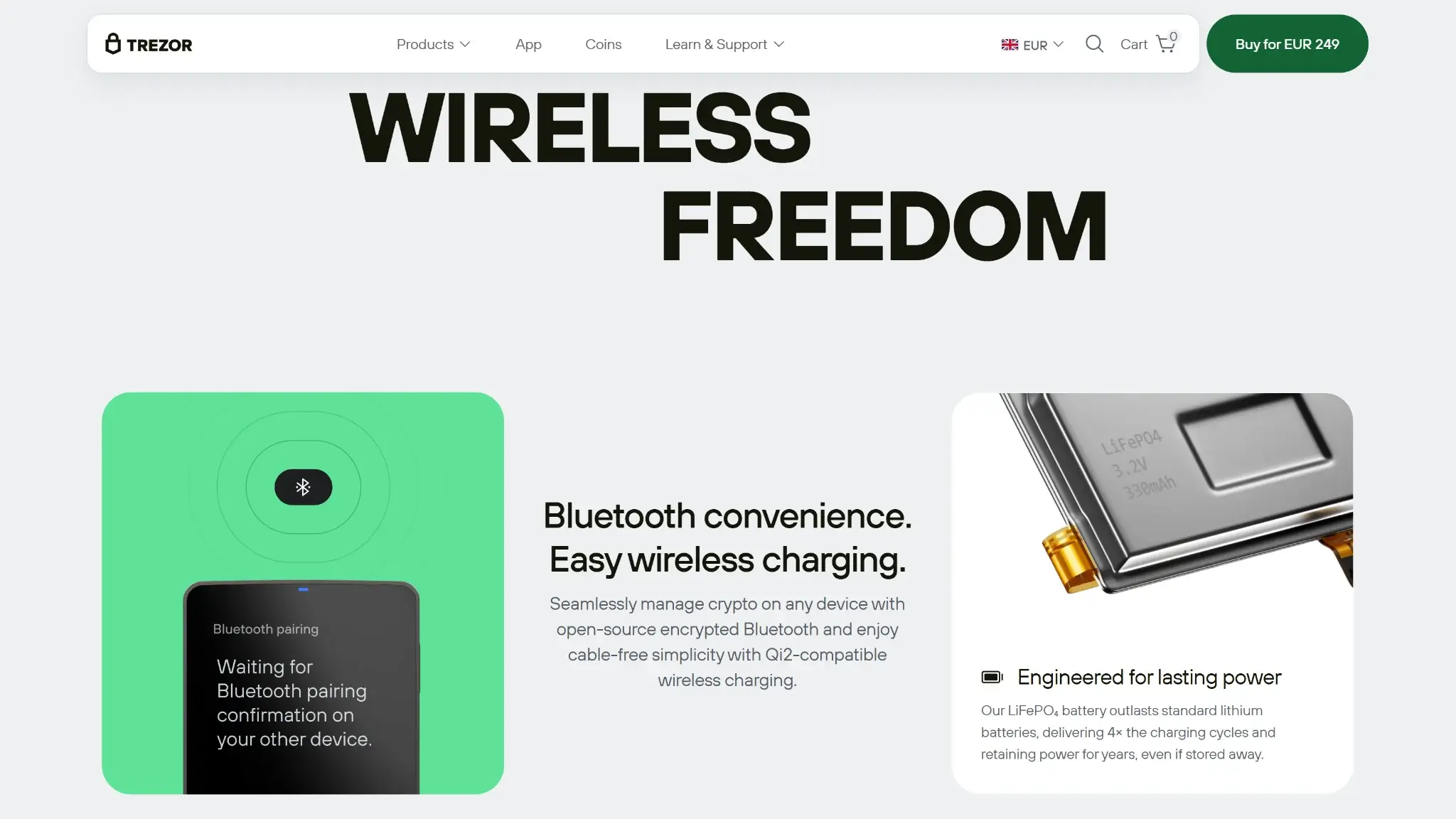
Safe 7 can use Bluetooth with iOS, Android, Windows, macOS and Linux. Android and compatible computers also support USB-C. On an iPhone, the USB-C connection is for charging only, so disabling Bluetooth removes the phone's signing connection.
Trezor Host Protocol adds encrypted, authenticated communication over Bluetooth and USB. That does not make the device air-gapped or make a compromised app trustworthy. Verify pairing codes and read the transaction on Safe 7 before approving it.
The battery is not user-replaceable. A depleted Safe 7 can still operate when powered through USB-C. This fallback is useful for a computer-based owner, but it is not an alternative wired signing route for an iPhone.
Getting Started
The documented setup begins with Trezor Suite, package checks, firmware installation and device authentication. A new wallet then displays its backup on Safe 7. The default recommendation is a 20-word single-share SLIP39 backup.
Record the words privately and run Suite's backup check before transferring a substantial balance. Do not use a recovery card with words already filled in by a seller.
Recovering A Lost Device
Recovery requires a valid backup and, for a passphrase wallet, the exact passphrase. Safe 7 accepts supported BIP39 and SLIP39 backups through its touchscreen. A usable backup lets you recover after losing the device. Losing both the device and every usable backup can leave the funds inaccessible.
Multi-share SLIP39 lets you choose a recovery threshold. A two-of-three arrangement can survive one missing share, provided the other two are usable. It also means keeping track of separate locations. Creating new shares does not invalidate an older usable backup, so old copies still need protection.
An optional passphrase creates a different wallet from the same backup. It is case-sensitive, and a typo can open an empty wallet. Safe 7 supports on-device entry, although Suite also offers host entry. Keep a secure recovery record of the exact passphrase. Customer support cannot reset it.
Swaps, Staking And Other Features
Core wallet setup creates the backup and PIN on Safe 7. Buying and selling in Trezor Suite use providers such as MoonPay and Banxa, which set their own eligibility and identity requirements. Those conditions depend on the country and payment method.
Swaps include centralized providers such as Changelly and ChangeNOW, plus decentralized routes through 1inch and LI.FI. Centralized swaps send funds to a provider for exchange. DEX routes involve smart contracts and may require token-spending approval. Review the allowance as well as the expected output. Slippage tolerance is a limit on acceptable price movement, not the wallet's service-fee rate.
As of October 23, 2026, Trezor Suite supports trading on iOS with Safe 7. Available providers and services depend on your country, payment method and asset. Check the actual offer in the installed app before relying on a particular trading service.
| Cost Or Service | Cost Terms | What To Check |
|---|---|---|
| Purchases and swaps | Dynamic provider pricing and network costs | Final receive amount, spread, payment costs and identity checks |
| ETH staking | Everstake, 10% commission on rewards | Contract/provider risk and withdrawal processing |
| SOL staking | Everstake, 7% commission on rewards | Validator performance, activation and unstaking delays |
| ADA staking | Stake-pool delegation | Pool fees, network fee and refundable 2 ADA registration deposit |
Staking rewards fluctuate. ETH staking uses Everstake's contracts and infrastructure, and Trezor warns that provider failure can put recovery of staked funds at risk. Holding the signing key does not remove that exposure. SOL staking is delegation, with a cooldown before unstaked funds become available. Provider jurisdiction rules can also limit access.
Trezor announced expanded Clear Signing on September 7, 2026 for supported EVM contracts on updated standard firmware, including Safe 7. It uses ERC-7730 descriptions to show supported actions and transaction details on the device. Unsupported contracts still produce the blind-signing experience and warning. A touchscreen cannot explain a contract the software does not decode.
Trezor Safe 7 Price And Ownership Costs
The official product page listed $249 USD on September 10, 2026. Check the selected edition, accessories and delivered total before paying. Trezor's shipping guide directs buyers to the checkout country selector to confirm delivery eligibility. A store listing is not a promise that every integrated service is available in that country.
Basic Suite use has no ongoing subscription fee. Network transactions and optional providers still cost money. Compare the amount an exchange or swap will deliver, not just a headline fee. Add any backup-storage accessories you intend to buy to the device budget.
If you usually sign at a desk, Trezor Safe 5 is a wired touchscreen alternative.
Who Trezor Safe 7 Suits
Safe 7 fits owners who prepare transactions on a phone and want a dedicated device for approvals. The iPhone connection is a practical reason to choose it. Its recovery options also suit users prepared to document and maintain their own backup arrangements.
It is a poor fit if you want account-based recovery or insist on a radio-free device. Buyers primarily interested in Monero should establish their exact app route first. The TROPIC01 attack is particularly relevant if an adversary could obtain your device and use specialist laboratory equipment.
Crypto Wallets Pillar Scores
- Custody and key security 30% weight Who can authorize spending, protection of keys and signing, and independent access to every reviewed account type.9.5 / 10
- Security validation and track record 25% weight Independent security assessments, their coverage and findings, plus updates and the handling of known incidents.7.0 / 10
- Transaction safety and signing 20% weight Transaction details, signing warnings, scam checks, permission controls and the handling of unreadable requests.8.5 / 10
- Backup and recovery 10% weight Repeatable backup checks, complete restoration, recovery dependencies, costs and resilience after backup loss.10.0 / 10
- Usability, privacy and costs 10% weight Setup and everyday tasks, accessibility, support guides, data-sharing choices and device, service and transaction costs.9.0 / 10
- Assets, networks and compatibility 5% weight Asset and network support, devices, companion apps and connections needed for the uses covered in the review.8.0 / 10
Final Verdict
Safe 7 offers a useful combination of phone connectivity and on-device controls, with recovery choices that extend beyond a single paper backup. The price makes most sense when those features will see regular use. The TROPIC01 flaw remains a physical-security concern, while provider-data breaches increase phishing exposure. Quantum protection applies to device integrity. For an iPhone owner who accepts those limits and can maintain a recoverable backup, the wireless approval screen can justify the $249 cost.
CryptoSlate may earn a commission when you use partner links, at no extra cost to you. Our reviews, ratings, and editorial decisions remain independent of advertisers. Read How CryptoSlate Makes Money for funding details.