

- Up to 100 apps, depending on size
- Wireless firmware updates from a phone
- Made by Ledger, a French company
Ledger Nano X Overview
- Crypto Wallet Name
- Ledger Nano X
- Wallet Type
- Hardware wallet
- Custodial Status
- Non-custodial
- Built-in Swaps
- Yes
- Open-source
- Partially open-source
- Fiat On-ramp
- Yes
Additional details
- Supported Blockchains
- Bitcoin, Ethereum, BNB Smart Chain, Avalanche, Tron, Arbitrum, Base, Optimism, Polygon, Solana, Monero
- Token Standards
- ERC-20, BEP-20, SPL, TRC-20
- Platforms
- iOS, Android, Desktop (Windows), Desktop (macOS), Desktop (Linux)
- Hardware Wallet Support
- No
- Staking Support
- Limited
- Hardware Connection Methods
- USB, Bluetooth
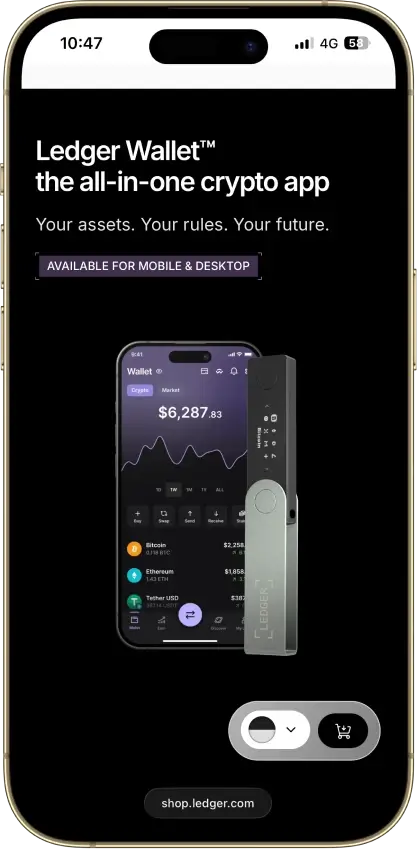
Ledger Nano X Screenshots
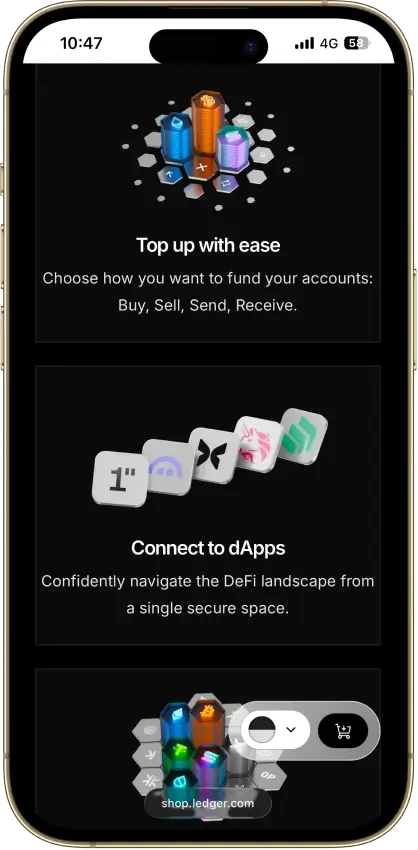
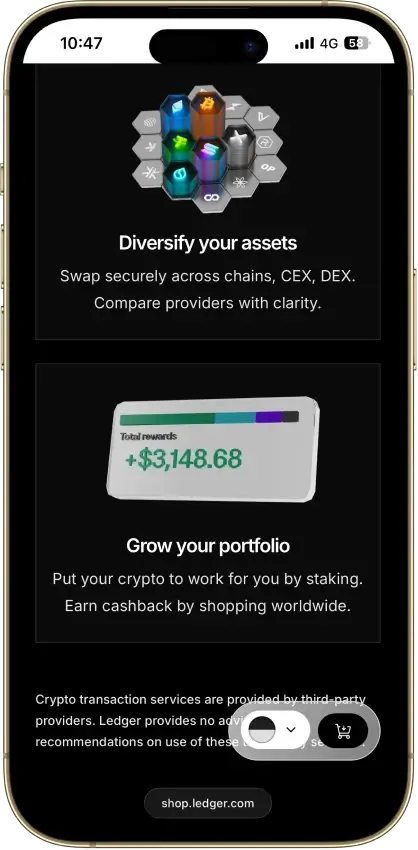
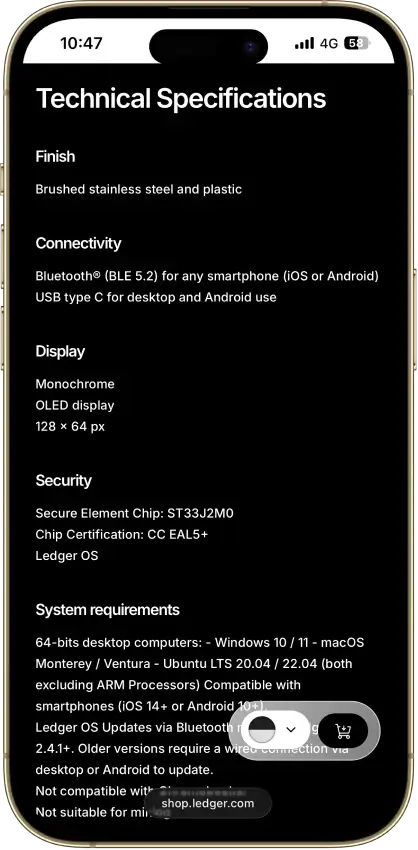
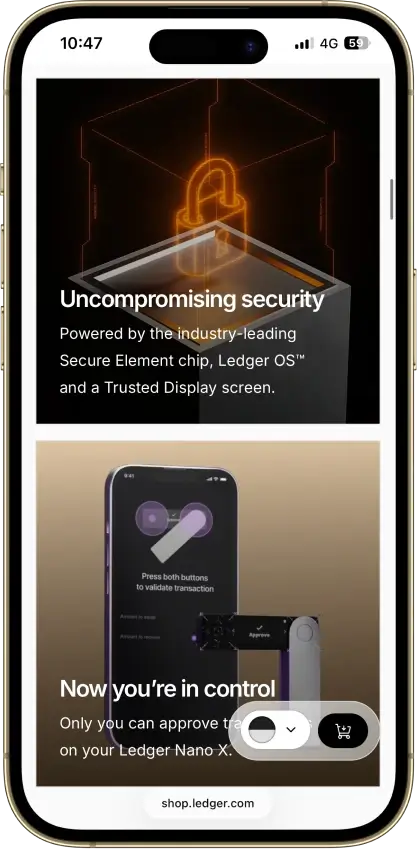
Screenshot 1 of 8
Ledger Nano X Pros and Cons
Pros
- CC EAL5+ certified Secure Element
- Public companion and device-app code
- Optional passphrase accounts
- Bluetooth for phones, USB-C for desktops
- Encrypted Bluetooth with pairing codes
Cons
- Small display requires scrolling
- Low-level firmware remains closed
- Apps need their own security updates
- 2026 Monero app flaw could expose keys
What Is Ledger Nano X?
| Quick Facts | Details |
|---|---|
| Company | Ledger SAS, France |
| Wallet Type | Hardware wallet |
| Custody | User-controlled keys, optional provider-assisted recovery |
| Source Code | Public companion and app code, closed low-level firmware |
| Asset Coverage | 500+ assets in Ledger Wallet, with others through compatible interfaces |
| Platforms | Compatible Windows, macOS, Linux, Android and iOS devices |
| Connectivity | Bluetooth for iOS and Android, USB-C for desktop and Android |
| Display | 1.1-inch monochrome OLED, two-button navigation |
| Security Hardware | ST33J2M0 Secure Element with CC EAL5+ chip certification |
| Backup | 24-word phrase, optional passphrase or paid Ledger Recover |
| Advertised Price | $99 in Ledger's lineup, regional checkout varies |
| Fiat On-Ramp | MoonPay, Transak and other providers, subject to their own ID checks |
| Swap and Staking | Integrated swap providers, staking routes including ETH and SOL |
| US Purchases | Global-e US Inc. is the seller under Ledger's terms, subject to order and service eligibility |
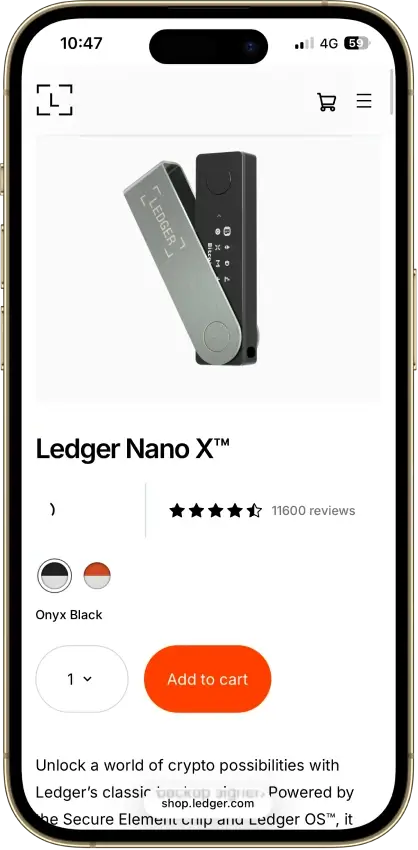
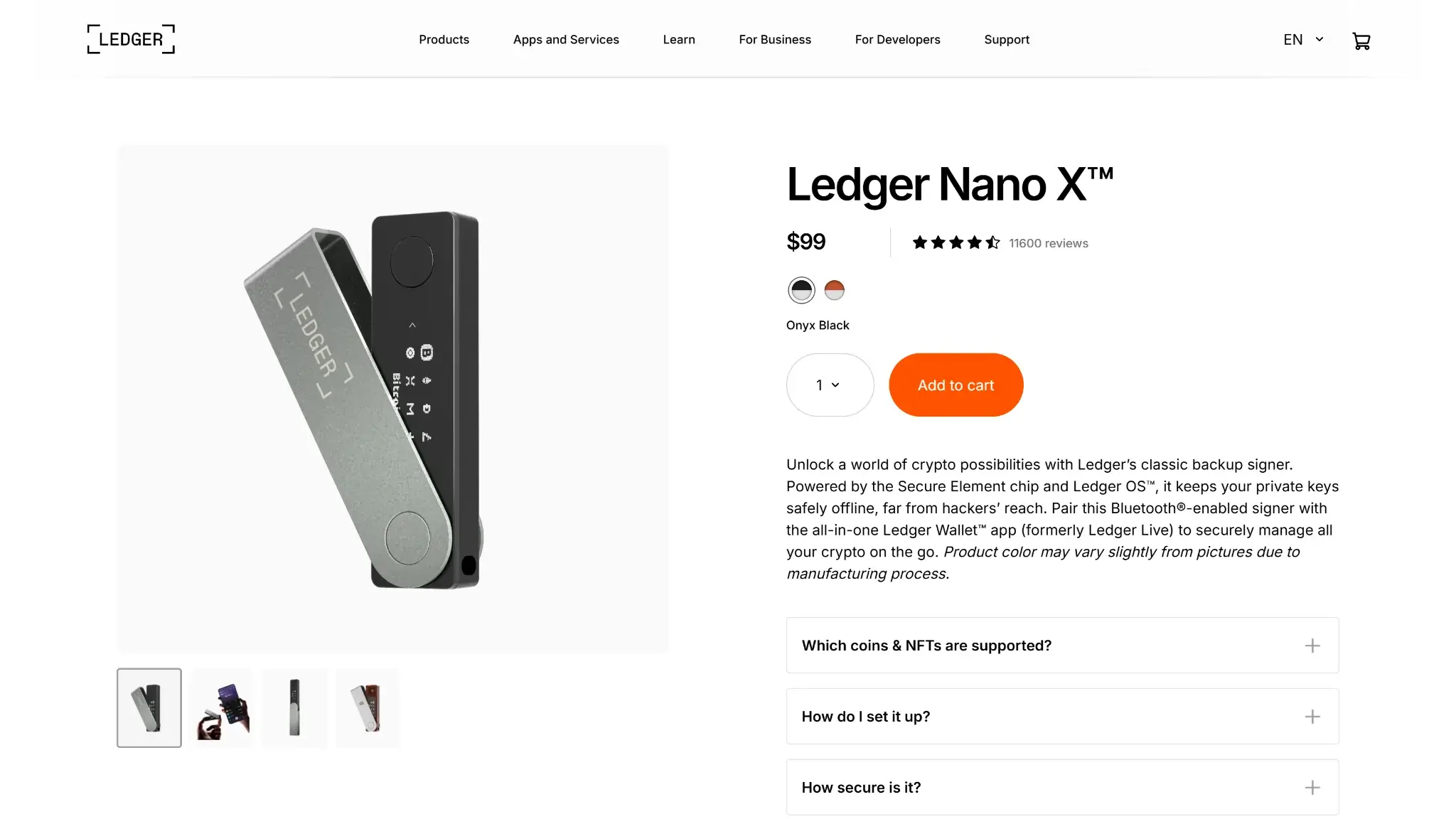
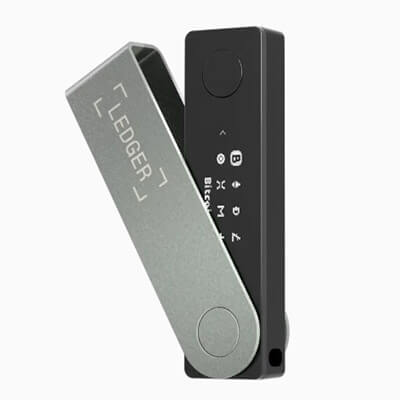
Ledger Nano X is a rechargeable hardware wallet from France's Ledger SAS. It works with Ledger Wallet, the companion app previously called Ledger Live. The phone or computer prepares a transaction, and the Nano X handles signing. Assets remain on their blockchains. The device holds the secrets needed to access them.
Bluetooth removes the cable between a compatible phone and the signer. Desktop use goes through USB, and you can disable Bluetooth when using that connection. Firmware and installed blockchain apps need maintenance with either connection. Faulty app code and deceptive transactions remain risks when signing over USB as well as wirelessly.
The companion brings account management and transaction services into one interface. Buying crypto or using its optional recovery service introduces providers with their own terms. Ledger's sales terms identify Global-e as the seller, including a US seller for US customers. Shipping and service eligibility still need checking for the intended destination.
Ledger Nano X Security and Disclosures
The Nano X uses an ST33J2M0 Secure Element with CC EAL5+ chip certification. Application security also depends on the code running on that chip. Ledger's Bluetooth design uses encrypted communication and pairing-code comparison. The Secure Element handles sensitive signing operations and the device's approval interface.
ANSSI's Nano X security target identifies embedded OS 2.1.0 and limits the evaluated application scope to Dashboard, Bitcoin and Ethereum. Its assessment concerns that historical configuration. Some Ledger software has public source code, including the companion and device applications, while low-level firmware remains closed. Ledger's Donjon bug bounty accepts external reports, including the MCU issue below.
Firmware and Coin-App Flaws
Ledger's January 2025 bulletin LSB021 describes an MCU firmware-update flaw that could make a device permanently unusable. The fix starts at Nano X OS 2.4.2. VulnCheck also lists affected Nano X versions under CVE-2025-15645. Ledger characterizes this as an operability issue, with customer funds not at risk from that flaw.
In its June 2026 Monero disclosure, Ledger said a compromised host could recover Monero view and spend keys when the vulnerable Monero app was open on an unlocked device. The command required no confirmation. Monero app 2.1.4 introduced the fix, and the reporting researcher's public record acknowledges the disclosure. Keys already obtained by an attacker remain exposed after an app update.
In July 2026, Zilliqa disclosed a separate flaw in its Ledger app for legacy, non-EVM transactions. Weak signing randomness let attackers derive individual account keys from public signatures, with theft confirmed in the project's post-mortem. Zilliqa says the defect did not expose recovery phrases or affect its EVM signing path. Updating the app cannot repair previously exposed account keys. Zilliqa's September 2 update described exchange migration already under way and a retail migration tool still planned for mid-September.
Three August 2026 bulletins concern signing behavior:
- LSB023 describes host commands changing transaction parameters during a pending review in affected apps. Ethereum 1.22.2 added an initial guard. The broader SDK fix requires replacement apps built with the correction, so a device OS update alone is insufficient.
- LSB024 concerns large operation arrays being incompletely displayed even though the signature covered the full transaction. Exploitation requires a compromised host and an unusual operation array. The disclosed proof of concept used a private fork without real funds. Ethereum 1.22.3 fixed the issue.
- In LSB025, the swap flow could sign an approval when the intended operation was a payment. The attacker could not change the asset, amount or deposit address agreed with the provider. Moving funds would require a separate action after the approval. Ethereum 1.22.3 also fixed this flaw.
Decrypt reported OneKey's lab reproduction against the earlier Ethereum 1.22.1 app. Ledger said it had no evidence of user exploitation for LSB023 and LSB025. Ethereum 1.22.3 addressed the two flaws left after the earlier patch. Ethereum 1.22.3 is the earliest fixed version for both LSB024 and LSB025.
For Nano X owners, LSB024 makes accurate transaction display an app-version issue as well as a reason to read the screen before approving.
Customer Data and Connect Kit
Ledger's 2020 e-commerce breach exposed customer contact information, including postal addresses. That was separate from extracting keys from a Nano X, but exposed contact details can support targeted phishing and physical threats.
In December 2023, malicious Ledger Connect Kit software prompted users to approve transactions that drained funds. A phished former employee's publishing account enabled the supply-chain compromise. The Connect Kit incident caused losses without requiring an attacker to extract a device's seed.
The January 2026 Global-e breach affected order data at Ledger's commerce provider. BleepingComputer reported exposed names and contact information, while payment details and account credentials were not compromised. Ledger said recovery phrases were not held in the exposed order system.
Supported Coins and Wallet Connections
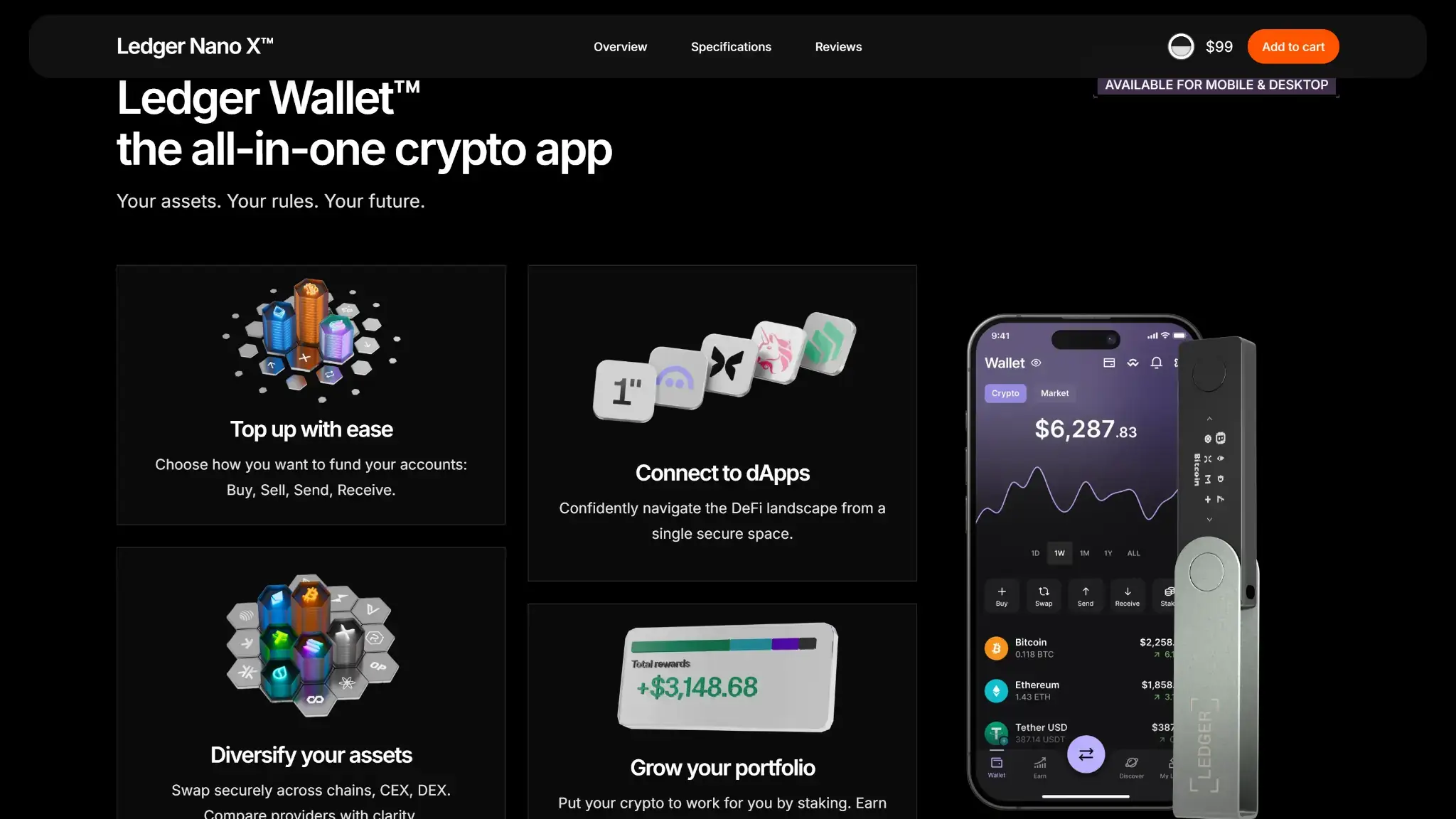
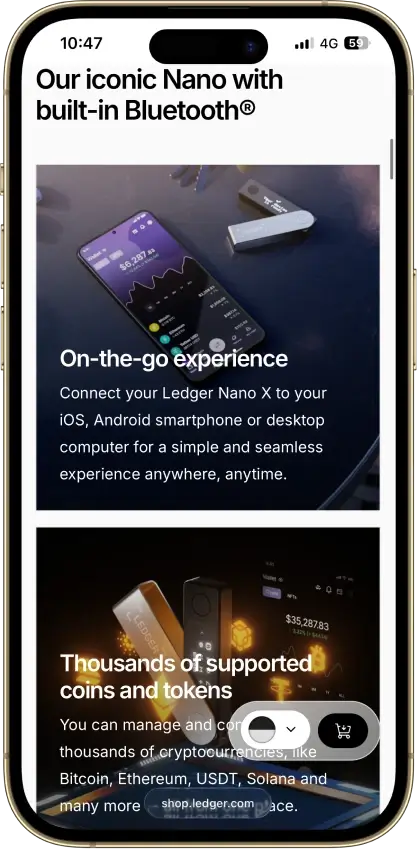
Nano X supports more than 500 assets in Ledger Wallet, including Bitcoin, Ethereum, Solana and XRP. Other assets use compatible third-party interfaces. The same ticker can use different networks, so the receiving wallet needs support for the chosen network.
Nano X supports Monero through interfaces including Monero GUI. XMR management uses that separate interface. The 2.1.4 security fix arrived in the Monero device app.
Nano X holds up to 100 installed apps, with the actual number dependent on app sizes. An app supplies a blockchain's signing functions. Removing an app leaves the assets on-chain, and reinstalling it restores access to its signing functions. The recovery backup remains essential throughout app changes.
Setup, Bluetooth and Battery Use
A new Nano X needs both device setup and companion-app configuration. Use the official setup flow. Ignore recovery prompts received through email or unsolicited support messages.
- Obtain Ledger Wallet through Ledger's download page and follow the official setup flow.
- Initialize the Nano X yourself, choosing a PIN and recording the device-generated recovery words offline. Reject a device supplied with a completed phrase or PIN.
- Pair a compatible phone by comparing the displayed Bluetooth codes, or use a supported USB connection.
- Install current device software and the required blockchain apps, then add the relevant accounts in the companion interface.
- Check the receiving address on the device before funding an account. Keep the recovery words out of websites, phone apps and support conversations.
iPhone Use and Wireless Updates
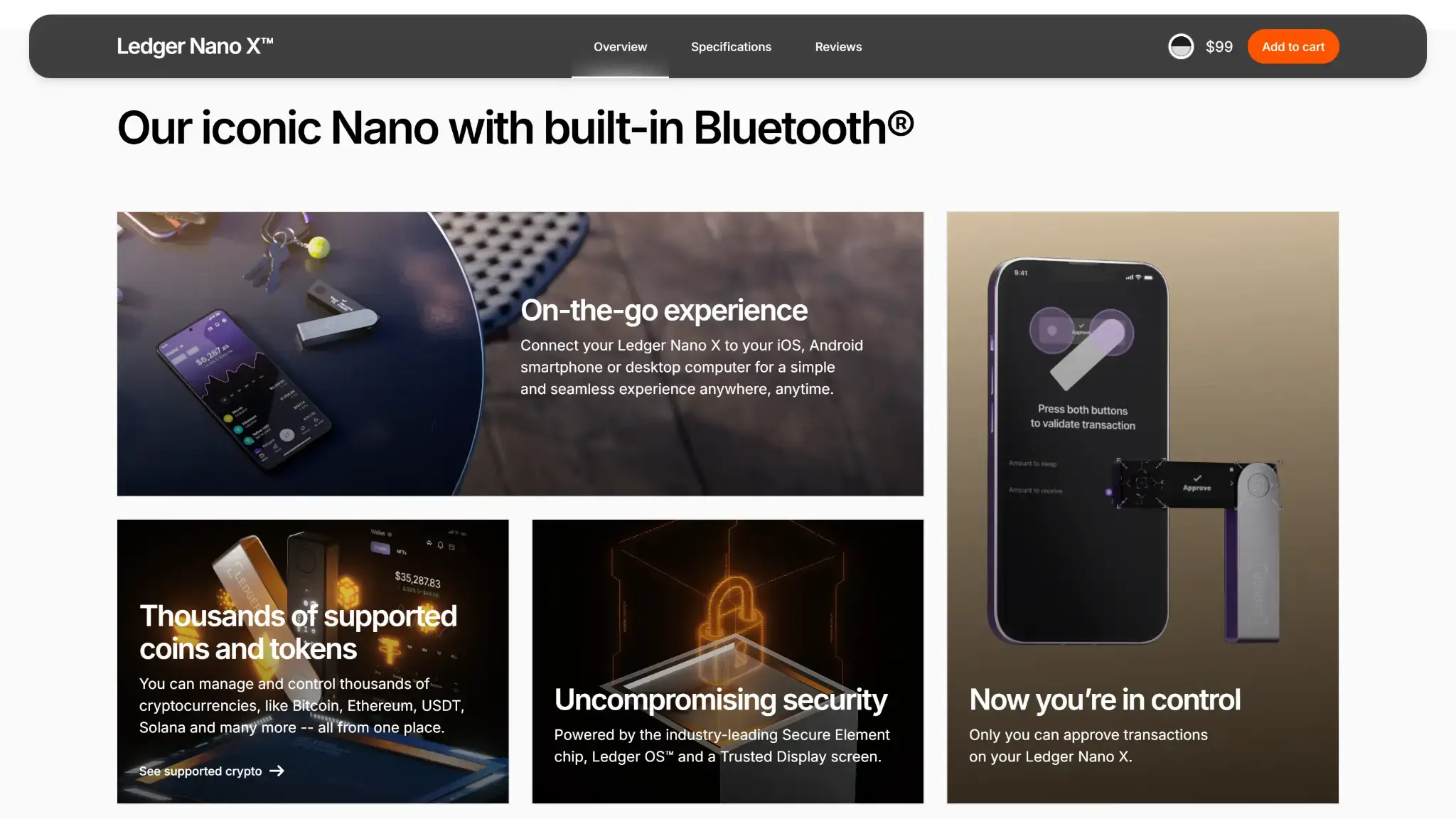
Nano X connects to an iPhone through Bluetooth. USB serves compatible desktop systems and Android.
Wireless OS updates require Nano X OS 2.4.1 or later. A device on older software first needs a wired update using a compatible computer or Android device. That prerequisite is easy to miss when buying the Nano X specifically to avoid a computer. It is also below the LSB021 patch version, so use the currently offered updates rather than stopping at the wireless-update minimum.
Battery Charging and Support
Ledger advertises five hours of battery autonomy for Nano X.
The support instructions explain that a Nano X left unused for weeks or months may need battery conditioning. Check the OS first, then follow Ledger's connected-device conditioning procedure. It can extend to around 30 minutes in the cases described by support. Ledger also recommends a full charge about every three months.
If the Nano X still will not charge after conditioning, contact Ledger support to check replacement eligibility.
Recovery Choices
The 24-word backup can reconstruct access through a compatible wallet and account configuration if the Nano X is lost or fails. Restore software must support the same networks and account paths. A separate passphrase creates different accounts and must be retained exactly, including case. Restoring those accounts requires the passphrase itself, even if a secondary PIN normally opens them on the device.
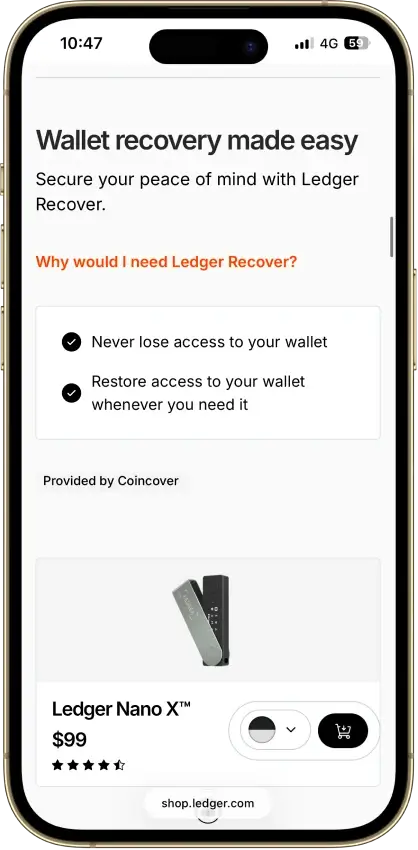
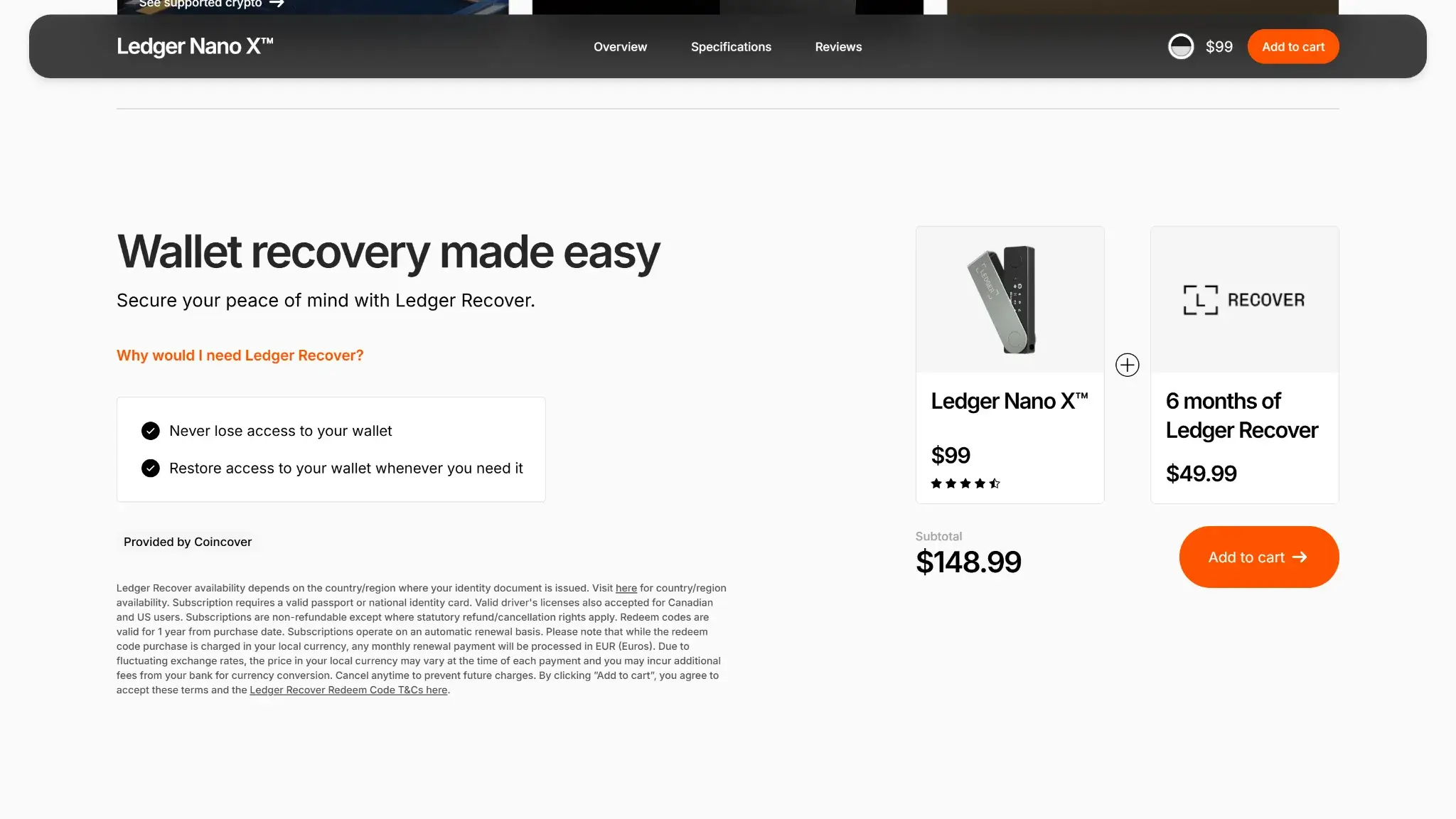
Ledger Recover is an optional paid service provided by Coincover, available for Nano X through desktop and mobile. After approval, the device encrypts seed material and splits it into three fragments held by Ledger, Coincover and EscrowTech. Recovery uses two fragments and identity checks to reconstruct the secret on a Ledger device.
Enrollment in Recover depends on the subscriber's identity documents and country. The three custodians hold encrypted fragments, while the physical 24-word backup remains under the owner's control. The subscription restores device access without returning that word list.
Buying, Swapping and Staking
Ledger Wallet includes buying providers such as MoonPay and Transak. Available payment methods and identity checks depend on the selected provider and country. Those purchase requirements apply even when the Nano X controls the receiving wallet's keys.
For a centralized swap route, the approved transaction sends funds to the provider, which then returns the output asset. The Nano X can retain control of the signing keys while the provider temporarily holds the coins being exchanged. Provider charges and the conversion rate affect how much arrives in the output asset.
Staking support includes routes for assets such as ETH and SOL. Native delegation, pooled services and liquid-staking contracts have different commissions and withdrawal conditions. Validator penalties, contract failures or unbonding periods can affect the outcome. The Earn interface groups staking with other yield strategies, each with its own terms and risks.
Ledger Nano X Price and Fees
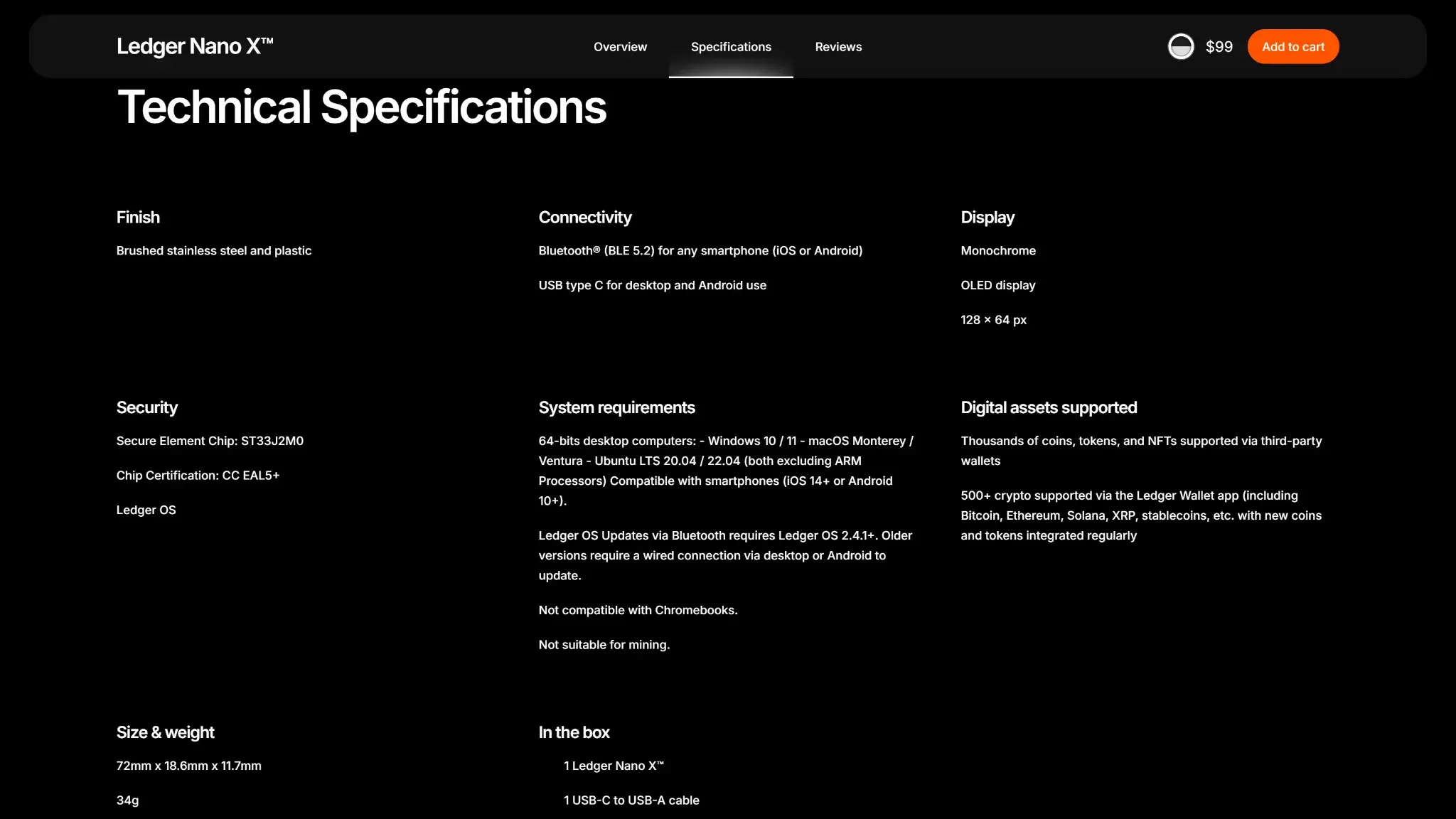
Ledger lists Nano X at $99 in its product lineup. The price at checkout can differ with region, taxes, delivery and promotions.
| Cost | What to Check |
|---|---|
| Device purchase | The regional offer and delivered total |
| Sending crypto | The blockchain's network fee |
| Buying crypto | Provider quote, payment-method costs and conversion rate |
| Swapping | Net output, exchange rate, Ledger/partner fees and network costs |
| Staking | Provider or validator commission and withdrawal conditions |
| Ledger Recover | Optional recurring subscription and eligibility |
Ordinary local key control is available without a Ledger Recover subscription. Transactions and optional services add costs after the device purchase. A swap quote can include a Ledger fee, a partner fee and network costs, with the total dependent on the route.
Who Should Use Ledger Nano X?
Nano X fits an iPhone or Android holder who wants a separate signing device and is willing to check it before a transaction session.
- Phone-first holders gain a Bluetooth signing connection without relying on iPhone USB compatibility.
- People moving between compatible phones and desktops can use the same device and backup method over different connections.
- Infrequent users who expect immediate wireless use after months in a drawer should account for charging and update preparation.
- Anyone likely to skip on-device transaction review or lose recovery information faces risks the hardware cannot resolve for them.
Nano X's wireless connection is useful when signing from a phone often enough to justify keeping another device charged. Frequent contract users still have to review operations on a small display. Desktop-only buyers pay for a battery they may never use, so compare the connections when choosing among hardware and software wallets.
Crypto Wallets Pillar Scores
- Custody and key security 30% weight Who can authorize spending, protection of keys and signing, and independent access to every reviewed account type.10.0 / 10
- Security validation and track record 25% weight Independent security assessments, their coverage and findings, plus updates and the handling of known incidents.6.0 / 10
- Transaction safety and signing 20% weight Transaction details, signing warnings, scam checks, permission controls and the handling of unreadable requests.8.0 / 10
- Backup and recovery 10% weight Repeatable backup checks, complete restoration, recovery dependencies, costs and resilience after backup loss.10.0 / 10
- Usability, privacy and costs 10% weight Setup and everyday tasks, accessibility, support guides, data-sharing choices and device, service and transaction costs.8.0 / 10
- Assets, networks and compatibility 5% weight Asset and network support, devices, companion apps and connections needed for the uses covered in the review.10.0 / 10
Final Verdict
The Nano X fits buyers who will maintain coin apps with the same attention as device firmware. The Monero and Ethereum flaws required app updates, independently of device OS updates. Choose it if the Bluetooth phone connection is useful enough to take on that maintenance. The EAL5+ certification covers the chip, not the Ethereum and Monero apps that needed patching. The software running on it and the recovery method you choose determine additional risks you have to manage.
CryptoSlate may earn a commission when you use partner links, at no extra cost to you. Our reviews, ratings, and editorial decisions remain independent of advertisers. Read How CryptoSlate Makes Money for funding details.