Best BNB Wallets In 2026 — Top BNB Smart Chain Wallet Apps, Extensions, And Cold Wallets (April 2026)

Compare the best BNB wallets for BNB Smart Chain, from beginner-friendly mobile apps to DeFi-ready extensions and secure cold wallets. Learn which options support BEP-20 tokens, dApps, and safer long-term storage in 2026.

Updated Apr. 6, 2026
Reviews in this list 14
Trusted Reviews Editorially curated & independently checked
Curated by Yousra Anwar Ahmed
Since Feb 2026 50 reviews
Checked by George Ong
Since Mar 2018 111 fact-checks
Affiliate Disclosure

Disclaimer: CryptoSlate may receive a commission when you click links on our site and make a purchase or complete an action with a third party. This does not influence our editorial independence, reviews, or ratings, and we always aim to provide accurate, transparent information to our readers.

The best BNB wallets do more than hold a balance. They let you store BNB securely, receive and manage BEP-20 tokens, and connect to the apps and services built on BNB Smart Chain.

This guide focuses on wallets that support BNB on BNB Chain (BNB Smart Chain / BSC), not just exchange accounts that happen to list Binance Coin.

A good BNB wallet should support BNB on BNB Smart Chain (BSC), let you manage BEP-20 tokens, and connect to the dApps built on that network. BNB Chain is the broader ecosystem name. It includes BNB Smart Chain (BSC), opBNB, and BNB Greenfield. For most users on this page, the chain that matters most is BNB Smart Chain (BSC).

Top Picks - Binance Coin Wallets

Rank
Name
Rating
Type
Best For
Platforms
Key Advantages
Secure link
Rank 1
8.5
Multi-platform wallet
Users who want one self-custody wallet for multi-chain assets, swaps, and dApp access.
iOSAndroidBrowser extension
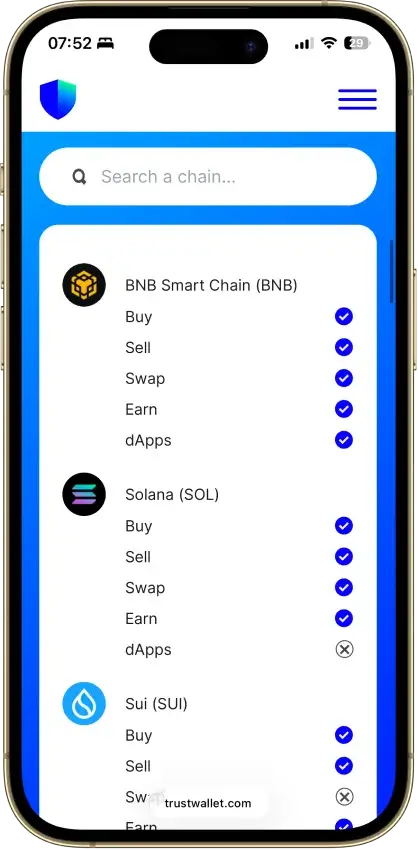
  • Supports millions of assets across 100+ blockchains in one wallet
  • Built-in swaps, staking, NFT support, and dApp access
  • Optional Ledger support through the browser extension
Rank 2
8.3
Multi-platform wallet
Users active in Ethereum DeFi and NFTs who want broader multichain support in one wallet
Browser extensionAndroidiOS
  • Deep dApp compatibility across Ethereum and major EVM networks
  • Built-in swaps, bridging, and staking without leaving the wallet
  • Multichain accounts now include Bitcoin, Solana, and TRON alongside EVM assets
Rank 3
7.8
Multi-platform wallet
Mobile users who want simple self-custody plus built-in fiat on-ramp and off-ramp tools
iOSAndroid
  • Self-custodial in-app wallets with an exportable recovery phrase.
  • Buy, sell, send, receive, and convert from one mobile app.
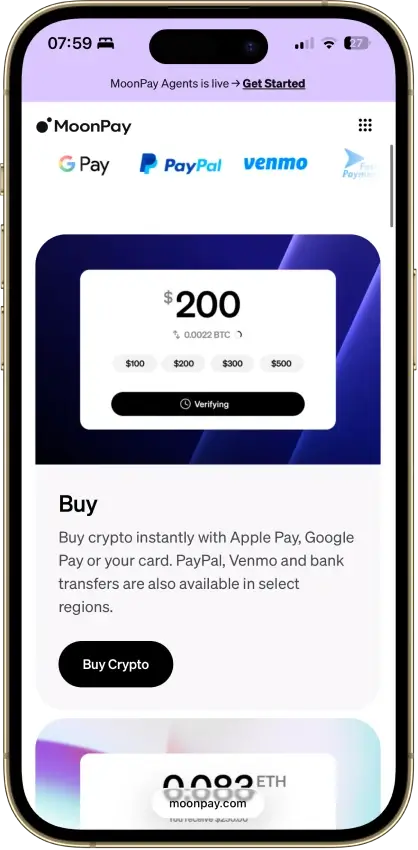
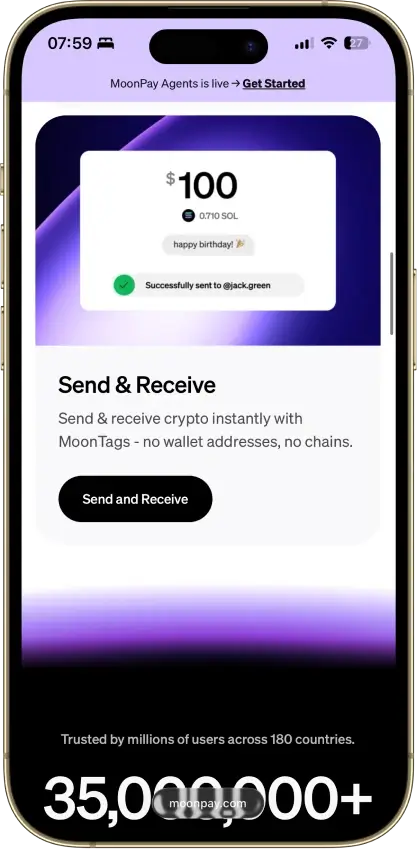
  • MoonTags simplify transfers without pasting long wallet addresses.
Rank 4
7.6
MPC smart wallet
Existing Binance users who want a quick route into DeFi and on-chain trading without setting up a separate wallet stack first
iOSAndroidBrowser extension
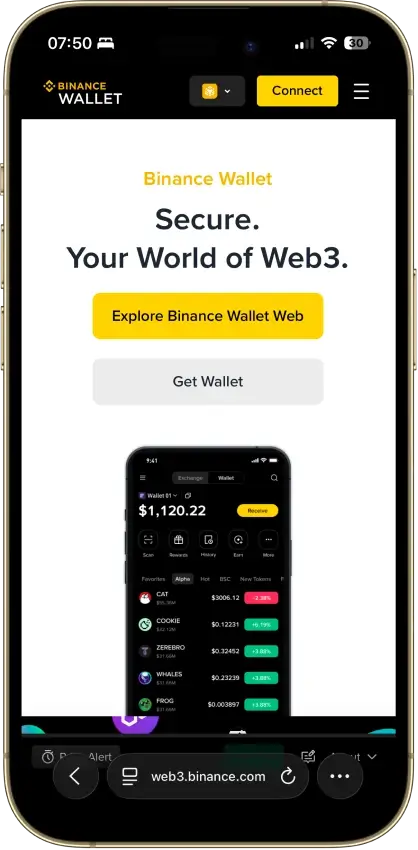
  • Fast transfer path between Binance exchange balances and Web3 wallet activity
  • Seedless MPC setup with recovery-password backup instead of a default seed phrase
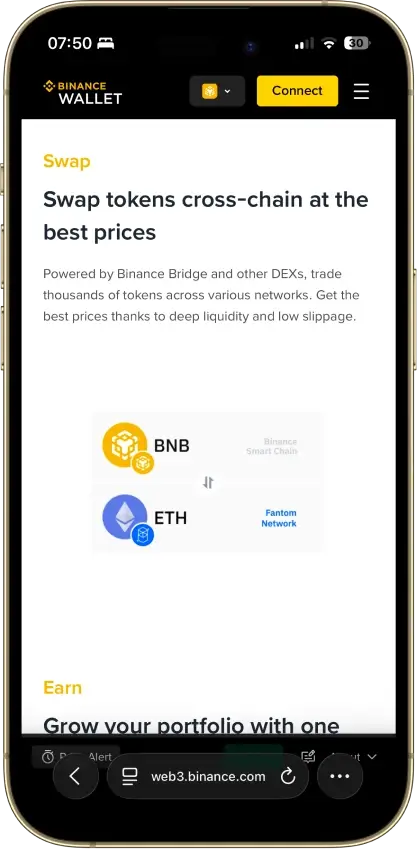
  • Built-in swaps, bridge tools, dApp access, and desktop/web trading support
Rank 5
7.5
Browser extension wallet
Coinbase users who want self-custody plus EVM coverage, browser extension dApp access, and some Solana support.
iOSAndroidBrowser extension
  • Coinbase-linked funding and transfers reduce friction between exchange custody and self-custody
  • Supports Ethereum, Solana, and a broad set of EVM networks
  • Supports both classic seed-phrase recovery and newer sign-in options
Rank 6
7.5
Multi-platform wallet
Mobile-first users who want easier self-custody and built-in swaps
iOSAndroidDesktop (macOS)
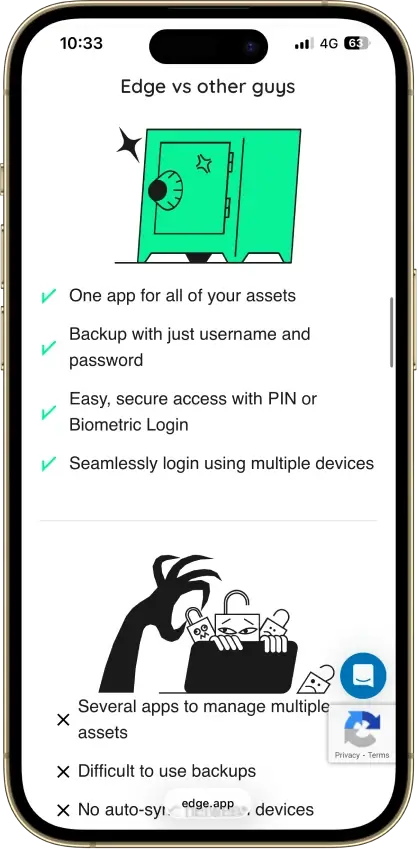
  • Account-style login with client-side encrypted keys
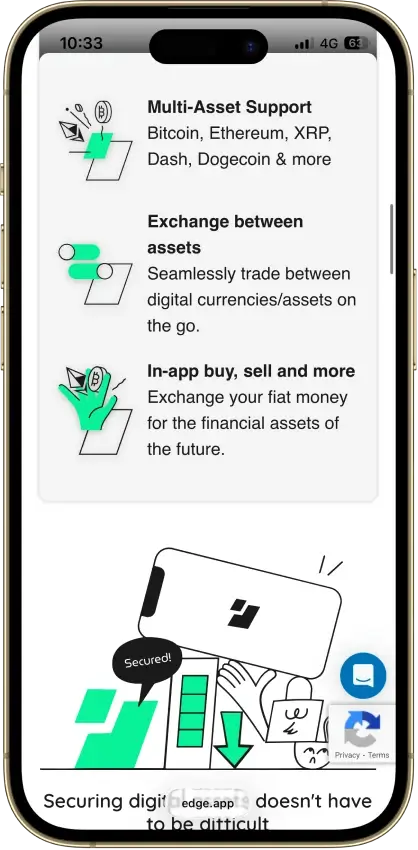
  • Multi-asset mobile wallet with built-in swaps, buy and sell options, and WalletConnect
  • Cross-device sync with PIN, biometrics, 2FA, and recovery tools
Rank 7
7.5
Hardware wallet
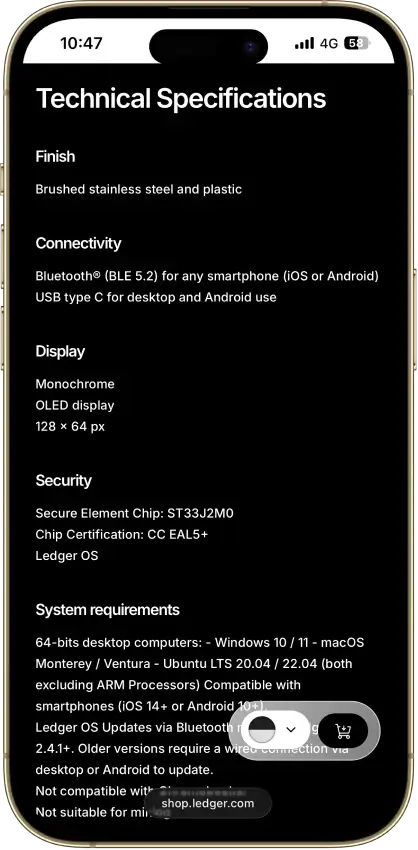
iPhone users and people who use both phone and desktop and want a classic hardware wallet.
iOSAndroidDesktop (Windows)Desktop (macOS)Desktop (Linux)
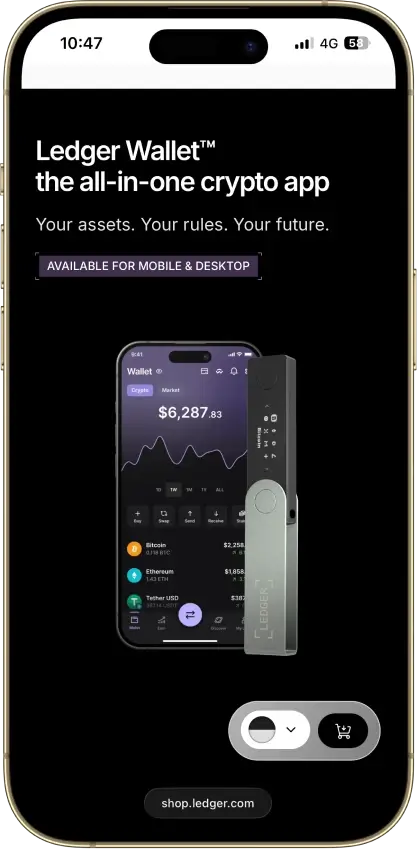
  • Bluetooth hardware wallet that works well with iPhone.
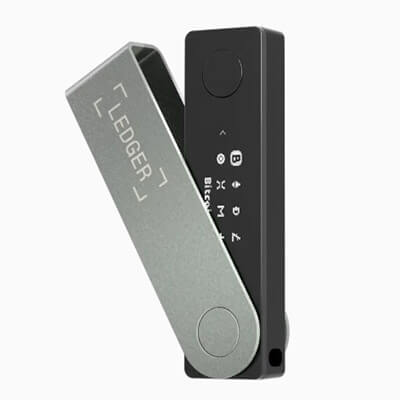
  • Strong support for major coins and common chains.
  • Compact classic Ledger form factor.
Rank 8
7.5
Custodial app wallet
Users who want a centralized wallet dashboard with exchange and credit features in one account
Web appiOSAndroid
  • Multi-network deposits and withdrawals across major blockchains
  • Built-in exchange, credit, and card tools inside one account
  • Strong account-level security controls, including whitelisting and anti-scam checks
Rank 9
7.5
Multi-platform wallet
Users who routinely move assets across multiple chains and use onchain swaps.
iOSAndroidBrowser extension
  • Broad multichain coverage in one wallet interface
  • Built-in swaps, bridging flows, and dApp connectivity
  • Keystone hardware wallet support plus optional Trader Mode features
Rank 10
7.5
Hardware wallet
iPhone users and people who use both phone and desktop and want a classic hardware wallet.
AndroidDesktop (Windows)Desktop (macOS)Desktop (Linux)
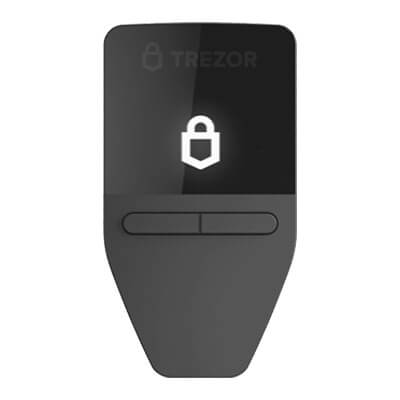
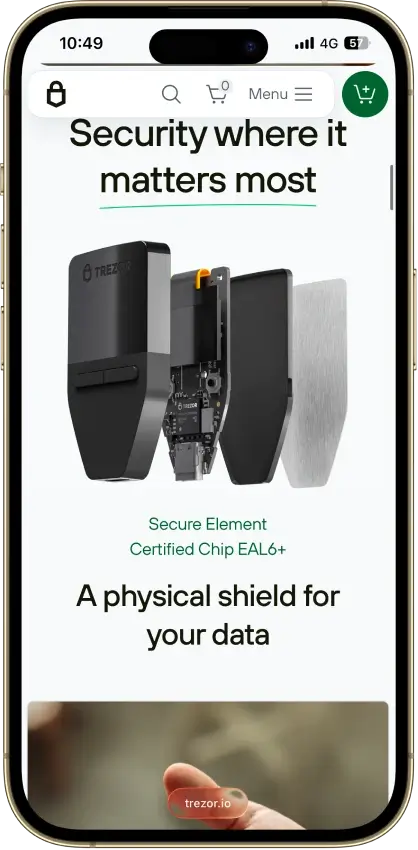
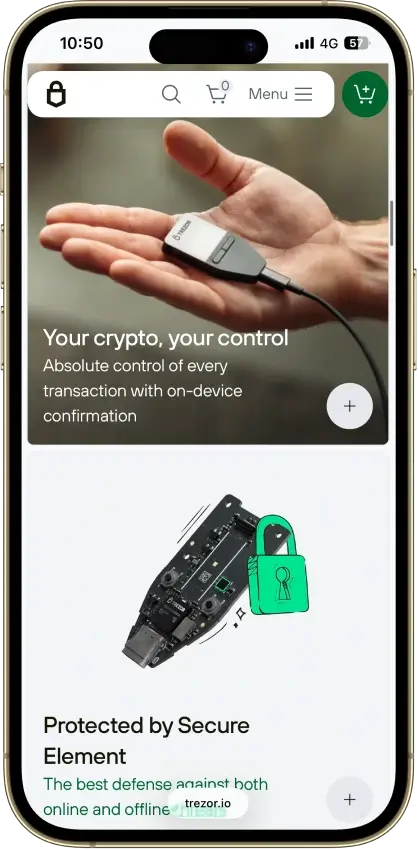
  • Lowest-cost current Trezor with a secure element and on-device approval.
  • Supports 12-, 20-, and 24-word wallet backup formats, including BIP39 and SLIP39. Current Safe 3 units default to a 20-word Single-share Backup.
  • Good desktop and Android fit for long-term self-custody without battery or Bluetooth upkeep.
Rank 11
7.0
Multi-platform wallet
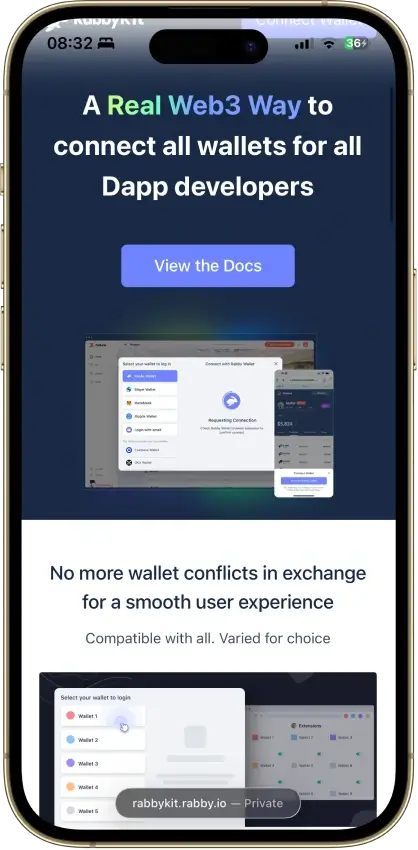
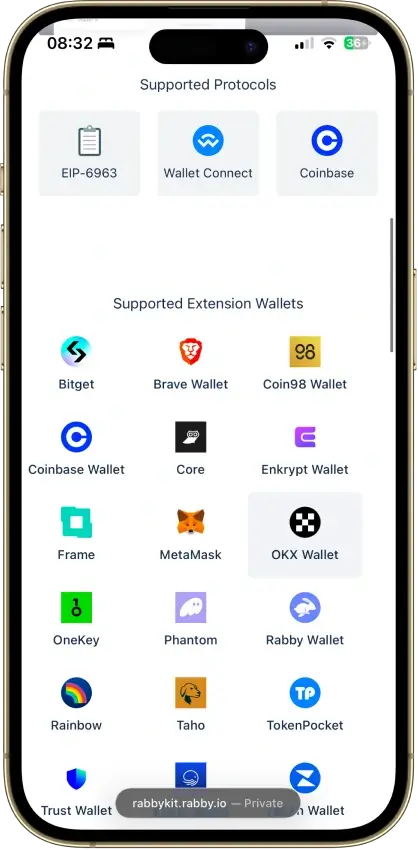
Active EVM users, DeFi traders and hardware-wallet owners who want more transaction context than a default browser wallet.
iOSAndroidDesktop (Windows)Desktop (macOS)Browser extension
  • Clearer pre-sign transaction context than many standard browser wallets.
  • Strong EVM workflow with auto chain handling and wide hardware wallet support.
  • Useful safety layer for approvals, watch-only tracking and risky contract alerts.
Rank 12
6.0
Multi-platform wallet
Users who want one wallet for daily self-custody, portfolio tracking, swaps, and light web3 activity
iOSAndroidDesktop (Windows)Desktop (macOS)Desktop (Linux)Browser extension
  • Strong desktop experience for portfolio visibility and day-to-day asset management
  • Broad feature set across swaps, staking, NFTs, and light web3 access in one interface
  • Optional hardware-wallet pairing on supported setups for users who want safer signing
Rank 13
5.0
Hardware wallet
Mobile-first holders who want straightforward self-custody
iOSAndroid
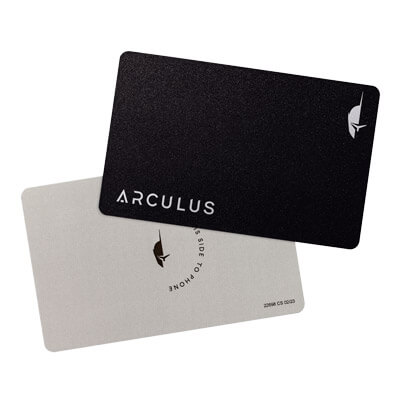
  • Credit-card shape with no battery, cable, or Bluetooth.
  • Private keys stay on the card’s CC EAL6+ secure element.
  • Phone-first setup with a 6-digit PIN, optional Face ID/fingerprint, and NFC tap approval.
Rank 14
5.0
Hardware wallet
Mobile-first holders who want QR-only signing and a larger screen for transaction review.
iOSAndroid
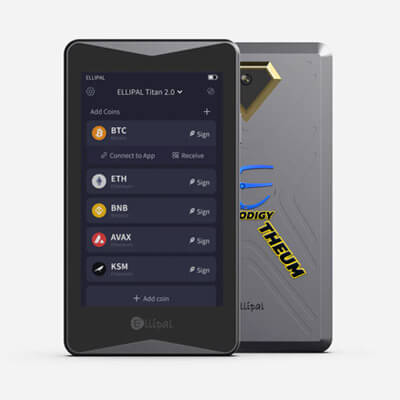
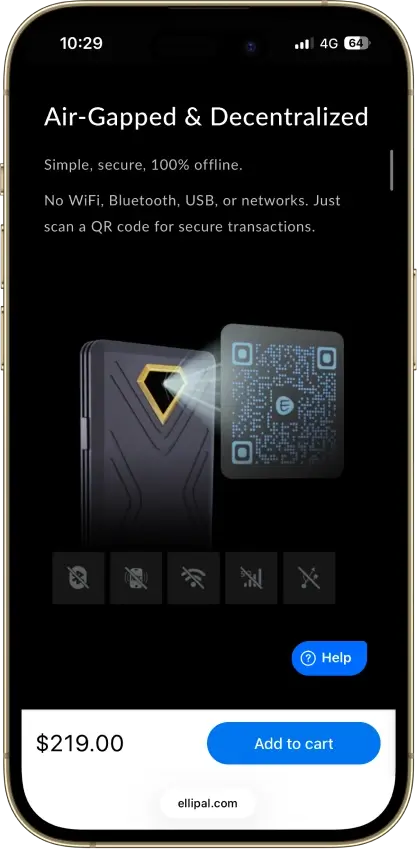
  • QR-only offline signing with no USB or Bluetooth transaction path
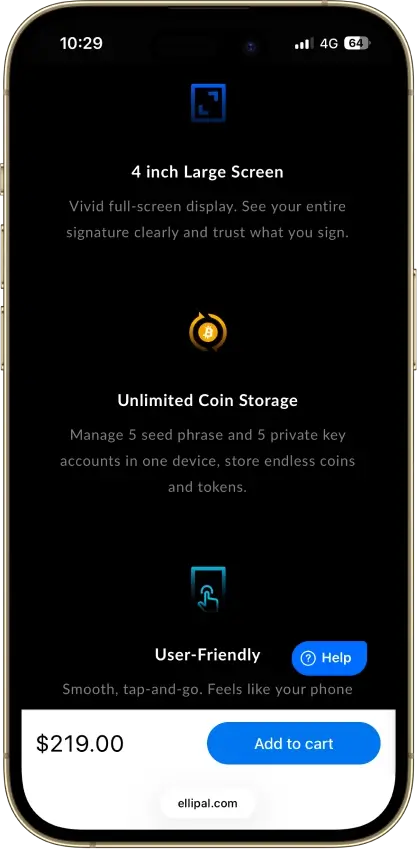
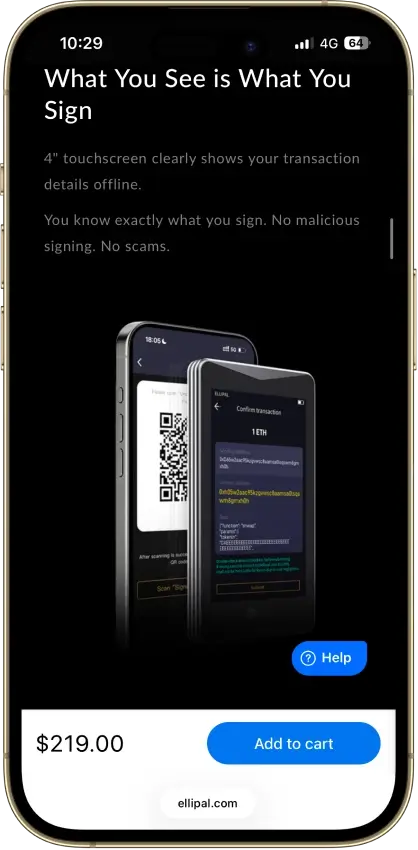
  • 4-inch touchscreen for clearer on-device verification
  • Fully metal sealed body with CC EAL5+ secure element

Taken together, the shortlist shows that there is no single best BNB wallet for every type of user. Trust Wallet and Coinbase Wallet make the most sense for people who want a straightforward mobile experience, while MetaMask and OKX Wallet are better suited to users who plan to interact with dApps, swaps, and the broader BNB Chain ecosystem. Ledger stands apart as the strongest BNB cold wallet for long-term holders, while options like MoonPay and Nexo lean more toward convenience. The comparison table below makes those trade-offs easier to scan side by side.

Comparison Table

NameCustodyBlockchainsHardward SupportStakingFiat On-ramp
Trust Wallet Non-custodial Bitcoin, Ethereum, BNB Smart Chain, Avalanche, Tron, Arbitrum, Base, Optimism, Polygon, Solana Yes Full Yes
MetaMask Non-custodial Ethereum, Arbitrum, Optimism, Polygon, Base, Avalanche, BNB Smart Chain, Solana, Bitcoin, Tron Yes Full Yes
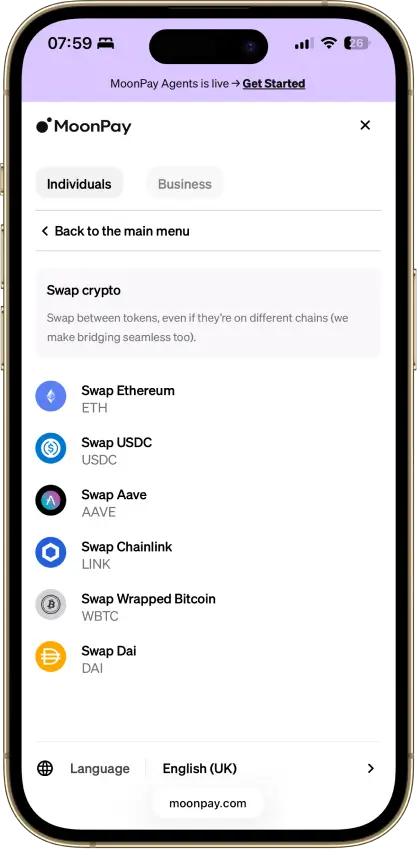
MoonPay Non-custodial Bitcoin, Solana, Tron, Ethereum, Polygon, Base, Arbitrum, Optimism, BNB Smart Chain Yes Limited Yes
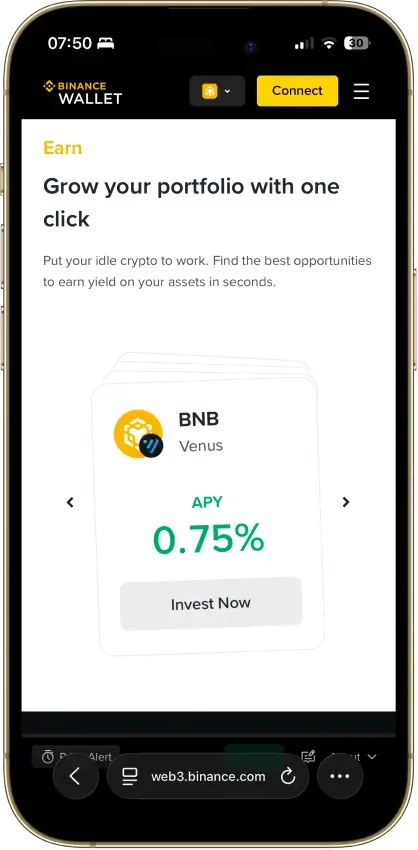
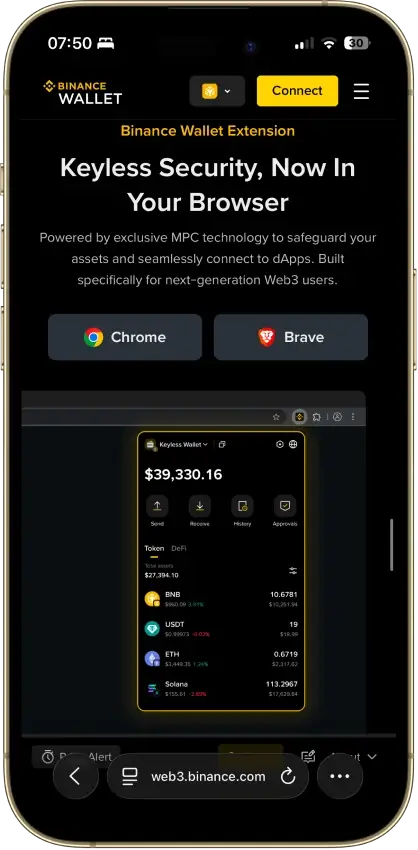
Binance Wallet Non-custodial Bitcoin, Ethereum, BNB Smart Chain, Tron, Arbitrum, Base, Optimism, Polygon, Solana No Limited Yes
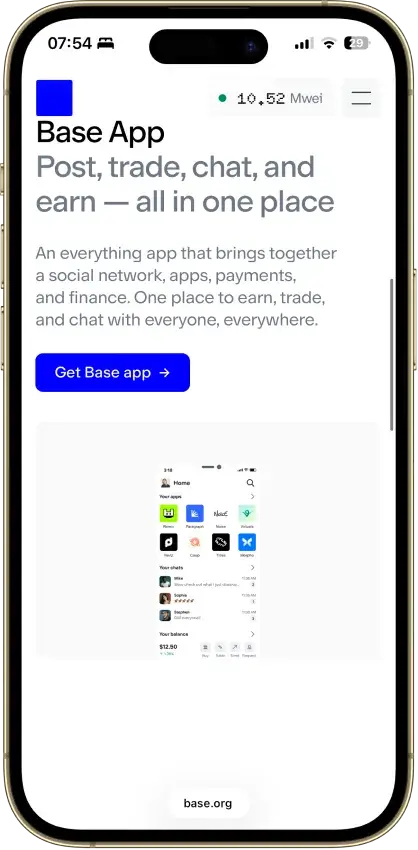
Base App Non-custodial Ethereum, Base, Arbitrum, Optimism, Polygon, Avalanche, BNB Smart Chain, Solana Yes Limited Yes
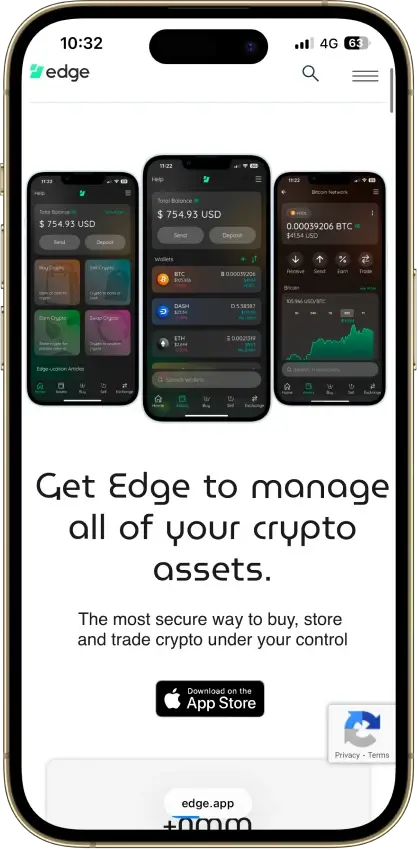
Edge Wallet Non-custodial Bitcoin, Ethereum, BNB Smart Chain, Avalanche, Tron, Optimism, Polygon, Solana No Limited Yes
Ledger Nano X Non-custodial Bitcoin, Ethereum, BNB Smart Chain, Avalanche, Tron, Arbitrum, Base, Optimism, Polygon, Solana No Limited No
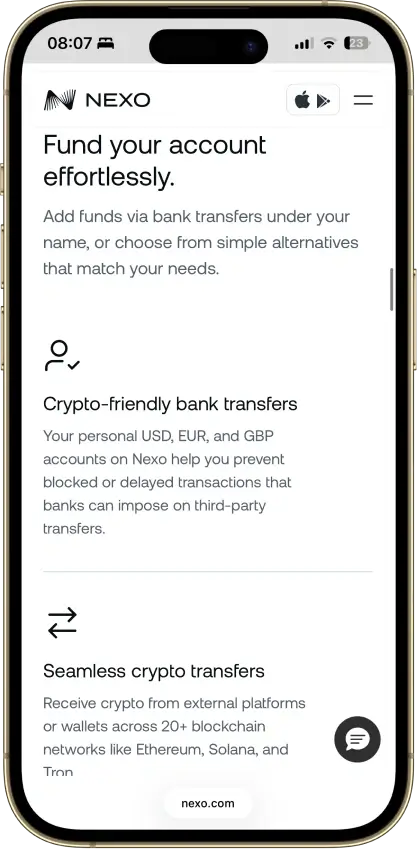
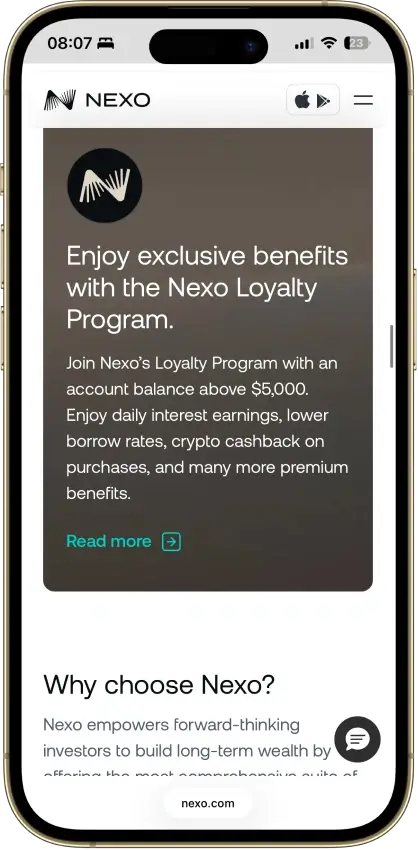
Nexo Custodial Bitcoin, Ethereum, Base, Polygon, BNB Smart Chain, Arbitrum, Optimism, Solana, Avalanche, Tron No Limited Yes
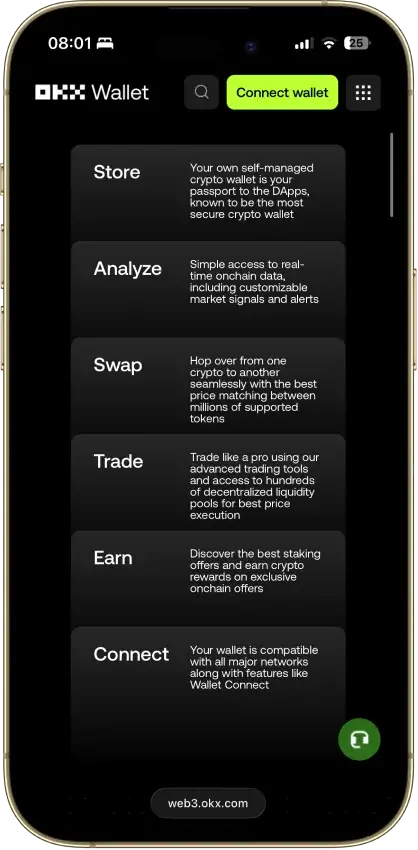
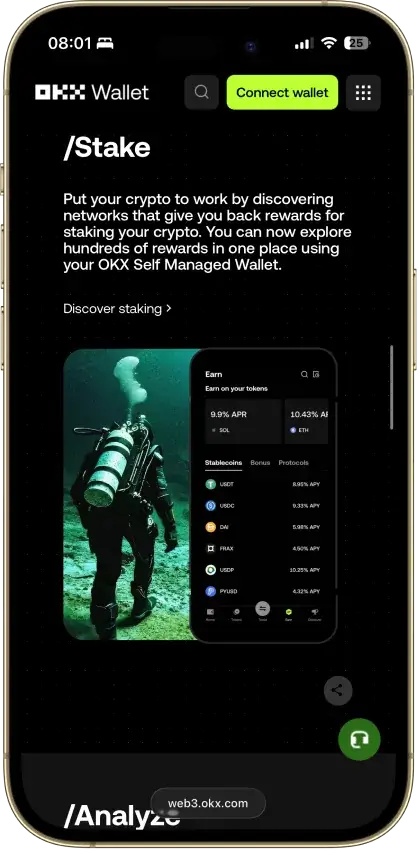
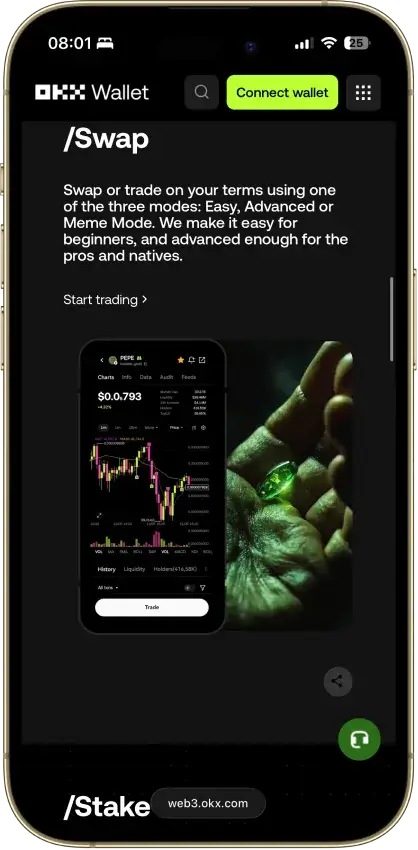
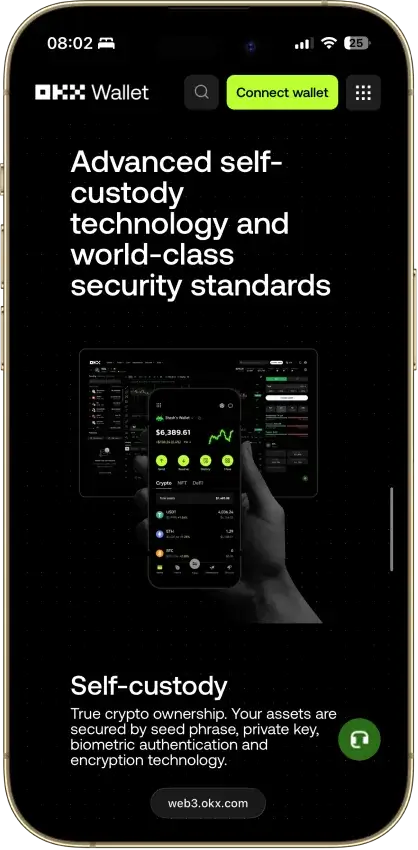
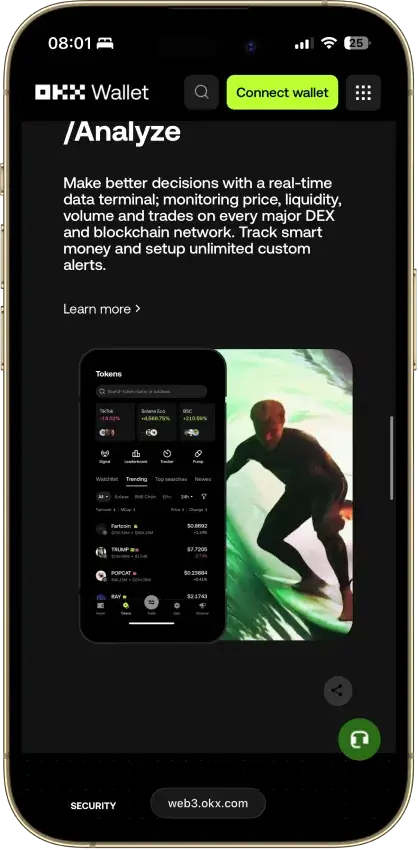
OKX Wallet Non-custodial Bitcoin, Ethereum, BNB Smart Chain, Avalanche, Tron, Arbitrum, Base, Optimism, Polygon, Solana Yes Limited Yes
Trezor Safe 3 Non-custodial Bitcoin, Ethereum, BNB Smart Chain, Avalanche, Arbitrum, Base, Polygon, Optimism, Solana No Limited Yes
Rabby Wallet Non-custodial Ethereum, BNB Smart Chain, Avalanche, Arbitrum, Base, Optimism, Polygon Yes None No
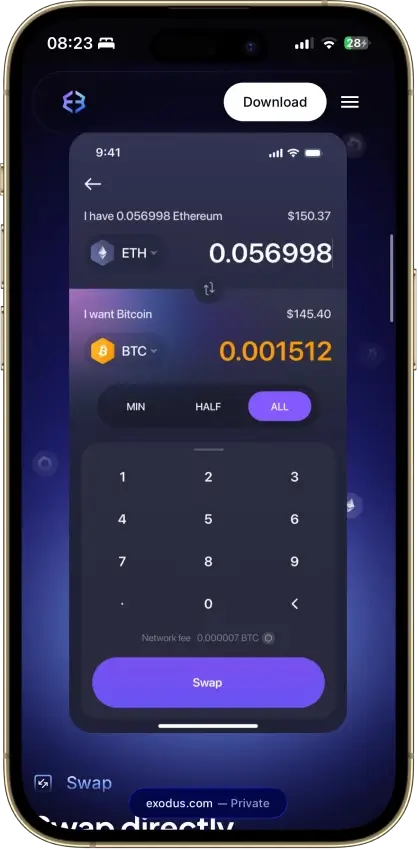
Exodus Non-custodial Bitcoin, Ethereum, BNB Smart Chain, Avalanche, Tron, Arbitrum, Base, Optimism, Polygon, Solana Yes Full Yes
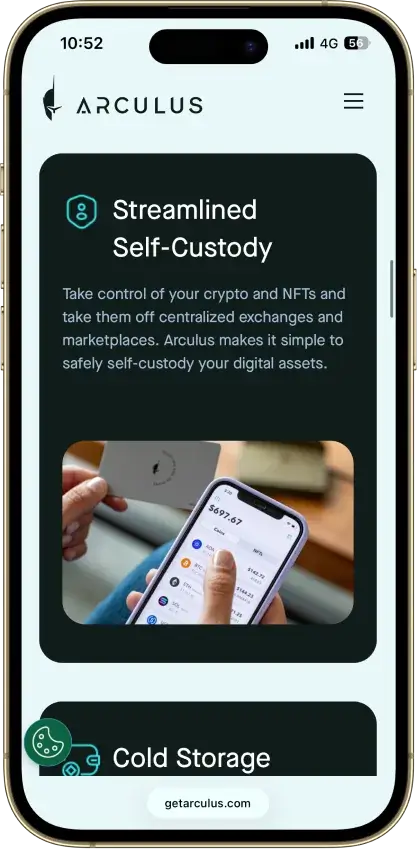
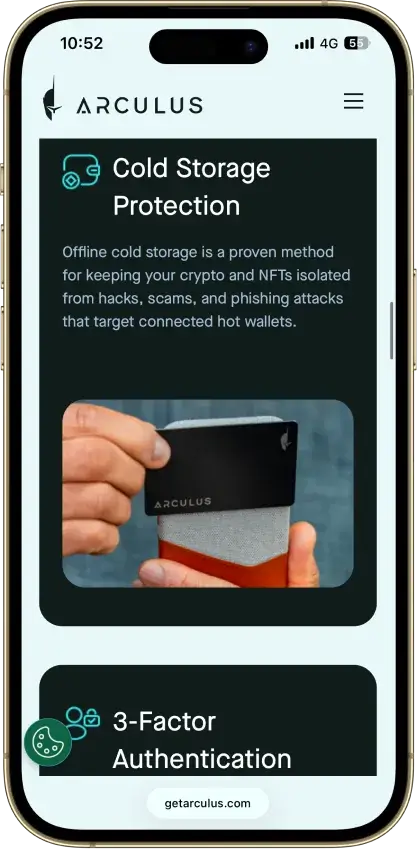
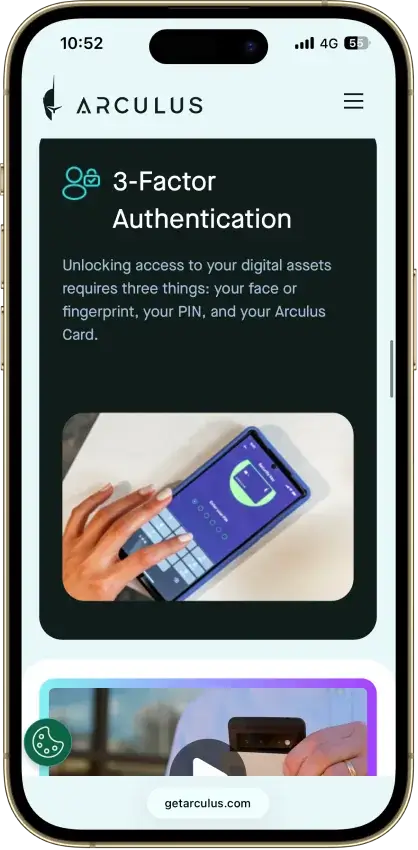
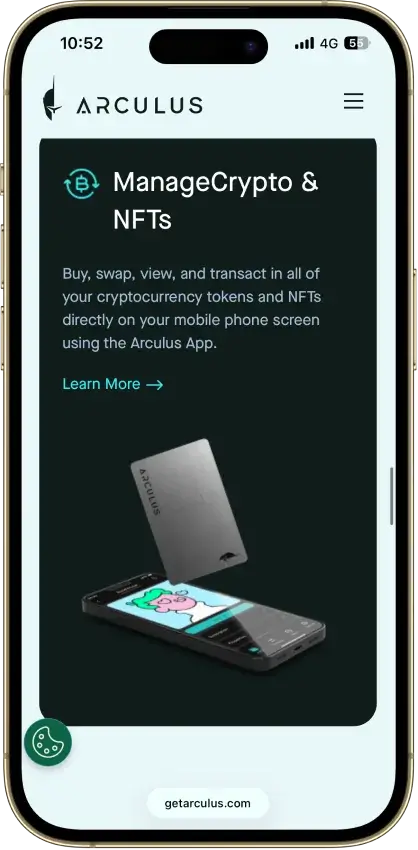
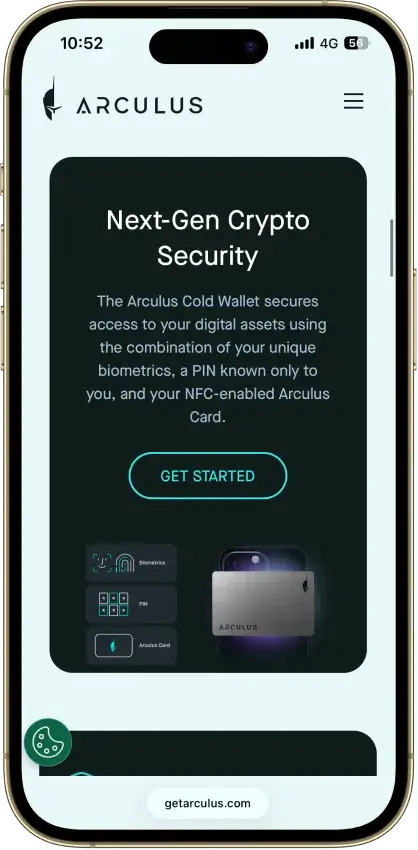
Arculus Wallet Non-custodial Bitcoin, Ethereum, BNB Smart Chain, Avalanche, Tron, Arbitrum, Base, Optimism, Polygon, Solana No Limited Yes
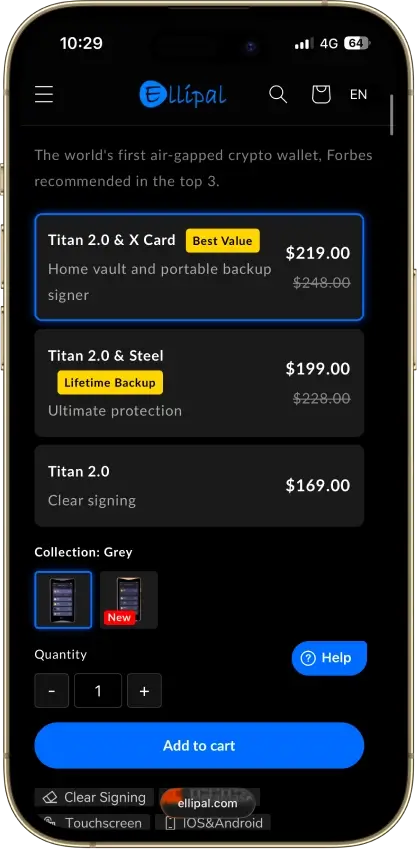
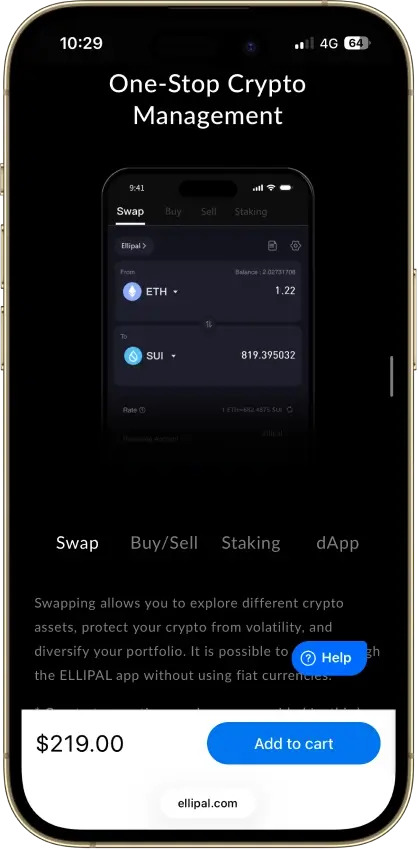
ELLIPAL Titan 2.0 Non-custodial Bitcoin, Ethereum, BNB Smart Chain, Avalanche, Tron, Base, Polygon, Solana No Limited Yes

The table makes the trade-offs clear: Trust Wallet is the most balanced option for a mobile-first BNB wallet, MetaMask is the best fit for BNB Chain dApps on desktop, and Ledger is the safer choice for long-term storage. If you already live inside Binance or Coinbase, their wallets can feel more natural, while MoonPay and Nexo lean more toward convenience than deep on-chain control.

Detailed Review - Binance Coin Wallets

Trust Wallet stands out as the most balanced option if you want a BNB wallet app for everyday use, while MetaMask is the better fit when the priority is DeFi, swaps, and dApps on BNB Chain. Ledger is the safest route for long-term storage once the balance becomes meaningful, and it can still be paired with a hot wallet interface when you need to move funds. Binance Wallet is a strong choice if you already use Binance and want tighter ecosystem integration, and Coinbase Wallet / Base App makes sense if you want a more familiar interface and a straightforward way to manage BNB Chain assets. In-depth reviews for each wallet will be added in this section.

Best BNB Wallet By Use Case

Match the wallet to how you use BNB. The table below highlights the best pick for each common scenario.

Use caseBest pickWhy it fits
Best BNB wallet overallTrust WalletStrong all-around balance of mobile usability, BNB Smart Chain support, and straightforward self-custody.
Best BNB wallet appTrust WalletMobile-first experience that still covers core BNB and BEP-20 needs without feeling heavy.
Best BNB Smart Chain walletMetaMaskBest fit for dApps, DeFi tools, and frequent on-chain activity on BNB Smart Chain.
Best BNB Chain wallet extensionMetaMaskFamiliar browser-based setup for swaps, dApps, and Web3 access on desktop.
Best BNB cold walletLedgerHardware security for long-term storage and larger balances, with safer signing isolated from the device.
Best wallet for BNB beginnersTrust WalletEasier setup and navigation than most extension-first or hardware-first options.
Best wallet for Coinbase usersCoinbase Wallet / Base AppMore familiar flow if you already use Coinbase products and want an easier path to holding and using BNB.

What Is A BNB Wallet?

A BNB wallet is a crypto wallet that lets you store, send, receive, and manage BNB. More importantly, it gives you control over the keys or access layer used to interact with your funds, which is why choosing the right wallet matters just as much as choosing the right exchange or app.

Many users also search for terms like Binance Coin wallet or BNB Smart Chain wallet, but in practice they are usually looking for the same thing: a wallet that supports BNB properly and works with the wider BNB Chain ecosystem. That includes not just holding BNB itself, but also managing BEP-20 tokens and connecting to apps built on BNB Chain.

That is why support for BNB Chain and BEP-20 matters more than branding alone. A wallet may mention BNB, but what really counts is whether it can handle the network and token standard most users actually need today.

BNB Smart Chain, BEP-20, And The Legacy BEP-2 Question

BNB wallet activity today is mainly about BNB Chain (often referred to as BNB Smart Chain or BSC) and BEP-20 assets. If a wallet supports BNB Smart Chain properly, it should let you hold BNB, manage BEP-20 tokens, and connect to dApps on the network.

The easiest way to avoid mistakes is to keep the terms straight:

TermWhat it isWhat it means for wallet users today
BNB Smart Chain (BSC)The main EVM chain in the BNB ecosystemThe network most readers here actually need for BNB, gas, dApps, and BEP-20 tokens
BEP-20The token standard on BNB Smart ChainUsed for BNB-chain stablecoins, DeFi tokens, and most wallet activity on BSC
opBNBA Layer 2 in the BNB ecosystemRelevant if a wallet explicitly supports it; do not assume BSC support automatically means opBNB support
BEP-2 / BNB Beacon ChainThe retired legacy chain and token formatNo longer a current route for normal wallet use; only relevant for recovery or migration of older assets

If you are choosing a BNB wallet today, prioritize BNB Smart Chain (BSC) support first. Treat BEP-2 / Beacon Chain as a recovery-only edge case.

How To Choose The Best Wallet For BNB

The best wallet for BNB depends on how you plan to use it. A long-term holder has different needs than someone swapping tokens on BNB Chain every day. Use the checklist below to narrow down the right fit.

What to checkWhy it matters for BNBQuick way to verify
BNB Chain / BEP-20 supportBNB Chain is where most BNB activity happens, and BEP-20 is the token standard you’ll use for transfers and dApps.Look for a BNB Smart Chain network option and a BEP-20 token view (not just “BNB” as a ticker).
Easy setup and backupA wallet that is hard to back up correctly increases the risk of losing access later.The app should guide you through backups and confirm the recovery phrase.
Mobile app vs extensionMobile wallets are best for everyday use. Extensions are better for frequent dApp and DeFi activity on desktop.Decide where you’ll actually use BNB most: phone, browser, or both.
dApp and WalletConnect supportThis is what lets you use swaps, DeFi, and other BNB Smart Chain apps safely.Check for WalletConnect support or a built-in dApp browser.
Security modelBetter security reduces the risk of malware, phishing approvals, and account takeovers.Look for clear info on key storage, biometrics, transaction warnings, and approval management.
Recovery methodRecovery determines what happens if you lose your phone, reinstall the app, or move devices.Confirm you can restore with a recovery phrase (or an equivalent recovery flow that is explained clearly).
Hardware compatibilityIf you hold larger amounts, a hardware wallet is one of the safest ways to secure BNB.Check if the wallet supports Ledger (or works well as a companion to a hardware device).
BNB staking supportStaking can matter if you plan to hold BNB long term and want yield without constant trading.See if staking is built-in or if the wallet supports staking through trusted dApps.
Fiat on-ramp optionsBuying BNB inside the wallet can be convenient, especially for beginners.Look for “Buy” support and check which providers and payment methods are available in your region.
Watch-only trackingWatch-only helps track a BNB wallet address without exposing keys on a device.See if the wallet supports watch-only addresses or portfolio tracking without importing a seed phrase.

If you’re unsure, start with a reputable mobile wallet for everyday use, and add a hardware wallet later if your holdings grow. The key is choosing a wallet that matches how you actually use BNB, not the most feature-packed option on paper.

BNB Wallet Address Explained

A BNB wallet address is the public address you share when you want to receive BNB or BEP-20 tokens. On BNB Chain, addresses usually start with 0x (the same format used by Ethereum-style wallets). The address itself is not a secret, but you should still treat it carefully and always match it with the correct network when sending or withdrawing.

What you’re doingWhat to check firstWhy it matters
Receiving BNB to a walletYou selected BNB Chain in the walletA correct address on the wrong network can delay access or complicate recovery
Withdrawing from an exchangeThe withdrawal network says BNB Chain (BSC)Exchanges often offer multiple networks for the same asset
Sending to someone elseYou’re sending to the right address + network pairAddress format alone does not guarantee the network is correct

How To Get A BNB Wallet Address

Most wallets make this simple:

  1. Open your wallet app.
  2. Select BNB (or switch the network to BNB Chain).
  3. Tap Receive.
  4. Copy the address or use the QR code.

Before you send a larger amount, send a small test transfer first. Also verify the first and last few characters of the address after pasting it, since clipboard-replacing malware is a common scam.

What A BNB Watch-Only Wallet Address Is

A watch-only BNB wallet address is a way to track a wallet without importing the private keys or recovery phrase. It lets you monitor balances and transactions, but it does not let you spend funds.

Address typeWhat you can doWhat you can’t doBest for
Regular wallet addressReceive, hold, and send fundsEveryday use
Watch-only addressTrack balances and transactionsSpend or sign transactionsMonitoring a cold wallet, treasury wallet, or shared address

Watch-only tracking is useful when you want visibility without increasing risk, for example, checking a hardware wallet’s balance from a phone. This is also what most users mean when they search for a BNB wallet tracker.

What A Free BNB Wallet Address Actually Means

A “free BNB wallet address” usually means you can create a wallet and generate an address without paying for the address itself. That part is typically free.

What is not free is moving funds on-chain. Any transfer on BNB Smart Chain requires a network fee (gas) paid in BNB. Depending on the app, you may also see fees for buying crypto, swapping tokens, or withdrawing from an exchange.

Why There Is No Safe Public BNB Wallet Address List To Copy

There is no safe reason to copy an address from a random “BNB wallet address list.” You can’t verify who controls those addresses, and scammers often publish lists to trick people into sending funds to them.

If you need an address to receive BNB, generate it inside your own wallet. If someone else is sending you BNB, give them your address from your wallet’s Receive screen, and make sure they select the BNB Chain network when they send it.

Types Of BNB Wallets

BNB wallets usually fall into a few common categories. The “best” type is the one that matches how you use BNB day to day, whether that is holding long term, swapping tokens on BNB Smart Chain, or just keeping a small balance for payments and transfers.

Wallet typeBest forTrade-offExamples from this list
Mobile wallet appEveryday use, quick transfers, on-the-go swapsPhone security and phishing risk if you approve the wrong transactionTrust Wallet, Binance Wallet, OKX Wallet, Coinbase Wallet / Base App
Browser extensionDeFi, dApps, and frequent on-chain activity on desktopMore exposure to malicious sites and fake popupsMetaMask, OKX Wallet, Binance Wallet, Coinbase Wallet extension
Cold walletLong-term holding, larger balances, stronger key securityLess convenient for constant dApp useLedger (often paired with MetaMask or Trust Wallet)
Custodial account walletConvenience, simpler onboardingYou rely on the provider for custody and accessNexo

BNB Wallet Apps / Mobile Wallets

A BNB mobile wallet is usually the simplest way to start. It works well for holding BNB, receiving BEP-20 tokens, and sending funds when you need to. If you want an all-around pick that feels straightforward, Trust Wallet is the default choice. If you already use Binance, Binance Wallet can be a practical option because it keeps you close to the BNB ecosystem. If you want a more familiar path from Coinbase tools, Coinbase Wallet / Base App makes the transition easier.

Mobile wallets are convenient, but they require good habits. Use a strong device passcode, enable biometrics, back up your recovery phrase properly, and avoid approving transactions you do not fully understand.

BNB Chain Wallet Extensions

A browser extension wallet is built for people who use BNB Smart Chain as a daily environment. It is the most natural setup for swaps, DeFi, and dApp activity on desktop because it can connect to sites directly or through WalletConnect.

MetaMask is the most familiar choice for this. OKX Wallet is a strong alternative if you want a multi-chain setup. If you prefer to keep everything inside the Binance ecosystem, Binance Wallet can also work well in a browser-first flow.

If you spend a lot of time in dApps, consider pairing an extension wallet with a hardware wallet for better security.

BNB Cold Wallets

A cold wallet is the right move when the main goal is security and long-term storage. Instead of keeping keys on an internet-connected device, a hardware wallet like Ledger keeps signing isolated and reduces the risk of malware draining funds.

Cold wallets are not just for “never touch it” storage. You can still use BNB Smart Chain apps by pairing Ledger with a software wallet interface, but the experience is slower than using a pure hot wallet. The trade-off is usually worth it once the balance becomes meaningful.

Custodial Vs Self-Custody BNB Wallets

Self-custody wallets put you in control of the keys. That is the main advantage of wallets like Trust Wallet, MetaMask, OKX Wallet, and Coinbase Wallet / Base App. The downside is that you are responsible for backups and for avoiding scams.

Custodial wallets trade some control for convenience. A platform like Nexo can feel simpler because access is account-based, but custody is handled by the provider. If you choose a custodial option, treat it more like a financial account and factor in platform risk and withdrawal rules as part of the decision.


Coinbase Wallet And Base App — How To Buy, Add, And Use BNB

Coinbase Wallet is now called the Base app, and it supports BNB Chain as a preconfigured network. That means you can hold BNB and BEP-20 tokens, swap on BNB Chain, and use BNB Chain dApps without manually entering RPC settings.

What you want to doBest way to do itKey thing to double-check
Get BNB into the appBuy BNB on an exchange and send it to your Base app addressWithdraw on BNB Chain (BSC), not another network
Convert another token to BNBUse the in-app swap on BNB ChainKeep a little BNB for gas after the swap
Use BNB in dAppsSwitch network to BNB Chain, then connect via WalletConnect or the dApp browserOnly connect to sites you trust

Can You Buy BNB On Coinbase Wallet?

Sometimes. The Base app has a built-in buy flow, but what is available depends on region and payment provider support. If BNB is not available in the buy menu, there are two reliable alternatives:

  1. Buy BNB on an exchange (Coinbase or another supported platform) and withdraw it to your Base app address on BNB Chain (BSC).
  2. Swap for BNB inside the Base app by funding the app with a supported token on BNB Chain (for example, a stablecoin) and using the Trade/Swap feature.

Either way, make sure you end up with some BNB left over for gas fees, since BNB is used to pay transaction fees on BNB Chain.

How To Add BNB Network To Coinbase Wallet

You usually do not need to “add” it. BNB Chain is already included in the Base app’s default network list.

  • Mobile (Base app): open Settings, find the active network option, and switch to BNB Chain.
  • Browser extension: use the network selector and choose BNB Chain.

Only use “add custom network” if you are connecting to a different EVM chain that is not listed by default.

How Do I Add BNB To My Base Wallet?

If “Base wallet” means the Base app, adding BNB is simply receiving it to your wallet address.

  1. Open the Base app.
  2. Switch the network to BNB Chain.
  3. Tap Receive and copy your address.
  4. Send BNB to that address using the BNB Chain (BSC) network.

The most common mistake here is mixing up Base (the network) with Base (the app). The Base app can hold assets on many networks, including Base and BNB Chain, but you must send BNB on the BNB Chain (BSC) network to avoid routing problems.

If A BEP-20 Token Does Not Show Up In Your Wallet

Sometimes the transfer is confirmed on-chain but the wallet UI has not displayed the token yet.

Check the transaction or wallet address on a BNB Chain explorer first. If the token is there, switch to BNB Smart Chain in your wallet and add the token by contract address if needed. This is common with newer or custom BEP-20 assets and does not always mean the funds are missing.

How To Set Up A BNB Wallet Safely

Setting up a BNB wallet is simple, but a few small steps make a big difference in safety. The goal is to make sure you download the right app, back it up correctly, and send BNB on the correct network.

  1. Pick the right wallet type. Choose a BNB wallet app for everyday mobile access, a browser extension if you plan to use dApps and DeFi often, or a hardware wallet if you are storing a larger amount long term.
  2. Download from the official source. Only download the wallet from the official website or official app store listing. Fake wallet apps and cloned extensions are a common way people lose funds. If you’re trying to download BNB wallet apps, stick to official links and verified listings.
  3. Back up the wallet using its actual recovery model. For seed-phrase wallets, write the phrase down offline and store it securely. For keyless/MPC or passkey wallets, complete the wallet’s official backup flow exactly as prompted before funding the wallet. Do not save secrets in screenshots, notes, or cloud docs unless the wallet’s own encrypted backup flow explicitly uses that method.
  4. Confirm you are using BNB Chain (BSC). Before receiving or sending funds, check the active network. For most use cases, you want BNB Chain (BSC) so you can receive BNB and BEP-20 tokens and use BNB Chain apps.
  5. Create your receive address. Tap Receive and copy the address (or use the QR code). On BNB Chain, the address typically starts with 0x.
  6. Send a small test transaction first. If you are moving BNB from an exchange or another wallet, start with a small test amount. Make sure the sender selects BNB Chain (BSC) as the network.
  7. Keep a little BNB for gas. BNB pays for transaction fees on BNB Chain. Even if you mainly hold tokens, keep a small BNB balance so you can approve transactions, swap, or move funds when needed.

Revoke Token Approvals On BNB Chain Regularly

One of the biggest hot-wallet risks on BNB Smart Chain is not storage. It is bad approvals.

When you use a swap, bridge, staking app, or other dApp, you often give a smart contract permission to spend tokens from your wallet. If that approval is too broad or later becomes risky, your wallet can stay exposed even after you disconnect the site.

A simple rule helps here:

  • review approvals after high-risk dApp use,
  • revoke anything you no longer need,
  • and do not treat “disconnect wallet” as the same thing as removing token access.

Common BNB Wallet Mistakes To Avoid

Most BNB wallet issues come down to a few avoidable mistakes. If you want a quick safety checklist, these are the ones that cause the most damage.

  • Sending funds on the wrong network: when withdrawing or sending BNB, always select BNB Chain / BNB Smart Chain (BSC) if that’s where the receiving wallet is set. Do a small test transfer first.
  • Mixing up BEP-2 and BEP-20: BEP-20 is the standard used on BNB Chain. BEP-2 is legacy. Treat them as different routes, not interchangeable labels.
  • Not keeping enough BNB for gas: BNB is used to pay transaction fees on BNB Chain. Keep a small BNB buffer so you can move tokens, swap, or revoke approvals when needed.
  • Connecting to unsafe dApps: fake “airdrops,” clone sites, and spoofed links are common. Bookmark the sites you use and avoid random links from ads, DMs, or social posts.
  • Blind-signing transactions: if a prompt is unclear, pause. Many wallet drains rely on users approving a malicious signature without understanding what it does.
  • Using random “BNB wallet address lists”: there is no legitimate reason to copy an address from a public list. Generate your own receive address inside your wallet.
  • Keeping too much in a hot wallet: if the balance becomes meaningful, move long-term holdings to a hardware wallet and keep only what you need in a mobile wallet or extension.

How We Chose The Best BNB Wallets

The shortlist is built around practical BNB usage. Wallets ranked higher when they made it easy to use BNB Smart Chain, handle BEP-20 tokens reliably, and stay safe while connecting to swaps, DeFi tools, and dApps.

What we checkedWhat “good” looks likeWhy it matters for BNB
BNB Chain / BNB Smart Chain supportBNB Smart Chain is available and easy to selectMost real-world BNB activity happens on BNB Smart Chain
BEP-20 token handlingTokens display correctly, transfers are straightforward, and the wallet supports common token actionsBNB use often involves BEP-20 assets, not just BNB itself
Security modelClear self-custody controls, strong device security options, and safer signing habitsBNB Smart Chain users interact with dApps often, which increases scam exposure
Recovery qualitySimple backup flow and a recovery process that is explained clearlyRecovery is the difference between “lost phone” and “lost funds”
dApp and DeFi usabilityWalletConnect support, stable connections, and clear promptsSwaps and DeFi are a core BNB use case for many users
Mobile vs extension coverageA strong mobile app, a solid extension, or both (depending on the wallet’s focus)The best wallet is the one that matches how BNB is actually used (phone vs desktop)
Buy / swap convenienceStraightforward funding options and in-wallet swaps where availableConvenience matters, especially for people buying BNB for the first time
Long-term storage fitHardware wallet support and safe “hold long-term” workflowsA hardware wallet becomes the safer choice as balances grow

Two wallets can both “support BNB,” but still perform very differently in practice. One may make it easier to stay on the right network, avoid risky approvals, and recover access if something goes wrong. Those differences are why some wallets rank higher even when the headline feature list looks similar.

The Right BNB Wallet Depends On How You Use BNB

If you want a simple BNB wallet for day-to-day use, Trust Wallet is the easiest place to start. If you spend more time swapping tokens and using dApps on BNB Chain, MetaMask or OKX Wallet are usually a better fit on desktop. For long-term storage, a hardware wallet like Ledger is the safer choice, and it can still be paired with a hot wallet interface when you need to move funds. Coinbase Wallet / Base App is also a practical option if you already use Coinbase tools and want BNB Chain support without extra setup.

Whatever you choose, double-check the network before sending, keep a small BNB balance for gas, and test with a small transaction before moving larger amounts.

Price
$ 608.10
+0.19%
Market Cap $ 82.92B
Price Trend BNB / USD

BNB is the native token of the BNB Chain ecosystem and remains one of the most widely used…

BNB Coin Profile
24H Volume $ 1.74B
7D Change +4.95%
30D Change -5.99%
90D Change -32.28%

FAQ

What is the best BNB wallet?

If you want one pick that works for most people, Trust Wallet is a strong default. It supports BNB Chain, handles BEP-20 tokens, and works well as a BNB wallet app for everyday sends and receives. If you use dApps a lot, MetaMask can be a better fit. For long-term holding, Ledger is the safest option.

What wallet supports BNB?

Many popular wallets support BNB, but the key is support for BNB Chain / BNB Smart Chain (BSC) and BEP-20. In this guide, Binance Wallet, Trust Wallet, MetaMask, OKX Wallet, Coinbase Wallet / Base App, Ledger, MoonPay Wallet, and Nexo all support BNB in some form. Always confirm the network before sending.

What is a BNB Smart Chain wallet?

A BNB Smart Chain wallet is a wallet that can store and use assets on BNB Smart Chain (BSC), including BNB and BEP-20 tokens. It also needs to support dApp connections (via WalletConnect or a browser extension) if you plan to use swaps, DeFi, or other on-chain apps.

Can you buy BNB on Coinbase Wallet?

Sometimes. The Base app (formerly Coinbase Wallet) has a built-in buy flow, but availability depends on region and payment providers. If BNB is not available to buy directly, you can buy BNB on an exchange and withdraw it to your Base app address using BNB Chain (BSC), or fund the app and swap into BNB on BNB Chain.

How do I add BNB network to Coinbase Wallet?

In most cases, you do not need to add it manually. The Base app includes BNB Chain in its network list. Open the network selector and switch to BNB Chain, then receive or swap as needed. Only use “add custom network” for chains that are not already listed.

How do I add BNB to my Base wallet?

If “Base wallet” means the Base app, add BNB by receiving it to your wallet address.

  1. Switch the network to BNB Chain.
  2. Tap Receive and copy the address.
  3. Send BNB to that address using BNB Chain (BSC) as the network.A small test transfer first helps avoid wrong-network mistakes.
What is a BNB watch-only wallet address?

A watch-only address lets you track a BNB wallet address without importing the recovery phrase or private keys. It is useful for monitoring a hardware wallet or treasury address from a phone, because it shows balances and transactions but cannot sign or spend funds.

What is the best BNB cold wallet?

Ledger is the strongest BNB cold wallet option in this list. A hardware wallet keeps signing isolated from internet-connected devices, which lowers the risk of malware and wallet drainers. It is ideal for long-term storage or larger balances, while a mobile wallet or extension can handle smaller “spending” amounts.

How do I get a free BNB wallet address?

Most wallets generate a BNB wallet address for free when you create a wallet. What is not free is moving funds on-chain: transactions on BNB Chain require gas fees paid in BNB. Create the wallet, back up the recovery phrase, open Receive, and copy your address for BNB Chain.

Which wallets support BNB Chain?

Wallets that support BNB Chain usually support BNB Smart Chain (BSC) and BEP-20 tokens. Trust Wallet and MetaMask are common picks for self-custody, OKX Wallet works well for multi-chain use, Binance Wallet fits Binance ecosystem users, and the Base app supports BNB Chain for Coinbase users. Always confirm you are on BNB Chain before sending.

Why does my BNB address look like an Ethereum address?

Because BNB Smart Chain is EVM-compatible, it uses the same 0x address format you see on Ethereum-style wallets. The address format can match across EVM chains, but the network still has to match when you send or withdraw funds.

Do I need BNB for gas if I’m only moving USDT or another BEP-20 token?

Yes. On BNB Smart Chain, BNB is the native gas token. Even if you are sending a stablecoin or another BEP-20 asset, you still need a small amount of BNB in the wallet to pay the network fee.

What if I still have BEP-2 or Beacon Chain assets?

Do not treat BEP-2 / BNB Beacon Chain as a normal wallet route in 2026. The chain reached its final sunset in November 2024. If you still have older assets there, use the official BNB Chain recovery flow instead of sending them around as if Beacon Chain were still an active wallet network.