Best Cold Wallets and Hardware Wallets For Crypto (April 2026)

Find the best cold wallet for your crypto with a side-by-side comparison of top hardware wallets, mobile compatibility, and security trade-offs. This guide also covers safe setup, Coinbase transfer steps, and the key checks that help you move funds into cold storage...

Updated Apr. 6, 2026
Reviews in this list 9
Trusted Reviews Editorially curated & independently checked
Curated by Yousra Anwar Ahmed
Since Feb 2026 50 reviews
Fact check in progress A fact-checker will be assigned shortly.
Affiliate Disclosure

Disclaimer: CryptoSlate may receive a commission when you click links on our site and make a purchase or complete an action with a third party. This does not influence our editorial independence, reviews, or ratings, and we always aim to provide accurate, transparent information to our readers.

A cold wallet keeps your private keys offline, which makes it harder for malware and remote attackers to reach them. Hardware wallets are the most practical cold storage option because you sign transactions on the device while your companion app handles the broadcast. If you’re holding more than a “spending” balance, cold storage can reduce risk versus leaving everything in a hot wallet or an exchange wallet.

This guide ranks the best cold wallets for crypto, explains how they work, and shows you how to move crypto to cold storage safely.

Top Picks - Cold Wallets And Hardware Wallets

Rank
Name
Rating
Type
Best For
Platforms
Key Advantages
Secure link
Rank 1
8.0
Hardware wallet
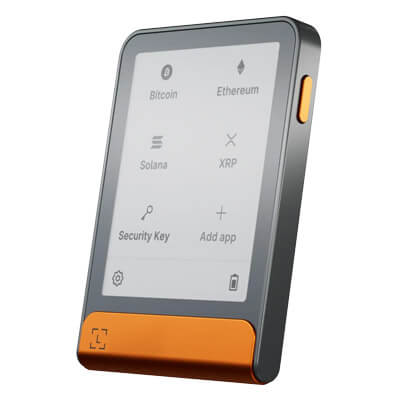
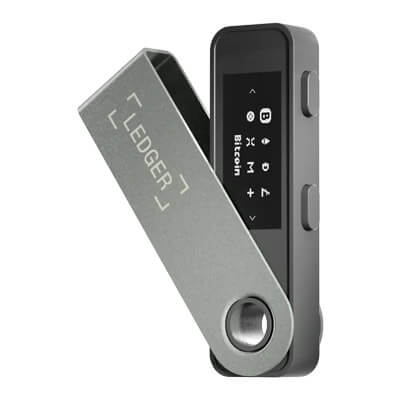
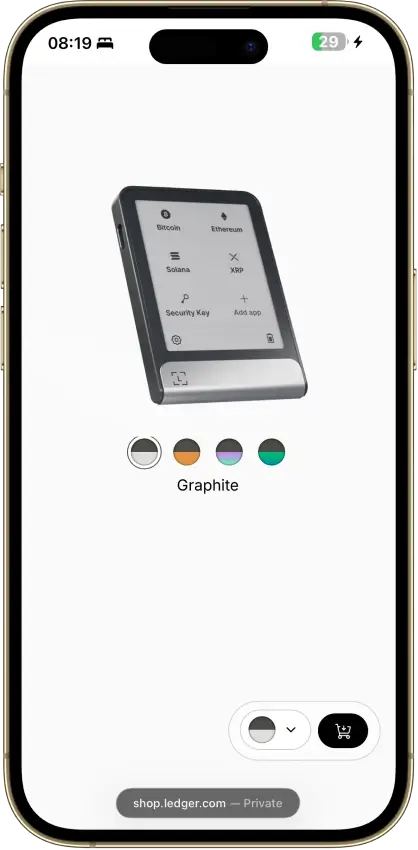
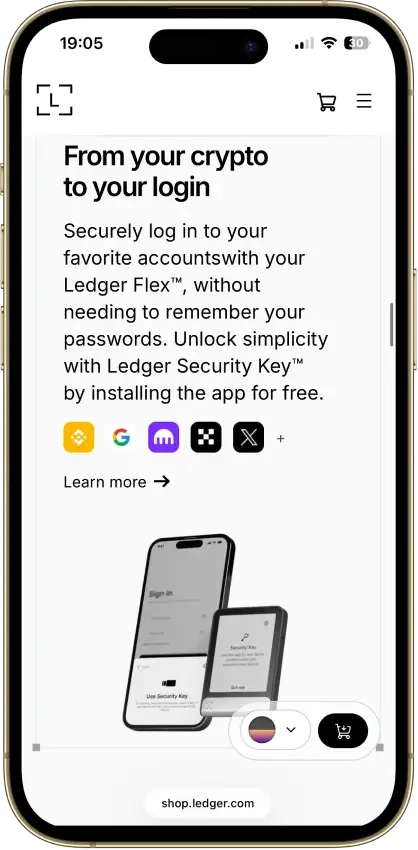
Phone-and-desktop users who sign often enough to care about screen comfort.
iOSAndroidDesktop (Windows)Desktop (macOS)Desktop (Linux)
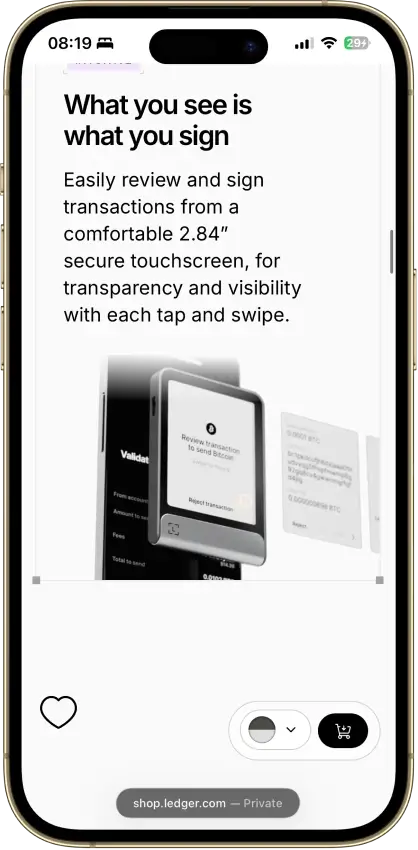
  • Large secure touchscreen for clearer on-device review
  • Strong phone support through Bluetooth and USB-C
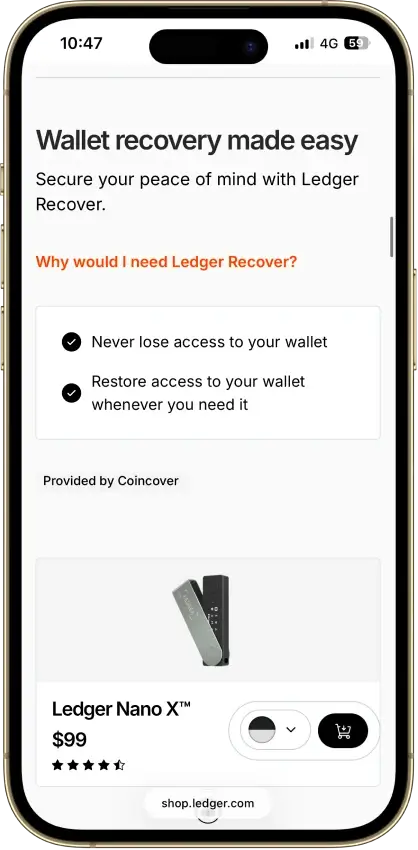
  • Flexible recovery setup with a recovery phrase, Recovery Key, and optional Ledger Recover
Rank 2
7.5
Hardware wallet
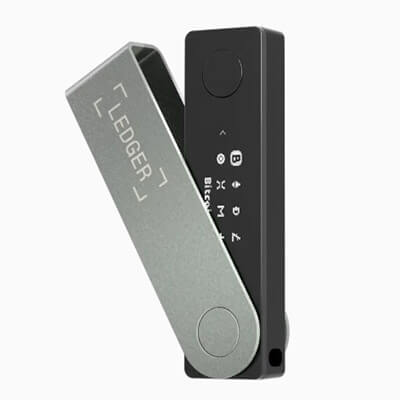
iPhone users and people who use both phone and desktop and want a classic hardware wallet.
iOSAndroidDesktop (Windows)Desktop (macOS)Desktop (Linux)
  • Bluetooth hardware wallet that works well with iPhone.
  • Strong support for major coins and common chains.
  • Compact classic Ledger form factor.
Rank 3
7.5
Hardware wallet
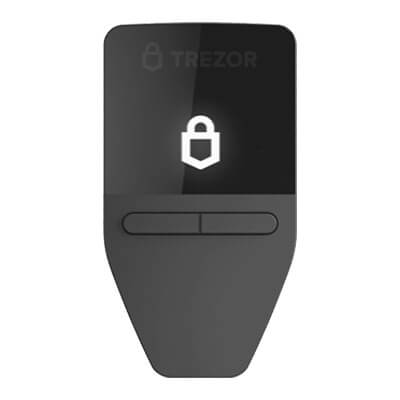
iPhone users and people who use both phone and desktop and want a classic hardware wallet.
AndroidDesktop (Windows)Desktop (macOS)Desktop (Linux)
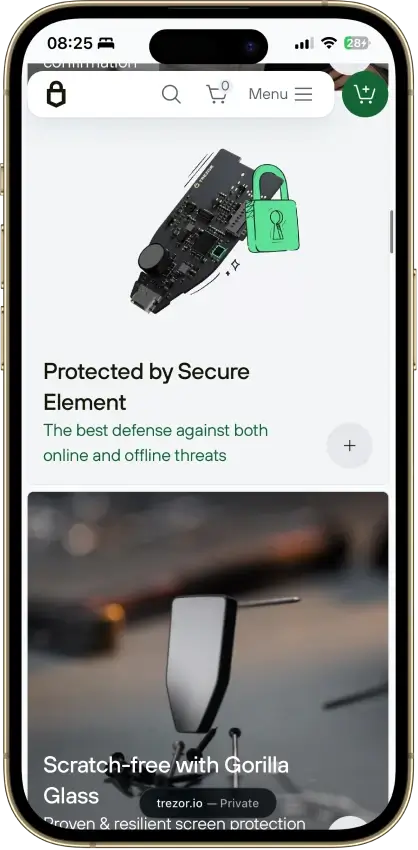
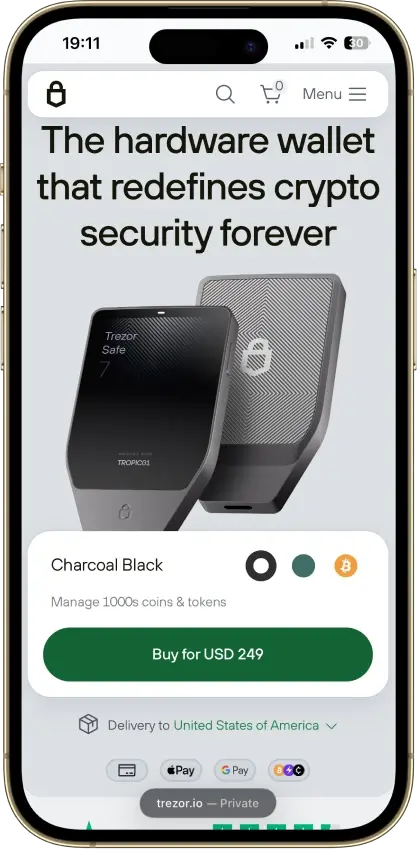
  • Lowest-cost current Trezor with a secure element and on-device approval.
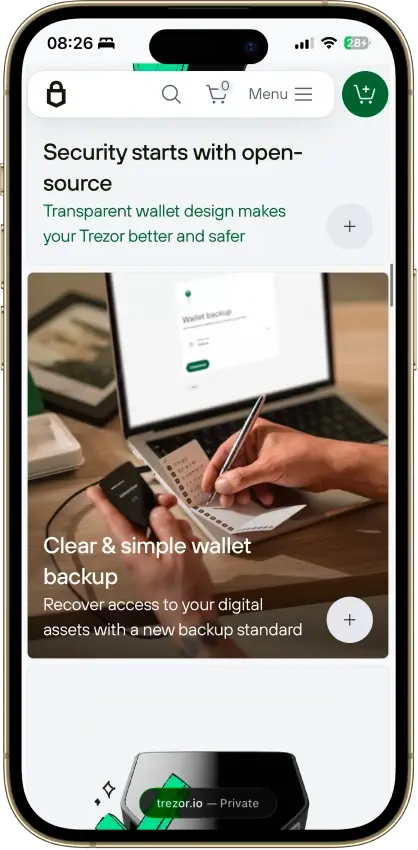
  • Supports 12-, 20-, and 24-word wallet backup formats, including BIP39 and SLIP39. Current Safe 3 units default to a 20-word Single-share Backup.
  • Good desktop and Android fit for long-term self-custody without battery or Bluetooth upkeep.
Rank 4
7.5
Hardware wallet
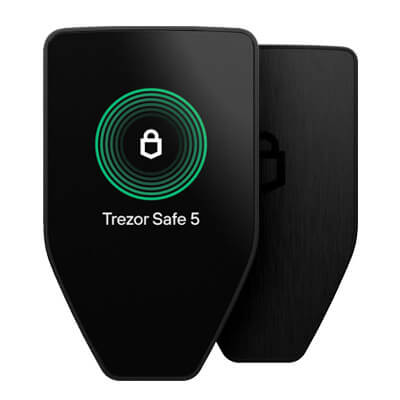
Desktop or Android users who want a better signing screen without paying Safe 7 pricing.
iOSAndroidDesktop (Windows)Desktop (macOS)Desktop (Linux)
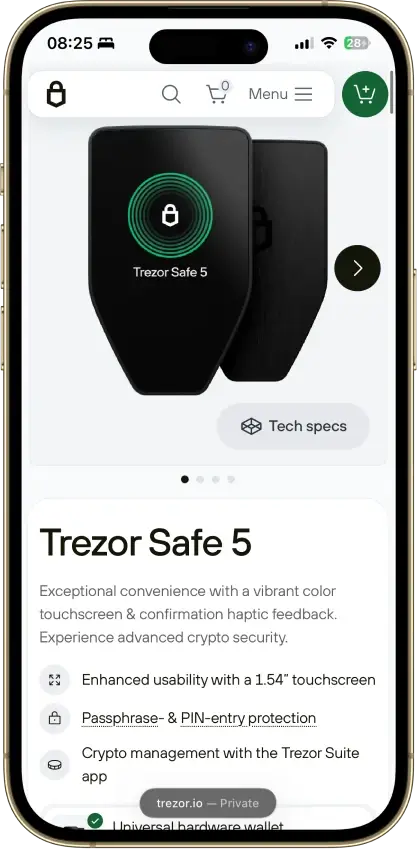
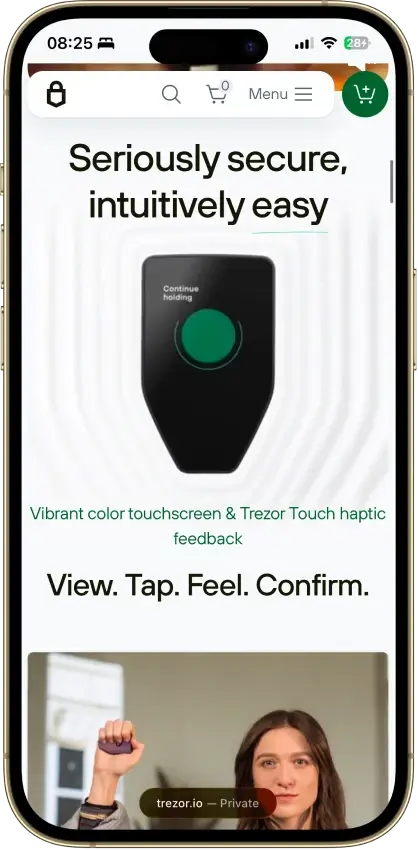
  • 1.54-inch color touchscreen with haptic feedback for clearer on-device review and input.
  • 20-word single-share backup by default, with an upgrade path to multi-share recovery.
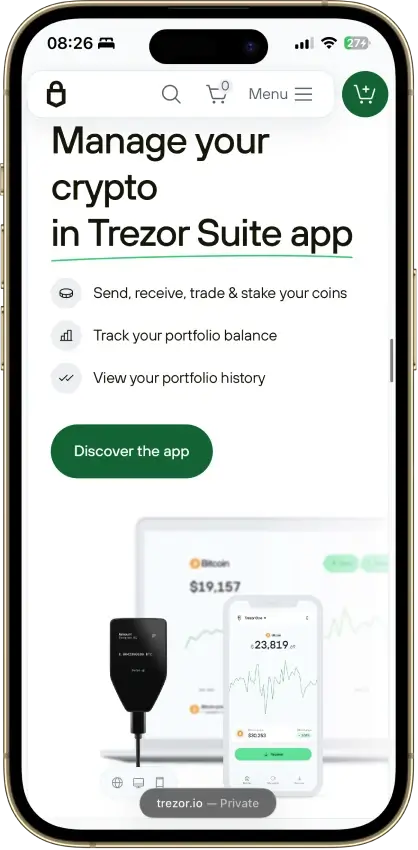
  • Trezor Suite plus WalletConnect covers more real dApp activity than older Trezor workflows.
Rank 5
7.0
Hardware wallet
Desktop-first holders who want broad Ledger asset support without paying for Bluetooth
AndroidDesktop (Windows)Desktop (macOS)Desktop (Linux)iOSBrowser extension
  • Low-cost current Ledger hardware wallet for desktop-first self-custody
  • Standard 24-word recovery phrase with recovery possible outside Ledger
  • No battery and no Bluetooth, with on-device approval for every transaction
Rank 6
7.0
Hardware wallet
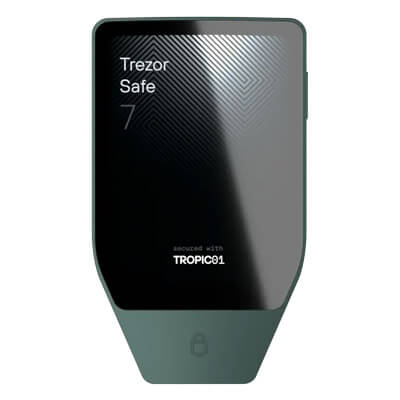
Mobile-first self-custody users who want a premium Trezor with Bluetooth and a large touchscreen.
iOSAndroidDesktop (macOS)Desktop (Windows)Desktop (Linux)
  • Full Trezor Suite mobile support on iPhone and Android
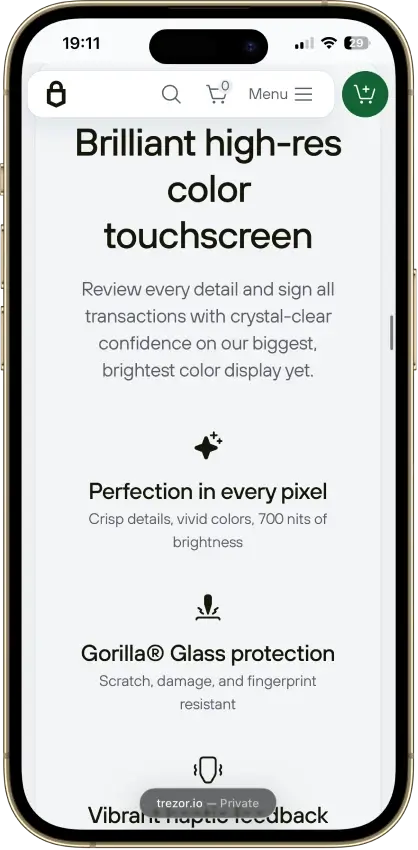
  • Large touchscreen with on-device transaction review and haptic feedback
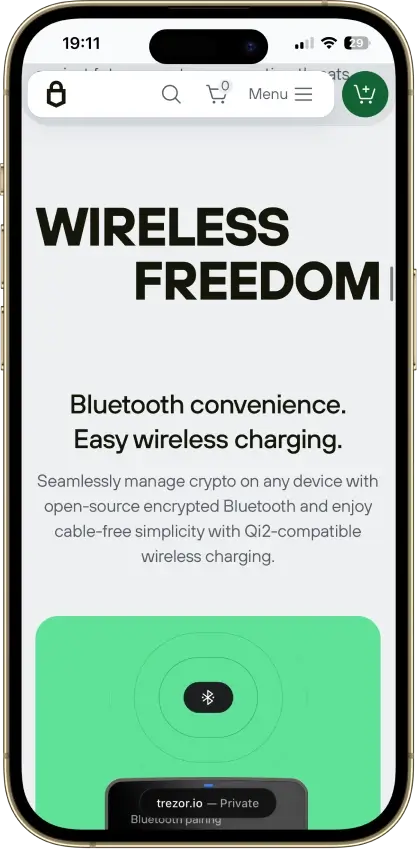
  • Premium wireless design with Bluetooth, built-in battery, and Qi2-compatible wireless charging
Rank 7
6.0
Hardware wallet
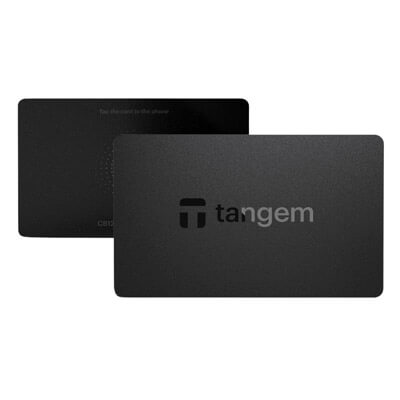
Phone-first users who want the simplest card-based cold wallet.
iOSAndroid
  • Card-based cold wallet design that works with a phone tap instead of cables or charging.
  • Seedless setup option with two or three physical backup devices instead of a written recovery phrase by default.
  • Low-friction mobile hardware wallet flow that can be used across multiple phones.
Rank 8
5.0
Hardware wallet
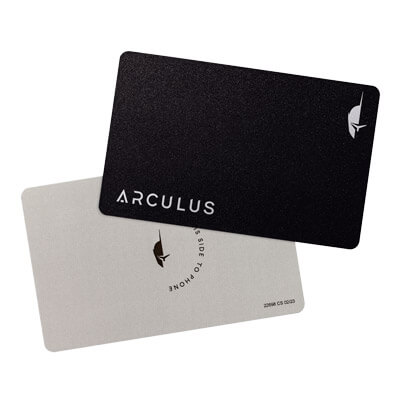
Mobile-first holders who want straightforward self-custody
iOSAndroid
  • Credit-card shape with no battery, cable, or Bluetooth.
  • Private keys stay on the card’s CC EAL6+ secure element.
  • Phone-first setup with a 6-digit PIN, optional Face ID/fingerprint, and NFC tap approval.
Rank 9
5.0
Hardware wallet
Mobile-first holders who want QR-only signing and a larger screen for transaction review.
iOSAndroid
  • QR-only offline signing with no USB or Bluetooth transaction path
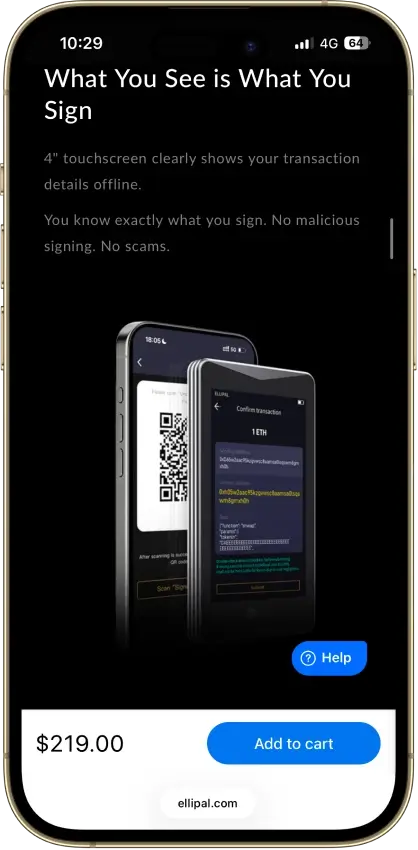
  • 4-inch touchscreen for clearer on-device verification
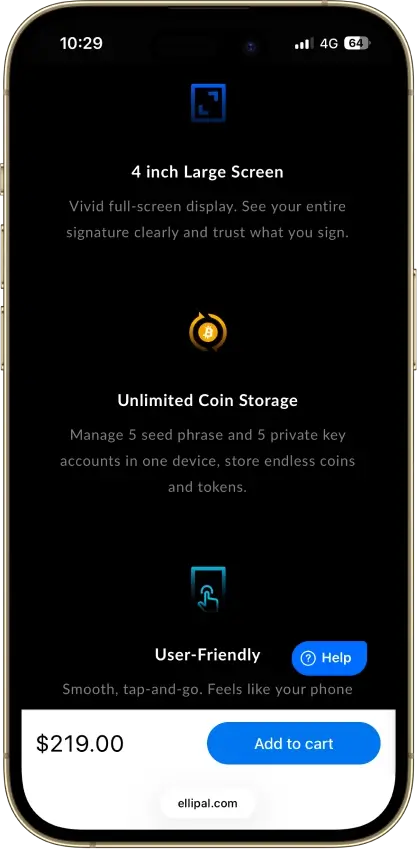
  • Fully metal sealed body with CC EAL5+ secure element

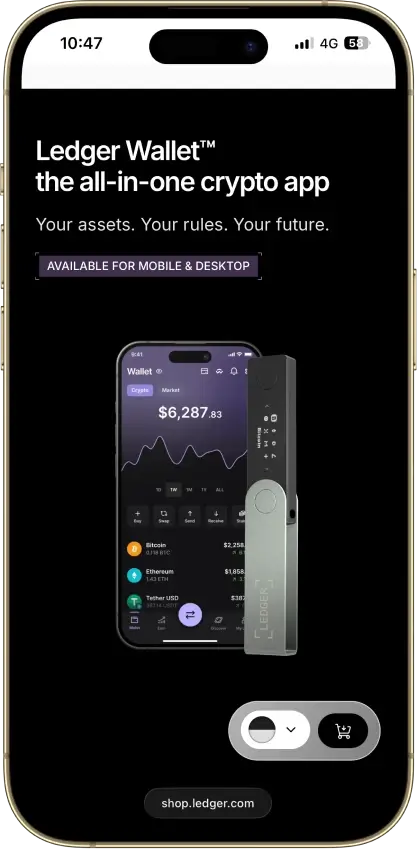
If you’re scanning for a fast answer, our quick picks are Ledger Nano X for XRP holders and Tangem for beginners who want a simple, phone-first cold wallet setup. They focus on the basics that matter most: clear confirmation flows, straightforward recovery, and support for the assets most people actually hold.

If you want to compare the full shortlist side-by-side, the comparison table below breaks down connection styles, screens, mobile compatibility, and XRP support so you can spot the best fit quickly.

Tangem Reseller Caveat

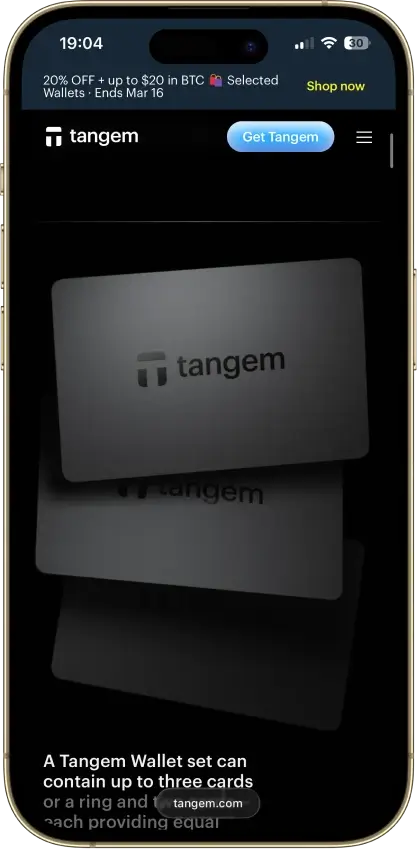
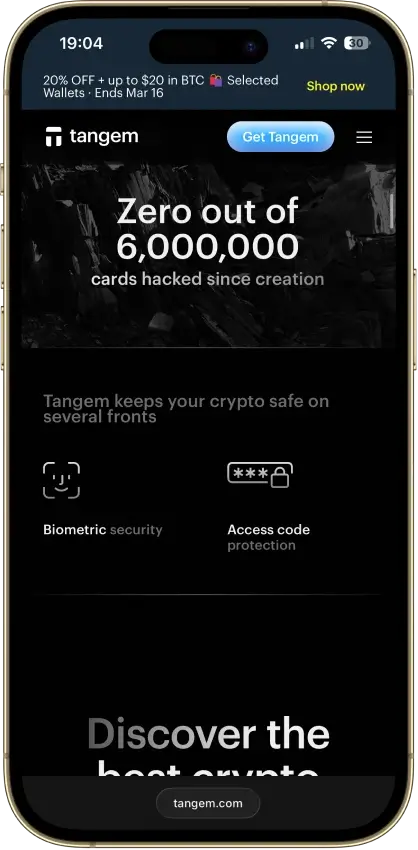
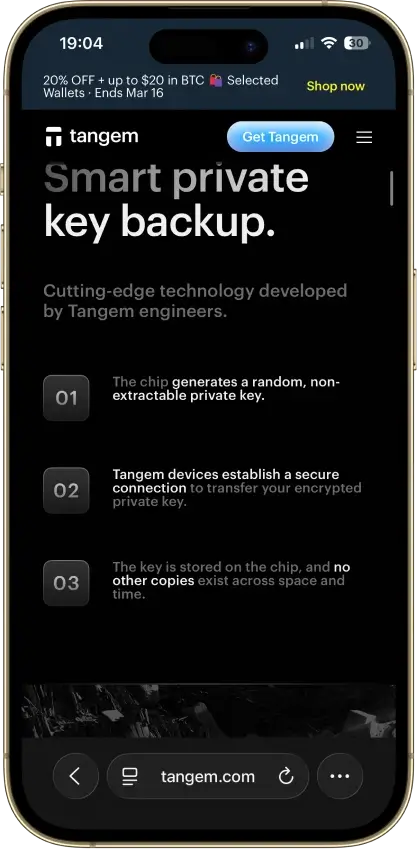
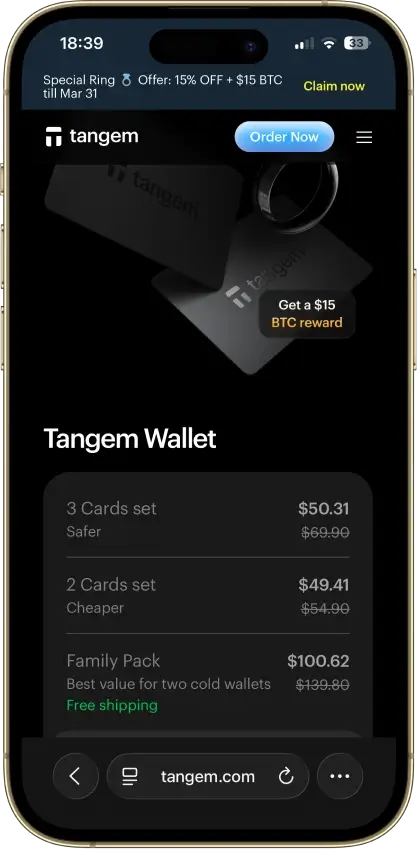
Tangem is the main exception to the usual reseller warning. Tangem says its official app can verify card authenticity and that cards are safe to buy from third parties, as long as the app prompts wallet creation during setup or you reset the cards before use.

Comparison Table

NameCustodyBlockchainsStakingFiat On-ramp
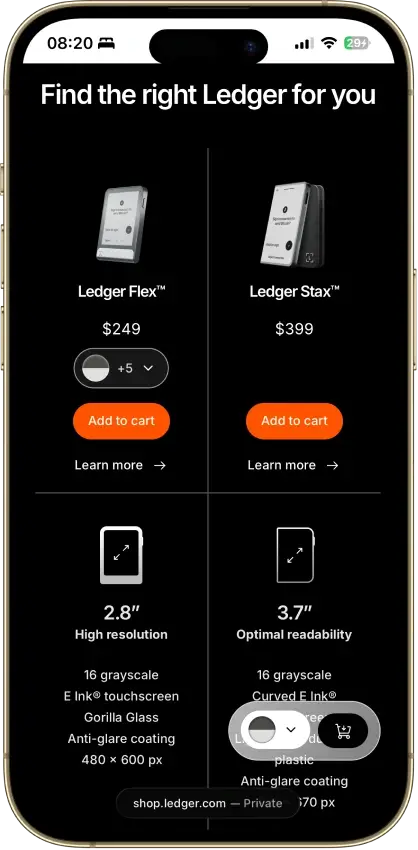
Ledger Flex Non-custodial Bitcoin, Polygon, Ethereum, BNB Smart Chain, Avalanche, Tron, Arbitrum, Base, Optimism, Solana Limited Yes
Ledger Nano X Non-custodial Bitcoin, Ethereum, BNB Smart Chain, Avalanche, Tron, Arbitrum, Base, Optimism, Polygon, Solana Limited No
Trezor Safe 3 Non-custodial Bitcoin, Ethereum, BNB Smart Chain, Avalanche, Arbitrum, Base, Polygon, Optimism, Solana Limited Yes
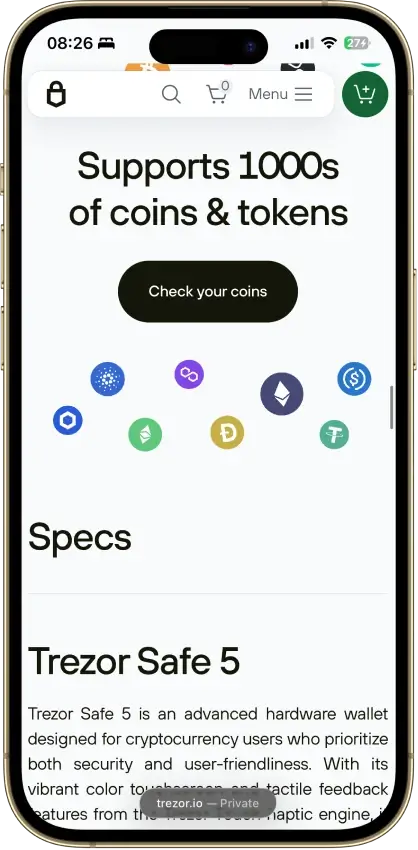
Trezor Safe 5 Non-custodial Bitcoin, Ethereum, BNB Smart Chain, Avalanche, Arbitrum, Base, Optimism, Polygon, Solana Limited Yes
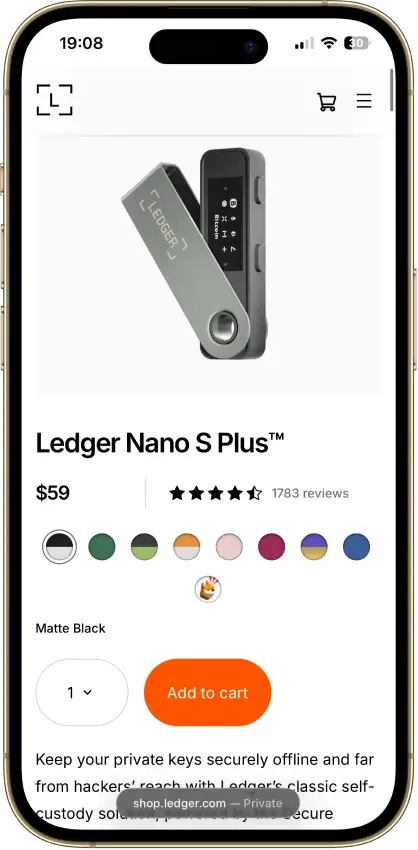
Ledger Nano S Plus Non-custodial Bitcoin, Ethereum, BNB Smart Chain, Avalanche, Tron, Arbitrum, Base, Optimism, Polygon, Solana Limited Yes
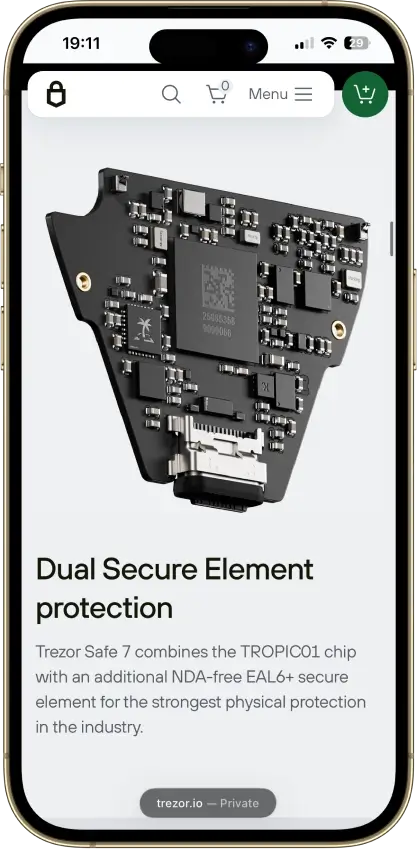
Trezor Safe 7 Non-custodial Bitcoin, Ethereum, BNB Smart Chain, Avalanche, Arbitrum, Base, Optimism, Polygon, Solana Limited Yes
Tangem Non-custodial Bitcoin, Ethereum, BNB Smart Chain, Avalanche, Tron, Arbitrum, Optimism, Base, Polygon, Solana Limited Yes
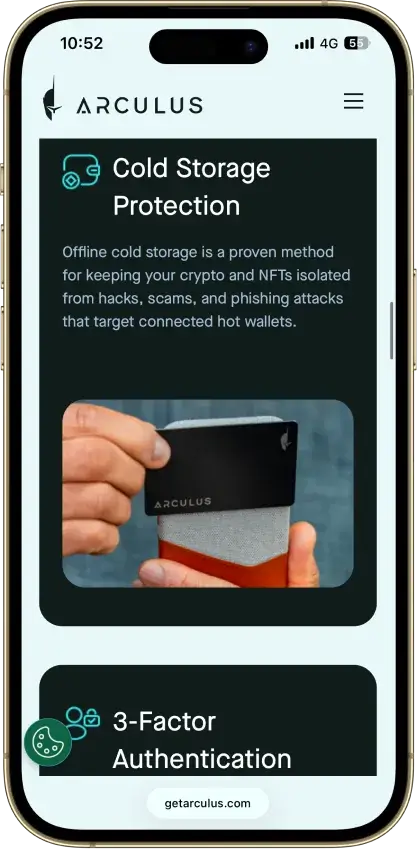
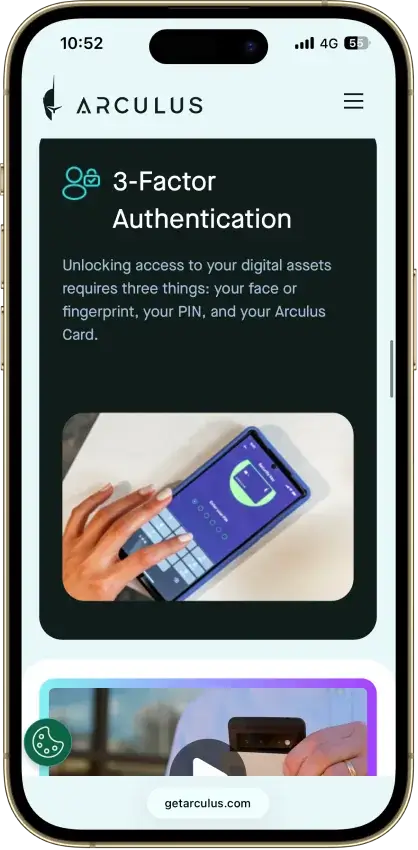
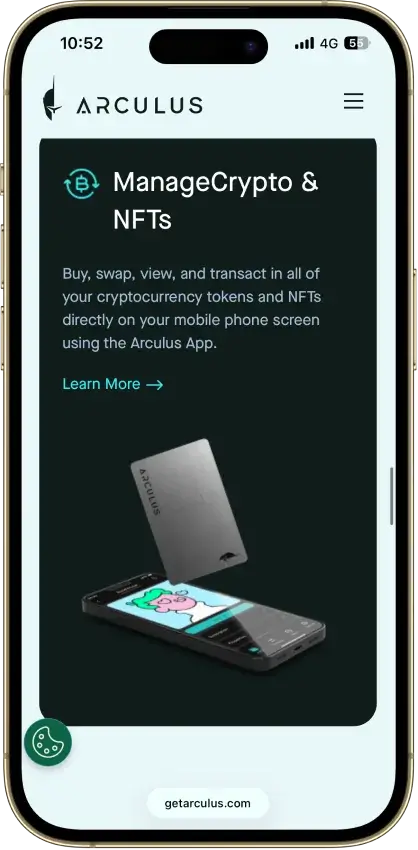
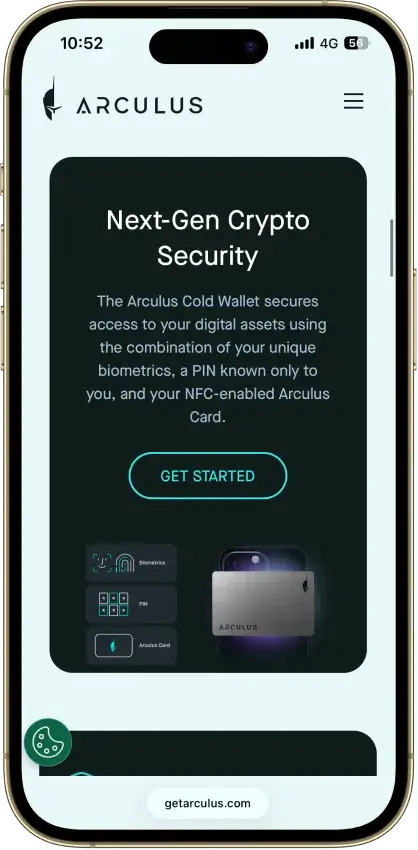
Arculus Wallet Non-custodial Bitcoin, Ethereum, BNB Smart Chain, Avalanche, Tron, Arbitrum, Base, Optimism, Polygon, Solana Limited Yes
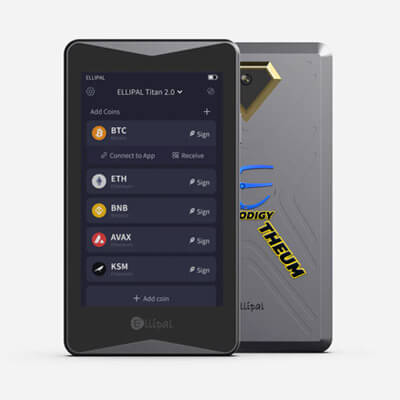
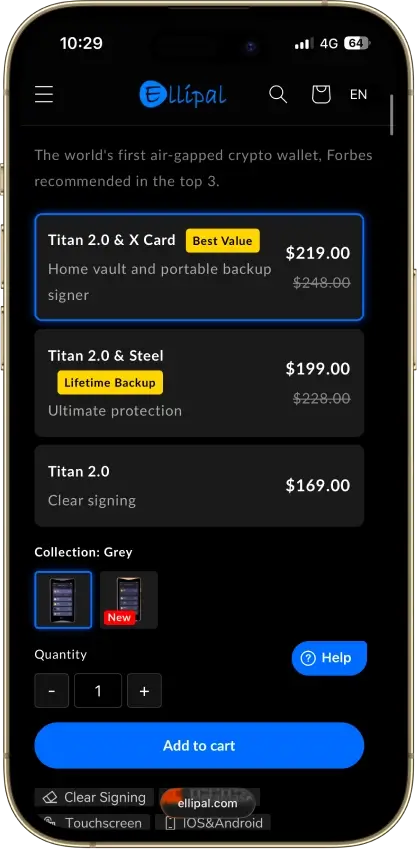
ELLIPAL Titan 2.0 Non-custodial Bitcoin, Ethereum, BNB Smart Chain, Avalanche, Tron, Base, Polygon, Solana Limited Yes

Start with how you want to connect: USB‑C for a wired workflow, Bluetooth for phone-first convenience, QR if you’d rather avoid direct connections, or NFC for card-style wallets. If you sign transactions often, a larger screen makes it easier to confirm what you’re approving. If you mostly buy and hold, recovery clarity and long-term support usually matter more than app extras.

On iPhone, Trezor Safe 7 can connect via Bluetooth for full use, while other Trezor models are typically limited to tracking and receiving on iOS, with signing handled on desktop or Android. If iPhone-first mobile signing is a must, Bluetooth models are the safer default.

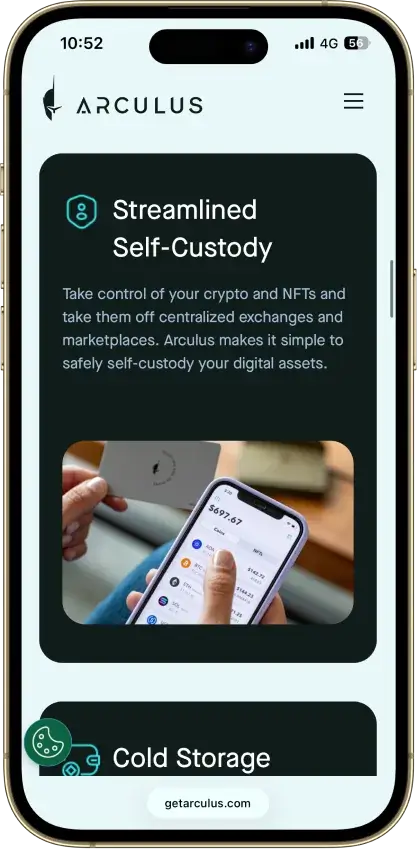
Trezor and Ledger are the general-purpose picks for multi-asset storage. Card-style wallets (Tangem, Arculus) aim for simplicity and a mobile-first feel, but you’re leaning more on the phone app by design. QR-first wallets (ELLIPAL) trade speed for fewer direct connections. The detailed reviews below break down what these choices mean in practice, including security model, transaction verification, recovery, and day-to-day handling.

Mobile Compatibility Caveats Before You Buy

If you want a real phone-first hardware wallet, check the mobile limits before you buy. Trezor Safe 7 offers full iPhone and Android use over Bluetooth. Trezor Safe 5 and Safe 3 remain limited on iOS and still need desktop for full signing. Ledger Nano S Plus does not connect directly to iPhone. Jade supports iPhone and Android over Bluetooth, while Tangem, Arculus, and ELLIPAL are mobile-first designs. D’CENT pairs with iPhone over Bluetooth, but mobile firmware updates are Android-only

Quick Decision Guide (Pick This Wallet If…)

If you want…Pick this wallet
Easiest cold walletTangem
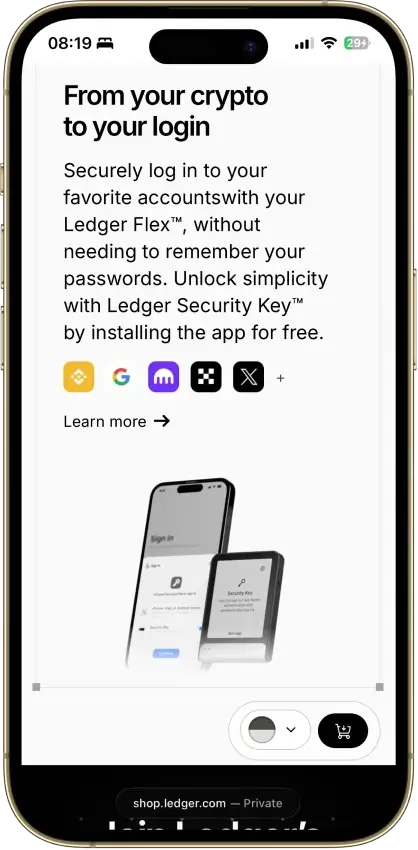
Most DeFi compatibilityLedger Flex
Open-source walletTrezor Safe 5
Bitcoin-focused walletJade
Air-gapped securityELLIPAL
Cheapest good walletTrezor Safe 3

Most people choosing a cold wallet are trying to answer a few simple questions quickly: Will it work with the coins I hold? Can I use it on my phone? How secure is the backup?

Those factors usually matter more than long feature lists. Generally, seasoned wallet users prefer simplicity, security model, and coin support rather than brand hype.

Detailed Review - Cold Wallets And Hardware Wallets

The detailed reviews go beyond surface-level features and focus on what actually matters in cold storage. For each hardware wallet, we look at the security model (how keys are generated and protected, and whether there’s a secure element), how clearly you can verify and approve transactions using the wallet’s trusted confirmation flow, and how reliable the recovery flow is if you lose or replace the device. We also cover everyday usability, including setup difficulty, mobile and desktop support, firmware update habits, and whether coin and network support is strong for the assets people commonly store in cold wallets.

How We Chose And Ranked The Best Cold Wallets

Our rankings follow CryptoSlate’s crypto-wallets criteria, with a focus on security fundamentals and long-term usability. Each wallet is assessed across the categories below. When two wallets score similarly, we use everyday usability and value as tie-breakers.

  • Custody + portability: You can migrate or exit without lock-in. We prioritize standard recovery methods and clear export paths so you can move funds even if a vendor disappears.
  • Key security model clarity: The wallet clearly explains how keys are generated, stored, and used for signing. Vague “military-grade” claims don’t count. We look for specifics such as secure element usage, secure boot, PIN/passphrase support, and how the companion app interacts with the device.
  • Independent security validation: Public audits with a meaningful scope and date, plus a real vulnerability disclosure process or bug bounty. One-off marketing “certifications” without details don’t carry much weight.
  • Recovery quality: Recovery is robust and the wallet guides you to verify backups. We favor setups that make it hard to mis-backup and easy to restore correctly after loss, damage, or upgrade.
  • Scam/drainer resistance: Strong transaction verification and “clear signing” where possible, plus warnings that help prevent approvals that drain wallets. We also look at how well the wallet supports safe approvals and minimizes blind signing.
  • Incident history + response maturity: If something went wrong, did the team communicate clearly, ship fixes quickly, and publish actionable guidance? A clean track record helps, but transparent handling matters more than perfection.

Evidence standards: we only include claims we can verify through official documentation, public audits, published security pages, changelogs, and incident communications. If we can’t confirm a detail, we label it as unknown instead of guessing.

What Is A Cold Wallet?

A cold wallet is a way of storing crypto where your private keys stay offline. The cold wallet meaning is simple: you keep the keys out of reach of malware on an internet-connected device. You can still receive funds while the device is disconnected, but you need the wallet to sign when you want to send. In practice, a cold storage wallet usually means a hardware wallet paired with a companion app.

What Is A Hardware Wallet?

A hardware wallet is a physical device that protects your private keys and signs transactions on the device itself. It’s the most common type of cold wallet crypto users buy because it’s designed for offline key security while still being usable with a companion app. If you’re wondering what is a hardware wallet in practical terms, a crypto hardware wallet doesn’t store your coins, it stores the keys that control them, which is why hardware wallet crypto security depends so much on backups and reliable transaction verification.

How Does A Cold Wallet Work?

If you’re wondering how does a cold wallet work, the core idea is that your private keys stay offline while you sign transactions on a separate device. That’s why cold wallets work well for long-term storage: the signing happens on the hardware, and your phone or computer only helps you prepare and broadcast the transaction. In practice, a hardware wallet is the most common offline crypto wallet setup.

  1. Generate or restore the wallet using the device’s supported backup model.
  2. Create and secure the wallet’s backup. For phrase-based wallets, write the recovery phrase offline. For Tangem’s default setup, finish the linked backup-card flow during setup..
  3. Verify transaction details using the wallet’s trusted confirmation flow: the device screen on screened wallets, or the app + card approval flow on screenless card wallets like Tangem and Arculus..
  4. Sign the transaction on-device so the keys never leave the hardware wallet.
  5. Broadcast via the companion app (the app sends the signed transaction to the blockchain network).

Hot Wallet Vs Cold Wallet

Hot wallet vs cold wallet comes down to where your keys live and how exposed they are to the internet. Hot wallets are convenient for everyday use, but they run on internet-connected devices. Cold wallets keep keys offline and are better for long-term storage, especially for larger balances. Exchange wallets are custodial, meaning the exchange controls the keys.

Wallet typeInternet exposureBest forCommon risks
Hot wallet (software wallet)HighTrading, DeFi, daily spendingPhishing, malware, blind signing, device compromise
Cold wallet (hardware wallet)Low (keys stay offline)Long-term storage, higher balancesBackup loss or exposure, user error, fake apps, physical loss
Exchange wallet (custodial)High (platform online)Fast trades, simple onboardingExchange hacks, account takeovers, withdrawals/KYC issues

Example: Rabby is a hot (software) wallet you might pair with a hardware wallet for DeFi, but Rabby itself is not a cold wallet.

Hardware Wallet Vs Software Wallet

Hardware wallet vs software wallet is mainly about where your private keys live and what can reach them. A hardware wallet keeps keys on a separate device and signs transactions on-device, which reduces the risk from malware on your computer or phone. A software wallet stores keys on an internet-connected device, which is more convenient day to day but increases exposure to phishing, fake apps, and device compromise.

Comparison pointHardware walletSoftware wallet
Where keys liveOn a dedicated deviceOn your phone, browser, or computer
Internet exposureLow (keys stay offline during signing)Higher (device is online)
How transactions are approvedReviewed and approved through dedicated hardware or card + app confirmationApproved in-app (phone/browser)
Best use caseLong-term storage and larger balancesDaily use, DeFi, smaller balances
Common risksBackup mistakes or loss, physical loss, fake firmware/appsPhishing, fake apps, malware, blind signing
RecoveryRestore with the wallet’s supported backup method on a new deviceRestore with recovery phrase (or app backup method)
CostPaid deviceUsually free
ConvenienceExtra steps when sendingFast and flexible

For most people, the best setup is both. Use a hardware wallet for long-term storage and larger balances, and use a software wallet for smaller amounts you trade, spend, or use in DeFi. If you’re choosing between online wallet vs hardware wallet, the trade-off is simple: online wallets win on speed and convenience, hardware wallets win on stronger isolation and safer transaction approval.

Types Of Cold Wallets

Most people mean “hardware wallet” when they say cold wallet, but there are a few cold storage approaches:

  • Hardware wallets (recommended): Dedicated devices designed for cold storage hardware, with dedicated signing or card-based approval and secure backups.
  • Paper wallets (use with caution): Offline by definition, but easy to mishandle, and many modern workflows make them risky for beginners.
  • Air-gapped wallets: Devices that avoid USB and Bluetooth and sign via QR codes. This reduces direct connections, but adds extra steps for everyday use.
  • Bitcoin-only wallets: Focused devices or firmware that prioritize Bitcoin security and usability. The trade-off is limited altcoin support.

This page focuses on hardware wallets because they’re the most practical cold storage wallet option for most crypto holders.

Seed Phrase Wallets Vs Seedless Card Wallets

Not every cold wallet on this list uses the same backup model. Most hardware wallets still use a recovery phrase. Tangem is the main exception here: its default setup is seedless and uses 2–3 linked backup cards, while seed-phrase setup remains optional. Pick the backup model you are most likely to maintain correctly, because backup mistakes matter more than form factor once the wallet is live.

Best Cold Wallets By Use Case

Your “best” cold wallet depends on what you sign and how often you sign it. If you move funds frequently or use DeFi, screen clarity and transaction review matter because approvals are a repeat task. If you mostly buy and hold, recovery clarity and long-term support usually matter more than extra features.

The table below maps the common intents behind searches like best cold wallet, best hardware wallet, and best cold wallet for XRP to a single top pick from our shortlist. These recommendations stick to the devices already featured above, so you can compare them apples-to-apples in the main comparison table and then go deeper in the detailed reviews.

Use caseTop pickWhy it winsBest forWho should skip
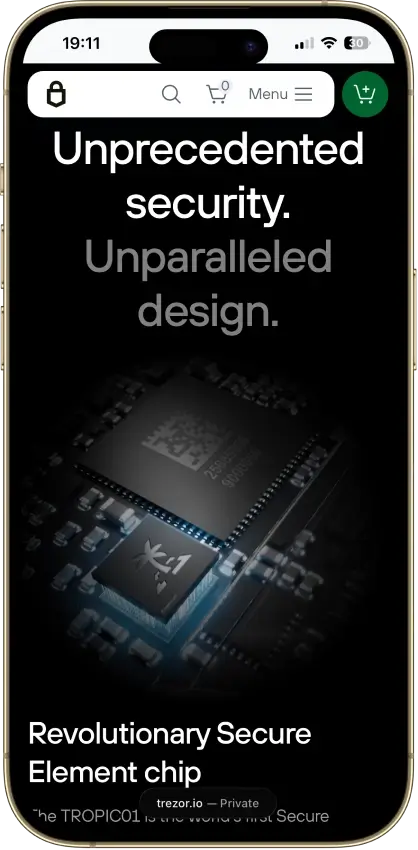
Best cold wallet overallTrezor Safe 7Full iPhone + Android support, Bluetooth + USB-C, large touchscreen, and dual secure elementsLong-term holders who want a premium mainstream hardware walletBuyers who do not need full iPhone support or a premium touchscreen model
Best hardware wallet for beginnersTangemSimple, phone-first setup with a low-friction day-one experienceFirst-time cold storage buyers and casual holdersPower users who want desktop workflows or deep configurability
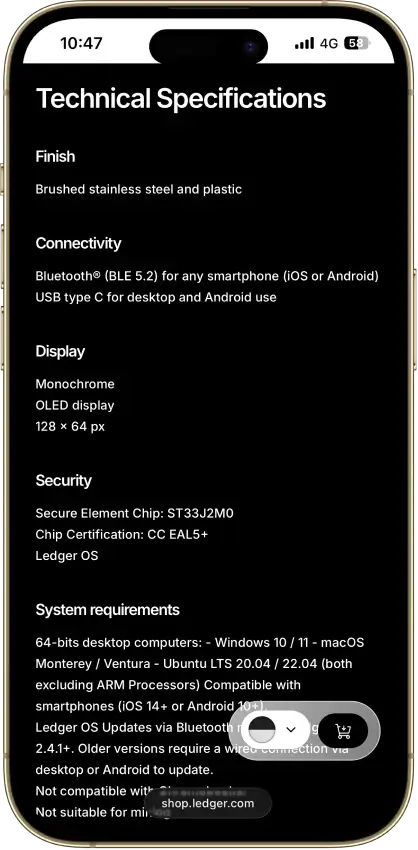
Best cold wallet for XRPLedger Nano XWidely used ecosystem and strong mainstream asset coverage, including XRPXRP holders who also store multiple major coinsAnyone who dislikes smaller screens or prefers fully open-source stacks
Best Bitcoin hardware walletBlockstream Jade PlusBitcoin-first focus with straightforward signing and an air-gapped optionBitcoin-focused holders and long-term BTC storagePeople who want broad altcoin support in one device
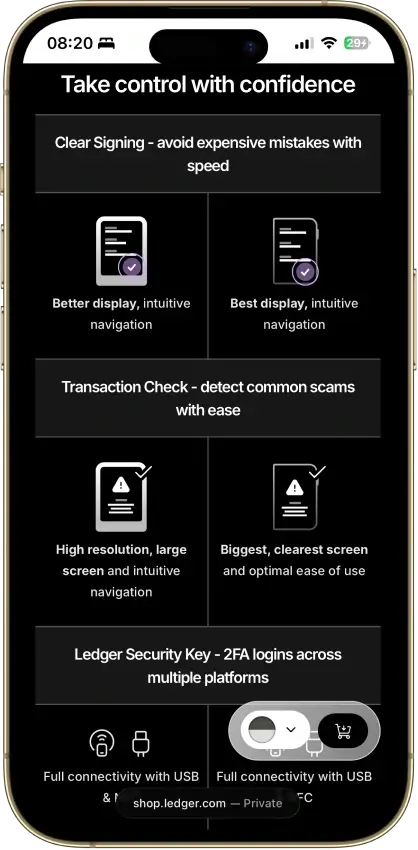
Best cold wallet for DeFi and web3Ledger FlexTouchscreen review plus broad compatibility with popular web3 toolsDeFi users who sign transactions regularlyBuy-and-hold users who don’t need web3 features and want to spend less
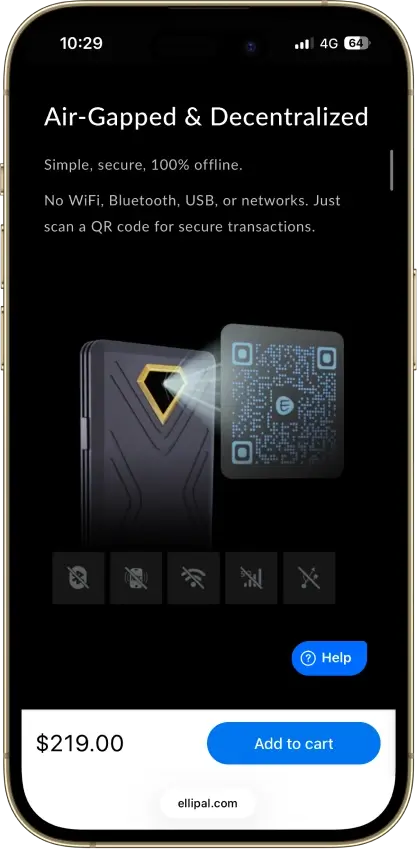
Best air-gapped cold walletELLIPAL Titan 2.0QR-only signing avoids USB and Bluetooth connectionsPeople who strongly prefer an air-gapped routineAnyone who wants the fastest, simplest day-to-day transfers
Best budget hardware walletTrezor Safe 3Solid cold storage fundamentals at a lower cost than touchscreensNew buyers on a budget and long-term holdersAnyone who wants a large screen for frequent transaction review

Traditional hardware wallets are usually the safest default because they combine clear on-device checks with widely used recovery flows. If you sign often, a touchscreen can make approvals easier to read, which matters when confirmations are frequent.

Card-style options like Tangem and Arculus optimize for convenience and a mobile-first feel, but you’re relying more on the phone app by design. Air-gapped QR devices like ELLIPAL reduce direct connections, but add steps each time you send. If you’re undecided, pick a mainstream device you’re comfortable verifying on, then follow the setup and transfer steps below and start with a small test transfer.

How To Get A Cold Wallet Safely

If you’re researching how to get a cold wallet, start with one rule: only buy from sources you can trust. The safest route is the manufacturer’s official store or an authorized reseller, because used or third‑party listings can be tampered with. When you buy a cold wallet, you’re buying security, so treat the supply chain as part of the security model.

Quick safety checklist before you set anything up:

  • Buy from the official store or an authorized reseller. Avoid marketplace listings and “open box” deals.
  • Skip used devices. A hardware wallet should never arrive already initialized.
  • Check packaging and the device for signs of tampering. If something feels off, don’t proceed.
  • Install only official apps. Download the companion app from the brand’s official site or the official app stores.
  • Follow only the platform’s official update process. Some wallets use standard firmware updates, some use offline SD-card updates, and Tangem’s card firmware is not updatable
  • Never accept a pre-written recovery phrase or pre-created backup. Your wallet backup should be created during setup using the vendor’s official flow.

How To Set Up A Cold Wallet

How to set up a cold wallet is mostly about doing the basics carefully. The goal is simple: create the wallet using the official setup flow, protect the wallet backup offline, and verify transaction details using the wallet’s trusted confirmation flow before you move meaningful funds. If you’re searching how to create a cold wallet or how to make a cold wallet, use this checklist.

  1. Initialize the device and choose “set up as new” (unless you’re restoring).
  2. Create the wallet on the device and follow the on-screen prompts.
  3. Secure the wallet’s backup correctly. For phrase-based wallets, write the recovery phrase offline on paper or a dedicated backup solution. For Tangem’s default setup, complete the linked backup-card flow and store the backup cards separately.
  4. Set the wallet’s access lock (PIN or access code). Use a passphrase only if your wallet supports it and you fully understand how it changes recovery. Store any passphrase separately from the main backup.
  5. Install the companion app from the official source and pair/connect your device.
  6. Verify the receiving address using the wallet’s trusted flow. On screened devices, confirm it on the hardware. On screenless card wallets, confirm it in the official app and use a small test transfer first.
  7. Send a small test transfer first, confirm it arrives, then move the full amount.

Once you’ve completed the test transfer, you’ve validated the two things that matter most: your wallet can receive funds, and you can verify transaction details safely using the wallet’s official flow.

How To Transfer Crypto To A Cold Wallet

How to transfer crypto to a cold wallet is the same basic process no matter which wallet you buy or which exchange you use. The two rules that prevent most mistakes are (1) verify the receiving address using the wallet’s trusted confirmation flow, and (2) match the correct network before you send anything.

Universal steps to move crypto to cold storage:

  1. Open your hardware wallet app and select the asset you’re receiving (BTC, ETH, XRP, USDT, etc.).
  2. Generate a receiving address and verify it using the wallet’s trusted flow. On screened wallets, confirm it on the hardware device. On screenless card wallets, confirm it in the official app.
  3. Double-check the network you’re receiving on (for example, USDT on Ethereum vs Tron vs another network). If the network doesn’t match, funds can be lost.
  4. Send a small test transfer first. Wait for confirmations and make sure it arrives in the correct account.
  5. Send the remaining amount once the test transfer is confirmed.
  6. Keep the transaction record (TxID) in case you need to troubleshoot confirmations or support requests.

If the destination requires a memo or destination tag, include it exactly as shown by the destination. If your hardware wallet shows multiple address formats, use the format the exchange supports.

For XRP, destination tags are often required when sending to exchanges, while personal XRP receive addresses in Trezor Suite do not require a destination tag.

How To Move Crypto From Coinbase To A Cold Wallet

  1. In your hardware wallet’s companion app, choose the asset you want to receive and tap Receive.
  2. Verify the address on your hardware wallet screen and copy it from the app.
  3. In Coinbase, select Send crypto or Withdraw, choose the same asset, and paste the address.
  4. Confirm the network matches what your wallet is expecting. Don’t assume defaults.
  5. Send a small test amount first and wait for confirmations.
  6. Once the test arrives, repeat the withdrawal for the remaining amount.

If you’re moving a large balance, consider using Coinbase’s address book or allowlisting features where available, and always re-verify the address on-device before sending.

Coinbase Allowlist Before Large Withdrawals

If you are moving a larger balance from Coinbase.com, consider turning on address allowlisting first. The current path is: Profile → Settings → Allow list → Enable Allowlisting → Add address. Newly added address becomes available for sends after 48 hours

How To Transfer Crypto From An Exchange To A Cold Wallet

The exchange-to-cold-wallet flow is the same everywhere:

  1. Get your receiving address from the hardware wallet app and verify it on the device.
  2. In the exchange, choose Withdraw for the same asset.
  3. Select the correct network (this matters most for tokens and stablecoins).
  4. Paste the address, enter the amount, and review fees.
  5. Send a test transfer and confirm it lands in your cold wallet.
  6. Send the remaining amount once the test is confirmed.

If the exchange asks for extra confirmation steps (email, 2FA, withdrawal holds), treat that as normal. The only thing you should never compromise on is address verification and network matching.


How To Sell Crypto From A Cold Wallet

Most people sell by moving funds out of cold storage first. If you’re searching how to sell crypto from cold wallet, the typical route is: send from your hardware wallet to an exchange or regulated off-ramp, sell there, then withdraw fiat to your bank.

  1. Choose where you’ll sell (exchange or off-ramp you already trust).
  2. Get a deposit address for the exact asset and network you’re sending (this matters most for tokens and stablecoins).
  3. Verify the address and network before you send. If your exchange supports address allowlisting, enable it.
  4. Send a small test amount first from your cold wallet, confirm it arrives, then send the remaining balance.
  5. Sell on the platform using a market or limit order.
  6. Withdraw fiat to your preferred method (bank transfer, card, etc.), following the platform’s verification requirements.

Don’t assume every wallet supports “selling inside the app.” Some wallets may offer integrations, but the safest default is using a reputable off-ramp and keeping your cold wallet focused on storage and signing.

XRP-Specific Checks Before You Transfer

XRP support is only part of the checklist. Before you withdraw, check whether the destination requires a destination tag, and remember that XRP Ledger accounts have a current 1 XRP base reserve plus a 0.2 XRP owner reserve per item. Personal XRP receive addresses in Trezor Suite do not require a destination tag, but many exchange deposits do.

Are Cold Wallets Safe?

For most people, yes. A cold wallet (especially a hardware wallet) is one of the safest ways to store crypto because your private keys stay offline and transactions are signed on the device. That said, cold wallet security still depends heavily on process, because most losses come from mistakes, scams, or bad backups rather than direct hacking of the device.

The main risks to watch for:

  • Backup exposure: If someone gets your wallet backup, they can take your funds. Keep backups offline and never enter a recovery phrase into a random website or app.
  • Phishing and fake apps: Lookalike wallet software and “support” scams are common. Install only official apps and never follow random links.
  • Blind signing: If you approve transactions you don’t understand, you can still be drained, especially in DeFi. Use wallets and settings that improve transaction clarity.
  • Physical loss or theft: Losing the device isn’t usually fatal if your recovery phrase is safe, but theft plus a weak PIN or poor storage habits can be.
  • Wrong-network transfers: Sending assets on the wrong network or to the wrong address can be irreversible. Always match networks and verify addresses on-device.

A practical baseline: buy from official sources, set a strong PIN or access code, secure the wallet backup offline, verify transaction details using the wallet’s trusted confirmation flow, and use only official update channels.

What A Cold Wallet Does Not Protect You From

A cold wallet does not make a malicious transaction safe. You can still approve a bad smart-contract interaction, a blind-signed message, or a phishing-driven transfer if you do not understand what you are confirming. Treat the wallet as a signing safeguard, not as a substitute for transaction review, scam screening, and allowance management.
What Happens If A Hardware Wallet Breaks?

If your hardware wallet breaks, recovery depends on the backup model. Most wallets in this list restore with a recovery phrase on a new device. Tangem’s default setup is the main exception here: it uses linked backup cards unless you chose a seed phrase.

Here’s what happens in practice:

  • Broken or lost device: Buy a replacement from an official source, choose Restore, then enter your recovery phrase to rebuild the same wallet.
  • Wallet backup lost too: If you lose the wallet backup too, you generally can’t recover the wallet.

Best practices that prevent most “what if hardware wallet breaks” problems:

  • For phrase-based wallets, keep two offline backups of your recovery phrase in separate secure locations.
  • If you use a passphrase, store it separately and make sure you understand that it changes recovery.
  • Avoid storing a recovery phrase digitally. For seedless card setups, protect backup cards just as carefully and keep them separate.
  • Consider doing a small test restore (or verification flow) once, so you know your backup works.

Cold Wallet Vs Hardware Wallet

Cold wallet vs hardware wallet is mostly a terminology issue, but the difference matters when you’re deciding what to buy and how to store your keys.

TermHardware walletsCold wallets
What it isA physical device that signs transactions on-device and keeps private keys isolatedA cold storage approach where private keys stay offline
What it refers toA product you buy and useThe broader concept and security model
How keys are protectedKeys are generated and stored on dedicated hardware; approvals require the hardware device or cardKeys never touch an internet-connected device during signing
Best forPractical cold storage you can actually use day to dayLong-term storage, larger balances, “savings” wallets
Simple examplesTrezor Safe series, Ledger Nano/Flex, Tangem, Arculus, Blockstream Jade PlusHardware wallet setups, air-gapped signing workflows

In short: a hardware wallet is the most common way to get cold storage, but “cold wallet” is the broader idea.

Pros And Cons Of Cold Storage Hardware Wallets

Cold storage hardware wallets are popular because they change the risk profile of self-custody. Instead of keeping keys on an internet-connected device, you approve transactions on dedicated hardware, which reduces exposure to malware and remote attacks. They also help you separate long-term storage from day-to-day trading, which is useful if you keep funds on exchanges for speed but don’t want your full balance exposed.

Pros

  • Offline key protection: Your private keys stay on the device, so they’re less exposed to malware on your phone or computer.
  • Better long-term storage: Designed for “buy and hold” use, with recovery methods built around durability.
  • Separation from exchange risk: You control the keys, so you’re not relying on an exchange’s custody or account security for your long-term holdings.
  • Clearer transaction approval: Dedicated hardware confirmation can reduce mistakes, especially when you verify addresses and amounts using the wallet’s trusted approval flow.

Cons

  • Upfront cost: Good hardware wallets cost money, and premium models can be expensive.
  • Learning curve: Setup, address verification, and network selection take a bit of practice.
  • Recovery responsibility: If you lose your recovery phrase (and any passphrase you use), you usually can’t recover funds.
  • Slower daily use: Extra steps for signing and confirmations can feel slower than a hot wallet or exchange, especially if you move funds often.

For long-term holders, the extra steps are usually a good deal: you’re trading a bit of convenience for much stronger key isolation. Keep the process simple and consistent. Buy from official sources, store your recovery phrase offline, and use test transfers plus on-device verification until it becomes a habit. Once those basics are in place, cold storage is a practical upgrade from keeping everything in a hot wallet or exchange wallet.

Cold Storage Takeaways And Next Steps

Choosing the best cold wallet comes down to three things you can control: recovery quality, on-device verification, and a workflow you’ll actually use without cutting corners. If you want a traditional hardware wallet that balances long-term storage and everyday usability, start with a mainstream option like Trezor Safe 5 or Ledger Nano X. If you sign transactions often, a larger screen can make approvals clearer. If you want the simplest setup possible, card-style options like Tangem can reduce friction for beginners.

Whatever you choose, treat setup as part of security. Buy from official sources, secure your wallet backup offline, and do a small test transfer before moving larger amounts. Once you’ve validated receiving, signing, and recovery, cold storage becomes one of the most practical ways to reduce risk versus keeping everything in a hot wallet or exchange account.

FAQ

What is a cold wallet?

A cold wallet is a storage setup where private keys stay offline. You can still receive crypto while the device is disconnected, but you need it to sign when you want to send. Most people use a cold storage hardware wallet for this. The edge case to remember is backups: if your wallet backup is exposed or lost, cold storage won’t protect you.

What is a hardware wallet?

A hardware wallet is a physical device that generates and stores keys and signs transactions on-device. It’s designed so malware on your phone or computer can’t grab the keys. If the device or card fails, recovery depends on the backup model. Most wallets use a recovery phrase, while Tangem’s default setup uses linked backup cards.

Is a hardware wallet the same as a cold wallet?

A hardware wallet is the most common type of cold wallet, but “cold wallet” is the broader concept. Cold wallet refers to keeping keys offline. A hardware wallet is the product that makes cold storage practical for most people. Some “cold” approaches exist outside hardware wallets, like paper wallets, but they have their own risks.

Hot wallet vs cold wallet: which is better?

Neither is “better” for every situation. Hot wallets are faster and easier for trading, DeFi, and smaller daily balances, but keys live on an internet-connected device. Cold wallets reduce online exposure and are better for long-term storage. Many people use both: cold storage for savings, hot wallets for spending.

How do cold wallets work?

Cold wallets work by keeping private keys offline while still letting you send crypto when you choose. You prepare a transaction in a companion app, review the details in the wallet’s confirmation flow, and approve it using the hardware device or card. The app then broadcasts the signed transaction to the network. Your keys never leave the hardware wallet.

How do I transfer crypto from Coinbase to a cold wallet?

Set up your hardware wallet and generate a receiving address for the asset you’re moving. Verify the address using the wallet’s trusted confirmation flow, then in Coinbase use Withdraw and paste that address. Start with a small test transfer, confirm it arrives, then move the full amount. Always match the correct network to avoid loss.

Is Coinbase Wallet a cold wallet?

No. Coinbase Wallet is a non-custodial software wallet, which makes it a hot wallet because it runs on an internet-connected phone or browser. It can be a good everyday wallet for smaller balances. For cold storage, you typically use a hardware wallet and only connect it when you need to sign transactions.

Is Trust Wallet a cold wallet?

No. Trust Wallet is also a software wallet, so it’s a hot wallet by default. It’s useful for quick access, swaps, and DeFi, but it doesn’t provide the same offline key isolation as a hardware wallet. If you want cold storage, use a hardware wallet for long-term holdings and keep only a smaller amount in Trust Wallet.

What is the best cold wallet for XRP?

The best cold wallet for XRP is one that supports XRP natively, lets you verify addresses clearly, and has a recovery process you understand. Mainstream hardware wallets often support XRP, but exact support can vary by app and region. Before buying, confirm XRP support on the wallet’s official supported-assets page and test with a small transfer.

Are cold wallets safe?

Cold wallets are one of the safest ways to store crypto because keys stay offline and transactions are signed on-device. The biggest risks usually come from user error, not hacking. Protect your recovery phrase, avoid fake apps, verify addresses on the device screen, and don’t approve transactions you don’t understand. Security is as much process as product.