Best Crypto Wallets for Beginners: Top Picks + Setup & Safety Guide (April 2026)

Compare beginner-friendly crypto wallets, understand custody and security trade-offs, and learn how to set up and use your wallet safely.

Updated Apr. 6, 2026
Reviews in this list 10
Trusted Reviews Editorially curated & independently checked
Curated by Yousra Anwar Ahmed
Since Feb 2026 50 reviews
Checked by George Ong
Since Mar 2018 111 fact-checks
Affiliate Disclosure

Disclaimer: CryptoSlate may receive a commission when you click links on our site and make a purchase or complete an action with a third party. This does not influence our editorial independence, reviews, or ratings, and we always aim to provide accurate, transparent information to our readers.

If you’re searching for the best crypto wallets for beginners in 2026, you’re probably in the same spot most people start: you bought (or plan to buy) crypto, and now you’re staring at a confusing choice — leave it on an exchange, or move it into a wallet.

Here’s the clean truth: a wallet isn’t where your coins “live.” Your crypto stays on the blockchain. Your wallet is the tool that controls the keys that can move it. That’s why wallet mistakes hurt so much. There’s usually no “undo,” and there’s no helpdesk that can reverse a transaction.

This guide is built for beginners who want the practical path: which wallets tend to work best for first-timers, how to set one up without cutting corners, how to avoid the scams that drain new users, and how to send/receive without making the “wrong network” mistake.

Best Crypto Wallets for Beginners in 2026

These are our beginner-focused picks for 2026, using a rubric that prioritizes real-world safety and usability (not hype).

Top Picks - Crypto Wallets for Beginners

Rank
Name
Rating
Best For
Type
Platforms
Key Advantages
Secure link
Rank 1
8.5
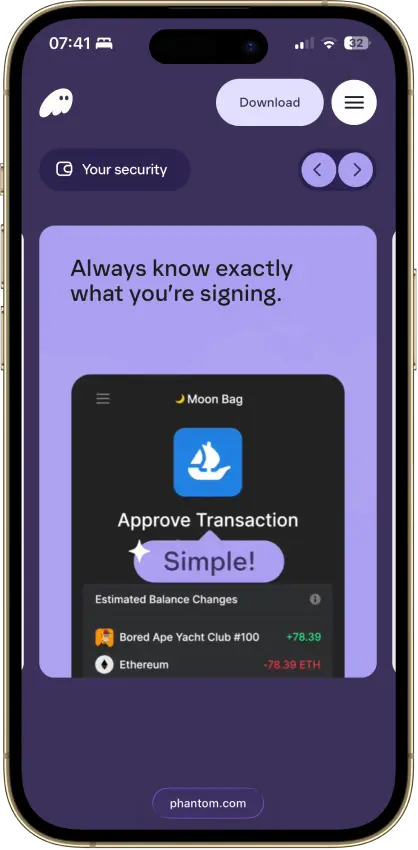
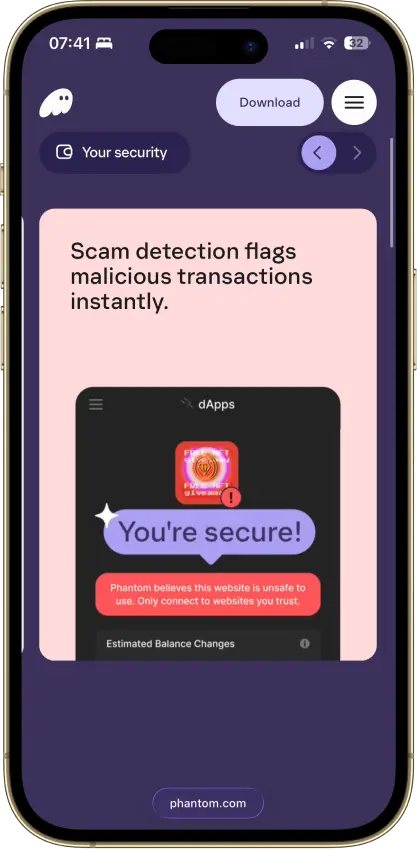
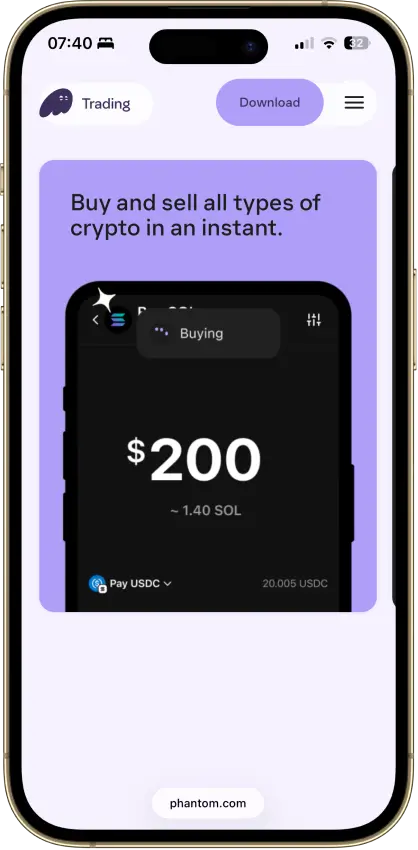
Solana users who want one wallet for swaps, NFTs, staking, and lighter multi-chain use.
Multi-platform wallet
Browser extensioniOSAndroid
  • Smooth Solana-first user experience
  • Eight supported chains in one wallet
  • Built-in swaps, dApp access, and Ledger support
Rank 2
8.5
Users who want one self-custody wallet for multi-chain assets, swaps, and dApp access.
Multi-platform wallet
iOSAndroidBrowser extension
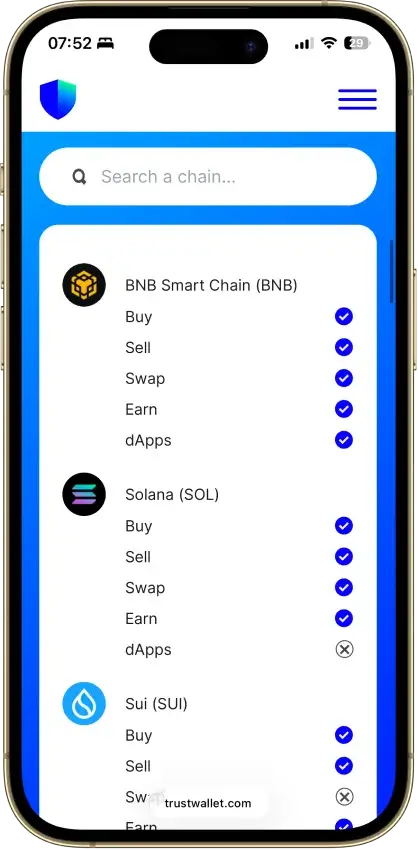
  • Supports millions of assets across 100+ blockchains in one wallet
  • Built-in swaps, staking, NFT support, and dApp access
  • Optional Ledger support through the browser extension
Rank 3
8.3
Users active in Ethereum DeFi and NFTs who want broader multichain support in one wallet
Multi-platform wallet
Browser extensionAndroidiOS
  • Deep dApp compatibility across Ethereum and major EVM networks
  • Built-in swaps, bridging, and staking without leaving the wallet
  • Multichain accounts now include Bitcoin, Solana, and TRON alongside EVM assets
Rank 4
8.0
Phone-and-desktop users who sign often enough to care about screen comfort.
Hardware wallet
iOSAndroidDesktop (Windows)Desktop (macOS)Desktop (Linux)
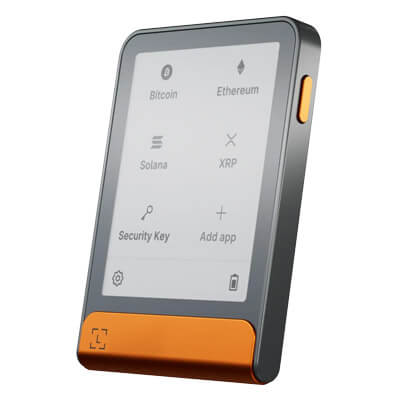
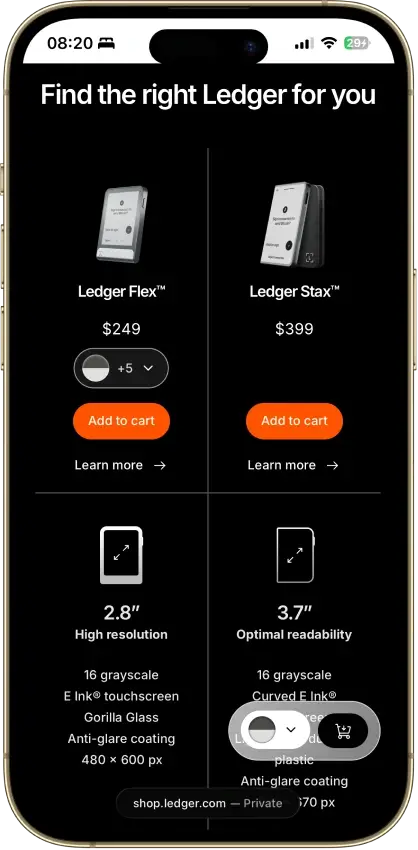
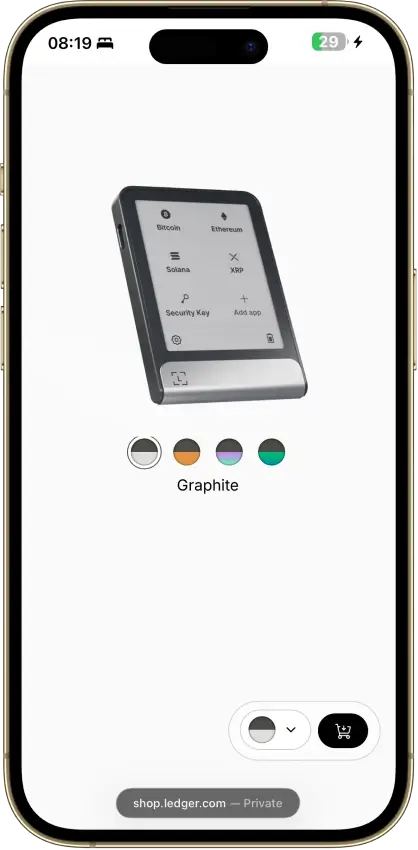
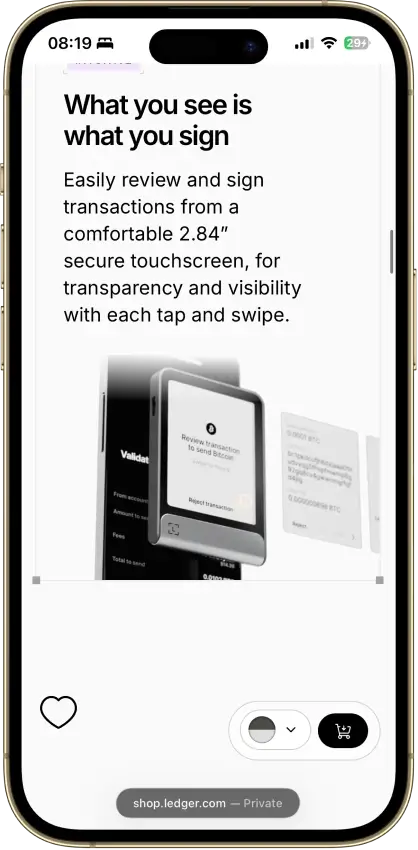
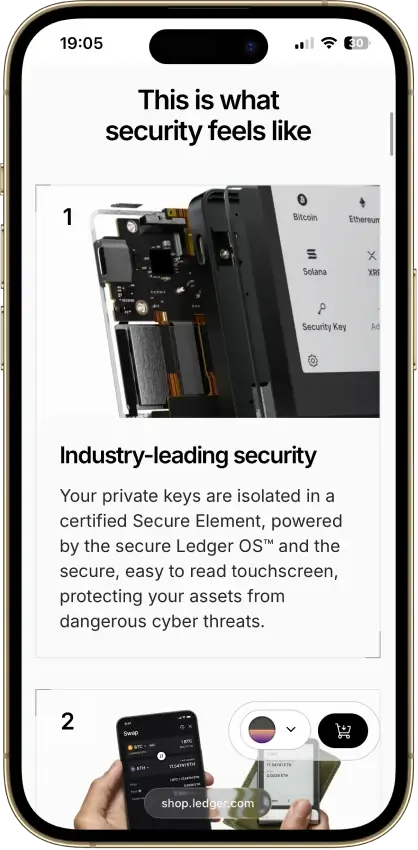
  • Large secure touchscreen for clearer on-device review
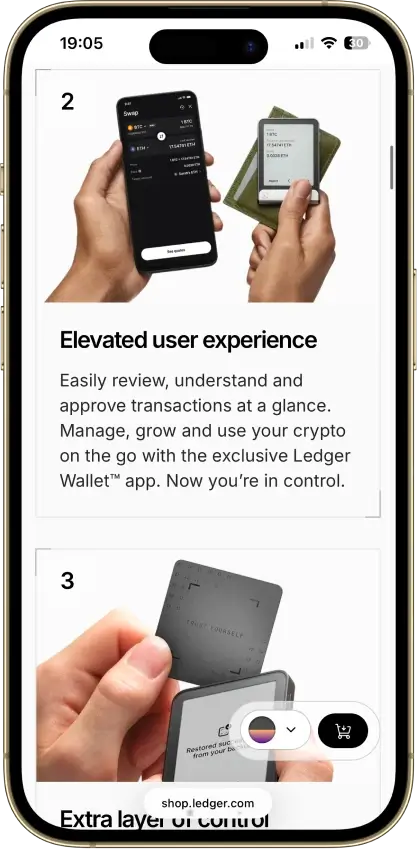
  • Strong phone support through Bluetooth and USB-C
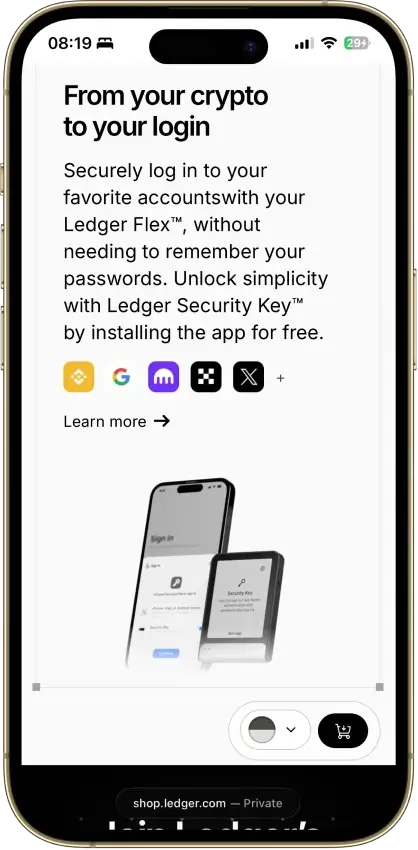
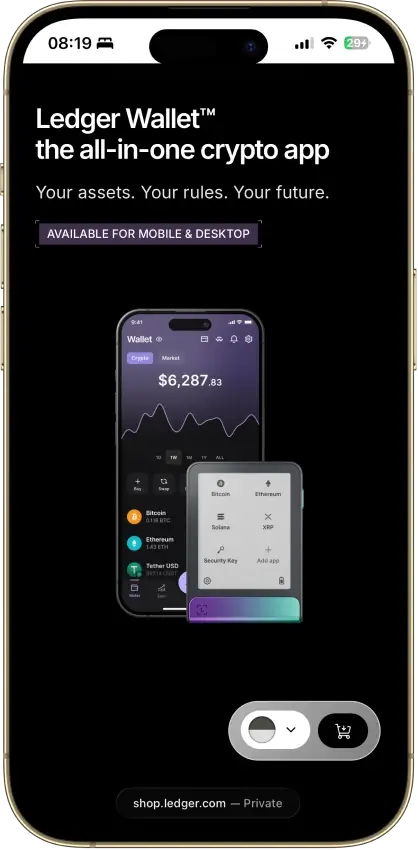
  • Flexible recovery setup with a recovery phrase, Recovery Key, and optional Ledger Recover
Rank 5
7.5
Coinbase users who want self-custody plus EVM coverage, browser extension dApp access, and some Solana support.
Browser extension wallet
iOSAndroidBrowser extension
  • Coinbase-linked funding and transfers reduce friction between exchange custody and self-custody
  • Supports Ethereum, Solana, and a broad set of EVM networks
  • Supports both classic seed-phrase recovery and newer sign-in options
Rank 6
7.5
iPhone users and people who use both phone and desktop and want a classic hardware wallet.
Hardware wallet
AndroidDesktop (Windows)Desktop (macOS)Desktop (Linux)
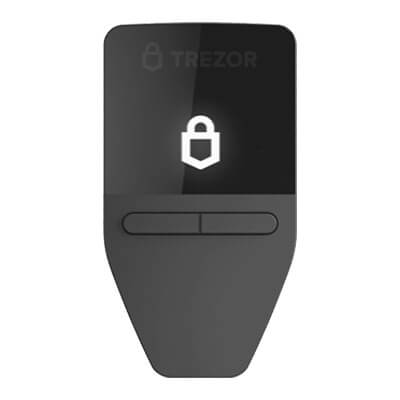
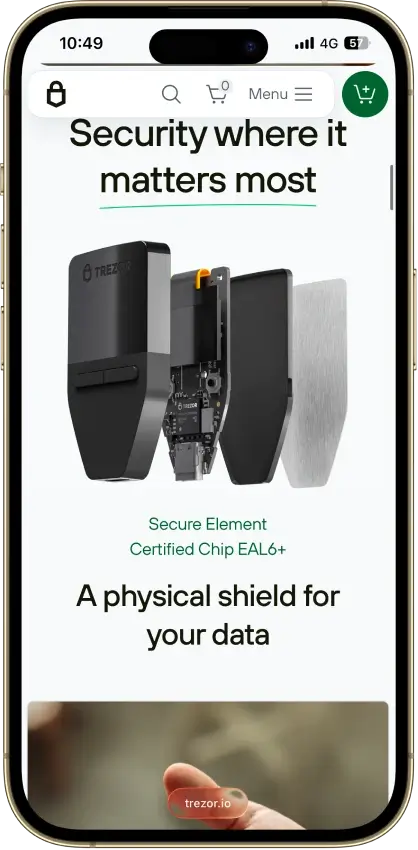
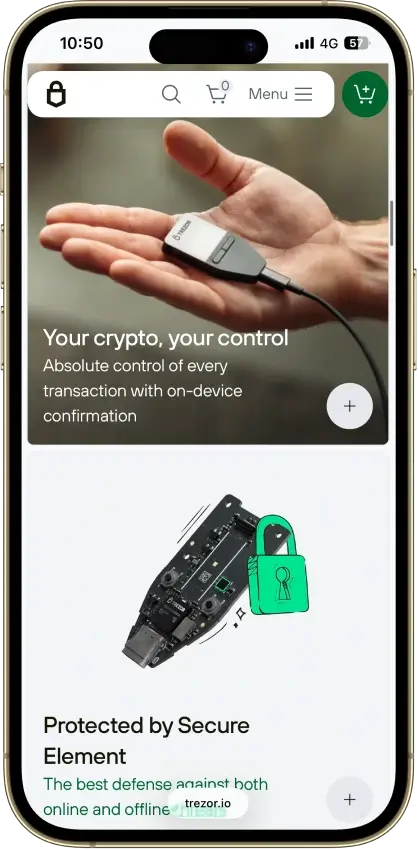
  • Lowest-cost current Trezor with a secure element and on-device approval.
  • Supports 12-, 20-, and 24-word wallet backup formats, including BIP39 and SLIP39. Current Safe 3 units default to a 20-word Single-share Backup.
  • Good desktop and Android fit for long-term self-custody without battery or Bluetooth upkeep.
Rank 7
7.0
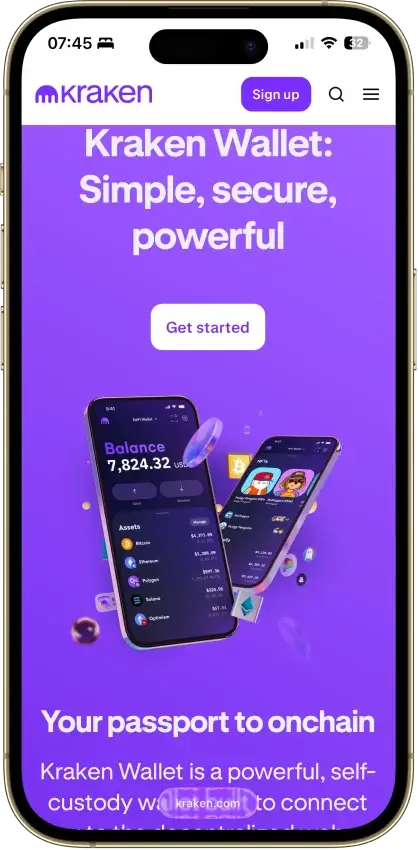
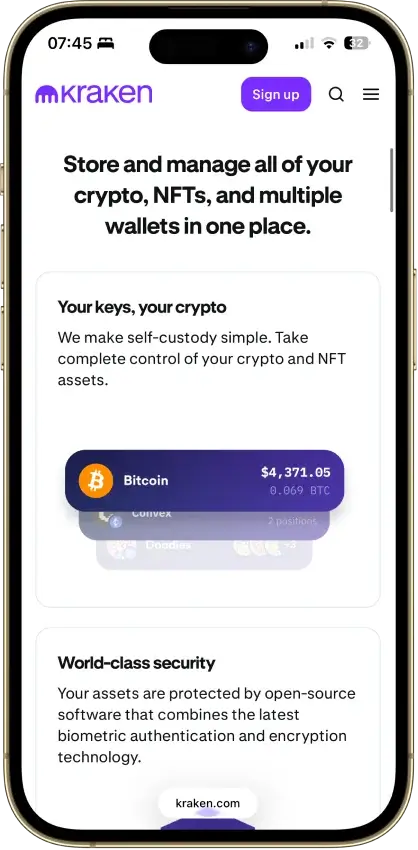
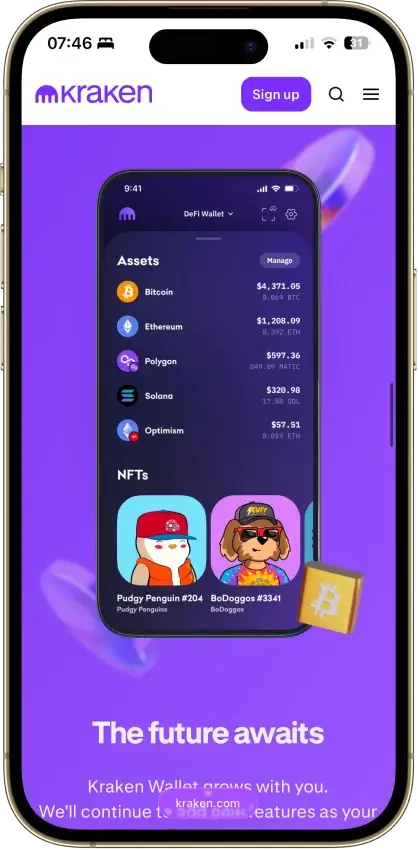
Mobile-first users who want simple self-custody and optional Kraken account linking.
Multi-platform wallet
iOSAndroid
  • One mobile wallet for Bitcoin, Solana, Dogecoin, and major EVM networks
  • Kraken Connect reduces friction when moving funds from Kraken Exchange into self-custody
  • Open-source client with a public audit and meaningful scam-warning tools
Rank 8
7.0
Desktop-first holders who want broad Ledger asset support without paying for Bluetooth
Hardware wallet
AndroidDesktop (Windows)Desktop (macOS)Desktop (Linux)iOSBrowser extension
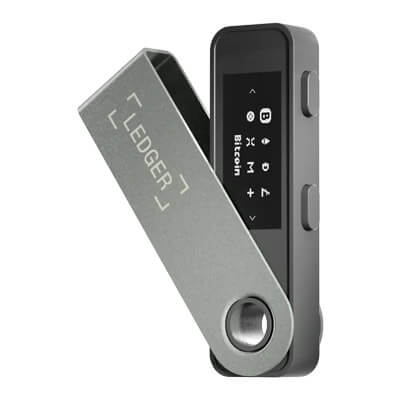
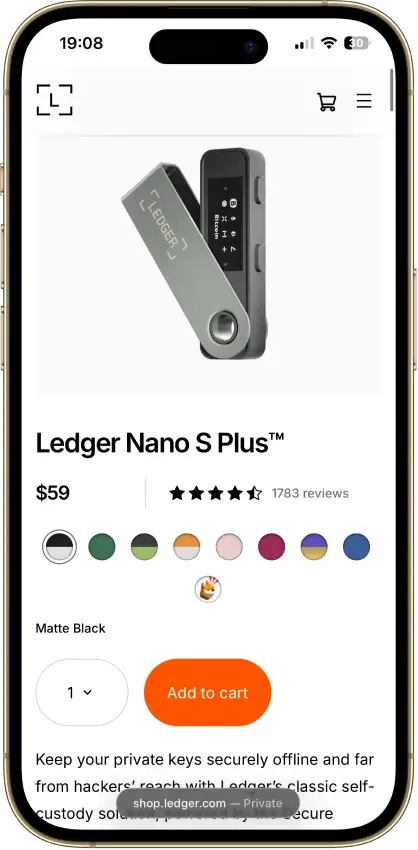
  • Low-cost current Ledger hardware wallet for desktop-first self-custody
  • Standard 24-word recovery phrase with recovery possible outside Ledger
  • No battery and no Bluetooth, with on-device approval for every transaction
Rank 9
6.0
Phone-first users who want the simplest card-based cold wallet.
Hardware wallet
iOSAndroid
  • Card-based cold wallet design that works with a phone tap instead of cables or charging.
  • Seedless setup option with two or three physical backup devices instead of a written recovery phrase by default.
  • Low-friction mobile hardware wallet flow that can be used across multiple phones.
Rank 10
5.0
Mobile-first holders who want straightforward self-custody
Hardware wallet
iOSAndroid
  • Credit-card shape with no battery, cable, or Bluetooth.
  • Private keys stay on the card’s CC EAL6+ secure element.
  • Phone-first setup with a 6-digit PIN, optional Face ID/fingerprint, and NFC tap approval.

The fastest way to pick as a beginner: choose the wallet with the clearest recovery flow, the least confusing send/receive UX, and the strongest scam warnings—then follow the setup steps in this guide before you move meaningful funds.

Before looking at the details of each option, it helps to understand how these wallets compare side by side and what the key differences actually mean for a new user.

Scan this table to quickly see which wallet is easiest for beginners to recover, which ones provide stronger scam warnings, and which are simpler to use if you’re sending or receiving crypto for the first time.

Comparison Table

NameCustodyBlockchainsHardware SupportStakingFiat On-ramp
Phantom Non-custodial Solana, Ethereum, Base, Polygon, Bitcoin Yes Limited Yes
Trust Wallet Non-custodial Bitcoin, Ethereum, BNB Smart Chain, Avalanche, Tron, Arbitrum, Base, Optimism, Polygon, Solana Yes Full Yes
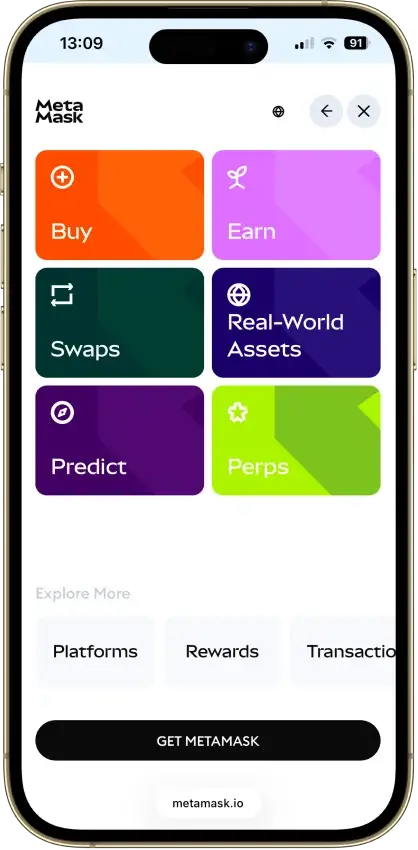
MetaMask Non-custodial Ethereum, Arbitrum, Optimism, Polygon, Base, Avalanche, BNB Smart Chain, Solana, Bitcoin, Tron Yes Full Yes
Ledger Flex Non-custodial Bitcoin, Polygon, Ethereum, BNB Smart Chain, Avalanche, Tron, Arbitrum, Base, Optimism, Solana No Limited Yes
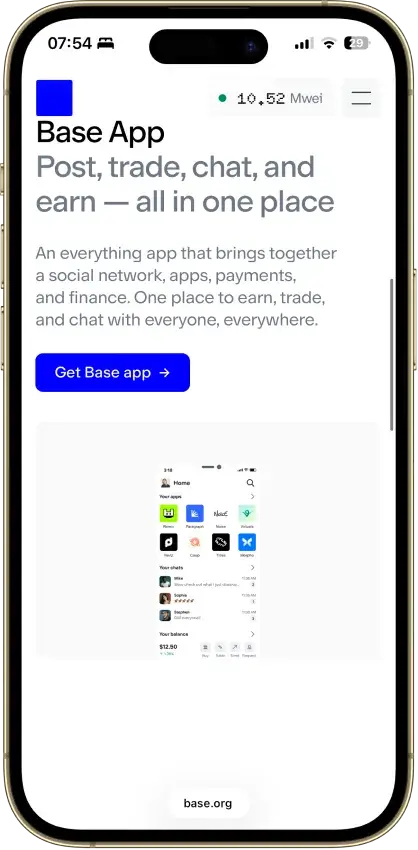
Base App Non-custodial Ethereum, Base, Arbitrum, Optimism, Polygon, Avalanche, BNB Smart Chain, Solana Yes Limited Yes
Trezor Safe 3 Non-custodial Bitcoin, Ethereum, BNB Smart Chain, Avalanche, Arbitrum, Base, Polygon, Optimism, Solana No Limited Yes
Kraken Wallet Non-custodial Bitcoin, Ethereum, Arbitrum, Base, Optimism, Polygon, Solana No Limited No
Ledger Nano S Plus Non-custodial Bitcoin, Ethereum, BNB Smart Chain, Avalanche, Tron, Arbitrum, Base, Optimism, Polygon, Solana No Limited Yes
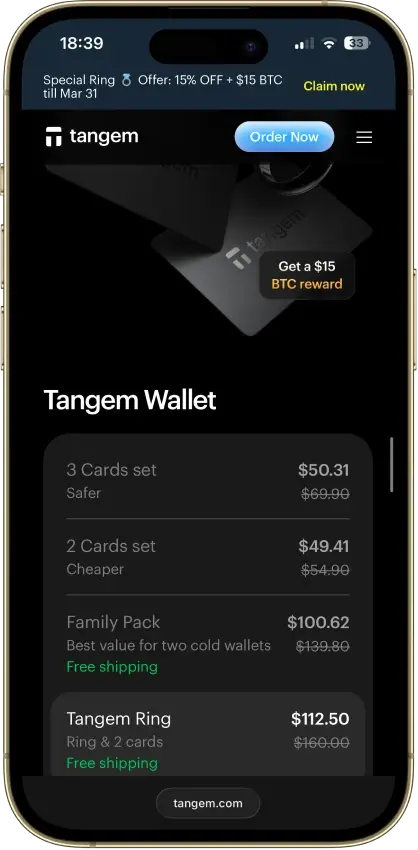
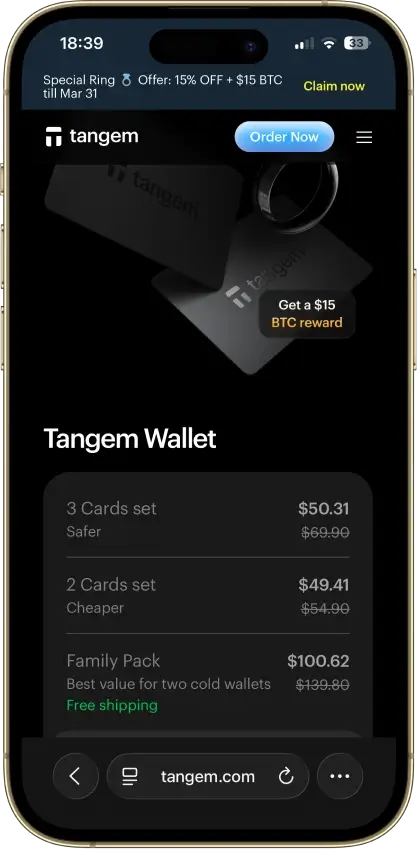
Tangem Non-custodial Bitcoin, Ethereum, BNB Smart Chain, Avalanche, Tron, Arbitrum, Optimism, Base, Polygon, Solana No Limited Yes
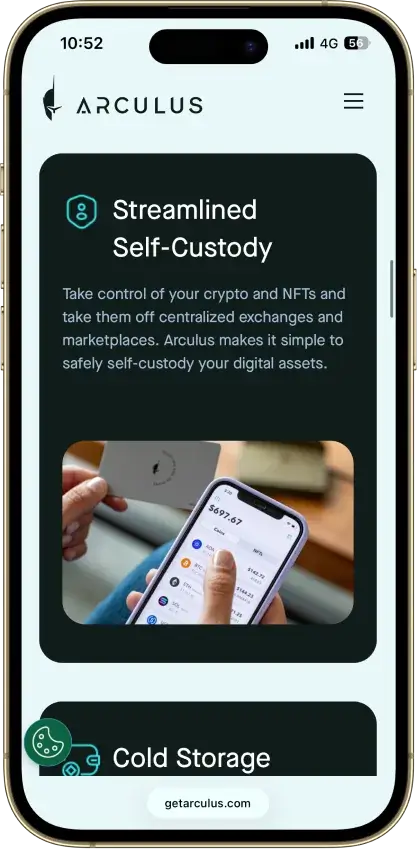
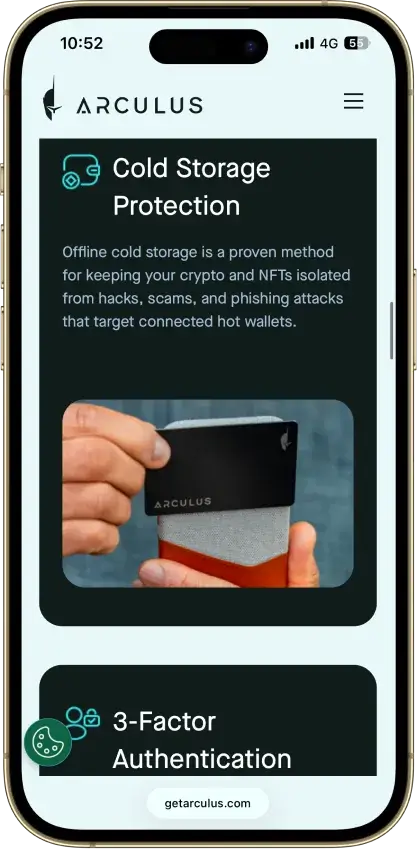
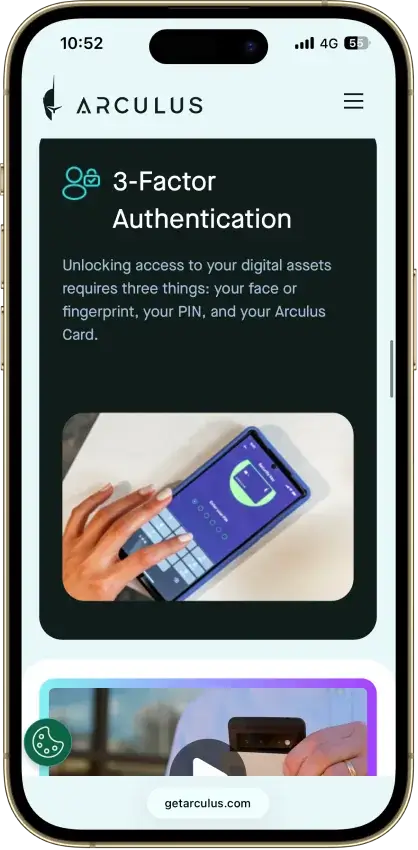
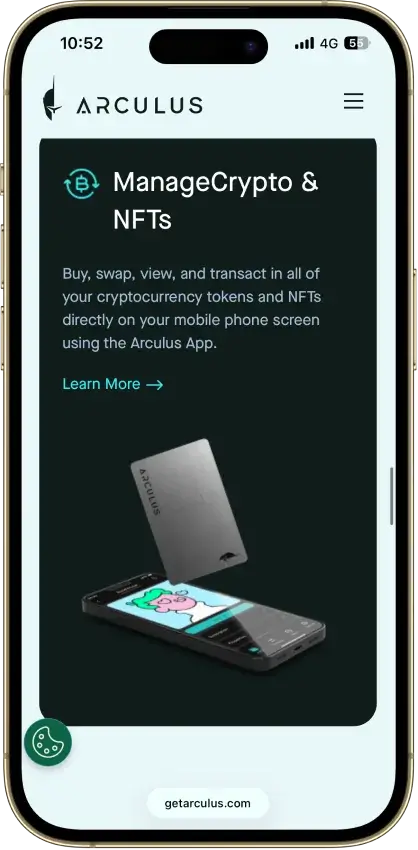
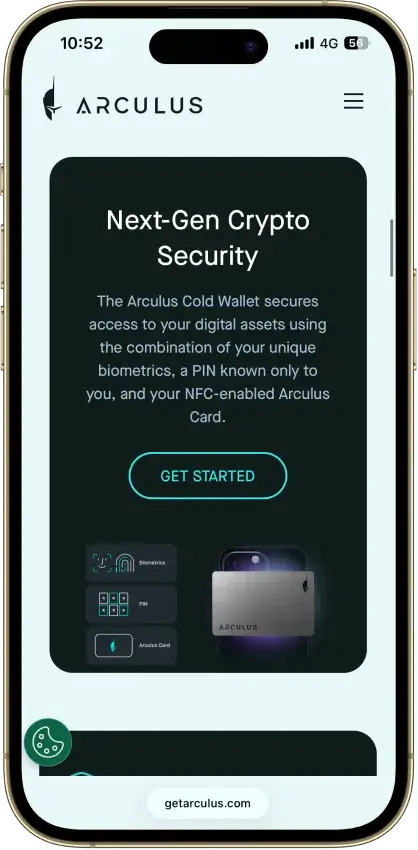
Arculus Wallet Non-custodial Bitcoin, Ethereum, BNB Smart Chain, Avalanche, Tron, Arbitrum, Base, Optimism, Polygon, Solana No Limited Yes

How to use this table in real life: pick based on what you’ll do first. If you’re mostly moving funds off an exchange and using Ethereum/L2s, Base App Wallet or MetaMask are the straightforward starts; if you’re specifically trying Solana, Phantom is the least friction; if you want one app that covers lots of networks, Trust Wallet is the “wide coverage” pick; if you already use Kraken and want a tighter set of major chains, Kraken Wallet keeps your choices narrower. Whatever you pick, keep a small “gas buffer” of the native token for the chain you’re using (ETH on EVM, SOL on Solana, BTC on Bitcoin), and keep your main savings in a separate vault wallet that never connects to random links.

*Fiat buy availability varies by region/provider.

Detailed Review - Crypto Wallets for Beginners

After you skim the cards, don’t overthink it. Pick one wallet that matches your first chain (Ethereum/L2s vs Solana vs “a bit of everything”), then follow the setup and safety steps below before you deposit meaningful funds.

How We Rank Wallets

We score wallets using a 10-metric rubric built for real-world beginner outcomes: control of keys, recovery quality, scam resistance, signing clarity, and whether the wallet is usable for getting money in and out.

MetricWhat we evaluateWhy it matters for beginners
Custody + portabilityWhether you control keys and can migrate without lock-inYou don’t want to be stuck if a wallet changes terms, breaks, or blocks a chain
Key security model clarityClear explanation of how keys are stored/protected (enclave, MPC, isolation)“Secure” is meaningless without an architecture you can verify
Independent security validationPublic audits, bug bounties, disclosure processThird-party review reduces the odds of hidden issues
Recovery qualitySeed phrase/passphrase/MPC/social recovery and how usable it isMost beginners lose access through recovery mistakes, not “hacks”
Scam/drainer resistancePhishing detection, simulation/warnings, allowance toolsMost drainers start with a confusing approval prompt
Incident history + responsePast incidents and how transparently the team handled fixesA wallet’s response tells you how it behaves under pressure
dApp connectivity coverageWalletConnect/extension reliability and session stabilityIf it’s flaky, beginners “fix” it by clicking random prompts
Signing UX qualityHuman-readable signing and clear permissionsClear signing prevents blind approvals
Smart-wallet UX readinessPractical account abstraction features (batching, sponsored gas, recovery)Better UX can reduce beginner mistakes when it’s real and stable
Fiat rails + banking featuresOn/off-ramps, fee transparency, limits, availabilityBeginners need a reliable way to enter/exit without guessing fees

This rubric doesn’t reward marketing claims. It rewards what a beginner can verify and safely use.

Beginner Quick-start: Pick the Right Wallet Setup in 5 minutes

Most beginners don’t need the “perfect wallet.” They need a setup that makes it hard to do irreversible damage in one click.

Start by answering one question: what will you do with crypto in the next 30 days?

The 30-day Decision Rule

If your plan is “buy and hold,” your wallet needs strong recovery and minimal complexity. If your plan includes swapping tokens and connecting to apps, your wallet needs stronger warning systems and you need to separate your savings from your browsing.

Your next 30 daysBest starting setupWhat you keep in the daily walletWhat you keep in the vault
Hold + maybe one sendTwo walletsSmall test balance + transfer fundsMajority of funds, rarely touched
Occasional swapsTwo walletsSpending balance + gas bufferMajority of funds, no random links
Trying DeFi/appsThree walletsDaily spendVault + separate burner for new sites

Use the vault idea even if you never buy a hardware wallet: a “vault wallet” can be a separate wallet you don’t connect to anything.

What Does “Gas” Mean (and Why It Blocks Beginners)

On most chains, you can’t pay fees using the token you’re sending. You pay fees with the chain’s native token. That’s why beginners end up with “USDC stuck” even though it shows a balance.

Example: if you hold USDC on an Ethereum L2, you still need a little ETH on that same network to move it. If you’re on Solana, you need a little SOL. Build the habit now: every wallet you use should keep a small gas buffer.

What Is a Crypto Wallet?

A crypto wallet is a tool that stores and uses your keys to sign transactions. Your coins don’t “sit in the app.” They live on the blockchain. The wallet is the keyring.

Here’s the beginner version of what a wallet does:

  • Generates addresses you can receive funds on
  • Signs transactions so the network accepts them
  • Shows your balances by reading the blockchain

And what it does not do:

  • Guarantee safety (you can still approve a malicious transaction)
  • Reverse mistakes (blockchains don’t have chargebacks)
  • Recover funds without your backup (self-custody has no password reset)

If someone gets your recovery phrase (seed phrase), they can recreate your wallet elsewhere and drain it. That’s why recovery and scam resistance matter more than flashy features.

Types of Crypto Wallets Explained (Hot, Cold, Custodial, Seedless)

Beginner confusion usually comes from mixing up “where you buy crypto” with “where you store/control it.” These are different jobs.

Hot Wallets (Mobile/Extension)

Hot wallets live on a device connected to the internet. They’re fast. They’re convenient. They’re also the most exposed to phishing links and bad approvals.

Best use: learning, small balances, daily spending, connecting to apps.

Cold Wallets (Hardware Wallets)

Cold wallets sign transactions on a separate device so your keys don’t sit on the same phone/browser you use every day.

Best use: long-term storage and larger balances.

Custodial vs Non-custodial

Custodial means a company controls keys (common on exchanges). Non-custodial means you control keys (self-custody wallets).

TypeWho controls keysRecovery looks likeBeginner upsideBeginner downside
Custodial (exchange account)CompanyPassword reset + supportEasy to startWithdrawals can be limited/frozen
Non-custodial (self-custody)YouSeed phrase/MPC recoveryFull controlYou are the recovery plan

A practical beginner path is often: buy/sell on an exchange, store in a self-custody wallet when you’re ready.

Seedless / MPC Wallets

Some wallets reduce seed-phrase risk by using MPC-style recovery (split key shares across device/account). This can reduce “I lost my seed” disasters.

The trade-off: you must understand what recovery depends on (device access, account access, provider rules). “Seedless” is not magic. It just shifts the failure points.

Smart Wallets and Account Abstraction

Account abstraction can make wallets feel more like normal apps (batching actions, sponsored gas, smoother recovery). For beginners, treat it as a bonus feature. The basics — recovery and safe signing — still matter most.


How To Set Up a Crypto Wallet Safely

Most beginner losses happen before the first transaction: fake apps, rushed backups, and weak device security.

  1. Download the wallet only from its official site or the official app store listing.
  2. Create a new wallet (don’t import a seed you found online).
  3. Write the recovery phrase offline (paper or metal).
  4. Add a strong device lock (PIN/biometric).
  5. Turn on extra protections inside the wallet (where available).
  6. Do a restore test with a small balance.
  7. Deposit a small test amount first.
If you only do one thing today, do step 3 correctly. Everything else is optional compared to having a real backup.

Backup, Recovery and Seed Phrase Storage

Your recovery method is your real security. A wallet can look “secure,” but if your recovery is sloppy, it won’t matter.

Seed Phrase Storage Options

Storage optionGood forWhat can go wrong
Paper backupSmall balances, short termFire/water damage, easy to misplace
Metal backupLarger balances, long termCosts money, still needs safe storage
Two copies in two locationsPeople who move/travelYou create more chances to leak it
Passphrase on top of seedHigh-risk environmentsForget it once and you can lock yourself out

If you add a passphrase, you must practice recovery. Otherwise you’re adding risk, not reducing it.

Restore Test (The Calm Version)

A restore test is the single best “confidence check” a beginner can do.

  1. Use a spare device (or a fresh browser profile).
  2. Install the wallet again from the official source.
  3. Tap “Restore” (or “Import”) and enter your recovery phrase slowly.
  4. Compare your main receive address with your original wallet.
  5. Send a tiny test transaction and confirm it arrives.

Do this once, early, with a small balance. You don’t want your first recovery attempt to happen during a panic.

Wallet Addresses, Networks and How to Verify a Transaction

If beginners lose funds, it’s often because they sent the right asset on the wrong network.

Address vs Network (The Mistake That Hurts)

A wallet address is not enough. You also need the network to match on both sides.

The examples below use common “starter” assets because they show the pattern clearly. The same rule applies to any token you might use later (memecoins, NFTs, gaming tokens, whatever): first identify the chain it’s on, then make sure the sender and receiver are using that exact same chain.

Example you’re sendingThe network must matchYou’ll pay fees inBeginner pitfall
BTC (on-chain)Bitcoin mainnetBTCPicking Lightning when the receiver needs on-chain (or vice versa)
Any token on Ethereum/L2s (ETH, USDC, memecoins, etc.)Ethereum or the exact same L2 (Base/Arbitrum/Optimism, etc.)ETH (on that chain)Having tokens but not enough ETH on that network to move them
Any token on Solana (SOL, USDC, SPL tokens, etc.)SolanaSOLSigning a permission prompt you didn’t understand
Stablecoins specifically (USDT/USDC)The exact chain it was sent on (e.g., ERC-20 vs Solana vs an L2)The chain’s native gas token“Same stablecoin, wrong rail” because USDT/USDC exist on multiple chains

How To Verify With A Block Explorer

When your wallet UI feels wrong, the blockchain is the source of truth. That means you can check what happened even if a wallet or exchange screen is lagging.

First, two beginner terms:

  • TXID (transaction ID) / transaction hash: the “receipt number” for a transfer on a specific blockchain.
  • Block explorer: a public search page that lets you look up transactions, addresses, and confirmations on one specific chain.

Important: explorers are chain-specific. If you try to look up an Ethereum transaction on Solscan (a Solana explorer), it won’t work because Solscan can only see Solana.

To get this right, you can google the name of the network in question + the term “explorer.”

Let's move to the verification part!

Here’s the safe way to verify a transfer:

  • Identify the network you used.
    • Examples: Bitcoin, Ethereum, Base, Arbitrum, Optimism, Solana.
  • Find the TXID.
    • In a wallet: open the transaction in your “Activity” list → look for “Transaction ID / Hash / TXID.”
    • On an exchange: open Withdrawals/History → open the withdrawal details → look for “TXID / Hash.”
  • Open the correct block explorer for that network.
    • Bitcoin explorer for BTC transfers.
    • Etherscan-style explorer for Ethereum and most EVM chains (Base has its own, Arbitrum has its own, etc.).
    • Solscan-style explorer for Solana.
  • Paste the TXID into the explorer search bar.
  • Confirm these fields:
    • Network/chain: does it match what you intended?
    • Status: Success/Confirmed vs Pending vs Failed.
    • “To” address: does it match the address you copied from Receive?
    • Asset + amount: is it the right token and the right number?
    • Confirmations: more confirmations = more “final.”

How to interpret what you see:

  • Pending/unconfirmed: the transfer is still waiting. On Bitcoin this can be normal during congestion. On EVM chains it can mean fees were low.
  • Confirmed/success: the funds moved on-chain. If the receiving app doesn’t show it, you’re usually looking at the wrong network inside the app, the token isn’t added yet, or the wallet UI is behind.
  • Failed: the transfer did not complete. You may still pay a fee, but the main amount usually does not arrive.

Common beginner issues (and what to do):

  • “TXID not found” on the explorer
    • Most common causes: (1) you used the wrong explorer (wrong chain), or (2) the exchange hasn’t broadcast the transaction yet.
    • Fix: double-check the network, then try again on the right explorer. If the exchange shows “processing,” wait until it posts a TXID.
  • “It’s confirmed on the explorer, but my wallet shows nothing”
    • Fix: switch the wallet to the correct network/chain view. Then refresh. If it’s a token, add/import the token if your wallet requires it.
  • “I pasted the TXID into Solscan and nothing comes up”
    • Fix: Solscan only works for Solana. For Ethereum/Base/Arbitrum/Optimism, you need the explorer for that exact chain.
  • “The ‘to’ address on the explorer is different from what I meant to send to”
    • Stop and do not send more. If you withdrew from an exchange, contact support immediately with the TXID. If you sent from a wallet, assume your device may be compromised and move any remaining funds to a fresh wallet on a clean device.

How to Send Crypto to Another Wallet (Beginner-safe Flow)

This is the safest repeatable pattern: make it boring, do a test send, then scale.

  1. In the receiving wallet, tap Receive and copy the address (or scan the QR code).
  2. On the receive screen, confirm the correct asset and network are selected.
  3. In the sending wallet or exchange, choose Send/Withdraw and paste the address.
  4. Double-check the first 4 and last 4 characters match what you copied.
  5. Send a small test amount.
  6. Open the TXID in the correct block explorer and confirm it’s confirmed and the “to” address matches.
  7. Send the rest.

If a platform shows a Memo/Tag field, treat it as required. Missing it can turn a simple transfer into a long support ticket.

Moving Crypto From an Exchange to Your Wallet (And Back)

Beginners usually start on an exchange. That’s fine. The key is moving funds without guessing.

  1. In your wallet, tap Receive, then pick the asset and the network.
  2. Copy the address from the Receive screen (and copy the Memo/Tag too, if it shows one).
  3. In the exchange, open Withdraw/Send and choose the same asset.
  4. Choose the exact same network shown on your wallet Receive screen.
  5. Paste the address (and Memo/Tag if required), then re-check the first 4 and last 4 characters.
  6. Send a small test withdrawal.
  7. Confirm it arrived in your wallet and that the TXID shows “confirmed” on the correct block explorer.
  8. Send the remaining amount.

If your exchange supports address whitelisting, enable it. It slows you down in a good way (and can block withdrawals to a new address until you confirm it).

Fees and Hidden Costs (What “Free Wallet” Really Means)

Wallets are usually free to download, but transactions are not. The trick is that fees show up in different places depending on what you’re doing: sending, swapping, bridging, or buying with a card. If you learn to spot the fee lines before you hit Confirm, you’ll avoid most “where did my money go?” moments.

Fee typeWhen you pay itHow it shows up (what beginners actually see)What you can do about itBeginner gotcha
Network fee (gas)Sending, swapping, approvals“Network fee,” “Gas fee,” “Max fee”Keep a small gas buffer on that chainYou can have tokens but be unable to move them without gas (e.g., USDC on an L2 still needs ETH on that L2)
Wallet/service swap feeUsing the wallet’s built-in Swap“Service fee,” “Swap fee,” or baked into the quoteCompare with an external DEX/aggregator if you swap often“Gasless” swaps are convenient but can cost more because the fee is folded into the rate
Route/provider spreadMost swaps (even if “0% fee”)You get a worse rate than expectedCompare quotes (same token, same chain)A swap can be expensive even when the app claims “no fee”
Slippage / price impactLow-liquidity tokens, fast markets“Minimum received,” “Price impact,” “Slippage”Avoid thin-liquidity tokens; lower slippage when possibleIf you set slippage too high, you can get a much worse fill
Bridge fees (cross-chain)Moving value between chains“Bridge fee,” “Relayer fee,” “Destination fee”Don’t bridge unless you must; use official/known routesBridging can charge you twice: once to leave, once to arrive
On-ramp/off-ramp feesBuying/selling via card/bank inside a wallet“Processing fee,” “Provider fee,” “Spread,” limitsCheck provider fee + final amount received before confirmingThe biggest cost can be the spread, not the explicit fee line

Here’s a beginner-safe way to estimate the real cost before you confirm anything:

  1. Name the action: Send, Swap, Bridge, or Buy.
  2. Confirm the chain you’re on (Ethereum vs Base vs Solana, etc.).
  3. Check you have the chain’s gas token (ETH for EVM chains/L2s, SOL for Solana, BTC for Bitcoin on-chain fees).
  4. On the confirmation screen, look for three fields: Network fee, any Service/Swap fee, and Minimum received.
  5. If the quote looks worse than expected, back out and compare one alternative (same chain, same amount) before you accept.

This is also where wallet choice matters. If you expect to swap a lot, prioritize wallets that (a) show fee lines clearly, (b) show “minimum received,” and (c) don’t hide costs inside a single vague quote. If you mostly send/receive, prioritize predictable gas behavior and a wallet that makes the network selection hard to mess up. The easiest way to avoid surprise fees is still the same: start on one chain, avoid bridging early, and keep a small gas buffer so you’re never stuck.

KYC, Privacy and What Wallets Ask For

Creating a self-custody wallet usually does not require KYC. KYC tends to show up when you use fiat features: buying with a card, bank transfer, or cashing out.

ActionKYC required?Why
Create a walletUsually noYou’re generating keys on your device
Send/receive cryptoNoThe blockchain doesn’t ask for ID
Buy crypto with card/bankOften yesPayment rails require compliance
Cash out to bankOften yesOff-ramps must verify identity

Privacy reality check: blockchains are public. Even without your name attached, your address activity can often be analyzed. If privacy matters, separate your “public” wallet from your “savings” wallet.

Crypto Wallet Scams to Avoid in 2026

Most beginner losses come from three patterns: fake apps, fake support, and approvals you didn’t understand.

Scam typeWhat it looks likeWhat it’s really doingThe beginner rule
Fake app/extensionA perfect clone with ads and a similar nameSteals seed phrase or signs malicious txOnly install from official sources
Fake supportA DM offering “help” and a linkPhishing for seed phraseSupport never needs your seed
Approval drainer“Claim” or “mint” that asks for token permissionsGrants spending rights that drain laterDon’t approve what you can’t explain
Address swap malwareYou paste an address and it changesSends funds to attacker addressCheck first/last characters
Counterfeit hardware“New” device that’s pre-initializedBackdoored setupBuy direct from manufacturer

If You Think You Got Drained: A 10-minute Containment Plan

If your balance dropped right after connecting to a site, approving a token, or signing a message/transaction, assume there’s still an active path (a live session or a spending approval). Your goal is not to “fix the dApp.” Your goal is to stop any further outflows, then move whatever is left to safety.

  1. Close the scam site and disconnect wallet sessions.
    • In your wallet, look for Connected sites/Sessions and disconnect anything you don’t recognize.
  2. Move remaining funds to a fresh wallet you control.
    • Create a new wallet on a clean device/browser if possible, then send what’s left (start with the most valuable assets).
  3. Revoke token approvals on the affected chain.
    • Focus on unlimited approvals first. If you’re not sure where to start, revoke approvals for tokens with the largest balances.
  4. Remove suspicious extensions/apps and secure your device.
    • Uninstall unknown browser extensions, update your browser/OS, and run a malware scan.
  5. Save evidence and report.
    • Copy the TXIDs, the scam URL, and the attacker address. If an exchange withdrawal was involved, contact the exchange with the TXID immediately.

After you contain it, treat the compromised wallet as “burned” for savings. Even if you revoke approvals, it’s safer to keep that wallet for small, low-risk testing only and move your long-term funds to a vault wallet that never connects to random links.

Troubleshooting: The Most Common Beginner Wallet Problems

Most wallet issues are boring UI/network problems. Use the explorer as your truth source.

ProblemCommon causeWhat to do
Balance not showingWrong network selectedSwitch to the correct network in the wallet
“Insufficient gas”No native token for feesAdd a small gas buffer (ETH/SOL/BTC etc.)
Transaction pendingNetwork congestion or low feeWait, or speed up/replace if supported
Tokens missingToken not added or indexed yetAdd token contract or refresh network
Can’t connect to a dAppOld sessions or WalletConnect issuesDisconnect sessions and reconnect
Sent on wrong networkMismatched network on withdraw/depositStop, don’t send more, document TXID

If the explorer shows “confirmed,” the funds moved. If the app doesn’t show it, you’re usually looking at the wrong network or the UI hasn’t refreshed.

FAQ

What is the best crypto wallet for beginners in 2026?

The best beginner wallet is the one that matches the chain you’ll use first and has a recovery flow you can actually follow. If you’re mostly on Ethereum/L2s, start with an EVM-first wallet. If you’re testing Solana, pick a wallet that makes Solana transfers and swaps easy. Then focus on setup: backup offline, test restore, test transfer.

Do I need a wallet to buy Bitcoin?

Not necessarily. Many beginners buy on an exchange first. A wallet becomes important when you want self-custody (you control keys) or want to use crypto outside that exchange.

Hot wallet vs cold wallet: which is better for beginners?

Hot wallets are easier to use daily. Cold wallets reduce some online risks. For most beginners, the safest practical setup is a hot wallet for spending + a separate vault wallet for savings (and a hardware wallet later if you grow into it).

Are crypto wallets safe?

Crypto is risky, and mistakes can be irreversible. Wallet safety is mostly about your recovery method and what you sign. Most beginner losses come from phishing, fake apps, and approvals — not from someone “hacking the blockchain.”

What is a seed phrase and where should I store it?

A seed phrase is the backup that recreates your wallet. Store it offline (paper or metal), never in screenshots or cloud notes. Treat it like the keys to your entire wallet.

What happens if I lose my seed phrase?

If it’s a seed-phrase wallet and you truly lose the phrase, recovery is often impossible. If you still have access on your device, move funds to a new wallet and back it up properly.

Why do I have USDC but can’t move it?

Because fees are paid in the chain’s native token. USDC on an Ethereum network needs ETH for gas. USDC on Solana needs SOL. Keep a small gas buffer.

What’s the safest way to send crypto the first time?

Always do a test send. Copy the address from Receive, verify first/last characters after pasting, send a small amount, check the explorer, then send the rest.

What is a wallet address?

A wallet address is a public identifier people can send crypto to. It’s safe to share. It’s different from your private key/seed phrase, which must never be shared.

Can I send crypto to the wrong address and undo it?

Usually no. That’s why the test send exists. If you send to an exchange deposit address on the wrong network, you may need to contact support and recovery is not guaranteed.

Do wallets charge fees?

Networks charge fees for transactions. Some wallets also charge a swap/service fee when you use their built-in swap feature. The quote screen should show it.

Do wallets require KYC?

Self-custody wallets usually don’t require KYC to create or receive funds. KYC commonly appears when you use fiat buy/sell features.

How many wallets should a beginner have?

Two is a strong default: a daily wallet and a vault wallet. Add a third “burner” wallet if you connect to new sites often.