Best Anonymous Crypto Wallets — Privacy-First Picks and Setup Guide (April 2026)

Privacy-first wallet picks, setup steps, and the real limits of wallet anonymity.

Updated Apr. 6, 2026
Reviews in this list 10
Trusted Reviews Editorially curated & independently checked
Curated by Yousra Anwar Ahmed
Since Feb 2026 50 reviews
Checked by George Ong
Since Mar 2018 111 fact-checks
Affiliate Disclosure

Disclaimer: CryptoSlate may receive a commission when you click links on our site and make a purchase or complete an action with a third party. This does not influence our editorial independence, reviews, or ratings, and we always aim to provide accurate, transparent information to our readers.

An anonymous crypto wallet can help reduce how much personal information gets tied to your activity, but most wallets are better described as pseudonymous than fully anonymous. The best options are self-custody wallets that keep you in control and make it easy to separate storage from day‑to‑day activity. That separation does more for crypto wallet privacy than any “anonymous” label.

Most self-custody wallets are free to download — the real costs are network fees and optional third-party provider fees (like swaps or buying crypto inside the app). That’s why the phrase “free anonymous bitcoin wallet” usually just means a wallet you can create without paying for an account — privacy still depends on how you fund and use it. For most people, a privacy wallet means self-custody plus fewer identity links, not a guarantee of anonymous transactions.

Blockchain activity is often public, and identity checks can still appear when you buy crypto, cash out, or use third-party payment providers. This guide focuses on privacy-first wallets that give more control, fewer identity touchpoints, and better habits for protecting financial privacy.

What Makes a Wallet “Anonymous” in Practice?

An “anonymous crypto wallet” is usually a wallet that minimizes identity links at setup and helps keep activity separated. Before choosing one, check for:

  • Self-custody by default: you control the recovery phrase (not an exchange account).
  • No wallet-level KYC to create a wallet: identity checks should be tied to optional buy/sell providers, not the wallet itself.
  • Easy wallet and address separation: multiple wallets/accounts and straightforward “new address” workflows.
  • Hardware signing support (optional): useful for higher balances, even though it doesn’t hide transactions.
  • Clear signing and approval prompts: preview what you’re signing and limit approvals where possible.
  • Transparency about privacy limits: clear notes about what data the wallet or its providers may collect.

If you plan to buy crypto or cash out inside the wallet, assume verification can still apply depending on the provider and your location.

For anyone who cares about crypto wallet privacy and wants more control over how much personal information gets tied to their activity, these are the five strongest picks from CryptoSlate’s current wallet coverage.

Top Picks - Anonymous Crypto Wallets

Rank
Name
Rating
Type
Best For
Platforms
Key Advantages
Secure link
Rank 1
8.5
Multi-platform wallet
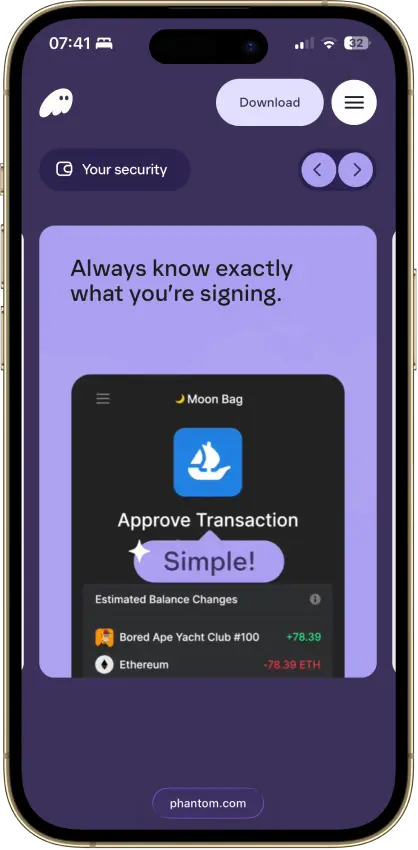
Solana users who want one wallet for swaps, NFTs, staking, and lighter multi-chain use.
Browser extensioniOSAndroid
  • Smooth Solana-first user experience
  • Eight supported chains in one wallet
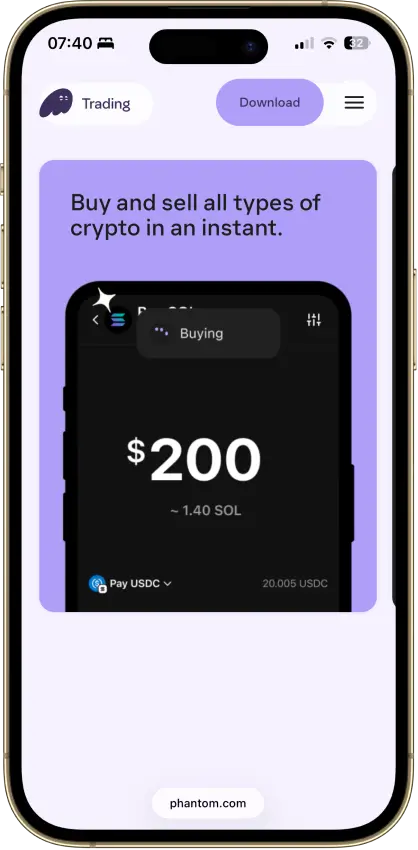
  • Built-in swaps, dApp access, and Ledger support
Rank 2
8.5
Multi-platform wallet
Users who want one self-custody wallet for multi-chain assets, swaps, and dApp access.
iOSAndroidBrowser extension
  • Supports millions of assets across 100+ blockchains in one wallet
  • Built-in swaps, staking, NFT support, and dApp access
  • Optional Ledger support through the browser extension
Rank 3
8.3
Multi-platform wallet
Users active in Ethereum DeFi and NFTs who want broader multichain support in one wallet
Browser extensionAndroidiOS
  • Deep dApp compatibility across Ethereum and major EVM networks
  • Built-in swaps, bridging, and staking without leaving the wallet
  • Multichain accounts now include Bitcoin, Solana, and TRON alongside EVM assets
Rank 4
7.0
Multi-platform wallet
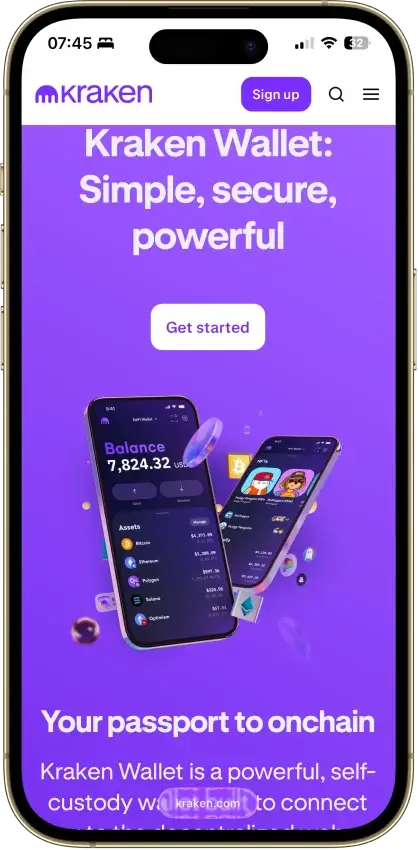
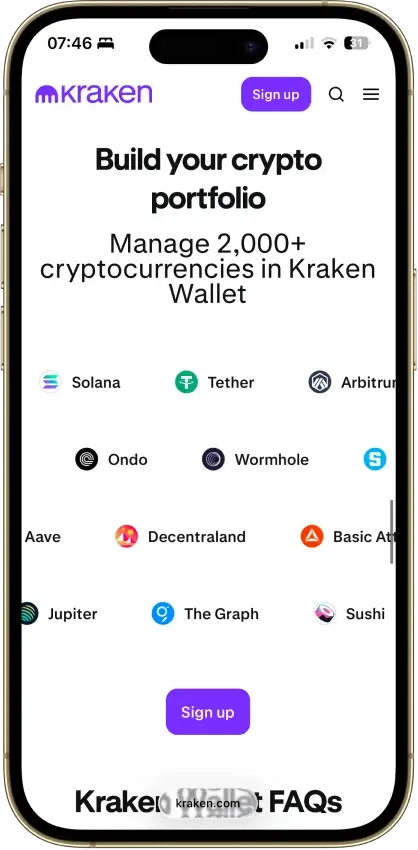
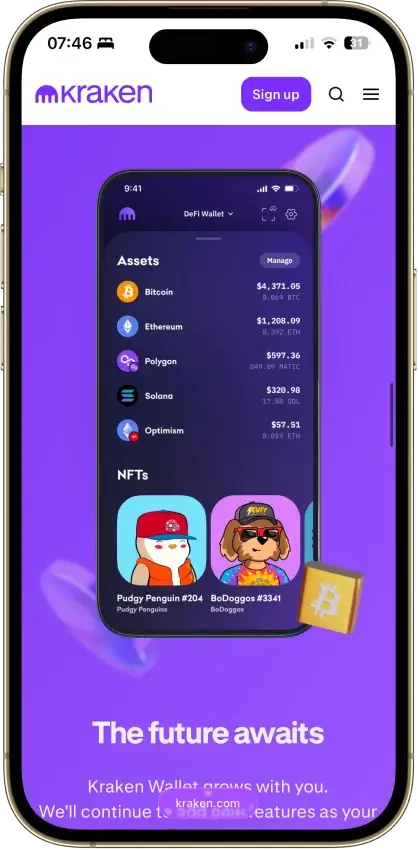
Mobile-first users who want simple self-custody and optional Kraken account linking.
iOSAndroid
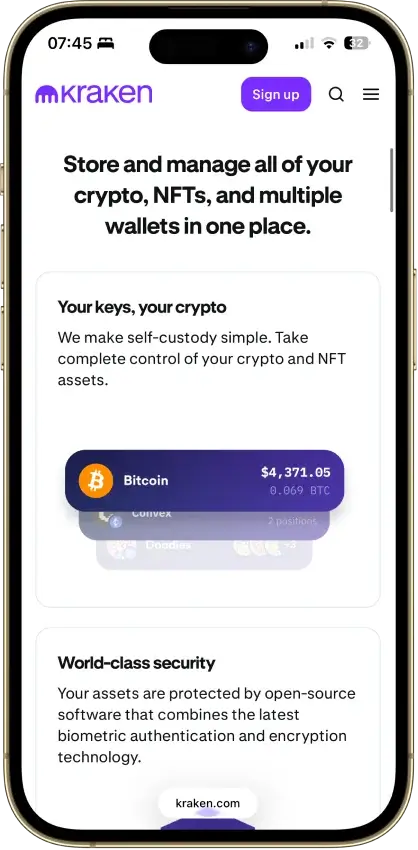
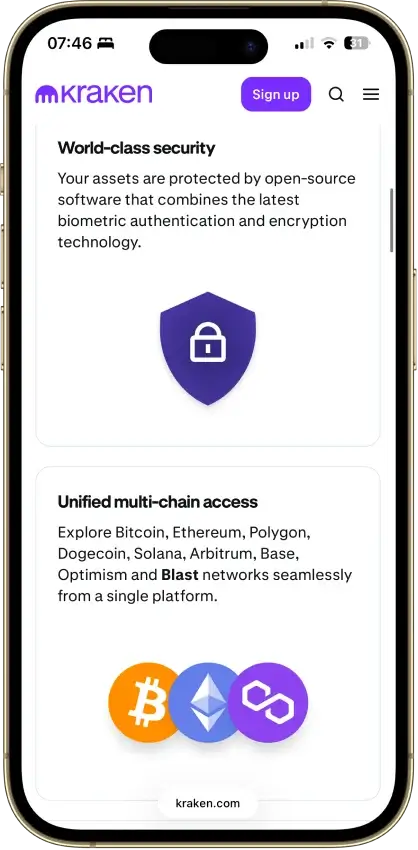
  • One mobile wallet for Bitcoin, Solana, Dogecoin, and major EVM networks
  • Kraken Connect reduces friction when moving funds from Kraken Exchange into self-custody
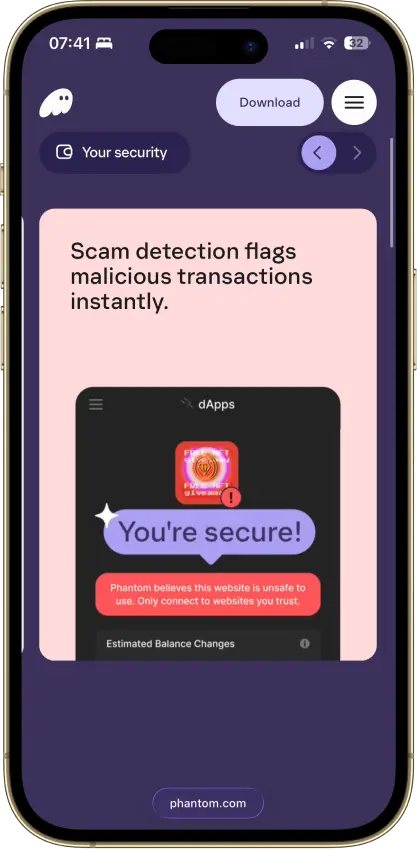
  • Open-source client with a public audit and meaningful scam-warning tools
Rank 5
6.5
Hardware wallet
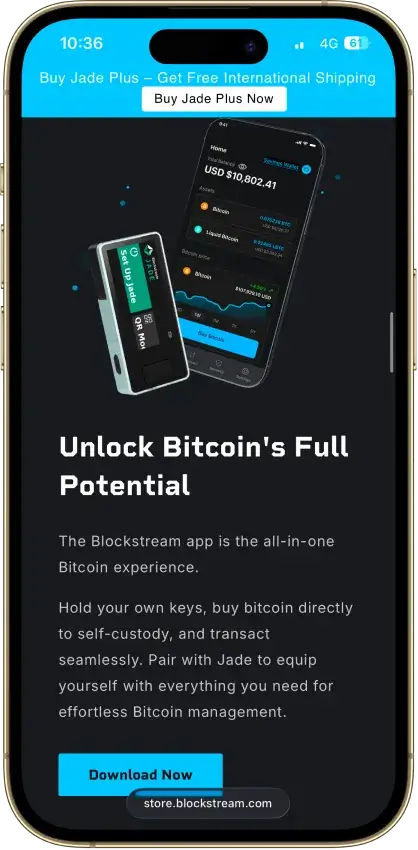
Bitcoin-first users who want open-source cold storage with flexible connection options
iOSAndroidDesktop (Windows)Desktop (macOS)Desktop (Linux)
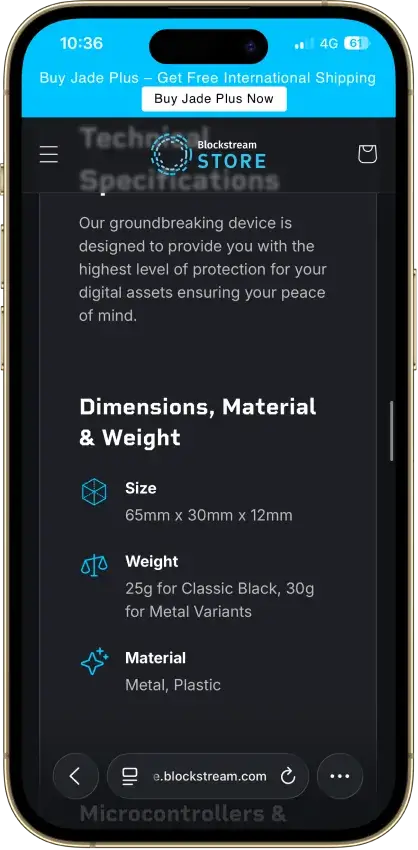
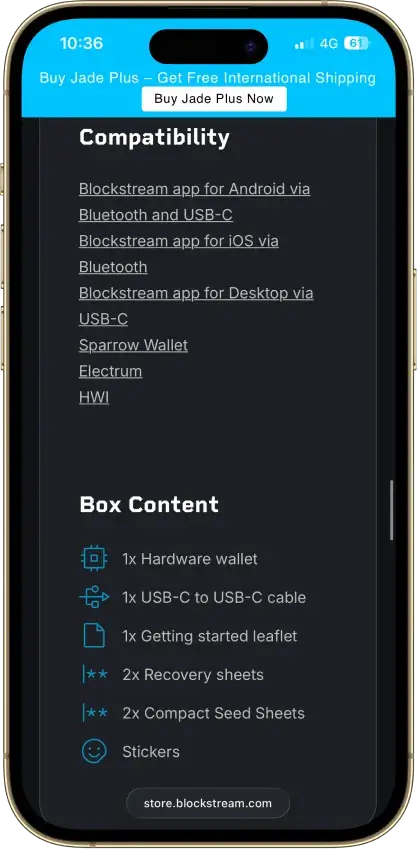
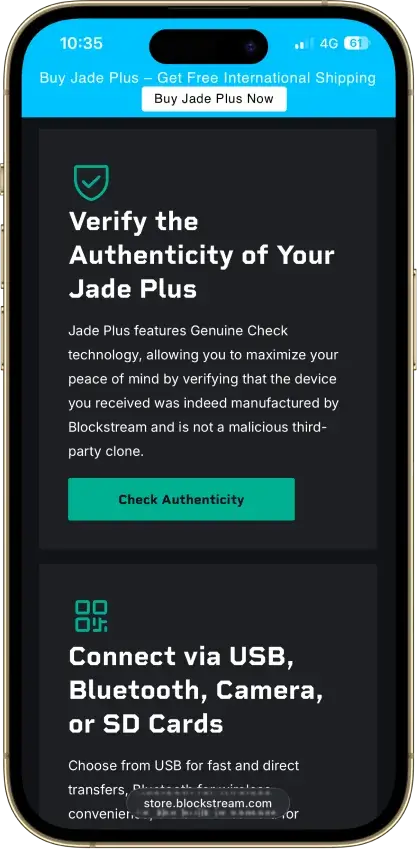
  • Four connection and signing paths: USB-C, Bluetooth, QR, and air-gapped storage workflows
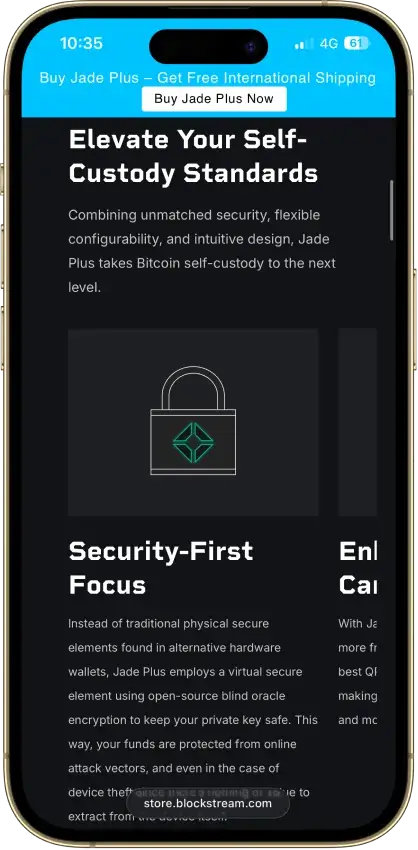
  • Fully open-source hardware wallet for Bitcoin and Liquid assets
  • Genuine Check helps verify that the device was manufactured by Blockstream
Rank 6
6.0
Multi-platform wallet
Privacy-focused users who want Monero at the center, but still need Bitcoin, swaps, and selected mainstream chains in one app
iOSAndroidDesktop (Windows)Desktop (macOS)Desktop (Linux)
  • Strong Monero-first workflow with much broader chain support than many users expect
  • Built-in swaps, fiat partners, Cake Pay, and Lightning support reduce app switching
  • Strong privacy toolkit, including custom nodes, Tor options, Silent Payments, and PayJoin
Rank 7
6.0
Multi-platform wallet
Users primarily active within the Solana ecosystem.
iOSAndroidBrowser extensionDesktop (Windows)
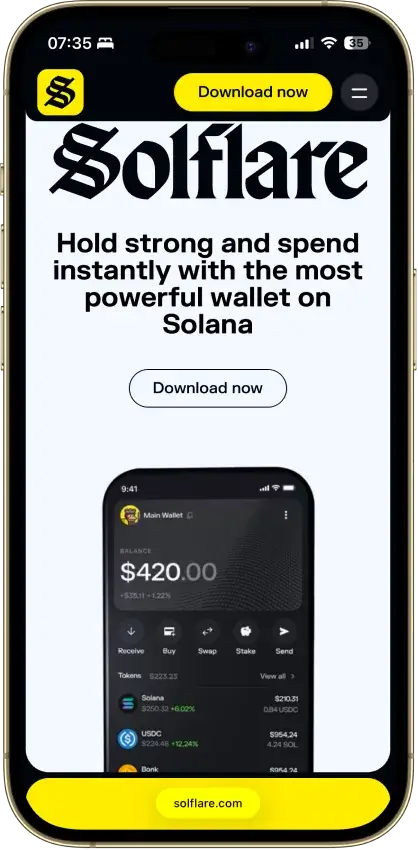
  • Solana-native wallet with built-in staking, swaps, NFT support, and dApp access
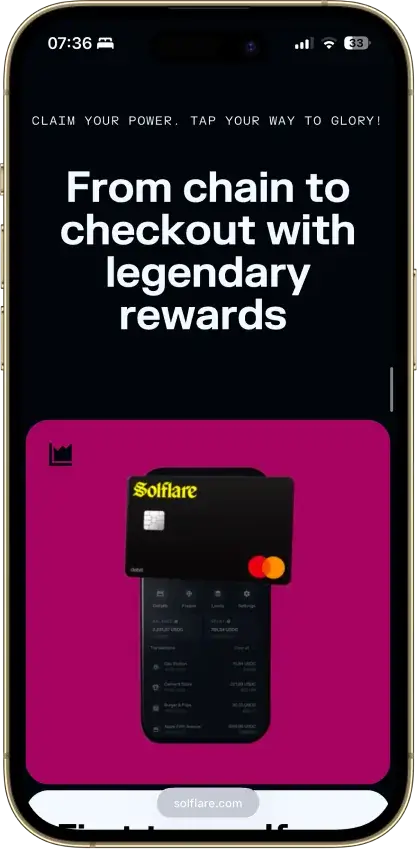
  • Hardware signing support through Ledger, Keystone, and Solflare Shield
  • Available on web, browser extension, iOS, and Android with self-custody recovery controls
Rank 8
5.5
Multi-platform wallet
Desktop-first users who want the official Monero desktop wallet for XMR self-custody
AndroidDesktop (Windows)Desktop (macOS)Desktop (Linux)
  • Official Monero desktop wallet with Simple mode, Simple mode (bootstrap), and Advanced mode
  • Supports both remote-node use and deeper local-node control
  • Works with selected Ledger and Trezor devices for Monero storage
Rank 9
4.5
Hot wallet (mobile)
Android-first Monero users who want deeper privacy and node control
Android
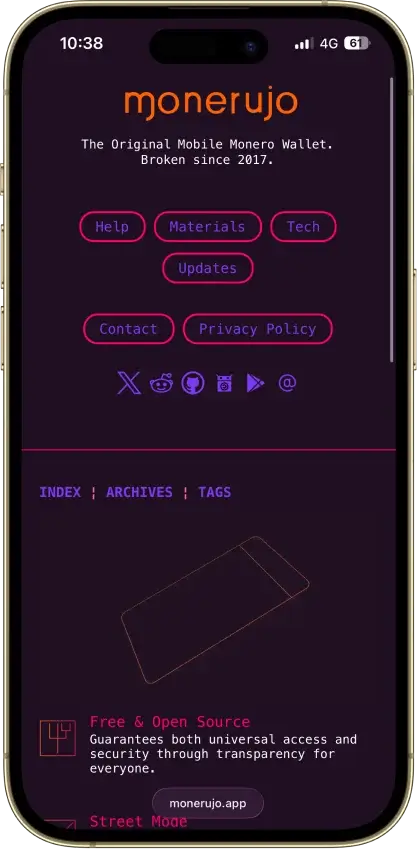
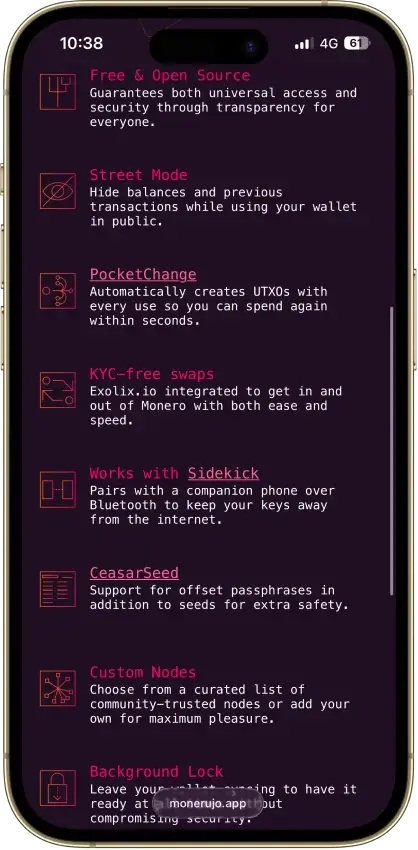
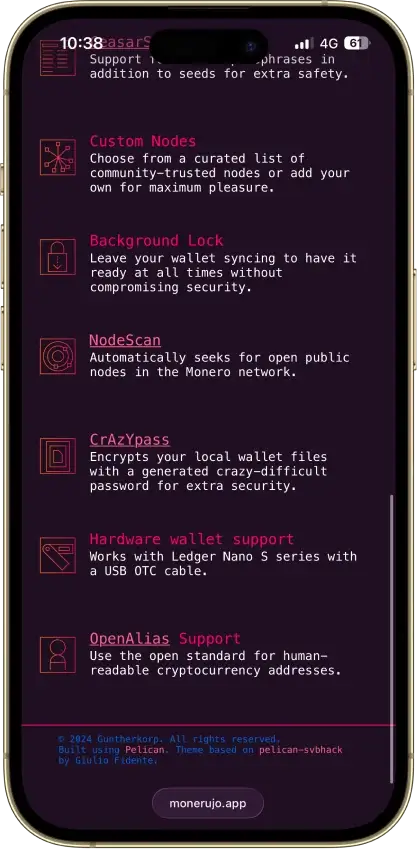
  • Monero-first Android wallet with custom nodes, Street Mode, and PocketChange
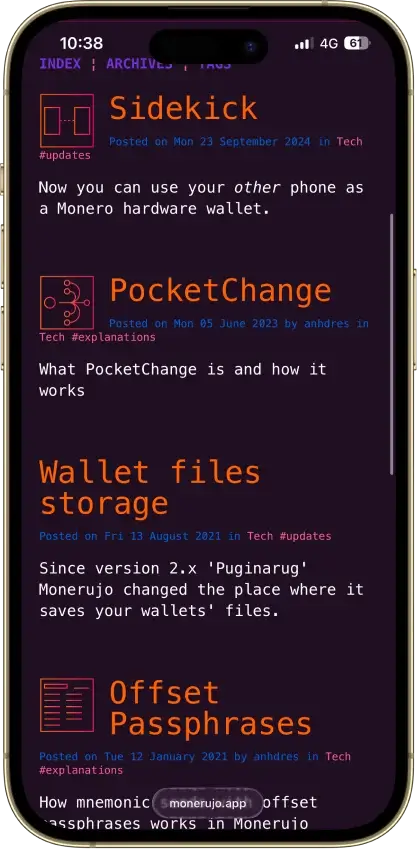
  • Optional Sidekick pairing can keep keys on a second Android phone over Bluetooth
  • Built-in Exolix swap access without wallet-level KYC
Rank 10
3.5
Multi-platform wallet
Privacy-focused users who want one wallet for Monero, Bitcoin, and other niche assets across phone and desktop
iOSAndroidDesktop (Windows)Desktop (macOS)Desktop (Linux)
  • Fully open-source, non-custodial wallet with local key storage
  • Broad support for privacy-focused and niche assets across mobile and desktop
  • Built-in swaps and custom node support without wallet-level KYC

Taken together, these choices show that the best anonymous crypto wallets are usually the ones that keep custody in the user’s hands and limit identity checks to optional third-party services rather than the wallet itself. Trust Wallet stands out for flexibility across many chains, MetaMask remains a strong option for Ethereum and EVM users, and Phantom plus Solflare give Solana users two credible privacy-first paths. Kraken Wallet rounds out the list as a simpler mobile-focused alternative. If you’re comparing the best anonymous bitcoin wallets, treat this shortlist as a wallet-level starting point — then focus on funding sources and address hygiene.

Comparison Table

NameCustodyBlockchainsHardward SupportStakingFiat On-ramp
Phantom Non-custodial Solana, Ethereum, Base, Polygon, Bitcoin Yes Limited
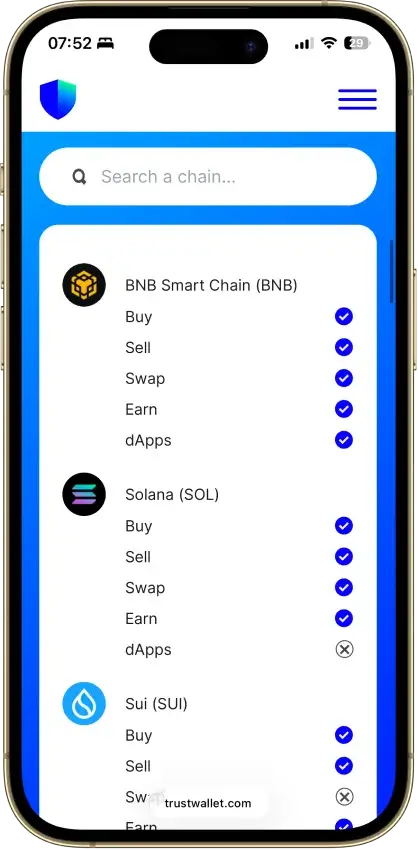
Trust Wallet Non-custodial Bitcoin, Ethereum, BNB Smart Chain, Avalanche, Tron, Arbitrum, Base, Optimism, Polygon, Solana Yes Full
MetaMask Non-custodial Ethereum, Arbitrum, Optimism, Polygon, Base, Avalanche, BNB Smart Chain, Solana, Bitcoin, Tron Yes Full
Kraken Wallet Non-custodial Bitcoin, Ethereum, Arbitrum, Base, Optimism, Polygon, Solana No Limited
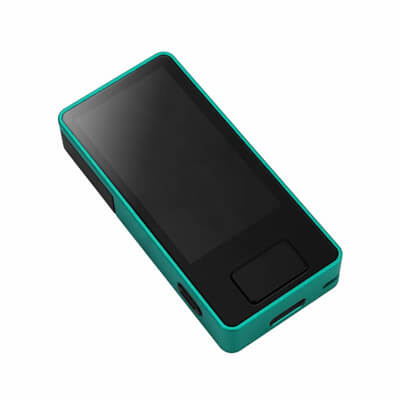
Blockstream Jade Plus Non-custodial Bitcoin No None
Cake Wallet Non-custodial Bitcoin, Ethereum, Polygon, BNB Smart Chain, Solana, Base, Arbitrum Yes None
Solflare Non-custodial Solana Yes Full
Monero GUI Wallet Non-custodial Yes None
Monerujo Wallet Non-custodial Yes None
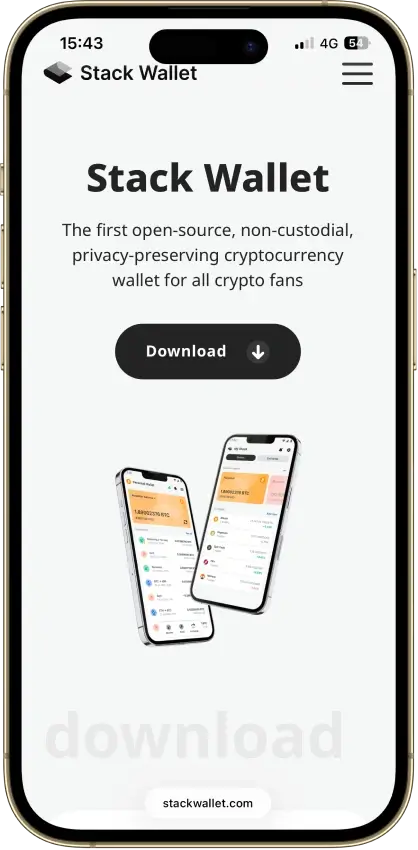
Stack Wallet Non-custodial Bitcoin No None

This table compares native chain support, hardware signing, and the main places verification can still show up (usually buy/sell, on-ramp, or card features). Next, the detailed reviews cover each wallet’s strengths, privacy trade-offs, and the habits that keep activity better separated.

If you want a fast decision: Trust Wallet is the broad multi-chain pick, MetaMask is the clearest fit for Ethereum and EVM dApps, Phantom is the strongest Solana-first option in this shortlist, Kraken Wallet is a good mobile self-custody layer for Kraken users, and Solflare is best if you live mostly on Solana and want built-in staking.

Detailed Review - Anonymous Crypto Wallets

Monero GUI Wallet

Rank8
Our score5.5

Monero GUI Wallet is the official desktop wallet for XMR and works best for people who want direct, non-custodial Monero use without touching the command line. It offers Simple mode, Simple mode (bootstrap), and Advanced mode, plus support for local nodes, remote nodes, pruning, and selected Ledger and Trezor devices. The wallet is free, open-source, and focused on Monero only. That focus is both the strength and the limit. You get deeper control than most lightweight wallets, but no mobile app, no multi-chain support, and more setup friction if you want stronger privacy through a local node on your own machine.

Pros

  • Official Monero wallet with current desktop builds for Windows, macOS, and Linux.
  • Three wallet modes. Simple mode is the fastest start, Simple mode (bootstrap) lets you use a remote node while a local node syncs in the background, and Advanced mode gives full control over node and wallet behavior.
  • Supports local nodes, remote nodes, and blockchain pruning. That helps users balance privacy, storage use, and sync time.
  • Works with supported Ledger and Trezor devices for people who want Monero access without keeping signing keys only in a desktop wallet.
  • Includes tools that fit real Monero use, such as a merchant page, in-app fiat value display, and solo-mining access in the advanced interface.

Cons

  • XMR only. It does not support Bitcoin, Ethereum, stablecoins, NFTs, or other chains.
  • Desktop only. There is no official Monero GUI app for iPhone or Android.
  • No swaps, staking, dApp access, or DeFi features. People who want a broader crypto app will outgrow it quickly.
  • Full local sync takes time and storage unless you use pruning or a remote node.
  • The interface is functional, not slick. Advanced mode can feel busy if you only want quick sends.

How We Chose the Best Anonymous Crypto Wallets

These wallets were not ranked on marketing language or on the idea that any product can make a public blockchain truly anonymous by itself. The shortlist focuses on each privacy-focused crypto wallet that gives the strongest foundation for privacy-first self-custody: control of keys, a setup flow that typically does not require wallet-level KYC, and practical ways to separate activity across wallets and addresses.

The biggest factor is how cleanly a wallet separates self-custody from services that often trigger verification, such as fiat on-ramps, cash-out tools, or card-linked features. In practice, “anonymous” here refers to lower identity exposure and stronger user control, not invisibility on-chain.

The phrase “best anonymous crypto wallets with no kyc” usually means “no wallet-level KYC at setup,” not a promise of anonymous transactions. Buying crypto, cashing out, or using third-party providers can still trigger verification depending on the service and location.

Are Crypto Wallets Anonymous?

Usually no — most crypto wallets are pseudonymous rather than anonymous. Searches for “crypto wallet anonymous” usually mean “no wallet-level KYC at setup.” You’ll also see the same intent phrased as “crypto anonymous wallet,” but it doesn’t mean transactions are hidden.

In practice, crypto wallet privacy comes down to three layers:

  1. Wallet setup: Many self-custody wallets let you create a wallet without full KYC, but identity links can still appear through exchange-linked features, third-party buy/sell providers, or account-based services.
  2. On-chain visibility: On most chains, a privacy wallet address is still a public address. Anyone can view transactions tied to it, and address reuse or predictable transfers make it easier to link activity.
  3. Off-chain links: The fastest way to lose anonymity is through off-chain data — KYC exchanges, card purchases, cash-out providers, and accounts you log into while using the wallet.

The takeaway is simple: self-custody reduces how much a platform knows about you, but better privacy comes from separation (different wallets for different purposes), careful funding sources, and cautious signing.

Are Bitcoin Wallets Anonymous?

Not in the way most people mean it. Bitcoin wallets can often be created without KYC, which is why many users ask, are Bitcoin wallets anonymous. But Bitcoin runs on a public blockchain, so wallet addresses, transfers, balances, and transaction history can often be traced or linked over time. That means bitcoin wallet privacy depends less on the wallet name alone and more on how you fund it, how you use it, and whether activity gets connected back to your identity.

An anonymous BTC wallet usually means self-custody plus stronger address hygiene, not hidden transactions. People also use the phrase “bitcoin anonymous wallet” for the same idea, but the same limitations apply.

Be cautious with any “anonymous bitcoin wallet online” or web wallet. Browser-based wallets can increase phishing and account-takeover risk, and some services use the term “anonymous” as marketing even when they collect metadata or route funds through providers that require verification.

A privacy bitcoin wallet (often grouped under the term “bitcoin privacy wallets”) can improve privacy by giving self-custody, fresh addresses, and more control over how funds move, but it does not make Bitcoin private by default. Privacy drops fast if you withdraw from a KYC exchange, reuse the same receive address, or connect the same wallet across multiple services.

For a quick way to evaluate any wallet using the same privacy baseline as this guide, use the checklist near the top. Next, the table below shows how wallet privacy expectations change across Bitcoin, Ethereum, Solana, and privacy-coin wallets.


Wallet Privacy by Chain and Use Case

“Anonymous” means different things depending on the chain and the type of activity. On Bitcoin, Ethereum, and Solana, the biggest privacy gains usually come from self-custody, clean separation between wallets, and avoiding identity-linked services unless you actually need them. The table below summarizes what people typically mean by “anonymous” for each chain, which wallets on this page fit best, and what the main privacy limit looks like in practice.

Chain / use caseWhat “anonymous” usually meansBest fits from this pageMain privacy limitBest habit to keep privacy stronger
BitcoinWallet-level setup without KYC + better address hygieneTrust Wallet, MetaMask, or Kraken Wallet (Bitcoin-supported, not Bitcoin-privacy specialized)Bitcoin is public by default; KYC funding and address reuse create easy linksUse fresh addresses and keep a separate wallet for any exchange/cash-out activity
Ethereum / EVMWallet creation without KYC + separation between dApps and storageMetaMaskPublic on-chain activity + approvals/signatures can leak patternsUse a dedicated “dApp wallet” and keep storage in a separate wallet
SolanaSelf-custody + clean separation between storage and app usagePhantom, SolflarePublic on-chain activity; identity checks can still appear via on-rampsKeep a storage wallet separate from the wallet you connect to apps
Privacy coins / MoneroA wallet built specifically for privacy-native chainsNot covered yet on CryptoSlate’s current shortlistNeeds a dedicated Monero-focused wallet review before making a firm recommendationTreat this as a separate category and don’t assume multi-chain wallets cover it

The pattern is consistent across chains: a privacy-focused setup is less about finding a magical “most anonymous crypto wallet” and more about reducing linkability. If you keep long-term storage separate, avoid reusing addresses, and limit the number of services your main wallet touches, you can materially improve crypto wallet privacy — even though transactions on most chains remain public by default.

Best Privacy Setup by User Type

If you mostly hold for the long term, use a storage wallet that stays separate from daily app connections. Trust Wallet supports up to 15 wallets in the same app, Solflare can be created with a recovery phrase or Ledger, and Kraken Wallet lets you create as many wallets as you want under one Secret Recovery Phrase.

If you use dApps often, keep one wallet for approvals and another for storage. Every Phantom wallet starts with one account but you can create more, while MetaMask supports both the standard phrase-based setup and a Google/Apple login path. If privacy is the priority, the phrase-based route keeps recovery separate from a Google or Apple account.

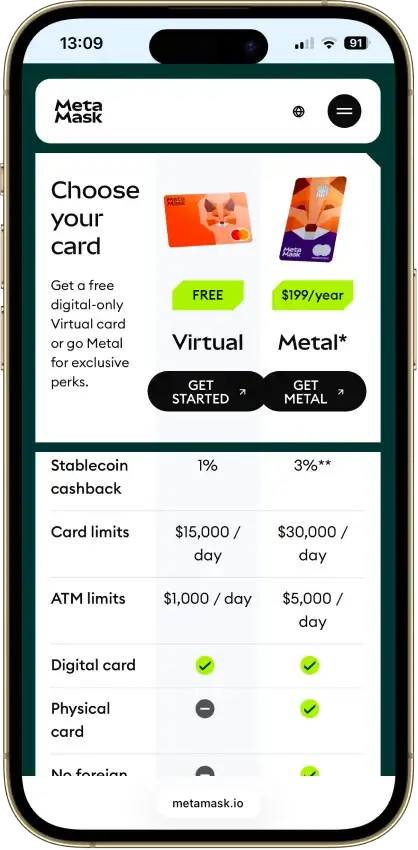
If you plan to buy, cash out, or spend through card features, assume KYC can return immediately. MetaMask Card setup requires email/password, phone confirmation, and KYC. Phantom Cash requires KYC for bank transfers, direct deposit, and the Phantom Cash debit card. Solflare Card application also requires KYC.

How To Set Up an Anonymous Bitcoin Wallet

Setting up an anonymous Bitcoin wallet is really about reducing unnecessary identity links, not making Bitcoin invisible. The goal is to start with self-custody, keep wallet setup separate from identity-heavy services where possible, and avoid habits that make activity easier to trace over time.

  1. Choose a non-custodial wallet. Start with a wallet that gives you control of your own keys rather than one that holds funds on your behalf.
  2. Create a new wallet from scratch. Use a fresh wallet instead of reusing an old one that may already be linked to exchange withdrawals or public addresses.
  3. Write down your seed phrase offline. Store your recovery phrase on paper or another offline medium, and do not save it in screenshots, cloud notes, or email drafts.

  4. Generate a fresh receive address. Use a new address when receiving Bitcoin instead of reusing the same one repeatedly.
  5. Fund the wallet in a privacy-aware way. Think carefully about where the Bitcoin comes from. Buying, withdrawing, or cashing out through a KYC exchange, bank card services, or other identity-verified providers can reduce privacy even if the wallet did not require KYC.
  6. Test with a small amount first. Confirm you can receive and control funds before moving a larger balance.
  7. Avoid linking activity publicly. Do not post your wallet address online or use the same wallet everywhere if privacy is a priority.

If privacy is the goal, separate wallets by role. A simple setup is one wallet for long-term storage, one for day-to-day spending, and one for dApp activity. If you ever cash out through a KYC exchange or provider, keep that activity in its own wallet so you don’t link your storage wallet to identity-heavy services.

Anonymous Hardware Wallet Setups

A hardware wallet is not a magic “anonymous hardware wallet,” but it is one of the best upgrades for key security. It helps keep private keys isolated from an internet-connected device, which reduces the risk of malware, clipboard hijacks, and many common wallet drains. What it does not do is hide on-chain activity. If coins are funded from identity-linked sources or the same addresses are reused everywhere, a hardware wallet will not fix that.

For privacy-minded users, hardware is most useful when it is paired with better separation and cleaner workflows: using a dedicated wallet for long-term storage, keeping a separate hot wallet for everyday dApp activity, and avoiding mixing wallets that touch KYC services with wallets meant for private self-custody.

SetupKey securityPrivacy impactBest for
Hot wallet only (mobile/extension)ModerateDepends heavily on habitsDaily use, small balances, frequent dApp connections
Hardware wallet + hot wallet (separate roles)HighStronger separation reduces linkage riskLong-term storage plus safer signing for larger balances
Hardware wallet only (minimal app connections)HighestBest chance of keeping activity cleanCold storage, minimal transactions, maximum attack-surface reduction

If you’re searching for the best anonymous wallet for crypto, think of hardware as a security baseline, not a privacy promise. The privacy lift comes from how you use it: keep addresses fresh when possible, separate “KYC-touched” funds from long-term holdings, and do not connect the same wallet to every site or app.

Embedded Wallet SDK Privacy Trade-Offs

Embedded wallets (wallets created inside an app using an SDK) are optimized for convenience: email sign-in, passkeys, or social login, and quick recovery if a device is lost. That convenience often comes with trade-offs for privacy. The app can become a strong identity link, and analytics, device identifiers, and account recovery flows can create a clearer trail than a standalone self-custody wallet.

This does not make embedded wallets “bad,” but it does make them a weaker fit for people specifically searching for an anonymous crypto wallet. If privacy is the priority, a standalone self-custody wallet with clean separation is usually the better starting point, especially for long-term storage.

Common Mistakes That Ruin Wallet Privacy

  • Reusing the same address or the same wallet across everything.
  • Funding from a KYC exchange and assuming the wallet becomes anonymous afterward.
  • Linking the wallet to public identities (social profiles, public donation addresses, doxxed ENS names).
  • Mixing long-term storage with high-risk dApp activity in one wallet.
  • Clicking approvals blindly or signing messages without understanding what is being granted.
  • Leaving unlimited token approvals active after you’re done with a dApp (review and revoke old approvals).
  • Keeping seed phrases in cloud notes, screenshots, or email drafts.

What About Privacy-native Wallets such as Cake Wallet?

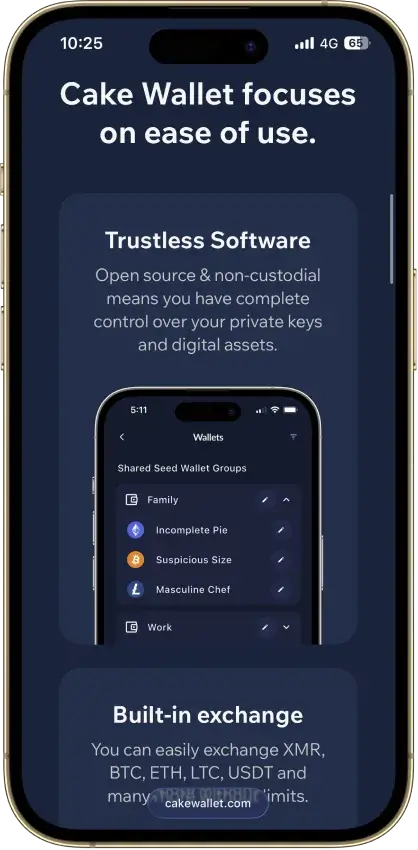
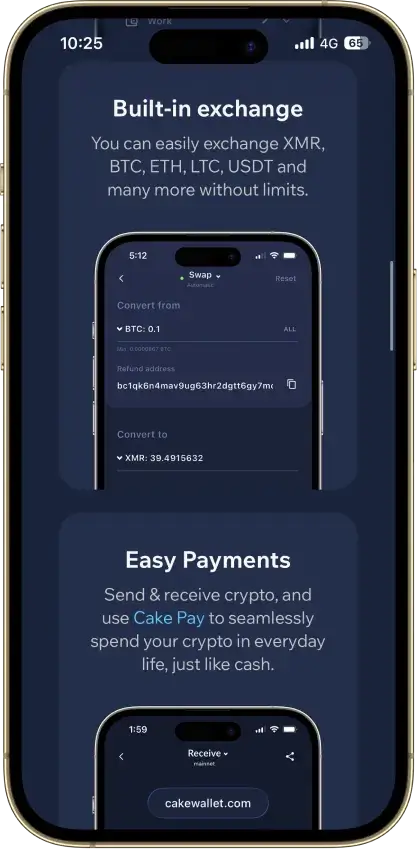
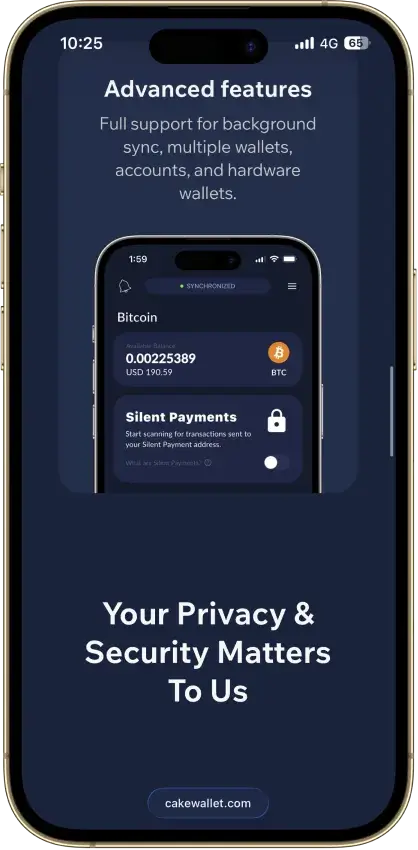
Cake Wallet deserves a separate mention for Bitcoin owners who care more about privacy-native workflows than broad multi-chain coverage. Cake describes itself as open-source and non-custodial. It automatically generates new Bitcoin addresses after use for better privacy, and its Monero docs say it auto-generates new subaddresses by default. That makes it a better fit for a privacy-native wallet subsection than for the same multi-chain bucket as Trust Wallet, MetaMask, or Phantom.

Crypto Wallets Aren't Anonymous, but They Offer High Degree of Privacy

If you want a simple starting point, pick one wallet from the top list and set up separate wallets for storage and daily use. For broad multi-chain coverage, Trust Wallet is the most flexible option in this shortlist; for Ethereum and EVM dApps, MetaMask is the clearest fit; and for Solana, Phantom or Solflare are the most direct choices. Revisit the comparison table when deciding which wallet should touch exchanges or cash-out providers.

This page focuses on privacy-first self-custody, not on promising “true anonymity.” Laws and verification rules vary by country and provider, and privacy outcomes depend heavily on how funds are acquired, how wallets are used, and whether addresses and activity are kept separated.

FAQ

Are crypto wallets anonymous?

Not fully. Most wallets are pseudonymous, meaning they do not require your real name at setup in many cases, but your activity can still be linked over time. Public blockchains expose transactions, and identity checks can show up when using on-ramps, cash-out providers, or card rails. Better privacy comes from self-custody plus habits like wallet separation and avoiding address reuse.

Are Bitcoin wallets anonymous?

Not by default. You can often create a wallet without KYC, but Bitcoin transactions are public and can be traced or clustered. If coins come from a KYC exchange, are sent to the same address repeatedly, or the same wallet is reused across services, privacy drops quickly. A Bitcoin wallet can support better privacy, but it does not make Bitcoin private automatically.

What is the most anonymous crypto wallet?

If you’re looking for the best anonymous crypto wallet, there is no single “most anonymous” option for everyone. Even the idea of a “most anonymous bitcoin wallet” breaks down because Bitcoin is public by default. A better approach is self-custody plus separation: Trust Wallet for broad multi-chain use, MetaMask for Ethereum and EVM apps, and Phantom for a Solana-first setup. Privacy still depends on funding sources and wallet habits.

What is the best anonymous Bitcoin wallet?

An anonymous bitcoin wallet is shorthand for self-custody and better address hygiene. If you’re searching for the best bitcoin wallet for privacy, focus on a non-custodial wallet that supports fresh addresses and keeps storage separate from dApps and exchange/cash-out activity. You’ll also see this phrased as “best privacy bitcoin wallet” or “best privacy wallet for bitcoin”—the same rules apply. Privacy drops fast if you fund from a KYC exchange, reuse addresses, or connect the same wallet everywhere.

Is Trust Wallet anonymous?

Trust Wallet is a self-custody wallet, and it typically does not require KYC just to create a wallet. In practice, trust wallet privacy depends on what you do next. If you buy or sell through integrated third-party providers, verification may be required, and transactions remain visible on-chain. For better privacy, keep separate wallets for different purposes and avoid reusing addresses when possible.

Is MetaMask anonymous?

MetaMask can be created and used without KYC at the wallet level, which is why many people treat it as an anonymous Ethereum wallet option. But Ethereum activity is public, and buying or cashing out through third-party providers may require verification. For stronger privacy, separate wallets by purpose (dApps vs storage) and avoid linking the same wallet to identity-heavy services.

Is Cake Wallet anonymous?

Cake Wallet is a non-custodial, open-source wallet that is more privacy-focused than most mainstream multi-chain wallets, especially for Monero and Bitcoin use cases. It automatically generates new Bitcoin addresses after use for better privacy, and for Monero it auto-generates new subaddresses by default. That still does not make every asset inside Cake Wallet anonymous by itself, but it is a stronger fit for privacy-native workflows than a general-purpose wallet shortlist alone.

How do I set up an anonymous Bitcoin wallet?

Start with a non-custodial wallet, write down the seed phrase offline, and generate a fresh receiving address. Fund the wallet in a privacy-aware way, test with a small amount first, and avoid linking the wallet publicly. The biggest improvements usually come from separating wallets by purpose, limiting address reuse, and avoiding unnecessary identity-linked services.

What is an anonymous hardware wallet?

A hardware wallet mainly improves key security, not anonymity. It keeps private keys isolated from an internet-connected device, which reduces theft risk. But it does not hide transactions on public blockchains. Hardware is most useful for privacy-minded setups when it is paired with separation: keep a hardware wallet for storage, and use a separate hot wallet for everyday dApp activity.

What data can the wallet app itself still see?

Even when a wallet does not require KYC at setup, the app can still expose some data through its own infrastructure or optional features. MetaMask says some functionality may temporarily process IP addresses depending on settings. Phantom says it may pass IP addresses to third parties only for functionalities you opt into and says its systems are not designed to link IPs to your wallet address, username, or email. Trust Wallet says it only collects personal data when strictly necessary to provide services.

What changes if I sign in with Google or Apple instead of using a seed phrase?

MetaMask offers a Google/Apple social-login route where wallet access is tied to that login plus your wallet password, and Phantom offers a seedless Google/Apple setup that restores with your email and a four-digit PIN. That is more convenient than a phrase-only setup, but it also means recovery is tied to that login flow instead of staying fully separate from it.

How many separate wallets or accounts can I keep inside one app?

Trust Wallet supports up to 15 wallets in one app. Every Phantom wallet starts with one account but you can create more. Kraken Wallet supports one Secret Recovery Phrase at a time, but lets you create as many wallets as you want under that phrase. MetaMask extension can also house multiple Secret Recovery Phrases.

When does KYC enters the room even if the wallet itself is no-KYC?

Usually when you touch regulated rails. MetaMask buy flows use third-party providers, and MetaMask Card setup requires KYC. Phantom buy flows are also handled by third-party providers, and Phantom Cash requires KYC for bank transfers, direct deposit, and the debit card. Solflare Card application requires KYC as well.