At any online Tron casino, TRX works like most crypto payment methods: you send funds to a deposit address shown in the cashier, the transfer confirms on-chain, and the casino credits your account once it reaches its required confirmation threshold. The important detail is that casinos have two timelines: the blockchain transfer time, and the casino’s internal processing time (risk checks, bonus checks, and withdrawal approval).
Deposits with TRX
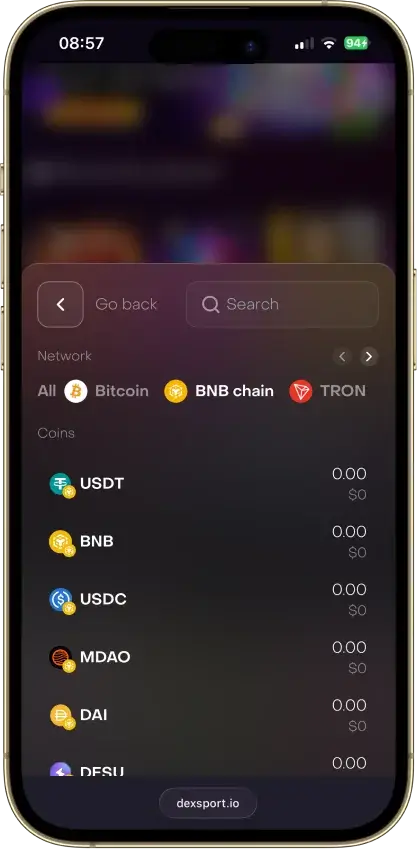
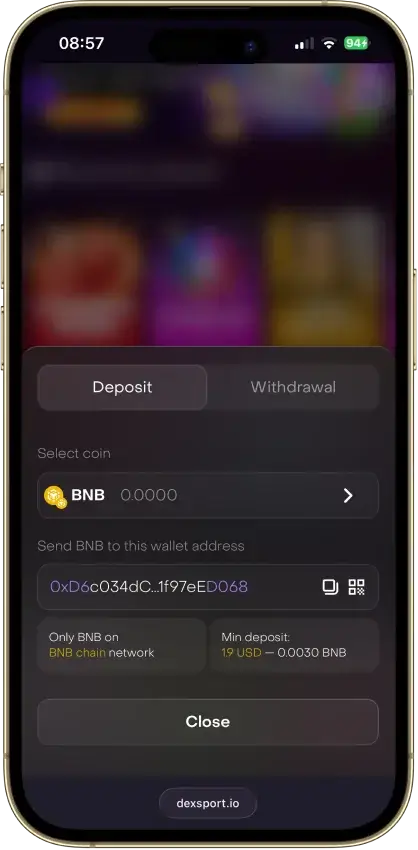
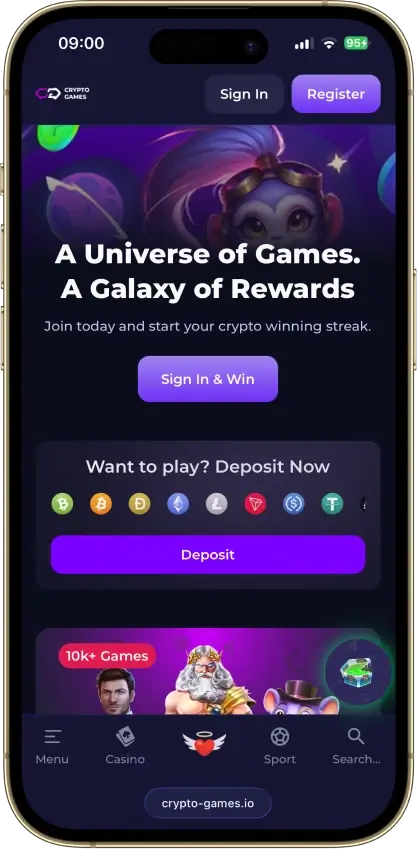
To deposit with TRX, open the cashier, select TRX, and copy the Tron address shown on-screen. Send TRX from your wallet or exchange, then wait for the casino to credit your balance after confirmations. On a new site, a small test deposit is the safest way to confirm you selected the correct asset and network. Keep your TXID and a screenshot of the cashier selection until the funds credit.
Withdrawals with TRX
Withdrawals usually take longer than deposits because the casino must approve the request before it’s broadcast on-chain. Common reasons a TRX withdrawal pauses include bonus playthrough requirements, deposit turnover rules, routine risk checks, or KYC triggers at withdrawal. Also, not every “Tron casino” supports TRX withdrawals in every region — some are deposit-only for TRX — so check the withdrawal menu in the cashier before you fund a larger balance.
Fees, limits, and network selection
Your total cost and speed depend on two things: casino limits and network costs. A casino may add an internal fee or enforce minimums/maximums, while the Tron network can still involve network costs depending on how you send (wallet settings, exchange withdrawal fees, and network resource rules). Always verify limits and any fees in three places: the cashier, the withdrawal page, and the terms.
TRON speed and fees: what to expect
TRON is designed for fast block production. In plain terms, that means on-chain confirmation is usually quick once a transaction is broadcast, and delays are more often caused by casino approval time or exchange withdrawal processing than the Tron network itself.
Fees also work differently on Tron than on “gas” chains. TRON uses a resource model (Bandwidth for basic transactions and Energy for smart contract interactions). If you have enough resources, a transfer can be very cheap. If you don’t, TRX may be burned to cover the cost — which is why TRC‑20 token transfers (like USDT on Tron) can be more expensive than sending TRX itself.
Two practical examples:
- A simple TRX → TRX transfer is often low-friction, but exchanges can still add their own withdrawal fee.
- A TRC‑20 token transfer (like USDT on Tron) is a smart contract call that consumes Energy, so costs can vary depending on your wallet setup and resource availability.
Finally, make sure you select the correct asset and network every time. If the cashier shows TRX, send TRX on Tron. If it shows a token like USDT (TRC‑20), you must send that token on Tron, not the same token on another chain.