Best Crypto Cards For USA Users (April 2026)

The best crypto cards for U.S. users, ranked by real access, fees and reward value. Covers state restrictions, stablecoin support, tax setup and picks by user type.

Updated Apr. 6, 2026
Reviews in this list 6
Trusted Reviews Editorially curated & independently checked
Curated by Yousra Anwar Ahmed
Since Feb 2026 50 reviews
Fact check in progress A fact-checker will be assigned shortly.
Affiliate Disclosure

Disclaimer: CryptoSlate may receive a commission when you click links on our site and make a purchase or complete an action with a third party. This does not influence our editorial independence, reviews, or ratings, and we always aim to provide accurate, transparent information to our readers.

U.S. users need a more specific shortlist than most crypto-card roundups give them. A card can look strong on rewards, then fall apart once state restrictions, credit approval, KYC, extra tax work, or stablecoin support come into view.

The best crypto cards for USA users are live, accessible, and clean on fees. That usually means clear U.S. availability, simple funding, sensible rewards, and fewer surprises around taxes, refunds, and everyday spending.

Top Picks - Crypto Cards For USA Users

Rank
Name
Rating
Key Advantages
Secure Link
Rank 1
8.5
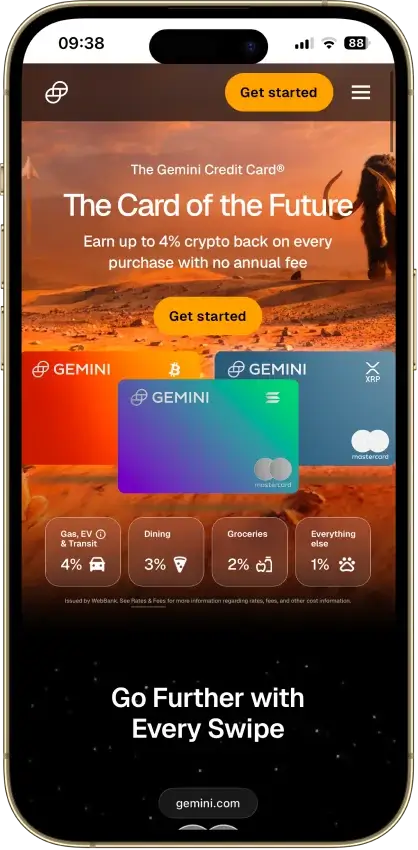
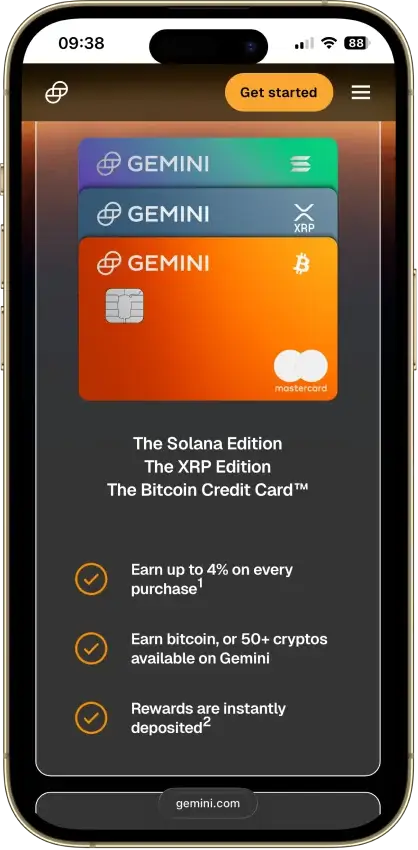
  • Instant crypto rewards on every purchase — no waiting for statement close
  • Up to 4% back with no annual fee or foreign transaction fees
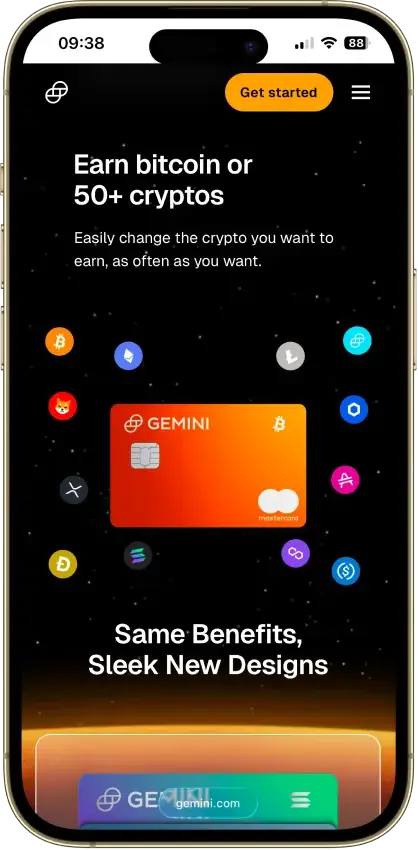
  • Choose from 50+ cryptocurrencies and switch reward asset anytime
Rank 2
7.5
  • Fast virtual card access
  • Broad stablecoin and crypto funding support
  • Strong travel and cross-border utility
Rank 3
7.5
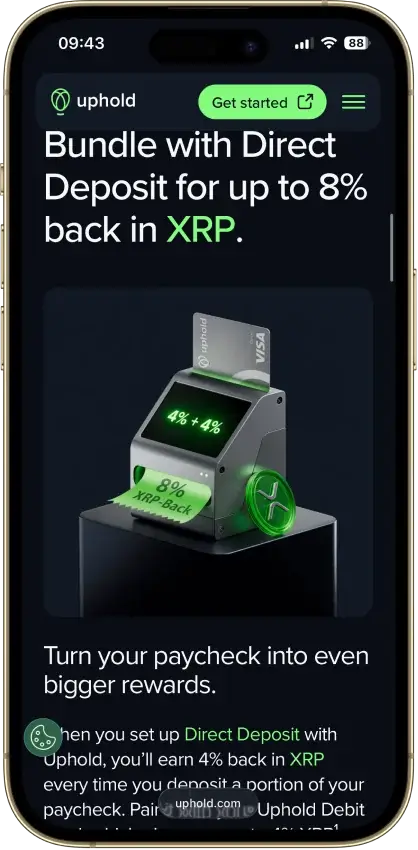
  • Up to 4% back in XRP (U.S.).
  • Spend 200+ assets with instant virtual card.
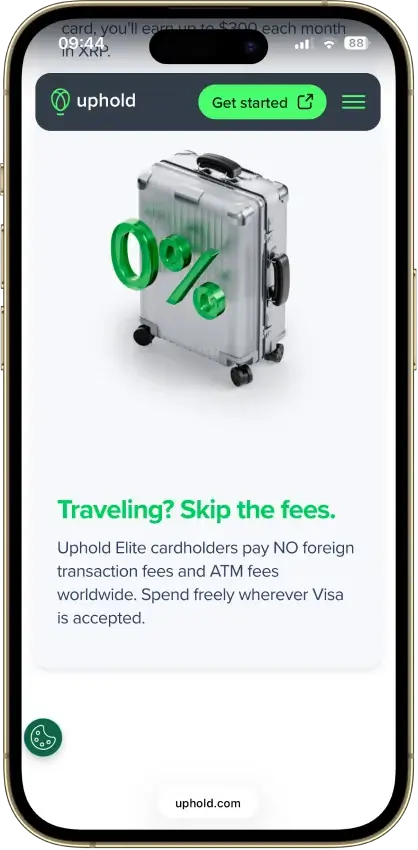
  • No foreign transaction fees on Elite tier.
Rank 4
7.0
  • Up to 4% rotating crypto rewards (US) with no staking required.
  • $0 annual fee and no added foreign transaction fee.
  • Instant virtual card with Apple Pay and Google Pay integration.
Rank 5
5.5
  • Up to 5% CRO rewards with instant payout after each purchase.
  • Instant virtual card with broad Apple Pay and Google Pay support (region dependent).
  • No annual fee and high daily purchase limits up to $25,000.
Rank 6
4.5
  • $0 monthly fee and free crypto-to-USD loads.
  • High limits — up to $10,000 per day in purchases and $6,000 per day at ATMs.
  • Up to 15% cash-back offers at participating merchants.

Start with Gemini’s card if you want a real rewards credit card. Choose cards offered by Coinbase or Uphold if you already keep funds on-platform and want debit-style spending. KAST is the clearest stablecoin-first option. Crypto.com is more appealing only if you are willing to deal with extra rules for a higher upside.

Comparison Table

NameNetworkCard TypeDigital WalletsAvailabilityRating
Gemini Credit Card Mastercard Apple Pay, Google Pay, Samsung Pay Available to residents of all 50 U.S. states and Puerto Rico; not available outside the U.S. 8.5
Kast Card Visa Prepaid Apple Pay, Google Pay 170+ countries, varies by jurisdiction. 7.5
Uphold Card Visa Debit Apple Pay, Google Pay United States and the United Kingdom. In the U.S., the card is not available in New York, Louisiana, or U.S. territories. In the U.K., Crown Dependencies and British Overseas Territories are excluded. 7.5
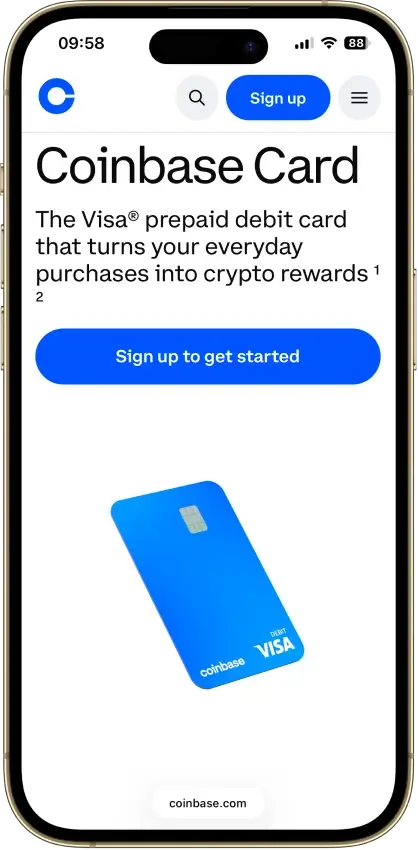
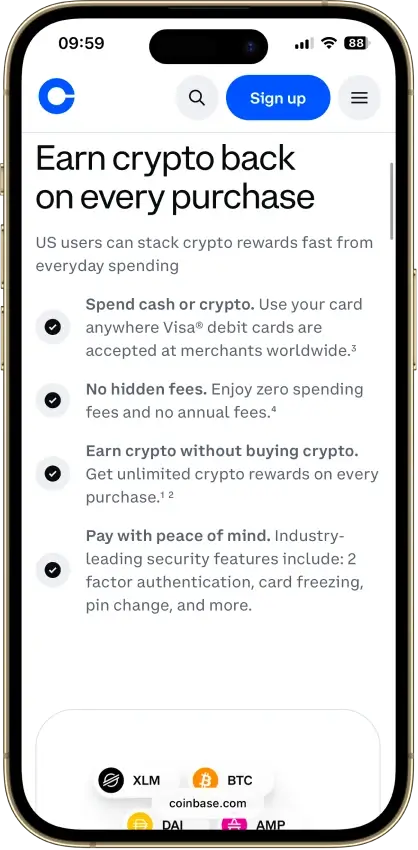
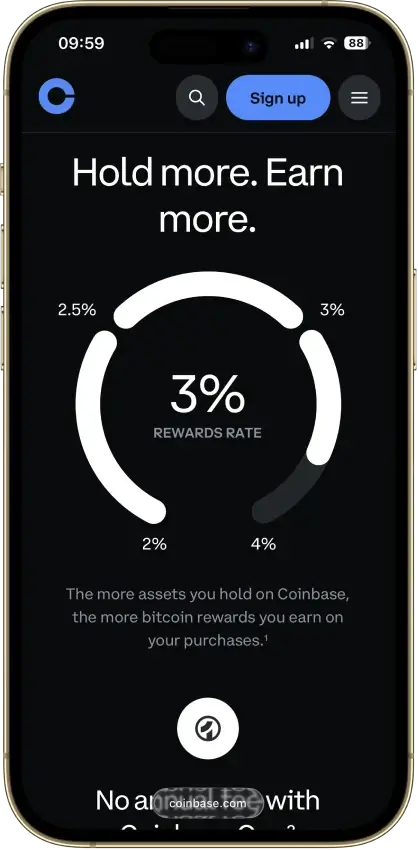
Coinbase Card Visa Debit Apple Pay, Google Pay, Samsung Pay US only (all states except Hawaii) 7.0
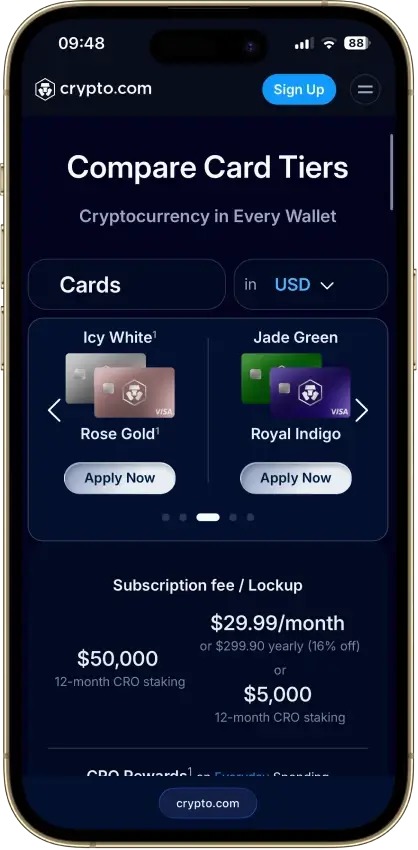
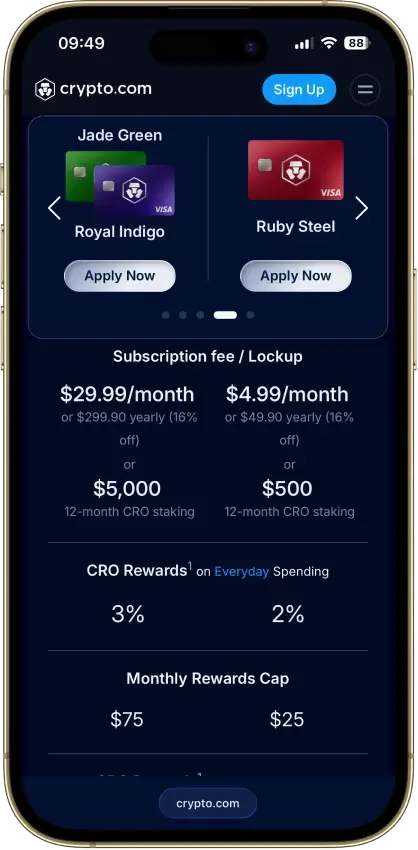
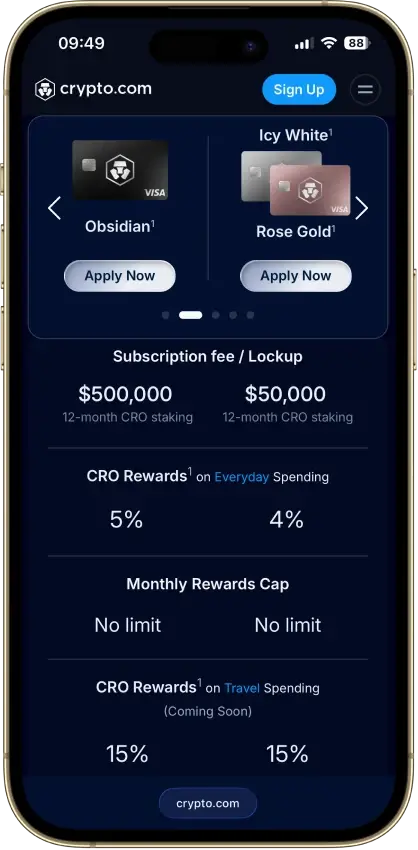
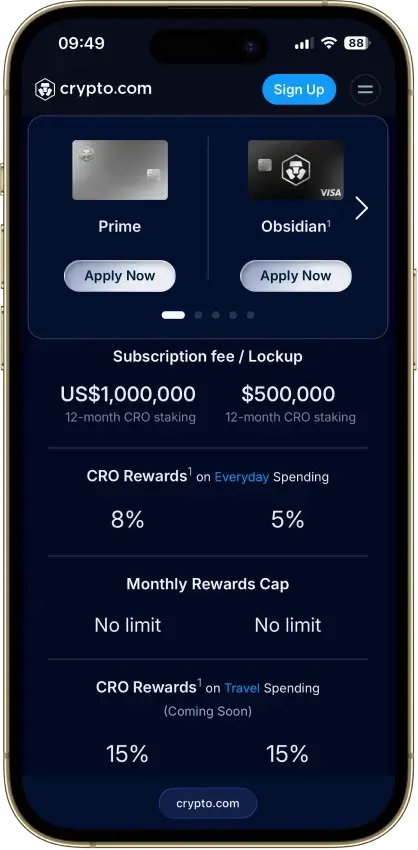
Crypto.com Card Visa, Mastercard Prepaid Apple Pay, Google Pay, Samsung Pay Available in many regions (e.g., US, EEA/UK, SG, CA, AU, BR) with residency-based eligibility and restricted markets per Crypto.com lists. 5.5
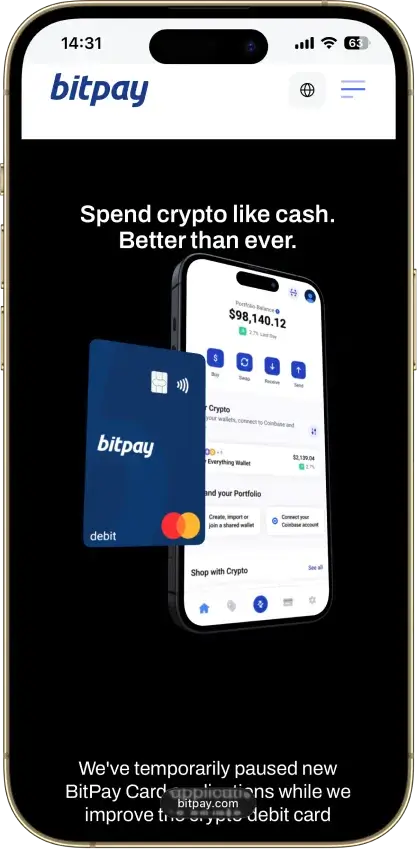
BitPay Card Mastercard Debit Primary availability: United States. Status: Program is undergoing improvement; new applications temporarily paused (waitlist available). 4.5

For a clean no-annual-fee credit option, Gemini leads. Coinbase is easier on access and upfront fees, though the spread still counts. Uphold gives you more ways to fund the card, but pricing changes by plan. KAST is the better stablecoin-first spend card. Crypto.com only starts to look appealing if you are comfortable with more pricing rules and moving parts.

Detailed Review - Crypto Cards For USA Users

Stablecoin Support For U.S. Users

Stablecoin support can look similar from a distance, but the real difference is whether the card treats stablecoins as the main spend balance or just one funding step before you spend.

NameStablecoin SetupBest FitMain Limitation
Gemini Credit CardNot built around stablecoin spendUsers who want crypto rewards without managing a stablecoin balanceBetter as a credit card than a stablecoin tool
Coinbase Visa Debit CardUSDC is the cleanest stablecoin fitCoinbase users who want simple dollar-like spendingLess focused on broad stablecoin choice
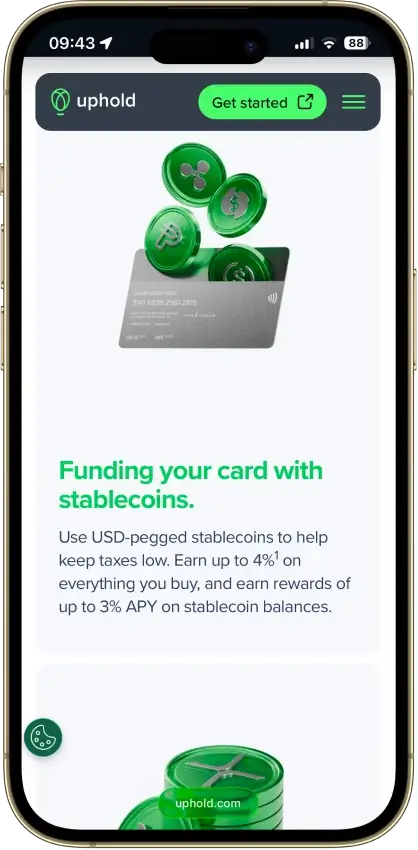
Uphold CardStablecoins sit beside fiat, crypto, and metalsUsers who want stablecoins plus more asset choiceLess focused than KAST for dedicated stablecoin spend
KAST CardBuilt around USDC and USDT depositsUsers who already move money in stablecoinsRewards and FX still change by tier and use case
Crypto.com Visa CardStablecoins work better as a funding route than a live spend balanceExisting Crypto.com users who top up before spendingNot a direct stablecoin-at-checkout card

For a stablecoin-heavy U.S. user, KAST is the clearest fit. Coinbase is the easier USDC option if you already use Coinbase. Uphold works if you want stablecoins plus other asset types. Gemini and Crypto.com are less about stablecoin spending itself.

Best Crypto Card By User Type

Not every U.S. user is looking for the same thing. Some want a real credit card, some want simple debit-style spending, and some care more about stablecoins, more ways to fund the card, or tiered perks.

User TypeBest PickWhy It Fits
U.S. user who wants a real rewards credit cardGemini Credit CardReal credit card, no annual fee, cleaner tax setup for everyday use
Beginner who already uses a major exchangeCoinbase Visa Debit CardEasy to start, broad U.S. access, familiar Coinbase balance flow
User who mainly spends USDC or USDTKAST CardBuilt around stablecoin spending, virtual card, ACH and Fedwire support
User who wants the most funding flexibilityUphold CardCan spend from fiat, stablecoins, crypto, or metals in one setup
User willing to chase perks through tiersCrypto.com Visa CardHigher upside on rewards and extras if you accept the added complexity

For many U.S. users, Gemini is the safest default. Coinbase is the easier exchange-linked choice. KAST is the clearer stablecoin pick. Uphold is the better fit if you want more ways to fund the card. Crypto.com makes more sense only if you are comfortable with a more complicated rewards setup.

How We Ranked Crypto Cards For U.S. Users

We ranked these cards based on how well they work for someone in the U.S., not how good the headline rewards look on their own. A card ranked higher if a U.S. user can actually get it, fund it, understand it, and keep using it without too many surprises.

We looked most closely at:

  • U.S. availability, including state restrictions and approval hurdles
  • Funding options and how cleanly USD, stablecoins, or crypto move into spendable card balance
  • Everyday reliability for tap-to-pay, online purchases, travel, subscriptions, refunds, and pre-authorizations
  • Real reward value after caps, tiers, plan fees, lockups, and token exposure
  • Total cost, including issuance, FX, ATM, spread, and conversion costs
  • App quality, virtual card access, mobile wallet support, and account controls
  • Freeze risk, dispute handling, support quality, and how usable the exports are for U.S. tax reporting

If a card was hard to get in the U.S., unclear on fees, awkward in daily spending, or messy to track at tax time, it lost ground.

Taxes When You Spend Crypto In The U.S.

In the U.S., the tax side can look very different depending on what gets sold or converted when you spend.

Here is the quick version:

  • Spending BTC, ETH, or other volatile crypto can create a taxable sale.
  • Spending USD is usually the cleanest setup.
  • Spending stablecoins can reduce price swings, but it can still leave reporting work.
  • Rewards, conversions, refunds, and reversals can add more lines to track.

The card split is fairly clear once taxes enter the picture:

  • Gemini is usually simpler because it is a credit card and you are not spending a crypto balance at checkout.
  • Coinbase, Uphold, and KAST can stay manageable if you mainly spend USD or stablecoin balances.
  • Coinbase, Uphold, KAST, and Crypto.com get harder to track once you regularly spend volatile assets.
  • Crypto.com can get especially messy when tiers, top-ups, rewards, and asset conversions start stacking up.

Before you commit, check whether the platform gives you clean transaction history, usable CSV exports, clear reward and refund records, and tax-tool compatibility. That becomes more important the more often you plan to use the card.

Cash Access And Limits In Real Use

Cash access still matters, especially for trips, emergencies, or users who do not want a card that only works well online. The gap between these cards gets wide once ATM use and card limits enter the picture.

NameCash AccessATM LimitsReal-World Read
Gemini Credit CardCash advance onlyLimit is tied to your account and credit termsPoor fit for regular cash use
Coinbase Visa Debit CardATM withdrawals supportedExact cap is shown in appFine for occasional cash
Uphold CardATM withdrawals supportedEssential up to $500 daily; Elite up to $2,000 dailyBetter if cash use is part of your plan
KAST CardATM withdrawals supported$250 per withdrawal; $750 per 24 hoursWorks as a backup, not a cash-heavy card
Crypto.com Visa CardATM withdrawals supportedFree allowance depends on tier, then extra charges applyBetter for travel backup than frequent cash

If cash access is part of the plan, Gemini drops out of the game. KAST works, but it is capped more tightly. Coinbase is simpler for occasional cash. Uphold and Crypto.com can go further, but only if their pricing and tier setup already suit the way you plan to use the card.

How To Apply For A Crypto Card In The U.S.

Most U.S. users do not need a long application guide. They need the few steps that actually decide whether the card goes live fast, gets delayed in review, or turns awkward once real spending starts.

  1. Pick the card style you want: credit card, debit card, or prepaid.
  2. Check whether your state is supported by the platform you choose.
  3. Complete identity verification and any extra U.S. checks.
  4. Add funding or link the required account.
  5. Activate the virtual card first if available.
  6. Add the card to Apple Pay or Google Pay if supported.
  7. Make a small first purchase before moving recurring bills.

That small test can save a lot of hassle in the first week. It helps you catch approval issues, KYC delays, wallet-link failures, merchant declines, and funding problems before you trust the card with subscriptions, travel bookings, or bill payments.

Common U.S. Spending Problems To Check Before You Commit

Gas stations, hotels, subscriptions, refunds, and travel are where card friction tends to show up first. A crypto card can work fine for standard purchases but become unreliable once pre-authorizations, recurring rebills, or delayed reversals are involved.

Hotels and gas stations are the first things to test. Pre-authorizations can lock more than the final charge for a while, and refunds can move slowly, especially when rewards or asset conversions sit in the middle.

Subscriptions can also be less reliable than they look. Recurring payments may fail if the card number changes, the balance is short, the wallet link breaks, or a compliance review temporarily limits card activity. Some merchant categories may also be blocked or handled differently.

ATM fees, FX charges, and mobile-wallet setup are worth checking before you rely on the card. The safest approach is to test one small online purchase, one in-store tap payment, and one refund-sized transaction before moving over subscriptions, travel bookings, or bigger everyday spend.


Refunds, Reversals and Disputes

This is one of the first places where a card can feel worse than a normal bank card. The key question is not whether disputes exist, but how clear the path is when a refund stalls or a charge looks wrong.

NameRefund / Dispute PathWhat HelpsMain Watchout
Gemini Credit CardIn-app issue flow or phone supportTemporary credit during dispute reviewCases can take up to 90 days
Coinbase Visa Debit CardMerchant first, then phone or email card supportDedicated card support line and app lockMerchant refunds can take up to 10 days; disputes may cost rewards
Uphold CardFreeze or cancel in app; fraud phone and email supportFast security steps and instant new virtual cardFormal dispute steps are less clearly laid out
KAST CardFreeze card, contact merchant, then file chargebackClear steps; approved refunds land in KAST cash balanceReview can run long on harder cases
Crypto.com Visa CardIn-app dispute form with supporting docsProvisional credit on fraud claimsUsually 30 to 45 days; merchant-first still applies

Gemini, Coinbase, KAST, and Crypto.com make the dispute path fairly visible. Uphold is better on lock and freeze controls than on clearly published dispute detail. If refunds and chargebacks are a big part of how you use cards, that difference is worth noticing before you commit.

FAQ

Which crypto card is best for USA users right now?

For most U.S. users, Gemini is the best all-around pick right now if you want a true rewards card. Coinbase is the easier debit-style option if you already use Coinbase, while KAST stands out more for stablecoin-first spending.

What is the best crypto credit card in the U.S.?

Gemini is the strongest crypto credit card in the U.S. right now. It is a real credit product, has no annual fee, and usually gives you a cleaner tax setup than debit-style crypto cards.

What is the best crypto debit card in the U.S.?

Coinbase is the easiest U.S. debit-style option for most people because access is broad and the card is simple to start. Uphold is stronger if you want to spend from more asset types, and KAST is more appealing if you mainly hold USDC or USDT.

How do I get a crypto card in the U.S.?

Pick the card type first, check whether your state is supported, complete identity checks, link the required account, and activate the virtual card if one is available. It is smart to test one small purchase before moving over bigger spending.

Do crypto cards work in all 50 states?

No. Some do and some do not. Gemini is available in all 50 states subject to approval, while Coinbase excludes Hawaii and Uphold excludes New York, Louisiana, and U.S. territories.

Is spending crypto with a debit card taxable in the U.S.?

It can be. If the card spends or converts crypto at checkout, that can create a taxable disposal in the U.S. Spending a USD balance is usually simpler, while stablecoins can still leave reporting work.

Can I buy crypto with a U.S. credit card?

Sometimes, yes, but it is often the worst route. Many exchanges limit it, fees are usually higher, and some issuers may treat the purchase like a cash advance or block it.

Can I buy crypto with a U.S. debit card?

Yes, usually more easily than with a credit card. Debit-card on-ramps are common on U.S. exchanges, though approval, limits, and fees still vary by exchange and bank.

Which U.S. crypto cards support USDC or stablecoins?

KAST is the clearest stablecoin-first option on this page. Coinbase and Uphold also make sense if you want to spend from USDC or other supported stablecoin balances.

Are there any low- or no-KYC crypto cards for U.S. residents?

Not among the better U.S. options on this page. U.S.-facing crypto cards that are actually useful usually require identity checks, and lighter-KYC offers tend to be less stable, less available, or less practical.

Do crypto cards work with Apple Pay and Google Pay in the U.S.?

Some do, but support depends on the card and issuer flow. Gemini, Uphold, KAST, and many U.S. virtual-card setups support mobile wallets, but it is still worth checking setup steps and testing wallet activation early. Coinbase Card supports Apple Pay and Google Pay for U.S. users, and U.S.-issued Crypto.com virtual cards can be added to Apple Pay, Google Pay, and Samsung Pay.

What is the easiest crypto card for beginners in the U.S.?

Gemini is the easiest starting point if you want the least tax hassle on the spend side. Coinbase is also beginner-friendly if you already keep funds there and want a simpler debit-style setup.

Can I use a crypto card for Amazon and everyday online shopping in the U.S.?

Usually, yes. Virtual cards and wallet support make them usable for many online purchases, but it is still smart to test small orders first because refunds, merchant checks, and recurring rebills can behave differently from a normal bank card.