



- Stablecoin funding avoids tax on each swipe
- Spend gold and silver balances at checkout
- Any of 200+ wallet assets can fund a purchase
Uphold Card Overview
- Crypto Card Name
- Uphold Card
- Card Type
- Debit
- Network
- VisaMastercard
- Issuer
- Cross River Bank (U.S. program), Optimus Cards UK Limited
- Program Partner
- Visa U.S.A. Inc. (U.S. program)
- Digital Wallets
- Apple Pay, Google Pay
Additional details
- Availability
- United States and the United Kingdom. In the U.S., the card is not available in New York, Louisiana, or U.S. territories. In the U.K., Crown Dependencies and British Overseas Territories are excluded.
- Rewards
- US - Essential 2% XRP, $120/mo cap · Elite 4% XRP crypto/metals-funded, 3% fiat/stablecoin-funded, $300/mo cap; UK - 1% GBP cashback, £100/mo cap — crypto-funded purchases excluded
- Fees
- Annual fee: Essential: $0; Elite: ~$99.99. ATM Withdrawal Fee: Essential $2.95 per withdrawal; Elite: $0.
- Daily Spend / ATM Limit
- Typical spend limits up to $15,000/day.
- Funding Source
- Funds drawn from balances in the user’s Uphold wallet, including: USD fiat, Cryptocurrencies, Stablecoins, Other digital assets (instant crypto‑to‑USD conversion at time of purchase)
- Virtual Card & Shipping
- Instant virtual card available upon approval via mobile app. Physical card: Optional physical Visa card with delivery fee/ship time; typically ~7–10 business days in markets such as the U.K. (fees may apply).
Uphold Card Screenshots
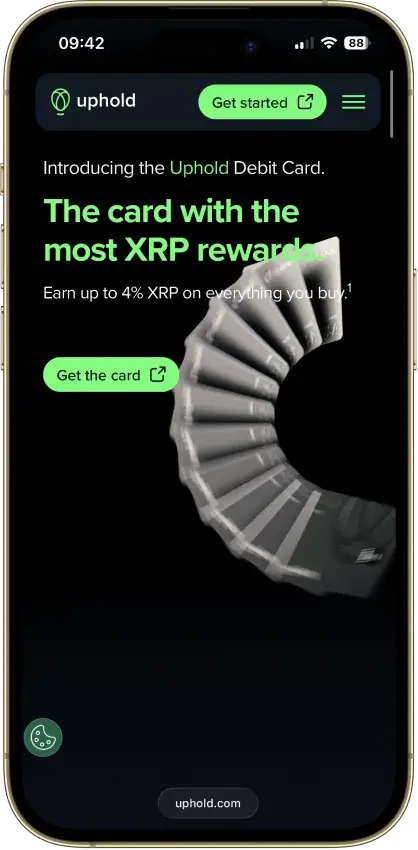
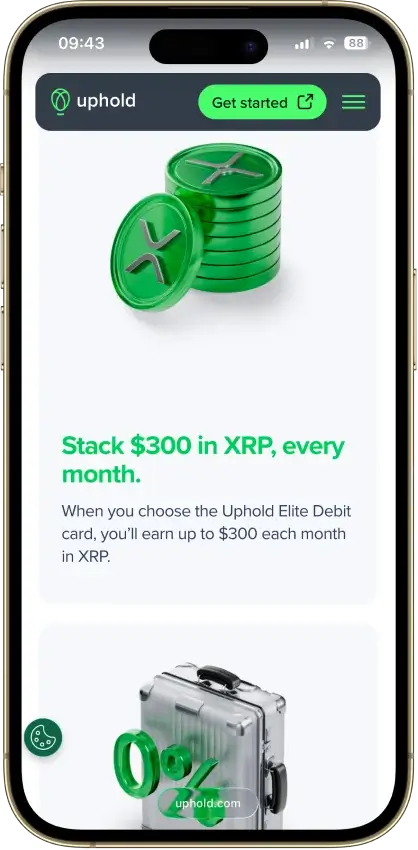
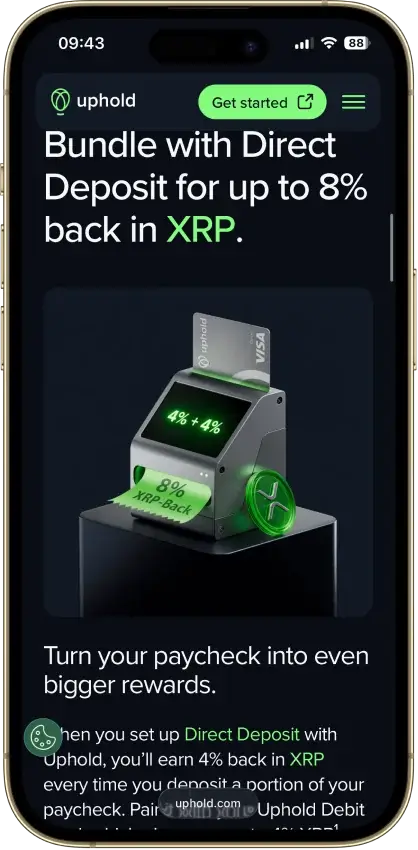
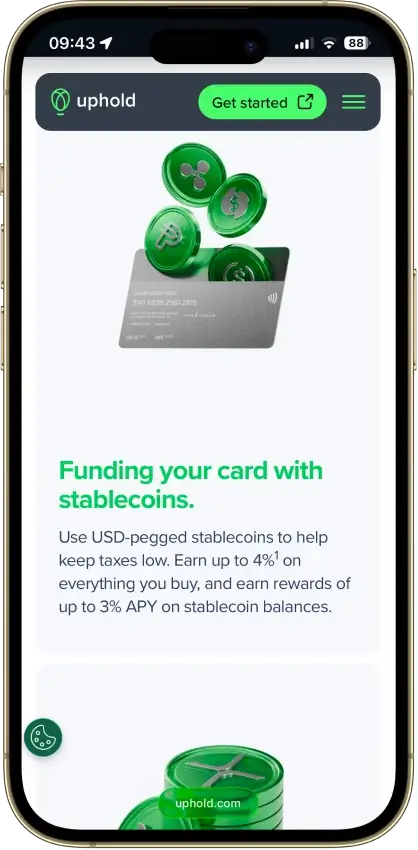
Screenshot 1 of 8
Uphold Card Pros and Cons
Pros
- 4% XRP on crypto-funded spend with Elite
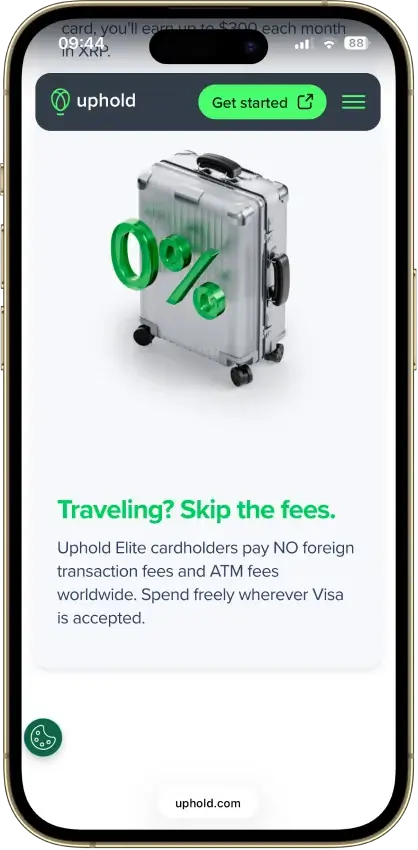
- 0% FX and $0 ATM withdrawals on Elite
- US issuer Cross River Bank is an FDIC member
- No frozen-funds pattern around the card
- Elite lifts daily spend to $25,000
Cons
- Top terms locked to the $99.99/yr Elite tier
- Essential adds 1.50% FX and $2.95 ATM fees
- Crypto-funded spend takes a spread, plus tax
- UK card pays 1% GBP, zero on crypto funding
What Uphold Card is and How it Works
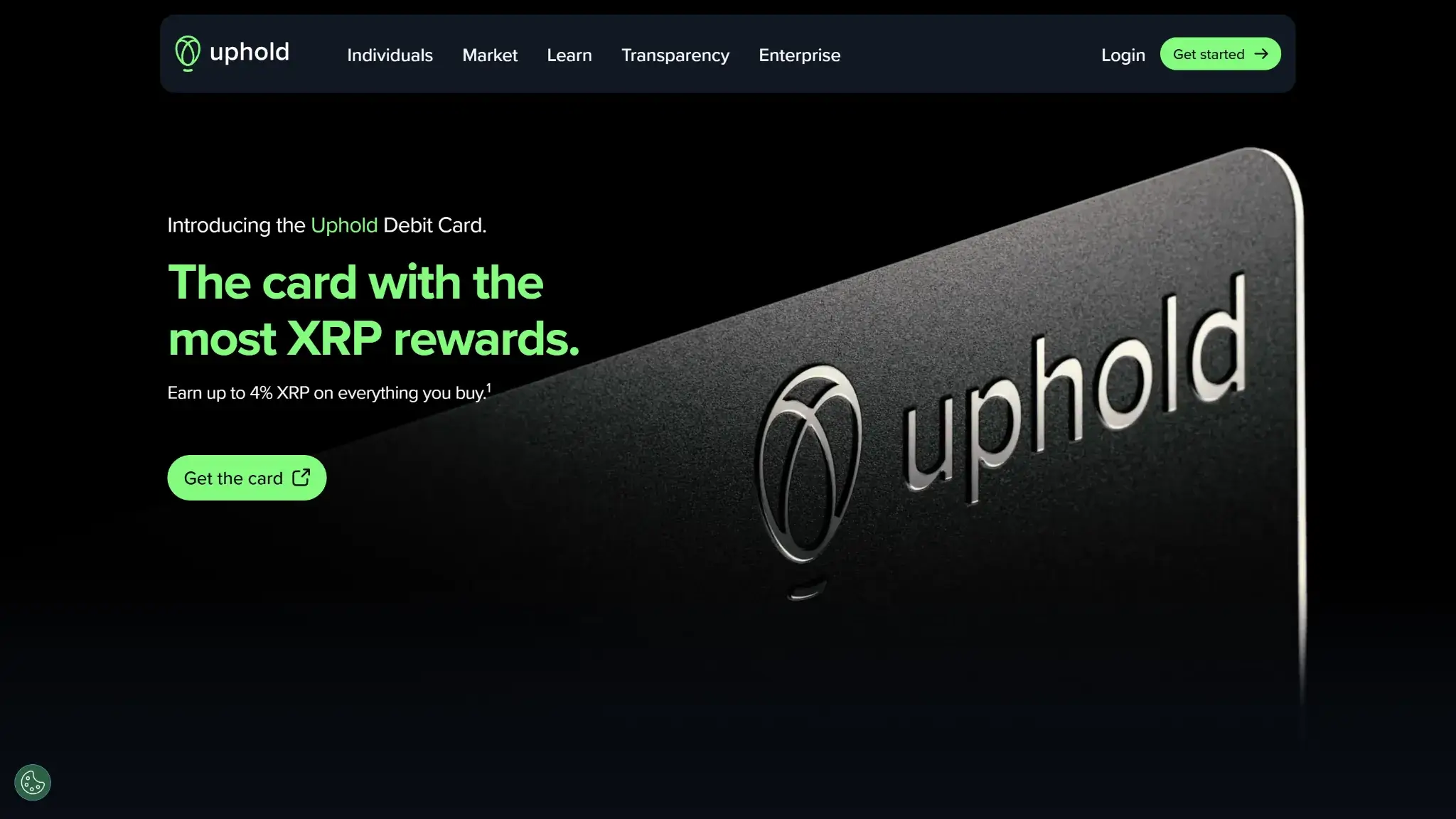
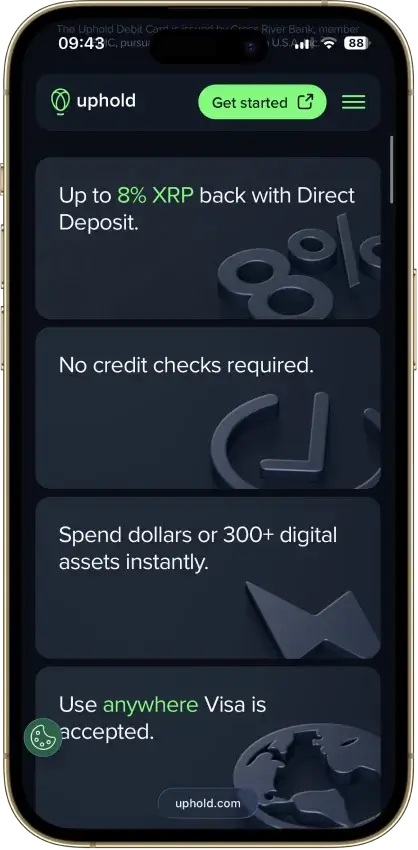
The Uphold Card is a debit card that draws on whatever sits in the holder's Uphold wallet — dollars, stablecoins, crypto, or precious metals across 200+ supported assets. The funding model is auto-convert at the point of sale: the selected asset converts to local currency the moment a purchase clears.
The conversion has a useful asymmetry. Purchases funded from crypto or metals pay Uphold's spot conversion spread, built into the exchange rate. Purchases funded from a fiat or stablecoin balance convert with no spread and sell no crypto, so nothing taxable happens. A holder who keeps a USD or stablecoin balance for daily spending gets a cleaner cost profile than any card that force-sells crypto on every purchase.
Who Is Uphold Card For?
Users who already hold assets on Uphold and want XRP back on card spending are the target, and the fit is close to exact. The card turns a multi-asset wallet into a spending account without a second platform, and Elite repays its subscription for anyone with regular foreign purchases, ATM use, or enough monthly spend to clear the reward gap over Essential.
It is a poor match for anyone who wants rewards in a different asset — the US program pays XRP with no option to change the payout — and for residents of New York or Louisiana, who cannot apply. Low spenders should stay on Essential and accept its 1.50% FX fee, $2.95 ATM charge, and $120 monthly reward cap, or pick a card whose free tier gives away more.
Uphold Card Rewards Mechanics
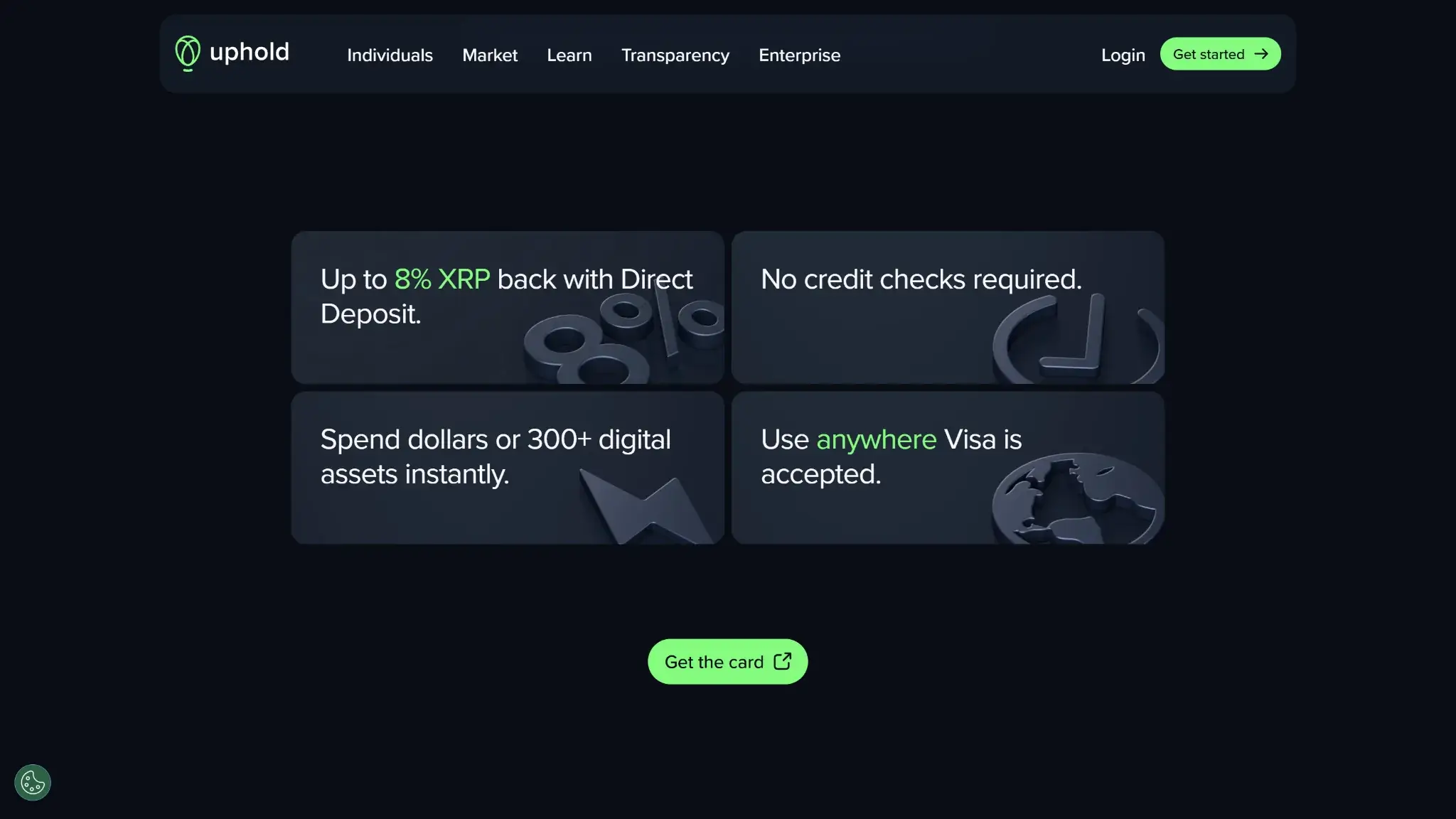
Elite's standing rates are the number to plan around: 4% XRP on purchases funded from crypto or metals, 3% XRP on purchases funded from fiat or stablecoins, capped at $300 in rewards a month. Essential pays a flat 2% XRP on eligible purchases regardless of funding source, capped at $120 a month. These are ongoing rates, with no rotating categories and no spend thresholds below the caps.
| Element | Value | Notes |
|---|---|---|
| Base rate (Essential) | 2% XRP | Flat on eligible purchases regardless of funding source |
| Top rate (Elite) | 4% XRP crypto- or metals-funded · 3% XRP fiat- or stablecoin-funded | Standing rates, no rotating categories |
| Reward currency | XRP on the US program | No option to redirect to BTC, stablecoins, or cash |
| Payout cadence | Ongoing, no spend thresholds below the caps | |
| Caps and minimums | Essential $120/month · Elite $300/month | UK program pays 1% GBP capped at £100/month |
| Exclusions | UK crypto-funded purchases earn nothing | Launch promo of up to 6% XRP for signups before Jan 1, 2026 has closed |
Rewards land as XRP, so their dollar value moves with the token between earning and selling. There is no way to redirect the payout into BTC, stablecoins, or cash on the US program.
Uphold relaunched the card in October 2025, after Ripple's SEC case resolved, with a launch promotion of up to 6% XRP on Elite for signups before January 1, 2026. That window has closed. New activations get a three-month introductory rate before settling at the standing figures above, and the 4% Elite rate has no expiry attached.
UK cardholders earn on a different system entirely: 1% cashback paid in GBP, capped at £100 a month, and purchases funded by crypto earn nothing. The XRP reward is a US-program feature.
Uphold Card Fees and Pricing
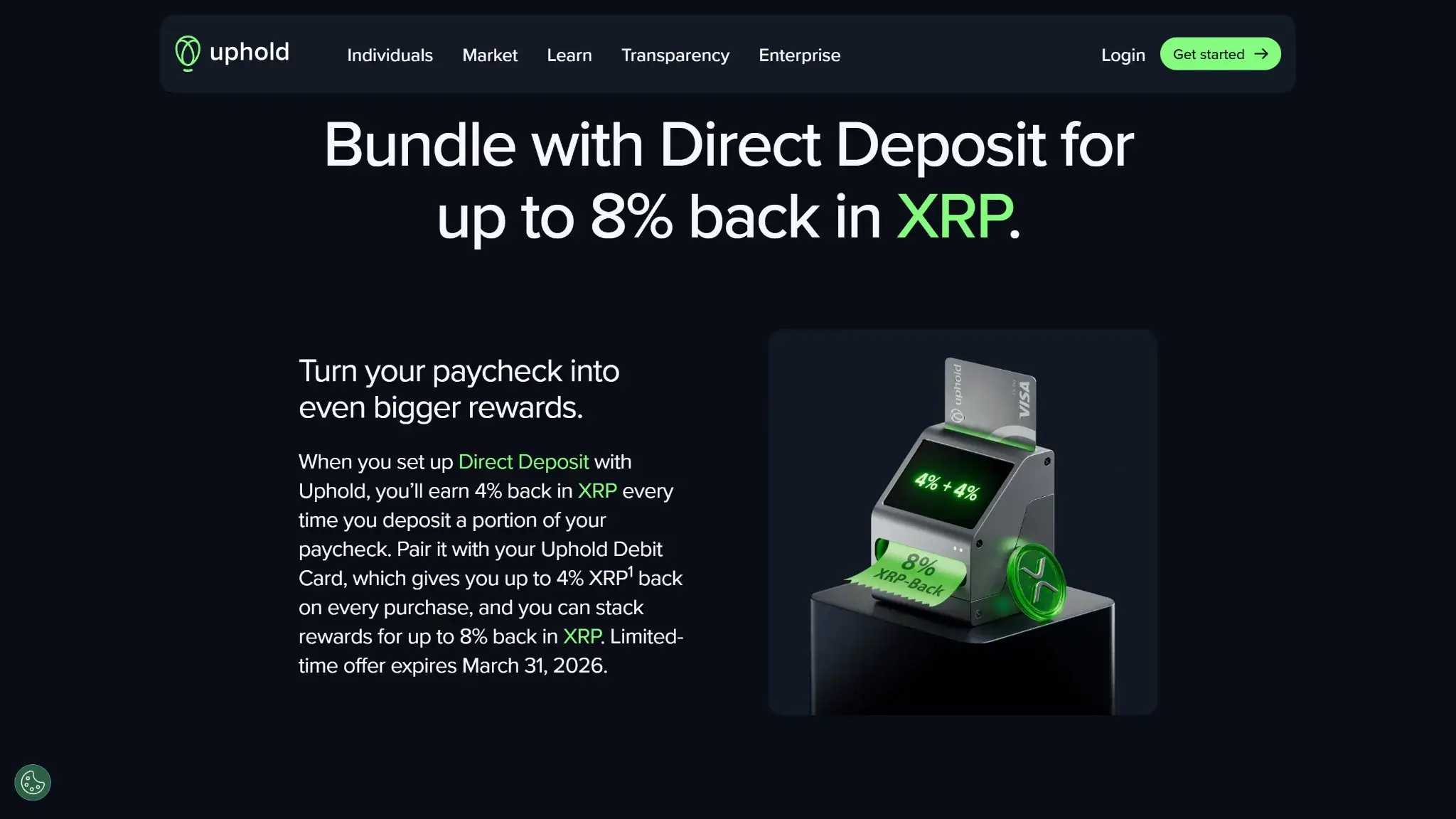
Essential costs nothing per year and charges per use. The 1.50% foreign transaction fee scales with the purchase — a $500 hotel bill abroad costs $7.50 in FX fees — and each ATM withdrawal costs $2.95. A physical Essential card costs $4.99, while the virtual card is free.
| Fee or charge | Amount / rate | When it applies | Notes |
|---|---|---|---|
| Annual subscription | Essential $0 · Elite $99.99/yr | Ongoing | Elite buys 0% FX, $0 ATM, free metal card, and the 4%/3% rates |
| Foreign transaction fee | Essential 1.50% · Elite 0% | Purchases in a foreign currency | Scales with the purchase |
| ATM withdrawal (US) | Essential $2.95 · Elite $0 | Per withdrawal | |
| Physical card (US) | Essential $4.99 · Elite free metal card | Card issuance | Virtual card free on both tiers |
| Conversion spread | Uphold spot spread | Crypto- and metals-funded purchases | Fiat- and stablecoin-funded purchases exempt |
| Physical card (UK) | £9.95 one-time | Card issuance | |
| ATM withdrawal (UK) | £2.50 domestic · £3.50 abroad | Per withdrawal |
Elite inverts the model: $99.99 a year buys 0% FX, $0 ATM withdrawals, a free metal card, and the 4%/3% reward rates. The subscription is the true price of those terms, so the question is volume. Funding $420 a month of purchases from crypto earns about $100 more a year than Essential at the 4% rate, which covers the fee on its own. Roughly $560 a month in foreign spending saves the same $100 through the FX waiver. Anyone hitting either mark, or splitting it across FX, ATM use, and the higher reward cap, comes out ahead on Elite.
Both tiers pay Uphold's conversion spread on crypto- and metals-funded purchases. Fiat- and stablecoin-funded purchases are exempt. On the UK card, the physical version ships for a one-time £9.95, and ATM withdrawals cost £2.50 domestically and £3.50 abroad.
Uphold Card Limits — Purchase and ATM
Essential allows $2,500 in purchases and $500 in ATM withdrawals per day. Elite raises those ceilings to $25,000 and $2,000. The Essential caps cover routine spending and start to pinch on large one-off purchases or heavy cash use — another point where the paid tier earns its keep for high-volume cardholders.
| Transaction type | Essential (daily) | Elite (daily) |
|---|---|---|
| Purchases | $2,500 | $25,000 |
| ATM withdrawals | $500 | $2,000 |
Eligibility and Availability — Countries and States
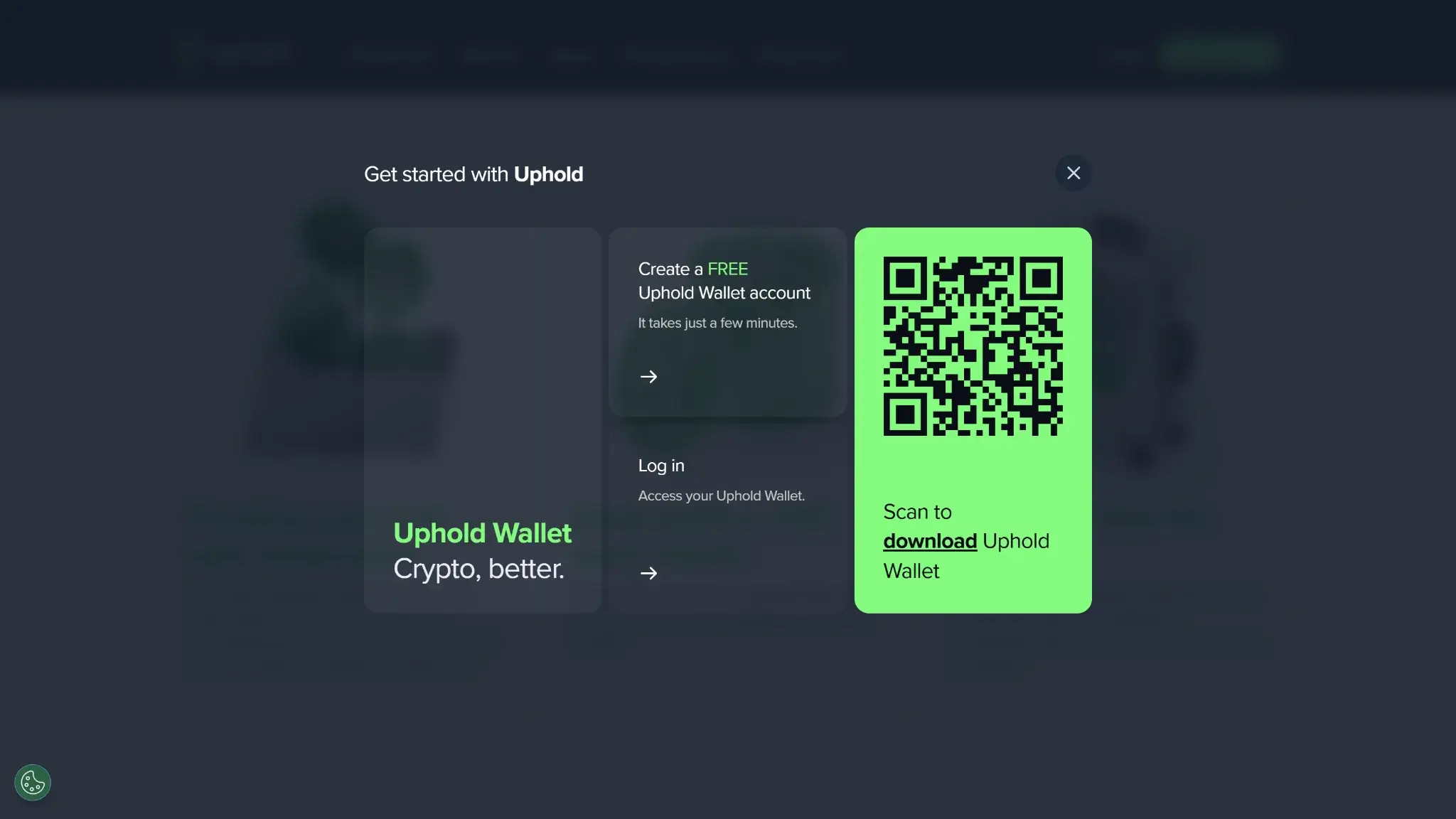
The card is live to new applicants. US applicants must be residents of a US state or Washington DC, aged 18+, with a fully verified Uphold account — KYC (Know Your Customer) runs through the standard Uphold onboarding, and no credit check applies. Uphold states a new cardholder can go from application to a working virtual card in under five minutes. UK applicants need the same verified account, and business accounts are excluded.
Restricted Countries
Availability is allowlist-only: the Uphold Card exists in exactly two markets, and every country outside them is restricted.
- United States — available in all states except New York and Louisiana. Washington DC is included. US territories are excluded.
- United Kingdom — available, excluding Crown Dependencies and British Overseas Territories.
- Everywhere else — not available, including the EU, Canada, and Australia.
Funding Rails
The wallet behind the card loads through bank transfers, direct deposit, PayPal, or crypto deposits, and the card spends any of the 200+ supported assets directly. At the point of sale the chosen asset auto-converts to local currency. Crypto and metals funding pays the conversion spread and triggers a sale each time. Fiat and stablecoin funding does neither, which makes the balance a holder chooses to spend from the single biggest cost lever on this card.
Security, Custody, and Freeze Risk
US fiat balances are held at Cross River Bank, Member FDIC, with pass-through insurance up to $250,000. Crypto in the Uphold wallet is a custodial balance with no FDIC coverage — standard for the category, and worth stating plainly. The UK account is e-money issued by Optimus Cards UK Limited under FCA regulation, safeguarded under e-money rules and outside FSCS deposit protection.
Uphold is a long-running, regulated custodian with a named issuing bank in each market, which places its trust profile well above cards from anonymous or unlicensed operators. No frozen-funds complaint pattern surrounds the card program.
UX, App, and Support
The card lives inside the established Uphold app, with an instant free virtual card on both tiers, Apple Pay and Google Pay support, and standard controls for freezing the card and managing funding preferences. Because the US product is a bank-issued Visa debit and the UK product a regulated Mastercard, disputes and chargebacks follow the normal network rails through the issuer, with Uphold support as the first stop.
Tax and Record-Keeping
Each crypto- or metals-funded purchase sells the asset at the point of sale, and each sale is a taxable disposal. A cardholder funding daily spend from BTC generates a taxable event per transaction. Funding from fiat or stablecoins sells nothing and creates no per-purchase disposal, so spenders who want a quiet tax year can route everything through a USD or stablecoin balance. Uphold provides account statements and transaction history export for reporting.
Alternative Cards Like Uphold Card
-


Coinbase Card
Every crypto purchase on the Coinbase Card is a sale, since the card holds no balance of its own and spends straight from a US Coinbase account — USD or USDC draws...
-

Crypto.com Card
Crypto.com sells two different Visa cards under one brand, and which one you get decides everything. The flagship is now a Comenity credit card that earns cashback on a revolving line with...
-

Gemini Credit Card
The Gemini Credit Card is a bank-issued rewards card that happens to pay in crypto instead of cash back. WebBank issues it on the Mastercard World Elite network, and every reward settles...
-

Wirex Card
Wirex shut down the crypto side of the Classic Wirex App in the EEA and Australia on June 30, 2026 — crypto funding, exchange, spending, and Cryptoback all stopped there, leaving users...
Uphold Card fits well if you already use the platform, but a few alternatives cover gaps it leaves open.
| Card | Why choose it instead |
|---|---|
| Coinbase Card | Flexible reward asset choice and no ATM fee; better if you do not want XRP-only cashback |
| Crypto.com Visa | Higher ongoing cashback on upper tiers and no FX fees worldwide; requires CRO staking |
| Gemini Credit Card | Earn 1-3% back in crypto without liquidating holdings; credit product, not debit |
| Wirex | Multi-currency debit with cryptoback and broader European availability |
For U.S. users who want reward flexibility beyond XRP, the Coinbase Card is the closest like-for-like swap. For European users that Uphold cannot serve, Wirex is the most direct alternative with a comparable spend-from-wallet model.
Final Verdict
The Uphold Card was built for a US Uphold holder who wants XRP rewards and spends enough for Elite's math to work. The realized numbers are good — a standing 4%/3% XRP with a $300 monthly cap, 0% FX, $0 ATM, funding from 200+ assets including metals, and an FDIC-member bank behind the US program. The fiat-and-stablecoin spread exemption is a cost advantage most auto-convert cards do not offer. Everything premium is gated by the $99.99 subscription, the payout asset is XRP with no alternative, the free tier stacks a 1.50% FX fee with a $2.95 ATM charge and a $120 cap, and the card reaches only the US (minus New York and Louisiana) and the UK, where it becomes a different, weaker product. Excellent inside its niche, unavailable or unremarkable outside it.
Disclaimer: CryptoSlate may receive a commission when you click links on our site and make a purchase or complete an action with a third party. This does not influence our editorial independence, reviews, or ratings, and we always aim to provide accurate, transparent information to our readers.