The no-KYC crypto card category looked more crowded a few years ago. In 2026, most of those options have either added full verification requirements, quietly dropped the lighter tier, or moved to a model where the no-KYC label applies only to a narrow base path before restrictions kick in. Providers that once advertised anonymous crypto spending have tightened their onboarding, changed payment partners, or simply stopped issuing cards to users who do not complete identity checks.
Top Low and No-KYC Crypto Cards
- Rewards
- No cashback; referral bonus only ($10 each to you and the friend)
- Card fee
- $10 per card, 5% to 3% per top-up, $0.25 per transaction, $0 monthly, no FX markup
- Availability
- Worldwide except 12 restricted countries and six Ukrainian regions; US supported
- No-KYC card that accepts US residents
- AI agents can manage cards through MCP
- Privacy coins like XMR can fund the card
- Rewards
- No rewards
- Card fee
- $10 issuanceTop-up and FX fees depend on tier
- Availability
- Selected countriesUS excluded; other restrictions apply
- Pay online with no name or address
- Withdraw an unused balance back to a wallet
- Load as little as $10 and discard
- Rewards
- No rewards
- Card fee
- Varies by cardIssuance, top-up and FX fees apply
- Availability
- Varies by jurisdictionCheck card-program eligibility
- Virtual tier needs no photo ID to open
- Physical card ships from Hong Kong in HKD
- Converts once at top-up, never at checkout
CryptoSlate may earn a commission when you visit partner sites through links on this page, at no extra cost to you. Our rankings and reviews remain editorially independent and based on our published methodology. Read disclosure
Disclaimer: CryptoSlate may receive a commission when you click links on our site and make a purchase or complete an action with a third party. This does not influence our editorial independence, reviews, or ratings, and we always aim to provide accurate, transparent information to our readers.Not looking for a no-KYC route? Check out our full list of crypto debit cards.
Comparison Table
| Name | Network | Card Type | Digital Wallets | Availability |
|---|---|---|---|---|
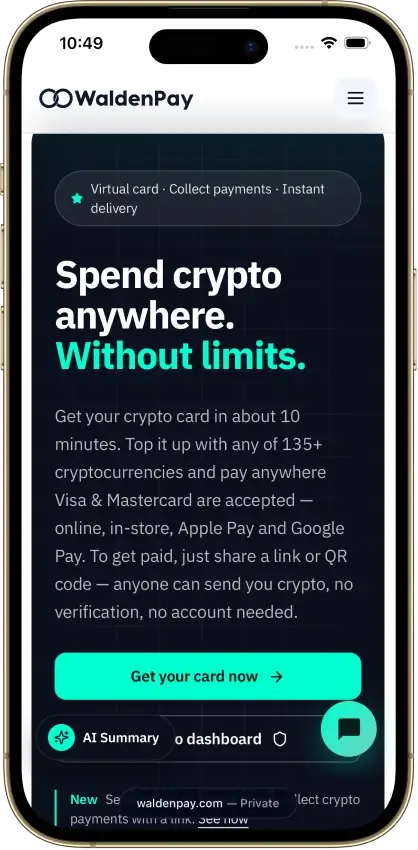
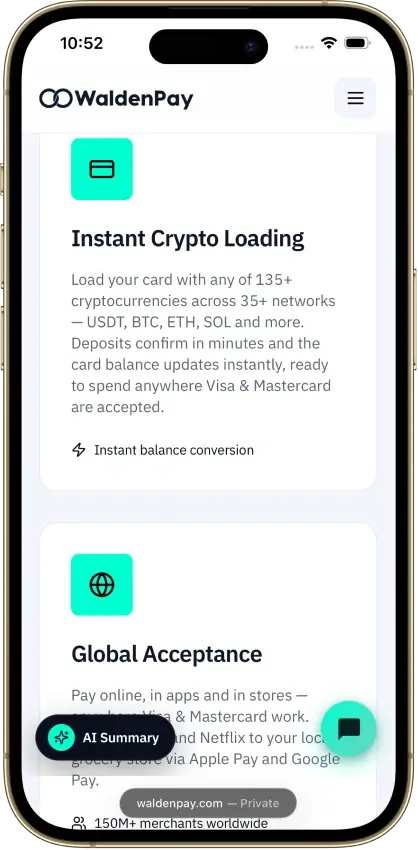
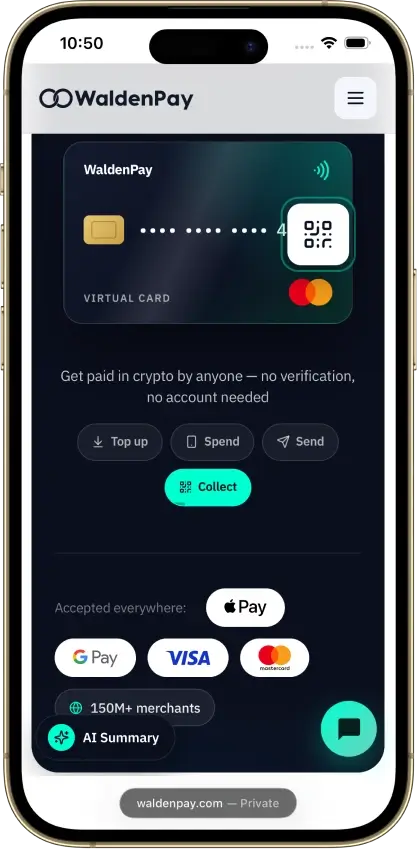
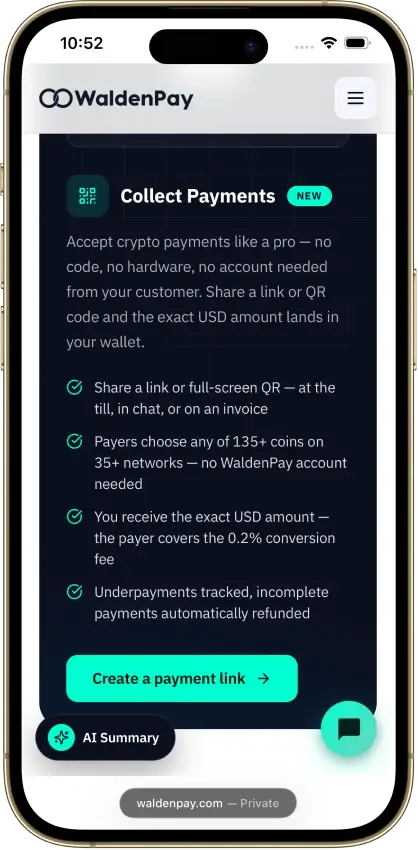
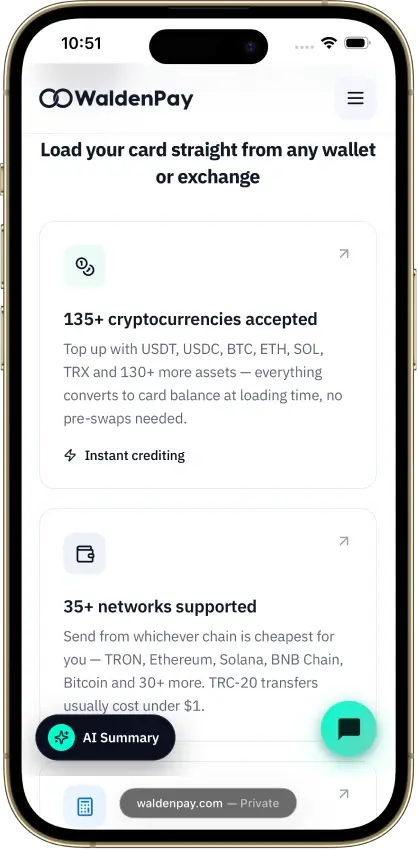
 WaldenPay Card WaldenPay Card | Visa, Mastercard | Prepaid | Apple Pay, Google Pay | Worldwide except 12 restricted countries and six Ukrainian regions; US supported |
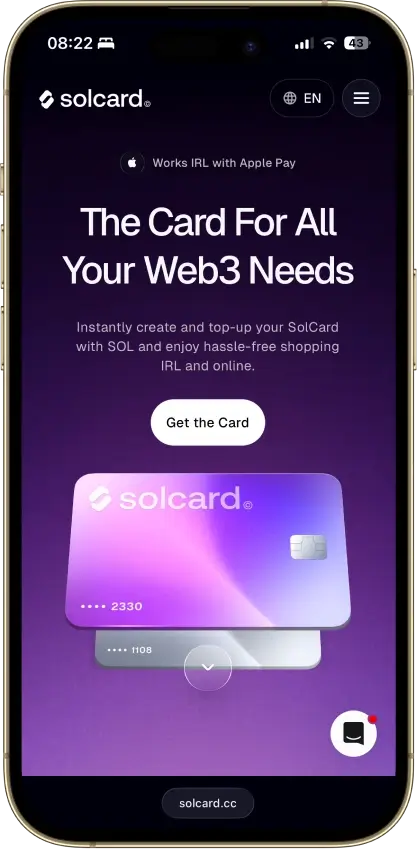
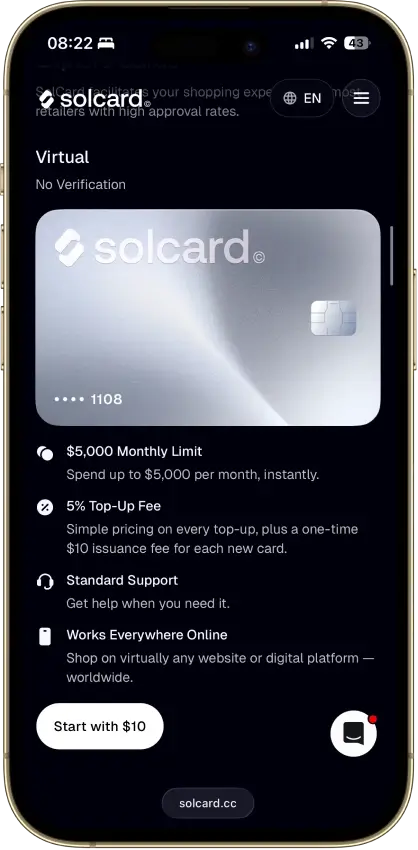
 Solcard Solcard | Mastercard | Prepaid | — | Most countries, excluding restricted markets including the United States, Hong Kong, Cuba, North Korea, Egypt, Iran, Myanmar, Nigeria, Russia, South Africa, Syria, Ukraine, Venezuela, Belarus. |
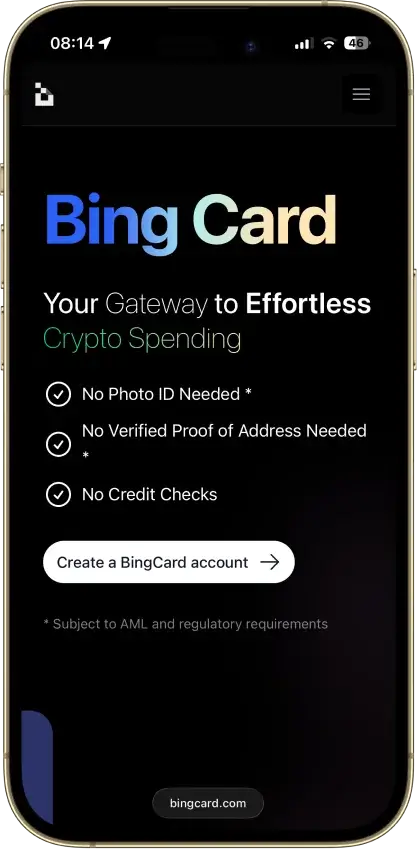
 Bing Card Bing Card | Visa, Mastercard | Prepaid | — | US citizens, permanent residents, and US-incorporated entities are barred. |
Both cards keep a usable no-KYC virtual route alive. Neither keeps the same lighter path once you want more spending room or a physical card, which is close to impossible to offer under the current global regulatory environment.
Low and No-KYC Crypto Cards Reviews


WaldenPay Card
- Rewards
- No cashback; referral bonus only ($10 each to you and the friend)
- Card fee
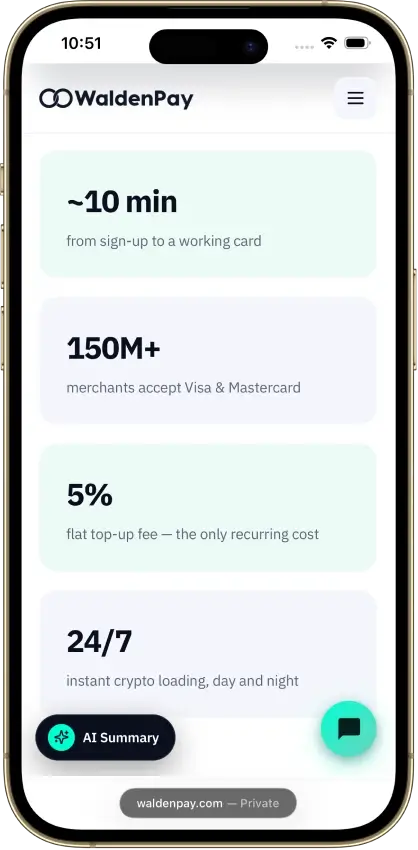
- $10 per card, 5% to 3% per top-up, $0.25 per transaction, $0 monthly, no FX markup
- Availability
- Worldwide except 12 restricted countries and six Ukrainian regions; US supported
Pros
- Card ready within minutes of funding
- No frozen or withheld balances reported
- Instant freeze from the dashboard or Telegram bot
- Apple Pay and Google Pay work for most users
- Support replies within minutes
Cons
- Three fees sit outside the public price list
- 8% lost on merchant refunds
- Issuing bank is not named publicly
- Streaming and gaming subscriptions declined
- 5% top-up fee unless you load $2,000 a month
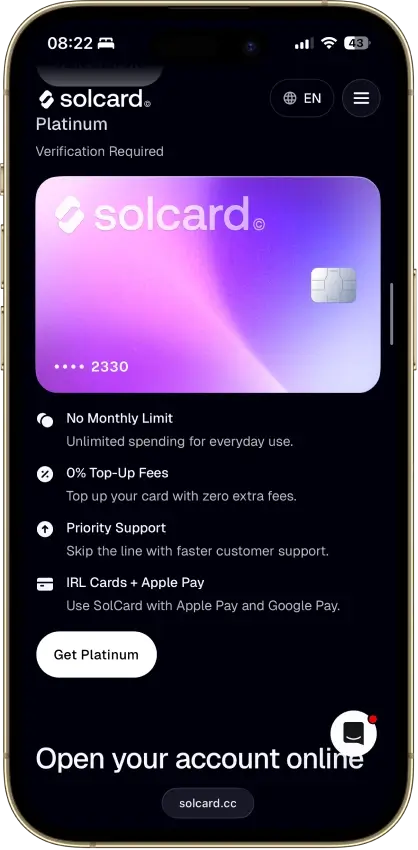
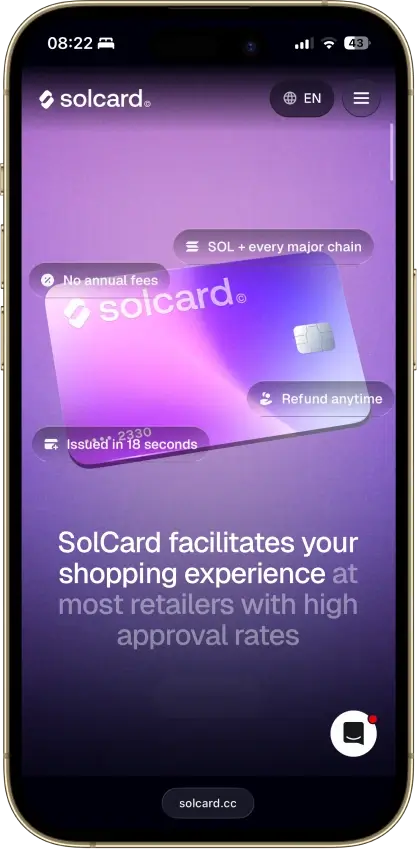
Solcard
- Rewards
- No rewards
- Card fee
- $10 issuanceTop-up and FX fees depend on tier
- Availability
- Selected countriesUS excluded; other restrictions apply
Pros
- No-KYC Mastercard issues in 18 seconds
- Stablecoin top-ups across 10+ networks
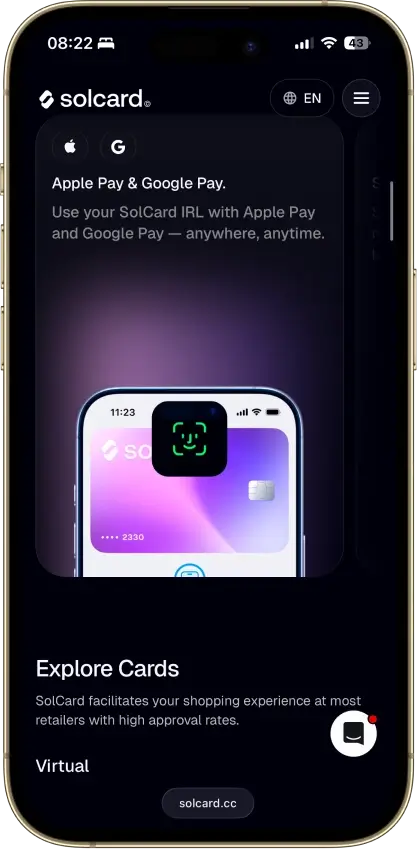
- 0% top-up and Apple Pay on the Visa tier
- No monthly or annual fee
- USDT and USDC load with no spread
Cons
- 5% top-up fee on the no-KYC tier
- Advertised SOLC cashback is not live
- No-KYC Visa cards were canceled in June 2025
- Opaque Hong Kong issuer, no identified bank
- Virtual-only, no ATM access
Bing Card
- Rewards
- No rewards
- Card fee
- Varies by cardIssuance, top-up and FX fees apply
- Availability
- Varies by jurisdictionCheck card-program eligibility
Pros
- Virtual card issues in about five minutes
- No monthly fee on Star or Platinum
- Stablecoin loads avoid a conversion spread
- High monthly spending limits on every tier
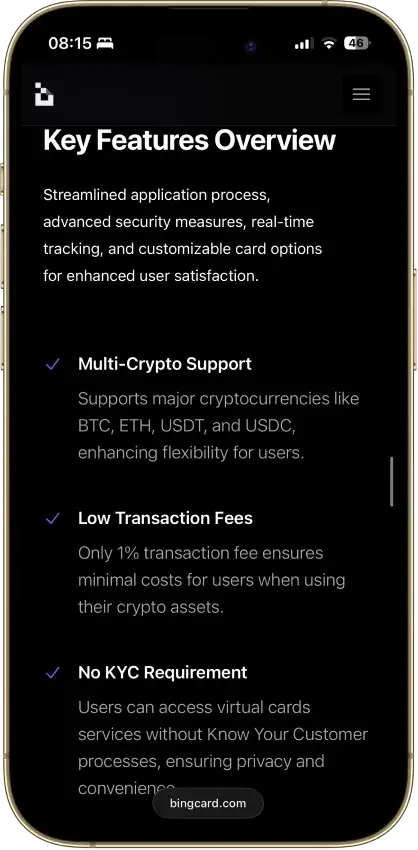
- Loads from BTC, ETH, USDT or USDC
Cons
- Reported frozen funds and stuck withdrawals
- No issuing bank, license number or network listed
- No rewards on any tier
- Apple Pay and Google Pay not live
- Every top-up carries a 1% fee, stablecoins too
How We Ranked These Low and No-KYC Crypto Cards
This ranking covers one specific use case: low-check or no-KYC virtual crypto spending. It is a narrower brief than a general crypto debit card ranking, and the scoring reflects that. Cards were not evaluated on rewards programs, staking perks, or cashback rates, because those features are either absent or irrelevant on the no-KYC tier of most products in this category.
Each card is scored on a 10-point weighted model. Scores are assigned as 0, 0.5, or 1.0 per criterion, then multiplied by the criterion weight. A card did not earn extra credit just for carrying a no-KYC label. It had to demonstrate that the lighter setup still works across funding, spending, refunds, merchant declines, limits, and support before it scored well on entry durability. A card that is easy to open but impossible to exit from cleanly scored lower than one with slightly more friction at setup but clearer rules afterward.
| Criterion | Weight | What We Measured |
|---|---|---|
| Low/No-KYC Entry Durability | 1.5 | Whether a user can open and use the base virtual card without ID, and where checks return later. This is the core page intent. A card should not rank high if the no-KYC claim disappears after the first useful action. |
| Availability and Setup Friction | 0.75 | Country restrictions, sign-up friction, age limits, physical-card gates, and blocked regions. A low-check card is not useful if eligibility is unclear or large groups of users are excluded at the start. |
| Funding Rails and Conversion Path | 1.00 | Supported crypto assets, supported chains, top-up flow, fiat denomination, and how clearly the conversion process is explained. The user needs to know how money gets onto the card and how it becomes spendable balance. |
| Spend Reliability Before Extra Checks | 1.25 | Online use, in-store use, mobile wallet support, merchant blocks, subscriptions, prepaid quirks, and decline risk. A no-KYC card still has to work for normal payments before it earns a high rank. |
| Fees and Hidden Cost Drag | 1.5 | Issuance, top-up, deposit, withdrawal, FX, small purchase, declined transaction, refund, and monthly fees. Low-check cards can become expensive fast. Fees carry heavier weight than rewards on this page. |
| Limits and Upgrade Triggers | 1.00 | Monthly limits, physical-card upgrade rules, higher-tier gates, Apple Pay or Google Pay gates, and withdrawal triggers. The useful line is where the no-KYC route ends. |
| Freeze, AML, and Merchant Risk | 1.25 | Source-of-funds checks, restricted merchants, account locks, frozen balances, compliance reviews, and cancellation rules. This prevents over-ranking cards that are easy to open but risky once funded. |
| Support, Refunds, and Disputes | 0.75 | Support channels, refund timing, chargeback wording, proof requirements, and balance recovery. The hardest part of these cards is often what happens after a failed payment or a refund request. |
| Trust, Custody, and Disclosure | 0.75 | Issuer clarity, custody model, legal entity clarity, partner dependence, and terms quality. Low-KYC products need extra scrutiny when the provider, issuer, or legal route is unclear. |
| Reporting and Privacy Trail Clarity | 0.25 | Transaction exports, statements, tax clarity, and whether the card explains blockchain or account trails. This gets a smaller weight because the page is not a tax guide, but opaque reporting still hurts usability. |
Scoring Rules
| Score | Meaning |
|---|---|
| 1.0 | Strong for this specific no-KYC use case, with clear proof and limited friction |
| 0.5 | Usable, but with meaningful limits, costs, checks, or operational risks that a user should know about before funding |
| 0.0 | Weak, unclear, unverified, too restrictive, or too risky for this criterion to contribute positively to the overall score |
Rewards were not scored as a standalone factor on this page. A card should not rank higher for generic perks if the user still faces high fees, blocked merchants, refund friction, or later verification requirements that undermine the no-KYC premise entirely.
What A No-KYC Crypto Card Actually Means In 2026
No-KYC usually means the first setup step is lighter. It rarely means full anonymity across funding, spending, and cash recovery, and it almost never means the same rules apply six months after you open the account.
Blockchain transfers still leave a visible trail. That trail can connect wallets, top-ups, and spending patterns even when the card skips ID at signup. A transfer from a known wallet to a card top-up address is readable onchain regardless of what the card provider asks for at registration. In most cases, the lighter path applies to a virtual card with lower limits and fewer features. Physical cards are harder to get, higher limits often bring additional checks, and mobile wallet support can sit behind a stronger verification gate. If the money funding the card came from a KYC exchange in the first place, the privacy angle weakens before the card is even used.
The more useful question is not whether a card carries a no-KYC label, but how far it works before the issuer asks for more. That line, where the lighter path ends and the verification requirements start, matters more than any marketing description. If you want to compare the broader category of virtual crypto cards beyond the no-KYC subset, that page covers the full range of options including verified tiers with better limits and lower fees.
Why Most "No-KYC" Crypto Cards Stop Offering The No-KYC Tier
Some cards do not just add checks later. They drop the lighter tier entirely, and they do it without much notice. That shift tends to happen when a provider tightens its compliance model, swaps payment partners, moves to a new card program, or updates how it handles legal exposure in specific regions. The result is that a card can be in this category one month and genuinely not belong here the next.
KemyCard is a useful example. It started with a no-KYC angle and positioned itself toward users who wanted lighter onboarding. It later moved to full KYC once it added bank integration and formal AML policy requirements. The lighter tier did not evolve into something more flexible. It was replaced. In other cases, the lighter tier stays live for months, then disappears once the user asks for more access or the provider hits a regulatory threshold.
The common triggers for extra checks are worth knowing before you fund the card. Ordering a physical card is one of the most consistent triggers across providers. Trying to unlock higher spending limits, connecting to Apple Pay or Google Pay, requesting a refund or balance release, triggering a compliance review after unusual activity, and using a region or merchant category that creates additional scrutiny are all points where the lighter path can close. The safe assumption going in is that no-KYC is a starting condition, and sometimes a temporary one. On some cards, it applies only to the base virtual card. On others, the whole lighter tier is removed later without a formal announcement.
Buying Crypto With A Card Without KYC Vs Spending Through A No-KYC Crypto Card
Buying crypto with a bank card and no KYC is an on-ramp question. Spending through a no-KYC card is a card question. These are two separate steps, and each one can expose a different part of your money trail in a different way.
One path might look like this: you buy USDT through a service with lighter checks, move it to one of the best anonymous crypto wallets, and top up SolCard for online spending. The card step may stay lighter, but the transfer path can still be traced onchain from the funding wallet to the card top-up address. A second path works differently. You buy crypto on a fully verified exchange, move it to Bing Card, and spend without extra card-level checks at first. The card may still count as no-KYC at entry, but the privacy angle weakens before you spend a dollar because the exchange already linked those funds to your identity.
That gap is why some users need more than one tool in place: a lighter on-ramp, a self-custody wallet between the exchange and the card, and a card that skips full verification on day one. Instant swap exchanges can help with the on-ramp side of that setup by reducing the identity footprint at the purchase step. But even with all three pieces in place, the card covers only the final spending step. Privacy can still weaken earlier through the on-ramp, later through blockchain trails, or after a problem like a refund, chargeback, or support review that forces the provider to ask for more information.
Common Fees That Make Low And No-KYC Crypto Cards Expensive
Fees separate these two cards more clearly than anything else in this comparison. On a fully verified card with rewards and tight fee structures, the cost difference between options might be a fraction of a percent on FX or a small annual fee. On no-KYC virtual cards, the gaps are wider and the costs hit faster, particularly on the top-up side where the fee applies every time you fund the card. The table below uses the base no-KYC virtual path for each card to keep the comparison clean.
| Fee Type | SolCard vs. Bing Card |
|---|---|
| Card issuance | SolCard: $10 / Bing: $25 on the Exclusive virtual card |
| Top-up or load fee | SolCard: 5% on the standard virtual card / Bing: 2% |
| Cross-border or FX fee | SolCard: 2% / Bing: 1.5% outside the U.S. with a $0.50 minimum |
| Declined transaction fee | SolCard: $0.15 / Bing: 3% |
| Withdrawal fee | SolCard: $1 in USDT / Bing: 2% |
SolCard looks cheaper upfront because its issuance fee is lower at $10 versus Bing's $25. But the 5% top-up fee is the dominant cost on the base virtual card and overtakes that saving quickly. Bing Card flips the pattern. It costs more to start, but the load and foreign-spend fees are lower than SolCard's across most real-world use. Whether Bing ends up cheaper overall depends on how often you top up, how large each top-up is, and how much of your spending crosses a currency border.
Worked example 1 (funding cost): You load $500 onto SolCard using the base virtual card. The 5% top-up fee costs $25 before a single transaction clears. The same $500 loaded onto Bing Card costs $10. If you top up $500 four times in a month, SolCard costs $100 in load fees alone versus $40 on Bing. That $60 monthly gap is larger than most cashback programs would recover.
Worked example 2 (foreign spend): You make a $200 purchase from a merchant outside the U.S. On SolCard, the 2% FX fee adds $4. On Bing Card, the 1.5% fee adds $3. The difference is small on a single transaction. But if you make ten $20 purchases in the same session, SolCard adds $4 total in FX fees while Bing adds $5 because the $0.50 per-transaction minimum kicks in on each smaller payment. Bing's FX rate is better for larger single transactions and worse for many small ones.
Virtual Crypto Cards Vs Physical Crypto Cards For Privacy-First Spending
A virtual card is usually the easiest way to keep setup light. A physical card is more useful for day-to-day spending at physical terminals, ATMs, and travel situations, but it tends to bring stronger identity checks, higher issuance costs, and more points where the provider can step in and review the account. For most users in this category, the physical card question is not really about preference. It is about whether the card program still counts as no-KYC once you request one, and in almost every current case, it does not.
The more important question is how much of the privacy benefit survives once daily use gets broader. Virtual cards generally hold the lightest access path across the products in this category. Online payments tend to go through more smoothly than cash withdrawal or travel spend. Mobile wallet support depends on what the provider has configured, not just the card tier or the network, so checking this before you commit to a card matters. For users who need ATM access, physical checkout, or travel spending, the lighter path usually closes at exactly the point where those needs start. You can compare the broader range of crypto cards for international travel if physical and travel use is a priority, or check which cards support Apple Pay and Google Pay without requiring full verification first.
Common Low And No-KYC Crypto Card Problems
Most problems with these cards surface after setup is done. The money is already on the card, a payment fails or a refund goes wrong, and the user finds out that the low-check entry path provides very little protection once support or risk review gets involved. The provider has your funds and, in some cases, the only way to get them back is to complete the verification you skipped at signup.
Knowing what tends to go wrong before you fund the card is more useful than finding out through a failed transaction. Card declines despite available balance are common, particularly on prepaid products where merchant pre-authorization blocks more than the actual purchase amount and the excess takes time to release. Refunds often take longer on these cards than on standard verified products, and some providers will ask for identity documents before processing a balance return. Country and merchant category restrictions can block payments that work fine in other contexts, and a top-up that goes through at a small amount may hit friction at a larger one due to automated AML triggers.
The practical approach is to keep the first transfer small and test the card in exactly the way you plan to use it before loading a meaningful balance. Avoid leaving more on the card than you need for the next round of spending, and treat any provider that can change its rules unilaterally as a card worth checking in on periodically. Cards that rank in this category today may not belong here in six months. You can track the current low-fee options across the broader low fee crypto cards page if cost is the primary filter rather than verification level.