Best Crypto Debit Cards (April 2026)

Find the best crypto debit card based on how you actually spend. Compare fees, rewards, stablecoin support, and real-world usability.

Updated Apr. 6, 2026
Reviews in this list 6
Trusted Reviews Editorially curated & independently checked
Curated by Yousra Anwar Ahmed
Since Feb 2026 50 reviews
Fact check in progress A fact-checker will be assigned shortly.
Affiliate Disclosure

Disclaimer: CryptoSlate may receive a commission when you click links on our site and make a purchase or complete an action with a third party. This does not influence our editorial independence, reviews, or ratings, and we always aim to provide accurate, transparent information to our readers.

Choosing the best crypto debit card depends on how you want to spend. Some are better for using USDC or USDT like a daily balance. Others work better when you want fiat rewards, lower FX costs, or a cleaner app and support experience. This guide covers cards that let you spend from a crypto or app balance, not exchange checkout methods for buying crypto. The real differences show up in KYC, stablecoin support, what rewards are really worth after fees, and how painful refunds or failed payments become.

Top Picks - Crypto Debit Cards

Rank
Name
Rating
Key Advantages
Secure Link
Rank 1
7.5
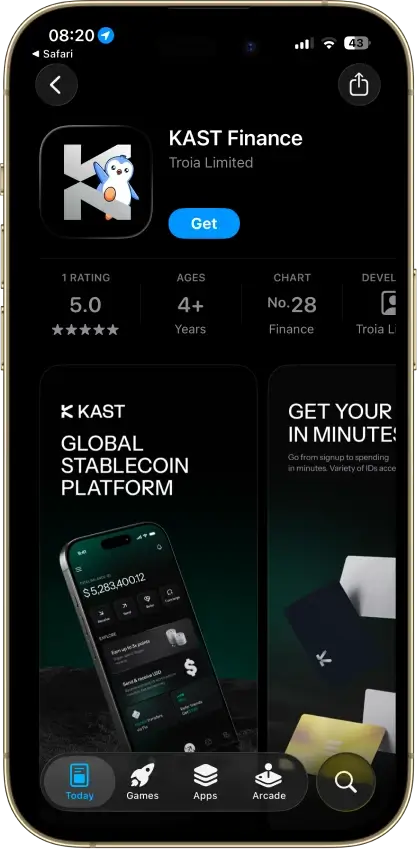
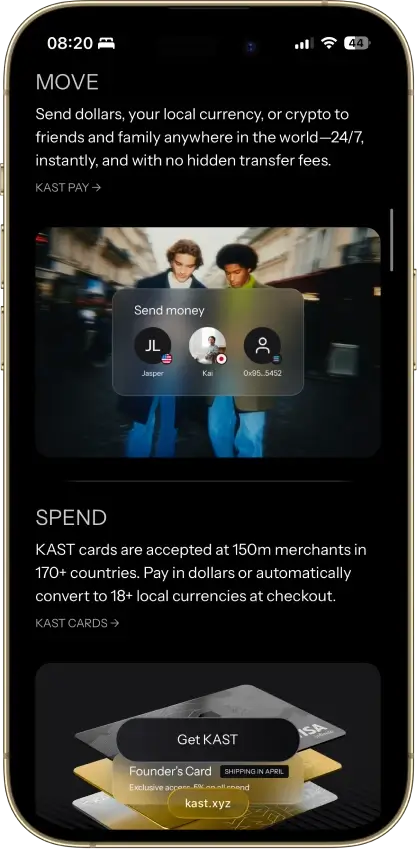
  • Fast virtual card access
  • Broad stablecoin and crypto funding support
  • Strong travel and cross-border utility
Rank 2
7.5
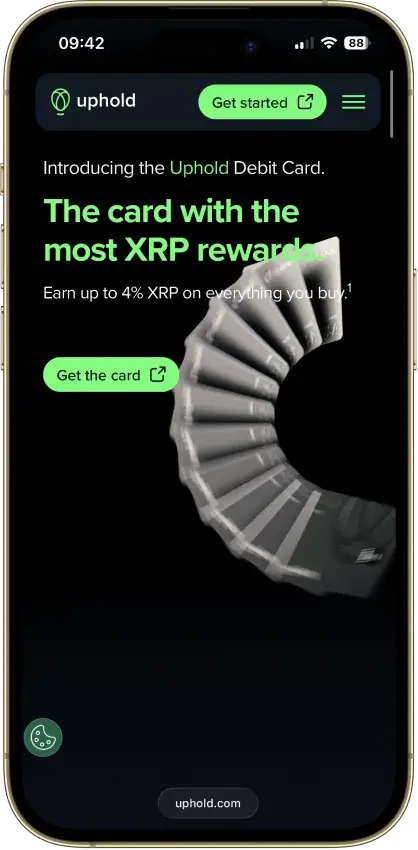
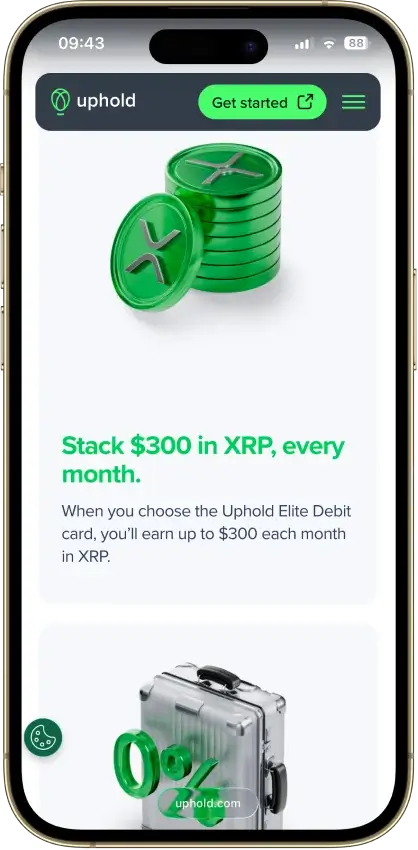
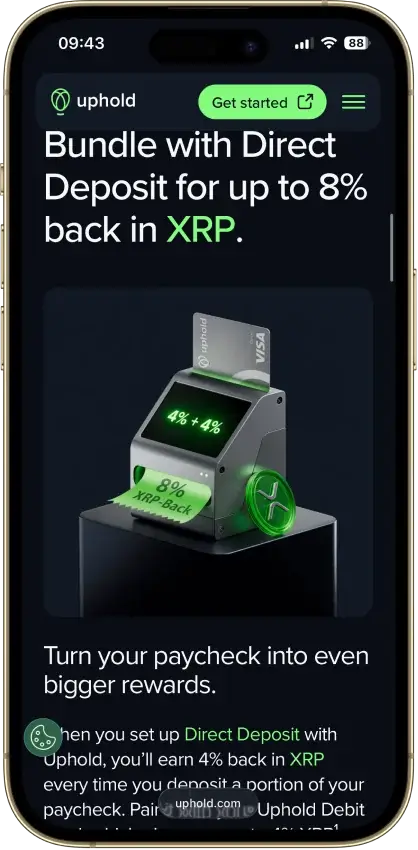
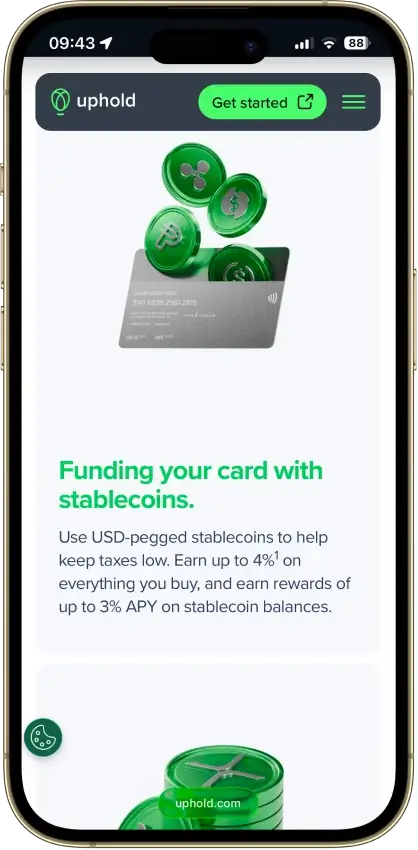
  • Up to 4% back in XRP (U.S.).
  • Spend 200+ assets with instant virtual card.
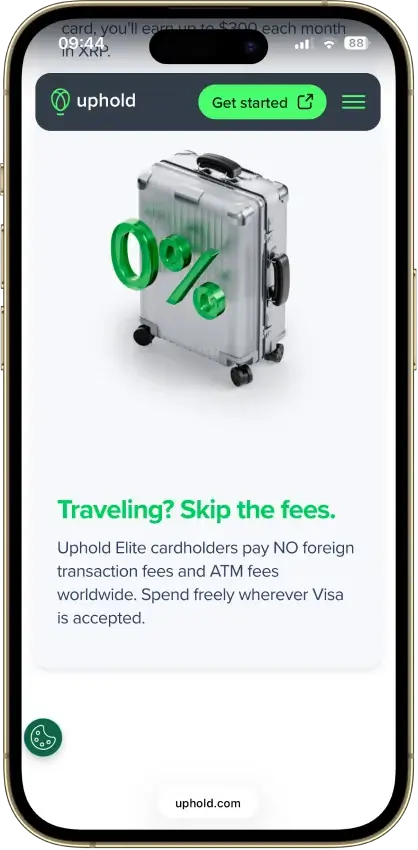
  • No foreign transaction fees on Elite tier.
Rank 3
7.1
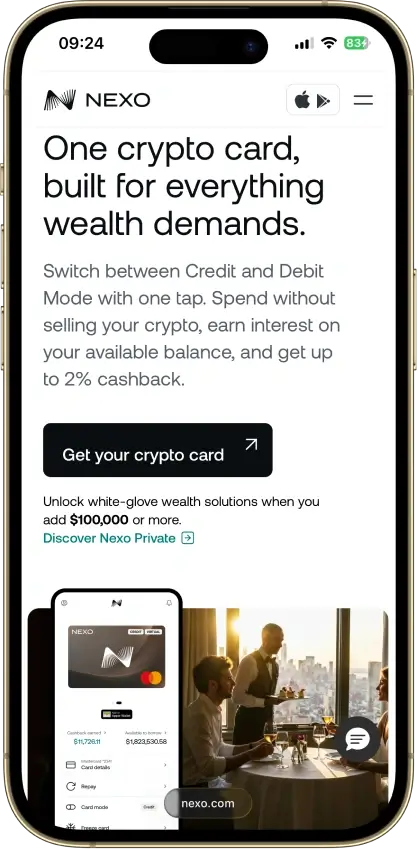
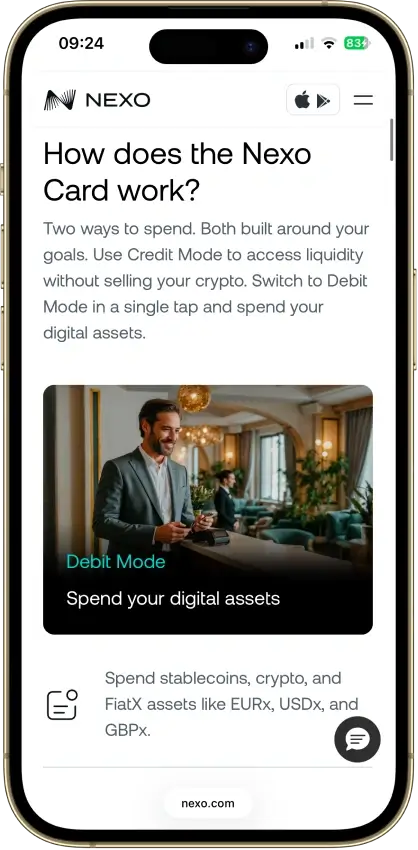
  • Dual‑mode spending — Instantly switch between Debit Mode (spend balances) and Credit Mode (borrow against assets).
  • No monthly, annual, or inactivity fees on the card itself.
  • Earn cashback in either NEXO tokens or BTC, depending on your preference and loyalty tier.
Rank 4
7.0
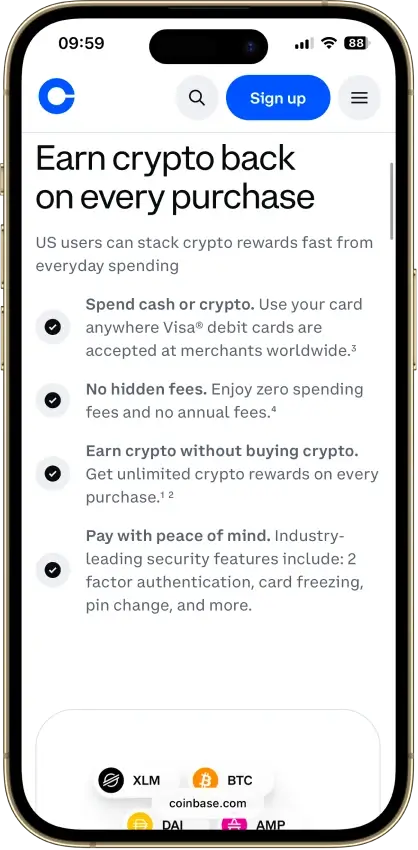
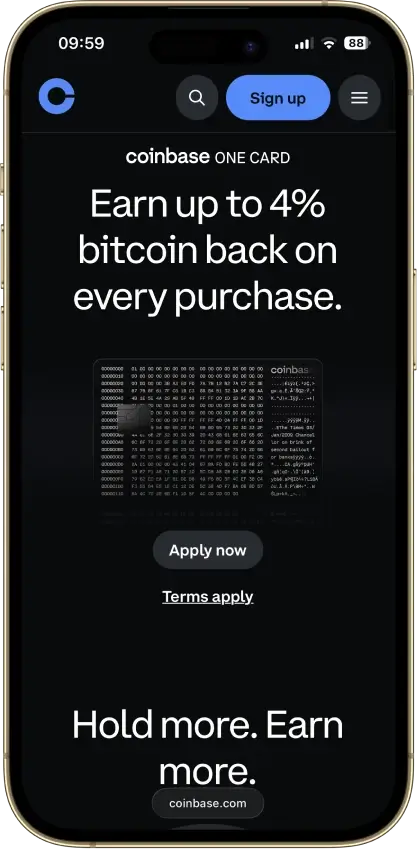
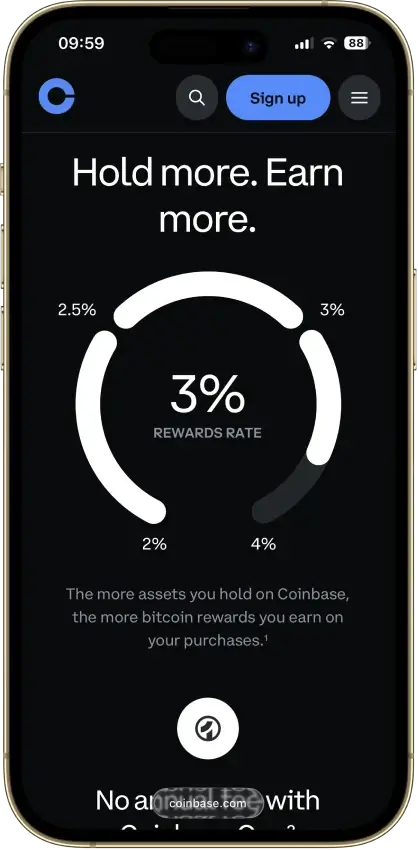
  • Up to 4% rotating crypto rewards (US) with no staking required.
  • $0 annual fee and no added foreign transaction fee.
  • Instant virtual card with Apple Pay and Google Pay integration.
Rank 5
6.5
  • Stablecoin-led global spending
  • Virtual and physical card access
  • Broad app stack beyond the card
Rank 6
4.5
  • $0 monthly fee and free crypto-to-USD loads.
  • High limits — up to $10,000 per day in purchases and $6,000 per day at ATMs.
  • Up to 15% cash-back offers at participating merchants.

If you want the easiest no-fee rewards setup, Coinbase is the cleanest pick for many U.S. users. If you care more about stablecoin spending than cashback, KAST and RedotPay make more sense. And if you live in Europe and want a better travel fit, Nexo stands out more than a basic reward headline suggests.

This comparison shows where each card feels easy in daily use and where it becomes harder to live with.

Comparison Table

NameNetworkCard TypeDigital WalletsAvailabilityRating
Kast Card Visa Prepaid Apple Pay, Google Pay 170+ countries, varies by jurisdiction. 7.5
Uphold Card Visa Debit Apple Pay, Google Pay United States and the United Kingdom. In the U.S., the card is not available in New York, Louisiana, or U.S. territories. In the U.K., Crown Dependencies and British Overseas Territories are excluded. 7.5
Nexo Card Mastercard Dual-mode Apple Pay, Google Pay Citizens and residents of selected European countries, including the EEA and the United Kingdom. 7.1
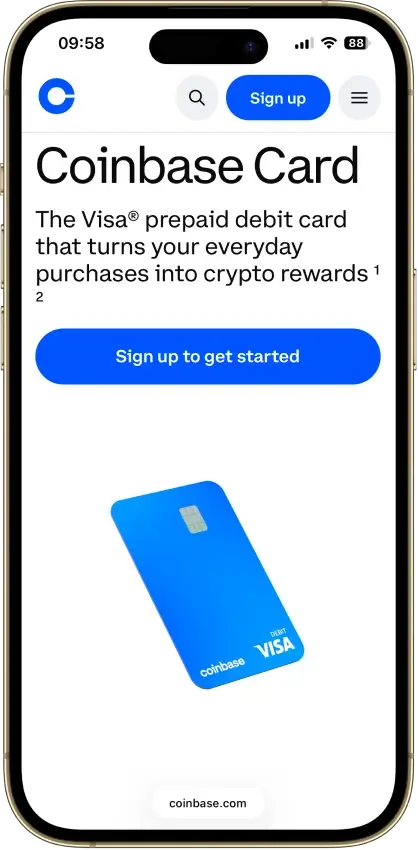
Coinbase Card Visa Debit Apple Pay, Google Pay, Samsung Pay US only (all states except Hawaii) 7.0
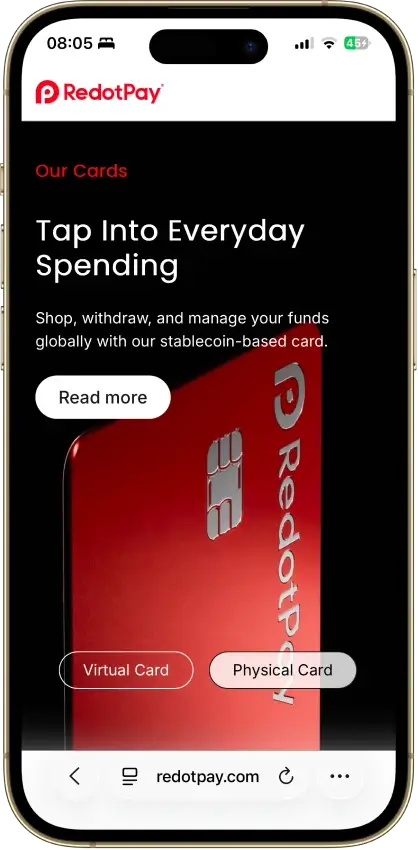
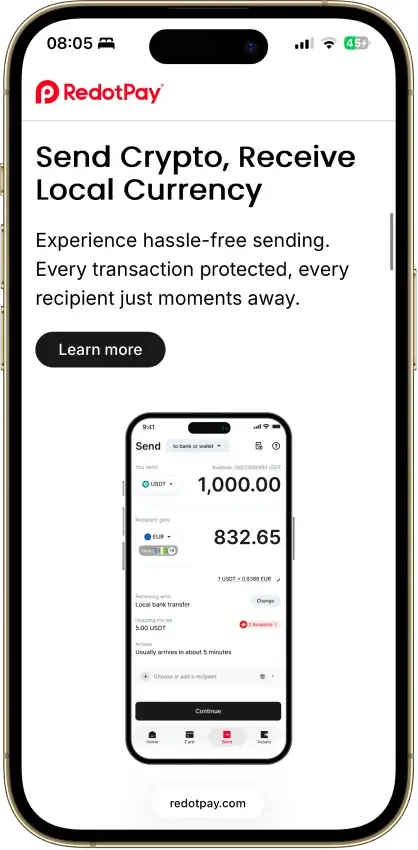
RedotPay Visa, Mastercard Prepaid Apple Pay, Google Pay 100+ countries, varies by jurisdiction. 6.5
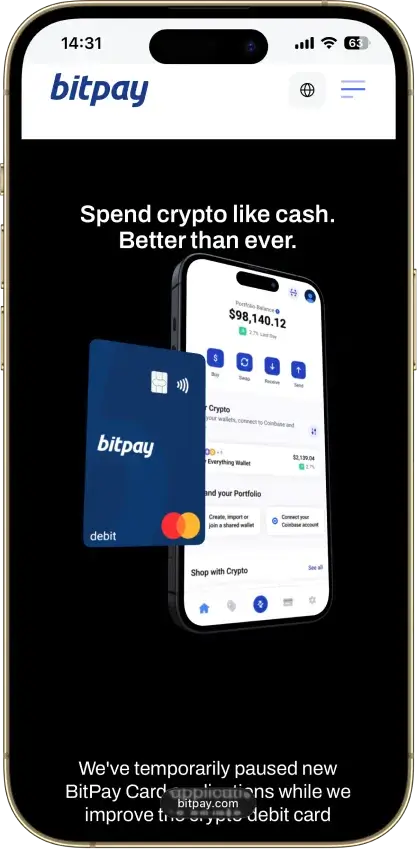
BitPay Card Mastercard Debit Primary availability: United States. Status: Program is undergoing improvement; new applications temporarily paused (waitlist available). 4.5

In practice, match the card to your base currency and the balance you already use. Coinbase suits U.S. users who keep funds on Coinbase. Uphold makes more sense for regular U.S. or UK spending when the paid tier still pays for itself. Nexo is the cleaner option in Europe. KAST and RedotPay work best when stablecoins sit at the center of your setup.

Detailed Review - Crypto Debit Cards

How We Ranked These Crypto Debit Cards

We ranked these cards by how usable they are once you move past the marketing pitch. A card scored better because it was easy to access, fund, and keep using without too much friction from region rules, KYC checks, failed top-ups, wallet limits, or messy conversion steps.

These were the main checks:

  • Availability and setup friction
  • Funding rails and conversion path
  • Real-world spend reliability
  • Virtual card and mobile wallet usefulness
  • Fee drag across FX, ATM, spread, and plan costs
  • Tax and record-keeping friction

We also looked at what the card gives back after the real costs show up. That includes rewards after caps or paid tiers, stablecoin and network support, and support when refunds get messy.

How Crypto Debit Cards Work

“Crypto debit card” is a loose label. One card may spend from a preloaded fiat balance. Another may auto-sell crypto when you tap. A third may let you borrow against collateral while keeping your coins. Those setups can look similar from the outside, but they behave very differently once you start using them.

Auto-selling can create a taxable sale on every purchase. Preloaded balances can feel cleaner for budgeting but add extra conversion steps. Borrow-against-collateral models can delay a sale, but they add interest and liquidation risk instead.

Preload, Auto-Sell, And Borrow-Against-Collateral

Two cards can both be called crypto debit cards while working in completely different ways. Once you know which spend model a card uses, it gets much easier to judge the tax impact, FX cost, and risk level before you apply.

  • Preloaded fiat or stablecoin balance: You top up first, then spend from that balance like a regular prepaid or debit card.
  • Auto-convert crypto at checkout: The card sells crypto when you pay, which can add spread and create a taxable sale on each purchase.
  • Borrow against collateral while keeping holdings: You spend through a credit line backed by crypto, so you keep exposure but take on interest and liquidation risk.
  • Why this changes taxes, FX, and risk: The same coffee purchase can carry very different costs depending on how the card funds it.
  • Why “debit card” alone does not tell the full story: The label sounds simple, but the spend model decides most of the real user experience.

Crypto Debit Cards Vs Buying Crypto With A Debit Card

People often mix up two very different actions. One is getting a card that lets you spend crypto or stablecoins later. The other is using your bank debit card right now to buy crypto on an exchange or app.

Search IntentWhat The User Usually MeansBest Place In This Article
Crypto debit cardA card for spending crypto or stablecoinsMain page and card reviews
Buy crypto with debit cardUsing a bank debit card to purchase cryptoThis explainer subsection or FAQ
Sell crypto to debit card instantlyFast off-ramp or cash-out to fiat or a card-linked balanceFAQ or cash-out/support notes

This keeps the page focused on spend cards, not exchange checkout methods. It also sets the right expectation before someone picks a product that solves the wrong problem.


Best Crypto Debit Cards By Use Case

The best card changes fast once you narrow the job. Region, base currency, stablecoin habits, and how often you use mobile wallets usually decide more than the headline score.

Use CaseBest PickWhy It FitsMain Watch-Out
Best For U.S. UsersCoinbase Debit CardEasy fit for Coinbase users, no annual fee, and strong USDC useU.S.-only, and non-USDC spend can add spread
Best For Europe Or UKNexo CardBest regional fit here, with Debit Mode, low FX, and Apple Pay and Google PayPhysical card ordering is still paused
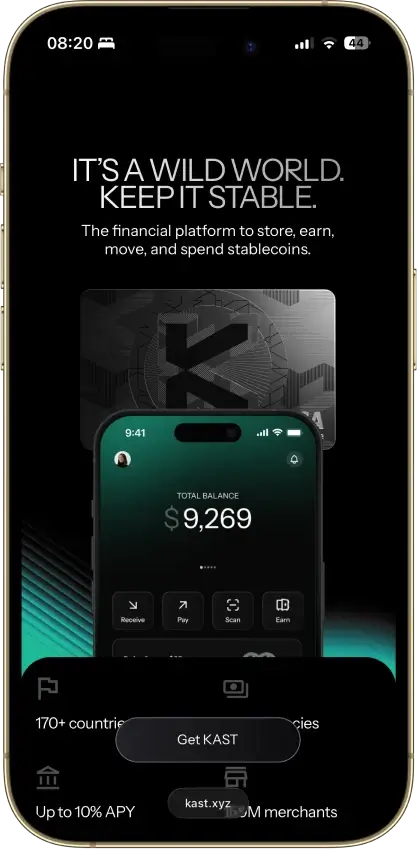
Best For USDC And USDT SpendingKAST CardBuilt around stablecoin spend with 1:1 stablecoin-to-USD conversionNon-USD spend still adds FX fees
Best Virtual-First OptionKAST CardInstant virtual card, mobile wallet support, and a strong stablecoin-first setupBetter perks sit behind expensive paid tiers
Best For Lower FeesNexo CardNo card fee, reduced FX rather than zero FX, and a free ATM allowance that depends on loyalty tierOnly a fit in supported European markets
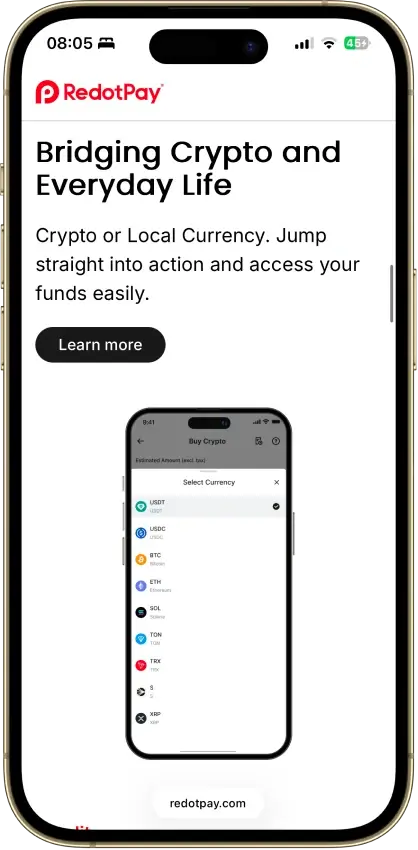
Best For Lower KYC FrictionRedotPay CardApp-based signup and broad country reach make it easier than some rivalsIt still requires full KYC and is blocked in the U.S.

Pick by setup first, not by the biggest reward number. A card that suits your region and funding habits usually saves more money than one with a better headline but worse FX, heavier KYC friction, or weaker stablecoin support.

Fees, FX and Hidden Costs

Headline fees do not tell you the real cost. Plan charges, FX, ATM fees, issuance costs, and crypto conversion spread can change the value fast.

NamePlan FeeFX FeeATM / Cash AccessBiggest Cost Watch-Out
Coinbase Debit Card$0 annual feeNo extra FX fee on spend; spread still applies on crypto conversionNo Coinbase ATM fee; ATM operator may chargeSpending non-USDC or non-USD can quietly eat into rewards
Uphold CardEssential: $0; Elite: $99.99/yearEssential: $1.50 foreign purchase fee; Elite: $0Essential: $2.95 per ATM withdrawal; Elite: $0; ATM owner may still chargeElite only pays off if spend volume is high enough
Nexo Card$0Current FX fees are 0.2% on weekdays and 0.7% on weekends for EEA/UK/CH transactions; outside the region they are 2% on weekdays and 2.5% on weekends.Free monthly ATM allowance depends on loyalty tier, then fees applyBest debit value is regional and tier-dependent
KAST CardStandard: $0; paid tiers available0.5% to 1.75% on non-USD spend$3 plus 2% per withdrawal; non-USD ATM use also adds FXATM use gets expensive fast
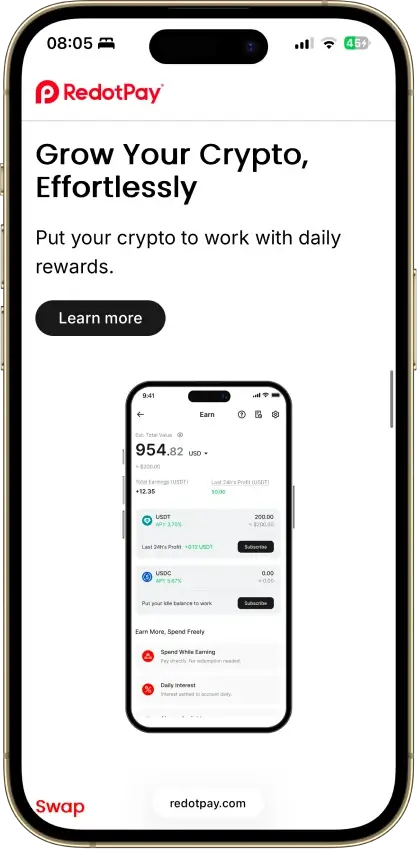
RedotPay Card$0 annual feeATM withdrawals in other currencies add 1.2%; crypto conversion adds 1% on ATM usePhysical card ATM withdrawals cost 2% on USD card up to the monthly limit; higher above thatCard issuance fees are high, especially for the physical card

Rewards can disappear faster than they first appear. Paid tiers, FX costs, spread on crypto conversion, and ATM fees can all wipe out a strong cashback number, especially if you spend across currencies or use cash withdrawals often.

Virtual Cards, Mobile Wallets and Everyday Spend Reliability

For many users, the card only feels useful once it works for online checkout, subscriptions, and tap-to-pay. That is why virtual access and mobile wallet support often decide whether a card feels convenient or clunky.

NameVirtual Or PhysicalApple PayGoogle PayReliability Note
Coinbase Debit CardVirtual and physicalYesYesGood for normal spend, but pre-auth holds can still cut into available balance
Uphold CardVirtual and physicalYesYesStrong daily-use fit, but Essential users still face foreign and ATM fees
Nexo CardVirtual; physical ordering pausedYesYesGood for tap-to-pay and travel, but physical-card pause still limits flexibility
KAST CardVirtual and physicalYesYesVery good for virtual-first spend, but ATM use is costly
RedotPay CardVirtual and physicalYesYesGood for online and wallet-linked spend, but linking can still take time on some platforms

Virtual cards help with online checkout and subscriptions. Apple Pay and Google Pay help with tap-to-pay before a physical card arrives. But pre-auths, travel merchants, and some wallet-linked transactions can still fail, especially when the card is prepaid, limited by country, or routed through a third-party wallet.

Availability, KYC and Stablecoin Funding

Access is one of the first filters. Some cards are easy to find but limited by country. Others look global until KYC, bank funding, or supported stablecoin networks narrow who can actually use them.

NameMain RegionsKYC LevelFunding OptionsUSDC / USDT Support
Coinbase Debit CardU.S. only, excluding HawaiiFull identity verificationUSD, USDC, supported crypto balances, linked payment methods for add-fundsUSDC: Yes / USDT: Varies by supported assets in your account
Uphold CardAvailable in the U.S. and UK, but not in Louisiana, New York, U.S. territories, Crown Dependencies, or British Overseas Territories.Full identity verificationBank transfers, debit card, Apple Pay, Google Pay, PayPal, direct deposit, crypto, stablecoinsYes / Yes
Nexo CardEEA, selected European countries, and UKFull identity verificationEUR, GBP, USD bank transfers, crypto, stablecoins, local card purchasesYes / Yes
KAST CardSupported countries onlyFull KYC with ID and selfieUSDC, USDT, selected crypto deposits, ACH and Fedwire USD in select regionsYes / Yes
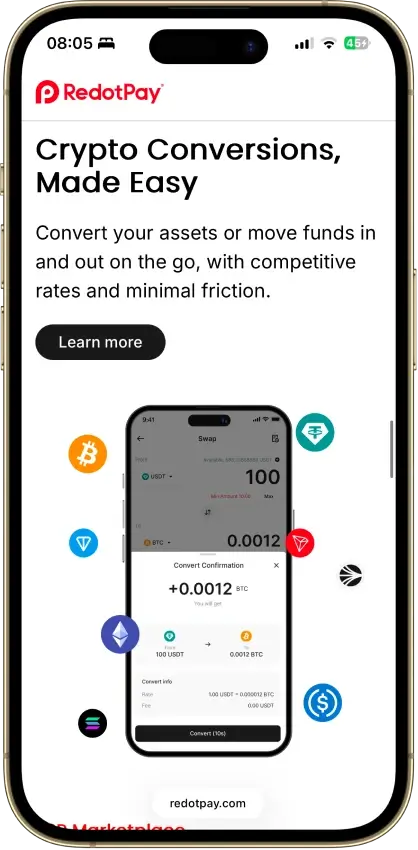
RedotPay Card158+ countries, but not the U.S. and other blocked regionsFull identity verificationCrypto deposits, card-funded top-ups, Binance Pay, multi-currency wallet toolsYes / Yes

The limits often show up after signup. Full KYC is standard across this list. Region blocks can rule out a good card fast, and bank funding is less universal than it first looks. Stablecoin deposits also depend on using the right network, so the friction can start before the first purchase.

Refunds, Taxes and Support

Refunds and support rarely feel important at signup, but they shape day-to-day use later. Refunds often go back to the same card balance, not your bank account, and pre-auth holds from hotels, fuel stations, ride apps, or subscriptions can tie up funds for days. If a purchase is refunded, rewards usually reverse too.

Taxes can be just as annoying. If the card sells crypto at checkout, each purchase may count as a taxable sale. Good apps help with clean transaction history or exports, but support still has limits. It can help with card freezes or disputes, but it usually cannot speed up a merchant refund or skip network review.

FAQ

Which crypto debit card is best right now?

For most U.S. users, Coinbase Debit Card is the easiest place to start. For Europe or the UK, Nexo is the stronger fit. For stablecoin-first spending, KAST is the better pick.

Are crypto debit cards worth it?

They can be, but only when the card suits your region, funding setup, and tax tolerance. A weak fit can wipe out the upside through FX, spreads, plan fees, or refund friction.

Can I get a crypto debit card without KYC?

Not from the cards in this list. Full KYC is the normal path now, especially for cards that want broad merchant acceptance and stable long-term access.

Which crypto debit card works in the USA?

Coinbase Debit Card and Uphold Card are the strongest fits here. RedotPay is blocked in the U.S., and Nexo is built for Europe and the UK.

Do crypto debit cards support USDC and USDT?

Some do, some only partly. KAST and RedotPay are strong on both. Uphold and Nexo also support both. Coinbase is strongest on USDC support, while other stablecoin support can depend on the assets supported in your account.

Do crypto debit cards work with Apple Pay or Google Pay?

Many do, but wallet support still depends on region, device setup, and the card program. Uphold, Nexo, KAST, and RedotPay all support mobile wallets, and Coinbase supports them in its current U.S. setup.

Are crypto debit card purchases taxable?

Often yes, when the card sells crypto to fund the payment. Spending fiat is usually cleaner, and spending USDC may create little or no gain, but the tax treatment still depends on your jurisdiction and cost basis.

What is the difference between a crypto debit card and buying crypto with a debit card?

A crypto debit card helps you spend later from a crypto or app balance. Buying crypto with a debit card means using your bank card to purchase crypto on an exchange right now.

Why do some merchants decline crypto debit cards?

Prepaid routing, wallet-linking delays, merchant-category blocks, pre-auth holds, and fraud checks can all cause declines. Travel, subscriptions, fuel stations, and some online services are common weak spots.

How do refunds work on crypto debit cards?

Usually the merchant sends the refund back through the card network, and the funds return to your app balance or card-linked wallet after the original transaction settles. The slow part is often the merchant or network, not the card app itself.