Explore CryptoSlate’s Institutional Playbook, a 3-part guide series on exchange due diligence, crypto-as-a-service, and token listing strategy for institutional teams.
Explore CryptoSlate’s Institutional Playbook, a 3-part guide series on exchange due diligence, crypto-as-a-service, and token listing strategy for institutional teams.
Best for eligible Bybit users who want a Mastercard debit card that spends from a Funding Account. Cashback tiers reach 10% in Rewards Points. Crypto funded purchases pay a conversion fee, and cross currency spending can add FX charges.
IssuerIssuer varies by card program. For EEA and Switzerland, Bybit lists Moorwand Ltd in the UK and Harmoniie SAS in EEA countries as the card issuer
Program PartnerIssuer varies by card program. For EEA and Switzerland, Bybit lists Moorwand Ltd in the UK and Harmoniie SAS in EEA countries as the card issuer
AvailabilityBybit Card is only available in limited countries and runs as separate regional card programs, including EEA and Switzerland, Australia, Argentina, Brazil, AIFC, parts of Asia Pacific, and Mexico. EEA residents may be directed to apply via Bybit EU for an EUR card
RewardsRewards Points and cashback are tier based, with published cashback rates from 2% to 10% depending on tier. Monthly caps apply by tier, and points post after completion with a pending period
FeesAnnual fee is listed as none. EEA and Switzerland card fees include a foreign exchange fee of 0.5% on top of Mastercard’s rate, and a crypto conversion fee of 0.9% on top of Bybit’s One Click Sell exchange rate. ATM withdrawals are charged after a monthly free allowance and may also include ATM operator fees
Daily Spend / ATM LimitLimits vary by region. For EEA and Switzerland, spending limits are shown as €5,000 per transaction and per day, and the physical card ATM limit is shown as up to €2,000 per day
Funding SourceTransactions are funded from your Bybit Funding Account. The card is denominated in a fiat currency based on your verification country, and you can set a payment priority for supported crypto assets if the fiat balance is insufficient
Digital WalletsApple Pay, Google Pay
Virtual Card & ShippingVirtual card is available after approval. Physical card ordering depends on region and may require having a virtual card first. Application review can take minutes, and Bybit notes it can take up to 7 working days in some cases. Physical delivery timelines vary by program and country
Bybit Card Screenshots
Bybit Card Pros and Cons
Pros
Up to 10% tiered cashback in Rewards Points.
No annual, inactivity, or card cancellation fee
Fiat-first spending can avoid crypto conversion fees.
Strong card controls (freeze, limits, toggles).
Cons
Limited country availability (no U.S.).
0.9% crypto conversion fee (EEA program).
0.5% FX on cross-currency spend (EEA program).
Rewards are tier-based and capped monthly.
What Bybit Card Is and How It Works
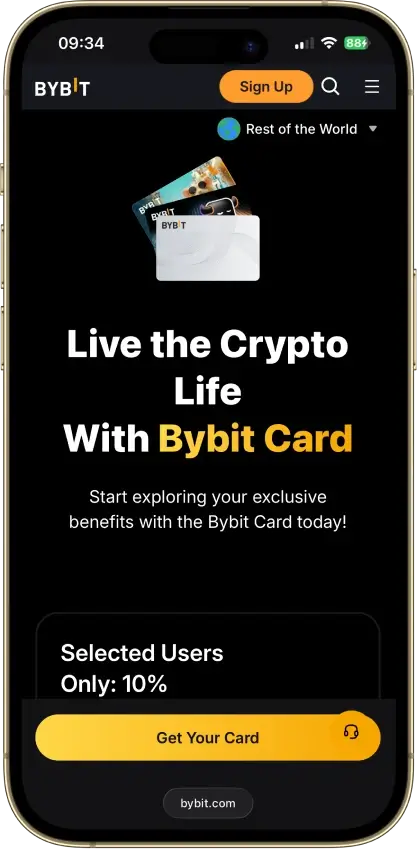
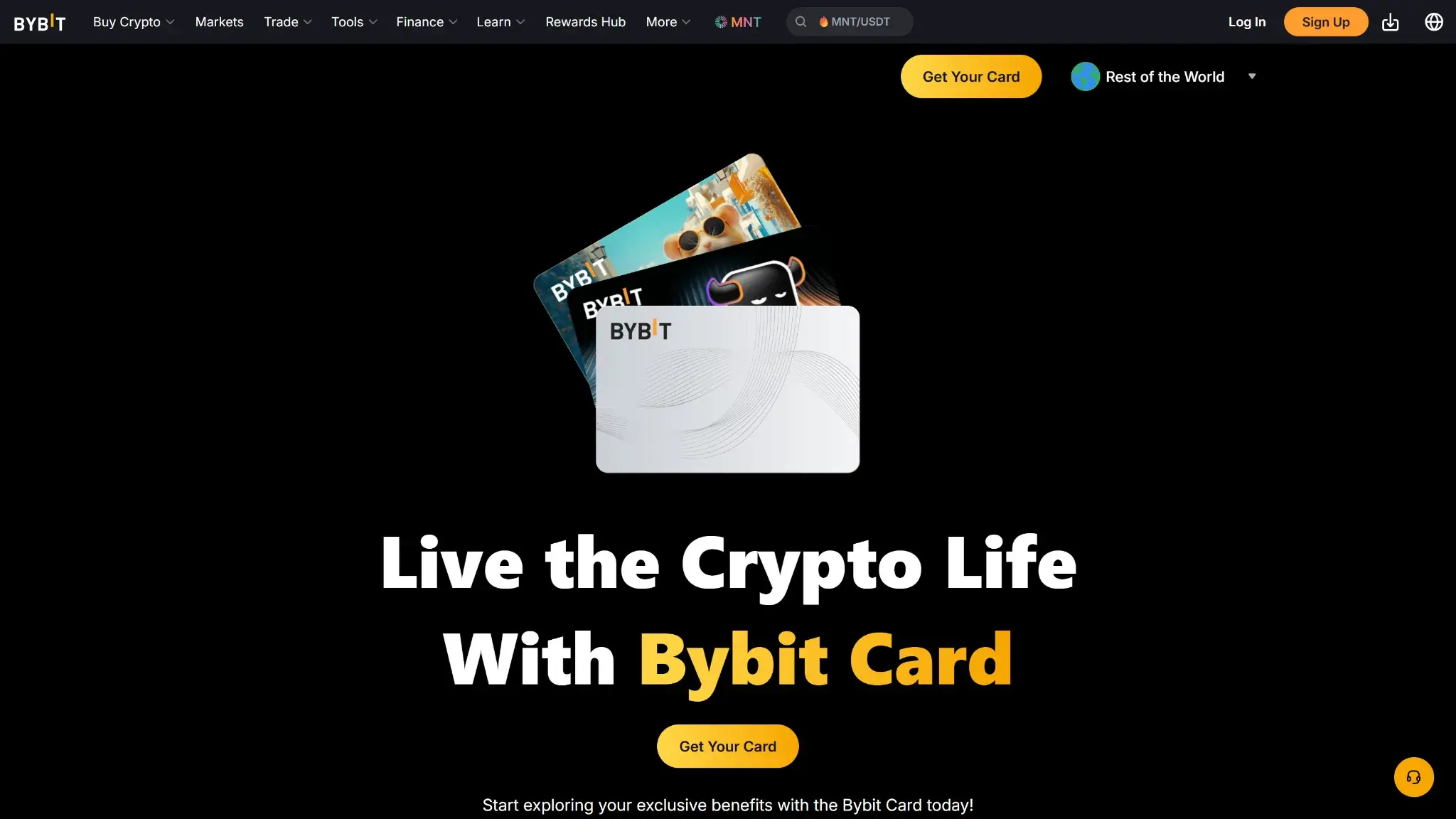
Bybit Card landing page hero with the headline Live the Crypto Life with Bybit Card and Get Your Card button.
Bybit Card is one of the most popular crypto cards that lets eligible Bybit users spend from balances held in a Bybit Funding Account. Bybit supports both virtual and physical Mastercard debit cards in many regions, and it also offers a Virtual Card Lite in the EEA and Switzerland with a lower overall spending limit and a faster onboarding path.
At checkout, the card deducts funds from your fiat balance first. If the fiat balance is insufficient, Bybit automatically liquidates the payment crypto you selected in the app, following the payment priority you set for supported assets. That crypto to fiat conversion uses Bybit’s One Click Sell exchange rate and a crypto conversion fee, which can reduce the effective value of your spend compared with holding enough fiat. Purchases can start as an authorisation hold before they settle, and refunds or reversals flow back to the Funding Account. In many jurisdictions, paying with non stablecoin crypto can be treated as a taxable disposal, so local tax rules may apply.
Bybit Card Rewards Mechanics
Element
Value
Notes (eligibility, rotation, exclusions)
Base reward rate
2% cashback
Earned as Rewards Points based on Bybit’s tier table
Top reward rate
Up to 10% cashback
Requires a higher tier through monthly spending or VIP status and remains time limited based on tier rules
Reward currency
Rewards Points with redemption to cashback
Bybit calculates cashback in USDT value from points. Points can be redeemed manually in the Rewards Market or via Auto Cashback, which redeems into a selected coin
Payout cadence
Points typically post within 3 calendar days
Points can remain pending for a short period after a transaction is completed. Auto Cashback redemption runs daily
Caps / minimums
Tier based monthly caps apply
Each tier has a monthly points cap and an equivalent monthly cashback cap. Auto Cashback has a minimum points threshold
Exclusions
Fees, refunds, ATM, and cash like categories
Ineligible items include fees and charges, refunded or reversed transactions, ATM withdrawals, and certain merchant category codes tied to cash like activity or money transfers
Bybit Card rewards are earned as Rewards Points, with your cashback rate and monthly cap determined by tier and, for VIP users, by VIP level. Bybit notes that points typically arrive within a few days and can be redeemed manually in the Rewards Market, or converted automatically if you enable Auto Cashback. Auto Cashback processes on a daily schedule and the conversion rate is set at redemption, so the fiat value can vary if you redeem into a volatile asset.
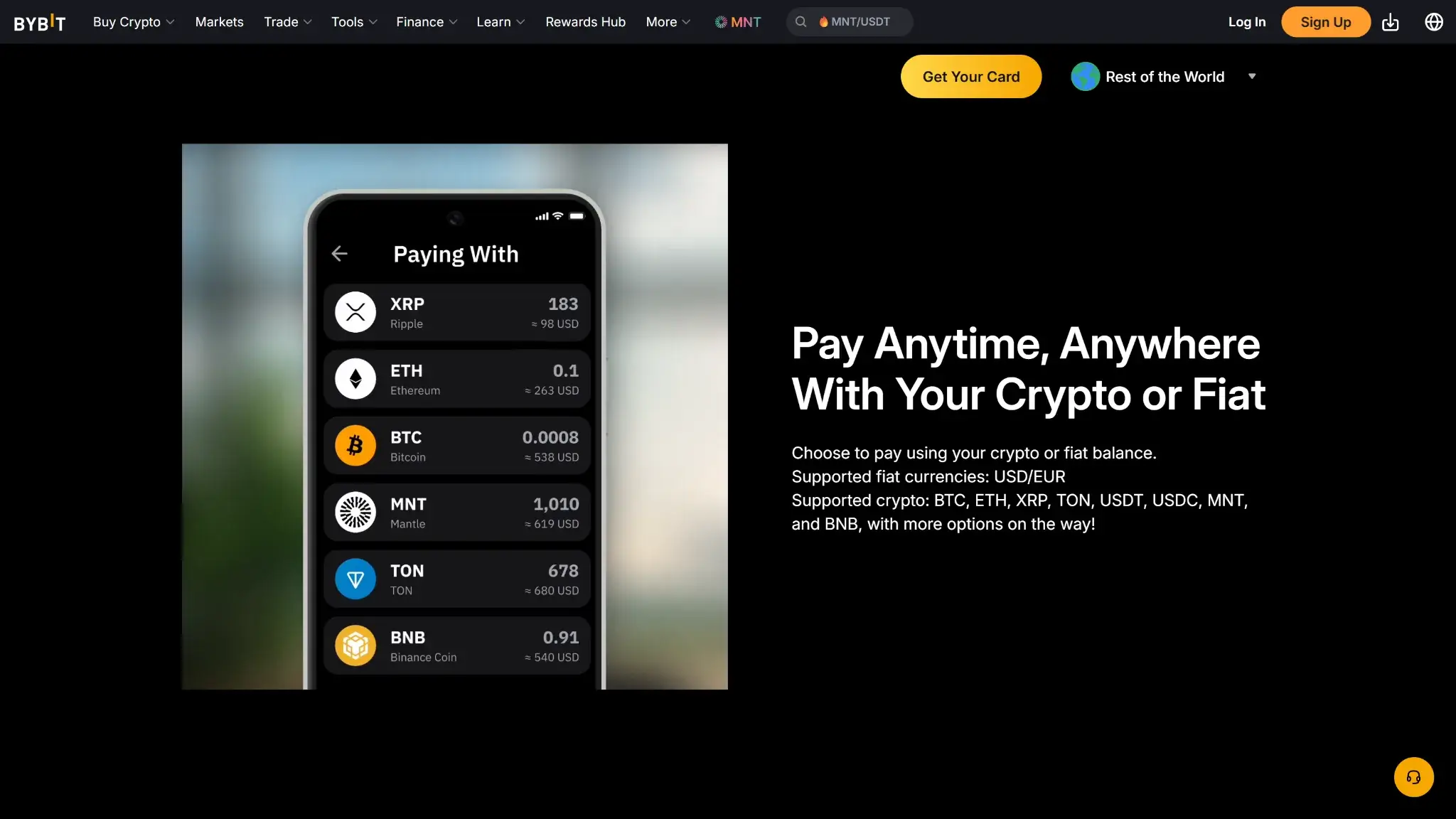
Bybit Card feature section stating Pay Anytime, Anywhere with Your Crypto or Fiat with supported assets list.
Compared with many crypto debit cards that keep rewards flat, Bybit’s tiered model can be favorable for high spenders and VIP users because the headline cashback rate rises sharply at the top end. The trade off is complexity. Your effective reward rate depends on maintaining the right tier, staying under the monthly cap, and understanding how points convert at redemption. Bybit also layers in merchant specific rebates in points for selected subscriptions, which is a notable differentiator for users who already pay for those services.
Bybit Card Fees and Pricing
Fee or charge
Amount / rate
When it applies
Region / notes
Annual fee
None
Per card per year
Bybit fee schedule
Foreign transaction
0.5% FX fee
Purchases and cash withdrawals in a currency other than your card’s denominated currency
EEA and Switzerland. Charged on top of Mastercard’s foreign exchange rate
ATM (domestic)
0% up to a monthly allowance, then 2%
Per cash withdrawal
EEA and Switzerland. The 2% fee applies to the amount above the first €100 withdrawn each month. ATM operators may also charge an access fee
ATM (international)
0% up to a monthly allowance, then 2%
Per cash withdrawal
EEA and Switzerland. FX and crypto conversion can also apply depending on card currency and funding asset
Replacement card
None for virtual, 5 EUR or USD for physical
Ordering or replacing a card
EEA and Switzerland. Bybit lists no fee for virtual card issuance until further notice
Conversion spread
0.9% crypto conversion fee
Crypto to fiat at purchase or withdrawal
EEA and Switzerland. Charged on top of Bybit’s One Click Sell exchange rate when the transaction is funded with a non fiat asset
For crypto funded spending, the key cost is the conversion spread. Bybit liquidates the required amount of your selected payment crypto using the One Click Sell exchange rate, then adds the crypto conversion fee on top. That means your crypto covers slightly less fiat at checkout than a simple mid market quote. If you hold enough fiat in your Funding Account, you avoid the crypto conversion step and only deal with Mastercard FX when you spend in another currency.
Compared with other crypto debit cards, Bybit is unusually clear about line item conversion charges. In the EEA and Switzerland schedule, the FX fee is 0.5% on top of Mastercard rates and the crypto conversion fee is 0.9% on top of One Click Sell. That can be less attractive for frequent cross currency spend than cards that market no foreign exchange fees, while still looking competitive versus cards that apply higher foreign transaction percentages in some regions. Always compare fee schedules for your residency program, since the Bybit Card fees vary by country.
Bybit Card Limits — Purchase and ATM
Transaction type
Per-transaction limit
Daily limit
Notes (how to increase, verifications)
Card purchase
5,000 EUR
5,000 EUR
EEA and Switzerland baseline limits. Bybit also publishes monthly and annual caps. Virtual and physical cards share one spending limit. Virtual Card Lite has a lifetime spending limit of €150 and can be upgraded by completing address verification
ATM cash withdrawal
Varies by ATM
2,000 EUR (within 24 hours)
Physical card only. Bybit also sets monthly and annual withdrawal caps and withdrawal count limits
Contactless tap
50 EUR (single tap, EEA)
—
EEA contactless limits under PSD2 also apply, including a cumulative cap and a chip and PIN reset
For limits, Bybit publishes tier based spending and ATM withdrawal limits for the EEA and Switzerland and Asia Pacific programs, and you can request an upgrade inside the Card Dashboard. The upgrade review can take up to seven business days, and the maximum tier you can reach depends on whether you applied as a non VIP user or a VIP user. If you start with Virtual Card Lite, upgrading to a standard card requires completing address verification, which also unlocks higher limits.
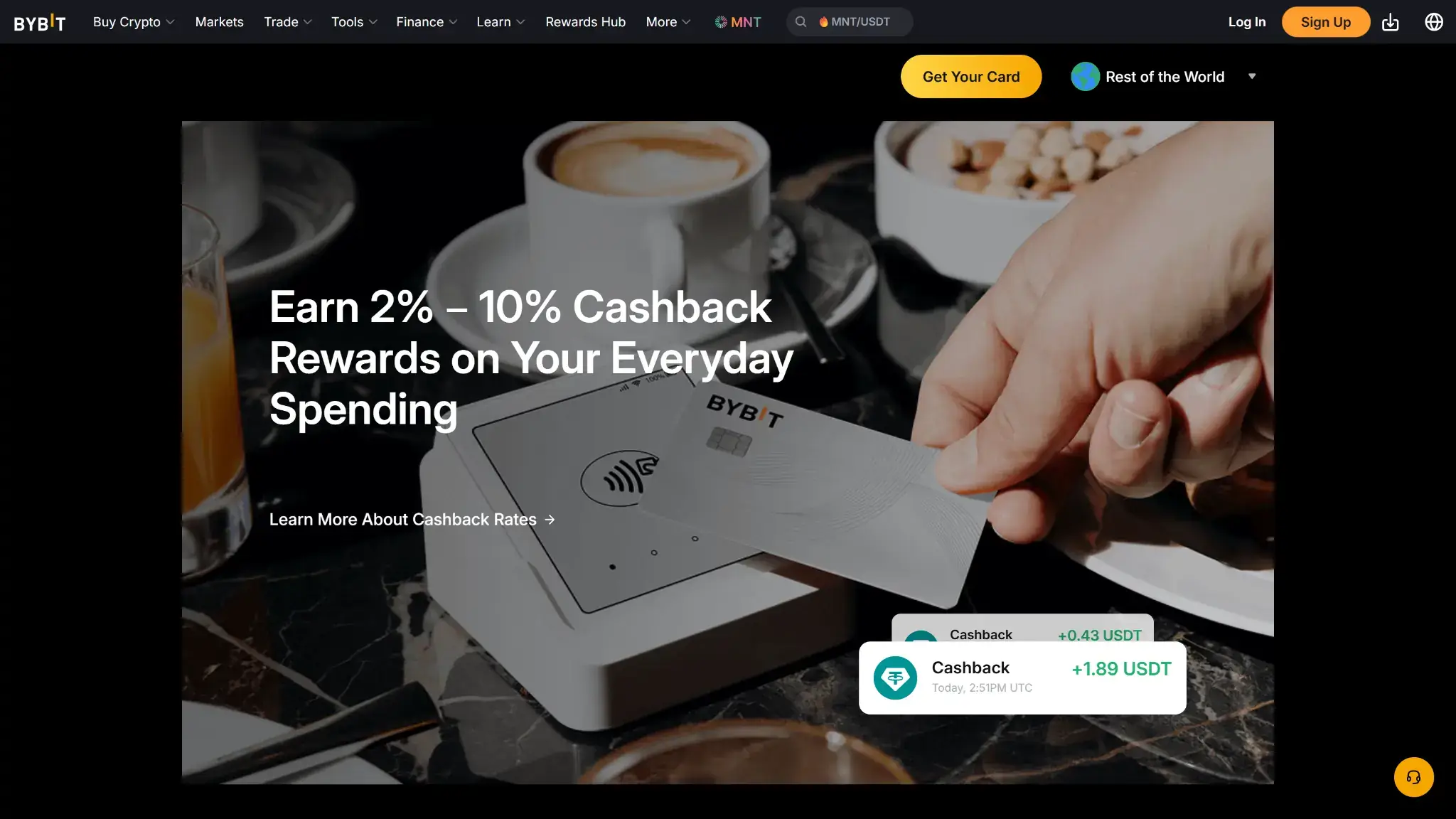
Bybit Card promo showing earn 2% to 10% cashback rewards on everyday spending with card payment scene.
To check your limits, open your Bybit Card dashboard and use Check Limit. If a payment is declined, Bybit recommends checking the declined reason in Transaction History, under Authorization, then viewing the transaction details. Common decline reasons include insufficient spending power in the Funding Account, the card being locked, exceeding a daily spend limit, an inactive card, and transaction types that Bybit does not support for certain merchant categories.
Eligibility and Availability — Countries and States
Regions supported: Bybit Card is only available in limited countries and is issued through separate regional card programs. Bybit publishes program specific FAQs for EEA and Switzerland, Asia Pacific, AIFC, and country programs such as Argentina, Brazil, and Mexico.
U.S. states: Not supported. Bybit lists the United States as an excluded jurisdiction for its services, so there is no U.S. state coverage for Bybit Card.
Age & KYC: You must be at least 18. Card programs require identity checks, and some programs also require address verification, as with most crypto exchanges. Proof of address is typically required to be issued within the last three months. Enhanced due diligence can request additional documents such as proof of income.
Not supported: Bybit lists excluded jurisdictions that include the United States, Chinese Mainland, Hong Kong, Singapore, Canada, and sanctioned jurisdictions such as North Korea, Cuba, Iran, Sudan, and Syria. Bybit also restricts sanctioned parties and may add other jurisdictions over time.
Digital wallets: Google Pay is supported across Bybit Card programs. Apple Pay support depends on the program and is currently available for some programs such as EEA, Australia, Argentina, and Brazil. Mexico does not support binding to digital wallets at the moment, and Apple Pay is not supported for AIFC.
Other prerequisites: You need a verified Bybit account and sufficient funds in your Funding Account, since the card does not have its own separate wallet balance. For physical cards, shipping address requirements can be tied to address verification, and some delivery options may require a tax ID in certain countries.
Official coverage link: https://www.bybit.com/en/help-center/article/How-to-Apply-for-Bybit-Card-EEA
The main takeaway is that availability is program based, not global. Even if Bybit is accessible in your country, the card program may not be live for your residency, and the Card dashboard is the fastest place to confirm eligibility.
UX and Support for Bybit Card
Bybit Card is managed inside the Bybit app, with a dedicated Card dashboard for spending power, transaction history, and limits. Bybit’s help center is unusually detailed for card users, with step by step guides for applying, making payments, troubleshooting declines, and managing settings like digital wallets and transaction toggles.
The main friction points tend to be eligibility and verification, especially when a region is moved onto a different card program or when proof of address is required. For support, Bybit provides a ticket based Support Hub and the card terms list [email protected] for card and account queries, with issuer contact options depending on the program.
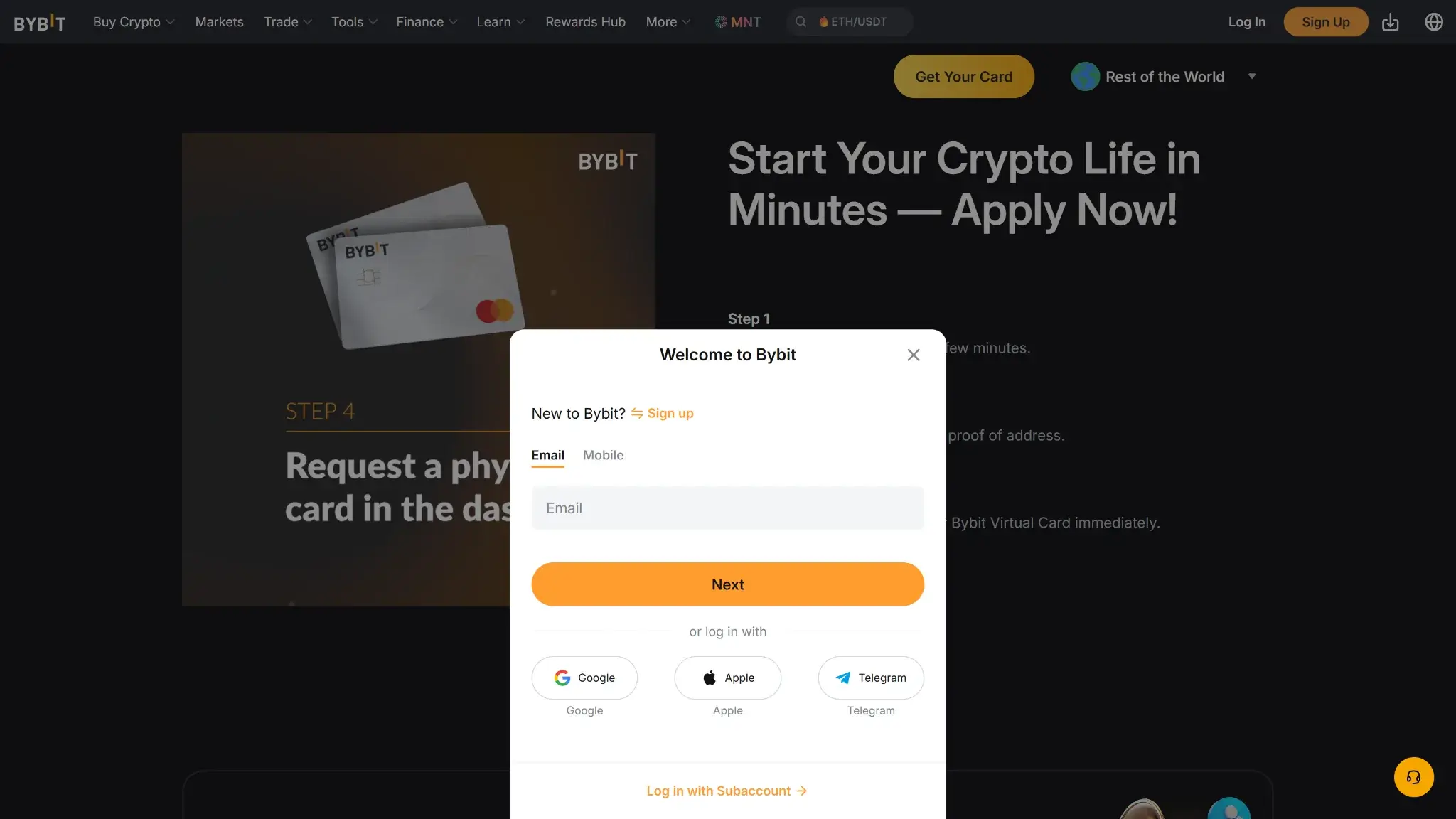
Bybit Card apply now page showing the Welcome to Bybit sign up modal with email field and login options.
How to Apply for Bybit Card and Get Started
Create a Bybit account, confirm your email, and enable Google 2FA in the security settings.
Go to Finance → Card and select your country of residence, or choose Virtual Card Lite if it is offered for your region.
Complete the required checks, which can include identity verification and address verification depending on the card program.
Submit the application and wait for approval. Virtual cards are issued after approval, and Bybit notes some reviews can take longer in certain cases.
In the Card dashboard, choose your spending currencies and set the payment priority for supported crypto assets in case your fiat balance is insufficient.
If a physical card is available, order it from the Card section and provide a shipping address that matches your verified address where required. Follow the in app prompts for any additional details required for delivery.
Activate the physical card in the app once it arrives, set your PIN, then add the card to Google Pay or Apple Pay where supported.
How to Add Money to the Bybit Card
Bybit Card pulls funds from your Funding Account rather than a separate card wallet. To fund it, you add fiat or crypto to your Bybit Funding Account using the deposit methods available in your region, which can include on chain crypto deposits, buying crypto with Buy Crypto, fiat deposits, or P2P trading. If you deposit crypto to Bybit, it is credited to the Funding Account by default and can be transferred to other accounts if you enable auto transfer.
When you make a purchase, the card uses your denominated fiat balance first. If your fiat balance is insufficient, Bybit can liquidate your selected payment crypto based on the payment priority you set. Pending release and frozen balances may appear as available in some views, but locked amounts are not usable for Bybit Card transactions until they clear.
Security and App Experience
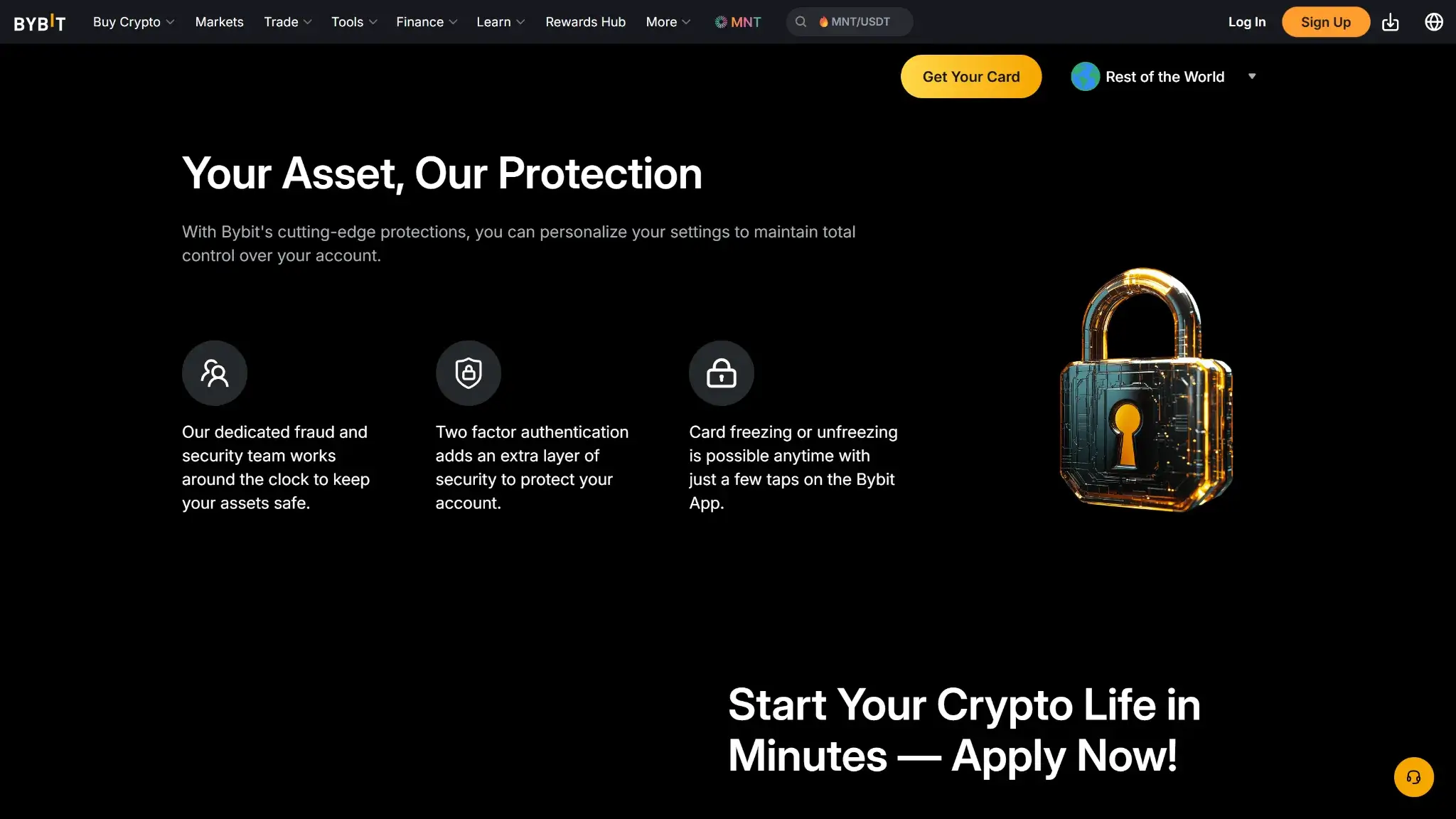
Bybit Card security section titled Your Asset, Our Protection with fraud monitoring, two-factor authentication, and card freeze controls.
2FA options: Google Authenticator (TOTP) is supported, and Bybit also supports passkeys. Passkeys can be created on-device, in iCloud Keychain, or on a USB security key.
Card lock and transaction toggles: Freeze and unfreeze is available from Card Management. You can also toggle online transactions, non 3DS online transactions, and ATM withdrawals. Enabling some settings requires 2FA verification.
PIN and card details: PIN can be set and reset in the card settings. Bybit notes a PIN reset may require an ATM transaction and a chip and PIN payment before contactless works again. Card details can be revealed using View Number, and if CVV is locked after too many attempts, a CVV Unblock flow is available for some programs.
Alerts and spending history: Bybit can send push notifications for Bybit Card transactions, with an optional minimum-amount threshold. Spending history is available in the Card dashboard, including Authorization and Transaction views, and statements can be downloaded.
Outage notices: Bybit publishes maintenance updates via Announcements and provides a deposit and withdrawal status page. API users can also query system status for maintenance and incident windows.
Zero-liability norms: Mastercard publishes Zero Liability terms for unauthorized transactions, subject to conditions. Your Bybit Cardholder Terms & Conditions explain reporting steps, dispute windows, and liability limits that apply to your program.
One practical risk to understand is the negative-balance scenario. Bybit says the Funding Account can go negative if the settlement FX rate is higher than the estimate used at authorization or if the final amount charged by the merchant is higher than the authorized amount. When that happens, the card can be suspended and withdrawals can be restricted until the negative balance is repaid.
Bybit’s account security and card controls are broadly in line with what you would expect from a modern exchange linked debit card, with a few extras. Passkeys and hardware-backed options can reduce reliance on one time codes, and card level toggles like freezing the card or disabling ATM access help limit exposure between uses. The main practical caveat is that features and flows can vary by program, so it is worth checking your own Card dashboard and cardholder agreement.
Alternative Cards Like Bybit Card
Coinbase Card — Better fit if you need a U.S. issued card and want to choose rewards each month with a simpler fee story. CryptoSlate review: https://cryptoslate.com/crypto-exchanges/coinbase-exchange-review/
Crypto.com Visa Card — Better fit if you want a broader ecosystem of card tiers and perks, and in some regions, no foreign transaction fees on most tiers. CryptoSlate review: https://cryptoslate.com/crypto-exchanges/crypto-com-exchange-review/
Wirex Card — Better fit if you want a debit card that markets no annual fee and no foreign exchange fees, and you are comfortable earning rewards in a platform token.
Who Is Bybit Card For?
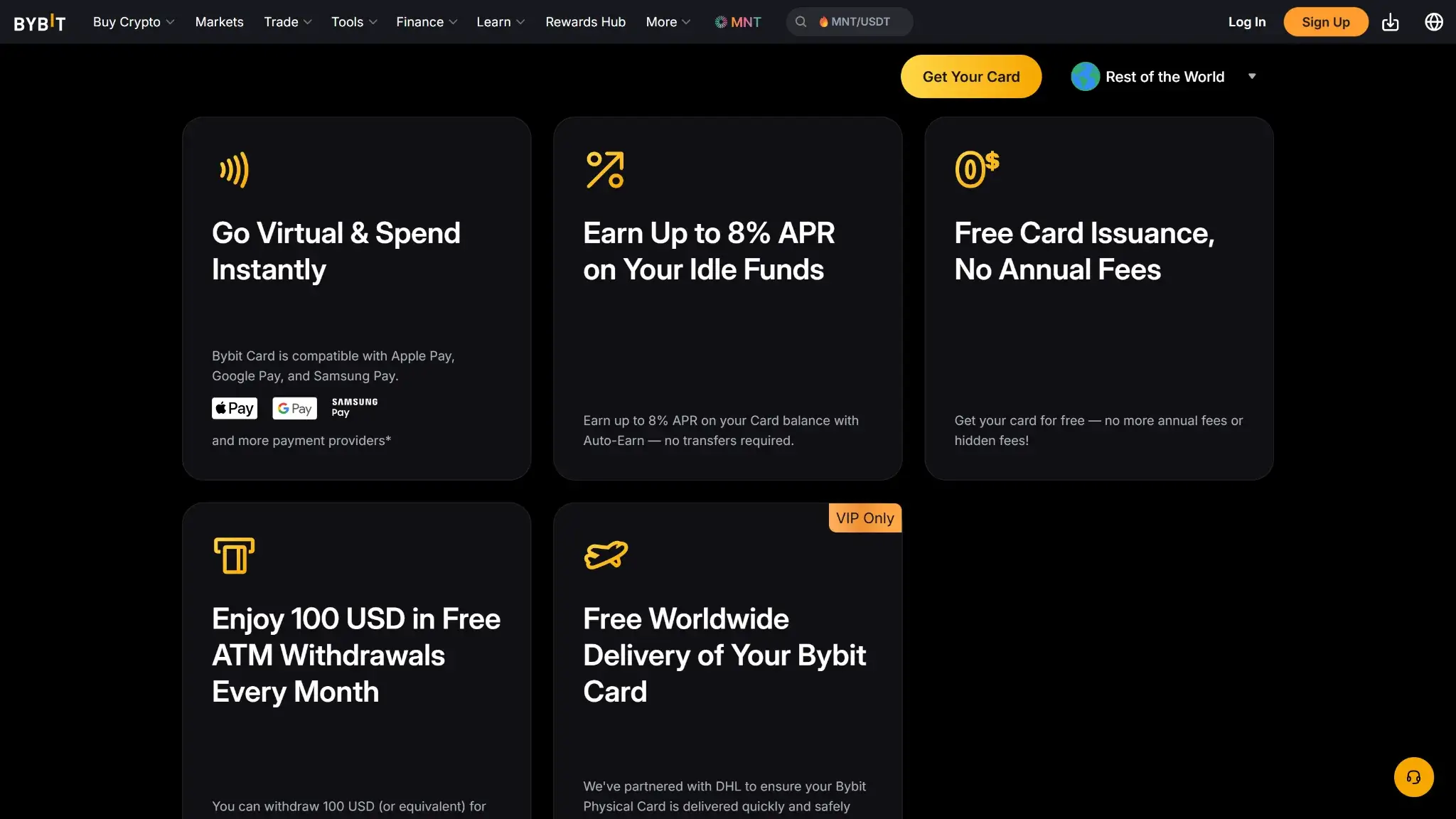
Bybit Card benefits grid highlighting virtual card spending, up to 8% APR, no annual fees, free ATM withdrawals, and worldwide delivery.
Bybit Card is for eligible Bybit users in supported regions who want a Mastercard they can run from a Bybit Funding Account, with higher tier cashback available if you can maintain the right tier.
It is most practical if you can keep enough fiat in the account or spend stablecoins, since paying with non-stablecoin crypto triggers conversion costs that can reduce value. It is less suitable if you need U.S. availability, prefer flat cashback, or plan frequent cash withdrawals where monthly allowances and caps matter.
Reconsider if you plan to fund most purchases with crypto, make frequent cross-currency purchases, or rely heavily on ATM withdrawals. In those cases, the 0.9% crypto conversion fee, 0.5% FX fee, and post-allowance ATM charges matter more.
Final Verdict
Bybit Card can be great for high spenders, although fees and availability always matter. The single most compelling strength is the tiered cashback that can reach 10% at the top tier. The key trade offs are limited availability and the combined impact of FX and crypto conversion costs when you fund purchases with crypto or spend across currencies. Before applying, review Bybit Card Fees and Pricing in your country, as well as Bybit Card Limits in your Card dashboard so you understand your exact program terms.
Active Bybit users in supported regions who want high cashback potential and are comfortable managing tiers, caps, and crypto-to-fiat conversion costs.
PROS
Up to 10% tiered cashback in Rewards Points.
No annual, inactivity, or card cancellation fee
Fiat-first spending can avoid crypto conversion fees.
Disclaimer: CryptoSlate may receive a commission when you click links on our site and make a purchase or complete an action with a third party. This does not influence our editorial independence, reviews, or ratings, and we always aim to provide accurate, transparent information to our readers.
FAQ
Does Bybit have a debit card and how does it work?
Yes. Bybit Card is a Mastercard debit card available as a virtual card and, in some regions, a physical card. It spends from your Bybit Funding Account, using fiat first and then auto converting selected crypto based on the payment priority you set. Purchases can begin as an authorisation hold before settlement. See What Bybit card is and how it works.
What are the daily purchase and ATM withdrawal limits?
Limits depend on your Bybit Card program and region. Bybit publishes per transaction and daily spending caps for card purchases, plus a daily cash withdrawal cap for physical cards, alongside monthly and annual limits. Some ATMs can also impose their own limits per withdrawal. To confirm the caps that apply to you, check your Card dashboard. See Bybit Card Limits — Purchase & ATM.
How do I increase my Bybit card limit?
Bybit supports tier based limits in some programs, and the Card dashboard includes a Request an Upgrade flow. Upgrades can require additional checks such as address verification, and Bybit notes review can take up to several working days. If you are on Virtual Card Lite, upgrading to a standard card can unlock higher limits once address verification is complete. See Bybit Card Limits — Purchase & ATM.
What are the Bybit card fees and conversion spread? Is there a foreign transaction fee?
Fees vary by program, so use Bybit’s official fee schedule for your region. In the EEA and Switzerland program, Bybit lists an FX fee for cross currency spending and a crypto conversion fee when your purchase is funded by crypto using One Click Sell rates. Those costs create an effective conversion spread on crypto spends. See Bybit Card Fees & Pricing.
How do I add my Bybit card to Apple Pay or Google Pay?
Wallet support depends on the specific Bybit Card program. Google Pay is supported across programs, while Apple Pay is supported in some programs and not in others. Open the Card dashboard, choose the card, and follow the in app prompts to bind it to a wallet if it is supported in your region. See Eligibility & Availability — Countries & States.
Why was my Bybit card declined or my limit reached?
Declines are usually caused by insufficient spending power in your Funding Account, the card being locked, exceeding a daily cap, an inactive card, or a merchant category restriction. Online payments can also fail if a required 3D Secure step is not completed. Bybit recommends checking the declined reason under Authorization in your transaction history. See Bybit Card Limits — Purchase & ATM and Security & App Experience.
Where is the Bybit card available?
Bybit Card is issued through separate regional card programs and is only available in limited countries. Bybit provides program specific application pages and FAQs, and the Card dashboard will typically show whether you are eligible for your residency. The United States is an excluded jurisdiction for Bybit services, so there is no U.S. state coverage for the card. See Eligibility & Availability — Countries & States.
Is the Bybit card worth it?
It can be, if you are eligible, you spend enough to benefit from tiered cashback, and you are comfortable with the trade offs around FX and crypto conversion costs. It is less compelling if you need broader country coverage, want simpler flat rewards, or plan to fund most purchases with volatile crypto where conversion spread reduces value. See Who Is Bybit Card For and Bybit Card Fees & Pricing.
How long do Bybit Card refunds take?
Under normal circumstances, Bybit Card refunds are credited to the Funding Account within 2 business days. If a transaction stays in authorization, the merchant may take up to 30 days to capture it, and the funds remain frozen until the transaction is completed or reversed.
Can the Funding Account go negative when using Bybit Card?
Yes, the Funding Account can go negative if the settlement FX rate is higher than the estimate used at authorization or if the final amount charged by the merchant is higher than the authorized amount. When that happens, the card can be suspended and withdrawals can be restricted until the negative balance is repaid.
Disclaimer: CryptoSlate may receive a commission when you click links on our site and make a purchase or complete an action with a third party. This does not influence our editorial independence, reviews, or ratings, and we always aim to provide accurate, transparent information to our readers.