





- Pay online with no name or address
- Withdraw an unused balance back to a wallet
- Load as little as $10 and discard
Solcard Overview
- Crypto Card Name
- Solcard
- Card Type
- Prepaid
- Network
- Mastercard
Additional details
- Availability
- Most countries, excluding restricted markets including the United States, Hong Kong, Cuba, North Korea, Egypt, Iran, Myanmar, Nigeria, Russia, South Africa, Syria, Ukraine, Venezuela, Belarus.
- Rewards
- No Rewards.
- Fees
- $10 issuance, no monthly fee, 1% to 2% FX fee, top-up fee is 5% on standard card and 0% on higher-access tier.
- Daily Spend / ATM Limit
- $5,000 per month spending on the virtual card, No monthly spending limit on Platinum.
- Funding Source
- Cryptocurrency and stablecoins
- Virtual Card & Shipping
- Instant virtual card.
Solcard Screenshots
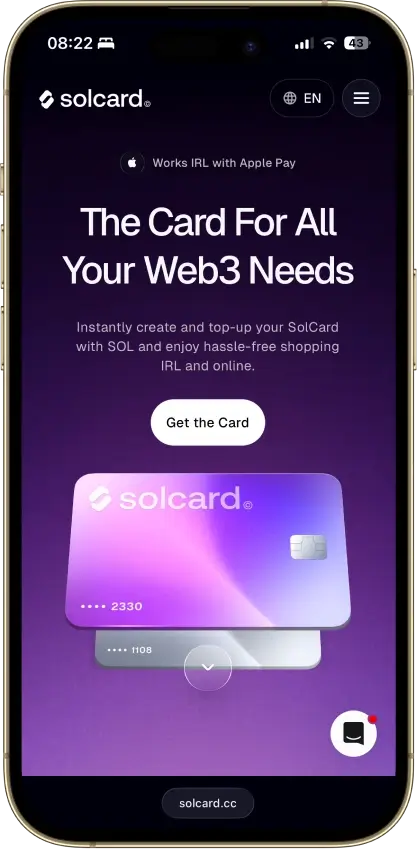
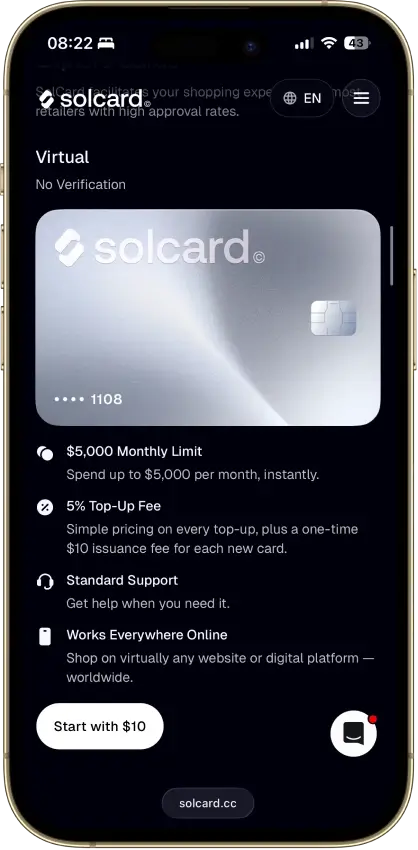
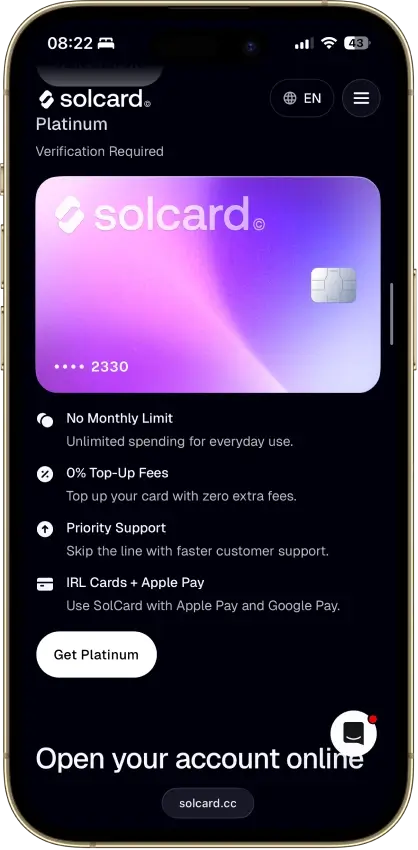
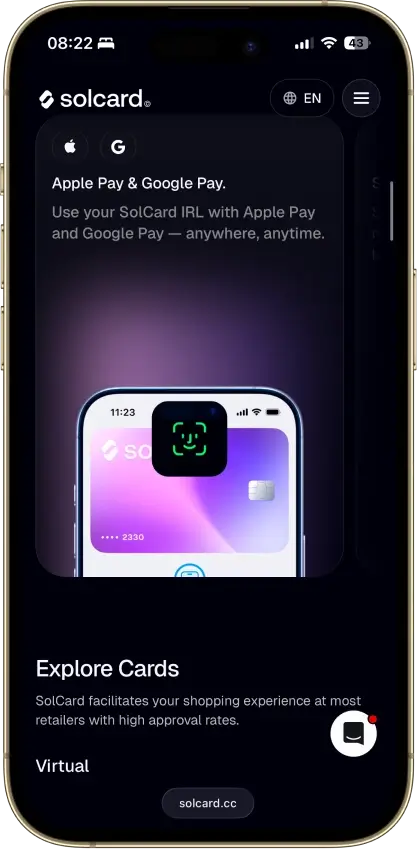
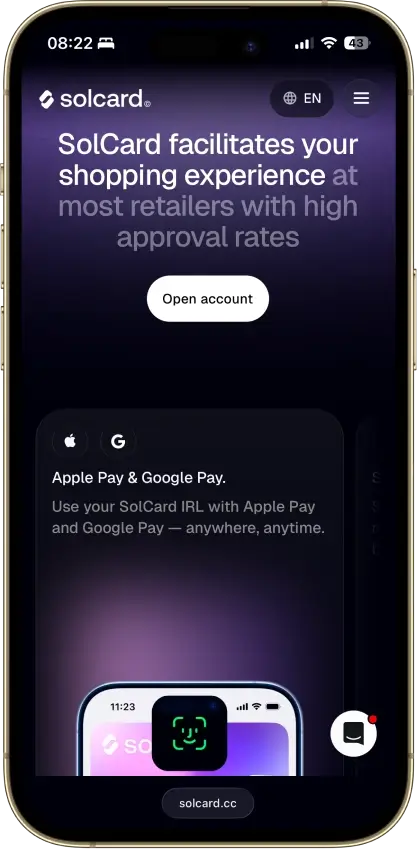
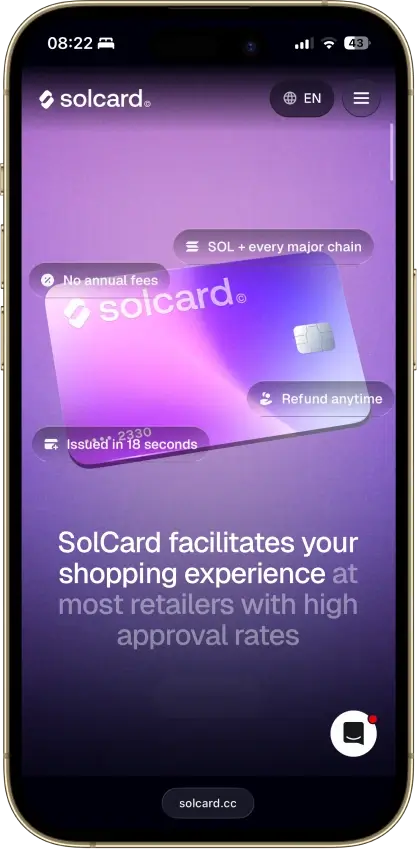
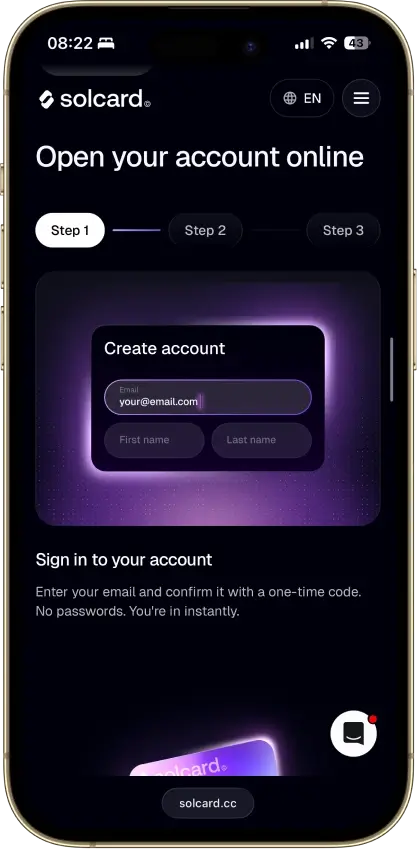
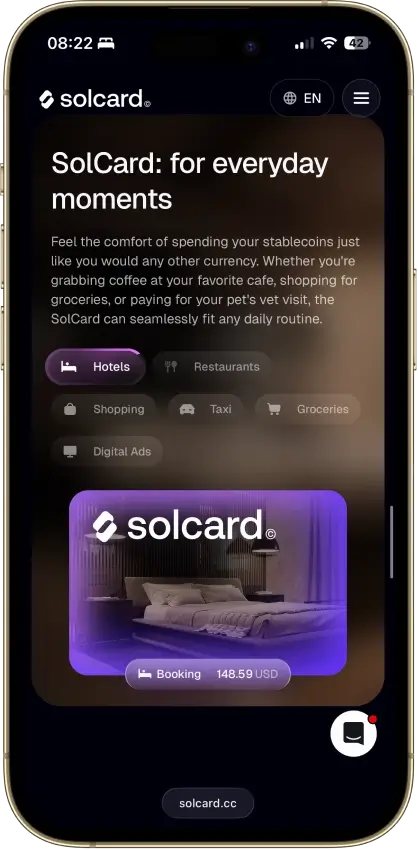
Screenshot 1 of 8
Solcard Pros and Cons
Pros
- No-KYC Mastercard issues in 18 seconds
- Stablecoin top-ups across 10+ networks
- 0% top-up and Apple Pay on the Visa tier
- No monthly or annual fee
- USDT and USDC load with no spread
Cons
- 5% top-up fee on the no-KYC tier
- Advertised SOLC cashback is not live
- No-KYC Visa cards were canceled in June 2025
- Opaque Hong Kong issuer, no identified bank
- Virtual-only, no ATM access
Who SolCard Is Best For — And Who Should Skip It
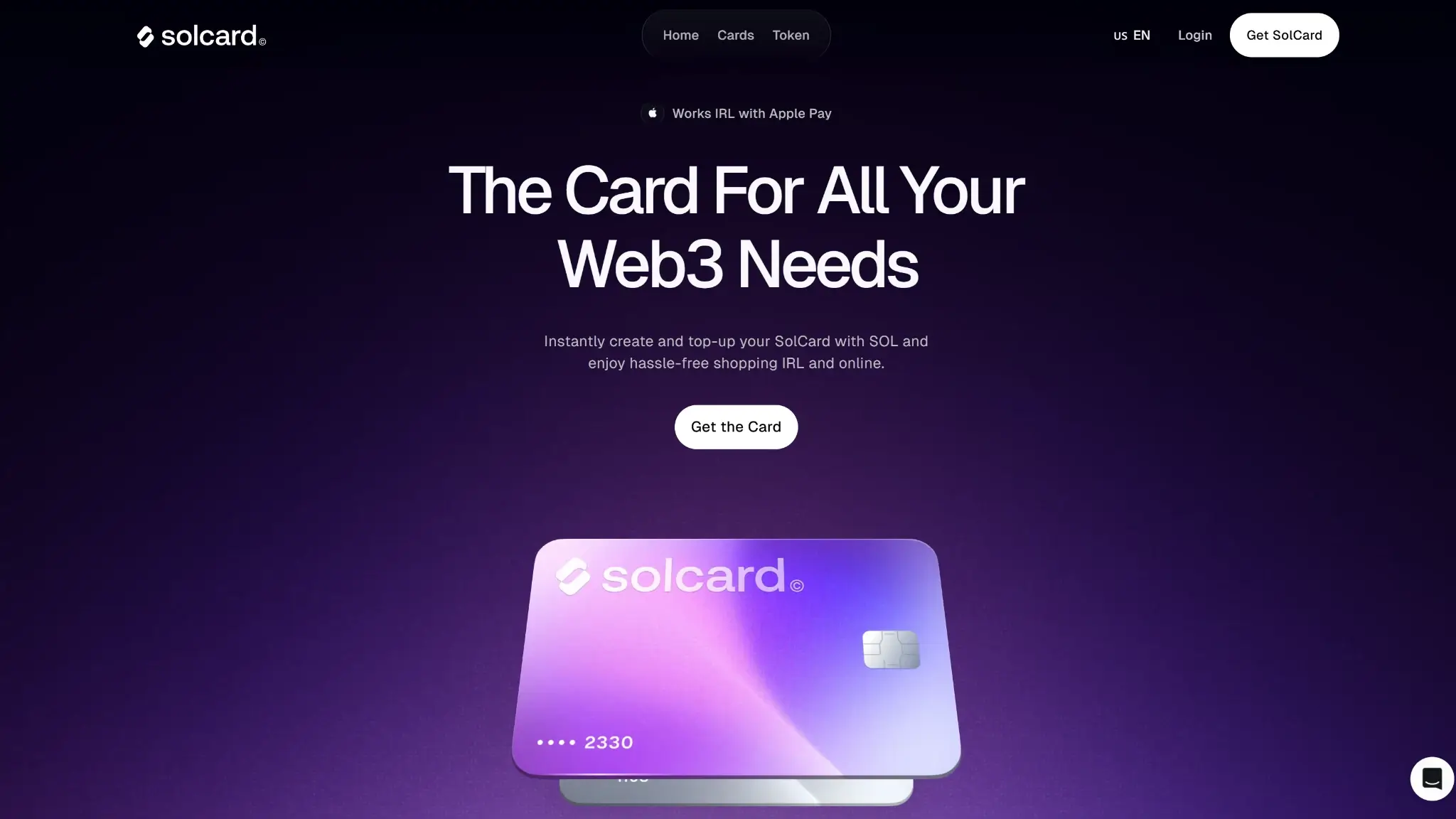
SolCard fits users who specifically need to pay online without identity verification, accept a 5% cost on every dollar loaded, and keep only spending money on the card. That is the entire pitch, and it is a narrow one.
Skip it if you want rewards with resale value, a physical card, ATM withdrawals, or a regulated issuer standing behind your balance. Anyone willing to complete KYC has cheaper options at nearly every mainstream crypto card, and completing KYC on SolCard itself removes the one thing that sets it apart. US residents cannot open it at all.
What This Card Actually Is and How Spending Works
SolCard is a preload card. You deposit crypto first, the balance converts to spendable dollars, and purchases draw the balance down. It accepts SOL, USDC, USDT, and its own SOLC token natively, and takes deposits across 10+ networks, including Ethereum, Polygon, BSC, Arbitrum, Base, and Avalanche. The minimum top-up is $10.
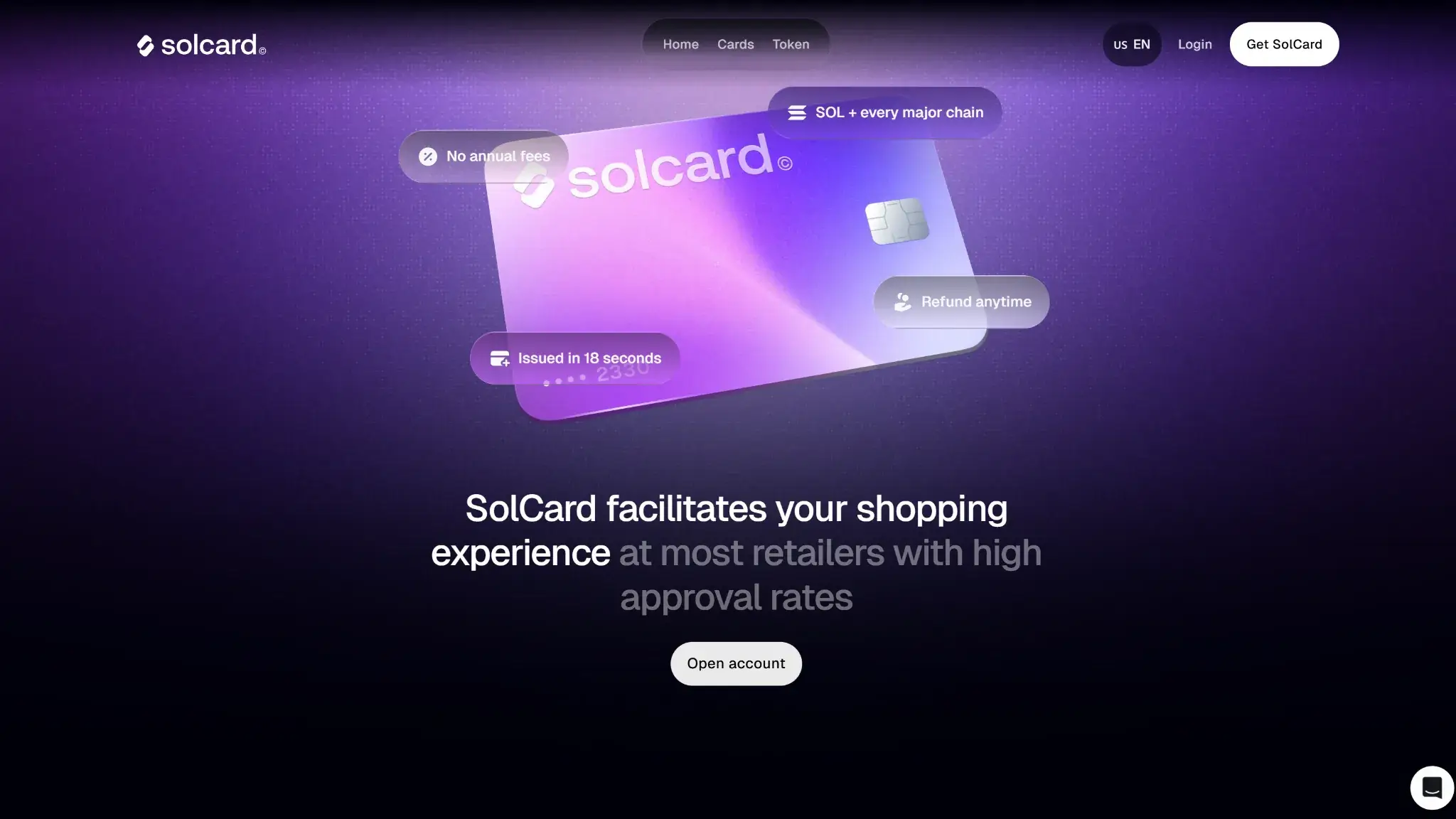
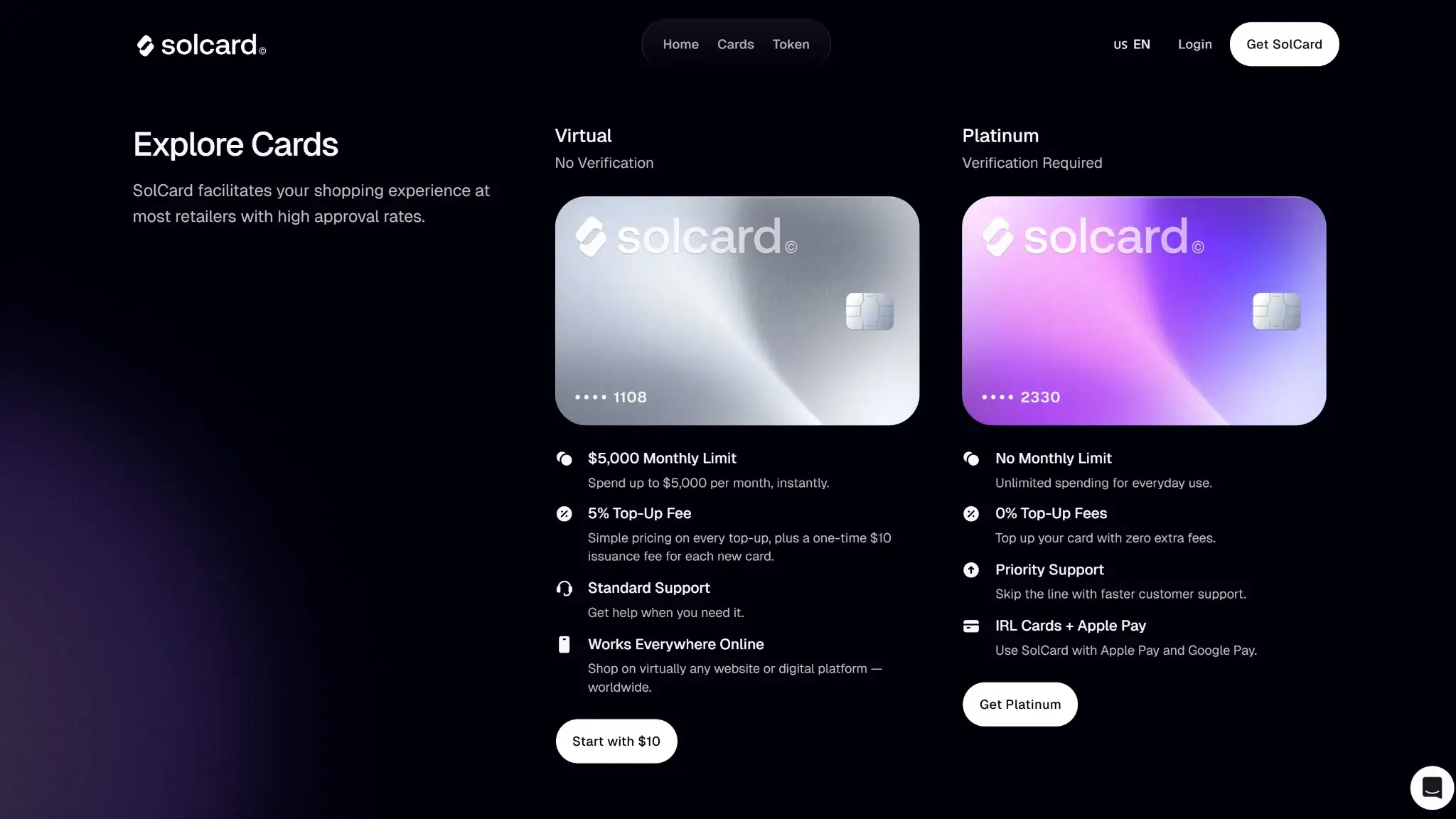
The brand splits into two products, and the split decides your fees, your privacy, and your wallet support. The Standard tier (SolCard's app labels it the Virtual card) is a Mastercard issued without identity verification. The Full Access tier (labeled Platinum) is a Visa that requires KYC and in return drops the top-up fee to 0%, lifts the monthly cap, and adds Apple Pay and Google Pay in around 53 countries. Full Access is not the same card with extras — it is a different product on a different network with a different fee schedule.
Rewards: SOLC Staking Cashback, Paid in a Collapsed Token
SolCard's cashback is advertised as tiers tied to staking its SOLC token, but the specific rates come from third-party aggregators, not a primary SolCard page. SolCard's own token page lists rewards as “unreleased,” and a 2026 post on its blog states the card does not offer a cashback program at all.
| Element | Value | Notes |
|---|---|---|
| Base rate | 1% (advertised) | Nothing staked · third-party sources only |
| Mid rate | 3% (advertised) | Requires 10,000 SOLC staked · third-party sources only |
| Top rate | 8% (advertised) | Requires 100,000 SOLC staked · third-party sources only |
| Reward currency | SOLC | Payouts, where they exist, arrive in SOLC |
| Revenue share | 50% of top-up-fee revenue | Shared among SOLC holders (advertised) |
Even taken at face value, the realized value is far below the 8% headline. SOLC trades near ~$0.016, down about 96% from its March 2024 peak, on a market cap around $1.3 million and daily volume of roughly $1,000/day. The top tier would demand staking roughly $1,600 worth of that token, and every cashback payout arrives in the same asset, which the thin order flow makes hard to sell at the quoted price. The bigger caveat is that the tiers themselves are unconfirmed: SolCard's marketing contradicts itself — a 2026 blog post says the card has no cashback at all and its token page marks rewards “unreleased,” while third-party aggregators promote the staking tiers above. Treat any SOLC earned as a bonus you may never see, let alone convert cleanly, and do not pick this card for rewards.
Fees and Pricing
SolCard publishes its fee schedule in full, and the stack is heavy on the tier most of its users choose:
| Fee or charge | Amount / rate | When it applies | Notes |
|---|---|---|---|
| Card issuance | $10 one-time | On card creation | Both tiers |
| Top-up | 5% Standard, 0% Full Access | On each top-up | 0% is the Full Access escape route |
| Per purchase | $0.30 | Each purchase | Both tiers |
| Cross-border / FX | 2% | Foreign-currency spending | Both tiers |
| Purchase under $10 | $0.15 extra | Purchases under $10 | Both tiers |
| Declined transaction | $0.15 | On a declined transaction | Both tiers |
| Refund to card | 2% | On a refund to card | Both tiers |
| Apple Pay / Google Pay | 0.30% per payment | Full Access only | Not supported on Standard |
| Withdrawal | $1 in USDT | On withdrawal | Both tiers |
| Monthly / annual fee | $0 | — | Both tiers |
There is no monthly and no annual fee, confirmed in SolCard's own terms. Everything else adds up fast. Loading $100 on the Standard tier costs $5 before you spend a cent, each purchase takes another $0.30, foreign-currency spending adds 2%, and anything under $10 costs $0.15 on top. The escape route from the 5% load fee is verifying your identity for the Visa tier, which surrenders the anonymity the card is sold on.
Spending Limits
| Limit | Amount | Notes |
|---|---|---|
| Standard tier monthly | $5,000 per month | The Virtual card carries a $5,000 Monthly Limit. |
| Full Access monthly | No monthly cap | Platinum shows “No Monthly Limit.” Third-party trackers cite about $100,000 per month. |
| Top-up minimum | $10 | — |
| Withdrawal | $10 minimum | One withdrawal per 48 hours |
| ATM | No cash access | On either tier |
The Standard cap covers routine online spending. The 48-hour withdrawal interval is the limit most likely to bite, since it slows getting a larger balance back out.
Eligibility and Availability
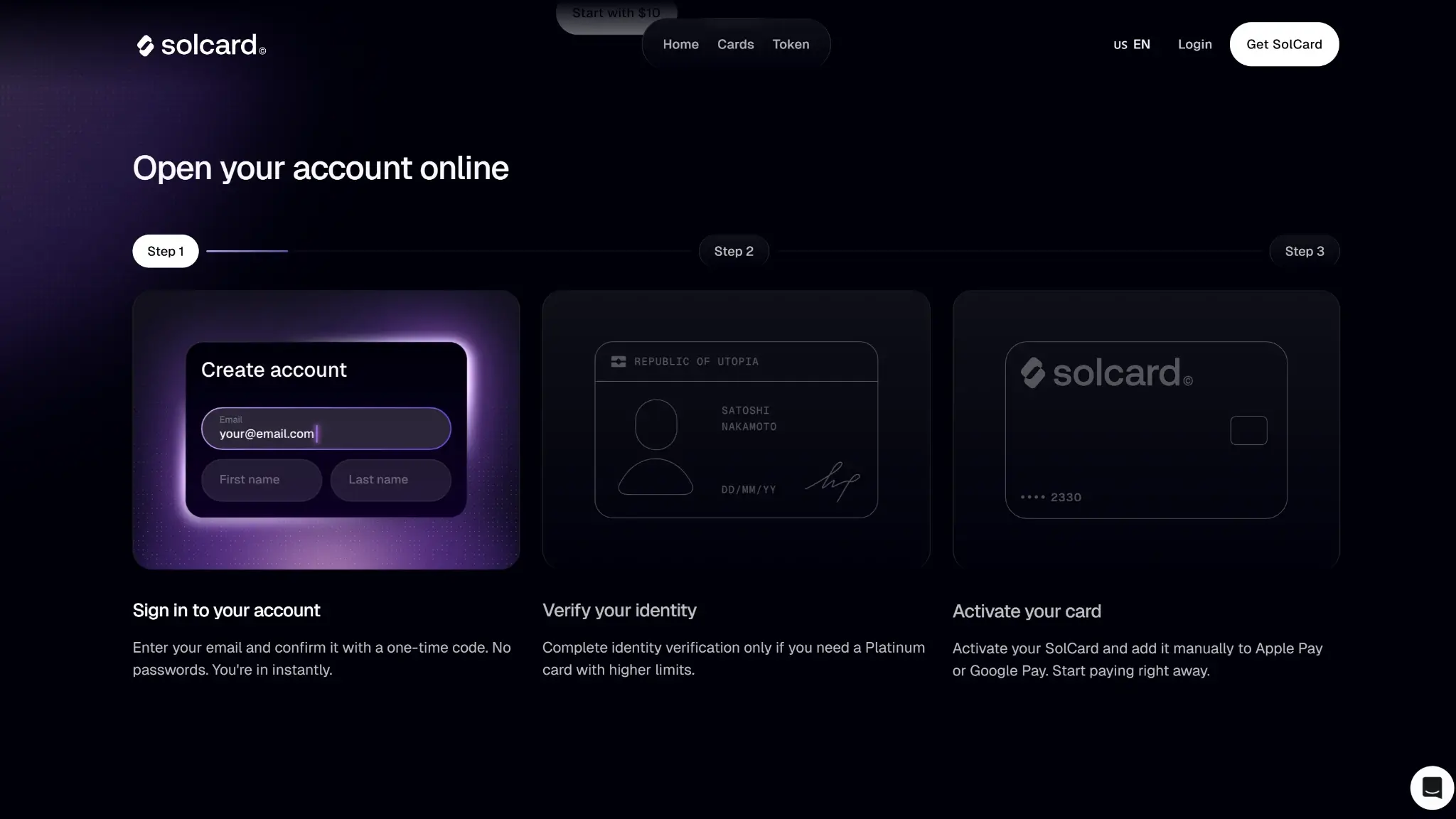
The Standard Mastercard is open to anyone in a supported country with a crypto wallet and $10. No identity documents, no address check, issuance in under a minute. The Full Access Visa requires full KYC, reportedly through Alchemy Pay's compliance rails, though that partner is not named in SolCard's own terms.
That no-KYC access has already been cut back once. In June 2025 SolCard canceled its no-KYC Visa cards, citing a banking-partner requirement, and existing anonymous Visa holders found their cards frozen until they verified or withdrew. The Defiant covered the shutdown at the time. No-KYC issuance now survives only on the Mastercard tier, and SolCard calls the Visa removal temporary without giving a timeline. The precedent is the point: this issuer has shown it will freeze anonymous cards when a partner demands it, so treat no-KYC as today's policy, not a permanent feature.
Restricted Countries
SolCard publishes a 13-country exclusion list and is otherwise available worldwide. Its terms bar Hong Kong separately, an odd note given the issuer is incorporated there. The full blocked list:
- United States
- Hong Kong
- Cuba
- North Korea
- Egypt
- Iran
- Myanmar
- Nigeria
- Russia
- South Africa
- Syria
- Ukraine
- Venezuela
- Belarus
Funding Rails
Preload is the cleanest funding model for cost and tax. Topping up with USDT or USDC converts 1:1 with no spread, so the 5% Standard load fee is the only drag. Topping up with SOL or another volatile asset sells it on deposit, which locks in a price and, in most jurisdictions, a taxable disposal at that moment. Because the card spends a preloaded dollar balance, individual purchases do not each trigger a crypto sale the way auto-convert cards do.
Security, Custody, and Freeze Risk
This is the weakest part of the card. SolCard balances sit with SC PAYMENTS LIMITED, a Hong Kong company with a business registration number and no named regulated bank behind it. There is no FDIC-insured issuer and no e-money license to look up, and compliance reportedly runs through Alchemy Pay, a partner rather than a regulator — though Alchemy Pay is not named in SolCard's terms and the arrangement rests on third-party reporting. The company's own terms bar Hong Kong residents and reserve the right to forfeit balances on accounts showing Hong Kong indicators.
The track record includes one documented mass freeze — the June 2025 no-KYC Visa cancellation locked anonymous cards until holders verified or withdrew. SolCard's cancellation policy also permits permanently deactivating cards after repeated attempts at blocked merchants, a list that includes gambling, adult content, and money-service categories. On a custodial preload card, whether you can get your money back out weighs more than any fee, and SolCard's record there is mixed. Load only what you intend to spend soon.
App, Controls, and Support
Everything runs through the SolCard app: issuance, top-ups, card details, and withdrawals. The virtual card arrives in seconds and works for online checkout anywhere its network is accepted, subject to the blocked-merchant list. Apple Pay and Google Pay attach only to the Full Access Visa, and each tap costs 0.30%.
Support is email-based, with no published phone line or dispute-resolution process. Chargeback and dispute handling through an offshore issuer with a freeze history is untested ground, and that is the scenario where a cardholder most needs a working process.
Tax and Record-Keeping
The preload model keeps everyday tax exposure low. Loading with stablecoins creates no disposal, loading with SOL or SOLC does, and spending the loaded balance is not a per-purchase crypto sale. The app shows transaction history, but SolCard does not disclose any tax-report export, so users tracking disposals need to keep their own records of each volatile-asset top-up.
SolCard Alternatives
-


Kast Card
KAST turns a stablecoin balance into a spendable USD Visa that works in 170+ countries, including the US that most crypto cards skip. Stablecoins load 1:1 with no spread, the virtual card...
-

RedotPay
RedotPay is a stablecoin spend card — preload a balance, then tap a Visa accepted across 100+ countries. It competes on running cost, keeping the recurring fee flat and the FX rate...
-

KemyCard
KemyCard takes 8% off every deposit before a cent reaches the card. The operator, Kemite Group, LLC, is a Delaware entity at a Dover address — but it names no beneficial owners,...
-

Bing Card
BingCard converts every crypto top-up into a custodial balance that the operator controls, and independent sources record users who could not get that balance back out. On a preload card the deciding...
SolCard has a specific use case: no-KYC virtual spending funded from crypto. Once you want a physical card, lower fees, rewards, or fewer merchant restrictions, the alternatives below close those gaps more directly.
| Alternative | Why Choose It Instead |
|---|---|
| KAST Card | Stablecoin funding with a real rewards layer, physical card option, and ATM access |
| RedotPay Card | App-first stablecoin spending with mobile-wallet support and a cleaner onboarding flow |
| KemyCard | Physical card access and much higher spending ceilings, though fees stack heavier |
| Bing Card | No-KYC virtual setup with a physical-card upgrade path and a lower 2% top-up fee |
Each of these involves tradeoffs. KAST and RedotPay both are custodial wallet models, so self-custody purists will hit the same wall. KemyCard's fee structure is heavier than SolCard's once you account for deposit and transaction costs at scale. Bing Card is the closest no-KYC crypto card alternative, with a lower top-up fee and a path to physical card use, though its issuer track record is thinner.
Crypto Cards Pillar Scores
- Real-world spend reliability 15% weight Purchase acceptance across everyday merchants, online payments, recurring bills and mobile wallets.Not disclosed
- Funding rails and conversion 12.5% weight Supported assets and networks, deposit reliability, conversion spreads and ease of moving funds onto the card.Not disclosed
- Fees and hidden cost drag 12.5% weight Total cost of issuance, top-ups, purchases, foreign exchange, withdrawals and other charges, including disclosure.Not disclosed
- Security, custody, and freeze risk 12.5% weight Issuer transparency, custody safeguards, account security, audits, insurance and the risk of frozen or withheld balances.Not disclosed
- Availability and setup friction 10% weight Supported countries, eligibility checks, signup requirements and the time needed to obtain a usable card.Not disclosed
- Privacy and data exposure 10% weight Identity requirements, personal data collected or shared, billing details and privacy of funding methods.Not disclosed
- Rewards value after conditions 5% weight Usable cashback and rewards after accounting for eligibility, spending conditions, tiers, caps and payout restrictions.Not disclosed
- Operational convenience and limits 7.5% weight Purchase and funding limits, minimum top-ups, ATM access and flexibility to manage multiple cards.Not disclosed
- App, controls, and virtual card 7.5% weight Dashboard and app usability, virtual card access, freeze controls, mobile wallets and other card-management tools.Not disclosed
- Support, refunds, and chargebacks 5% weight Support responsiveness, dispute handling, refund costs and timelines, account recovery and chargeback access.Not disclosed
- Tax and reporting readiness 2.5% weight Transaction history, exports, conversion records and tax-reporting tools that help users maintain accurate records.Not disclosed
Final Verdict
SolCard delivers one scarce thing — a working no-KYC card, now Mastercard-only — and prices it at 5% per load plus $0.30 per purchase plus 2% on foreign spend. The advertised cashback program is unconfirmed on any primary SolCard page — its own token page marks rewards "unreleased" and a blog post denies any program exists — and even at face value it would pay in a near-dead token, so it adds no practical value. The issuer is an offshore company with no named bank, one mass freeze on record, and the stated power to forfeit balances, which caps how much trust the card deserves regardless of price. As a disposable tool for anonymous online payments, funded with $10 to $50 at a time, it does the job. As a wallet you keep money in, it asks for more trust than an opaque Hong Kong entity with a freeze history has earned. Verify your identity anywhere else and you will pay less.
Disclaimer: CryptoSlate may receive a commission when you click links on our site and make a purchase or complete an action with a third party. This does not influence our editorial independence, reviews, or ratings, and we always aim to provide accurate, transparent information to our readers.