An XRP wallet is the tool you use to store, send, receive, and manage XRP. It does not “hold” your coins in the way a physical wallet holds cash. Instead, it stores the credentials that let you access your XRP on the XRP Ledger, approve transactions, and control the account tied to your wallet address.
It also helps to clear up the naming. Ripple is the company that helped develop parts of the XRP ecosystem, XRP is the asset itself, and XRPL, or the XRP Ledger, is the blockchain network where XRP moves. When people search for a Ripple wallet, they usually mean an XRP wallet.
Keeping XRP on an exchange is different from holding it in your own wallet. On an exchange, the platform controls the account and the keys. In self-custody, you control access yourself, which gives you more ownership but also more responsibility.
Hot Vs Cold XRP Wallets
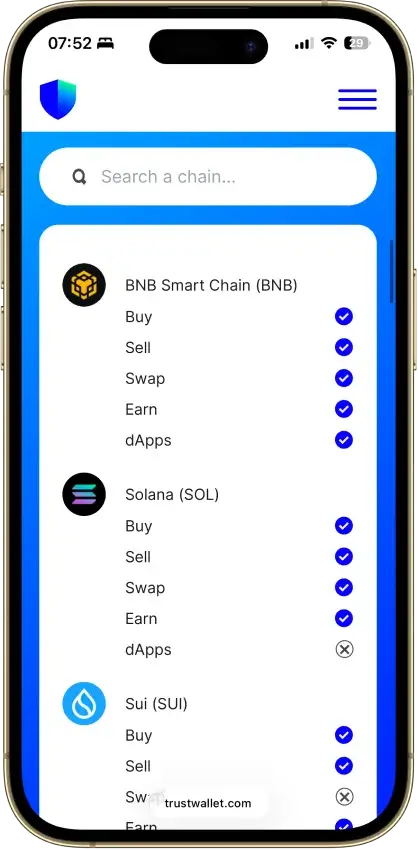
A hot XRP wallet is connected to the internet. That makes it faster and easier for everyday use, trading, transfers, and checking your balance on the go. Mobile wallets and many browser-based wallets fall into this category.
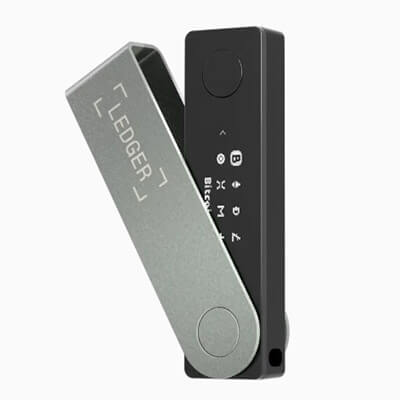
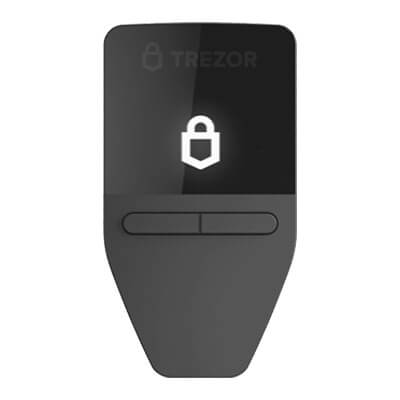
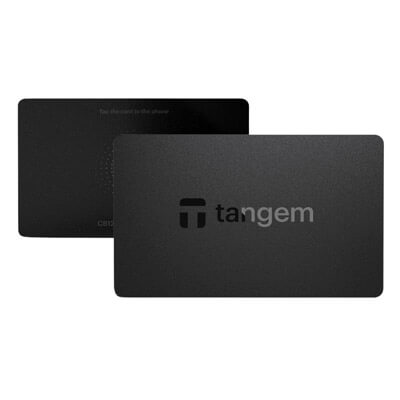
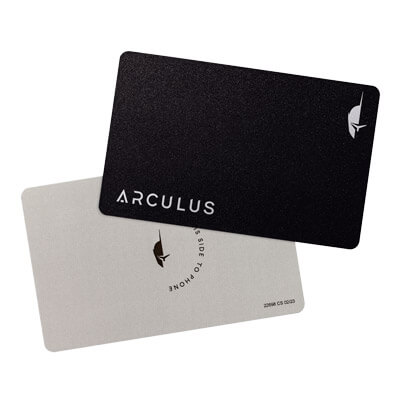
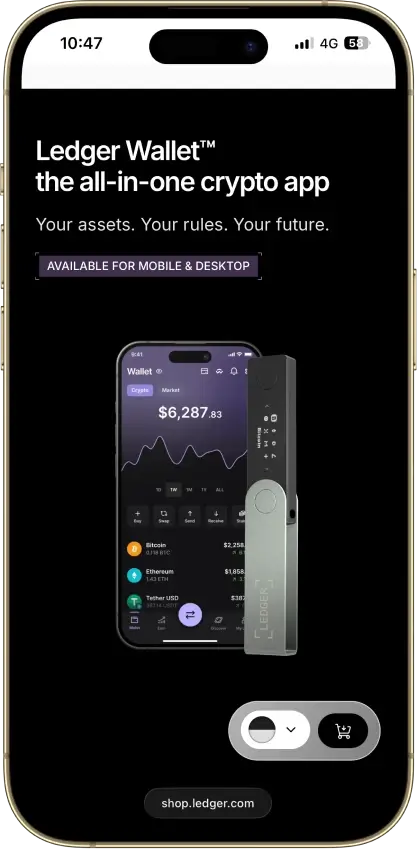
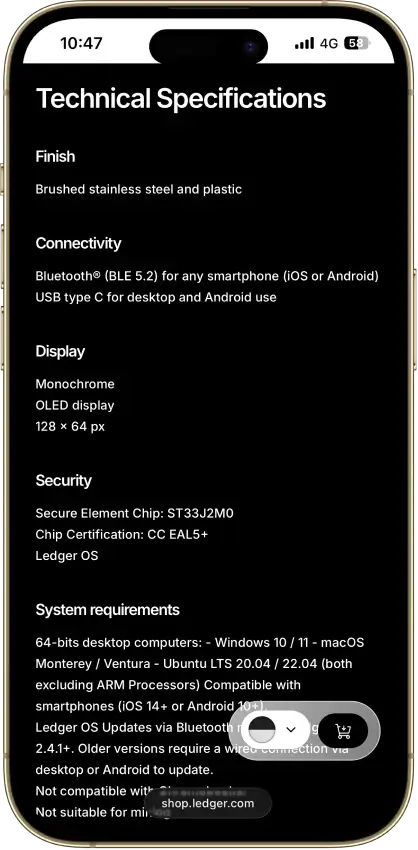
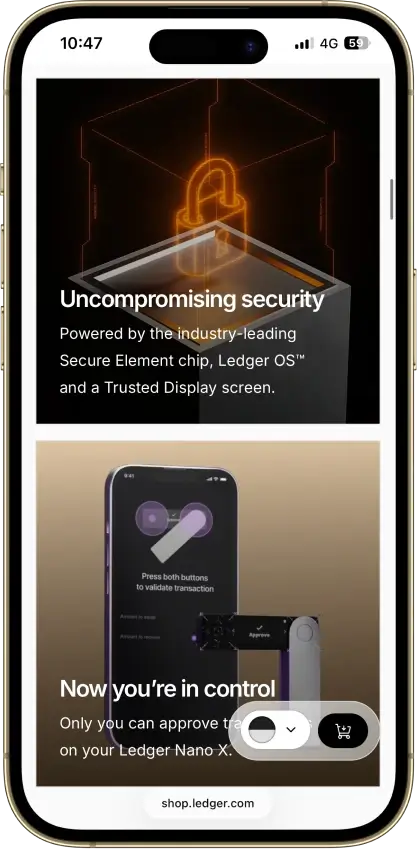
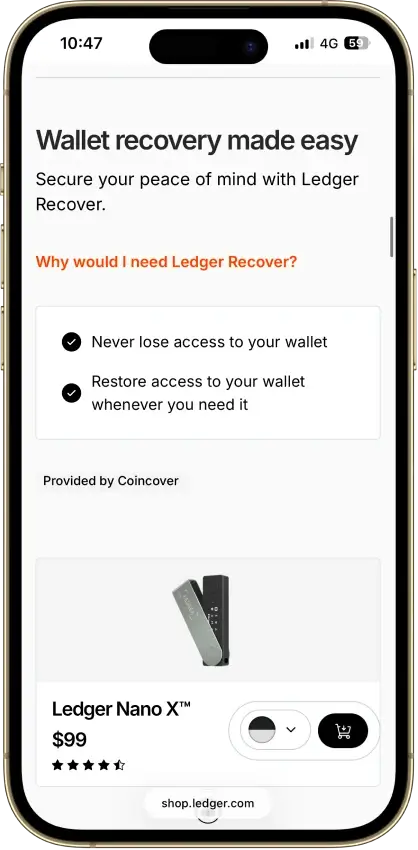
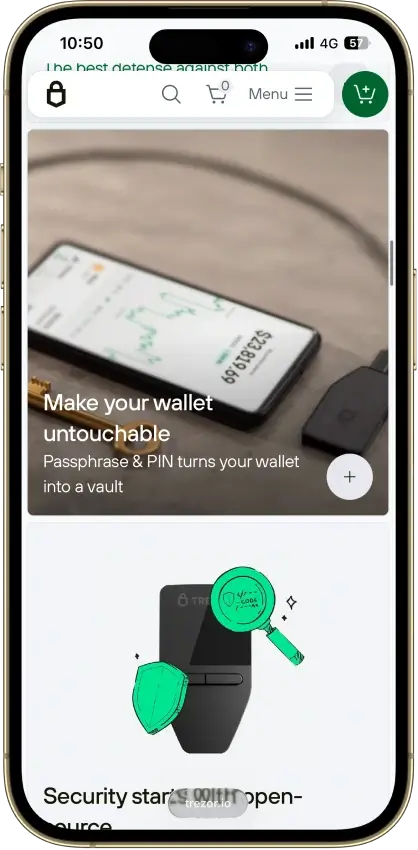
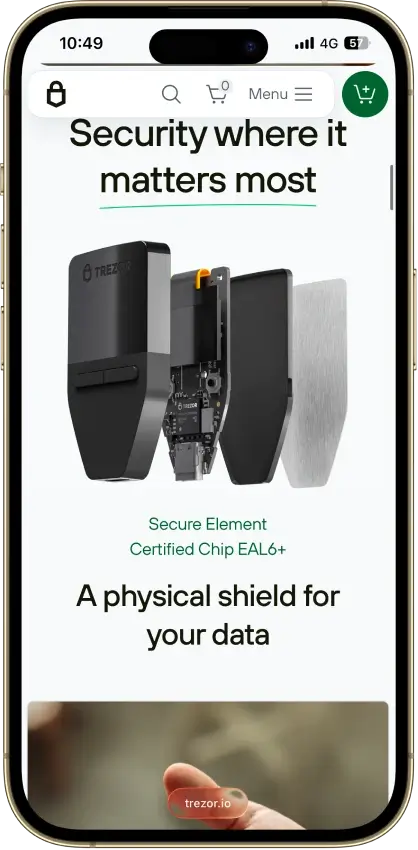
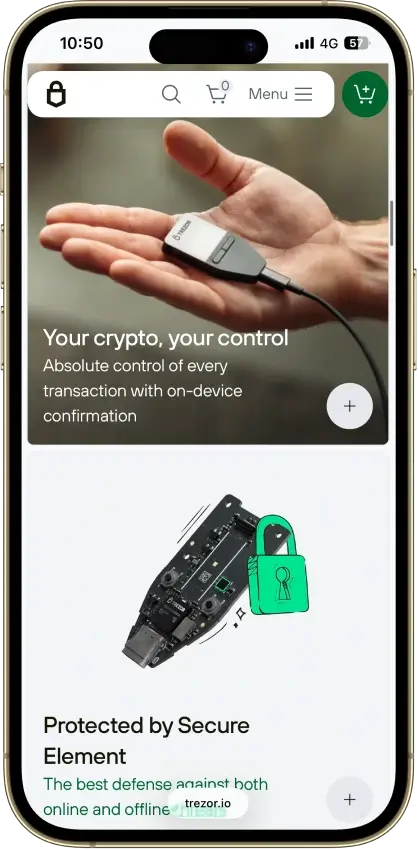
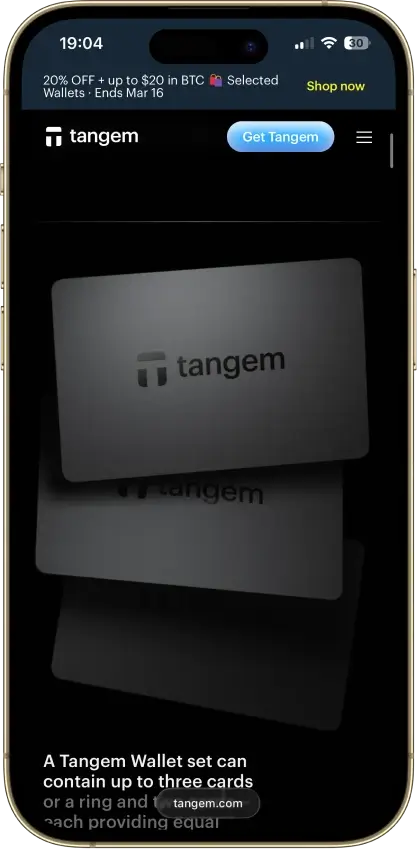
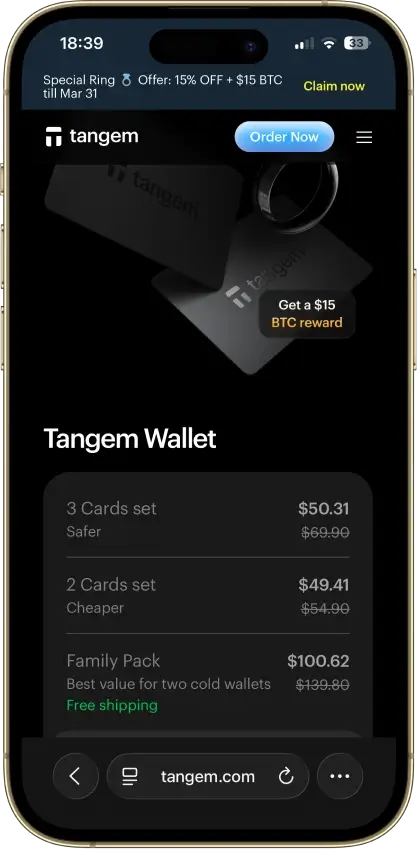
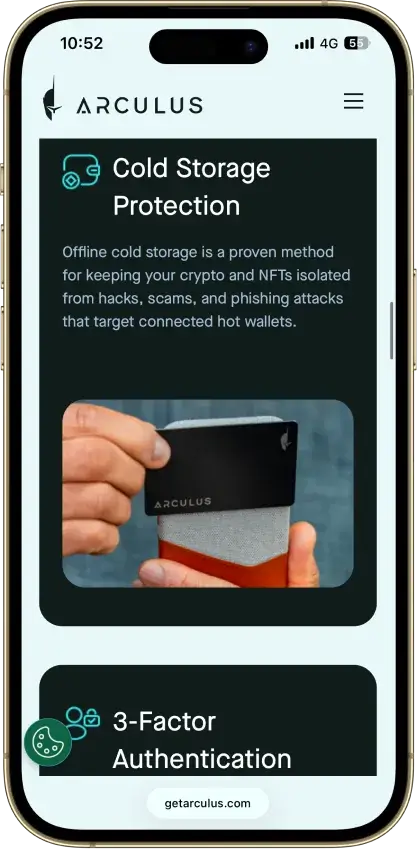
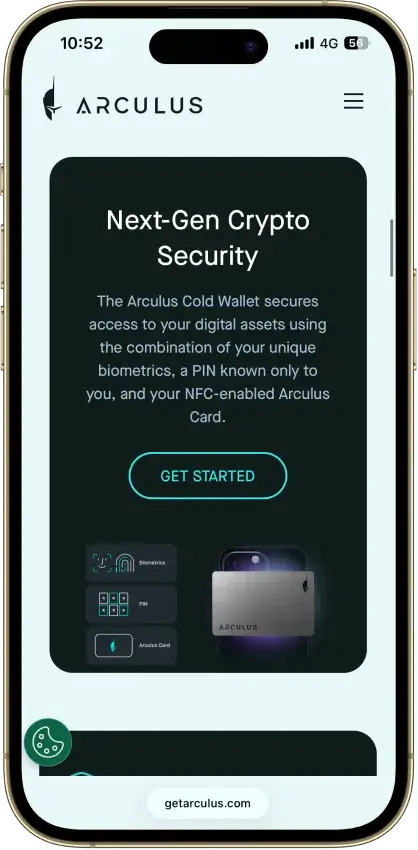
A cold XRP wallet keeps your credentials offline or harder to reach from an always-connected device. Hardware wallets are the usual example. They take a bit more setup, but they are usually the better fit for larger balances and long-term storage because they reduce online exposure.
Custodial Vs Self-Custody
A custodial wallet means another platform, usually an exchange or app provider, controls the keys on your behalf. That can make setup and recovery easier, but it also means you depend on that platform to give you access, approve withdrawals, and keep the account secure.
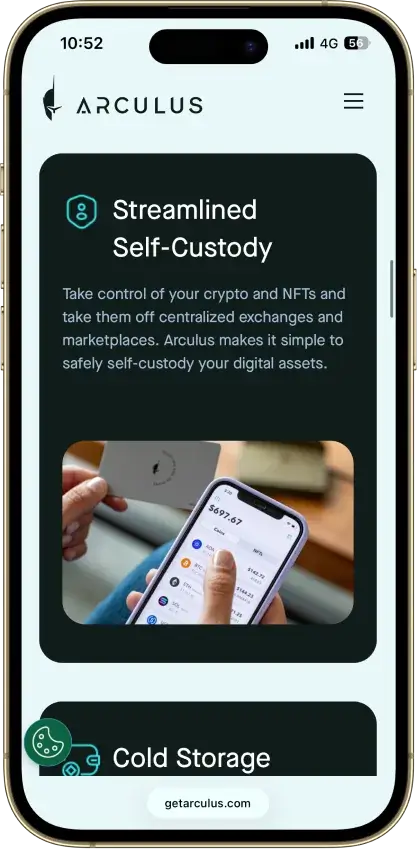
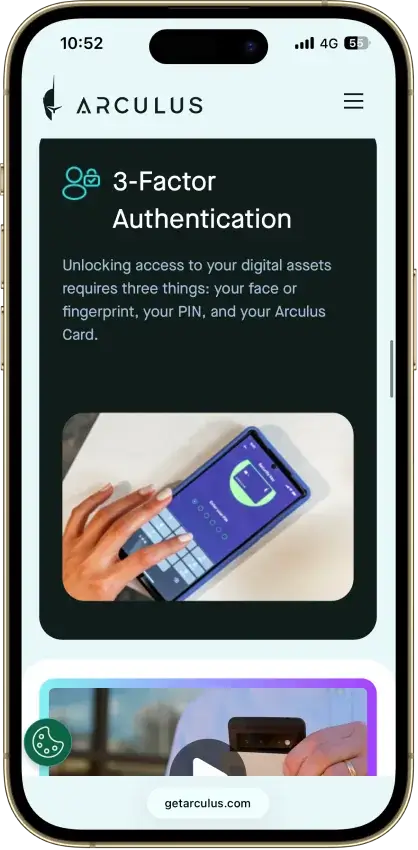
A self-custody wallet gives you direct control of the recovery phrase, seed, or account credentials. That is the stronger choice for users who want full control over their XRP, but it also means there is no support desk that can restore access if you lose your backup.
Mobile, Desktop, Hardware, And Browser Wallets
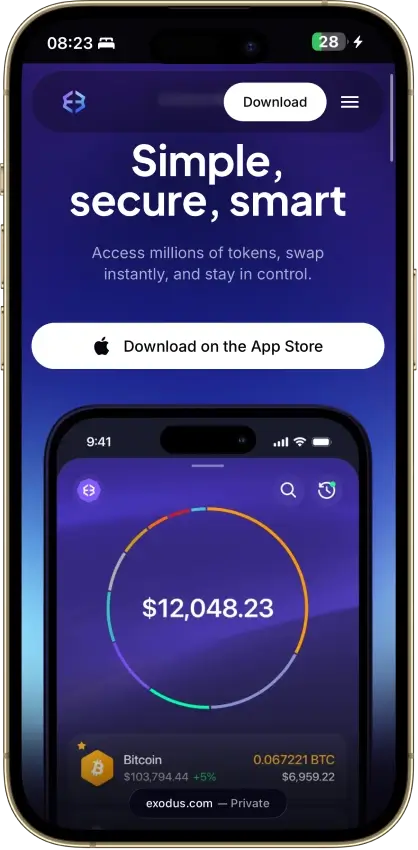
Mobile wallets are best for quick access and everyday management. Desktop wallets are often a better fit if you want a larger interface for portfolio management or more advanced settings. Hardware wallets are designed for cold storage and long-term security. Browser wallets and browser-connected tools are more useful when you want web3-style access, token management, or quicker interaction with apps built around the XRP Ledger.
The best format depends on how you plan to use XRP. Long-term holders usually benefit more from hardware or other cold-storage setups, while active users often prefer mobile or browser-based wallets for speed and convenience.