A Solana crypto wallet can look similar at first, but the differences matter once you start withdrawing SOL from an exchange, staking, and connecting to dApps. The most common problems are practical ones: choosing the wrong network on a withdrawal, confusing native SOL on Solana with SOL on Base, signing a transaction prompt you didn’t fully understand, or running your SOL balance too low to cover fees or token-account and staking actions.
This page helps you compare the top Solana wallets, understand the trade-offs, and choose the best wallet for Solana based on how you plan to store, send, stake, and use SOL.
Start by deciding what you need from your wallet. If you spend time in Solana dApps, stake SOL, or collect NFTs, you’ll usually want a Solana-first wallet that keeps connections and signing prompts clear. If SOL is just one part of your portfolio, a multi-chain wallet can be more practical. And if you’re holding a larger balance, plan on adding a hardware wallet and keeping only a smaller amount in a hot wallet for day-to-day use.
Top Solana Wallets
- Custody
- Non-custodialPartially open-source
- Networks
- Platforms
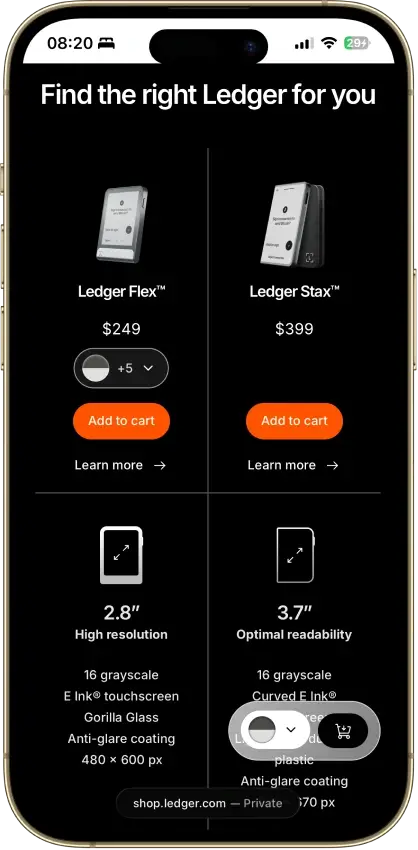
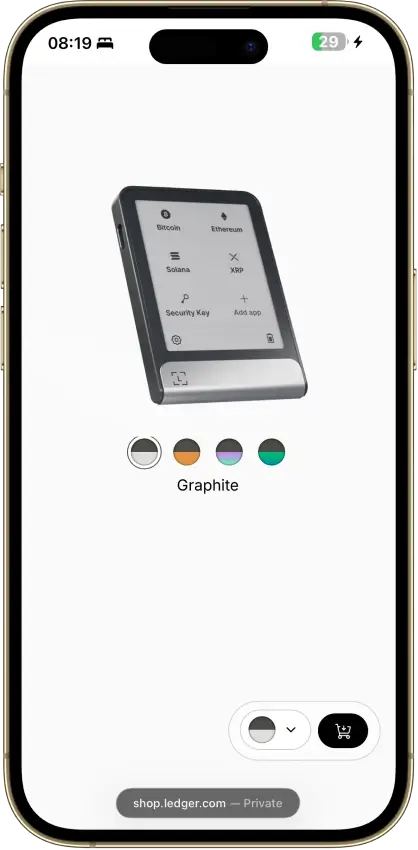
- 2.8-inch E Ink touchscreen for approvals
- Recovery Key card stores an encrypted backup
- Built by French device maker Ledger
- Custody
- Non-custodialPartially open-source
- Networks
- Platforms
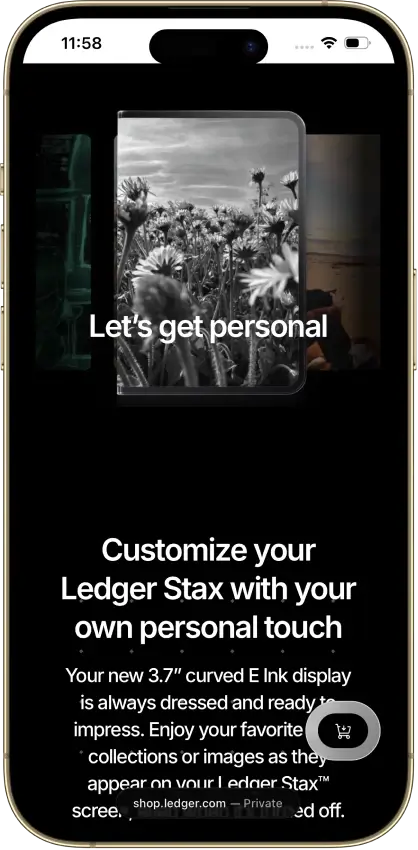
- Curved 3.7-inch E Ink touchscreen
- Qi charging alongside USB-C
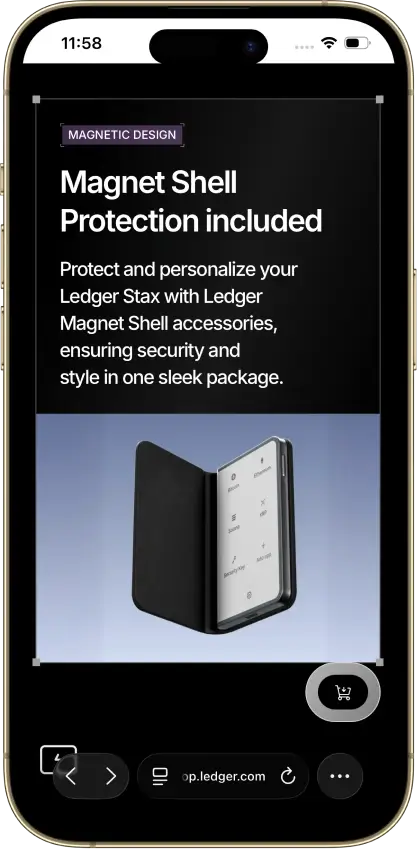
- Magnet Shell included in the box
- Custody
- Non-custodialFully open-source
- Networks
- Platforms
- Built by the team behind Kraken exchange
- Native Dogecoin support, not wrapped
- Token risk scoring and spam-NFT filter
- Custody
- Non-custodialPartially open-source
- Networks
- Platforms
- Touchscreen Trezor for $120 less than Safe 7
- MicroSD card as a second unlock factor
- Recovery words entered on the touchscreen
- Custody
- Non-custodialPartially open-source
- Networks
- Platforms
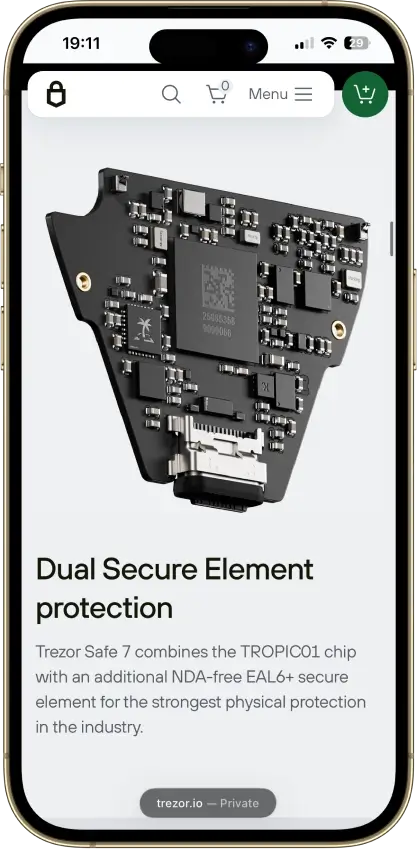
- Two secure elements protect PIN access
- Post-quantum device authentication
- The only Trezor that signs with an iPhone
- Custody
- Non-custodialPartially open-source
- Networks
- Platforms
- Tied for the cheapest hardware wallet we review
- Bitcoin-only firmware option
- FIDO2 authentication for compatible services
- Custody
- Non-custodialPartially open-source
- Networks
- Platforms
- Room for up to 100 apps on the device
- Recovery Check app tests your backup
- From Ledger, a wallet maker based in France
- Custody
- Non-custodialPartially open-source
- Networks
- Platforms
- Lowest price of any Bluetooth hardware wallet
- Wireless firmware updates from a phone
- Made by Ledger, a French company
- Custody
- Non-custodialPartially open-source
- Networks
- Platforms
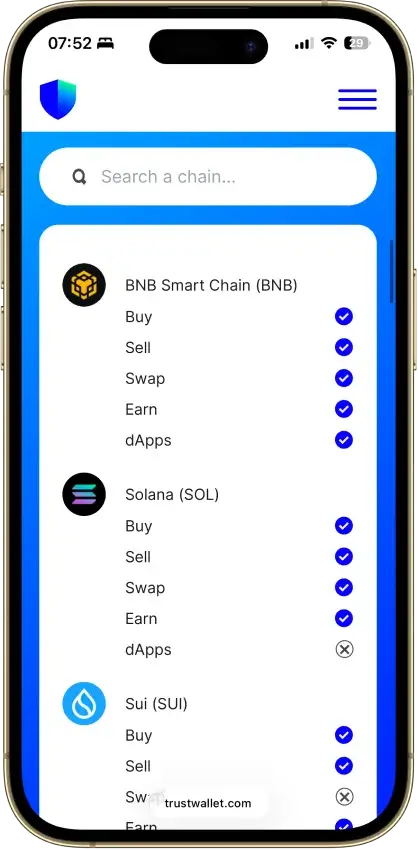
- The widest network list of any wallet we review
- DEX aggregator draws on 100+ liquidity pools
- Create and trade NFTs inside the wallet
- Custody
- Non-custodialPartially open-source
- Networks
- Platforms
- Separate Cash account for Solana payments
- Pay Solana network fees in the token you send
- PSOL keeps staked SOL tradable in DeFi
- Custody
- Non-custodialPartially open-source
- Networks
- Platforms
- Its own Shield card for hardware signing
- Selected Solana DeFi positions in portfolio
- Instant Unstake skips the 1–3 day wait
- Custody
- Non-custodialFully open-source
- Networks
- Platforms
- Bitcoin Silent Payments with scan controls
- Mobile Litecoin MWEB private balances
- Cake Pay buys gift cards with crypto
- Custody
- Non-custodialPartially open-source
- Networks
- Platforms
- Snaps add third-party wallet capabilities
- Social login that still signs on your device
- Transaction Shield cover on marked transactions
- Custody
- Non-custodialClosed-source
- Networks
- Platforms
- Battery-free NFC card signing
- Separate cards managed in one app
- MoneyGram cash pickup via USDC on Stellar
- Custody
- Non-custodialPartially open-source
- Networks
- Platforms
- Smart-wallet recovery key can replace a passkey
- USDC sends on Base with sponsored gas
- Coinbase-funded USDC Rewards for holders
- Custody
- Non-custodialPartially open-source
- Networks
- Platforms
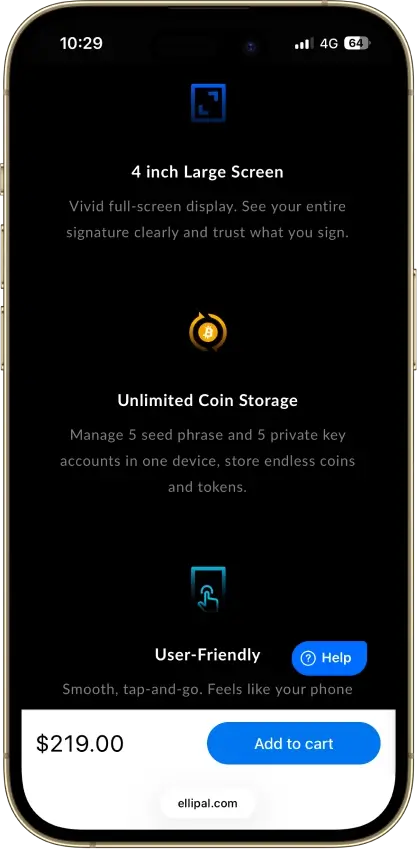
- Largest screen of any hardware wallet we review
- Public upgrade-file verification tool
- Room for five seed and five key accounts
- Custody
- Non-custodialPartially open-source
- Networks
- Platforms
- Ledger and Trezor portfolios in one app
- Cloud backup unlocked only by a passkey
- Listed company with public financial filings
- Custody
- Non-custodialPartially open-source
- Networks
- Platforms
- SWIFT offers passkey-based wallet recovery
- Second only to OKX for network coverage
- Premium loyalty tiers reward wallet activity
- Custody
- Non-custodialClosed-source
- Networks
- Platforms
- Seedless recovery through linked NFC cards
- 25-year limited hardware warranty
- Optional seed phrase on newer cards
CryptoSlate may earn a commission when you visit partner sites through links on this page, at no extra cost to you. Our rankings and reviews remain editorially independent and based on our published methodology. Read disclosure
Disclaimer: CryptoSlate may receive a commission when you click links on our site and make a purchase or complete an action with a third party. This does not influence our editorial independence, reviews, or ratings, and we always aim to provide accurate, transparent information to our readers.Use the shortlist to pick two or three wallets to compare. These picks are grouped by use case, not ordered by score. The table and review blocks below break down custody, recovery, security UX, and how each option handles everyday Solana workflows like dApp connections, staking, and NFT activity. For the latest scores, rely on the auto-generated table and the review blocks below.
Comparison Table
| Name | Custody | Blockchains | Hardward Support | Staking | Fiat On-ramp |
|---|---|---|---|---|---|
 Ledger Flex Ledger Flex | Non-custodial | No | Limited | — | |
 Ledger Stax Ledger Stax | Non-custodial | No | Limited | — | |
 Kraken Wallet Kraken Wallet | Non-custodial | No | Limited | — | |
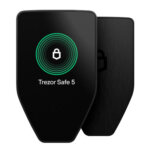 Trezor Safe 5 Trezor Safe 5 | Non-custodial | No | Limited | — | |
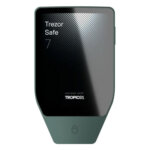 Trezor Safe 7 Trezor Safe 7 | Non-custodial | No | Limited | — | |
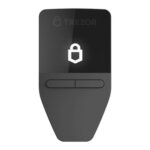 Trezor Safe 3 Trezor Safe 3 | Non-custodial | No | Limited | — | |
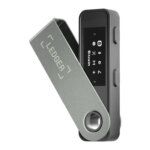 Ledger Nano S Plus Ledger Nano S Plus | Non-custodial | No | Limited | — | |
 Ledger Nano X Ledger Nano X | Non-custodial | No | Limited | — | |
 OKX Wallet OKX Wallet | Non-custodial | Yes | Limited | — | |
 Phantom Phantom | Non-custodial | Yes | Limited | — | |
 Solflare Solflare | Non-custodial | Yes | Full | — | |
 Cake Wallet Cake Wallet | Non-custodial | Yes | None | — | |
 MetaMask MetaMask | Non-custodial | Yes | Full | — | |
 Arculus Wallet Arculus Wallet | Non-custodial | No | Limited | — | |
 Coinbase Wallet Coinbase Wallet | Non-custodial | Yes | Limited | — | |
 ELLIPAL Titan 2.0 ELLIPAL Titan 2.0 | Non-custodial | No | Limited | — | |
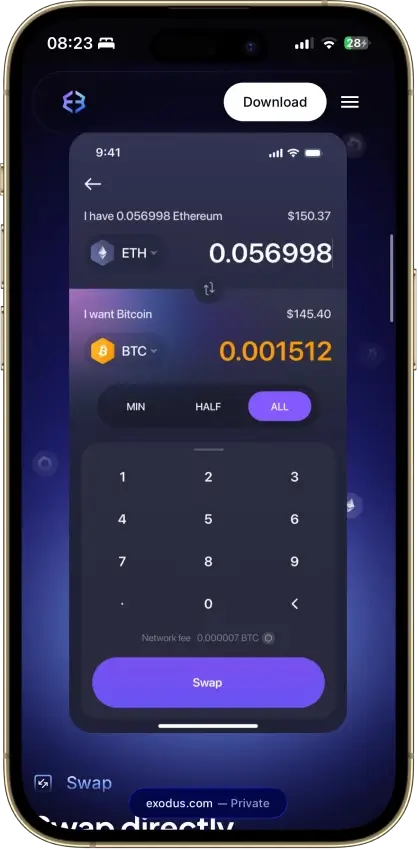
 Exodus Exodus | Non-custodial | Yes | Full | — | |
 Trust Wallet Trust Wallet | Non-custodial | Yes | Full | — | |
 Tangem Tangem | Non-custodial | No | Limited | — |
The comparison table above is auto-generated from our wallet reviews, using the same 1.0/0.5/0.0 rubric shown below. Use it to compare the basics side by side — platforms, custody model, recovery approach, and security UX — then rely on the review blocks for the context a table can’t show: why a wallet scored the way it did, what trade-offs come with it, and who should pick something else.
Solana Wallets Reviews
Ledger Flex
- Custody
- Non-custodialPartially open-source
- Networks
- Platforms
Pros
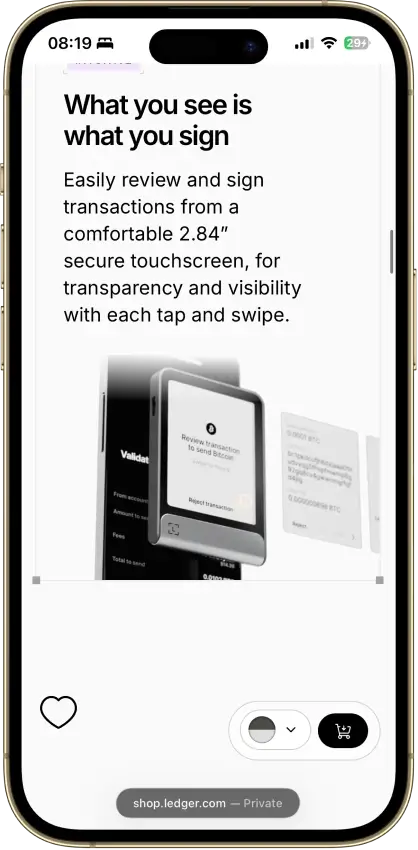
- Secure Element certified to CC EAL6+
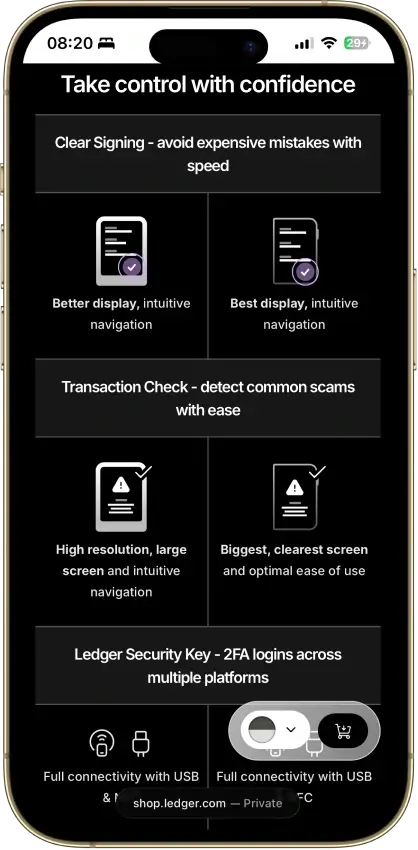
- Clear Signing on supported apps
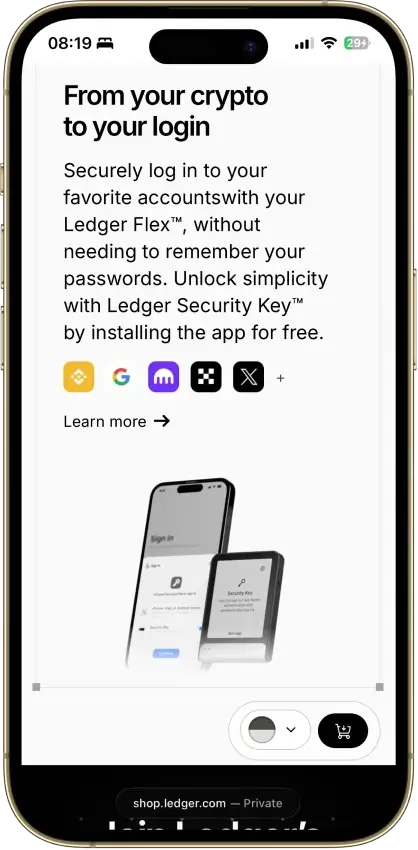
- Doubles as a security key for logins
- Transaction Check shows a risk verdict on screen
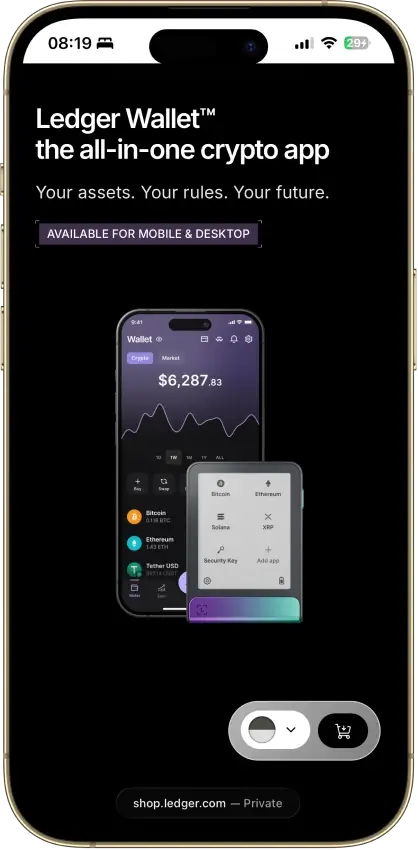
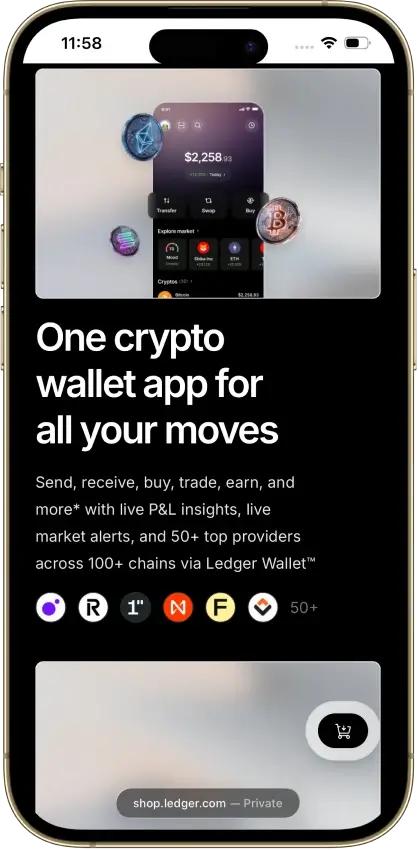
- 500+ coins supported in Ledger Wallet
Cons
- Low-level firmware is partly closed source
- Recovery Key card skips any passphrase
- Some swap routes hold funds with a provider
Ledger Stax
- Custody
- Non-custodialPartially open-source
- Networks
- Platforms
Pros
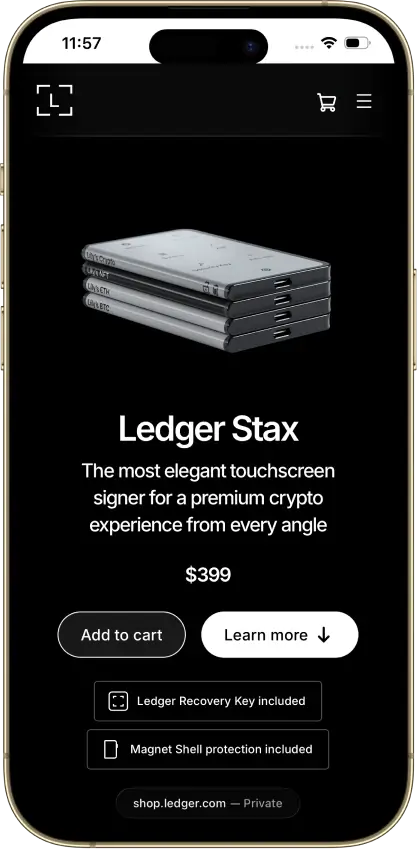
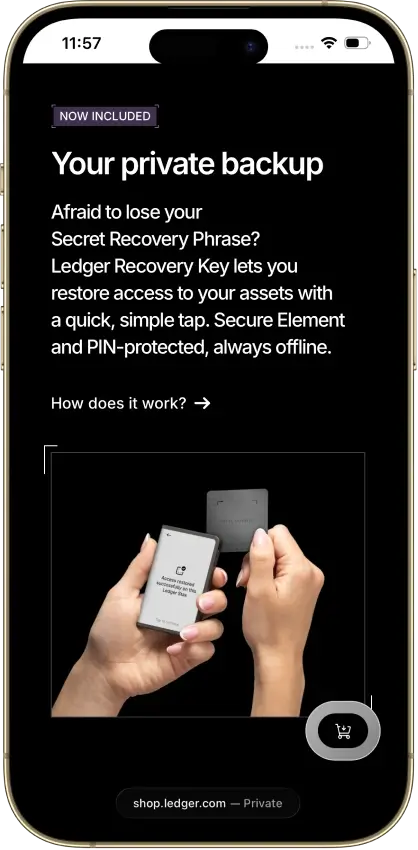
- PIN-protected offline backup card included
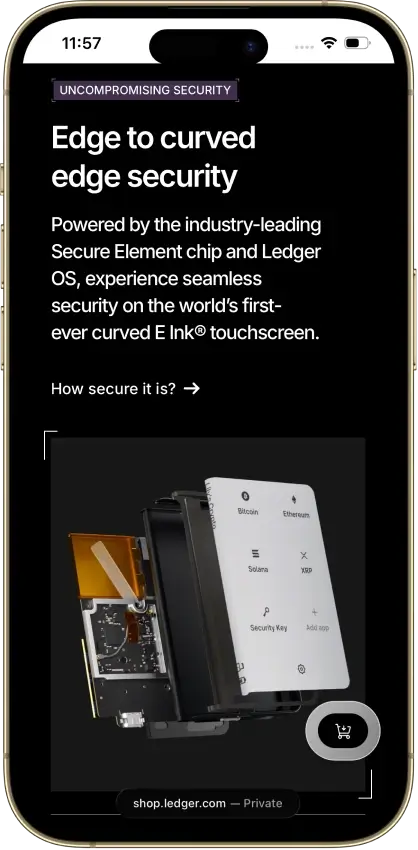
- EAL6+ certified Secure Element chip
- Bluetooth 5.2 for iPhone and Android
- Separate passphrase accounts supported
- Mobile and desktop companion apps
Cons
- Low-level firmware remains partly closed
- Coin-app updates need separate attention
- Recovery Key excludes extra passphrases
- Buyer data exposed in 2020 and again in 2026
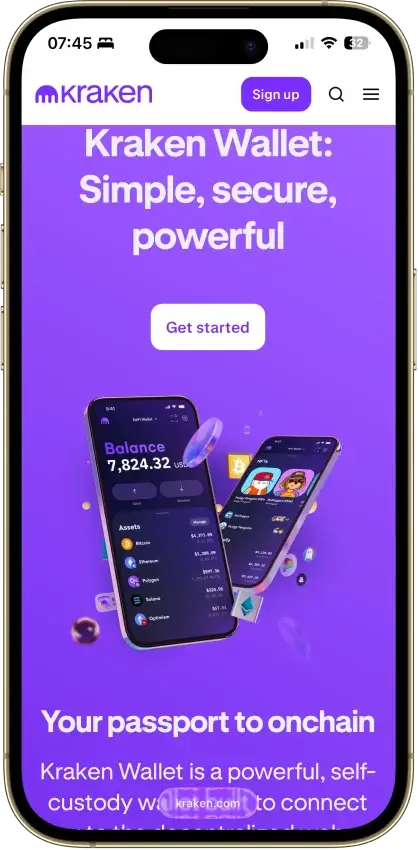
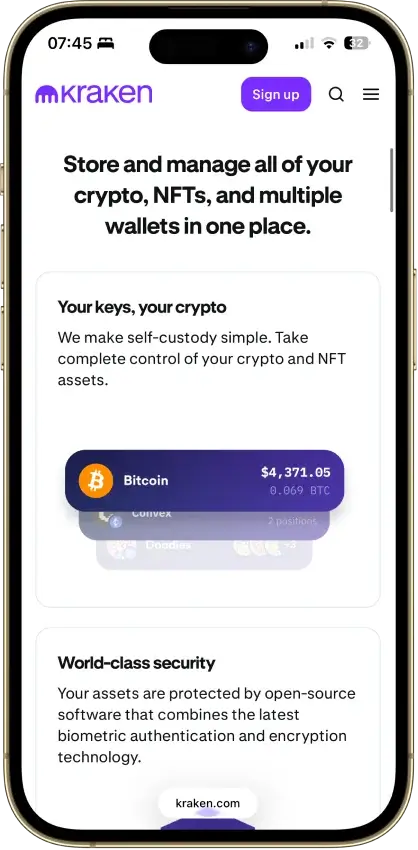
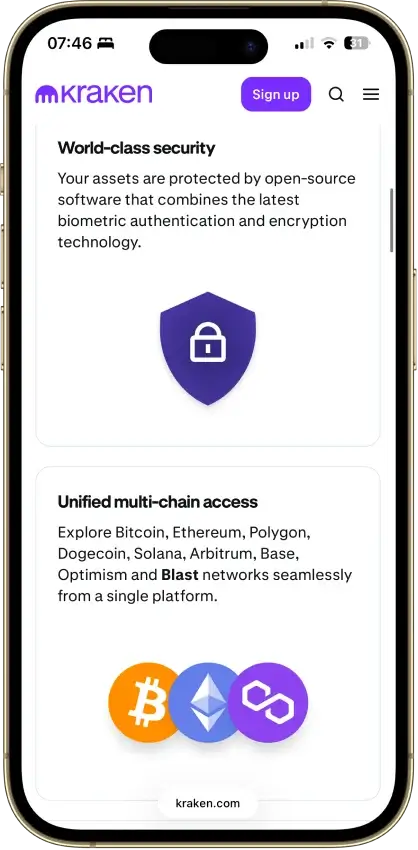
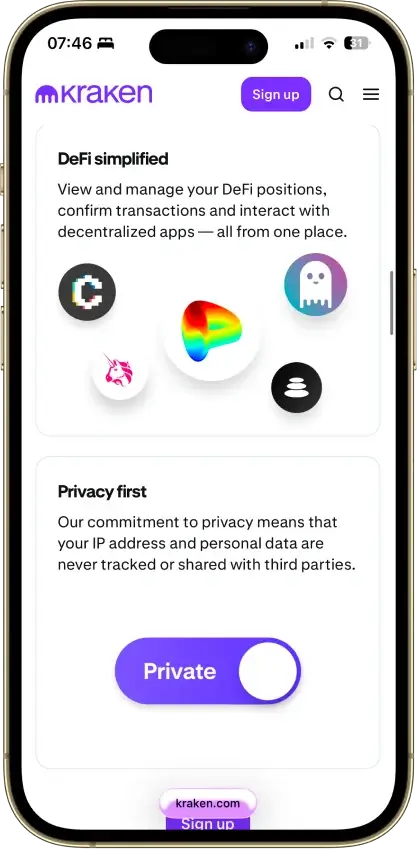
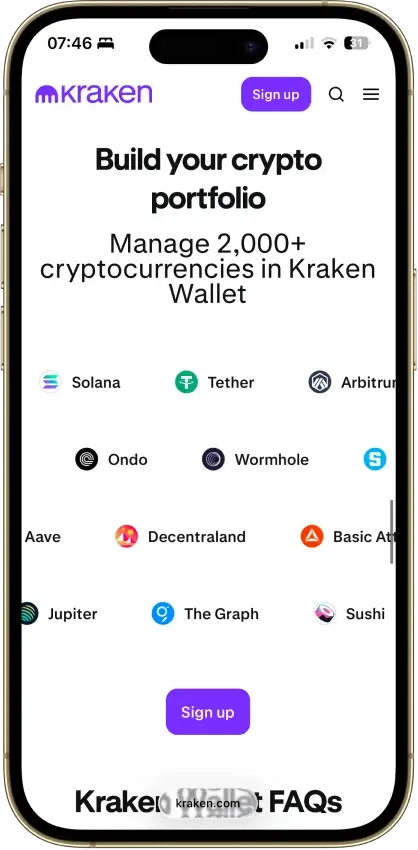
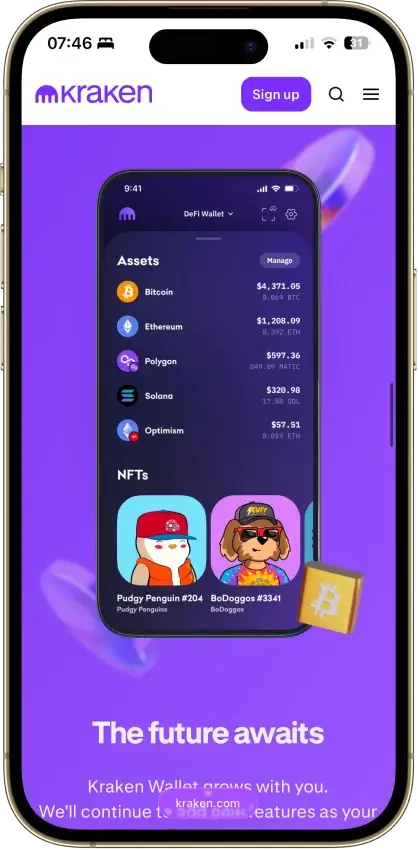
Kraken Wallet
- Custody
- Non-custodialFully open-source
- Networks
- Platforms
Pros
- Open code with reproducible-build instructions
- Trail of Bits audited its security
- Works without a Kraken exchange account
- Kraken Connect links your exchange account
- US-available with no geo-gate
Cons
- No hardware wallet pairing
- No browser extension or desktop app
- Swap spread is not disclosed
- No in-wallet fiat on-ramp
- No passphrase option
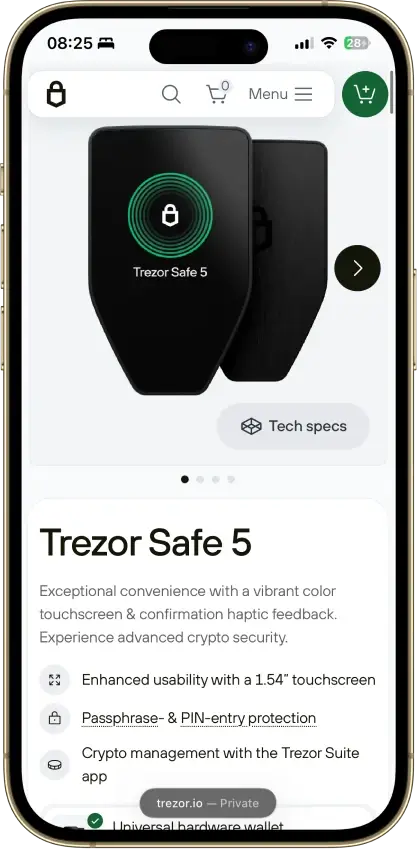
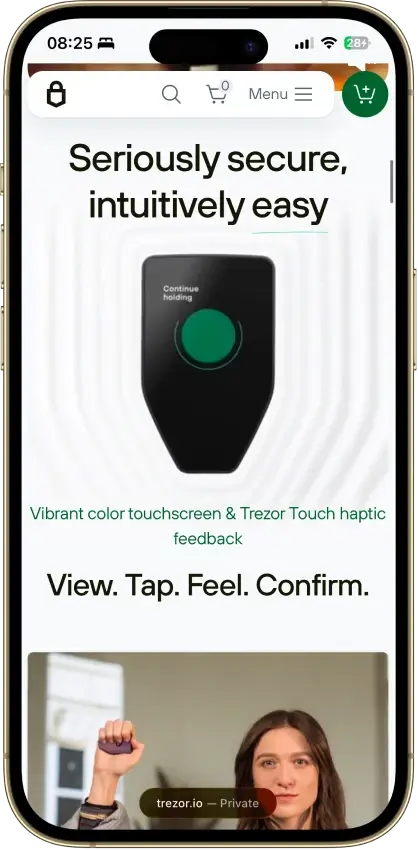
Trezor Safe 5
- Custody
- Non-custodialPartially open-source
- Networks
- Platforms
Pros
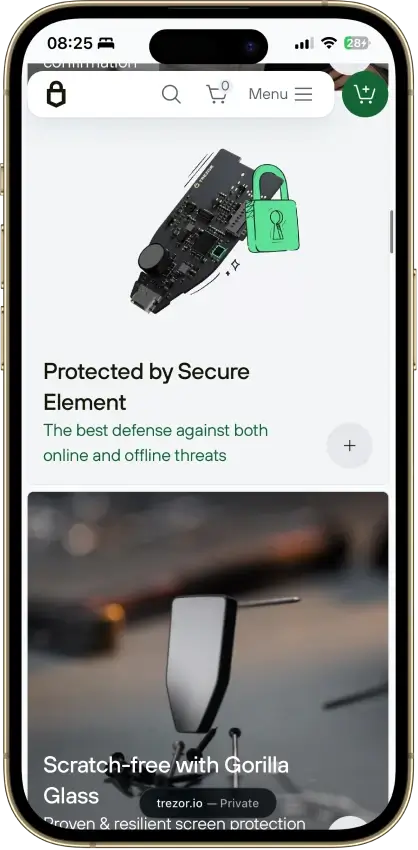
- Gorilla Glass 3 over the touchscreen
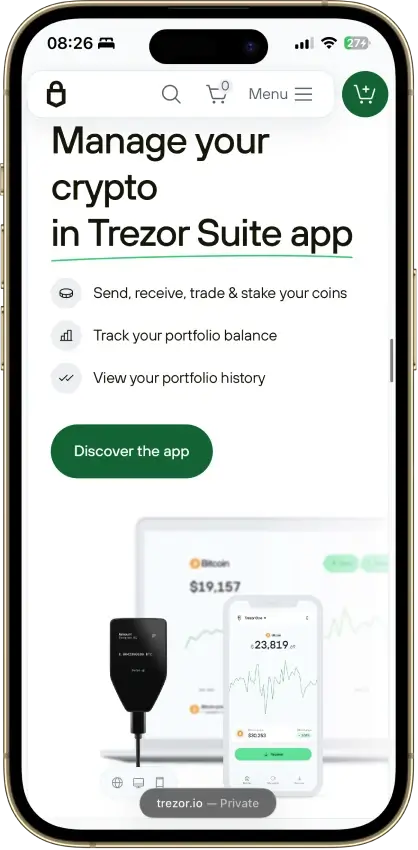
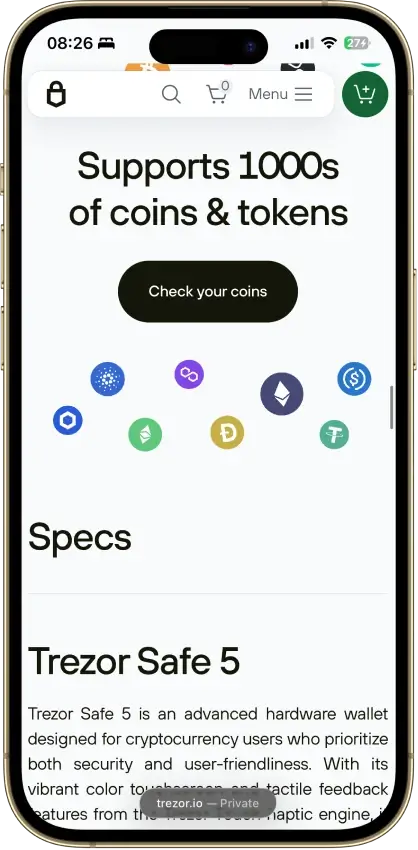
- Native Suite accounts for BTC, SOL and XRP
- Threshold-based SLIP39 backups
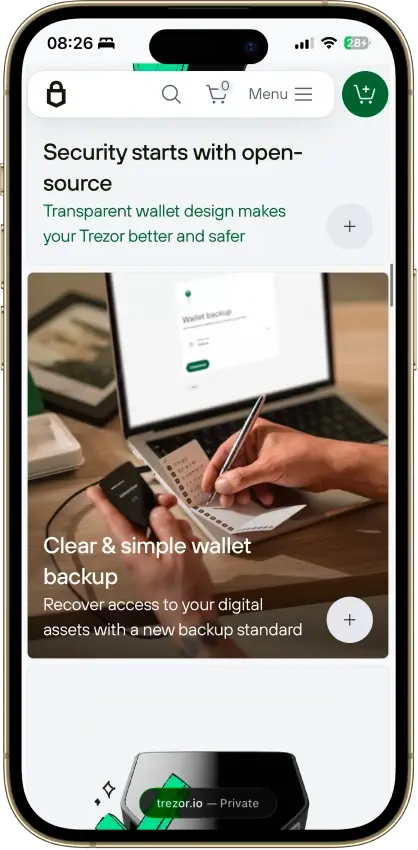
- Public core firmware and build instructions
- STM32U5 chip, not hit by the 2025 Safe 3 attack
Cons
- Cannot sign through an iPhone
- MicroSD setup uses a command-line tool
- Provider contracts add staking risk
- Suite has a restricted source license
Trezor Safe 7
- Custody
- Non-custodialPartially open-source
- Networks
- Platforms
Pros
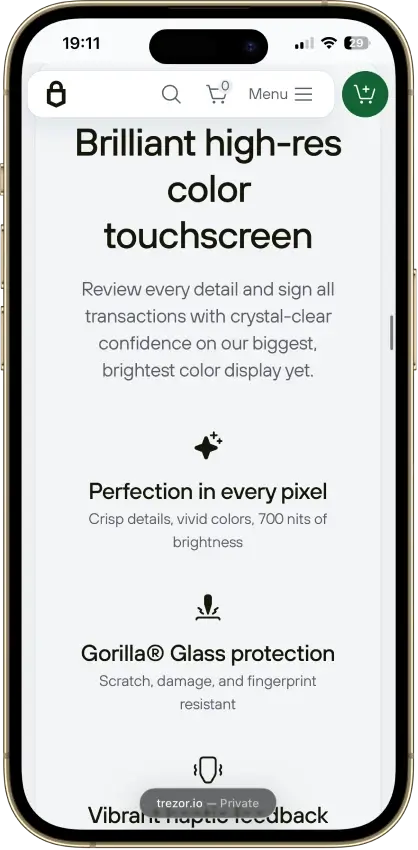
- Touchscreen backup recovery
- USB operation with a depleted battery
- GPLv3 firmware with reproducible builds
- Choice of single or multi-share backup
- Clear Signing for supported EVM contracts
Cons
- Costs $120 more than the Safe 5
- Battery cannot be replaced by the user
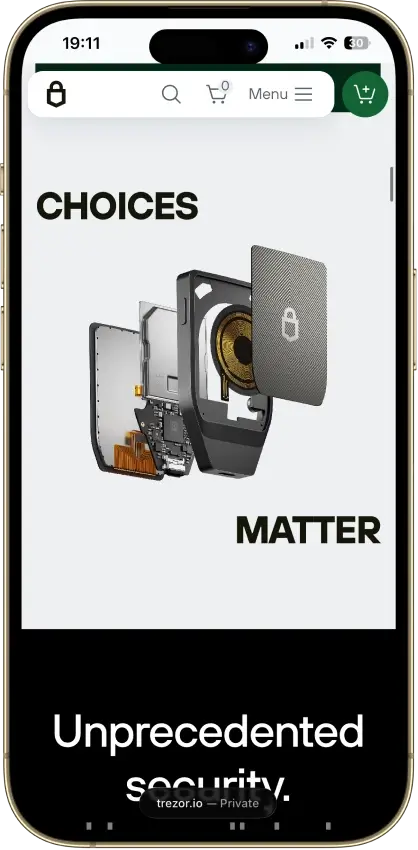
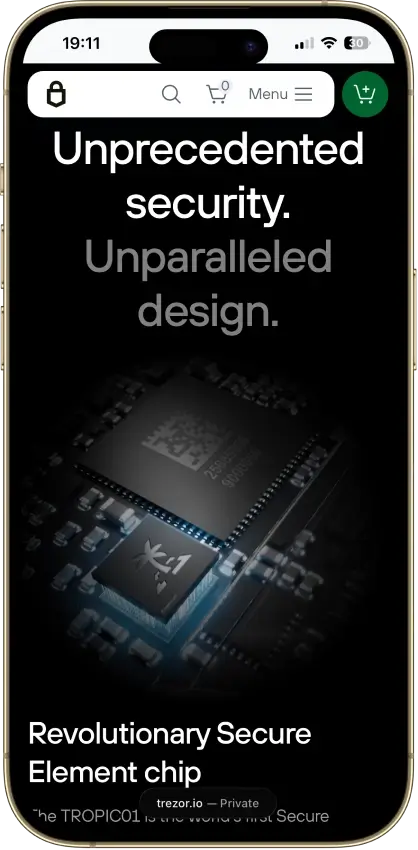
- Disclosed physical TROPIC01 vulnerability
- Monero needs a separate app
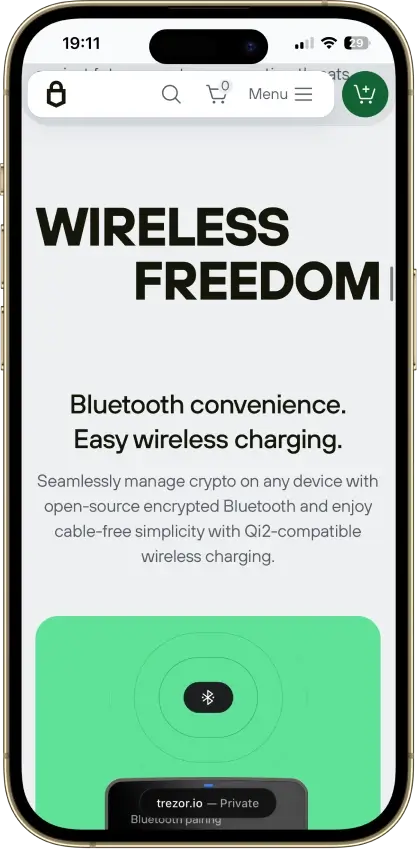
- iPhone signing works only over Bluetooth
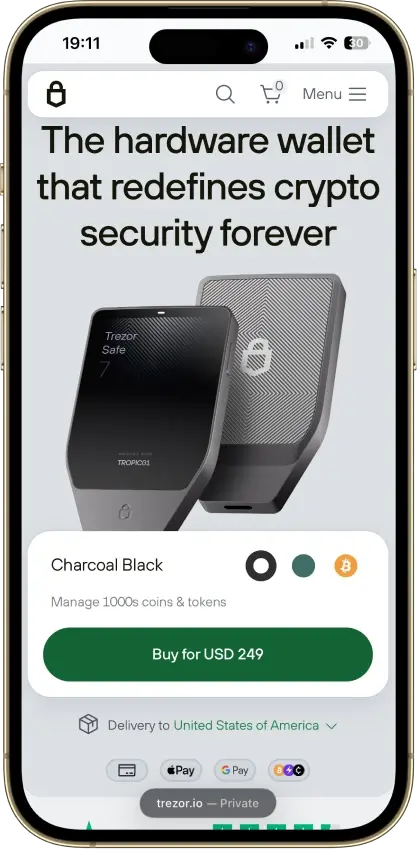
Trezor Safe 3
- Custody
- Non-custodialPartially open-source
- Networks
- Platforms
Pros
- USB power needs no battery maintenance
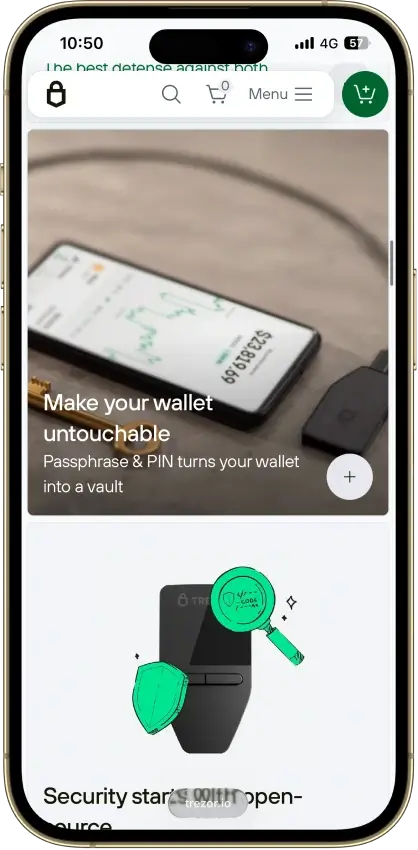
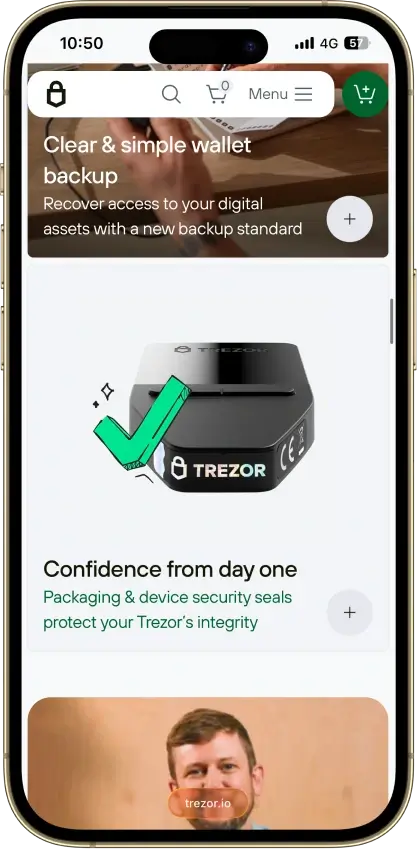
- Secure element guards the PIN
- Recovery words entered on the device
- SLIP39 supports distributed backup shares
- Core firmware can be inspected and rebuilt
Cons
- Cannot sign with an iPhone
- Small screen and repeated button navigation
- 2025 research bypassed its authenticity checks
- Secure element software is closed-source
- Shipping-data exposure raises phishing risk
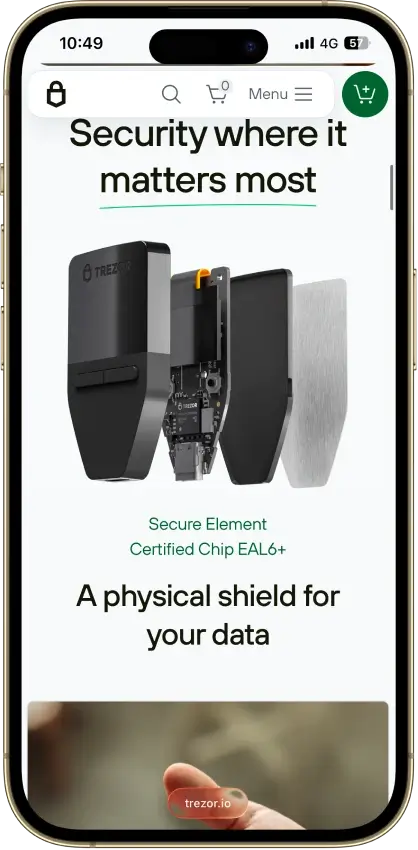
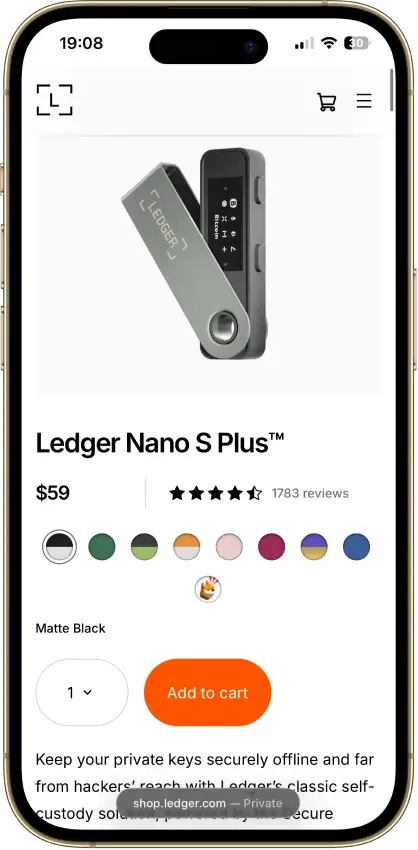
Ledger Nano S Plus
- Custody
- Non-custodialPartially open-source
- Networks
- Platforms
Pros
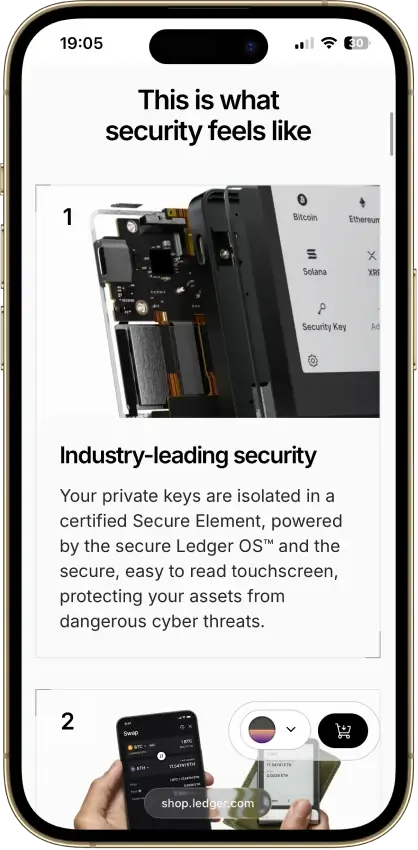
- CC EAL6+ certified Secure Element
- Battery-free operation
- Public companion and app code
- Bitcoin, Ethereum, Solana and XRP built in
- Ledger's $59 entry price
Cons
- No iPhone signing support
- Small screen and button navigation
- Closed low-level device firmware
- Blockchain apps need separate updates
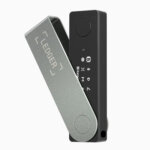
Ledger Nano X
- Custody
- Non-custodialPartially open-source
- Networks
- Platforms
Pros
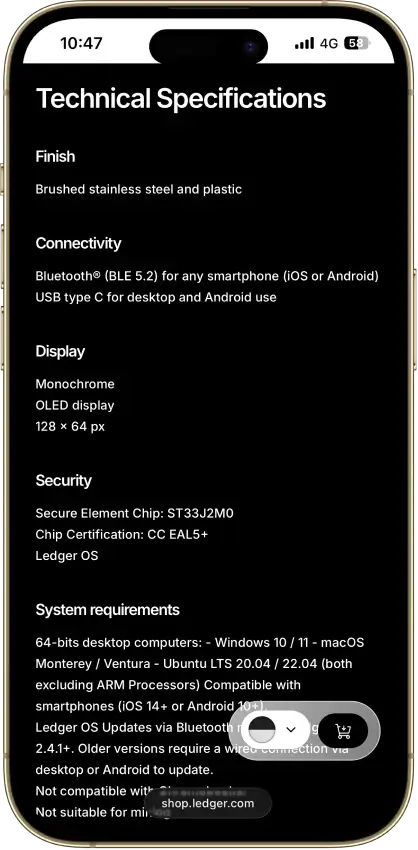
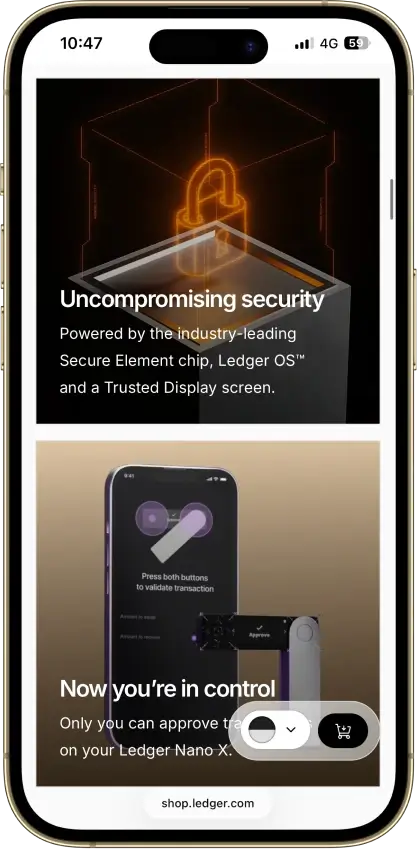
- CC EAL5+ certified Secure Element
- Public companion and device-app code
- Optional passphrase accounts
- Bluetooth for phones, USB-C for desktops
- Encrypted Bluetooth with pairing codes
Cons
- Small display requires scrolling
- Low-level firmware remains closed
- Apps need their own security updates
- 2026 Monero app flaw could expose keys
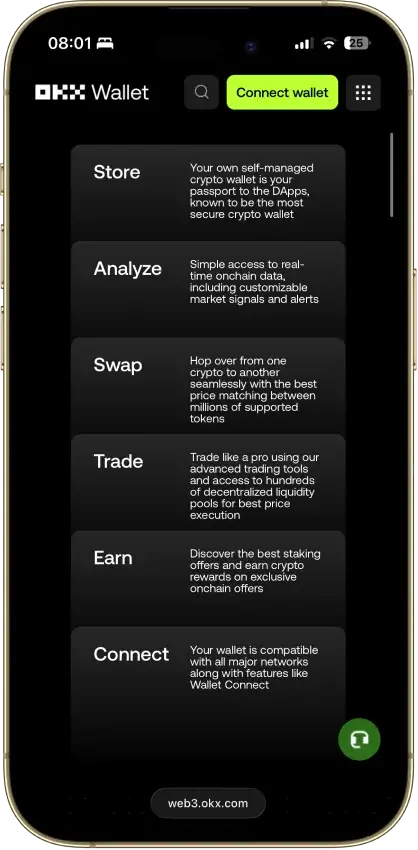
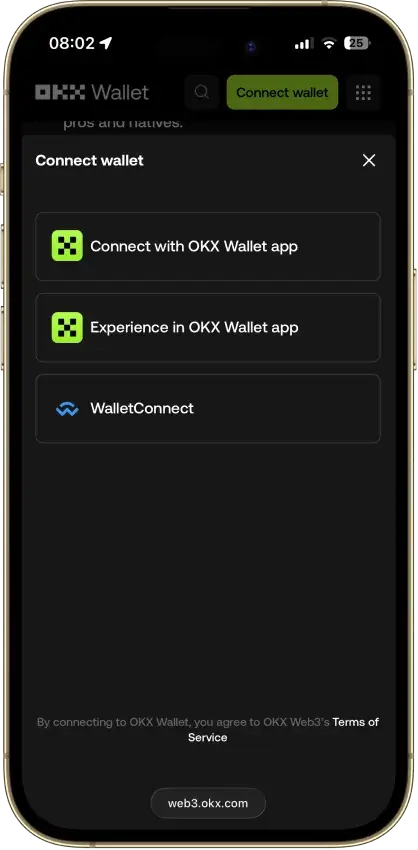
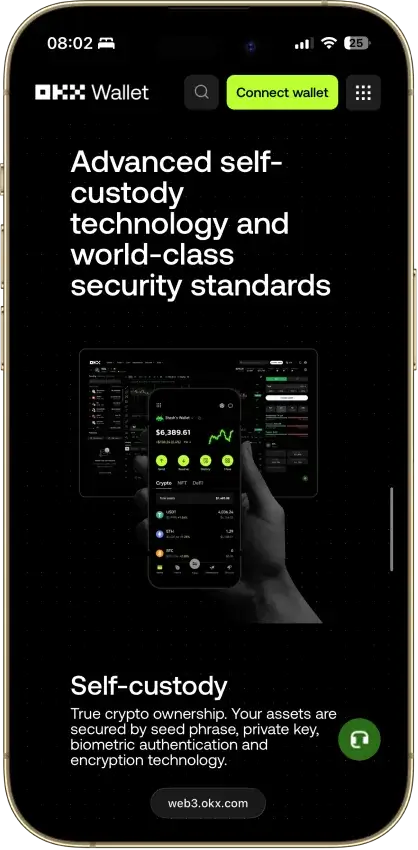
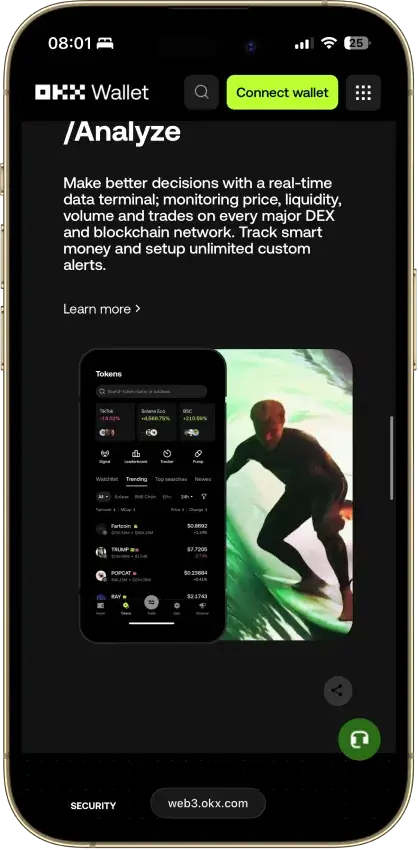
OKX Wallet
- Custody
- Non-custodialPartially open-source
- Networks
- Platforms
Pros
- Pre-approval scam and phishing alerts
- Built-in token-approval revoke tool
- CertiK and SlowMist audits plus bug bounty
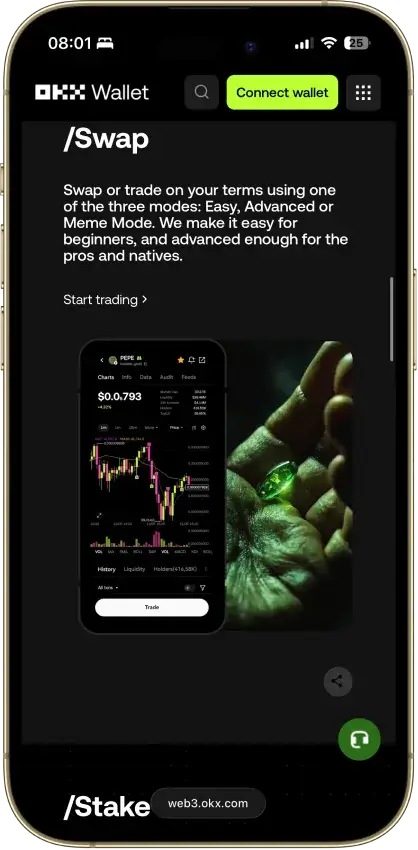
- Cross-chain bridging in one interface
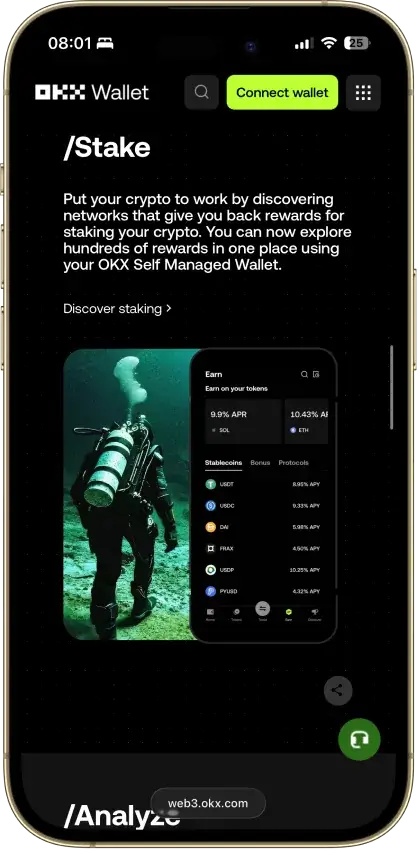
- Earn staking stays non-custodial
Cons
- $505M DOJ guilty plea, consultant to 2027
- Aggregator laundered ~$100M Bybit funds
- Keyless mode hands OKX one key share
- Client code is not fully open source
Phantom
- Custody
- Non-custodialPartially open-source
- Networks
- Platforms
Pros
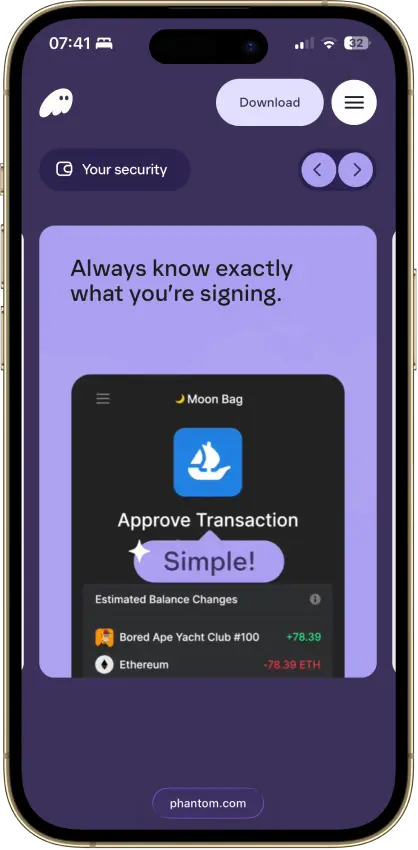
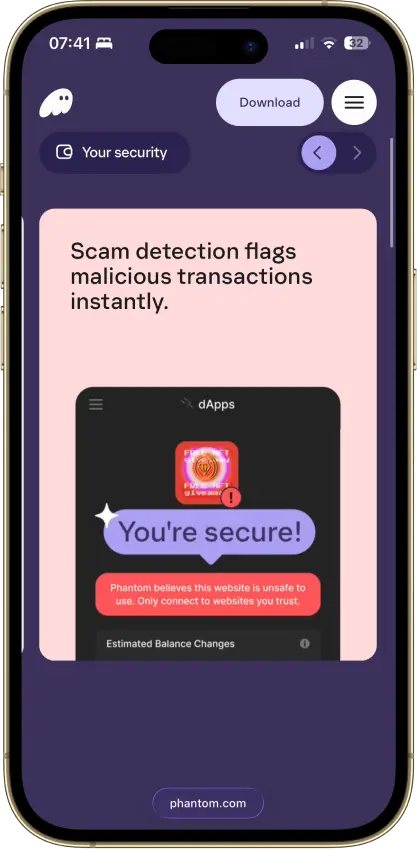
- Transaction previews and scam warnings
- Ledger Bluetooth support on mobile
- Bitcoin Native SegWit and Taproot support
- Third-party audit reports open to read
- Google or Apple login with a portable backup
Cons
- Core app is proprietary
- Dropped Sui and Monad support in 2026
- New native stakes need the extension
- Google and Apple wallets sign on a remote server
- No native Arbitrum, Optimism, BSC, or Avalanche
Solflare
- Custody
- Non-custodialPartially open-source
- Networks
- Platforms
Pros
- Validator choice for native SOL staking
- Ledger and Keystone signing supported
- Jupiter swaps inside the wallet
- Transaction checks and biometric app lock
- NFT display in the wallet
Cons
- Shield has no independent signing screen
- Keystone extension connection is watch-only
- Shield's phrase is shown once at setup
- Instant Unstake costs 0.5% to 3%
Cake Wallet
- Custody
- Non-custodialFully open-source
- Networks
- Platforms
Pros
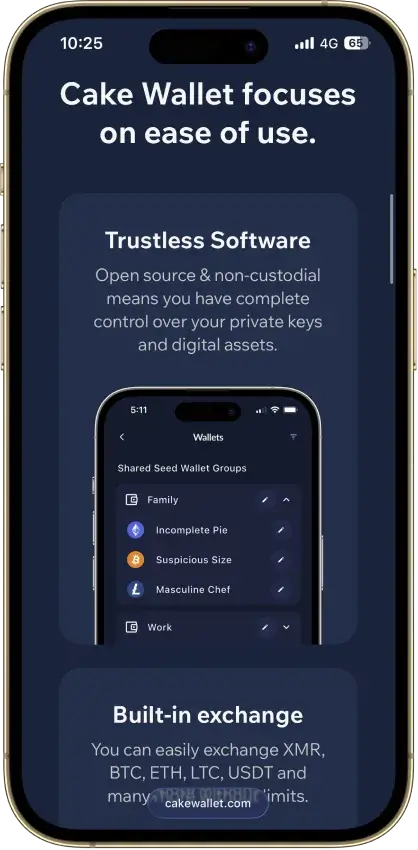
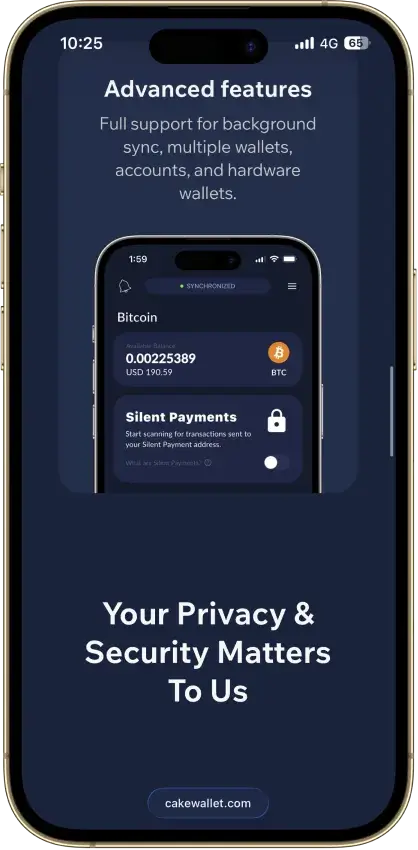
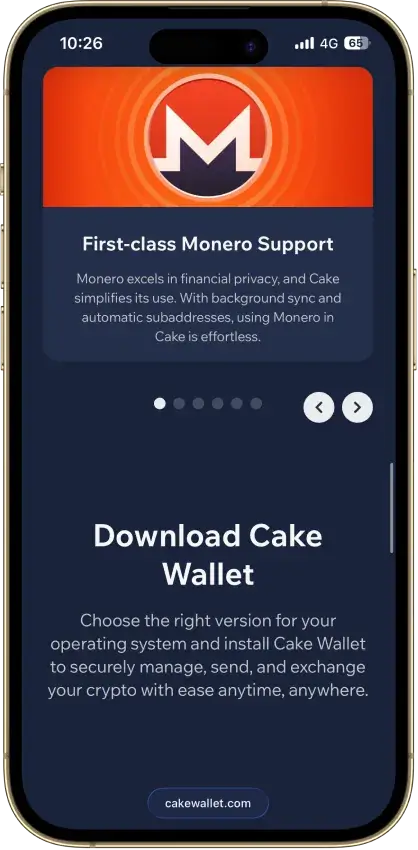
- Monero accounts and subaddresses
- Encrypted whole-app backup export
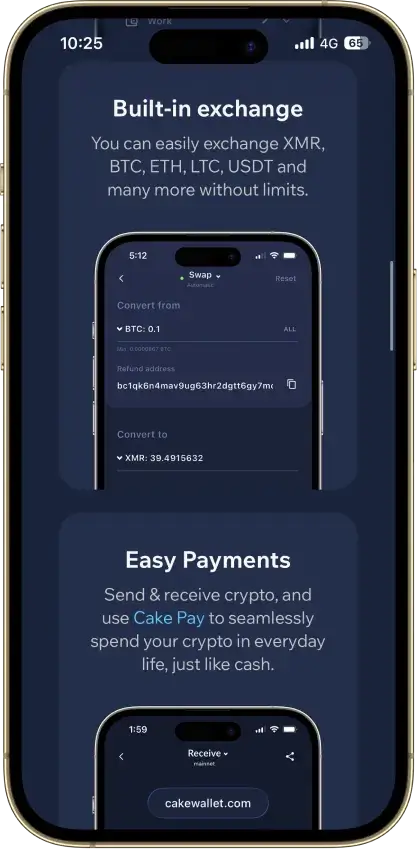
- Multiple swap providers to compare
- Publicly documented security fixes
- Custom nodes and restore-height control
Cons
- Windows builds are currently paused
- Past BTC seed flaw needs manual migration
- Tor routing is still labeled experimental
- Lightning sits in a separate Spark balance
- Ethereum NFTs display but can't be sent
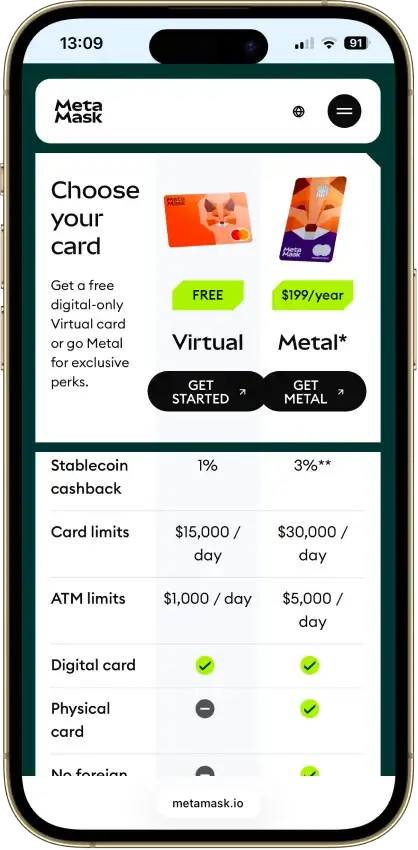
MetaMask
- Custody
- Non-custodialPartially open-source
- Networks
- Platforms
Pros
- Default-on transaction security alerts
- Mobile connections to compatible hardware
- ETH pooled staking without a product minimum
- Custom EVM networks alongside native Bitcoin
- Publicly accessible extension source code
Cons
- Swaps carry a 0.875% service fee
- Linked Ledger accounts are EVM-only
- Social login can't be changed or unlinked
- Passkeys unlock but can't restore the wallet
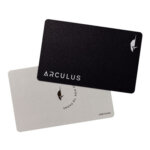
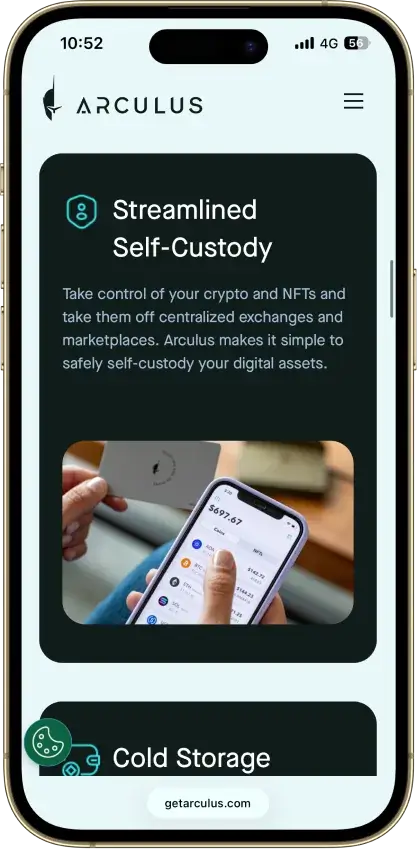
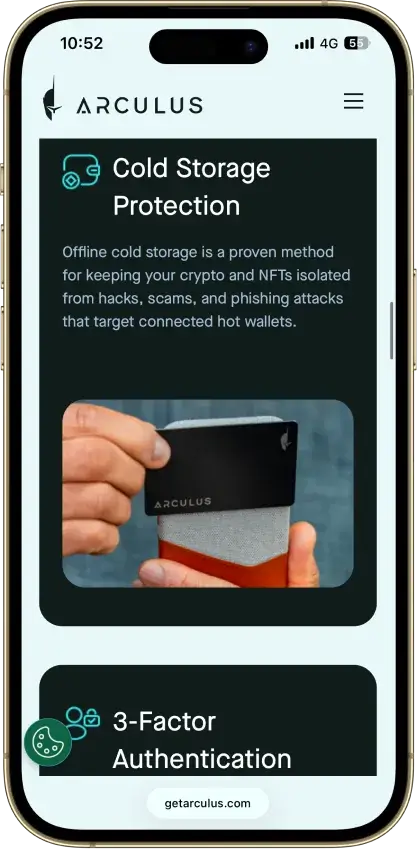
Arculus Wallet
- Custody
- Non-custodialClosed-source
- Networks
- Platforms
Pros
- MetaMask link through a webcam QR code
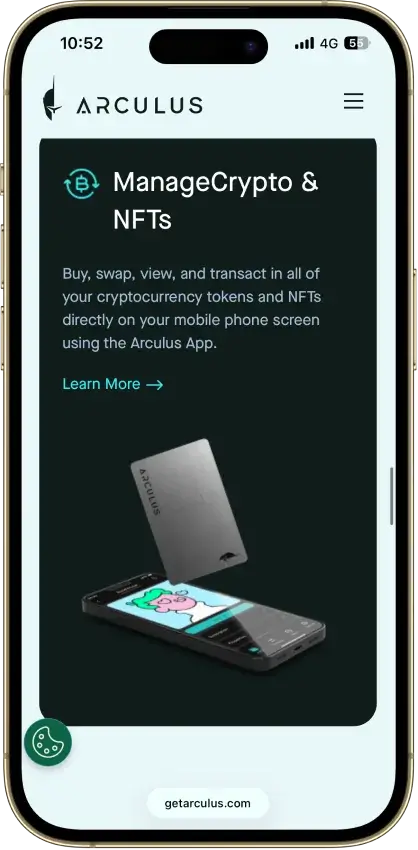
- Native ADA and SOL staking
- Safe integration through WalletConnect
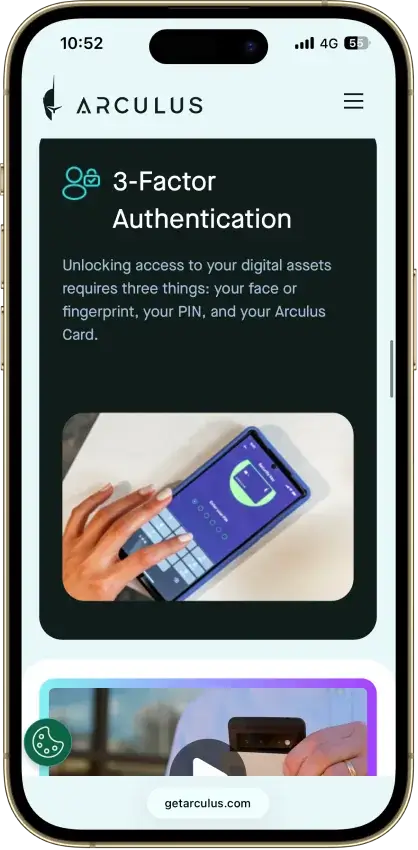
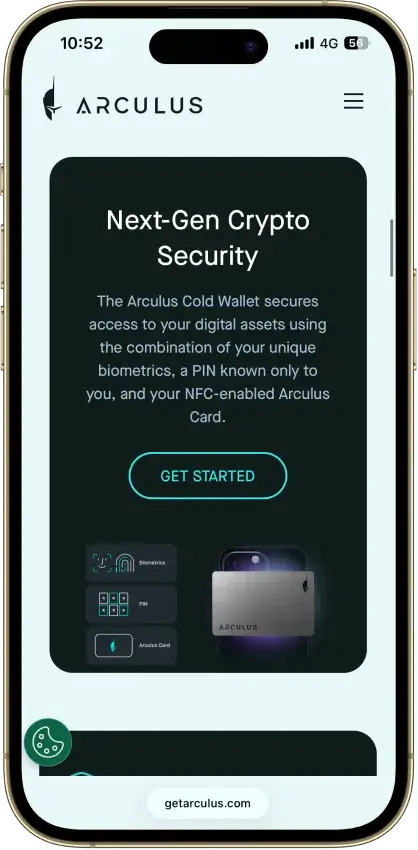
- Optional biometrics on top of a six-digit PIN
- Two-year limited card warranty
Cons
- No independent transaction screen
- Recovery words appear on the phone
- Proprietary wallet software license
- No public audit findings
- Three wrong PINs force a full restore
Coinbase Wallet
- Custody
- Non-custodialPartially open-source
- Networks
- Platforms
Pros
- Ledger approvals through the extension
- Audited, MIT-licensed smart-wallet contracts
- ETH staking below 32 ETH via Kiln
- Gasless swaps on Ethereum and Polygon
- Security Lock on opening and approvals
Cons
- Passkey smart wallets exclude BTC and SOL
- Dropped Dogecoin, Litecoin, XRP and custom chains
- Swap fee of up to 1% per trade
- No Bitcoin swaps in the app
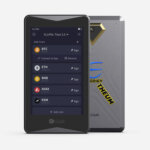
ELLIPAL Titan 2.0
- Custody
- Non-custodialPartially open-source
- Networks
- Platforms
Pros
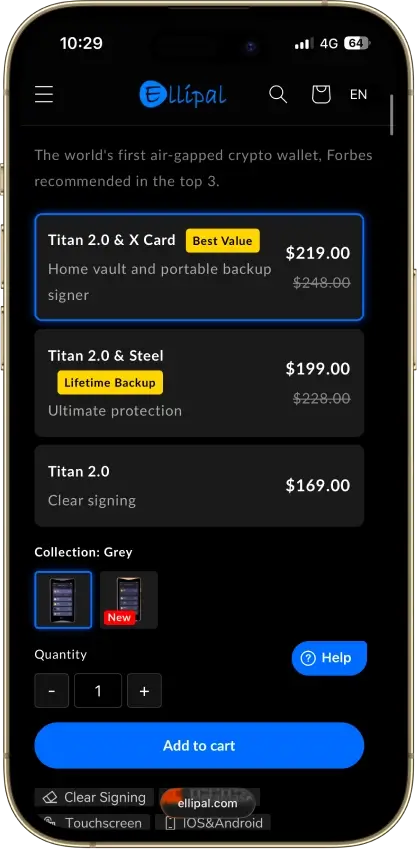
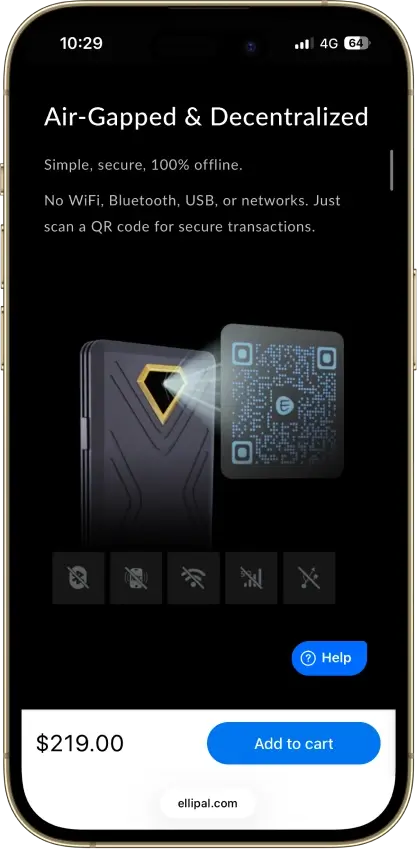
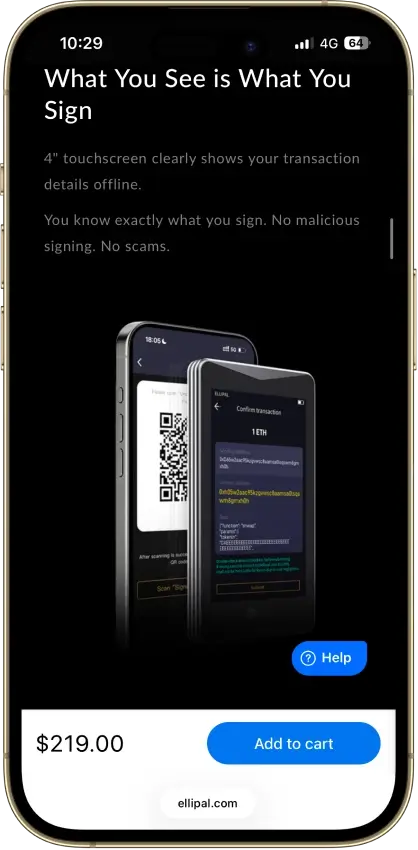
- No cable or radio link for transactions
- On-device recovery phrase verification
- Optional passphrase-derived wallets
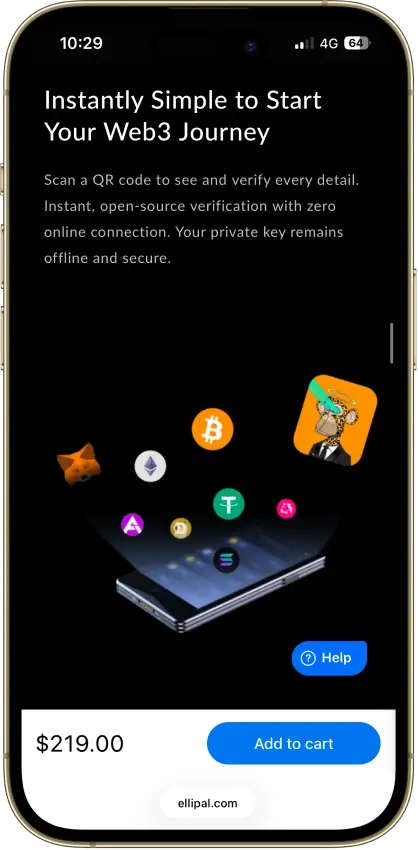
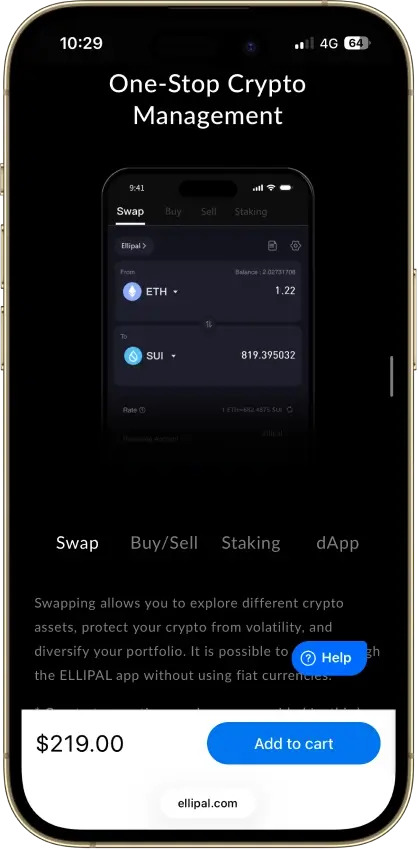
- 45+ blockchains in the ELLIPAL app
- 30-day change-of-mind returns
Cons
- Firmware transparency is partial
- Updates need a separate adapter and microSD
- SOL staking is still marked coming soon
Exodus
- Custody
- Non-custodialPartially open-source
- Networks
- Platforms
Pros
- Desktop app for Windows, macOS and Linux
- Desktop and mobile sync to one wallet
- Custom tokens on supported networks
- Human support alongside the chatbot
- Recovery phrase backup still available
Cons
- Complete wallet is not open source
- WalletConnect removed from the mobile app
- Ledger portfolios work on mobile only
- Swap costs sit inside a quoted spread
- $3.1M OFAC sanctions settlement in 2025
Trust Wallet
- Custody
- Non-custodialPartially open-source
- Networks
- Platforms
Pros
- Transaction previews on supported networks
- Optional encrypted cloud backup
- Ledger signing through the extension
- Staking for ETH, SOL, BNB and TRX
- No email account needed for a classic wallet
Cons
- December 2025 extension hack hit about $8.5M
- Mobile app builds lack public source access
- Dropped several networks in September 2026
- SWIFT covers only a handful of EVM chains
Tangem
- Custody
- Non-custodialClosed-source
- Networks
- Platforms
Pros
- Native BTC, ETH, SOL and XRP support
- No battery, the phone powers signing
- App source code is publicly inspectable
- Independent SDK audit with a public summary
- WalletConnect on Solana and listed EVM chains
Cons
- No on-card transaction display
- Card firmware cannot be updated
- Proprietary app licenses limit reuse
- Some Solana NFTs can't be sent from it
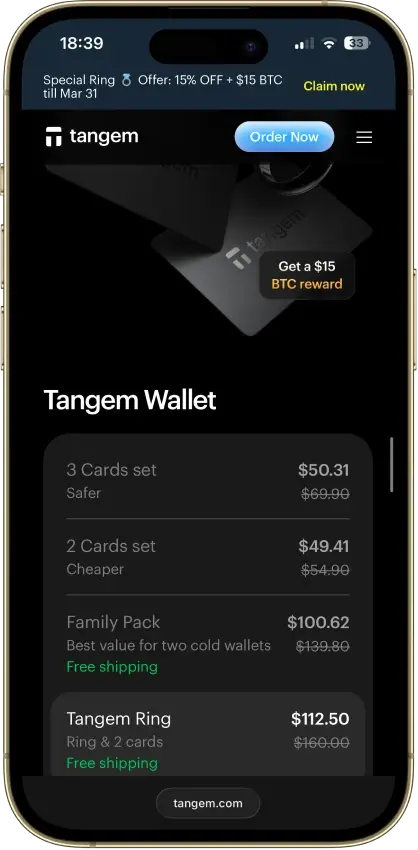
Phantom and Solflare remain the cleanest Solana-native choices for staking, NFTs, and regular dApp use. Base app is best treated as a clean Coinbase-to-self-custody bridge for SOL, not as the strongest Solana-native swap or NFT wallet. Trust Wallet is the broader multi-chain option and supports native SOL staking. OKX Wallet is the heavier-duty choice for DEX aggregation and broader on-chain tooling. Kraken Wallet is simpler on mobile, but its in-app Swaps feature does not currently support Solana. MetaMask now supports native Solana, but its Solana flow is still narrower: no custom Solana RPC URLs, no Solana private-key import, and no Ledger-based Solana account connection yet. For larger balances, pair a hot wallet with a hardware wallet such as Ledger or a Solana-native hardware flow like Solflare Shield.
How We Rank
- Custody and key security 30% weightWhat we assess
Who can authorize spending, protection of keys and signing, and independent access to every reviewed account type.
What earns 10/10 Users control spending and have complete independent access for every reviewed account type. Signing and authorization are isolated from the connected app, with key and recovery dependencies explained. - Security validation and track record 25% weightWhat we assess
Independent security assessments, their coverage and findings, plus updates and the handling of known incidents.
What earns 10/10 Independent assessments cover the current design and material changes. Material findings are resolved, and sustained maintenance records show no unresolved material incident consequences. - Transaction safety and signing 20% weightWhat we assess
Transaction details, signing warnings, scam checks, permission controls and the handling of unreadable requests.
What earns 10/10 Transfers and supported signing requests show readable details before consent. Risk warnings and integrated permission revocation cover relevant tasks, with unclear requests identified and easy to reject. - Backup and recovery 10% weightWhat we assess
Repeatable backup checks, complete restoration, recovery dependencies, costs and resilience after backup loss.
What earns 10/10 Repeatable checks verify complete backups without resetting the wallet. Recovery survives loss of a backup or dependency, with clear costs and no third party able to spend alone. - Usability, privacy and costs 10% weightWhat we assess
Setup and everyday tasks, accessibility, support guides, data-sharing choices and device, service and transaction costs.
What earns 10/10 Clear workflows, accessible controls and useful support guides make routine tasks straightforward. Nonessential data sharing is optional, and mandatory costs are transparent and reasonable. - Assets, networks and compatibility 5% weightWhat we assess
Asset and network support, devices, companion apps and connections needed for the uses covered in the review.
What earns 10/10 Official compatibility lists and setup guides cover the reviewed assets, networks, devices and connections. Required transfer routes are documented and available, with no known blocker.
We use the same rating criteria you’ll see across CryptoSlate’s crypto-wallets hub, so Solana wallets aren’t scored on a separate checklist. Each wallet is assessed using a simple three-level rubric per criterion:
- 1.0 = meets the standard clearly
- 0.5 = partially meets the standard
- 0.0 = unclear, missing, or not supported
For Solana specifically, we also look at how smoothly the wallet handles common Solana workflows — sending and receiving SOL, token management, staking, NFTs, and dApp connections — but those checks are evaluated inside the same criteria above (especially recovery, scam resistance, connectivity, and signing UX).
Best Solana Wallets By Use Case
There’s no single “best Solana wallet” for everyone. The right pick depends on what you do on Solana, whether that’s staking SOL, trading meme coins, connecting to dApps on desktop, or moving SOL off Coinbase for the first time. Use the table below to narrow your options quickly, then rely on the review blocks above for the scores and the deeper context behind them.
| Use case | Top pick | Alternative | Why it fits (in one line) | Reviews |
|---|---|---|---|---|
| Beginners | Base App | Phantom | Easiest first step if you already use Coinbase. If you are starting from scratch and plan to use Solana dApps right away, Phantom is the cleaner Solana-native alternative. | [Read our Base App review] • [Read our Phantom review] |
| Staking SOL | Solflare | Phantom | Solana-native feel with strong native-staking support, plus liquid-staking options if you actually need them. | [Read our Solflare review] • [Read our Phantom review] |
| Mobile-first use | Kraken Wallet | Base App | Simpler mobile self-custody with SOL, SPL token, NFT, and WalletConnect support, but not the strongest choice if built-in Solana swaps are a priority. | [Read our Kraken Wallet review] • [Read our Base App review] |
| Desktop dApps (extension) | Phantom | Solflare | Smooth extension flow for frequent Solana dApp and NFT activity. | [Read our Phantom review] • [Read our Solflare review] |
| Safest for large portfolios | Ledger (hardware) | Solflare | Offline key storage is the biggest security upgrade once your balance grows. Solflare is the better alternative if you want a Solana-native app flow, especially with Shield support. | [Read our Ledger review] • [Read our Solflare review] |
| Meme coins and NFTs | Phantom | Solflare | Fast Solana-native experience for tokens, NFTs, and high-frequency interactions. | [Read our Phantom review] • [Read our Solflare review] |
| Solana + EVM in one wallet | MetaMask | Trust Wallet | Best fit if you already manage Ethereum-compatible assets and want SOL alongside them. | [Read our MetaMask review] • [Read our Trust Wallet review] |
| Moving SOL off Coinbase | Base App | Phantom | Cleanest first transfer path, with less friction for Coinbase users. | [Read our Base App review] • [Read our Phantom review] |
| Active DEX use | OKX Wallet | Phantom | Better fit for frequent swaps and broader on-chain tooling across ecosystems. | [Read our OKX Wallet review] • [Read our Phantom review] |
One way to read this table is by risk and workflow. If you interact with dApps often, prioritize clear signing prompts, stable connections, and warnings that help you avoid approving the wrong thing. If you stake SOL, prioritize stake management and visibility into what’s happening after you delegate. If you mainly withdraw from Coinbase, prioritize a smooth transfer flow and network clarity. And if you’re holding a larger balance, the simplest safety upgrade is moving most funds to a hardware wallet and keeping only what you need for day-to-day activity in a hot wallet.
If you’re torn between two options, default to the wallet with the stronger score in the review blocks above — then use the “best for” notes to pick the one that matches your workflow.
What Is A Solana Wallet?
A SOL wallet (often called a sol wallet) is any wallet that supports Solana’s native token, SOL. It gives you a Solana address for receiving SOL, lets you send SOL out, and typically supports SPL tokens. Many SOL wallets also include staking, swaps, NFT viewing, and one-tap connections to Solana dApps.
How Solana Wallets Work
When you set up a wallet, you generate the credentials that let you interact with the Solana blockchain. Your wallet address is public and safe to share for incoming transfers. Your recovery credentials stay secret and should never be shared. Depending on the wallet, that may mean a 12- or 24-word recovery phrase, a passkey-based sign-in, or a Google/Apple login plus a local PIN. The wallet app is the interface that lets you view balances, approve transactions, stake SOL, and connect to Solana apps safely.
Hot Wallet Vs Hardware Wallet
A hot wallet is connected to the internet through a mobile app, browser extension, or desktop app, which makes it more convenient for everyday use like sending SOL, trading tokens, and using dApps. A hardware wallet keeps your keys offline, which makes it a stronger fit for larger balances or longer-term storage. Many people use both: a hot wallet for regular activity and a hardware wallet for more secure long-term holding.
Recovery Models: Recovery Phrase vs Passkey or Email Login
Not every wallet here uses the same restore flow. Traditional wallets use a 12- or 24-word recovery phrase. Base smart wallets use passkeys, while traditional Base wallets use a 12-word recovery phrase. Phantom can also be created with Google or Apple plus a 4-digit PIN, and Phantom says those wallets still have a recovery phrase you can export as an additional backup. Before you fund any wallet, verify exactly how restore works after device loss, whether an offline backup exists, and whether you can migrate later without lock-in.
Solana Wallet Address, Format, And Structure
Your Solana wallet address is the public identifier tied to your wallet on the network. It is the part you share when you want to receive SOL or other Solana-based assets, and it is meant to be visible. What matters is understanding the difference between the address you can safely give out and the private credentials that must stay secret, because confusing the two is one of the easiest ways to make a costly mistake.
What Is A Solana Wallet Address?
A Solana wallet address is the public address connected to your wallet. Think of it as the destination someone uses to send you SOL. It is unique to your wallet, safe to share for incoming transfers, and visible on-chain. Sharing your address does not give anyone control over your funds. What gives control over your wallet is your seed phrase, private key, or any recovery credentials tied to that wallet.
Solana Wallet Address Format
A Solana wallet address is a 32-byte account address displayed as a base58-encoded string. In practice, most wallet apps show it as a long string of letters and numbers, usually about 32 to 44 characters long, and it does not use the 0x prefix common on many Ethereum addresses. Copy and paste it or scan a QR code instead of typing it manually.
Solana Wallet Address Example
A Solana wallet address might look something like this: 7xKXtg2CW87d8V6zXKBq7cM8Y2FPHwzaAkxqEqD7x4rH. You can share an address like this when you want to receive SOL. What you should never share is the seed phrase or private key behind it. If someone asks for those to send you funds, that is a red flag.
Solana Wallet Structure And Token Accounts
SOL lives in your main system account, but SPL tokens live in token accounts, usually associated token accounts (ATAs), that your wallet controls. Wallet apps hide most of this complexity, but it matters for edge cases: creating token accounts and some staking actions consumes SOL for fees and rent, and closing empty token accounts returns the rent in SOL. When receiving tokens, share your wallet address, not a token-account address. The sending wallet or service usually derives or creates the correct ATA for that token.
Safe to share: your wallet address
Never share: your seed phrase, recovery phrase, or private key
Native Staking vs Liquid Staking on Solana
Native staking delegates your SOL directly to a validator through a stake account. It is simpler and more direct, but unstaking follows Solana’s epoch timing. Liquid staking gives you a tokenized position such as PSOL or JitoSOL that keeps reward exposure while staying usable in DeFi. For most readers, native staking is the cleaner long-term default. Liquid staking makes more sense only if you actually plan to use the liquid staking token elsewhere.
Validator Selection and Unstake Timing
When staking SOL, compare validator commission, uptime, and decentralization impact instead of blindly picking the largest validator. On Solana, stake activation and deactivation changes only finalize at epoch boundaries, and an epoch is roughly two days. Phantom says native SOL staking changes typically follow Solana’s 2–3 day epoch timing. Solflare says standard unstaking can take 1–3 epochs, while Instant Unstake charges a variable 0.5%–3% fee depending on available liquidity.
How To Choose The Right Wallet For Solana
Choosing a wallet for Solana is mostly about matching it to how you actually use SOL. If you mainly send and receive, you can prioritize simplicity. If you stake, trade, or use dApps and NFTs, you’ll want a wallet with stronger Solana-native support and better safety prompts.
Use this checklist before you download anything:
- Pick the right wallet type (hot vs hardware). A hot wallet (mobile app or browser extension) is best for daily use, swaps, NFTs, and dApps. A hardware wallet is better if you’re holding a larger balance long term. Many people use both: hot wallet for spending and hardware wallet for storage.
- Know your recovery model (recovery phrase vs passkey or account-style login). Some wallets still use a standard 12- or 24-word recovery phrase. Others use passkeys, or Google/Apple login plus a local PIN. Before funding any wallet, confirm how restore works on a new device, whether you can export an offline backup, and whether you can migrate later without getting stuck.
- Confirm real Solana support (not just “multi-chain”). Make sure the wallet can handle the basics well: sending and receiving SOL, managing SPL tokens, viewing NFTs, and connecting to Solana dApps. If you plan to stake, check whether it supports staking in-wallet and whether it makes it easy to manage your stake later.
- Confirm which Solana actions are actually supported in-app. A wallet can support SOL addresses and SPL tokens but still have narrower Solana features. Base app’s listed in-app DEX integration networks do not include Solana, and Kraken Wallet’s built-in Swaps feature currently does not support Solana.
- Look for strong transaction prompts and previews. A secure Solana wallet should make it obvious what you’re signing. Clear prompts, warnings, and previews reduce the chance of approving the wrong transaction or falling for a drainer.
- Prioritize scam and drainer protection. Good wallets add phishing warnings, suspicious-site alerts, and tools to review and manage approvals. If a wallet is quiet and opaque during risky actions, it’s easier to make a mistake.
- Choose the platform that matches your habits. If you live in DeFi, a Solana wallet extension often feels smoother for dApps. If you are mobile-first, pick a Solana wallet app that’s simple to use and quick to secure. If you use both, prioritize wallets that keep the experience consistent across devices.
- Check hardware signing support if you’re serious about security. If you plan to pair a hardware wallet (like Ledger) with a Solana app wallet, confirm that the setup is straightforward and the signing flow stays clear.
- Decide how important multi-chain support really is. If SOL is only one piece of your portfolio, a multi-chain wallet can reduce app sprawl. The trade-off is that it may feel less “Solana-native” for staking, NFTs, and everyday Solana activity.
- Think about buying, selling, and cashing out. If you need on-ramps or off-ramps inside the wallet, check availability in your country, fees, limits, and whether KYC is required.
- Sanity check trust signals. Look for clear disclosures about security, audits, bug bounties, and how the team responds to incidents. With wallets, vague security claims are not good enough.
Once you’ve narrowed it down with this checklist, the shortlist and comparison table above should make it easier to pick a wallet that matches your priorities. The detailed reviews below go deeper into what each wallet does well, where it falls short, and who should choose a different option.
Can You Use The Same Wallet In Multiple Solana Apps?
Yes. Many self-custody wallets let you import the same 12- or 24-word recovery phrase into another wallet app. That is useful for migration or for comparing interfaces, but it does not create separate security. It creates multiple apps with access to the same funds. If you want real separation, use a different wallet or a hardware wallet instead of reusing the same recovery phrase everywhere.
How To Get A Solana Wallet
Getting a Solana wallet takes a few minutes, but it’s worth slowing down for the security steps. A wallet is what you use to store SOL, sign transactions, connect to dApps, and manage staking and tokens. If you set it up properly from day one, you reduce the chances of losing funds to simple mistakes like saving your recovery phrase in the wrong place or sending SOL to the wrong address.
- Pick a wallet that matches how you use Solana. Start with the shortlist above. If you mainly use Solana (staking, NFTs, dApps), a Solana-native wallet is usually the smoothest. If you want one app for many chains, choose a strong multi-chain wallet.
- Download it from the official source. Use the wallet’s official website or the official app store listing. Avoid “sponsored” search results and lookalike domains. If you are installing a browser extension, double-check the publisher name.
- Create a new wallet and secure the recovery method it actually uses. Some wallets use a 12- or 24-word recovery phrase. Others use passkeys, or Google/Apple login plus a PIN. Back up the recovery method exactly as the wallet instructs, and export an offline recovery phrase too if the wallet offers that option. Do not screenshot it or store it in cloud notes.
- Turn on basic security settings. Set a strong passcode, enable biometrics if available, and consider a separate password manager for wallet-related logins. If the wallet supports additional checks or warnings for risky actions, turn them on.
- Find your Solana wallet address. Your Solana wallet address is the public address you share to receive SOL. Use the copy button or QR code and always verify the first and last few characters before you use it.
- Add a small amount of SOL first. If you are withdrawing from an exchange, start with a small test transfer. Once it arrives, you can move a larger amount with more confidence.
- Keep a little SOL for fees and account actions. You need SOL to pay transaction fees, and some actions such as creating token accounts or staking-related account changes can also consume SOL. If your SOL balance hits zero, token sends and app interactions can fail even if you still hold other assets.
- Upgrade your setup if you’re holding more. If your balance grows, consider pairing your wallet with a hardware wallet for stronger long-term security. Many people use a hot wallet for daily activity and hardware for storage.
Quick safety check: You can share your wallet address. Never share your seed phrase, recovery phrase, or private key — not with “support,” not with friends, not with anyone.
How To Send And Receive SOL Safely
Sending SOL is usually fast and simple, but it’s also irreversible. A few extra seconds to verify the address and network can save you from the most common mistakes: sending to the wrong address, choosing the wrong network, or moving more than you meant to move.
How To Receive SOL
- Open your Solana wallet and tap “Receive.” Most wallets will show your Solana wallet address and a QR code.
- Copy the address using the copy button. Avoid typing it by hand.
- Verify the address quickly. Compare the first and last 4–6 characters after you paste it somewhere.
- Share the address with the sender. Your wallet address is safe to share. Your seed phrase is not.
- If the sender is an exchange, confirm the network is Solana. Exchanges often support multiple networks for the same asset, so make sure the withdrawal network matches what your wallet expects.
How To Send SOL
- Tap “Send” in your wallet.
- Paste the recipient’s Solana address. Use copy/paste or scan their QR code.
- Double-check the address. Confirm the first and last characters match what the recipient gave you.
- Confirm you are sending on Solana. If you are withdrawing from an exchange, select the Solana network in the withdrawal flow.
- Enter the amount and review the fee. Keep a little SOL in your wallet so you can pay fees for future transactions.
- Send a small test transfer first. If you are moving a larger amount, a tiny test send is the safest habit.
- Confirm the transaction in your wallet. If the wallet shows a warning or unusual signing prompt, stop and re-check what you’re approving.
- Wait for confirmation before sending more. Once the test arrives, you can repeat the same steps for the full amount.
If you’re sending to an exchange: double-check the deposit network and whether the exchange requires any extra deposit details (some exchanges require additional identifiers for certain assets). When in doubt, start with a small test amount.
How To Check A Transaction
- Find the transaction in your wallet activity. Most wallets show a transaction list with the latest sends and receives.
- Open the transaction details. Look for a transaction signature or a “View on explorer” link.
- Confirm the basics:
- Status: pending or confirmed
- Amount: matches what you sent
- From / to: the addresses are correct
- If something looks wrong, stop and don’t resend immediately. A failed transaction, a wrong address, or the wrong network can’t be fixed by sending again. Re-check the recipient details, then try a small test transfer once you’re confident.
How To Send Solana From Coinbase To Base Wallet
This is one of the most common first steps into self-custody: moving SOL from the Coinbase exchange app into your own wallet.
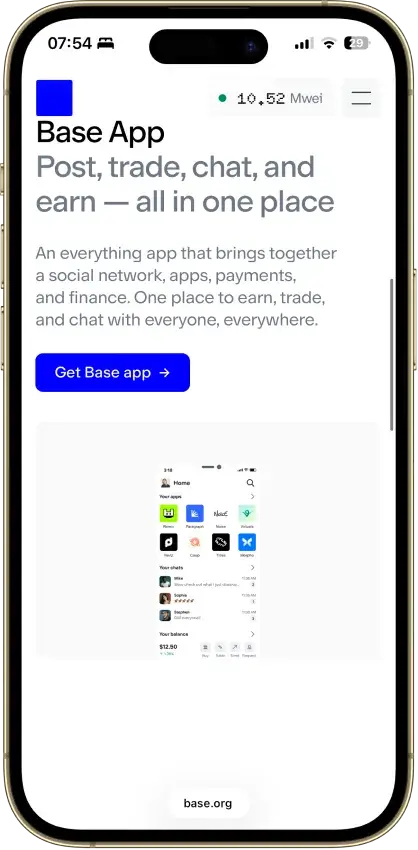
One quick naming note: Base App is Coinbase’s self-custody wallet, formerly known as Coinbase Wallet. The goal is the same either way: send SOL to your Solana wallet address inside the app.
Option 1: Transfer SOL Using a Linked Coinbase Account
If you want the smoothest flow, link your exchange account to the wallet first. Once linked, you can often move assets with fewer copy/paste steps.
- Open Base App and go to Settings.
- Tap Connect to Coinbase and follow the prompts to link your accounts.
- Open the Coinbase exchange app and choose Transfer (or Send crypto, depending on your app version).
- Select SOL.
- Choose the Solana network if you’re asked to pick a network.
- Select your Base App as the destination (or pick your saved wallet address).
- Enter the amount, tap Preview, review the details, and Send.
Option 2: Send Native SOL to Your Solana Address in Base App
- Open Base app and tap Receive.
- Select Solana (SOL).
- Copy your Solana address.
- Open the Coinbase app and choose Transfer → Send crypto.
- Select SOL.
- If prompted, choose Solana as the network for native SOL.
- Paste your Solana address.
- Send a small test amount first, then send the full amount.
Option 3: If You Want SOL on Base Instead
Coinbase also supports SOL on Base. That is different from native SOL on Solana.
- Start a send from your SOL balance.
- Select Base as the destination network.
- Use your Base receive details, not your Solana address.
- Review the details and confirm.
Before You Hit Send
- Do not confuse Base with Solana. Base is an Ethereum L2. Native SOL uses the Solana network and a Solana address.
- SOL on Base uses Base and appears onchain as an ERC-20 representation.
- Coinbase automatically handles bridging in the background when you move SOL via Base.
- Always match the network to the destination address type.
- Send a small test amount first.
Solana Wallet Trackers, Checkers, And Search Tools
Solana is highly transparent by design. If you have a Solana wallet address, you can usually look up balances and activity in seconds using a block explorer, a SOL wallet tracker, or a Solana wallet search tool. This is useful for verifying a transfer, checking what a wallet holds, or auditing your own activity — but it does not tell you who controls the wallet unless that address has been publicly linked to a person or entity.
How To Track A Solana Wallet
- Copy the Solana wallet address. You can use your own address, or an address someone shared with you.
- Paste it into a Solana block explorer or wallet tracker. Most tools work the same way: paste the address into the search bar.
- Check the basics first:
- SOL balance
- Token balances (SPL tokens)
- Recent transactions
- Open a specific transaction when you need details. You’ll typically see the transaction signature, timestamp, fee, and the accounts involved.
- Save the address for monitoring. If you track the same wallet often, bookmark the address page or use a watchlist feature if the tool offers it.
What A Solana Wallet Checker Can Show
A Solana wallet checker or explorer can usually show:
- SOL balance and recent changes
- Token holdings (SPL tokens) and token accounts
- NFT holdings (if the tool supports NFT views)
- Transaction history, including sends, receives, swaps, and contract interactions
- Fees paid and basic transaction metadata
- Staking-related activity (for example, stake accounts and delegations) depending on the tool
This is great for transparency. It’s how you confirm that a transfer arrived, validate that you pasted the right address, or double-check the on-chain history of a wallet you’re about to interact with.
What A Wallet Analyzer Cannot Tell You
These tools are sometimes marketed as a “sol wallet analyzer,” but they’re just showing public on-chain data. Even the best wallet analyzer has limits:
- It can’t prove identity. An address is not automatically tied to a person. Unless it’s publicly labeled, you’re looking at anonymous on-chain activity.
- It can’t prove ownership. Seeing funds in an address doesn’t mean the person you’re talking to controls it.
- It can’t see private information. It will not show seed phrases, private keys, device details, or anything off-chain.
- It can’t make transactions “safe.” A wallet with a clean history can still be risky to interact with, especially if you’re approving unknown dApps or signing unclear prompts.
If someone tries to “verify” ownership by asking for your seed phrase or private key, that’s a scam. The only thing you should ever share publicly is your wallet address.
Which Explorer Or Tracker Should You Use?
For basic checks, start with the official Solana Explorer or the explorer link inside your wallet. Paste in a wallet address to inspect balances, token accounts, and activity, or paste in a transaction signature to verify status.
For staking, Solana’s official Explorer can show stake-account status, delegation, authorities, and whether a stake account is activating, active, deactivating, or inactive.
Solana Wallet Security Checklist
If you do nothing else, do these basics. Most wallet losses come from phishing, fake apps, or signing something you didn’t fully understand — not from “hackers breaking the blockchain.”
- Protect your seed phrase like cash. Write it down offline. Don’t screenshot it. Don’t store it in notes, email, or cloud drives. No legitimate support team will ever need it.
- Download the wallet from the official source only. Avoid lookalike sites and “sponsored” search results. On mobile, check the developer/publisher name. On desktop, double-check the extension publisher.
- Bookmark the official site and use that bookmark. This reduces the risk of clicking phishing links later.
- Use a hardware wallet for larger balances. If you’re holding long term, keep most funds on a hardware wallet and use a hot wallet for day-to-day activity.
- Always test with a small transaction first. When you’re sending SOL to a new address (or withdrawing from an exchange), send a small amount, confirm it arrived, then send the rest.
- Read signing prompts before you approve. If the wallet can’t explain what you’re signing in plain language, treat it as risky. When in doubt, reject and re-check the site and transaction details.
- Be careful with dApps, mints, and “free” offers. If a site pressures you to connect quickly, approve multiple prompts, or “verify” your wallet, back out. This is how most drainers work.
- Keep a little SOL for fees. Swaps, token sends, and app interactions require SOL for network fees. If you drain your SOL to zero, other actions can fail even if you still hold tokens.
- Separate your wallets when you can. Use one wallet for daily dApp activity and a separate “vault” wallet for long-term holding. This limits your exposure if your daily wallet gets compromised.
- No legitimate wallet support team will ever ask for your recovery phrase or seed phrase. Phantom and Coinbase both explicitly say they will never ask for it. If anyone asks, treat it as a scam.
The Best Solana Wallet Depends On How You Use Solana
Start with the top-rated wallet in our reviews above if you want one option that covers the basics well: sending SOL, connecting to dApps, managing tokens, and handling NFTs.
If staking is your main goal, a Solana-native wallet like Solflare is often the cleaner fit. If you’re moving SOL off Coinbase and want the simplest transfer flow, Base App (formerly Coinbase Wallet) is a practical starting point. If SOL is only one part of a multi-chain portfolio, Trust Wallet can reduce app sprawl.
For larger long-term balances, a hardware wallet like Ledger is the safer place to keep most funds. Keep a smaller amount in a hot wallet for everyday Solana activity.