Spending from a Solana wallet involves more steps than most card marketing suggests. SOL rarely reaches the merchant as SOL. Most card programs convert the balance to fiat before the payment clears, which means the funding model, conversion path, and fee structure matter as much as any reward rate. Picking the wrong card for the task, spending SOL directly when a stablecoin card would have been cheaper, or chasing rewards that only pay out in one country, adds friction that is easy to avoid with the right information upfront.
This guide covers the five best Solana cards available in 2026. Each entry covers what the card actually does, where costs show up, and how to match the right card to the way you actually spend.
Top Solana Cards
- Rewards
- 1–4% crypto backCategory rates and caps apply
- Card fee
- $0 / yearNo FX fee; borrowing costs apply
- Availability
- US + Puerto RicoUS residents only
- No coin sold at checkout, no per-swipe tax
- Bitcoin, XRP, and Solana card editions
- 10% back at rotating partner merchants
- Rewards
- 2% KAST PointsStandard, Season 5; higher tiers vary
- Card fee
- $0 Standard planPaid tiers and FX fees apply
- Availability
- 170+ countriesEligibility varies by jurisdiction
- Virtual US bank numbers for ACH and wires
- Free instant transfers to other KAST users
- Rewards paid in dollars, not a house token
- Rewards
- 2–4% XRP backTier, funding and caps apply
- Card fee
- $0 EssentialElite about $99.99/year
- Availability
- US + UKRegional exclusions apply
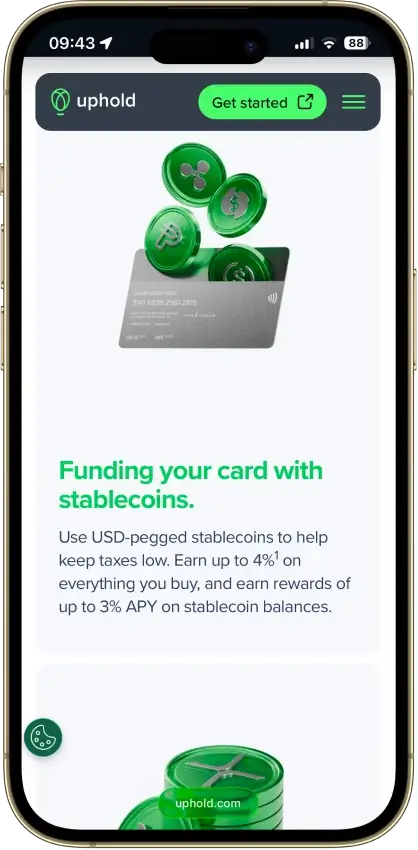
- Stablecoin funding avoids tax on each swipe
- Spend gold and silver balances at checkout
- Any of 200+ wallet assets can fund a purchase
- Rewards
- Welcome / referral offersNo recurring cashback listed
- Card fee
- $10 virtual / $100 physicalIssuance costs; FX and ATM fees apply
- Availability
- 100+ countriesEligibility varies by jurisdiction
- Fireblocks custody with a wallet address per user
- Hong Kong-licensed, FinCEN MSB registered
- Free on-chain and EUR/GBP funding rails
- Rewards
- No rewards
- Card fee
- $10 issuanceTop-up and FX fees depend on tier
- Availability
- Selected countriesUS excluded; other restrictions apply
- Pay online with no name or address
- Withdraw an unused balance back to a wallet
- Load as little as $10 and discard
CryptoSlate may earn a commission when you visit partner sites through links on this page, at no extra cost to you. Our rankings and reviews remain editorially independent and based on our published methodology. Read disclosure
Disclaimer: CryptoSlate may receive a commission when you click links on our site and make a purchase or complete an action with a third party. This does not influence our editorial independence, reviews, or ratings, and we always aim to provide accurate, transparent information to our readers.SolCard is the closest fit for direct SOL-funded spend. Gemini Credit Card is the better pick when earning SOL matters more than spending it directly. KAST, RedotPay, and Uphold sit between those two ends, with broader wallet utility but a less direct Solana focus.
Comparison Table
| Name | Network | Card Type | Digital Wallets | Availability |
|---|---|---|---|---|
 Gemini Credit Card Gemini Credit Card | Mastercard | Credit | Apple Pay, Google Pay, Samsung Pay | All 50 US states + Puerto Rico, US residents only |
 Kast Card Kast Card | Visa | Prepaid | Apple Pay, Google Pay | 170+ countries, varies by jurisdiction. |
 Uphold Card Uphold Card | Visa, Mastercard | Debit | Apple Pay, Google Pay | United States and the United Kingdom. In the U.S., the card is not available in New York, Louisiana, or U.S. territories. In the U.K., Crown Dependencies and British Overseas Territories are excluded. |
 RedotPay RedotPay | Visa, Mastercard | Prepaid | Apple Pay, Google Pay | 100+ countries, varies by jurisdiction. |
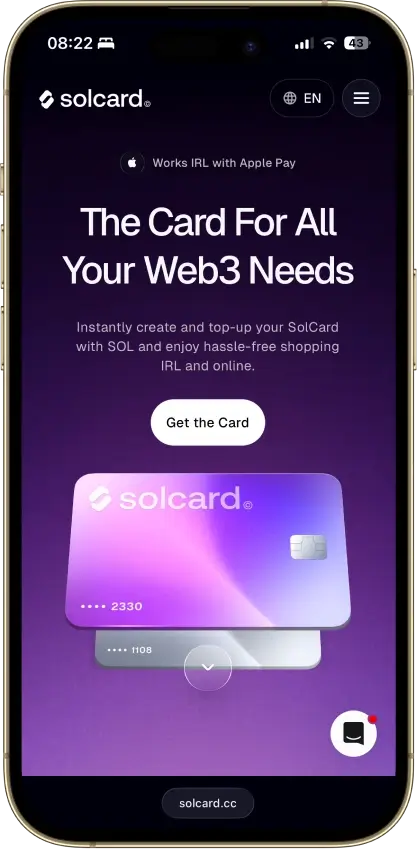
 Solcard Solcard | Mastercard | Prepaid | — | Most countries, excluding restricted markets including the United States, Hong Kong, Cuba, North Korea, Egypt, Iran, Myanmar, Nigeria, Russia, South Africa, Syria, Ukraine, Venezuela, Belarus. |
SolCard is the most direct Solana spend tool here, but the fee model is hard to ignore at scale. Gemini Credit Card is the cleaner pick for U.S. users who want SOL rewards with fewer fee surprises. KAST and RedotPay suit stablecoin-led Solana spending better, while Uphold works best when SOL already sits inside an Uphold account.
Solana Cards Reviews

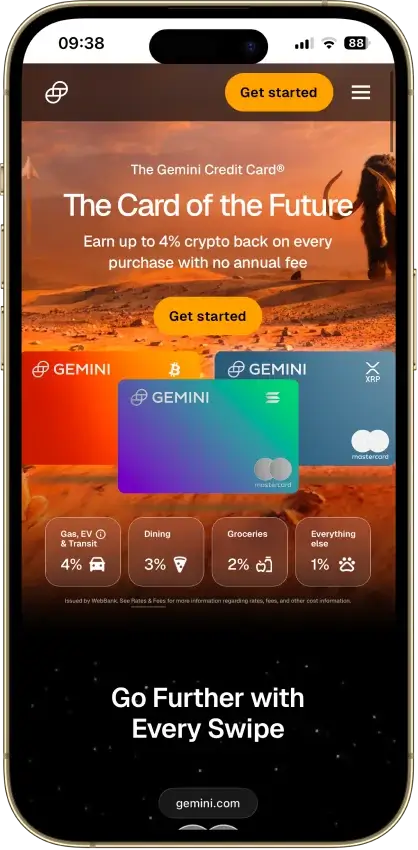
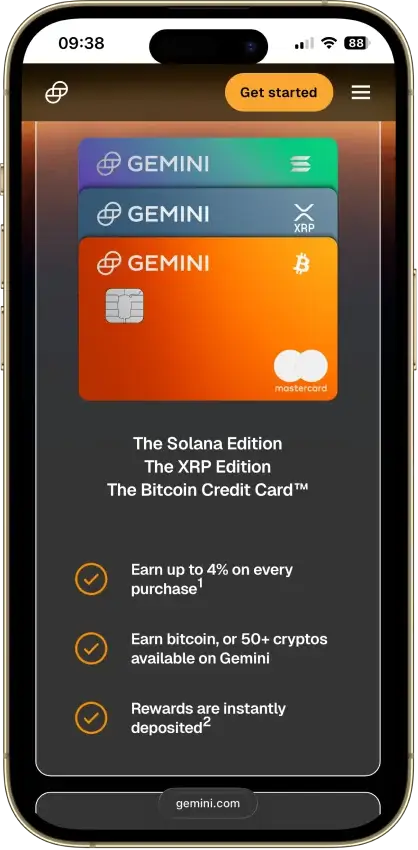
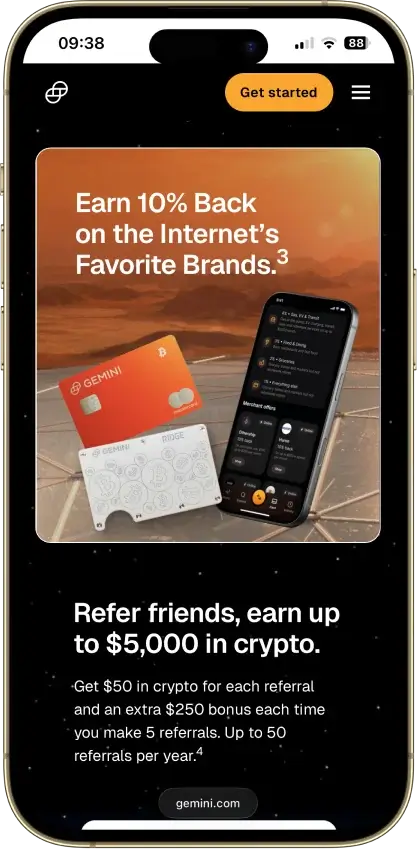
Gemini Credit Card
- Rewards
- 1–4% crypto backCategory rates and caps apply
- Card fee
- $0 / yearNo FX fee; borrowing costs apply
- Availability
- US + Puerto RicoUS residents only
Pros
- Unlimited 3% dining and 2% grocery rewards
- $0 annual fee and $0 foreign transaction fee
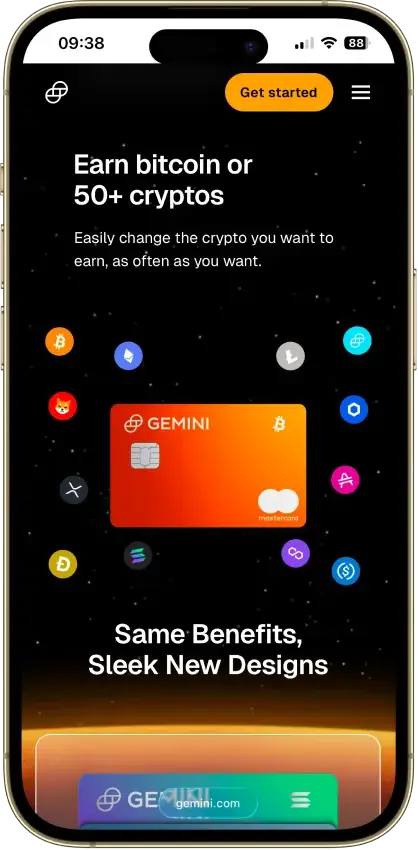
- Instant payout in a choice of 50+ cryptos
- WebBank-issued Mastercard World Elite
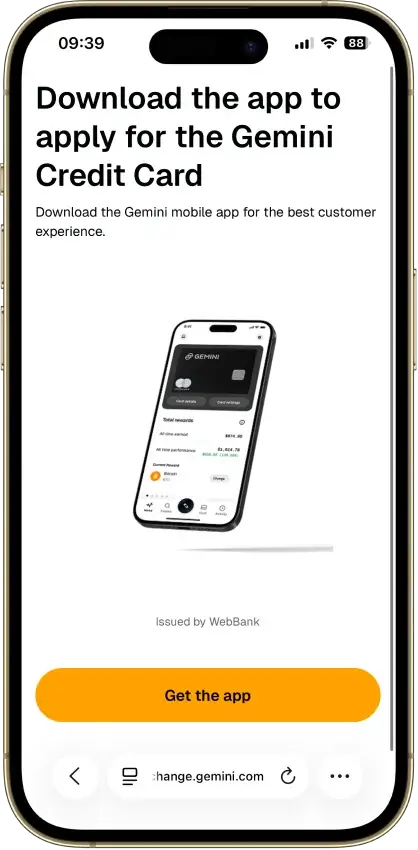
- Soft-pull pre-qualification before applying
Cons
- 4% tier limited to $300 of spend a month
- 1% base rate on most spending
- 16.49%–28.49% variable APR if you revolve
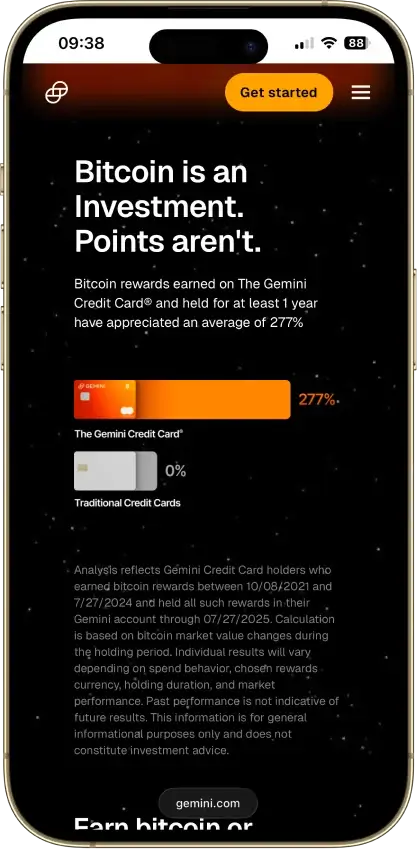
- Rewards taxable at receipt and disposal

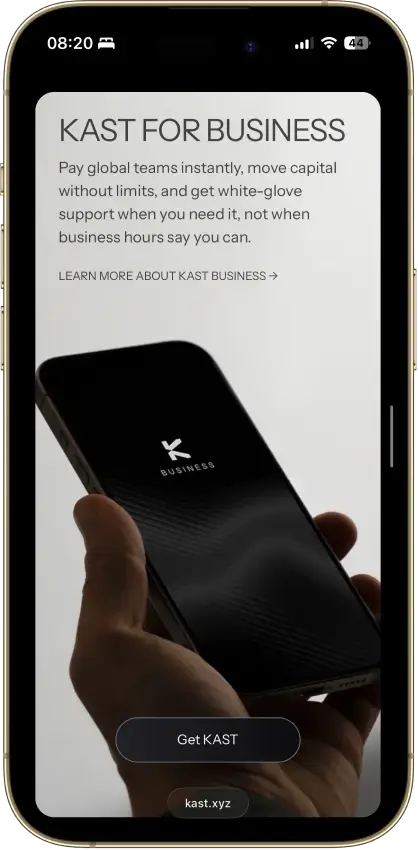
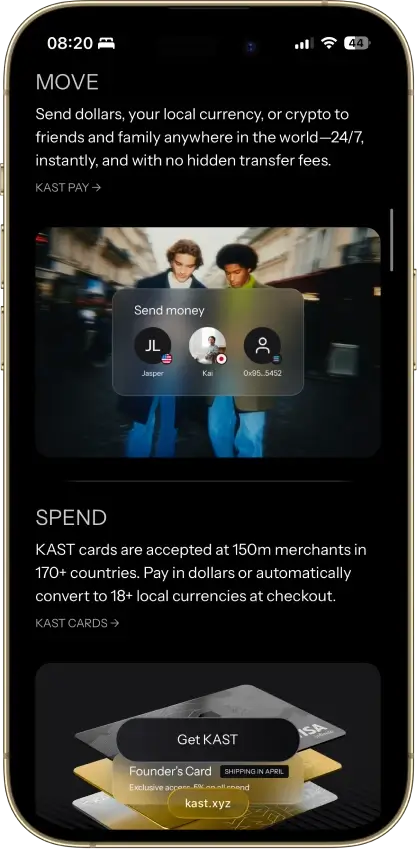
Kast Card
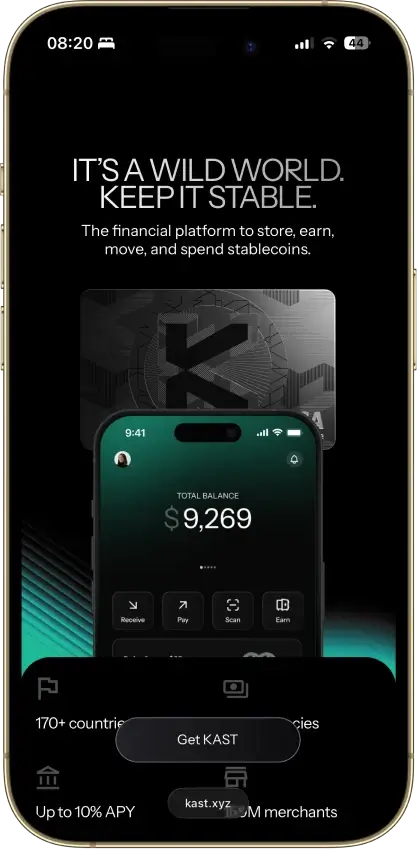
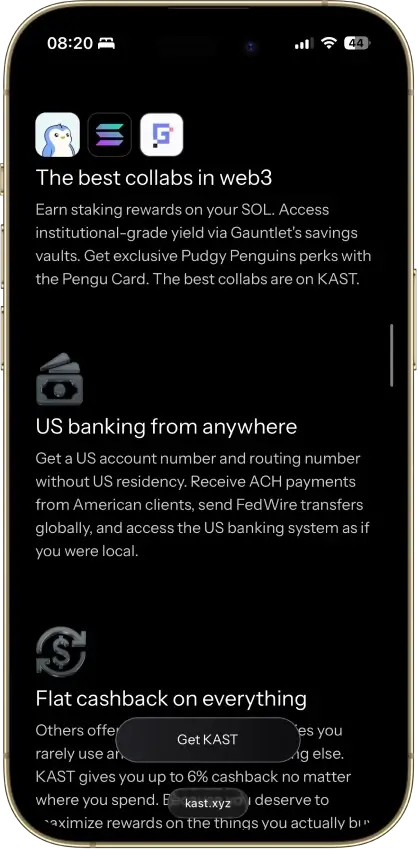
- Rewards
- 2% KAST PointsStandard, Season 5; higher tiers vary
- Card fee
- $0 Standard planPaid tiers and FX fees apply
- Availability
- 170+ countriesEligibility varies by jurisdiction
Pros
- 1.5% back on the free membership
- Stablecoins load at par with no spread
- Virtual card ready minutes after sign-up
- No limit on card purchases
- Five stablecoins across major chains
Cons
- Volatile crypto is sold on deposit at 2%–5%
- Free-tier cashback stops at $2,000 a month
- ATM cash costs $3 plus 2%, limit $750 a day
- Top cashback rates cost $1,000–$10,000 a year
- No listed chargeback fees or timelines
Uphold Card
- Rewards
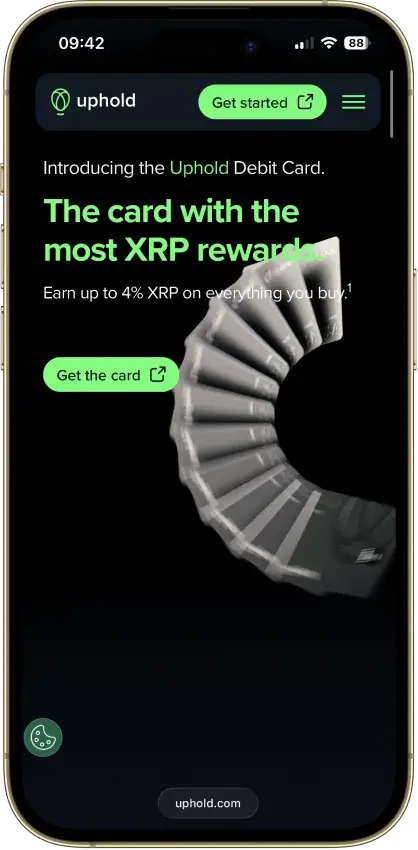
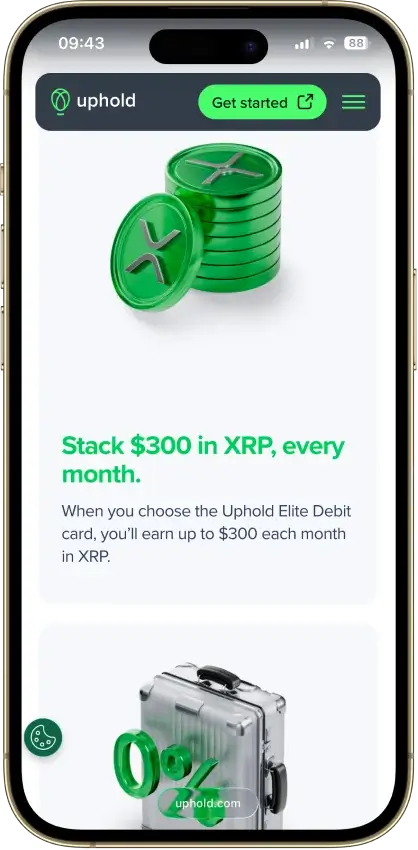
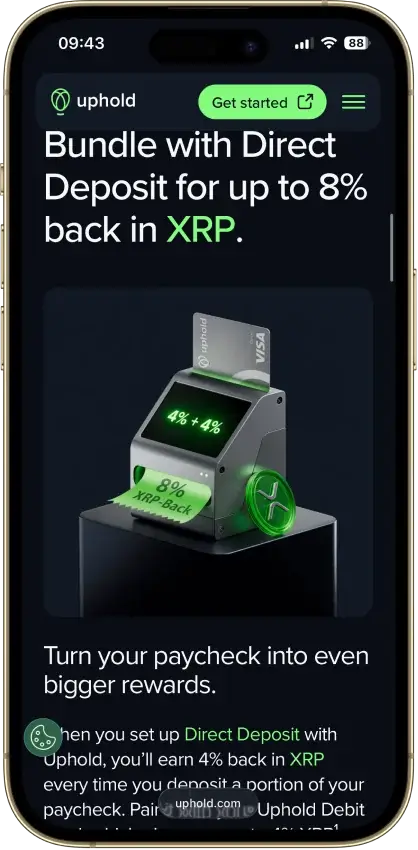
- 2–4% XRP backTier, funding and caps apply
- Card fee
- $0 EssentialElite about $99.99/year
- Availability
- US + UKRegional exclusions apply
Pros
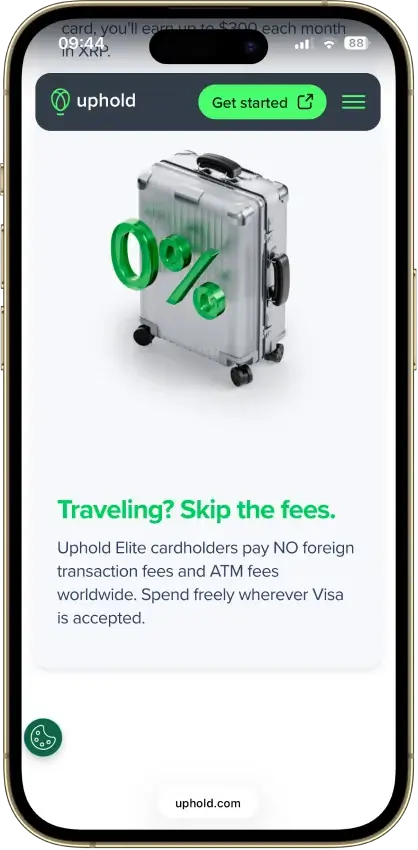
- 4% XRP on crypto-funded spend with Elite
- 0% FX and $0 ATM withdrawals on Elite
- US issuer Cross River Bank is an FDIC member
- No frozen-funds pattern around the card
- Elite lifts daily spend to $25,000
Cons
- Top terms locked to the $99.99/yr Elite tier
- Essential adds 1.50% FX and $2.95 ATM fees
- Crypto-funded spend takes a spread, plus tax
- UK card pays 1% GBP, zero on crypto funding
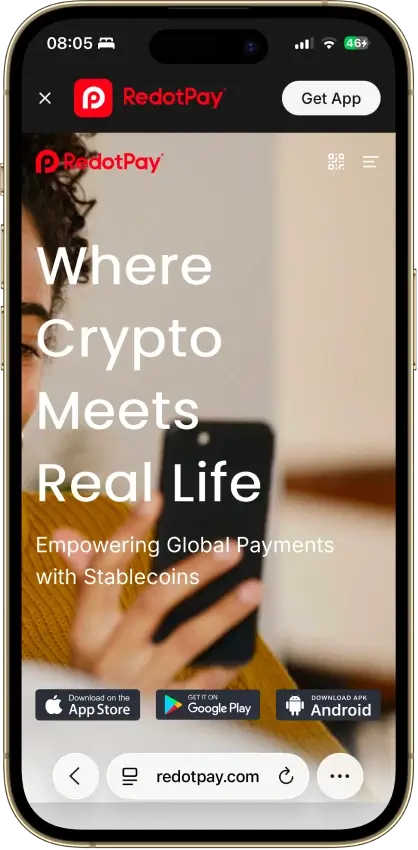
RedotPay
- Rewards
- Welcome / referral offersNo recurring cashback listed
- Card fee
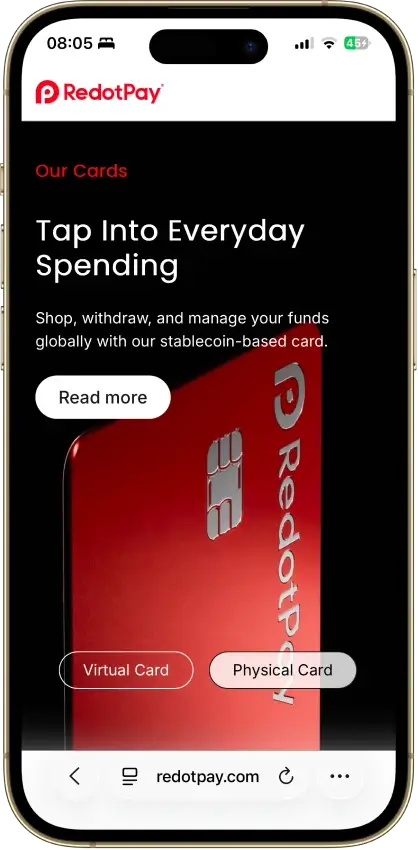
- $10 virtual / $100 physicalIssuance costs; FX and ATM fees apply
- Availability
- 100+ countriesEligibility varies by jurisdiction
Pros
- $0 monthly, annual or dormancy fee
- 1.2% FX fee beats most prepaid rivals
- Virtual card goes live within minutes
- Per-card limits and freezes set in the app
- Google Pay, and Apple Pay via a free upgrade
Cons
- Non-refundable 10 and 100 USDT issuance fees
- 2–3% ATM fees, physical card only
- $50 chargeback fee, 3–6 month waits
- Issuing bank and BIN sponsor not disclosed
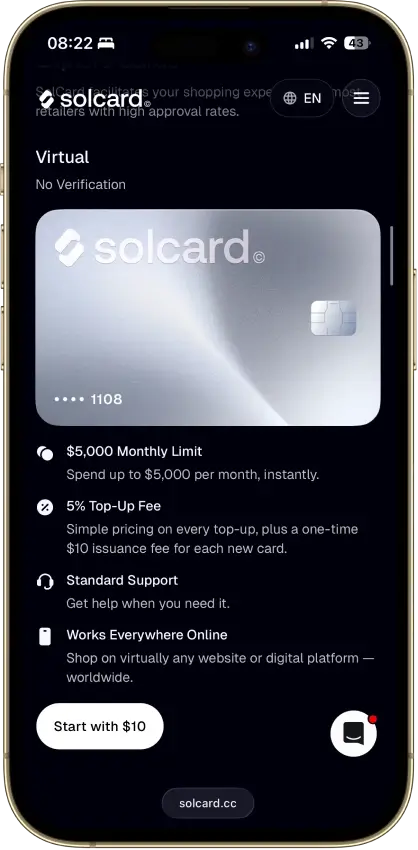
Solcard
- Rewards
- No rewards
- Card fee
- $10 issuanceTop-up and FX fees depend on tier
- Availability
- Selected countriesUS excluded; other restrictions apply
Pros
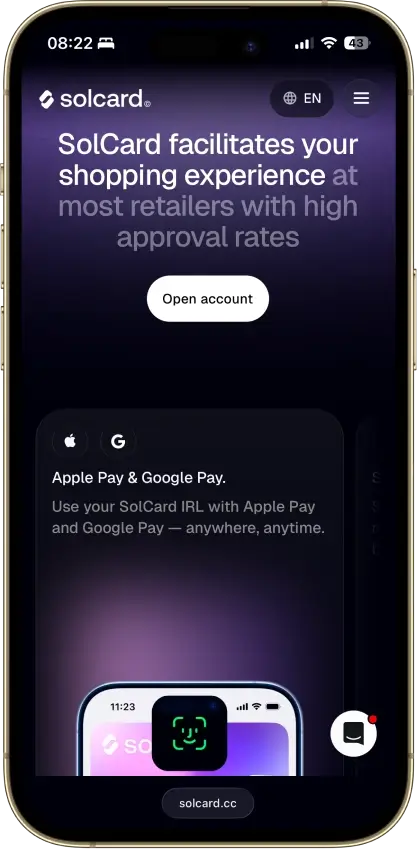
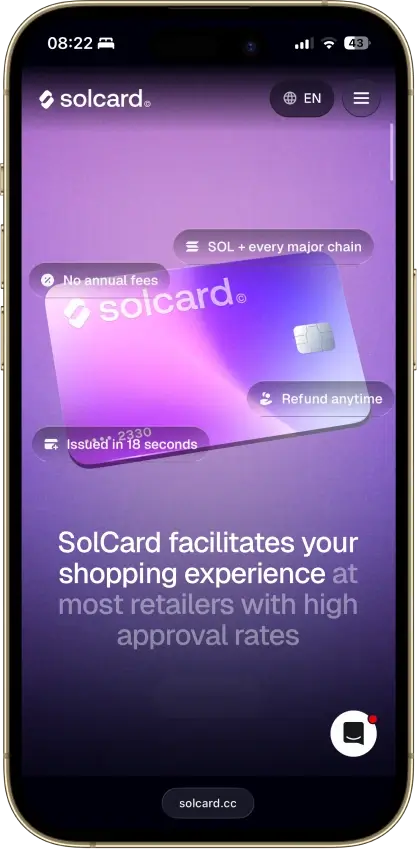
- No-KYC Mastercard issues in 18 seconds
- Stablecoin top-ups across 10+ networks
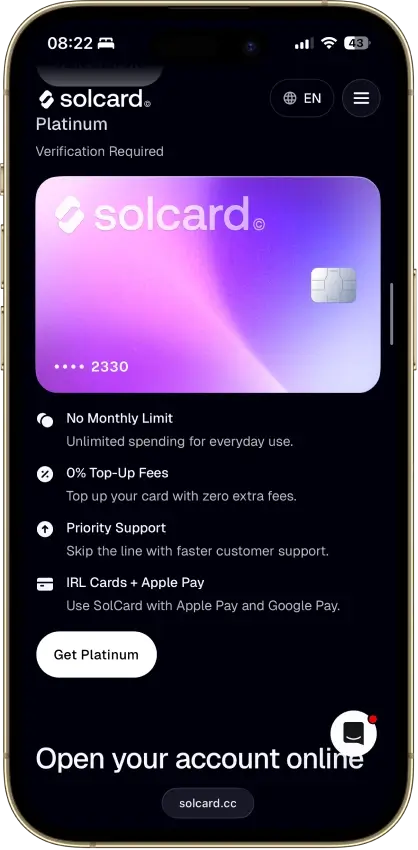
- 0% top-up and Apple Pay on the Visa tier
- No monthly or annual fee
- USDT and USDC load with no spread
Cons
- 5% top-up fee on the no-KYC tier
- Advertised SOLC cashback is not live
- No-KYC Visa cards were canceled in June 2025
- Opaque Hong Kong issuer, no identified bank
- Virtual-only, no ATM access
Our Ranking Methodology
We ranked these Solana cards by what they actually do for a Solana user, not by how often they mention SOL. A card can score well if it solves one Solana job cleanly: earning SOL, spending from SOL, spending Solana-based stablecoins, or spending from a broader wallet balance that includes SOL.
Final score = sum of each criterion score x weight. Each criterion is scored 0, 0.5, or 1.0. A score of 1.0 means the card performs well for its intended model. A score of 0.5 means it works, but important friction remains. A score of 0 means the feature is weak, unclear, too expensive, or not useful enough for normal card use.
| Criterion | Weight | What We Checked For This Page |
|---|---|---|
| Availability And Setup Friction | 1.0 | Supported countries or states, KYC, credit checks, tier gates, app-only access, and whether a new user can reach a usable card |
| Funding Rails And Conversion Path | 1.25 | Direct SOL funding, Solana USDC or USDT support, fiat-to-SOL rewards, chain support, conversion timing, and settlement currency |
| Real-World Spend Reliability | 1.5 | Online use, in-store use, Visa or Mastercard acceptance, Apple Pay, Google Pay, physical card access, prepaid quirks, subscriptions, pre-authorizations, and merchant blocks |
| Rewards Value After Conditions | 1.0 | SOL rewards, non-SOL rewards, reward caps, category limits, token volatility, plan fees, staking or tier requirements, and exclusions |
| Fees And Hidden Cost Drag | 1.25 | Issuance fees, top-up fees, crypto conversion, spread, FX, ATM fees, refund fees, chargeback fees, plan fees, and withdrawal costs |
| Operational Convenience And Limits | 0.75 | Virtual-card timing, physical-card access, funding-to-spend speed, spending limits, refund timing, withdrawal options, and cash access |
| App, Controls, And Virtual Card Tooling | 0.75 | Instant virtual cards, Apple Pay, Google Pay, freeze and unfreeze tools, alerts, transaction controls, wallet settings, and export basics |
| Security, Custody, And Freeze Risk | 1.25 | Custody model, issuer or banking partner clarity, account review risk, blocked merchant rules, KYC dependence, and whether funds can be frozen |
| Support, Refunds, And Chargebacks | 0.75 | Human support, help center depth, refund path, chargeback process, dispute fees, timelines, and escalation options |
| Tax And Reporting Readiness | 0.5 | SOL disposal risk, stablecoin tracking, crypto reward treatment, statements, CSV exports, and what users still need to track manually |
We treated direct SOL spend, stablecoin spend on Solana, and SOL rewards as separate models because they solve different jobs. A card can rank lower despite a decent reward pitch if the spend flow is clunky or the costs compare badly with free crypto cards.
What Counts As A Solana Card?
The term gets used loosely, and that matters because these three models behave differently once money moves. Knowing which model a card uses tells you more about what it actually costs than any headline feature does.
- Solana-Native Spend Card: Funded mainly with SOL and built for direct crypto-funded spending. Fees tend to run higher and issuer support is often thinner than with more established card programs.
- Solana-Funded Stablecoin Card: Starts with SOL but converts into stablecoins before the card is charged. The day-to-day experience is smoother, but the conversion step adds cost and one more point of failure.
- Generic Crypto Card With SOL Support: SOL is one asset among many inside a broader crypto account. Useful if the user already keeps funds on that platform, but the Solana connection is loose.
The model a card uses determines the job it can do. A Solana-native spend card does not help a U.S. user looking to build a passive SOL position. Users still deciding where to hold SOL between spending sessions should look at Solana wallet options alongside card apps.
How Solana Card Spending Actually Works
SOL rarely reaches the merchant as SOL. In most card setups, the program converts the balance into fiat before the payment clears. That means the conversion rate and any fees baked into that step affect what the user actually pays, sometimes more than the reward rate does.
The table below shows where each step in that flow tends to create friction.
| Step | What Happens and Where Friction Usually Starts |
|---|---|
| Fund With SOL | SOL enters the card or linked account. Friction often comes from network choice, minimum loads, or extra conversion steps. |
| Fund With USDC On Solana | Stablecoins land first, then power spend. Friction comes from the supported token version and top-up rules. |
| Auto-Convert Before Spend | Balance converts into settlement currency. Friction comes from spread, FX markup, or card-currency mismatch. |
| Card Authorization | Merchant requests approval. Friction comes from prepaid declines, MCC blocks, or balance buffer issues. |
| Refund Or Reversal | Funds return after a canceled or reversed payment. Friction comes from slow reversals, changed FX rates, or crypto repricing. |
The conversion step is where most unexpected costs come from. A card that advertises zero fees can still apply a spread at the SOL-to-fiat conversion stage that never appears as a line item. That is why many users end up preferring USDC card setups when they want Solana exposure without payment surprises. SOL can still be the starting asset, but stablecoin-funded spend makes the final transaction easier to predict and easier to reconcile.
SOL vs USDC On Solana For Card Spending
The funding asset affects more than the balance on screen. It changes how you budget, how much a bad conversion rate costs, and how much admin you create at tax time. The table below breaks down the tradeoffs across the four main funding models in this group.
| Funding Asset | Best For, Main Benefit, and Main Drawback |
|---|---|
| SOL | Best for direct crypto-funded spend. Keeps the user closest to native SOL exposure. Price swings and conversion costs hit faster. Usually high tax friction because spending often disposes of SOL. |
| USDC On Solana | Best for day-to-day card use. Dollar-like balance with simpler budgeting. Card issuer may still convert again before settlement. Usually lower tax friction than SOL if basis is near par. |
| USDT Or Other Stablecoins On Solana | Best for users already holding non-USDC stables. Wider support on some card programs. Support, issuer risk, and redemption quality vary. Usually lower tax friction than SOL, but not zero. |
| Rewards In SOL | Best for passive SOL accumulation. Builds SOL without selling existing holdings first. Spend flow itself is not Solana-native. Usually lower tax friction at purchase; gains show up later on sale or swap. |
USDC is the cleaner funding rail for frequent spending. The price holds close to par, the tax math is simpler, and the card experience is more predictable. SOL works better for users who want native exposure right up to the spend event and are willing to accept more conversion risk and tax complexity. Users holding large USDT balances should also check cards built around USDT, since card support tends to follow issuer preference more than chain preference.
Self-Custody Vs Custodial Solana Cards
Most so-called Solana cards become custodial before the transaction settles, even if the funds started in a self-custody wallet. What changes between the models is when control transfers and what risk that creates.
The three models below represent the main setups in this category.
| Model | Key Details |
|---|---|
| Self-Custody-Wallet Card | User controls funds in a wallet until load or transfer. Funds are pushed or reserved before card settlement. Main risk: more user-side setup risk and thinner support. Best fit: users who prioritize key control. |
| Custodial Exchange Or App Card | Provider controls funds in the card app or exchange balance. Provider converts and settles on card rails. Main risk: freeze risk, review risk, and issuer limits. Best fit: users who want easier daily payments. |
| Credit Card With SOL Rewards | Issuer extends credit; no crypto is needed before spend. Merchant is paid on the credit line and rewards post later in SOL. Main risk: Solana exposure sits in rewards, not the payment path. Best fit: U.S. users who want SOL exposure without selling SOL. |
Custodial card apps are easier to use day to day, and for most users that tradeoff is worth it. The self-custody model keeps more control with the user but comes with thinner support and more setup steps that can go wrong. If keeping control of your keys matters more than payment convenience, compare those setups with non-custodial wallet options before committing to a card-first flow.
Solana Card Fees Comparison
Headline rewards hide the cost stack. Issuance, plan pricing, conversion, FX, ATM use, and top-up fees are where card fit actually changes once spending starts regularly. Here is how each card's fees break down, followed by worked examples showing what those costs look like in practice.
SolCard
- Virtual Card Cost: Included in $10 issuance fee
- Physical Card Cost: Not available
- Plan Fee: $0
- Spread / Conversion Cost: Not separately disclosed
- FX Fee: 2%
- ATM Fee And Limits: Not supported
- Top-Up Fee: 5% online; 0% on Full Access tier
- Other Notable Fee: $0.30 per purchase; $0.15 on transactions under $10; 0.30% Apple Pay / Google Pay fee on Full Access purchases
RedotPay
- Virtual Card Cost: $10
- Physical Card Cost: $100
- Plan Fee: $0 annual
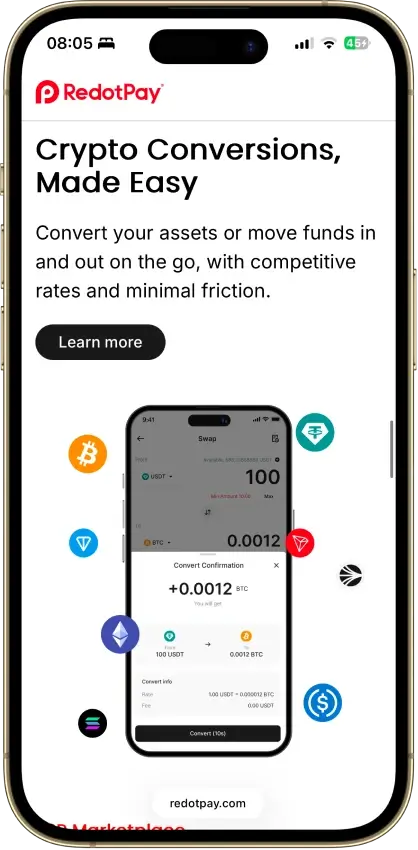
- Spread / Conversion Cost: 1% crypto conversion
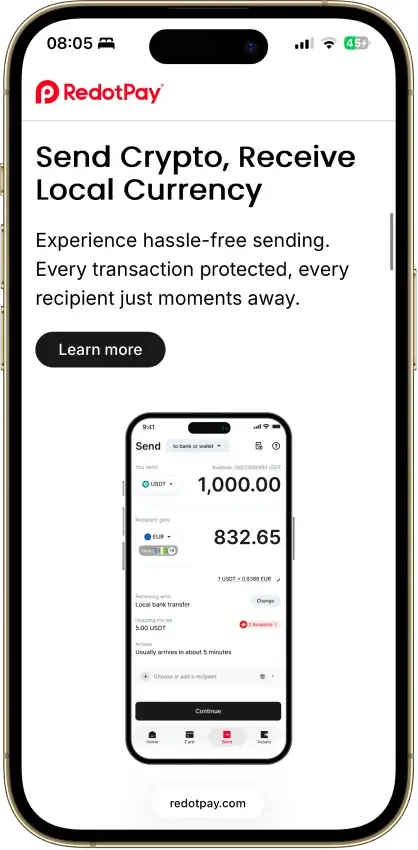
- FX Fee: 1.2% off card currency
- ATM Fee And Limits: USD card: 2% up to $10,000/month, then 3%; HKD card: 2%; non-card-currency transactions: 1.2%; crypto conversion: 1%
- Top-Up Fee: No extra top-up fee shown
- Other Notable Fee: Virtual card replacement $5 first time, then $10
KAST Card
- Virtual Card Cost: First 2 free; then $2 each
- Physical Card Cost: Free on Standard; $40 shipping
- Plan Fee: Standard $0; Premium $1,000/year; Limited $5,000 one-time; Luxe $10,000/year
- Spread / Conversion Cost: Stablecoin deposits convert to USD at 1:1 with 0% spread; non-stablecoin deposits auto-convert to stablecoins at a 2%-5% fee, varying by token
- FX Fee: 0.5% to 1.75% non-USD
- ATM Fee And Limits: $3 + 2%; $250 each, $750/24h
- Top-Up Fee: 0%
- Other Notable Fee: $0.50 declined transaction; $0.10 small non-USD transaction
Gemini Credit Card
- Virtual Card Cost: Included after approval
- Physical Card Cost: Included after approval
- Plan Fee: $0 annual
- Spread / Conversion Cost: No fee to earn; sale/swap applies later
- FX Fee: 0%
- ATM Fee And Limits: $10 or 3% cash advance
- Top-Up Fee: Not applicable
- Other Notable Fee: Late fee up to $8; returned payment up to $35
Uphold Card
- Virtual Card Cost: $0
- Physical Card Cost: $0 Elite; $4.99 Essential
- Plan Fee: $0 Essential; $99.99 Elite
- Spread / Conversion Cost: Service fees apply on crypto or metals funding
- FX Fee: 0% Elite; $1.50 Essential
- ATM Fee And Limits: $0 Elite / $2.95 Essential; tier limits apply
- Top-Up Fee: Varies by rail; U.S. debit 1.75% minimum $1
- Other Notable Fee: Extra physical card replacements vary by tier
Worked Examples
These examples use realistic spend scenarios to show how the fee stacks compare in practice.
Scenario 1: $500 in online purchases in a month, funded from crypto, no ATM use
On SolCard at the basic tier, a $500 month with ten $50 transactions costs $10 in per-transaction fees ($0.30 x 10 = $3.00) plus a 5% top-up fee on the load ($25), totaling roughly $28 before any FX. On KAST with a stablecoin deposit, the same $500 converts at 0% spread, and the 0% top-up means the only cost is the FX fee on non-USD purchases. On RedotPay, the 1% crypto conversion on a $500 load costs $5, plus FX at 1.2% on any non-USD spend. Gemini carries no top-up fees or conversion costs at the card stage, since it runs on credit, making the monthly cost close to $0 in card fees if the balance is paid in full.
Scenario 2: $200 ATM withdrawal abroad
SolCard does not support ATM withdrawals, so this scenario is not possible on that card. RedotPay charges 2% on the first $10,000/month, so a $200 withdrawal costs $4 plus any operator fee. KAST charges $3 + 2%, so the same $200 withdrawal costs $7. Uphold on Essential charges $2.95 per withdrawal; on Elite it is $0. Gemini offers only cash advance at $10 or 3%, making it a poor choice for ATM use.
Scenario 3: $1,000 month across mixed merchants, stablecoin funded, Europe-based user
KAST is the cheapest option here. The stablecoin-to-USD conversion is 0%, the FX fee on non-USD spend runs between 0.5% and 1.75%, and there are no top-up fees. On a $1,000 month at the high end of the FX range, that is $17.50. RedotPay at 1% conversion plus 1.2% FX runs to $22 on the same volume. SolCard at 5% top-up plus 2% FX hits $70 on a basic-tier load, before per-transaction fees. Gemini is not available in Europe, and Uphold is limited to the U.K. on the card side.
SolCard is easy to understand but gets expensive fast on the basic tier. The $0.30 per-transaction fee hits harder than it looks on small or frequent purchases. KAST keeps stablecoin conversion clean, which is its main cost advantage over the rest of the group. RedotPay spreads cost across issuance, conversion, and ATM use, so the total depends heavily on how the card is actually used. Users who want the lightest recurring fee profile should compare these against lower-fee crypto card options.
Apple Pay, Google Pay, Virtual Cards and Daily Use
A card that works on the same day it is approved is useful in a way a delayed physical card is not. Phone-wallet support and instant virtual issuance matter most for online payments, in-store tap, subscriptions, and travel booking. The table below shows what to check across each dimension before committing to a card.
| Feature | What To Check and Why It Changes Fit |
|---|---|
| Instant Virtual Issuance | Whether card details appear right after approval and whether KYC must finish first. Changes whether the user can start paying today or has to wait. |
| Apple Pay Support | Whether the card can be added on iPhone and whether tier or region limits apply. Changes tap-to-pay use in stores and transit on Apple devices. |
| Google Pay Support | Whether Android wallet setup works and whether the card is accepted in the region. Important for Android users who rely on phone payments. |
| Physical Card Wait Time | Whether shipping is available, how long it takes, and whether there is a fee. Affects ATM access, backup-card use, and in-person spending without a phone. |
| In-Store Use | Whether the card works at terminals and not just online checkouts. Separates online-only cards from daily spend cards. |
| Online Use | Whether the card works for subscriptions, ecommerce, and billing-address checks. Useful for recurring bills and one-click checkout. |
| Merchant Friction | Whether prepaid rules, MCC blocks, or billing mismatches cause declines. Changes how reliable the card feels in normal use. |
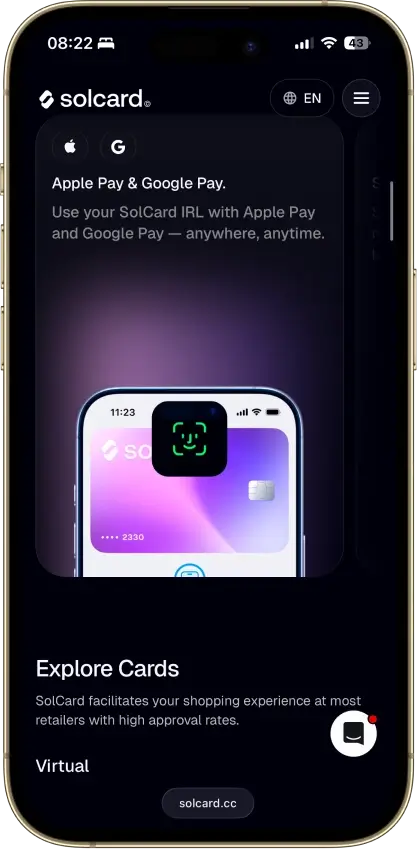
SolCard on its basic tier is virtual-only and blocks Apple Pay and Google Pay until the user completes full verification, which means it cannot serve as a daily driver out of the box. The other four cards in this group all support phone wallets from the start, though regional availability still varies. Users who pay mostly by phone should also check crypto cards with Apple Pay and Google Pay support and virtual card options.
KYC, Availability and Travel Friction On Solana Cards
Approval requirements and travel performance tend to surface before reward value does. A card that works fine at home can break down when the user tries to withdraw cash, pay with a phone wallet abroad, or spend in a non-card currency. Here is how each card compares across KYC level, regional reach, and travel readiness.
SolCard
- KYC Level: No KYC on basic tier; full KYC for Full Access
- U.S.: No
- Europe: Most countries
- Other Regions: Broad, with restricted-country list
- Virtual Card: Yes
- Physical Card: No
- Apple Pay: Full Access only
- Google Pay: Full Access only
- Travel Fit: Fair on Full Access; weak on basic tier
- ATM Use: No
- Main Friction: Online-only basic tier and 5% top-up fee
RedotPay
- KYC Level: Full KYC
- U.S.: No
- Europe: Many countries; some blocked
- Other Regions: Broad, with sanctions and location blocks
- Virtual Card: Yes
- Physical Card: Yes, shipping rules apply
- Apple Pay: Yes
- Google Pay: Yes
- Travel Fit: Good for global spend
- ATM Use: Yes
- Main Friction: U.S. blocked and physical card cost
KAST Card
- KYC Level: Full KYC
- U.S.: Check supported residency in app
- Europe: Many countries; check app
- Other Regions: Broad, not universal
- Virtual Card: Yes
- Physical Card: Yes
- Apple Pay: Yes
- Google Pay: Yes
- Travel Fit: Strong for multi-currency spend
- ATM Use: Yes
- Main Friction: Country support must be checked in app
Gemini Credit Card
- KYC Level: Full U.S. credit and identity checks
- U.S.: Yes
- Europe: No
- Other Regions: No
- Virtual Card: Yes
- Physical Card: Yes
- Apple Pay: Yes
- Google Pay: Yes
- Travel Fit: Good abroad after U.S. approval
- ATM Use: Cash advance only
- Main Friction: U.S.-only application and credit approval
Uphold Card
- KYC Level: Full KYC
- U.S.: Yes, except Louisiana, New York, and U.S. territories
- Europe: U.K. only
- Other Regions: No
- Virtual Card: Yes
- Physical Card: Yes
- Apple Pay: Yes
- Google Pay: Yes
- Travel Fit: Fair to good in live regions
- ATM Use: Yes
- Main Friction: Region limits and plan split
Broad acceptance claims are not the same as broad usability. A card covering 170 countries on paper may still add FX fees, block ATM withdrawals, or require a physical card for in-store use in markets where tap-to-pay is the default. Verify each of those separately before traveling. Users who want the lightest approval process should compare these with no-KYC crypto card options and crypto cards built for international use.
Taxes, Reporting and Selling Friction
Most Solana card users underestimate the admin the card creates. The funding asset, the conversion path, and the quality of the card's export file all feed into how clean or messy records are at tax time.
Spending SOL is a taxable disposal in most jurisdictions because converting it to fiat to pay a merchant is treated as a sale. Spending stablecoins is usually cleaner because the price holds close to par and the gain or loss on each transaction is small. SOL rewards sit in a different category again, since some jurisdictions treat them as income at receipt rather than at sale. The right answer depends on local rules, but the funding choice affects how complex the question gets.
Auto-conversion adds another layer. If the card converts SOL to USDC before charging, and then charges the card in EUR, a user in Europe has two conversion events to track rather than one. Most card apps will not surface both steps clearly in the transaction history, which means CSV exports and cost-basis tracking need more work than a standard card statement would. The cleanest setups from a reporting perspective are the ones that keep funding, settlement, and export inside one account with a usable CSV.
Common Solana Card Problems And Fixes
Most Solana card issues start in the gap between the crypto balance and the card rail. The app can show funds available, but the card program may still need a supported token, a conversion step, a region check, or a funding buffer before the payment goes through. The issues below come up often enough that they are worth checking before the card is needed rather than after a declined payment.
These are the most common problems and how to address each one.
- SOL balance is there but the card still declines: Check whether the card needs pre-conversion, a minimum buffer, or a specific supported funding asset rather than raw SOL.
- The card works online but not in-store: Check whether the card is virtual-only, whether phone-wallet setup is complete, and whether the merchant blocks prepaid cards.
- The virtual card works before the physical card arrives: Use that gap for online payments and wallet setup, but ATM access and chip-and-PIN use will not work before delivery.
- Refunds take longer than expected: Card refunds move on card-settlement timing rather than blockchain timing, so pending reversals can take days.
- Stablecoins were sent on the wrong network: Confirm chain, token version, and deposit instructions before sending. The app may support the asset but not the network used.
- Limits feel fine at signup but get restrictive later: Recheck daily, monthly, ATM, and merchant-category limits once spending volume increases.
- The total cost is higher than the headline fee: Look at spread, FX, top-up charges, small-payment fees, and plan pricing rather than only the visible card fee.
- Travel spend works, but ATM use is worse: ATM rules, operator fees, and cash-withdrawal limits are often stricter than normal purchase rules.
The smoother cards are usually the ones that show limits and conversion rules clearly before the user runs into them. Most frustration in this category comes from fees and restrictions that were never obvious at signup.
How To Choose The Right Solana Card
Start with the spend model. If the goal is to spend SOL directly, SolCard is the most straightforward option, but it only works well past the basic tier. If the goal is stablecoin-funded spending on Solana, KAST and RedotPay are the stronger fits, with KAST pulling ahead on FX fees and RedotPay offering more physical-card flexibility. If the goal is building a SOL position through everyday card use without touching existing holdings, Gemini Credit Card is the only card in this group that does that cleanly, and only for U.S. users.
Once the spend model is clear, work through these checks before applying. Each step removes a category of unpleasant surprises.
- Decide whether you want to spend SOL, spend stablecoins on Solana, or only earn SOL rewards.
- Decide whether self-custody before spend matters to you.
- Check whether Apple Pay, Google Pay, and instant virtual issuance are live for your region and tier.
- Check the actual conversion model, not just the headline pitch.
- Check KYC level and region support before you apply or fund the card.
- Check the fees most likely to hit your use case: top-ups, FX, ATM use, and plan pricing.
- Check how refunds, disputes, and failed payments are handled.
- Check how hard tax tracking will be once you start spending regularly.