An XRP card can mean three different things: a card that pays rewards in XRP, a card that sells XRP to fund purchases, or a card that lets you borrow against XRP without selling it. Those are not variations of the same product. They handle your XRP balance differently, carry different fee profiles, and create different tax obligations. That distinction matters more with XRP than with most crypto assets because XRP can serve such different roles in a portfolio.
Whether someone wants to accumulate XRP passively from everyday spend, tap an existing XRP balance for payments, or access liquidity without giving up a position, no single card covers all three goals. The right choice depends on what job you need XRP to do.
Top XRP Cards
- Rewards
- 1–4% crypto backCategory rates and caps apply
- Card fee
- $0 / yearNo FX fee; borrowing costs apply
- Availability
- US + Puerto RicoUS residents only
- No coin sold at checkout, no per-swipe tax
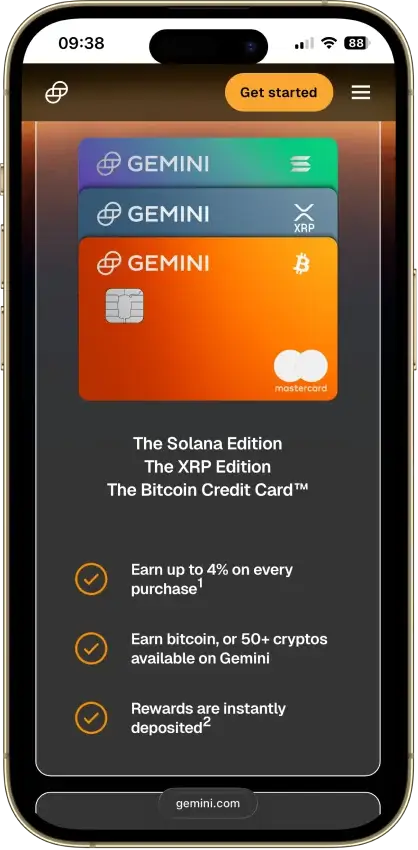
- Bitcoin, XRP, and Solana card editions
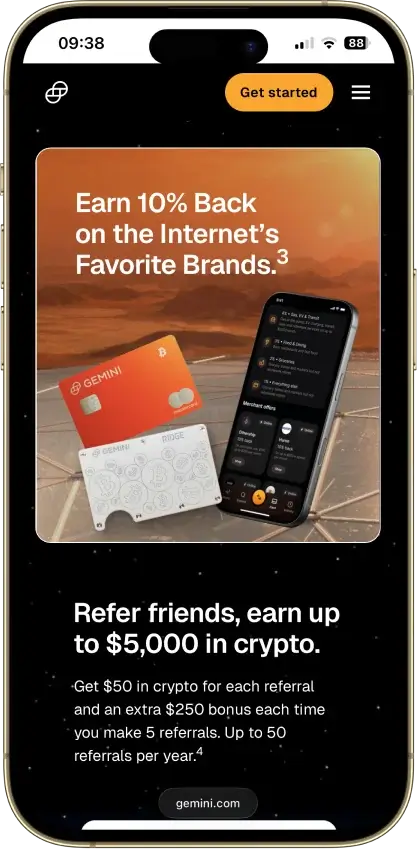
- 10% back at rotating partner merchants
- Rewards
- 2–4% XRP backTier, funding and caps apply
- Card fee
- $0 EssentialElite about $99.99/year
- Availability
- US + UKRegional exclusions apply
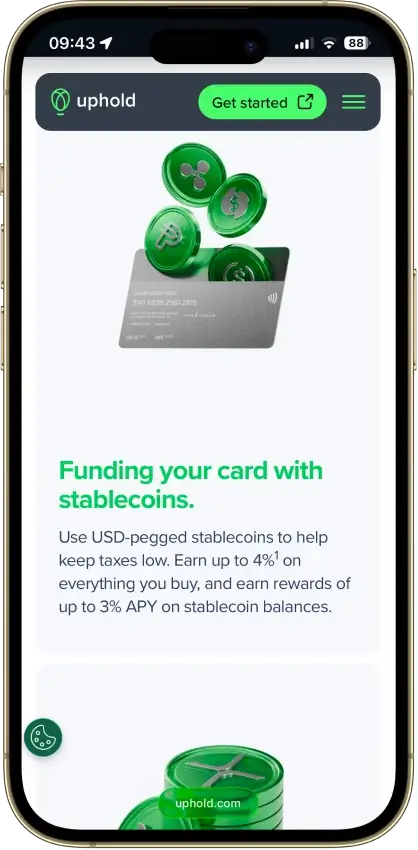
- Stablecoin funding avoids tax on each swipe
- Spend gold and silver balances at checkout
- Any of 200+ wallet assets can fund a purchase
- Rewards
- Up to 2% NEXOOr up to 0.5% BTC; loyalty and balance conditions
- Card fee
- $0 / yearFX and ATM fees may apply
- Availability
- Selected Europe + UKEligibility restrictions apply
- Tap to switch Debit and Credit Mode
- Idle Debit Mode balance earns daily interest
- Free ATM allowance grows with loyalty tier
- Rewards
- 2–10% tiered cashbackMonthly caps and pending period apply
- Card fee
- No annual feeFX and crypto conversion fees vary
- Availability
- Selected countriesSeparate regional programs
- Set your own crypto auto-sell priority
- Fiat spend earns cashback and skips the spread
- Cashback paid in liquid BTC, USDC, or AVAX
CryptoSlate may earn a commission when you visit partner sites through links on this page, at no extra cost to you. Our rankings and reviews remain editorially independent and based on our published methodology. Read disclosure
Disclaimer: CryptoSlate may receive a commission when you click links on our site and make a purchase or complete an action with a third party. This does not influence our editorial independence, reviews, or ratings, and we always aim to provide accurate, transparent information to our readers.This shortlist covers different XRP jobs, not just different brands. The right pick changes based on whether you want XRP as a reward, as the asset being spent, or as collateral behind the card.
Comparison Table
| Name | Network | Card Type | Digital Wallets | Availability |
|---|---|---|---|---|
 Gemini Credit Card Gemini Credit Card | Mastercard | Credit | Apple Pay, Google Pay, Samsung Pay | All 50 US states + Puerto Rico, US residents only |
 Uphold Card Uphold Card | Visa, Mastercard | Debit | Apple Pay, Google Pay | United States and the United Kingdom. In the U.S., the card is not available in New York, Louisiana, or U.S. territories. In the U.K., Crown Dependencies and British Overseas Territories are excluded. |
 Nexo Card Nexo Card | Mastercard | Dual-mode | Apple Pay, Google Pay | Citizens and residents of selected European countries, including the EEA and the United Kingdom. |
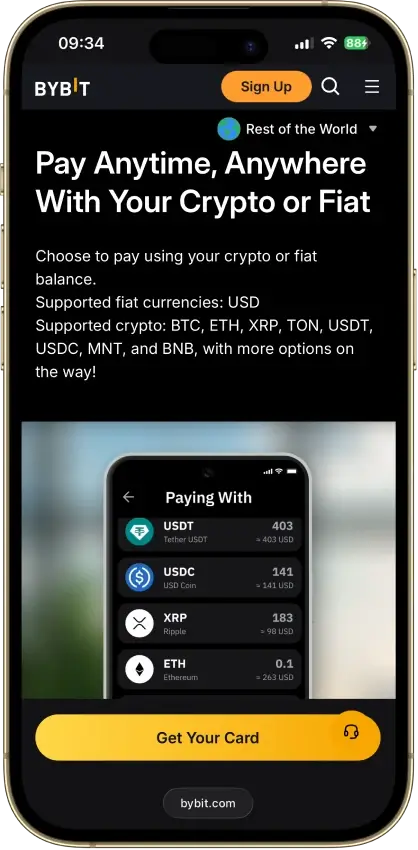
 Bybit Card Bybit Card | Mastercard | Debit | Apple Pay, Google Pay | Bybit Card is only available in limited countries and runs as separate regional card programs, including EEA and Switzerland, Australia, Argentina, Brazil, AIFC, parts of Asia Pacific, and Mexico. EEA residents may be directed to apply via Bybit EU for an EUR card |
Two cards can carry the XRP label while solving completely different problems. Brand recognition is not much of a guide here because the real choice is between different XRP roles, not different logos.
XRP Rate and Role
Use this snapshot to check the XRP role before comparing reward rates. The same card can look attractive or expensive depending on whether XRP is being earned, sold, or pledged.
| Card | XRP Rate or Role |
|---|---|
| Gemini Card | Up to 4% back in XRP when XRP is selected as the reward asset |
| Uphold Card | U.S. program pays XRP rewards by plan and funding source; XRP can also be used as a spend asset |
| Bybit Card | XRP can be a spend-priority asset; rewards are points, not XRP |
| Nexo Card | XRP can be collateral in Credit Mode or a spend asset in Debit Mode; rewards are not paid in XRP |
XRP Cards Reviews

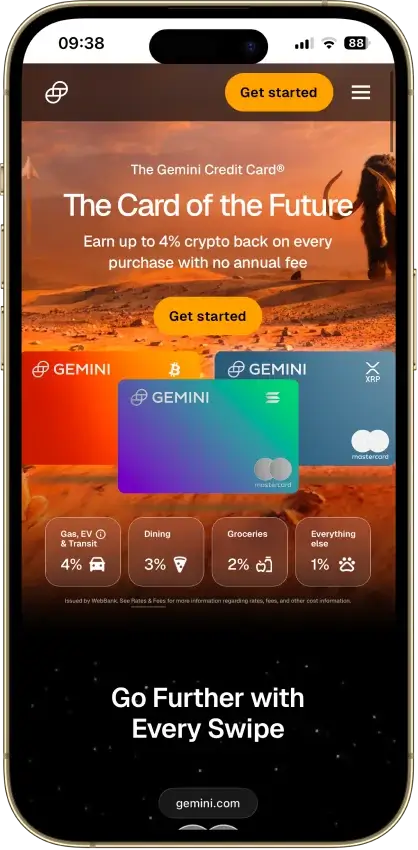
Gemini Credit Card
- Rewards
- 1–4% crypto backCategory rates and caps apply
- Card fee
- $0 / yearNo FX fee; borrowing costs apply
- Availability
- US + Puerto RicoUS residents only
Pros
- Unlimited 3% dining and 2% grocery rewards
- $0 annual fee and $0 foreign transaction fee
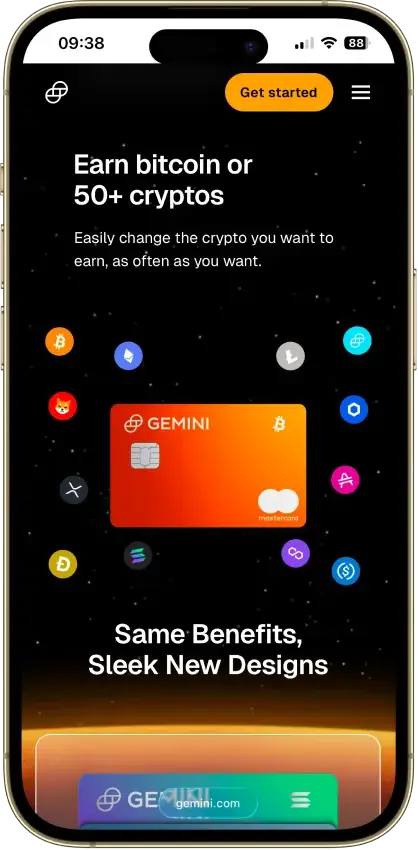
- Instant payout in a choice of 50+ cryptos
- WebBank-issued Mastercard World Elite
- Soft-pull pre-qualification before applying
Cons
- 4% tier limited to $300 of spend a month
- 1% base rate on most spending
- 16.49%–28.49% variable APR if you revolve
- Rewards taxable at receipt and disposal

Uphold Card
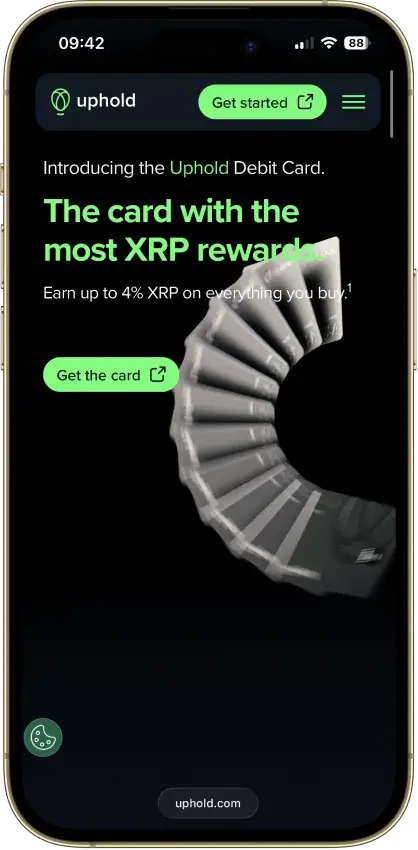
- Rewards
- 2–4% XRP backTier, funding and caps apply
- Card fee
- $0 EssentialElite about $99.99/year
- Availability
- US + UKRegional exclusions apply
Pros
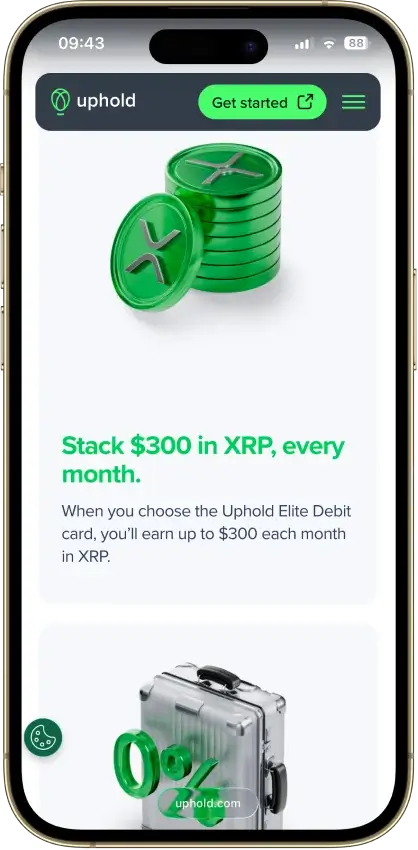
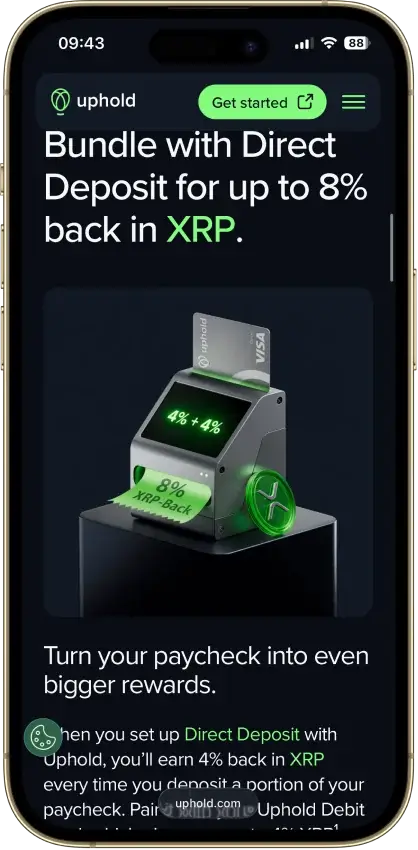
- 4% XRP on crypto-funded spend with Elite
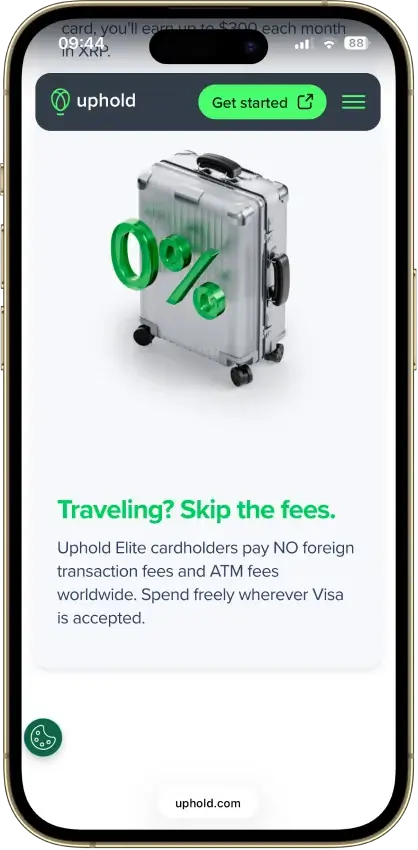
- 0% FX and $0 ATM withdrawals on Elite
- US issuer Cross River Bank is an FDIC member
- No frozen-funds pattern around the card
- Elite lifts daily spend to $25,000
Cons
- Top terms locked to the $99.99/yr Elite tier
- Essential adds 1.50% FX and $2.95 ATM fees
- Crypto-funded spend takes a spread, plus tax
- UK card pays 1% GBP, zero on crypto funding
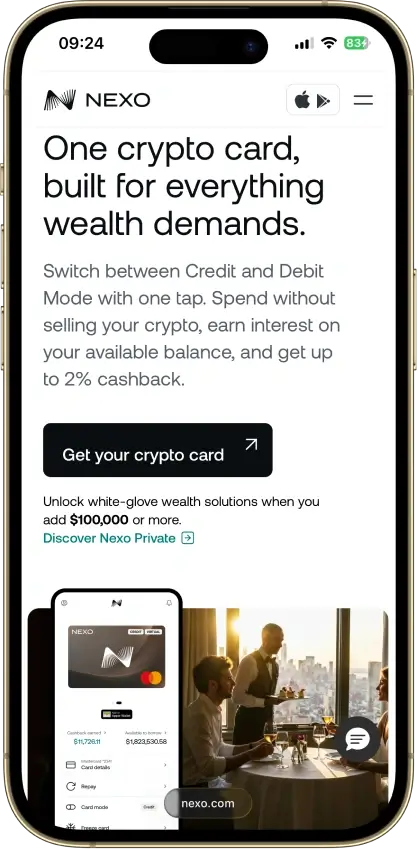
Nexo Card
- Rewards
- Up to 2% NEXOOr up to 0.5% BTC; loyalty and balance conditions
- Card fee
- $0 / yearFX and ATM fees may apply
- Availability
- Selected Europe + UKEligibility restrictions apply
Pros
- Credit Mode sells no crypto at purchase
- No monthly, annual, or inactivity fees
- 0.2% weekday FX in the EEA, UK, and CH
- Issued by DiPocket UAB, a licensed EMI
- Fund from stablecoins, fiat or Savings crypto
Cons
- Physical ordering paused since Jan. 2025
- Cashback needs Credit Mode and a $5,000+ portfolio
- Base cashback is 0.5% NEXO or 0.1% BTC
- Credit Mode spending accrues interest
Bybit Card
- Rewards
- 2–10% tiered cashbackMonthly caps and pending period apply
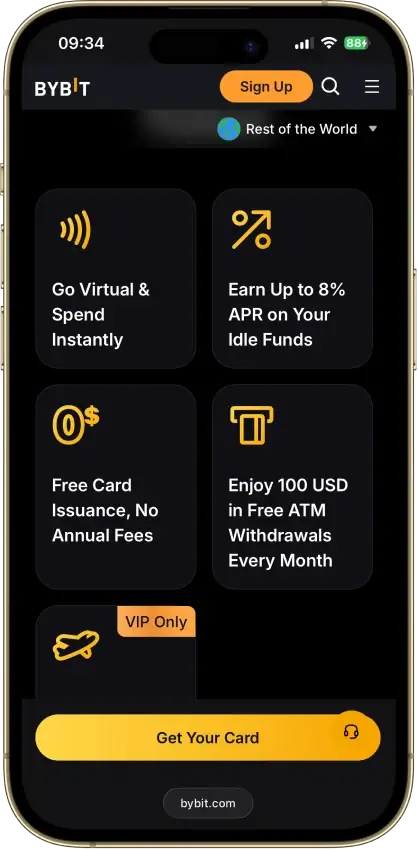
- Card fee
- No annual feeFX and crypto conversion fees vary
- Availability
- Selected countriesSeparate regional programs
Pros
- 1% base cashback, no limit and no annual fee
- Issued by e-money firms Harmoniie and Moorwand
- No monthly, inactivity, or issuance fees
- €5,000 daily spend and €2,000 ATM limits
- Instant virtual card, freeze and limit controls
Cons
- 0.9% spread plus a taxable sale on crypto spend
- 0.5% FX fee on cross-currency purchases
- Above 1% needs VIP tiers with monthly limits
- €1 minimum makes small crypto buys pricey
Our Ranking Methodology
The shortlist started with one question: does the XRP angle still hold up after the first month of use? That meant looking past the headline reward rate and checking how each card behaves when funded, used for travel, refunded, or taken outside the simplest spend scenario.
Cards were ranked by how clearly and usefully they connect XRP to card spending. A card does not earn a higher score just because it uses the XRP label. It scores well when the XRP role is clear, usable, and not weakened by fees, region blocks, tax friction, or reward conditions that most users will not meet.
Final score = sum of each criterion score multiplied by its weight. Each criterion is scored as 0, 0.5, or 1.0.
| Criterion | Weight | What We Measured |
|---|---|---|
| Availability and Setup Friction | 1.00 | Region access, KYC, card approval, credit checks, plan gates, and whether a new eligible user can actually get a usable card |
| XRP Role and Funding Path | 1.25 | Whether XRP is earned, spent, or used as collateral; how fiat, crypto, and stablecoin balances fund purchases; how conversion happens |
| Real-World Spend Reliability | 1.50 | In-store use, online use, mobile-wallet support, preauthorization behavior, prepaid quirks, subscription risk, and merchant acceptance |
| XRP Reward or Benefit Value | 1.00 | Reward rate, caps, exclusions, payout asset, loyalty tiers, plan fees, and whether rewards are actually paid in XRP |
| Fees and Hidden Cost Drag | 1.25 | Annual fees, plan fees, issuance, replacement, FX, ATM, spread, crypto conversion, borrowing cost, and partner charges |
| Operational Convenience and Limits | 0.75 | Virtual card timing, physical card access, funding-to-spend timing, refund handling, cash access, and spend limits |
| App, Controls, and Wallet Tooling | 0.75 | Freeze controls, alerts, PIN controls, virtual cards, Apple Pay, Google Pay, transaction history, and export basics |
| Security, Custody, and Freeze Risk | 1.25 | Issuer model, exchange custody, collateral custody, account freeze risk, platform security, and what happens if the account is restricted |
| Support, Refunds, and Chargebacks | 0.75 | Support access, dispute path, refund handling, unauthorized transaction handling, and reward reversals |
| Tax and Reporting Readiness | 0.50 | Whether card use creates taxable disposals, whether rewards are easy to track, and whether statements or exports support reconciliation |
A card only made the list when the XRP use case held up after accounting for spread, reward timing, refund handling, preauthorization holds, and the ongoing admin the card creates once the first few transactions are behind you.
XRP Credit Cards vs XRP Debit Cards
The phrase sounds simple but the mechanics differ more than the label suggests. One product may work like a standard rewards credit card that pays XRP after each purchase. Another may sit on debit or prepaid rails and sell XRP or pull fiat in the background to fund spending. A third may never sell XRP at checkout at all, because the purchase is funded by borrowing against a pledged position.
These three models break down as follows:
- Reward-first credit cards: The purchase runs in dollars on a credit line, and XRP arrives afterward as the reward asset.
- Debit or prepaid cards that auto-convert crypto at spend: The card uses available fiat first, or sells crypto in the background to settle the purchase.
- Collateral-backed credit models that avoid selling XRP at checkout: XRP backs a credit line, so spend posts as borrowing rather than a spot sale.
Many products in this category sit closer to broader crypto debit cards than to classic rewards credit cards, even when XRP is central to the pitch.
How XRP Rewards, Spending and Collateral Work
XRP can connect to a card in three distinct ways: arriving after the purchase as a reward, being sold during the purchase as the funding asset, or sitting as collateral before the purchase to support a credit line. Knowing which model a card uses is the fastest way to get a clear picture of its cost profile, tax exposure, and cash-flow impact.
Earn XRP From Everyday Spend
In this model, the merchant never sees XRP and you are not spending it at checkout. The purchase settles in dollars on a credit line, and XRP is credited afterward as the reward asset. That keeps the payment flow familiar: refunds, hotel preauthorizations, chargebacks, and billing cycles all behave like a normal credit card. The friction shifts to the back end instead, in the form of reward caps, excluded spend categories, reward-posting timing, and the tax record created when earned XRP is later sold or swapped. The Gemini Card is the clearest example of this model among U.S. XRP credit cards.
Spend XRP Through Auto-Conversion
This model is the closest to direct XRP spending, but it tends to create the most administrative work. The card may use fiat first and then sell XRP when the fiat balance runs short, or it may sell XRP as part of the payment flow. Either way, a single purchase can generate spread, a disposal event, and a refund mismatch if the merchant later reverses part of the charge. It also means you cannot assume XRP is being spent on every transaction when the card may only touch XRP once fiat runs low.
Borrow Against XRP Without Selling
This model keeps XRP on the platform and uses it to back a credit line. Purchases settle as borrowed value rather than an immediate XRP sale, which is why long-term holders often prefer it for larger transactions. The friction does not disappear here. It shifts into borrowing cost, collateral management, loan-to-value pressure, and the risk that a price drop turns routine card use into a balance-management problem.
XRP Card Fees, Spreads and Tax Friction
The headline fee is only part of the cost picture. With XRP cards, the larger drag often comes from spread, FX handling, borrowing cost, and the record-keeping generated by frequent small crypto sales. A card can look cheap at sign-up and become expensive once those costs compound across a full year of normal spending.
Here is how each card's cost structure breaks down, followed by a worked example showing the real cost of a typical month.
Gemini Card
- Annual or Monthly Fee: $0
- Card Issuance or Replacement Cost: Issue $0; one free replacement in any 12-month period; each additional replacement in the same 12-month period costs $50
- XRP Spend or Conversion Friction: No XRP sale at checkout
- ATM and FX Fee Friction: ATM = cash advance; FX 0%
- Main Tax Friction Trigger: Selling reward XRP later
Uphold Card
- Annual or Monthly Fee: $0 Essential / $99.99 Elite
- Card Issuance or Replacement Cost: Virtual $0; physical $4.99 or $0
- XRP Spend or Conversion Friction: Spread when crypto funds spend
- ATM and FX Fee Friction: Essential $2.95 ATM + 1.50% FX; Elite $0/$0
- Main Tax Friction Trigger: Spending crypto or metals
Bybit Card
- Annual or Monthly Fee: $0
- Card Issuance or Replacement Cost: Virtual $0; physical delivery fee varies
- XRP Spend or Conversion Friction: 0.9% crypto conversion in main fee example
- ATM and FX Fee Friction: ATM free first 100 EUR/mo, then 2%; FX varies by program
- Main Tax Friction Trigger: Auto-selling XRP at checkout
Nexo Card
- Annual or Monthly Fee: $0
- Card Issuance or Replacement Cost: Virtual $0; physical orders paused
- XRP Spend or Conversion Friction: Credit: no sale; Debit: sells asset
- ATM and FX Fee Friction: ATM free to tier cap, then 2%; FX 0.2% or 2% + 0.5% weekend
- Main Tax Friction Trigger: Debit Mode spend or later XRP sale
Worked Examples
These examples use a $500 monthly spend and $100 ATM withdrawal to show how each card's cost and reward structure plays out in a realistic month.
Gemini Card: You spend $500 across groceries, gas, and restaurants, with no international purchases. At 4% back in XRP, you earn $20 worth of XRP in rewards. No FX fee. No annual fee. ATM use triggers a cash advance fee, so the $100 withdrawal costs more than $100. Total reward for the month: $20 in XRP, offset only if you use an ATM.
Uphold Card (Essential): You spend $500 with $100 in XRP converted to cover a $200 charge. Uphold applies a spread on that conversion, which varies but typically runs 1.5% to 2%, adding roughly $1.50 to $2 in friction. The $100 ATM withdrawal costs $2.95. A $50 foreign purchase adds 1.50% ($0.75). Estimate: $5 to $6 in fees before any rewards offset.
Bybit Card: You spend $500, with $200 funded by XRP conversion. The 0.9% crypto conversion fee costs $1.80 on that portion. The $100 ATM is free up to 100 EUR per month, so no ATM fee here. FX fees vary by region. Rewards are earned in points, not XRP. Estimate: $1.80 in fees, with reward value depending on your tier and points redemption rate.
Nexo Card (Credit Mode): You spend $500 against a credit line backed by XRP held as collateral. No XRP is sold at checkout. No FX fee on standard purchases (0.2%). The $100 ATM is free to your tier cap, then 2%. If you stay within the free ATM tier, total fee friction for the month is approximately $1 in FX fees on $50 of foreign spend. Borrowing cost applies separately to the outstanding balance.
Those who care more about net spend cost than XRP branding should also compare broader low-fee crypto cards.
XRP Card KYC, Availability and Setup Rules
Getting approved and getting useful access are different things. A card can be straightforward to open on paper and still be blocked by region restrictions, credit underwriting, extra card-specific verification, or unavailability of the card tier you wanted. The table below covers the main access factors for each card.
Gemini Card
| KYC / Access Factor | Detail |
|---|---|
| KYC Level at Signup | Full Gemini ID + U.S. credit app |
| Credit Check or Debit-Style Signup | Prequalify, then hard pull if you proceed |
| Main Supported Regions | U.S. only |
| Virtual Card Before Physical | Yes |
| Main Approval / Access Friction | Credit underwriting + Gemini account |
Uphold Card
| KYC / Access Factor | Detail |
|---|---|
| KYC Level at Signup | Full Uphold ID verification |
| Credit Check or Debit-Style Signup | Debit-style; no credit check |
| Main Supported Regions | U.S. only; excludes LA, NY, territories |
| Virtual Card Before Physical | Yes |
| Main Approval / Access Friction | State limits + verified account |
Bybit Card
| KYC / Access Factor | Detail |
|---|---|
| KYC Level at Signup | Advanced Identity Verification plus extra card-specific eligibility, address, and income/employment checks in supported programs |
| Credit Check or Debit-Style Signup | Debit-style; no credit check |
| Main Supported Regions | Limited non-U.S. countries; program-based |
| Virtual Card Before Physical | Yes |
| Main Approval / Access Friction | Country program eligibility + extra card KYC |
Nexo Card
| KYC / Access Factor | Detail |
|---|---|
| KYC Level at Signup | Full identity verification required |
| Credit Check or Debit-Style Signup | No credit check; app-based approval |
| Main Supported Regions | Selected EEA and UK countries |
| Virtual Card Before Physical | Yes; physical paused |
| Main Approval / Access Friction | Supported-country rule + verified document |
Gemini is broad inside the U.S. but unavailable outside it. Bybit and Nexo can look flexible until you hit country-program limits or region-specific verification requirements. Those comparing wider regional options can also look at crypto cards available in Europe. Those planning to use a card abroad regularly can also check international travel crypto cards for a broader regional comparison.
Common XRP Card Problems And Fixes
Most problems with these cards surface before the first successful purchase. They tend to come from assuming the card handles XRP one way when the issuer handles rewards, funding order, mobile wallet provisioning, refunds, or tax reporting another way. The issues below come up often enough that checking them before you apply saves most of the friction.
- I thought I was spending XRP, but I was only earning XRP: Check whether XRP is the reward asset or the funding asset before applying.
- The reward sounds good, but the spread is doing the damage: Check conversion cost alongside the cashback rate.
- The physical card is delayed: Check whether the virtual card is usable first and whether wallet provisioning is already live.
- My rewards have not posted yet: Some cards settle rewards instantly; others batch them on a delay.
- The card works online but not in Apple Pay or Google Pay: Virtual issuance and mobile-wallet support do not always go live at the same time.
- Using the card created unexpected tax admin: Spending crypto often creates a disposal event even when the merchant never sees XRP.
- The card is available, but not in my country: Card access, rewards, and credit features can all vary by region.
- Refunds are taking longer than expected: Card refunds and crypto balance updates do not always move on the same timeline.
Most of these can be avoided before the card is funded. The key checks are the XRP role, funding order, card tier, wallet support, and region eligibility.
Virtual XRP Cards, Apple Pay, Google Pay and Physical Card Access
A virtual card that works on day one is more useful than waiting for plastic, especially for online purchases, subscriptions, and phone-wallet payments. How quickly you can get there varies by issuer. The points below cover the main access differences across all four cards.
- Whether a virtual card exists before the physical card arrives: Gemini, Uphold, Bybit, and Nexo all offer virtual access first.
- Whether Apple Pay or Google Pay works immediately or only after activation: Gemini and Nexo support both. Uphold support depends on the program. Bybit support varies by region and card program.
- Whether the physical card costs extra: Gemini does not list a separate issuance fee. Uphold charges by plan. Bybit delivery fees vary by country. Nexo physical access has been inconsistent.
- Whether ATM withdrawals require a physical card: Usually yes. Virtual cards are generally weak for ATM access, even where limited support exists.
- Whether PIN setup is app-based or card-based: Gemini, Bybit, and Nexo handle PIN controls in-app. Uphold gives each card account a PIN after verification and lets users change it in the Uphold platform.
- Whether the card is usable for online-only spending first: All four can be used online before the physical card arrives.
Those who prioritize tap-to-pay and wallet support can also compare the broader breakdown of cards that work with Apple Pay and Google Pay.
How To Choose The Right XRP Card
Start with the task at hand, then work outward into costs, tax handling, card access, and regional fit. That order avoids the two most common mistakes: picking a card for the XRP label alone, or picking a high reward rate without checking what has to be sold, borrowed, or tracked to sustain it. The steps below apply regardless of whether you are looking at an XRP credit card, an XRP debit card, or a collateral-backed product.
- Decide whether you want to earn XRP, spend XRP, or borrow against XRP. These are three different products in practice, even when the branding looks similar.
- Check whether XRP is the reward asset, the funding asset, or the collateral. That single detail tells you whether the card affects your XRP position at checkout or only after the purchase posts.
- Check whether spending creates a taxable disposal in your jurisdiction. Reward-first cards and debit-style crypto cards carry very different record-keeping burdens.
- Check spread, FX, ATM, and replacement-fee drag. The biggest cost is usually not the annual fee. It is the repeated small charges that accumulate across travel, cash withdrawal, and crypto conversion.
- Check whether a virtual card works before the physical card arrives. That determines how quickly the card becomes usable after approval.
- Check whether Apple Pay or Google Pay is supported. Some cards support both, some support one, and some vary by region or card tier.
- Check whether earned XRP can be withdrawn or transferred out easily. A reward is more useful when it is easy to move, hold, or sell on your own timeline.
- Check region, KYC, and shipping restrictions before applying. A card can look open on the surface and still be blocked by country rules, state restrictions, credit underwriting, or paused physical card shipping.
If low fixed cost comes first, it is worth comparing broader no-annual-fee crypto cards too. For those whose main goal is simply getting more back from everyday spend rather than building an XRP position specifically, a wider look at crypto cashback cards may be a better next step. And if you want to compare the platforms behind these cards, Gemini exchange, Uphold exchange, and Bybit exchange all have full reviews covering trading fees, security, and account access.