Part 1 Advanced The Market Maker’s Exchange Checklist (Liquidity, Latency, and Risk Controls) Market makers and HFT desks: evaluate exchanges on execution quality, liquidity, latency, fees, margin, and security — with a WhiteBIT walkthrough. Open guide SolCard Crypto Card Review
SolCard is a crypto prepaid card with a no-KYC virtual option for online payments and a verified tier that supports Apple Pay and Google Pay. It works more like a reloadable USD balance than a normal bank card. The standard tier is easier to start with, but it is much more expensive to use. It is also mainly built for online spending, while the verified tier unlocks in-store mobile-wallet use.
Not available in your region
Solcard is unavailable in your region.
Solcard Overview
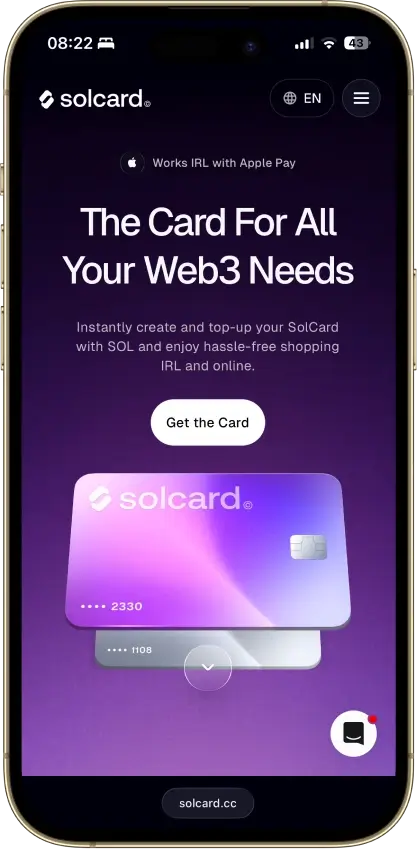
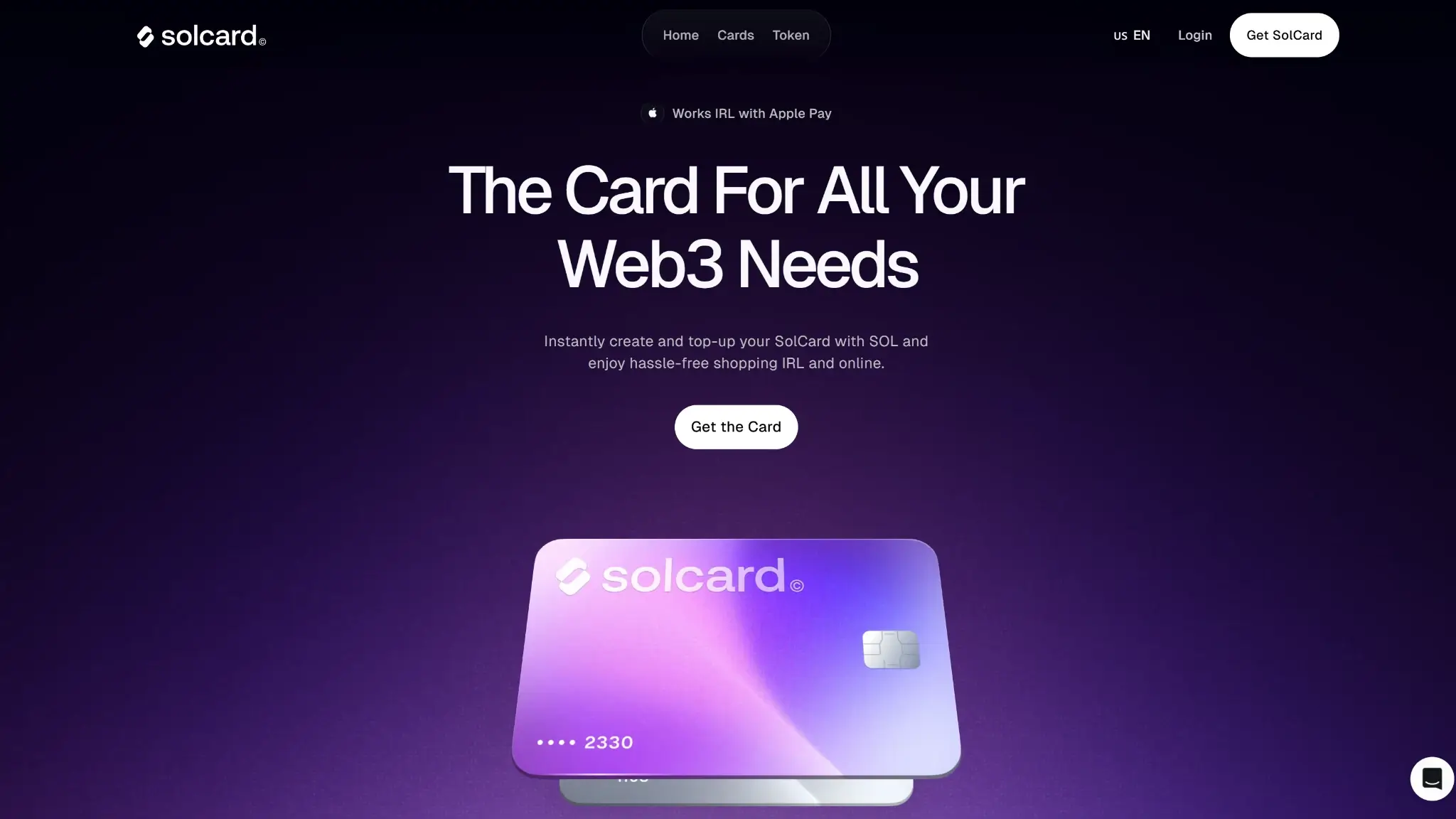
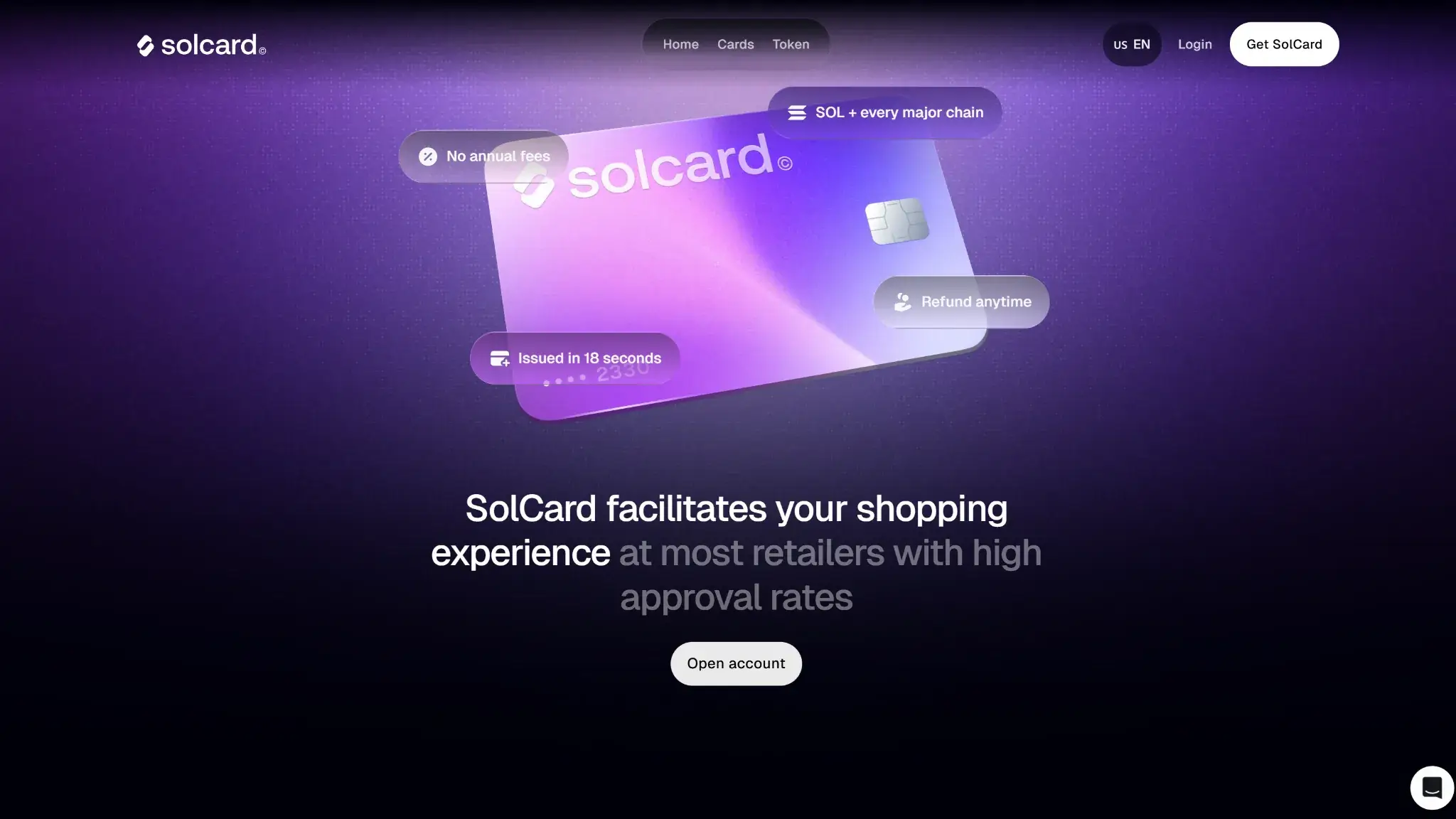
Solcard Screenshots

Solcard Pros and Cons
Pros
- No-KYC virtual card for online spending
- Verified tier adds Apple Pay and Google Pay
- Supports USDT and USDC on several networks
- Unused balance can be withdrawn back to wallet
Cons
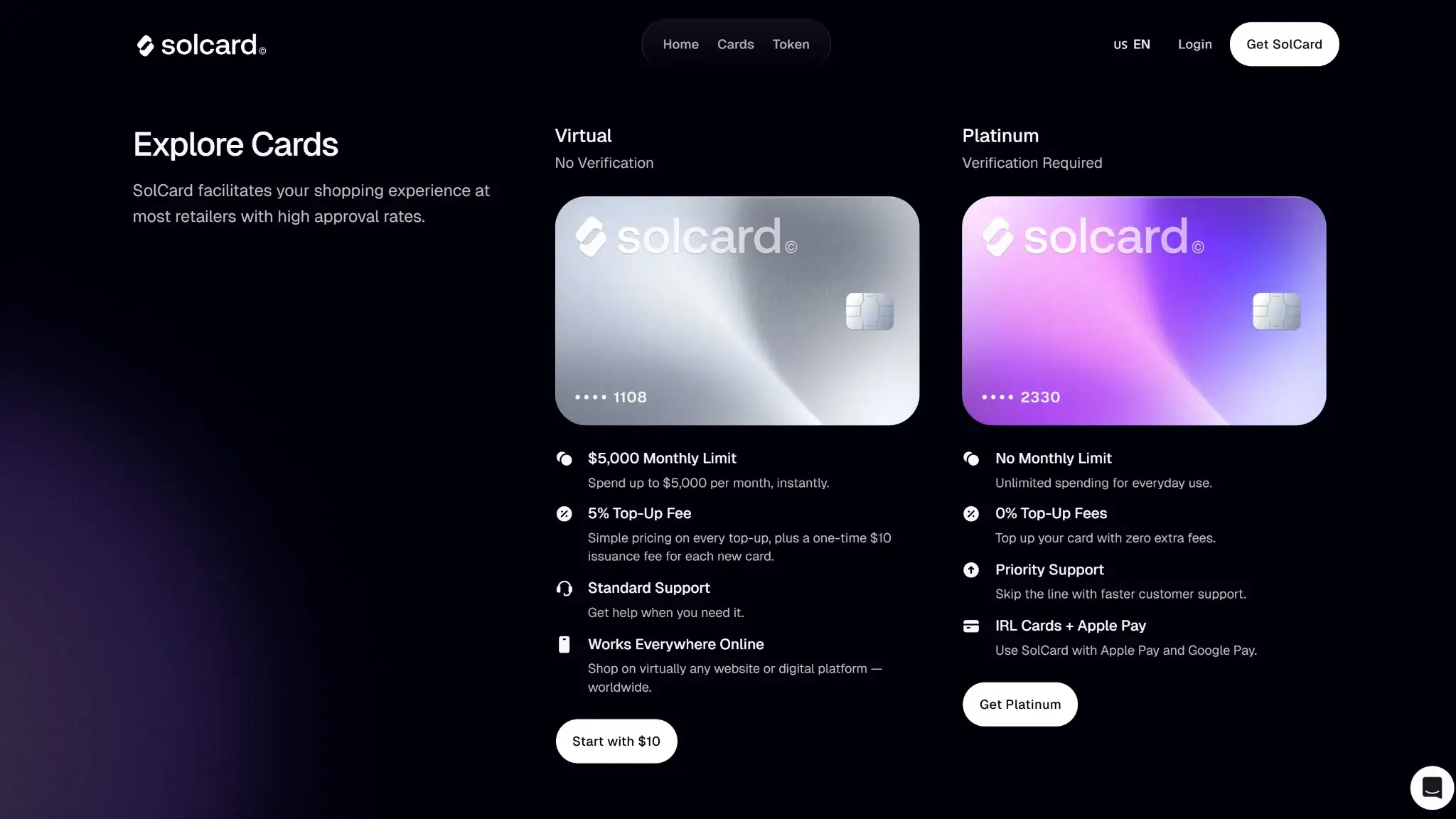
- Standard tier charges 5% on each top-up
- $0.30 purchase fee applies on successful transactions
- No physical card and no ATM access
- Blocked merchants and repeated declines can freeze use
Who SolCard Is Best For — And Who Should Skip It

SolCard suits users who fund from a wallet, load in advance, and stay within a controlled spend setup.
| User Type | Fit | Why |
|---|---|---|
| Everyday Spender | Medium | Works for regular purchases, but layered fees and merchant restrictions get in the way. |
| Traveler | Low | No ATM access, charged FX, and no physical card make it weak as a travel primary. |
| Stablecoin User | High | Stablecoin funding is the cleanest entry path and matches the card’s main use case. |
| Self-Custody Wallet User | Medium | Wallet funding is simple, but the spending balance becomes custodial once loaded. |
| Cashback Hunter | Low | There is no reward engine to offset the fee load. |
| Heavy Spender | Medium | The verified tier raises limits, but the card is still virtual and comes with strict usage rules. |
| No-KYC User | High | The standard virtual tier is one of the main reasons to use SolCard at all. |
| User Who Wants Simple Taxes | Low | Crypto top-ups and wallet withdrawals can leave more manual record-keeping than a normal fiat card. |
SolCard fits online-first no-KYC users who already hold stablecoins, fund from self-custody crypto wallets, and want a quick prepaid spending layer without going through full onboarding right away. It fits occasional online checkout better than daily card use.
Broader merchant acceptance, travel use, and predictable fees all require a different card.
What This Card Actually Is and How Spending Works
SolCard is a prepaid virtual card. It has no credit line and no link to a bank account. You are not borrowing money, and you are not spending straight from your wallet at the checkout terminal.

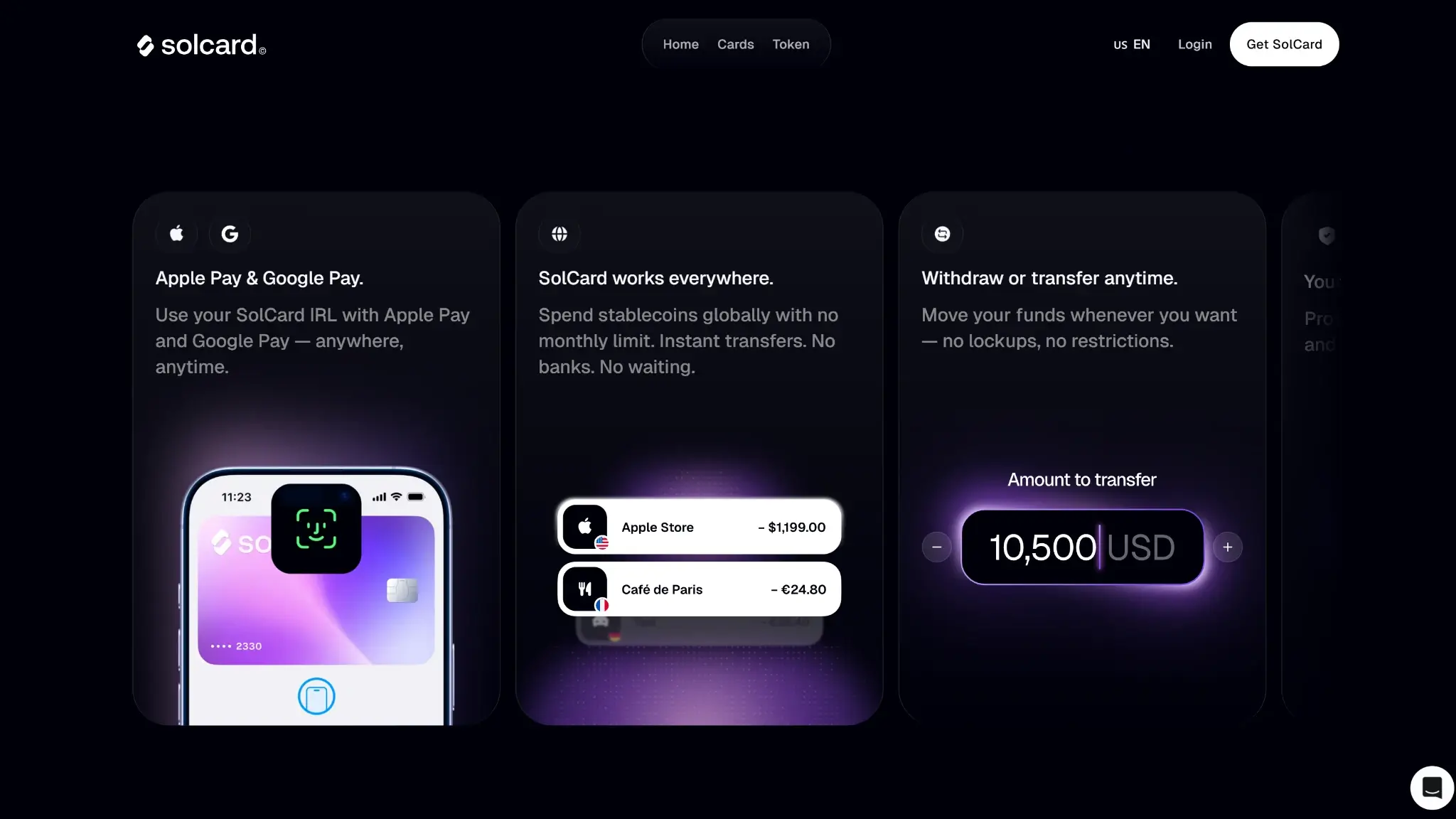
When you fund the card, supported crypto is converted into a USD card balance before you spend. Purchases then come out of that prepaid balance until you reload it. Standard cards are limited to online purchases, while verified cards add Apple Pay and Google Pay for in-store tap payments.
Refunds return to the SolCard balance instead of the original wallet, and any remaining balance can be withdrawn back out to a wallet, subject to fees, minimums, and timing rules. SolCard works for online purchases, subscriptions, and occasional mobile-wallet spending. It is a poor fit for cash access, travel, or replacing a primary bank card.
Availability, KYC and Setup Friction
Setup tier determines limits, top-up costs and whether Apple Pay and Google Pay work at all.
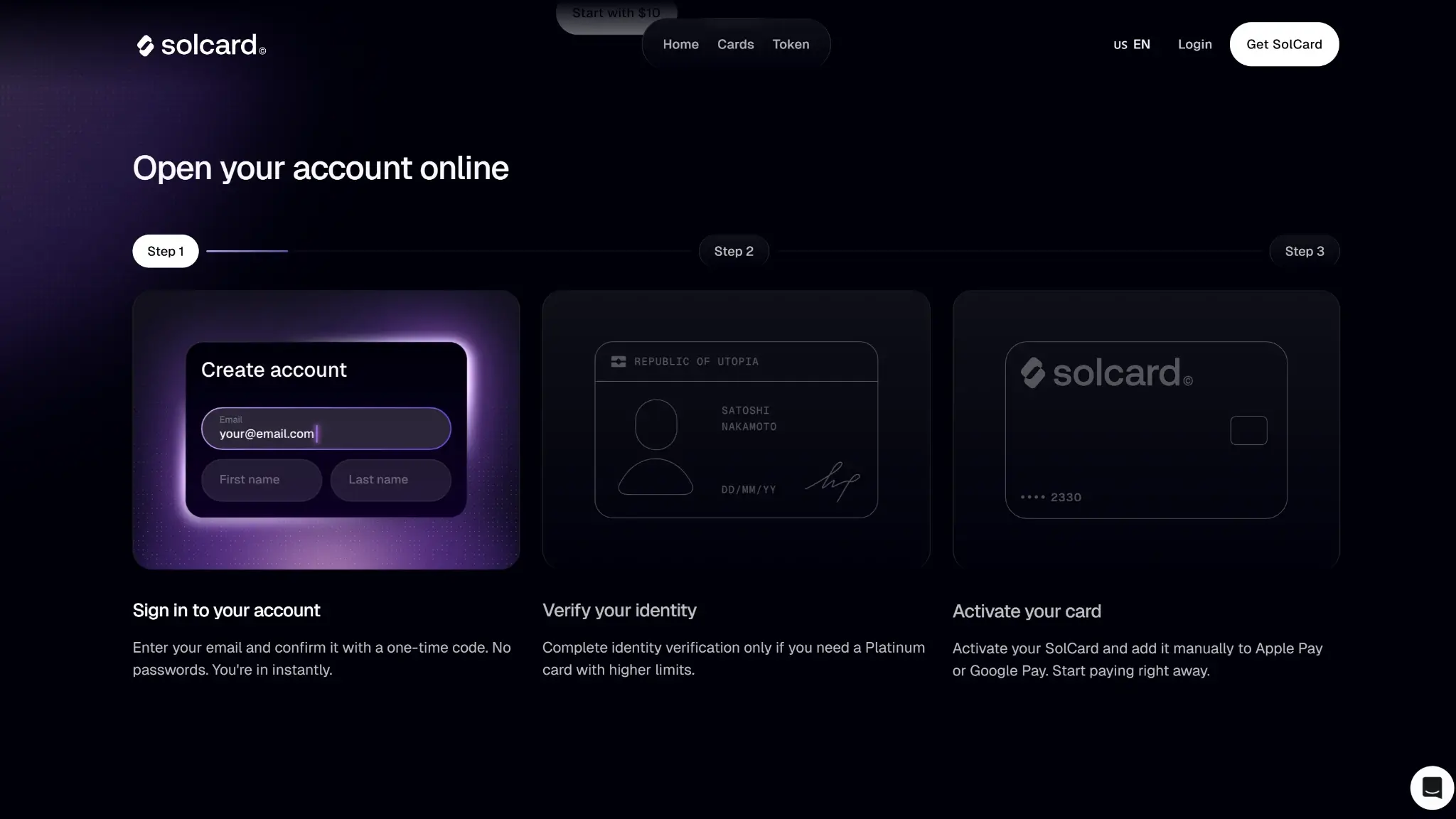
The basic online card can be set up quickly, but the smoother in-store version takes more work. If you want Apple Pay or Google Pay support, you may need identity verification first, and wallet activation can add extra delay even after the card is issued.

Funding Rails, Supported Assets and Conversion Path
A long asset list matters less than whether the funding route is direct and reliable. The key question is whether your assets can reach a spendable USD balance quickly, on the right network, without deposit errors.
| Funding Rail | Supported Assets | Typical Speed | Main Friction |
|---|---|---|---|
| Bank Transfer | Not supported | Not applicable | No bank funding rail |
| Debit Or Credit Top-Up | Not supported | Not applicable | No direct card top-up |
| Exchange Balance | Indirect only, by sending supported assets on supported networks | Usually minutes, but depends on exchange withdrawal timing | Must send the exact amount to a single-use deposit address on the correct network |
| Onchain Stablecoins | USDT, USDC across supported networks | Usually minutes after confirmation | 30-minute payment window, single-use address, and wrong-network risk |
| Other Crypto Assets | SOL, SOLC, JITO, selected tokens only | Usually minutes after confirmation | Narrower asset support and quote-dependent conversion |
| Fiat Wallet Or Cash Balance | Not supported | Not applicable | No fiat balance funding path |
Onchain stablecoins are the cleanest funding rail because they fit the card’s spending model and usually create less friction than more volatile assets. They work best when you already hold them on a supported chain. The main problems are network support, deposit handling, and exact-quote funding rules, not confirmation speed alone.

Rewards, Perks and The Catch
There is no real rewards program here. SolCard does not offer cashback, travel perks, subscription credits, or a meaningful welcome offer that changes the card’s value.
The higher tier improves the card by removing the top-up fee and adding in-store mobile-wallet access, but that is a usability change, not a perk system. There are also no disclosed token lockups, staking requirements, or reward caps to weigh because the card does not give anything back in the first place.
Fees and Total Cost

SolCard is cheap to keep open but not cheap to use. Most of the cost shows up when you load funds and start spending, not in a monthly subscription.
| Cost | What Users Pay | When It Hits | Notes |
|---|---|---|---|
| Monthly Or Annual Fee | $0 monthly, no annual fee disclosed | Ongoing ownership | Low headline carrying cost |
| Issuance Or Replacement Fee | $10 per new card; replacement fee not disclosed | When opening a card | Extra card slots can turn setup into a repeated cost |
| Conversion Or Spread Cost | No separate spread disclosed | At funding and crypto-to-USD conversion | Conversion happens before spend, not at checkout |
| FX Fee | Charged, with ranges from 1% to 2% depending on card view | On non-USD or cross-border use | Product pages and fee help do not line up perfectly on the exact rate |
| ATM Fee | Not Supported | Not Applicable | No ATM access at all |
| Top-Up Fee | 5% on standard card, 0% on higher-access tier | Each deposit | Biggest cost gap between tiers |
| Inactivity Fee | Not disclosed | Not disclosed | No inactivity charge |
| Network Or Gas Fee | Blockchain fee on deposits, plus $1 USDT withdrawal fee | When moving money in or out | Chain choice affects deposit cost more than card ownership does |
The smaller charges add up quickly in normal use. Successful purchases carry a $0.30 transaction fee, small purchases under $10 add another $0.15, Apple Pay and Google Pay transactions on the higher tier add 0.30%, declined transactions cost $0.15, and merchant refunds back to balance carry a 2% fee. The card can be cheap to keep but expensive to use regularly.
Limits, Speed and Cash Access
SolCard opens fast and spends quickly once funded. Cash access and fallback payment options are weak.
Quick approval applies to the standard virtual card only. Funding can also be quick once the transfer is done correctly, and spending can start soon after. Cash access is the slowest part by far, because there is no ATM route and balance exits depend on wallet withdrawals and refund timelines rather than instant cash-out.
Security, Custody and Trust
Before funding, assets stay in your wallet. After funding, the balance sits under SolCard's issuing structure, not in your wallet, and the provider can restrict, suspend, or cancel the card if it flags a compliance or risk issue.
The merchant rules are strict, and they are enforced automatically. The main operational risk is issuer dependence once the balance is loaded, because the card can be declined, restricted, cancelled, or frozen based on merchant type, transaction pattern, or compliance flags once funds are already inside the SolCard system.
Restricted and Prohibited Merchant Rules
Full Access cards still block several categories: pornography, gambling and betting, drugs and controlled substances, medical devices and equipment, and money services such as transfers, quasi-cash, payment processors, and financial institutions. Those attempts will often be declined, but repeated restricted use can still lead to cancellation or frozen balance. The Online card is far stricter. It blocks named merchants and payment types including PayPal, GRABPAY, GRAB RIDES, PayDo, GIFTCARDS, ENEBA LTU, TAP, OFFGAMERS, Moogold, DOCTORSIM, GEEKAY ARE, Livecard, Electronic First, ROYALCDKEYS.COM, RLHero8626, Gold4Cards, CryptoVoucher, MYGIFTCARDSUPPLY, RLHero1435, Geekay, Giftycode, Binance.com, US BANK, DIRECT BANK, SoundCloud, fpFood Panda, Keeta, WOLT, Netflix.com, Starlink, Uber, Wise, Crypto scenarios, Games, Bolt.eu, OnlyFans, Shenzhenshifenqil, and MTR. It also flags behavior, not just merchants, and ten consecutive insufficient-balance declines or a total decline rate above 20% can trigger permanent deactivation.
It also blocks a long MCC list tied to cash-like activity, money movement, gambling, and other higher-risk use: 4829, 5933, 6010, 6011, 6050, 6051, 6211, 6529, 6530, 6531, 6532, 6533, 6534, 6535, 6536, 6537, 6538, 7272, 7273, 7297, 7280, 7322, 7800, 7801, 7802, 7995, 8651, 8661, 9211, 9401, 9411, and 9754. That covers money orders, cash disbursements, quasi-cash, brokers and dealers, remote stored value loads, payment transfers, escort services, debt collection, lotteries, online gambling, horse or dog racing, political organizations, religious organizations, court-cost payments, government loan payments, and similar sensitive use. The penalty is severe: on the Online card, even one blocked-merchant transaction can lead to permanent card deactivation and frozen balance, and support may not be able to reverse it once the issuer-side rule is triggered.
Customer Support, Refunds and Chargebacks
The help center covers step-by-step tasks well. Human support is weaker when money is stuck or a card rule fires.
Support includes:
- Help center covers setup, top-ups, withdrawals, fees, restrictions, and wallet activation
- Live chat is available on-site through Intercom
- Email support is available at [email protected]
- A formal chargeback workflow is not clearly laid out in the public support material
- Merchant refunds are routed back to card balance and can take up to 7 business days
- Support can help with eligible failed deposits, missing refunds, wallet activation requests, and basic card-management issues
Support looks usable for routine operational problems, but it becomes less helpful when the issue crosses into issuer rules, merchant-category enforcement, or onchain funding mistakes. That is where the self-service articles stop being enough.
Taxes, Statements and Record-Keeping
Record-keeping is straightforward for light use. It gets more manual with frequent top-ups or multiple wallets. Funding the card with crypto can create a taxable disposal event in many jurisdictions. Stablecoin top-ups simplify tracking but do not remove the reporting requirement. There is no rewards program, so there is no separate cashback or token-income layer to track. The dashboard shows basic transaction and top-up history.
Most of the reporting burden still sits with the user. Export quality, cost-basis visibility, and third-party tax software compatibility are not clearly disclosed, so you may need to track acquisition cost, top-up values, withdrawals, and any gains or losses around conversion yourself.
Final Verdict
SolCard's clearest strength is the no-KYC virtual tier. Users can fund from a self-custody wallet with USDT or USDC and start spending online without going through full identity verification. That works well for a narrow use case. The problem is cost: the standard tier charges a percentage on every top-up, adds per-transaction fees, and routes merchant refunds back to card balance with an additional charge. The verified tier removes the top-up fee and unlocks Apple Pay and Google Pay, but requires identity verification, which undercuts the low-friction pitch. Merchant restrictions are also unusually strict, and repeated declines can trigger permanent card deactivation with no clear recovery path. It suits someone who needs a quick online spend layer funded from crypto. It is a poor fit for travel, daily use, or anyone who wants predictable fees.
Overall Score
5.5PROS
- No-KYC virtual card for online spending
- Verified tier adds Apple Pay and Google Pay
- Supports USDT and USDC on several networks
- Unused balance can be withdrawn back to wallet
CONS
- Standard tier charges 5% on each top-up
- $0.30 purchase fee applies on successful transactions
- No physical card and no ATM access
- Blocked merchants and repeated declines can freeze use

Disclaimer: CryptoSlate may receive a commission when you click links on our site and make a purchase or complete an action with a third party. This does not influence our editorial independence, reviews, or ratings, and we always aim to provide accurate, transparent information to our readers.
FAQ
Is SolCard a real credit card, a debit card or a prepaid card?
SolCard is a prepaid card. You load supported crypto, it is converted into a USD balance, and you spend from that prepaid balance. You are not borrowing money, and it is not tied to a bank checking account.
Is SolCard available in my country?
SolCard has broad international availability, but it excludes some markets. The restricted list includes the United States, Cuba, North Korea, Egypt, Iran, Myanmar, Nigeria, Russia, South Africa, Syria, Ukraine, Venezuela, and Belarus. Apple Pay and Google Pay support also depends on local wallet availability.
Does SolCard let me spend USDC or other stablecoins?
Yes, stablecoins are the cleanest funding route for SolCard. Supported stablecoins include USDT and USDC across listed networks, and those deposits are converted into a USD card balance before spending. You are not spending onchain stablecoins directly at the merchant terminal.
Does using SolCard create a taxable event?
It can. In many jurisdictions, loading crypto onto the card can count as a disposal because your asset is being converted into spendable value. Stablecoin use can reduce price volatility, but it does not automatically remove the reporting burden.
Does SolCard work with Apple Pay or Google Pay?
Yes, but only on the verified higher-access tier. The standard no-KYC virtual card is for online use only. In some cases, wallet activation can take extra manual steps even after the card is issued.
Can I use SolCard for travel, hotels or ATM withdrawals?
It is weak for travel compared with a normal debit or travel card. There is no ATM access, no physical card fallback, and prepaid-style holds can make hotels, fuel stations, and similar pre-authorized payments more awkward. It works better for controlled online spending than as a main travel card.


What happens if a merchant refunds me or I need a chargeback?
Merchant refunds go back to your SolCard balance rather than to the original funding wallet, and they can take up to 7 business days. A formal public chargeback process is not clearly explained in the support material. Support can help with missing refunds, but issuer-side restrictions and some merchant-category issues may not be reversible.
Do I need to stake or hold a token to get the best rewards?
No, because there is no meaningful rewards program to unlock. There is no disclosed cashback structure, no travel-reward tier, and no staking requirement tied to better rewards. The higher tier changes access and fee structure, not earned return.