





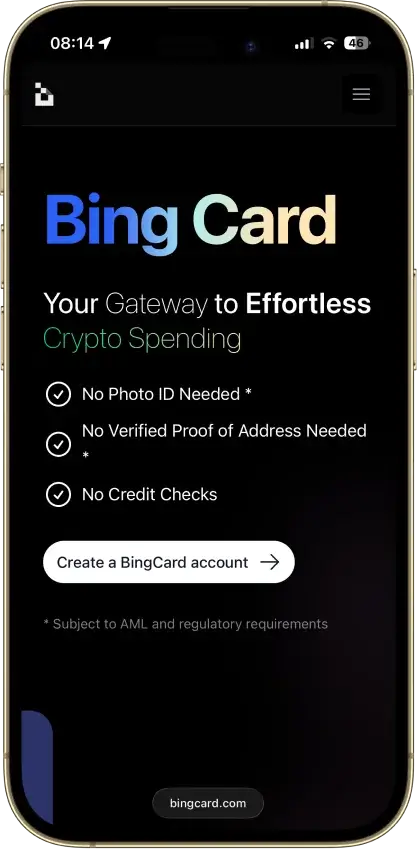
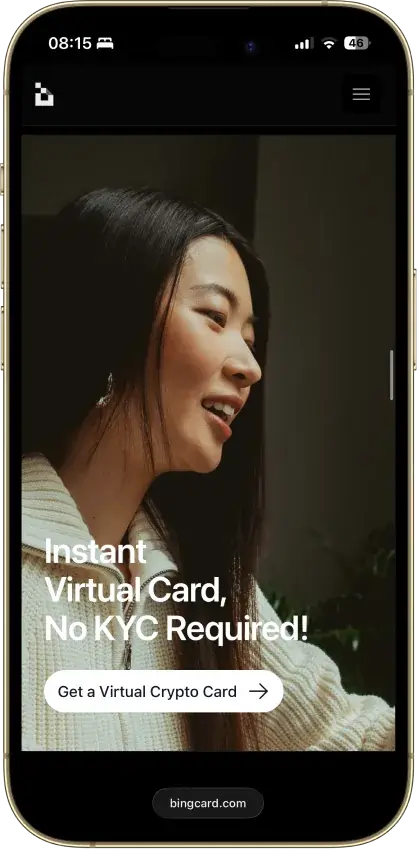
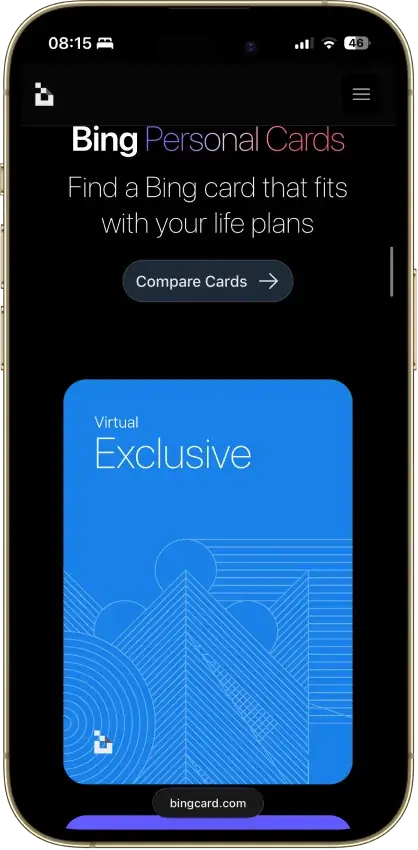
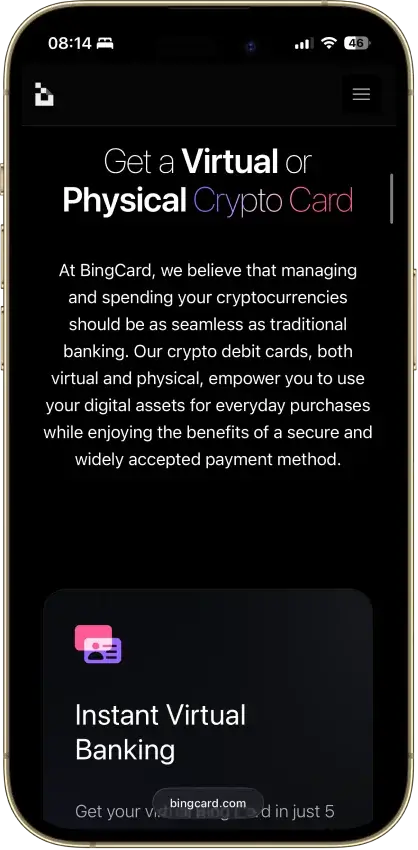
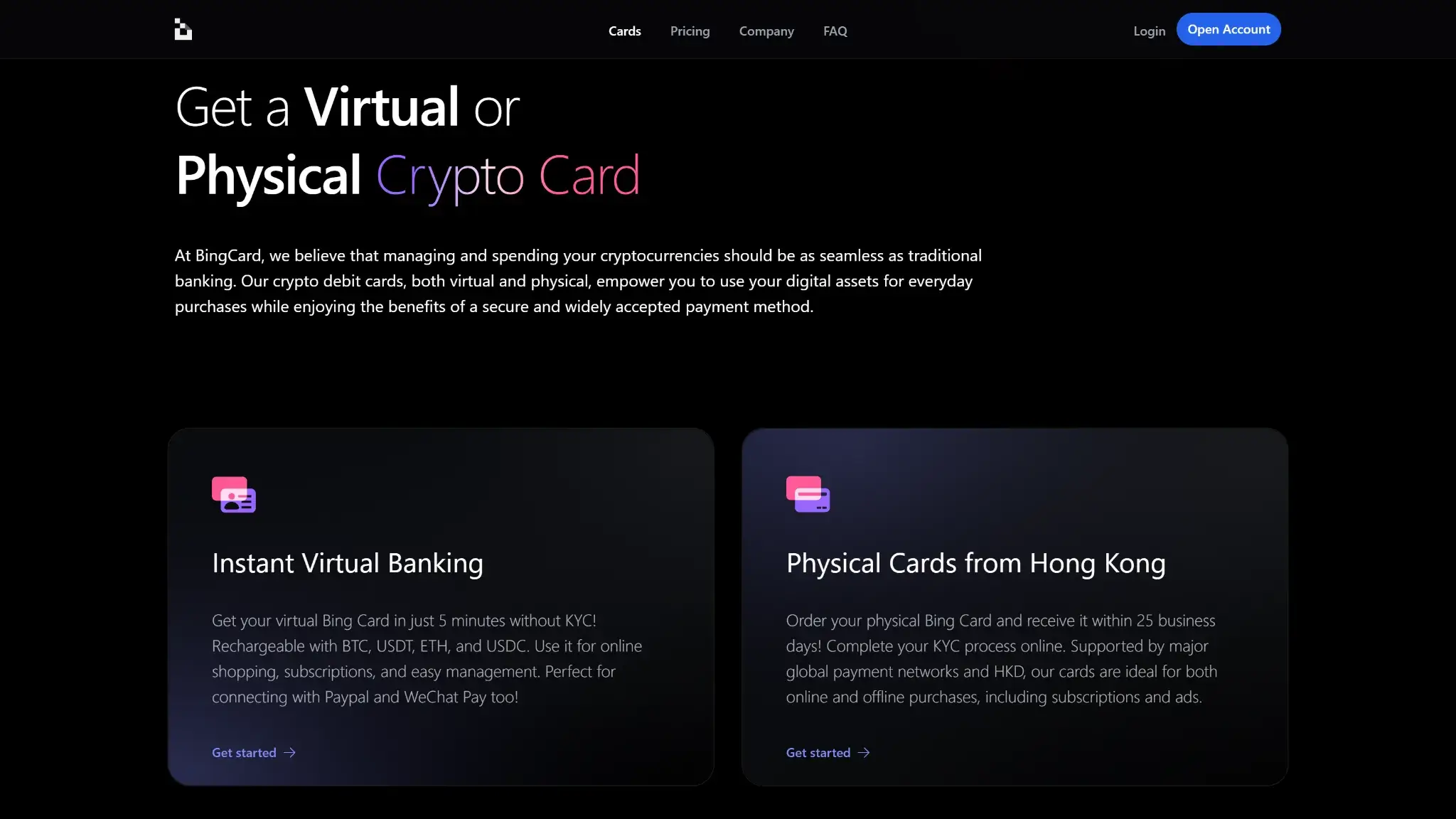
- Virtual tier needs no photo ID to open
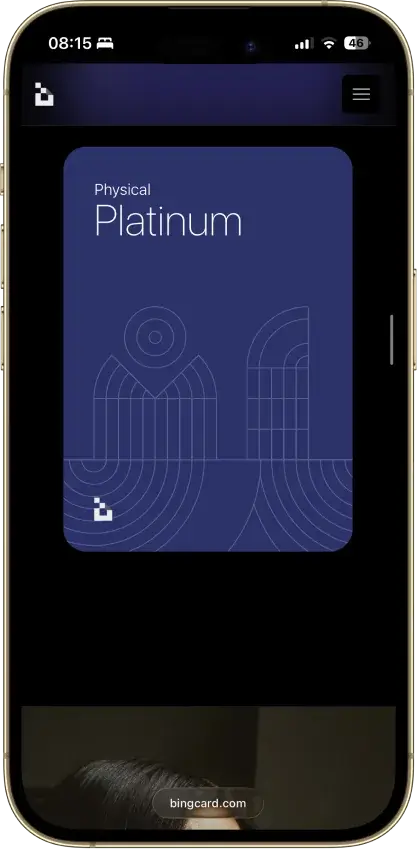
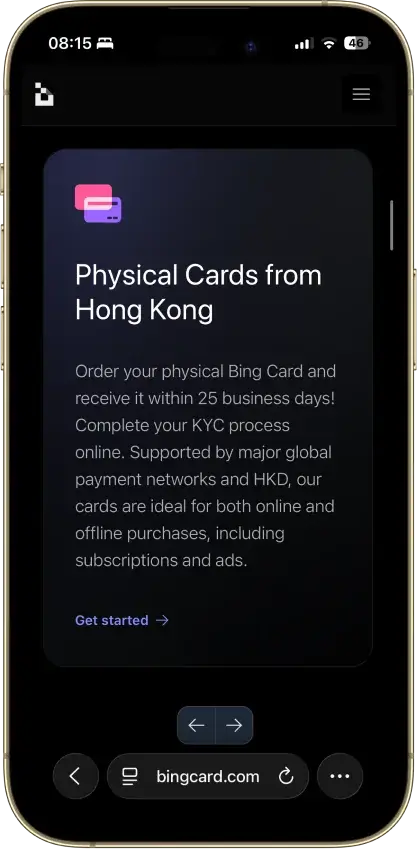
- Physical card ships from Hong Kong in HKD
- Converts once at top-up, never at checkout
Bing Card Overview
- Crypto Card Name
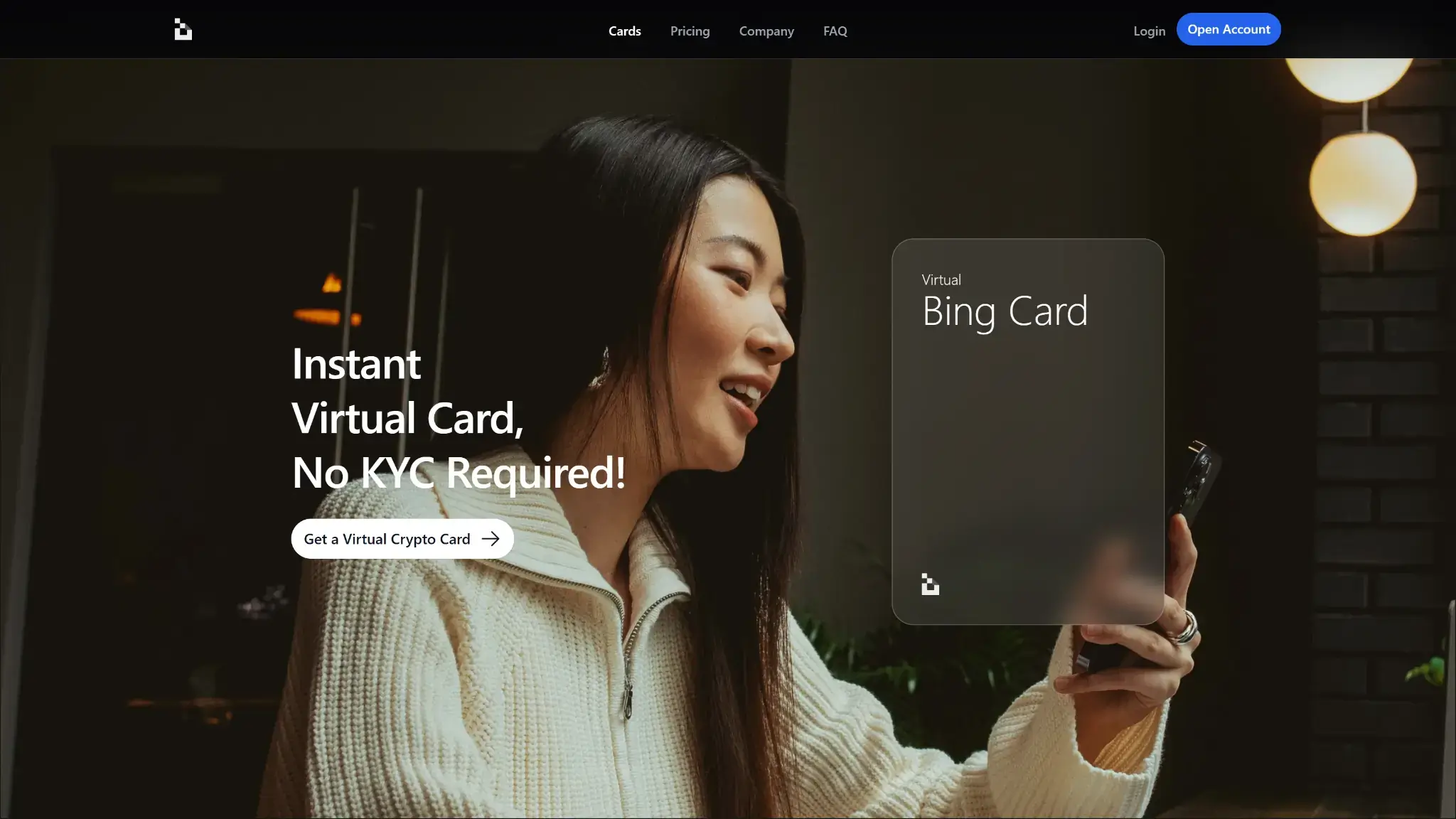
- Bing Card
- Card Type
- Prepaid
- Network
- VisaMastercard
- Issuer
- Queensland Foreign Exchange, Inc. (Canada) and Second February Limited (Seychelles)
Additional details
- Availability
- US citizens, permanent residents, and US-incorporated entities are barred.
- Rewards
- No Rewards.
- Fees
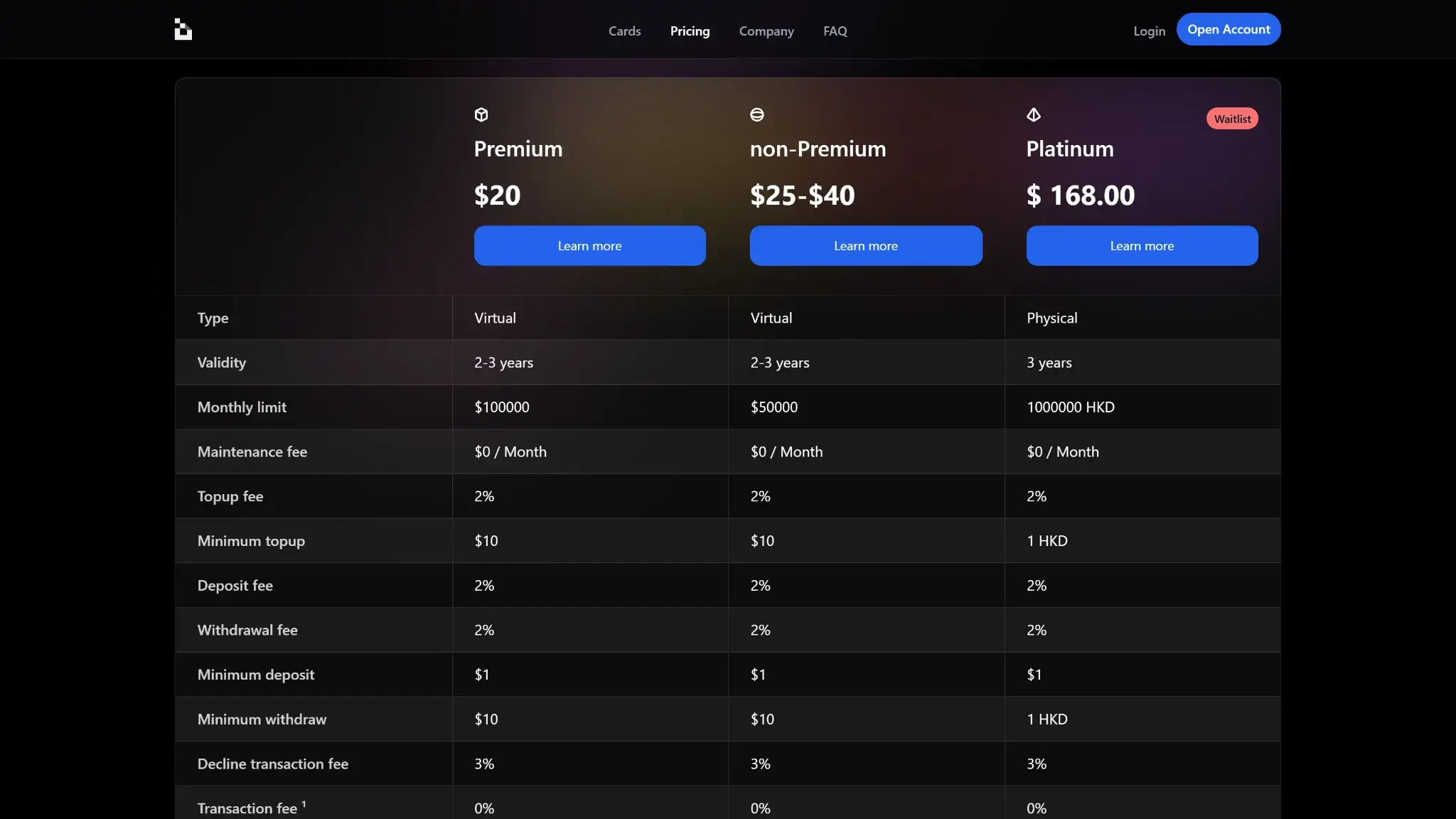
- Exclusive/Star/Platinum monthly fee: $1 / $0 / $0; card issuance: $25 / $40 / $168; FX fee: 1%–1.5% (+ $0.45–$0.50 minimum in some cases); ATM/withdrawal: ~2%–2.5%; top-up fee: 1%–2%.
- Daily Spend / ATM Limit
- Monthly spending limits are $100,000 for Exclusive, $200,000 for Star, and 1,000,000 HKD for Platinum
- Funding Source
- Onchain Wallet, Bank Transfer, Debit Card Top-Up, Credit Card Top-Up
- Virtual Card & Shipping
- Instant virtual card; up to 25 business days for physical card delivery
Bing Card Screenshots
Screenshot 1 of 8
Bing Card Pros and Cons
Pros
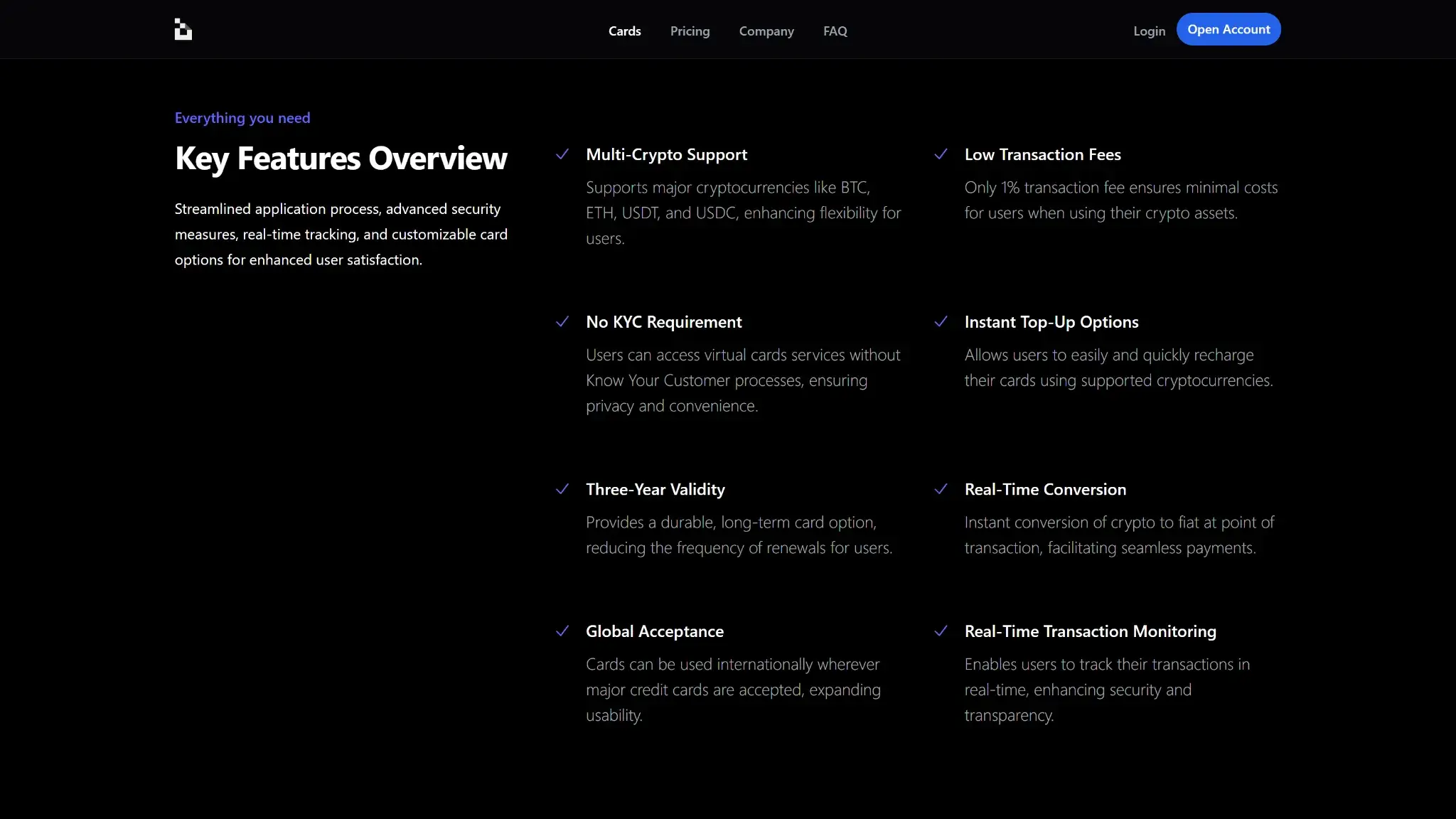
- Virtual card issues in about five minutes
- No monthly fee on Star or Platinum
- Stablecoin loads avoid a conversion spread
- High monthly spending limits on every tier
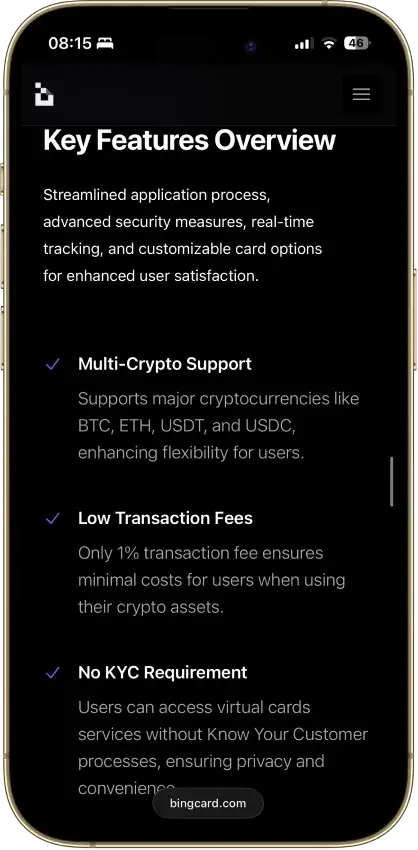
- Loads from BTC, ETH, USDT or USDC
Cons
- Reported frozen funds and stuck withdrawals
- No issuing bank, license number or network listed
- No rewards on any tier
- Apple Pay and Google Pay not live
- Every top-up carries a 1% fee, stablecoins too
What This Card Actually Is and How Spending Works
BingCard is a preload card. The flow has three steps:
- Recharge with BTC, ETH, USDT, or USDC via on-chain transfer, bank transfer, or a debit/credit card top-up.
- BingCard converts the crypto into a custodial account balance at the moment of deposit, at an advertised 0% conversion fee.
- Spend from that balance wherever the card's network is accepted. Which network that is, BingCard does not say.
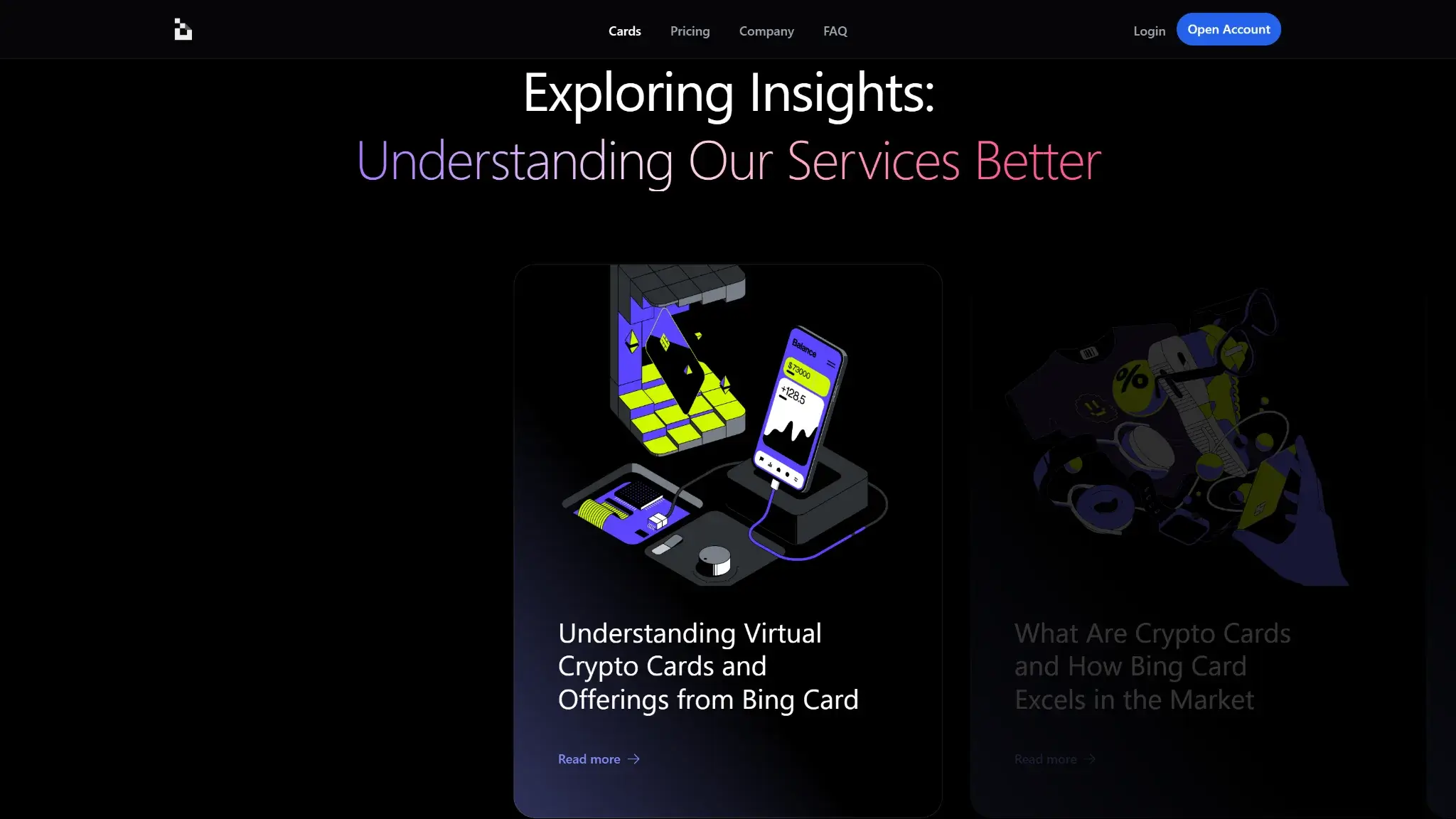
This is not an auto-sell card. The conversion happens once, when you load, not at each purchase. Stablecoin loads (USDT, USDC) convert without a spread, while BTC and ETH loads are sold into the balance at deposit.
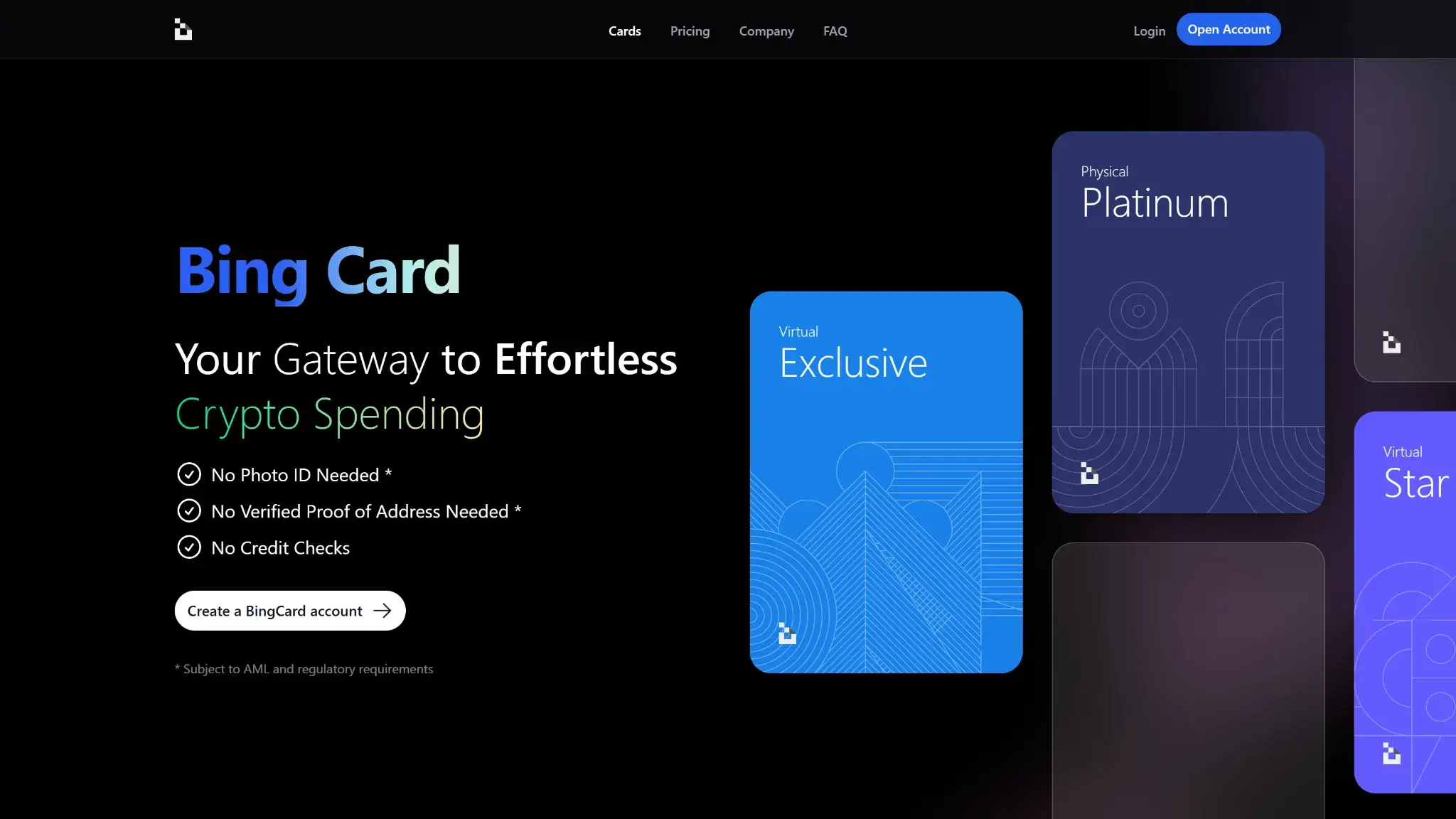
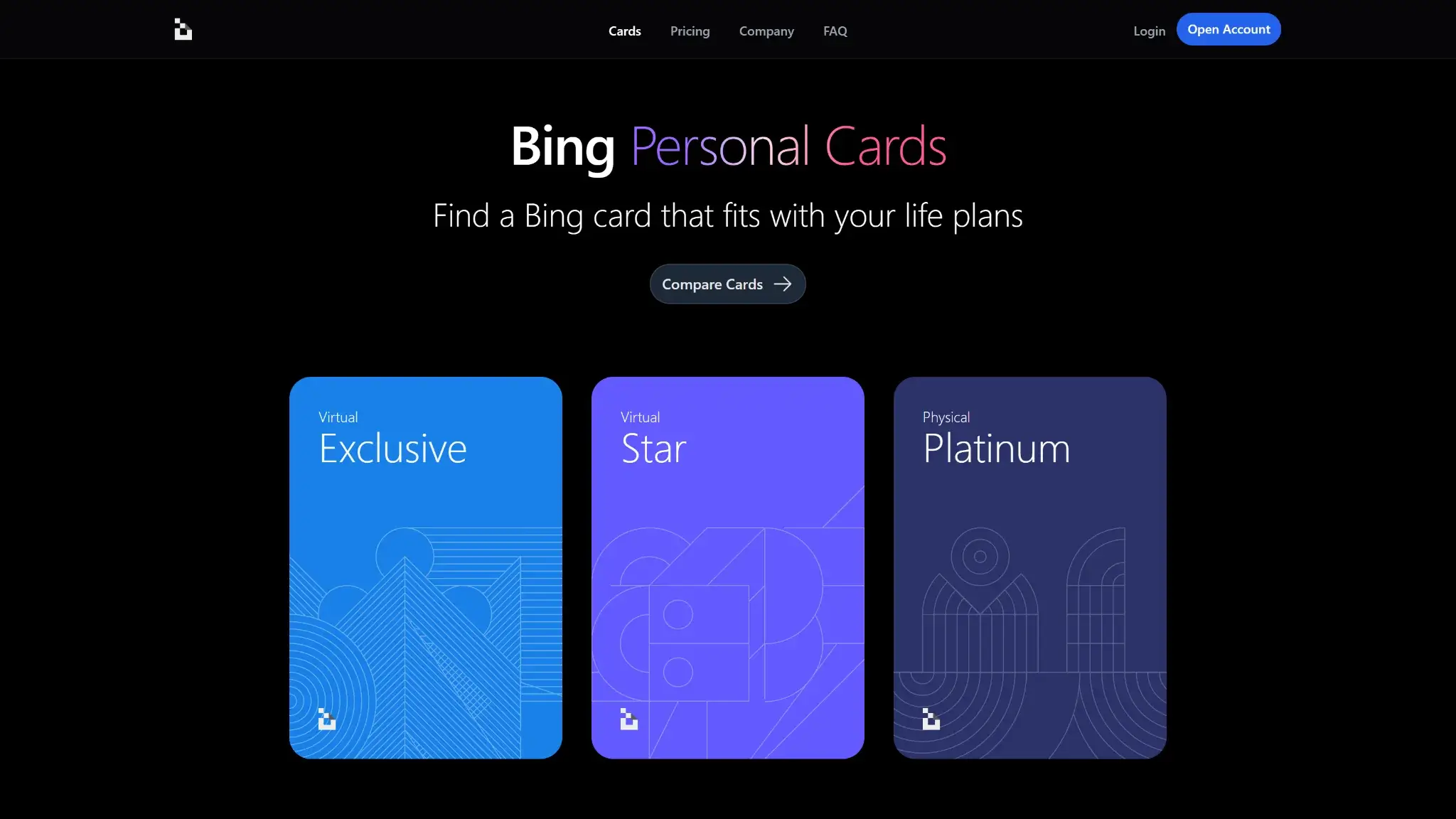
Two tiers are confirmed on official product pages. The Exclusive virtual card costs $25 to issue, charges $1 a month, and requires no photo ID or proof of address (subject to AML screening). The Platinum physical card costs $168 one-time, has no monthly fee, and requires full online KYC. A middle Star tier at $40 issuance and $0 monthly circulates on third-party sites but has no confirmed official product page.
Who Bing Card Is Best For — And Who Should Skip It
Users who want a disposable virtual card for a single small online payment, without photo ID, are the one group BingCard plausibly serves, and even they should load the minimum and spend it immediately. The card does not suit anyone holding a balance, anyone spending daily, or travelers, since ATM terms are not disclosed and mobile wallets are not live. US persons cannot apply at all.
Rewards
None. BingCard pays no cashback, points, or perks on the Exclusive, Star, or Platinum tier. Every fee below buys a plain spend tool with nothing earned back.
Fees and Pricing
BingCard charges issuance up front on every tier and adds per-transaction costs on top.
| Fee | Exclusive (virtual) | Star | Platinum (physical) |
|---|---|---|---|
| Issuance | $25 | $40 | $168 one-time |
| Monthly | $1 | $0 | $0 |
| Top-up / deposit | 1% | 1% | 1% |
| Cross-border | 1% (min $0.45) | Not disclosed | 1.5% (min $0.45) |
| Crypto conversion | 0% | 0% | 0% |
The 0% conversion figure comes from BingCard's official tier pages, which also state 0% on unsuccessful transactions. But 0% conversion does not mean free loading: the official Exclusive and Platinum pages state that deposits “incur a 1% fee,” so every top-up — including USDT and USDC loads — carries a 1% charge on top of the conversion line. ATM withdrawal fees of about 2–2.5% circulate on third-party sites but appear nowhere on the official fee pages, and the FAQs do not address ATM costs at all. Treat ATM pricing as Not disclosed until it surfaces on a primary page.
One framing catch: BingCard's fee copy is written in US terms (“non-U.S. regions,” “converting to USD”) even though the card bars US persons. For any eligible reader, the cross-border fee lands on most everyday spend outside the card's HKD/USD base currencies, so read 1–1.5% as the routine cost of the card, not an edge case.
With no rewards anywhere, the $40 and $168 issuance charges are sunk on day one with no mechanism to earn them back.
Limits, Purchase and ATM
| Limit | Exclusive | Star | Platinum |
|---|---|---|---|
| Monthly spend cap | $100,000 | $200,000 | HK$1,000,000 |
| ATM caps and daily limits | Not disclosed | Not disclosed | Not disclosed |
The published caps are generous and will not constrain normal use. Limits are not where this card loses points.
Eligibility and Availability
BingCard has Region-Limited status. BingCard accepts new applicants in supported jurisdictions today, and the virtual tier issues in about five minutes with no photo ID or proof of address (AML screening applies). The physical Platinum card requires full online KYC and ships from Hong Kong in up to 25 business days. Applicants must be at least 18.
Restricted Countries
BingCard's Terms of Service exclude US persons verbatim: US citizens, US permanent residents, and legal entities incorporated in the United States. That is the only exclusion the issuer puts in writing. No list of other unsupported territories is published anywhere on bingcard.com, which leaves every non-US applicant to discover eligibility inside the signup flow.
Funding Rails
Three rails load the card: on-chain crypto transfer, bank transfer, and debit/credit card top-up. All three end in the same place, a custodial BingCard balance denominated off-chain. Every load carries a 1% deposit fee per BingCard's official tier pages, so no funding path is free — including stablecoins. The conversion at deposit is the taxable event: loading BTC or ETH is a disposal at that moment, while subsequent card purchases spend fiat-side balance and trigger no further sale. Loading USDT or USDC sidesteps the conversion spread and, in most jurisdictions, most of the tax paperwork, but still pays the 1% deposit fee. Whether the credited balance then matches what you sent is disputed in user reports, which is the subject of the next section.
Security, Custody and Trust
Every dollar on a BingCard is a claim on the operator, and the public record on honoring that claim is poor. Three independent sources converge on the same failure mode:
- Trustpilot hosts repeated “avoid” and “scam” reports across roughly 43 reviews: withdrawals sitting in “Processing” for six weeks and longer, deposits credited against a 0.00 balance, and pre-authorized amounts never released. Support responses in these threads redirect users to “request a refund from the merchant” or cite an open “finance team review” before going quiet. One USDT withdrawal request filed Mar. 1, 2026 was reported still unresolved about six weeks later.
- KYCnot.me scores BingCard 4/10 (“Bad”), citing frozen funds, missing deposits, and unresponsive support.
- Gridinsoft assigns bingcard.com a 33/100 trust score on a cluster of weak signals, including vendor blacklisting.
None of this proves intent. Scamadviser's automated check reads “probably legit,” and complaint volume is modest in absolute terms. But three unrelated sources reporting money going in and not reliably coming out is exactly the risk a preload cardholder carries, and it deserves more weight than any line in the fee table.
Two disclosure gaps compound it. First, accountability is thin even though operating entities are named: BingCard's Terms of Service name Queensland Foreign Exchange, Inc. (Canada) and Second February Limited (Seychelles) as the entities operating under those jurisdictions' law, but there is still no named issuing bank, no license number, and no named custodian. Second, the card network is undisclosed, so there is no network-level counterparty a reader can identify either. Treat any loaded balance as exposed to a lightly-accountable counterparty and keep it as small as the purchase allows.
App, Controls, and Support
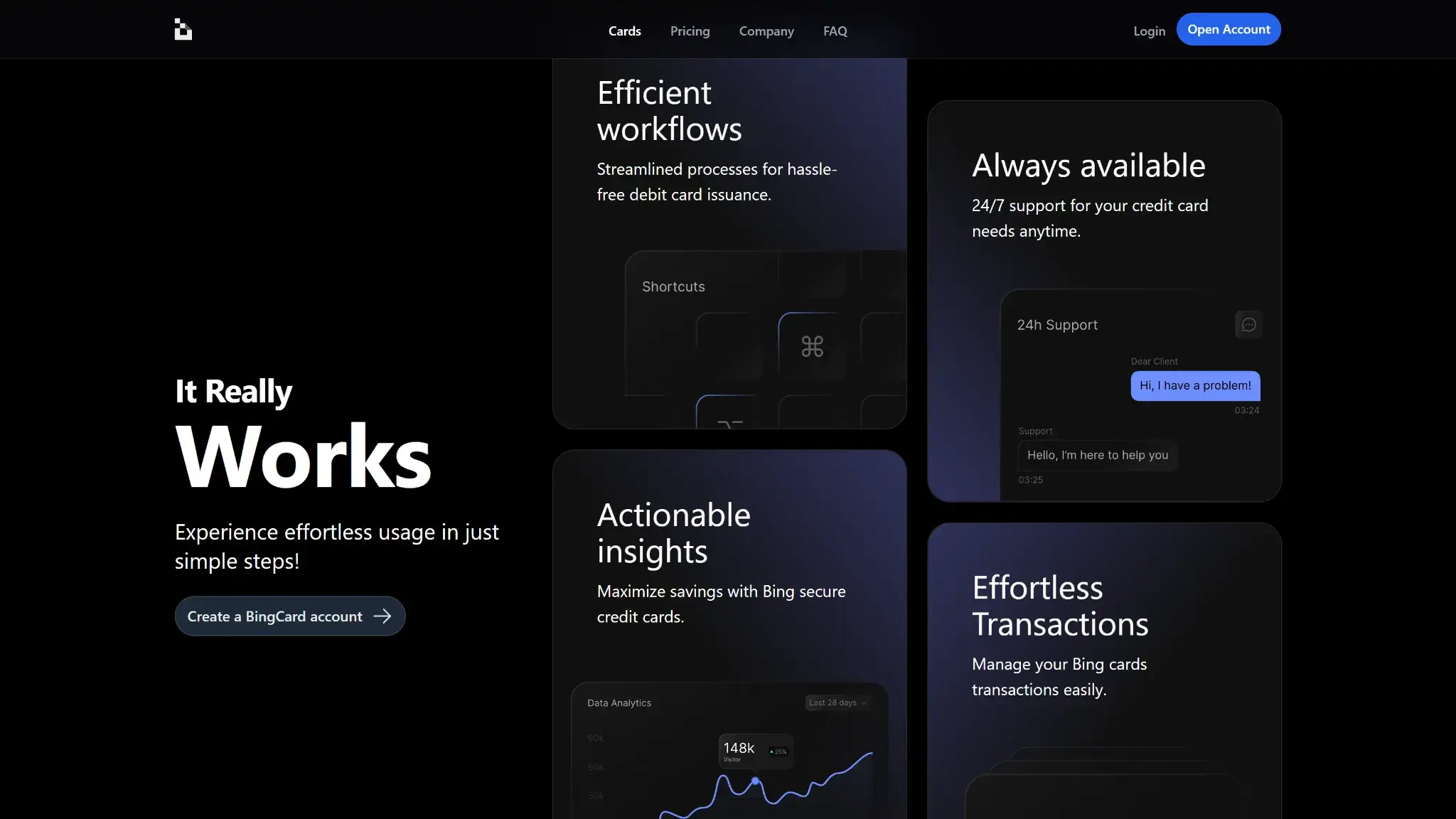
The virtual card issues in about five minutes and handles online payments and subscriptions. Apple Pay and Google Pay remain “Soon” on both tier pages, which rules out tap-to-pay and most in-store use today. The same complaint threads that describe frozen balances also describe cards declining after funding and pre-authorizations that never release, so reliability problems extend past withdrawals into spending itself. Support is repeatedly described as slow or unresponsive on precisely the frozen-balance and stuck-withdrawal cases where speed decides the outcome, and no dispute or chargeback path is documented anywhere.
Tax and Record-Keeping
Transaction reports are available for download inside the account. Because the model is preload, the taxable disposal happens once at top-up, not on every swipe, which keeps records simpler than an auto-sell card. That advantage only holds if deposits reconcile against the credited balance, a point several user reports contest.
Bing Card Alternatives
-


RedotPay
RedotPay is a stablecoin spend card — preload a balance, then tap a Visa accepted across 100+ countries. It competes on running cost, keeping the recurring fee flat and the FX rate...
-

Nexo Card
The Nexo Card runs two spending modes on one Mastercard, and the mode toggle decides what each purchase does. Debit Mode spends the account balance, while Credit Mode draws on a credit...
-

Solcard
SolCard is built around one scarce thing: a virtual Mastercard that issues without any identity check. One brand covers two products — a no-KYC Standard Mastercard, and a Full Access Visa that...
-

Wirex Card
Wirex shut down the crypto side of the Classic Wirex App in the EEA and Australia on June 30, 2026 — crypto funding, exchange, spending, and Cryptoback all stopped there, leaving users...
Bing Card works well for fast virtual access. Other cards are a better fit when rewards, travel use, or clearer program structure matter more.
| Alternative | Better For | Why Someone Would Choose It Instead | Main Trade-Off |
|---|---|---|---|
| RedotPay Card | Everyday stablecoin spend, stronger card operations | No annual fee, global ATM use, virtual and physical cards, and a more built-out help center make it feel more mature operationally | Full costs still depend on card type and region, and it is not a low-KYC shortcut |
| Nexo Card | Rewards and not selling crypto | Dual debit and credit modes, up to 2% cashback, Apple Pay and Google Pay, and free ATM allowance solve two of Bing Card’s biggest gaps | Full KYC applies, and the best value depends on the Nexo ecosystem and tier status |
| SolCard | Apple Pay / Google Pay use, fast virtual setup, lower-friction online spend | Live Apple Pay and Google Pay and a Platinum tier with 0% top-up fees and no monthly limit. | The virtual tier has a 5% top-up fee and a $5,000 monthly limit, so the best fee path sits on the verified Platinum tier |
| Wirex Card | Travel use and broader card maturity | Apple Pay and Google Pay support, zero FX fees, Cryptoback rewards, and fee-free ATM withdrawals up to a limit make it stronger for international and mixed-use spend | Region-specific terms still matter, and the broader app and plan structure is more complex |
Bing Card stays competitive when low-KYC virtual access is the main goal. Once that becomes less important than better rewards, cleaner travel use, stronger wallet support, or clearer program structure, other cards start to look easier to live with over time.
Final Verdict
BingCard's fee mechanics alone would earn a mediocre score: issuance charged on every tier, zero rewards, cross-border costs on routine spend, and ATM and top-up pricing the issuer does not publish. The score lands well below that because this is a custodial preload card whose two decisive questions both come back negative. Can you get loaded funds out? User reports across Trustpilot, KYCnot.me, and Gridinsoft say often not, or not for weeks. Who are you trusting to release them? An operator that names no bank, no license, and no card network. If you use BingCard at all, use the virtual tier for one small payment, load only that amount, and spend it the same day. Nobody should hold a balance here, rely on it for daily spend, or take it traveling. US holders are excluded outright.
Disclaimer: CryptoSlate may receive a commission when you click links on our site and make a purchase or complete an action with a third party. This does not influence our editorial independence, reviews, or ratings, and we always aim to provide accurate, transparent information to our readers.