
Edge Wallet Review

Verified Review
Published Updated

Edge Wallet is a non-custodial hot wallet for those who want mobile-first self-custody without the usual setup friction. It fits beginners and intermediate users who want one app for storage, swaps, buys, and day-to-day sends across many assets. Its biggest strength is that it makes self-custody feel closer to a normal account login while still keeping keys under user control. Edge is mobile-first. There is no dedicated desktop app, web wallet, or browser extension, but the iOS app can also run on Apple Silicon Macs via the App Store.

Yousra Anwar Ahmed
Reviewed by
George Ong
Fact-checked by

Edge Wallet Overview

Product Name Edge Wallet
Wallet Type Multi-platform wallet
Custodial Status Non-custodial
Supported Blockchains Bitcoin, Ethereum, BNB Smart Chain, Avalanche, Tron, Optimism, Polygon, Solana
Token Standards ERC-20, BEP-20, TRC-20, SPL
Platforms iOS, Android, Desktop (macOS)
Hardware Wallet Support No
Built-in Swaps Yes
Staking Support Limited
Open-source Fully open-source
Fiat On-ramp Yes

Edge Wallet Screenshots

Edge Wallet Pros and Cons

Pros

  • Account-style login removes a lot of seed-management friction while still keeping keys encrypted on the user side.
  • Built-in buy, sell, swap, and WalletConnect features make it more useful for everyday mobile use than a basic send-and-receive wallet.
  • Multi-device sync lets users log into the same account on another phone without rebuilding wallets one by one.
  • Multiple wallets per account, custom wallet names, transaction tags, and fee controls make the app more practical than many stripped-down mobile wallets.

Cons

  • There is no dedicated desktop app or browser extension, so desktop-first DeFi and trading workflows are weaker here.
  • Hardware wallet support is not available, which removes the option to combine Edge with offline signing.
  • The account-recovery model is convenient, but users who prefer a clear seed-first backup flow may find it less transparent.
  • Buy, sell, swap, and some earn features depend on third-party partners, so fees, KYC, timing, and regional availability vary.

Who Edge Wallet is Best for — and Who Should Skip It

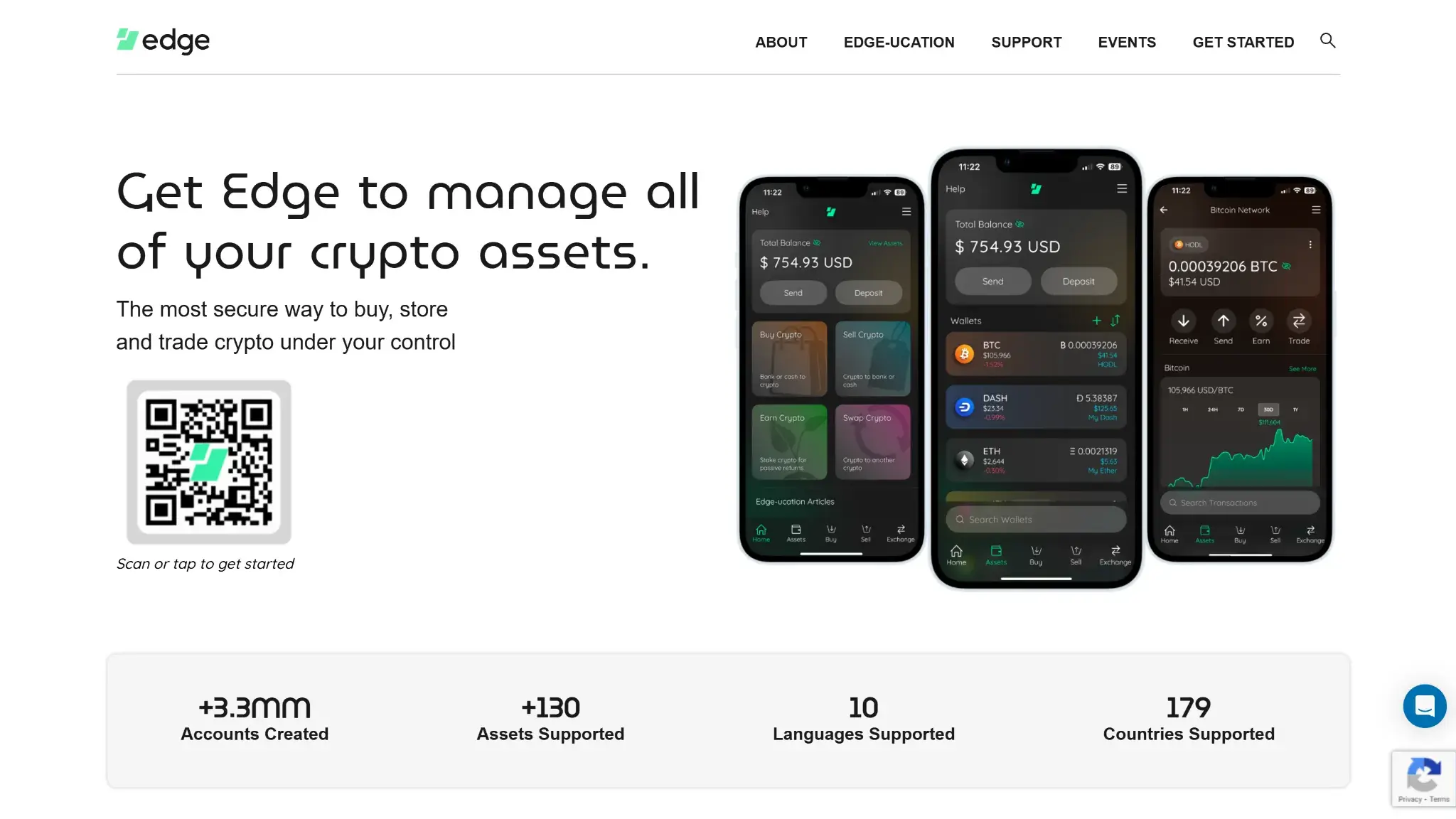
Edge Wallet website hero with QR code and app screenshots promoting secure all-in-one crypto management.

Edge works best for people who want self-custody on a phone without a complicated setup. The account-based recovery model means you are not entirely dependent on a seed phrase backup, which lowers the barrier for users who want real key control without the risk of losing everything to a misplaced piece of paper. One app covers major assets, built-in swaps, and cross-device access through an encrypted account login.

The trade-offs follow from that same design. Edge is a mobile-first product with no browser extension, so it does not fit users who are used to signing transactions through MetaMask-style integrations or spend most of their time in desktop DeFi. Hardware wallet pairing is not supported. And for users who want the most direct, portable backup possible, the account layer sits between them and a clean seed-phrase-in, seed-phrase-out restore flow.

Best FitWhy It FitsWho Should Skip ItWhy They Should Skip It
Mobile-First Self-Custody UsersThe whole product is built around fast phone access, biometric unlock, and in-app transactionsDesktop-First UsersThere is no dedicated desktop app or browser extension
Beginners Who Want Easier RecoveryUsername-and-password account access is simpler than managing a seed from the startSeed-First Wallet PuristsThe recovery model is less direct than wallets built around a visible seed backup flow
Multi-Asset Users Who Want One AppEdge supports a wide range of assets, token ecosystems, swaps, and buys in one placeUsers Who Want Hardware-Backed SigningEdge does not connect to Ledger, Trezor, or other hardware wallets
People Who Move Funds Across DevicesAccount sync across multiple phones is more convenient than restoring each wallet manuallyAdvanced DeFi TradersWalletConnect helps, but no extension means some dApp flows are less efficient
Users Who Want Built-In Crypto ServicesBuy, sell, swap, gift card, and related partner services reduce app switchingUsers Who Need Predictable Fiat RailsPartner availability, KYC checks, fees, and settlement times vary by region and provider

What is Edge Wallet and How Does it Work?

Edge is a mobile self-custody wallet app for iPhone and Android. It is the main Edge product from Airbitz Inc., and older references may still use the Airbitz name.

  • Setup And Access: Users create an account with a username and password, then usually unlock the app with a PIN or biometrics.
  • Key Handling: Wallet data is generated and encrypted on the device before encrypted backups reach Edge’s servers.
  • Transaction Approval: When it is time to send funds, transactions are reviewed and confirmed on the phone.
  • Signing Model: There is no separate hardware device or second-screen verification, so the full signing flow stays inside the mobile app.

Edge lets people hold assets, create multiple wallets, send and receive funds, swap, buy and sell through partners, and connect to supported dApps with mobile WalletConnect. As a result, it feels easier to use than many seed-first wallets, especially for people who want mobile access across more than one device. Edge is mobile-first. There is no dedicated desktop app, web wallet, or browser extension, but the iOS app can also run on Apple Silicon Macs via the App Store.

Wallet Type, Custody and Recovery Model

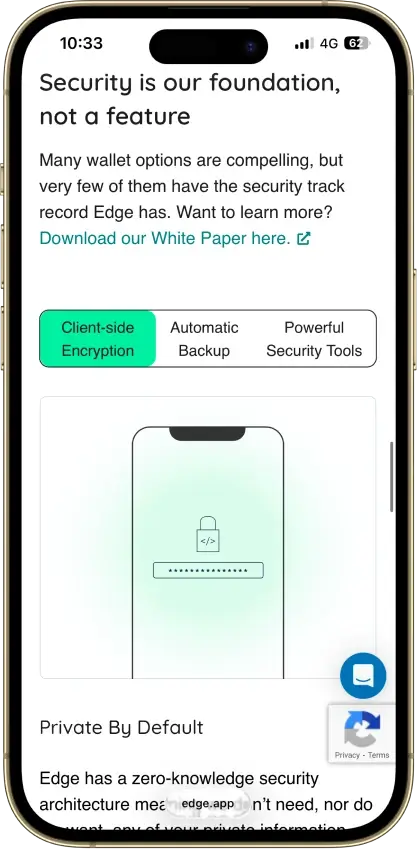
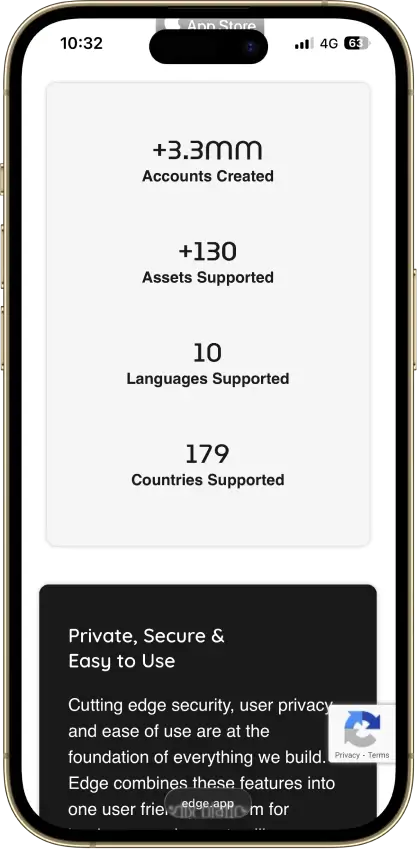
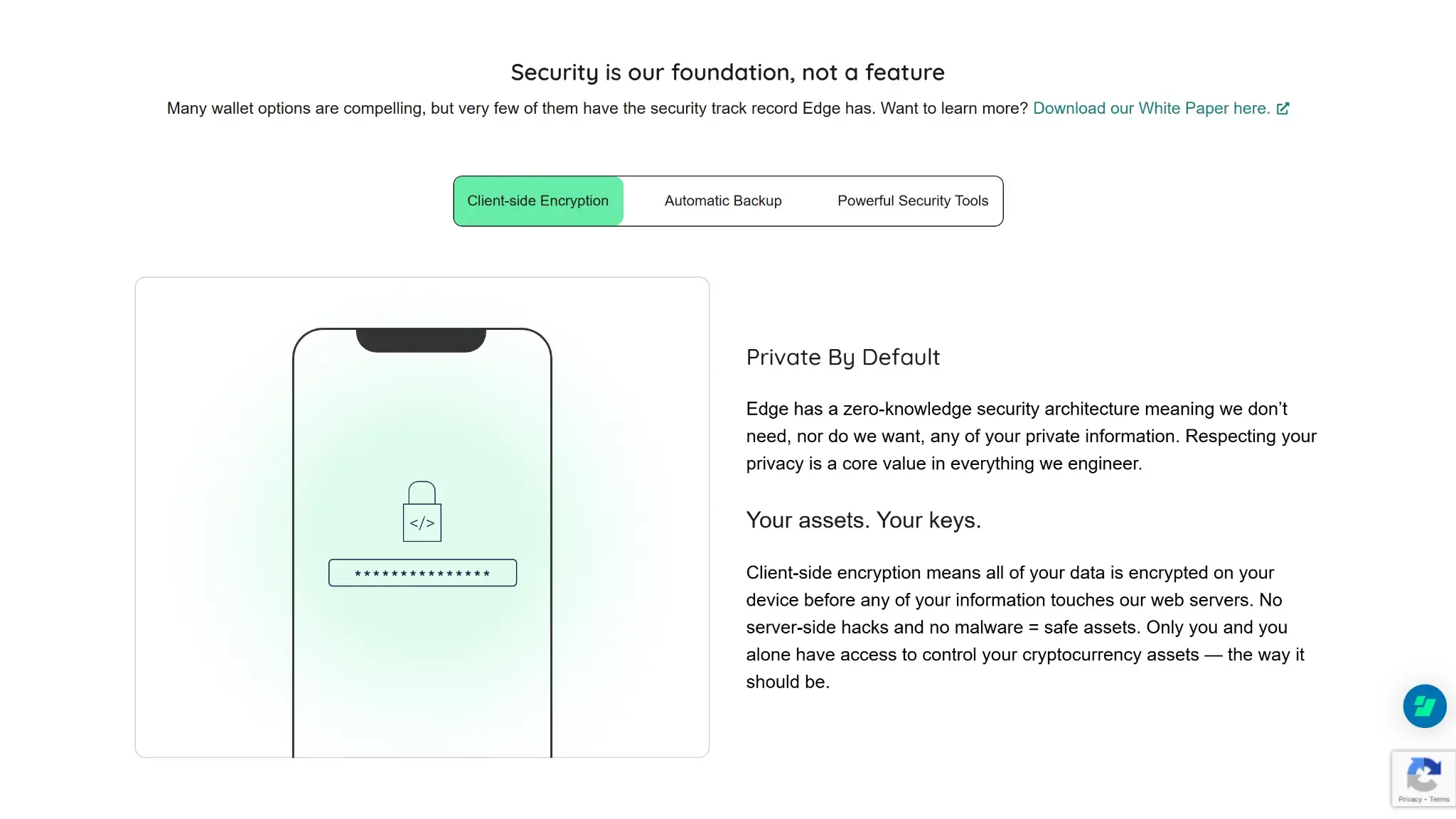
Edge Wallet security section highlighting client-side encryption and private-by-default zero-knowledge architecture.

Edge is a non-custodial software wallet, so the user controls the keys, not the company. What sets it apart is recovery. Instead of making every user start with a written seed phrase, Edge uses an account-style login and optional recovery setup, while still letting users view and export wallet seeds or private keys inside the app.

That makes the wallet easier to use, but it also makes portability less direct than in a simple seed-first wallet. You cannot move the whole Edge account into another wallet as one package. What moves are the individual wallet seeds or private keys, and the restore process can vary by asset.

Wallet classHot software wallet
Who controls the keysUser
Recovery methodAccount recovery with username, password, recovery token, and security questions; wallet seeds or private keys can also be viewed and exported
Can you export keys or seed?Yes
Portability to another walletPartial
What happens if you lose the deviceYou can log in on another device if you still know your credentials or set up recovery. A login from an unrecognized device can trigger a 7+ day security period. Immediate access requires either a saved 2FA code or approval from another device that is already logged in. Dormant accounts can show longer timers, and longer waits can be appealed down to 7 days. Exported wallet seeds or private keys can also restore access wallet by wallet.
What happens if you lose the recovery methodIf you still have an unlocked device and know the password, you can update recovery settings or export wallet keys. If you lose both device access and recovery access, Edge cannot decrypt the account for you.
Who can help recover accessSupport can guide the process, but only the user can recover access with their credentials, recovery setup, or exported wallet keys.
Best use caseDaily mobile self-custody, multi-asset storage, swaps, and routine sends

Edge gives users real self-custody, but it adds an account layer that makes recovery feel more familiar. That makes Edge easier to recover, but not easier to move into another wallet.

Supported Assets, Networks and Compatibility

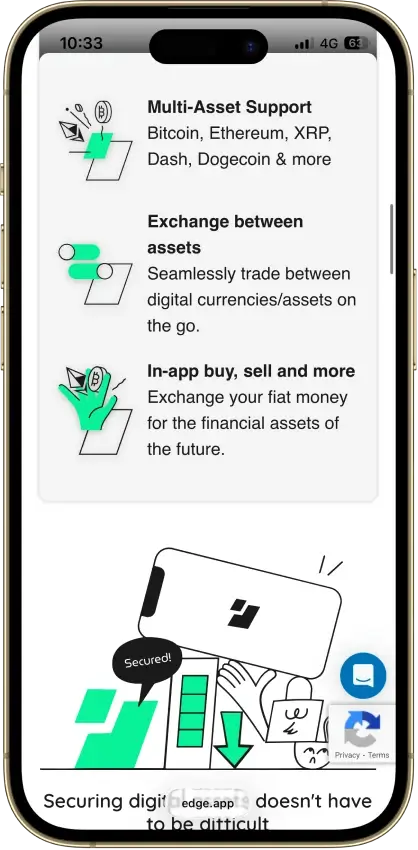
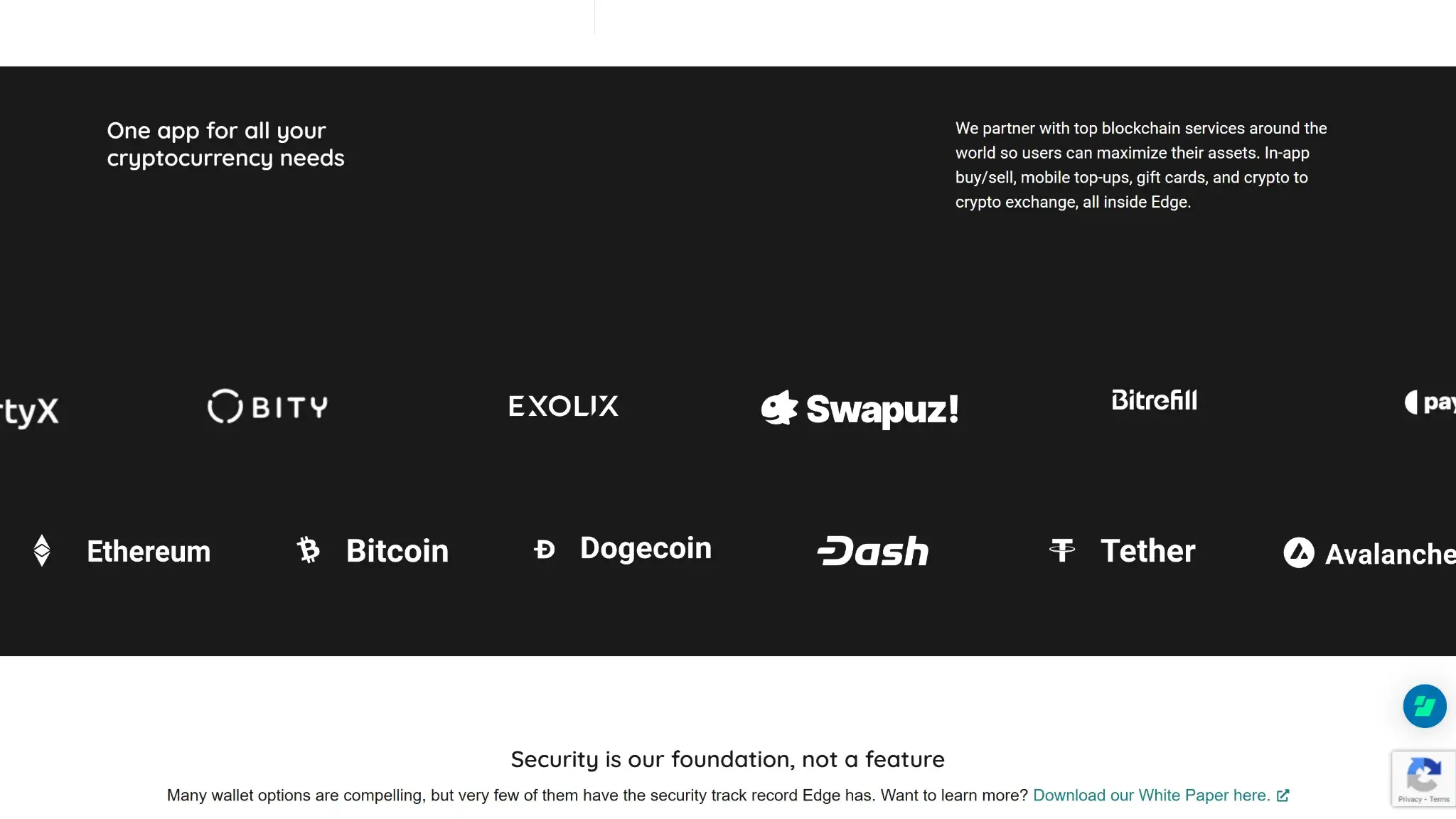
Edge Wallet partner logos and supported assets list including Bitcoin, Ethereum, Dogecoin, Dash, USDT, and more.

Edge has grown beyond a small set of legacy coins and now covers a broad mix of major layer-1 networks, EVM ecosystems, and token environments. The wallet works best for users who want mainstream assets in one mobile app rather than deep support for every chain-specific feature on desktop.

Support is broad, but it is not identical across every asset and workflow. Some features depend on the network, some token support comes through broader ecosystem support such as ERC-20 or SPL tokens, and buy, sell, staking, or swap options can vary by region and provider.

Major chains supportedEdge supports a broad and changing set of assets and token ecosystems. This includes Bitcoin, Ethereum / ERC-20, Solana, XRP Ledger, Monero, Litecoin, Dogecoin, Stellar, Hedera, Tron / TRC-20, BNB Smart Chain / BEP-20, Avalanche C-Chain, Celo, EOS, Optimism, Polygon, Polkadot, Filecoin, Rootstock, Tezos, zkSync, Base, and TON, among others
Token standardsERC-20 and other EVM-based tokens, SPL tokens, TRC-20 tokens, plus chain-native assets
PlatformsiPhone, Android, Android direct APK; the mobile app can also run on Apple Silicon Macs through the App Store, but Edge does not offer a dedicated desktop or web wallet
Hardware supportNone
Connection methodsWalletConnect, QR scanning for some connection flows and imports, standard send-and-receive addresses inside the app
Notable gapsNo browser extension, no dedicated desktop wallet, no hardware-wallet pairing, and feature depth varies by asset, provider, and region

Edge combines broad chain coverage with one mobile interface, which makes it practical for users who hold several major assets at once. Users who need desktop-native workflows or hardware-backed signing will still need a different setup.

Core Features and Real-world Use Cases

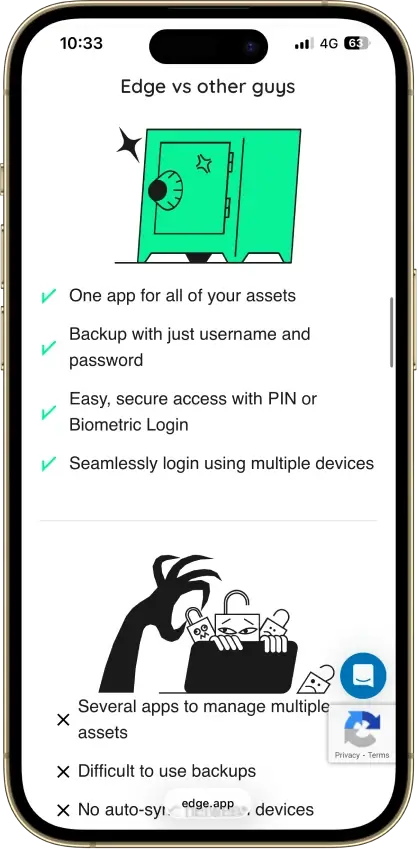
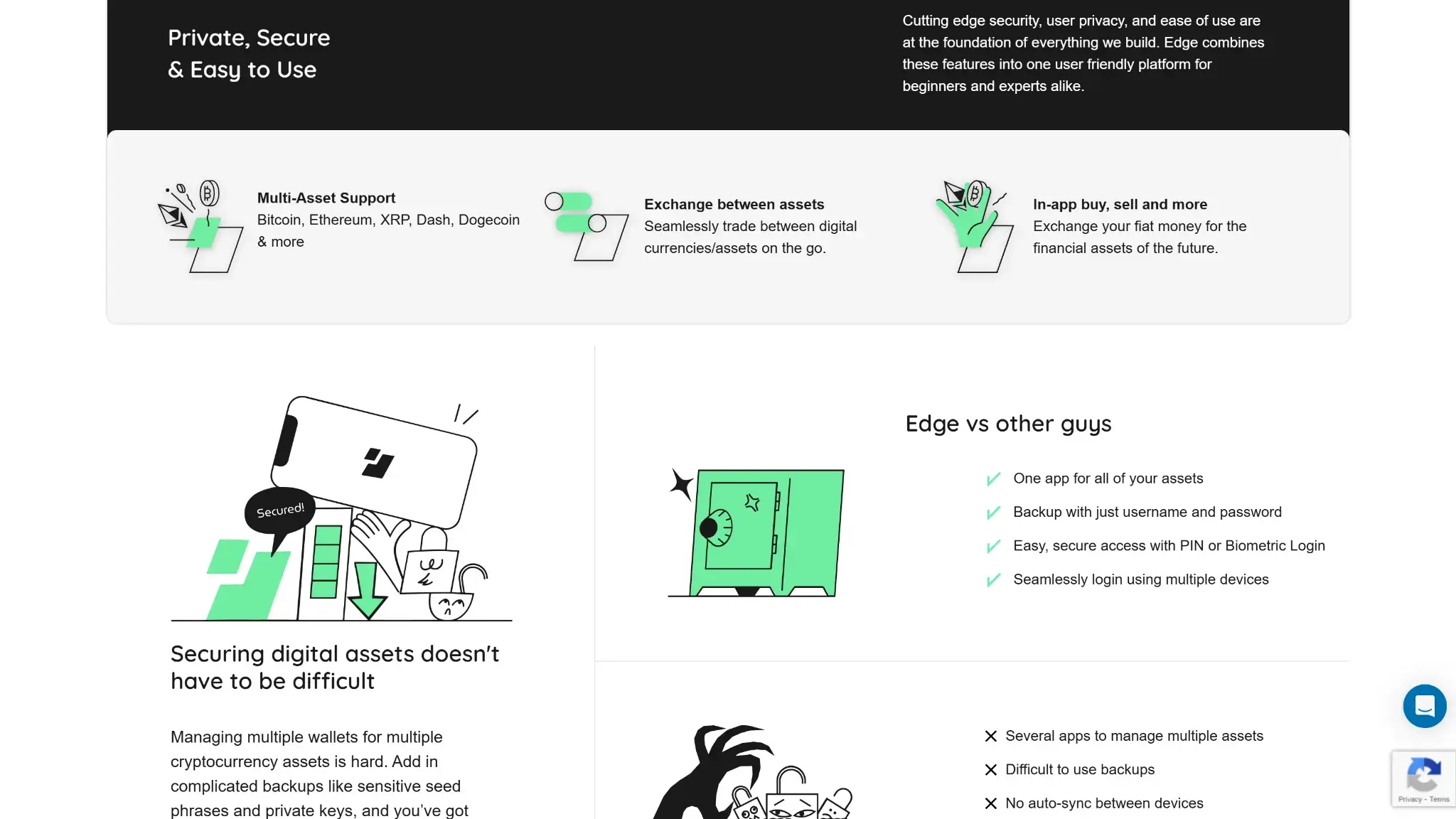
Edge Wallet features and comparison section showing multi-asset support, exchange tools, and “Edge vs other wallets” checklist.

Compared with other crypto hot wallets, Edge sits in the broad mobile all-in-one category rather than the narrow single-ecosystem category. It goes well beyond simple storage by combining swaps, buys, sells, gift-card spending, staking options, and mobile dApp connectivity in one app.

Where it stands out is convenience: the account-style recovery model and cross-device sync make it easier to live with than many self-custody wallets. Where it is weaker is active desktop Web3 use, because there is no browser extension, no hardware-wallet pairing, and many advanced features rely on third-party providers rather than one fully native stack.

Feature AreaWhat Users Can DoHow It Works In PracticeKey Limitations, Costs, Or Risks
Swaps And TradingSwap supported assets and convert between coins and tokens inside the appThe Exchange tab checks multiple integrated providers, and users can also prefer decentralized routing for some swaps. Edge also supports specific DEX integrations such as 0x gasless token swaps on supported EVM networks.Rates, spreads, network fees, and completion times vary by provider. Some routes may use centralized partners, some may require KYC, and token support is not uniform across every chain.
BridgingMove value across some chains through integrated exchange and bridge-style partners rather than a dedicated bridge wallet flowCross-chain movement is handled through the Exchange experience and supported partners such as LI.FI, Rango, THORChain, Maya, Cosmos IBC, and other integrated swap providersThere is no simple native bridge dashboard. Routes can be harder for beginners to understand, fees can stack across steps, and cross-chain swaps add smart-contract, routing, and settlement risk.
Staking And EarnStake or access yield features for selected assetsUsers open a supported asset and tap Earn when available. Edge supports several staking or yield routes, including THORChain Savers support for assets such as BTC, ETH, USDC, USDT, BNB, BCH, DOGE, LTC, ATOM, and AVAX, plus separate flows for assets such as ETH through Kiln and network-specific options like FIO and FTMAvailability depends on the asset. Users still pay on-chain transaction fees, unstaking can take time on some networks, and smart-contract or protocol risk sits underneath the simplified interface.
dApp Access And ConnectivityConnect to dApps and approve on-chain actions from the walletEdge uses mobile WalletConnect. A common flow is opening the dApp on a computer, scanning the QR code with Edge, choosing the wallet, reviewing permissions, and approving transactions on the phoneThis works, but it is less seamless than using a browser extension. Session drops, network mismatches, unclear dApp permissions, and phishing risk still apply. Users need to disconnect old sessions manually when finished.
NFTsLimited, chain-dependent holding rather than full NFT managementSome supported chains can hold token accounts tied to NFTs, but Edge does not have NFTs in a major wallet workflowNative gallery tools, metadata display, and advanced NFT management are not a clear strength, so NFT-heavy users may want a wallet built around that use case.
Exchange And Account FeaturesBuy and sell crypto with fiat, withdraw to bank in supported regions, and spend crypto on gift cards or mobile top-upsEdge integrates third-party buy and sell providers with payment methods that vary by country. It also integrates Bitrefill so users can spend supported coins on gift cards, prepaid top-ups, and similar digital services directly from wallet balancesThese features are useful, but they are not fully native. KYC, fees, supported methods, withdrawal timing, and country availability depend on the partner, and some services are final once submitted.

Edge does more than basic storage, but many of its extra features come from partners rather than from one fully native stack.

Edge itself handles the account system, wallet management, and signing flow. Much of the extra utility comes from integrated providers for swaps, staking, buys, sells, and spending. For mobile users, that setup is convenient, but it also means extra friction and costs can show up around exchange pricing, KYC checks, region limits, and cross-chain routing.

It is a beginner crypto wallet that also suits multi-asset mobile users, the wallet is useful. For heavy DeFi users, it is less efficient than a browser-extension wallet for heavy on-chain use.

Fees and Total Cost of Ownership

Edge is free to download, so the real cost comes from how you use it. Basic storage costs nothing, but swaps, buys, sells, and on-chain sends can add up fast because most of those charges come from blockchains or third-party providers rather than from Edge itself.

Cost ComponentWhat Users PayWhen It AppliesNotes
Device Or Wallet PriceFreeOne-TimeThere is no app purchase fee or subscription just to create and use the wallet
Shipping And Import CostsN/ANot ApplicableEdge is software only
Network FeesVariableSend, Swap, Bridge, StakeChain dependent; Edge shows network fee details in quotes where relevant
Swap Spread Or Routing FeeNot disclosed at wallet level; provider fee may be shown in the quoteSwaps and cross-chain routesThird-party and route dependent; price can also include spread and slippage
On-Ramp Feebank methods can be much lower than cards in supported regions, including ACH sell ~1.5%, U.S. bank wire buys ~2%, SEPA/UK Faster Payments ~1.55%, Interac ~4%–5%, cards ~3.5%–5%, Apple Pay / Google Pay ~5%–7%, PayPal ~5%, Venmo ~4.5%–5%, and LibertyX ATM ~8%Buying crypto with fiatProvider and region dependent
Withdrawal FeeACH sell is ~1.5%; Visa Direct / Mastercard Direct Payouts are ~5%–7%; PayPal is ~5%; Venmo is ~5%; provider and region varySelling crypto to fiat and cashing outPlus network fee where relevant
Subscription Or Premium FeeNoneNot ApplicableNo paid premium tier is required for normal wallet use

Holding assets and using the basic wallet costs nothing. Costs rise when users rely on the most convenient features, especially card buys, fast payout methods, and partner-powered swaps. For people who mainly want a self-custody wallet, the overall cost is reasonable. For people who use Edge like a full-service exchange app, provider fees matter much more than the wallet brand.

Security Architecture and Trust

Edge has a strong security design for a hot wallet, but it still carries hot-wallet risk. Its model is better than many basic mobile wallets because keys are encrypted on the client side before backups sync, the company cannot read the encrypted wallet data, and users can add several account-level protections. The main risk that remains is that approvals still happen on an internet-connected phone, not on a separate offline device.

The core model is built around client-side encryption. Edge stores encrypted backup and sync data, but the decryption key comes from the user’s credentials, not from the company. The wallet uses a Scrypt-based password derivation process that is tuned to the device, which helps make brute-force attacks harder. On supported phones, biometrics and PIN unlock make day-to-day access easier, but they do not turn Edge into a hardware wallet or give it a separate secure-screen signing model.

There is also no dedicated secure element for transaction signing in the way a hardware wallet uses one. Transactions are reviewed and approved on the phone, and that keeps the process simple, but it means users do not get second-screen verification. For routine use, that is fine. For larger balances or frequent risky dApp use, it is still a weaker trust model than hardware-backed signing.

Key control modelUser-controlled keys with client-side encrypted backups and sync
Recovery modelUsername and password account access, optional recovery token and questions, optional 2FA, plus wallet seed or private-key export inside the app
External validationOpen-source code, public white paper, stated third-party security audit, and a live bug bounty with BTC payouts
Open-source statusYes
Anti-scam protectionsIP Validation on new devices by default, plus an optional Edge-generated 2FA backup code; a currently logged-in device can also approve a new-device login
Incident postureThe 2023 incident required both visiting certain partner buy/sell screens and then using Upload Logs. Edge said the exposure affected approximately 600 private keys, less than 0.02% of total keys created on the platform, and patched the issue in v3.3.1 while telling affected users to create new wallets and move funds

Edge’s clearest trust signal is that its code is public. It also runs a bug bounty that covers the apps, core libraries, and web services. It also gives users useful account protections such as IP validation on new devices, an optional Edge-generated 2FA backup code, and duress mode. The weaker point is external validation: the audit claim exists, but there is no publicly available audit report with scope and date. It is also lighter on anti-drainer tooling than extension-first wallets because there is no browser extension, no transaction simulation layer, and no broad approval dashboard.

The 2023 incident required both visiting certain partner buy/sell screens and then using Upload Logs. Edge said the exposure affected approximately 600 private keys, less than 0.02% of total keys created on the platform, and patched the issue in v3.3.1 while telling affected users to create new wallets and move funds. That does not change the main limit of the product: Edge is still a hot wallet. Users get strong client-side encryption and solid account protections, but approvals still happen on an internet-connected phone, so careful transaction review still matters.

Backup, Recovery and Loss Scenarios

Recovery is much easier if the user sets it up before something goes wrong. The hard part is that Edge support still cannot decrypt your account for you, reset your password from the company side, or undo an on-chain transfer.

Edge has encrypted backup and sync, but that does not remove user responsibility. You still need your username and password, a logged-in device, a recovery setup, or exported wallet keys. If you lose all of those at once, loss can be permanent. A login from an unrecognized device can trigger a 7+ day security period. Immediate access requires either a saved 2FA code or approval from another device that is already logged in. Dormant accounts can show longer timers, and longer waits can be appealed down to 7 days.

ScenarioWhat You Can DoWhat Support Can Help WithWhen Loss Becomes Permanent
Lost PhoneInstall Edge on a new phone and sign in with your username and password. A login from an unrecognized device can trigger a 7+ day security period. Immediate access requires either a saved 2FA code or approval from another device that is already logged in. Dormant accounts can show longer timers, and longer waits can be appealed down to 7 days. If the old phone still works but you forgot the password, you can use the Login Scan QR flow to move access to the new device.Support can guide the login or device-transfer steps.Loss is not permanent if you still know your credentials, still have a logged-in device, or already set up recovery.
Broken Or Dead DeviceSign in on another device with your credentials, recovery method, or previously exported wallet keys.Support can explain which recovery path fits your situation.Loss becomes permanent if the broken device was your only access point and you did not keep credentials, recovery access, or exported keys.
Forgotten PINUse your full username and password instead. The PIN is a local convenience lock, not the main recovery method.Support can help with the normal login path.A forgotten PIN alone is not a permanent loss event.
Forgotten PasswordPassword recovery requires your username, your self-saved recovery token, and your two case-sensitive recovery answers. The recovery token is sent or stored by you, not by Edge.Support can explain the steps, but cannot reset the password for you from the server side.Loss becomes permanent if you forgot the password, lost every logged-in device, and never set up a working recovery method.
Lost Recovery MethodIf you are still logged in on any device, update your recovery settings right away or export wallet keys.Support can explain where to update recovery settings.Loss becomes permanent only if you also lose device access, credentials, and key exports.
Lost Seed Phrase Or Exported Private KeyIf you still have access to Edge, export a fresh copy where supported and move funds if the old copy may be exposed. If you lost the only external backup but still have account access, you can usually create a new backup or export again.Support can explain where seed phrases or private keys can be viewed and exported, but cannot recover a lost seed phrase or lost exported key for you.Loss becomes permanent only if that lost backup was your only remaining recovery path and you also lose account access.
Need To Restore Individual Wallets ElsewhereView or export wallet seeds or private keys inside Edge where supported, then restore asset by asset in another compatible wallet.Support can explain the export process, but cannot move funds for you.Loss can still be avoided if you kept those exports safely.
Cloud Backup And SyncEdge can sync encrypted account data across devices, which makes restore easier than starting from scratch.Support can help with the sign-in and sync flow.Sync does not help if you cannot pass login, recovery, or key-export checks.

Keep the username and password safe, set up recovery early, and do not wait until a device fails. Users who want the strongest fallback should also export and store wallet seeds or private keys where supported, because that adds a second escape route outside the Edge account layer.

UX, Performance and Platform Support

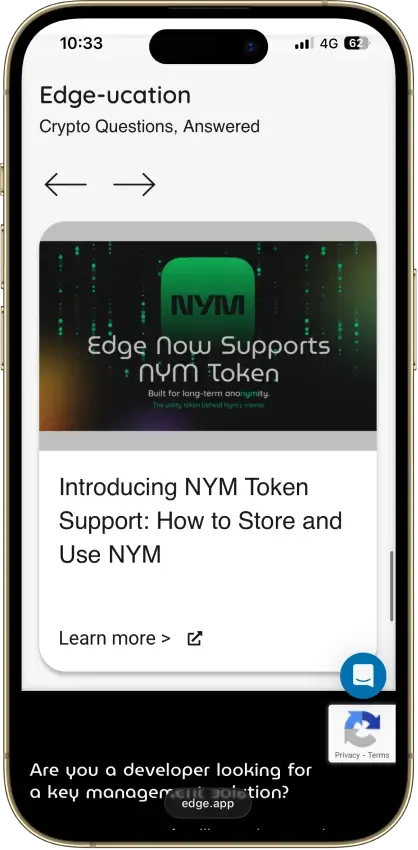
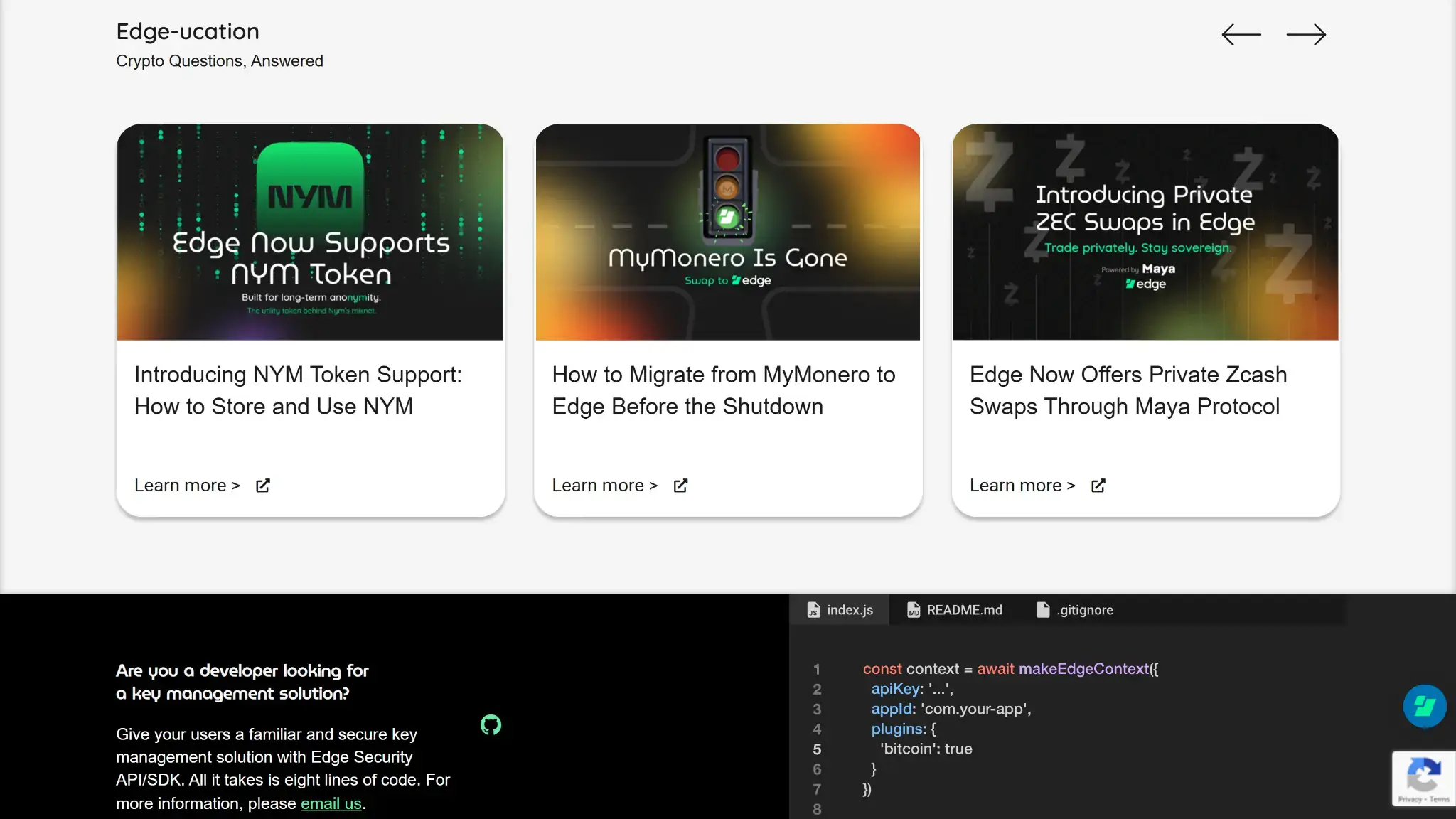
Edge-ucation carousel on the Edge Wallet site featuring crypto education articles and updates.

Edge’s account-style login lowers setup friction, the interface is cleaner than many feature-heavy hot wallets, and common actions like sending, swapping, and switching between wallets are easy to find. As a result, new users can usually find core actions faster than in many seed-first apps.

Edge is mobile-first. There is no dedicated desktop app, web wallet, or browser extension, but the iOS app can also run on Apple Silicon Macs via the App Store. For people who mostly use crypto on a phone, that is fine. For desktop DeFi users or people who want the clearest signing flow possible, it feels more limited.

PlatformAvailabilityNotes
iOSYesFull mobile app with account login, swaps, buys, sells, and WalletConnect support
AndroidYesFull mobile app, plus direct APK download outside the Play Store
Browser ExtensionNoThis is one of the biggest workflow gaps for active Web3 users
DesktopYesNo dedicated desktop app; the iOS app can run on Apple Silicon Macs via the App Store
Web AppNoEdge warns users that fake web versions exist; account access is mobile only

The app is fast enough for normal wallet tasks, and the account sync model makes switching devices easier than in many rivals. Signing clarity is decent for a hot wallet, but it still happens on the phone with no separate verification screen. Updates appear regularly, although the the company warns that some docs may lag behind app changes. Overall, Edge balances beginner safety and everyday convenience well, but it gives up some expert-grade flexibility to get there.

Customer Support, Documentation and Incident Handling

Edge offers more human support channels than many hot wallets. The help center covers most common issues, and the team also offers live chat, tickets, email, phone or text, and Signal support. That breadth matters most when users need help with setup, device sync, exchange delays, or account security.

Support still has hard limits because this is a non-custodial wallet. It cannot reverse an on-chain send, recover a lost password without a working recovery setup, restore a lost seed phrase or lost exported private key, decrypt your account, or restore access after you lose every credential and every key export. Human support is useful here, but it does not override self-custody.

ChannelAvailabilityTypical UseNotes
Help CenterYesDocs, setup, troubleshooting, recovery stepsStrong coverage of common tasks, though some articles carry outdated-info warnings
Live ChatYesUrgent support and quick troubleshootingAvailable through the support site
Email Or TicketsYesAccount issues, exchange problems, technical helpTicket flow is built into the support center; email support is also offered
Status PageNot DisclosedOutages and incidentsNo dedicated public status page, so users may need support channels for live issue checks
Community ChannelsYesAnnouncements and public updatesOfficial X, YouTube, GitHub, and a read-only Telegram channel exist, but Telegram and WhatsApp are not support channels

The documentation is clear and practical, especially on recovery, account security, and exchange troubleshooting. When something serious has gone wrong, the company has published details and guidance rather than staying silent. Even so, users should treat support as a guide, not a safety net that can always get funds back.

Final Verdict

Edge solves a real problem: most self-custody wallets make recovery terrifying, and Edge makes it feel like resetting a password. Your keys stay encrypted on your device, not on Edge's servers. The tradeoff is that everything happens on your phone. No hardware wallet support, no browser extension, no desktop app. The 2023 private key exposure was small and got patched quickly, but it is worth knowing about before you move serious money in. If you want one app for Bitcoin, Ethereum, Solana, and a dozen other chains without memorizing seed phrases, Edge is genuinely good at that. For large holdings or active DeFi use, a phone-based hot wallet is not the right tool.

Overall Score

7.5

PROS

  • Account-style login removes a lot of seed-management friction while still keeping keys encrypted on the user side.
  • Built-in buy, sell, swap, and WalletConnect features make it more useful for everyday mobile use than a basic send-and-receive wallet.
  • Multi-device sync lets users log into the same account on another phone without rebuilding wallets one by one.
  • Multiple wallets per account, custom wallet names, transaction tags, and fee controls make the app more practical than many stripped-down mobile wallets.

CONS

  • There is no dedicated desktop app or browser extension, so desktop-first DeFi and trading workflows are weaker here.
  • Hardware wallet support is not available, which removes the option to combine Edge with offline signing.
  • The account-recovery model is convenient, but users who prefer a clear seed-first backup flow may find it less transparent.
  • Buy, sell, swap, and some earn features depend on third-party partners, so fees, KYC, timing, and regional availability vary.
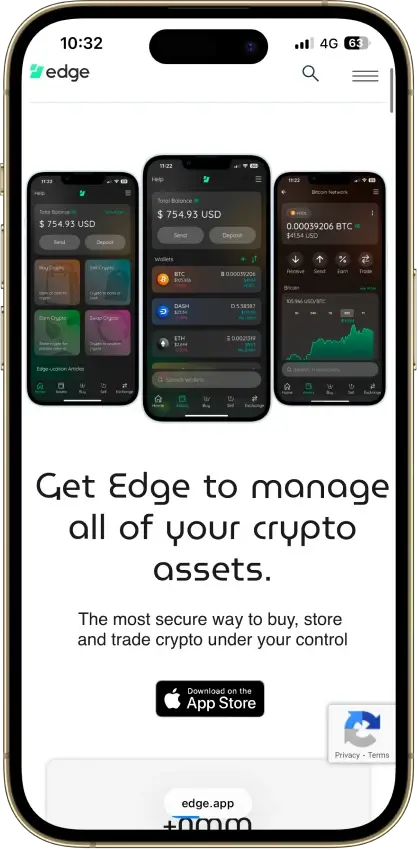
Edge Wallet mobile landing page promoting the app with a call to “Get Edge to manage all of your crypto assets” and App Store badge.
Affiliate Disclosure

Disclaimer: CryptoSlate may receive a commission when you click links on our site and make a purchase or complete an action with a third party. This does not influence our editorial independence, reviews, or ratings, and we always aim to provide accurate, transparent information to our readers.

FAQ

Is Edge Wallet custodial or non-custodial?

Edge Wallet is non-custodial. The user controls the keys, while Edge stores only encrypted backup and sync data.

Is Edge Wallet a hot wallet or a cold wallet?

Edge is a hot software wallet. It runs on an internet-connected phone and signs transactions there.

Does Edge Wallet give you a seed phrase?

Edge starts with account-style login and recovery, not a seed-first setup. Still, for supported wallets you can view and export the seed phrase or master private key inside the app.

Is Edge Wallet safe?

It is safer than many basic hot wallets because it uses client-side encryption, IP validation, optional 2FA, and public security documentation. It is still a hot wallet, so it is not as strong as hardware-backed signing for larger balances.

Which chains does Edge Wallet support?

It supports a broad mix of major networks, including Bitcoin, Ethereum, Solana, XRP Ledger, Monero, Polygon, BNB Smart Chain, Avalanche C-Chain, Litecoin, Dogecoin, Stellar, and many more.

What fees does Edge Wallet charge?

The app itself is free. Users mainly pay network fees and partner fees for swaps, buys, sells, and some cash-out methods.

Does Edge Wallet require KYC?

No for basic wallet use. KYC is usually tied to buy, sell, cash-out, and some centralized exchange partners, and it varies by provider, region, and transaction.

What happens if you lose your device or recovery method?

You can recover with your username and password, a logged-in device approval, or your self-saved recovery token plus your two case-sensitive recovery answers. A fresh-device login can trigger a 7+ day security period if you do not have a saved 2FA code or a trusted logged-in device. If you lose your username, recovery token, answers, trusted devices, and exported keys, loss can be permanent.