



- Expected balance changes before signing
- Automatic network selection for dApps
- GasAccount for supported EVM networks
Rabby Wallet Overview
- Crypto Wallet Name
- Rabby Wallet
- Wallet Type
- Multi-platform wallet
- Custodial Status
- Non-custodial
- Built-in Swaps
- Yes
- Open-source
- Partially open-source
- Fiat On-ramp
- No
Additional details
- Supported Blockchains
- Ethereum, BNB Smart Chain, Avalanche, Arbitrum, Base, Optimism, Polygon
- Token Standards
- ERC-20
- Platforms
- iOS, Android, Desktop (Windows), Desktop (macOS), Browser extension
- Hardware Wallet Support
- Yes
- Staking Support
- None
- Supported Hardware Wallets
- Ledger, Trezor, BitBox02
- Hardware Connection Methods
- USB, Bluetooth, QR (air-gapped)
Rabby Wallet Screenshots
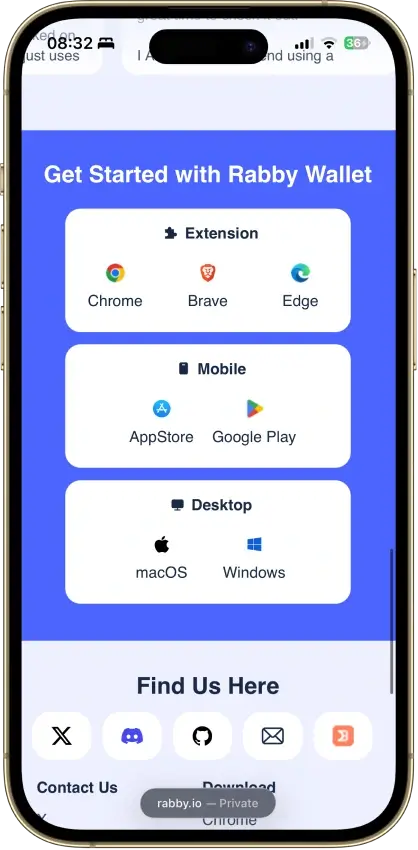
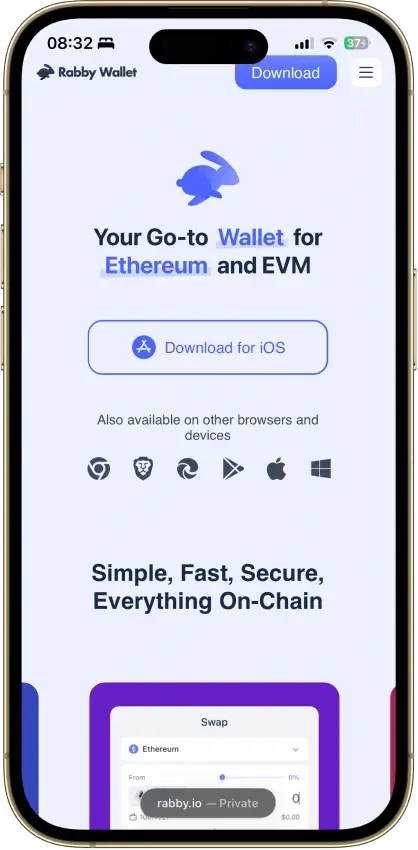
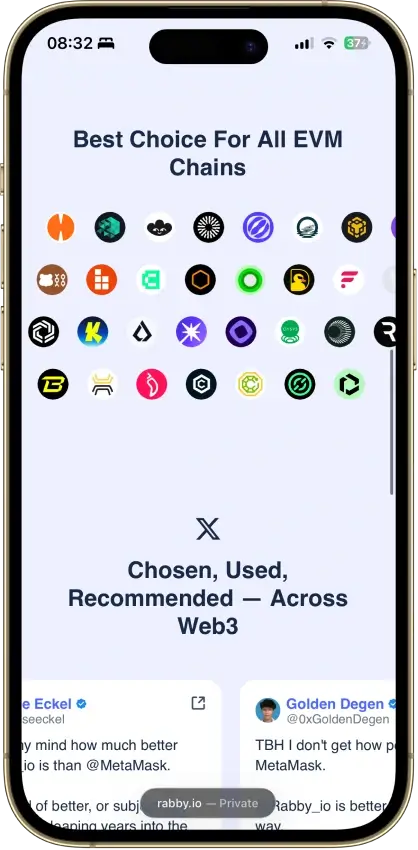
Screenshot 1 of 3
Rabby Wallet Pros and Cons
Pros
- Extension code published under MIT terms
- Hardware keys can remain on the device
- Optional encrypted mobile cloud backup
- Token approvals can be revoked in-app
- Tracks EVM tokens and DeFi positions
Cons
- No native Bitcoin, Solana or Tron
- Custom networks have fewer features
- Mobile hardware support is more limited
- Apple/Google Pay gas deposits cannot be withdrawn
- 2025 audits include unresolved findings
Who Makes Rabby Wallet?
| Key Fact | Detail |
|---|---|
| Product | Self-custody software wallet with hardware-wallet connections |
| Platforms | Chrome, Brave and Edge extension, iOS/Android mobile, macOS/Windows desktop |
| Company | OPCODE LABS PTE. LTD., Singapore |
| Source code | Extension MIT license with Rabby branding reserved, mobile source published separately |
| Networks | Ethereum and other EVM networks, with reduced functions on custom networks |
| Native exclusions | Bitcoin, Solana and Tron |
| Key protection | Locally controlled software keys or a connected hardware signer |
| Recovery | Seed/private key, optional mobile encrypted-cloud backup, or hardware-device recovery |
| Download cost | Free app, with network and optional service charges |
| Swap and bridge | Built-in routes, each with its own fee conditions |
| Connected DeFi | Access through external applications, subject to their terms and risks |
| Fiat payments | Apple Pay/Google Pay funding for mobile GasAccount, with non-withdrawable deposits |
| US access | US app listing available, connected services have separate eligibility conditions |
Rabby is a self-custody wallet whose terms identify OPCODE LABS PTE. LTD. at a Singapore address. Its official site lists a bug-bounty contact at bugbounty@debank.com. The extension and mobile repositories sit under RabbyHub on GitHub.
Rabby Wallet Security and Custody
Local Keys, Hardware Signers and Approvals
Creating a wallet in Rabby Extension gives you a 12-word recovery phrase and a local app password. Someone with that phrase can access the accounts without your Rabby password. The password protects the installation, while the phrase must remain private wherever you keep it.
A connected hardware wallet signs for its own accounts. Rabby can display those accounts through its hardware connection option without holding the device's seed. Entering its recovery phrase into a software wallet gives that software access to keys that were previously kept on the device.
Disconnecting a dApp does not cancel its contract's spending permission. Rabby's approval-management tools let you review and revoke allowances. A contract may still spend approved tokens until the relevant permission is revoked on-chain.
What Transaction Simulation Can Tell You
Rabby's simulation shows expected balance changes and can flag suspicious approval requests, risky contracts or unfavorable price impact. These details help explain what a signature authorizes. If a simulation fails, the transaction may fail on-chain too, wasting gas if you force it through.
Rabby's Ignore All option enables signing after a risk warning, so warnings are not an absolute block. A preview also cannot promise that an external application is safe or that later contract activity will match your expectations.
The extension's address whitelist can require a password when sending to an unsaved destination. That adds a local confirmation step. It does not restrict the account on-chain, and a person with the seed or private key can bypass it using another application.
Open Source and Published Audits
The extension's license is MIT, with an additional reservation of Rabby's name and logo for republished software. Mobile code is publicly available in a separate repository, whose root does not contain a license file. Publicly readable code should not be taken as proof that every component or distributed app has the same licensing terms.
Least Authority issued separate extension and mobile reports on September 2, 2025. The extension review covered changes since December 2024. It left a medium-severity concern about QR account synchronization unresolved. An attacker would need to observe the transferred encrypted data and crack the user's password. A separate EIP-7702 transaction-construction issue was resolved.
The mobile report left a medium-severity password-key derivation issue unresolved, along with three low-severity privacy findings covering cloud backup filenames, stored hardware addresses and browser screenshots. Exploiting the password issue required access to encrypted seed data and successful password guessing. The mobile in-app-browser lock-screen issue was resolved.
SlowMist's August 2025 extension audit recorded a Passed result with Suggestion-level findings, some acknowledged and one fixed. These reports describe particular code versions and their status at the time. They do not certify every later Rabby release or every dApp connected to it.
The October 2022 Swap Exploit
On October 11, 2022, an exploit of Rabby Swap's contract caused approximately $200,000 in losses. Revoke.cash's exploit register and Neptune Mutual's technical analysis describe risk to tokens with active approvals to the affected contract. The remedial instruction was to revoke those approvals.
This incident concerned swap-contract permissions. It illustrates why keeping your seed private does not remove every way funds can be lost. A spending approval can expose tokens without an attacker first obtaining the wallet's recovery phrase.
Supported Chains and Assets
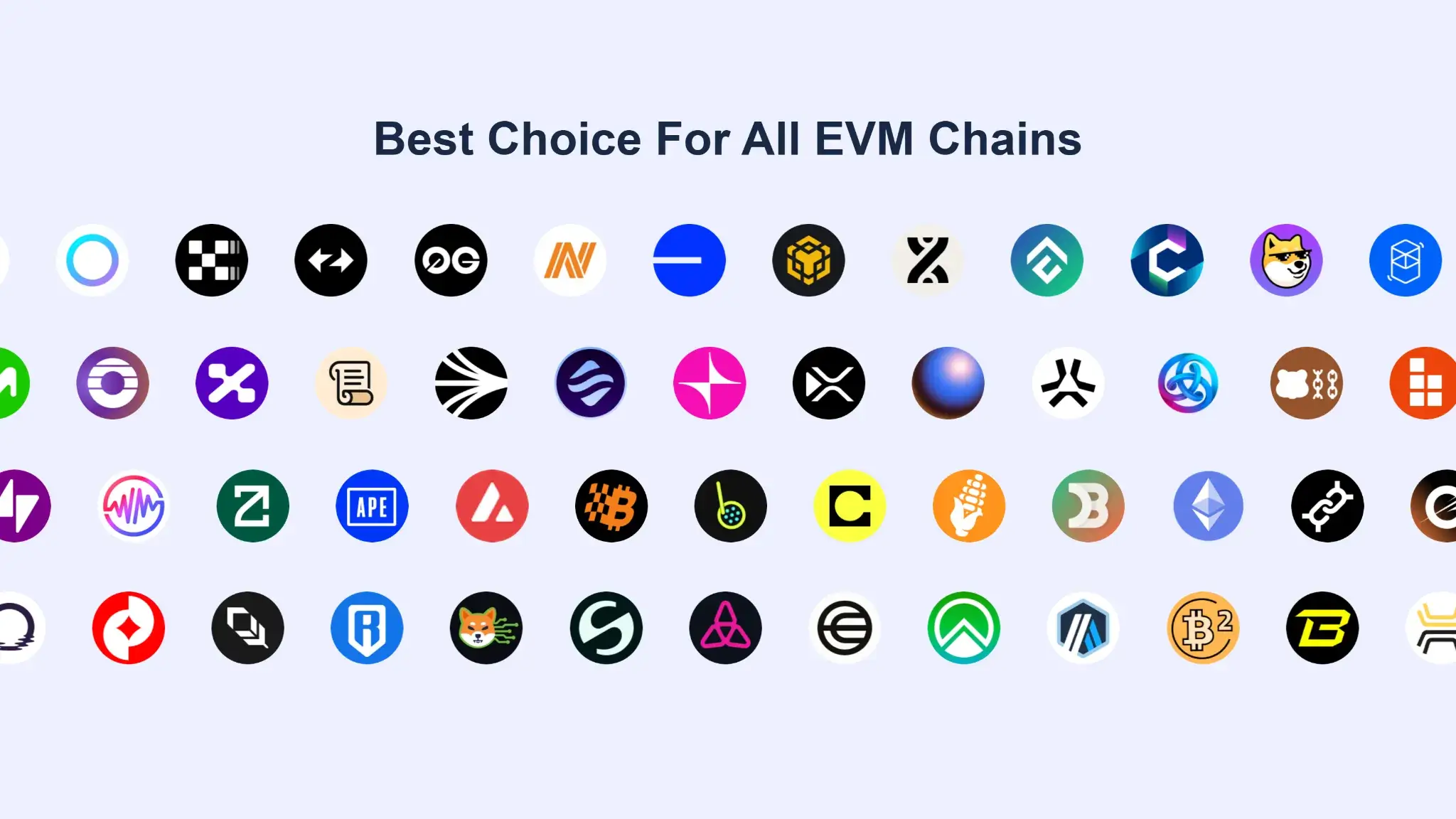
Rabby supports Ethereum and EVM networks. Its integrated networks provide portfolio information and additional transaction checks. Custom EVM networks and testnets can be added with fewer features, including basic transfers and dApp connections. Full integration adds the portfolio and security functions described in Rabby's network guide.
Native Bitcoin network accounts, Solana network accounts and Tron are unsupported. An EVM token representing another asset does not give Rabby a native account on that asset's original blockchain. Check the receiving network before sending from an exchange or another wallet.
The portfolio can show EVM tokens, NFTs and DeFi positions. A displayed asset does not automatically have an available swap or bridge route. Those routes depend on the supported providers and liquidity.
Using Rabby and Recovering Access
Extension, Mobile and Desktop
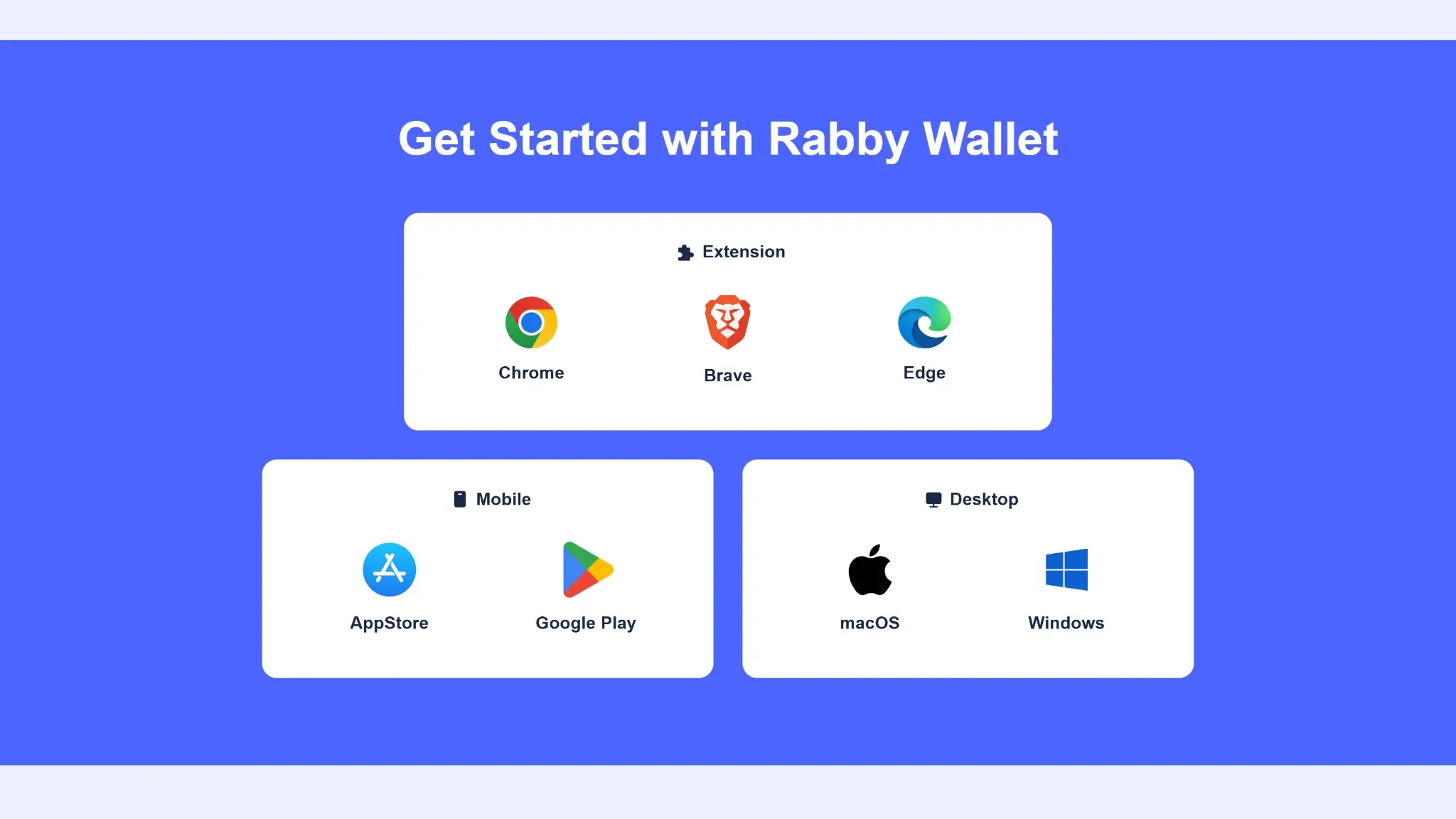
Rabby Extension supports Chrome, Brave and Edge on desktop. Its setup guide excludes Firefox and mobile browsers. The mobile app is available through the official iOS and Android stores. Rabby's website also lists standalone macOS and Windows desktop downloads.
Start from the download links on Rabby's official site. Creating a basic software wallet in the documented setup does not involve an email account or identity-document submission. Payment and trading services can impose additional conditions.
Mobile Cloud Backup and Local Passwords
Mobile users can save an encrypted backup through iCloud or Google Drive, or record the 12-word phrase manually. Restoring the cloud copy requires the app password used when making that backup. Access to the cloud account alone is insufficient, and Rabby cannot recover a forgotten backup password.
The local password on another Rabby installation can be different. Changing or resetting one installation's password does not recreate missing recovery material. Extension Reset removes stored seed/private-key data. Before deleting an installation, make sure the relevant seed, private key or usable backup is available elsewhere.
Rabby also supports extension-to-mobile synchronization through a QR code. Treat the displayed synchronization code as sensitive and keep it away from cameras or observers. The extension audit's QR finding makes password complexity and private surroundings relevant to that transfer.
Hardware accounts use the hardware device's recovery process. A watch-only address merely displays public account information. Seeing its balance does not give you the credentials needed to spend it.
Support and User Feedback
Rabby directs technical questions to Help Center chat, with support@rabby.io as an alternative. Discord serves community discussion. Staff do not initiate support DMs or ask for your seed phrase, and Rabby does not offer Telegram support.
Reddit comments praise the interface and signing information, but also report dApp-recognition friction. App Store reviews include praise for the interface and DeFi use. Some 2025 Trustpilot reviews criticize the removal of PulseChain integration. These self-selected accounts are opinions, not a representative failure rate or proof of what caused a reported loss.
Rabby Features and Hardware Connections
Hardware Support Depends on the App
| Connection | Extension | Mobile |
|---|---|---|
| Ledger | USB connection described in the guide | Bluetooth-capable connection required |
| Trezor | Listed as supported | Bluetooth connection listed |
| Keystone and OneKey | Listed as supported | Listed as supported |
| GridPlus, NGRAVE ZERO, BitBox02 and imKey | Listed as supported | Not on Rabby's mobile compatibility list |
| CoolWallet, AirGap Vault and imToken | Listed as supported | Not on Rabby's mobile compatibility list |
The compatibility list does not mean every model works with every app or connection method. For example, the Ledger extension instructions use USB and the Ethereum app, while mobile instructions use Bluetooth. Check the exact device and current Rabby connection guide before buying hardware for this setup.
Swaps, Bridges and Connected DeFi
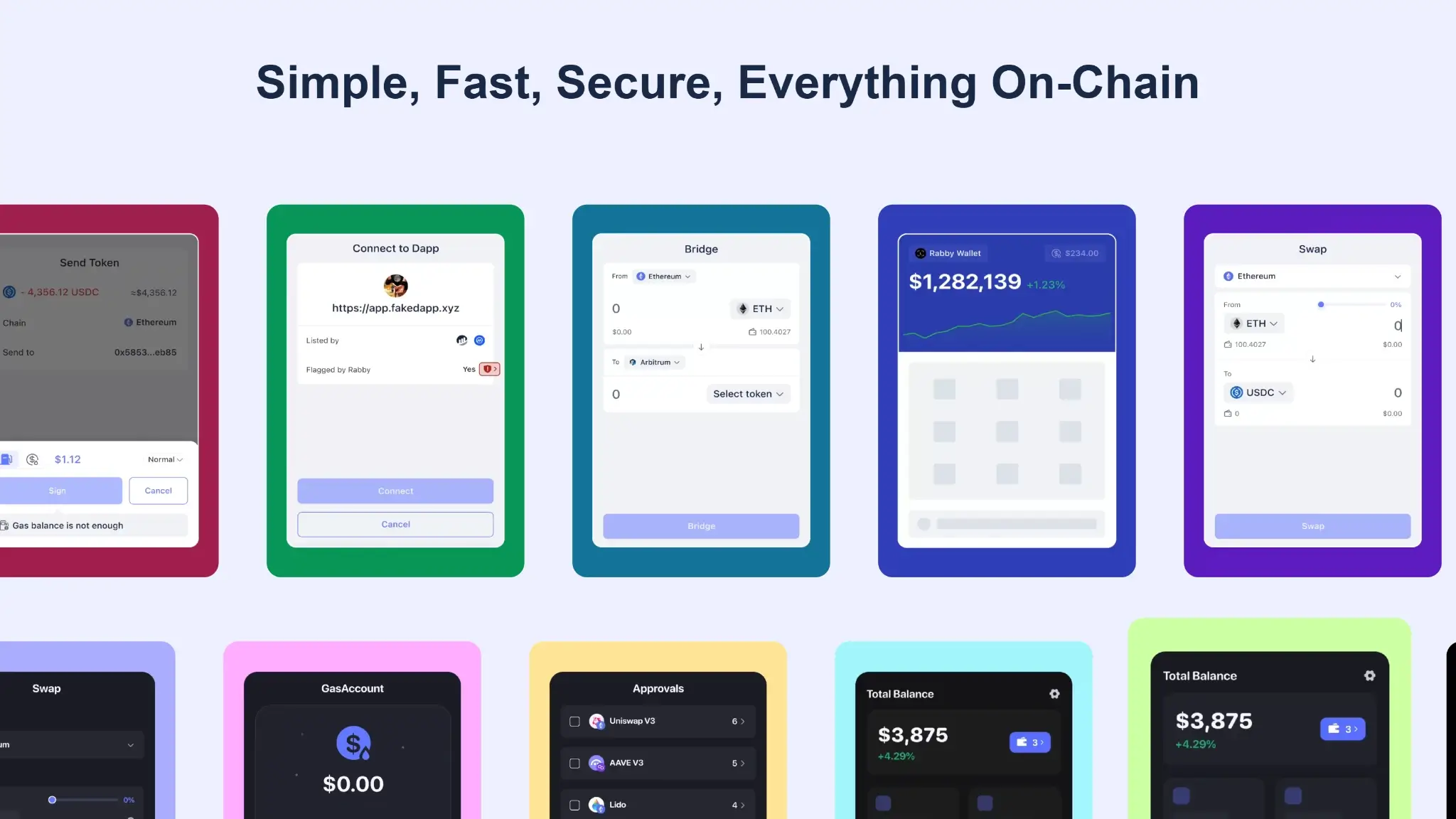
Rabby Swap compares routes for tokens on the same chain. Bridge moves assets between supported networks. A bridge transfer requires destination-chain delivery as well as a successful source transaction. Available routes depend on the supported network pair and providers, separately from the wallet's network coverage.
Rabby also connects to external DeFi applications. Their contracts, exit conditions and fees remain relevant even when accessed through a familiar wallet interface. Perpetual trading in Rabby uses Hyperliquid and has additional trading and builder fees.
GasAccount Funding
GasAccount lets you fund a balance that pays transaction gas across supported networks. It can reduce the need to obtain each network's native gas token separately. Token deposits are available in the extension and mobile app, with Apple Pay and Google Pay funding also available on mobile.
Token-funded balances can be withdrawn. Deposits made through Apple Pay or Google Pay cannot be withdrawn later, so avoid treating that payment-funded balance as a general crypto holding account. Funding gas this way is also different from buying an arbitrary crypto asset with a card.
Rabby Wallet Fees, Eligibility and Privacy
Downloading Rabby is free. Sending transactions and using optional services can still cost money, and the displayed quote is more useful than a single headline percentage.
| Action | Rabby Charge | Other Costs or Conditions |
|---|---|---|
| Standard Rabby Swap | 0.25%, included in the quote | Network costs, route execution and price impact still affect the outcome |
| Eligible same-chain swaps | Rabby swap fee waived | Both tokens must be in the same eligible group on the published list |
| Rabby Bridge | 0.25%, included in the quote | Route and network costs, plus destination-delivery conditions |
| GasAccount | No additional Rabby service fee | Debit includes estimated transaction gas and gas-token delivery gas |
| Perpetual trading | Rabby builder fee | Hyperliquid trading fees also apply, check the current quote |
The swap waiver covers listed stablecoin pairs and listed ETH-related pairs within their respective eligibility groups on the same chain. It is not a blanket exemption for every stablecoin or bridge. Slippage tolerance controls how much execution movement you accept. Price impact from limited liquidity remains a separate effect even when you raise the slippage tolerance.
GasAccount deducts the maximum estimated gas for the action plus the network fee for sending gas tokens to your address. Any gas left after the transaction stays at your wallet address rather than returning to GasAccount.
Rabby's June 5, 2026 perps guide lists a standard 0.04% builder fee and a limited-time 0.02% promotional rate. Check the order's current charge instead of assuming that promotion is permanent. Hyperliquid trading fees apply on top of Rabby's builder charge.
Availability and Service Terms
Rabby has a public US App Store listing, but access to the app does not establish eligibility for every connected product. Its terms impose sanctions-related conditions and restrictions on designated persons. The export clause names Cuba, Iran, North Korea, Sudan and Syria, with additional restrictions beyond that list.
Those are Rabby's contractual terms. Third-party trading, bridge and payment providers can apply their own requirements. Self-custody also does not mean anonymous use of every service. Rabby's privacy policy describes possible collection of technical usage and device information, as well as information you voluntarily provide.
Who Should Use Rabby Wallet?
Rabby suits people who regularly connect to EVM applications and want expected balance changes explained before signing. It also suits hardware-wallet owners whose exact device is supported on their preferred platform.
It will not serve as a sole wallet for native Bitcoin, Solana and Tron holdings. People expecting exchange-style account recovery also need to understand the seed, cloud-backup or hardware recovery path before funding it. Rabby support cannot replace lost signing credentials.
For an active EVM user, the combination of portfolio data and transaction previews can reduce the amount of information gathered from separate screens. Mobile cloud backup adds a recovery option, but it also requires protecting the backup password and cloud account. A hardware connection keeps its signing keys separate from Rabby's software-wallet keys.
Final Verdict
Rabby makes EVM account activity easier to inspect through transaction previews, automatic network selection and approval management. Its usefulness depends on reading those details before signing, especially when interacting with unfamiliar contracts. Native non-EVM assets need another wallet, mobile hardware choices are narrower, and recovery responsibilities differ by account type. The published unresolved audit findings deserve attention alongside the convenience of QR sync and cloud backup. For EVM use, those distinctions should guide the choice of app and signer.
Disclaimer: CryptoSlate may receive a commission when you click links on our site and make a purchase or complete an action with a third party. This does not influence our editorial independence, reviews, or ratings, and we always aim to provide accurate, transparent information to our readers.