MetaMask Wallet Review

Verified Review
Published Updated

MetaMask is a non-custodial hot wallet for people who actively use Ethereum and other onchain apps. It now supports Bitcoin, Solana, and TRON in the same wallet experience. It suits DeFi users, NFT traders, and regular dApp users more than passive long-term holders. Its biggest strength is dApp compatibility across the Ethereum ecosystem. The trade-off is simple: it is still a hot wallet, so phishing, approval mistakes, and device compromise still matter.

Yousra Anwar Ahmed
Reviewed by
George Ong
Fact-checked by

MetaMask Overview

Product Name MetaMask
Release Date 2016
Wallet Type Multi-platform wallet
Custodial Status Non-custodial
Supported Blockchains Ethereum, Arbitrum, Optimism, Polygon, Base, Avalanche, BNB Smart Chain, Solana, Bitcoin, Tron
Token Standards ERC-20, ERC-721, ERC-1155, SPL
Platforms Browser extension, Android, iOS
Hardware Wallet Support Yes
Built-in Swaps Yes
Staking Support Full
Open-source Partially open-source
Fiat On-ramp Yes

MetaMask Screenshots

MetaMask Pros and Cons

Pros

  • MetaMask still has the strongest dApp compatibility among mainstream hot wallets, especially for Ethereum, Layer 2s, DeFi tools, and NFT marketplaces.
  • Multichain support is broader than before, which reduces the need to juggle separate apps for common assets.
  • Built-in swaps and bridging are convenient, and MetaMask clearly discloses its 0.875% service fee instead of hiding it inside vague quote spreads.
  • Security alerts are enabled by default and warn users about suspected malicious transactions before they sign.
  • Ledger and Trezor integration lets users keep MetaMask’s familiar interface while moving signing to a hardware wallet.

Cons

  • MetaMask is still a hot wallet, so a compromised browser, phone, or recovery phrase can expose funds quickly.
  • Swap and bridge costs can add up because the 0.875% MetaMask fee sits on top of network fees and third-party execution costs.
  • Privacy-conscious users may dislike the default RPC and telemetry setup unless they change settings or use alternative RPC endpoints.
  • MetaMask’s multichain support is broader than before, but power users on Bitcoin or Solana may still prefer more specialized wallets for deeper tooling.

Who MetaMask is Best For — and Who Should Skip It

This wallet is best for people who actually use crypto instead of just holding it. If you connect to DeFi apps, mint or trade NFTs, use Ethereum Layer 2s, or move between chains regularly, MetaMask still fits that job well. It is especially strong for users who want one self-custody wallet for everyday onchain activity and broad dApp compatibility, while still having the option to pair with a hardware wallet later. If your Solana use is occasional rather than primary, MetaMask’s newer multichain setup may be enough; if Solana is your main world, our Phantom Wallet review may be the cleaner fit.

People who should skip MetaMask are usually looking for a different balance of convenience and risk. If you mostly buy and hold for the long term, a device from our best cold wallets and hardware wallets guide is a better match. A dedicated device like the one in our Ledger Nano S Plus review will usually make more sense than a browser wallet. Bitcoin-first users who care more about storage and transfers than web3 access may also be better served by options in our best Bitcoin wallets guide. MetaMask can work for those use cases, but it is not where the product feels most natural.

What is MetaMask and How Does it Work?

At its core, MetaMask is a self-custody wallet used to hold crypto, connect to decentralized apps, and approve onchain actions from a browser extension or mobile app. Those are the two official forms of the wallet. On desktop, most people use MetaMask as a browser extension that pops up when a site asks to connect or sign. On mobile, it works as a wallet app with built-in web3 browsing. It is not an exchange account or a bank-style app that stores coins for you. It is the signing tool that lets you control your own wallet and interact with supported blockchains.

In the standard setup, MetaMask creates a Secret Recovery Phrase and derives wallet accounts from it. The wallet data is stored locally in an encrypted vault on your device, so MetaMask is not supposed to custody the keys for you. When you send funds, connect to a dApp, or confirm a swap, MetaMask shows the request in the extension or mobile app and you approve it there. In DeFi, that often happens in two steps. First, you approve a token for use by a dApp. Then you sign the swap, deposit, or other action. If you connect Ledger or Trezor, MetaMask stays as the interface, but the final signing step moves to the hardware wallet.

What users can do with MetaMask now goes beyond basic sending and receiving. The wallet supports asset storage, custom networks, dApp sessions, swaps, bridging, staking for supported assets, NFT management, and multichain use that now stretches beyond its traditional EVM focus. MetaMask Portfolio can confuse some readers. It is a separate web dashboard, not a separate custodial wallet. You connect your wallet to Portfolio to track balances and use management tools, but the actual self-custody wallet still lives in the extension or mobile app.

Wallet Type, Custody and Recovery Model

In its standard form, MetaMask is a true self-custody wallet. You control the recovery material, and MetaMask cannot reset the wallet for you like an exchange or bank-style app can. That gives you real portability, but it also leaves the recovery burden with you.

Wallet classHot software wallet
Who controls the keysUser for standard MetaMask accounts; if a hardware wallet is connected, the device controls the signing keys
Recovery methodSecret Recovery Phrase for the core wallet; imported accounts and hardware wallets follow their own recovery path
Can you export keys or seed?Yes, for standard software accounts; hardware-wallet keys are not exportable through MetaMask
Portability to another walletEasy for standard SRP-based accounts; partial for imported accounts and hardware-wallet setups
What happens if you lose the deviceInstall MetaMask on a new device and restore with the Secret Recovery Phrase, then reconnect imported accounts or hardware wallets if needed
What happens if you lose the recovery methodIf you still have an unlocked device and password, you may be able to reveal the Secret Recovery Phrase. If not, MetaMask cannot recover the wallet for you
Who can help recover accessSupport can explain the process, but nobody can restore a lost non-custodial wallet or replace a missing Secret Recovery Phrase
Best use caseDaily self-custody, DeFi, NFTs, and multichain web3 use

Not every account inside MetaMask restores the same way. Standard accounts derived from your Secret Recovery Phrase are the most portable. Imported accounts do not automatically return just because you restore the original phrase. Hardware-wallet accounts also have to be reconnected separately.

Supported Assets, Networks and Compatibility

MetaMask "the everything wallet" section showing tiles for swaps, perps, rewards, and earning on crypto.
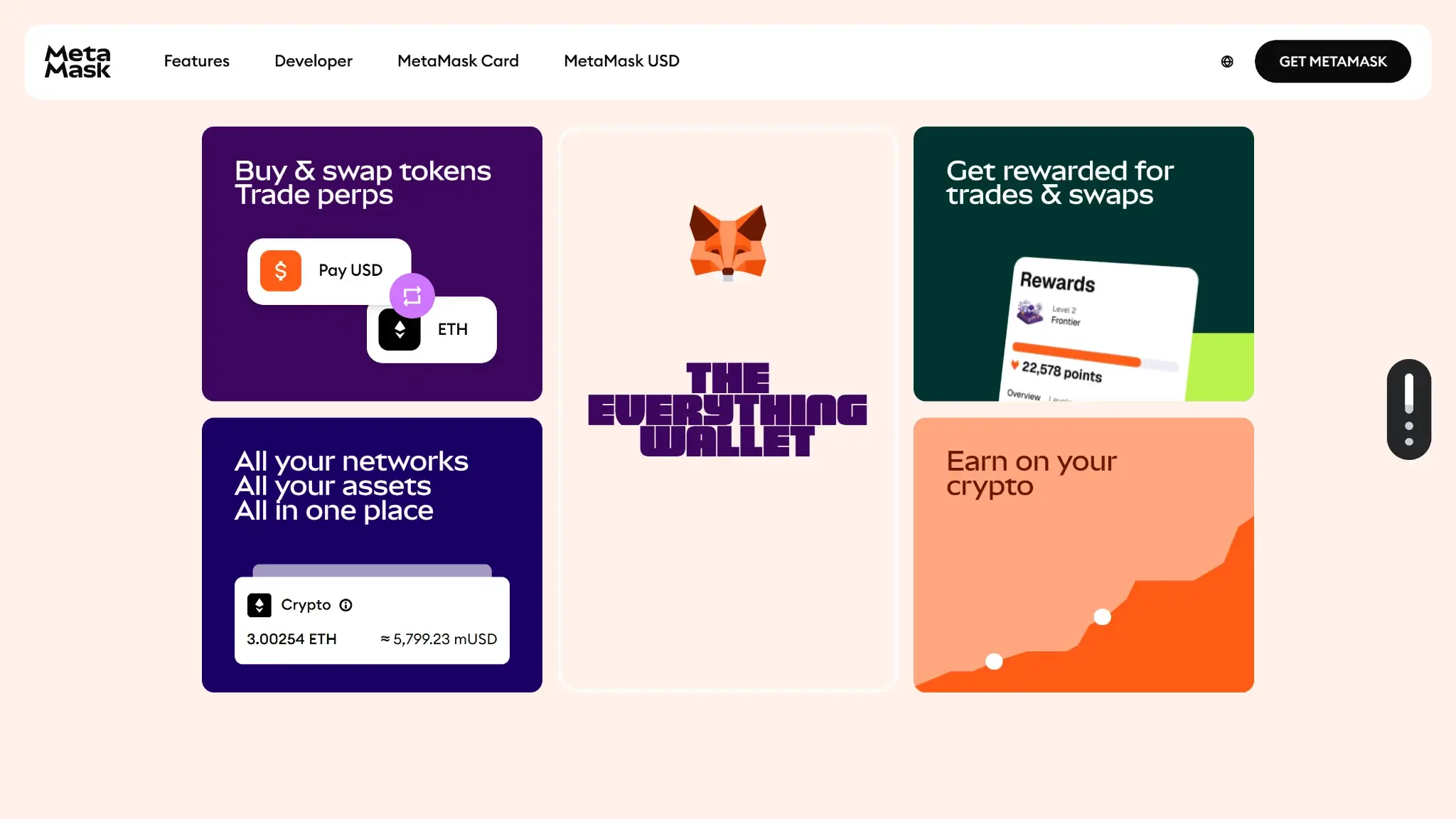
MetaMask “the everything wallet” section showing tiles for swaps, perps, rewards, and earning on crypto.

Its strongest footing is still on Ethereum and EVM networks. That is where its dApp compatibility, token handling, and overall workflow feel most mature. The wallet is broader than it used to be, though. MetaMask now supports Bitcoin, Solana, and TRON directly, so it is no longer just an Ethereum extension with manual network switching. Its newer multichain account model lets one setup view and manage multiple network addresses, but the product still feels more EVM-native than truly chain-agnostic.

Major chains supportedEthereum, Linea, Base, Polygon, BNB Chain, Arbitrum, OP Mainnet, Avalanche, zkSync Era, Sei, Bitcoin, Solana, and TRON, plus additional custom EVM networks
Token standardsERC-20, ERC-721, ERC-1155, SPL, TRC-20, and native BTC
PlatformsBrowser extension (Chrome, Firefox, Brave, Edge, Opera), iOS, Android
Hardware supportLedger and Trezor are the main integrations most users will care about, and MetaMask also documents broader hardware-wallet support, especially on extension
Connection methodsBrowser extension wallet prompts, mobile in-app browser, custom RPC support for additional EVM networks, and hardware-wallet pairing where supported
Notable gapsNo standalone desktop app; token search and token-discovery tools are still stronger on EVM than on Solana; advanced Bitcoin and Solana users may still prefer specialized wallets

NFT and token support are also a little uneven once you leave MetaMask’s EVM comfort zone. It can display ERC-20 tokens automatically in many cases and supports ERC-721 and ERC-1155 NFTs, but some discovery tools still work better on EVM networks than on Solana. That does not make MetaMask weak overall. It just means readers should think of it as a multichain wallet with an Ethereum-first center of gravity, not a perfectly equal wallet for every ecosystem.

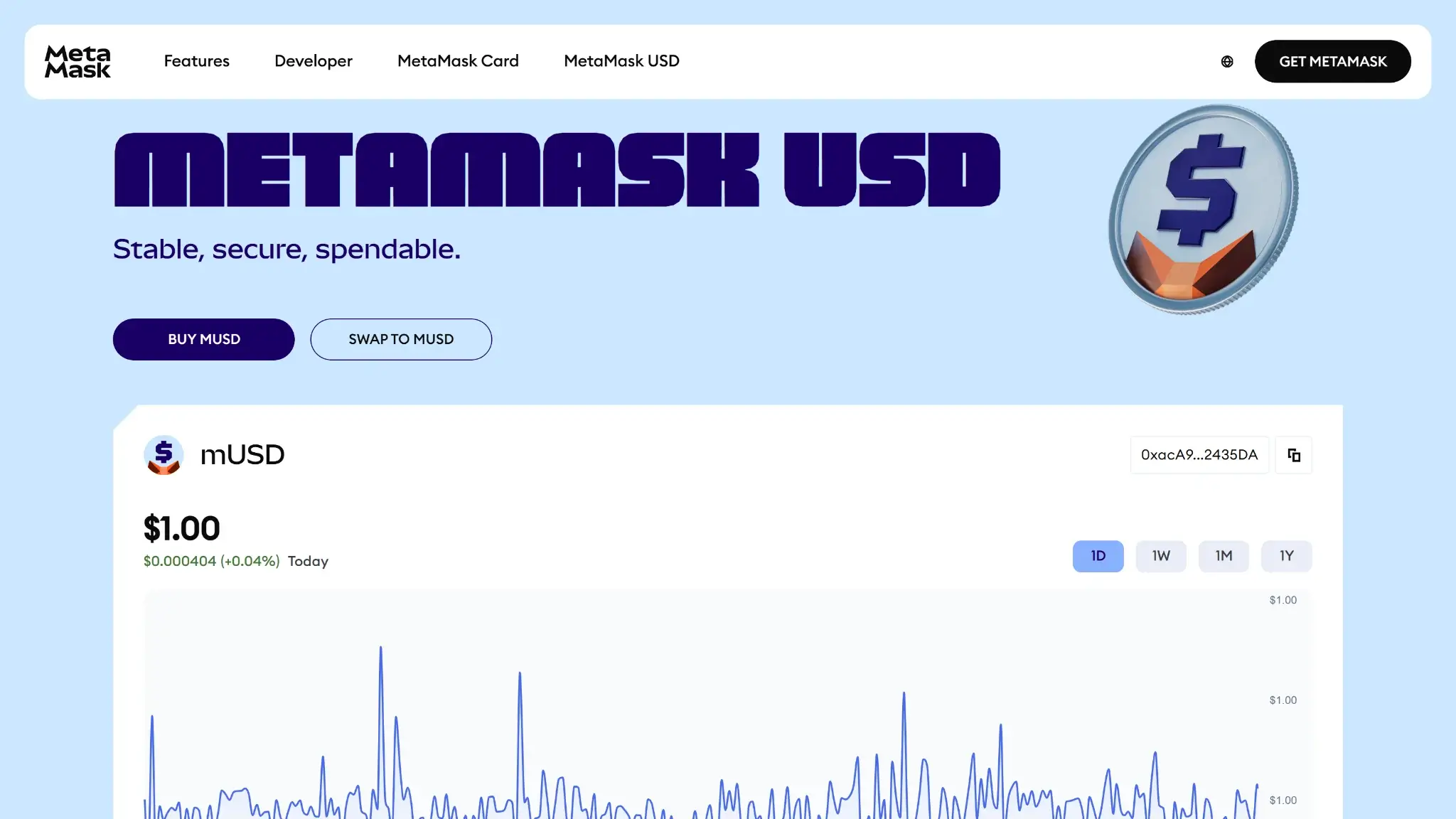
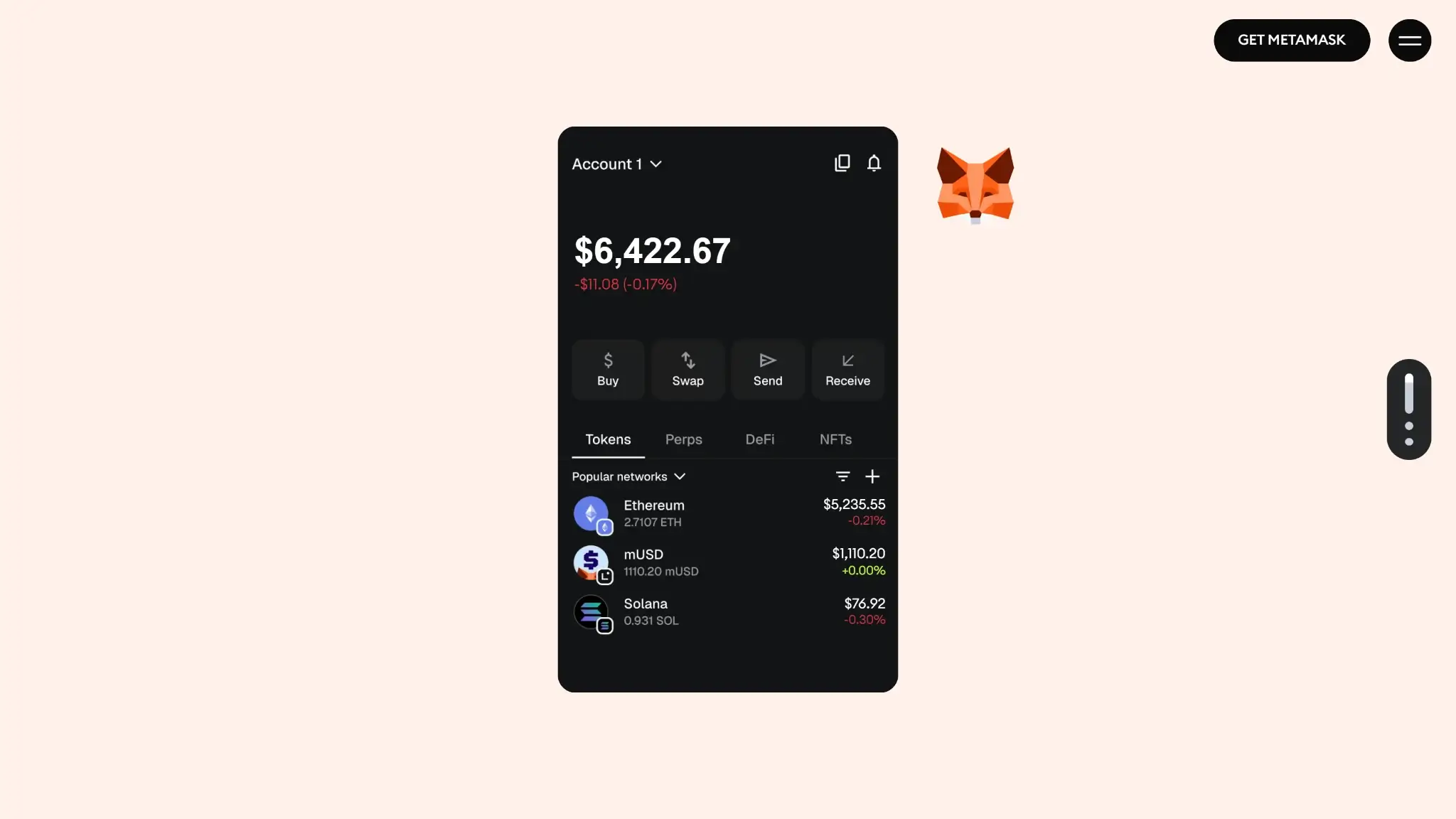
MetaMask USD page highlighting stability and a price chart for mUSD with buy and swap buttons.

Core Features and Real-world Use Cases

Compared with simpler wallets in our best crypto hot wallets guide, MetaMask is built less for passive storage and more for onchain activity. It remains one of the broadest everyday feature sets among mainstream self-custody wallets. It feels stronger for dApp access, swapping, and chain-to-chain movement than for quiet long-term holding. It is also more extension-centric and DeFi-oriented than a broader general-use option like the one in our Trust Wallet review. Some of its newer multichain, staking, and fiat flows still run through Portfolio pages or third-party services rather than one fully native experience.

Feature areaWhat users can doHow it works in practiceKey limitations, costs, or risks
Swaps and tradingSwap supported assets inside the wallet, including cross-network token conversions on supported routesMetaMask Swaps aggregates quotes from multiple providers and lets users trade from extension, mobile, or connected Portfolio flows without leaving the walletMetaMask charges a 0.875% service fee on top of network costs, and the final route still depends on third-party liquidity and execution
BridgingMove assets across supported networks, including bridge-plus-swap style transfers in one flowBridging is folded into MetaMask Swaps, which sources routes through bridge aggregators and underlying bridge providers instead of asking users to bridge manually on separate sitesBridge availability depends on route support, fees can stack up quickly, and users still take smart contract, bridge, and settlement-delay risk
Staking and earnStake supported assets such as ETH, MATIC, and TRX depending on network and flowETH and MATIC staking are handled through MetaMask Portfolio with provider selection and different staking modes, while TRON support adds stake and unstake flows for TRX inside the multichain wallet experienceStaking is not equally native across every chain, some options depend on third-party protocols, MATIC staking has regional limits, and unstaking may involve delays or protocol risk
dApp access and connectivityConnect to dApps, approve transactions, manage network access, and use web3 on desktop or mobileOn desktop, MetaMask’s browser extension remains the standard connection layer for many dApps. On mobile, users can connect through the in-app browser and approve requests inside the walletThis is where MetaMask is strongest, but also where users face the most phishing, fake-site, session, and approval-risk exposure
NFTsView, hold, send, receive, and import supported NFTsMetaMask supports NFT viewing in the app and web dashboard, with manual import available when automatic detection misses an itemNFT handling is useful but not especially advanced, and asset discovery remains stronger on EVM than on newer non-EVM support
Exchange and account featuresBuy and sell crypto with fiat providers, fund the wallet, and connect certain centralized exchange accounts to PortfolioFiat buy and sell flows run through partner providers, and Portfolio can display linked Coinbase or Binance accounts for a more unified account viewAvailability depends on country, provider support, payment rail, and KYC requirements; these features are convenient, but they are not the same as a built-in exchange account
Smart account, MPC, or passkey featuresUse optional Google or Apple-based social login to create, back up, and restore a MetaMask wallet with less manual seed handlingMetaMask can generate and protect the wallet behind a Google or Apple login plus a MetaMask password, then sync associated wallets across devices tied to that loginThis lowers onboarding friction, but it adds dependence on the linked account and MetaMask password, and it does not offer the same clean portability as a standard fully manual seed-first setup

The feature set is more useful than flashy. For DeFi users, the combination of extension-based dApp access, built-in swaps, bridging, and broad EVM support still makes it one of the most functional day-to-day wallets on the market. The catch is that several convenient features are not purely native wallet actions. Buy and sell rely on outside payment providers. Bridge execution relies on aggregators and partner bridges. Some staking flows live in Portfolio instead of the extension itself. That means extra costs, regional limits, approval risk, and provider friction can appear sooner than the interface suggests. Optional social login makes onboarding easier, but users who care most about portability and fully manual recovery may still prefer the standard Secret Recovery Phrase route.

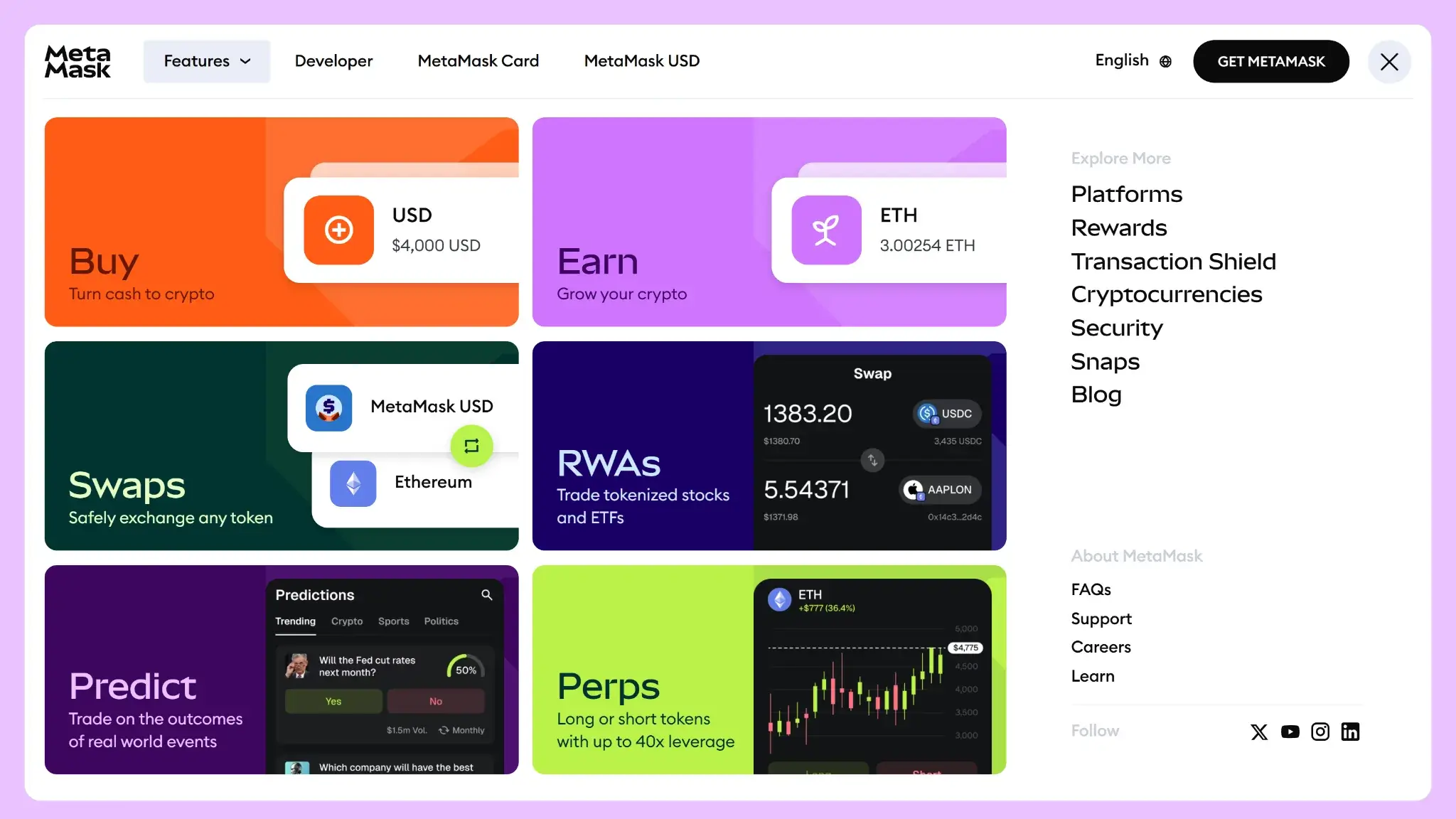
MetaMask Features menu showing tiles for Buy, Earn, Swaps, RWAs, Predict, and Perps.

Fees and Total Cost of Ownership

There is no upfront price for the standard software wallet, so the real cost of ownership depends on how you use it. If you only hold assets and make occasional sends, most of your cost comes from network fees. If you actively swap, bridge, stake, or buy crypto with fiat, the total cost rises because MetaMask layers convenience fees and partner-provider costs on top of the underlying blockchain transaction.

Cost componentWhat users payWhen it appliesNotes
Device or wallet priceFreeOne-time download and ongoing wallet useNo account fee or mandatory subscription for the standard MetaMask wallet
Shipping and import costsN/ANot applicableSoftware wallet; no device purchase required unless you separately buy a Ledger or Trezor to pair with MetaMask
Network feesVariableSends, approvals, swaps, bridges, staking actions, and many other onchain transactionsPaid to the network, not to MetaMask. Costs depend on chain activity and transaction complexity
Swap spread or routing fee0.875% MetaMask fee, plus quote-rate differences and gasMetaMask Swaps; bridge-style routes inside the swap flow can add bridge-provider costs tooThis is the clearest first-party wallet fee most users will notice. It sits on top of network fees and any third-party execution costs
On-ramp feeVariable processing fee that includes MetaMask’s 1% fee, plus any quoted network feeBuying crypto with card, bank transfer, or other provider-supported payment methodsFinal cost depends on provider, region, payment method, and token. Quotes refresh and can differ meaningfully between providers
Withdrawal feeNo wallet withdrawal fee for standard self-custody sends; network fee still applies. Fiat sell/off-ramp flows add provider costs and MetaMask’s 1% feeSending crypto out of the wallet or selling crypto for fiat through partnersBecause MetaMask is non-custodial, there is no exchange-style withdrawal fee just for moving assets out of your wallet
Subscription or premium feeNone for standard wallet use; optional Transaction Shield costs $9.99/month or $99/year, and MetaMask Metal costs $199/yearOnly if you choose one of those separate add-on productsNeither is required to use the wallet, so they should be treated as optional extras rather than core wallet costs

Costs stay manageable if you mostly use it as a wallet. It gets more expensive when you rely heavily on swaps, bridging, staking, and fiat services. Gas is the baseline cost driver and can swing sharply on Ethereum. Frequent swaps and bridge routes can make a “free wallet” costly once the 0.875% MetaMask fee, provider spreads, and network fees stack together. Fiat buy and sell are convenient, but they are partner-powered and often cost more than funding a wallet through a low-fee exchange and then sending assets in. On some supported networks, MetaMask can let users cover gas in a different token. That does not remove the cost. It only changes how the fee is collected.

Security Architecture and Trust

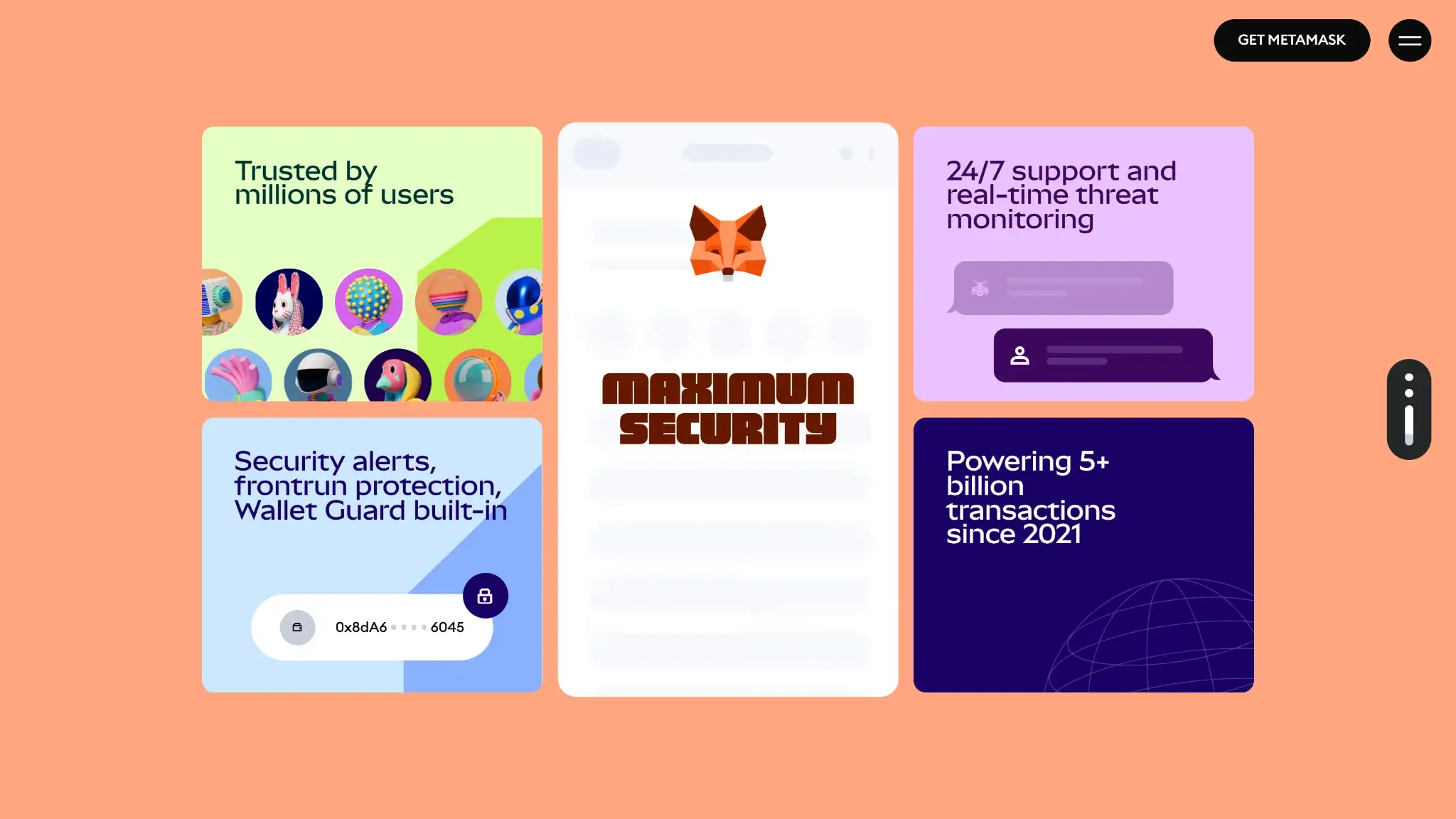
MetaMask security section showing tiles for maximum security, security alerts, 24/7 support, and transaction volume stats.

For a hot wallet, the security model is solid. It is better than many rivals on scam warnings and permission controls. But it is still software running on an internet-connected device. If your browser, phone, recovery method, or signing habits are weak, MetaMask cannot save you. It is a strong option for active self-custody, but it is not a substitute for a hardware wallet when large balances are involved.

Key control modelSelf-custody. In the standard setup, MetaMask does not keep your Secret Recovery Phrase or private keys for you; the wallet data sits locally in an encrypted vault on your device
Recovery model12-word Secret Recovery Phrase by default. If you choose Google or Apple login during setup, MetaMask says the SRP is encrypted, sharded across five nodes, and can only be accessed with both your linked account and your MetaMask password
External validationActive HackerOne bug bounty. MetaMask also says its libraries are audited and that public reports exist, but the audit history is fragmented rather than presented as one simple wallet-wide register
Open-source statusPartial in practical terms. Major repos for the extension, mobile app, core packages, SDK, Snaps, and phishing-detection tooling are public
Anti-scam protectionsDefault security alerts with transaction simulation, human-readable signing for EIP-712 requests, custom token approval caps, approval revocation tools in Portfolio, and dApp permission management
Incident postureReasonably transparent, but not spotless. MetaMask publicly disclosed a 2022 extension disk-encryption issue and a 2023 third-party support-ticket data breach affecting roughly 7,000 users who contacted support

The standard MetaMask security design is straightforward. Your Secret Recovery Phrase is generated locally, encrypted with your password, and stored in a local vault on the device. The password is there to unlock the app, not to create a recoverable cloud account. On mobile, users commonly unlock with device biometrics such as fingerprint or face authentication, while the extension relies on a password and optional auto-lock timer. There is no dedicated secure element in the standard MetaMask setup, because this is not a hardware wallet. If you want isolated signing, the real upgrade path is pairing MetaMask with Ledger or Trezor rather than relying on the software wallet alone.

Its best security traits are signing clarity and scam defense. The wallet now includes default security alerts that simulate transactions and signature requests to flag deceptive interactions before you confirm them. It also supports more readable typed-signature prompts, lets users customize token approval caps, and gives users approval-revocation tools inside MetaMask Portfolio. Many real MetaMask losses do not come from someone “hacking the wallet” in a Hollywood sense. They come from users approving the wrong spender, signing a malicious permit, or connecting to a fake site that looks legitimate.

Trust is helped by MetaMask’s public development footprint and bug bounty program. The company maintains large public repositories for the extension, mobile app, and core packages, and it runs an active HackerOne program. The audit picture is less tidy. MetaMask does publish some audit information and says audited libraries have public reports, but it does not present one clean, reader-friendly audit ledger for the full wallet. Experienced users may not mind that. Beginners comparing trust signals may care more.

Incident handling also matters. MetaMask has had security issues around the edges, and the company has not hidden that. In June 2022, it disclosed an extension issue found by Halborn in which Secret Recovery Phrases could, in rare cases, be exposed on disk under specific conditions. MetaMask patched affected extension versions and published guidance. In April 2023, Consensys disclosed a breach at a third-party customer-support provider. It exposed email addresses and some ticket data for around 7,000 users who had contacted support. Consensys said the browser extension and mobile app themselves were not affected. That history does not make MetaMask unusually unsafe. It does show where the real attack surface tends to be: the device, the browser environment, the site you connect to, and the information you hand over.

Backup, Recovery and Loss Scenarios

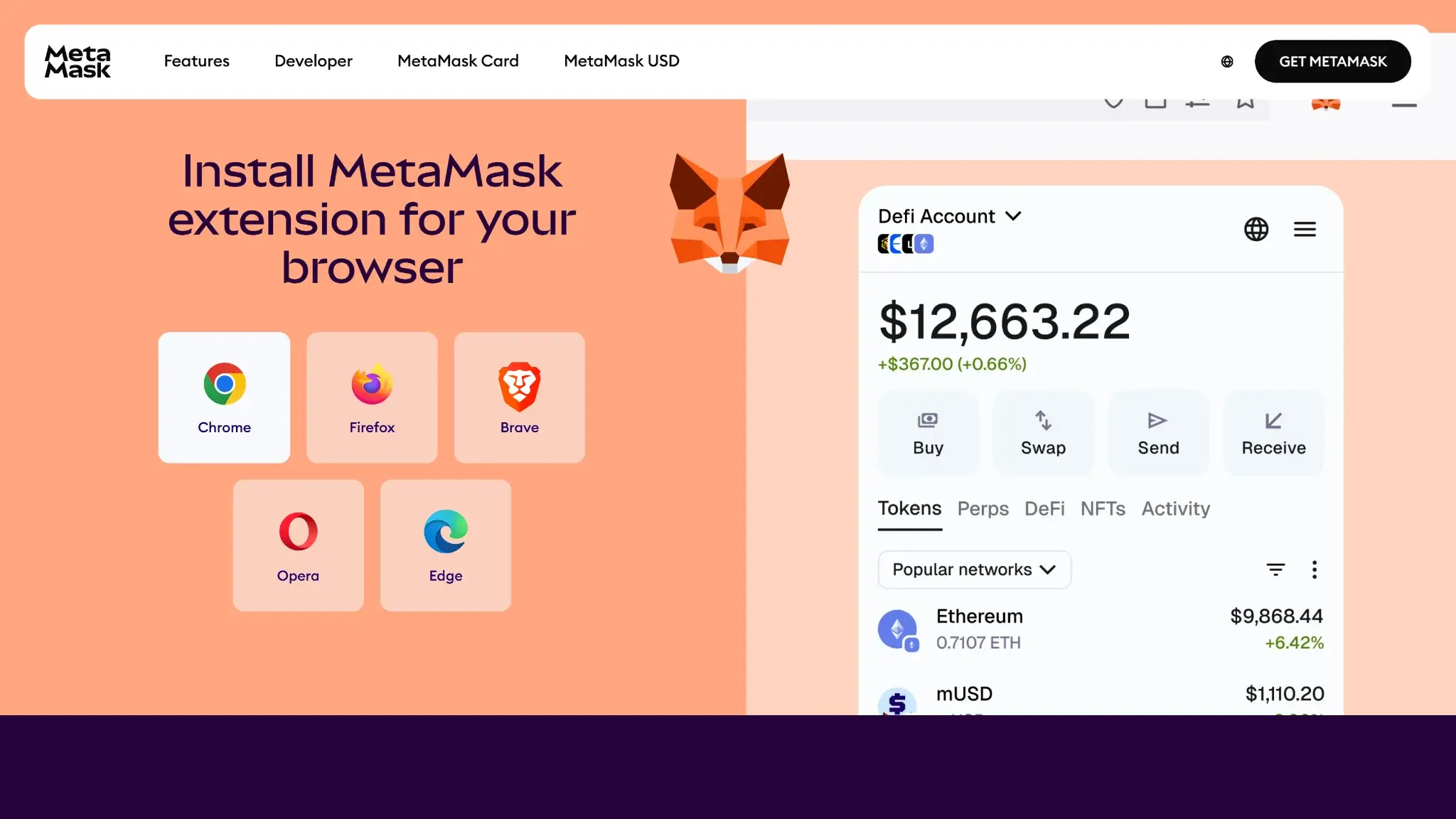
MetaMask browser extension install page with supported browsers (Chrome, Firefox, Brave, Opera, Edge) and a wallet preview.

Recovery is simple if you backed up the right thing and harsh if you did not. For a standard self-custody setup, the real master key is the Secret Recovery Phrase. For the newer Google or Apple login flow, recovery depends on both the linked account and your MetaMask password. Either way, MetaMask support does not hold a copy of your wallet and cannot recover it for you.

ScenarioCan you recover access?What to do in practiceWhat support can and cannot do
Lost phone or broken deviceYes, if you have your Secret Recovery Phrase, or if you set up MetaMask with Google or Apple login and still know that login plus your MetaMask passwordInstall MetaMask on a new device and either import the 12-word Secret Recovery Phrase or choose the Google/Apple restore flow and enter your passwordSupport can point you to the right steps. Support cannot restore the wallet, look up your SRP, or bypass the login/password requirement
Forgotten MetaMask passwordYes, if you still have the Secret Recovery Phrase. For Google/Apple-linked wallets, you can access the wallet on a new instance with the linked account and passwordLock or reinstall MetaMask, then use the SRP import flow to set a new password. If it is a Google/Apple-linked wallet, you need that linked account and the MetaMask passwordSupport cannot reset your password for you. If you do not know the password and do not have the right recovery material, support cannot unlock the wallet
Lost Secret Recovery Phrase but still have an unlocked deviceSometimesReveal the Secret Recovery Phrase from inside MetaMask while you still have access, then back it up properly. On extension, there is also a vault-recovery process for certain scenarios if you know the passwordSupport can explain the documented recovery steps. Support cannot simply tell you what your SRP is
Lost Secret Recovery Phrase and lost device accessUsually no for a standard SRP walletRecovery is only possible if you previously backed up the SRP somewhere safe. Without it, access is normally permanent lossThis is the clearest case where support cannot help. MetaMask explicitly says it cannot look up your SRP
Restored wallet but some accounts are missingOften yesRe-add accounts in the order they were originally created from the same SRP. Re-import any accounts that came from other seed phrases or private keys. Reconnect hardware wallets separatelySupport can explain why some accounts do not return automatically. Support cannot recover imported private keys or hardware-wallet seeds for you
Imported account is missing after restoreOnly if you backed up that imported private key or separate seed phrase, or if it was synced under Google/Apple loginImport that account again using its own private key or separate seed phrase. Do not assume your main MetaMask SRP will restore itSupport can clarify the difference between SRP-derived and imported accounts, but cannot retrieve a missing imported private key
Lost connected hardware walletYes, if you still have the hardware wallet’s own recovery seedRestore the hardware wallet through its manufacturer’s process, then reconnect it to MetaMask. MetaMask itself does not back up that device’s keysSupport can explain reconnection basics, but cannot replace the hardware wallet’s recovery seed or restore the device account
Using backup and sync across devicesPartlyBackup and sync can restore account names, contacts, and synced accounts across devices that share the same primary setup. It helps with continuity, but you should still back up your SRP and any separate private keysSupport can help explain what sync does. It does not replace proper recovery backups, and hardware-wallet accounts plus private-key/JSON imports do not fully sync
Google or Apple social-login walletYes, if you still have the linked Google/Apple account and your MetaMask passwordOn a new device, choose the existing-wallet flow, log in with Google or Apple, and enter your MetaMask password to restore the wallet from the encrypted online backupSupport can guide the process, but cannot bypass a lost linked account or an unknown MetaMask password

Two recovery traps deserve extra attention. Imported accounts and connected hardware wallets do not behave like normal accounts derived from your main Secret Recovery Phrase. They often need to be re-added separately after a restore. Backup and sync or Google/Apple login can make multi-device use easier. They do not remove the need to understand your real recovery path. If you lose both the device and the recovery method tied to your setup, loss can be permanent.

Support can explain procedures, but it cannot reverse transactions or recover a lost Secret Recovery Phrase. That is the core difference between MetaMask and an account wallet with customer-service recovery.

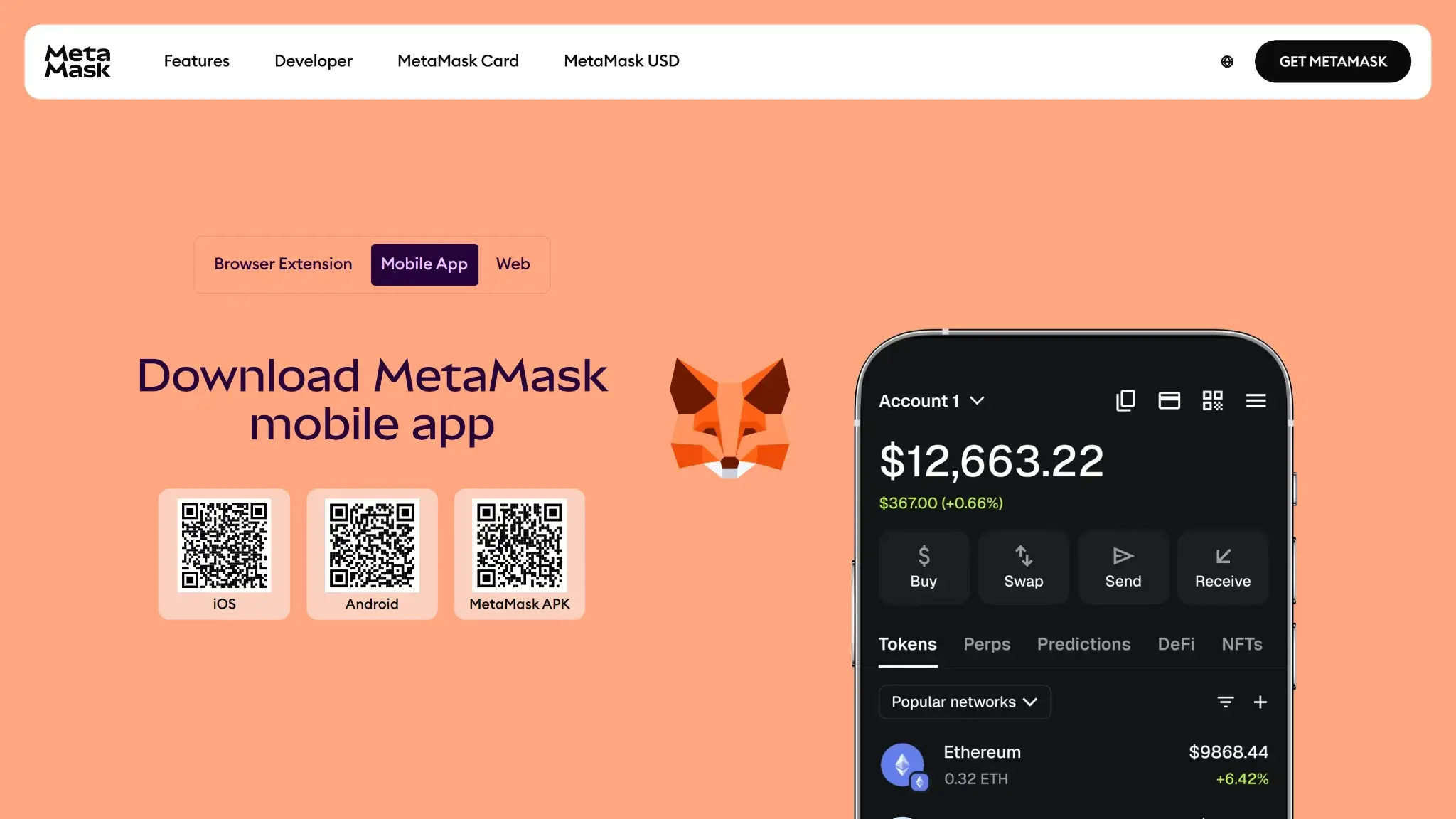
MetaMask mobile app download page showing QR codes for iOS, Android, and the MetaMask APK.

UX, Performance and Platform Support

The wallet is easiest to use correctly when you treat the browser extension as the core product and the mobile app as the companion experience. The interface is usually clear for basic actions such as sending, receiving, switching networks, and approving transactions. The learning curve rises fast once you move into DeFi, even with the wallet’s better signing clarity, security alerts, and guided flows. Compared with simpler wallets, MetaMask gives users more control and more information. That helps experienced users, but it can overwhelm beginners. It is one of the most flexible self-custody wallets in the market, but not the most foolproof.

PlatformAvailabilityNotes
iOSYesFull mobile wallet with biometric unlock options, in-app browser access, and core wallet actions
AndroidYesFull mobile wallet with similar feature set to iOS; Google Play app plus official APK are available
Browser extensionYesStill the best MetaMask experience for desktop DeFi, dApp connections, and transaction review; available on Chrome, Firefox, Brave, Edge, and Opera
DesktopNoNo native desktop app. Desktop use depends on the browser extension
Web appYes, but limitedMetaMask Portfolio is available on the web for portfolio views and certain flows, but MetaMask says actual wallet signing happens only in the extension or mobile app

Day to day, the wallet generally feels fast enough, but performance depends heavily on network conditions, RPC responsiveness, and browser stability. That means some issues users blame on “the wallet” are really caused by a slow RPC, an overloaded chain, or a flaky browser environment. The extension still feels more mature than mobile for complex dApp use, especially when multiple approvals, network switches, or contract interactions are involved. Mobile works well for straightforward use, but long multistep DeFi flows can feel tighter, more cramped, and easier to misread on a phone screen.

Signing clarity is better than it used to be, which matters more than visual polish. Today, it does a better job of making many signature requests and transaction simulations readable before confirmation, and that directly improves safe use. Even so, contract interactions can still be hard for beginners to judge, especially when a dApp asks for token approvals or when a signature looks harmless but carries real consequences. Expert users will appreciate the control MetaMask gives them over network settings, token approvals, and custom chains. That same flexibility also increases the chance of user error. Overall, MetaMask is powerful, reasonably polished, and broadly available, but it still demands attention and some web3 literacy to use safely.

Customer Support, Documentation and Incident Handling

MetaMask mobile app download page showing QR codes for iOS, Android, and the MetaMask APK.

For fast, clear self-service, the documentation is much better than the human support. The Help Center is deep, current, and unusually useful for a non-custodial wallet, especially on recovery, phishing, swaps, and troubleshooting. Human support exists, but the boundary is clear. MetaMask can explain wallet behavior, support flows, and some technical issues. It cannot undo onchain mistakes or recover a lost wallet for you.

ChannelAvailabilityTypical useNotes
Help centerYes — effectively 24/7Docs, setup, troubleshooting, recovery guides, scam-prevention readingThis is the best first stop. The documentation is deeper and more practical than many competing wallets
Live chatYesInitial triage, support routing, urgent troubleshooting, and basic issue collectionMetaMask’s main support contact starts through the support site’s Contact Support flow. Chat is the front door, but chatting alone is not the same as having an open ticket
Email or ticketsYesComplex technical issues, escalated cases, and ticket follow-upOpen tickets are handled by email and worked chronologically. MetaMask does not publicly promise a fixed response window
Status pageNot clearly surfaced as a primary official support channelChecking outages or service issuesMetaMask’s official support materials point users more toward the Help Center, support site, and official social/community channels than toward one clearly maintained public status hub
Community channelsCommunity Forum, Discord, Reddit, verified XAnnouncements, peer help, safety reminders, and public guidanceThese are official support-adjacent channels, but MetaMask says it will never DM you first there or handle a support case over X DMs

Incident handling is reasonably transparent, but it is not perfectly centralized. MetaMask does publish security guidance, official-support warnings, and some detailed post-incident explanations, but users may still need to piece together updates across the Help Center, community channels, and security notices rather than one single incident dashboard. That is workable for experienced users, but less ideal for beginners during fast-moving issues.

Taken together, the wallet offers strong documentation, decent routing to human help, and better scam-awareness messaging than many wallets. What it does not offer is bank-style account recovery or a promise that support can fix self-custody mistakes after the fact. That is not a MetaMask quirk. It is simply part of using a non-custodial wallet, and readers should understand that before relying on it for serious funds.

Final Verdict

It is still best for people who use Ethereum, Layer 2s, NFTs, and DeFi apps regularly and want a wallet that connects almost everywhere. The main reason to choose it is simple: few wallets match its dApp compatibility, extension workflow, and day-to-day usefulness for active onchain use. The main reason to avoid it is the usual hot-wallet trade-off: phishing, bad approvals, and device compromise remain real risks, and convenience features can get expensive fast. Before using it, verify which network, account type, and recovery path you are relying on, especially if you import extra accounts or use MetaMask’s newer multichain setup.

Overall Score

8.3

PROS

  • MetaMask still has the strongest dApp compatibility among mainstream hot wallets, especially for Ethereum, Layer 2s, DeFi tools, and NFT marketplaces.
  • Multichain support is broader than before, which reduces the need to juggle separate apps for common assets.
  • Built-in swaps and bridging are convenient, and MetaMask clearly discloses its 0.875% service fee instead of hiding it inside vague quote spreads.
  • Security alerts are enabled by default and warn users about suspected malicious transactions before they sign.
  • Ledger and Trezor integration lets users keep MetaMask’s familiar interface while moving signing to a hardware wallet.

CONS

  • MetaMask is still a hot wallet, so a compromised browser, phone, or recovery phrase can expose funds quickly.
  • Swap and bridge costs can add up because the 0.875% MetaMask fee sits on top of network fees and third-party execution costs.
  • Privacy-conscious users may dislike the default RPC and telemetry setup unless they change settings or use alternative RPC endpoints.
  • MetaMask’s multichain support is broader than before, but power users on Bitcoin or Solana may still prefer more specialized wallets for deeper tooling.
MetaMask mobile hero screen with “Your home in web3” text and Get MetaMask button.
Affiliate Disclosure

Disclaimer: CryptoSlate may receive a commission when you click links on our site and make a purchase or complete an action with a third party. This does not influence our editorial independence, reviews, or ratings, and we always aim to provide accurate, transparent information to our readers.
FAQ

Is MetaMask custodial or non-custodial?

In its standard setup, MetaMask is non-custodial, which means you control the wallet and recovery method.

Is MetaMask a hot wallet or a cold wallet?

It is a hot software wallet because it runs on an internet-connected phone or browser. You can reduce risk by pairing it with a Ledger or Trezor, but MetaMask itself is not a hardware wallet.

Does MetaMask give you a seed phrase?

Yes, the standard setup gives you a 12-word Secret Recovery Phrase. If you create the wallet through Google or Apple login, recovery works differently and depends on that linked account plus your MetaMask password.

Is MetaMask safe?

For a hot wallet, it is reasonably safe and has improved scam warnings, signing clarity, and approval controls. The main risks are still phishing, malicious approvals, fake sites, and compromised devices.

Which chains does MetaMask support?

Its strongest coverage is still on Ethereum and EVM networks such as Base, Arbitrum, Optimism, Polygon, BNB Chain, and Avalanche. It also now supports Bitcoin, Solana, and TRON, but those ecosystems are not always as deep or polished inside MetaMask as Ethereum-based use.

What fees does MetaMask charge?

The wallet is free to install, but users still pay network fees for onchain actions. MetaMask also charges a 0.875% fee on swaps, while buy and sell flows use partner providers and can add MetaMask and provider fees on top.

Does MetaMask require KYC?

Not for normal wallet creation or self-custody use. KYC can apply when you use third-party buy, sell, or off-ramp services inside MetaMask, depending on the provider and your region.

What happens if you lose your device or recovery method?

If you lose your device but still have your Secret Recovery Phrase, or your linked Google or Apple account plus MetaMask password, you can usually restore access on a new device. If you lose both the device and the recovery method tied to your setup, access can be permanently lost.