Best Tron Wallet and TRX Wallets in 2026 — Apps, Hardware, TRC20 and USDT Support Compared (March 2026)

Compare the best Tron wallets for TRX, USDT on TRON, staking, and self-custody, including mobile apps, hardware wallets, address formats and TRC20 transfer tips.

Updated Mar. 24, 2026
Reviews in this list 8
Trusted Reviews Editorially curated & independently checked
Curated by Yousra Anwar Ahmed
Since Feb 2026 35 reviews
Fact check in progress A fact-checker will be assigned shortly.
Affiliate Disclosure

Disclaimer: CryptoSlate may receive a commission when you click links on our site and make a purchase or complete an action with a third party. This does not influence our editorial independence, reviews, or ratings, and we always aim to provide accurate, transparent information to our readers.

If you need a Tron wallet for holding TRX, sending USDT on TRON, staking, or connecting to DApps, the right pick depends on how you use the network. The best TRX wallet for everyday use is usually a mobile or extension wallet. The best Tron wallet for long-term storage is usually a hardware setup that offers more security but less convenience.

Rank
Name
Rating
Type
Best For
Platforms
Key Advantages
Secure link
Rank 1
8.5
Multi-platform wallet
Users who want one self-custody wallet for multi-chain assets, swaps, and dApp access.
iOSAndroidBrowser extension
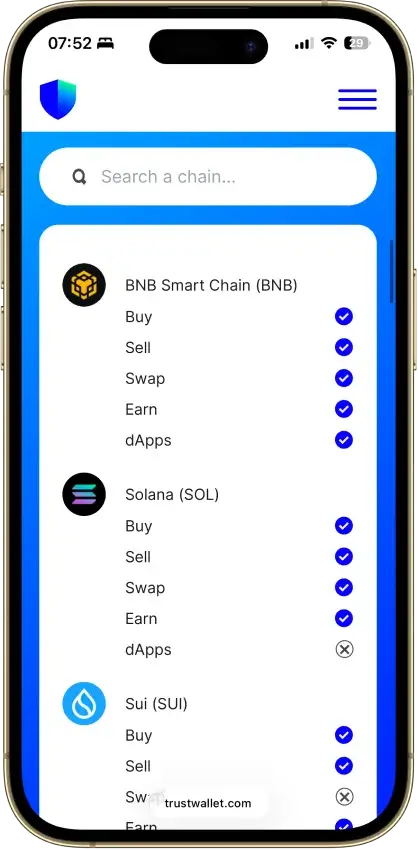
  • Supports millions of assets across 100+ blockchains in one wallet
  • Built-in swaps, staking, NFT support, and dApp access
  • Optional Ledger support through the browser extension
Rank 2
7.8
Multi-platform wallet
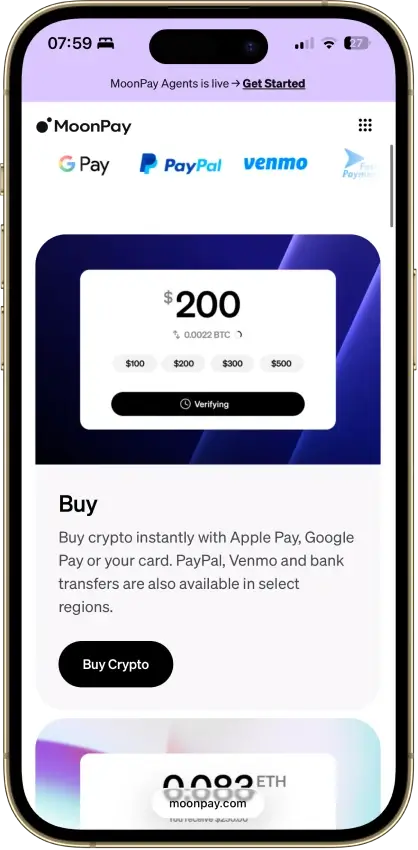
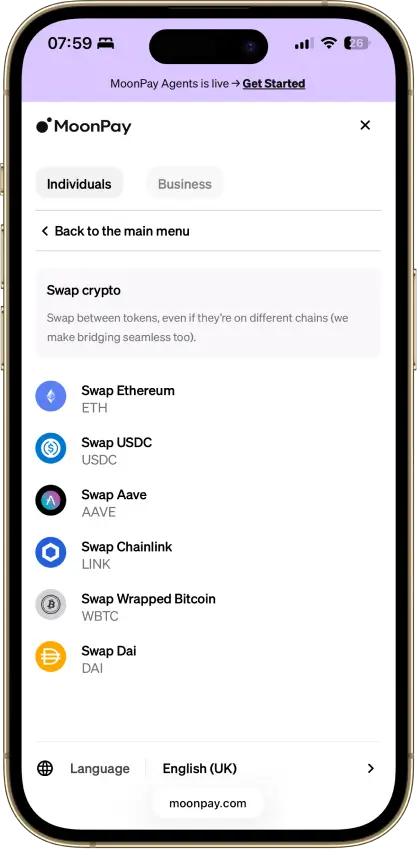
Mobile users who want simple self-custody plus built-in fiat on-ramp and off-ramp tools
iOSAndroid
  • Self-custodial in-app wallets with an exportable recovery phrase.
  • Buy, sell, send, receive, and convert from one mobile app.
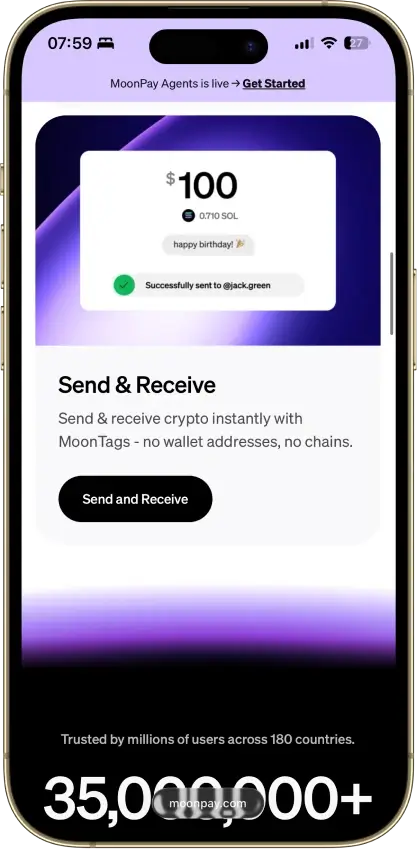
  • MoonTags simplify transfers without pasting long wallet addresses.
Rank 3
7.6
MPC smart wallet
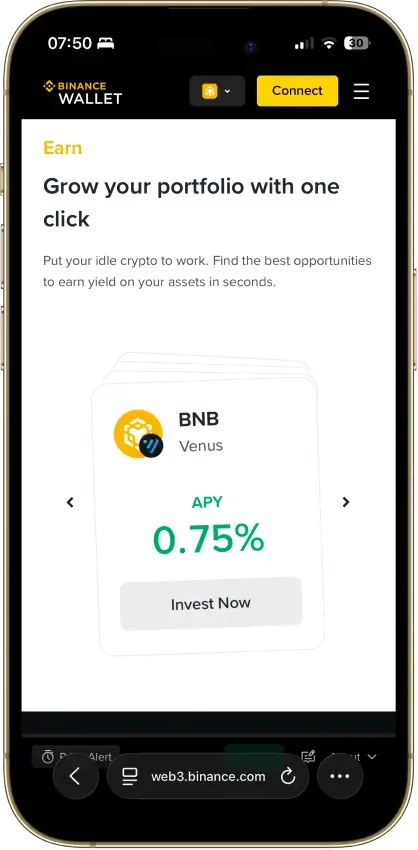
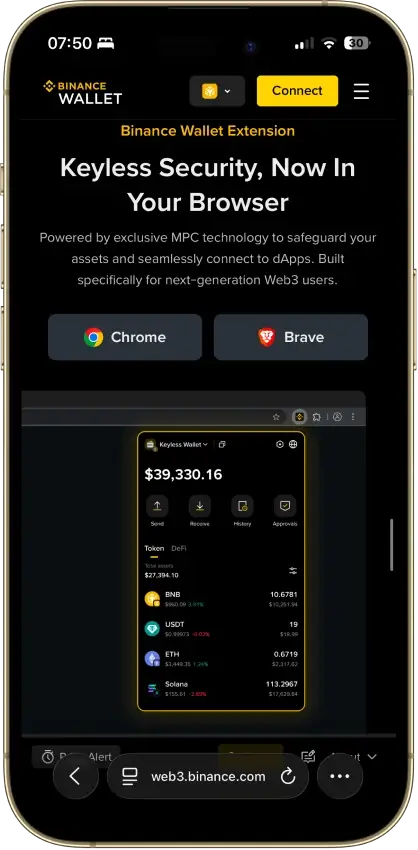
Existing Binance users who want a quick route into DeFi and on-chain trading without setting up a separate wallet stack first
iOSAndroidBrowser extension
  • Fast transfer path between Binance exchange balances and Web3 wallet activity
  • Seedless MPC setup with recovery-password backup instead of a default seed phrase
  • Built-in swaps, bridge tools, dApp access, and desktop/web trading support
Rank 4
7.5
Multi-platform wallet
Mobile-first users who want easier self-custody and built-in swaps
iOSAndroidDesktop (macOS)
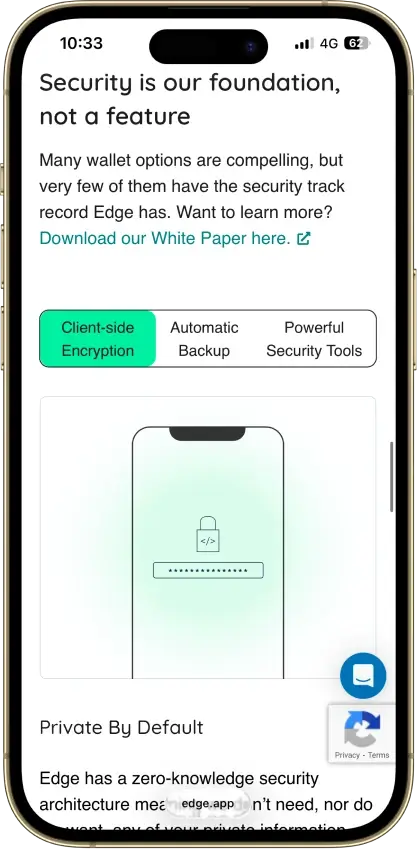
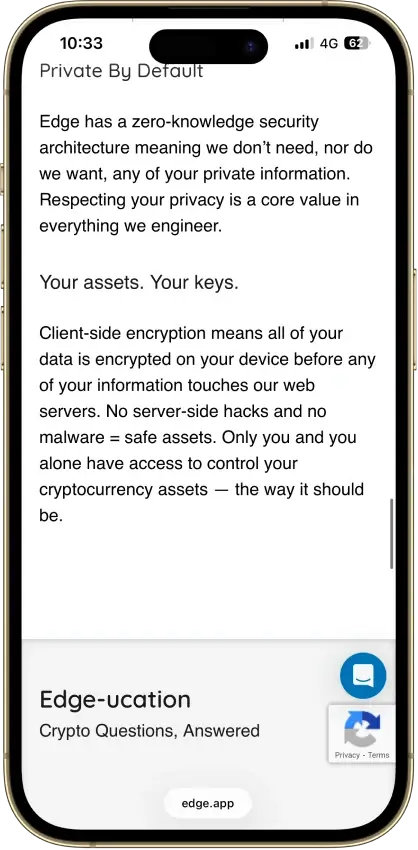
  • Account-style login with client-side encrypted keys
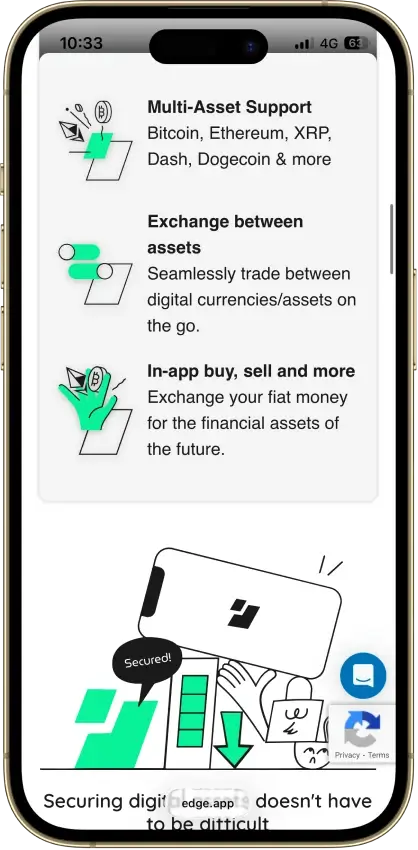
  • Multi-asset mobile wallet with built-in swaps, buy and sell options, and WalletConnect
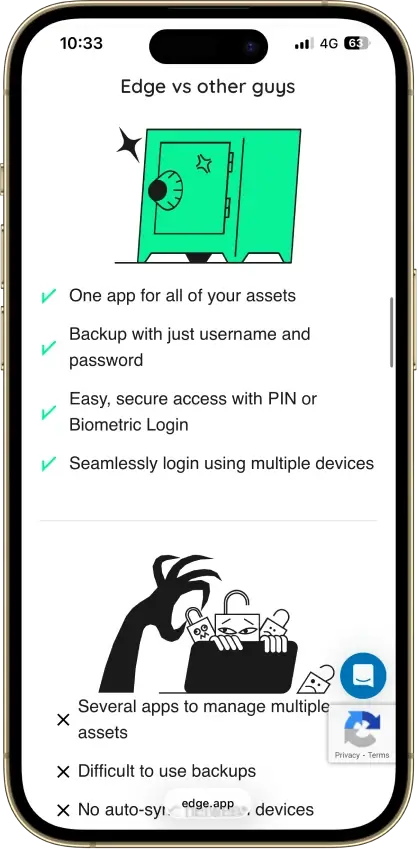
  • Cross-device sync with PIN, biometrics, 2FA, and recovery tools
Rank 5
7.5
Hardware wallet
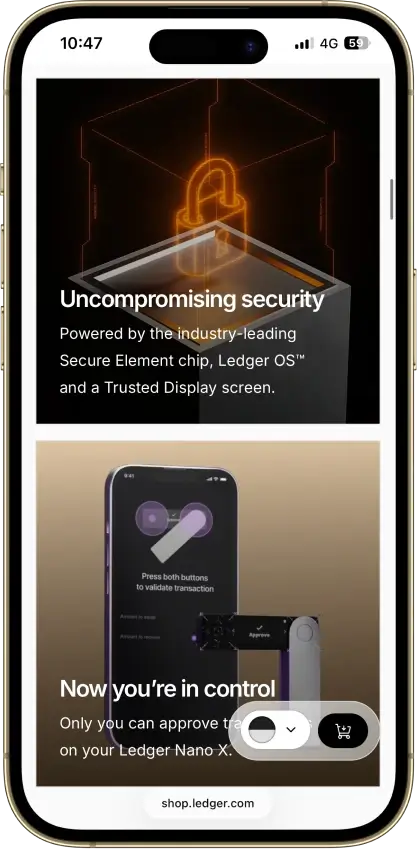
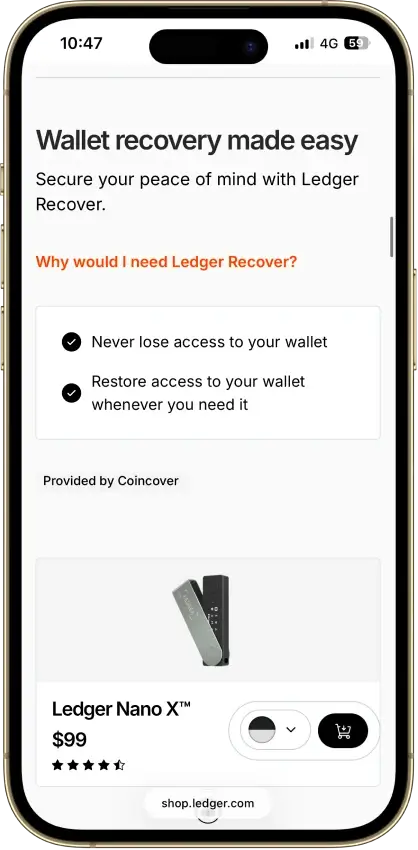
iPhone users and people who use both phone and desktop and want a classic hardware wallet.
iOSAndroidDesktop (Windows)Desktop (macOS)Desktop (Linux)
  • Bluetooth hardware wallet that works well with iPhone.
  • Strong support for major coins and common chains.
  • Compact classic Ledger form factor.
Rank 6
7.5
Multi-platform wallet
Users who routinely move assets across multiple chains and use onchain swaps.
iOSAndroidBrowser extension
  • Broad multichain coverage in one wallet interface
  • Built-in swaps, bridging flows, and dApp connectivity
  • Keystone hardware wallet support plus optional Trader Mode features
Rank 7
7.0
Multi-platform wallet
Mobile-first users who want simple self-custody and optional Kraken account linking.
iOSAndroid
  • One mobile wallet for Bitcoin, Solana, Dogecoin, and major EVM networks
  • Kraken Connect reduces friction when moving funds from Kraken Exchange into self-custody
  • Open-source client with a public audit and meaningful scam-warning tools
Rank 8
6.0
Multi-platform wallet
Users who want one wallet for daily self-custody, portfolio tracking, swaps, and light web3 activity
iOSAndroidDesktop (Windows)Desktop (macOS)Desktop (Linux)Browser extension
  • Strong desktop experience for portfolio visibility and day-to-day asset management
  • Broad feature set across swaps, staking, NFTs, and light web3 access in one interface
  • Optional hardware-wallet pairing on supported setups for users who want safer signing

Comparison Table

NameCustodyBlockchainsHardward SupportStakingFiat On-ramp
Trust Wallet Non-custodial Bitcoin, Ethereum, BNB Smart Chain, Avalanche, Tron, Arbitrum, Base, Optimism, Polygon, Solana Yes Full Yes
MoonPay Non-custodial Bitcoin, Solana, Tron, Ethereum, Polygon, Base, Arbitrum, Optimism, BNB Smart Chain Yes Limited Yes
Binance Wallet Non-custodial Bitcoin, Ethereum, BNB Smart Chain, Tron, Arbitrum, Base, Optimism, Polygon, Solana No Limited Yes
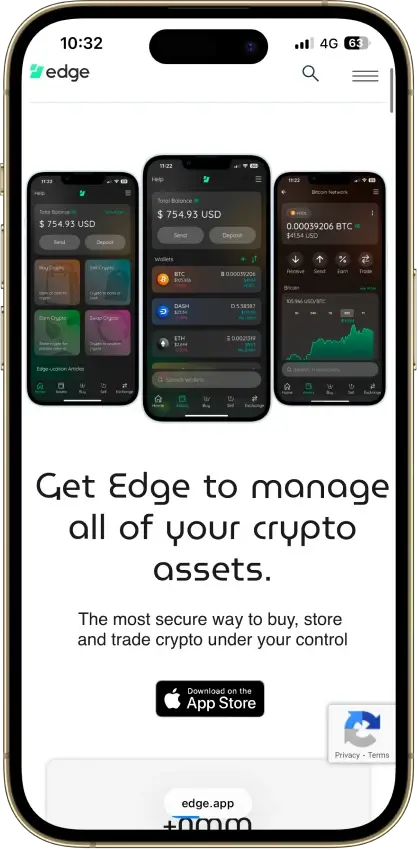
Edge Wallet Non-custodial Bitcoin, Ethereum, BNB Smart Chain, Avalanche, Tron, Optimism, Polygon, Solana No Limited Yes
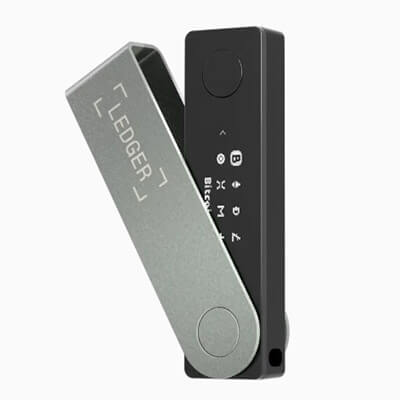
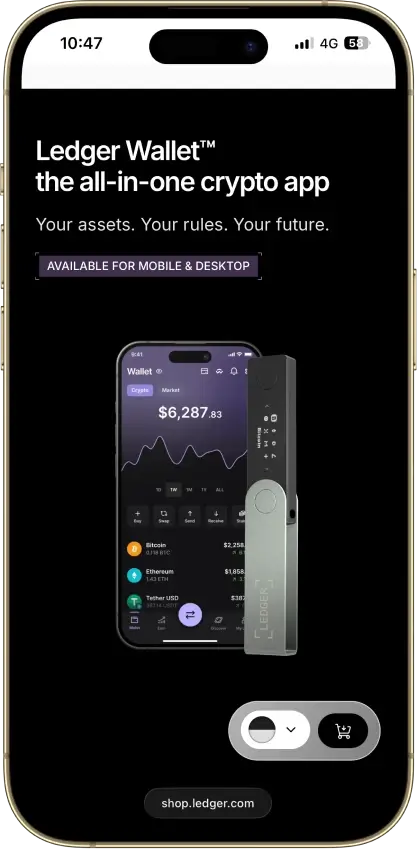
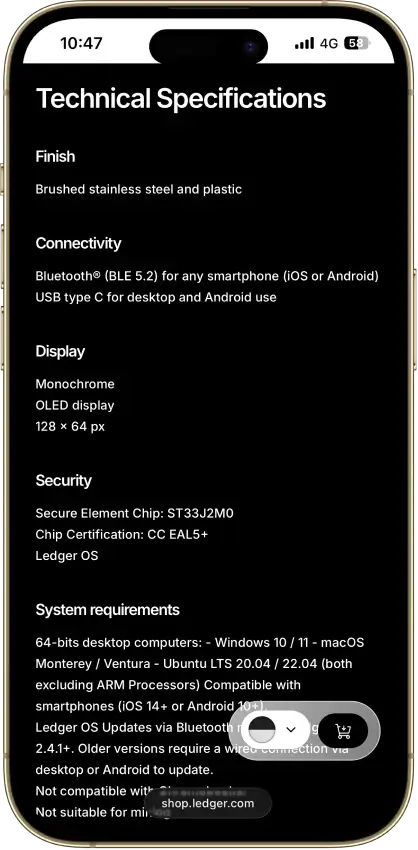
Ledger Nano X Non-custodial Bitcoin, Ethereum, BNB Smart Chain, Avalanche, Tron, Arbitrum, Base, Optimism, Polygon, Solana No Limited No
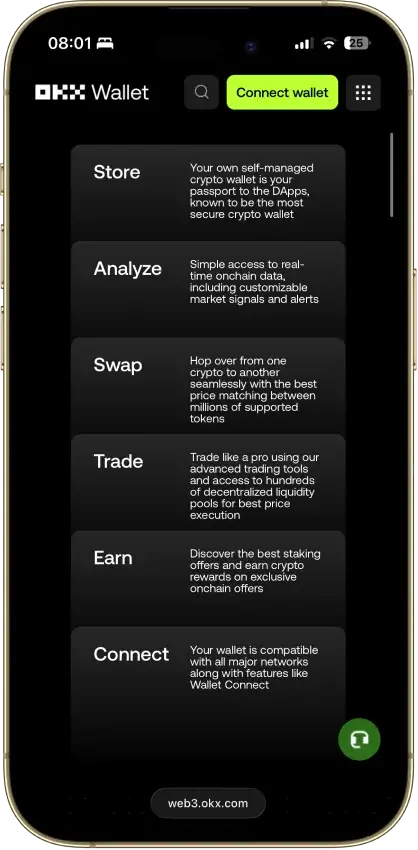
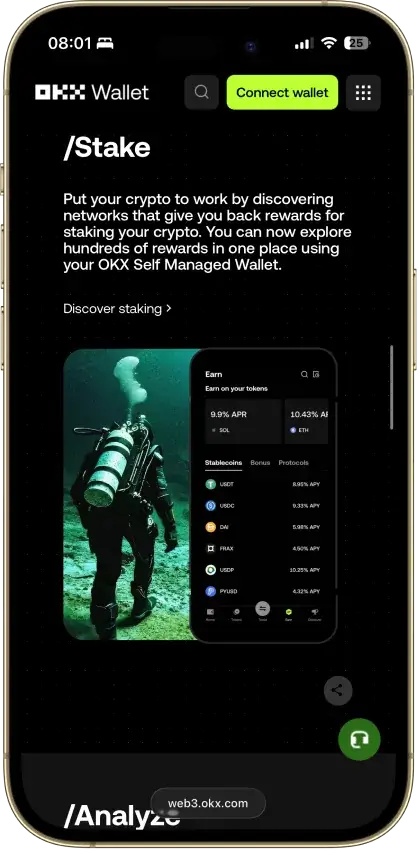
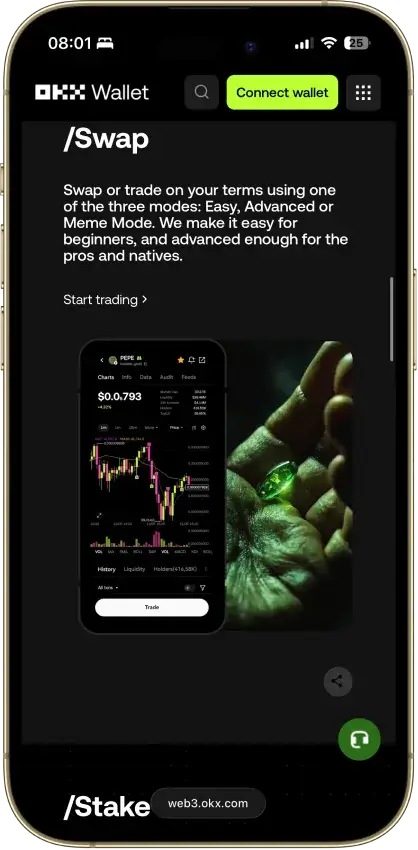
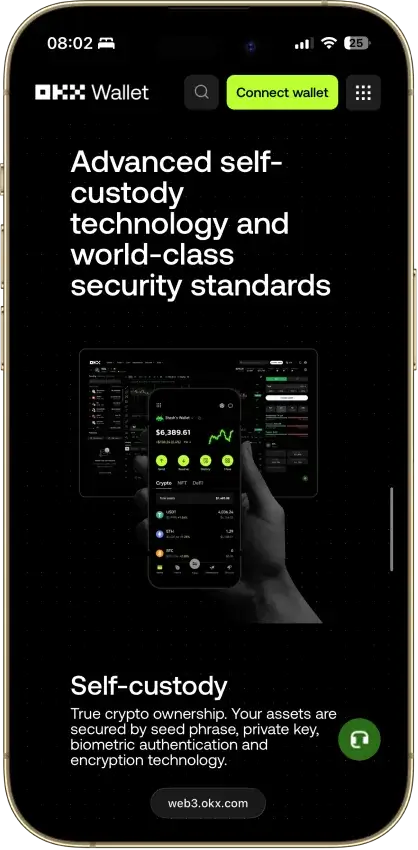
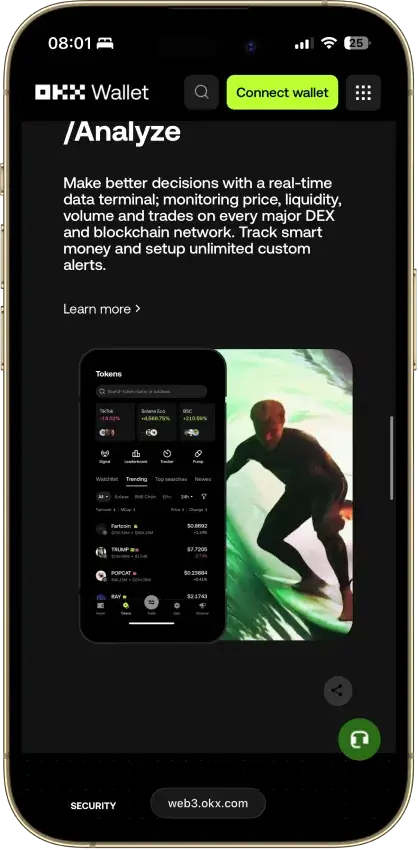
OKX Wallet Non-custodial Bitcoin, Ethereum, BNB Smart Chain, Avalanche, Tron, Arbitrum, Base, Optimism, Polygon, Solana Yes Limited Yes
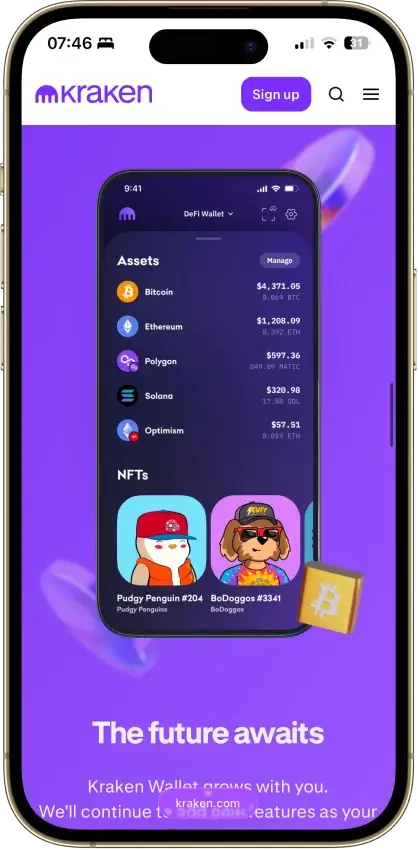
Kraken Wallet Non-custodial Bitcoin, Ethereum, Arbitrum, Base, Optimism, Polygon, Solana No Limited No
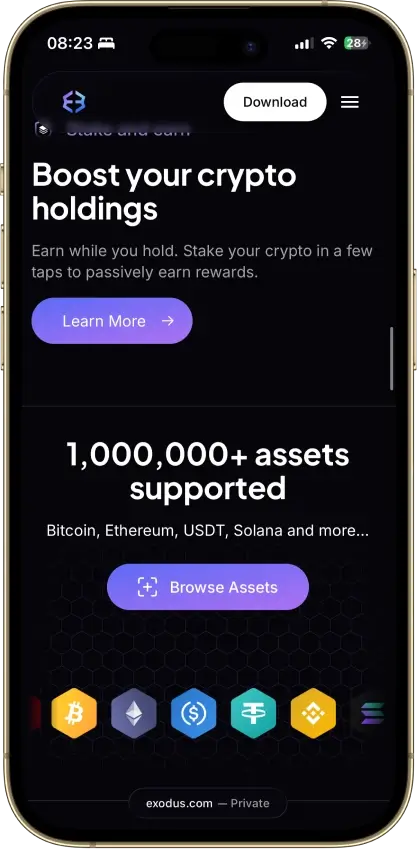
Exodus Non-custodial Bitcoin, Ethereum, BNB Smart Chain, Avalanche, Tron, Arbitrum, Base, Optimism, Polygon, Solana Yes Full Yes

The table shows two clear groups. TronLink, Klever Wallet, and TokenPocket are the stronger fits for people who want more direct access to TRON features like staking, voting, DApp connections, and everyday on-chain activity. Trust Wallet is the easiest starting point for beginners. It combines TRX support, TRC20 compatibility, staking, and a cleaner multi-chain experience in one familiar app. Ledger is the best fit for long-term holders who care more about keeping keys offline than moving quickly between TRON tools. That extra security usually comes with less convenience and more reliance on companion interfaces. Exodus sits in the middle. It supports TRX and TRC20 assets well and is easier to use on desktop than most TRON wallets. It is not the strongest option for people who want heavy DApp use or deeper native TRON features.

Detailed Reviews

What Is a Tron Wallet?

A Tron wallet is the tool you use to access, send, receive, and manage TRX and tokens built on the TRON network, including TRC20 assets like USDT. It does not actually hold your coins inside the app or device. Instead, it stores or manages the private keys that give you control over your wallet address and the assets linked to it on the blockchain.

There are a few basic wallet types to know before choosing one. An online crypto wallet stays connected to the internet, which makes it faster and easier to use for everyday transactions, staking, and DApp access. A cold hardware wallet stays offline, usually through a dedicated device, which makes it better for long-term storage. A custodial wallet means a third party controls the keys for you. A non-custodial wallet means you control the keys yourself and are fully responsible for your backup and security.

Is There an Official Tron Wallet?

There is no single official Tron wallet that fits every use case. Instead, the broader TRON ecosystem supports native-style options, multi-chain mobile wallets, browser extensions, and hardware devices. That means the best choice depends less on one “official” pick and more on whether you want easier mobile access, stronger security, better DApp support, or a wallet built specifically around the TRON network.

Tron Wallet Address Format and Network Comparison

A Tron wallet address is the public address linked to the private keys in your wallet. It is the address you share to receive TRX and TRON-based tokens such as USDT on the TRC20 network. In most wallets and exchange withdrawal screens, a standard TRON receive address appears in Base58Check format and starts with T. That is why TRON addresses usually look different from Ethereum and BNB Smart Chain addresses.

You may also come across a second TRON address format: hexadecimal. In hex form, a TRON address starts with 41 instead of T. That matters because TRON and Ethereum use a similar key generation model. As a result, a TRON hex address can look closer to an Ethereum-style address than most people expect. For normal transfers, the practical rule is simple: if you are sending over the TRON network, use a wallet address shown for TRC20, not one tied to ERC20 or BEP20.

NetworkToken StandardTypical Address ClueFee TokenBest Use CaseBiggest Risk
TRONTRC20Usually starts with T in the user-facing wallet formatTRXLower-cost transfers, especially USDT on TRON, plus staking and native TRON appsSending to the wrong network or not having enough TRX to cover network resources
EthereumERC20Usually starts with 0xETHBroad support across wallets, exchanges, and Ethereum-based appsHigher fees and sending ERC20 assets to a TRON address
BNB Smart ChainBEP20Usually starts with 0xBNBLower-cost EVM transfers and BSC-based appsConfusing BEP20 with ERC20 because the addresses look similar

What matters most in a BEP20, TRON, and ERC20 wallet address comparison is network matching. A wallet can support all three networks, but the address format, token standard, and fee asset still have to match the network you choose when you deposit, withdraw, or send funds. TRC20 tokens belong on TRON. ERC20 tokens belong on Ethereum. BEP20 tokens belong on BNB Smart Chain. If you select the wrong network, the transfer may fail, land in the wrong network context, or require a manual recovery process that is not always possible.

Best Tron Wallets by Category

CategoryWinning WalletWhy It Wins
Best Tron wallet for AndroidTrust WalletIt combines TRX and TRC20 support with a simpler mobile experience that is easier to navigate for most people.
Best Tron wallet for iPhone and iOSTrust WalletIt is one of the easiest ways to manage TRX and USDT on TRON on iPhone without giving up self-custody.
Best Tron wallet extensionTronLinkIt is the strongest extension for native TRON use, with better support for staking, voting, and TRON dApps.
Best Tron desktop walletExodusIt offers the cleanest desktop experience for sending, receiving, and tracking TRX and supported TRC20 assets.
Best hardware wallet for TronLedger Nano XIt gives TRX holders the strongest offline security option and works well for long-term self-custody.

The category winners also make the trade-offs easier to see. Trust Wallet takes the mobile categories because it balances TRON support with a smoother all-round app experience. It makes the most sense for people who are not focused only on the TRON ecosystem. TronLink wins the extension category because it is built more directly around TRON itself. That makes it the more natural choice for staking, governance, and DApp use. Exodus is the strongest desktop option because the experience is cleaner and easier to manage over longer sessions. Ledger remains the safest fit for long-term storage, where security matters more than convenience.

Best USDT Tron Wallet and TRC20 Wallets

If the main goal is sending or holding USDT on TRON, the best wallets are the ones that make the network obvious and reduce friction at the moment of transfer. A good Tron USDT wallet should show clear TRC20 support and make copying the receive address simple. It should also help reduce mistakes when moving stablecoins between exchanges and self-custody. If you also move stablecoins across other chains, it helps to compare broader USDT wallets and USD Coin support before choosing one wallet for everything. The best fit still depends on how you use TRON, whether that means faster mobile payments, active on-chain use, or colder long-term storage.

WalletUSDT-TRC20 SupportNetwork WarningsExtra Useful FeaturesBest For
TronLinkYesBest used when the transfer is clearly meant for TRON and TRC20, not ERC20 or BEP20Native TRON wallet flow, staking access, and strong DApp supportPeople who use USDT on TRON alongside wider TRON activity
Trust WalletYesMulti-chain support makes network selection important, so users still need to confirm they are receiving on TRONSimpler mobile UX, QR receive flow, and broad asset supportBeginners and mobile users who want an easier USDT-TRC20 wallet
Klever WalletYesBest when the wallet is set to the TRON network before receiving or sendingMobile-first design and extra TRON fee-management toolsFrequent USDT-TRC20 users who want a more active TRON wallet
ExodusYes on mobile and desktopTRON support is available on Exodus Mobile and Desktop, but not on Exodus Web3 WalletCleaner desktop experience and simple receive flowPeople who want to manage USDT on TRON from desktop as well as mobile
Ledger Nano XYesWorks best when paired with a compatible interface, so it is not the most convenient option for fast transfersStronger offline storage and long-term key protectionLong-term holders who want to keep USDT on TRON in colder storage

For USDT on TRON, the best choices fall into three broad groups. TronLink and Klever Wallet make the most sense for people who are already active on TRON and want a wallet that feels closer to the network itself. Trust Wallet is the easiest all-round pick for mobile use because it keeps the flow simple without dropping TRC20 support. Exodus is the more usable option for desktop-led setups. Ledger is the better choice when the main priority is long-term protection, not frequent transfers. Across all of them, the most important rule stays the same: always confirm that the transfer is set to TRC20 on TRON before sending USDT.

How to Create a Tron Wallet

Setting up a Tron wallet is straightforward. The order still matters, because one mistake can expose your backup phrase or send funds to the wrong network. Start by choosing the wallet type. Then install it only from the official source and confirm where the wallet shows your TRON receive address before you fund it.

  1. Choose the wallet type that fits how you will use TRON. Pick a mobile or extension wallet if you want faster access to TRX, TRC20 tokens, staking, or DApps. Pick a hardware wallet if your priority is longer-term storage and stronger key protection.
  2. Download the wallet from the official website, app store listing, or hardware manufacturer. Do not use random search results, unofficial APKs, or links shared in chat groups.
  3. Create a new wallet or import an existing one. If this is your first setup, create a new wallet. Only use the import option if you already have a seed phrase or private key from another compatible wallet.
  4. Write down the seed phrase and store it offline. This is the recovery backup for a non-custodial wallet. Never save it in screenshots, cloud notes, or messages you can lose or leak.
  5. Set a password, PIN, or biometric lock if the wallet offers one. This protects access on the device itself, but it does not replace the seed phrase backup.
  6. Open the receive screen and copy your TRON wallet address. For normal TRON deposits, the address will usually appear in the standard format that starts with T.
  7. Activate or fund the wallet if needed. Some wallets let you generate an address immediately, but the account may not become active on-chain until it receives TRX or is activated through another supported method.
  8. Send a small test amount first. This is the safest way to confirm the address, the network, and the wallet setup before moving a larger amount of TRX or USDT on TRON.

For most people, the real setup checklist is simple: download carefully, back up the recovery phrase offline, confirm that the receive address is for TRON/TRC20, and test with a small transfer before using the wallet normally. That covers the beginner intent behind Tron wallet app download and also answers the practical part of what is a Tron wallet.

How to Find Your Tron Wallet Address

Your Tron wallet address is usually found under a Receive, Deposit, or Add Funds button inside the wallet. Once you open that screen, the app normally shows the address in text form and as a QR code. If the wallet supports multiple networks, make sure you are looking at the TRON or TRC20 receive screen before you copy anything.

The quickest way to avoid mistakes is to check three things before sharing the address. First, confirm that the network shown is TRON. Second, make sure the address format matches a normal TRON receive address, which usually starts with T. Third, if you are receiving USDT, confirm that the sender is using TRC20 on TRON, not ERC20 on Ethereum or BEP20 on BNB Smart Chain.

Here is the practical flow:

  1. Open your wallet app or device interface.
  2. Tap Receive, Deposit, or the equivalent option.
  3. Select TRX or a TRC20 token such as USDT on TRON.
  4. Confirm that the network shown is TRON/TRC20.
  5. Copy the wallet address or scan the QR code.
  6. Double-check the first and last few characters before sending or sharing it.

It is also important not to confuse three different pieces of wallet information:

  • Public address: The shareable wallet address used to receive TRX and TRC20 assets.
  • Seed phrase: The recovery phrase that restores the full wallet. This should never be shared.
  • Private key: The cryptographic key that gives direct control over the wallet. This should never be shared.

You can safely share your public address when you want to receive funds. You should never share your seed phrase or private key with anyone, including wallet support, exchange staff, or people claiming they can help recover funds.

Tron Wallet Lookup, Tracker and Explorer Tools

If you want to check a Tron wallet lookup, follow a payment, or review a public wallet’s activity, start with a TRON block explorer such as TronScan. A TRON explorer lets you search public on-chain data by wallet address or transaction hash. That makes it useful for checking balances, confirming deposits, and reviewing recent transfers without logging into the wallet itself.

Paste the wallet address into the explorer search bar to open the account page. From there, you can usually view the TRX balance, TRC20 token balances, recent transactions, and basic account activity. If you already have a transaction ID, paste the TXID instead. That lets you inspect the specific transfer and see whether it is still pending, confirmed, or failed.

A wallet tracker is really just the same process used more consistently. Instead of guessing where funds went, you can check the public wallet page to review incoming and outgoing transfers, token movements, and visible on-chain activity tied to that address. This is also the easiest way to confirm that a deposit reached the right wallet after you send TRX or USDT on TRON.

A few basic rules matter here. First, a new TRON address may not show normal account data in an explorer until it has been activated on-chain. Second, explorers show public blockchain information, not private credentials. You can inspect balances, addresses, token transfers, and transaction history, but you cannot use an explorer to see someone’s seed phrase, private key, or wallet password.

How to Buy TRX and Send It to Your Wallet

The safest way to buy TRX and move it into self-custody is to treat the process as two separate steps. First, buy the asset. Then send it over the correct network. Most mistakes happen during the withdrawal stage, not during the purchase itself. That is why the network and address details matter more than speed.

  1. Buy TRX through an exchange or on-ramp that supports withdrawals to a personal wallet. Before you buy, make sure the platform supports sending TRX out, not just holding it inside the account.
  2. Open your Tron wallet and copy the receive address. Use the normal Receive flow inside the wallet and confirm that you are looking at the TRON address, which usually starts with T.
  3. Go to the withdrawal or send screen on the platform where you bought TRX. Paste the wallet address carefully and double-check the first and last few characters.
  4. Choose the correct withdrawal network. If the platform shows multiple network options, select TRON for TRX and TRC20 on TRON for USDT on TRON. Do not assume the cheapest option is the right one.
  5. Send a small test amount first. This confirms that the wallet address, network, and transfer flow are all correct before you move a larger amount.
  6. Wait for confirmation, then check the wallet and explorer if needed. If the funds do not appear right away, search the wallet address or transaction ID in a TRON explorer to confirm the status.
  7. Send the full amount only after the test transfer arrives. This adds one extra step, but it cuts down the risk of a larger mistake.

For anyone asking how can I buy Tron to my wallet, the short answer is simple. Buy TRX on a platform that allows withdrawals, copy your TRON receive address, choose the correct network, and test with a small amount before sending more. The same process also applies when buying USDT for a Tron USDT wallet. The difference is that the network should be TRC20 on TRON, not ERC20 or BEP20.

Tron Energy and Bandwidth Explained

TRON uses a resource model instead of the gas model most people know from Ethereum. The two resources that matter most are Bandwidth and Energy. Bandwidth covers the size of a transaction in bytes, so it applies to standard on-chain actions such as sending TRX from one address to another. Every external account also gets a small amount of free daily Bandwidth, and more can be obtained by staking TRX. If there is not enough Bandwidth available, the network burns TRX to cover the shortfall.

Energy is different. It is used when a transaction has to execute a smart contract. That is why it matters much more for TRC20 tokens, staking flows, DApp interactions, and other contract-based actions than for a simple TRX transfer. A normal TRX send mostly relies on Bandwidth. A USDT transfer on TRON usually involves a TRC20 smart contract, so it consumes Energy. If the wallet does not have enough Energy available, TRX is burned to pay the extra cost.

That is also why TRC20 users pay much closer attention to network resources than basic TRX users. Someone who only sends TRX occasionally may get by with free daily Bandwidth and the odd small fee. Someone who sends USDT on TRON regularly is much more likely to care about Energy, because repeated TRC20 transfers can become noticeably more expensive if the wallet has no staked resources behind it.

The practical way to reduce costs is to manage resources before you need them. On TRON, staking TRX can be used to obtain more Bandwidth or more Energy, and those resources recover over time after use. In some cases, Energy or Bandwidth can also be delegated from one activated account to another. The key point is simple: fees are not random. TRX is burned when the account does not have enough available Bandwidth or Energy for the transaction it is trying to complete.

Can You Buy Tron Energy Without a Wallet?

Not in the usual self-custody sense. Energy is a network resource tied to a TRON account, so it has to end up attached to an address that can use it. In practice, people asking this are usually trying to solve a different problem: how to lower the cost of sending USDT on TRON or other TRC20 tokens.

The most practical ways to reduce that cost are to stake TRX for Energy, receive delegated Energy from another account, or use a service or wallet flow that handles resources more efficiently in the background. Even then, the Energy is still being applied to a wallet address somewhere in the process. In practice, you do not really buy Energy “without a wallet.” You reduce TRON transfer costs by making sure the wallet or account involved has enough Energy before the transaction is sent.

Tron Wallet Security Checklist

Keeping a Tron wallet safe comes down to a few simple habits. Most losses do not come from the blockchain itself. They come from fake apps, leaked recovery phrases, rushed transactions, or signing the wrong thing.

  • Download wallet apps, browser extensions, and firmware updates only from official websites, official app stores, or the hardware maker.
  • Write down your seed phrase offline and store it somewhere private. Do not keep it in screenshots, cloud notes, email drafts, or chat messages.
  • Never share your seed phrase or private key with anyone, even if they claim to be wallet support or exchange staff.
  • Double-check wallet extensions and app names before installing them, because fake clones and phishing pages are common.
  • Send a small test transaction first when using a new wallet, a new exchange, or a new network route.
  • Use a strong device password, PIN, biometric lock, and up-to-date operating system on the phone or computer that holds the wallet.

  • Review DApp approvals and signing requests carefully instead of approving every prompt automatically.
  • Use a hardware wallet when the balance is large enough that stronger offline key protection is worth the extra setup step.

Are Tron Paper Wallets Still Worth Using?

Paper wallets still exist, but they are a niche option and usually not the best fit for most people. They can work in a narrow long-term storage setup, but they are easy to generate poorly, easy to lose, and easy to expose during printing, backup, or recovery. They also make normal TRON use less practical if you want to move TRX, interact with DApps, or manage TRC20 tokens.

For most people, a hardware wallet is the safer long-term choice. It keeps the keys offline like a paper wallet aims to do, but it is easier to back up correctly, easier to use securely, and much less fragile in day-to-day handling.

How We Chose the Best Tron Wallets

We use the same core framework as CryptoSlate’s main wallet hub, then apply it to TRON-specific use cases. Because wallets are security tools, we give the most weight to custody clarity, key security, recovery quality, and real-world scam resistance. Each criterion uses the same simple three-level rubric:

  • 1.0 = meets the standard clearly
  • 0.5 = partially meets the standard
  • 0.0 = unclear, missing, or not supported

We score Tron wallets against these core criteria:

  1. Custody + portability: Whether custody is clearly explained and whether you can migrate or exit without getting locked into one provider.
  2. Key security model clarity: Whether the wallet explains how keys are protected, such as secure elements, hardware isolation, MPC, or other concrete security controls.
  3. Independent security validation: Whether there are public audits, meaningful disclosure practices, or a real bug bounty process.
  4. Recovery quality: Whether backup and recovery are robust, clearly explained, and practical for real-world self-custody.
  5. Scam and drainer resistance: Whether the wallet gives useful warnings, approval controls, transaction prompts, and other protections against common wallet threats.
  6. Incident history + response maturity: Whether the wallet has handled past issues transparently and shown a credible response when problems have happened.
  7. DApp connectivity coverage: Whether it connects reliably to dApps through a browser extension, WalletConnect, or another stable flow.
  8. Signing UX quality: Whether transaction approvals are human-readable and clear enough to reduce mistakes.
  9. Smart-wallet UX and advanced account features: Whether the wallet offers useful account-level improvements where relevant, without locking users into unclear recovery or portability trade-offs.
  10. Fiat rails + practical funding options: Whether it offers useful on-ramps, off-ramps, or funding flows with enough clarity to be genuinely practical.

For a TRON wallet page, we then apply that framework to the things that matter most on TRON itself. That includes TRX support, TRC20 and USDT handling, staking and voting access, DApp usability, resource awareness, and how clearly the wallet helps prevent wrong-network mistakes. The best Tron wallets make self-custody clearer, keep signing and approvals easier to read, and reduce avoidable mistakes during setup, funding, and transfers.

Pros and Cons of Using a Tron Wallet

Choosing a Tron wallet is mostly a trade-off between speed, control, and security. The upside is that TRON gives you access to fast transfers, low-cost stablecoin activity, staking, and a wide range of wallet types. The downside is that the network is still technical enough that beginners can make mistakes around address formats, network selection, and wallet security if they move too quickly.

Pros:

  • Fast transfers and generally lower-cost activity than many competing networks.
  • Strong utility for USDT-TRC20 and other TRON-based tokens.
  • Access to staking, voting, DApps, and other native TRON features.
  • A wide choice of wallet types, from simple mobile apps to hardware storage.

Cons:

  • Network confusion can still trip up beginners, especially with TRC20, ERC20, and BEP20 transfers.
  • Energy and Bandwidth add a learning curve that some people will not expect at first.
  • Fake apps, phishing pages, and careless signing remain real risks with hot wallets and browser extensions.
  • Hot wallets are more convenient, but they also expose keys to more day-to-day risk than hardware storage.

In practice, most of the drawbacks are manageable once you understand the basics. If convenience is the priority, a mobile wallet or extension can work well. You just need to verify the network and protect the recovery phrase properly. If security is the priority, the trade-off usually points toward a hardware wallet. That is why the best Tron wallet is rarely the one with the most features on paper. It is the one that matches how often you transact, how much you plan to store, and how comfortable you are managing your own keys.

Conclusion

Choose a Tron Wallet Based on How You Actually Use TRON

Trust Wallet is the easiest starting point for beginners. TronLink makes more sense for active TRX and USDT-TRC20 use, especially if staking, voting, and DApps matter. Ledger is the stronger choice for long-term holders who care more about offline key protection than day-to-day convenience. The safest next step is to compare the shortlist first, then double-check the TRON address and network section before you send any funds.

FAQ

What wallet supports Tron?

Most major multi-chain wallets do not support TRON equally well, but strong options include TronLink, Trust Wallet, Ledger, Exodus, Klever Wallet, and TokenPocket.

What is the best Tron wallet for beginners?

Trust Wallet is usually the easiest starting point because the app is simple to use, supports TRX and TRC20 assets, and does not require deep TRON knowledge to get started.

What is the best hardware wallet for Tron?

Ledger is the strongest hardware-wallet pick for TRON because it keeps keys offline and suits long-term storage better than hot wallets.

What is a Tron wallet address?

A Tron wallet address is the public address you use to receive TRX and TRC20 assets on the TRON network. In most wallets, it appears in a format that starts with T.

What is the difference between TRC20, ERC20, and BEP20?

TRC20 is the token standard for TRON, ERC20 is the token standard for Ethereum, and BEP20 is the token standard for BNB Smart Chain. They can represent similar assets, but they use different networks, fee tokens, and transfer routes.

How do I look up a Tron wallet?

Paste the public wallet address into a TRON block explorer such as TronScan. That lets you view balances, token holdings, transaction history, and the status of recent transfers.

Which wallet is best for USDT on Tron?

TronLink and Klever Wallet are strong fits for active TRON use, while Trust Wallet is the easier option for most mobile users who want to send or hold USDT on TRON.

Do I need TRX to send USDT on Tron?

In most cases, yes. USDT on TRON is a TRC20 token, so transfers usually need network resources, and TRX may be required if the wallet does not have enough available Energy or Bandwidth.

Is there an official Tron wallet?

There is no single universal official Tron wallet. Instead, TRON supports an ecosystem of wallets that serve different use cases, from native wallet access to hardware storage.

Is there a Tron wallet login page?

Not in one central sense. Wallet access depends on the product you use, and non-custodial Tron wallets are usually opened through an app, extension, hardware device, or recovery phrase rather than a universal login page.