OKX Wallet Review

Verified Review
Published Updated

OKX Wallet, also called OKX Web3 Wallet, is a non-custodial hot wallet for people who use DeFi, move assets across chains, and connect to dApps often. The OKX Wallet app and OKX Wallet browser extension combine broad chain support, built-in swaps, WalletConnect, and extra account tools in one product. That makes it more capable than a simple storage wallet, but also easier to misuse if you do not pay attention to approvals, networks, and backup setup.

Yousra Anwar Ahmed
Reviewed by
George Ong
Fact-checked by

OKX Wallet Overview

Product Name OKX Wallet
Release Date 2022
Wallet Type Multi-platform wallet
Custodial Status Non-custodial
Supported Blockchains Bitcoin, Ethereum, BNB Smart Chain, Avalanche, Tron, Arbitrum, Base, Optimism, Polygon, Solana
Token Standards Native coin, ERC-20, BEP-20, SPL, TRC-20
Platforms iOS, Android, Browser extension
Hardware Wallet Support Yes
Built-in Swaps Yes
Staking Support Limited
Open-source Partially open-source
Fiat On-ramp Yes
Supported Hardware Wallets Ledger, Trezor
Hardware Connection Methods USB

OKX Wallet Screenshots

OKX Wallet Pros and Cons

Pros

  • Broad multichain support lets users manage assets, swaps, and dApp activity across many networks from one wallet.
  • Built-in DEX and cross-chain tooling reduce the need to leave the wallet for swaps, routing, and onchain discovery.
  • Supports dApp connections through both the browser extension and WalletConnect, which makes it flexible across desktop and mobile flows.
  • Keystone 3 and Keystone 3 Pro support adds an option for more isolated signing on both the app and browser extension.
  • Includes risk controls such as high-risk transaction interception, ownership-change attempts, and similar-address transfer scams.

Cons

  • Costs can stack quickly because users may pay gas, liquidity or price-impact costs, bridge fees, and OKX DEX interface fees on top.
  • The wallet is feature-dense, which makes it easier to make mistakes with chain selection, approvals, account modes, and transaction review.
  • Standard self-custody recovery means lost seed phrases or private keys cannot be reset or recovered by OKX.
  • Feature support is uneven across chains, so users should check sending, swaps, NFTs, and dApp support before moving funds.

Who OKX Wallet is Best for — and Who Should Skip It

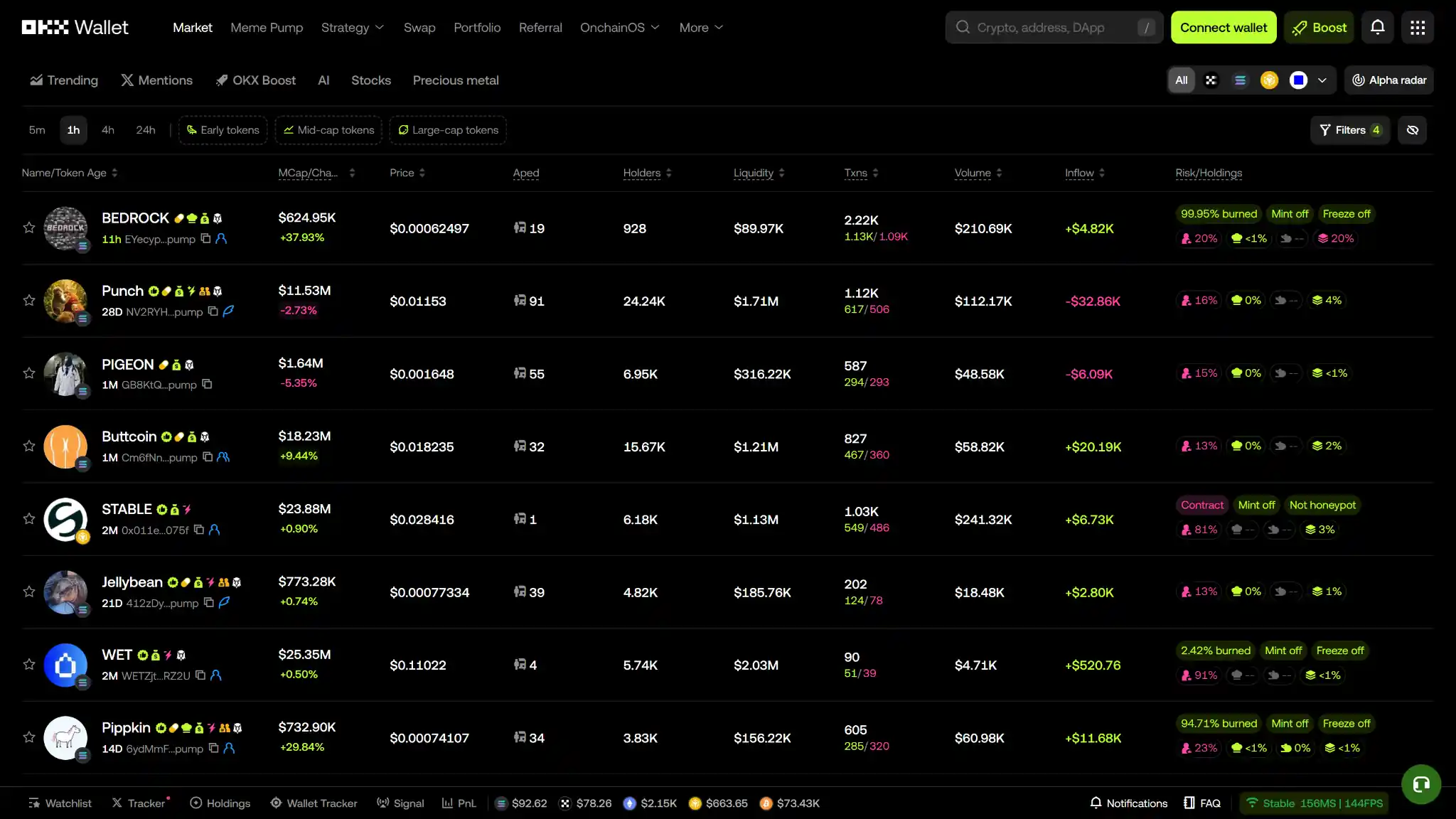
OKX Wallet web Meme Pump dashboard showing trending tokens with market cap, price, holders, liquidity, and volume.

OKX Wallet is best for people who actively use Web3, not just hold coins. It suits users who move assets across chains, connect to dApps from mobile and desktop, swap on decentralized venues, and want one self-custody wallet that combines broad chain coverage with built-in trading and discovery tools.

People who mainly want long-term storage, minimal setup, or easy account recovery should look elsewhere. OKX Wallet expects users to manage seed phrases, approvals, network selection, and account modes themselves. If you want a simpler wallet or a cold-storage-first setup, there are better starting points.

What is OKX Wallet and How Does it Work?

OKX Wallet is designed to manage multiple networks from one interface. For users, this means the same app can hold assets on Bitcoin, EVM chains, Solana, Tron, and other ecosystems without installing separate wallets. It also supports creating many sub-accounts, which helps separate activity by strategy, dApp, or risk level.

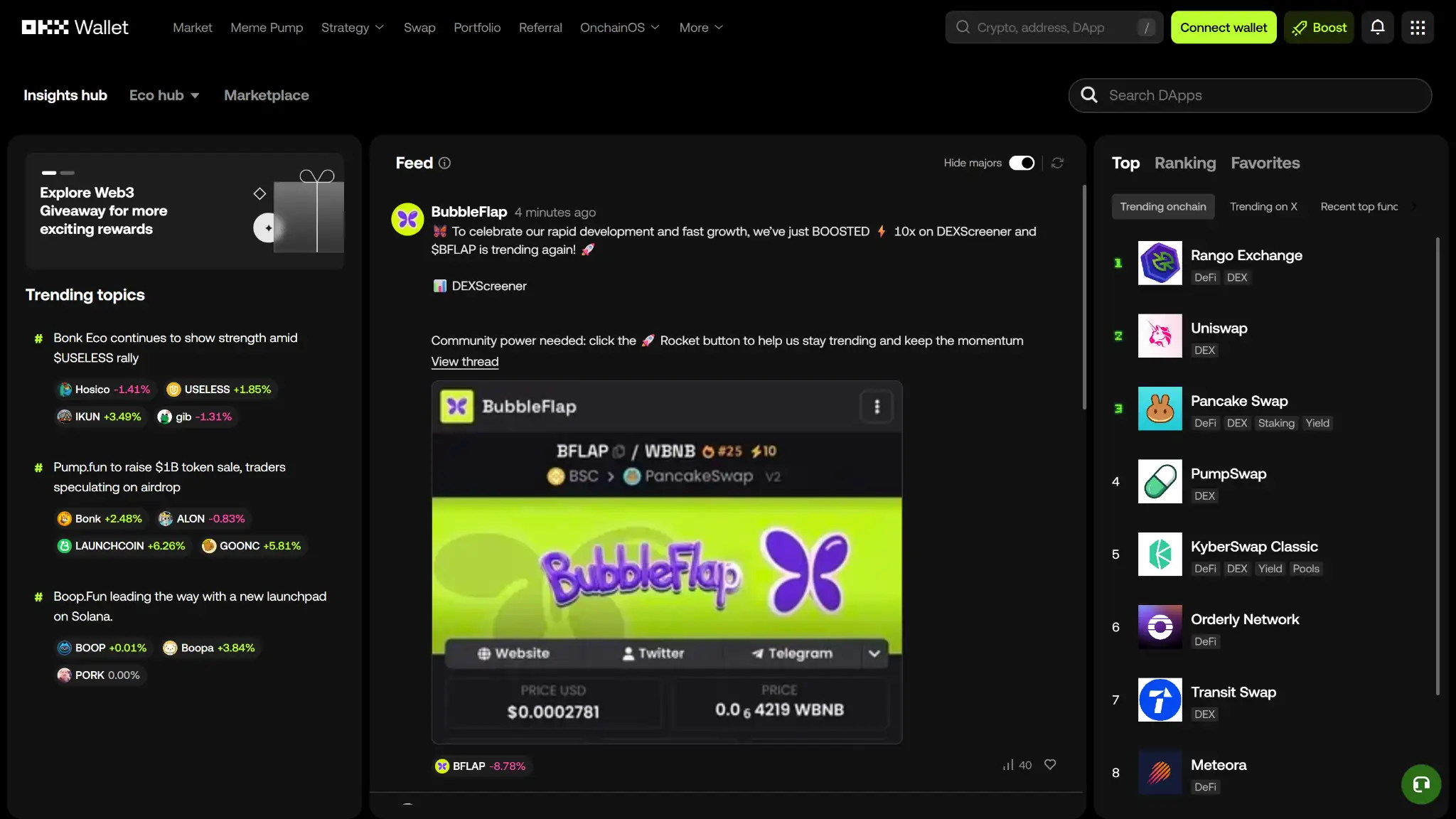
OKX Wallet web insights hub feed with trending onchain dApps list and community posts.

OKX Wallet, also called OKX Web3 Wallet, is OKX’s self-custody wallet for holding supported assets and using onchain apps. It is separate from the custodial OKX exchange account, even though some features can connect the two. Users can access it on iOS, Android, the OKX Wallet browser extension, and connected desktop browsers on macOS and Windows, and they can either create a new wallet or import an existing one.

In a standard setup, the wallet is controlled by a seed phrase or private key that the user backs up. OKX says it does not store the user’s password or mnemonic phrase. Recovery depends on the backup you keep. Transactions are approved in the app or extension after you review the address, network, gas cost, and contract request. From there, users can store supported assets, coins, and tokens, manage multiple accounts, connect to dApps through built-in flows or WalletConnect, swap tokens, bridge assets, monitor NFTs, and use OKX’s onchain tools from the same interface.

Wallet Type, Custody, and Recovery Model

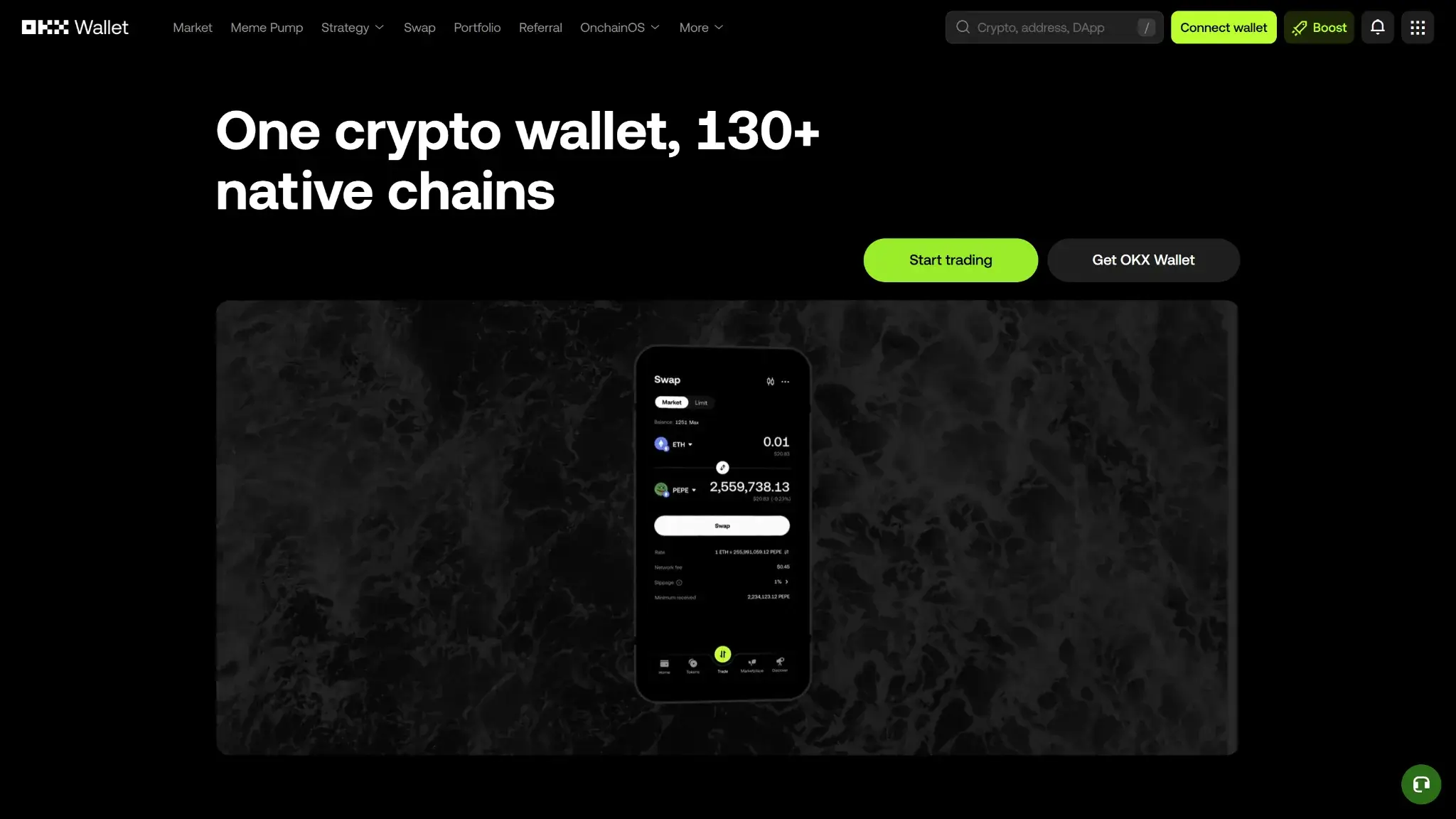
OKX Wallet web hero section stating one crypto wallet with 130+ native chains and Start trading button.

OKX Wallet is a non-custodial software wallet first, not an exchange account with wallet-like features. In the standard setup, the user controls the keys, signs transactions locally, and is responsible for backing up the recovery material. That makes the wallet portable, but it also means there is no provider-side reset if access is lost.

FieldDetails
Wallet classHot software wallet
Who controls the keysUser
Recovery methodSeed phrase or private key backup in the standard self-custody setup
Can you export keys or seed?Yes, for standard wallet setups
Portability to another walletEasy for standard seed phrase or private key wallets; less clear for some Trader Mode behavior
What happens if you lose the deviceYou can restore the wallet on a new device if you still have the seed phrase or private key
What happens if you lose the recovery methodIf you also lose device access or forget the wallet password, the assets may be unrecoverable
Who can help recover accessNobody can restore a lost seed phrase or private key for you
Best use caseDaily Web3 use, multichain asset management, dApp access, swaps, and DeFi activity

OKX Wallet is portable in its standard form. OKX’s support materials explain how to view or back up the seed phrase and private key, import an existing wallet, and restore access by re-importing the wallet. That is very different from a custodial model where the provider can help restore account control.

There is one caveat. OKX also offers Trader Mode (formerly Smart Account) in some flows. That can change how signing, approvals, and recovery work, so users should confirm whether they are using a standard seed-phrase wallet or Trader Mode before assuming every restore path works the same way.

Supported Assets, Networks, and Compatibility

OKX Wallet supports many networks rather than focusing on one ecosystem. It can manage supported assets, coins, and tokens across major EVM networks, Bitcoin, Solana, Tron, TON, Sui, Aptos, and other supported chains from one interface. That is one of the wallet’s biggest selling points. Even so, users still need to separate basic asset display from send-and-receive support, dApp connectivity, DEX routing, and NFT support, because those do not always match on every chain.

CategoryDetails
Major chains supportedBitcoin, Ethereum, BNB Chain, Polygon, Avalanche, Arbitrum, Optimism, Base, Solana, Tron, TON, Sui, Aptos, Starknet, OKTC, and many others
Token standardsNative assets, ERC-20, ERC-721, ERC-1155, SPL, TRC-20, plus chain-specific asset formats on supported networks
PlatformsiOS, Android, browser extension, connected web app, desktop browsers on macOS and Windows
Hardware supportKeystone 3 and Keystone 3 Pro
Connection methodsBrowser extension, WalletConnect, QR codes for Keystone hardware wallets
Notable gapsFeature support can differ by chain and by module; not every supported chain gets the same dApp, DEX, NFT, or staking functionality

OKX Wallet covers more networks than a typical single-ecosystem wallet, which is useful for cross-chain users. But “supported” should not be read too loosely. Before sending funds or using a dApp, check the exact network, token format, and feature support for that chain. This matters most for NFTs, bridge routes, and tokens that exist on multiple networks with similar-looking addresses.

Core Features and Real-world Use Cases

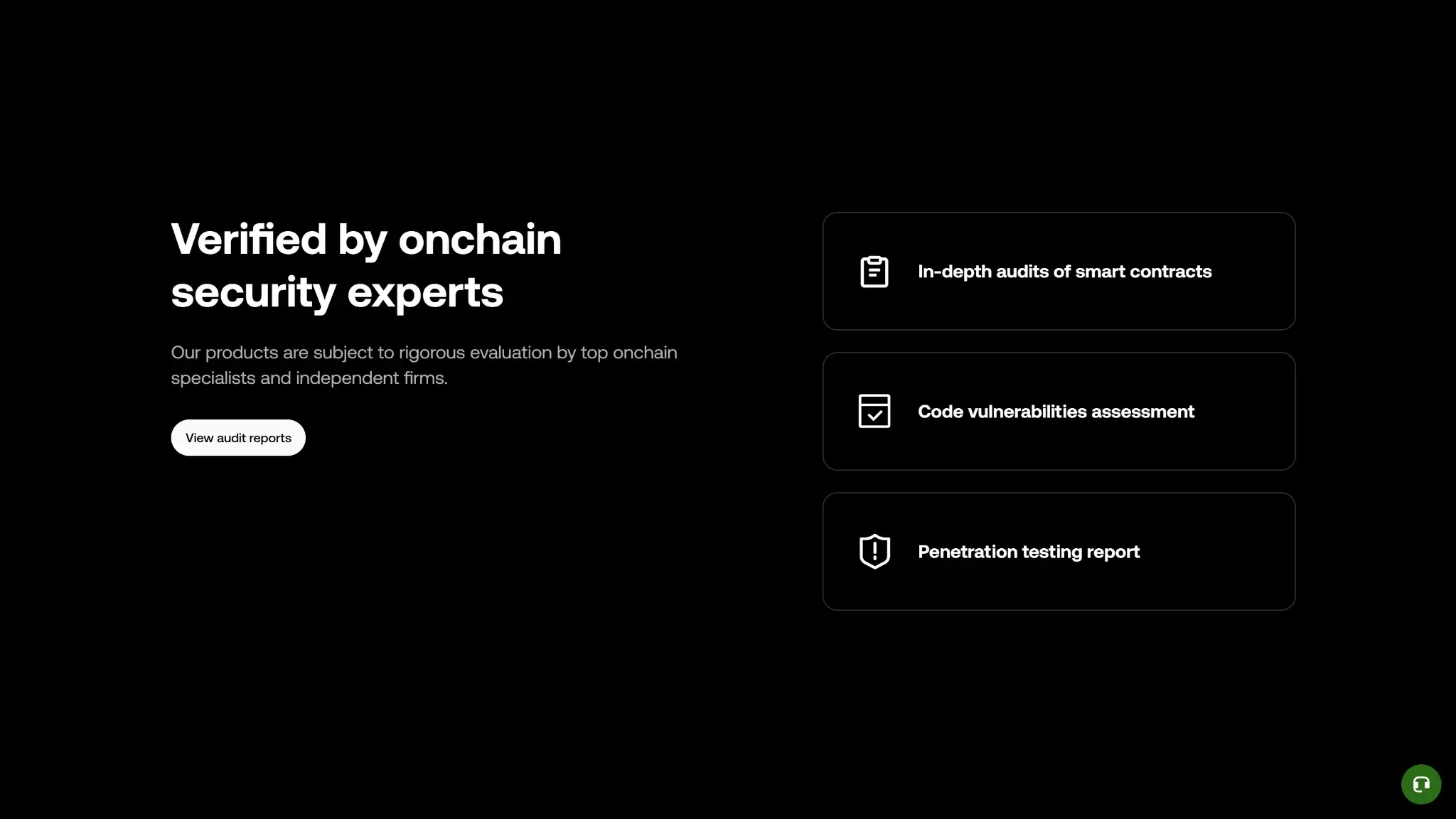
OKX Wallet web security section highlighting audits, code vulnerability assessments, and penetration testing reports.

OKX Wallet does more inside the wallet than many direct rivals. If you are comparing it with the best crypto wallets, the clearest difference is how much trading and discovery tooling it keeps inside one interface. MetaMask is still the default reference point for many EVM users, Phantom feels cleaner for Solana-first use, and Trust Wallet covers many chains but is less centered on trading tools.

That matters most for active users. The wallet combines swaps, cross-chain transfers, dApp discovery, NFT access, DeFi earn tools, and some exchange-linked features in one place. For people who trade, bridge, and experiment onchain, that is useful. For passive holders, it can feel busy.

Feature areaWhat users can doHow it works in practiceKey limitations, costs, or risks
Swaps and tradingSwap supported assets on the same chain and place certain advanced trading ordersOKX DEX aggregates routes and previews fees before confirmationGas, pool fees, price impact, and interface fees
BridgingMove assets across supported chains through cross-chain swapsBridge mode routes transfers across supported networksBridge fees, delays, gas needs, and smart-contract risk
Staking and earnAccess staking products, liquidity pools, and vault-style DeFi earn opportunitiesWeb3 Earn surfaces protocol-based yield options in-walletExternal protocol risk, market risk, and withdrawal delays
dApp access and connectivityConnect to dApps from desktop and mobile and keep using the wallet across chainsConnect through the OKX Wallet browser extension, mobile flows, and WalletConnectSession drops, network switching friction, and phishing risk
NFTsView, buy, store, and interact with NFTs and supported collectiblesNFT marketplace access across supported chainsSupport varies by chain and management tools are limited
Exchange and account featuresLink wallet activity with parts of the OKX account ecosystem and move funds between linked environments in some regionsLinked account flows can simplify transfers and top-upsRegion limits, KYC, and reliance on exchange infrastructure
Trader Mode and account-abstraction featuresUse Trader Mode for advanced order handling and convenience features on supported flowsTrader Mode (formerly Smart Account) adds advanced order and account featuresLess simple, less portable, and scope-limited

The feature set is useful, but not every part feels equally smooth. Swaps and bridging are more integrated than in many simpler wallets, and keeping trading and DeFi tools inside one interface is convenient. At the same time, some features rely on external protocols, OKX’s DEX or marketplace stack, or region-limited exchange links. Trader Mode adds flexibility for active users, but it also adds another layer to learn. If you mainly hold and send crypto, much of this will feel unnecessary.

Fees and Total Cost of Ownership

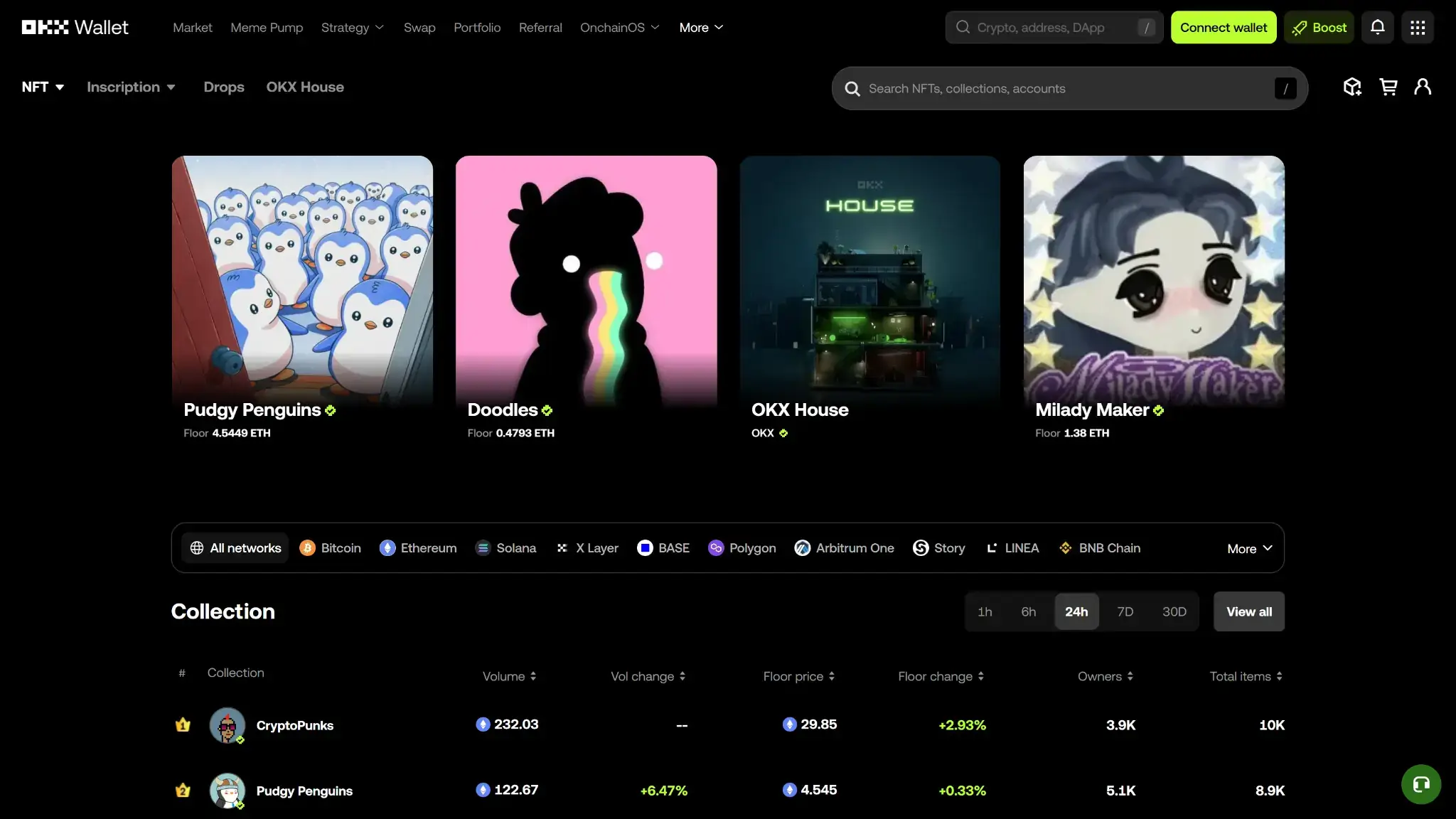
OKX Wallet web NFT marketplace page showing featured collections and a collection ranking table.

OKX Wallet itself is free to create and use, so the real cost comes from what you do with it. For most users, that means network gas, swap-related costs, bridge costs, and any third-party on-ramp or off-ramp fees. That distinction matters because OKX Wallet does not charge a custody fee just for holding assets, but active users can still end up paying meaningful execution costs.

Cost componentWhat users payWhen it appliesNotes
Device or wallet priceFreeOne-time account creationNo purchase needed for the wallet itself
Shipping and import costsNot applicableNot applicableOnly relevant if you separately buy a hardware signer such as Keystone
Network feesVariableSends, swaps, bridges, approvals, failed transactionsDepends on chain demand and must be paid in the chain’s native gas token
Swap spread or routing fee0% to 0.85% interface fee, plus pool fees and slippageSwaps and some bridge routesOKX DEX publishes a UI fee schedule; third-party liquidity and price impact add separate costs
On-ramp feeVariableBuying crypto with fiatDepends on partner provider, payment method, region, and currency
Withdrawal feeNot applicable at wallet levelSending funds out to another wallet, exchange, or off-rampYou still pay network fees, and the receiving platform may charge its own fees
Subscription or premium feeNone disclosedNot applicableNo wallet membership or premium tier is disclosed

OKX Wallet can feel cheap if you mostly store assets and make occasional transfers. Costs rise once you start swapping often, bridging across chains, or using DeFi earn products. The wallet itself is free. The real expense comes from execution costs, so active users need to watch the full route cost rather than only the headline gas number.

Security Architecture and Trust

OKX Wallet has more security tooling than many basic hot wallets, but it is still a hot wallet. The main risk is user error: signing the wrong transaction, approving the wrong contract, or losing recovery material. The wallet can warn and block in some cases, but it cannot remove the need for careful review.

Cost componentWhat users payWhen it appliesNotes
Device or wallet priceFreeOne-time account creationNo purchase needed for the wallet itself
Shipping and import costsNot applicableNot applicableOnly relevant if you separately buy a hardware signer such as Keystone
Network feesVariableSends, swaps, bridges, approvals, failed transactionsDepends on chain demand and must be paid in the chain’s native gas token
Swap spread or routing fee0% to 0.85% interface fee, plus pool fees and slippageSwaps and some bridge routesOKX DEX publishes a UI fee schedule; third-party liquidity and price impact add separate costs
On-ramp feeVariableBuying crypto with fiatDepends on partner provider, payment method, region, and currency
Withdrawal feeNot applicable at wallet levelSending funds out to another wallet, exchange, or off-rampYou still pay network fees, and the receiving platform may charge its own fees
Subscription or premium feeNone disclosedNot applicableNo wallet membership or premium tier is disclosed

How the Security Model Works

In the standard setup, OKX Wallet keeps the core credentials on the user side. OKX says it does not store the wallet password, seed phrase, or private key, and if you forget the password, the only recovery path is to reinstall or reset the wallet and import it again with the backed-up seed phrase or private key. That is good for self-custody purity, but harsh for anyone who wants an easy reset path.

For day-to-day access, the wallet relies on local protections such as a wallet password and device-level biometric login where supported. Some newer flows also support passkey-style convenience or auto-confirm behavior for selected actions, but those features trade off some review friction for speed. Users who prioritize safety over convenience should be cautious with anything that reduces repeated signature review.

OKX has built more anti-scam tooling into the wallet than many plain software wallets offer. Its public security materials describe malicious URL detection, blocking authorizations to flagged contracts, intercepting suspicious authorizations to externally owned accounts, and automatically blocking high-risk eth_sign requests.

It also labels Permit and Permit2 approvals, hides suspicious airdrop tokens, shows similar-address warnings, and provides an authorization-management tool for revoking stale permissions. These features are useful, but they do not remove the core hot-wallet risk. If a user approves a malicious contract that is not yet flagged, the chain will still execute the signed transaction.

From a trust perspective, OKX is better documented than many competing wallets. It maintains a public bug bounty program and a public audit-report collection that includes CertiK and SlowMist reviews across multiple wallet components. That is a real positive. The weaker point is transparency scope. OKX publishes some smart-contract and SDK code, but it does not present the full wallet client as fully open-source or easy to audit end to end.

OKX Wallet has useful protections for active Web3 users, especially those who want scam screening and approval warnings. It still demands disciplined behavior. Back up the seed phrase offline, review every approval carefully, revoke permissions you no longer need, and do not treat built-in warnings as a substitute for your own judgment.


Backup, Recovery, and Loss Scenarios

In the standard self-custody setup, recovery depends on what you saved, not what OKX can restore for you. If you still have your seed phrase or private key, losing a phone, resetting the app, or forgetting the wallet password is usually recoverable. If you lose both device access and the recovery material, the loss can be permanent.

What Support Can and Cannot Do

OKX support can help with basic troubleshooting, point users to reset or import steps, and help explain cloud-backup setup issues. It cannot retrieve a forgotten wallet password, recover a lost seed phrase or private key, freeze the wallet, or restore access to a deleted wallet if the backup is gone.

ScenarioWhat happens in practiceIs recovery possible?
Lost phone or stolen phoneYou can restore the wallet on a new device if you still have the seed phrase or private key. If you used cloud backup, you also need the correct backup password.Yes, if backup material is intact
Broken deviceDevice failure does not matter by itself if you backed up the wallet properly. Reinstall and import on another device.Yes, if backup material is intact
Forgotten wallet passwordOKX does not store or retrieve the wallet password. The standard fix is to reset or reinstall the wallet and import it again with the seed phrase or private key.Yes, if you have the seed phrase or private key
Lost seed phrase or private key, but still have the unlocked deviceYou may still be able to view the backup from inside the wallet while you still have access. If you lose device access before doing that, recovery may fail.Sometimes, but act immediately
Lost seed phrase or private key and lost device accessThere is no provider-side reset for this. If both are gone, the assets can become permanently inaccessible.No, in the standard self-custody setup
Deleted wallet from the app by mistakeDeleting the wallet removes local wallet data. You must import it again using the backed-up seed phrase or private key.Yes, if backup material exists
Cloud backup enabled, but backup password forgottenOKX says wallets backed up with that password cannot be recovered if the password is forgotten and the seed phrase was not saved separately.No, if cloud backup is your only recovery path
Wrong cloud account signed inRestore can fail if you are not signed in to the same iCloud, Google Drive, or Huawei Cloud account used for the backup.Yes, if you recover access to the correct cloud account and know the backup password
Lost recovery contactsNot applicable in the standard wallet setup. OKX Wallet does not rely on social recovery contacts for its normal seed-phrase restore flow.Not applicable

The seed phrase, private key, and any cloud-backup password — they are separate critical items. One does not replace the others. In OKX Wallet’s standard self-custody flow, support cannot rescue you if the core recovery material is gone.

There is also extra complexity in some newer wallet modes. OKX’s help center also contains separate recovery guidance for MPC wallet flows and cloud backups. Those rules are not identical to a standard seed-phrase restore. Check which wallet mode you created before assuming every restore path works the same way. The safest approach is to back up offline first, verify the backup, and not wait for a device loss to find out how recovery works.

UX, Performance, and Platform Support

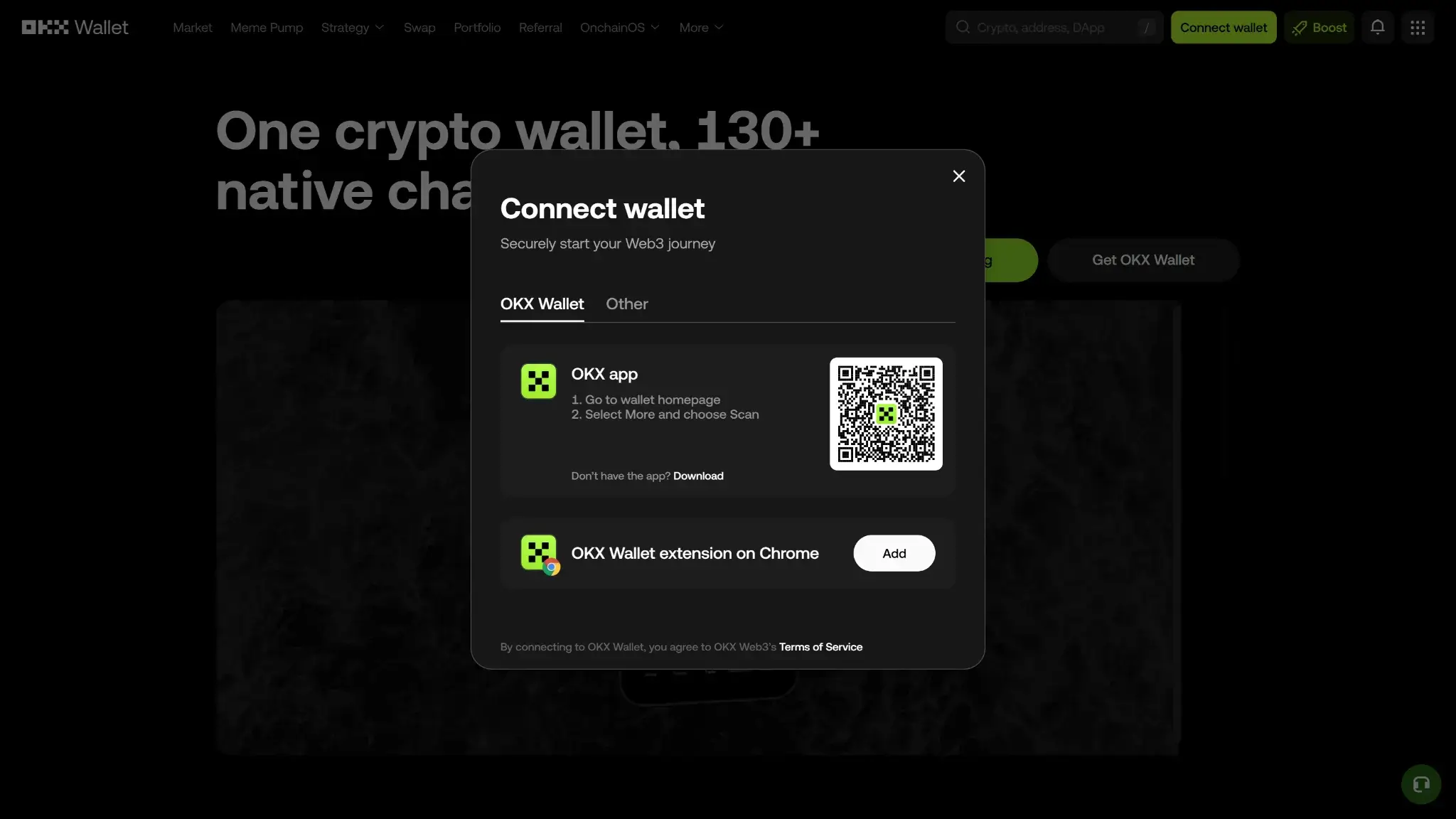
OKX Wallet web connect wallet modal with QR code and options for OKX app or Chrome extension.

OKX Wallet works across more surfaces than most hot wallets, but it is not a minimalist product. The interface is modern and generally polished, especially on mobile, and the extension is good enough for regular desktop dApp use. At the same time, OKX keeps adding trading, discovery, earn, and account-layer features, so the wallet can feel more like a Web3 dashboard than a simple send-and-store app. Active users may like that. Beginners may not.

PlatformAvailabilityNotes
iOSYesFull OKX Wallet app with wallet, dApp, swap, and earn features
AndroidYesFull OKX Wallet app with broad feature coverage
Browser extensionYesMain desktop surface for dApp use, approvals, and multichain wallet management
DesktopYes, via desktop browsersOKX lists macOS and Windows compatibility, but desktop use still centers on the extension and connected web flows
Web appYesUseful for discovery, DEX, and connected wallet flows, but signing usually depends on the extension or a wallet connection

In day-to-day use, the wallet is easier to navigate than its long feature list suggests. Core actions like receiving, sending, managing assets, adding custom tokens, and switching accounts are not buried too deeply. Signing clarity is better than average because OKX has invested in approval warnings, suspicious-address prompts, and clearer labeling around risky authorization requests. Still, the sheer number of chains, tools, and feature modes means users need to slow down and review what they are signing.

The wallet appears actively maintained, with regular network notices, compatibility updates, and feature changes. In early 2026, OKX published announcements around the Stable network upgrade, a Cardano upgrade, and the Smart Account rename to Trader Mode. That is a good sign for long-term support, but it also means screenshots, menus, and terminology can drift from older help articles.

Overall, OKX Wallet offers strong flexibility for experienced users and decent continuity between mobile and desktop. It is not the cleanest wallet for first-time users. People who already understand networks, gas, approvals, and dApp sessions will get more out of it. Users who mainly want a safer-feeling interface for holding and occasional transfers may prefer a narrower wallet with fewer moving parts.

Customer Support, Documentation, and Incident Handling

OKX’s documentation is more useful than human support for most wallet-specific problems. The help center is extensive and updated often enough to cover setup, recovery rules, feature changes, and common troubleshooting. Human support still matters for navigation, account-linked issues, and technical guidance, but this is a non-custodial wallet. Support cannot reverse an onchain transfer, recover a lost seed phrase or private key, or restore a cloud backup if you forgot the separate backup password.

ChannelAvailabilityTypical useNotes
Help centerYes, effectively 24/7 self-serviceDocs, setup, troubleshooting, feature guidesStrong breadth across exchange and Web3 topics, but some older articles can lag behind current wallet naming or UI
Live chatYesUrgent support, guidance, account-linked issuesUseful for escalation and navigation, but it cannot undo blockchain transactions or recover lost wallet credentials
Email or ticketsYesTechnical issues, follow-up cases, account or region issuesBetter for documented follow-up than for instant help; response window is not clearly disclosed
Status pageYesOutages and incidentsUseful for checking maintenance, system issues, and deposit or withdrawal status on OKX-linked infrastructure
Community channelsX, Telegram, Discord, Reddit, YouTube, LinkedIn and moreAnnouncements, community discussion, peer helpOnly use official channels and verify them through OKX’s channel-verification tool

OKX can help with app issues, feature confusion, wallet import steps, linked account problems, and status questions. It cannot fix the core self-custody failure cases. If you sent funds to the wrong address, signed a malicious approval, or lost the only recovery material, support can explain what happened but usually cannot recover access or reverse the loss.

Incident handling is better than average for a hot wallet, but mostly on prevention and communication. OKX maintains a public status page, an active announcements feed, public audit materials, and official-channel verification tools. Those are useful for monitoring issues and avoiding impersonation. They do not change the basic reality that onchain mistakes and lost backups remain the user’s responsibility.

Final Verdict

OKX Wallet is best for people who actively swap, bridge, connect to dApps, and manage assets across multiple chains. The main reason to choose it is that it combines broad chain support with trading and Web3 tools in one place. The main reason to avoid it is that it asks more of the user than a simpler wallet does. Before using it, confirm how your recovery setup works, including whether you created a standard seed-phrase wallet, used cloud backup, or enabled a different account mode with its own restore rules.

Overall Score

7.5

PROS

  • Broad multichain support lets users manage assets, swaps, and dApp activity across many networks from one wallet.
  • Built-in DEX and cross-chain tooling reduce the need to leave the wallet for swaps, routing, and onchain discovery.
  • Supports dApp connections through both the browser extension and WalletConnect, which makes it flexible across desktop and mobile flows.
  • Keystone 3 and Keystone 3 Pro support adds an option for more isolated signing on both the app and browser extension.
  • Includes risk controls such as high-risk transaction interception, ownership-change attempts, and similar-address transfer scams.

CONS

  • Costs can stack quickly because users may pay gas, liquidity or price-impact costs, bridge fees, and OKX DEX interface fees on top.
  • The wallet is feature-dense, which makes it easier to make mistakes with chain selection, approvals, account modes, and transaction review.
  • Standard self-custody recovery means lost seed phrases or private keys cannot be reset or recovered by OKX.
  • Feature support is uneven across chains, so users should check sending, swaps, NFTs, and dApp support before moving funds.
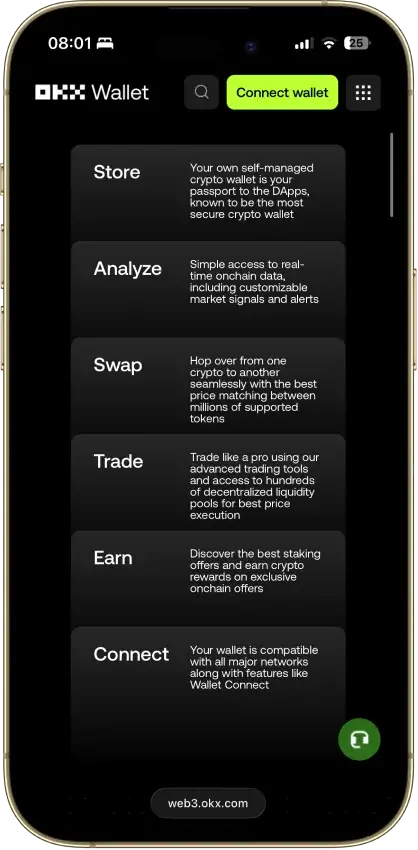
OKX Wallet mobile hero page highlighting 130+ native chains with Start trading and Get OKX Wallet buttons.
Affiliate Disclosure

Disclaimer: CryptoSlate may receive a commission when you click links on our site and make a purchase or complete an action with a third party. This does not influence our editorial independence, reviews, or ratings, and we always aim to provide accurate, transparent information to our readers.

FAQ

Is OKX Wallet safe?

OKX Wallet is built as a self-custody wallet, so control depends on private key and approval security. In a self-custody model, the wallet cannot reverse a transaction that you authorized.

OKX also documents risk controls like phishing warnings and risky transaction interception. These controls can reduce obvious scams, but they do not prevent losses after a user signs malicious approvals.

Is OKX Wallet non custodial?

OKX Wallet is positioned as a self-managed wallet, which aligns with non-custodial design. In this model, the user controls recovery material and private key access.

You still need to back up your recovery method correctly. If you lose it, access to assets may be permanently lost.

How do I recover OKX Wallet?

Recovery depends on how the wallet was created, but the common path is restoring from the seed phrase. The setup flow emphasizes writing down the phrase and never sharing it.

If the recovery method is lost and the wallet is removed from the device, the assets cannot be recovered. This is a core characteristic of self-custody wallets.

How do I withdraw from OKX Wallet to a bank account?

OKX Wallet sends crypto onchain, not fiat to a bank account, so bank withdrawals usually require an off‑ramp. The typical flow is sending crypto from OKX Wallet to an exchange or cash‑out provider, then converting and withdrawing there.

For the onchain send, match token and network on both sides and keep enough gas token for fees. If you try to send without gas, the transfer can fail.