Best Dogecoin Wallets (DOGE) (March 2026)

Compare the best DOGE wallets by use case, from hardware and mobile apps to desktop and self-custody options for storage, transfers, and recovery.

Updated Mar. 24, 2026
Reviews in this list 7
Trusted Reviews Editorially curated & independently checked
Curated by Yousra Anwar Ahmed
Since Feb 2026 35 reviews
Fact check in progress A fact-checker will be assigned shortly.
Affiliate Disclosure

Disclaimer: CryptoSlate may receive a commission when you click links on our site and make a purchase or complete an action with a third party. This does not influence our editorial independence, reviews, or ratings, and we always aim to provide accurate, transparent information to our readers.

Compare the best Dogecoin (DOGE) wallets for storing, sending, and managing DOGE, whether you want a simple wallet app, a secure hardware device, or a desktop option with more control. Here are the DOGE wallets that stand out for cold storage, mobile use, beginner setup, and full-node control.

The best Dogecoin wallet is not the same for everyone. Some users want long-term cold storage, some want fast mobile access for everyday transfers, and others want a Dogecoin Core setup with more direct control over their wallet and network connection.

Rank
Name
Rating
Type
Best For
Platforms
Key Advantages
Secure link
Rank 1
8.5
Multi-platform wallet
Users who want one self-custody wallet for multi-chain assets, swaps, and dApp access.
iOSAndroidBrowser extension
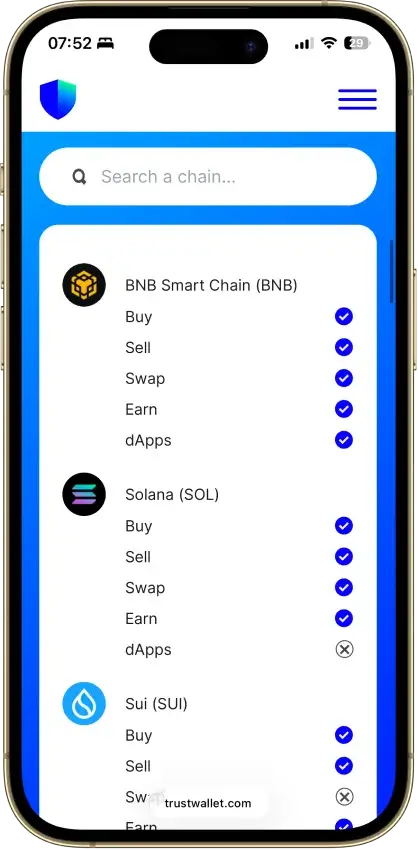
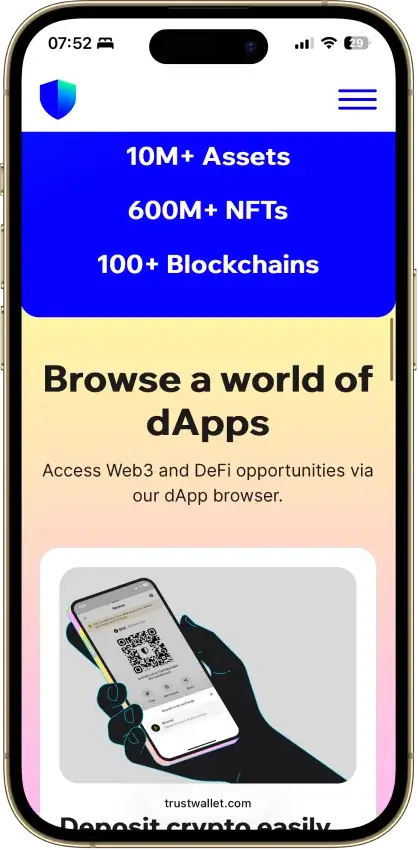
  • Supports millions of assets across 100+ blockchains in one wallet
  • Built-in swaps, staking, NFT support, and dApp access
  • Optional Ledger support through the browser extension
Rank 2
7.5
Browser extension wallet
Coinbase users who want self-custody plus EVM coverage, browser extension dApp access, and some Solana support.
iOSAndroidBrowser extension
  • Coinbase-linked funding and transfers reduce friction between exchange custody and self-custody
  • Supports Ethereum, Solana, and a broad set of EVM networks
  • Supports both classic seed-phrase recovery and newer sign-in options
Rank 3
7.5
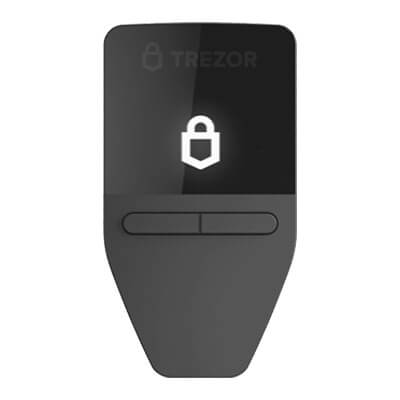
Hardware wallet
iPhone users and people who use both phone and desktop and want a classic hardware wallet.
AndroidDesktop (Windows)Desktop (macOS)Desktop (Linux)
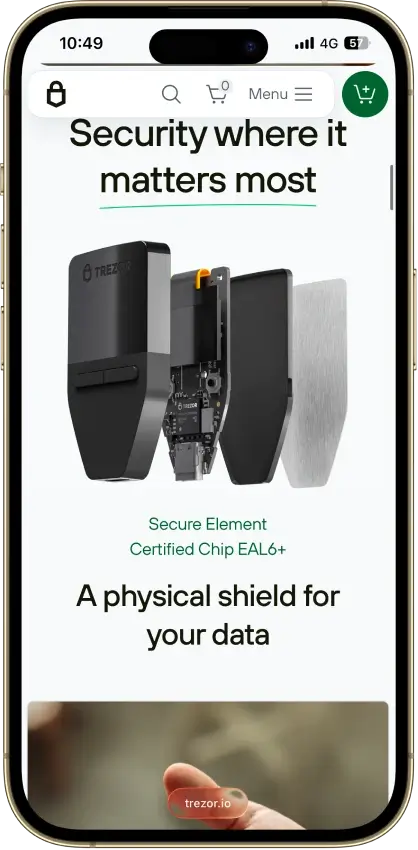
  • Lowest-cost current Trezor with a secure element and on-device approval.
  • Supports 12-, 20-, and 24-word wallet backup formats, including BIP39 and SLIP39. Current Safe 3 units default to a 20-word Single-share Backup.
  • Good desktop and Android fit for long-term self-custody without battery or Bluetooth upkeep.
Rank 4
7.0
Multi-platform wallet
Mobile-first users who want simple self-custody and optional Kraken account linking.
iOSAndroid
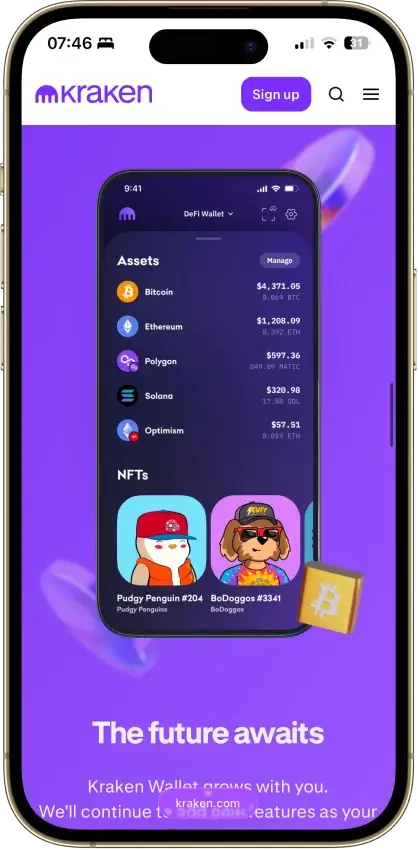
  • One mobile wallet for Bitcoin, Solana, Dogecoin, and major EVM networks
  • Kraken Connect reduces friction when moving funds from Kraken Exchange into self-custody
  • Open-source client with a public audit and meaningful scam-warning tools
Rank 5
7.0
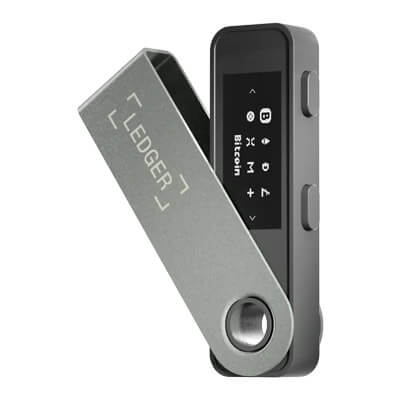
Hardware wallet
Desktop-first holders who want broad Ledger asset support without paying for Bluetooth
AndroidDesktop (Windows)Desktop (macOS)Desktop (Linux)iOSBrowser extension
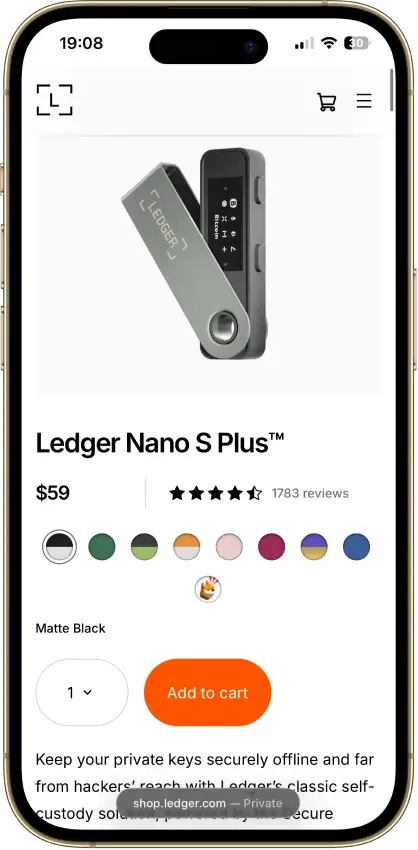
  • Low-cost current Ledger hardware wallet for desktop-first self-custody
  • Standard 24-word recovery phrase with recovery possible outside Ledger
  • No battery and no Bluetooth, with on-device approval for every transaction
Rank 6
6.0
Multi-platform wallet
Users who want one wallet for daily self-custody, portfolio tracking, swaps, and light web3 activity
iOSAndroidDesktop (Windows)Desktop (macOS)Desktop (Linux)Browser extension
  • Strong desktop experience for portfolio visibility and day-to-day asset management
  • Broad feature set across swaps, staking, NFTs, and light web3 access in one interface
  • Optional hardware-wallet pairing on supported setups for users who want safer signing
Rank 7
5.0
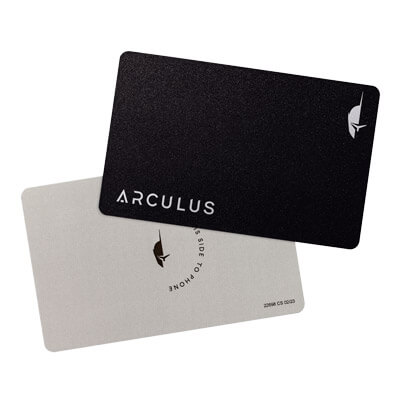
Hardware wallet
Mobile-first holders who want straightforward self-custody
iOSAndroid
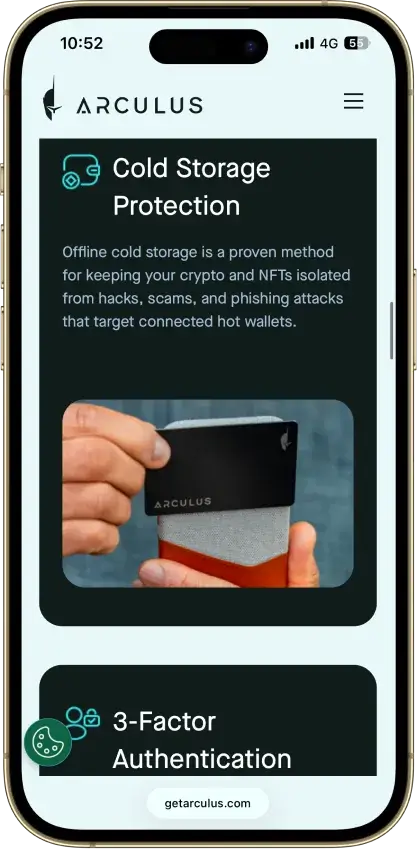
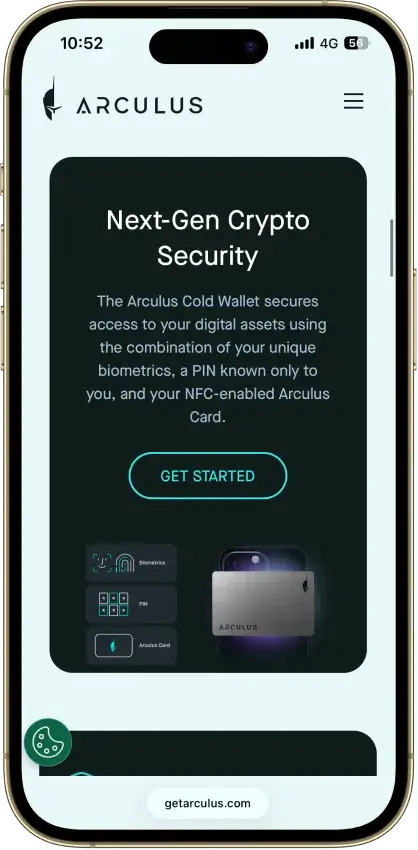
  • Credit-card shape with no battery, cable, or Bluetooth.
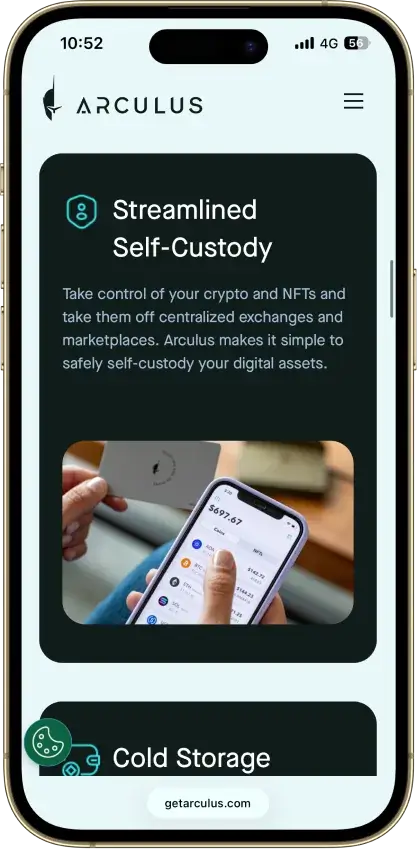
  • Private keys stay on the card’s CC EAL6+ secure element.
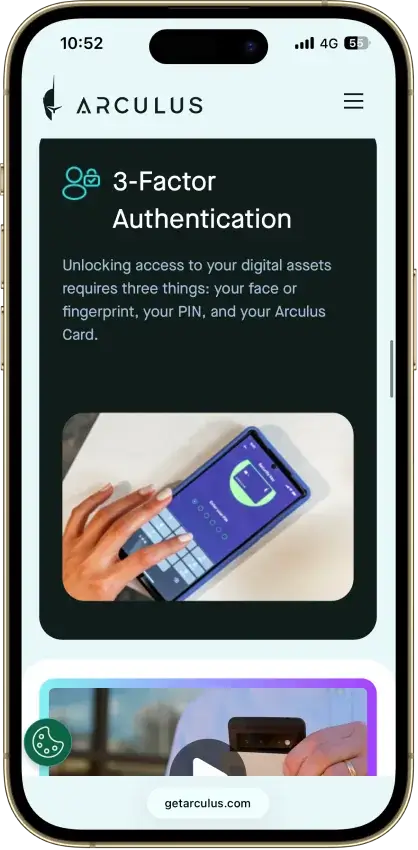
  • Phone-first setup with a 6-digit PIN, optional Face ID/fingerprint, and NFC tap approval.

If you need a broader view or you want to compare crypto wallets based on other criteria or preferences, check out our other content on the best cold and hardware crypto wallets, the best crypto wallets for beginners, or the best crypto hot wallets. You can learn what they each bring to the table, but also what wallets are the best in each category.

Hardware wallets lean toward long-term storage, mobile apps are easier for everyday access, and Dogecoin Core suits users who want a native desktop wallet with full-node functionality.

Comparison Table

NameCustodyBlockchainsHardward SupportStakingFiat On-ramp
Trust Wallet Non-custodial Bitcoin, Ethereum, BNB Smart Chain, Avalanche, Tron, Arbitrum, Base, Optimism, Polygon, Solana Yes Full Yes
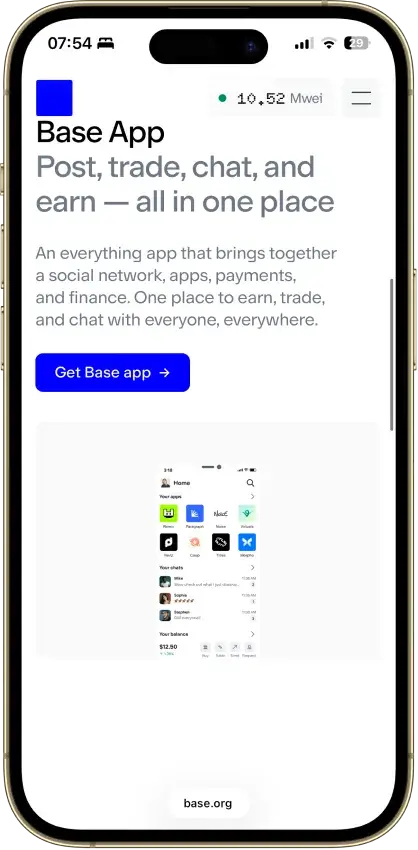
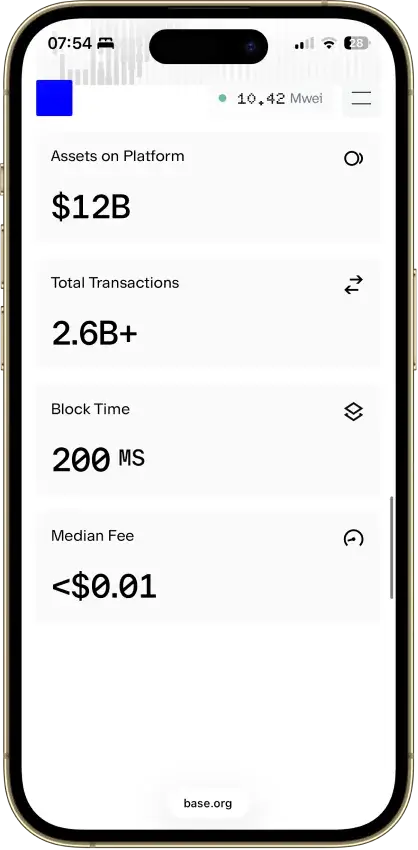
Base App Non-custodial Ethereum, Base, Arbitrum, Optimism, Polygon, Avalanche, BNB Smart Chain, Solana Yes Limited Yes
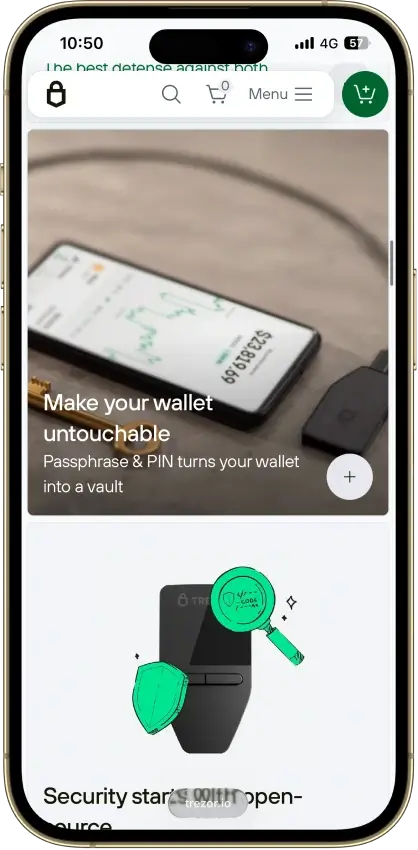
Trezor Safe 3 Non-custodial Bitcoin, Ethereum, BNB Smart Chain, Avalanche, Arbitrum, Base, Polygon, Optimism, Solana No Limited Yes
Kraken Wallet Non-custodial Bitcoin, Ethereum, Arbitrum, Base, Optimism, Polygon, Solana No Limited No
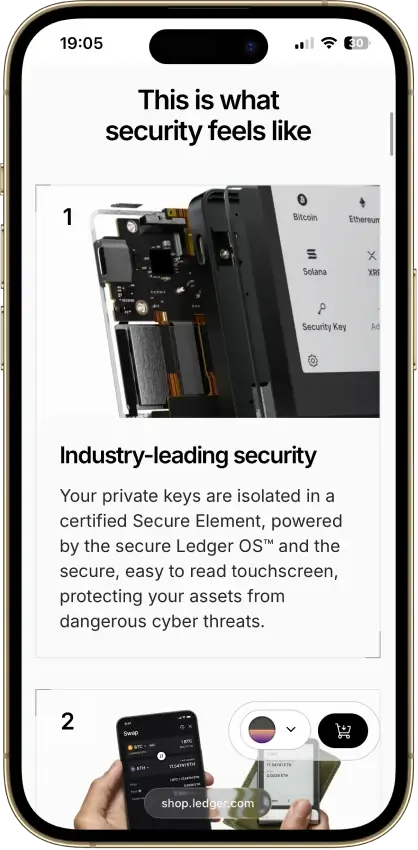
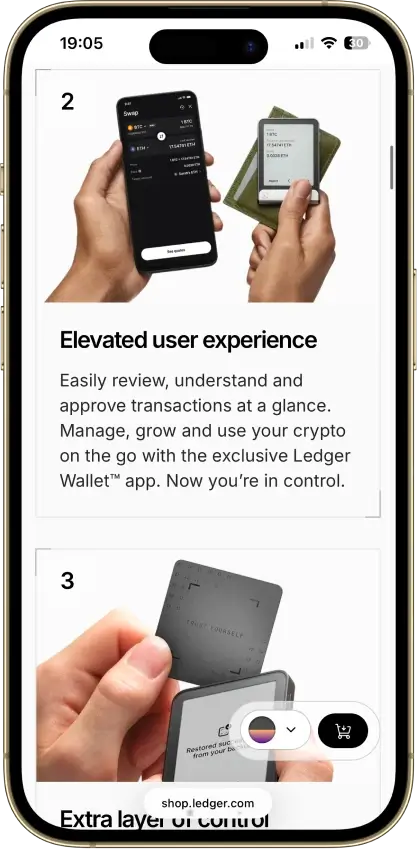
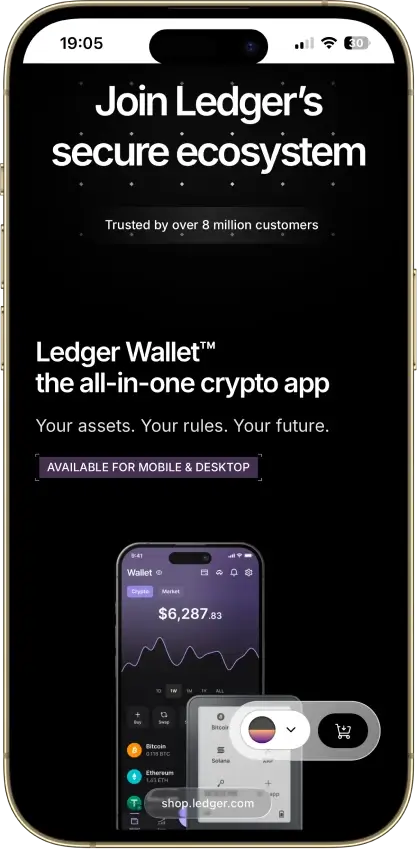
Ledger Nano S Plus Non-custodial Bitcoin, Ethereum, BNB Smart Chain, Avalanche, Tron, Arbitrum, Base, Optimism, Polygon, Solana No Limited Yes
Exodus Non-custodial Bitcoin, Ethereum, BNB Smart Chain, Avalanche, Tron, Arbitrum, Base, Optimism, Polygon, Solana Yes Full Yes
Arculus Wallet Non-custodial Bitcoin, Ethereum, BNB Smart Chain, Avalanche, Tron, Arbitrum, Base, Optimism, Polygon, Solana No Limited Yes

A few feature differences matter once you look past the headline rankings.

FeatureWhy It MattersWhat To Look For
Self-custody vs custodialThis decides who controls the keys and who ultimately controls access to the DOGE.Self-custody if you want direct key ownership, custodial if you prefer managed access.
Open-sourceOpen-source wallets are easier for the community to inspect and review.Useful if transparency matters to you.
2FAAdds another layer of protection around sign-in or wallet access.More common in app-connected or hosted experiences than pure offline hardware use.
Import supportMakes it easier to restore or migrate an existing wallet.Helpful if you already hold DOGE somewhere else.
Full-nodeConnects directly to the Dogecoin network instead of relying only on lighter wallet infrastructure.Usually relevant for Dogecoin Core or more advanced users.
MultisigRequires multiple approvals before funds can move.Best for shared control, treasury use, or advanced security setups.

Trezor and Ledger lean toward long-term storage. MyDoge and Trust Wallet are easier for everyday use, while Dogecoin Core is the better fit for users who want direct node-level control.

Detailed Reviews

This section should do the heaviest lifting on the page because it turns the top-level comparison into real decision-making guidance. The analysis in each review should explain not just what the wallet offers, but why that matters for a DOGE holder with a specific goal. Some users want maximum storage security, some want a faster wallet app for everyday transfers, and some want a more native desktop or Dogecoin Core-style setup. The strongest version of this section compares fit, trade-offs, and usability in plain language, so readers can quickly see why one wallet ranks above another instead of just reading a list of repeated features.

How We Chose The Best Dogecoin Wallets

Dogecoin wallets are security products first, so this page gives the most weight to custody clarity, key protection, backup and recovery, and how safely a wallet supports real DOGE use. We start by shortlisting wallets that actively support Dogecoin, then compare how well they handle self-custody wallets, platform coverage, setup, and everyday usability for different kinds of users.

We also look at what changes the real experience once you start using the wallet. That includes whether the wallet is better for long-term cold storage, fast mobile access, multi-asset management, or full-node control through Dogecoin Core. Wallets rank higher when they make recovery clear, reduce avoidable mistakes, and fit a specific DOGE use case well instead of treating Dogecoin as just another box on a long asset list.

Our evaluation focuses on a few practical factors:

  • how clearly the wallet explains custody and who controls the keys
  • how strong the backup and recovery flow is for real users
  • how well the wallet supports DOGE across desktop, mobile, or hardware environments
  • how easy it is to send, receive, and manage Dogecoin without confusion
  • how transparent the wallet is about security, updates, and core product limitations

Strong Dogecoin wallets combine clear self-custody, reliable recovery, solid DOGE support, and a setup that fits how you plan to use your coins.

What Is A Dogecoin Wallet?

A Dogecoin wallet is the tool you use to access, send, receive, and manage your DOGE. That tool can be a mobile app, desktop program, browser wallet, or hardware device. Some wallets are built mainly for convenience and daily use, while others are designed to keep your keys offline for stronger long-term protection.

A wallet is mainly a tool for key control and access. The private key is what authorizes transactions, while the wallet interface helps you manage that access safely without handling every technical detail by hand.

Dogecoin is not stored inside the app like a file on your phone or computer. The coins exist on the blockchain, and the wallet helps you interact with them by securing the keys that control access. Backup, recovery, and custody matter because the wallet protects access, not the coins themselves.

Types Of Dogecoin Wallets

Dogecoin wallets come in several forms, and each type suits a different kind of user. Some are built for stronger long-term protection, some are easier for everyday access, and some give you more direct control over how you connect to the network. The label matters less than how often you plan to use DOGE, how much you hold, and how much responsibility you want to take for backup and recovery.

Wallet TypeTypical FitBest ForCryptoSlate Review Examples
Hardware walletUsers who want cold storage and stronger protectionLong-term storage and larger balancesTrezor Safe 3, Ledger Nano S Plus
Mobile wallet appUsers who want convenience and lighter active balancesFast access and everyday transfersTrust Wallet, Exodus
Desktop walletUsers who prefer managing DOGE from a computerHome or office use with more screen space and controlExodus
Dogecoin Core walletAdvanced users who want a full-node desktop environmentFull-node control and native network participationReview coming soon
Online walletUsers who prioritize access speed over maximum self-custodyQuick browser-based or hosted accessReview coming soon
Paper walletExperienced users with a very specific offline storage reasonOffline backup or niche cold-storage useReview coming soon

The real choice is between hardware, mobile, and desktop wallets. Hardware wallets usually make the most sense for long-term storage, mobile apps are easier for regular use, and Dogecoin Core is the more specialized desktop option.

How To Choose The Best Wallet For Dogecoin

Start with how you plan to store and use DOGE. Storage, convenience, and control do not point to the same wallet type.

Long-term holders usually do better with hardware wallets because they keep keys offline and add distance between funds and everyday device risks. Newer users often benefit more from a wallet with a simple interface and a clear backup flow, which lowers the chance of setup and recovery mistakes.

For everyday access, mobile wallets are usually the easiest option. Desktop wallets make more sense if you prefer managing DOGE from a laptop or computer with more visibility and control. Multi-asset wallets fit users who hold several coins, while Dogecoin Core suits users who want fuller node-level control. Readers who prefer managed access over direct key control may want to compare custodial wallets before choosing a setup.

Choose the wallet type that matches how you store, move, and protect your DOGE.

How To Get And Create A Dogecoin Wallet

Start by choosing the wallet type that fits your goal. Hardware wallets make more sense for long-term storage, while mobile and desktop wallets are usually easier for routine access. Before downloading anything, decide whether you care most about cold storage, simple setup, multi-asset support, or a more native Dogecoin Core environment.

Download the wallet only from the official source. That could be the wallet provider’s website, the official app store listing, or the Dogecoin Core download page. Avoid unofficial links, ad results, and random APK files, because fake wallet downloads and fake recovery pages are one of the easiest ways to lose funds before you even get started.

After installation, create a new wallet or import an existing one if you are restoring access. Most wallets will then prompt you to back up a recovery phrase, while Dogecoin Core and some desktop setups may rely on a wallet file backup instead. This is the most important part of setup. Without the correct backup, recovery may not be possible later.

Once the wallet is created, secure it. Set a strong device passcode, enable any extra wallet security that is available, and store your recovery phrase or backup file securely. At that point, the wallet is set up and ready for use.

How To Send, Receive, And Sell DOGE From A Wallet

Some Dogecoin wallets are built mainly for storage and transfers, while others may connect to buying, swapping, or cash-out services through built-in partners. That difference matters because sending and receiving DOGE is standard wallet functionality, but selling DOGE is not. In many cases, the wallet is only the place you store and move your coins, while the actual sale happens through a connected service or after sending DOGE to an exchange.

How To Receive DOGE

Open the receive tab in your wallet, copy your DOGE address or QR code, and share it with the sender. Before sending it out, make sure you are using the correct receiving details from the wallet you want to fund.

How To Send DOGE

Open the send screen in your wallet, enter the recipient’s DOGE address, add the amount, and review the transfer details carefully before confirming. Check that you are using the correct wallet balance and look at the network fee as part of the review. Some wallets show the fee clearly, while others handle it more quietly in the background. The fee is separate from the amount you send and is not the same as an exchange trading fee. A small test transaction is often the safest move when you are sending DOGE to a new address for the first time.

How To Sell Dogecoin From A Wallet

Selling Dogecoin from a wallet depends on the wallet you use. Some wallets include partner services or built-in features that make it easier to sell or convert DOGE without leaving the app. Others only support storage and transfers, which means you need to send your DOGE to an exchange or another supported service before you can sell it. Hardware wallets are usually designed for secure storage first, so they often rely on connected apps or external platforms rather than direct off-ramping inside the wallet itself.

Dogecoin Wallet Recovery And Backup

Dogecoin wallet recovery depends on the type of wallet you use. Some wallets restore access with a recovery phrase, some rely on a wallet backup file, and hardware wallets usually use a recovery seed tied to the device setup. That is why backup matters from the moment you create the wallet. If you lose your phone, computer, or hardware device and do not have the right recovery method saved, your DOGE may be permanently inaccessible.

Seed Phrase Recovery

Most modern self-custody wallets use a recovery phrase, sometimes called a seed phrase, to restore access. If your wallet app is deleted, your phone is lost, or you move to a new device, you usually recover the wallet by reinstalling it and entering that phrase in the correct order. This only works if the phrase was written down accurately and stored safely offline. Anyone who gets that phrase can usually control the wallet, so it should never be shared or stored carelessly.

Wallet File Backup And Restore

Dogecoin Core and some desktop wallets may rely on a wallet file backup instead of a standard seed phrase flow. In that case, recovery depends on whether you saved the correct wallet file and can restore it properly on a working installation. This is a different process from typing in 12 or 24 words, and users should not assume every Dogecoin wallet uses the same recovery method. If your wallet depends on a file backup, make sure you keep clean offline copies and understand how restore works before you need it.

Hardware Wallet Recovery

If a hardware wallet is lost, damaged, or reset, recovery usually happens through the recovery phrase created during setup. You restore the wallet on a replacement device or supported recovery flow, then regain access to the same balances and addresses. The device itself is not the backup. The recovery phrase is. That is why the seed must be stored securely offline and checked carefully when the wallet is first set up.

What To Do If Your Wallet Is Lost, Broken, Or Inaccessible

Start by figuring out which recovery method your wallet uses. If it is a recovery phrase wallet, locate the phrase and restore it on a trusted version of the same wallet or another compatible option if appropriate. If it is a file-based wallet, confirm that you have the correct backup file and follow the wallet’s restore steps carefully. If you have no valid seed phrase, no usable wallet file, and no working device access, recovery may not be possible. That is why the safest approach is to test your backup process early and keep recovery data offline, private, and easy for you to find.

Dogecoin Wallet Address, Lookup and Explorers

These terms often overlap, but they do different jobs. Your Dogecoin wallet address is what you use to receive DOGE, while lookup tools, checkers, and explorers help you inspect the public blockchain record tied to that address. They are useful for confirming balances, transfers, and transaction status, but they do not reveal private keys or give anyone control over the wallet.

What Is A Dogecoin Wallet Address?

When someone sends you DOGE, they send it to your wallet address. This is the public string your wallet generates for incoming payments, and many wallets also display it as a QR code for easier scanning. It is safe to share your address for receiving funds, but it is not the same as your private key or recovery phrase. Those private credentials control access to the wallet and should never be exposed.

How Dogecoin Wallet Lookup Tools Work

In most cases, a wallet lookup simply means pasting a public DOGE address into a blockchain explorer or similar tracking tool. From there, you can usually view recent transactions, past transfers, visible balance data, and whether a payment has been confirmed. What these tools cannot tell you on their own is who owns the address, unless that person or business has already linked it to a public identity elsewhere.

What A Dogecoin Wallet Explorer Shows

Explorers are built for on-chain verification. After entering a DOGE address or transaction hash, you can usually see timestamps, sending and receiving addresses, confirmation status, transaction IDs, and visible address history. That makes them useful for checking whether a payment arrived or confirming that a transfer went through. They are tracking tools, not wallet interfaces, so they show public chain data rather than private account access. Advanced users who care about DRC-20 or Doginals should verify support separately, because not every wallet that stores DOGE can also handle newer inscription-style assets or related tooling.

Security, Best Practices For DOGE Holders

When you store or send DOGE, download Dogecoin wallets only from official sources, protect your recovery information, and never share your seed phrase with anyone. If a site, message, or support account asks for your recovery phrase, treat it as a red flag.

It also helps to secure the device you use for your Dogecoin wallet. Use a strong passcode, enable any available wallet or device security features, and keep software up to date. Double-check the receiving address carefully before confirming any DOGE transfer. Most avoidable losses come from fake downloads, phishing pages, copied addresses, or rushed transfers rather than problems with Dogecoin itself.

The Best Dogecoin Wallet Depends On How You Use DOGE

Choose the wallet type that matches how you store, move, and protect your DOGE. Hardware wallets make more sense for long-term storage, beginner-friendly apps work better for simple setup and everyday access, and Dogecoin Core is the stronger fit for users who want a more advanced desktop setup with fuller control.

Brand recognition matters less than storage needs, backup comfort, and how often you move DOGE. Pick the wallet type that fits your habits instead of defaulting to the most familiar name.

FAQ

What is the best Dogecoin wallet?

Hardware wallets are usually the stronger fit for long-term storage, mobile apps are better for fast access, and Dogecoin Core suits users who want a fuller desktop setup with more direct control.

Is there an official Dogecoin wallet?

Dogecoin has an official wallets page that lists supported options, and Dogecoin Core is the project’s reference wallet. That said, the official directory also includes third-party wallets and notes that the listed wallets are not audited by Dogecoin.

What is a Dogecoin wallet address?

A Dogecoin wallet address is the public address you share to receive DOGE. It is different from your private key or recovery phrase. Sharing the address is normal for incoming payments, but private credentials should never be exposed.

How do I recover a Dogecoin wallet?

Recovery depends on the wallet type. Many wallets use a recovery phrase, while Dogecoin Core and some desktop wallets may rely on a wallet backup file such as wallet.dat. If you do not have the correct backup method saved, recovery may not be possible.

Does Phantom wallet support Dogecoin?

Phantom currently lists support for Solana, Ethereum, Base, Polygon, Sui, Monad, Bitcoin, and HyperEVM, but not native Dogecoin. If you want a wallet specifically for DOGE, it is better to choose a wallet that explicitly supports Dogecoin. For a closer comparison, see our Phantom Wallet review.

What is Dogecoin Core wallet?

Dogecoin Core is the reference Dogecoin desktop wallet and full-node software. It is a stronger fit for users who want a more native Dogecoin setup, but it usually takes more storage space, more sync time, and more setup effort than a lightweight wallet.

What is the best Dogecoin wallet app?

For users who want a Dogecoin wallet app, the best option usually comes down to whether you want a DOGE-first experience or broader multi-asset support. A DOGE-focused app can feel simpler, while a multi-asset wallet may make more sense if you hold other coins too.

Can I sell Dogecoin directly from a wallet?

Sometimes, but not always. Some wallets connect to partner services that make selling or converting DOGE easier, while others only handle storage and transfers. In many cases, you need to send DOGE to an exchange or supported service before you can sell it.

Do Dogecoin wallets charge network fees?

When you send DOGE, you usually pay a network fee. Some wallets show it clearly or let you review it before confirming, while others handle it in the background. The network fee is separate from the amount you send and is different from an exchange trading fee.

What is a Dogecoin wallet lookup?

A Dogecoin wallet lookup usually means entering a public DOGE address into a blockchain explorer or tracking tool. This lets you view public transaction history, confirmation status, and visible balance data tied to that address, but it does not give access to the wallet itself.

Are online Dogecoin wallets safe?

Online Dogecoin wallets can be convenient, but they usually involve more third-party reliance than hardware or fully self-custodial local wallets. They can work for lighter use, but larger balances are usually better kept in a wallet with stronger self-custody and backup control.