






























Binance Wallet Overview
Key facts
Additional details
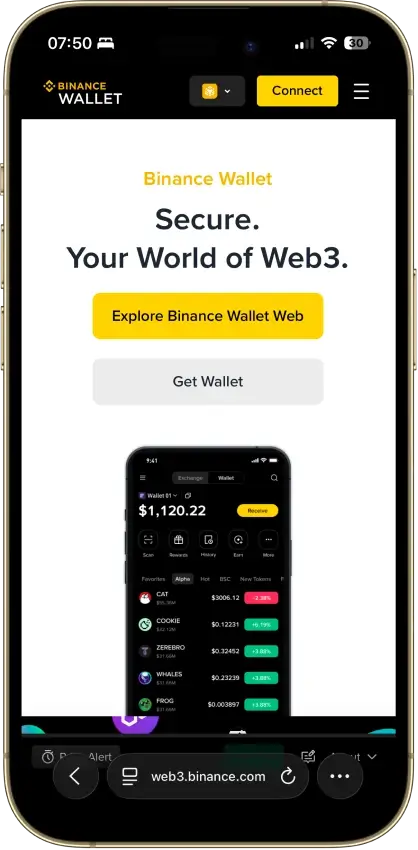
Binance Wallet Screenshots
Binance Wallet Pros and Cons
Pros
- Moving funds from Binance exchange balances into Web3 activity is smoother here than in most standalone wallets.
- The keyless MPC setup removes seed-phrase handling at setup while still keeping the wallet self-custodial.
- Built-in swap, bridge, dApp, and on-chain trading tools reduce the need to juggle multiple apps.
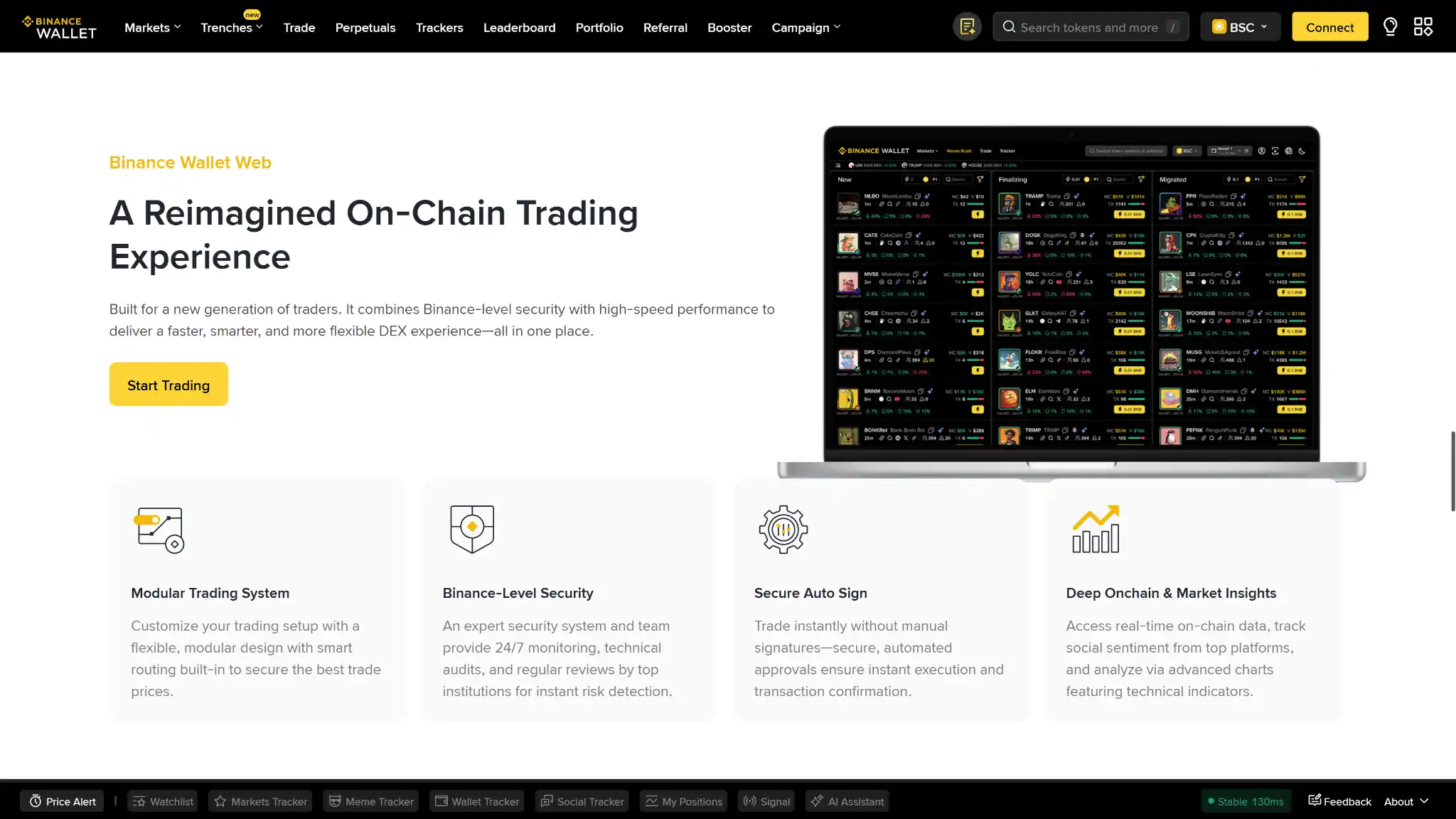
- Mobile, web, and browser-extension access makes it easier to move from casual app use to desktop trading workflows.
- Security features such as risk alerts and transaction warnings add useful friction before risky actions.
Cons
- The product is tightly tied to Binance account and app flows, so it feels less independent than a classic standalone wallet.
- Recovery still depends on your device, cloud backup, and recovery password, which can be a weak point if any part is lost.
- Some wallet features and product access can vary by region.
- Hardware wallet support is not clearly documented, so external signing options are harder to evaluate.
Who Binance Wallet is Best for — and Who Should Skip It
Binance Wallet is best for existing Binance users who want a practical Web3 wallet for swaps, dApps, bridging, and active on-chain use without starting with a separate seed-phrase setup. It makes more sense for everyday DeFi activity than for pure long-term storage, especially for users who like the idea of recovery helpers and app-level convenience instead of fully manual key handling.
People who want hardware-first cold storage, full offline signing, or direct seed-phrase control from the start should look at cold and hardware wallets instead. It is also a weaker fit for users who do not want their self-custody setup tied to Binance account access, Binance app flows, or region-dependent product rollout.
What is Binance Wallet and How Does it Work?
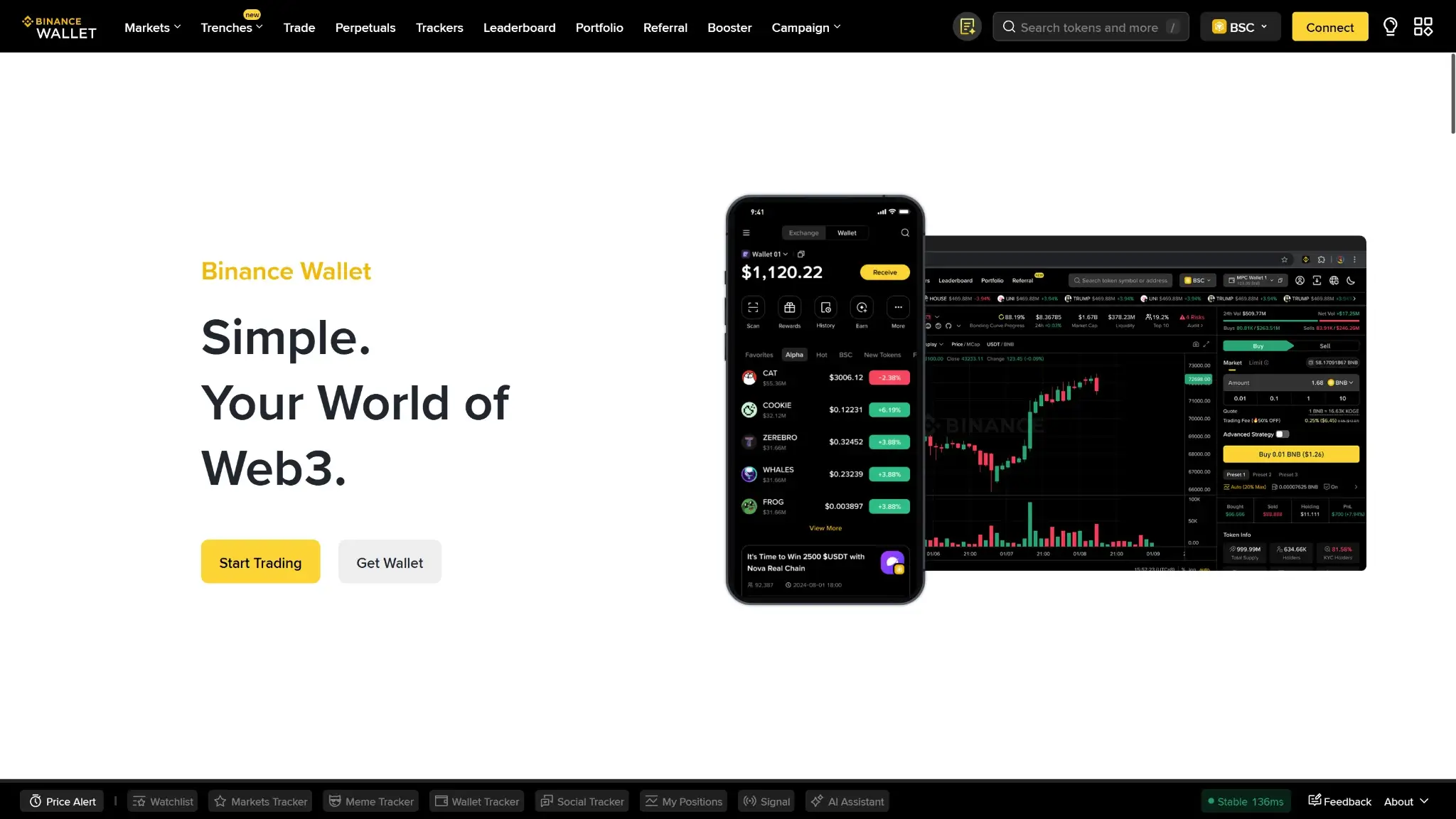
Binance Wallet is Binance’s self-custody Web3 wallet, not just the crypto balance you hold on the Binance exchange. That distinction matters because the branding can blur the line between Binance as an exchange account and Binance Wallet as an on-chain wallet product. It is the part of the Binance ecosystem built for holding assets in self-custody, connecting to dApps, swapping tokens, and using Web3 tools.
The wallet lives inside the Binance app and is also available through Binance Wallet Web and the Binance Wallet Extension on supported browsers. By default, it uses a keyless MPC setup rather than giving users a single visible seed phrase. Binance says access is split across three key shares. One is secured by Binance, one is stored on your device, and one is encrypted with your recovery password and backed up to your personal cloud storage. You need at least two of those shares to regain access.
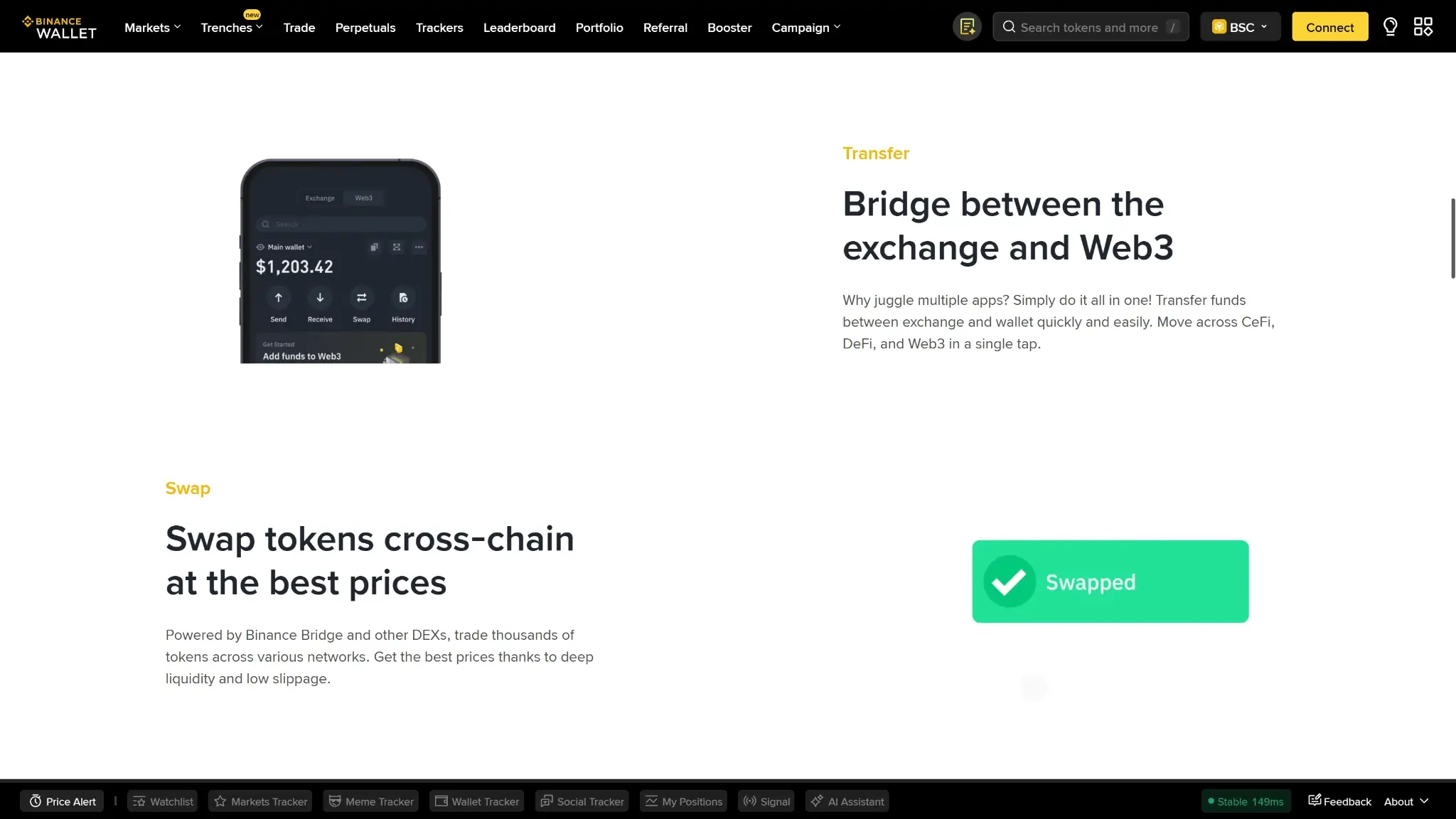
Once the wallet is set up, users can send and receive tokens, connect to dApps, swap assets, bridge across supported networks, and use Binance’s on-chain tools from mobile or desktop. Transactions start in the wallet interface in the app or extension. Binance has also added approval-management tools and optional Secure Auto Sign features for some workflows. This is Binance’s on-chain wallet, but the smoothest flows still depend on the wider Binance stack.
Wallet Type, Custody and Recovery Model
Binance Wallet is a non-custodial hot wallet built around MPC rather than a standard seed phrase. That makes setup easier for users who do not want to manage a 12- or 24-word backup immediately, but it also means recovery and portability work differently from classic self-custody wallets.
That structure lowers setup friction, but it also makes migration and restore less flexible than with a standard seed-phrase wallet. If you want a more familiar backup model, the Trust Wallet review is a useful comparison point.
Supported Assets, Networks, and Compatibility
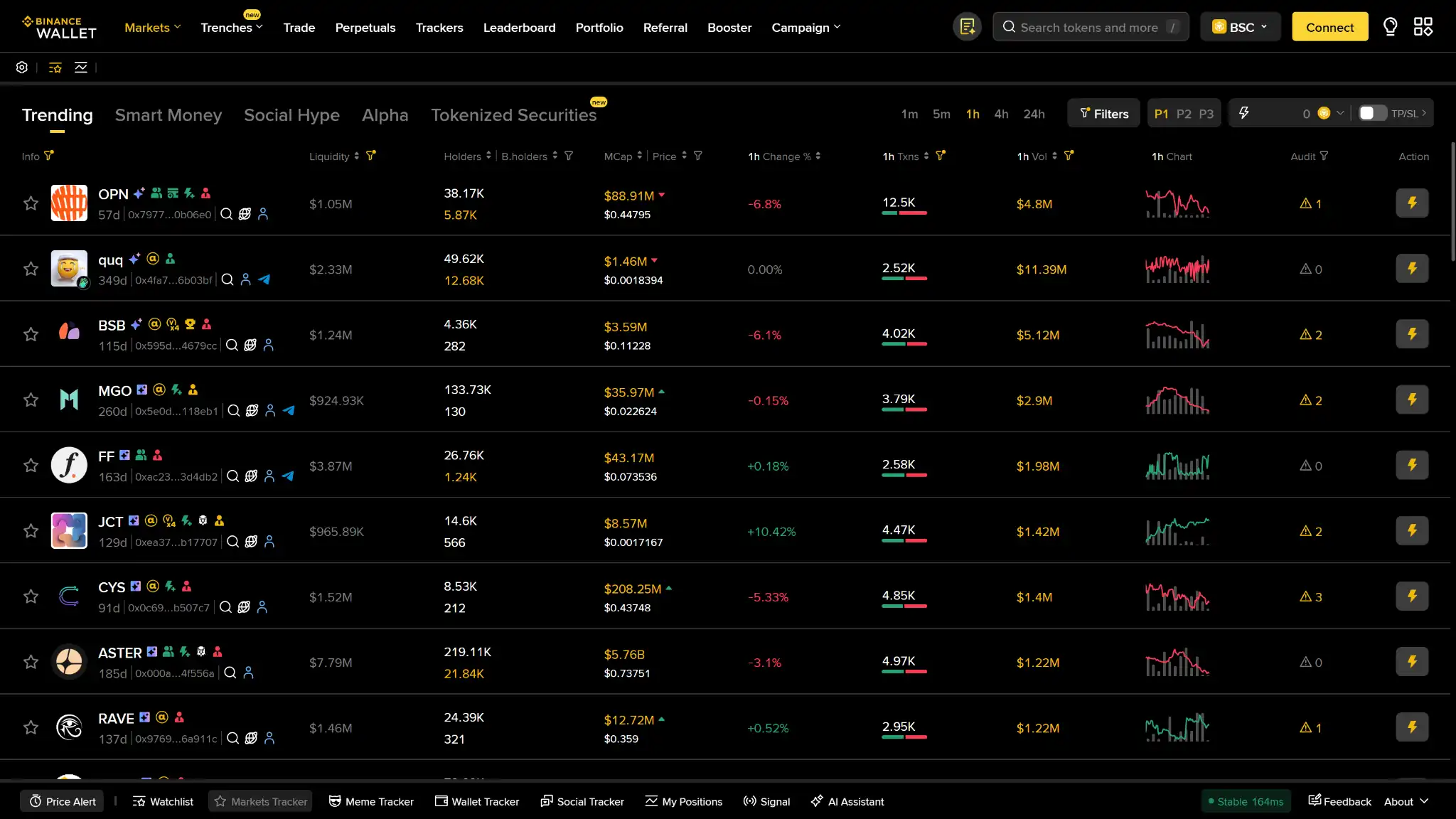
Binance Wallet is broader than a single-ecosystem wallet, but support varies a bit depending on whether you are using the app, Binance Wallet Web, or the extension. The core product is built for multichain Web3 use, while the extension documentation is more explicit about supported transfer networks and browser support.
It covers enough chains and interfaces for most multichain users, but the documentation is still thinner around hardware pairing and cross-wallet migration than some rivals. Readers who mainly care about BNB-compatible options can compare other BNB wallets, while users who want deeper EVM wallet-native support should also read the MetaMask review.
Core Features and Real-world Use Cases
Binance Wallet is free to create, but the total cost depends on how you use it. For a passive holder who only receives assets and rarely moves them, costs can stay low. For an active user swapping, bridging, buying with fiat, or moving funds between Binance and Web3, costs stack up faster. Binance Wallet now has its own disclosed service-fee layer for some swap activity, on top of normal blockchain gas and any fiat on-ramp charges.
| Cost component | What users pay | When it applies | Notes |
|---|---|---|---|
| Device or wallet price | Free | One-time wallet creation and ongoing use | No purchase price for the wallet itself and no required subscription. |
| Shipping and import costs | N/A | N/A | Not a hardware wallet. |
| Network fees | Variable | Sending, swapping, bridging, staking actions, and other on-chain transactions | Gas fees depend on the blockchain and current network congestion. If an on-chain transaction executes but fails, gas can still be lost. |
| Swap spread or routing fee | Binance Wallet service fees currently range from 0% to 0.5% in the app and 0% to 0.5% on web, depending on token group and interface | Swaps executed through Binance Wallet | This is separate from gas. On web, Binance also notes no service fee for Bridge, TON swaps, Ondo Protocol swaps, or the “Use Exchange Balance” function. Price quality still depends on routing, liquidity, and slippage. |
| On-ramp fee | Variable | Buying crypto with card, bank transfer, or other supported payment methods | Binance acknowledges Buy Crypto channel fees, but costs depend on the payment method and channel used. P2P and some third-party payments follow separate rules. |
| Withdrawal fee | N/A at the wallet layer for standard self-custody sends beyond gas | Sending from the wallet itself | If you move assets out from the linked Binance exchange account instead of from the self-custody wallet, Binance uses a separate asset- and network-specific withdrawal fee schedule. |
| Subscription or premium fee | None disclosed | N/A | No premium wallet tier is required for core use. |
Cost-wise, Binance Wallet is cheap to open but less predictable for heavy use. Small transfers mainly expose you to gas. Frequent swaps and fiat purchases add service fees, channel fees, and execution costs. That pricing profile makes the wallet more appealing for active Binance users than for cost-sensitive holders who mainly want storage.
Fees and Total Cost of Ownership
Binance Wallet is free to create, but the total cost depends on how you use it. For a passive holder who only receives assets and rarely moves them, costs can stay low. For an active user swapping, bridging, buying with fiat, or moving funds between Binance and Web3, costs stack up faster. Binance Wallet now has its own disclosed service-fee layer for some swap activity, on top of normal blockchain gas and any fiat on-ramp charges.
| Cost component | What users pay | When it applies | Notes |
|---|---|---|---|
| Device or wallet price | Free | One-time wallet creation and ongoing use | No purchase price for the wallet itself and no required subscription. |
| Shipping and import costs | N/A | N/A | Not a hardware wallet. |
| Network fees | Variable | Sending, swapping, bridging, staking actions, and other on-chain transactions | Gas fees depend on the blockchain and current network congestion. If an on-chain transaction executes but fails, gas can still be lost. |
| Swap spread or routing fee | Binance Wallet service fees currently range from 0% to 0.5% in the app and 0% to 0.5% on web, depending on token group and interface | Swaps executed through Binance Wallet | This is separate from gas. On web, Binance also notes no service fee for Bridge, TON swaps, Ondo Protocol swaps, or the “Use Exchange Balance” function. Price quality still depends on routing, liquidity, and slippage. |
| On-ramp fee | Variable | Buying crypto with card, bank transfer, or other supported payment methods | Binance acknowledges Buy Crypto channel fees, but costs depend on the payment method and channel used. P2P and some third-party payments follow separate rules. |
| Withdrawal fee | N/A at the wallet layer for standard self-custody sends beyond gas | Sending from the wallet itself | If you move assets out from the linked Binance exchange account instead of from the self-custody wallet, Binance uses a separate asset- and network-specific withdrawal fee schedule. |
| Subscription or premium fee | None disclosed | N/A | No premium wallet tier is required for core use. |
Cost-wise, Binance Wallet is cheap to open but less predictable for heavy use. Small transfers mainly expose you to gas. Frequent swaps and fiat purchases add service fees, channel fees, and execution costs. That pricing profile makes the wallet more appealing for active Binance users than for cost-sensitive holders who mainly want storage.
Security Architecture and Trust
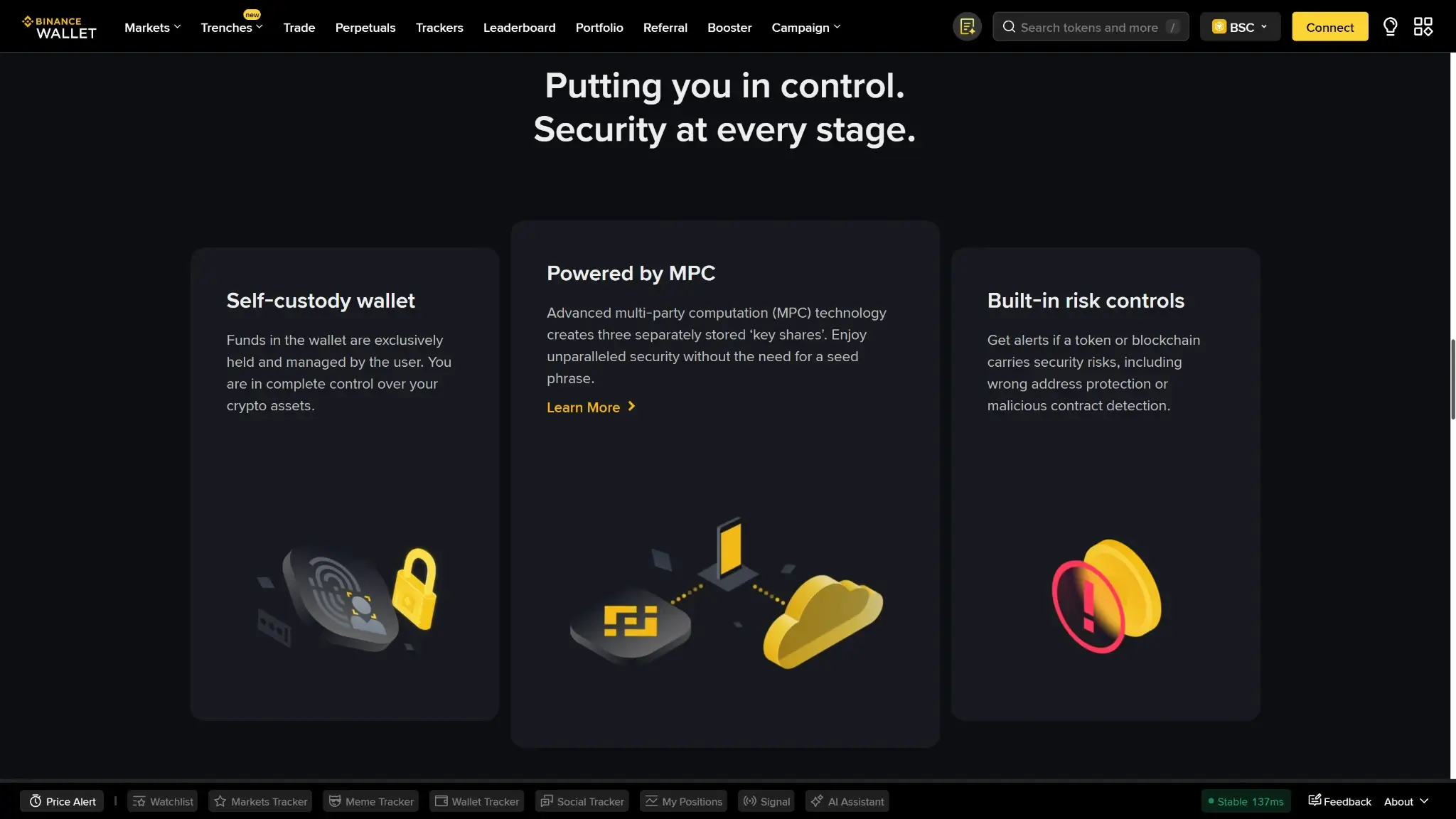
Binance Wallet has a stronger security model than many convenience-first hot wallets, but it is still not equivalent to hardware-first cold storage or a fully transparent open-source wallet. Its biggest strengths are MPC key splitting, mandatory backup flows, broad scam-protection tooling, and strong approval-management features. The trade-off is extra trust. One key share is secured by Binance, and the setup is less independently auditable than a fully open-source wallet.
For everyday use, standard wallet actions still require user review and confirmation in the app or extension, but Binance adds several extra safeguards around that flow. Wallet creation on mobile requires device biometrics, and backup can use a recovery password or supported quick-backup methods. Because the wallet is tied closely to a Binance account, users can also layer Binance account protections on top of wallet access. Those protections can include biometrics, passkeys, device management, and 2FA. On Wallet Web, Secure Auto Sign can automate certain transactions inside a Trusted Execution Environment. That helps active traders, but it also adds another trust layer beyond simple manual signing.
Scam prevention is one of the wallet’s stronger areas. Binance now gives users a clearer view of risky approvals. It also flags suspicious tokens and addresses, supports one-tap approval revocation, and scans for missing backups, abnormal approvals, and risky interactions through Security Center. Token Audit also pulls in signals from multiple security providers. Even so, Binance is clear that these tools are not foolproof. The remaining risks are familiar Web3 problems: phishing, malicious dApps, bad approvals, and weak backup hygiene.
Backup, Recovery and Loss Scenarios
Recovery is one of the most important trade-offs in Binance Wallet. By default, there is no standard seed phrase to store and no social recovery contact system to fall back on later. Instead, recovery depends on one of Binance’s supported backup methods: Quick Backup, iCloud or Google Drive backup, or QR backup. That can feel easier for mainstream users, but it also creates a different failure model. What matters most is whether you still control your Binance account, your backup path, and, where relevant, your recovery password.
| Scenario | Can it be recovered? | What you need | What support can and cannot do |
|---|---|---|---|
| Lost or replaced phone | Usually yes | Either Quick Backup with Binance security verification and liveness checks, or the same iCloud/Google Drive account or QR backup plus the recovery password | Support may help with Binance account access problems, but it cannot restore the wallet without a valid backup path. |
| Deleted the Binance app or factory-reset the device | Usually yes | The same Binance account plus either Quick Backup or the correct cloud or QR backup and recovery password | Support cannot recreate the wallet backup for you if the needed backup method is missing. |
| Broken device but backup intact | Usually yes | The same Binance account and either Quick Backup or the correct backup plus recovery password | Support cannot regenerate a lost wallet key-share or reveal your recovery password. |
| Forgot the recovery password but still have wallet access | Partially fixable, but act immediately | Go into Backup Management and back up the wallet again with a new recovery password or switch to Quick Backup while you still have access | Support cannot tell you the old recovery password or decrypt the wallet for you. |
| Forgot the recovery password and also lost the device or deleted the app | No, this is usually permanent | There is no normal recovery path once both the device path and the recovery-password path are gone | Binance says it cannot restore the wallet for you in this scenario. |
| Lost the cloud backup or lost the QR backup but still have wallet access | Yes | Create a fresh backup from Backup Management using Quick Backup, cloud backup, or a new QR backup | Support is not needed if the wallet is still accessible, but it cannot restore a lost backup copy for you. |
| Lost Binance account password or a 2FA device | Usually recoverable at the account level | Binance’s account password reset or 2FA reset process, plus the required security checks | Binance can help restore account access, but that does not replace a missing wallet backup or a forgotten recovery password. |
| Sent funds to the wrong address or lost funds in a third-party dApp | No wallet recovery path | None | Binance says it cannot refund wrong-address transfers or third-party dApp losses. |
Two practical points matter most here. First, Quick Backup is the least fragile recovery route because it can restore the wallet through Binance security verification and liveness checks instead of relying on a recovery password. Second, the time to fix a weak recovery setup is before a device loss, not after it. If you still have wallet access, you can re-back up the wallet and create a new recovery password. If you no longer have the device and no valid backup path, loss can be permanent. The Binance app normally supports single-device wallet access. Restoring to a new device is not the same as syncing the same wallet across multiple phones at once.
UX, Performance and Platform Support
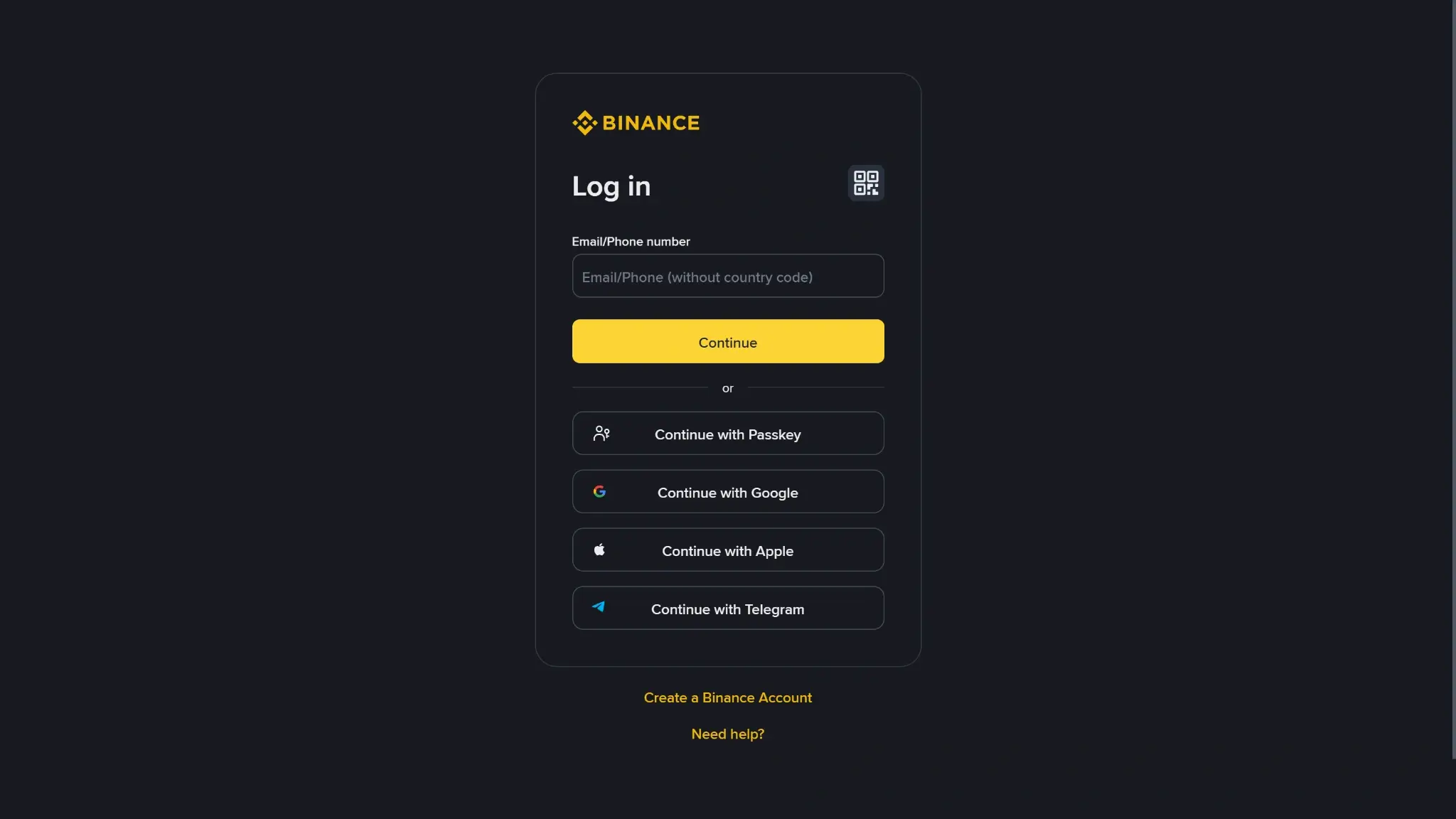
Binance Wallet is easier to use correctly than many DeFi-first wallets, especially for people who already use Binance. The interface leans toward guided flows, clearer warnings, and faster movement between exchange balances and on-chain activity. That makes it more beginner-safe than a bare-bones self-custody wallet, but it also means the experience is not perfectly uniform across every surface. Mobile is still the main place for keyless wallet setup and recovery. Wallet Web and the extension are better for faster desktop use, dApp interaction, and newer trading features.
| Platform | Availability | Notes |
|---|---|---|
| iOS | Yes | Available inside the Binance app. This is the main home for keyless wallet creation, backup management, and restore flows. |
| Android | Yes | Available inside the Binance app, with the same core role as iOS for setup, security prompts, and wallet management. |
| Browser extension | Yes | Supported on Chrome and Brave in current wallet materials. The extension supports keyless-wallet login and imported seed or private-key wallets, but availability can vary by region. |
| Desktop | No dedicated native desktop app | Desktop use is handled through Binance Wallet Web and the browser extension rather than a separate wallet app. |
| Web app | Yes | Binance Wallet Web gives desktop access to wallet trading and analytics features, but it depends on stable browser connections and can run into WebSocket issues with too many tabs or certain VPN or proxy setups. |
The interface feels most coherent when you move between Binance account balances, the mobile app, and desktop tools. Creating and pairing a keyless wallet is simpler than setting up a traditional seed-phrase wallet. The QR-based extension login and matching-pair-code check are also strong usability and anti-phishing touches. Signing clarity is better than average for a hot wallet because Binance adds token-risk warnings, address alerts, approval tools, and Security Center scans. The trade-off is that not every flow is equally transparent. Some advanced desktop features, especially Secure Auto Sign and trading-oriented tools, add convenience. They can also make the signing model feel less direct than a plain manual-sign wallet.
Performance looks solid for active users, but it is not flawless. Binance has clearly been shipping major wallet updates, including the extension rollout in late 2025 and Security Center in early 2026, which suggests active product maintenance rather than a stagnant wallet. At the same time, official troubleshooting docs show that Wallet Web can be sensitive to browser-tab overload, unstable networks, and VPN or proxy conflicts. So the product feels polished overall, but it still works best for users who are comfortable staying inside Binance’s app-plus-browser ecosystem rather than expecting perfectly seamless parity across every device and interface.
Customer Support, Documentation and Incident Handling
Binance’s support stack is strong on self-service documentation and always-on chat access, but it is less powerful when the problem is a pure self-custody mistake. The help content is broad and usually detailed, especially for account recovery, wallet backup, extension setup, and transaction-status checks. Human support is more useful for account access problems, troubleshooting, and understanding what happened in a transfer. It is much less useful if you approved a malicious dApp, sent funds to the wrong address, or lost the wallet recovery path entirely.
| Channel | Availability | Typical use | Notes |
|---|---|---|---|
| Help center | 24/7 self-service | Docs, setup, troubleshooting, transaction checks, recovery guidance | Strong coverage overall, but wallet-specific answers are sometimes spread across FAQs, announcements, and general Binance support pages. |
| Live chat | Yes, 24/7 | Urgent support, account issues, troubleshooting, escalation from the AI assistant | Official support is centered on chat. The flow typically starts with the AI support bot before moving deeper into support. |
| Email or tickets | Not clearly published as a primary wallet channel | Case follow-up where available through the support flow | A clearly promoted wallet-specific support email is not published. Binance emphasizes support-center flows and chat more than direct email support. |
| Status page | Partial | Exchange deposit and withdrawal network status | Binance has a live deposit and withdrawal network-status page, but a dedicated public Binance Wallet status page is not clearly published. Wallet incidents and changes tend to surface through announcements and support articles. |
| Community channels | Yes | Announcements, peer help, regional updates | Binance’s official community page links to Telegram groups and social platforms including X, Discord, and WhatsApp. These are useful for updates, but they are not a safe place to share sensitive account data. |
For wallet users, support can explain, guide, and sometimes help with account-level access problems. It cannot override the core rules of self-custody. It cannot reverse an on-chain transfer, refund losses caused by a malicious dApp, or rebuild your wallet if you lose the required recovery credentials. Binance’s documentation is good enough that careful users can solve many setup and restore issues themselves. The final safety net is still your own backup hygiene and transaction review, not customer support.
Final Verdict
If you want a simple BNB wallet for day-to-day use, Trust Wallet is the easiest place to start. If you spend more time swapping tokens and using dApps on BNB Chain, MetaMask or OKX Wallet are usually a better fit on desktop. For long-term storage, a hardware wallet like Ledger is the safer choice, and it can still be paired with a hot wallet interface when you need to move funds. Coinbase Wallet / Base App is also a practical option if you already use Coinbase tools and want BNB Chain support without extra setup. Whatever you choose, double-check the network before sending, keep a small BNB balance for gas, and test with a small transaction before moving larger amounts.
Fast transfer path between Binance exchange balances and Web3 wallet activity, Seedless MPC setup with recovery-password backup instead of a default seed phrase, Built-in swaps, bridge tools, dApp access, and desktop/web trading support
Why it stands out
- Moving funds from Binance exchange balances into Web3 activity is smoother here than in most standalone wallets.
- The keyless MPC setup removes seed-phrase handling at setup while still keeping the wallet self-custodial.
- Built-in swap, bridge, dApp, and on-chain trading tools reduce the need to juggle multiple apps.
- Mobile, web, and browser-extension access makes it easier to move from casual app use to desktop trading workflows.
- Security features such as risk alerts and transaction warnings add useful friction before risky actions.
What to consider
- The product is tightly tied to Binance account and app flows, so it feels less independent than a classic standalone wallet.
- Recovery still depends on your device, cloud backup, and recovery password, which can be a weak point if any part is lost.
- Some wallet features and product access can vary by region.
- Hardware wallet support is not clearly documented, so external signing options are harder to evaluate.
Disclaimer: CryptoSlate may receive a commission when you click links on our site and make a purchase or complete an action with a third party. This does not influence our editorial independence, reviews, or ratings, and we always aim to provide accurate, transparent information to our readers.