Choosing the wrong Bitcoin wallet can create problems fast, whether that means weaker security, less privacy, poor backup options, or limited control over your BTC. And because transactions can’t be reversed, wallet mistakes tend to be expensive.
This guide breaks down the best Bitcoin wallets and BTC wallet options for different needs — including a Bitcoin wallet for iOS, a Bitcoin wallet for Android, hardware wallets for cold storage, Lightning wallets for fast payments, and what to know before using an online Bitcoin wallet for convenience. It also explains how Bitcoin wallet addresses work, how to set up and secure a wallet, and how to send or receive Bitcoin with confidence. For Bitcoin price and market data, see our live tracker.
Top Bitcoin Wallets

- Custody
- Non-custodialFully open-source
- Networks
- Platforms
- Built by the team behind Kraken exchange
- Native Dogecoin support, not wrapped
- Token risk scoring and spam-NFT filter
- Custody
- Non-custodialFully open-source
- Networks
- Platforms
- Only fully open-source hardware we review
- SeedQR temporary-signing option
- JadeLink storage for offline file signing
- Custody
- Non-custodialPartially open-source
- Networks
- Platforms
- Separate Cash account for Solana payments
- Pay Solana network fees in the token you send
- PSOL keeps staked SOL tradable in DeFi
- Custody
- Non-custodialPartially open-source
- Networks
- Platforms
- Its own Shield card for hardware signing
- Selected Solana DeFi positions in portfolio
- Instant Unstake skips the 1–3 day wait
- Custody
- Non-custodialFully open-source
- Networks
- Platforms
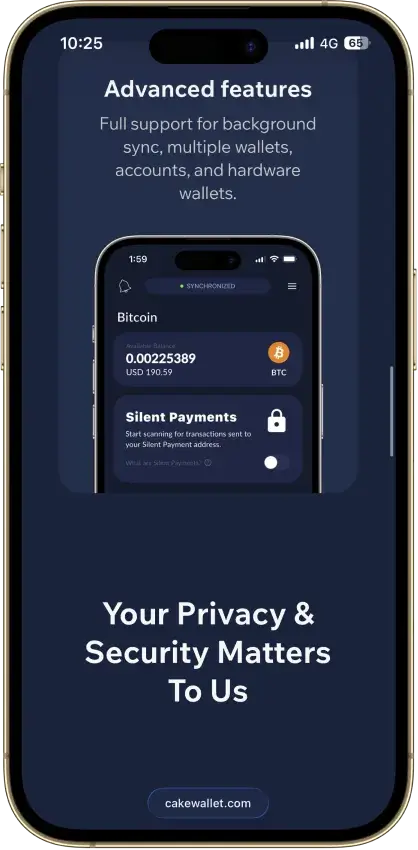
- Bitcoin Silent Payments with scan controls
- Mobile Litecoin MWEB private balances
- Cake Pay buys gift cards with crypto
- Custody
- Non-custodialPartially open-source
- Networks
- Platforms
- Snaps add third-party wallet capabilities
- Social login that still signs on your device
- Transaction Shield cover on marked transactions
- Custody
- Non-custodialFully open-source
- Platforms
- PocketChange for repeated payments
- Street Mode conceals on-screen balances
- View-only wallets for incoming payments
- Custody
- Non-custodialFully open-source
- Networks
- Platforms
- Only wallet we review with Firo and Epic Cash
- Clean record, no hack or key flaw on file
- Opt-in Tor routing for each node
- Custody
- Non-custodialPartially open-source
- Networks
- Platforms
- SWIFT offers passkey-based wallet recovery
- Second only to OKX for network coverage
- Premium loyalty tiers reward wallet activity
CryptoSlate may earn a commission when you visit partner sites through links on this page, at no extra cost to you. Our rankings and reviews remain editorially independent and based on our published methodology. Read disclosure
Disclaimer: CryptoSlate may receive a commission when you click links on our site and make a purchase or complete an action with a third party. This does not influence our editorial independence, reviews, or ratings, and we always aim to provide accurate, transparent information to our readers.Best Bitcoin Wallets by Category
The best Bitcoin wallet depends on how you plan to use your BTC. Some wallets are better for long-term cold storage, others are better for everyday spending, and some stand out for Lightning payments, privacy tools, or deeper desktop control. The picks below focus on the clearest strength in each category rather than trying to force one wallet to do everything.
| Category | Recommended wallet | Why it wins this category |
|---|---|---|
| Best overall | Blockstream Green (Blockstream app) | Open-source self-custody with strong on-chain UX, Liquid support, Tor support, watch-only mode, and direct pairing with Blockstream Jade. |
| Best for beginners | BlueWallet | Beginner-friendly Bitcoin wallet app that keeps sending/receiving simple while still offering fee controls and watch-only support. |
| Best wallet app | BlueWallet | A practical everyday wallet app on iOS and Android, with strong transaction controls like RBF (Replace-by-Fee) / CPFP (Child Pays For Parent) fee bumping. |
| Best for Android | Phoenix | A non-custodial Lightning wallet designed for fast, low-fee BTC payments with a simple mobile experience. |
| Best for iPhone | Blockstream Green | A security-first iOS wallet with Liquid support, Tor, watch-only mode, and a clean upgrade path to Blockstream Jade. |
| Best hardware wallet | Trezor Safe 7 | Trezor’s current flagship hardware wallet, with full iPhone compatibility via Bluetooth plus desktop and Android support. |
| Best cold wallet | Coldcard | Built for hardened Bitcoin cold storage with air-gapped signing workflows and source-verifiable firmware. |
| Best hot wallet | Blockstream Green | A strong self-custody hot wallet if you want everyday access plus solid fee tools and a clear path to stronger security later. |
| Most secure | Coldcard | Best suited to users who want offline-first signing and a more locked-down cold storage approach. |
| Best Lightning wallet | Phoenix | One of the clearest picks if you want Lightning payments to feel fast and practical day to day. |
| Best no-KYC wallet | Blockstream Green | You can create a self-custody wallet and receive BTC without mandatory documents or account signup just to use the wallet. |
| Best desktop wallet | Sparrow Wallet | Open-source desktop wallet with advanced coin control, PSBT (Partially Signed Bitcoin Transaction) workflows, and broad hardware wallet support. |
| Best for Mac | Sparrow Wallet | A Mac-friendly desktop wallet for users who want deeper control over fees, UTXOs, and hardware wallet workflows. |
You’ll notice some wallets appear in more than one category. That’s intentional — these categories overlap, and a wallet that’s great overall can also be the best fit on a specific platform or for a specific workflow.
No single wallet wins every category, and that is the main takeaway from the list above. Hardware wallets like Trezor Safe 7 and COLDCARD make more sense for long-term holders who want stronger offline protection, while mobile hot wallets such as Blockstream app and BlueWallet are better suited to everyday access and smaller working balances. If fast, low-fee BTC payments matter most, a purpose-built Lightning wallet like Phoenix stands out.
If you want a fast way to compare your options, this table shows how the top picks differ across custody, platforms, network support (on-chain vs Lightning), transparency, fee tools, and the kind of user each one is best for.
Comparison Table
| Name | Custody | Blockchains | Hardward Support | Staking | Fiat On-ramp |
|---|---|---|---|---|---|
 Kraken Wallet Kraken Wallet | Non-custodial | No | Limited | No | |
 Trezor Safe 5 Trezor Safe 5 | Non-custodial | No | Limited | Yes | |
 Trezor Safe 7 Trezor Safe 7 | Non-custodial | No | Limited | Yes | |
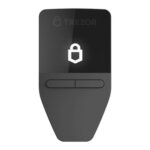 Trezor Safe 3 Trezor Safe 3 | Non-custodial | No | Limited | Yes | |
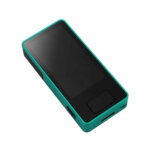 Blockstream Jade Plus Blockstream Jade Plus | Non-custodial | No | None | Yes | |
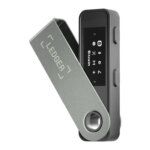 Ledger Nano S Plus Ledger Nano S Plus | Non-custodial | No | Limited | Yes | |
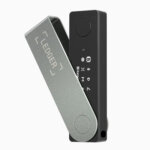 Ledger Nano X Ledger Nano X | Non-custodial | No | Limited | No | |
 Feather Wallet Feather Wallet | Non-custodial | — | Yes | None | No |
 OKX Wallet OKX Wallet | Non-custodial | Yes | Limited | Yes | |
 Phantom Phantom | Non-custodial | Yes | Limited | Yes | |
 Solflare Solflare | Non-custodial | Yes | Full | Yes | |
 Cake Wallet Cake Wallet | Non-custodial | Yes | None | Yes | |
 MetaMask MetaMask | Non-custodial | Yes | Full | Yes | |
 Monerujo Wallet Monerujo Wallet | Non-custodial | — | Yes | None | No |
 Rabby Wallet Rabby Wallet | Non-custodial | Yes | None | No | |
 Arculus Wallet Arculus Wallet | Non-custodial | No | Limited | Yes | |
 Coinbase Wallet Coinbase Wallet | Non-custodial | Yes | Limited | Yes | |
 ELLIPAL Titan 2.0 ELLIPAL Titan 2.0 | Non-custodial | No | Limited | Yes | |
 Binance Wallet Binance Wallet | Non-custodial | No | Limited | Yes | |
 Edge Wallet Edge Wallet | Non-custodial | No | Limited | Yes | |
 MoonPay MoonPay | Non-custodial | No | None | Yes | |
 Stack Wallet Stack Wallet | Non-custodial | No | None | No | |
 Exodus Exodus | Non-custodial | Yes | Full | Yes | |
 Nexo Nexo | Custodial | No | Limited | Yes | |
 Trust Wallet Trust Wallet | Non-custodial | Yes | Full | Yes | |
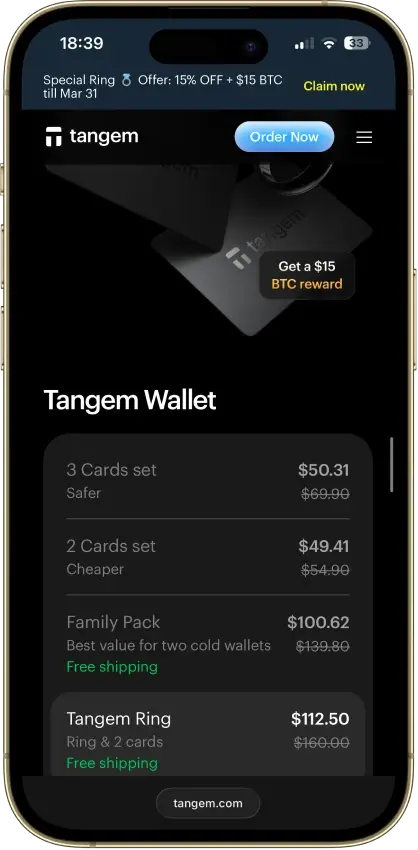
 Tangem Tangem | Non-custodial | No | Limited | Yes |
The table makes two patterns clear. First, hot wallet vs cold wallet is still the biggest divider: mobile wallets and Lightning wallets are built for speed and everyday access, while hardware wallets are built for long-term protection and offline signing. Second, “best wallet” depends on what you value most — Sparrow and Coldcard are excellent for control-heavy workflows, while BlueWallet and Blockstream Green prioritize day-to-day usability. If fast payments are your priority, a Lightning-first wallet like Phoenix tends to feel dramatically better than trying to bolt Lightning onto a general-purpose wallet.
Lightning Support Snapshot (2026)
- Blockstream app: Lightning is experimental, and new Lightning wallet creation is temporarily unavailable during the current migration. Existing Lightning wallets may have limited functionality.
- BlueWallet: Lightning is available via your own LNDHub/node. BlueWallet’s hosted
lndhub.ioservice was sunset. - Phoenix: Phoenix is the cleanest Lightning-first pick here, with a self-custodial design and a 12-word recovery phrase.
Bitcoin Wallets Reviews
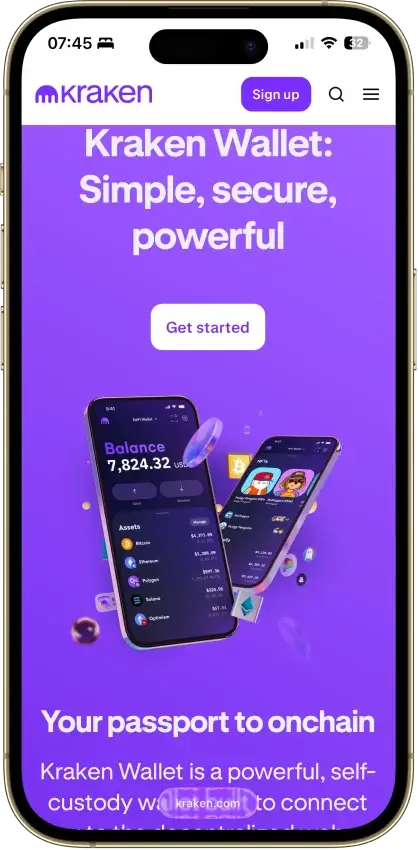
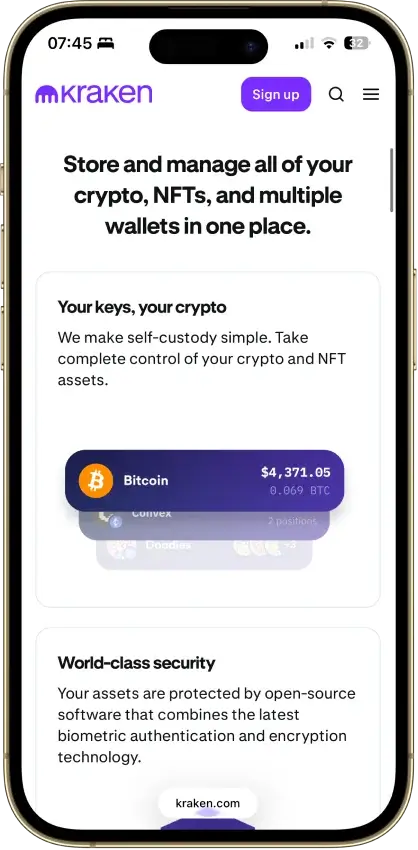
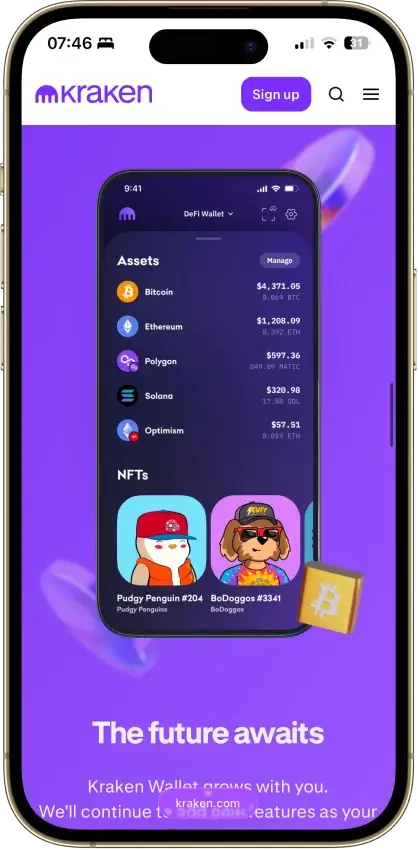
Kraken Wallet
- Custody
- Non-custodialFully open-source
- Networks
- Platforms
Pros
- Open code with reproducible-build instructions
- Trail of Bits audited its security
- Works without a Kraken exchange account
- Kraken Connect links your exchange account
- US-available with no geo-gate
Cons
- No hardware wallet pairing
- No browser extension or desktop app
- Swap spread is not disclosed
- No in-wallet fiat on-ramp
- No passphrase option
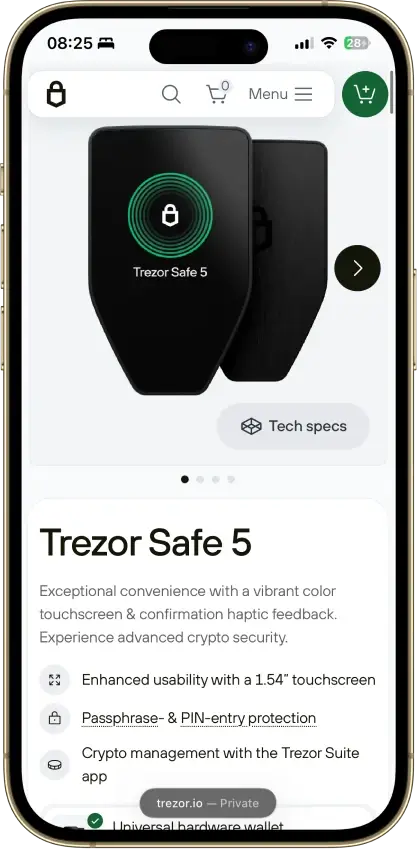
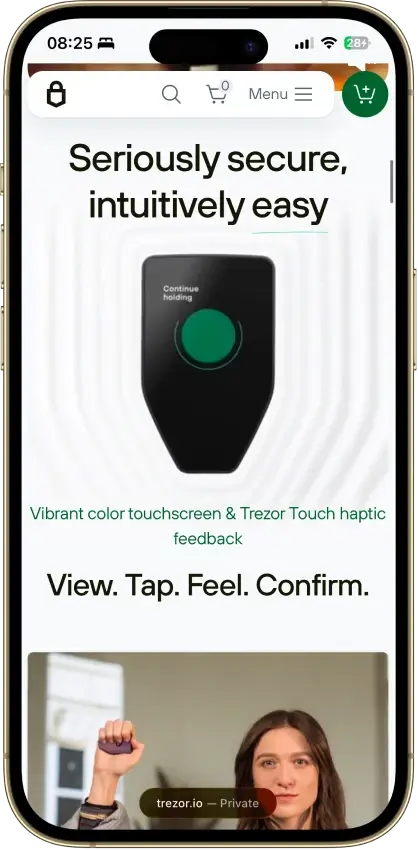
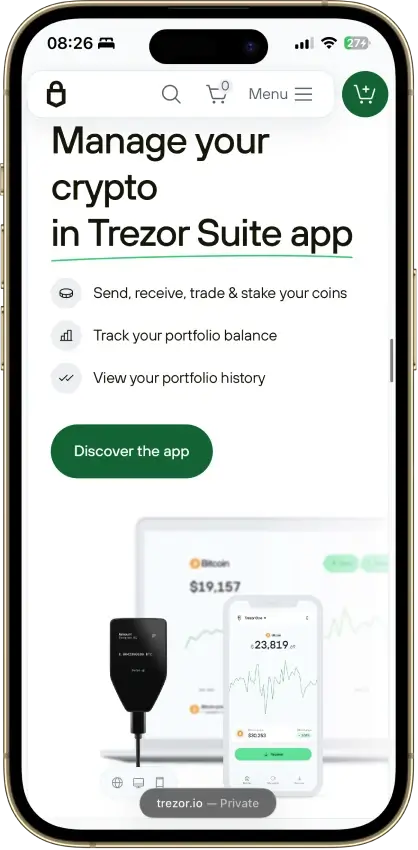
Trezor Safe 5
- Custody
- Non-custodialPartially open-source
- Networks
- Platforms
Pros
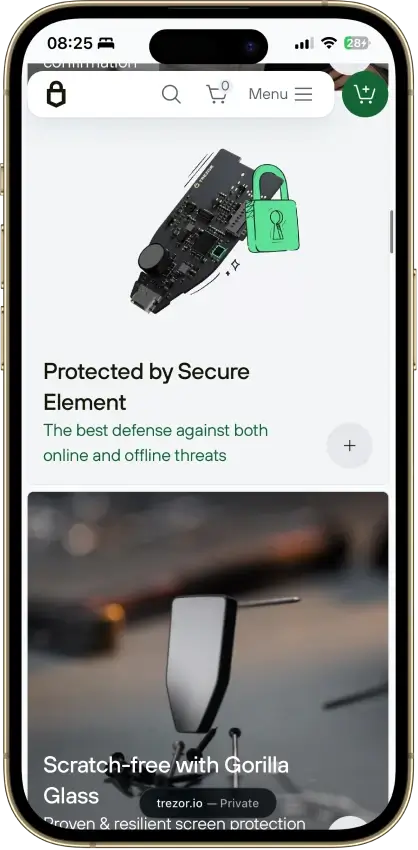
- Gorilla Glass 3 over the touchscreen
- Native Suite accounts for BTC, SOL and XRP
- Threshold-based SLIP39 backups
- Public core firmware and build instructions
- STM32U5 chip, not hit by the 2025 Safe 3 attack
Cons
- Cannot sign through an iPhone
- MicroSD setup uses a command-line tool
- Provider contracts add staking risk
- Suite has a restricted source license
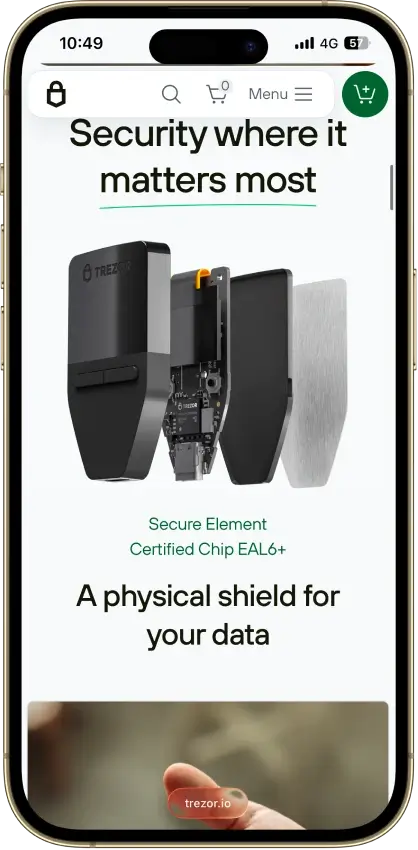
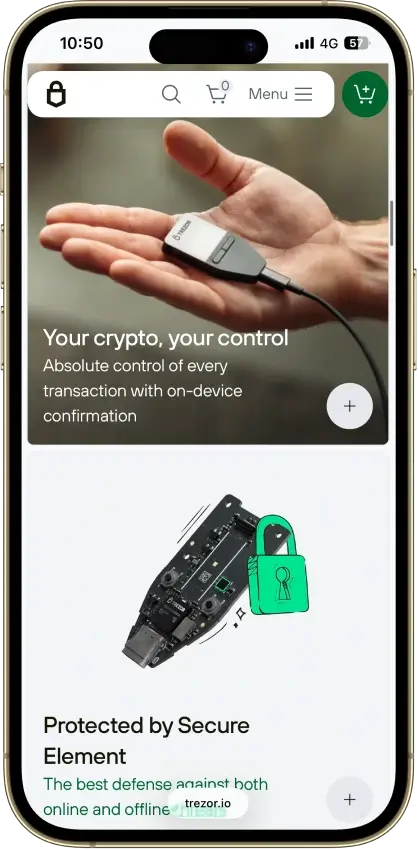
Trezor Safe 7
- Custody
- Non-custodialPartially open-source
- Networks
- Platforms
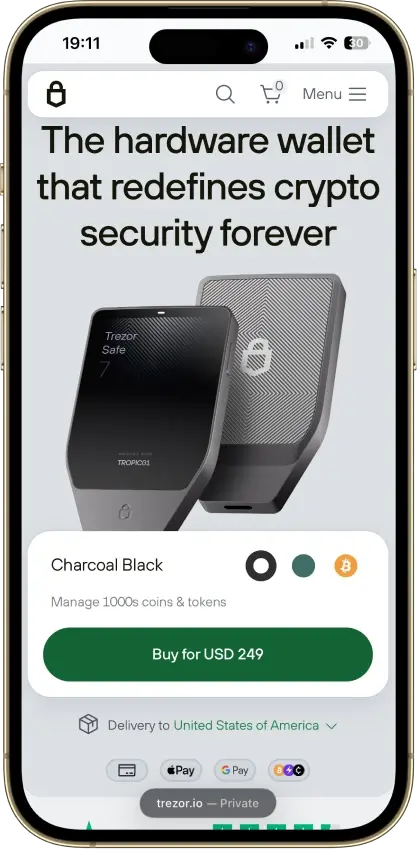
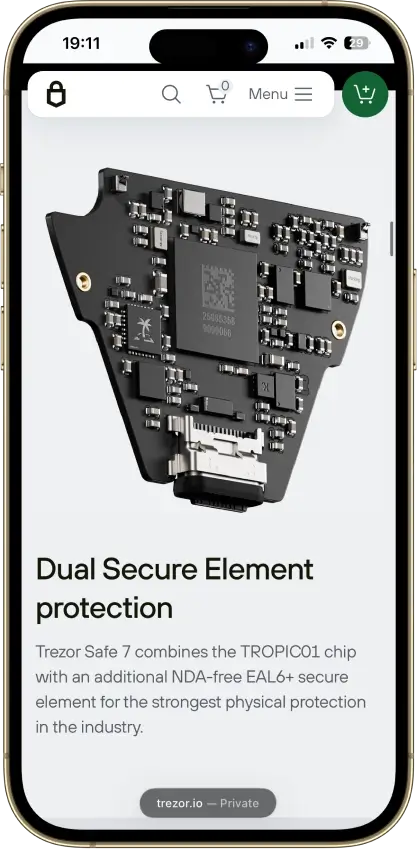
Pros
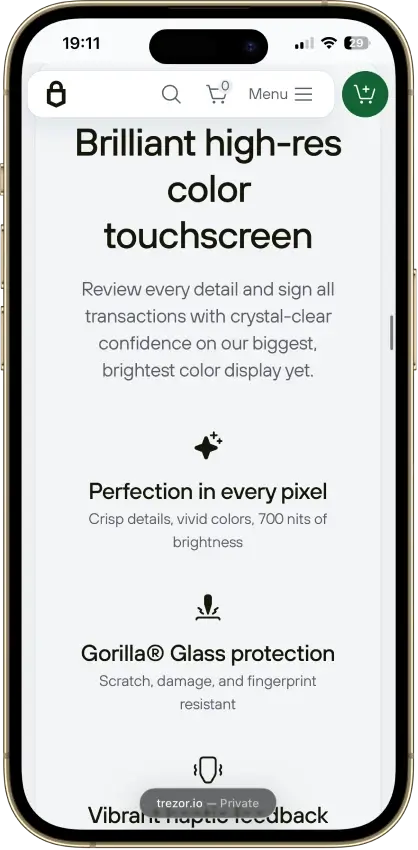
- Touchscreen backup recovery
- USB operation with a depleted battery
- GPLv3 firmware with reproducible builds
- Choice of single or multi-share backup
- Clear Signing for supported EVM contracts
Cons
- Costs $120 more than the Safe 5
- Battery cannot be replaced by the user
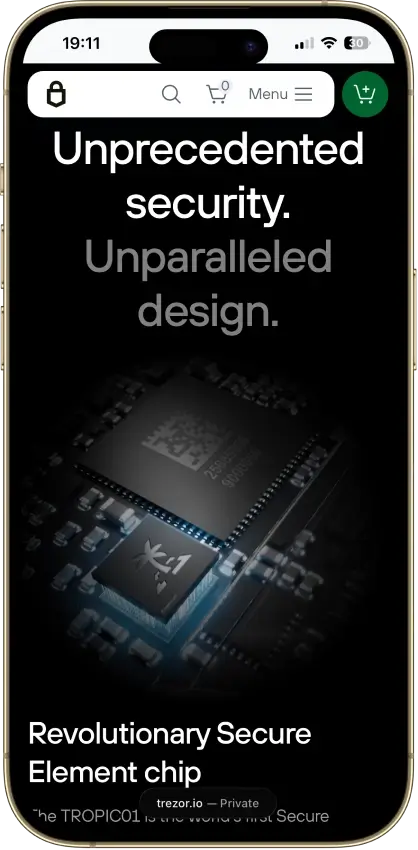
- Disclosed physical TROPIC01 vulnerability
- Monero needs a separate app
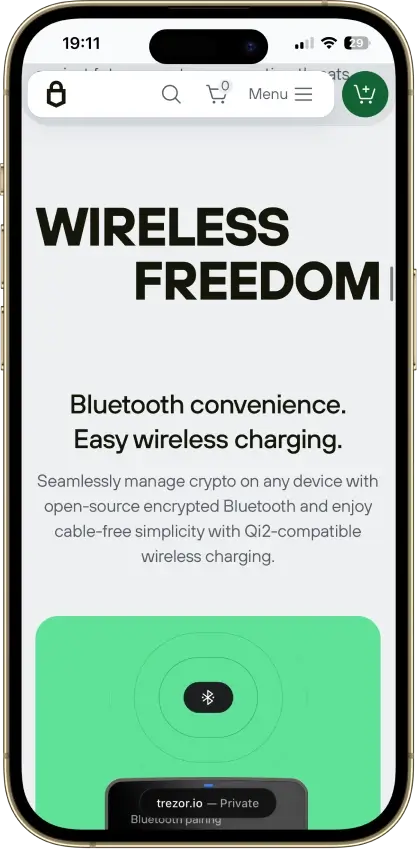
- iPhone signing works only over Bluetooth
Trezor Safe 3
- Custody
- Non-custodialPartially open-source
- Networks
- Platforms
Pros
- USB power needs no battery maintenance
- Secure element guards the PIN
- Recovery words entered on the device
- SLIP39 supports distributed backup shares
- Core firmware can be inspected and rebuilt
Cons
- Cannot sign with an iPhone
- Small screen and repeated button navigation
- 2025 research bypassed its authenticity checks
- Secure element software is closed-source
- Shipping-data exposure raises phishing risk
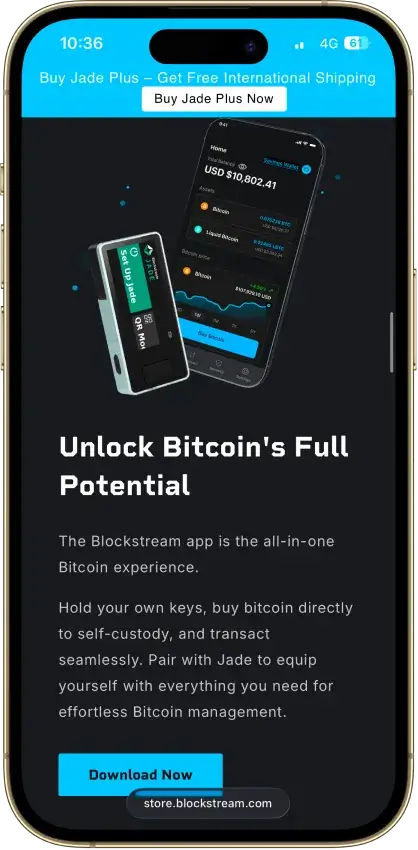
Blockstream Jade Plus
- Custody
- Non-custodialFully open-source
- Networks
- Platforms
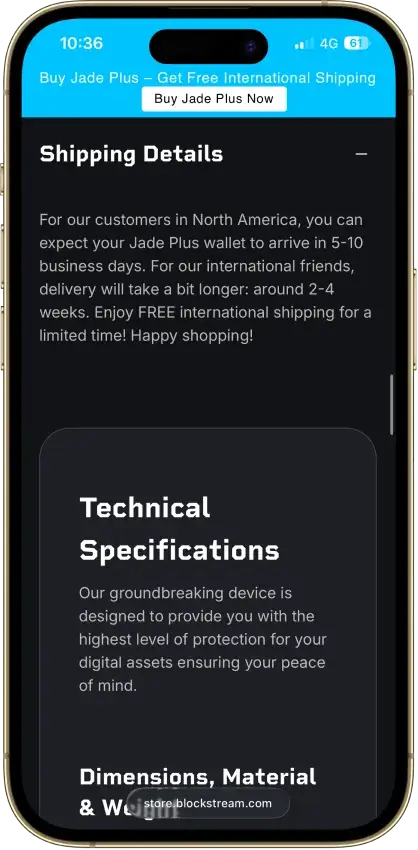
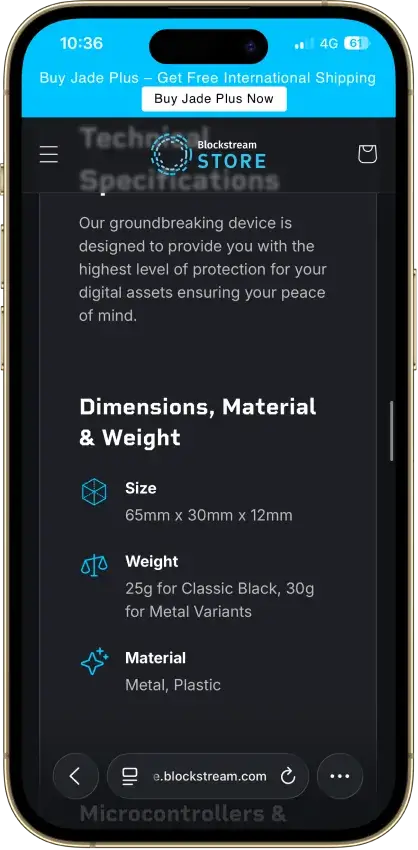
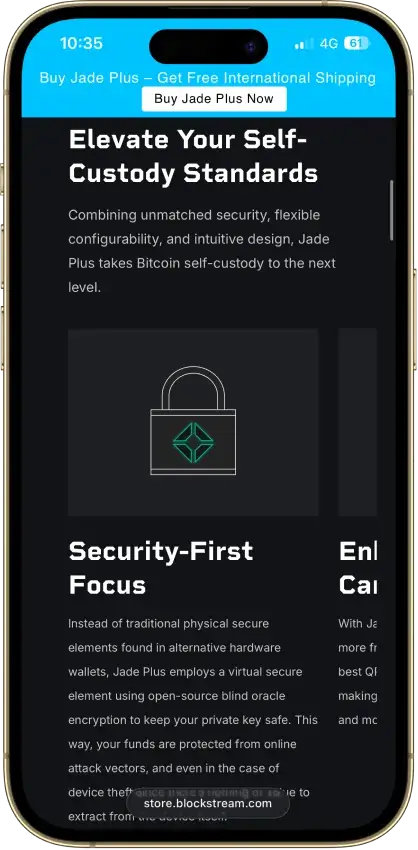
Pros
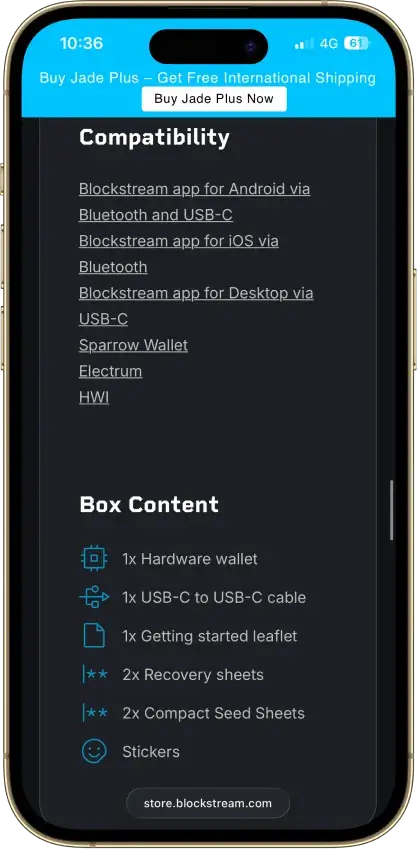
- Bitcoin signing by camera, cable or Bluetooth
- Works with Sparrow, Electrum and Nunchuk
- Optional BIP39 passphrase wallets
- Board-design files open to anyone
- Firmware updates from removable storage
Cons
- Normal PIN access depends on an online oracle
- QR transaction signing excludes Liquid
- App Lightning balance uses an app-held key
- Liquid peg-outs limited after a September incident
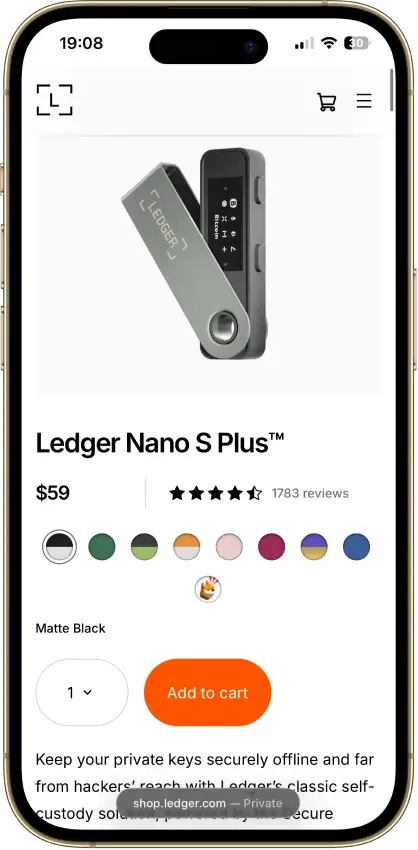
Ledger Nano S Plus
- Custody
- Non-custodialPartially open-source
- Networks
- Platforms
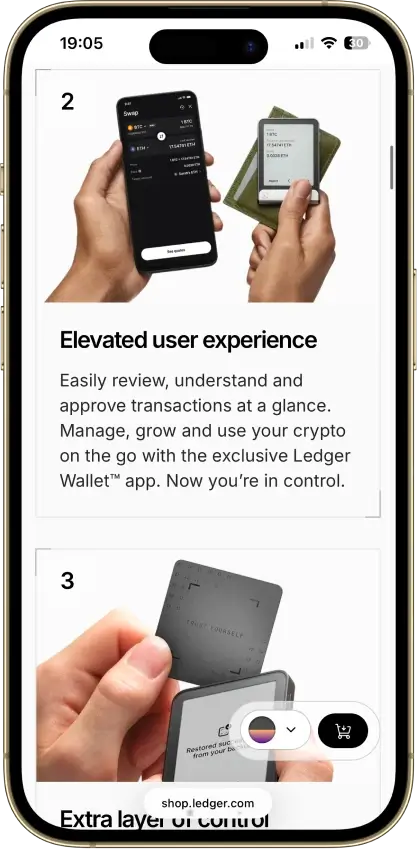
Pros
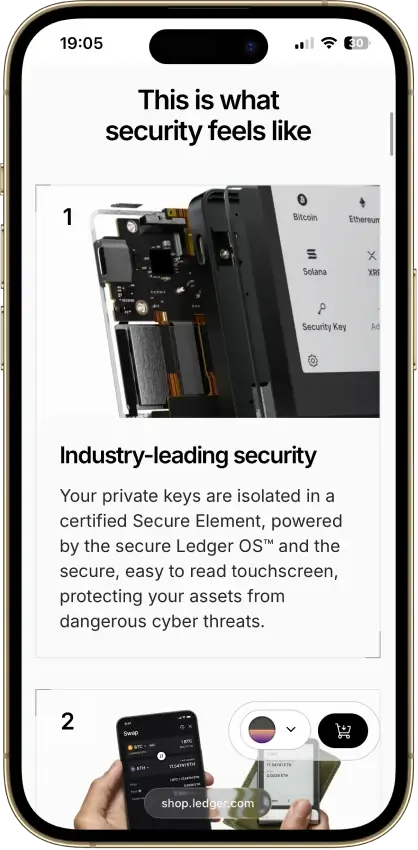
- CC EAL6+ certified Secure Element
- Battery-free operation
- Public companion and app code
- Bitcoin, Ethereum, Solana and XRP built in
- Ledger's $59 entry price
Cons
- No iPhone signing support
- Small screen and button navigation
- Closed low-level device firmware
- Blockchain apps need separate updates
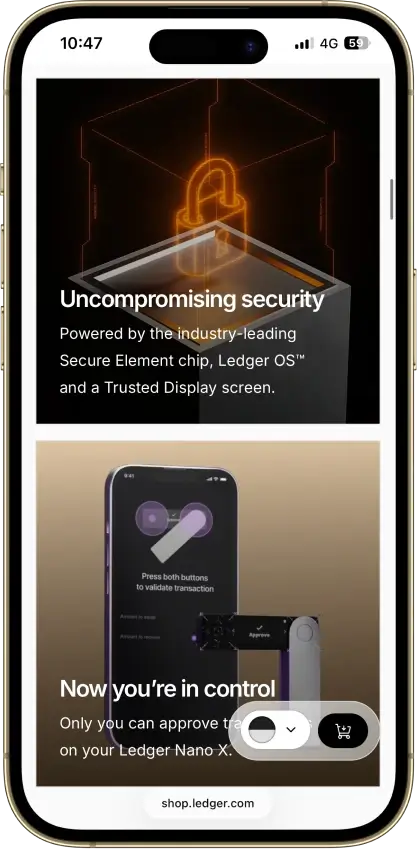
Ledger Nano X
- Custody
- Non-custodialPartially open-source
- Networks
- Platforms
Pros
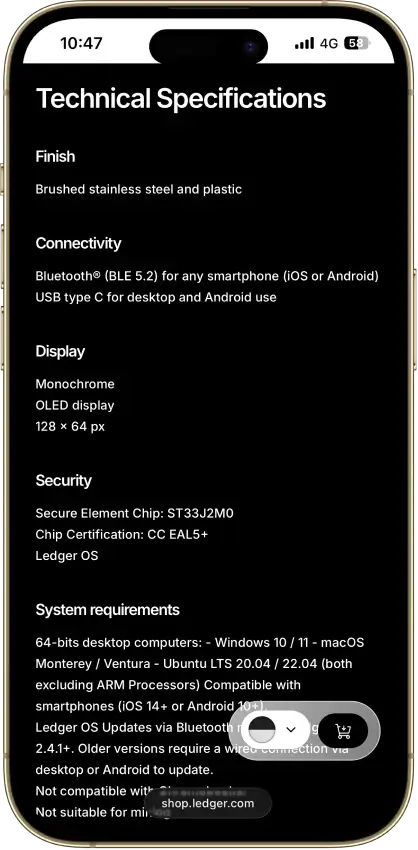
- CC EAL5+ certified Secure Element
- Public companion and device-app code
- Optional passphrase accounts
- Bluetooth for phones, USB-C for desktops
- Encrypted Bluetooth with pairing codes
Cons
- Small display requires scrolling
- Low-level firmware remains closed
- Apps need their own security updates
- 2026 Monero app flaw could expose keys
Feather Wallet
- Custody
- Non-custodialFully open-source
- Platforms
Pros
- Open-source code and build instructions
- Supports listed Ledger and Trezor models
- Transaction proofs for payment records
- Exports transaction history as CSV
- View-only wallets with key-image imports
Cons
- No Android or iOS release
- Initial sync is outside Tor by default
- No new release since April 2025
- 2024 bug halted sends for five hours
OKX Wallet
- Custody
- Non-custodialPartially open-source
- Networks
- Platforms
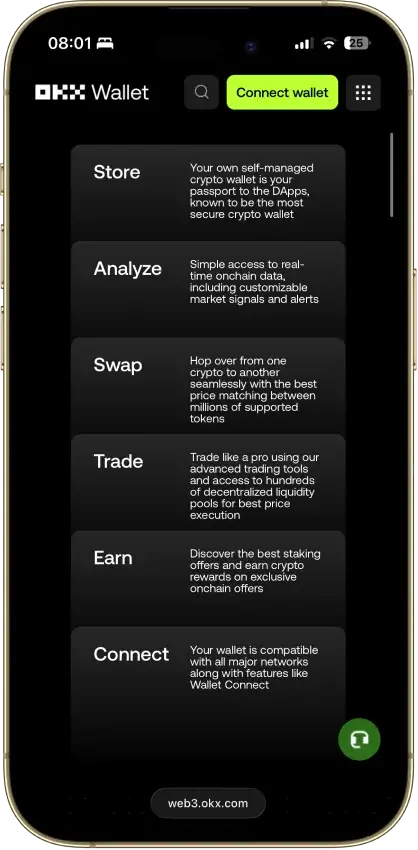
Pros
- Pre-approval scam and phishing alerts
- Built-in token-approval revoke tool
- CertiK and SlowMist audits plus bug bounty
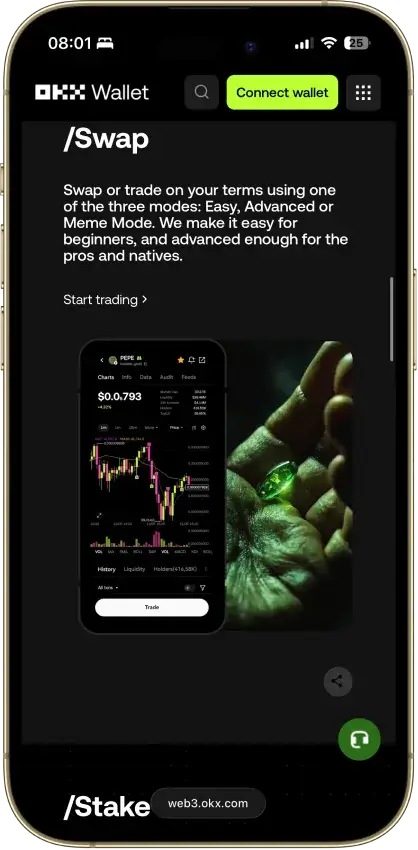
- Cross-chain bridging in one interface
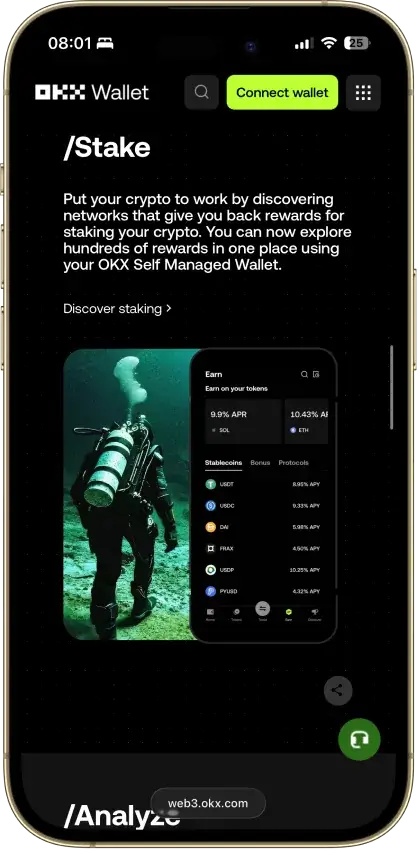
- Earn staking stays non-custodial
Cons
- $505M DOJ guilty plea, consultant to 2027
- Aggregator laundered ~$100M Bybit funds
- Keyless mode hands OKX one key share
- Client code is not fully open source
Phantom
- Custody
- Non-custodialPartially open-source
- Networks
- Platforms
Pros
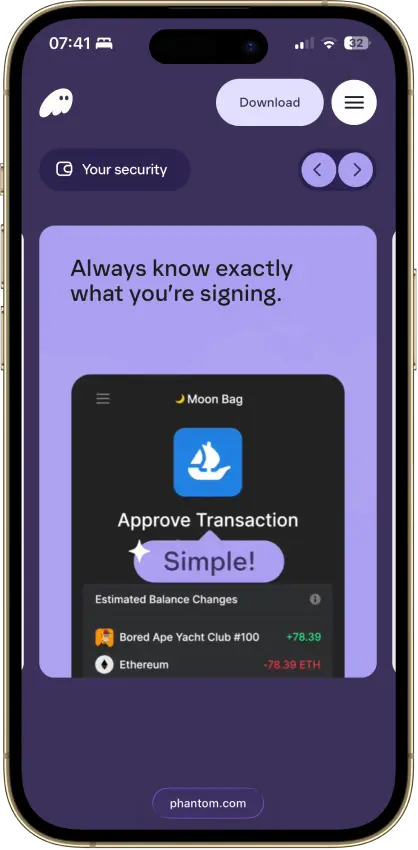
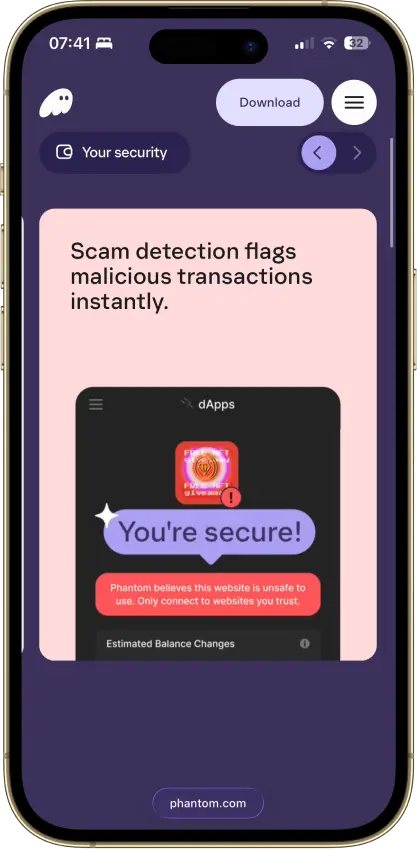
- Transaction previews and scam warnings
- Ledger Bluetooth support on mobile
- Bitcoin Native SegWit and Taproot support
- Third-party audit reports open to read
- Google or Apple login with a portable backup
Cons
- Core app is proprietary
- Dropped Sui and Monad support in 2026
- New native stakes need the extension
- Google and Apple wallets sign on a remote server
- No native Arbitrum, Optimism, BSC, or Avalanche
Solflare
- Custody
- Non-custodialPartially open-source
- Networks
- Platforms
Pros
- Validator choice for native SOL staking
- Ledger and Keystone signing supported
- Jupiter swaps inside the wallet
- Transaction checks and biometric app lock
- NFT display in the wallet
Cons
- Shield has no independent signing screen
- Keystone extension connection is watch-only
- Shield's phrase is shown once at setup
- Instant Unstake costs 0.5% to 3%
Cake Wallet
- Custody
- Non-custodialFully open-source
- Networks
- Platforms
Pros
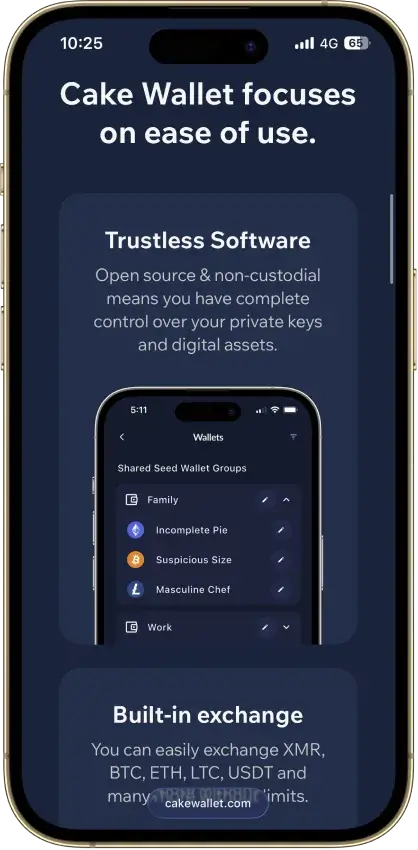
- Monero accounts and subaddresses
- Encrypted whole-app backup export
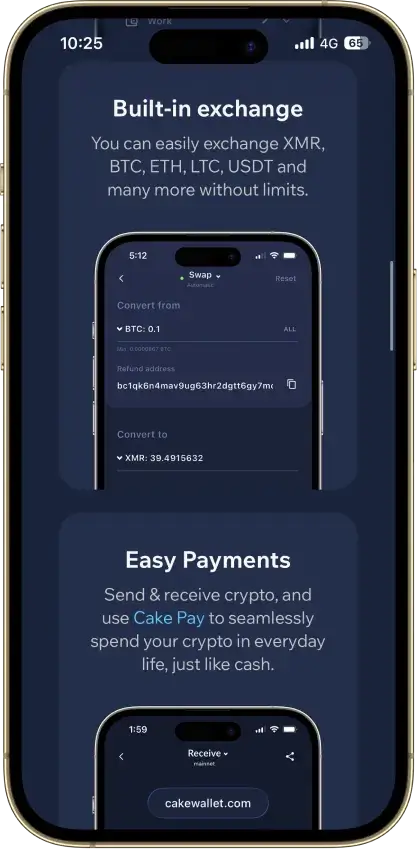
- Multiple swap providers to compare
- Publicly documented security fixes
- Custom nodes and restore-height control
Cons
- Windows builds are currently paused
- Past BTC seed flaw needs manual migration
- Tor routing is still labeled experimental
- Lightning sits in a separate Spark balance
- Ethereum NFTs display but can't be sent
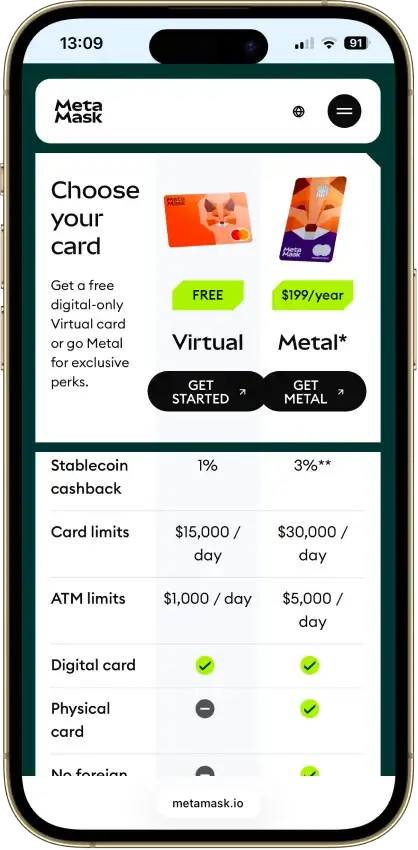
MetaMask
- Custody
- Non-custodialPartially open-source
- Networks
- Platforms
Pros
- Default-on transaction security alerts
- Mobile connections to compatible hardware
- ETH pooled staking without a product minimum
- Custom EVM networks alongside native Bitcoin
- Publicly accessible extension source code
Cons
- Swaps carry a 0.875% service fee
- Linked Ledger accounts are EVM-only
- Social login can't be changed or unlinked
- Passkeys unlock but can't restore the wallet
Monerujo Wallet
- Custody
- Non-custodialFully open-source
- Platforms
Pros
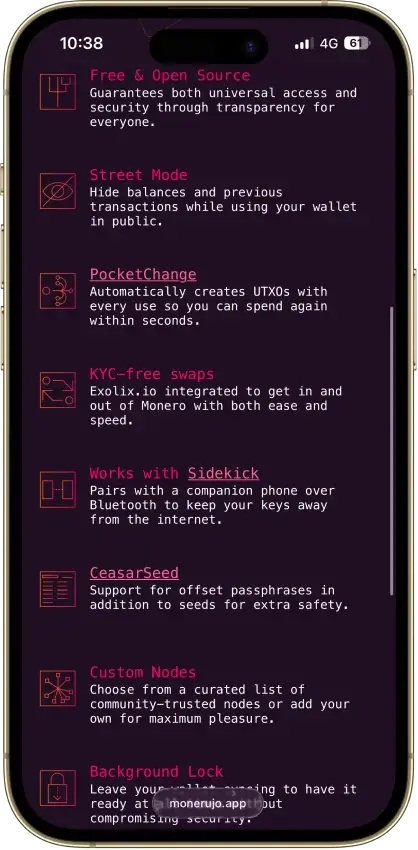
- Public application code under Apache 2.0
- Own F-Droid repository and APK downloads
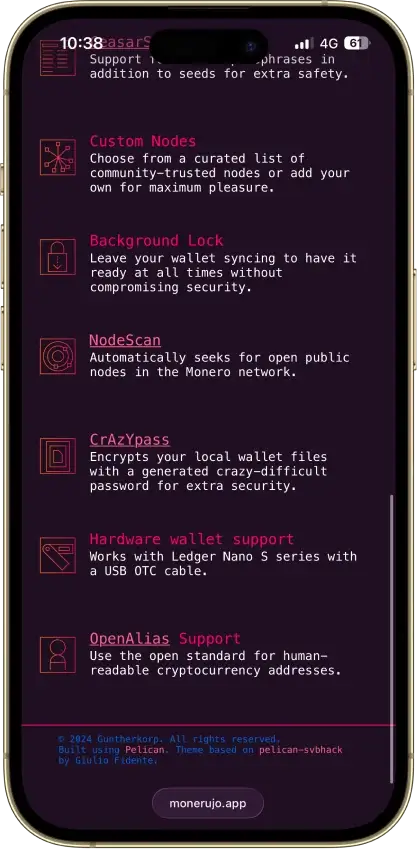
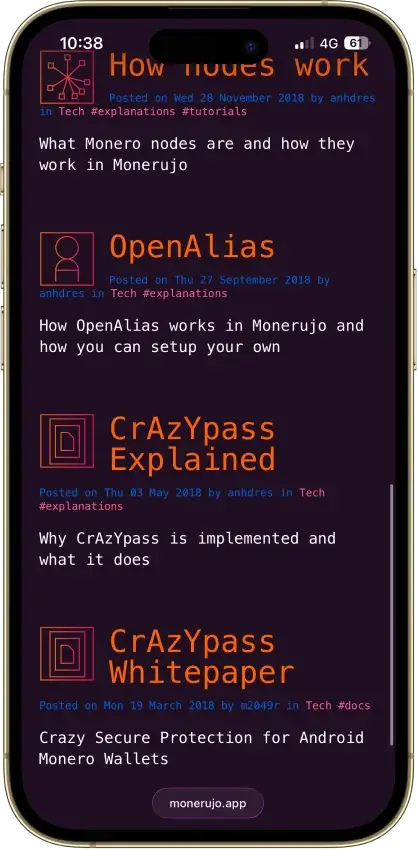
- Choose the node your wallet connects to
- Nano S-series Ledger signing over USB
- Multiple wallets, accounts and subaddresses
Cons
- File recovery has a separate password
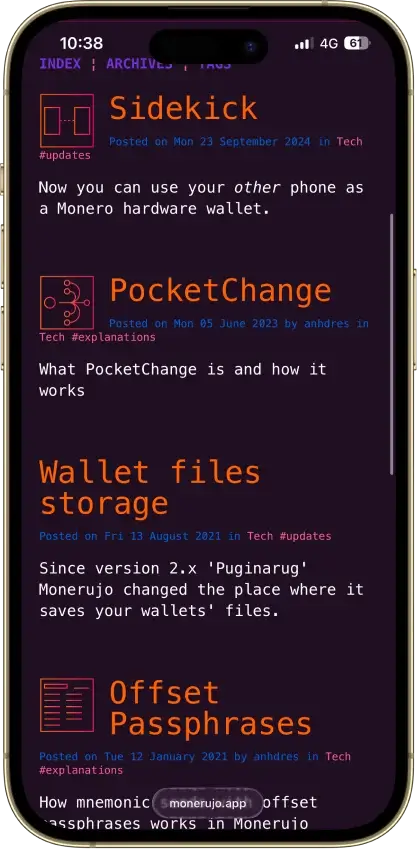
- Sidekick still carries an alpha warning
- Last release was v4.1.7 in June 2025
Rabby Wallet
- Custody
- Non-custodialPartially open-source
- Networks
- Platforms
Pros
- Simulation shows balance changes before signing
- Token approvals can be revoked in-app
- Tracks EVM tokens and DeFi positions
- Extension code released under MIT terms
- Optional encrypted mobile cloud backup
Cons
- No native Bitcoin, Solana or Tron
- Custom networks have fewer features
- Mobile hardware support is more limited
- Apple/Google Pay gas deposits cannot be withdrawn
- 2025 audits include unresolved findings
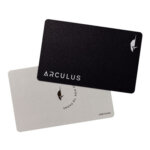
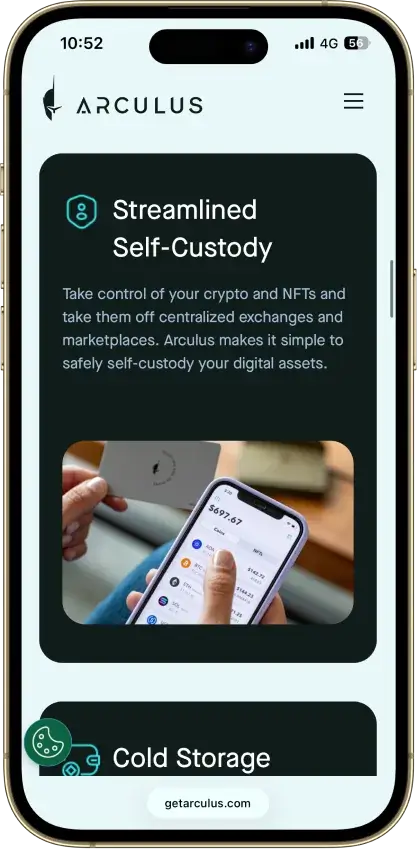
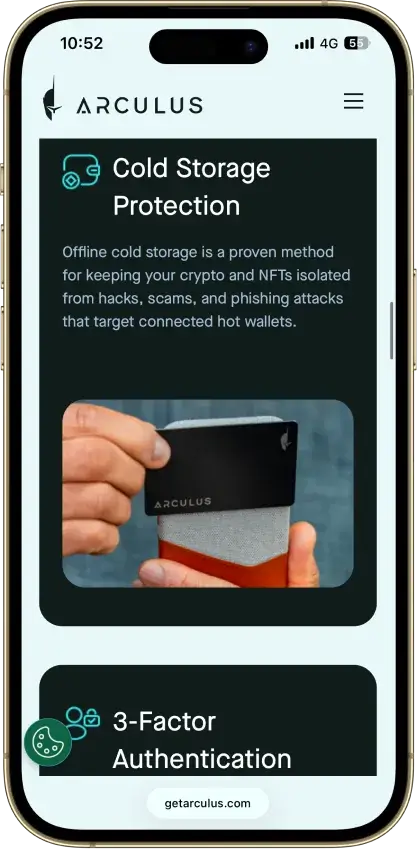
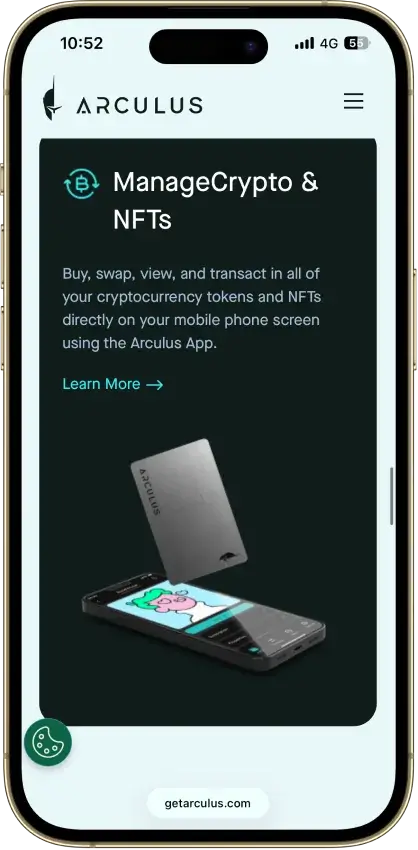
Arculus Wallet
- Custody
- Non-custodialClosed-source
- Networks
- Platforms
Pros
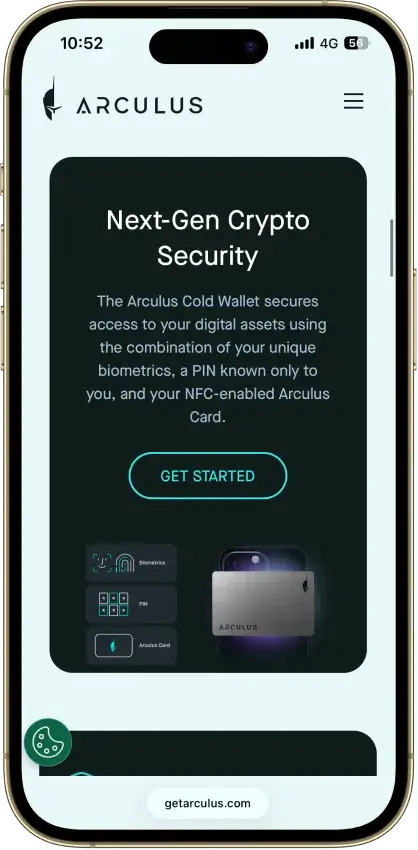
- MetaMask link through a webcam QR code
- Native ADA and SOL staking
- Safe integration through WalletConnect
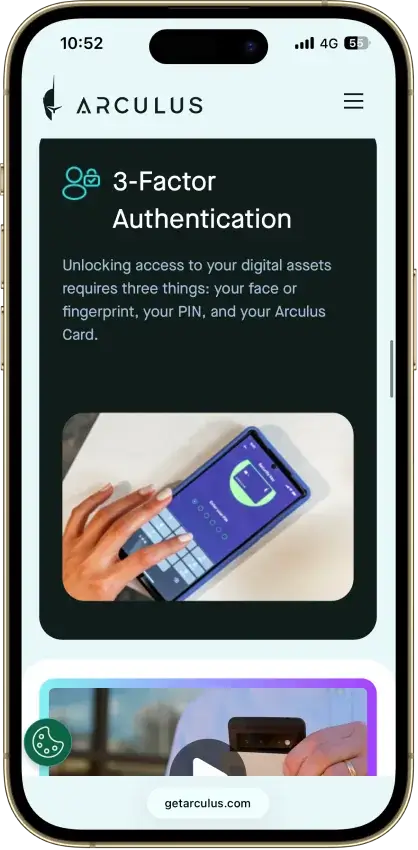
- Optional biometrics on top of a six-digit PIN
- Two-year limited card warranty
Cons
- No independent transaction screen
- Recovery words appear on the phone
- Proprietary wallet software license
- No public audit findings
- Three wrong PINs force a full restore
Coinbase Wallet
- Custody
- Non-custodialPartially open-source
- Networks
- Platforms
Pros
- Ledger approvals through the extension
- Audited, MIT-licensed smart-wallet contracts
- ETH staking below 32 ETH via Kiln
- Gasless swaps on Ethereum and Polygon
- Security Lock on opening and approvals
Cons
- Passkey smart wallets exclude BTC and SOL
- Dropped Dogecoin, Litecoin, XRP and custom chains
- Swap fee of up to 1% per trade
- No Bitcoin swaps in the app
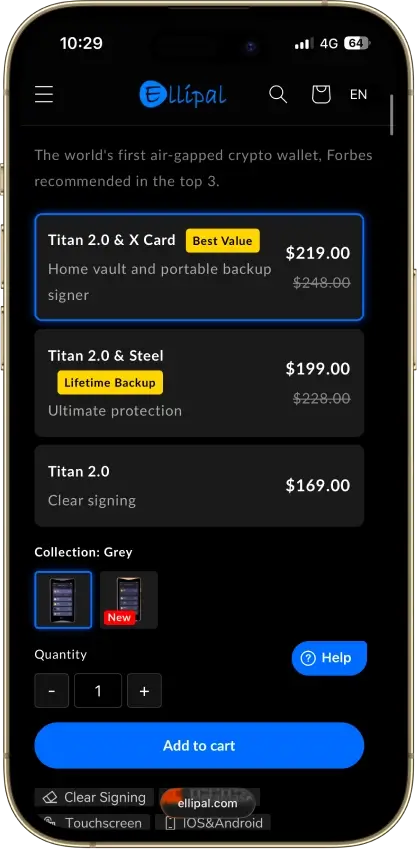
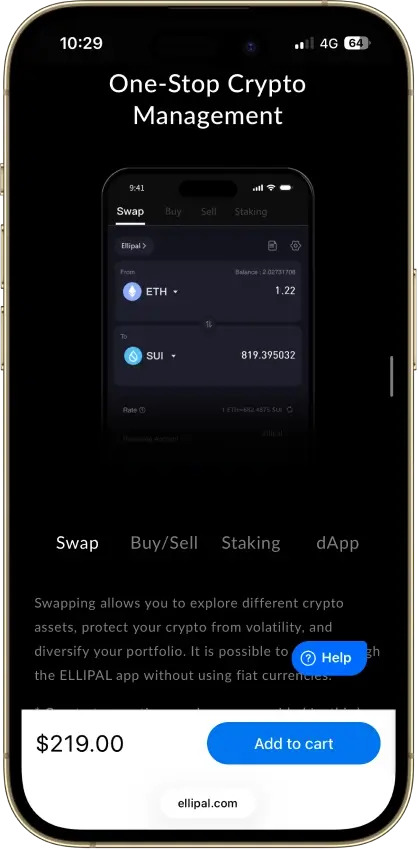
ELLIPAL Titan 2.0
- Custody
- Non-custodialPartially open-source
- Networks
- Platforms
Pros
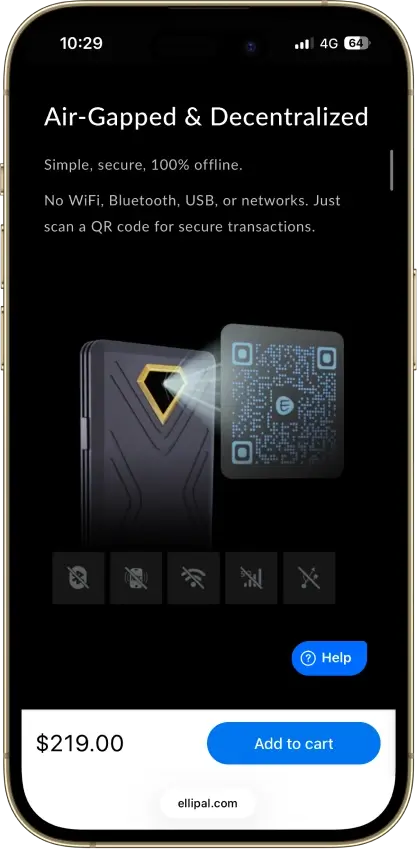
- No cable or radio link for transactions
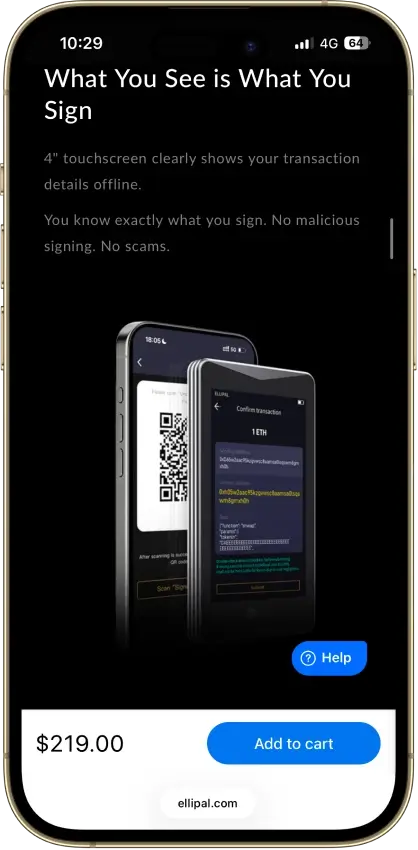
- On-device recovery phrase verification
- Optional passphrase-derived wallets
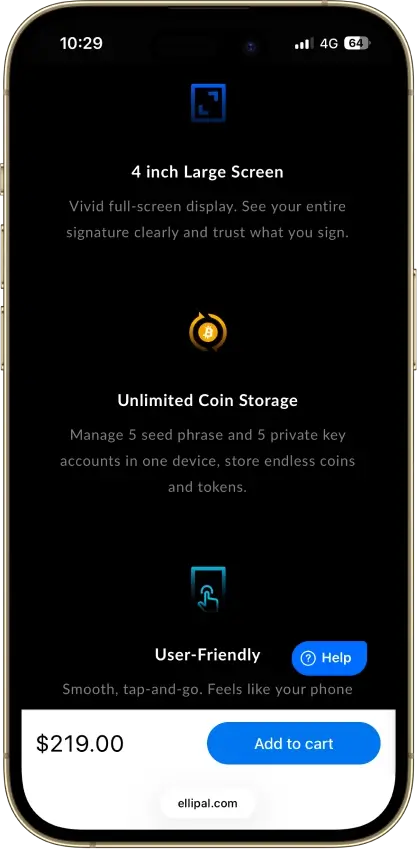
- 45+ blockchains in the ELLIPAL app
- 30-day change-of-mind returns
Cons
- Firmware transparency is partial
- Updates need a separate adapter and microSD
- SOL staking is still marked coming soon
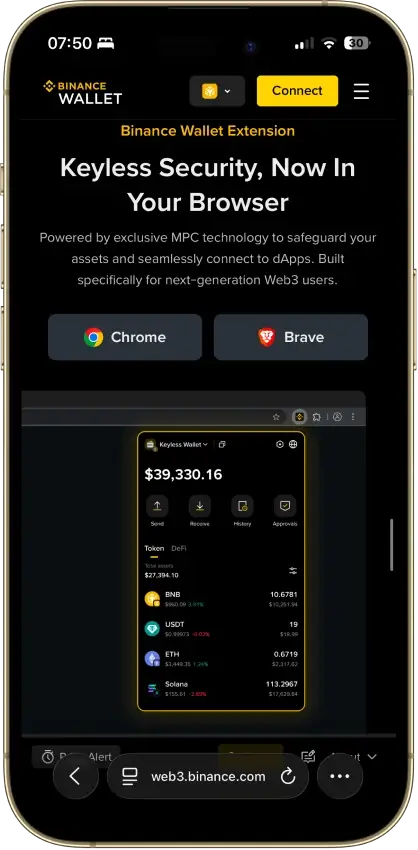
Binance Wallet
- Custody
- Non-custodialClosed-source
- Networks
- Platforms
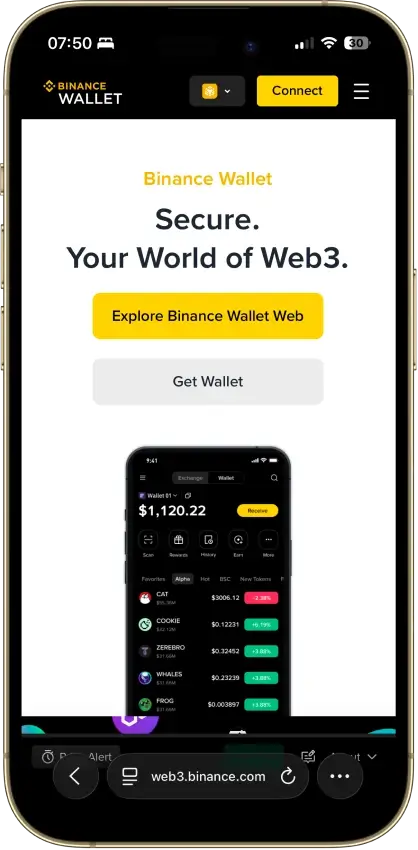
Pros
- Existing-wallet imports in the extension
- Bitcoin controls in the mobile wallet
- Independent extension audit anyone can read
- Address-poisoning filters on sends
- Binance deposit-address option in Send
Cons
- Conversion removes keyless recovery
- Audit excludes backend verification
- No hardware wallet support
- Ordinals are treated as plain BTC
Edge Wallet
- Custody
- Non-custodialFully open-source
- Networks
- Platforms
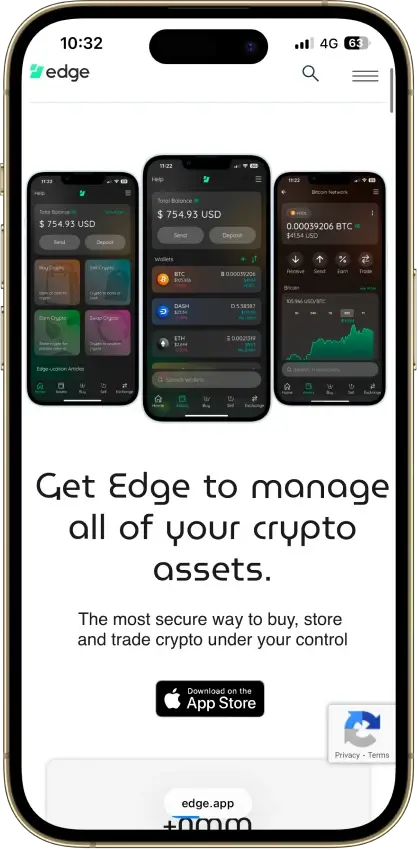
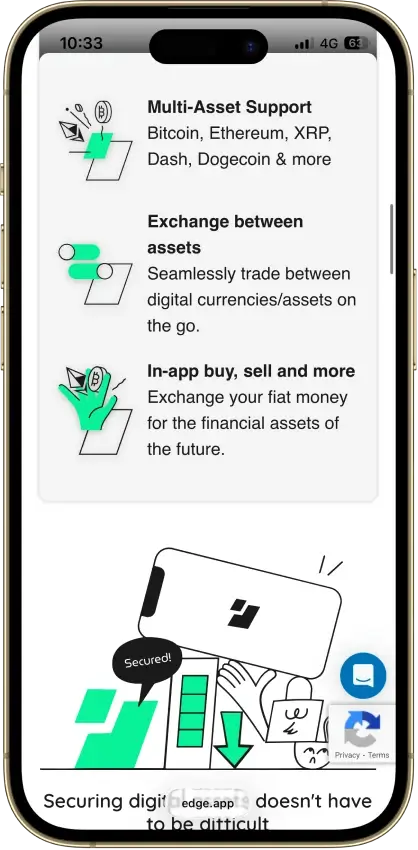
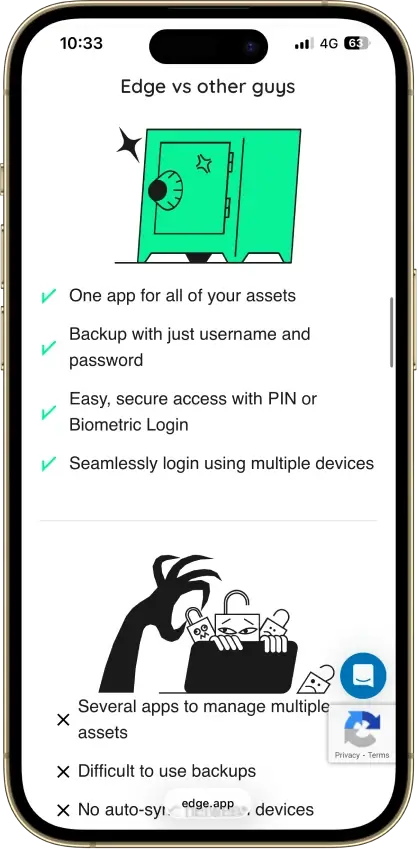
Pros
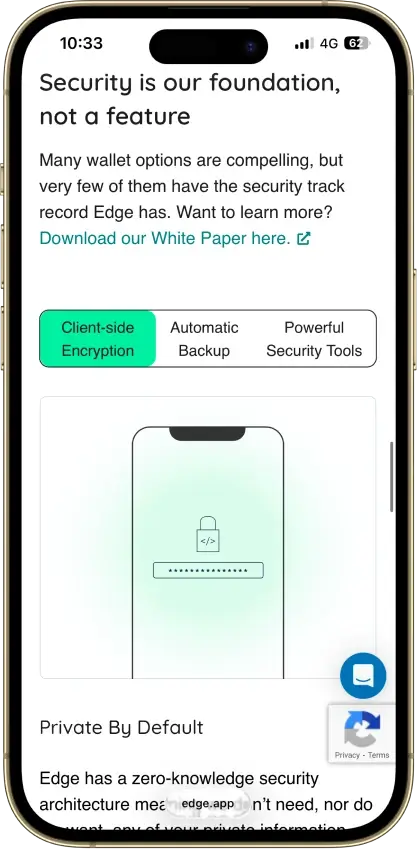
- Public, auditable code (BSD-3-Clause app)
- Non-custodial, zero-knowledge encryption
- 120+ assets plus major token standards
- Swaps shop quotes across several providers
- iOS app also runs on Apple Silicon Macs
Cons
- Weak passwords increase credential-guessing risk
- Encrypted key blobs sit on Edge servers
- 2023 bug exposed about 600 private keys
- No third-party audit made public
- No desktop app or browser extension
MoonPay
- Custody
- Non-custodialClosed-source
- Networks
- Platforms
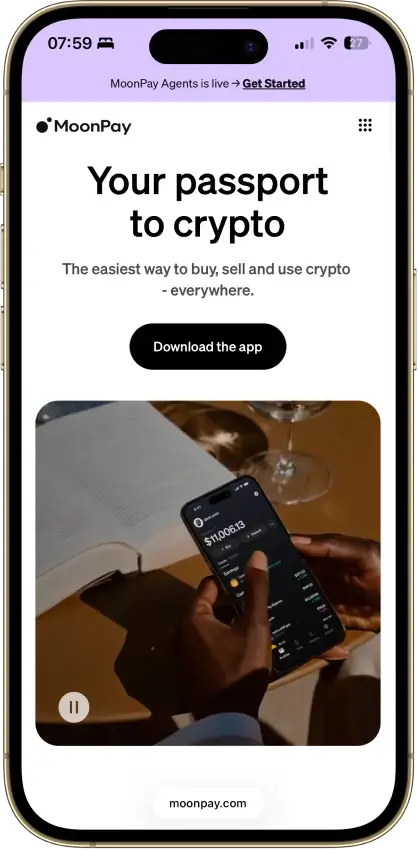
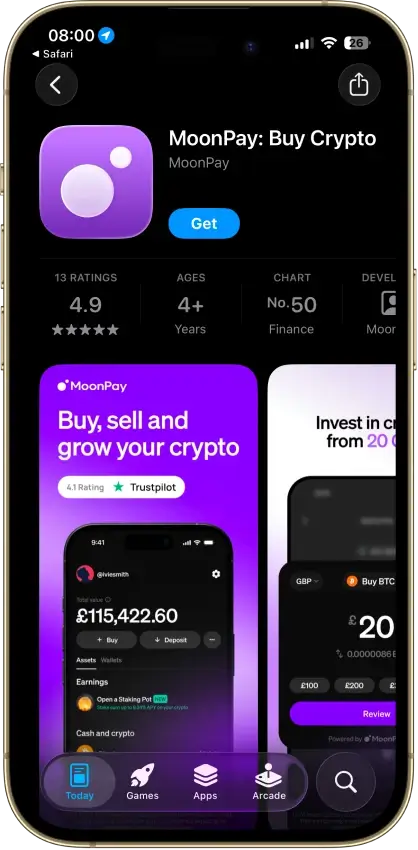
Pros
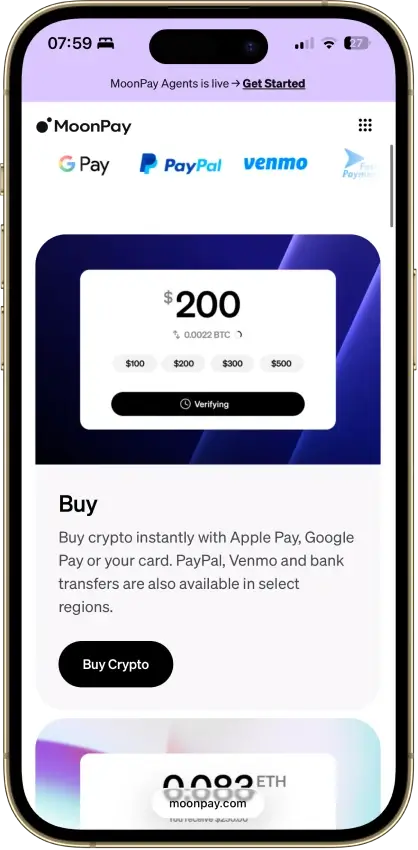
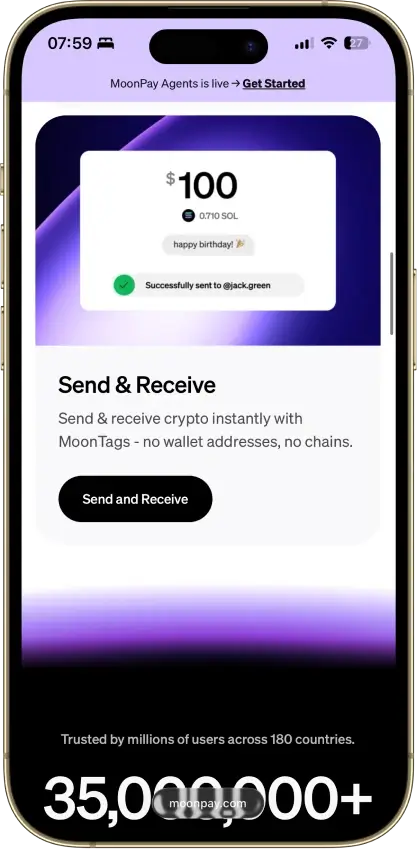
- Buying and wallet management in one app
- App Lock with biometrics or device PIN
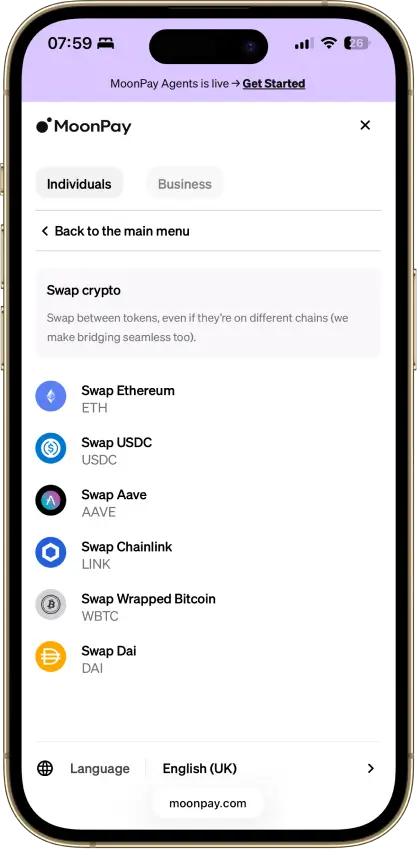
- Supports Bitcoin, Solana, TRON and EVM networks
- PayPal, Apple Pay, card and bank options
- Trade can route across blockchains
Cons
- Fees up to 4.5% on US purchases
- Up to $3.99 minimum fee on small orders
- No staking since Pots closed in April 2026
- Wallet app code is not public
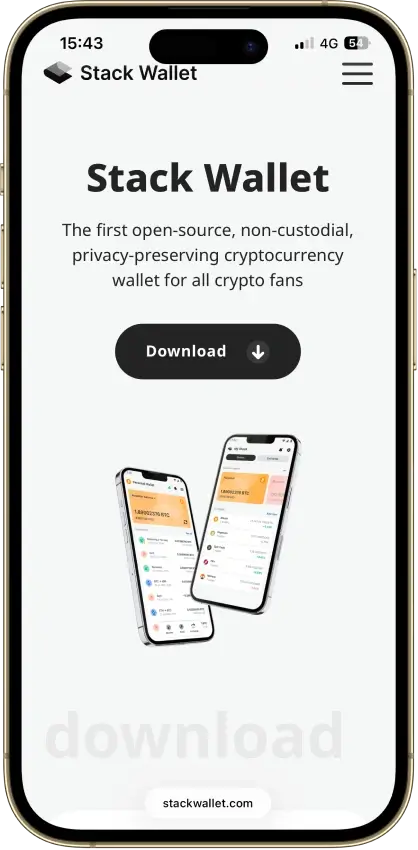
Stack Wallet
- Custody
- Non-custodialFully open-source
- Networks
- Platforms
Pros
- Fully open source, entire codebase public
- Apps for mobile and desktop alike
- Coin control on Bitcoin and privacy coins
- Point it at your own node per coin
- Its own F-Droid repo for Android
Cons
- No dApp browser or WalletConnect
- No hardware-wallet pairing
- App-level backup restores into Stack only
Exodus
- Custody
- Non-custodialPartially open-source
- Networks
- Platforms
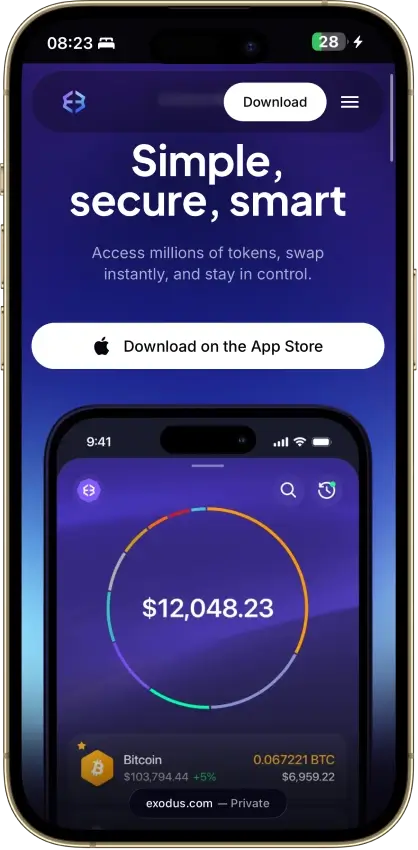
Pros
- Desktop app for Windows, macOS and Linux
- Desktop and mobile sync to one wallet
- Custom tokens on supported networks
- Human support alongside the chatbot
- Recovery phrase backup still available
Cons
- Complete wallet is not open source
- WalletConnect removed from the mobile app
- Ledger portfolios work on mobile only
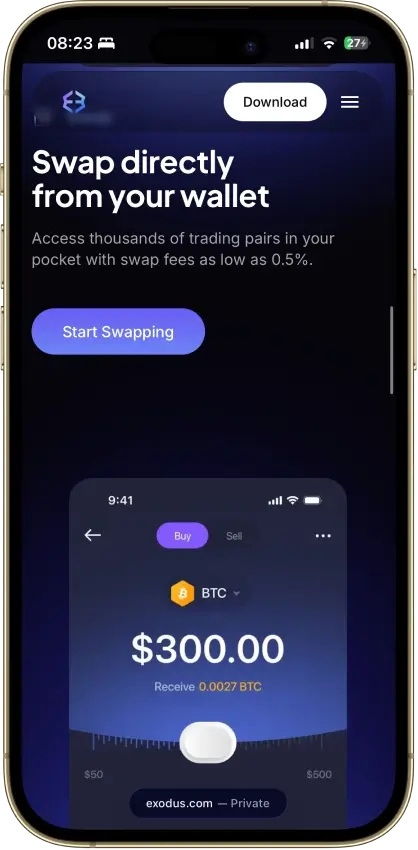
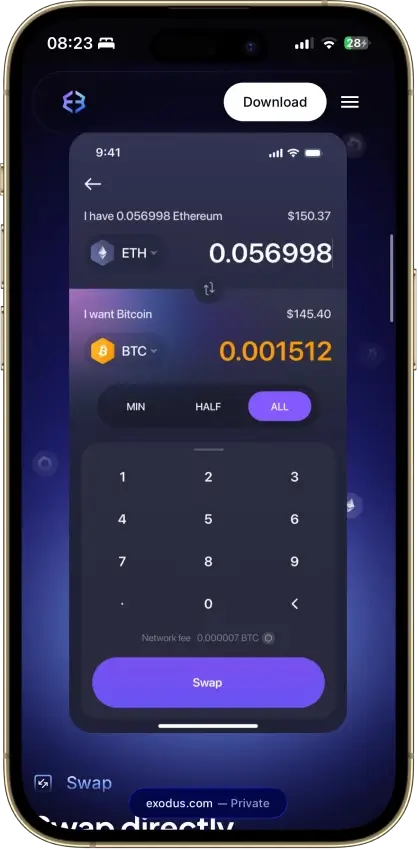
- Swap costs sit inside a quoted spread
- $3.1M OFAC sanctions settlement in 2025
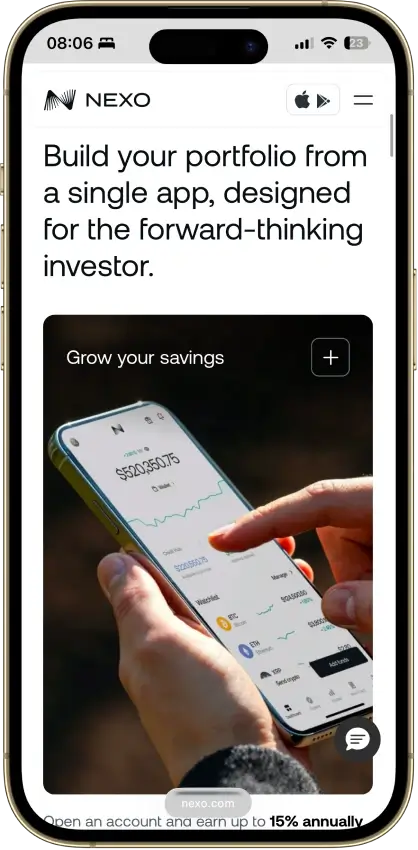
Nexo
- Custody
- CustodialClosed-source
- Networks
- Platforms
Pros
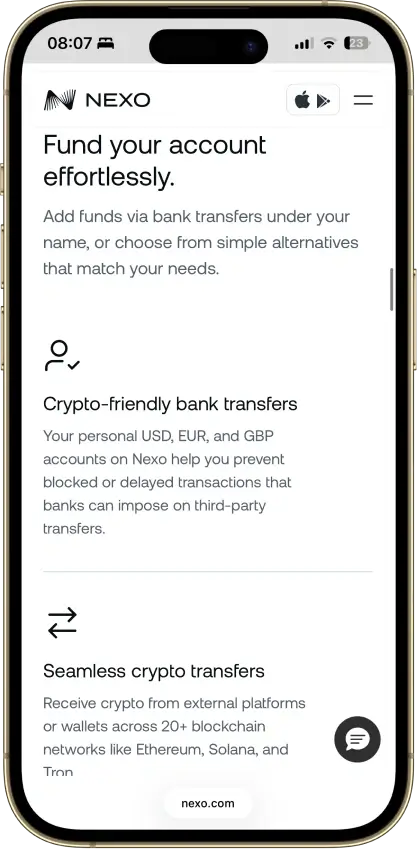
- Ten major networks for deposits and withdrawals
- Address whitelisting and anti-phishing code
- Recover access without a seed phrase
- SOC 2 Type 2 audits three years running
- Nexo Pro trading inside the same account
Cons
- No seed phrase or key export
- No WalletConnect or browser extension
- Swap spread is built into the quote
Trust Wallet
- Custody
- Non-custodialPartially open-source
- Networks
- Platforms
Pros
- Transaction previews on supported networks
- Optional encrypted cloud backup
- Ledger signing through the extension
- Staking for ETH, SOL, BNB and TRX
- No email account needed for a classic wallet
Cons
- December 2025 extension hack hit about $8.5M
- Mobile app builds lack public source access
- Dropped several networks in September 2026
- SWIFT covers only a handful of EVM chains
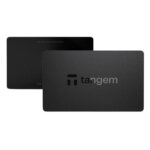
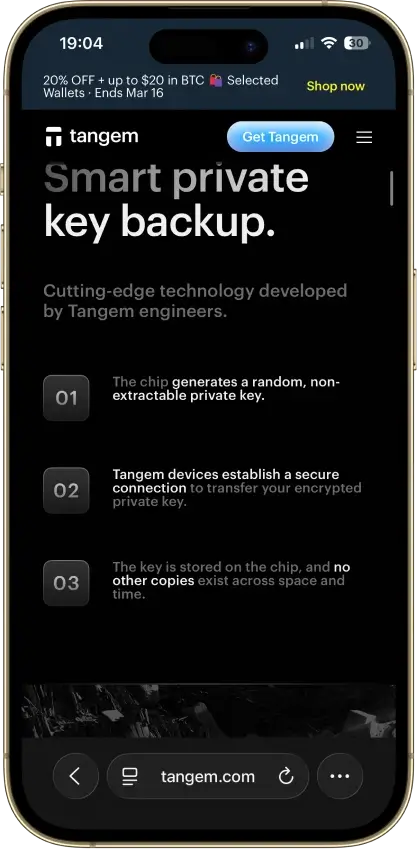
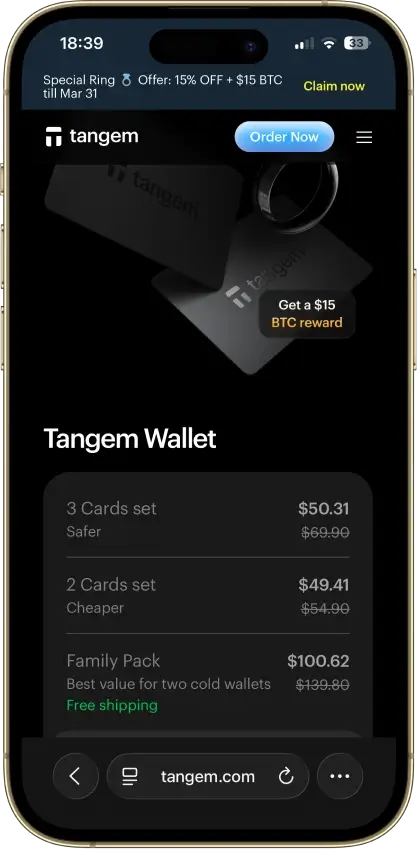
Tangem
- Custody
- Non-custodialClosed-source
- Networks
- Platforms
Pros
- Native BTC, ETH, SOL and XRP support
- No battery, the phone powers signing
- App source code is publicly inspectable
- Independent SDK audit with a public summary
- WalletConnect on Solana and listed EVM chains
Cons
- No on-card transaction display
- Card firmware cannot be updated
- Proprietary app licenses limit reuse
- Some Solana NFTs can't be sent from it
What Is a Bitcoin Wallet?
A Bitcoin wallet is the tool that lets you access, manage, and use your BTC. It does not hold Bitcoin inside the app, phone, or hardware device the way a bank account holds cash. Instead, it manages the keys and recovery credentials that prove you can control the Bitcoin recorded on the blockchain.
That is why wallet choice matters. A simple mobile wallet may be enough for everyday spending and smaller balances, while a hardware wallet is usually a better fit for long-term storage and stronger offline protection. In both cases, the wallet is really about control: who holds the keys, how they are protected, and how easily you can recover access if something goes wrong.
Bitcoin Wallet Address Explained
A Bitcoin wallet address is the public destination you use to receive BTC. You can think of it as the receiving side of your wallet: it is the information you share when someone wants to send you Bitcoin. It is safe to share a wallet address, but it is not the same thing as a private key, seed phrase, or any other secret recovery credential.
Bitcoin wallet address format quick check:
bc1q…(native SegWit) andbc1p…(Taproot) are common modern formats.- You may also see addresses starting with
1…or3…(older formats). - If you see something like
lnbc…, that is a Lightning invoice, not an on-chain Bitcoin wallet address.
What is a Bitcoin wallet address?
A Bitcoin wallet address is a string of letters and numbers generated by your wallet for receiving Bitcoin on the Bitcoin network. When someone sends BTC to that address, the transaction is recorded on the blockchain and your wallet shows the funds once they are confirmed.
How to get a BTC wallet address
Most wallets create a BTC wallet address automatically during setup. Once your wallet is ready, open it, select Bitcoin, and tap Receive to display an address and QR code.
How to find your Bitcoin wallet address
To find your Bitcoin wallet address, open your wallet, go to the Bitcoin account, and tap Receive. You should see both a text address you can copy and a QR code you can scan. Before sharing it, make sure you are on the Bitcoin network and not looking at another asset or a Lightning invoice.
Why your wallet address may change
Many wallets generate a fresh receiving address from time to time, and that is normal. This can improve privacy by making it harder for outside observers to link multiple payments to the same address. In many wallets, older addresses may still work, but using a new address when your wallet suggests one is usually the better habit.
Wallet address vs. private key vs. seed phrase vs. wallet identifier
A wallet address is public and meant for receiving Bitcoin. A private key is secret and is what gives spending control over the BTC linked to your wallet. A seed phrase is the backup that can restore the wallet if you lose access to your device. A wallet identifier, where a service uses one, is usually an internal account reference and should not be confused with a Bitcoin receiving address.
Example: Some exchanges and apps show an internal “wallet ID,” username, or account reference for tracking or internal transfers. That is not what you paste into a send screen. If someone is sending you BTC, share the address from your wallet’s Receive screen (or share a Lightning invoice if you’re receiving over Lightning).
The simple rule is this: you can share a wallet address, but you should never share your private key or seed phrase.
Types of Bitcoin Wallets
Here’s a quick way to compare the most common Bitcoin wallet types and what they’re actually best for.
| Wallet type | What it is | Best for | Key advantage | Main trade-off |
|---|---|---|---|---|
| Custodial wallet | A platform holds the keys for you | Convenience and frequent trading | Easier logins and account recovery | You’re trusting a third party with your BTC |
| Non-custodial wallet | You control the keys and backups | Self-custody and long-term holding | Stronger ownership and portability | You’re responsible for seed phrase backups |
| Hot wallet | Internet-connected wallet (mobile/desktop) | Everyday spending and smaller balances | Fast and convenient for sending/receiving | More exposure than cold storage |
| Cold wallet | Offline signing (typically hardware) | Long-term storage and larger balances | Stronger protection through offline workflow | Less convenient for frequent spending |
| Mobile wallet | Wallet app on your phone | First wallet setups and daily use | Portable and easy to use | Not ideal for large long-term holdings |
| Desktop wallet | Wallet on a computer | Power users, fee control, advanced setups | More control and visibility | Depends on the security of your computer |
| Online/web wallet | Browser-based wallet (an online Bitcoin wallet) | Quick access and convenience | Easy to access across devices | Higher trust/exposure; better for small balances |
| Hardware wallet | Dedicated signing device | Serious self-custody and long-term holders | Keeps signing access more isolated | Costs money and requires careful setup |
| Paper wallet | Printed/written key or recovery record | Niche use cases | Fully offline by design | Easy to lose/damage; high user-error risk |
| Lightning wallet | Wallet designed for Lightning payments | Fast, low-fee BTC payments | Better experience for small frequent payments | Different workflow (invoices/LNURL) |
| Multisig wallet | Requires multiple keys/approvals | Businesses and shared control | Reduces single points of failure | More complex setup and recovery planning |
If you zoom out, the table highlights two big patterns. First, convenience vs. control: custodial and web wallets are easier to recover and use, but they introduce more third‑party trust, while non-custodial setups give you stronger ownership at the cost of personal responsibility. Second, hot vs. cold storage: hot and mobile wallets are great for everyday access and smaller “spending” balances, while hardware wallets and other cold storage workflows are a better fit for long-term holding. If you’re searching for the best online Bitcoin wallet, keep expectations realistic—online convenience often comes with higher trust or exposure.
Hardware Wallets, Cold Storage, and Paper Wallets
When people search for a physical Bitcoin wallet, a Bitcoin hard wallet, or the best cold wallet for Bitcoin, they are usually talking about a hardware wallet. A hardware wallet is a dedicated device that keeps signing access more isolated from internet-connected phones and computers.
Cold storage is really about reducing exposure. If you only hold a small amount of BTC for everyday use, a good mobile or desktop wallet may be enough. But once your balance grows, or you plan to hold Bitcoin for the long term, paying for a hardware wallet usually starts to make more sense.
Paper wallets still come up in older Bitcoin discussions, but they are much less practical for most users today. Printing keys or recovery information may sound simple, yet paper is easy to lose, damage, misread, or store badly. In most cases, a modern hardware wallet paired with a properly stored recovery phrase is a safer and more realistic option than relying on a paper Bitcoin wallet alone.
| Option | Best for | Main strength | Main risk | Cost |
|---|---|---|---|---|
| Hardware wallet | Long-term holders | Offline signing and stronger isolation | Requires careful setup and backup discipline | Paid |
| Cold storage setup | Larger BTC balances | Reduces online exposure | Less convenient for frequent spending | Varies |
| Paper wallet | Niche use cases | Fully offline by design | Easy to lose/damage; high user-error risk | Low |
How to Choose the Best Bitcoin Wallet
Choosing a Bitcoin wallet is mostly about trade-offs. The “best” option is the one that fits how you use BTC, how much you plan to store, and how much responsibility you want to take on for backups and security.
Use this checklist to narrow down your options:
- Security model: Look for clear information on how keys are protected and what protections exist against common mistakes.
- Self-custody and control: Decide whether you want full control (non-custodial) or you prefer a service to manage access for you (custodial).
- Privacy and KYC: If you want fewer account-level frictions, choose a self-custody wallet. If you’re using an exchange or on-ramp, expect KYC in most cases.
- Backup and recovery: Make sure the recovery process is clear and that you understand how to restore access using a seed phrase.
- Device support: Pick a wallet that matches how you actually use Bitcoin (mobile, desktop, hardware).
- Lightning support: If you plan to make fast, low-fee payments, choose a Lightning-first wallet rather than treating Lightning as an afterthought.
- Fees and fee controls: A good wallet should make fees understandable, especially when the network is busy.
- Bitcoin-only vs. multi-asset: Bitcoin-only wallets tend to focus more on BTC workflows; multi-asset wallets prioritize convenience.
- Ease of use: A wallet can be secure on paper, but if the interface encourages mistakes, it’s not the best fit.
Quick guidance by user type:
- Beginners: Start with a reputable wallet app and keep balances small while you learn.
- Long-term holders: Use a hardware wallet (cold storage) for meaningful BTC.
- Daily spenders: Use a hot wallet and keep only a spending balance there.
- Privacy-focused users: Prefer self-custody and avoid address reuse.
- Lightning users: Choose a wallet designed around Lightning for day-to-day payments.
How to Get a Bitcoin Wallet and Set It Up
Setting up a Bitcoin wallet is straightforward, but the details matter. Most wallets are free to download — so a free Bitcoin wallet usually means a free app, not free BTC — and you still pay network fees when you send Bitcoin.
If you see claims like “free Bitcoin wallet with money” or “free BTC for signing up,” treat it as a red flag. Legitimate wallet apps don’t give away free Bitcoin, and those offers are often used to push fake apps or phishing links.
- Choose the wallet type. For everyday use, a reputable wallet app is usually enough. For long-term storage, a hardware wallet (cold storage) is often a better fit.
- Download from the official source. For a Bitcoin wallet app download, use the wallet’s official website or the official app store listing and double-check the publisher name. If you’re doing a download Bitcoin wallet for PC, use official sources and avoid ads.
- Create a new wallet. In a self-custody wallet, there’s usually no “Bitcoin wallet sign up” step—you simply create a wallet. (If an app forces account creation, treat it more like a platform wallet.)
- Back up the recovery phrase offline. Write your seed phrase down and store it somewhere private. Avoid screenshots, cloud notes, email drafts, or anything that can sync online.
- Lock the wallet. Set a strong PIN or password and enable biometrics if you want extra convenience.
- Confirm your receiving address. Tap Receive and make sure you’re looking at a Bitcoin (BTC) on-chain address (not a Lightning invoice) before you share it.
- Test with a small transaction first. Send a small amount of BTC to the wallet, then try a small outgoing send once it arrives.
If you’re storing meaningful Bitcoin, it’s usually safer to keep a smaller spending balance in a hot wallet and hold the rest in cold storage.
How to Get a BTC Wallet Address and Receive Bitcoin
Receiving Bitcoin is usually as simple as opening your wallet and tapping Receive, but it’s worth slowing down for two details: (1) making sure you’re using the right network (Bitcoin on-chain vs. Lightning), and (2) double-checking the address or invoice before you share it.
- Open your wallet and tap Receive. Most wallets show a BTC address and a QR code.
- Choose the right receiving option. If your wallet supports both, select Bitcoin (on-chain) for standard BTC transfers, or Lightning if the sender is paying over the Lightning Network.
- Copy the address carefully. Use the copy button rather than selecting text manually. If you’re using a QR code, have the sender scan it directly.
- Do a quick sanity check. Verify the first and last few characters match what you expect before the sender confirms.
- Test with a small amount first. If it’s your first time receiving BTC to that wallet, a small test deposit can prevent an expensive mistake.
- Wait for confirmations. On-chain BTC transfers typically need confirmations before the funds are considered settled.
Common mistakes to avoid when receiving or sending BTC
- Mixing up on-chain vs. Lightning: A Lightning invoice often starts with
lnbc…and is not the same as a Bitcoin on-chain address.- Copy/paste malware: Always verify the first and last few characters after pasting an address.
- Wrong destination type: Don’t share exchange “wallet IDs” or usernames — share the address from your wallet’s Receive screen.
- Sending your full balance: Leave room for network fees (especially when sweeping funds).
- Reusing the same address repeatedly: Address rotation helps reduce unwanted address linking.
How to Send Bitcoin to Another Wallet
Sending BTC is simple, but it’s also unforgiving. Once a Bitcoin transaction is broadcast, you usually can’t reverse it, so the most important step is confirming you’re using the right network and the right destination before you hit send.
- Confirm what you’re sending: If you’re sending a standard Bitcoin transfer, you need a Bitcoin (on-chain) address. If you’re paying over Lightning, you’ll typically need a Lightning invoice or LNURL.
- Open the Send (or Withdraw) screen: In your wallet app (or on an exchange), select Bitcoin (BTC) and choose Send / Withdraw.
- Paste or scan the destination: Paste the recipient’s Bitcoin wallet address, or scan their QR code. For Lightning, paste the invoice or scan the Lightning QR code.
- Verify the recipient details: Double-check the first and last few characters of the address/invoice match what the recipient provided.
- Enter the amount (and consider a test send): If it’s your first time sending to a new address, a small test transaction can prevent expensive mistakes.
- Choose a fee level: Higher fees usually confirm faster during busy periods.
- Review and confirm: Check the network, destination, amount, and fees one last time, then confirm and send.
- Save the transaction ID (TXID): Save it if you need to track status or share proof of payment.
- Track confirmation status: On-chain BTC transfers usually need confirmations before they’re considered settled.
Troubleshooting (common issues):
- The transaction is stuck or pending for a long time: The fee may be too low. If your wallet supports fee bumping, you may be able to speed it up. Otherwise, you may need to wait.
- The address changes after you copy/paste: This can be a clipboard malware sign. Re-copy the address and verify the first/last characters.
- Wrong network confusion (on-chain vs. Lightning): A Bitcoin on-chain address is not the same as a Lightning invoice.
- Sending from Cash App: choose Bitcoin Network for on-chain withdrawals or Lightning for Lightning payments, and match the destination type before you send.
- Sending from an exchange: use the Bitcoin network and verify that you are pasting a Bitcoin on-chain address, not a Lightning invoice.
Bitcoin fees and confirmation times
Bitcoin fees are paid to miners, not to your wallet. When the network is busy (more transactions waiting in the mempool), low-fee transactions can take longer to confirm. Most wallets offer fee presets, and some let you set a custom fee rate.
Bitcoin blocks are mined roughly every ~10 minutes on average, but confirmation times vary. Many services treat a payment as more final after multiple confirmations—especially for larger amounts. If a transaction is stuck, some wallets support fee bumping tools like Replace-by-Fee (RBF) or CPFP (Child Pays For Parent). If your wallet doesn’t support that, the safest option is usually to wait rather than panic-send again.
How to Add Bitcoin to a Wallet and How to Sell Bitcoin From a Wallet
If you’re wondering how to add Bitcoin to a wallet, there are three common paths: receive BTC from another wallet, withdraw BTC from an exchange into your wallet, or buy Bitcoin directly inside a wallet (if the wallet supports it). Selling Bitcoin from a wallet is usually the reverse flow: you either sell through an in-wallet partner feature, or you send BTC to an exchange and sell it there.
How to add Bitcoin to a wallet
1) Receive BTC from another wallet
Open your wallet and tap Receive to show your Bitcoin wallet address (and QR code). Share that address with the sender and ask them to double-check it before sending.
2) Withdraw BTC from an exchange to your wallet
- Copy your wallet’s Bitcoin (on-chain) address from the Receive screen.
- Paste it into the exchange withdrawal form.
- Confirm the exchange is using the Bitcoin network (not another chain).
- Start with a small test amount if you’re unsure.
3) Buy Bitcoin and send it to your wallet
Some wallets let you buy BTC directly through integrated partners. If you use this option, confirm fees, limits, and what identity checks (if any) apply.
How to sell Bitcoin from a wallet
Option 1: Sell through an in-wallet feature (if supported)
Some wallet apps offer “sell” options via third-party partners. Availability and fees can vary by region, so review the total cost before confirming.
Option 2: Send BTC to an exchange and sell it there
- Open your exchange and find the Deposit BTC screen to get a deposit address.
- Go back to your wallet, tap Send, and paste the exchange deposit address.
- Confirm the network is Bitcoin on-chain and send the amount.
- Once the deposit confirms, sell BTC for your preferred asset.
How to Check a Bitcoin Wallet Balance and Transactions
Checking a Bitcoin wallet balance is usually instant inside the wallet app, but what you’re seeing can vary depending on confirmations and what your wallet counts as “spendable.”
How to Check a Bitcoin Wallet Balance
- Open your wallet and select Bitcoin (BTC). Most wallets show a total balance plus a separate “available” or “spendable” amount.
- Look for pending vs. confirmed funds. Many wallets won’t treat a new incoming transfer as fully spendable until it has enough confirmations.
- Double-check you’re looking at the right wallet/account. If you use multiple wallets (or a watch-only wallet), confirm you’re in the correct BTC account.
How to View Wallet Transactions
Your wallet’s History tab is the easiest way to check transactions. If you need more detail, copy the TXID (or use a “view on explorer” link) and check it in a block explorer.
A BTC wallet address lookup in an explorer can help confirm whether a transaction hit the blockchain and how many confirmations it has, but it does not prove who owns the address.
Private and No-KYC Bitcoin Wallets
Many people search for an anonymous Bitcoin wallet or a no-KYC Bitcoin wallet when what they really want is less account-level friction. A self-custody wallet can help because you typically don’t need to create an account or upload documents just to generate a BTC address and hold Bitcoin.
That said, it’s important to set expectations: using a private Bitcoin wallet does not automatically make your Bitcoin activity “untraceable.” Bitcoin transactions are recorded on a public ledger, and activity can often be analyzed, especially when funds touch regulated exchanges, payments are linked to real-world identities, or addresses are reused.
What “no-KYC Bitcoin wallet” Usually Means
In practice, “no-KYC” usually means the wallet itself does not require identity checks to download, create an address, or self-custody BTC. This is different from buying Bitcoin. If you purchase BTC through an exchange or an in-wallet partner, you may still face KYC depending on the provider and your region.
Address Reuse, Address Rotation, and What Actually Helps
Good wallets encourage address rotation, meaning they generate a fresh receiving address over time. This can improve privacy because it makes it harder to link multiple payments to a single address. The biggest habit to avoid is address reuse, especially for public donations or repeated payments.
Limits of Bitcoin Privacy On-chain
Even the best anonymous Bitcoin wallet cannot guarantee anonymity on a public blockchain. Treat “untraceable Bitcoin wallet” as marketing language, not a promise a wallet can realistically make.
Bitcoin-Only vs Multi-Asset Wallets
The wallet’s asset scope affects more than convenience. Bitcoin-only and bitcoin-first wallets usually focus more on BTC-native workflows like UTXO control, PSBT signing, Lightning support, and clearer fee handling. Multi-asset wallets can be easier if you use more than one network, but they often trade some Bitcoin-specific depth for broader coverage.
| Wallet type | Best for | Examples in this guide | Main strength | Main trade-off |
|---|---|---|---|---|
| Bitcoin-only / Bitcoin-first | Users who mainly hold or spend BTC | BlueWallet, Phoenix, Sparrow, COLDCARD | Better focus on Bitcoin-native workflows | Less useful if you manage many non-BTC assets |
| Bitcoin + Liquid | Users who want BTC plus Blockstream’s sidechain tools | Blockstream app | Useful for BTC and Liquid in one wallet | Not a general multi-chain wallet |
| Multi-asset with BTC support | Users who want one wallet for broader crypto use | Trezor Suite-compatible Trezor devices | More flexible across assets | Usually less Bitcoin-specialized than BTC-first wallets |
If your goal is long-term BTC storage, fee control, privacy habits, or Lightning payments, a bitcoin-first wallet usually makes more sense than a general crypto wallet. If you mainly want one interface for several assets, broader wallet support may matter more than Bitcoin-specific depth.
Bitcoin Wallet Security, Backup, and Recovery
A Bitcoin wallet is only as safe as the habits around it. Even the most secure Bitcoin wallet can’t protect you if you install a fake app, store your seed phrase in the cloud, or lose your backup with no recovery plan.
How to Secure Your Bitcoin Wallet
- Download from official sources and bookmark the real website.
- Lock your wallet with a strong PIN/password.
- Keep your recovery phrase offline (paper or metal) and never store it in screenshots or cloud notes.
- Keep software/firmware updated.
- Treat your hot wallet like a spending account and keep long-term holdings in cold storage.
Seed Phrases, Backups, and Passphrases
Your seed phrase is the backup that can restore your wallet. If someone gets it, they can usually take your BTC. If you lose it, recovery may be impossible. A passphrase (if used) can improve security, but forgetting it can also lock you out.
What to Do if You Lose Access to a Wallet
- If you have the seed phrase, restore the wallet in a compatible app/device.
- If you used a custodial wallet or exchange account, recovery is account-based (email/2FA/support).
- Be cautious with “Bitcoin wallet recovery services.” No legitimate service needs your seed phrase.
How to Find an Old Bitcoin Wallet
Check old devices, backups, USB drives, password managers, and paper notes. If you previously used a Bitcoin Core wallet, look for wallet backups like wallet.dat (and move carefully — older setups can be fragile).
How to Spot Fake Wallet Apps and Recovery Scams
If anyone asks for your seed phrase or private key, it’s a scam. Avoid downloading wallets from ads, and verify publisher names and domains before installing.
Bitcoin Wallet vs. Exchange
A Bitcoin wallet and a crypto exchange can both “hold” BTC, but they work very differently. A wallet (especially a non-custodial wallet) is designed to give you direct control over your Bitcoin. An exchange account is designed for buying, selling, and trading—and usually means the platform controls the keys.
| What changes | Bitcoin wallet | Exchange account |
|---|---|---|
| Control of keys | You control keys in self-custody | The platform controls keys in most cases |
| KYC | Typically no KYC to create a wallet | KYC is common for fiat rails and withdrawals |
| Recovery model | Seed phrase/backup (you’re responsible) | Account recovery (email/2FA/support) |
| Fees | Network fees when you send BTC | Trading fees + possible withdrawal fees |
| Best use case | Self-custody, holding, and direct payments | Buying/selling and trading |
Pros and Cons of Bitcoin Wallets
A Bitcoin wallet gives you a clearer path to self-custody and direct control over BTC, but it also shifts responsibility onto you.
| Pros | Cons |
|---|---|
| More control over your BTC (especially in self-custody) | You’re responsible for backups and recovery |
| Portability: you can switch wallets without being locked into one platform | Mistakes can be irreversible once a transaction is sent |
| Better long-term storage options through cold storage and hardware wallets | Seed phrase loss or exposure can mean permanent loss |
| Potential privacy benefits by avoiding account-level data collection | Setup takes more effort than leaving BTC on an exchange |
| Support for Lightning and advanced features (depends on the wallet) | Hardware wallets cost money if you want stronger cold storage |
How We Rank
- Custody and key security 30% weightWhat we assess
Who can authorize spending, protection of keys and signing, and independent access to every reviewed account type.
What earns 10/10 Users control spending and have complete independent access for every reviewed account type. Signing and authorization are isolated from the connected app, with key and recovery dependencies explained. - Security validation and track record 25% weightWhat we assess
Independent security assessments, their coverage and findings, plus updates and the handling of known incidents.
What earns 10/10 Independent assessments cover the current design and material changes. Material findings are resolved, and sustained maintenance records show no unresolved material incident consequences. - Transaction safety and signing 20% weightWhat we assess
Transaction details, signing warnings, scam checks, permission controls and the handling of unreadable requests.
What earns 10/10 Transfers and supported signing requests show readable details before consent. Risk warnings and integrated permission revocation cover relevant tasks, with unclear requests identified and easy to reject. - Backup and recovery 10% weightWhat we assess
Repeatable backup checks, complete restoration, recovery dependencies, costs and resilience after backup loss.
What earns 10/10 Repeatable checks verify complete backups without resetting the wallet. Recovery survives loss of a backup or dependency, with clear costs and no third party able to spend alone. - Usability, privacy and costs 10% weightWhat we assess
Setup and everyday tasks, accessibility, support guides, data-sharing choices and device, service and transaction costs.
What earns 10/10 Clear workflows, accessible controls and useful support guides make routine tasks straightforward. Nonessential data sharing is optional, and mandatory costs are transparent and reasonable. - Assets, networks and compatibility 5% weightWhat we assess
Asset and network support, devices, companion apps and connections needed for the uses covered in the review.
What earns 10/10 Official compatibility lists and setup guides cover the reviewed assets, networks, devices and connections. Required transfer routes are documented and available, with no known blocker.
To stay consistent with the evaluation approach used across all crypto-wallets, we focus on the core wallet quality factors that matter most for safety and user control.
Bitcoin-specific factors we also consider: Lightning support, fee controls, hardware wallet compatibility, and whether the wallet gives users enough clarity to avoid wrong-network mistakes.
Which Bitcoin Wallet Type Is Right for You?
If you’re not sure where to start, match your wallet to your use case. Most people end up with a simple two-wallet setup: a hot wallet for spending and a hardware wallet (cold storage) for savings.
| If you are… | Best wallet type | Suggested pick | Why it fits | Keep in mind |
|---|---|---|---|---|
| Buying your first BTC | Mobile, self-custody wallet app | BlueWallet | Simple to set up and easy to understand | Backups matter—store your recovery phrase offline |
| Holding long term | Hardware wallet (cold storage) | Trezor Safe 7 or Coldcard | Stronger offline protection | Keep only a spending balance in hot wallets |
| Spending actively | Hot wallet (mobile) | Blockstream app or BlueWallet | Fast access for everyday transactions | Don’t keep your full BTC stack in a hot wallet |
| Paying with Lightning | Lightning-first wallet | Phoenix | Designed for fast, low-fee payments | Lightning uses invoices/LNURL, not on-chain addresses |
| Focused on privacy | Self-custody wallet + good habits | Sparrow Wallet | Stronger privacy posture, Tor support, private server options, and full coin control | Avoid address reuse; be mindful where you buy/sell |
| Managing funds as a business/team | Multisig + hardware wallets | Sparrow + hardware wallets | Shared control and fewer single points of failure | Multisig requires clear recovery planning |
Choosing the Right Bitcoin Wallet Depends on How You Use Bitcoin
The best Bitcoin wallet is the one that matches your real-life use: a hot wallet for convenience and smaller spending balances, and cold storage for long-term holding and stronger protection. If you’re unsure where to start, use the comparison section to narrow down trade-offs, then follow the setup and security steps before you move meaningful BTC. A little extra care upfront is usually the difference between a wallet that feels simple and one that becomes stressful later.