A decentralized wallet is a non-custodial wallet that lets you control your private keys while your assets remain on-chain.
Most people use “decentralized” to mean self-custody: you sign transactions yourself instead of trusting an exchange or other custodian. This guide compares decentralized wallets and non-custodial wallets across two common setups: Web3 hot wallets for DeFi and everyday transfers, and hardware cold wallets for long-term storage. You’ll also get a comparison table and a quick checklist to choose the right wallet for your needs.
Top Decentralized And Non-Custodial Crypto Wallets
- Custom EVM networks alongside native Bitcoin
- Social-login backup with exportable phrase
- Snaps add third-party wallet capabilities
- Transaction Check on supported routes
- Phantom connection over mobile Bluetooth
- Security Key for supported account logins
- Curved 3.7-inch E Ink touchscreen
- Qi charging alongside USB-C
- Magnet Shell included in the box
- Native SOL and Phantom Staked SOL options
- Google or Apple login with a portable backup
- Separate CASH account for Solana payments
- SWIFT offers passkey-based wallet recovery
- Eligible stablecoin swaps have a 0% wallet fee
- EVM custom-network configuration
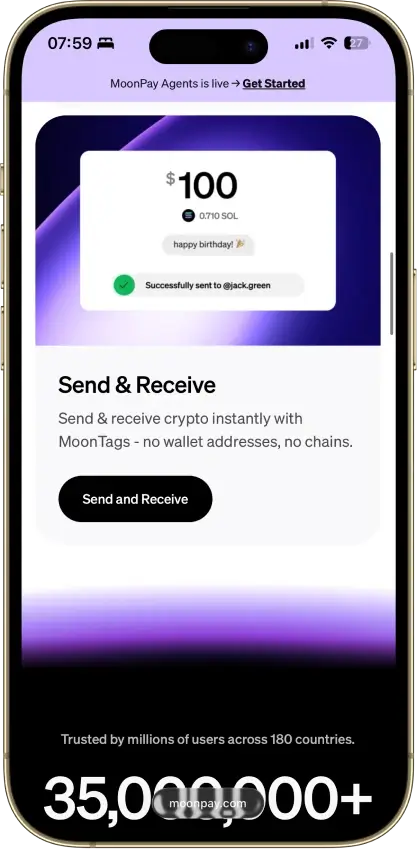
- MoonTag usernames for MoonPay-to-MoonPay sends
- Trade can route across blockchains
- US Balance buy/sell waives MoonPay's fee
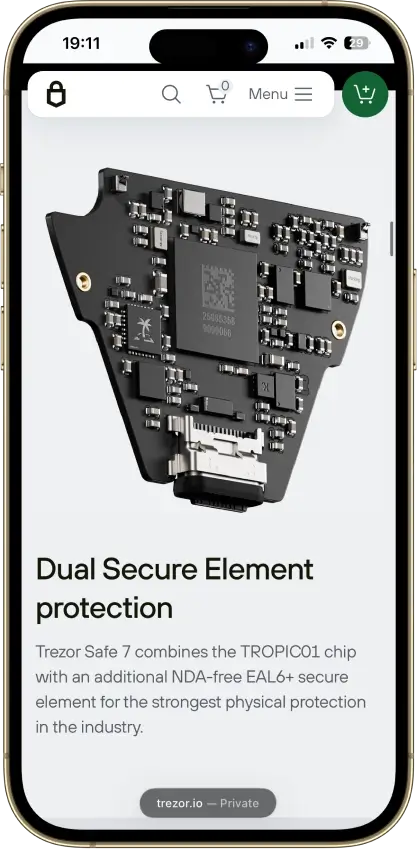
- Two secure elements protect PIN access
- Post-quantum device authentication
- Bitcoin-only firmware option
- Firmware-reproduction instructions published
- SeedQR temporary-signing option
- Published Jade Plus board-design files
- Pre-created smart-account recovery signer
- ETH staking via Kiln, 15% reward commission
- Capped USDC gas sponsorship on Base
- Duress Mode hides funds under coercion
- No seed phrase to write down or lose
- Recovery token plus optional 2FA layer
- Built by the team behind Kraken exchange
- Native Dogecoin support, not wrapped
- Token risk scoring and spam-NFT filter
- PIN protection enforced by a secure element
- Bitcoin-only firmware option
- FIDO2 authentication for compatible services
- Secure-element PIN protection
- Bitcoin-only firmware option
- Recovery words entered on the touchscreen
- Bitcoin Silent Payments with scan controls
- Mobile Litecoin MWEB private balances
- Optional shared BIP39 wallet groups
- USB signing for desktop and Android
- Separate screen with physical buttons
- 24-word backup with optional passphrase
- Wireless OS updates from version 2.4.1
- USB-C connection for desktop use
- Rechargeable, button-operated signer
- Pre-approval scam and phishing alerts
- Built-in token-approval revoke tool
- Cross-chain bridging in one interface
- Shield signing inside the Solflare mobile app
- Validator selection for native SOL staking
- Selected Solana DeFi positions in portfolio
- Point the app at your own node
- No payment processor ever sees you
- Runs on mobile and desktop, no extension
- Quick Backup with identity verification
- Web trading through Secure Auto Sign
- Selected swaps have no wallet service fee
- On-device recovery phrase verification
- Five seed + five private-key/keystore accounts
- Public upgrade-file verification tool
- Battery-free NFC card signing
- Separate cards managed in one app
- MetaMask desktop hardware connection
- Seedless recovery through linked NFC cards
- Phone-powered signing without charging
- Optional seed phrase on newer cards
- Trezor desktop portfolios over USB
- Ledger Nano X and Flex via mobile Bluetooth
- Mobile encrypted cloud backup with a passkey
- Freeze selected outputs before spending
- Animated-QR offline signing workflow
- View-only monitoring with key-image imports
- PocketChange for repeated payments
- Street Mode conceals on-screen balances
- View-only wallets for incoming payments
- Solo-mine XMR from inside the wallet
- Merchant page for receiving payments
- Pruning shrinks the full-node disk footprint
- Custom EVM networks alongside native Bitcoin
- Social-login backup with exportable phrase
- Snaps add third-party wallet capabilities
- Native SOL and Phantom Staked SOL options
- Google or Apple login with a portable backup
- Separate CASH account for Solana payments
- SWIFT offers passkey-based wallet recovery
- Eligible stablecoin swaps have a 0% wallet fee
- EVM custom-network configuration
- Firmware-reproduction instructions published
- SeedQR temporary-signing option
- Published Jade Plus board-design files
- Built by the team behind Kraken exchange
- Native Dogecoin support, not wrapped
- Token risk scoring and spam-NFT filter
- Bitcoin Silent Payments with scan controls
- Mobile Litecoin MWEB private balances
- Optional shared BIP39 wallet groups
- Shield signing inside the Solflare mobile app
- Validator selection for native SOL staking
- Selected Solana DeFi positions in portfolio
- Point the app at your own node
- No payment processor ever sees you
- Runs on mobile and desktop, no extension
- PocketChange for repeated payments
- Street Mode conceals on-screen balances
- View-only wallets for incoming payments
- Solo-mine XMR from inside the wallet
- Merchant page for receiving payments
- Pruning shrinks the full-node disk footprint
- Transaction Check on supported routes
- Phantom connection over mobile Bluetooth
- Security Key for supported account logins
- Curved 3.7-inch E Ink touchscreen
- Qi charging alongside USB-C
- Magnet Shell included in the box
- Two secure elements protect PIN access
- Post-quantum device authentication
- Bitcoin-only firmware option
- PIN protection enforced by a secure element
- Bitcoin-only firmware option
- FIDO2 authentication for compatible services
- Secure-element PIN protection
- Bitcoin-only firmware option
- Recovery words entered on the touchscreen
- USB signing for desktop and Android
- Separate screen with physical buttons
- 24-word backup with optional passphrase
- Wireless OS updates from version 2.4.1
- USB-C connection for desktop use
- Rechargeable, button-operated signer
- On-device recovery phrase verification
- Five seed + five private-key/keystore accounts
- Public upgrade-file verification tool
- Battery-free NFC card signing
- Separate cards managed in one app
- MetaMask desktop hardware connection
- Seedless recovery through linked NFC cards
- Phone-powered signing without charging
- Optional seed phrase on newer cards
- Custom EVM networks alongside native Bitcoin
- Social-login backup with exportable phrase
- Snaps add third-party wallet capabilities
- Transaction Check on supported routes
- Phantom connection over mobile Bluetooth
- Security Key for supported account logins
- Curved 3.7-inch E Ink touchscreen
- Qi charging alongside USB-C
- Magnet Shell included in the box
- Native SOL and Phantom Staked SOL options
- Google or Apple login with a portable backup
- Separate CASH account for Solana payments
- SWIFT offers passkey-based wallet recovery
- Eligible stablecoin swaps have a 0% wallet fee
- EVM custom-network configuration
- Pre-created smart-account recovery signer
- ETH staking via Kiln, 15% reward commission
- Capped USDC gas sponsorship on Base
- Built by the team behind Kraken exchange
- Native Dogecoin support, not wrapped
- Token risk scoring and spam-NFT filter
- PIN protection enforced by a secure element
- Bitcoin-only firmware option
- FIDO2 authentication for compatible services
- USB signing for desktop and Android
- Separate screen with physical buttons
- 24-word backup with optional passphrase
- Battery-free NFC card signing
- Separate cards managed in one app
- MetaMask desktop hardware connection
- Seedless recovery through linked NFC cards
- Phone-powered signing without charging
- Optional seed phrase on newer cards
CryptoSlate may earn a commission when you visit partner sites through links on this page, at no extra cost to you. Our rankings and reviews remain editorially independent and based on our published methodology. Read disclosure
Disclaimer: CryptoSlate may receive a commission when you click links on our site and make a purchase or complete an action with a third party. This does not influence our editorial independence, reviews, or ratings, and we always aim to provide accurate, transparent information to our readers.If you’re new to self-custody, Trust Wallet is a simple place to start on mobile. If you’re mainly using Ethereum and EVM DeFi, MetaMask is the default Web3 choice (and Rabby is a strong upgrade if you want clearer transaction previews). For long-term storage, move larger balances to a hardware wallet like Trezor Safe 5 or Ledger Nano S Plus.
Next, the comparison table breaks down chain support, XRP compatibility, backup options, and hardware signing so you can choose the right setup fast.
Remember, recovery and hardware support are no longer one-size-fits-all. Some wallets now offer seedless or email-based onboarding, some only support specific hardware devices, and some limit how dApps connect on mobile or iPhone. Check those details before treating two wallets as interchangeable.
Here’s a quick side-by-side look at what actually matters when you’re choosing a decentralized wallet for self-custody: chain support, XRP compatibility, how you back up access, and whether you can verify transactions on hardware.
Comparison Table
| Name | Custody | Blockchains | Hardware Support | Staking | Fiat On-ramp |
|---|---|---|---|---|---|
 MetaMask MetaMask | Non-custodial | Ethereum, Arbitrum, Optimism, Polygon, Base, Avalanche, BNB Smart Chain, Solana, Bitcoin, Tron | Yes | Full | Yes |
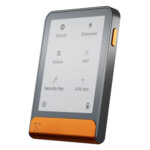 Ledger Flex Ledger Flex | Non-custodial | Bitcoin, Polygon, Ethereum, BNB Smart Chain, Avalanche, Tron, Arbitrum, Base, Optimism, Solana | No | Limited | Yes |
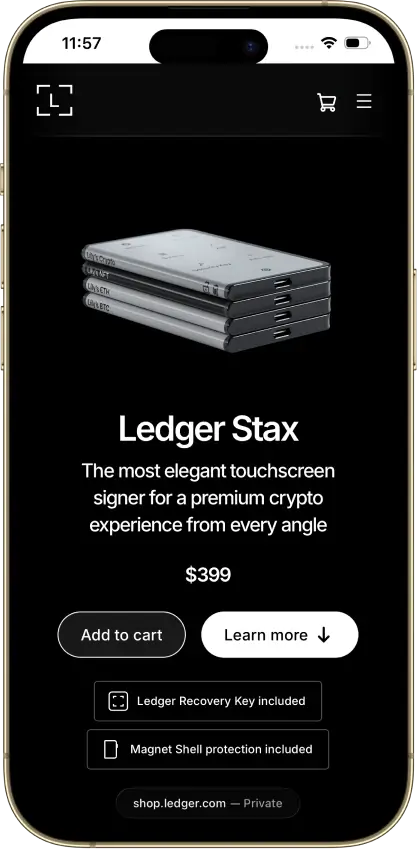
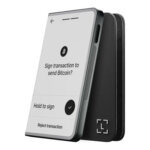 Ledger Stax Ledger Stax | Non-custodial | Bitcoin, Ethereum, BNB Smart Chain, Avalanche, Tron, Arbitrum, Base, Optimism, Polygon, Solana | No | Limited | Yes |
 Phantom Phantom | Non-custodial | Solana, Ethereum, Base, Polygon, Bitcoin | Yes | Limited | Yes |
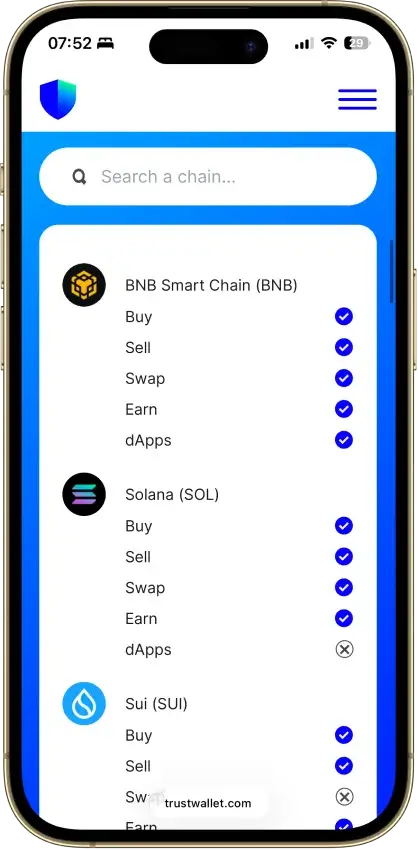
 Trust Wallet Trust Wallet | Non-custodial | Bitcoin, Ethereum, BNB Smart Chain, Avalanche, Tron, Arbitrum, Base, Optimism, Polygon, Solana | Yes | Full | Yes |
 MoonPay MoonPay | Non-custodial | Bitcoin, Solana, Tron, Ethereum, Polygon, Base, Arbitrum, Optimism, BNB Smart Chain | No | None | Yes |
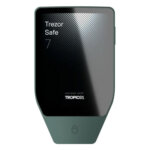 Trezor Safe 7 Trezor Safe 7 | Non-custodial | Bitcoin, Ethereum, BNB Smart Chain, Avalanche, Arbitrum, Base, Optimism, Polygon, Solana | No | Limited | Yes |
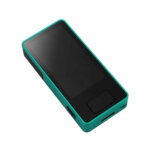 Blockstream Jade Plus Blockstream Jade Plus | Non-custodial | Bitcoin | No | None | Yes |
 Coinbase Wallet Coinbase Wallet | Non-custodial | Bitcoin, Ethereum, Base, Arbitrum, Optimism, Polygon, Avalanche, BNB Smart Chain, Solana | Yes | Limited | Yes |
 Edge Wallet Edge Wallet | Non-custodial | Bitcoin, Ethereum, BNB Smart Chain, Avalanche, Tron, Optimism, Polygon, Solana | No | Limited | Yes |
 Kraken Wallet Kraken Wallet | Non-custodial | Bitcoin, Ethereum, Arbitrum, Base, Optimism, Polygon, Solana | No | Limited | No |
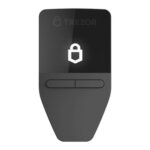 Trezor Safe 3 Trezor Safe 3 | Non-custodial | Bitcoin, Ethereum, BNB Smart Chain, Avalanche, Arbitrum, Base, Polygon, Optimism, Solana | No | Limited | Yes |
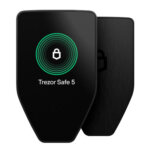 Trezor Safe 5 Trezor Safe 5 | Non-custodial | Bitcoin, Ethereum, BNB Smart Chain, Avalanche, Arbitrum, Base, Optimism, Polygon, Solana | No | Limited | Yes |
 Cake Wallet Cake Wallet | Non-custodial | Tron, Bitcoin, Ethereum, Polygon, BNB Smart Chain, Solana, Base, Arbitrum | Yes | None | Yes |
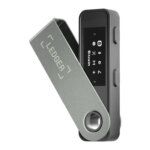 Ledger Nano S Plus Ledger Nano S Plus | Non-custodial | Bitcoin, Ethereum, BNB Smart Chain, Avalanche, Tron, Arbitrum, Base, Optimism, Polygon, Solana | No | Limited | Yes |
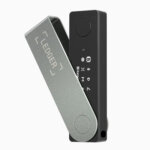 Ledger Nano X Ledger Nano X | Non-custodial | Bitcoin, Ethereum, BNB Smart Chain, Avalanche, Tron, Arbitrum, Base, Optimism, Polygon, Solana | No | Limited | No |
 OKX Wallet OKX Wallet | Non-custodial | Bitcoin, Ethereum, BNB Smart Chain, Avalanche, Tron, Arbitrum, Base, Optimism, Polygon, Solana | Yes | Limited | Yes |
 Solflare Solflare | Non-custodial | Solana | Yes | Full | Yes |
 Stack Wallet Stack Wallet | Non-custodial | Bitcoin | No | None | No |
 Binance Wallet Binance Wallet | Non-custodial | Bitcoin, Ethereum, BNB Smart Chain, Tron, Arbitrum, Base, Optimism, Polygon, Solana | No | Limited | Yes |
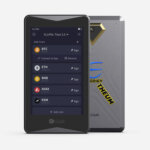 ELLIPAL Titan 2.0 ELLIPAL Titan 2.0 | Non-custodial | Bitcoin, Ethereum, BNB Smart Chain, Avalanche, Tron, Base, Polygon, Solana | No | Limited | Yes |
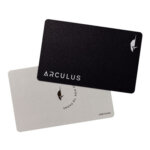 Arculus Wallet Arculus Wallet | Non-custodial | Bitcoin, Ethereum, BNB Smart Chain, Avalanche, Tron, Arbitrum, Base, Optimism, Polygon, Solana | No | Limited | Yes |
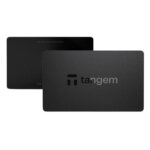 Tangem Tangem | Non-custodial | Bitcoin, Ethereum, BNB Smart Chain, Avalanche, Tron, Arbitrum, Optimism, Base, Polygon, Solana | No | Limited | Yes |
 Exodus Exodus | Non-custodial | Bitcoin, Ethereum, BNB Smart Chain, Avalanche, Tron, Arbitrum, Base, Optimism, Polygon, Solana | Yes | Full | Yes |
 Feather Wallet Feather Wallet | Non-custodial | — | Yes | None | No |
 Monerujo Wallet Monerujo Wallet | Non-custodial | — | Yes | None | No |
 Monero GUI Wallet Monero GUI Wallet | Non-custodial | — | Yes | None | No |
What this table shows is that hot/Web3 wallets are best when you’re actively using DeFi and dApps, while hardware wallets are usually the safer default for long-term self-custody. If XRP is a priority, stick to wallets with native XRPL support (not just wrapped XRP on other chains). Chain support and open-source status can change, so confirm details in the wallet’s documentation before you commit.
For many, the right answer is not one wallet but two. A hot wallet is useful for daily transfers, swaps, and dApps. A hardware wallet is the safer place for larger balances and long-term storage. Splitting those jobs reduces the damage a bad approval, phishing mistake, or malicious dApp can do to your main holdings.
Treat the Open Source column as a shorthand, not a full security verdict. On wallet products, app code, firmware, secure element design, and companion software are not always equally open, so a simple yes/no label can hide important differences.
Decentralized And Non-Custodial Crypto Wallets Reviews
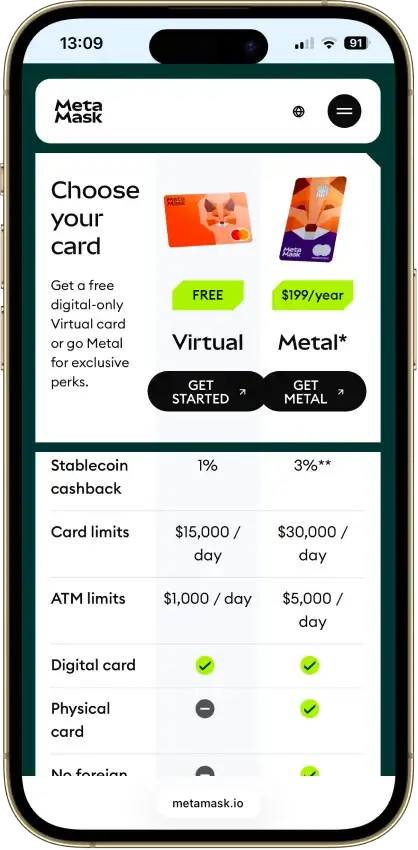
MetaMask
Pros
- Default-on transaction security alerts
- Mobile connections to compatible hardware
- ETH pooled staking without a product minimum
- In-wallet cross-chain swap routes
- Publicly accessible extension source code
Cons
- Swaps carry a 0.875% service fee
- Social recovery depends on online services
- TRON dApp support has conflicting documentation
- Linked Ledger accounts are EVM-only
- New US and UK Card enrollment is paused
Ledger Flex
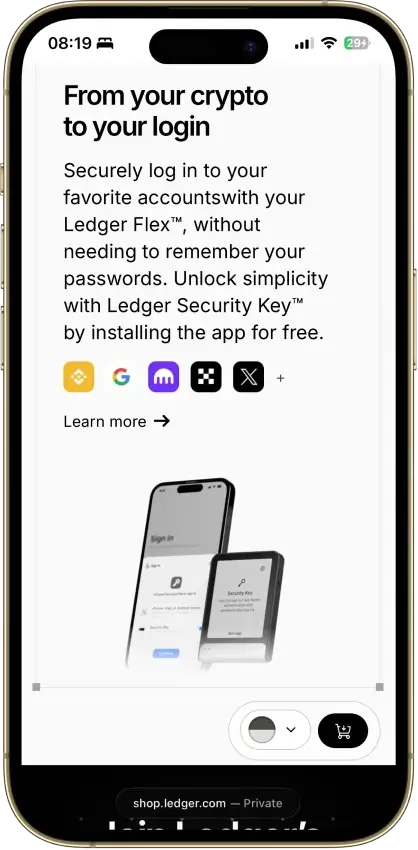
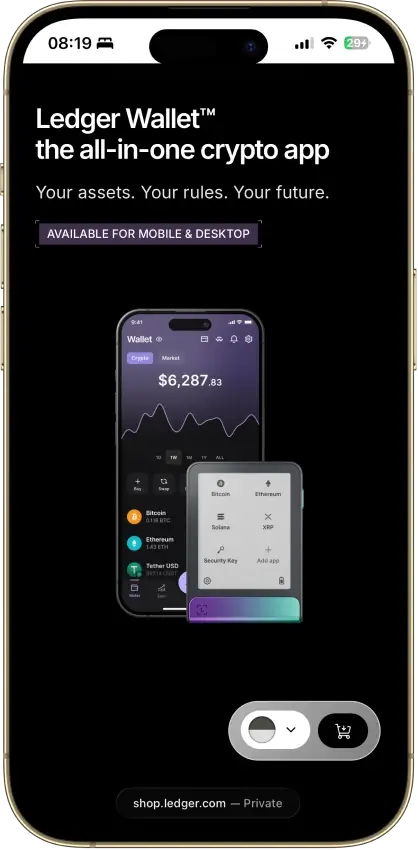
Pros
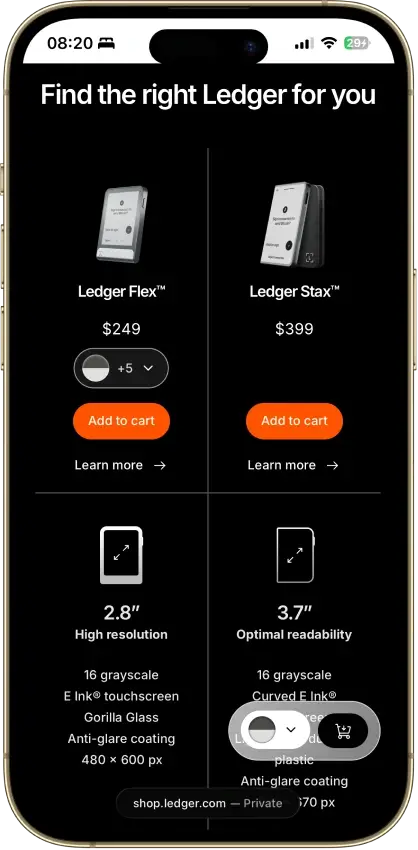
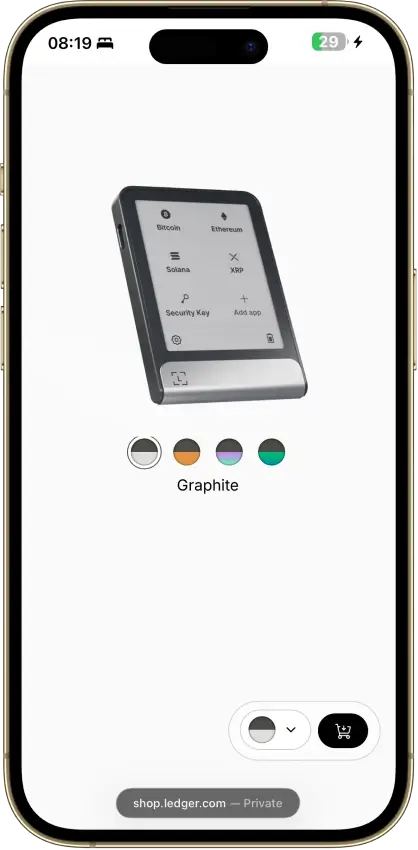
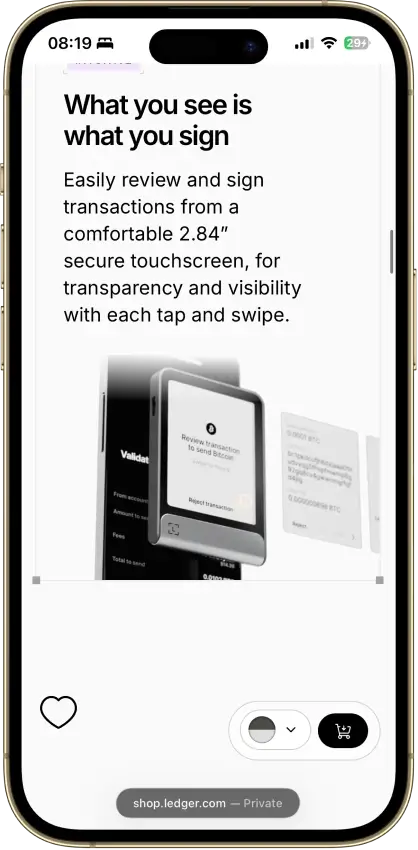
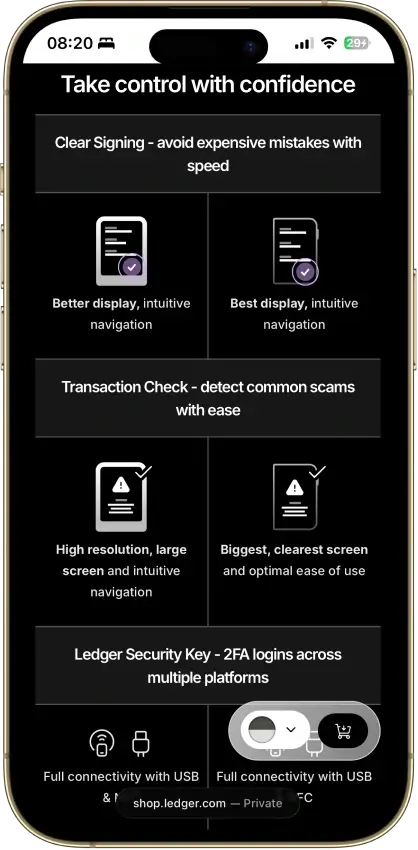
- 2.8-inch E Ink screen for approvals
- PIN-protected Recovery Key included
- CC EAL6+ certified Secure Element
- Public companion and device-app code
- Optional passphrase accounts
Cons
- Low-level firmware remains partly closed
- No Qi wireless charging
- Signing coverage varies by app
- Recovery Key excludes passphrases
- Connected services add fees and dependencies
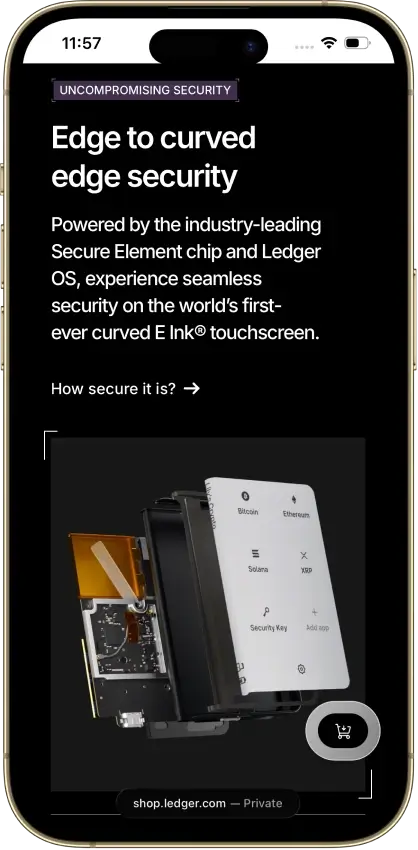
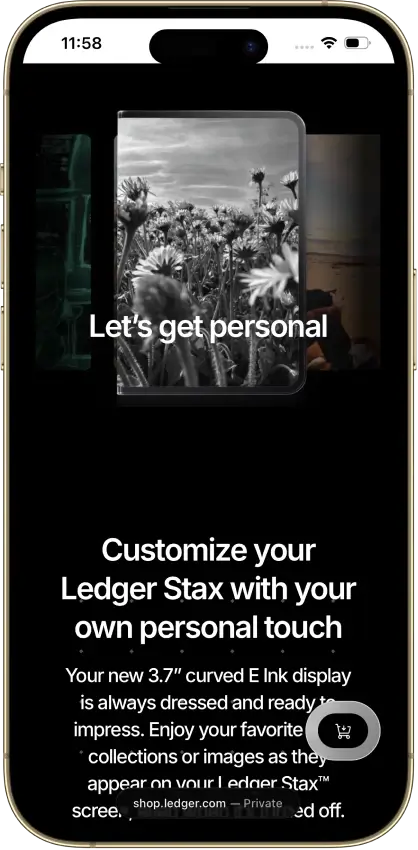
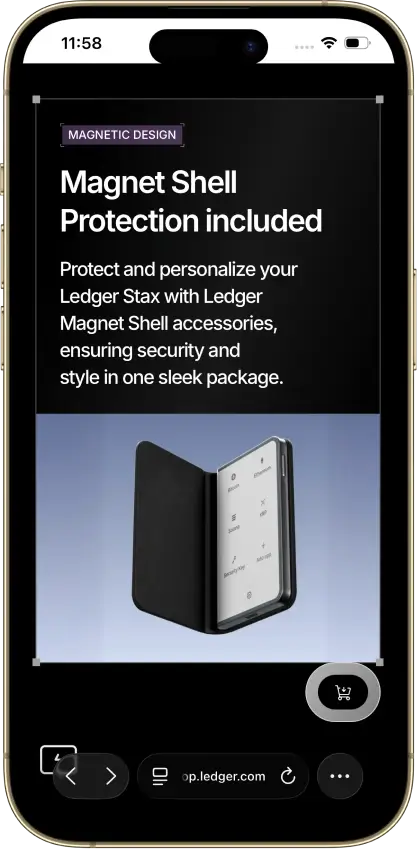
Ledger Stax
Pros
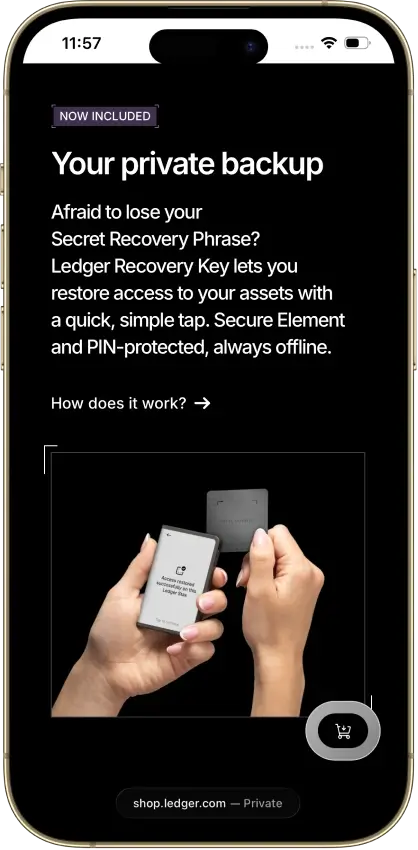
- PIN-protected offline backup card included
- EAL6+ certified Secure Element chip
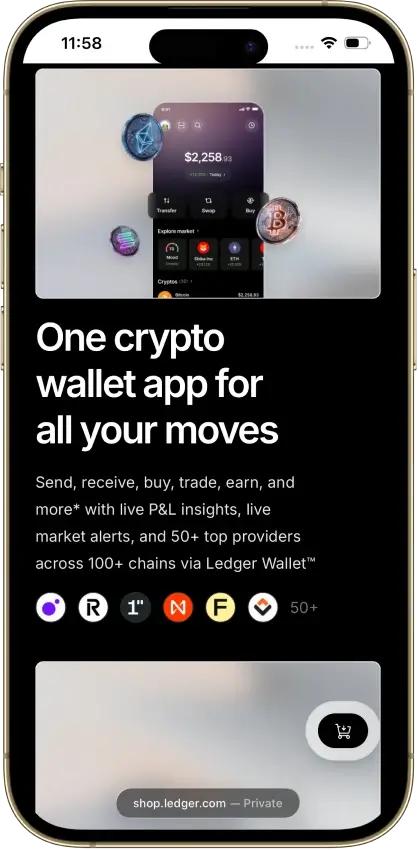
- Mobile and desktop companion options
- Separate passphrase accounts supported
Cons
- Low-level firmware remains partly closed
- Coin-app updates need separate attention
- Recovery Key excludes extra passphrases
- Connected-service costs vary by provider
Phantom
Pros
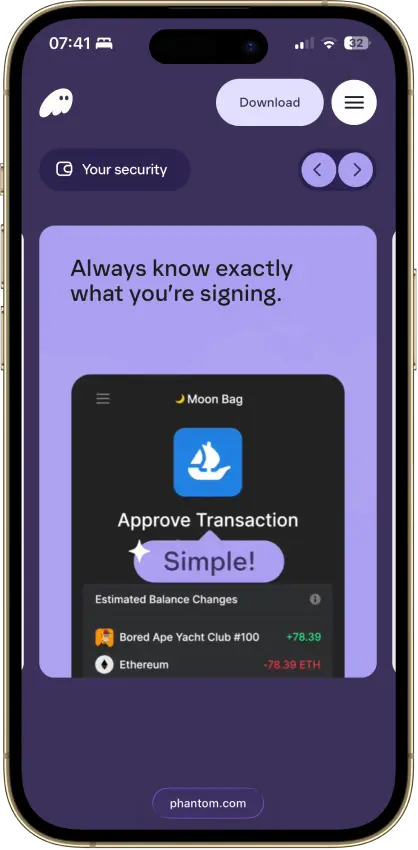
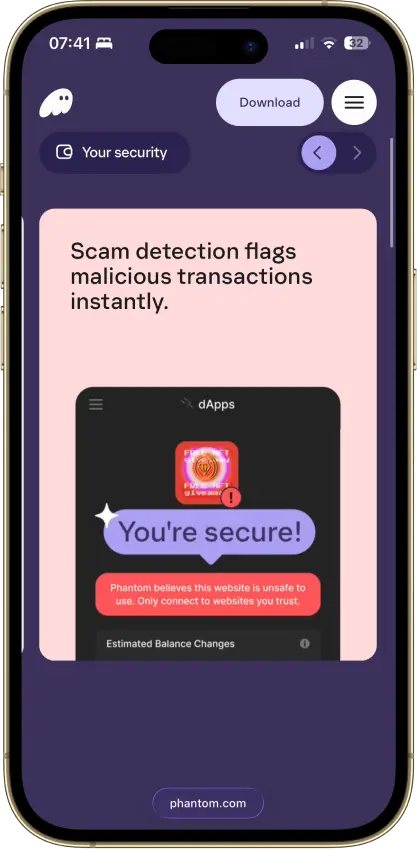
- Transaction previews and scam warnings
- Ledger Bluetooth support on mobile
- Bitcoin Native SegWit and Taproot support
- Published third-party audit reports
- Cross-chain routing inside the wallet
Cons
- Core app is proprietary
- Sui support ends September 24, 2026
- New native stakes need the extension
- KMS signing depends on a remote service
- No native Arbitrum, Optimism, BSC, or Avalanche
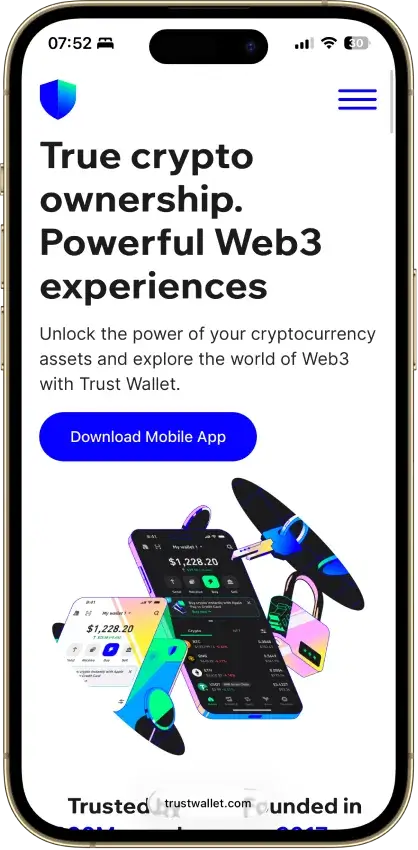
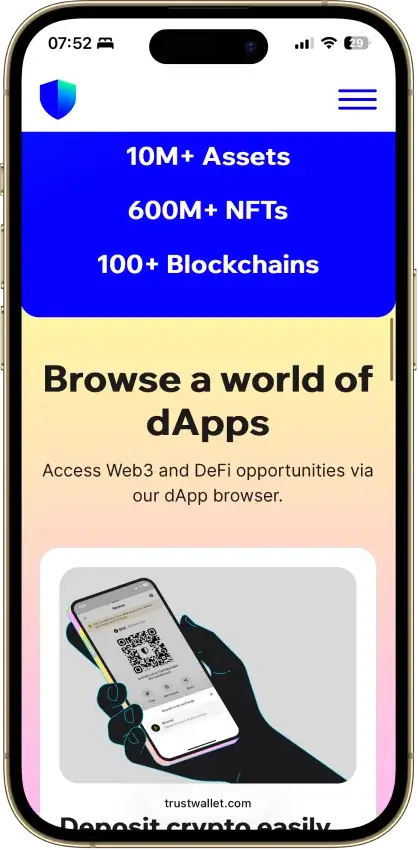
Trust Wallet
Pros
- Bitcoin, Ethereum and Solana accounts in one app
- Transaction previews on supported networks
- Optional encrypted cloud backup
- Ledger signing through the extension
- Free mobile app and browser extension
Cons
- Two documented extension security incidents
- Mobile app builds lack public source access
- Network support is changing in September 2026
- SWIFT recovery depends on retained passkeys
- Fees vary by route and service
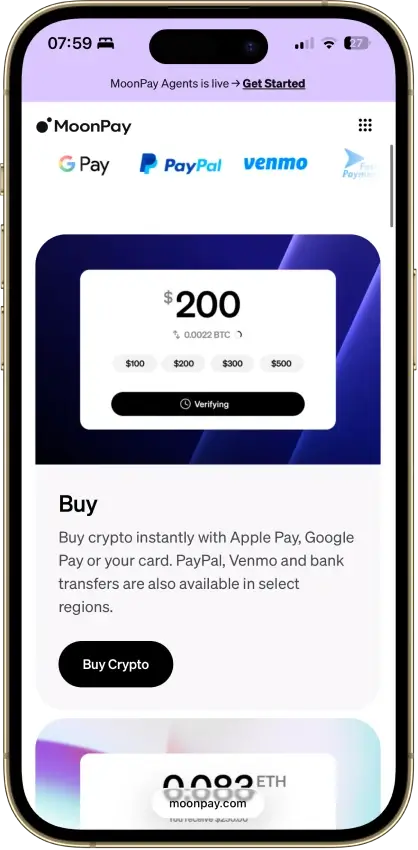
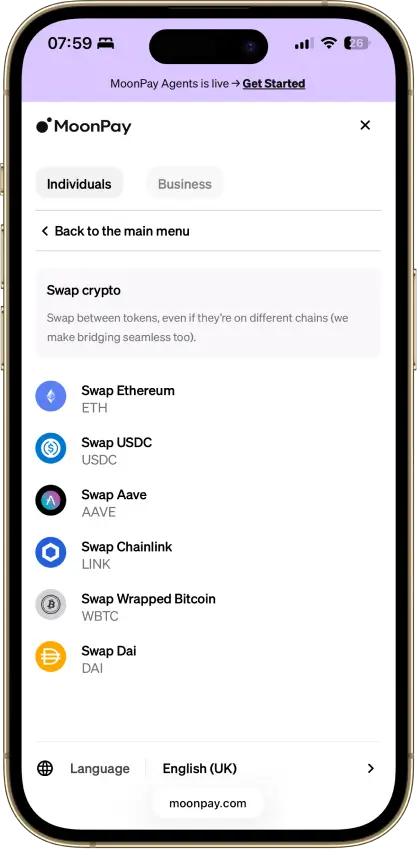
MoonPay
Pros
- Buying and wallet management in one app
- App Lock is mandatory
- Supports Bitcoin, Solana, TRON and EVM networks
- Recovery export allowed on disabled accounts
Cons
- Consumer app absent from MoonPay's public GitHub
- Minimum fees can dominate small purchases
- Cash-out options vary by state and country
- Trade fee documentation conflicts
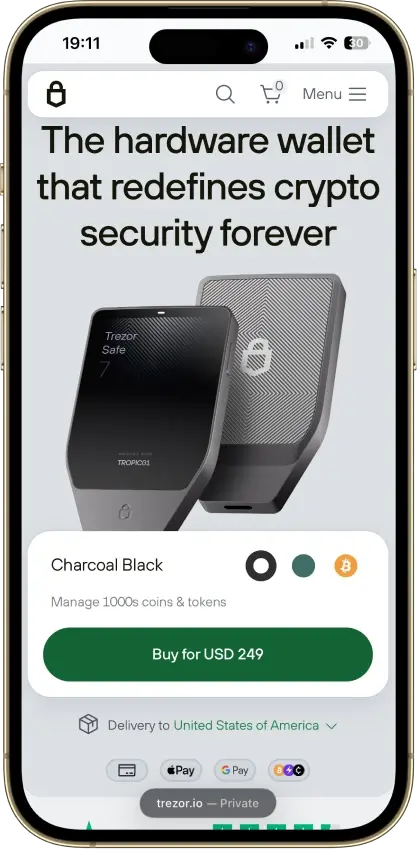
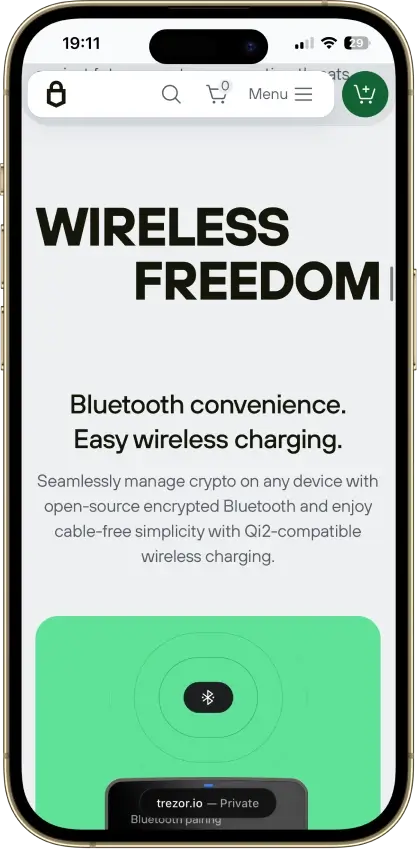
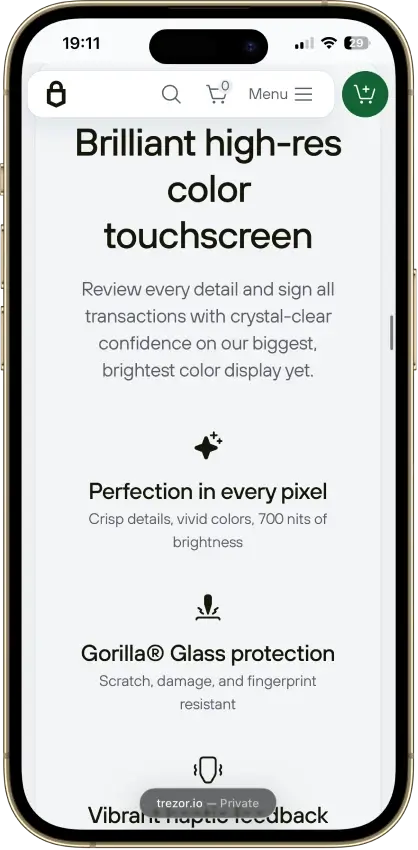
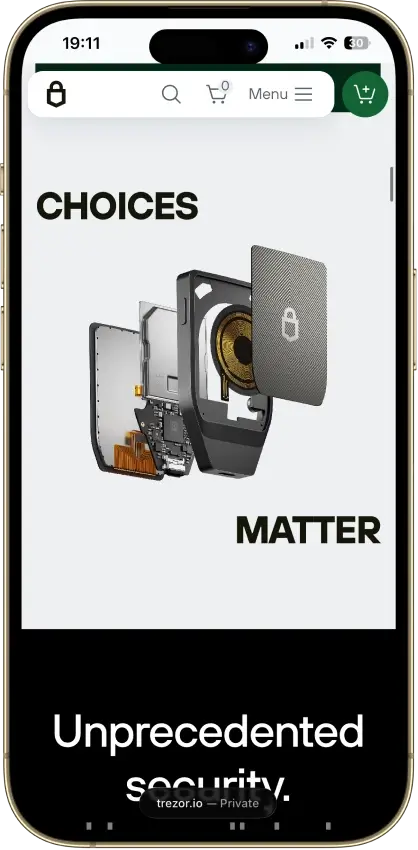
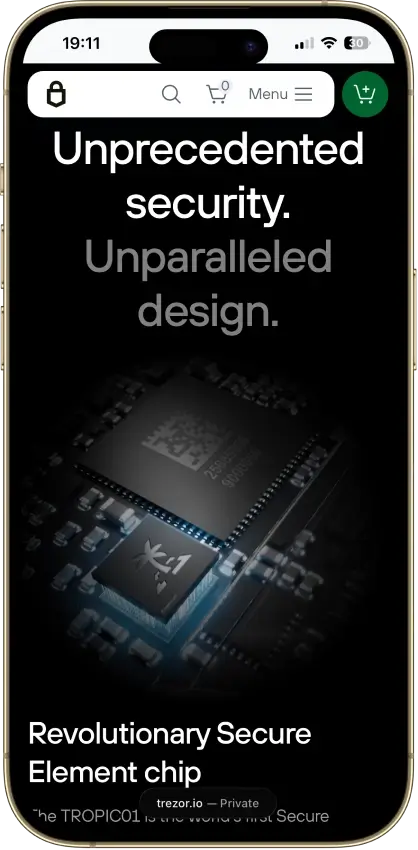
Trezor Safe 7
Pros
- iPhone transaction signing
- Touchscreen backup recovery
- USB operation with a depleted battery
- Published firmware build instructions
- Choice of single or multi-share backup
Cons
- $249 device cost
- Battery cannot be replaced by the user
- Disclosed physical TROPIC01 vulnerability
- Monero needs a separate app
- No QR-only signing workflow
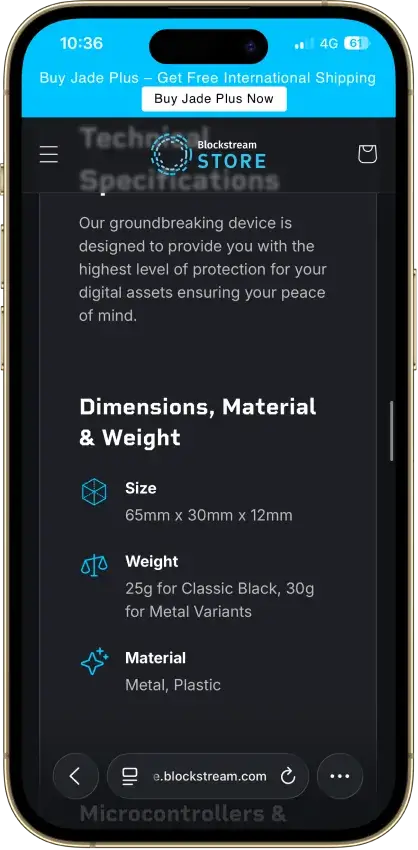
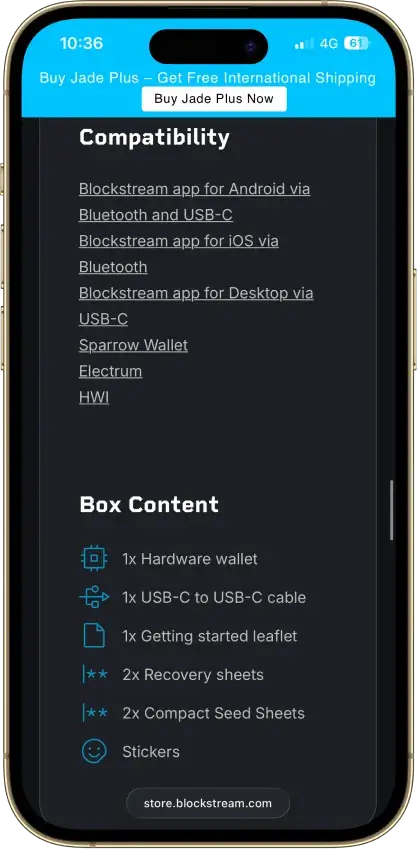
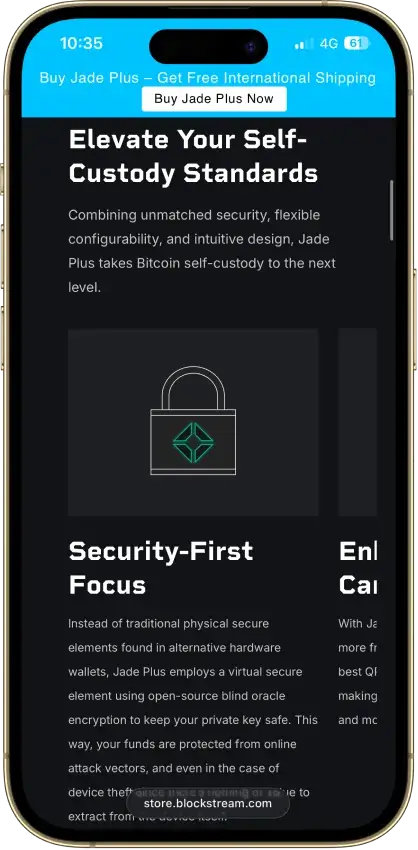
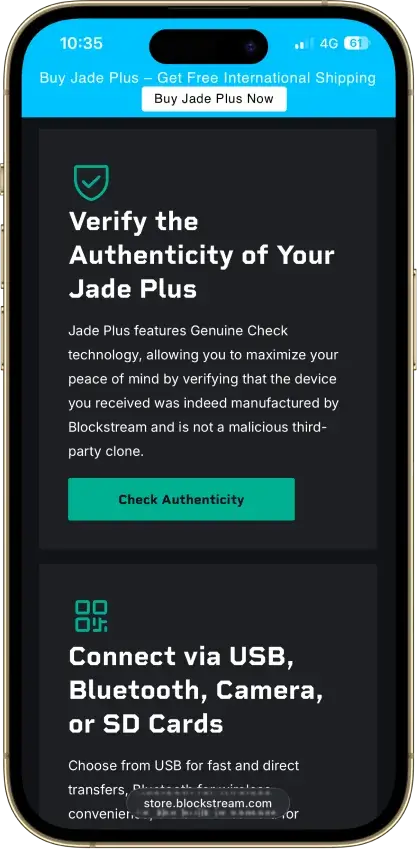
Blockstream Jade Plus
Pros
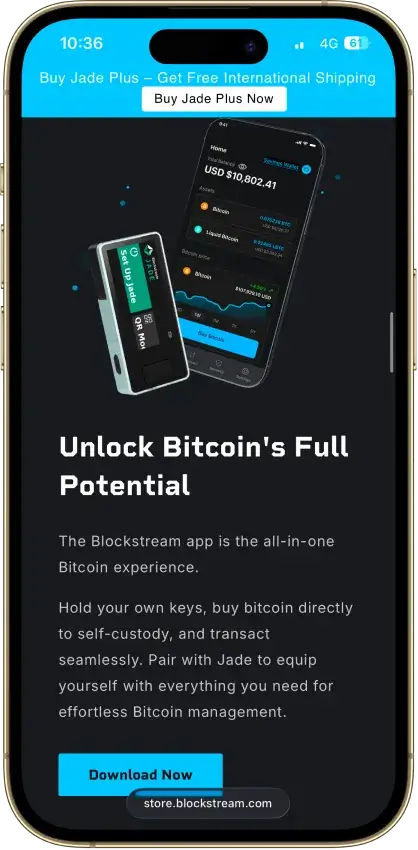
- Bitcoin signing by camera, cable or Bluetooth
- Sparrow and Electrum companion choices
- Optional BIP39 passphrase wallets
- Removable-storage firmware updates
Cons
- QR transaction signing excludes Liquid
- Normal PIN access depends on an online oracle
- No Ethereum or Solana signing
- App Lightning balance uses an app-held key
Coinbase Wallet
Pros
- Several account and sign-in choices
- Integrated trading and funding routes
- Ledger signing through the extension
- Public smart-wallet contract code
Cons
- Passkey smart wallets exclude BTC and SOL
- Several former networks are unsupported
- Swap fees can include multiple charges
- Recovery rules vary by account type
Edge Wallet
Pros
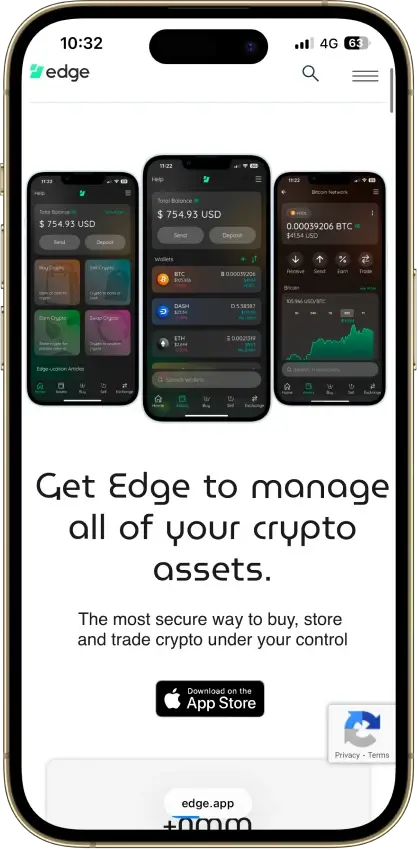
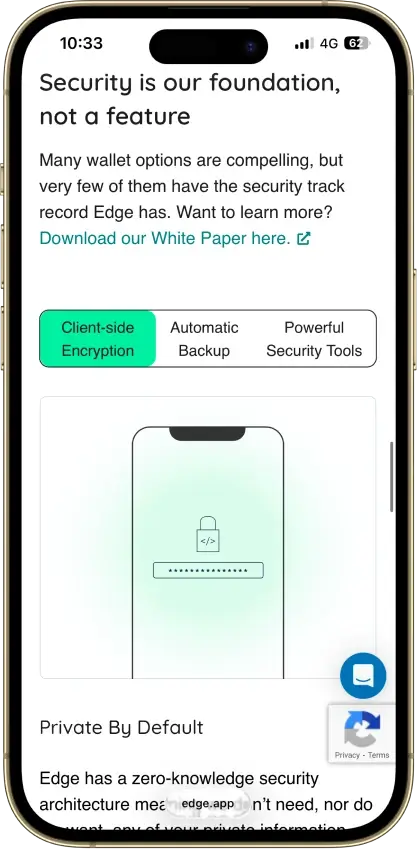
- Public, auditable code (BSD-3-Clause app)
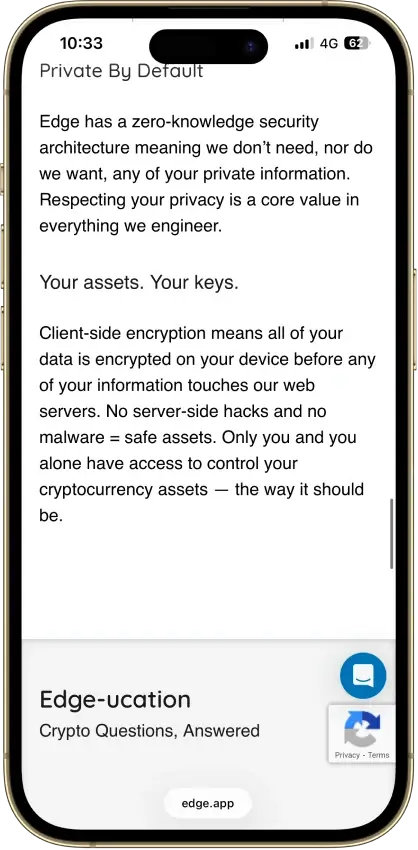
- Non-custodial, zero-knowledge encryption
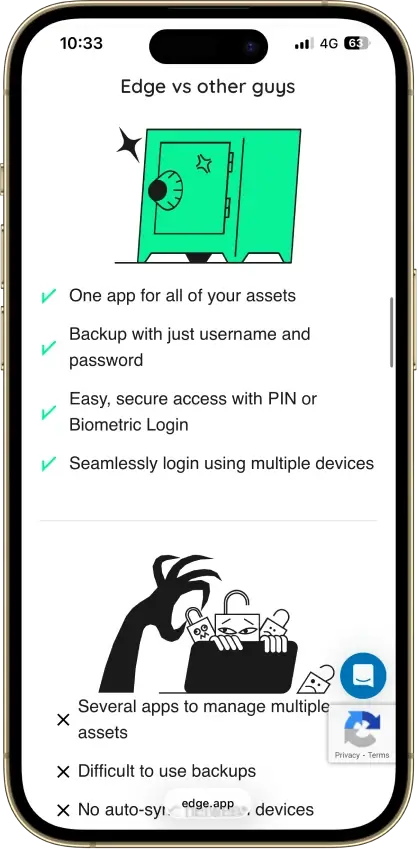
- Password login with multi-device sync
- US company shipping wallets since 2014
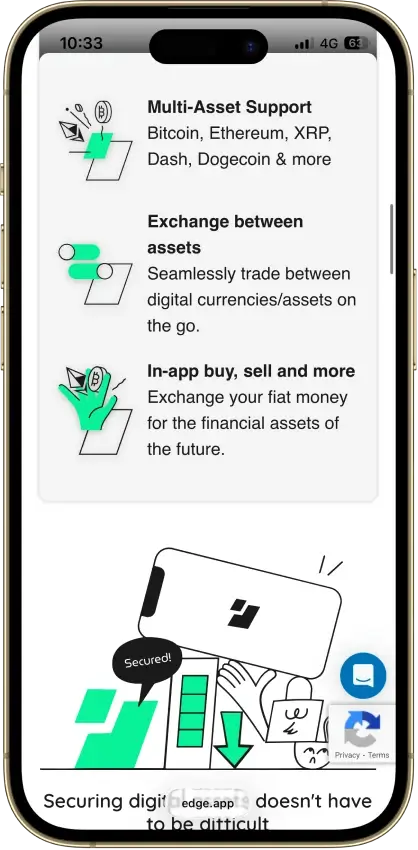
- 120+ assets plus major token standards
Cons
- Weak password is a single point of failure
- Encrypted key blobs sit on Edge servers
- 2023 bug exposed about 600 private keys
- No secure element, software-only signing
- Mobile-only, no desktop or extension
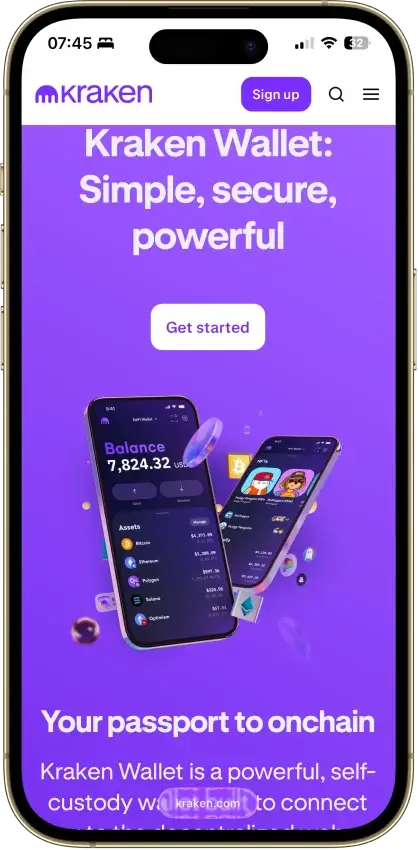
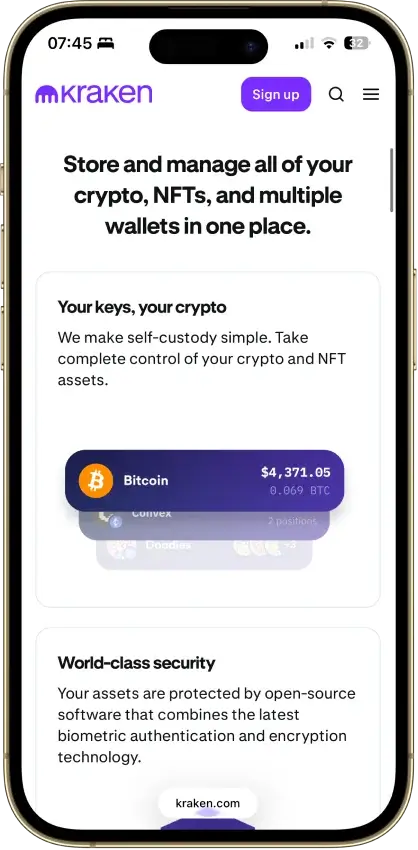
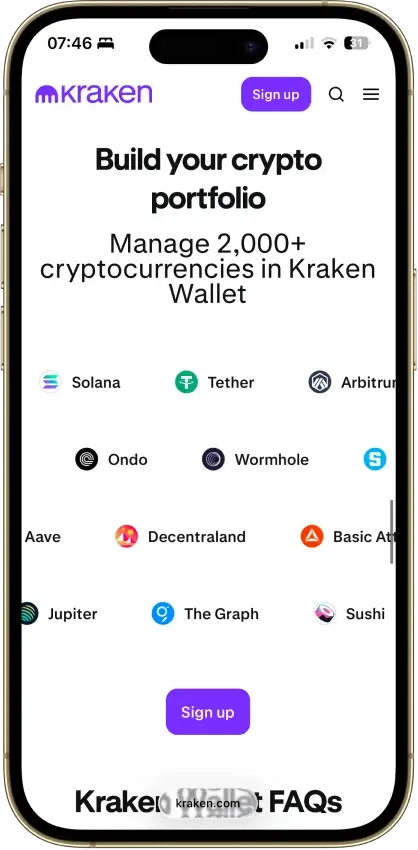
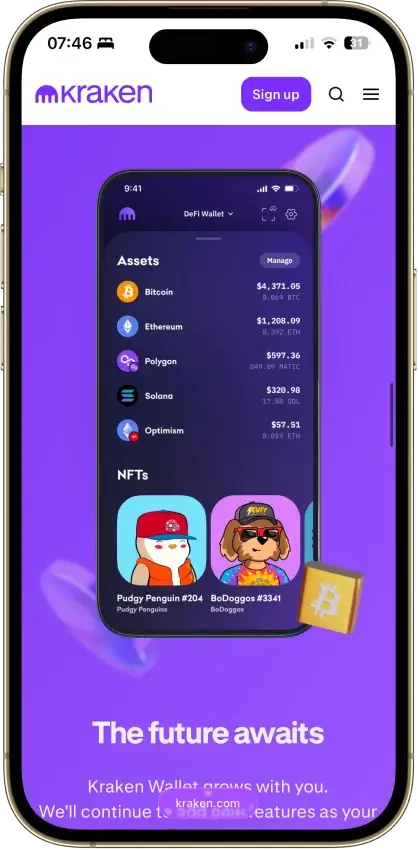
Kraken Wallet
Pros
- Fully open source with reproducible builds
- Published Trail of Bits security audit
- No KYC and no Kraken account required
- Non-custodial, keys stay on your device
- US-available with no geo-gate
Cons
- Hot wallet only, no secure element
- No hardware wallet pairing
- No browser extension or desktop app
- Swaps limited to select routes
- No in-wallet fiat on-ramp
Trezor Safe 3
Pros
- USB power needs no battery maintenance
- Recovery words entered on the device
- SLIP39 supports distributed backup shares
- Core firmware can be inspected and rebuilt
- Native Suite accounts for BTC, SOL and XRP
Cons
- Cannot sign with an iPhone
- Small screen and repeated button navigation
- Backup loss can prevent recovery
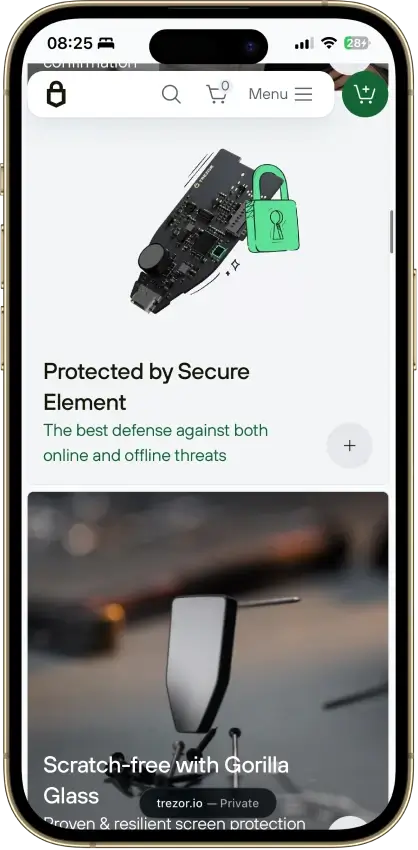
- Secure element software is closed-source
- Shipping-data exposure raises phishing risk
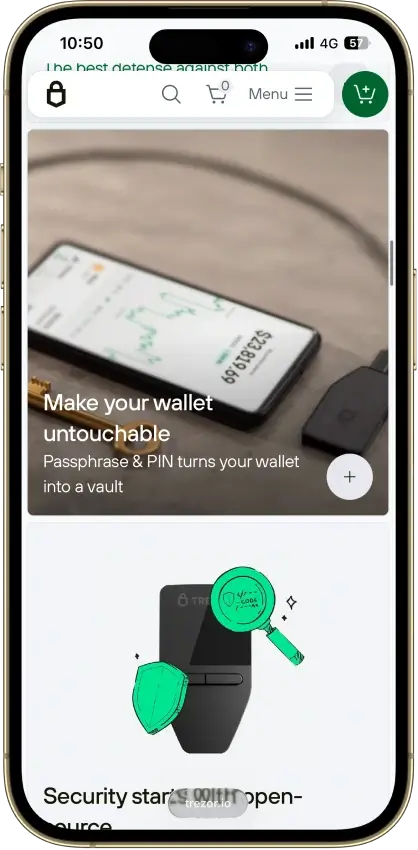
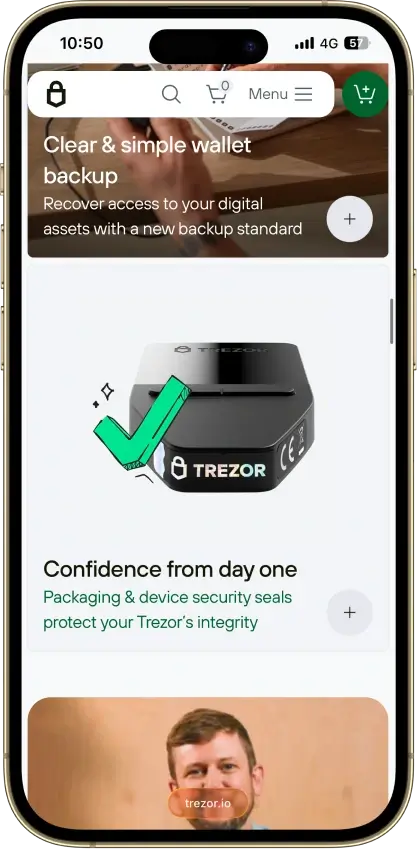
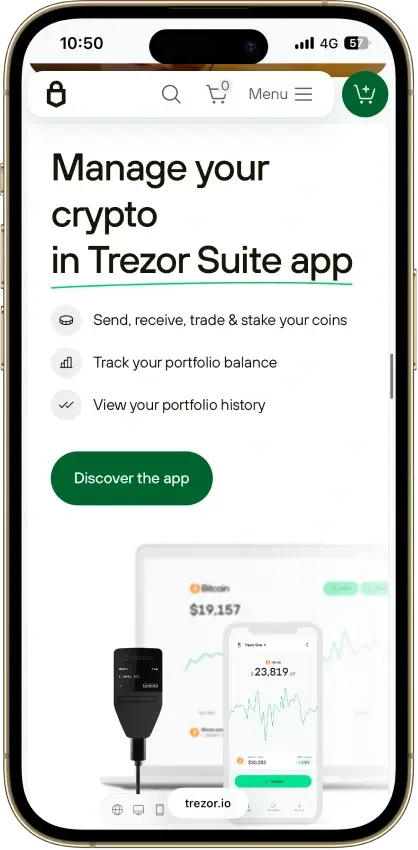
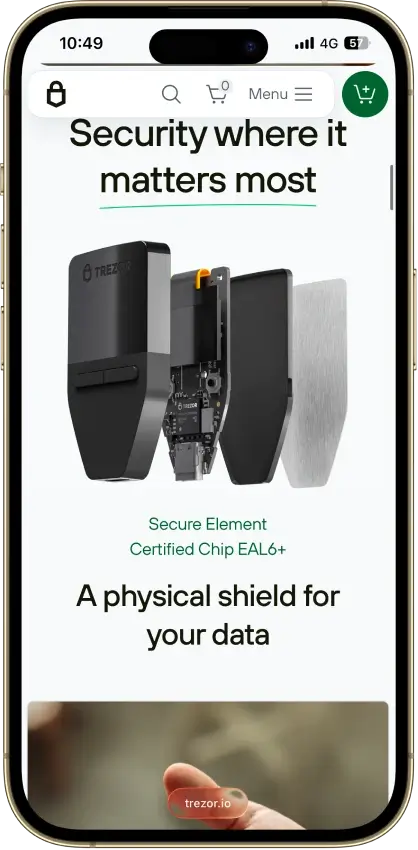
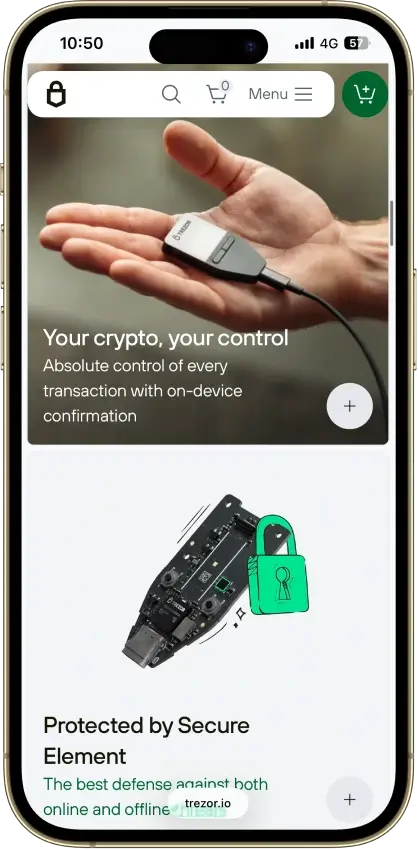
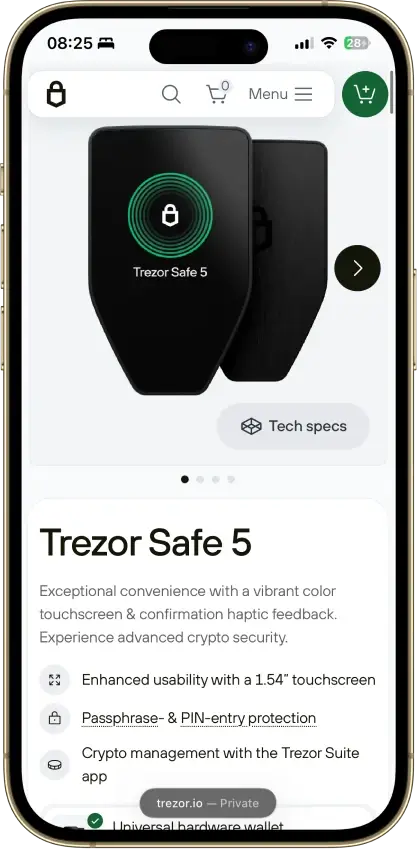
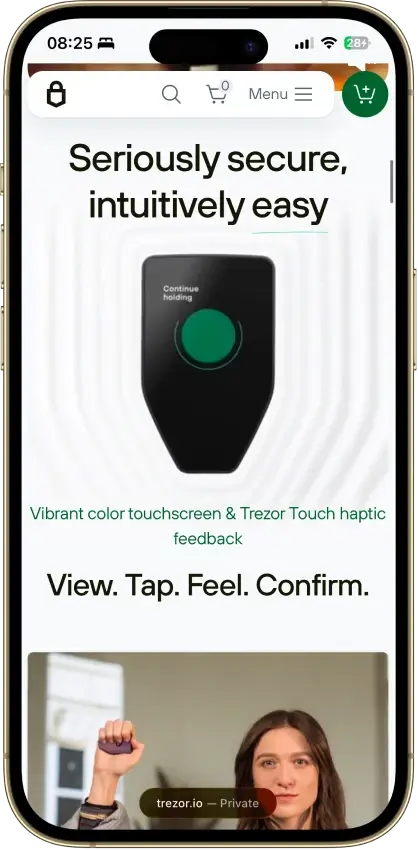
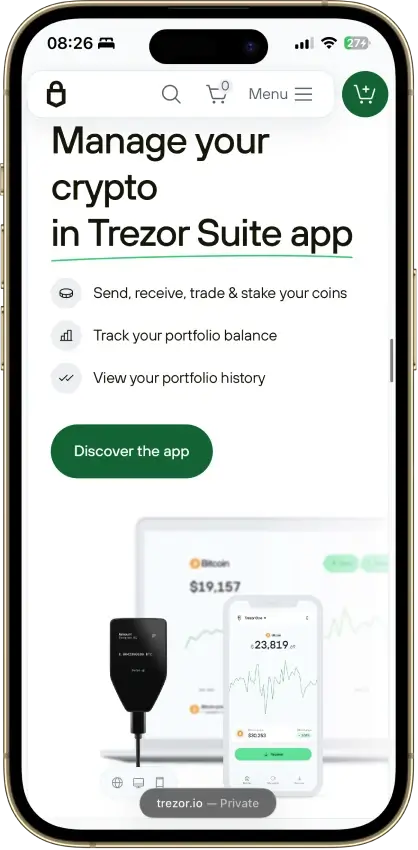
Trezor Safe 5
Pros
- Color display with haptic feedback
- Optional microSD access protection
- Native Suite accounts for BTC, SOL and XRP
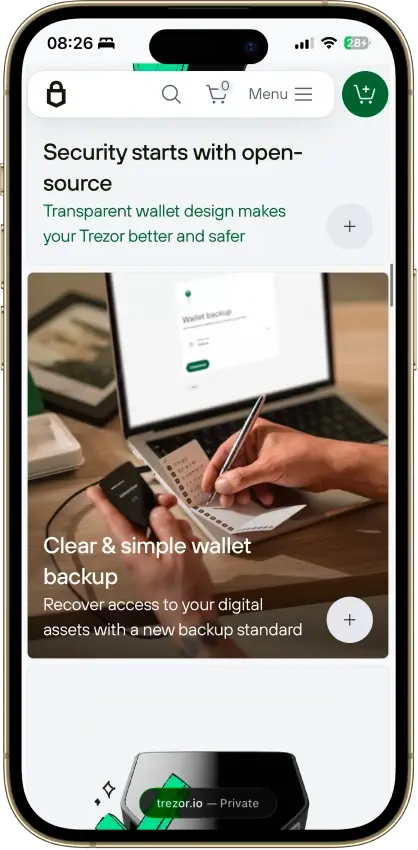
- Threshold-based SLIP39 backups
- Public core firmware and build instructions
Cons
- Cannot sign through an iPhone
- MicroSD setup uses a command-line tool
- Backup loss can prevent recovery
- Provider contracts add staking risk
- Suite has a restricted source license
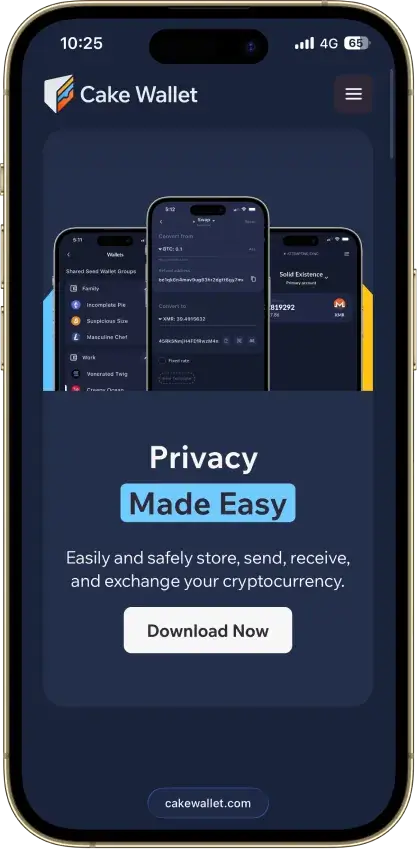
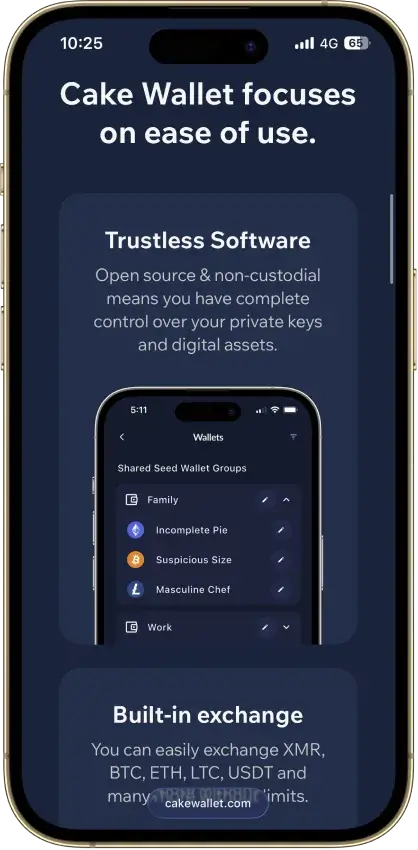
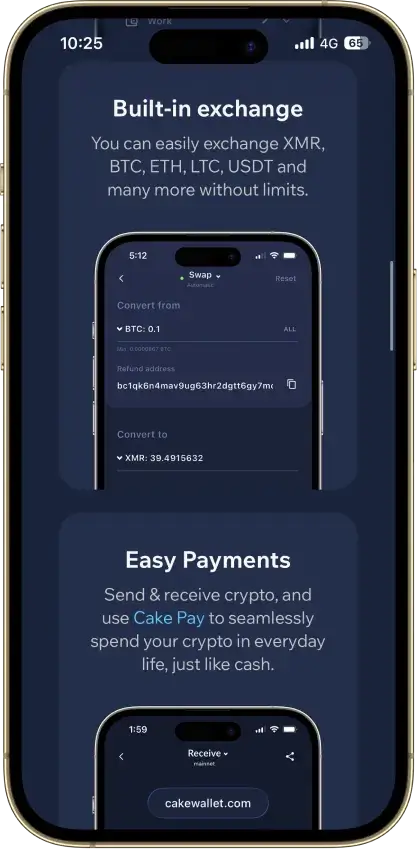
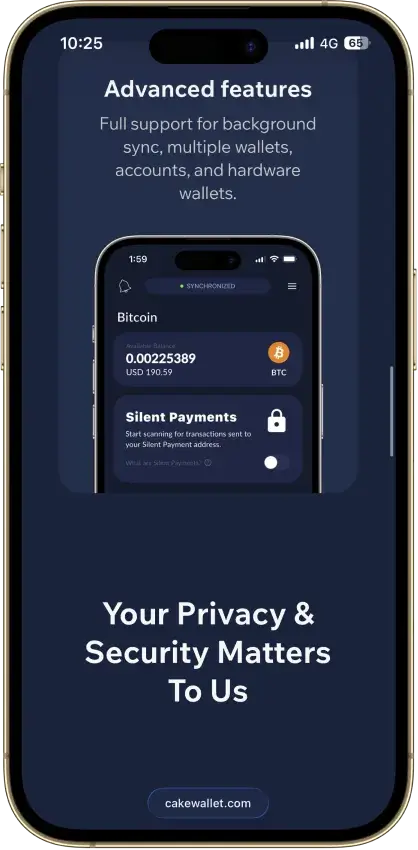
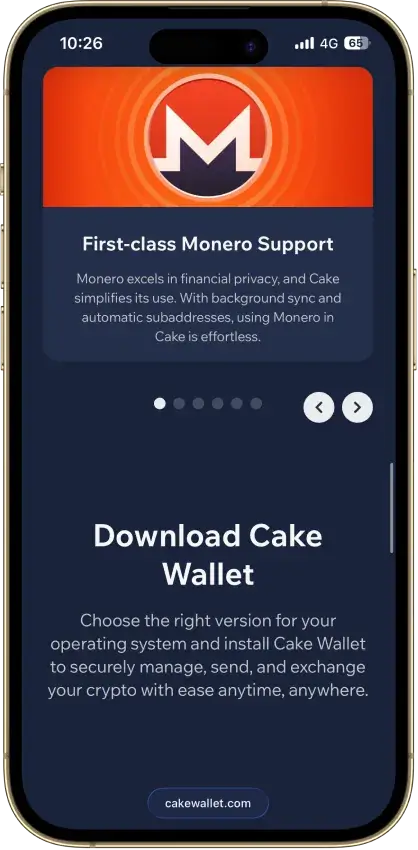
Cake Wallet
Pros
- Monero accounts and subaddresses
- Encrypted whole-app backup export
- Multiple swap providers to compare
- Publicly documented security fixes
Cons
- Windows builds are currently paused
- Shared seeds require BIP39 wallets
- Some swaps can trigger KYC checks
- Past BTC seed flaw needs manual migration
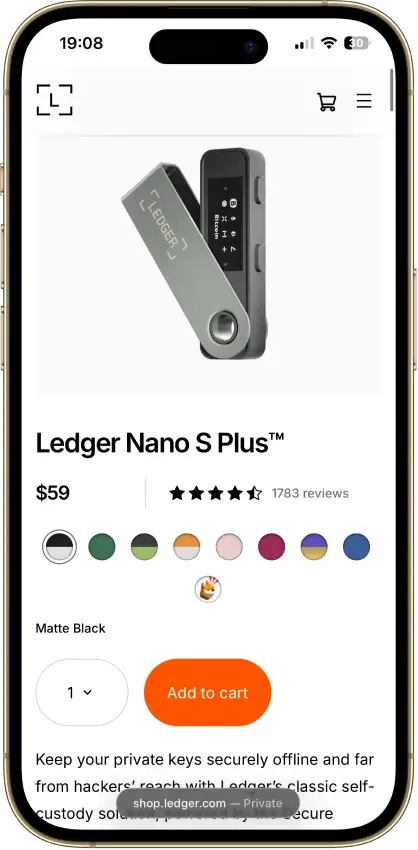
Ledger Nano S Plus
Pros
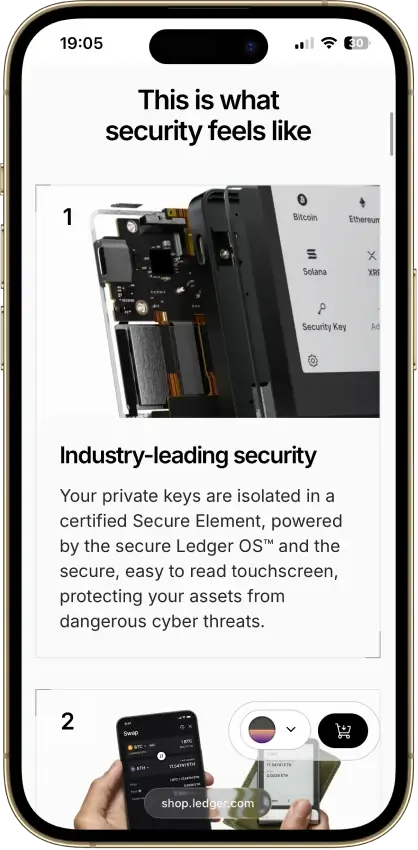
- CC EAL6+ certified Secure Element
- Battery-free operation
- Public companion and app code
- Recovery Check backup validation
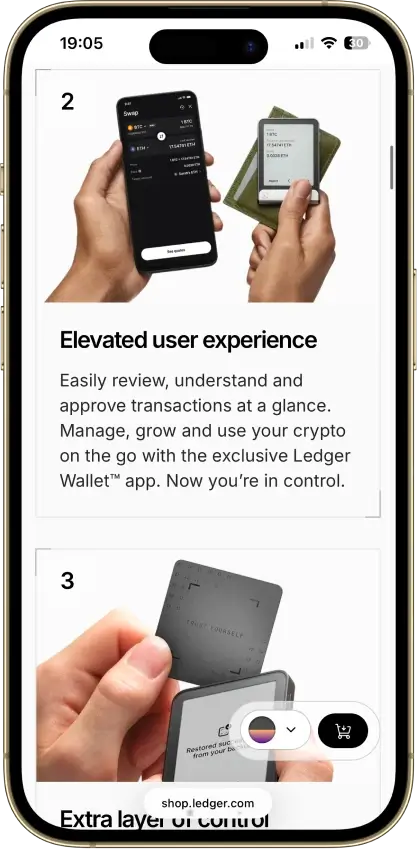
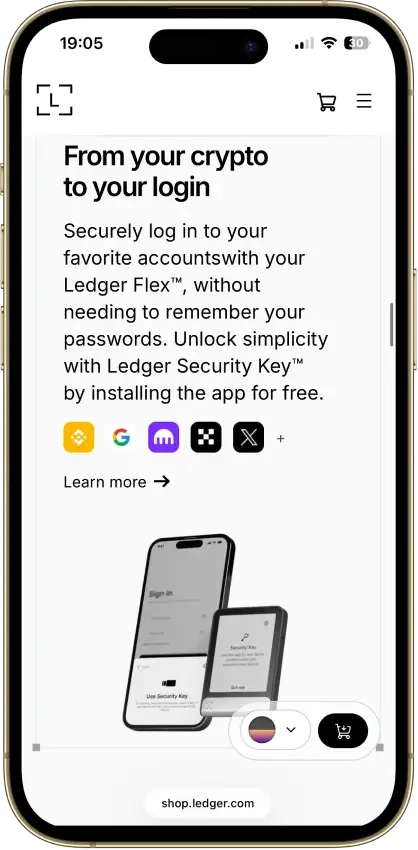
- Third-party wallet integrations
Cons
- No iPhone signing support
- Small screen and button navigation
- Low-level firmware remains closed
- Blockchain apps need separate updates
- Optional recovery adds provider trust
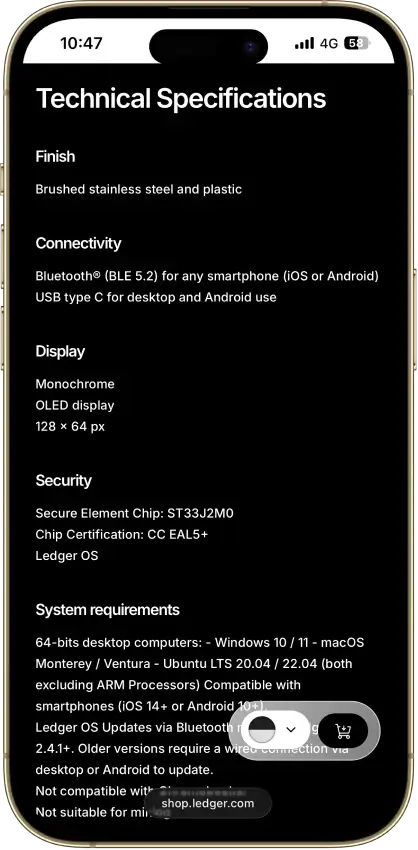
Ledger Nano X
Pros
- Device-generated recovery backup
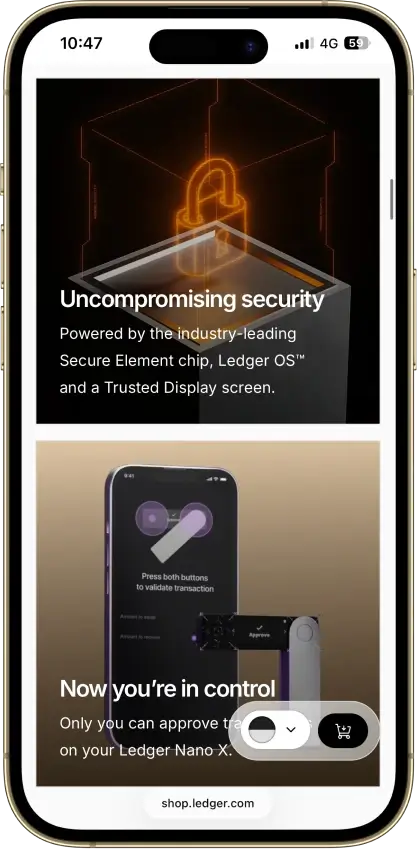
- CC EAL5+ certified Secure Element
- Public companion and device-app code
- Bluetooth signing on iPhone and Android
- Optional passphrase accounts
Cons
- Battery needs periodic charging
- Small display requires scrolling
- Low-level firmware remains closed
- Apps need their own security updates
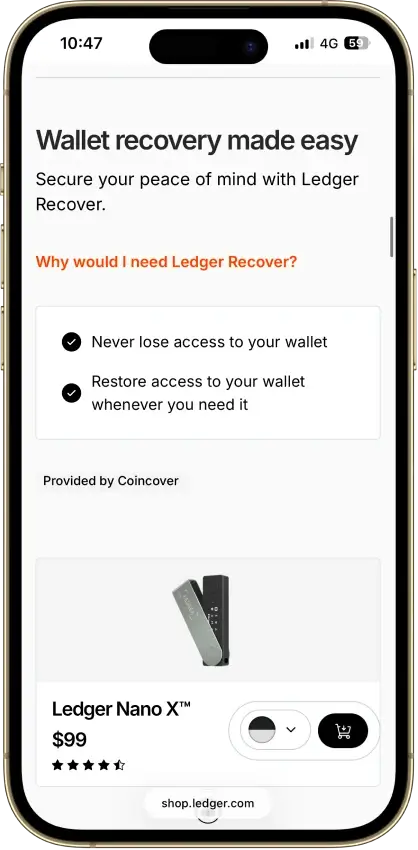
- Paid recovery adds provider dependencies
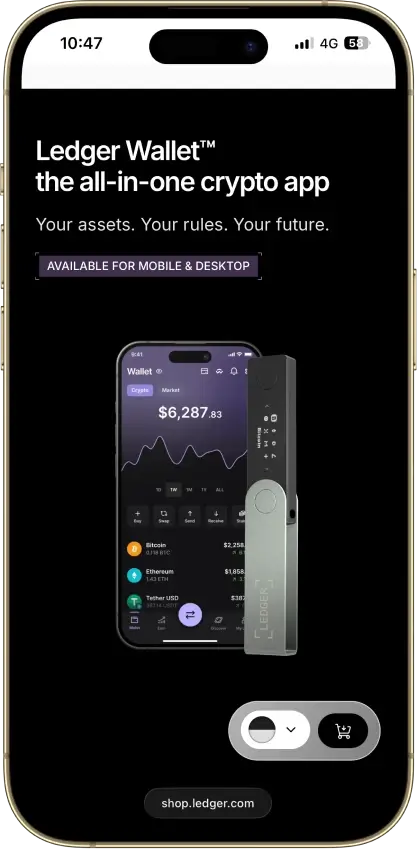
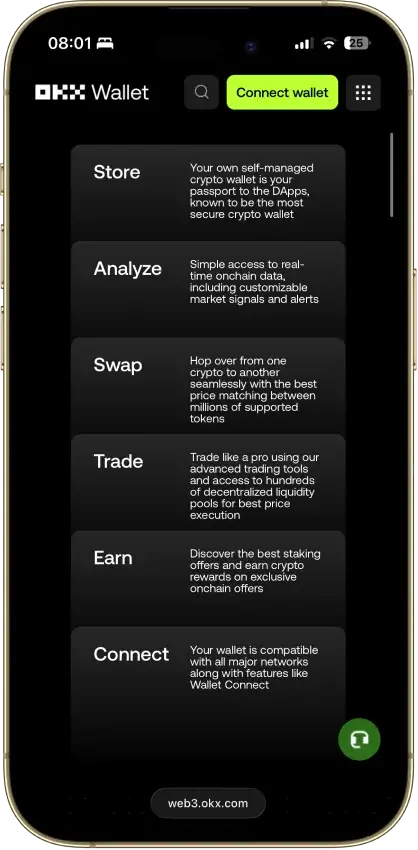
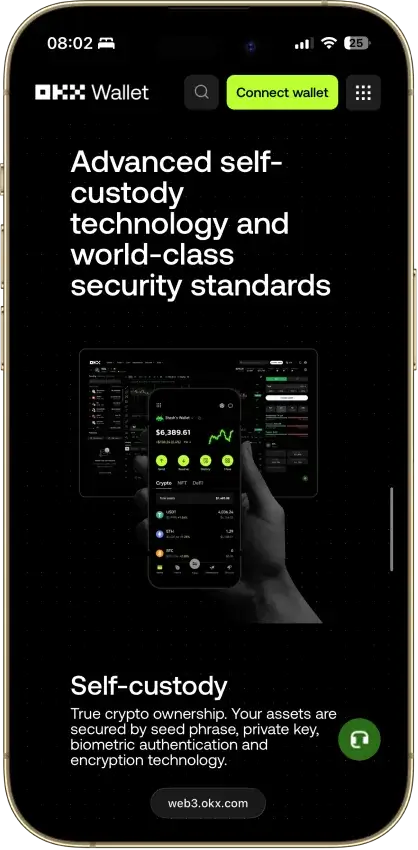
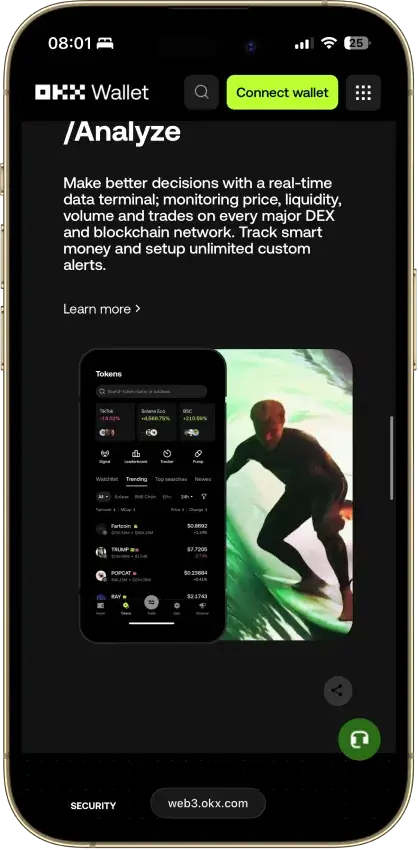
OKX Wallet
Pros
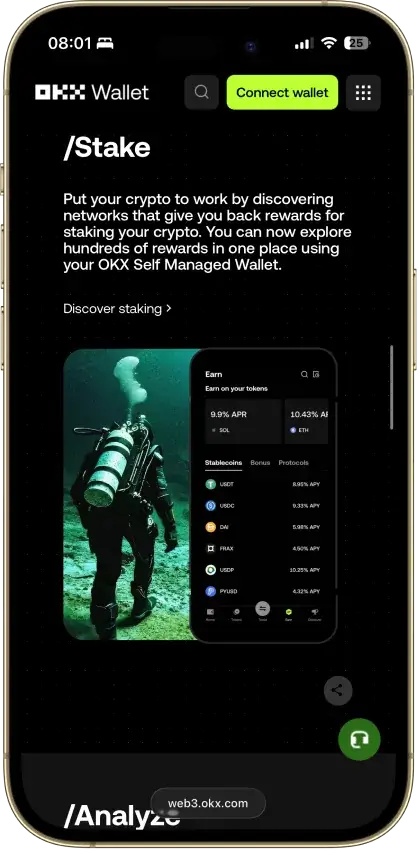
- 130+ native chains in one wallet
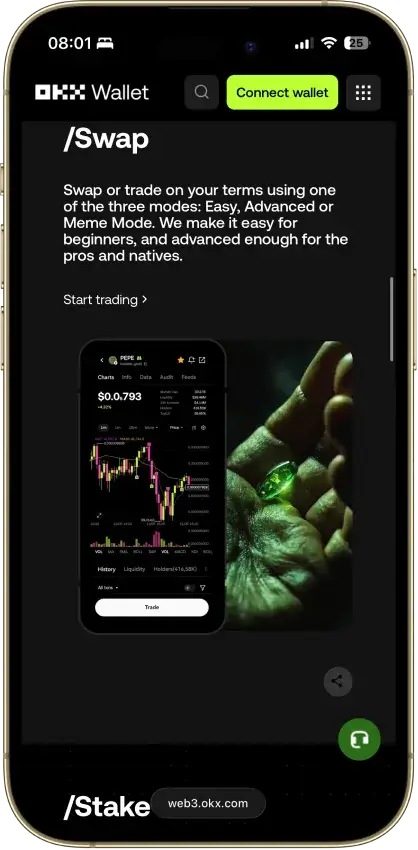
- DEX aggregator taps 100+ liquidity sources
- CertiK and SlowMist audits plus bug bounty
- No KYC for standard self-custody use
- Earn staking stays non-custodial
Cons
- $505M DOJ guilty plea, consultant to 2027
- Aggregator laundered ~$100M Bybit funds
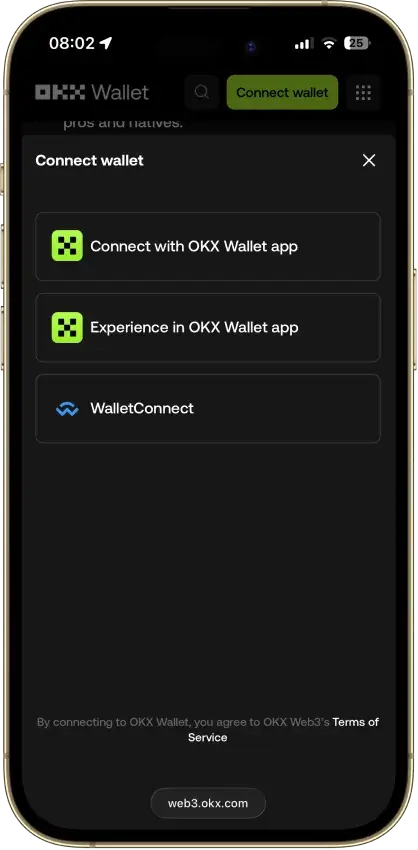
- Keyless mode hands OKX one key share
- Client code is not fully open source
- IP geo-blocking can gate wallet access
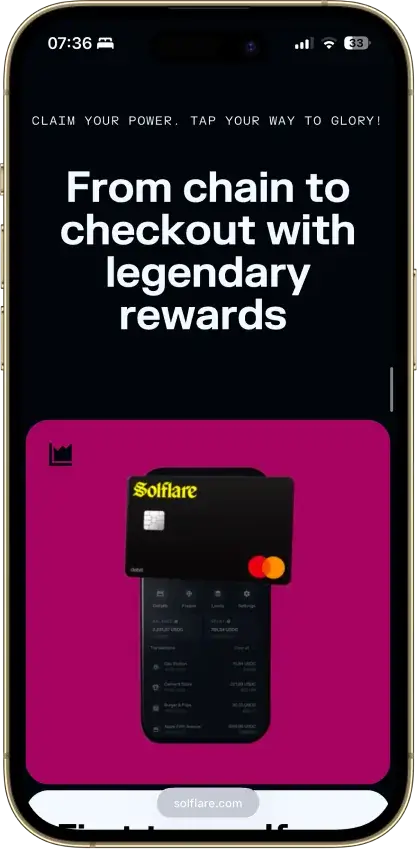
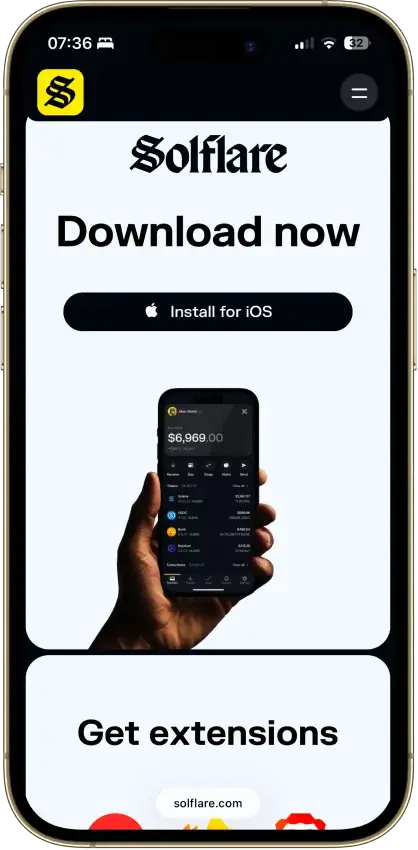
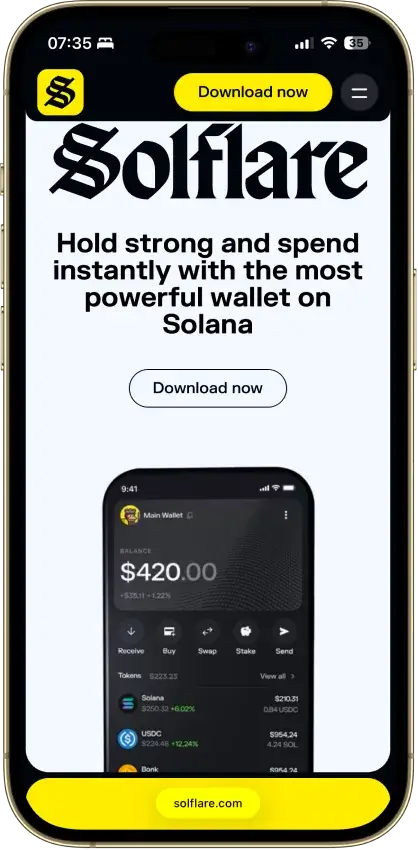
Solflare
Pros
- Jupiter swaps inside the wallet
- Free download without a hardware purchase
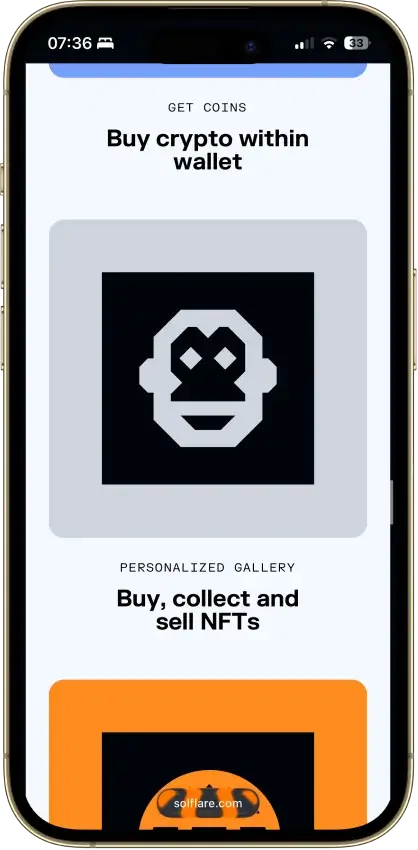
- NFT display in the wallet
- Mobile dApp browser
- Transaction checks and biometric app lock
Cons
- No native Bitcoin or Ethereum accounts
- Shield has no independent signing screen
- Keystone extension connection is watch-only
- Instant unstaking adds a liquidity-based fee
- Support cannot recover missing private keys
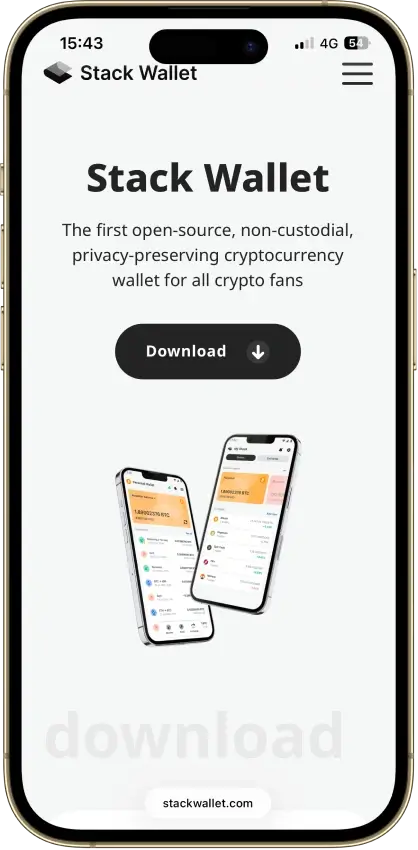
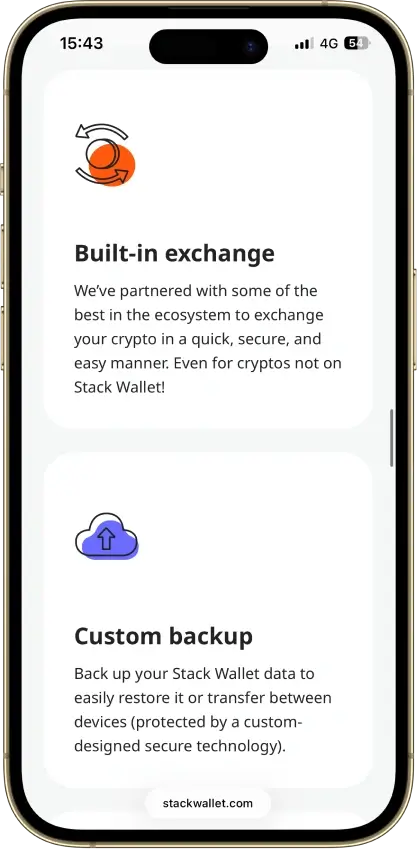
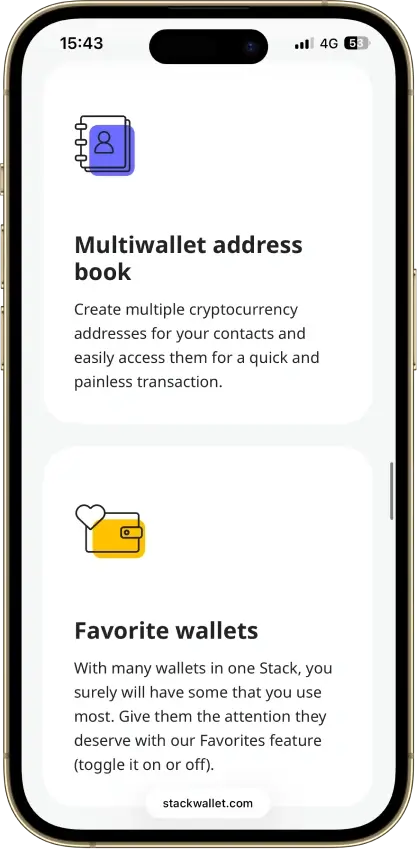
Stack Wallet
Pros
- Fully open source, entire codebase public
- Non-custodial, no account, no wallet KYC
- Clean record — no hacks, no regulatory actions
- Monero, Firo, Epic Cash, Wownero in one app
- Actively maintained — v2.6.0 in June 2026
Cons
- Hot wallet — keys live on a connected device
- No dApp browser or WalletConnect
- No hardware-wallet pairing
- App-level backup restores into Stack only
- No formal third-party security audit
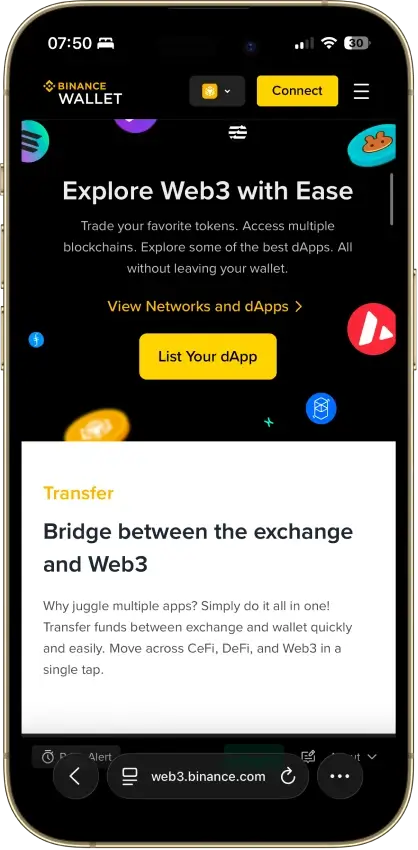
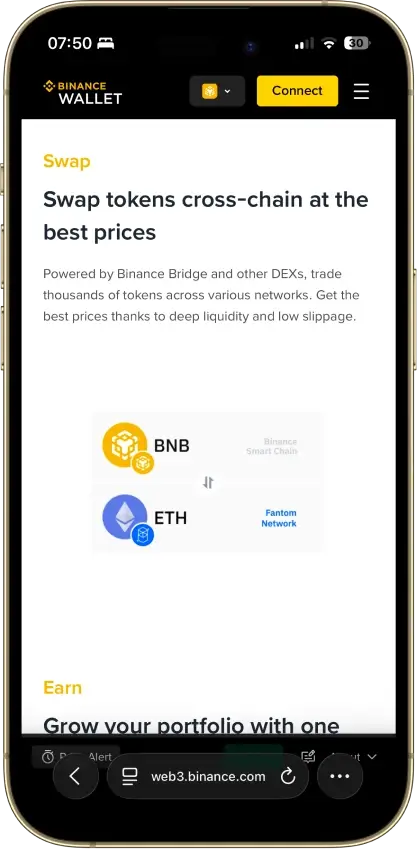
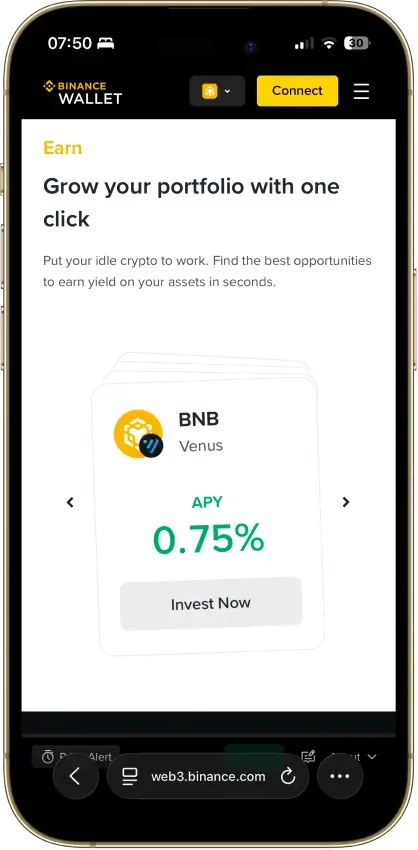
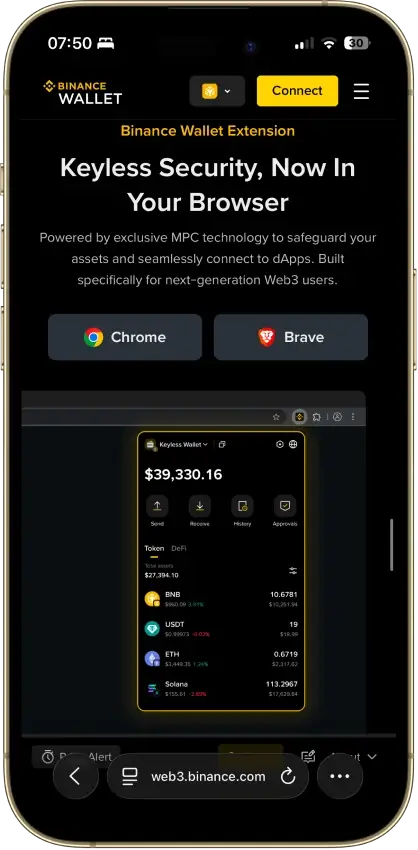
Binance Wallet
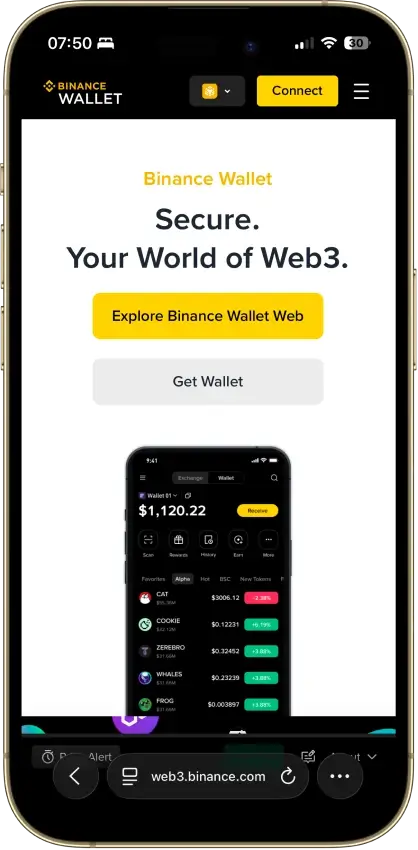
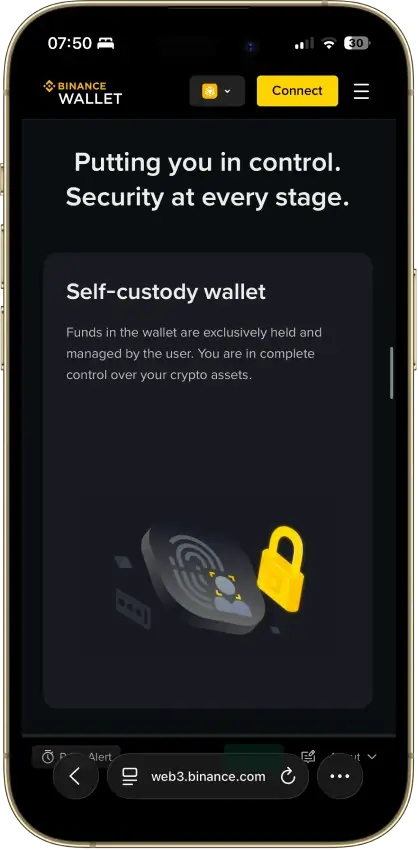
Pros
- Integrated exchange-to-wallet funding
- Existing-wallet imports in the extension
- Bitcoin controls in the mobile wallet
- Published independent extension audit
Cons
- Keyless creation needs a verified account
- Conversion removes keyless recovery
- Audit excludes backend verification
- Features and costs differ by interface
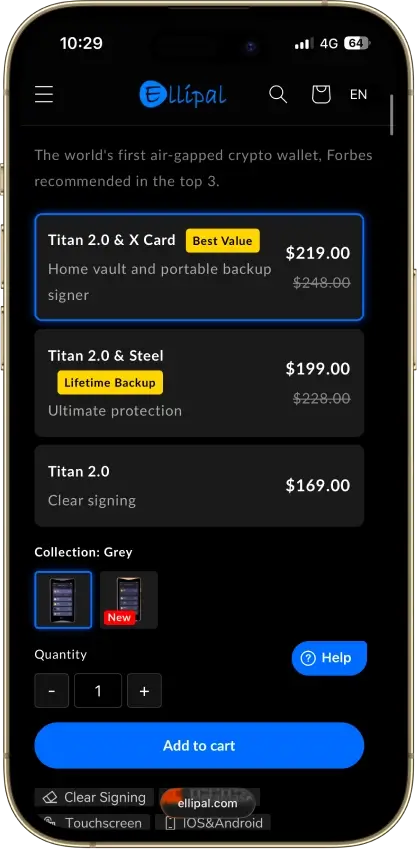
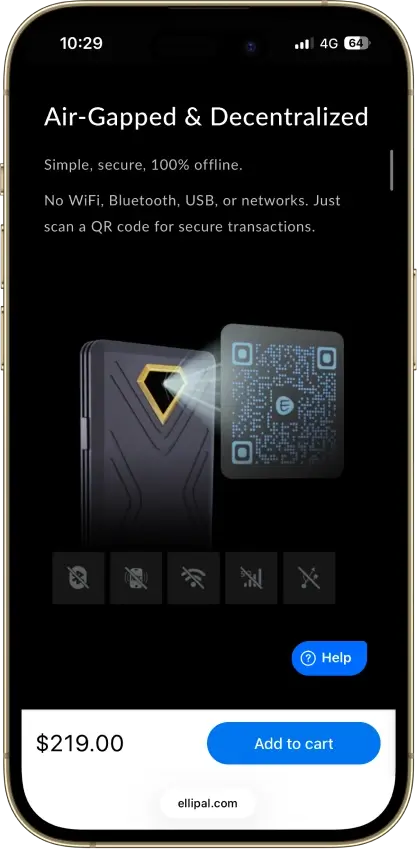
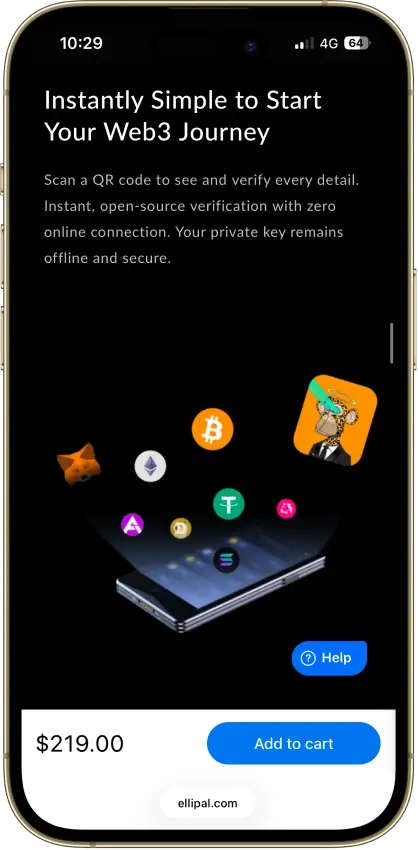
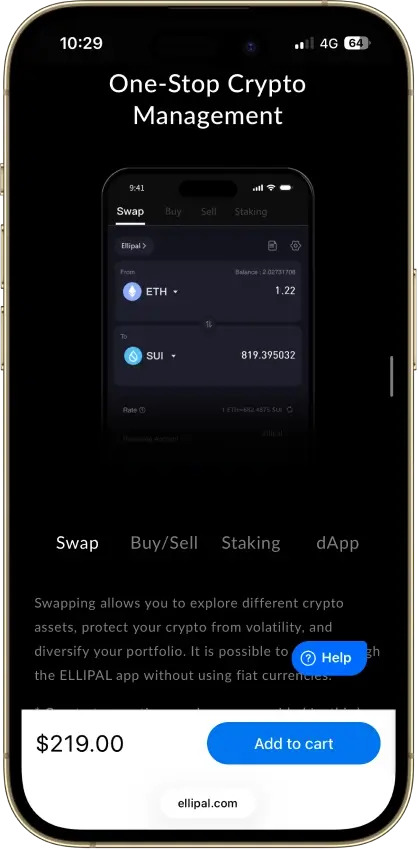
ELLIPAL Titan 2.0
Pros
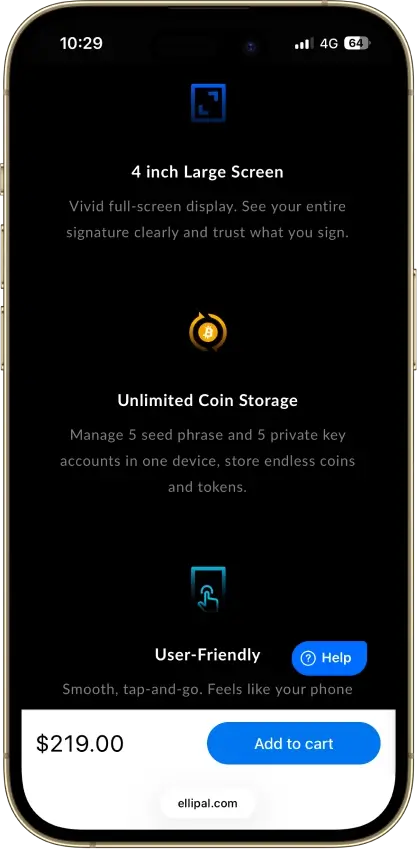
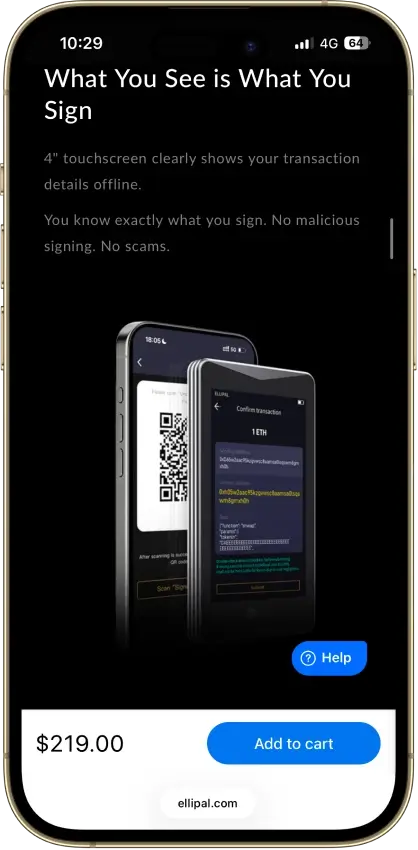
- Four-inch touchscreen for on-device review
- No cable or radio link for transactions
- Multiple chains in one mobile app
- Optional passphrase-derived wallets
Cons
- Firmware transparency is partial
- Signing requires camera exchanges
- Updates need a separate adapter and microSD
- Lost backups can prevent recovery
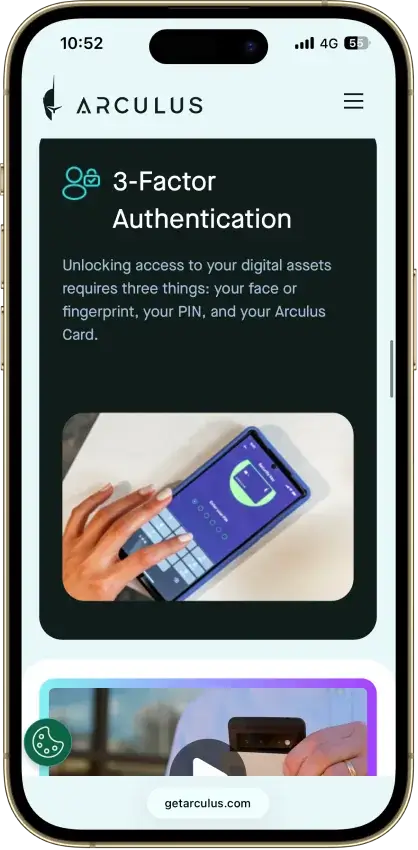
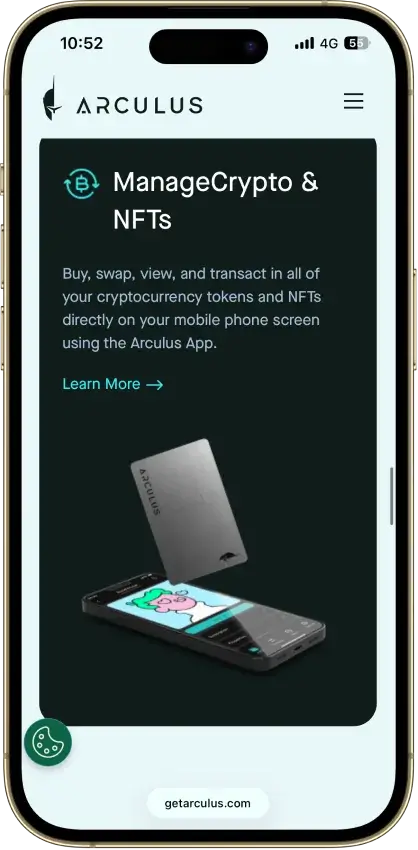
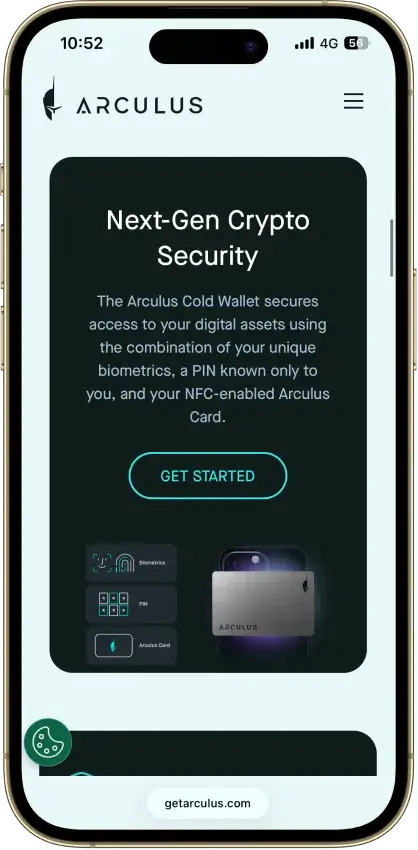
Arculus Wallet
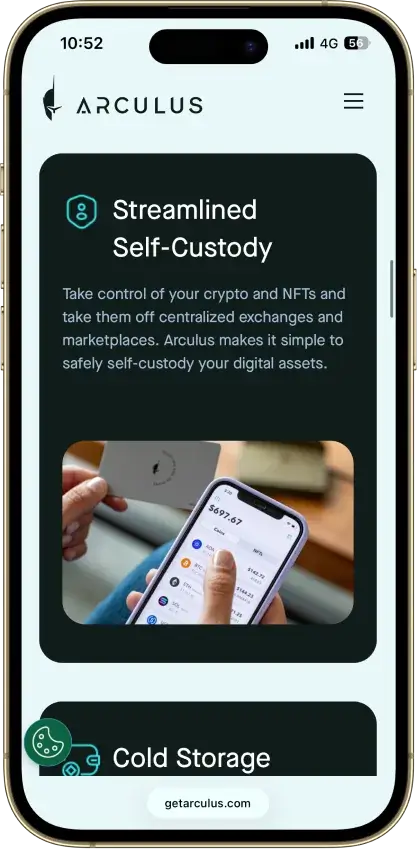
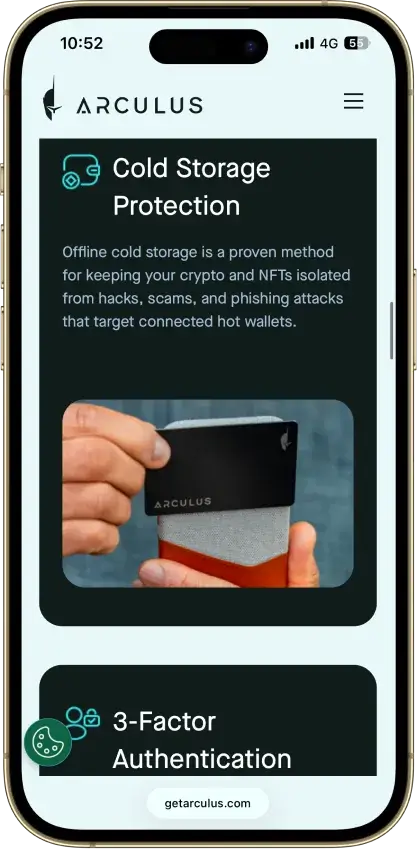
Pros
- PIN with optional phone biometrics
- 12- or 24-word recovery choices
- Provider fees shown before approval
- Native ADA and SOL staking
- Safe integration through WalletConnect
Cons
- No independent transaction screen
- Recovery words appear on the phone
- Each distinct wallet needs its own card
- Proprietary wallet software license
- Buying and swaps add provider costs
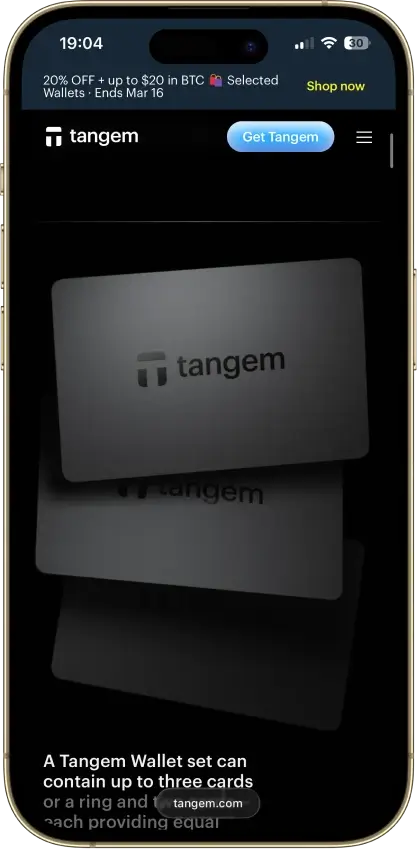
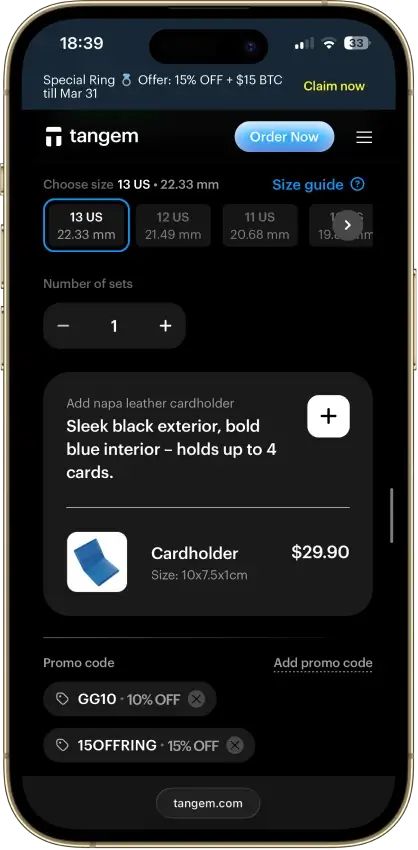
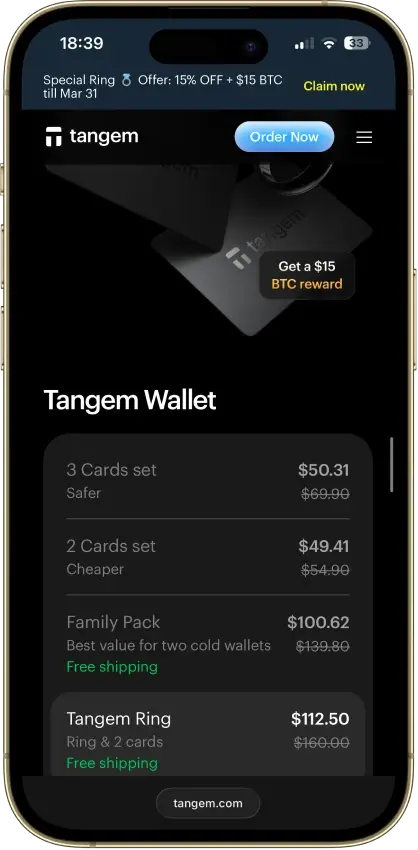
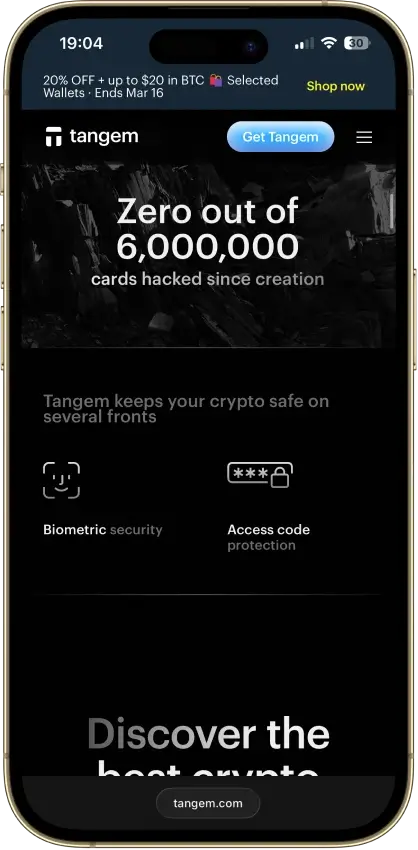
Tangem
Pros
- Native BTC, ETH, SOL and XRP support
- App source code is publicly inspectable
- Published independent SDK audit summary
- 25-year limited hardware warranty
- WalletConnect on Solana and listed EVM chains
Cons
- No on-card transaction display
- Card firmware cannot be updated
- No replacement backups after setup
- Total seedless card loss is unrecoverable
- Proprietary app licenses limit reuse
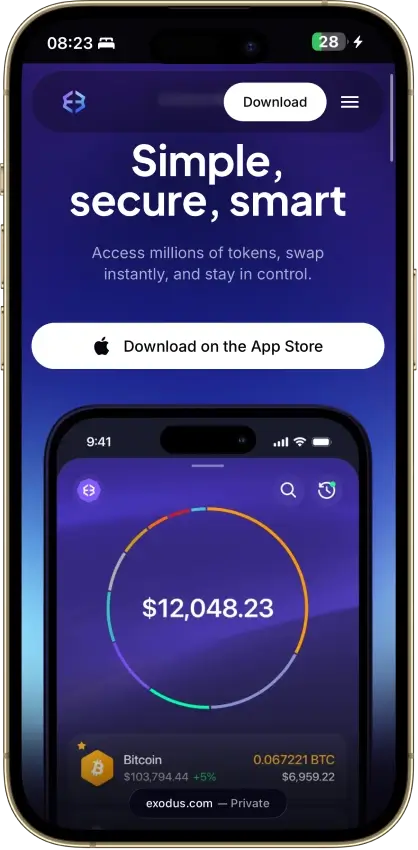
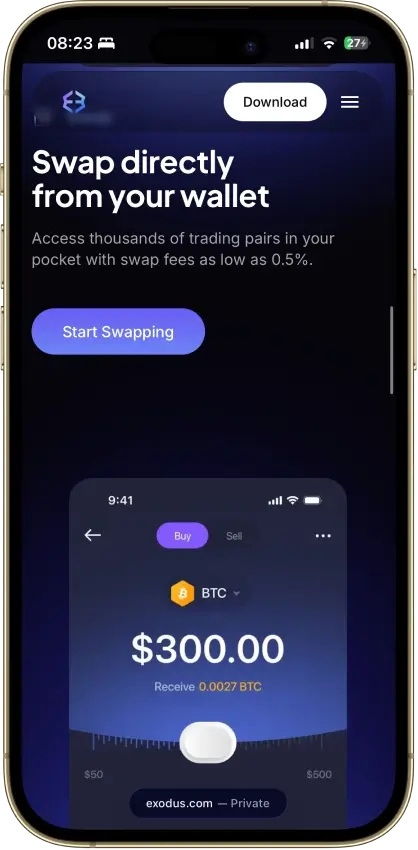
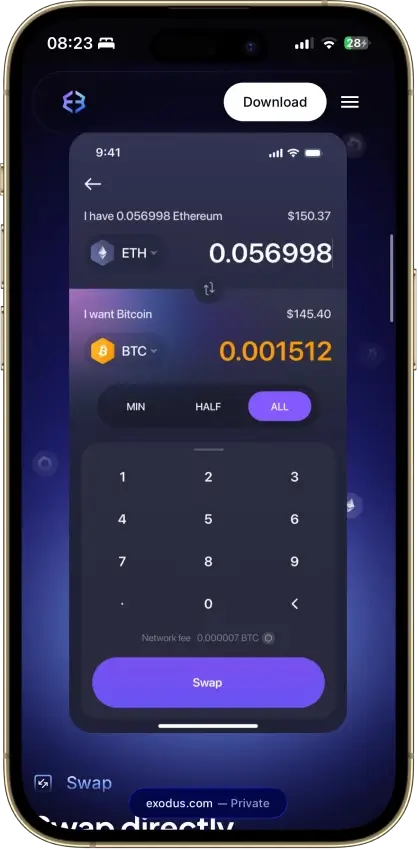
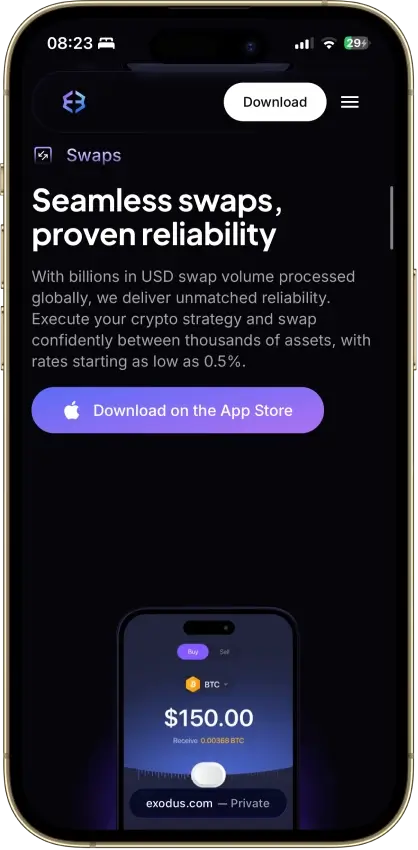
Exodus
Pros
- Desktop app for Windows, macOS and Linux
- Custom tokens on supported networks
- Phrase backup remains available
- Public company financial reporting
- Human support alongside the chatbot
Cons
- Complete wallet is not open source
- WalletConnect removed from the mobile app
- Hardware support differs by app and model
- Swap spreads vary by quote
- Payment and market features have geo limits
Feather Wallet
Pros
- Open-source code and build instructions
- Supports listed Ledger and Trezor models
- No developer cut of network fees
- Exports transaction history as CSV
Cons
- Monero only
- No mobile app on download page
- Initial sync is outside Tor by default
- Mac requirements conflict across docs
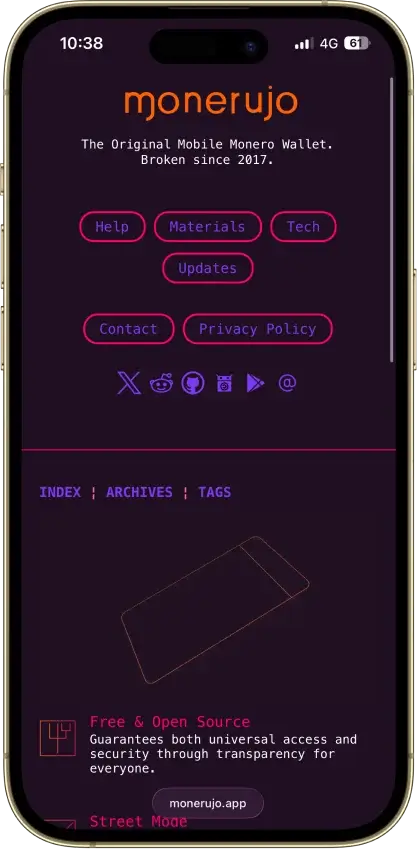
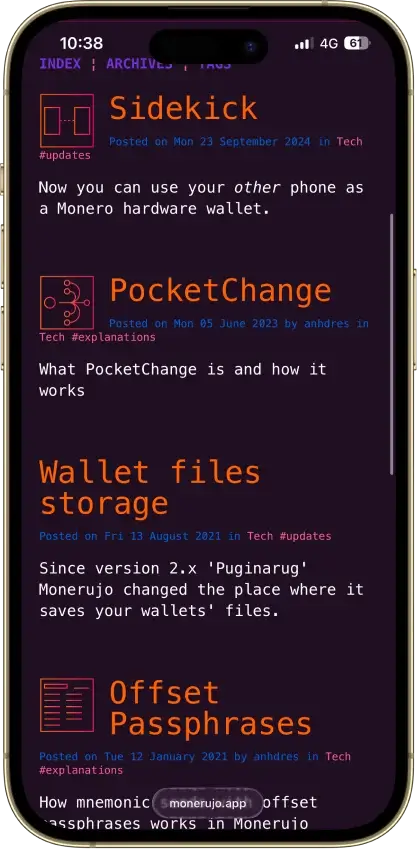
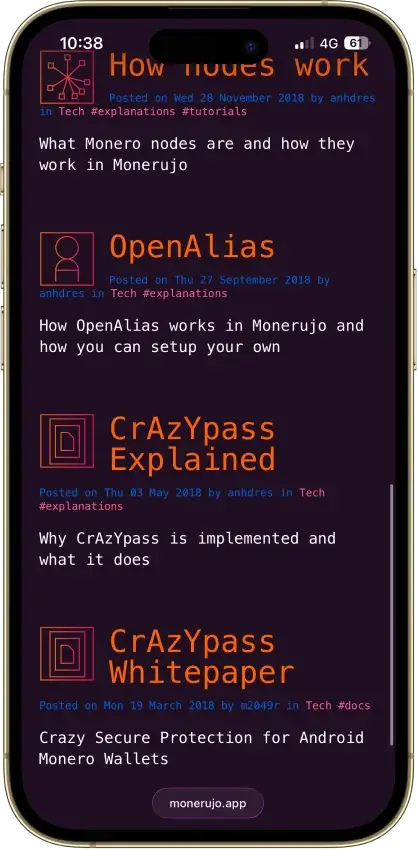
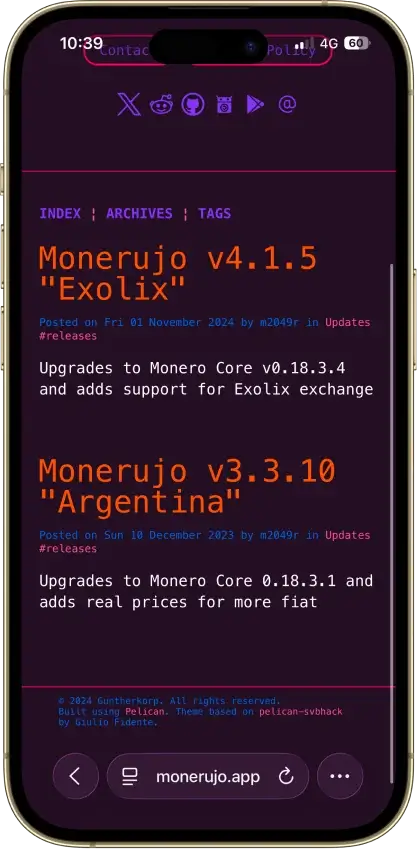
Monerujo Wallet
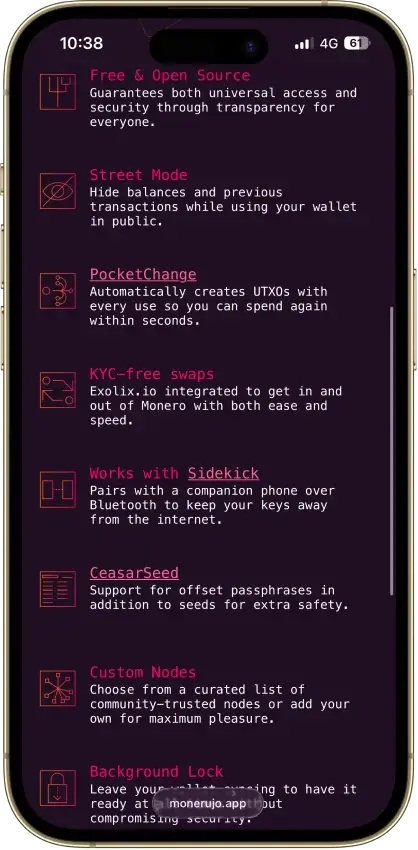
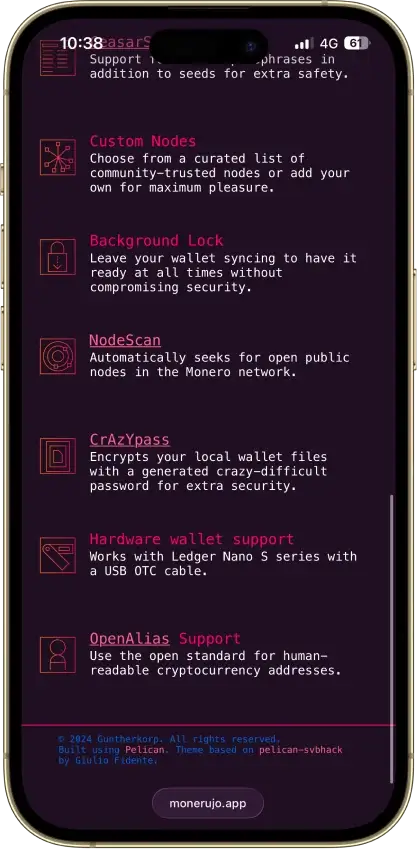
Pros
- Public application code under Apache 2.0
- Own F-Droid repository and APK downloads
- Choose the node your wallet connects to
- Nano S-series Ledger signing over USB
Cons
- Android and XMR only
- File recovery has a separate password
- Sidekick still carries an alpha warning
- Exchange provider can request identity checks
Monero GUI Wallet
Pros
- Fully open source under BSD-3
- Non-custodial with no account or KYC
- Tor and I2P transport built in
- Can run its own full Monero node
- Ledger and Trezor signing supported
Cons
- Monero only, no other coins
- Desktop only, no official mobile app
- Remote nodes can leak metadata
- 25-word seed differs from BIP-39
- Full node sync is a long first download
This shortlist mixes hot Web3 wallets and hardware devices on purpose. Hot wallets are the most convenient way to connect to dApps and move funds daily. Hardware wallets are the safer default for storing larger balances long term, because keys stay offline and every transaction is confirmed on the device.
What Is A Decentralized Wallet?
People use “decentralized wallet” as shorthand for a wallet that isn’t controlled by an exchange. In most cases, that means a non-custodial wallet where you control the keys and sign transactions yourself.
A decentralized wallet typically:
- Signs transactions locally (your assets stay on-chain)
- Connects to Web3 apps (if it’s a hot wallet or browser extension)
- Pairs with hardware for offline signing (optional, but recommended for larger balances)
A decentralized wallet is not:
- a decentralized exchange (DEX)
- a guarantee of privacy or anonymity
- automatically “cold” (cold storage is a separate concept)
Examples include hot wallets like MetaMask and Trust Wallet, and hardware wallets like Trezor and Ledger.
What Is A Non-Custodial Wallet?
A non-custodial wallet (self-custody) means you control the private keys that authorize transactions. That also means recovery depends on your backup method, not an account reset.
Common recovery models include:
- Seed phrase (recovery phrase)
- Passkeys or device-based keys
- MPC (multi-party computation) “seedless” recovery flows that split control across approvals/shares
Practical example: if you lose your recovery method and you don’t have a verified backup, the wallet provider typically can’t restore access.
Custodial Vs Non-Custodial Wallet
A custodial wallet is usually an exchange wallet (or “hosted wallet”) where the provider controls the private keys on your behalf. A non-custodial wallet (self-custody) means you control the keys, so you control access.
| Feature | Custodial Wallet (Exchange / Hosted) | Non-Custodial Wallet (Self-Custody) |
|---|---|---|
| Who controls keys | The provider controls the private keys | You control the private keys |
| Recovery options | Password resets and account recovery are handled by the provider | Recovery depends on your backup (seed phrase, passkey, or approved recovery flow) |
| Typical KYC | Common, especially for fiat rails and higher limits | Usually no KYC to create the wallet (some on-ramps may require KYC) |
| DeFi / dApp access | Limited or indirect (depends on the platform) | Direct Web3 access via wallet connect / browser extension |
| Counterparty risk | Higher: platform outages, freezes, or insolvency can affect access | Lower: no custody risk, but you’re exposed to phishing and signing mistakes |
| Support responsibility | Provider handles most account support | You are responsible for backups, approvals, and device security |
| Best for | Convenience, frequent trading, small balances, simple onboarding | Long-term holding, DeFi/Web3 use, privacy-minded control, reducing custody risk |
If you’re comparing custodial vs non-custodial wallet options, the rule of thumb is simple: custodial wallets trade control for convenience, while non-custodial wallets trade convenience for control. For many people, a custodial exchange wallet is fine for small, active balances.
Many people also pick a non-custodial wallet as a non KYC wallet for on-chain storage and transfers, although buying crypto with fiat or cashing out can still trigger KYC through third-party on-ramps.
If you’re thinking about holding crypto on exchange vs wallet for long-term storage, a non-custodial setup is usually the safer default, because you’re not depending on a third party to access your funds.
Types Of Decentralized Wallets
Not every decentralized wallet works the same way. Some are designed for fast Web3 access, while others are built for long-term storage. The “best” option usually depends on how often you transact and how much responsibility you want to take on for backups and security.
Hot Wallets
A hot wallet is a non-custodial wallet that runs on an internet-connected device (phone or browser). It’s the most practical choice for trading, DeFi, NFTs, and everyday transfers because it can connect to dApps quickly.
The main downside is exposure. Hot wallets are more vulnerable to phishing, malicious approvals, and fake websites. If you use DeFi, always read what you’re signing and review token approvals regularly.
Cold Wallets
A cold wallet keeps your private keys offline, usually in a dedicated hardware device. In a self-custody setup, that’s a decentralized cold wallet (a non-custodial cold wallet). It’s the safer default for long-term holdings because your keys never live on an always-online phone or computer.
Offline signing, in one line: the hardware wallet signs the transaction on the device, and your phone or computer only broadcasts the signed transaction to the network.
Browser Extension Wallets
Browser-extension wallets are popular for desktop DeFi because they integrate directly with Web3 sites. They’re fast and convenient, especially for EVM apps, but they also make it easier to sign the wrong thing if you’re not careful.
Browser support is not always interchangeable. For example, Phantom officially supports Chrome for full extension support; other Chromium browsers may work, but they are not fully supported the same way.
Keep your habits tight: bookmark key dApps, double-check URLs, and don’t approve unlimited spending unless you understand why you need it.
Mobile Wallet Apps
A decentralized wallet app on mobile is great for everyday use because it’s always with you. It can also connect to dApps through an in-app browser or WalletConnect.
Mobile dApp access also differs by wallet. Phantom mobile connects only inside Phantom’s in-app browser, while Tangem relies on WalletConnect rather than a built-in browser.
Basic setup matters here. Use a strong device lock, enable biometric or PIN protection inside the wallet, and make sure you have a verified backup of your recovery method before you move meaningful funds.
Seed Phrase Vs Seedless / MPC Recovery
Most self-custody wallets use a seed phrase (recovery phrase). It’s simple and portable, but it’s also a single point of failure. If someone gets your seed phrase, they can take your funds.
“Seedless” recovery often uses passkeys, secure enclaves, or MPC-style recovery, where access is restored through multiple approvals or shares. This can reduce the risk of a single phrase being stolen, but it also means your recovery depends on the wallet’s process and any third-party components involved. The best choice is the one you can back up correctly and keep secure.
What Happens To Your Crypto Wallet If You Lose Your Phone?
If your wallet uses a seed phrase, recovery depends on that phrase. If it uses an email or seedless flow, recovery depends on that wallet’s specific process.
Phantom can be restored with Google or Apple plus a four-digit PIN (depending on the method you used while signing up for the account), Trust Wallet offers optional encrypted cloud backup, Trezor supports Multi-share Backup, and Ledger Flex includes Ledger Recovery Key alongside standard recovery-phrase restore options.
The right model is the one you understand and can verify before you move real money into the wallet.
Smart Accounts And Account Abstraction
Some wallets now add smart-account features on top of self-custody.
In practice, that can mean batched actions, more flexible gas handling, or easier recovery flows. These features can improve usability, but they do not change the core question of who controls the keys and how recovery works.
Treat smart-account UX as a bonus layer, not a replacement for clear custody and backup design.
Decentralized Wallet Vs Cold Wallet
These terms aren’t the same. Decentralized / non-custodial describes who controls the keys. Cold describes whether keys are kept offline. You can have a decentralized hot wallet (self-custody on your phone), or a decentralized cold wallet (self-custody on hardware). The key question is always the same: do you control the private keys and the recovery method?
Best Decentralized Wallet For XRP
If you’re specifically looking for a decentralized wallet for XRP, make sure the wallet supports the XRP Ledger (XRPL) natively. Some apps also show “XRP” on other networks (like wrapped XRP), which isn’t the same thing as holding XRP directly on XRPL.
Two XRP-specific details matter more than people expect:
- Destination tags: Some recipients, especially exchanges and custodial platforms, require a Destination Tag. If the recipient provides a tag, include it exactly. X-addresses can encode the Destination Tag inside the address itself, so check whether the recipient gave you a classic address + tag or an X-address before sending.
- Account reserve: XRPL accounts currently require a 1 XRP base reserve to stay active, so an active wallet typically cannot be drained to zero.
Top XRP wallet picks (self-custody)
| Wallet | Native XRPL Support | Platforms | Type | Best For |
|---|---|---|---|---|
| Ledger (Flex / Nano S Plus) | Yes | iOS, Android, Desktop | Hardware | Long-term XRP storage with offline signing |
| Trezor (Safe 5 / Safe 7) | Yes | Desktop, Web | Hardware | Hardware security with strong transparency and XRP support |
| Tangem | Yes | iOS, Android | Hardware | Phone-first XRP cold storage with simple tap-to-sign |
| Trust Wallet | Yes | iOS, Android, Extension | Hot | Everyday XRP use with mobile-first self-custody |
| OKX Wallet (Web3) | Yes | iOS, Android, Extension, Web | Hot | Multichain Web3 wallet that can manage XRP alongside other networks |
Quick rule: if you’re moving XRP to an exchange wallet, double-check whether a Destination Tag is required before you confirm the send. If you’re sending to another self-custody XRPL wallet, a tag usually isn’t needed.
Best Web3 Decentralized Wallet And Other Use-Case Winners
If you already know what you want to do with your wallet, these quick picks narrow it down fast. The goal here isn’t to crown one “best decentralized wallet” for everyone. It’s to match the right non-custodial wallet to how you actually use crypto.
| Use Case | Top Pick | Why It Wins | Best For | Key Trade-Off |
|---|---|---|---|---|
| Best Web3 decentralized wallet | MetaMask | Widely supported across EVM networks and dApps, with smooth network switching and signing | Ethereum, Layer 2s, and EVM DeFi | Not the simplest UI if you never use dApps |
| Best non-custodial wallet for beginners | Trust Wallet | Mobile-first, broad chain coverage, and straightforward send/receive flow | First self-custody setup and everyday transfers | Needs good backup habits to stay safe |
| Best self-custody wallet for mobile | Trust Wallet | Strong mobile UX with in-app security controls and easy dApp access | Mobile-first crypto use with light Web3 | Not as “power user” as desktop-first tools |
| Best hardware self-custody wallet | Trezor Safe 5 | Clear on-device confirmation and a storage-first approach that’s hard to compromise remotely | Long-term holding and cold storage | Less convenient for frequent DeFi actions |
| Best EVM wallet for power users | Rabby | Better transaction previews and fewer blind approvals for active DeFi workflows | Heavy DeFi users managing multiple accounts | EVM-focused, so it’s not a universal multi-chain choice |
Use this table as a shortcut, then cross-check the pick in the full list above. If your priority is long-term safety, hardware wallets usually win. If your priority is DeFi and dApps, choose the wallet that makes it easiest to review what you’re signing before you approve it.
How We Rank
Decentralized And Non-Custodial Crypto Wallets uses the Crypto Wallets scoring rubric.
Control of funds, exportability, and wallet portability.
How clearly keys and signing responsibilities are explained.
Audits, bug bounties, and credible third-party security review.
Backup, recovery, and loss-prevention options for normal users.
Protections against phishing, drainers, malicious dApps, and scams.
Past incidents, disclosure quality, and response maturity.
WalletConnect, browser, mobile, chain, and dApp compatibility.
How clearly users can understand, review, and approve signatures.
Smart-account features, passkeys, batching, and gas abstraction.
Fiat on/off ramps, cards, bank links, and payment functionality.
Wallets are security products first, so our scoring puts the most weight on custody clarity, key security, recovery, and real-world scam resistance. We score each criterion using a simple three-level rubric:
- 1.0 = meets the standard clearly
- 0.5 = partially meets the standard
- 0.0 = unclear, missing, or not supported
Those criteria roll up into an overall CryptoSlate Rating (out of 10).
We don’t reward feature bloat. The best wallets make custody and recovery easy to understand, reduce “approve and lose funds” scenarios, and help you avoid common mistakes like wrong-network transfers.
How To Choose The Best Decentralized Wallet
The best decentralized wallet is the one that matches how you use crypto. A non-custodial setup gives you control, but it also means your backup and signing habits matter as much as the brand name.
Picking the best decentralized wallet is mostly about matching the wallet type to your goal. The table below is a shortcut. Start with your primary use case, then confirm chain support (especially XRPL for XRP) and your preferred recovery model.
| Your Goal | Best Wallet Type | Good Picks From This List | What To Prioritize | Common Mistake To Avoid |
|---|---|---|---|---|
| Long-term storage | Hardware (cold) | Trezor Safe 5, Trezor Safe 7, Ledger Flex, Ledger Nano S Plus, Tangem | On-device confirmation, offline key storage, backup you can verify | Treating a hot wallet like a vault |
| Active DeFi and Web3 | Hot wallet (extension/app), ideally paired with hardware | MetaMask, Rabby, Trust Wallet, OKX Wallet | Clear signing screens, approval management, stable dApp connections | Blind approvals or unlimited allowances |
| XRP management | Wallet with native XRPL support | Ledger, Trezor, Tangem, Trust Wallet, OKX Wallet | XRPL-native support, clear send flow, handling Destination Tags when required | Confusing wrapped XRP with native XRP |
| Beginner simplicity | Mobile-first hot wallet (then upgrade to hardware later) | Trust Wallet (starter), then add Ledger/Trezor for cold storage | Simple backup steps, easy send/receive, clear network selection | Skipping a test transfer or not verifying backups |
| Open-source preference | Open-source leaning wallet (verify scope) | Trezor (fully open source), Rabby (extension/mobile/desktop open source), Tangem (app open source; firmware closed-source but audited) | Audits/disclosure process, documented security model, transparent updates | Assuming “open source” automatically means “safe” |
Use the table like a filter, not a final verdict. Many people end up with a two-wallet setup: a hot wallet for daily activity and a hardware wallet for long-term self-custody. No matter which wallet you pick, do a small test transfer first and verify your backup before you move meaningful funds.
Quick Checklist
- Choose hot for Web3 activity, hardware for long-term storage
- Confirm your must-have networks (EVM, Solana, Bitcoin, XRPL)
- Verify the backup model (seed phrase, passkey, MPC) and test it once
- Prefer clear signing screens and easy approval/revoke tools
- Use a small test transfer before moving a large balance
How To Set Up A Non-Custodial Wallet Safely
Setting up a non-custodial wallet is straightforward, but it’s worth taking five extra minutes to avoid mistakes that are hard to undo later.
- Install from the official source (official website, App Store, Google Play, or the verified browser extension listing). Double-check the publisher name.
- Create the wallet and note the recovery model (seed phrase vs seedless/passkey/MPC). If the wallet offers multiple recovery models, choose deliberately before funding it. Phantom can be set up with a recovery phrase or Google/Apple + PIN, Tangem can be seedless or use an optional seed phrase, and OKX Wallet supports seed phrase backup with optional cloud backup.
- Back up recovery offline. If you get a seed phrase, write it down on paper or metal and store it somewhere private. Don’t screenshot it or save it in notes.
- Verify your backup by re-entering the phrase (if prompted) or using the wallet’s backup-check feature.
- Lock the wallet and the device. Enable a device passcode, then add an in-app PIN and biometrics. Turn on auto-lock.
- Do a small test transfer first. Send a tiny amount to your new address and wait for confirmation.
- Confirm the network matches before you send more. “Wrong network” transfers are one of the most common causes of permanent loss. If you’re sending XRP to an exchange or other hosted wallet, also check whether the recipient requires a Destination Tag. On XRPL, some hosted addresses reject payments without the required tag, and even when the payment reaches the ledger, the platform may not know which customer balance to credit if the tag is missing.
- Connect to dApps carefully. Start with reputable apps, review permissions before approving, and avoid “unlimited” token approvals unless you understand why you need them.
Important: disconnecting a wallet from a dApp is not the same thing as revoking token approvals. If you granted a contract permission to spend a token, that permission can remain active until you revoke it on-chain. On EVM wallets, revoking approvals usually costs gas, which is why it helps to review them regularly instead of waiting until something feels wrong.
Security, Backup, And Recovery
Most wallet losses aren’t caused by broken cryptography. They happen because of phishing, unsafe backups, or signing the wrong transaction. Here’s how to reduce the risk without overcomplicating your setup.
- Avoid fake apps and phishing links: bookmark official sites, double-check domains, and don’t install wallets from ads or random download pages.
- Treat the recovery phrase like a master key: anyone who has it can take your funds. Store it offline, keep it private, and never share it with “support.”
- Be cautious with blind signing: if the wallet can’t show what you’re approving in human-readable terms, don’t sign it with a large balance. For higher-value wallets, a hardware signer adds a strong safety layer.
- Manage token approvals: prefer limited approvals, review permissions periodically, and revoke approvals you no longer need. Consider using a separate “spending wallet” for DeFi.
- Prevent wrong-network mistakes: match the exact network the recipient expects, copy/paste addresses, and use test transfers when sending to a new destination.
- Use passphrases deliberately: a passphrase can add protection, but it also creates a separate wallet space. Store passphrase backups separately from the seed phrase.
- Hardware wallet best practices: buy from official sources, keep firmware updated, and always verify the receive address on the hardware device screen before sending funds.
If you do two things consistently, you’ll avoid most problems: keep a verified offline backup and read what you’re signing before you approve it.
Pros And Cons Of Non-Custodial Wallets
Non-custodial wallets are built around one idea: you control the keys. That’s powerful, but it also means you carry more responsibility for backups and security.
Pros
- Control: you hold the private keys and can move funds without relying on an exchange.
- Privacy by default: most self-custody wallets don’t require ID just to create and use the wallet.
- Direct Web3 access: easy connection to dApps, DeFi, NFTs, and on-chain tools.
- Lower custody risk: you’re not exposed to platform freezes or solvency issues the same way you are with custodial accounts.
Cons
- Recovery is on you: if you lose the recovery method (seed phrase, passkey, MPC flow), you may not be able to restore access.
- Phishing and signing risk: a single bad approval or fake site can drain a hot wallet.
- User error is costly: wrong network transfers, wrong addresses, or leaked backups can be irreversible.
- Third-party services still exist: swaps and on-ramps inside wallets may use partners, and those partners can add fees, limits, or KYC.
Key Takeaways
A decentralized wallet is ultimately about control. With a non-custodial wallet, you hold the keys and you decide when and how funds move. That’s the upside. The trade-off is that your backups and signing habits matter more than any feature list.
If you’re active in DeFi and dApps, a hot Web3 wallet can be the most practical daily driver. If you’re storing larger balances long term, pairing that convenience with a hardware wallet is usually the safer default. And if XRP is a priority, stick to wallets with native XRPL support and pay attention to details like Destination Tags when sending to exchanges.
Bottom line: choose the wallet you can back up correctly, verify what you’re signing, and test with small transfers before moving serious funds.