

If you are searching for the best crypto hot wallets, you probably want one of two things: a wallet that feels simple for everyday crypto, or a wallet that can handle dApps without you accidentally signing something dangerous.
A hot wallet is a crypto wallet that is connected to the internet (mobile app, browser extension, or desktop app). It is fast for sending, swapping, and connecting to dApps. It is also more exposed to phishing, fake apps/extensions, and risky approvals.
This page ranks hot wallets using an evidence-first 2026 rubric focused on custody, recovery, scam/drainer resistance, and the day-to-day dApp experience. This is not financial advice.
Top Hot Wallets
- Custody
- Non-custodialFully open-source
- Networks
- Platforms
- Built by the team behind Kraken exchange
- Native Dogecoin support, not wrapped
- Token risk scoring and spam-NFT filter
- Custody
- Non-custodialPartially open-source
- Networks
- Platforms
- Separate Cash account for Solana payments
- Pay Solana network fees in the token you send
- PSOL keeps staked SOL tradable in DeFi
- Custody
- Non-custodialPartially open-source
- Networks
- Platforms
- Its own Shield card for hardware signing
- Selected Solana DeFi positions in portfolio
- Instant Unstake skips the 1–3 day wait
- Custody
- Non-custodialFully open-source
- Networks
- Platforms
- Bitcoin Silent Payments with scan controls
- Mobile Litecoin MWEB private balances
- Cake Pay buys gift cards with crypto
- Custody
- Non-custodialPartially open-source
- Networks
- Platforms
- Snaps add third-party wallet capabilities
- Social login that still signs on your device
- Transaction Shield cover on marked transactions
- Custody
- Non-custodialFully open-source
- Platforms
- PocketChange for repeated payments
- Street Mode conceals on-screen balances
- View-only wallets for incoming payments
- Custody
- Non-custodialFully open-source
- Networks
- Platforms
- Only wallet we review with Firo and Epic Cash
- Clean record, no hack or key flaw on file
- Opt-in Tor routing for each node
- Custody
- Non-custodialPartially open-source
- Networks
- Platforms
- SWIFT offers passkey-based wallet recovery
- Second only to OKX for network coverage
- Premium loyalty tiers reward wallet activity
CryptoSlate may earn a commission when you visit partner sites through links on this page, at no extra cost to you. Our rankings and reviews remain editorially independent and based on our published methodology. Read disclosure
Disclaimer: CryptoSlate may receive a commission when you click links on our site and make a purchase or complete an action with a third party. This does not influence our editorial independence, reviews, or ratings, and we always aim to provide accurate, transparent information to our readers.If you are picking between the wallets we have already scored, start with three filters instead of brand names.
First, pick the chain you actually use most (Solana vs Ethereum/EVM vs a mix). Second, pick a recovery model you will follow consistently (seed phrase portability vs seedless/MPC convenience). Third, pick the connection style you will use day-to-day (browser extension for heavy dApps vs mobile-first).
If you get those wrong, even a “top” wallet will feel frustrating: you will fight network switching, you will skip backups, or you will end up approving things too fast just to make a dApp work.
Next is a side-by-side table that compares the Top 10 on the decision points that matter most in real use: chain fit, platforms, recovery style, dApp access, and fiat rails.
Comparison Table
| Name | Custody | Blockchains | Hardware Support | Staking | Fiat On-ramp |
|---|---|---|---|---|---|
 Kraken Wallet Kraken Wallet | Non-custodial | No | Limited | No | |
 Feather Wallet Feather Wallet | Non-custodial | — | Yes | None | No |
 OKX Wallet OKX Wallet | Non-custodial | Yes | Limited | Yes | |
 Phantom Phantom | Non-custodial | Yes | Limited | Yes | |
 Solflare Solflare | Non-custodial | Yes | Full | Yes | |
 Cake Wallet Cake Wallet | Non-custodial | Yes | None | Yes | |
 MetaMask MetaMask | Non-custodial | Yes | Full | Yes | |
 Monerujo Wallet Monerujo Wallet | Non-custodial | — | Yes | None | No |
 Rabby Wallet Rabby Wallet | Non-custodial | Yes | None | No | |
 Coinbase Wallet Coinbase Wallet | Non-custodial | Yes | Limited | Yes | |
 Binance Wallet Binance Wallet | Non-custodial | No | Limited | Yes | |
 Edge Wallet Edge Wallet | Non-custodial | No | Limited | Yes | |
 MoonPay MoonPay | Non-custodial | No | None | Yes | |
 Stack Wallet Stack Wallet | Non-custodial | No | None | No | |
 Exodus Exodus | Non-custodial | Yes | Full | Yes | |
 Nexo Nexo | Custodial | No | Limited | Yes | |
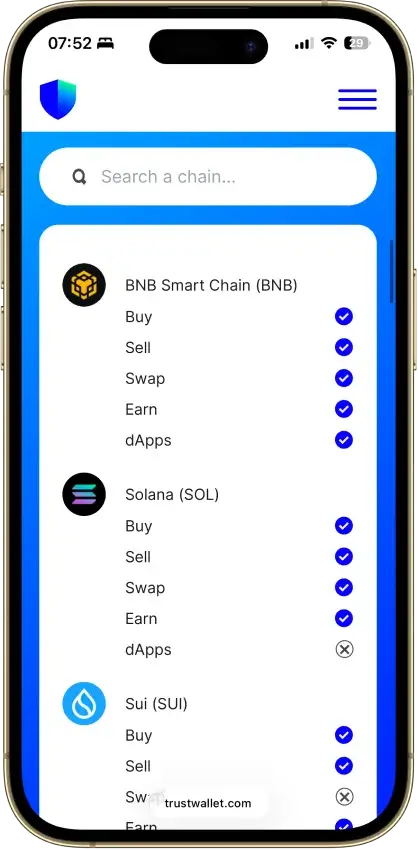
 Trust Wallet Trust Wallet | Non-custodial | Yes | Full | Yes |
If you are torn, use these tie-breakers.
Phantom is the “Solana feels native” choice. MetaMask is the “Ethereum/EVM default” choice. Trust and Binance are the “one wallet for many chains” choices for everyday use. OKX is the “multi-chain DeFi toolset” choice if you can handle a more advanced workflow.
Most wallets you see in this top lists are among the most popular and best crypto wallets available. It's not just their nature, but the position they have and access to a big audience from day one.
Next, the mini reviews show what matters beyond a score: chain fit, dApp stability, signing clarity, recovery reality, and the one mistake people keep making with each wallet.
Hot Wallets Reviews
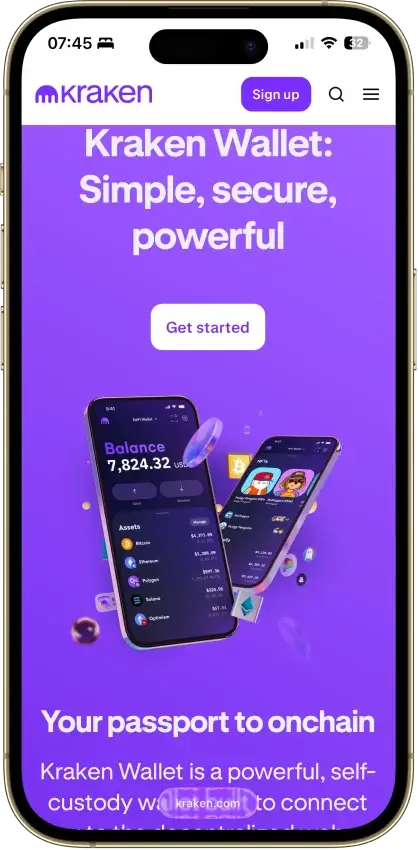
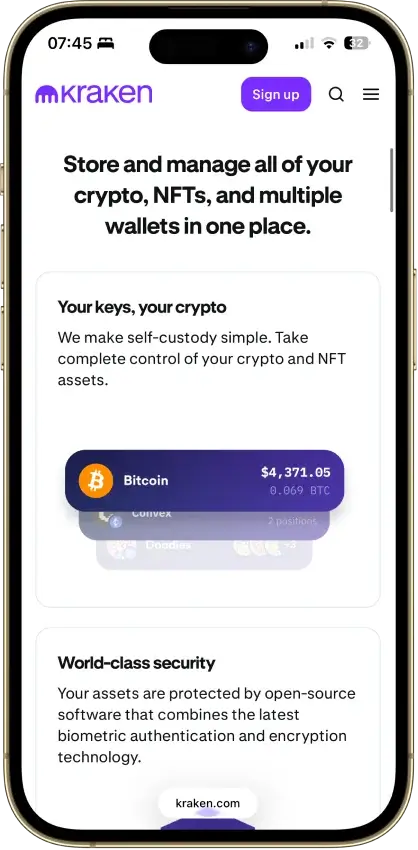
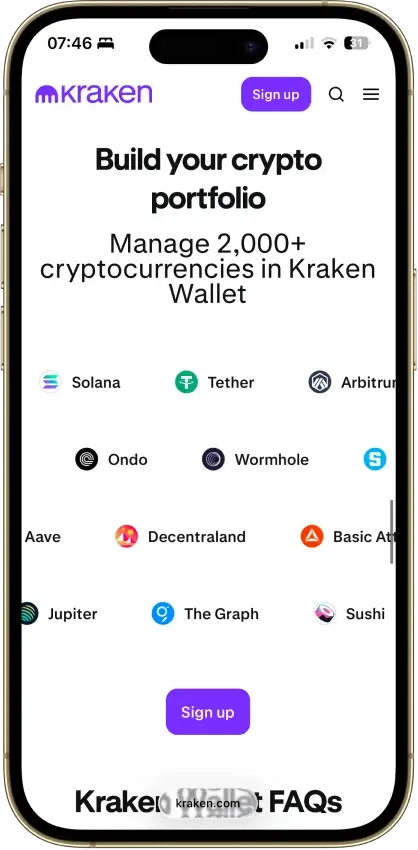
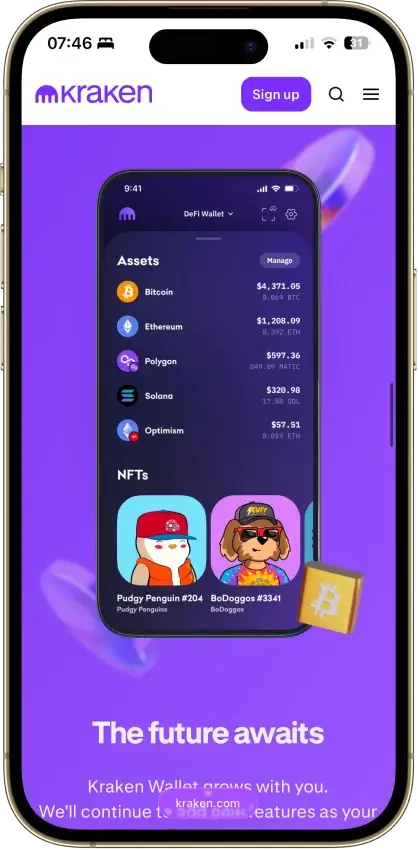
Kraken Wallet
- Custody
- Non-custodialFully open-source
- Networks
- Platforms
Pros
- Open code with reproducible-build instructions
- Trail of Bits audited its security
- Works without a Kraken exchange account
- Kraken Connect links your exchange account
- US-available with no geo-gate
Cons
- No hardware wallet pairing
- No browser extension or desktop app
- Swap spread is not disclosed
- No in-wallet fiat on-ramp
- No passphrase option
Feather Wallet
- Custody
- Non-custodialFully open-source
- Platforms
Pros
- Open-source code and build instructions
- Supports listed Ledger and Trezor models
- Transaction proofs for payment records
- Exports transaction history as CSV
- View-only wallets with key-image imports
Cons
- No Android or iOS release
- Initial sync is outside Tor by default
- No new release since April 2025
- 2024 bug halted sends for five hours
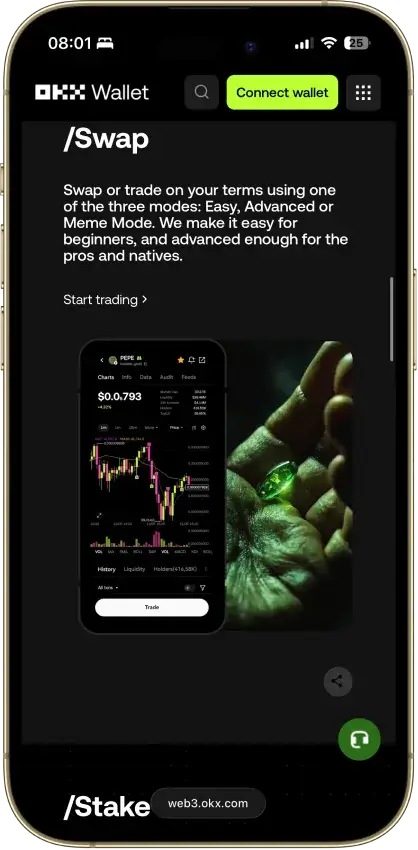
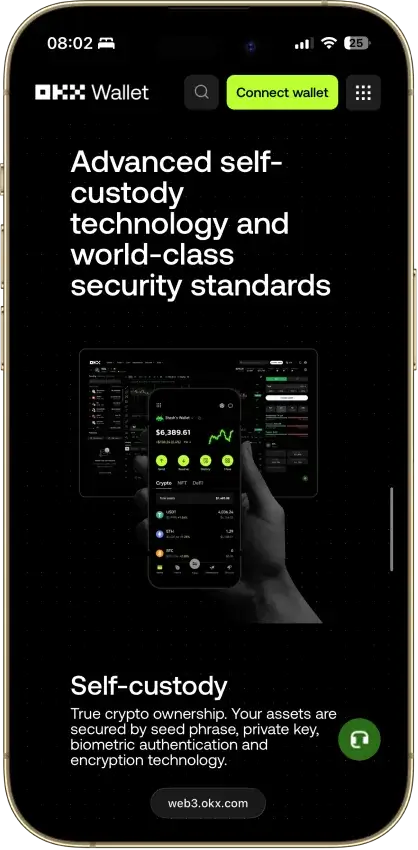
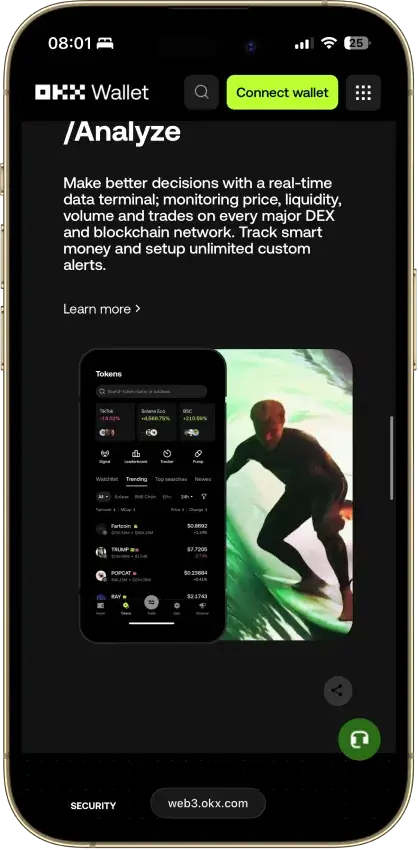
OKX Wallet
- Custody
- Non-custodialPartially open-source
- Networks
- Platforms
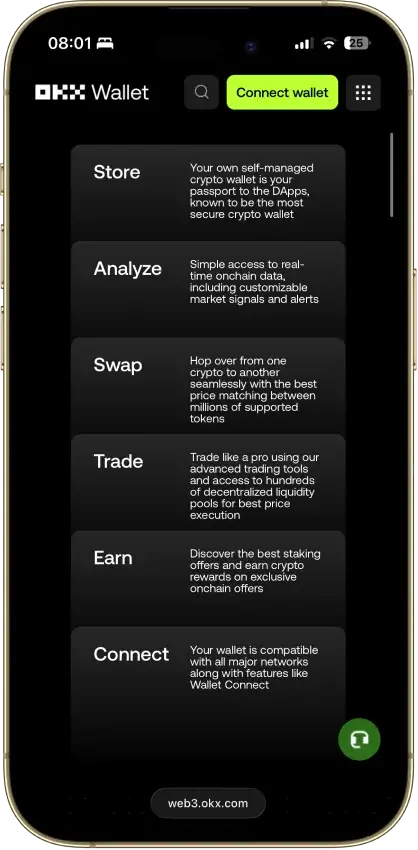
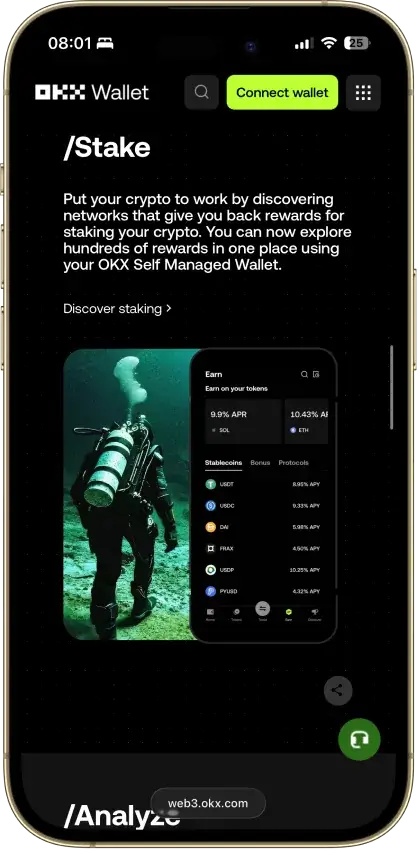
Pros
- Pre-approval scam and phishing alerts
- Built-in token-approval revoke tool
- CertiK and SlowMist audits plus bug bounty
- Cross-chain bridging in one interface
- Earn staking stays non-custodial
Cons
- $505M DOJ guilty plea, consultant to 2027
- Aggregator laundered ~$100M Bybit funds
- Keyless mode hands OKX one key share
- Client code is not fully open source
Phantom
- Custody
- Non-custodialPartially open-source
- Networks
- Platforms
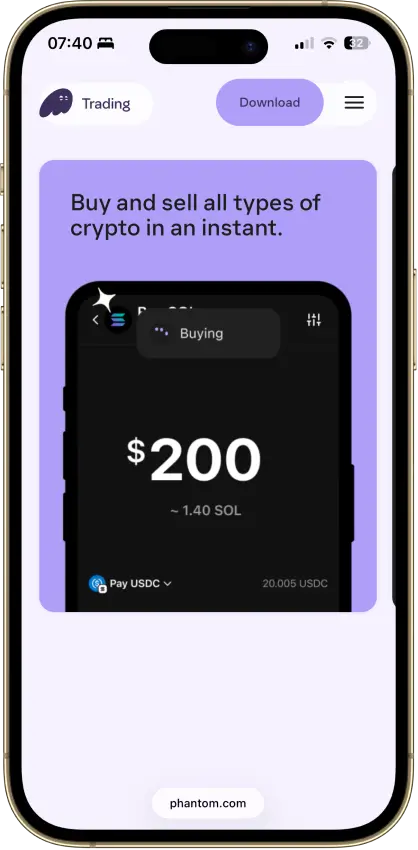
Pros
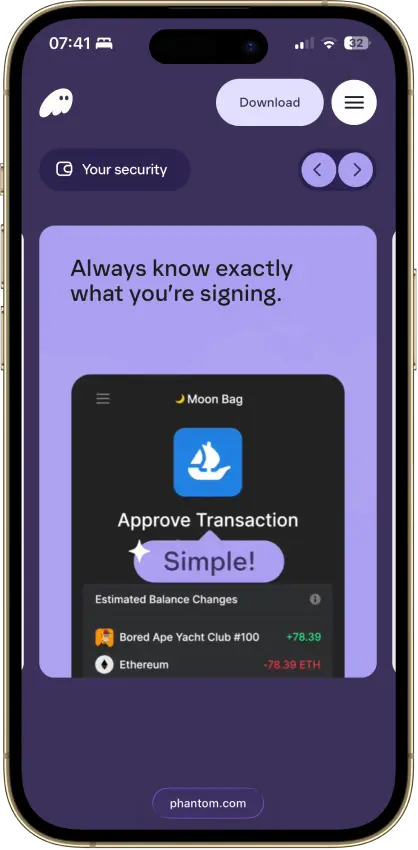
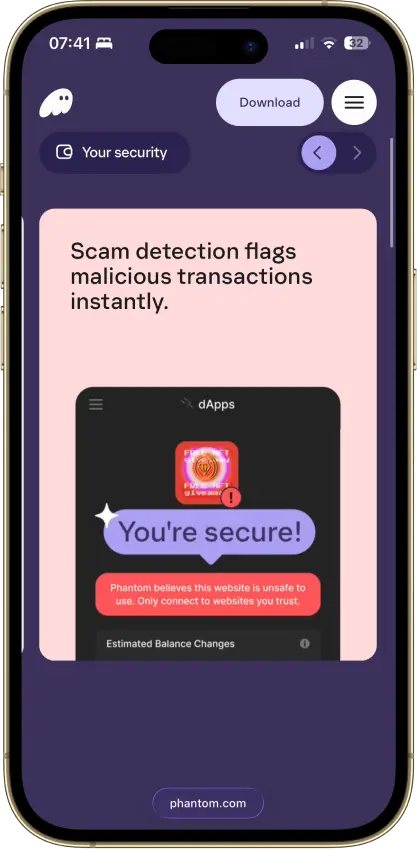
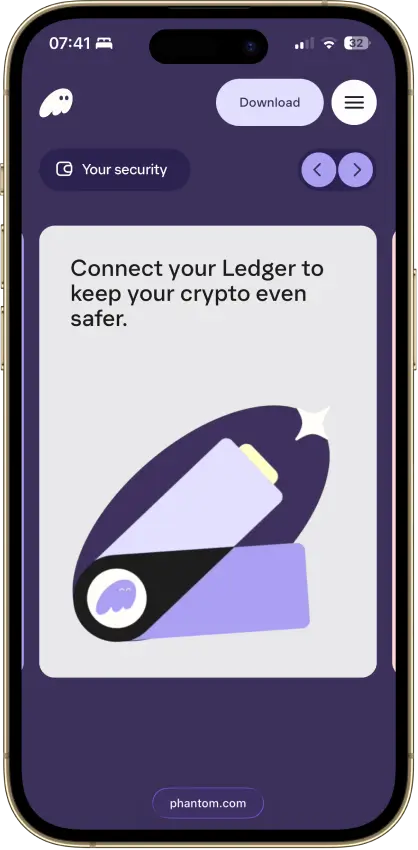
- Transaction previews and scam warnings
- Ledger Bluetooth support on mobile
- Bitcoin Native SegWit and Taproot support
- Third-party audit reports open to read
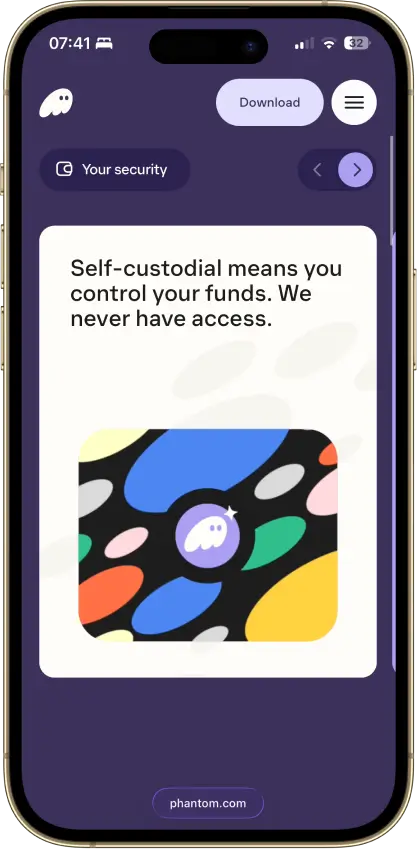
- Google or Apple login with a portable backup
Cons
- Core app is proprietary
- Dropped Sui and Monad support in 2026
- New native stakes need the extension
- Google and Apple wallets sign on a remote server
- No native Arbitrum, Optimism, BSC, or Avalanche
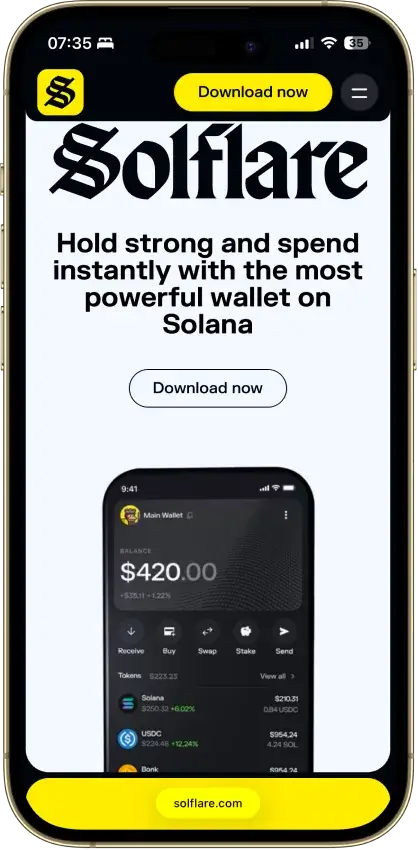
Solflare
- Custody
- Non-custodialPartially open-source
- Networks
- Platforms
Pros
- Validator choice for native SOL staking
- Ledger and Keystone signing supported
- Jupiter swaps inside the wallet
- Transaction checks and biometric app lock
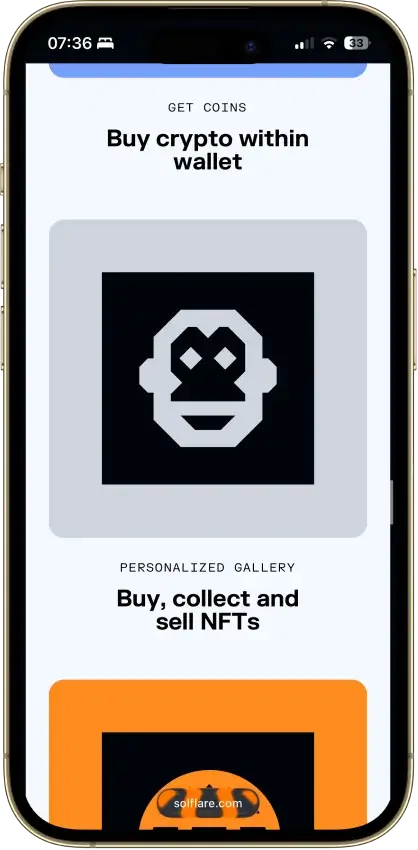
- NFT display in the wallet
Cons
- Shield has no independent signing screen
- Keystone extension connection is watch-only
- Shield's phrase is shown once at setup
- Instant Unstake costs 0.5% to 3%
Cake Wallet
- Custody
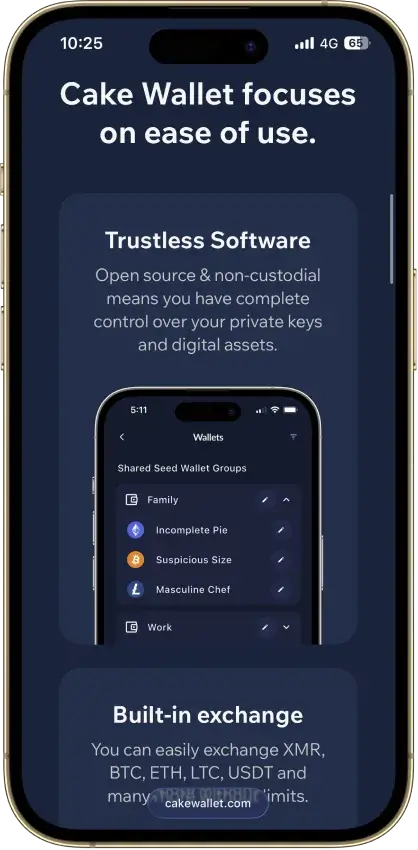
- Non-custodialFully open-source
- Networks
- Platforms
Pros
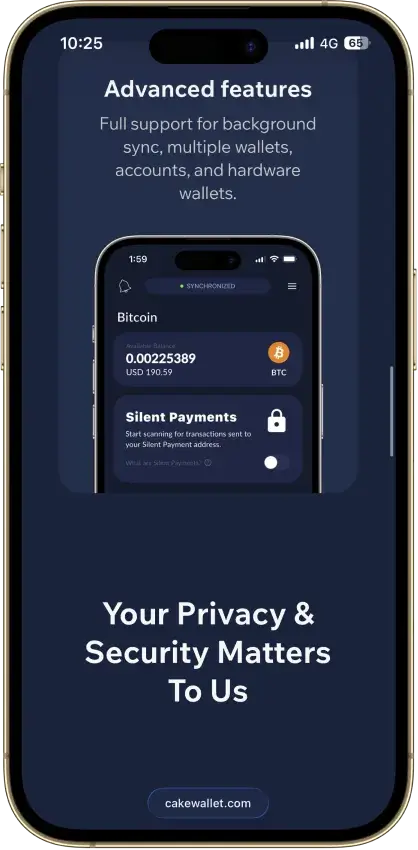
- Monero accounts and subaddresses
- Encrypted whole-app backup export
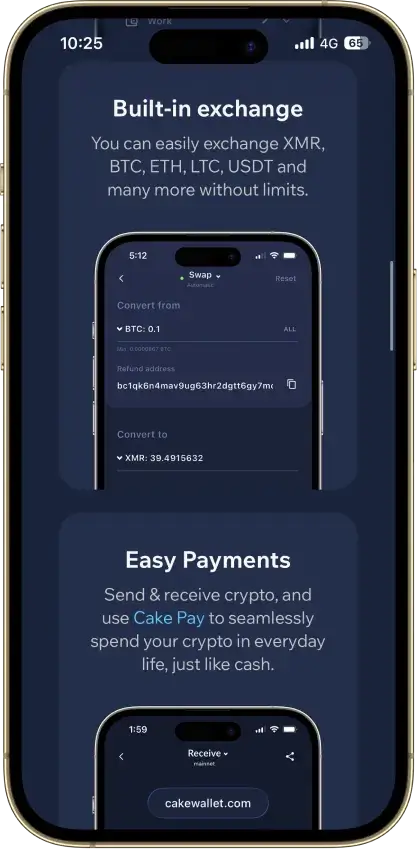
- Multiple swap providers to compare
- Publicly documented security fixes
- Custom nodes and restore-height control
Cons
- Windows builds are currently paused
- Past BTC seed flaw needs manual migration
- Tor routing is still labeled experimental
- Lightning sits in a separate Spark balance
- Ethereum NFTs display but can't be sent
MetaMask
- Custody
- Non-custodialPartially open-source
- Networks
- Platforms
Pros
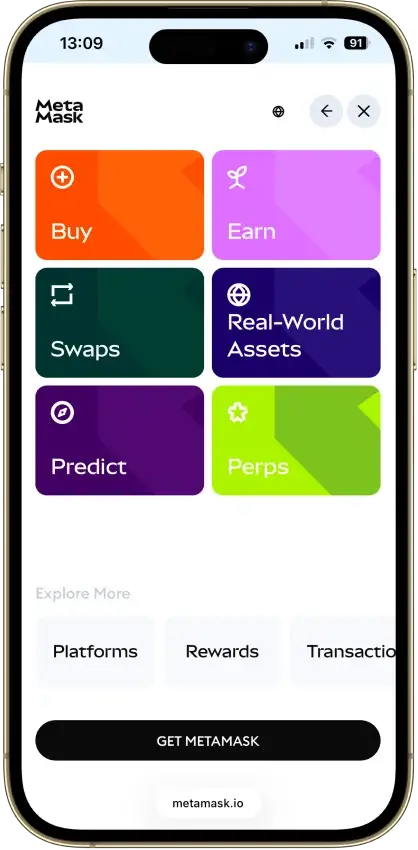
- Default-on transaction security alerts
- Mobile connections to compatible hardware
- ETH pooled staking without a product minimum
- Custom EVM networks alongside native Bitcoin
- Publicly accessible extension source code
Cons
- Swaps carry a 0.875% service fee
- Linked Ledger accounts are EVM-only
- Social login can't be changed or unlinked
- Passkeys unlock but can't restore the wallet
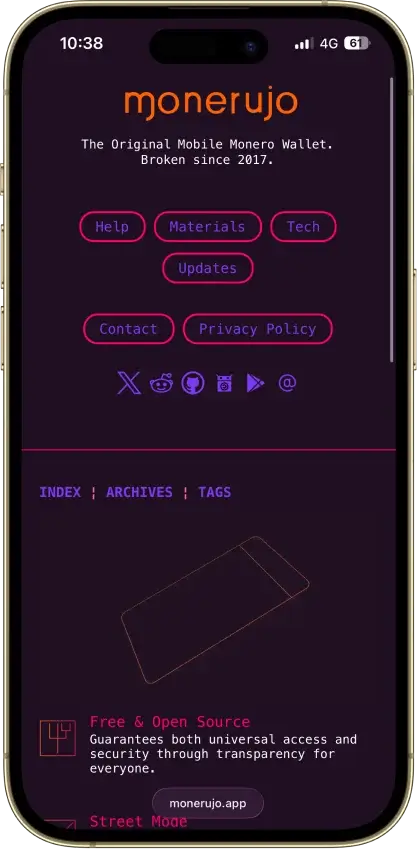
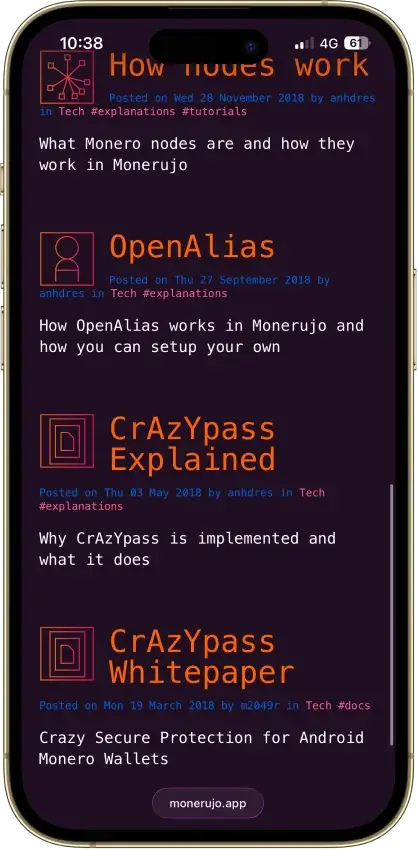
Monerujo Wallet
- Custody
- Non-custodialFully open-source
- Platforms
Pros
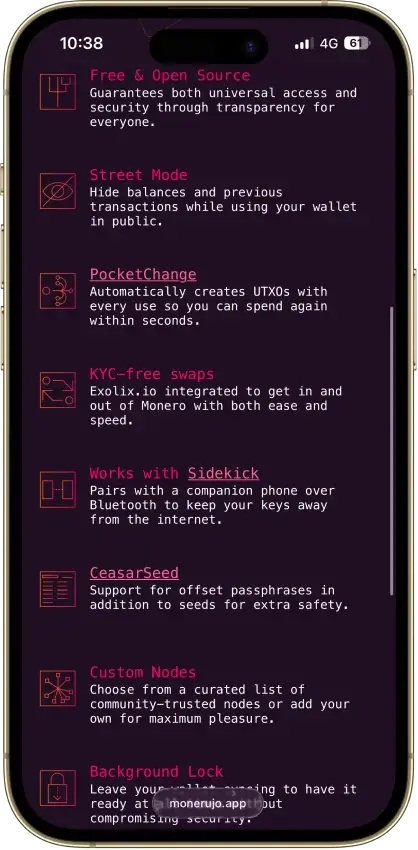
- Public application code under Apache 2.0
- Own F-Droid repository and APK downloads
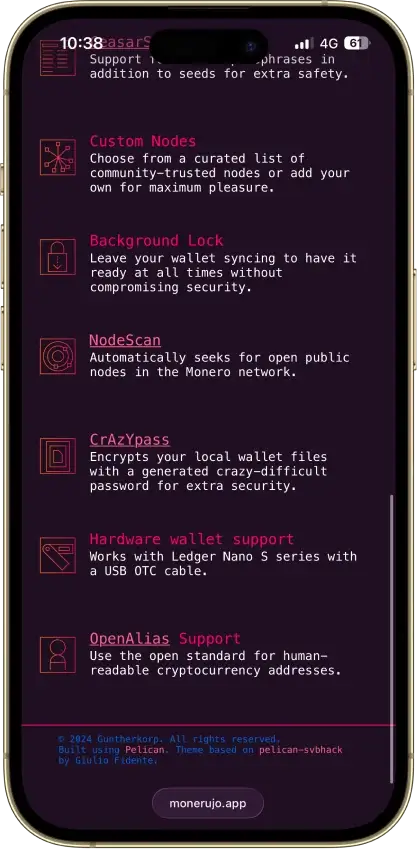
- Choose the node your wallet connects to
- Nano S-series Ledger signing over USB
- Multiple wallets, accounts and subaddresses
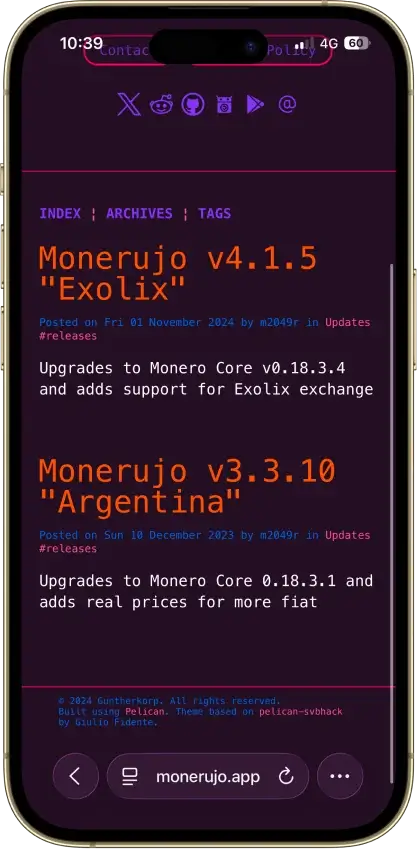
Cons
- File recovery has a separate password
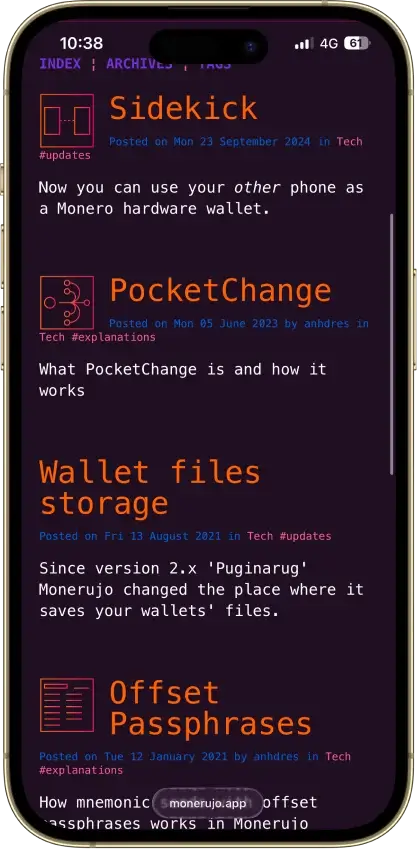
- Sidekick still carries an alpha warning
- Last release was v4.1.7 in June 2025
Rabby Wallet
- Custody
- Non-custodialPartially open-source
- Networks
- Platforms
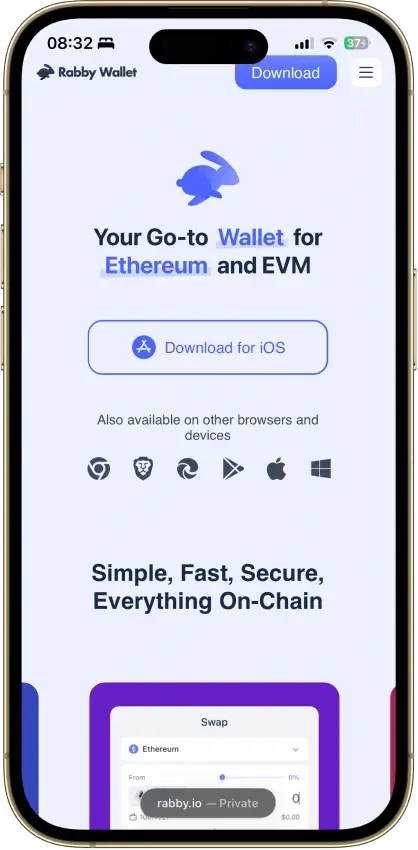
Pros
- Simulation shows balance changes before signing
- Token approvals can be revoked in-app
- Tracks EVM tokens and DeFi positions
- Extension code released under MIT terms
- Optional encrypted mobile cloud backup
Cons
- No native Bitcoin, Solana or Tron
- Custom networks have fewer features
- Mobile hardware support is more limited
- Apple/Google Pay gas deposits cannot be withdrawn
- 2025 audits include unresolved findings
Coinbase Wallet
- Custody
- Non-custodialPartially open-source
- Networks
- Platforms
Pros
- Ledger approvals through the extension
- Audited, MIT-licensed smart-wallet contracts
- ETH staking below 32 ETH via Kiln
- Gasless swaps on Ethereum and Polygon
- Security Lock on opening and approvals
Cons
- Passkey smart wallets exclude BTC and SOL
- Dropped Dogecoin, Litecoin, XRP and custom chains
- Swap fee of up to 1% per trade
- No Bitcoin swaps in the app
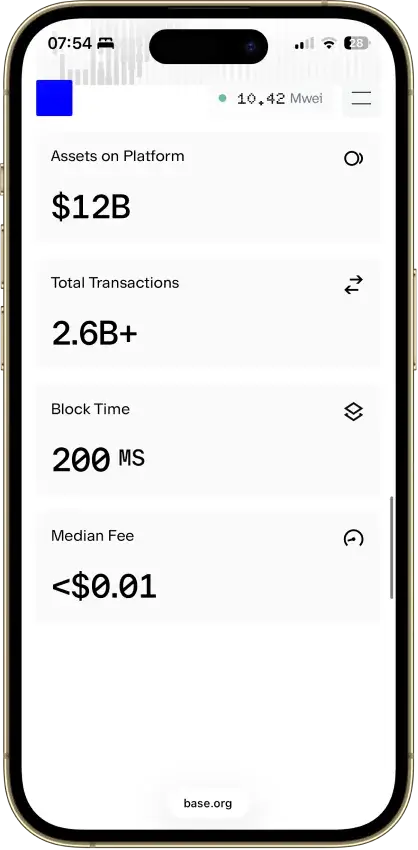
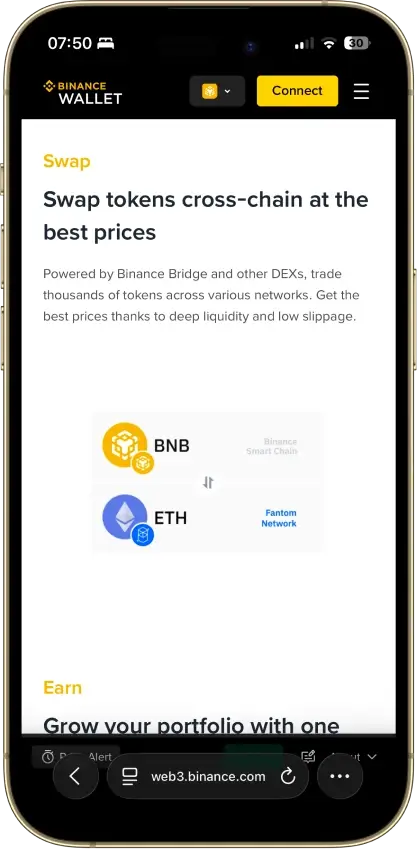
Binance Wallet
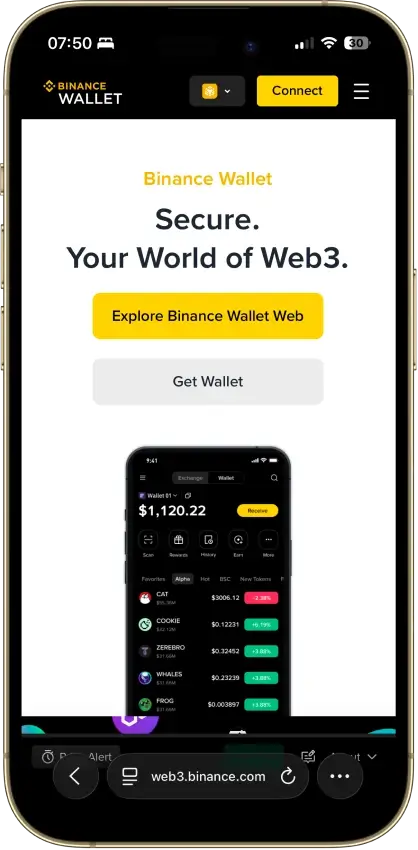
- Custody
- Non-custodialClosed-source
- Networks
- Platforms
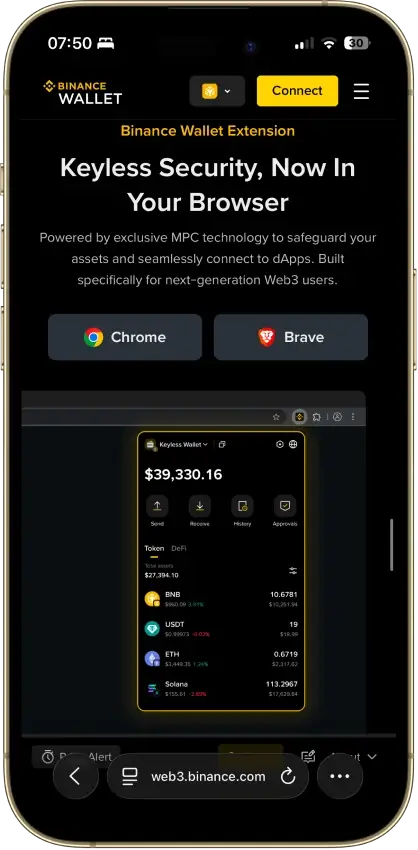
Pros
- Existing-wallet imports in the extension
- Bitcoin controls in the mobile wallet
- Independent extension audit anyone can read
- Address-poisoning filters on sends
- Binance deposit-address option in Send
Cons
- Conversion removes keyless recovery
- Audit excludes backend verification
- No hardware wallet support
- Ordinals are treated as plain BTC
Edge Wallet
- Custody
- Non-custodialFully open-source
- Networks
- Platforms
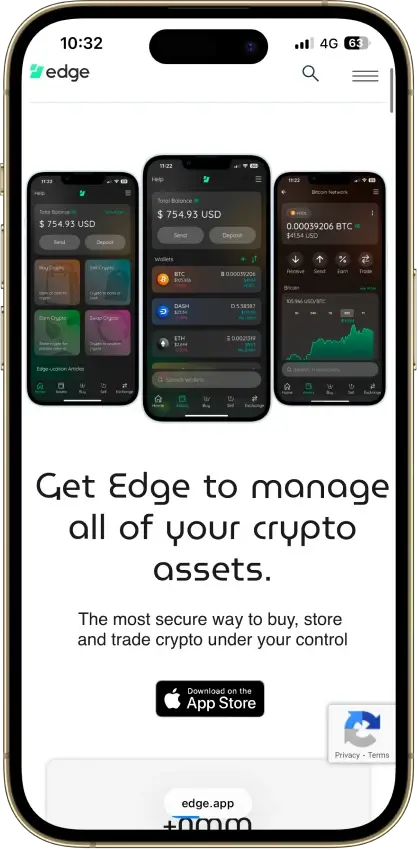
Pros
- Public, auditable code (BSD-3-Clause app)
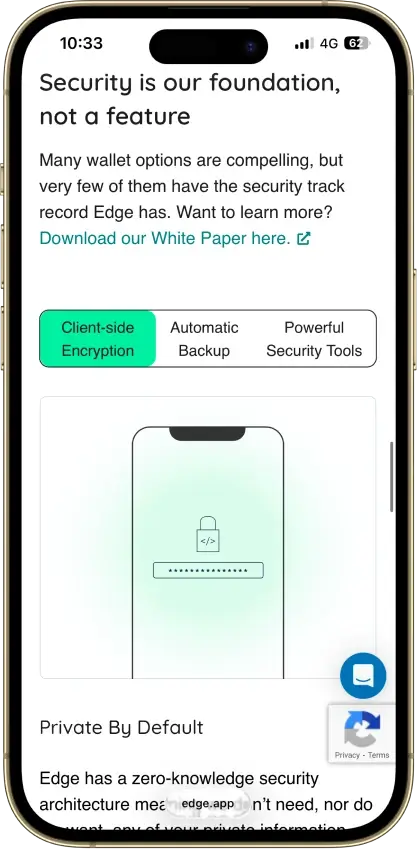
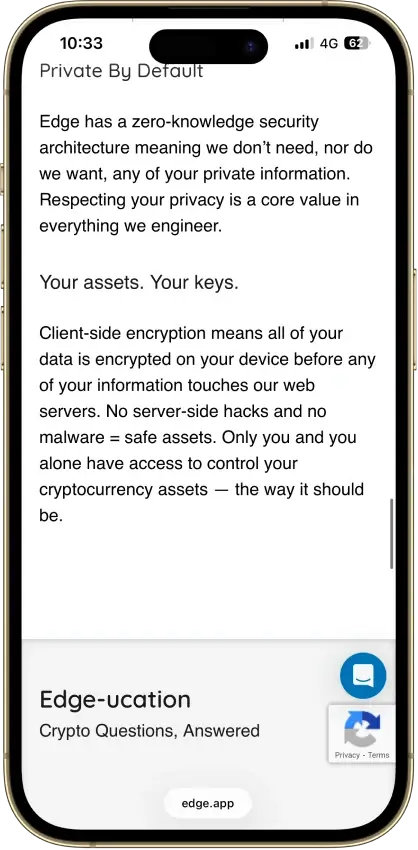
- Non-custodial, zero-knowledge encryption
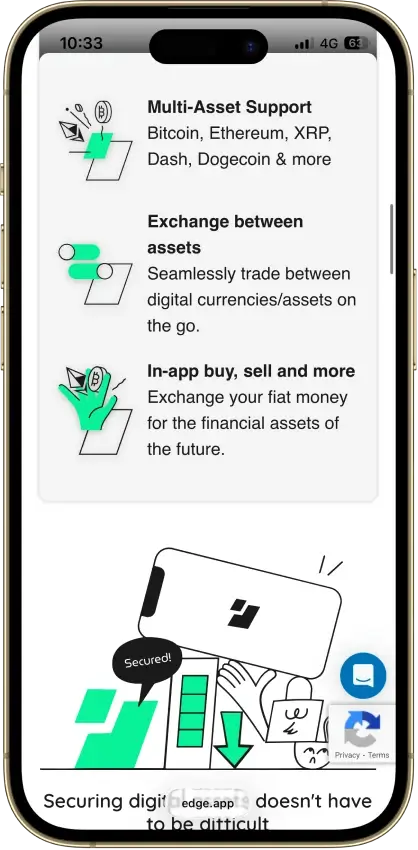
- 120+ assets plus major token standards
- Swaps shop quotes across several providers
- iOS app also runs on Apple Silicon Macs
Cons
- Weak passwords increase credential-guessing risk
- Encrypted key blobs sit on Edge servers
- 2023 bug exposed about 600 private keys
- No third-party audit made public
- No desktop app or browser extension
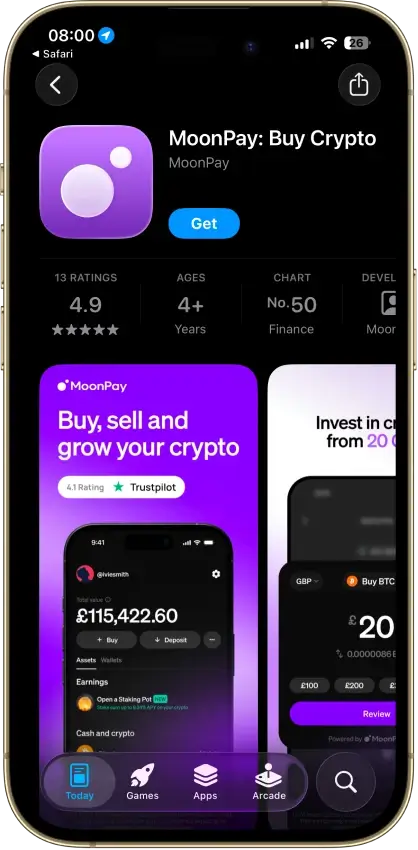
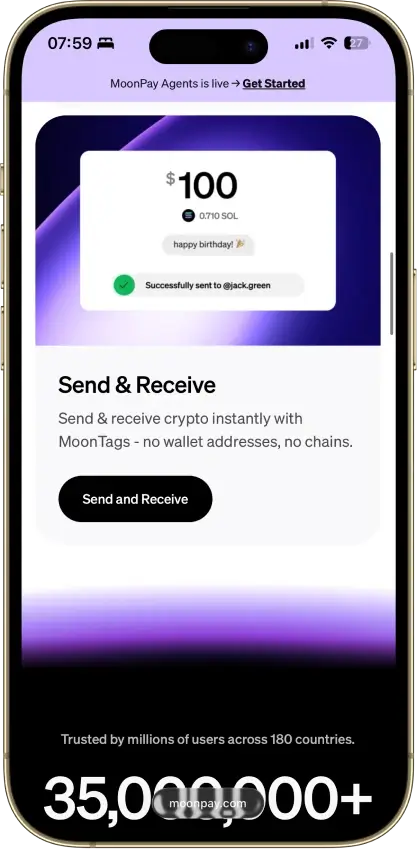
MoonPay
- Custody
- Non-custodialClosed-source
- Networks
- Platforms
Pros
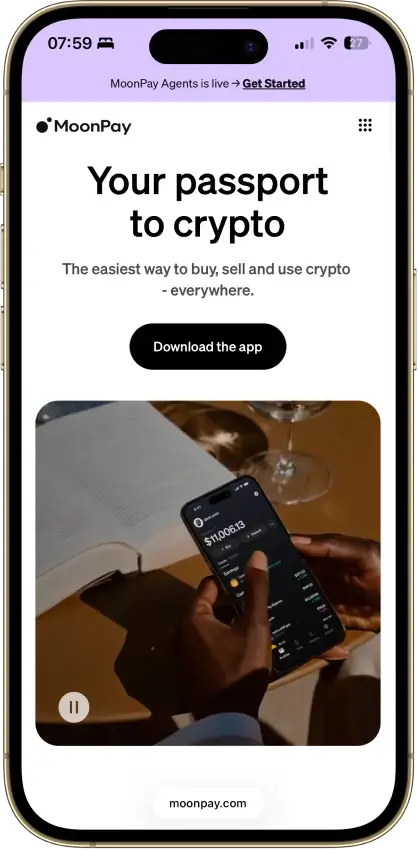
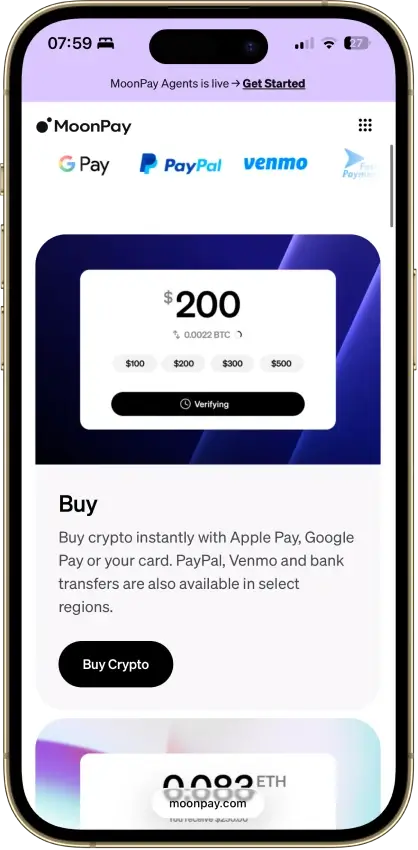
- Buying and wallet management in one app
- App Lock with biometrics or device PIN
- Supports Bitcoin, Solana, TRON and EVM networks
- PayPal, Apple Pay, card and bank options
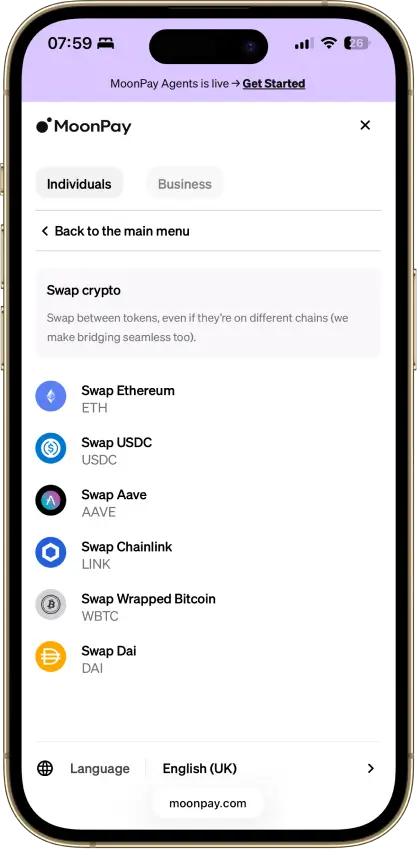
- Trade can route across blockchains
Cons
- Fees up to 4.5% on US purchases
- Up to $3.99 minimum fee on small orders
- No staking since Pots closed in April 2026
- Wallet app code is not public
Stack Wallet
- Custody
- Non-custodialFully open-source
- Networks
- Platforms
Pros
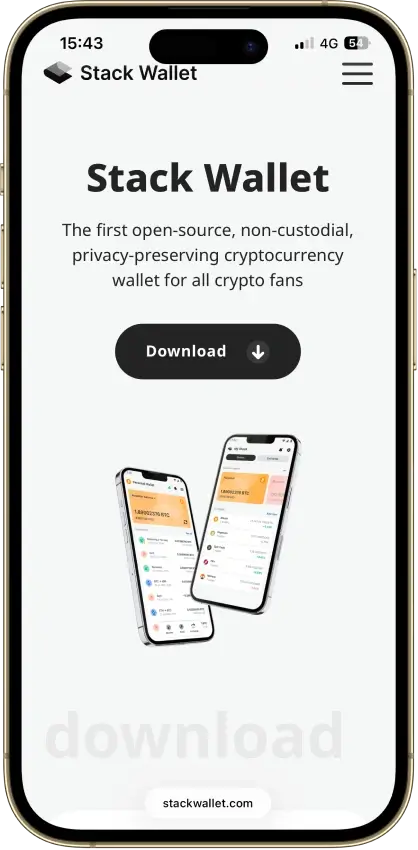
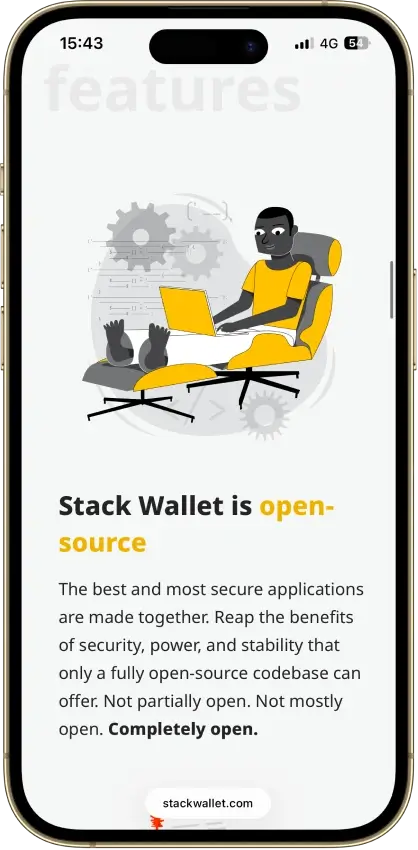
- Fully open source, entire codebase public
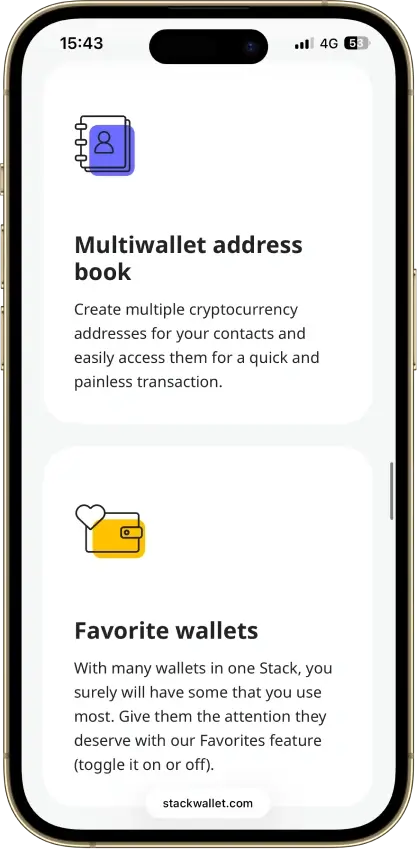
- Apps for mobile and desktop alike
- Coin control on Bitcoin and privacy coins
- Point it at your own node per coin
- Its own F-Droid repo for Android
Cons
- No dApp browser or WalletConnect
- No hardware-wallet pairing
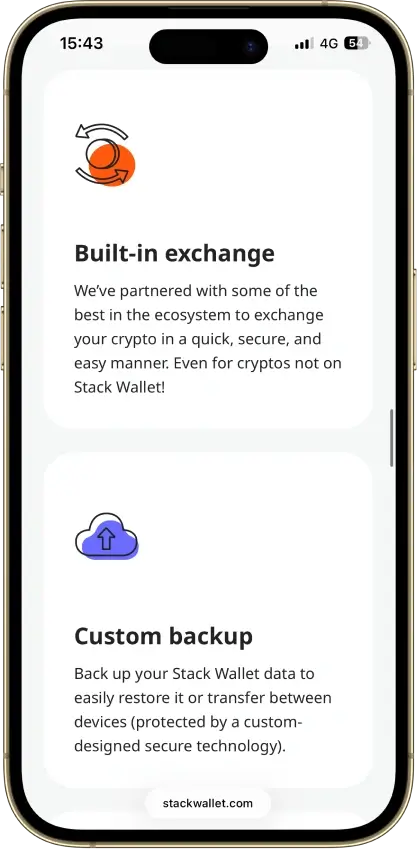
- App-level backup restores into Stack only
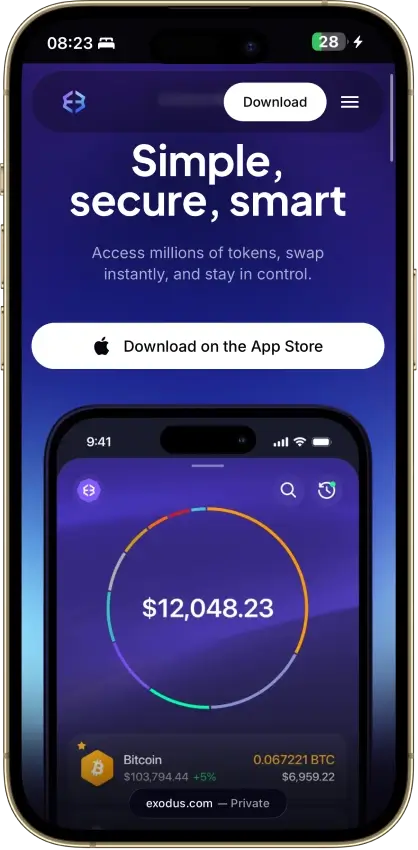
Exodus
- Custody
- Non-custodialPartially open-source
- Networks
- Platforms
Pros
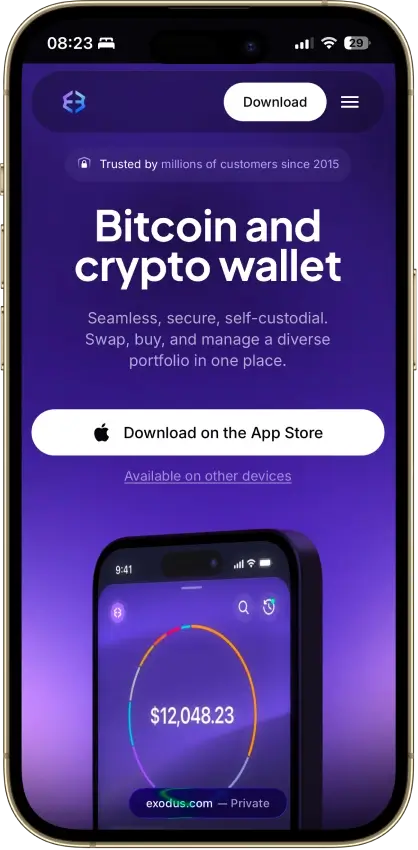
- Desktop app for Windows, macOS and Linux
- Desktop and mobile sync to one wallet
- Custom tokens on supported networks
- Human support alongside the chatbot
- Recovery phrase backup still available
Cons
- Complete wallet is not open source
- WalletConnect removed from the mobile app
- Ledger portfolios work on mobile only
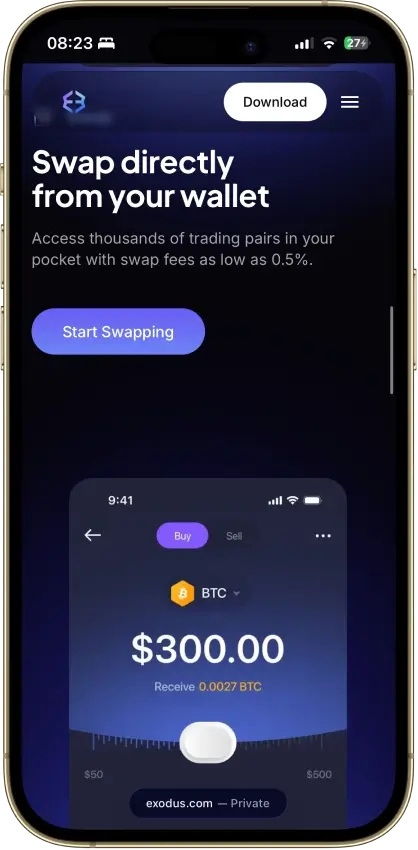
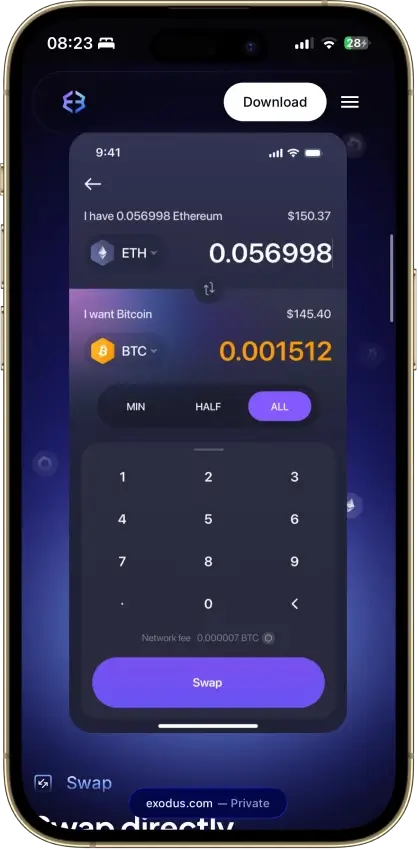
- Swap costs sit inside a quoted spread
- $3.1M OFAC sanctions settlement in 2025
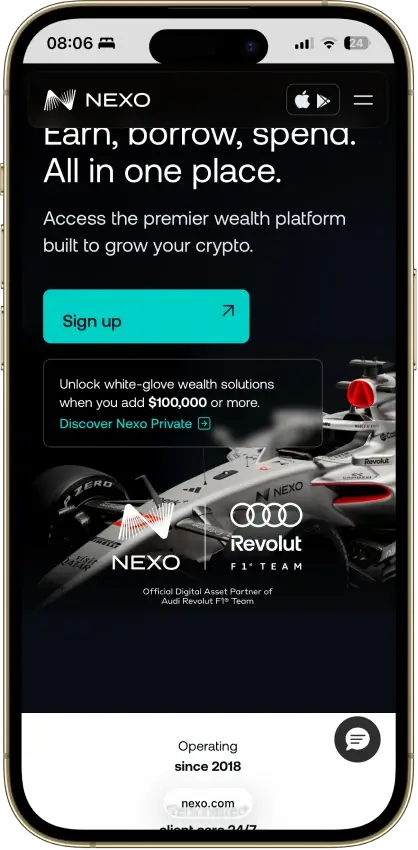
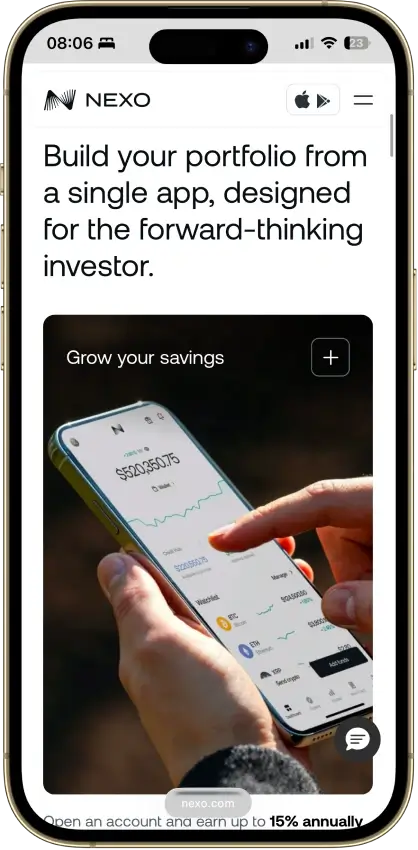
Nexo
- Custody
- CustodialClosed-source
- Networks
- Platforms
Pros
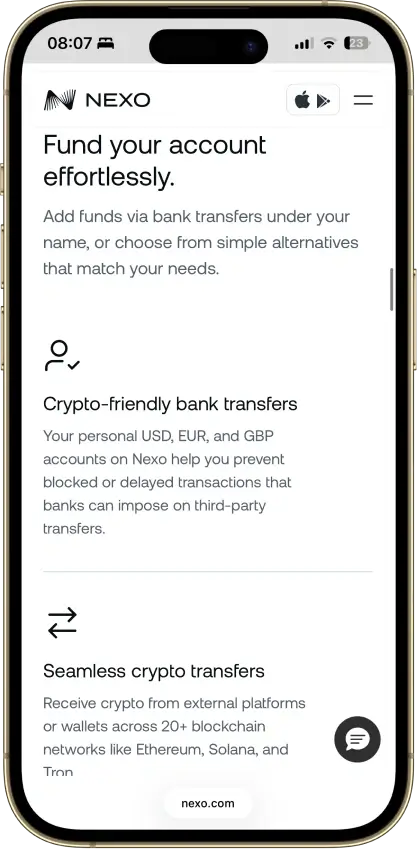
- Ten major networks for deposits and withdrawals
- Address whitelisting and anti-phishing code
- Recover access without a seed phrase
- SOC 2 Type 2 audits three years running
- Nexo Pro trading inside the same account
Cons
- No seed phrase or key export
- No WalletConnect or browser extension
- Swap spread is built into the quote
Trust Wallet
- Custody
- Non-custodialPartially open-source
- Networks
- Platforms
Pros
- Transaction previews on supported networks
- Optional encrypted cloud backup
- Ledger signing through the extension
- Staking for ETH, SOL, BNB and TRX
- No email account needed for a classic wallet
Cons
- December 2025 extension hack hit about $8.5M
- Mobile app builds lack public source access
- Dropped several networks in September 2026
- SWIFT covers only a handful of EVM chains
How We Rank
- Custody and key security 30% weightWhat we assess
Who can authorize spending, protection of keys and signing, and independent access to every reviewed account type.
What earns 10/10 Users control spending and have complete independent access for every reviewed account type. Signing and authorization are isolated from the connected app, with key and recovery dependencies explained. - Security validation and track record 25% weightWhat we assess
Independent security assessments, their coverage and findings, plus updates and the handling of known incidents.
What earns 10/10 Independent assessments cover the current design and material changes. Material findings are resolved, and sustained maintenance records show no unresolved material incident consequences. - Transaction safety and signing 20% weightWhat we assess
Transaction details, signing warnings, scam checks, permission controls and the handling of unreadable requests.
What earns 10/10 Transfers and supported signing requests show readable details before consent. Risk warnings and integrated permission revocation cover relevant tasks, with unclear requests identified and easy to reject. - Backup and recovery 10% weightWhat we assess
Repeatable backup checks, complete restoration, recovery dependencies, costs and resilience after backup loss.
What earns 10/10 Repeatable checks verify complete backups without resetting the wallet. Recovery survives loss of a backup or dependency, with clear costs and no third party able to spend alone. - Usability, privacy and costs 10% weightWhat we assess
Setup and everyday tasks, accessibility, support guides, data-sharing choices and device, service and transaction costs.
What earns 10/10 Clear workflows, accessible controls and useful support guides make routine tasks straightforward. Nonessential data sharing is optional, and mandatory costs are transparent and reasonable. - Assets, networks and compatibility 5% weightWhat we assess
Asset and network support, devices, companion apps and connections needed for the uses covered in the review.
What earns 10/10 Official compatibility lists and setup guides cover the reviewed assets, networks, devices and connections. Required transfer routes are documented and available, with no known blocker.
We score each wallet across 10 metrics. Each metric is scored on a strict 0-1.0 scale. If a claim cannot be verified using credible sources (official documentation, audit reports, or security disclosures), we label it “unverified” and assign a 0 for that metric.
Scores are not permanent. We re-rank when custody, recovery, or dApp connectivity changes, or when a material incident changes the risk picture.
What Is a Crypto Hot Wallet?
A crypto hot wallet is an internet-connected wallet app you use for day-to-day crypto: holding smaller balances, sending and receiving, swapping, and connecting to dApps. It is convenient because it is always available on your phone or browser. It is also the reason phishing and approvals matter so much: hot wallets are built for frequent actions.
Hot wallets do not “store” your crypto. Your assets are on the blockchain. The wallet stores (or manages access to) the keys needed to control an on-chain address.
Your wallet app is not a box that “holds” your crypto. Think of the blockchain like a public scoreboard that shows who owns what. Your crypto “lives” on that scoreboard, not inside your phone.
What your wallet app holds is the thing that lets you control your spot on the scoreboard: your keys (or key access). Your wallet address is like your mailbox number. Your private key is like the key that opens that mailbox. Your seed phrase (those 12 or 24 words) is like a master backup key that can recreate your wallet on a new phone.
What is Self-custody?
Self-custody (also called non-custodial custody) means you control the keys. No company can reset your wallet, unlock your funds, or recover your seed phrase for you. That control is the point. It is also the trade-off: if you lose your recovery method, there is usually no “forgot password” button.
Some newer wallets soften this trade-off with social recovery (trusted people/devices can help you recover) or smart accounts (also called account abstraction), where your wallet is built as code on the blockchain. This can add recovery rules, spending limits, temporary access keys, or having someone else cover network fees.
These can make wallets easier to use, but you still need to understand who or what can approve recovery and what happens if that setup is lost or compromised.
How Do Crypto Hot Wallets Work?
A hot wallet does two jobs at the same time. It shows you what is happening on a blockchain (balances, tokens, past activity), and it helps you create actions (send, swap, connect to a dApp) in a way the network will accept.
Here is the flow behind most buttons.
- The wallet reads blockchain data through internet connections (usually through nodes or providers) so it can display balances and activity.
- When you start an action, the wallet builds a transaction draft (network, recipient, amount, and fee).
- The wallet shows you a confirmation screen. This is your pause point.
- If you approve, the wallet signs on your device to prove the transaction is authorized.
- The wallet broadcasts the signed transaction to the network. Validators confirm it. A block explorer is the cleanest way to verify final status.
Connecting to a dApp can feel odd at first because it is not like logging into Instagram or your bank. Most dApps do not create a company account for you. Your wallet is the “login” that proves which on-chain address you control.
| What you are trying to do | Normal mobile app | dApp + wallet |
|---|---|---|
| “Log in” | Email/phone + password (company owns the account) | “Connect wallet” (your wallet is your login) |
| Show your stuff | Company database shows your profile/data | dApp reads your public address on-chain |
| Do an action | App executes on company systems | dApp asks your wallet to create a transaction |
| What “connect” shares | Your identity inside that app | Your public address (not your seed phrase) |
| Who can move funds | Company (controls the system) | Only your wallet when you approve/sign |
| When real risk starts | When you give payment access | When you approve/sign (especially approvals) |
So yes, you connect because that is how the dApp knows which on-chain address to use. Connecting alone does not spend funds. The danger starts when you approve or sign something you do not understand.
Types of Crypto Address and Keys
These concepts are frequently confused, but each plays a different role in receiving funds, authorizing transactions, and recovering access. Getting the distinctions right helps prevent common loss scenarios, such as sharing recovery data, restoring from an untrusted source, or treating an address as if it grants spending access.
| Term | What it is | What it is used for | Can you share it? | If someone gets it… | Where you see it |
|---|---|---|---|---|---|
| Wallet address (public address) | The string you share to receive funds (derived from a public key and formatted per chain) | Receiving funds; identifying your on-chain account | Yes | They cannot spend your crypto, but they can view activity for that address | “Receive” screen |
| Public key | A longer cryptographic key used to verify signatures; wallets derive the address from it | Verifying that transactions were authorized | Usually no need | Usually cannot spend funds; may help link activity in some contexts (chain-dependent) | Rarely shown |
| Private key | The secret that proves control of an address | Signs transactions (send/approve) | No | They can take control of funds for that address | Usually hidden; sometimes exportable |
| Seed phrase (12/24 words) | A master backup that can recreate many keys/addresses | Restores the wallet on a new device | No | They can rebuild your wallet anywhere and drain it | Shown once at setup; then hidden |
| Passphrase (optional) | An extra secret added on top of a seed phrase | Adds a second lock to the seed | No | If they have both seed + passphrase, they can drain; if you lose it, you can lock yourself out | Only if you set it up |
Two practical rules:
- The only thing you should copy/paste in daily life is your wallet address.
- If anyone asks for your seed phrase or private key (support, a website, a “verification” form), treat it as a scam.
Seed Phrases: What to Trust and What Actually Happens on Your Phone
You can trust a wallet app only if you trust the way you installed it. Most seed phrase losses come from fake apps, fake browser extensions, and lookalike websites.
Use this checklist before you create a wallet or import a seed phrase.
- Download from the official website or the official store listing (avoid ads and random download buttons).
- Verify the publisher/developer name.
- Check the domain carefully.
- Never type your seed phrase into a website.
- Ignore “support” DMs. Real support will not request your seed phrase.
After a wallet shows you the seed phrase once, it usually hides the words. That does not mean your phone is “seed-free.” To work, the wallet must keep some form of key material on your device (often encrypted). That is what signs transactions.
Practical takeaway: even if the seed words are not visible on screen, a compromised device can still be dangerous. Use a strong phone passcode, keep your OS updated, and never store seed phrases in screenshots, cloud notes, or email drafts.
Crypto Hot Wallet vs Cold Wallet
This choice is less about “which is best” and more about how you use crypto. If you send funds often, connect to dApps, or switch chains a lot, a hot wallet is the fastest tool. If your priority is “do not lose this,” cold storage reduces the number of ways you can get compromised day-to-day. A hybrid setup is common because it keeps the daily UX, but puts the signing key on a hardware device.
| Type | Best for | What it protects best against | Main risks | Typical setup | Recovery reality | dApp use | Cost/effort | Common mistakes |
|---|---|---|---|---|---|---|---|---|
| Hot wallet | Daily transfers, swaps, dApps | Convenience and speed | Phishing, fake apps/extensions, risky approvals, device compromise | Mobile app or browser extension | Seed phrase or seedless/MPC (varies by wallet) | High (WalletConnect/extension) | Low setup effort | Using it as a long-term vault; signing approvals on autopilot; storing seed in screenshots/cloud |
| Cold wallet | Long-term holding, “vault” funds | Keys stay off your phone/computer | Backup mistakes, buying from unofficial sellers, user error | Hardware wallet (often with companion app) | Seed phrase + optional passphrase; recovery depends on your backup | Low (connect only when needed) | Higher effort + hardware cost | Never testing recovery; typing seed into a website; assuming hardware “stops scams” |
| Hybrid | Using dApps with lower key exposure | Protects keys from many device-level attacks | You can still approve a bad contract; slower workflow | Hardware wallet used through an extension/app | Same as cold wallet (backup is still the source of truth) | Medium–High (good for DeFi) | Medium effort | Connecting your vault account to random dApps; ignoring what you approve because “it’s hardware” |
A practical way to use this: keep your hot wallet for daily activity and small tests, and keep your “sleep at night” funds in cold storage or a hybrid setup. The key insight is that cold storage mainly protects your keys from device compromise. It does not protect you from signing something dangerous. That is why readable signing prompts and strong approval habits matter in every setup.
How To Set Up a Crypto Hot Wallet Safely
This setup takes about 10 minutes. It helps you avoid the most common beginner failures: installing a fake wallet, messing up your backup, or moving real funds before you have tested the basics.
- Install from the official source.Start on the wallet’s official website, then use its link to the App Store / Google Play / browser extension store. Avoid ads and “download” buttons on random sites.
- Confirm the publisher (developer) name.In the app store or extension store, check the publisher name matches the official brand. If anything looks off, do not install.
- Lock down your device before you add funds.Use a strong phone passcode, turn on Face ID/Touch ID, and set auto-lock to a short time. Update your OS.
- Create a new wallet.Do not import a recovery phrase because “support” told you to. Do not type recovery words into a website.
- Back up your recovery method the safe way.If your wallet uses a seed phrase: write it down offline (paper or metal). No screenshots. No cloud notes. No email drafts.If your wallet is seedless (MPC) or uses social recovery: write down what you must keep (for example: which devices/guardians are required) and test that you can complete recovery.
- Verify the backup.Complete the wallet’s backup check (often re-entering a few words). This catches typos now, not later.
- Turn on safety settings.Enable phishing warnings, transaction previews, and spam token hiding (if available). These reduce the number of “oops” clicks.
- Receive a small test amount.This confirms you selected the right network and copied the correct address.
- Send a small test out.This confirms you can sign a transaction and pay network fees without surprises.
- Move larger amounts only after the tests clear.If something is wrong, you want to find out with $5, not $5,000.
After setup, write one line for future you about where the backup is stored (example: “recovery phrase is in the safe”). Do not write the recovery phrase itself.
How to Back Up and Recover a Hot Wallet (Without Losing Funds)
Most hot wallet disasters are recovery related. If you can recover cleanly, you can survive a lost phone. If you cannot recover, the rest of the features do not matter.
Recovery methods you will see:
- Seed phrase (12/24 words)
- Seed + passphrase
- Seedless MPC / key shares
- Social recovery
Recovery drill (do this once per quarter)
This is a simple test to prove your backup works. If your phone is lost, stolen, or wiped, this is the exact process you will rely on.
- Pick a safe place to test.Use a spare phone or a fresh browser profile. Do not do this on a shared device.
- Install the wallet again from the official source.Start from the official website, then click through to the app store or extension store.
- Restore the wallet using your backup method.Enter your seed phrase (or follow the wallet’s MPC/social recovery steps) exactly.
- Confirm the main address matches.Check the public address you see after restoring is the same one you use today.
- Send a tiny test transaction.This confirms you can sign and broadcast transactions normally.
- Remove the test wallet when you’re done.If this was only a drill, delete the restored instance so you are not leaving extra wallet copies around.
If any step fails, stop and fix recovery immediately. Do not assume it will work later.
How to Use a Crypto Hot Wallet
Most mistakes happen during three boring tasks: finding an address, choosing a network, and confirming a transaction.
Wallet address formats are a quick sanity check.
- Bitcoin addresses often start with bc1, 1, or 3.
- Ethereum-style addresses start with 0x.
Receiving safely:
- Tap “Receive” in your wallet.This pulls up the correct address format for that chain.
- Select the correct network.Token names repeat across networks (for example, USDT). The network choice is what prevents wrong-network sends.
- Copy the address from inside the wallet, then verify it.Check the first 4 and last 4 characters match what you intended to copy.
- If a memo/tag is required, include it.Some chains and exchanges require a memo/tag to route the deposit. Missing it can delay or break delivery.
- Send a small test first.Treat it like a smoke test. Confirm it arrives, then send the full amount.
Sending safely:
- Paste the recipient address, then verify it.Check the first 4 and last 4 characters. Do not trust a previously used address without re-checking.
- Confirm the network matches the recipient.“Same token” is not enough. The recipient must be able to receive on the same chain.
- Check fees and gas before you hit confirm.Make sure you have the chain’s gas token (for example, ETH on Ethereum, SOL on Solana) or the send will fail.
- Test-send when possible.For larger amounts, a small test is the cheapest way to avoid a costly mistake.
- Verify the transaction on a block explorer.Wallet UIs can lag. The explorer is the source of truth.
You can send directly from an exchange to a hardware wallet address. You do not need to route through a hot wallet first.
If you want to track performance after self-custody, you can use portfolio trackers that read public addresses. The drawback is privacy — pasting addresses into third-party tools shares your on-chain footprint. And in case you want to learn more about anonymous crypto wallets, we have that covered too.
If you're new to crypto, check out our crypto wallets for beginners. It will make the first steps much easier and they will make sense.
Token Approvals and Allowances (The #1 Hot Wallet Risk)
Most beginners do not “choose” to create an approval. It happens during normal dApp use. The first time you swap a token, stake it, mint something, or use a DeFi app, the dApp often needs permission to move that token on your behalf.
Here is what that looks like in real life:
- You open a dApp (swap, staking, mint, bridge) and click an action like “Swap” or “Deposit.”
- The dApp pops up a wallet prompt that says something like “Approve USDC,” “Allow spending,” or “Give permission.”
- You approve it because the dApp will not proceed without it.
- Now the contract you approved can spend that token later, up to the limit you agreed to.
The important detail: an approval is not a one-time payment. It is a permission that can stay active. That is why approvals are a common path to drainers.
How to spot an approval before you sign it:
- Look for words like “approve,” “allow,” “permission,” “spender,” or “set allowance.”
- Check what token is being approved. If the token name is unfamiliar or looks copied, pause.
- Check the limit. If you see “unlimited,” “max,” or a number far larger than your swap, treat it as high risk.
- Check the spender. If the wallet only shows a random address with no recognizable name, slow down.
- If anything feels unclear, cancel. You can always try again after you verify the dApp.
Red flags that should make you stop:
- The approval limit is “unlimited” for a one-time swap.
- The spender is unknown or does not match the site you think you are using.
- The prompt is vague (no token, no limit, no clear permission).
- You arrived via a DM, an ad, or a “support” link.
How to revoke allowances safely (step-by-step)
- Decide what you are cleaning up.If you only used a dApp once, revoke that approval. If you are unsure, start with anything you do not recognize.
- Check for an in-wallet approvals manager.Many wallets can show “Connected sites” or “Token approvals.” Use this first if it exists because it is less confusing.
- Find the token and the spender.Look for old dApps, unknown spenders, or approvals with unlimited limits.
- Revoke or reduce the allowance.Best practice is “revoke” for anything you do not use. If you do use it often, reduce the limit to what you actually need.
- Confirm the revoke transaction.A revoke is an on-chain transaction (and on many chains it costs a network fee). Verify it completed.
- If you suspect your recovery phrase was exposed, move funds.Revoking approvals helps with permissions. It does not fix a leaked seed phrase. If the seed is compromised, create a fresh wallet and move funds.
Fees In Crypto Hot Wallets (What You Really Pay)
Fees are where beginners get surprised because the wallet shows one number, but the real cost is a bundle: network fees, swap spreads, and sometimes bridge costs. The best habit is to always check the final “you receive” amount and the network you are paying on.
What you pay for depends on what you are doing:
- Sending crypto: mainly a network fee.
- Swapping tokens: a network fee plus swap costs (spread/price impact) and sometimes an aggregator fee.
- Bridging: network fees on both sides plus bridge fees and extra slippage.
The three fee layers (and what to verify)
- Network fee (gas)This is paid to the network to process the transaction. It is usually paid in the chain’s native token (for example: ETH on Ethereum, SOL on Solana). If you do not have the native token, your transaction may fail even if you have plenty of the token you are trying to send.
- Swap fee and “spread”This is the hidden part of many in-wallet swaps: the difference between the price you expect and the price you actually get. It comes from liquidity, price impact, routing, and sometimes the wallet’s provider/aggregator pricing. The safest thing to check is the final received amount and the effective rate.
- Bridge fees and extra slippageBridges add extra steps, extra failure points, and extra fees. You often pay gas to approve, gas to bridge, and gas again on the destination chain. Always check whether you will need the destination chain’s gas token to use the funds after they arrive.
How to avoid fee surprises (quick checklist)
- Confirm the network first.The same token name can exist on multiple networks. Fees and speed can change dramatically depending on the network.
- Check the native gas token balance.Before you send or swap, make sure you have a small buffer of the chain’s gas token.
- Read the “you pay” and “you receive” fields.For swaps, this matters more than the headline fee. If the receive amount looks off, cancel and compare routes.
- Watch for high slippage and price impact.If the wallet lets you set slippage, keep it as low as practical. Very high slippage can turn into a bad fill.
- Expect approvals to cost fees on some chains.On Ethereum/EVM networks, approving a token often costs gas. That is normal. The risk is approving the wrong spender or an unlimited limit.
If a wallet cannot show the final received amount clearly before you confirm, assume extra spread exists and slow down.
Before You Switch Wallets (Migration Checklist)
Switching wallets is where people leak seeds, skip tests, and carry risky approvals into a new setup.
- Verify you can recover the old wallet. Do a quick restore test (or at least confirm you still have the correct recovery method) before you move anything.
- Create the new wallet and back it up offline. Complete the backup check inside the wallet so you know the backup is correct.
- Send a small test transfer to the new wallet. This catches wrong-network and wrong-address mistakes early.
- Move the main balance only after the test arrives. Check the transaction on a block explorer, then continue.
- Reconnect dApps slowly. Start with the dApps you actually use and avoid reconnecting “random” sites.
- Review and revoke old approvals. Clean up allowances on the old wallet so old spenders cannot be abused later.
If you suspect compromise, do not import the old seed into a new wallet. Create a fresh wallet and move funds.
Common Crypto Hot Wallet Issues (and Quick Fixes)
Most wallet “problems” are UI problems. Your source of truth is the transaction on a block explorer.
| Issue | Likely cause | Fast fix |
|---|---|---|
| Token not showing | Token not added or wrong network | Add token or switch network |
| Wrong balance in dApp | Wrong chain/account connected | Switch chain/account and reconnect |
| Stuck transaction | Fee too low or congestion | Speed up/replace if supported; verify on explorer |
| “Insufficient gas” | You have tokens but no gas token | Add a small gas balance |
| WalletConnect fails | Old session or wrong chain | Disconnect and reconnect |
