Compare the best Dogecoin (DOGE) wallets for storing, sending, and managing DOGE, whether you want a simple wallet app, a secure hardware device, or a desktop option with more control. Here are the DOGE wallets that stand out for cold storage, mobile use, beginner setup, and full-node control.
The best Dogecoin wallet is not the same for everyone. Some users want long-term cold storage, some want fast mobile access for everyday transfers, and others want a Dogecoin Core setup with more direct control over their wallet and network connection.
Top Dogecoin Wallets

- Custody
- Non-custodialFully open-source
- Networks
- Platforms
- Built by the team behind Kraken exchange
- Native Dogecoin support, not wrapped
- Token risk scoring and spam-NFT filter
- Custody
- Non-custodialPartially open-source
- Networks
- Platforms
- Tied for the cheapest hardware wallet we review
- Bitcoin-only firmware option
- FIDO2 authentication for compatible services
- Custody
- Non-custodialPartially open-source
- Networks
- Platforms
- Room for up to 100 apps on the device
- Recovery Check app tests your backup
- From Ledger, a wallet maker based in France
- Custody
- Non-custodialClosed-source
- Networks
- Platforms
- Battery-free NFC card signing
- Separate cards managed in one app
- MoneyGram cash pickup via USDC on Stellar
- Custody
- Non-custodialPartially open-source
- Networks
- Platforms
- Smart-wallet recovery key can replace a passkey
- USDC sends on Base with sponsored gas
- Coinbase-funded USDC Rewards for holders
- Custody
- Non-custodialPartially open-source
- Networks
- Platforms
- SWIFT offers passkey-based wallet recovery
- Second only to OKX for network coverage
- Premium loyalty tiers reward wallet activity
- Custody
- Non-custodialClosed-source
- Networks
- Platforms
- Seedless recovery through linked NFC cards
- 25-year limited hardware warranty
- Optional seed phrase on newer cards
CryptoSlate may earn a commission when you visit partner sites through links on this page, at no extra cost to you. Our rankings and reviews remain editorially independent and based on our published methodology. Read disclosure
Disclaimer: CryptoSlate may receive a commission when you click links on our site and make a purchase or complete an action with a third party. This does not influence our editorial independence, reviews, or ratings, and we always aim to provide accurate, transparent information to our readers.If you need a broader view or you want to compare crypto wallets based on other criteria or preferences, check out our other content on the best cold and hardware crypto wallets, the best crypto wallets for beginners, or the best crypto hot wallets. You can learn what they each bring to the table, but also what wallets are the best in each category.
Hardware wallets lean toward long-term storage, mobile apps are easier for everyday access, and Dogecoin Core suits users who want a native desktop wallet with full-node functionality.
Comparison Table
| Name | Custody | Blockchains | Hardward Support | Staking | Fiat On-ramp |
|---|---|---|---|---|---|
 Kraken Wallet Kraken Wallet | Non-custodial | No | Limited | No | |
 Trezor Safe 3 Trezor Safe 3 | Non-custodial | No | Limited | Yes | |
 Ledger Nano S Plus Ledger Nano S Plus | Non-custodial | No | Limited | Yes | |
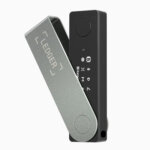 Ledger Nano X Ledger Nano X | Non-custodial | No | Limited | No | |
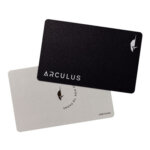 Arculus Wallet Arculus Wallet | Non-custodial | No | Limited | Yes | |
 Coinbase Wallet Coinbase Wallet | Non-custodial | Yes | Limited | Yes | |
 Stack Wallet Stack Wallet | Non-custodial | No | None | No | |
 Exodus Exodus | Non-custodial | Yes | Full | Yes | |
 Trust Wallet Trust Wallet | Non-custodial | Yes | Full | Yes | |
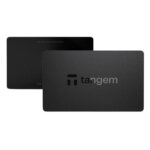 Tangem Tangem | Non-custodial | No | Limited | Yes |
A few feature differences matter once you look past the headline rankings.
| Feature | Why It Matters | What To Look For |
|---|---|---|
| Self-custody vs custodial | This decides who controls the keys and who ultimately controls access to the DOGE. | Self-custody if you want direct key ownership, custodial if you prefer managed access. |
| Open-source | Open-source wallets are easier for the community to inspect and review. | Useful if transparency matters to you. |
| 2FA | Adds another layer of protection around sign-in or wallet access. | More common in app-connected or hosted experiences than pure offline hardware use. |
| Import support | Makes it easier to restore or migrate an existing wallet. | Helpful if you already hold DOGE somewhere else. |
| Full-node | Connects directly to the Dogecoin network instead of relying only on lighter wallet infrastructure. | Usually relevant for Dogecoin Core or more advanced users. |
| Multisig | Requires multiple approvals before funds can move. | Best for shared control, treasury use, or advanced security setups. |
Trezor and Ledger lean toward long-term storage. MyDoge and Trust Wallet are easier for everyday use, while Dogecoin Core is the better fit for users who want direct node-level control.
Dogecoin Wallets Reviews
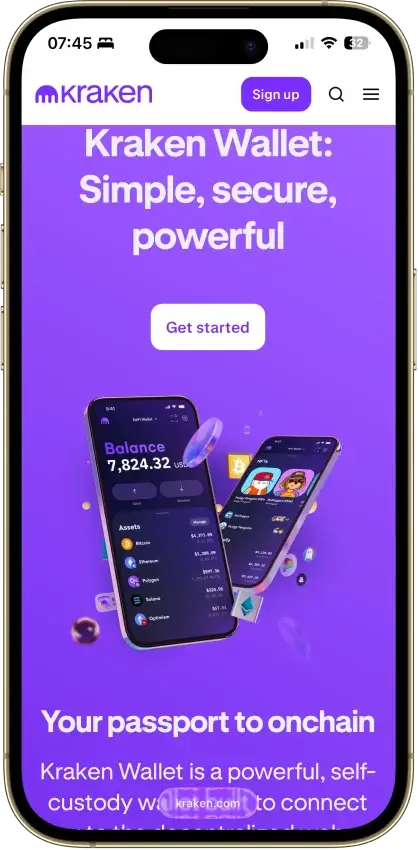
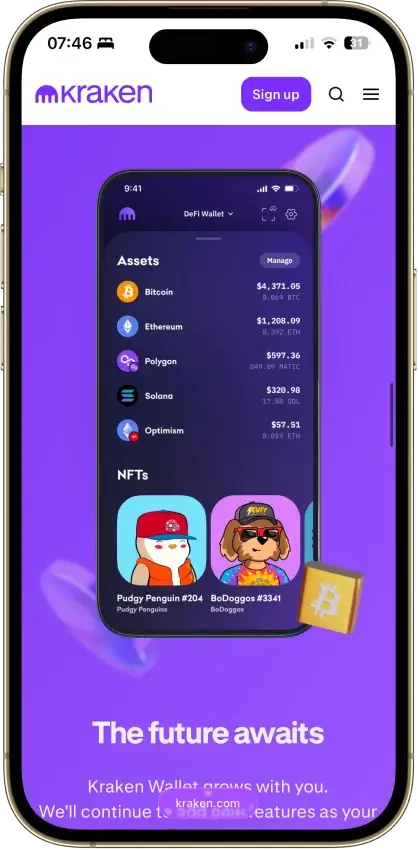
Kraken Wallet
- Custody
- Non-custodialFully open-source
- Networks
- Platforms
Pros
- Open code with reproducible-build instructions
- Trail of Bits audited its security
- Works without a Kraken exchange account
- Kraken Connect links your exchange account
- US-available with no geo-gate
Cons
- No hardware wallet pairing
- No browser extension or desktop app
- Swap spread is not disclosed
- No in-wallet fiat on-ramp
- No passphrase option
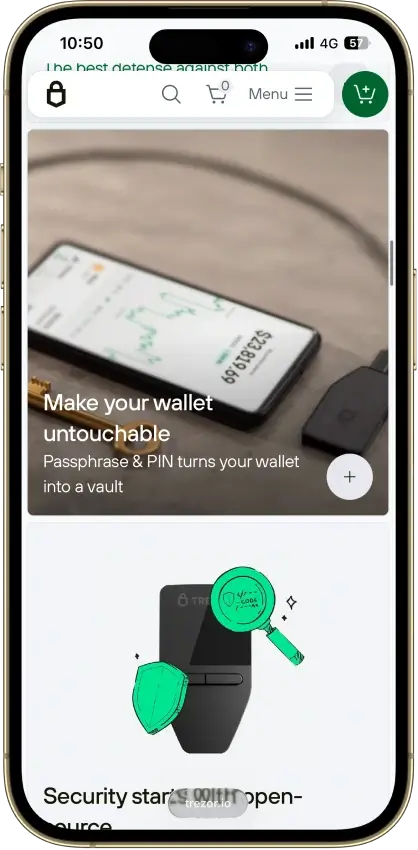
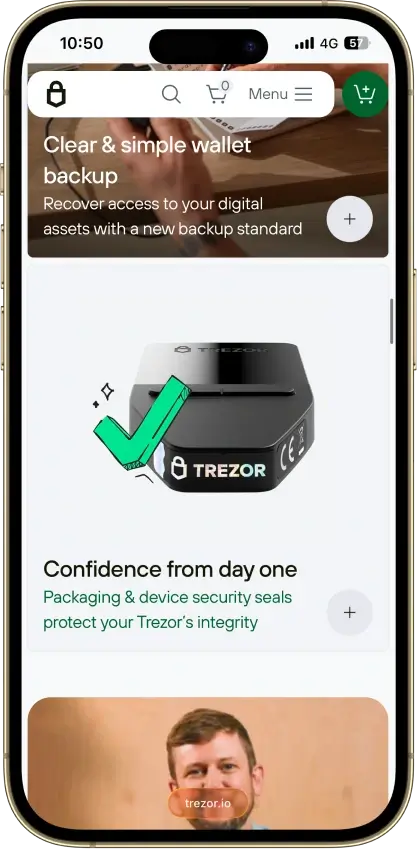
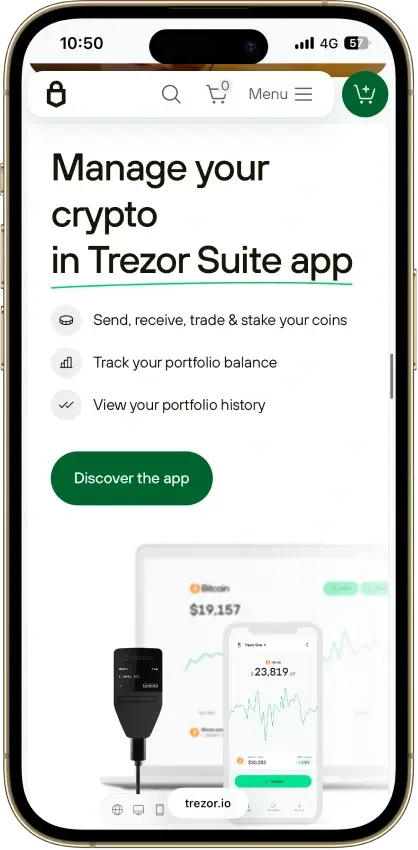
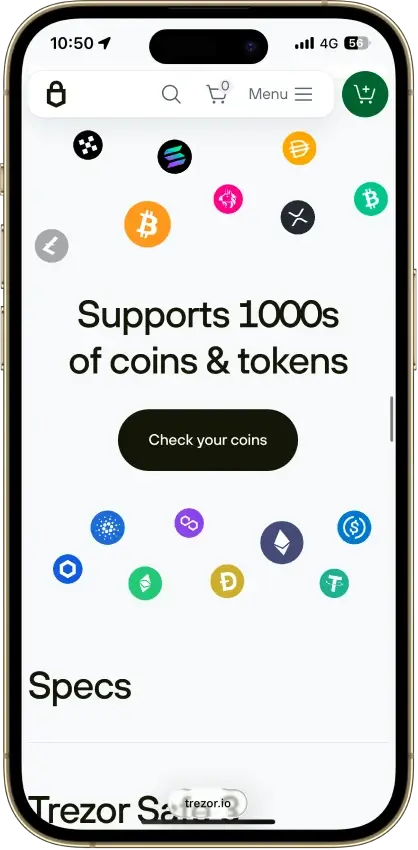
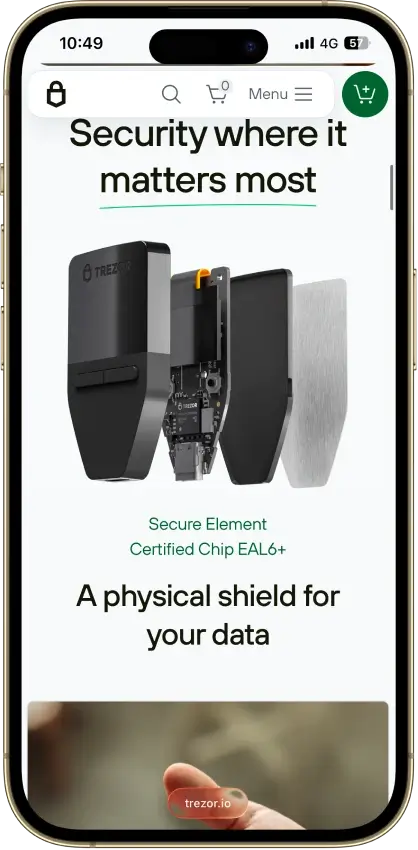
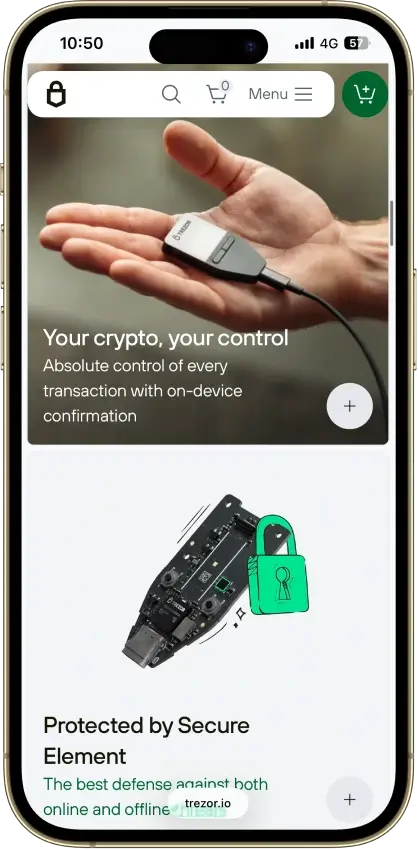
Trezor Safe 3
- Custody
- Non-custodialPartially open-source
- Networks
- Platforms
Pros
- USB power needs no battery maintenance
- Secure element guards the PIN
- Recovery words entered on the device
- SLIP39 supports distributed backup shares
- Core firmware can be inspected and rebuilt
Cons
- Cannot sign with an iPhone
- Small screen and repeated button navigation
- 2025 research bypassed its authenticity checks
- Secure element software is closed-source
- Shipping-data exposure raises phishing risk
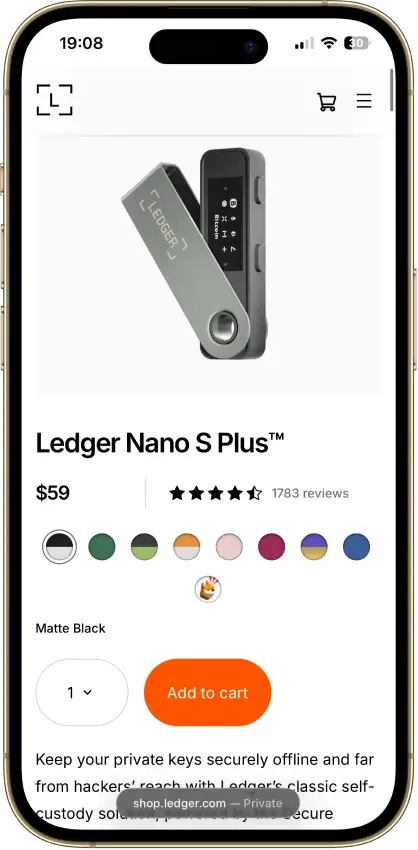
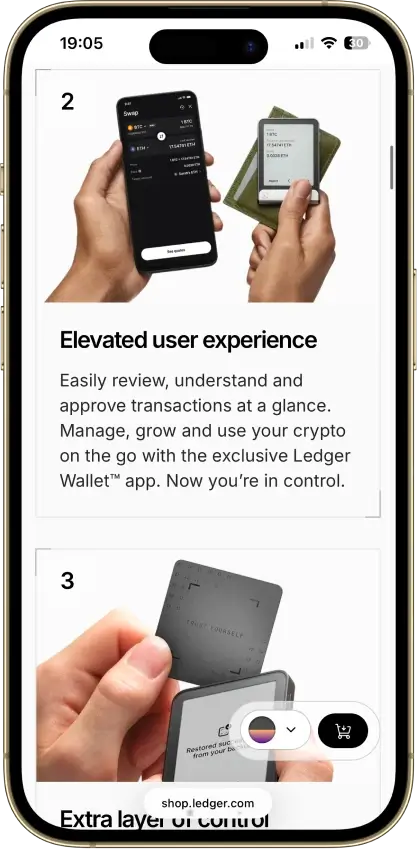
Ledger Nano S Plus
- Custody
- Non-custodialPartially open-source
- Networks
- Platforms
Pros
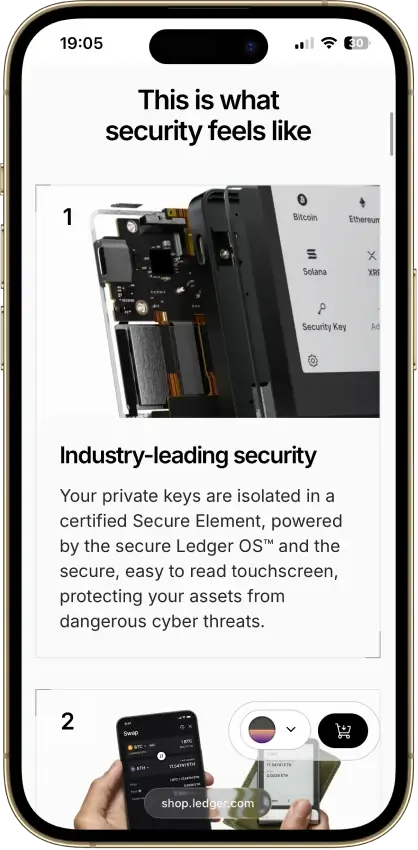
- CC EAL6+ certified Secure Element
- Battery-free operation
- Public companion and app code
- Bitcoin, Ethereum, Solana and XRP built in
- Ledger's $59 entry price
Cons
- No iPhone signing support
- Small screen and button navigation
- Closed low-level device firmware
- Blockchain apps need separate updates
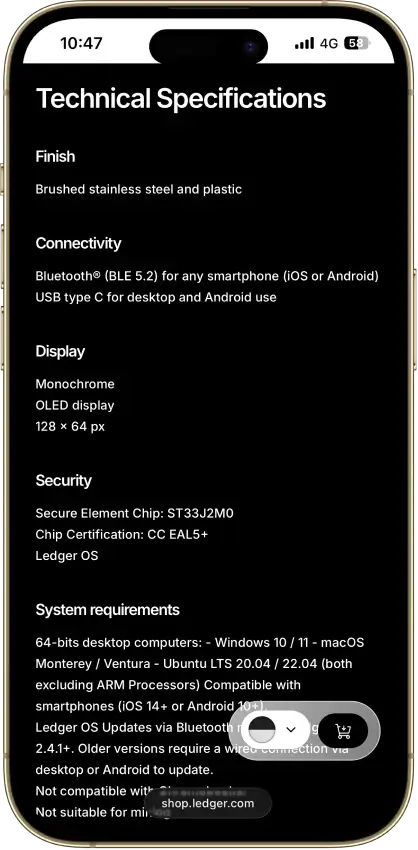
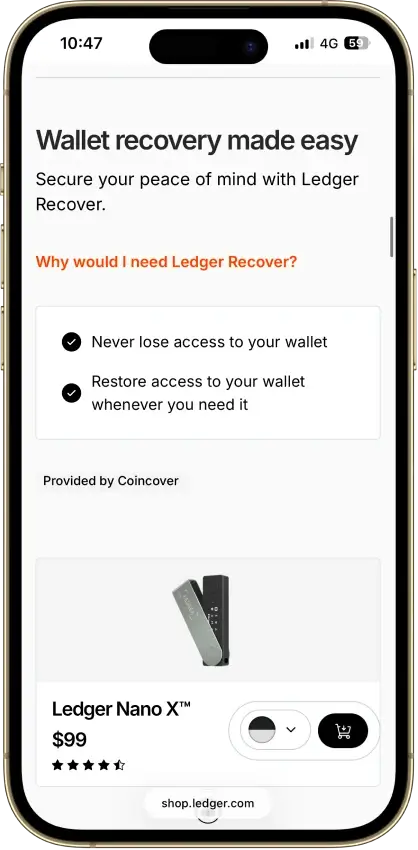
Ledger Nano X
- Custody
- Non-custodialPartially open-source
- Networks
- Platforms
Pros
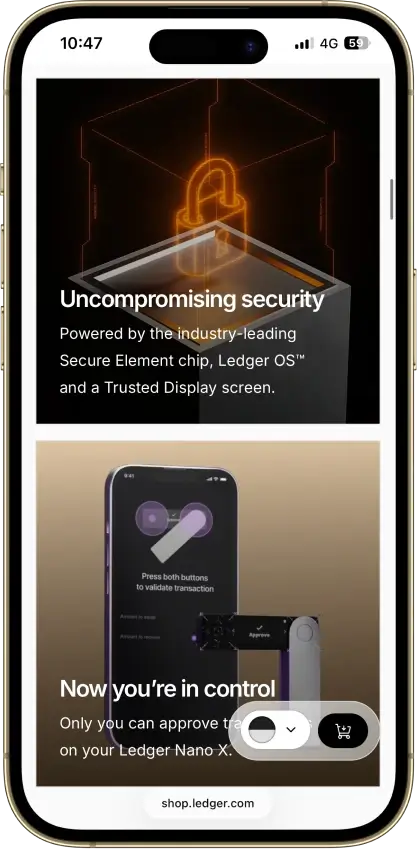
- CC EAL5+ certified Secure Element
- Public companion and device-app code
- Optional passphrase accounts
- Bluetooth for phones, USB-C for desktops
- Encrypted Bluetooth with pairing codes
Cons
- Small display requires scrolling
- Low-level firmware remains closed
- Apps need their own security updates
- 2026 Monero app flaw could expose keys
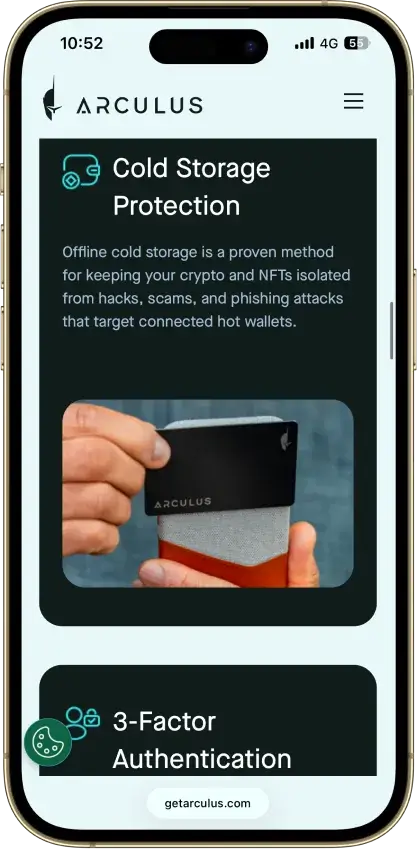
Arculus Wallet
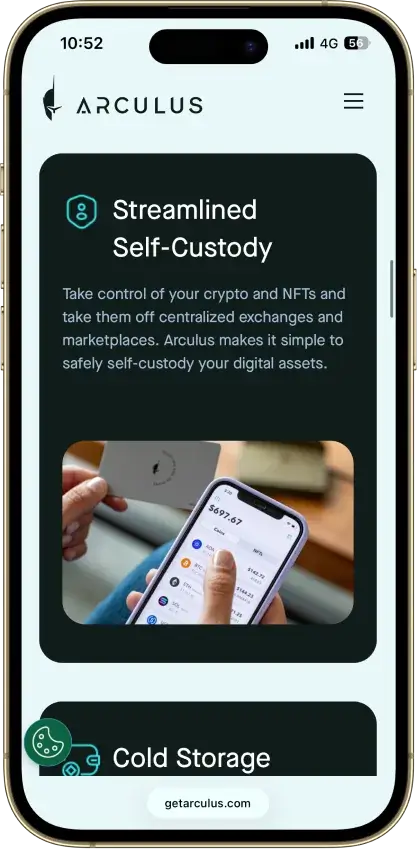
- Custody
- Non-custodialClosed-source
- Networks
- Platforms
Pros
- MetaMask link through a webcam QR code
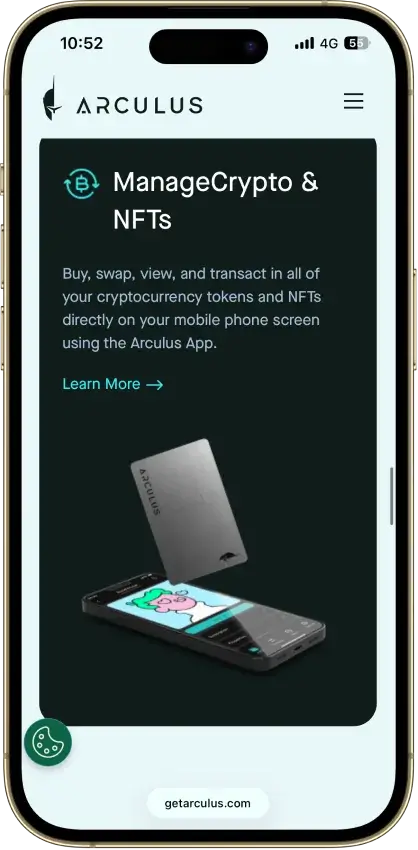
- Native ADA and SOL staking
- Safe integration through WalletConnect
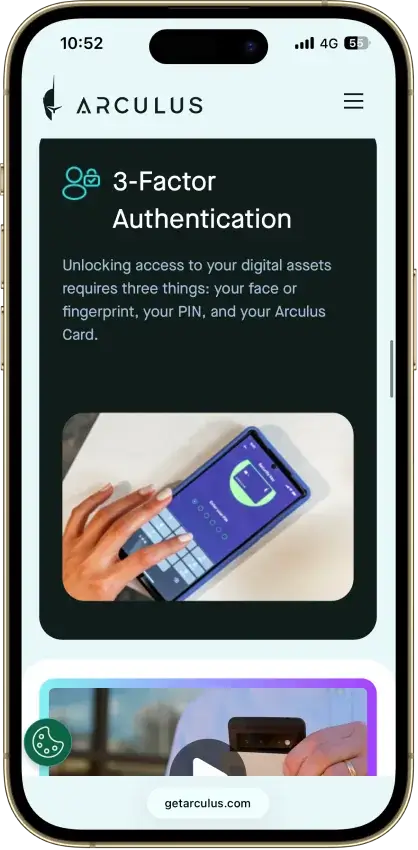
- Optional biometrics on top of a six-digit PIN
- Two-year limited card warranty
Cons
- No independent transaction screen
- Recovery words appear on the phone
- Proprietary wallet software license
- No public audit findings
- Three wrong PINs force a full restore
Coinbase Wallet
- Custody
- Non-custodialPartially open-source
- Networks
- Platforms
Pros
- Ledger approvals through the extension
- Audited, MIT-licensed smart-wallet contracts
- ETH staking below 32 ETH via Kiln
- Gasless swaps on Ethereum and Polygon
- Security Lock on opening and approvals
Cons
- Passkey smart wallets exclude BTC and SOL
- Dropped Dogecoin, Litecoin, XRP and custom chains
- Swap fee of up to 1% per trade
- No Bitcoin swaps in the app
Stack Wallet
- Custody
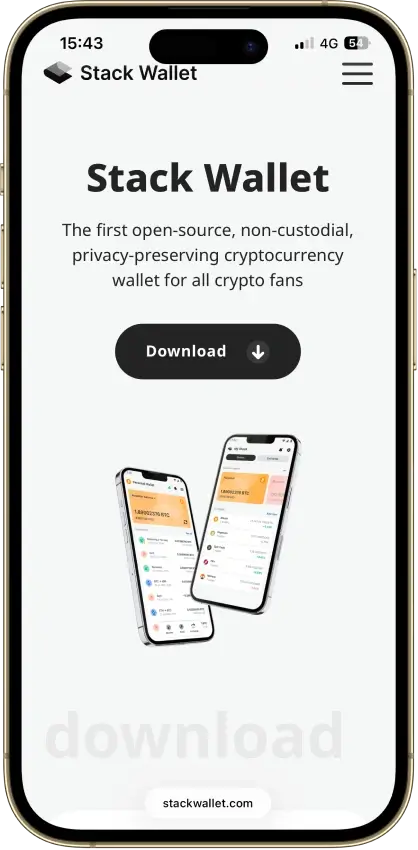
- Non-custodialFully open-source
- Networks
- Platforms
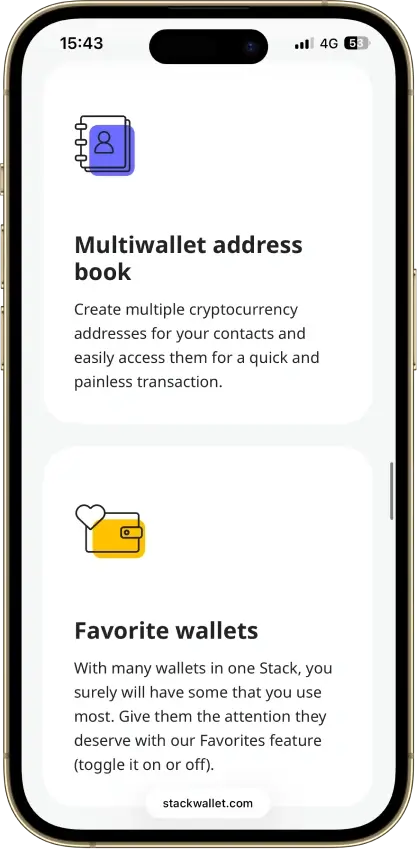
Pros
- Fully open source, entire codebase public
- Apps for mobile and desktop alike
- Coin control on Bitcoin and privacy coins
- Point it at your own node per coin
- Its own F-Droid repo for Android
Cons
- No dApp browser or WalletConnect
- No hardware-wallet pairing
- App-level backup restores into Stack only
Exodus
- Custody
- Non-custodialPartially open-source
- Networks
- Platforms
Pros
- Desktop app for Windows, macOS and Linux
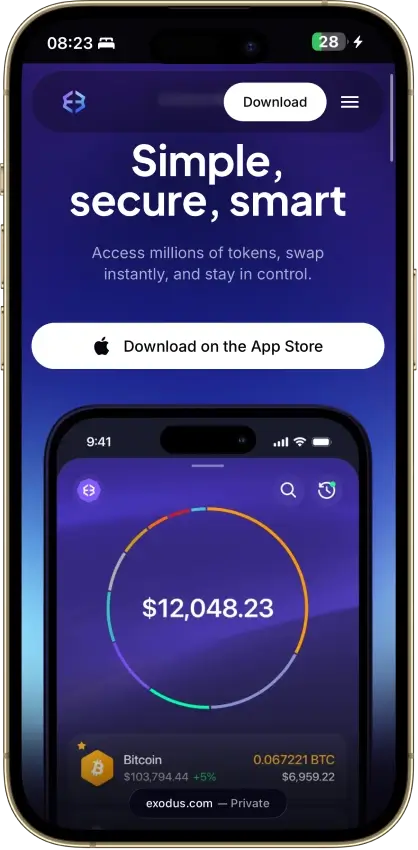
- Desktop and mobile sync to one wallet
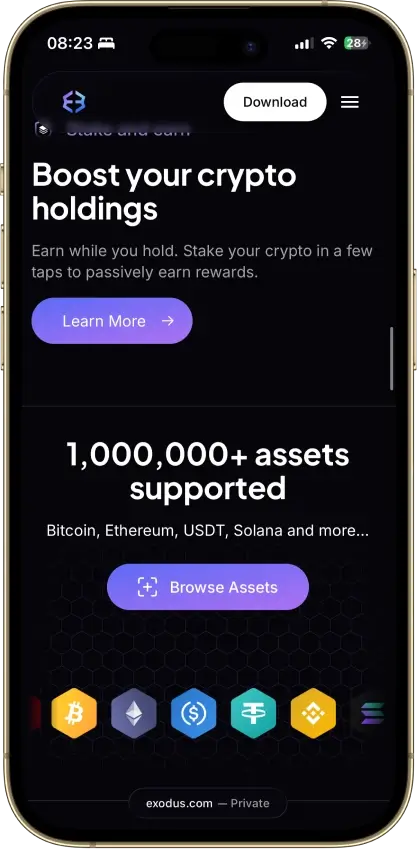
- Custom tokens on supported networks
- Human support alongside the chatbot
- Recovery phrase backup still available
Cons
- Complete wallet is not open source
- WalletConnect removed from the mobile app
- Ledger portfolios work on mobile only
- Swap costs sit inside a quoted spread
- $3.1M OFAC sanctions settlement in 2025
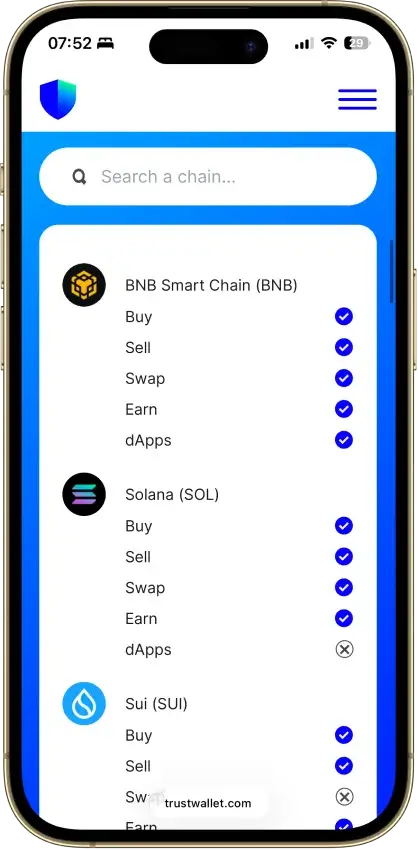
Trust Wallet
- Custody
- Non-custodialPartially open-source
- Networks
- Platforms
Pros
- Transaction previews on supported networks
- Optional encrypted cloud backup
- Ledger signing through the extension
- Staking for ETH, SOL, BNB and TRX
- No email account needed for a classic wallet
Cons
- December 2025 extension hack hit about $8.5M
- Mobile app builds lack public source access
- Dropped several networks in September 2026
- SWIFT covers only a handful of EVM chains
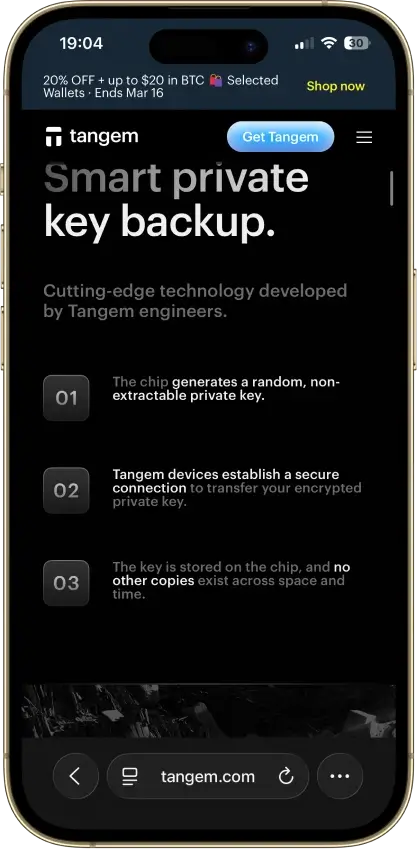
Tangem
- Custody
- Non-custodialClosed-source
- Networks
- Platforms
Pros
- Native BTC, ETH, SOL and XRP support
- No battery, the phone powers signing
- App source code is publicly inspectable
- Independent SDK audit with a public summary
- WalletConnect on Solana and listed EVM chains
Cons
- No on-card transaction display
- Card firmware cannot be updated
- Proprietary app licenses limit reuse
- Some Solana NFTs can't be sent from it
This section should do the heaviest lifting on the page because it turns the top-level comparison into real decision-making guidance. The analysis in each review should explain not just what the wallet offers, but why that matters for a DOGE holder with a specific goal. Some users want maximum storage security, some want a faster wallet app for everyday transfers, and some want a more native desktop or Dogecoin Core-style setup. The strongest version of this section compares fit, trade-offs, and usability in plain language, so readers can quickly see why one wallet ranks above another instead of just reading a list of repeated features.
How We Rank
- Custody and key security 30% weightWhat we assess
Who can authorize spending, protection of keys and signing, and independent access to every reviewed account type.
What earns 10/10 Users control spending and have complete independent access for every reviewed account type. Signing and authorization are isolated from the connected app, with key and recovery dependencies explained. - Security validation and track record 25% weightWhat we assess
Independent security assessments, their coverage and findings, plus updates and the handling of known incidents.
What earns 10/10 Independent assessments cover the current design and material changes. Material findings are resolved, and sustained maintenance records show no unresolved material incident consequences. - Transaction safety and signing 20% weightWhat we assess
Transaction details, signing warnings, scam checks, permission controls and the handling of unreadable requests.
What earns 10/10 Transfers and supported signing requests show readable details before consent. Risk warnings and integrated permission revocation cover relevant tasks, with unclear requests identified and easy to reject. - Backup and recovery 10% weightWhat we assess
Repeatable backup checks, complete restoration, recovery dependencies, costs and resilience after backup loss.
What earns 10/10 Repeatable checks verify complete backups without resetting the wallet. Recovery survives loss of a backup or dependency, with clear costs and no third party able to spend alone. - Usability, privacy and costs 10% weightWhat we assess
Setup and everyday tasks, accessibility, support guides, data-sharing choices and device, service and transaction costs.
What earns 10/10 Clear workflows, accessible controls and useful support guides make routine tasks straightforward. Nonessential data sharing is optional, and mandatory costs are transparent and reasonable. - Assets, networks and compatibility 5% weightWhat we assess
Asset and network support, devices, companion apps and connections needed for the uses covered in the review.
What earns 10/10 Official compatibility lists and setup guides cover the reviewed assets, networks, devices and connections. Required transfer routes are documented and available, with no known blocker.
Dogecoin wallets are security products first, so this page gives the most weight to custody clarity, key protection, backup and recovery, and how safely a wallet supports real DOGE use. We start by shortlisting wallets that actively support Dogecoin, then compare how well they handle self-custody wallets, platform coverage, setup, and everyday usability for different kinds of users.
We also look at what changes the real experience once you start using the wallet. That includes whether the wallet is better for long-term cold storage, fast mobile access, multi-asset management, or full-node control through Dogecoin Core. Wallets rank higher when they make recovery clear, reduce avoidable mistakes, and fit a specific DOGE use case well instead of treating Dogecoin as just another box on a long asset list.
Strong Dogecoin wallets combine clear self-custody, reliable recovery, solid DOGE support, and a setup that fits how you plan to use your coins.
What Is A Dogecoin Wallet?
A Dogecoin wallet is the tool you use to access, send, receive, and manage your DOGE. That tool can be a mobile app, desktop program, browser wallet, or hardware device. Some wallets are built mainly for convenience and daily use, while others are designed to keep your keys offline for stronger long-term protection.
A wallet is mainly a tool for key control and access. The private key is what authorizes transactions, while the wallet interface helps you manage that access safely without handling every technical detail by hand.
Dogecoin is not stored inside the app like a file on your phone or computer. The coins exist on the blockchain, and the wallet helps you interact with them by securing the keys that control access. Backup, recovery, and custody matter because the wallet protects access, not the coins themselves.
Types Of Dogecoin Wallets
Dogecoin wallets come in several forms, and each type suits a different kind of user. Some are built for stronger long-term protection, some are easier for everyday access, and some give you more direct control over how you connect to the network. The label matters less than how often you plan to use DOGE, how much you hold, and how much responsibility you want to take for backup and recovery.
| Wallet Type | Typical Fit | Best For | CryptoSlate Review Examples |
|---|---|---|---|
| Hardware wallet | Users who want cold storage and stronger protection | Long-term storage and larger balances | Trezor Safe 3, Ledger Nano S Plus |
| Mobile wallet app | Users who want convenience and lighter active balances | Fast access and everyday transfers | Trust Wallet, Exodus |
| Desktop wallet | Users who prefer managing DOGE from a computer | Home or office use with more screen space and control | Exodus |
| Dogecoin Core wallet | Advanced users who want a full-node desktop environment | Full-node control and native network participation | Review coming soon |
| Online wallet | Users who prioritize access speed over maximum self-custody | Quick browser-based or hosted access | Review coming soon |
| Paper wallet | Experienced users with a very specific offline storage reason | Offline backup or niche cold-storage use | Review coming soon |
The real choice is between hardware, mobile, and desktop wallets. Hardware wallets usually make the most sense for long-term storage, mobile apps are easier for regular use, and Dogecoin Core is the more specialized desktop option.
How To Choose The Best Wallet For Dogecoin
Start with how you plan to store and use DOGE. Storage, convenience, and control do not point to the same wallet type.
Long-term holders usually do better with hardware wallets because they keep keys offline and add distance between funds and everyday device risks. Newer users often benefit more from a wallet with a simple interface and a clear backup flow, which lowers the chance of setup and recovery mistakes.
For everyday access, mobile wallets are usually the easiest option. Desktop wallets make more sense if you prefer managing DOGE from a laptop or computer with more visibility and control. Multi-asset wallets fit users who hold several coins, while Dogecoin Core suits users who want fuller node-level control. Readers who prefer managed access over direct key control may want to compare custodial wallets before choosing a setup.
Choose the wallet type that matches how you store, move, and protect your DOGE.
How To Get And Create A Dogecoin Wallet
Start by choosing the wallet type that fits your goal. Hardware wallets make more sense for long-term storage, while mobile and desktop wallets are usually easier for routine access. Before downloading anything, decide whether you care most about cold storage, simple setup, multi-asset support, or a more native Dogecoin Core environment.
Download the wallet only from the official source. That could be the wallet provider’s website, the official app store listing, or the Dogecoin Core download page. Avoid unofficial links, ad results, and random APK files, because fake wallet downloads and fake recovery pages are one of the easiest ways to lose funds before you even get started.
After installation, create a new wallet or import an existing one if you are restoring access. Most wallets will then prompt you to back up a recovery phrase, while Dogecoin Core and some desktop setups may rely on a wallet file backup instead. This is the most important part of setup. Without the correct backup, recovery may not be possible later.
Once the wallet is created, secure it. Set a strong device passcode, enable any extra wallet security that is available, and store your recovery phrase or backup file securely. At that point, the wallet is set up and ready for use.
How To Send, Receive, And Sell DOGE From A Wallet
Some Dogecoin wallets are built mainly for storage and transfers, while others may connect to buying, swapping, or cash-out services through built-in partners. That difference matters because sending and receiving DOGE is standard wallet functionality, but selling DOGE is not. In many cases, the wallet is only the place you store and move your coins, while the actual sale happens through a connected service or after sending DOGE to an exchange.
How To Receive DOGE
Open the receive tab in your wallet, copy your DOGE address or QR code, and share it with the sender. Before sending it out, make sure you are using the correct receiving details from the wallet you want to fund.
How To Send DOGE
Open the send screen in your wallet, enter the recipient’s DOGE address, add the amount, and review the transfer details carefully before confirming. Check that you are using the correct wallet balance and look at the network fee as part of the review. Some wallets show the fee clearly, while others handle it more quietly in the background. The fee is separate from the amount you send and is not the same as an exchange trading fee. A small test transaction is often the safest move when you are sending DOGE to a new address for the first time.
How To Sell Dogecoin From A Wallet
Selling Dogecoin from a wallet depends on the wallet you use. Some wallets include partner services or built-in features that make it easier to sell or convert DOGE without leaving the app. Others only support storage and transfers, which means you need to send your DOGE to an exchange or another supported service before you can sell it. Hardware wallets are usually designed for secure storage first, so they often rely on connected apps or external platforms rather than direct off-ramping inside the wallet itself.
Dogecoin Wallet Recovery And Backup
Dogecoin wallet recovery depends on the type of wallet you use. Some wallets restore access with a recovery phrase, some rely on a wallet backup file, and hardware wallets usually use a recovery seed tied to the device setup. That is why backup matters from the moment you create the wallet. If you lose your phone, computer, or hardware device and do not have the right recovery method saved, your DOGE may be permanently inaccessible.
Seed Phrase Recovery
Most modern self-custody wallets use a recovery phrase, sometimes called a seed phrase, to restore access. If your wallet app is deleted, your phone is lost, or you move to a new device, you usually recover the wallet by reinstalling it and entering that phrase in the correct order. This only works if the phrase was written down accurately and stored safely offline. Anyone who gets that phrase can usually control the wallet, so it should never be shared or stored carelessly.
Wallet File Backup And Restore
Dogecoin Core and some desktop wallets may rely on a wallet file backup instead of a standard seed phrase flow. In that case, recovery depends on whether you saved the correct wallet file and can restore it properly on a working installation. This is a different process from typing in 12 or 24 words, and users should not assume every Dogecoin wallet uses the same recovery method. If your wallet depends on a file backup, make sure you keep clean offline copies and understand how restore works before you need it.
Hardware Wallet Recovery
If a hardware wallet is lost, damaged, or reset, recovery usually happens through the recovery phrase created during setup. You restore the wallet on a replacement device or supported recovery flow, then regain access to the same balances and addresses. The device itself is not the backup. The recovery phrase is. That is why the seed must be stored securely offline and checked carefully when the wallet is first set up.
What To Do If Your Wallet Is Lost, Broken, Or Inaccessible
Start by figuring out which recovery method your wallet uses. If it is a recovery phrase wallet, locate the phrase and restore it on a trusted version of the same wallet or another compatible option if appropriate. If it is a file-based wallet, confirm that you have the correct backup file and follow the wallet’s restore steps carefully. If you have no valid seed phrase, no usable wallet file, and no working device access, recovery may not be possible. That is why the safest approach is to test your backup process early and keep recovery data offline, private, and easy for you to find.
Dogecoin Wallet Address, Lookup and Explorers
These terms often overlap, but they do different jobs. Your Dogecoin wallet address is what you use to receive DOGE, while lookup tools, checkers, and explorers help you inspect the public blockchain record tied to that address. They are useful for confirming balances, transfers, and transaction status, but they do not reveal private keys or give anyone control over the wallet.
What Is A Dogecoin Wallet Address?
When someone sends you DOGE, they send it to your wallet address. This is the public string your wallet generates for incoming payments, and many wallets also display it as a QR code for easier scanning. It is safe to share your address for receiving funds, but it is not the same as your private key or recovery phrase. Those private credentials control access to the wallet and should never be exposed.
How Dogecoin Wallet Lookup Tools Work
In most cases, a wallet lookup simply means pasting a public DOGE address into a blockchain explorer or similar tracking tool. From there, you can usually view recent transactions, past transfers, visible balance data, and whether a payment has been confirmed. What these tools cannot tell you on their own is who owns the address, unless that person or business has already linked it to a public identity elsewhere.
What A Dogecoin Wallet Explorer Shows
Explorers are built for on-chain verification. After entering a DOGE address or transaction hash, you can usually see timestamps, sending and receiving addresses, confirmation status, transaction IDs, and visible address history. That makes them useful for checking whether a payment arrived or confirming that a transfer went through. They are tracking tools, not wallet interfaces, so they show public chain data rather than private account access. Advanced users who care about DRC-20 or Doginals should verify support separately, because not every wallet that stores DOGE can also handle newer inscription-style assets or related tooling.
Security, Best Practices For DOGE Holders
When you store or send DOGE, download Dogecoin wallets only from official sources, protect your recovery information, and never share your seed phrase with anyone. If a site, message, or support account asks for your recovery phrase, treat it as a red flag.
It also helps to secure the device you use for your Dogecoin wallet. Use a strong passcode, enable any available wallet or device security features, and keep software up to date. Double-check the receiving address carefully before confirming any DOGE transfer. Most avoidable losses come from fake downloads, phishing pages, copied addresses, or rushed transfers rather than problems with Dogecoin itself.
The Best Dogecoin Wallet Depends On How You Use DOGE
Choose the wallet type that matches how you store, move, and protect your DOGE. Hardware wallets make more sense for long-term storage, beginner-friendly apps work better for simple setup and everyday access, and Dogecoin Core is the stronger fit for users who want a more advanced desktop setup with fuller control.
Brand recognition matters less than storage needs, backup comfort, and how often you move DOGE. Pick the wallet type that fits your habits instead of defaulting to the most familiar name.
Dogecoin Price and News

Latest Dogecoin news
View all
Bitwise is closing the lowest-fee Dogecoin ETF after rivals captured nearly all the capital

Cleaning firm dumps Dogecoin to fund $100M AI pivot amid stock dilution warning