

Crypto tax software assembles exchange and wallet records into gains, income, and reporting files. Your history determines which correction tools and transaction allowance you need. The final step is moving those figures into your return, using the files and tax years your filing service or accountant requires.
Top Crypto Tax Software
- Paid plans from
- $49/year · 100 transactions
- Free plan
- Import and edit, paid reports
- Report years
- From 2013 while subscribed
- Historical reports in one subscription
- Free bulk edits and saved backups
- Choice of who keeps the working records
- Paid plans from
- $59/year · 100 transactions
- Free plan
- Preview and edit, paid reports
- Report years
- Past years while subscribed
- Separate broker-statement adjustments
- Archive wallets while retaining history
- Editable prices for unsupported assets
- Paid plans from
- $49/tax year, 100 transactions
- Free plan
- 10,000 records, no downloads
- Report years
- One tax year per purchase
- One-time tax-year plans with 10-year validity
- Excel edits for purchased tax years
- Wallet-based 1099-DA statement setup
- Paid plans from
- $49/tax year, 100 transactions
- Free plan
- Import and edit, paid reports
- Report years
- One tax year per purchase
- No recurring report subscription
- Separate accounts for per-wallet tracking
- Compare broker PDFs with imported history
- Paid plans from
- $49/year · 200 total records
- Free plan
- 7-day trial; free terms differ
- Report years
- All years during paid access
- All tax years in one paid plan
- Bulk corrections and transaction filters
- Transaction backups on paid plans
- Paid plans from
- $49/tax year, 100 transactions
- Free plan
- Import and edit, gains locked
- Report years
- Purchased tax years only
- Purchased years stay open for revisions
- Older history does not raise this year’s tier
- Excel workbook for accountant review
- Paid plans from
- €49/tax year, 50 transactions
- Free plan
- Import and edit, paid reports
- Report years
- One tax year per purchase
- Older history supplies basis at no extra cost
- Trace purchase lots with Plus
- Review up to 30 saved reports per year
- Paid plans from
- $79/year · 100 transactions
- Free plan
- Import, inspect, and correct
- Report years
- Public/in-app offers differ
- Review calculations before paying
- Choose accountant viewing or editing
- Reverse spam exclusions across wallets
CryptoSlate may earn a commission when you visit partner sites through links on this page, at no extra cost to you. Our rankings and reviews remain editorially independent and based on our published methodology. Read disclosure
Disclaimer: CryptoSlate may receive a commission when you click links on our site and make a purchase or complete an action with a third party. This does not influence our editorial independence, reviews, or ratings, and we always aim to provide accurate, transparent information to our readers.A subscription can cover historical years while it stays active. A single-year license can suit one return that may need revising later. Compare the years included, access after cancellation, and tools needed to correct your records before choosing a plan.
Crypto Tax Software Comparison
| Brand | Paid plans from | Free plan | Report years |
|---|---|---|---|
 Summ Summ | $49/year · 100 transactions | Import and edit, paid reports | From 2013 while subscribed |
 CoinTracker CoinTracker | $59/year · 100 transactions | Preview and edit, paid reports | Past years while subscribed |
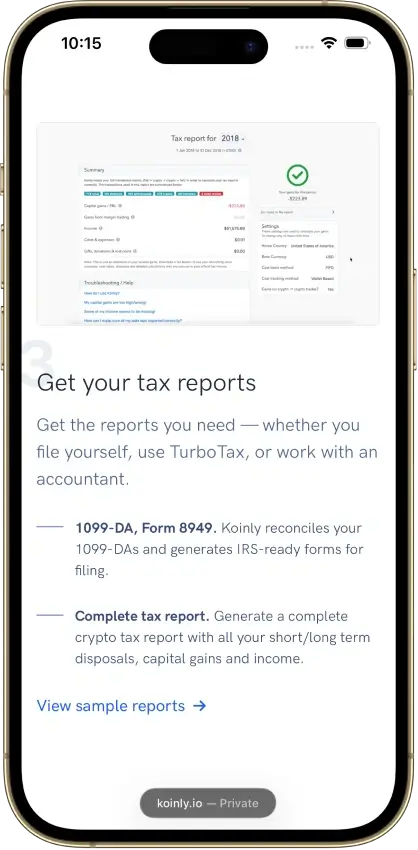
 Koinly Koinly | $49/tax year, 100 transactions | 10,000 records, no downloads | One tax year per purchase |
 CoinLedger CoinLedger | $49/tax year, 100 transactions | Import and edit, paid reports | One tax year per purchase |
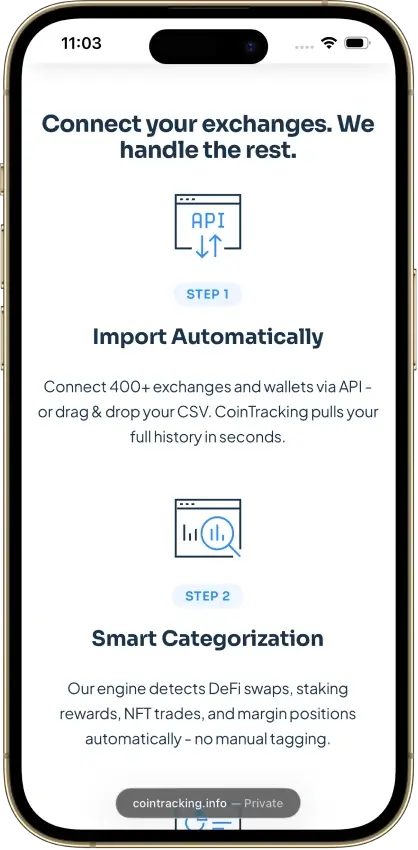
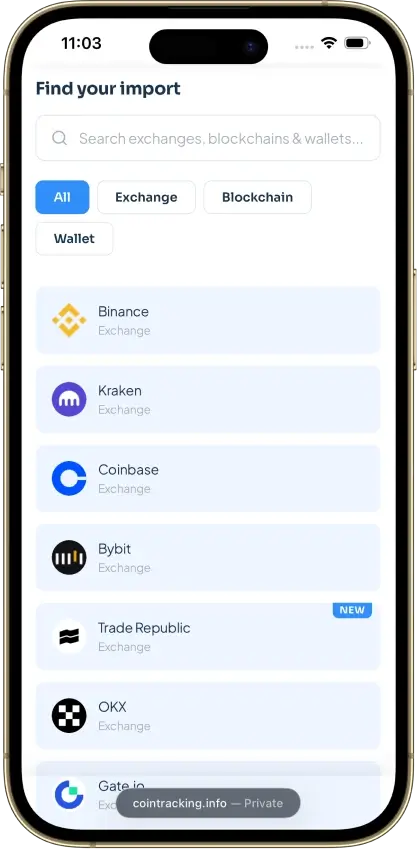
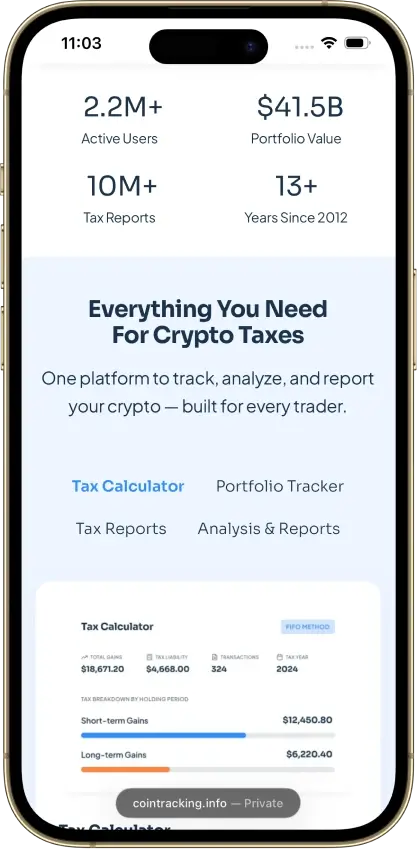
 CoinTracking CoinTracking | $49/year · 200 total records | 7-day trial; free terms differ | All years during paid access |
 ZenLedger ZenLedger | $49/tax year, 100 transactions | Import and edit, gains locked | Purchased tax years only |
 Blockpit Blockpit | €49/tax year, 50 transactions | Import and edit, paid reports | One tax year per purchase |
 Coinpanda Coinpanda | $79/year · 100 transactions | Import, inspect, and correct | Public/in-app offers differ |
These are standard public US-dollar list prices, refreshed Oct. 27, 2026. Eligible first-time CoinTracker filers may receive an introductory offer. Taxes, promotions, and services can change checkout totals. CoinLedger advertises $49, while its purchase screen for tax year 2025 quoted $49.99 for 100 transactions on Oct. 9, 2026.
CoinTracking’s current pricing limits free access to portfolio viewing after the trial. An older help guide still describes 200 free imports and manual API imports on Starter; confirm the offer for your account.
A transaction allowance can apply to one reporting year, the entire imported history, or both. An investor with few recent sales and many older purchases may need a higher tier than this year’s trading suggests. Import the acquisition history before comparing the required plan and total cost.
Detailed Crypto Tax Software Reviews
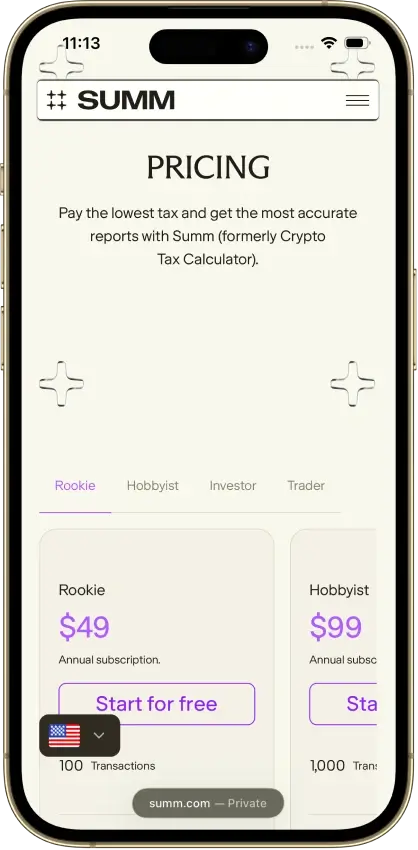
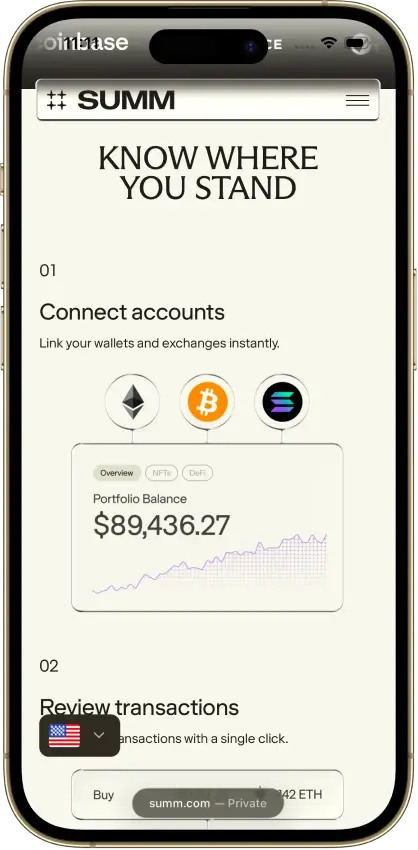
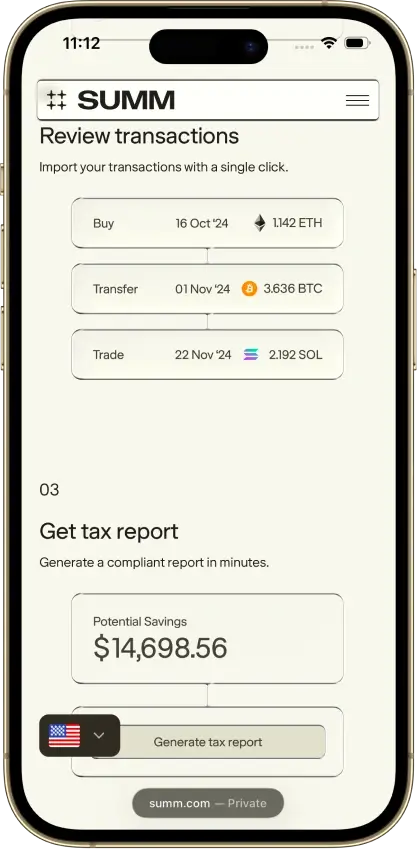
Summ
- Paid plans from
- $49/year · 100 transactions
- Free plan
- Import and edit, paid reports
- Report years
- From 2013 while subscribed
Pros
- 1099-DA proceeds comparison portal
- Transaction warnings and manual repairs
- Alternate PDF for TurboTax Online
Cons
- Full history consumes the plan allowance
- Recurring rules require the Trader plan
- Reports unavailable after subscription expiry



CoinTracker
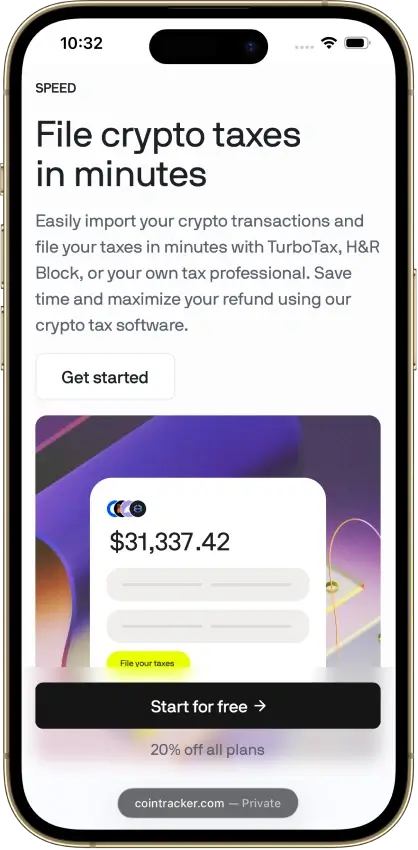
- Paid plans from
- $59/year · 100 transactions
- Free plan
- Preview and edit, paid reports
- Report years
- Past years while subscribed
Pros
- Historical tax forms included
- Free transaction inspection and edits
- Accountant access on paid plans
Cons
- New tax-year forms can need early renewal
- TurboTax Online income entry is separate
- Detailed tax lots require Prime





Koinly
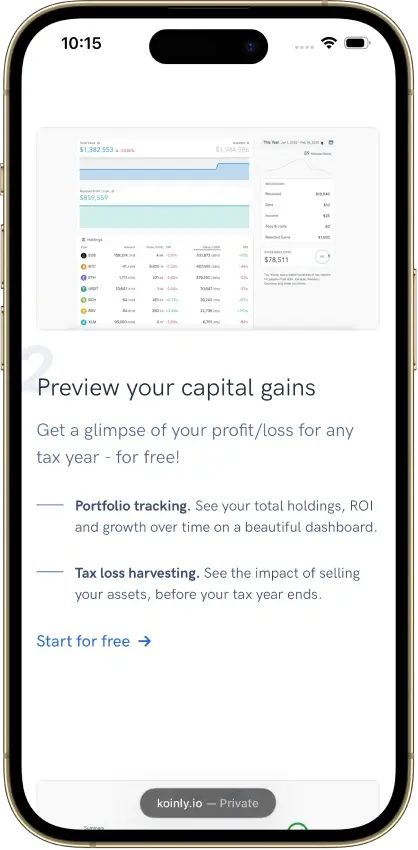
- Paid plans from
- $49/tax year, 100 transactions
- Free plan
- 10,000 records, no downloads
- Report years
- One tax year per purchase
Pros
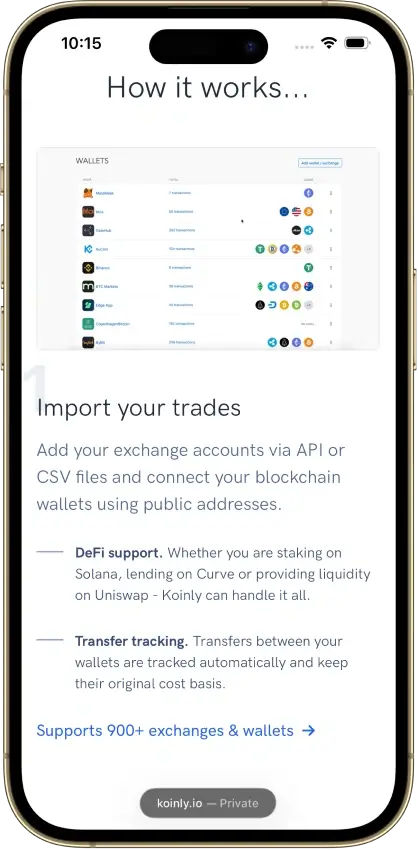
- Free missing-history corrections
- Identical CSV reimports skip duplicates
- Owned-wallet transfers keep cost basis
Cons
- Affected by 2025 Mixpanel vendor breach
- Conflicting refund promises
- Manual merging for Jupiter Limit Orders V2

CoinLedger
- Paid plans from
- $49/tax year, 100 transactions
- Free plan
- Import and edit, paid reports
- Report years
- One tax year per purchase
Pros
- Free transaction calculation details
- Undo transaction exclusions
- Purchased-year reports can be revised
Cons
- Multi-year reports add separate charges
- Narrow refund eligibility
- Retention of uploaded records is unclear






CoinTracking
- Paid plans from
- $49/year · 200 total records
- Free plan
- 7-day trial; free terms differ
- Report years
- All years during paid access
Pros
- Recalculate past years during paid access
- Disposal-level exports for accountant review
- Validation and missing-transfer reports
Cons
- Older records consume the plan allowance
- Starter excludes automatic syncing
- Canceled-plan storage can cost extra



ZenLedger
- Paid plans from
- $49/tax year, 100 transactions
- Free plan
- Import and edit, gains locked
- Report years
- Purchased tax years only
Pros
- Upgrades credit the year’s earlier payment
- Coinbase migration preserves legacy history
- Free Tax Pro account for your accountant
Cons
- Basis and gains locked on the free account
- Separate purchase for each report year
- Cosmos staking rewards need manual labels





Blockpit
- Paid plans from
- €49/tax year, 50 transactions
- Free plan
- Import and edit, paid reports
- Report years
- One tax year per purchase
Pros
- Permanent access to purchased report years
- Bulk labeling and reversible manual merges
- Accountant access without password sharing
Cons
- Tax details require a separate Plus plan
- Expert help only in Germany, Austria, Switzerland
- US filing-software import route unspecified




Coinpanda
- Paid plans from
- $79/year · 100 transactions
- Free plan
- Import, inspect, and correct
- Report years
- Public/in-app offers differ
Pros
- PDF keeps acquisition dates and holding period
- Form 1099-DA statement reconciliation
- Smart-contract activity from the Trader tier up
Cons
- Conflicting annual and selected-year offers
- Free report entitlement is uncertain
- Limited Binance Futures API history






A missing purchase can leave a sale or other disposal with no recorded purchase cost, known as its cost basis, and therefore an inflated gain. Look for a clear warning, a way to restore the acquisition, and enough detail to inspect the corrected result. A portfolio total alone cannot show whether that repair worked.
How We Rate Crypto Tax Software
Our Editorial ratings assess the US reporting workflow for tax year 2025, using information checked Oct. 9, 2026. Official documentation, pricing, and policies are considered alongside available product observations. Each feature is assessed with its required plan, so the starting price does not imply access to every tool.
| Area | Weight and Assessment |
|---|---|
| Transaction inspection and correction | 20%. Finding missing history, inspecting calculations, matching transfers, and maintaining corrections. |
| US reporting workflow | 20%. Current-year outputs, income records, broker-statement comparisons, and clear steps for moving figures into filing software or sharing them with an accountant. |
| Import routes and recovery | 15%. Exchange and wallet connections, file and manual alternatives, and practical instructions for incomplete or repeated imports. |
| Complex activity | 10%. Workflows for named decentralized finance (DeFi), staking, and non-fungible token (NFT) activity, including the manual corrections users may need. |
| Pricing and access terms | 15%. Transaction allowances, the features included, renewal, refunds, and access to records and reports after a plan ends. |
| Help and collaboration | 10%. Clear task instructions, support routes, record navigation, accountant permissions, and continuity of working data. |
| Data and account controls | 10%. Connection permissions, authentication, recovery, portability, and disclosed processing, retention, and deletion practices. |
Each area receives a whole-number score from 0 to 5. Each weight counts as a whole number (20% counts as 20). We multiply each score by that number, add the results, and divide by 50 for a rating out of 10, rounded half up to one decimal. Differences below 0.3 points do not decide a recommendation on their own.
Low confidence marks an area where a material fact, such as billing terms or data handling, remains unresolved. The label appears beside the affected score.
These ratings do not certify calculation accuracy, tax compliance, filing acceptance, or security effectiveness. Our hands-on checks cover only the cases we tried. Where information is missing, we treat the feature as unknown.
Other Crypto Tax Software We Reviewed
An alternative may suit your records even when its billing terms or local report coverage need clarification. Before choosing an alternative, confirm the report year, income records, and files required by the person or software preparing the return. An example report shows what that file contains. Your account’s reports depend on its records and paid access.
How to Choose Crypto Tax Software
Start with every exchange and wallet that supplied a purchase, transfer, or sale. Cryptocurrency tax software needs the acquisition history behind an asset, even when the asset was bought years before the return you are preparing. List the report years you need before importing, then check how many transactions the provider counts.
| Your Situation | What to Check Before Paying |
|---|---|
| First crypto return | Inspect one purchase and sale, including fees. Confirm that a missing purchase produces an understandable warning and can be restored. |
| Many exchanges or frequent trading | Find out how far back the application programming interface (API) connection reaches, whether files fill gaps, how duplicates are handled, and whether syncing can overwrite corrections. |
| Bitcoin (BTC) held in self-custody | Include the relevant public addresses or supported extended public key (xpub), plus the exchange history where the bitcoin was bought. Trace transfers between owned wallets. |
| DeFi, NFTs, or staking | Check the exact chain, protocol version, and activity. NFT identifiers, liquidity withdrawals, and reward valuations can need different corrections. |
| Accountant involvement | Agree who imports and edits records, how access is revoked, and who retains the corrected records. The software price does not include an accountant’s fees. |
For DeFi activity, examine how the software records your particular liquidity position. Check whether deposits into a protocol, rewards, and withdrawals retain their links to the original assets. After importing the wallet’s history on each chain you used, review how the contracts are classified. For NFT tax software, inspect acquisition value and identity through the later disposal before treating a successful import as complete.
Check whether file uploads, bulk edits, and report downloads work on the device you plan to use. A mobile app may offer fewer correction tools than the product’s desktop version.
Free Crypto Tax Software and Paid Reports
A free account lets you examine the work needed before paying for crypto tax software. Import a small, representative history and inspect the stored amounts. Keep the original files so any correction remains traceable.
| Free-Account Check | What to Confirm |
|---|---|
| Import access | Whether the allowance covers your complete history and whether importing stops when a trial ends. |
| Calculation detail | Whether proceeds, acquisition cost, fees, and gains are visible for individual disposals. A summary total may hide those details. |
| Corrections | Whether missing purchases, transfer links, and transaction categories can be repaired before payment. |
| Report downloads | Whether the required form and tax year are included. Check the contents of the actual file and the download terms for your account. |
| Backup and export | Whether records can leave the account in a usable file, and which settings an export or backup preserves. |
Follow an imported record as far toward the final form as the free plan allows. An account may allow edits while withholding calculation details or downloadable forms. Use the available screens to list the records and corrections still needed.
What Affects the Cost of Crypto Tax Software
The cheapest crypto tax software for a particular return depends on counted history, required features, and report years. For a backlog, add the separate year purchases and compare that total with a subscription covering the same years. Allow for any renewal needed to finish or revise the reports.
| Cost Factor | What to Include in the Comparison |
|---|---|
| Transaction counting | Check the reporting-year allowance, cumulative history limit, and treatment of transfers or rewards. A trade count alone may understate usage. |
| Report years | Confirm whether the price covers one return, several historical years, or access during an active subscription. |
| Required tools | Price the tier that includes the connections, smart-contract support, and correction tools your history needs. |
| Renewal and cancellation | Check automatic renewal, retained report access, and the policy for stored data after paid access ends. |
| Professional help | Allow separately for an accountant or a service that reconstructs and classifies your records. Ordinary technical support may have a narrower scope. |
Before canceling, save the reports and source files you need. An exported transaction file may omit settings or other information required to restore the account’s calculations.
Using Crypto Tax Software With TurboTax
Choose the TurboTax edition and tax year before buying the crypto report. For tax year 2025, the import route you choose must keep capital gains and crypto income separate.
| Filing Check | What to Confirm |
|---|---|
| Online versus Desktop | Confirm the instructions and file format for the edition and tax year you use. Online and Desktop can require different routes. |
| Import limit | Check the limit for the particular connection or upload method. A bigger crypto plan does not raise TurboTax’s own limit. |
| Separate income | A gains import may leave out rewards and other income, so you may need to enter those by hand. |
| Final comparison | Check proceeds, basis, dates, and income after import. Compare the resulting fields with the source report before using the imported figures. |
For 2025 sales, brokers generally reported proceeds on Form 1099-DA, while supplying basis was voluntary. A blank basis field does not mean the purchase cost was zero. Keep acquisition history available when comparing a broker statement with the software’s records, and avoid importing the same disposal twice through both the broker statement and a transaction file.
Brokers begin reporting basis for certain digital assets in tax year 2026, while bitcoin held in self-custody can leave gaps in those reports. A product’s workflow for tax year 2025 needs a fresh check before you use it for a tax year 2026 return, filed in 2027.
FAQ
What is the best crypto tax software?
The best fit supports your complete transaction history, gives you the tools to correct it, and produces the files needed for your return. Compare the required paid tier and covered report years alongside the Editorial rating.
Is there free crypto tax software for filing?
Free accounts commonly support imports or previews, with usable reports sold separately. Confirm the particular form and tax year before relying on a free offer. Check each required output separately, including its transaction allowance and download conditions.
Which crypto tax software is cheapest?
Compare the total cost after importing your history and identifying the required tools. API access, smart-contract support, extra report years, and larger allowances can change the bill. The lowest entry price may not cover the work your return requires.
Do I need bitcoin tax software if I use one exchange?
Not always. If every bitcoin you sold was bought on that exchange, its records may be enough for the return. Coins transferred in from another wallet or exchange may have acquisition details held elsewhere, so include those sources when checking a disposal’s basis.
What is the best crypto tax software for TurboTax?
Start with your TurboTax edition, reporting year, and transaction volume. Compare the supported upload or sync route, then check separate income handling. A larger crypto-software plan does not increase TurboTax’s import limit.
Can I use these ratings outside the United States?
These ratings assess US reporting for tax year 2025. For another country, check local forms, supported accounting methods, and the required plan. Confirm the local reporting workflow separately from wallet and currency support.
