

 Released in 2019
- Review calculations before paying
- Choose accountant viewing or editing
- Reverse spam exclusions across wallets
Coinpanda Overview
Key facts
- Supported countries
-
US, Canada, UK, Australia, New Zealand, Ireland, …Show More (+36)Show Less
US, Canada, UK, Australia, New Zealand, Ireland, Germany, Switzerland, Austria, France, Spain, Italy, Norway, Sweden, Denmark, Finland, Japan, South Africa, Argentina, Belgium, Brazil, Bulgaria, Chile, Colombia, Czech Republic, Estonia, India, Iceland, Latvia, Lithuania, Luxembourg, Malta, Mexico, Peru, Philippines, Portugal, Romania, Singapore, Slovenia, South Korea, Netherlands, Turkey
- Paid plans from
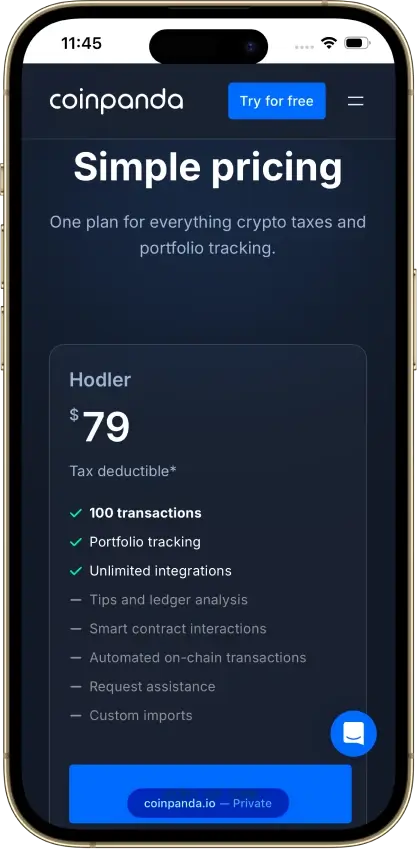
- Hodler; Tax reports; USD 79; 100 transactions (calendar-year count)
- Billing & report access
- Annual or tax-year licences
- Transaction limits
- 100 transactions (calendar-year count)
- Free plan
- Imports, edits, gain previews
- Import methods
- API, wallet address, CSV, manual entry
- Key integrations
- Filing options
- TurboTax Online (PDF), Desktop (TXF)
- DeFi support
- Smart-contract support from Trader
- NFT support
- NFT CSV imports (contract address required)
- Staking support
- Coinbase rewards, manual tax labels
- Correction tools
- Free edits, transfer matching, Spam Center
- Accountant access
- View access (optional Full Access)
- Official website
- coinpanda.io
Coinpanda Screenshots
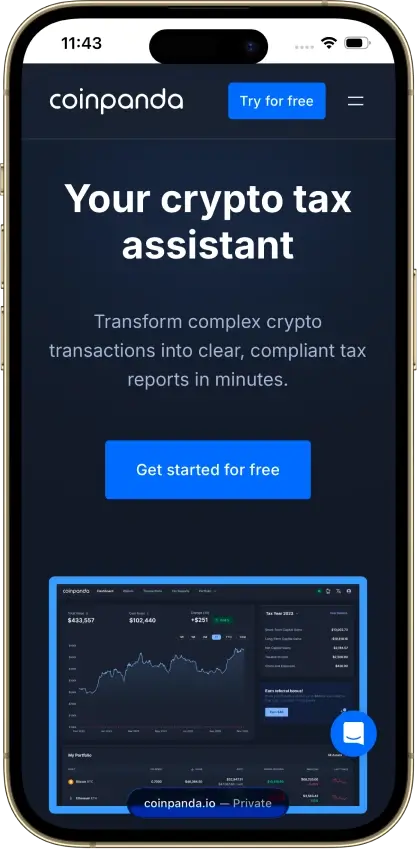
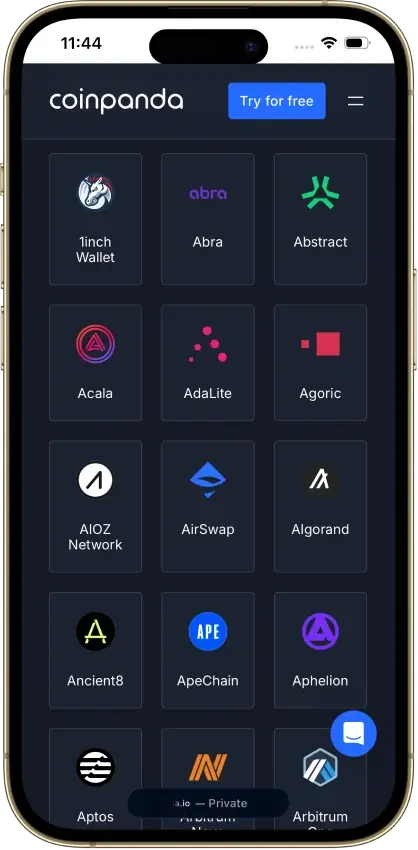
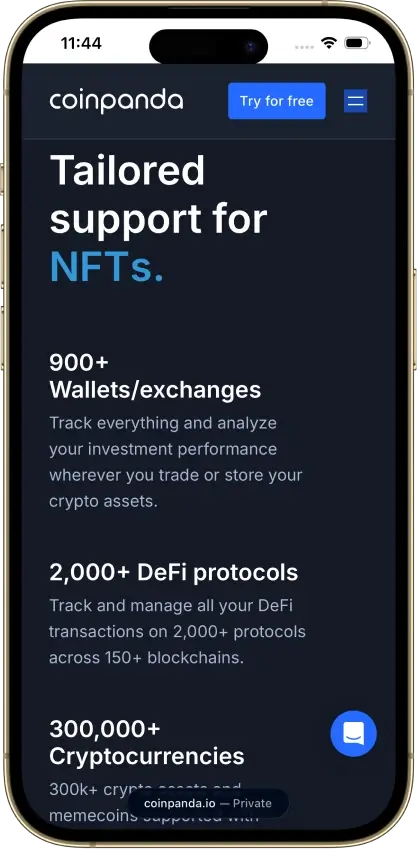
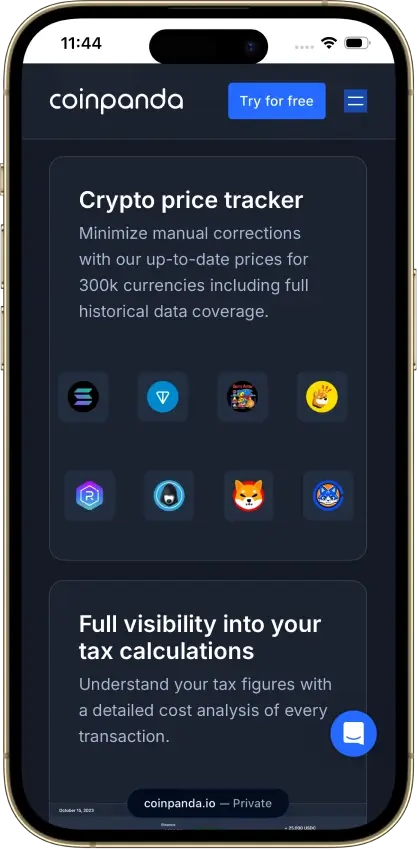
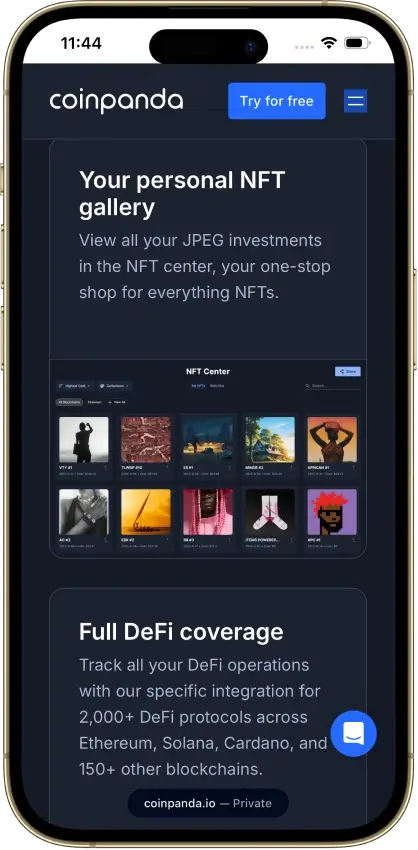
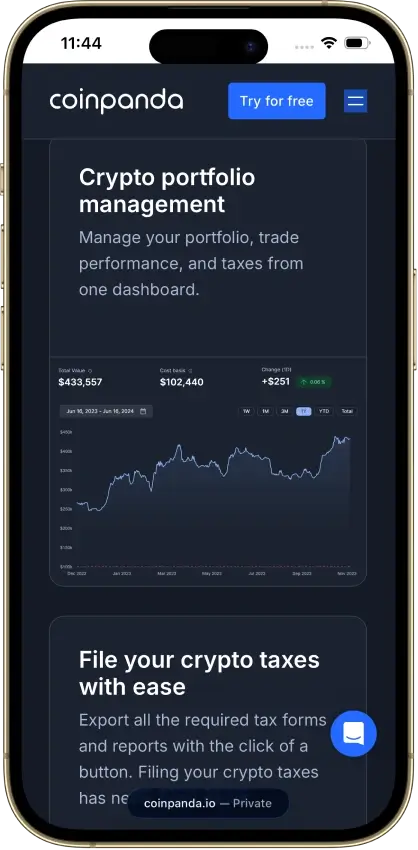

Screenshot 1 of 8
Coinpanda Pros and Cons
Pros
- PDF keeps acquisition dates and holding period
- Form 1099-DA statement reconciliation
- Smart-contract activity from the Trader tier up
Cons
- Conflicting annual and selected-year offers
- Free report entitlement is uncertain
- Limited Binance Futures API history
Pricing and Free Plan
Hodler is listed at $79 for 100 transactions, while smart-contract interactions require at least the $149 Trader tier. Coinpanda has advertised an annual all-years offer, while the linked pricing help describes permanent purchases for separate tax years. The account offer observed on October 9, 2026 was $79 once for 2025 only. These different terms leave the total backlog cost and renewal obligation unclear.
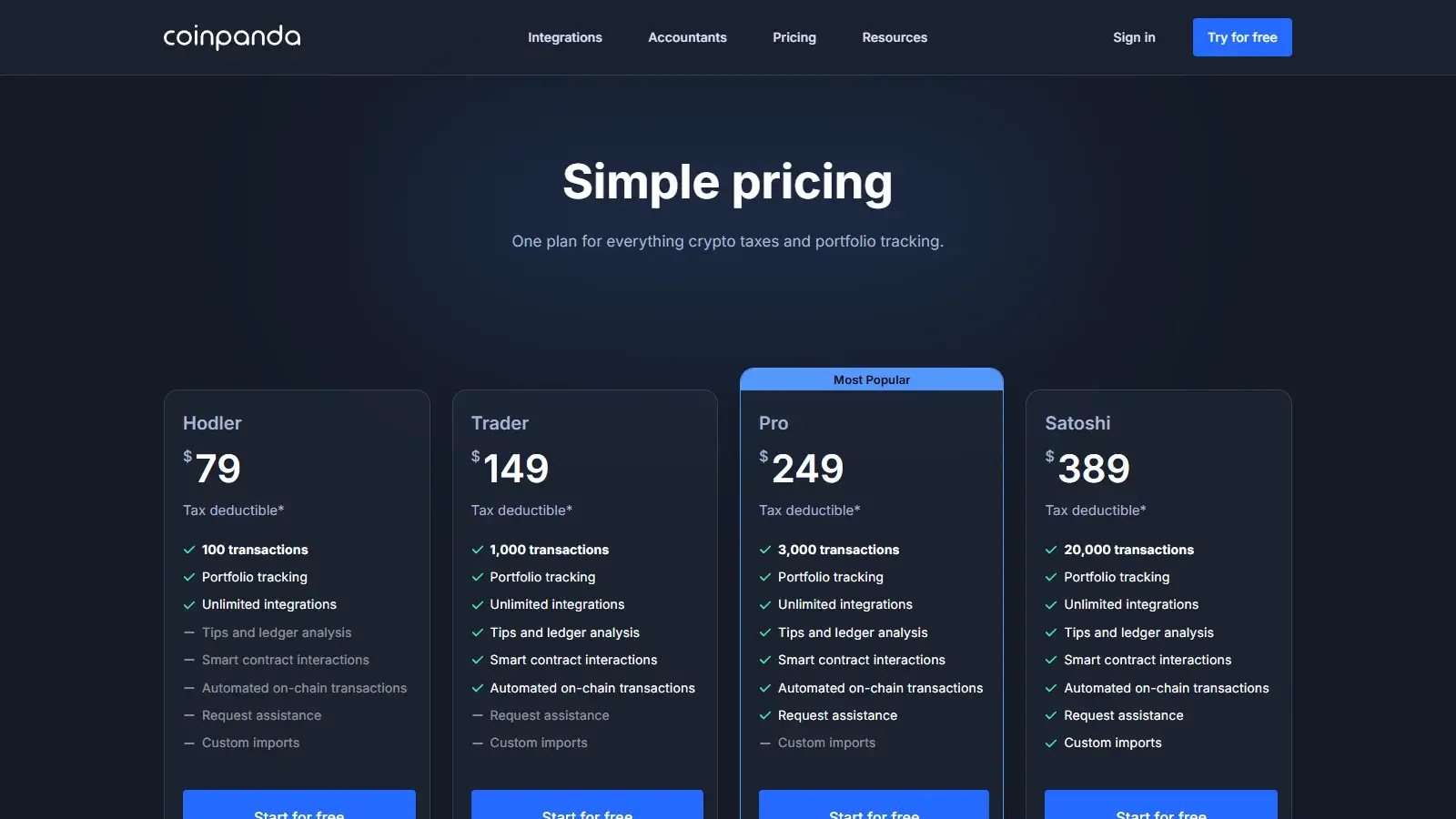
- Hodler
$79 for 100 transactions.
- Trader
$149 for 1,000 transactions.
- Pro
$249 for 3,000 transactions.
- Satoshi
$389 for 20,000 transactions.
The pricing help page describes a separate permanent purchase for each report year, matching the older account offer. We would not rely on the all-years headline when budgeting a backlog. Listed prices exclude promotions and optional services.
- A 2025 return with 80 transactions that year and 60 older acquisition records
The $79/100 allowance fits 80 billable transactions under the per-year model, with older acquisitions retained for basis. The October 9, 2026 account offer covered 2025 only. Assumes no smart-contract activity, taxes or paid assistance.
- Reports for 2023–2025 with 80 transactions in each year
An annual all-years offer would cover the backlog with one purchase, while permanent tax-year licenses would require a separate purchase for each year. The dated $79 account offer covered only 2025, so it cannot establish the cost of 2023 and 2024.
A purchase, sale, trade, receipt, send, or transfer counts toward usage. The pricing help page says upgrades credit the amount already paid. Moving from Hodler to Trader therefore costs another $70 at the standard prices. Above Satoshi’s allowance, the advertised extension costs $0.69 per additional 100 transactions. The pricing help page asks users with more than 100,000 transactions in a tax year to request a custom offer.
Importing and calculation review cost nothing, so you can see the gain figures before deciding on a report. We also downloaded a Complete Tax Report for a two-record history on Oct. 8, 2026, but the next day’s account FAQ and current public pricing require payment for downloads. Do not count on free downloads.
Refund protection is narrow because a request must arrive within seven days, concern an unresolved technical problem, and meet the no-download conditions. The terms exclude refunds after tax-report or CSV downloads, including Transaction History. Import limitations and a change of mind are excluded reasons. The recurring-subscription terms allow automatic billing, but the conflicting offers leave it unclear how cancellation works and whether reports remain available after a plan ends.
Exchanges, Wallets, and Data Imports
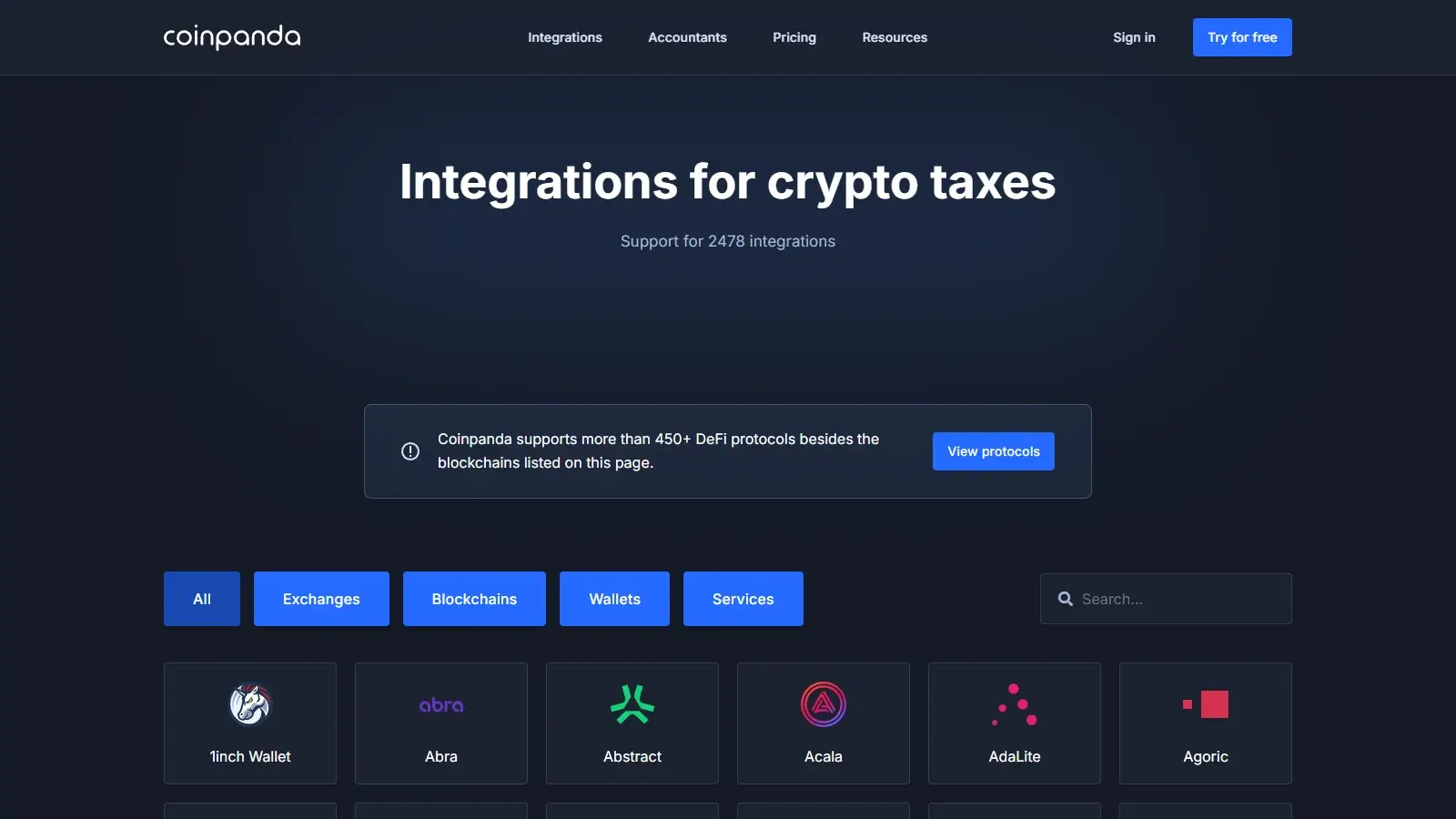
Records enter Coinpanda through an exchange connection, a public blockchain address, a generic file, or manual entry. Imports are grouped into wallets for exchanges, chains, and other sources.
- Coinbase
View-only account authorization or a full-history comma-separated values (CSV) file. Both routes support staking activity.
- Binance Futures
Three-month USD-margined application programming interface (API) window, with file upload for older records. COIN-margined futures have separate instructions.
- Ethereum protocols
Transactions come through the underlying blockchain address, including activity from supported decentralized finance (DeFi) protocols.
- Generic file
Coordinated Universal Time (UTC) timestamps, sent and received amounts, currency identifiers, separate fees, and optional descriptions or fiat valuations.
- Manual entry
An individual purchase, transfer, or other missing record can be added without recreating the source file.
A trader relying only on the Binance Futures API can therefore finish a sync with older activity still missing. Uploading the exchange’s older records adds a step but saves entering each trade by hand. Coinpanda also aggregates some futures profit, loss, fees, and funding records, which can reduce the billable count compared with the exchange’s raw activity.
The generic format keeps fees separate from the amounts exchanged. In our CSV import test, a $1,000 purchase with a separate $10 fee gave a $1,010 basis. Adding the fee to both the purchase amount and its own column would represent the same cost twice.
Accuracy and Transaction Cleanup
Coinpanda makes a missing purchase easier to investigate with a visible warning and editable records. In the case below, restoring the purchase corrected the gain without changing the sale. This manual check used the US profile, US dollars, tax year 2025, first-in, first-out (FIFO) accounting, and per-wallet tracking.
- Sale with its purchase missing
The record showed zero basis, a $1,460 gain, and a negative-balance warning for 1 ETH.
- Original purchase and fee restored
Basis became $1,010, gain fell to $450, and the warning disappeared.
The warning helps locate the problem, but it does not supply the missing acquisition. Restoring an actual purchase retains the cost and date behind the calculation. Coinpanda also documents adjustment receipts for small balance gaps. Those can fix a quantity discrepancy without recovering the original payment record, so they serve a different purpose from rebuilding missing history.
- Finding an affected record
Filters cover wallet, currency, transaction type, label, warning, and date. Descriptions help separate otherwise similar transactions.
- Transfers between owned wallets
Automatic matching compares currency, time, quantity, and transaction hashes. Mark as Internal provides a correction when one side is missing.
- Separate wallet histories
In a manual test, a sale used the acquisition cost from its own wallet rather than the different cost held in another wallet.
- Fees and fiat values
Separate input fields make a transaction’s value and fee available for inspection and correction.
The available filters suit focused repairs, such as finding a sale in one wallet or isolating records with warnings. An accountant can work on the same records with Full Access, so you do not have to describe each correction to them.
Marking an event as internal identifies movement between owned accounts, but it does not supply the acquisition cost. The original purchase must also be present for a later sale to use the right basis. Our explicit manual transfer retained its original basis at the destination. The automatic matching workflow is documented separately and was not the route used in that case.
DeFi, NFTs, and Staking
Smart-contract interactions are included in the Trader, Pro, and Satoshi tiers but not in Hodler, so protocol activity points to at least the $149 Trader plan even below Hodler’s 100-transaction allowance. Non-fungible token (NFT) identifiers, derivatives labels, and unrecognized liquidity events may need fixing individually.
- Ethereum liquidity positions
SushiSwap v2 deposits involving wrapped Ether (WETH) and USD Coin (USDC), and Curve withdrawals involving ETH and staked Ether (stETH), are recorded as events involving multiple assets. If Coinpanda does not recognize the event, you may need support.
- Jupiter through Solana
Filled and canceled limit orders are supported. Open orders are excluded, while perpetuals and futures require manual tagging.
- Generic NFT records
Records need the NFT label and a currency identifier written as symbol:contract-address. An NFT missing its contract address is skipped during this import route.
- Coinbase staking
API and CSV imports support staking activity. Its tax treatment depends on reward labels and tax settings.
Coinpanda separates settings for reward income, staking deposits, collateral, bridges, and liquidity. Those controls let you distinguish income from movement into a position instead of treating every receipt alike. They also create decisions that an investor or accountant must make for the return, especially when a complex event arrives with an incomplete label.
Spam handling saves repeated edits when the same unwanted token keeps arriving. The Spam Center can exclude an asset from portfolio values and tax calculations across every wallet, including past and future transactions. Unmarking restores the records and protects later imports from the same spam classification.
An individual Receive transaction can instead be marked on its own, without excluding the asset everywhere. That way, fixing one transaction does not hide a legitimate token everywhere. There is no bulk action across many spam assets, however, so a wallet with numerous different unwanted tokens still requires repeated selections.
Tax Reports and Filing
Coinpanda's named country coverage is broader than its list of ready-to-file local forms. Its report guide names forms for the US, Canada, France, Sweden and Norway, alongside general reports for all countries. The selected Home Country determines which forms appear.
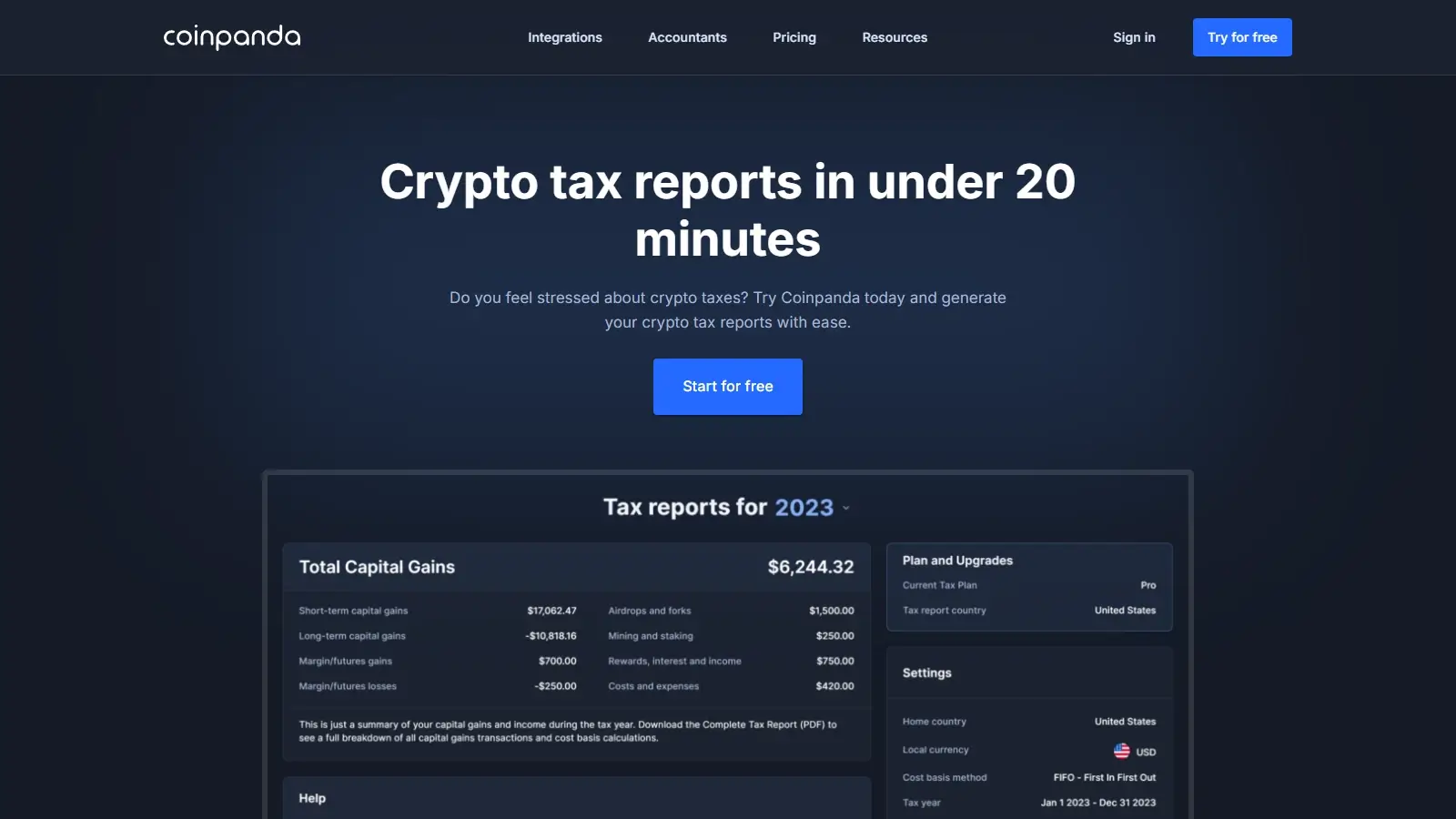
The Complete Tax Report provides disposal detail that can be reviewed outside the account. In the two-record 2025 CSV check, the exported PDF retained acquisition and sale dates, cost, proceeds, gain, and holding period. Its figures matched the in-app calculation. That report is separate from US filing forms and the TurboTax export.
- Form 8949 and Schedule D
US disposal reporting and capital-gains forms.
- Supporting records
Complete Tax Report, Highest Balance Report, Transaction History CSV, and Capital Gains CSV.
- TurboTax Online, tax year 2025
A ZIP download containing PDFs. The extracted PDFs are used for the Online upload route.
- TurboTax Desktop
Tax Exchange Format (TXF) export in Coinpanda’s older guide. Intuit’s current Desktop instructions still use TXF.
- Form 1099-DA reconciliation, tax year 2025
Broker-PDF extraction, proceeds comparisons by asset and date, and reporting statuses used to generate Form 8949.
A TurboTax download is not interchangeable across editions, because Online and Desktop take different files. An earlier Coinpanda guide for TurboTax Online used a CSV upload, but the tax-year 2025 route is the ZIP of PDFs. Coinpanda supplies the crypto reports for these workflows, while the complete return is prepared and submitted through filing software or a professional.
Coinpanda’s tax-year 2025 Form 1099-DA workflow adds a review stage before form generation. The extracted statement and imported transaction history are compared, with separate statuses for disposals reported with basis, reported without basis, and not reported. Qualifying stablecoin exclusions can change the comparison totals while the underlying disposals remain on Form 8949. A discrepancy therefore needs an explanation, not necessarily an edit that forces both totals to match.
Re-running matching overwrites manually selected disposal statuses. Reprocessing the Form 1099-DA PDF replaces its earlier extraction and resets the reconciliation changes based on it, leaving the original uploaded PDF unchanged. Repair transaction history before the final status review, or you may need to repeat that review.
Security and Privacy
Exchange connections use read-only permissions, and blockchain imports use public wallet addresses. The Coinbase authorization specifically requests view access, without a wallet private key. These connections expose financial history even though they cannot move the assets. Account protection and accountant permissions also control who can see or change those imported records.
- Account protection
Built-in two-factor authentication (2FA) and Google sign-in.
- Accountant permissions
View by default. Editing requires a separate Full Access grant.
- Data processing
The privacy policy lists Switzerland, the EU/EEA, and the US, with hosting, analytics, marketing, and other service providers.
- Account deletion
A deletion control is available through Settings. Commercial and tax-law retention exceptions remain in the privacy policy.
Before deleting your account, save the Complete Tax Report and Transaction History CSV for every relevant tax year available under your plan, and keep your original exchange and wallet records. The Transaction History CSV covers a selected tax year of activity recorded in Coinpanda. These downloads count against refund eligibility, so resolve any purchase dispute first. Check that your saved files include the years and records you need before using the irreversible Settings deletion control.
Coinpanda identifies Amazon Web Services (AWS) as its host and Stripe as its payment processor. Their infrastructure credentials do not establish an independent audit of Coinpanda’s application. Review the import permissions, two-factor authentication, and accountant access levels before sharing financial records.
Support and Accountant Access
When an import route has a known limit, such as older Binance Futures records or incomplete NFT identifiers, Coinpanda’s help-center articles explain the recovery work.
- Software help
Chat, email, help-center articles, and community channels.
- Accountant access
An invitation initially grants view access to wallets, transactions, and reports. Full Access adds imports and transaction management. Professional fees remain separate.
- Optional account services
In-app quotes on Oct. 9, 2026: $49 for an additional country, $79 for 14 days of priority support, and $1,459 for Expert Review.
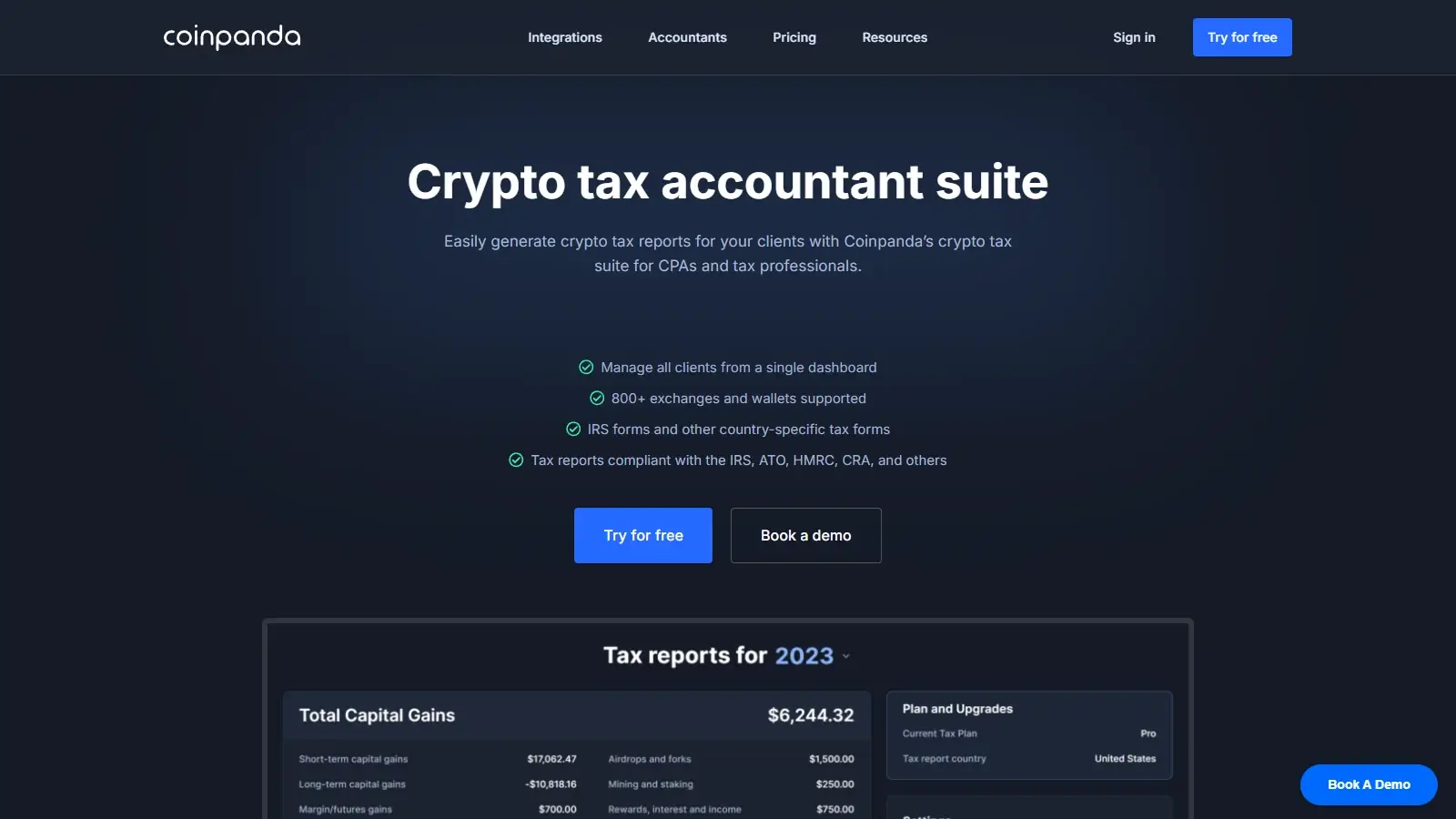
On the accountant’s side, Remove Access ends the connection without deleting the client’s account.
Either the client or accountant can purchase the tax plan. That makes it possible to include the software purchase in the accountant’s work, but a plan itself does not include professional preparation.
Alternatives to Coinpanda
-


Summ
You want account snapshots before making large edits, or recurring categorization rules. Snapshots are available free, while recurring rules require Summ’s Trader plan. Summ’s Trader plan costs $499 annually for 100,000 cumulative transactions. Snapshot contents exclude API keys, original CSVs, and rules.
-

CoinTracker
You want an annual subscription covering historical reports, described the same way on the pricing page and in plan help. Base is $59 annually for 100 transactions in the applicable reporting year. Paid self-service has a separate 200,000 lifetime-transaction ceiling.
Pillar Scores
- Transaction inspection and correction 20% weight Finding missing history, inspecting calculations, matching transfers and maintaining corrections.6.0 / 10
- US reporting workflow 20% weight US outputs, separate income records, broker statements and the handoff to filing software or an accountant.6.0 / 10
- Import routes and recovery 15% weight Exchange and wallet connections, file and manual alternatives, and recovery of missing or repeated imports.6.0 / 10
- Complex-activity workflows 10% weight Named DeFi, staking and NFT workflows, including supported corrections and remaining manual work.8.0 / 10
- Pricing and access terms 15% weight Transaction allowances, feature gates, report years, renewal, refunds and access after a plan ends.4.0 / 10
- Help and collaboration 10% weight Task guidance, support routes, record navigation, accountant permissions and continuity of working data.8.0 / 10
- Data and account controls 10% weight Connection permissions, authentication, recovery, portability and disclosed processing, retention and deletion practices.6.0 / 10
Final Verdict
Coinpanda's free warnings and shared accountant access are useful for inspecting an incomplete history. Full Access lets an accountant correct the same records, and the Complete Tax Report includes acquisition details for review outside the account. The purchase terms make it harder to recommend for a backlog: an annual all-years offer and separate permanent tax-year plans imply different bills and renewal obligations. We would use the free review tools, but would not budget several years around the $79 headline. CoinTracker is easier to budget for when you need reports for several past years under one annual subscription.

Best For
Investors inspecting transaction gaps who want an accountant to view or edit the same records
Avoid If
- Investors who need confirmed multi-year pricing and renewal terms before purchasing reports
CryptoSlate may earn a commission when you use partner links, at no extra cost to you. Our reviews, ratings, and editorial decisions remain independent of advertisers. Read How CryptoSlate Makes Money for funding details.