

 Released in 2019
- One-time tax-year plans with 10-year validity
- Excel edits for purchased tax years
- Wallet-based 1099-DA statement setup
Koinly Overview
Key facts
- Supported countries
- US, tax year 2025
- Paid plans from
- Newbie; One tax year; USD 49; per tax year; 100 transactions
- Billing & report access
- per tax year; One-time purchase for each report year, valid for 10 years. Annual and combined-history limits apply, with a 1,000-transaction extra allowance for older history. Includes Cost Analysis.
- Transaction limits
- 100 transactions
- Free plan
- Up to 10,000 imported transactions across wallets. Imports, previews, and corrections included. Report downloads are paid, including Transaction History downloads.
- Import methods
- Exchange APIs, public blockchain addresses, and CSV uploads
- Key integrations
- Filing options
- Form 8949, Schedule D, Schedule 1, and supporting calculation records. Prepares reports for separate filing. TurboTax Online and Desktop use different routes.
- DeFi support
- Ordinary Jupiter swaps on Solana import automatically. Jupiter Limit Orders V2 and DCA V2 need the vault wallet added and completed trades merged manually.
- NFT support
- Marketplace NFT custody can need corrections. Moving a concentrated-liquidity position's NFT does not automatically move its LP token.
- Staking support
- An optional setting imports Solana native staking rewards for each epoch. Without it, accrued rewards need manual entry and staking labels.
- Correction tools
- Cost Analysis from Newbie. Excel correction exports cover paid years.
- Accountant access
- Full portfolio editing, including transactions, wallets, and settings.
- Official website
- koinly.io
Koinly Screenshots
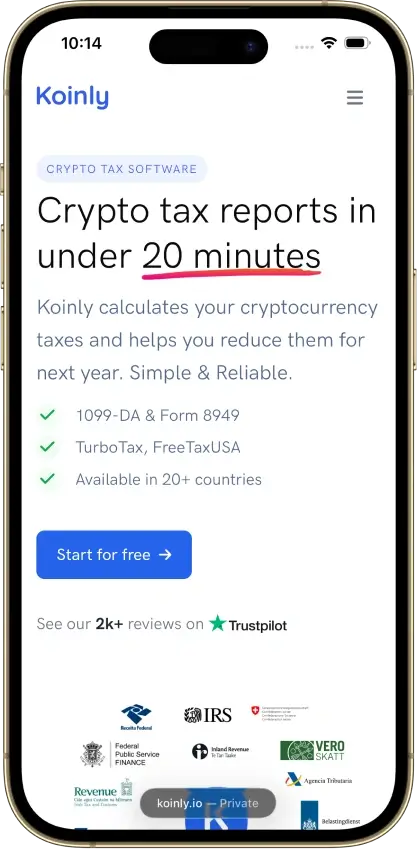
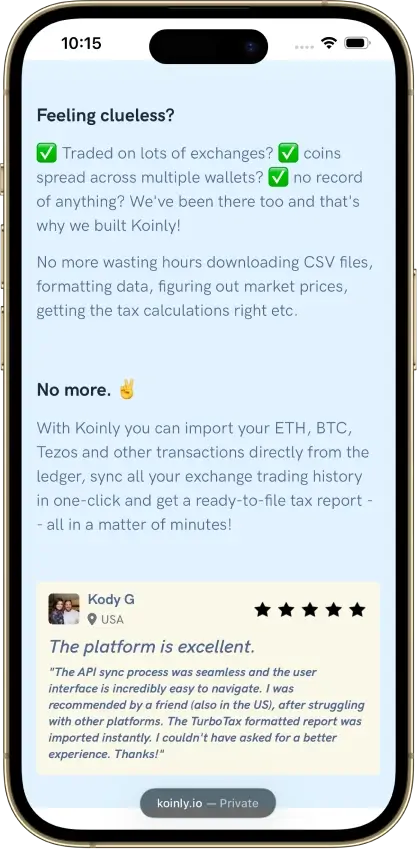
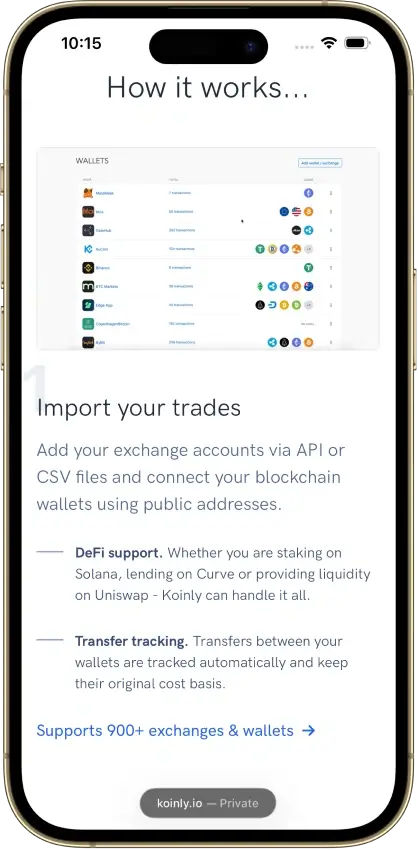
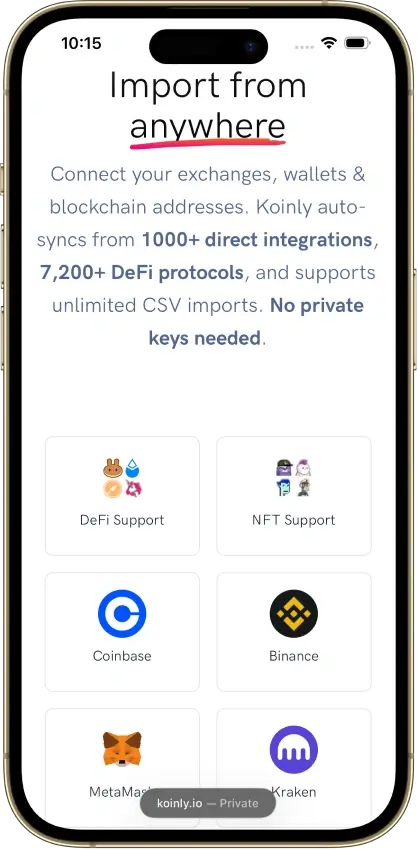
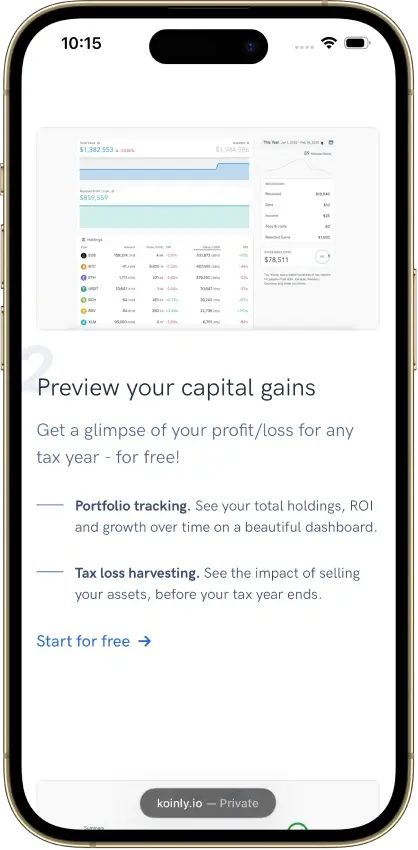
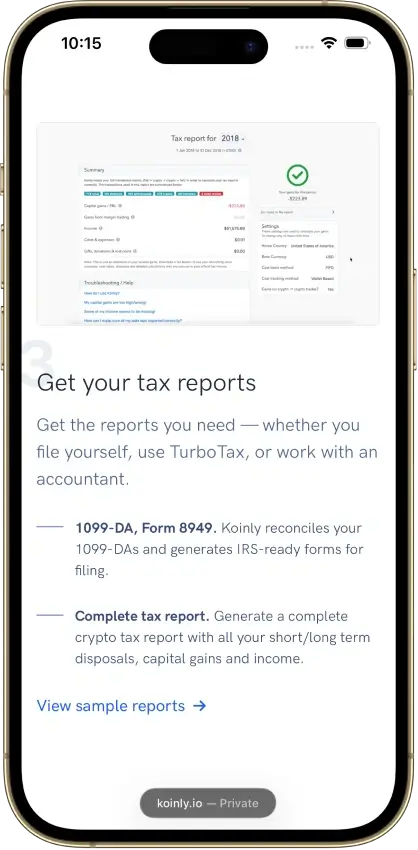


Screenshot 1 of 8
Koinly Pros and Cons
Pros
- Free missing-history corrections
- Identical CSV reimports skip duplicates
- Owned-wallet transfers keep cost basis
Cons
- Affected by 2025 Mixpanel vendor breach
- Conflicting refund promises
- Manual merging for Jupiter Limit Orders V2
Pricing and Free Plan
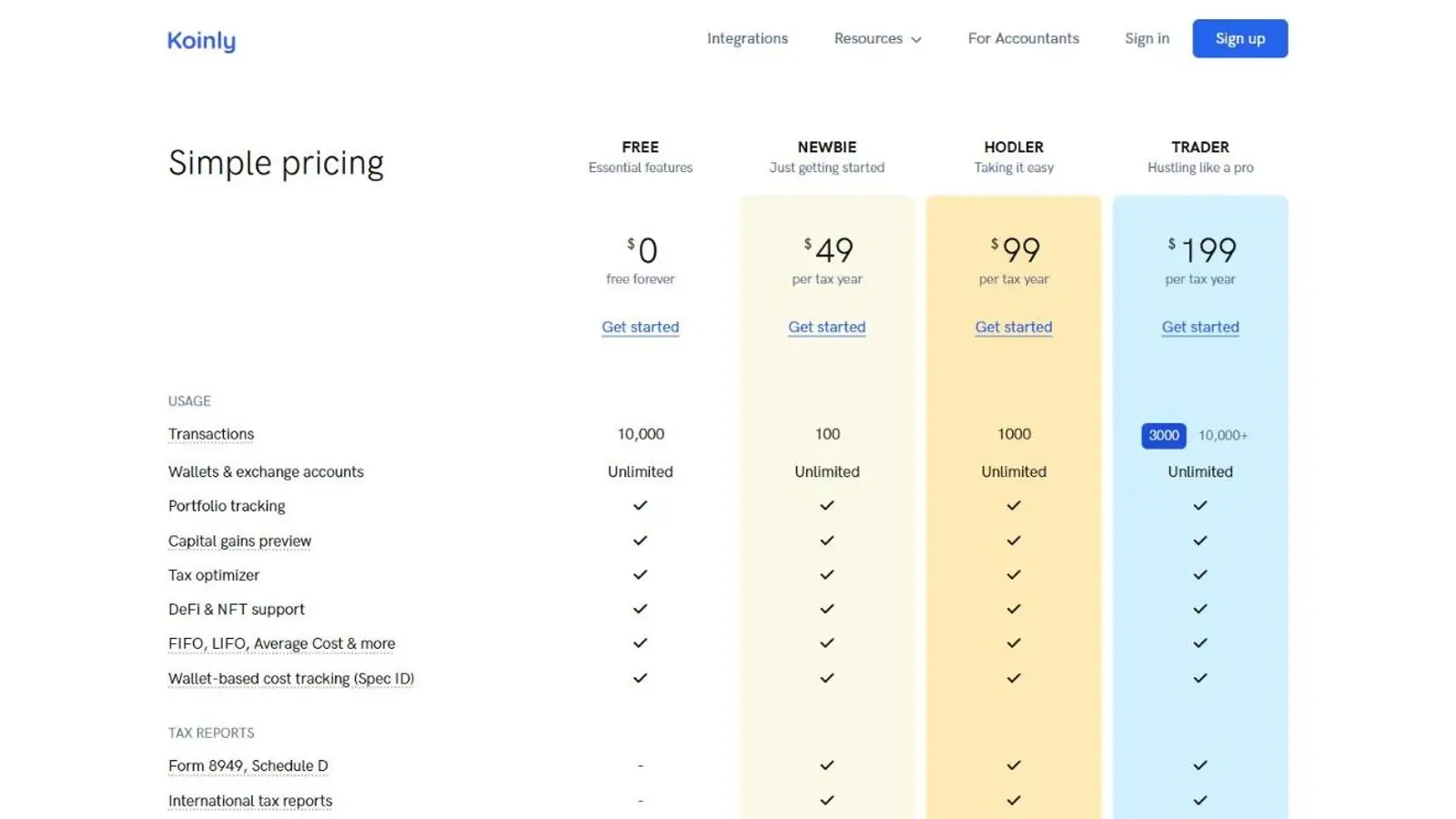
The free plan excludes downloads, including the Transaction History comma-separated values (CSV) file, so it cannot serve as a free way to export your records.
On Oct. 8, 2026, the in-app 2025 purchase screen quoted these US-dollar prices before checkout taxes. The public pricing page groups higher transaction allowances under Trader, while the purchase screen lists Pro separately.
Cost Analysis, the detailed acquisition-lot view, is included in the $49 Newbie plan on Koinly’s pricing table. Excel corrections also require payment and cover only tax years you have purchased.
What the Complete Reporting Job Costs
Each tax-year purchase lasts 10 years, so you can regenerate reports within its transaction allowance without an annual renewal charge. Catching up on several unfiled years still means buying a plan for each year.
Pricing also depends on total account history, with a 1,000-transaction extra allowance for older activity. The examples below assume every record is billable, with the same prices for earlier tax years and no earlier plan purchases, optional services, or checkout taxes.
Deleted and spam records, along with most small income deposits, do not count toward the billable total. Merged transactions count once. Koinly shows the billable count and required plan after import, and upgrades cost the difference between tiers.
The pricing FAQ promises a no-questions-asked refund within seven days, provided no report has been generated, but the terms require an unresolved product issue and exclude refunds after downloads. The help policy adds to the confusion: it gives a change-of-mind example, then lists an unresolved product issue as a condition. Those conflicting conditions weaken the refund promise as a reason to buy.
Exchanges, Wallets, and Data Imports
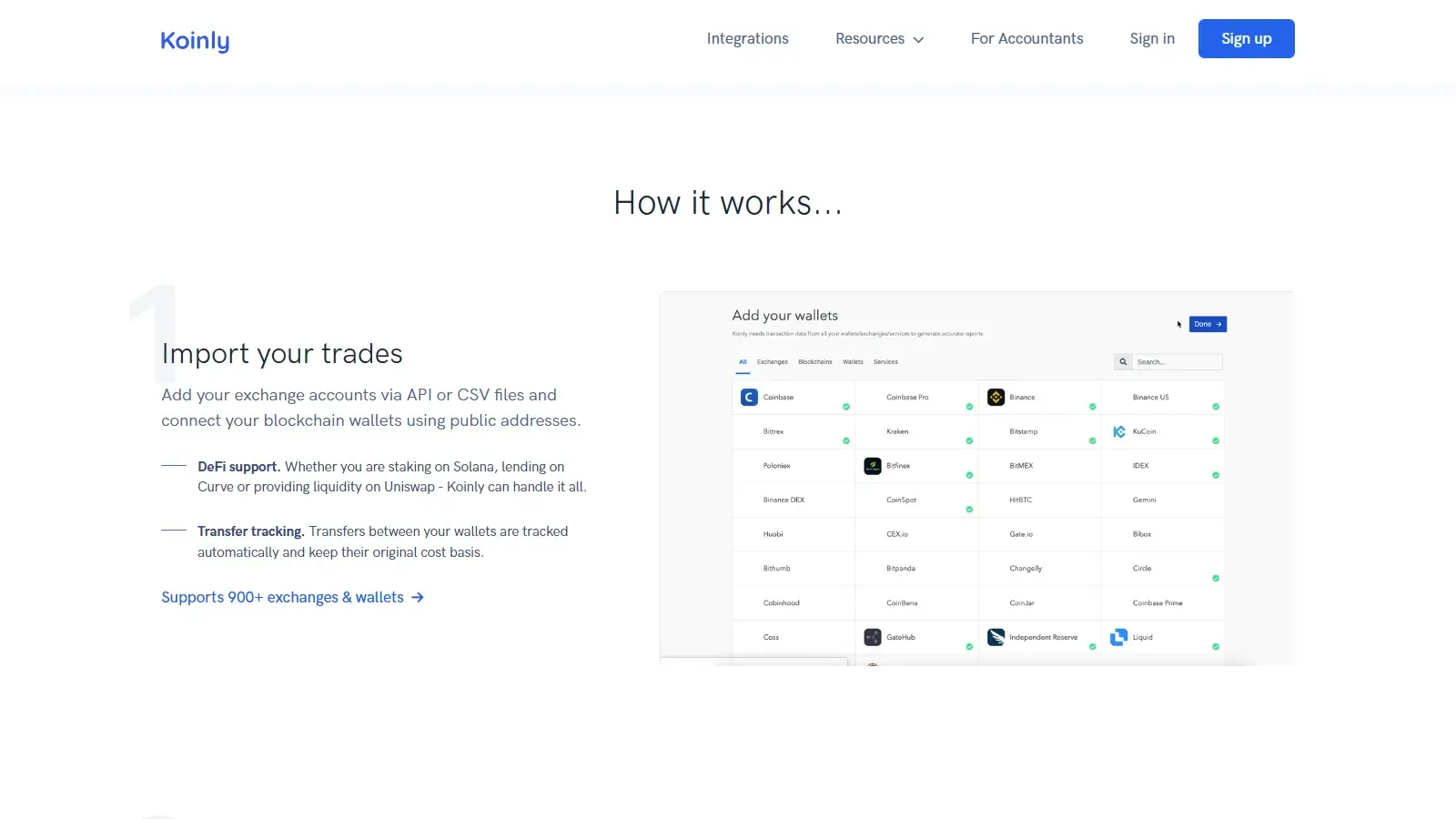
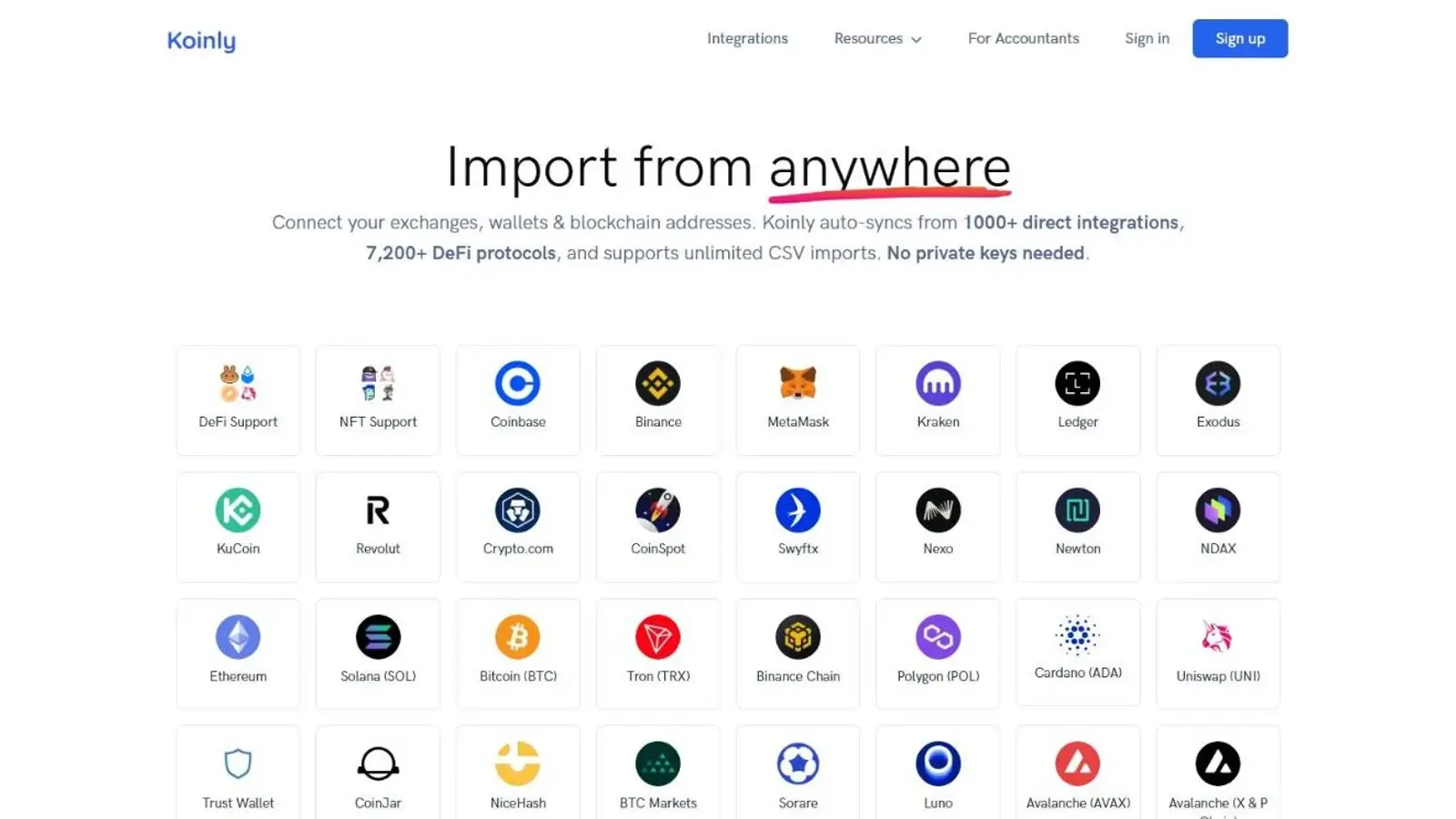
Koinly supports exchange application programming interfaces (APIs), public blockchain addresses, and CSV uploads. Coinbase, Binance, and Kraken are among its exchange connections, and Kraken provides a Koinly link in its own tax-reporting screen.
In a partly faulty CSV file, Koinly accepted two valid rows and identified two rejected entries. The valid rows stayed imported, leaving only the two rejected entries to correct.
An invalid date received a message showing the required date format, while a missing asset produced a less helpful reference to withdrawal attributes. Koinly identified the troublesome row in both cases, but the uneven explanations made the second error harder to interpret.
Accuracy and Transaction Cleanup
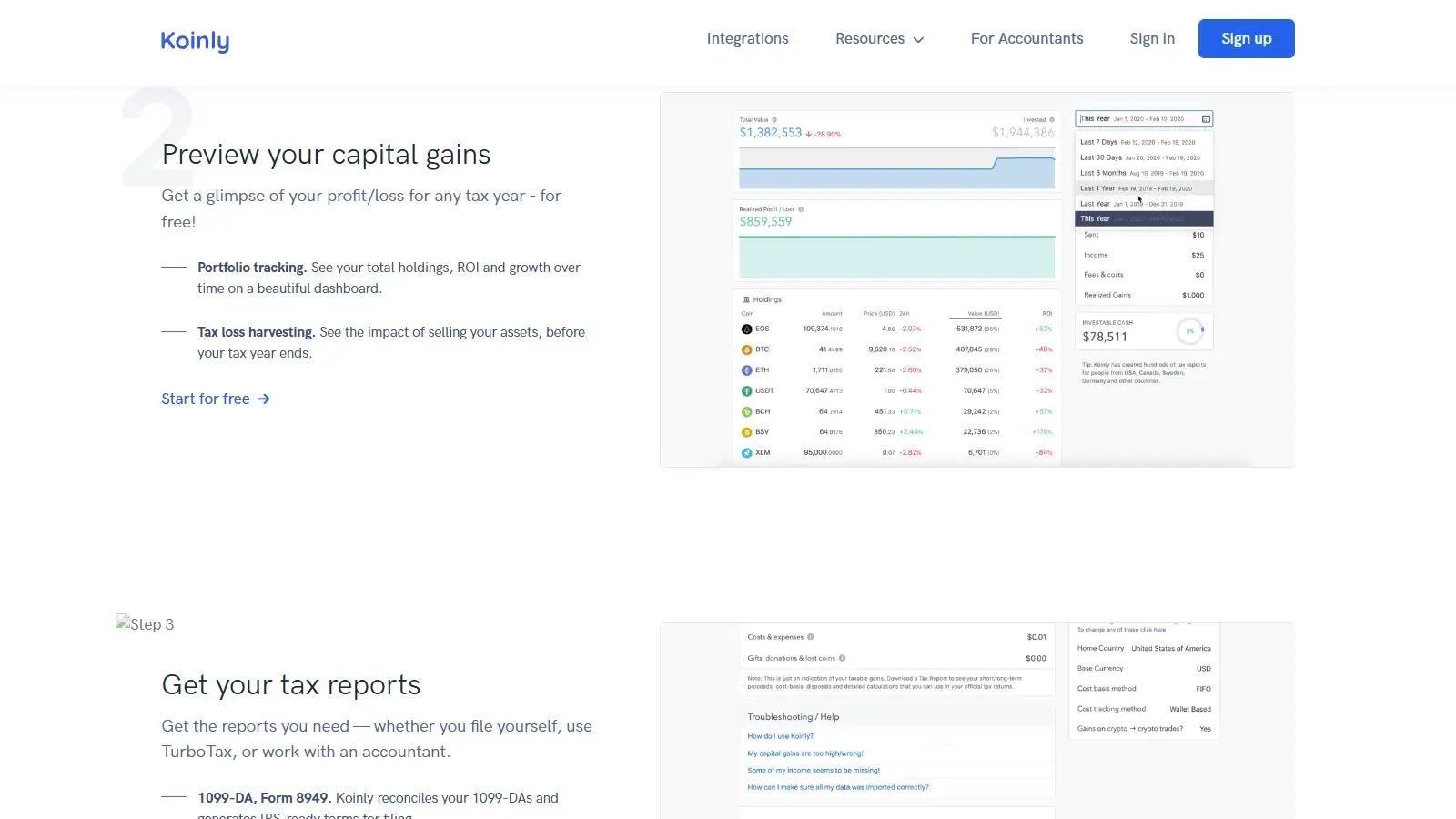
Koinly’s free transaction view shows basis and fees alongside the gain. Filtering for missing-history warnings finds the sales needing acquisition records.
Missing Purchases, Duplicates, and Basis Checks
Consider a $1,500 sale with a $40 fee and no purchase record. Its $1,460 net proceeds appear as gain when basis is zero. Restoring a $1,000 purchase and $10 purchase fee gives $1,010 basis and reduces the gain to $450. In the synthetic CSV test, Koinly showed these figures and cleared the missing-purchase warning without a manual basis override.
A full blockchain resync can still duplicate manually entered transactions, so the CSV result does not extend to wallet resyncs.
These CSV results used supplied US-dollar values and wallet-based FIFO for US tax year 2025, with independently calculated expected figures. They verify those calculations and corrections, without testing historical pricing or live exchange connections.
Bulk Corrections and Detailed Analysis
Cost Analysis shows the individual acquisitions behind those free figures, but requires payment.
The paid Excel workflow exports records for spreadsheet editing and reimport. It can help with repeated corrections, but edits to API-imported transactions are restricted to tags and descriptions. The editable correction file is separate from the Transaction History archive used to retain records.
DeFi, NFTs, and Staking
On Solana, Koinly imports ordinary Jupiter swaps automatically, while some limit orders, recurring orders, and liquidity positions need manual corrections. The examples here cover Solana decentralized finance (DeFi) activity rather than every supported network.
Frequent Jupiter V2 orders make merging a recurring part of record maintenance.
Tax Reports and Filing
Koinly prepares crypto tax reports for a separate filing service or accountant. Its TurboTax routes differ between Online and Desktop, with extra work in each route for tax year 2025.
Direct TXF imports need a Form 8949 box correction for each disposal. Koinly also documents importing its PDFs into TurboTax Online, then continuing the return in Desktop. Check the imported figures before filing.
Transaction History provides a CSV archive, not a restorable account backup. A move to another provider may still require the original exchange files and wallet history.
Security and Privacy
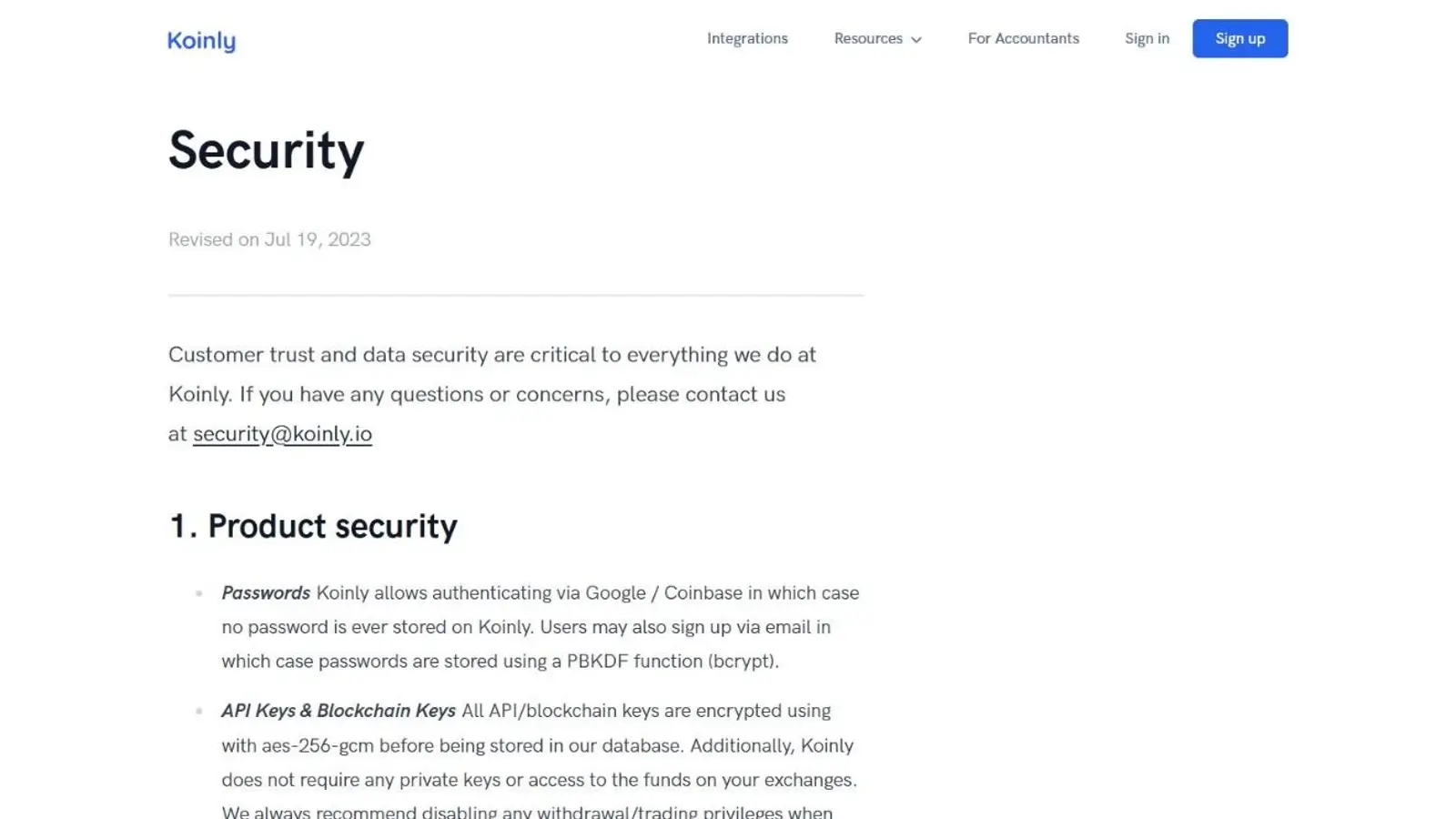
Koinly acknowledges being affected by Mixpanel’s 2025 breach and says it stopped using the analytics service afterward. It distinguishes that incident from a direct compromise of Koinly’s own systems.
Support and Accountant Access
Standard support handles software problems. The paid Expert Review handles record cleanup, while tax questions need an independent advisor. In-app chat begins with an AI assistant and can escalate to a person and continue by email. Phone support is unavailable.
At $999, Expert Review costs about 20 times the $49 Newbie plan, and a four- to six-week wait makes that offer unsuitable for urgent cleanup. The extra service makes more sense when you need someone to correct records than when you only need a downloadable report.
Alternatives to Koinly
-


CoinLedger
You prefer sale details that state net proceeds directly. With the same synthetic $1,500 sale, CoinLedger showed net proceeds of $1,460, while Koinly showed $1,500 gross and listed the $40 fee separately. The difference is in the display, with no calculation advantage shown. CoinLedger’s capital-gains report download also requires payment.
-

Summ
You need reports for several historical years. One active subscription covers those years, but its tier must cover your full transaction history and it renews annually. Smart-contract reporting requires Hobbyist or higher, and report access ends when the subscription expires.
Final Verdict
Koinly suits investors who want to investigate missing purchases and repair their history before paying. Free gain previews show how corrections change the result, and duplicate-file handling helps preserve saved notes. Budget for manual Jupiter V2 merges and Form 8949 box selection after a direct 2025 TurboTax Desktop TXF import. Several unfiled years also mean separate purchases, so compare Summ if one active subscription would cover the reports you need. Each tax-year plan stays valid for 10 years, allowing later corrections and report regeneration without an annual renewal.

Best For
Investors who want to inspect gains and repair missing transaction history before buying reports
Avoid If
- Investors requiring free downloads or automatic handling of every supported Solana activity
CryptoSlate may earn a commission when you use partner links, at no extra cost to you. Our reviews, ratings, and editorial decisions remain independent of advertisers. Read How CryptoSlate Makes Money for funding details.