

 Released in 2017
- Separate broker-statement adjustments
- Archive wallets while retaining history
- Editable prices for unsupported assets
CoinTracker Overview
Key facts
- Supported countries
- US, tax year 2025
- Paid plans from
- Base; Past tax years while subscribed; USD 59; annual subscription; 100 transactions
- Billing & report access
- annual subscription; Annual subscription that renews automatically. Historical reports are included during the subscription. The allowance counts the reporting year's transactions, with a 200,000-transaction lifetime ceiling on stored history. Staking rewards count once they reach $25 in proceeds for the year. An introductory price is available to eligible first-time filers with a simple tax year.
- Transaction limits
- 100 transactions
- Free plan
- No downloadable tax forms. Transaction imports, edits, and a tax-summary preview are free, while detailed short-term and long-term totals need an upgrade.
- Import methods
- Coinbase read-only account connection, read-only exchange API keys, public addresses or xpubs, exchange CSV files, the generic CoinTracker CSV, and manual entry
- Key integrations
- Filing options
- Form 8949 and Schedule D on paid plans, plus CSVs for transaction history, capital gains, income, and year-end balances. Prepares reports for separate filing, and the TurboTax Online sync sends gains and losses while crypto income needs manual entry.
- DeFi support
- Category controls separate staked principal from rewards, liquidity contributions from withdrawals, and loans from repayments, with EVM and Solana categorization on every plan. Prime adds lending, staking, and liquidity-pool position views.
- NFT support
- NFT swaps and receipts without a purchase price need a user-supplied valuation, entered as a price edit by transaction date and quantity. Unsupported tokens use a custom currency.
- Staking support
- Stake and Unstake categories separate staked principal from rewards and can be adjusted manually. Prime and higher plans exclude staking transactions from the count, and TurboTax Online needs staking rewards entered by hand.
- Correction tools
- Transaction filters, missing-price warnings, price edits, transfer matching, custom currencies, and bulk category changes. The detailed lot breakdown needs Prime or above.
- Accountant access
- View and edit access to account data for an invited tax professional on paid plans. Access can be revoked.
- Official website
- cointracker.com
CoinTracker Screenshots




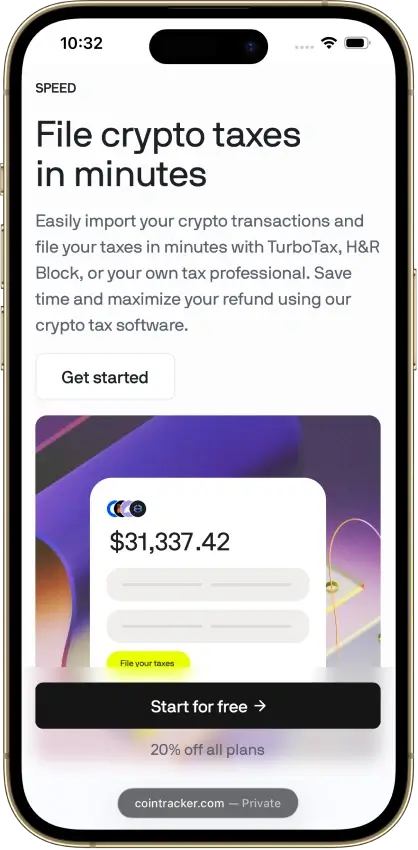


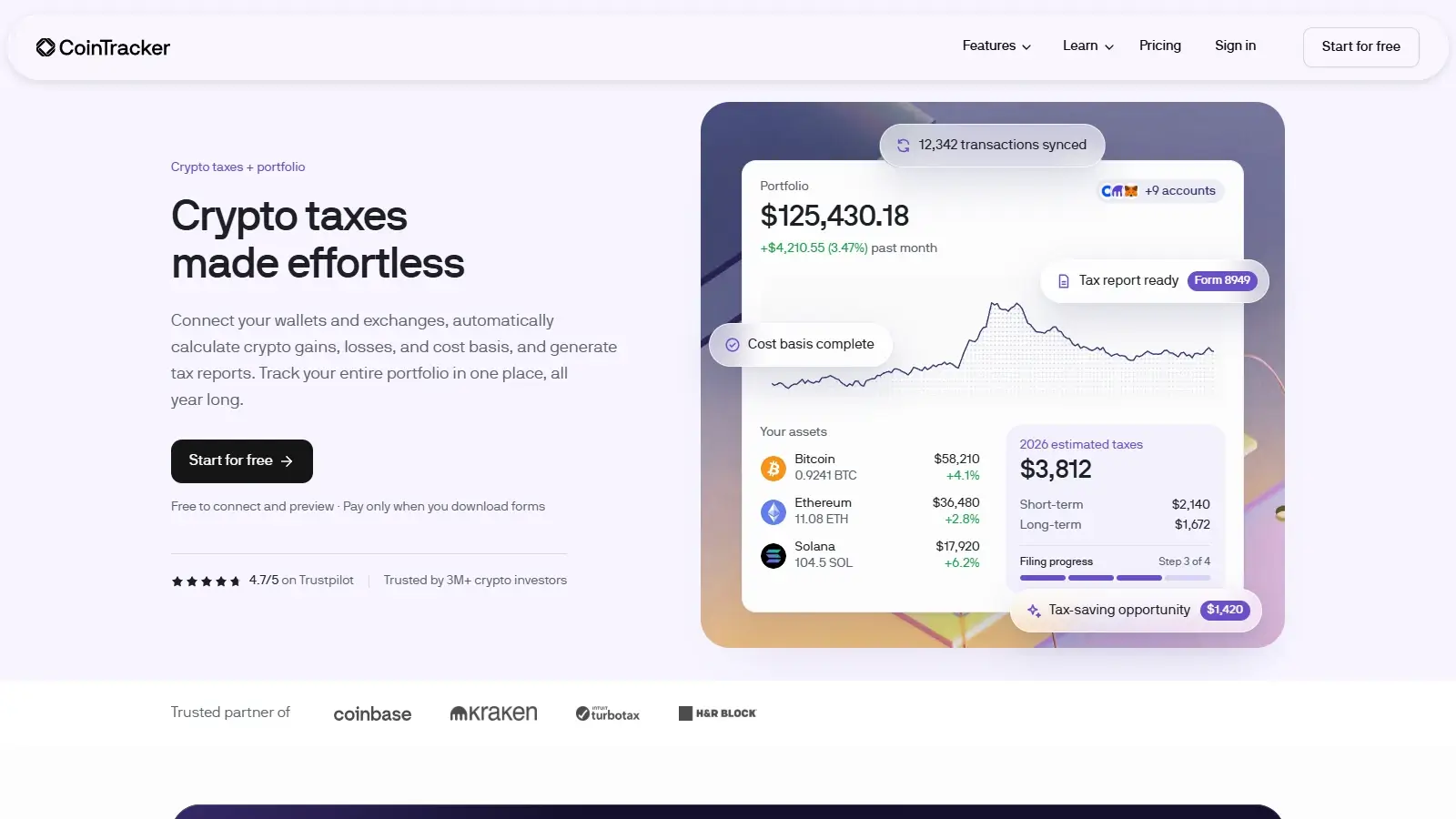
Screenshot 1 of 8
CoinTracker Pros and Cons
Pros
- Historical tax forms included
- Free transaction inspection and edits
- Accountant access on paid plans
Cons
- New tax-year forms can need early renewal
- TurboTax Online income entry is separate
- Detailed tax lots require Prime
Pricing and Free Plan
The free plan helps you estimate how much cleanup your history needs. It accepts transaction records and shows a tax-summary preview, but downloadable forms require payment. Detailed short-term and long-term totals also required an upgrade during the review.
The standard Base price is $59 a year. Eligible first-time filers with a simple tax year may receive an introductory price. At the time of this review, the public table lists the six self-service allowances below.

These are listed US-dollar prices before any checkout-specific taxes or discounts. Higher-volume plans start at $1,999. A support guide also lists a 50,000-transaction Ultra+ option without specifying its price. Confirm the allowance before buying a higher-volume plan.
The annual allowance counts the reporting year’s transactions, so older purchases do not use it up. Paid self-service plans still have a 200,000-transaction lifetime ceiling on the stored history.
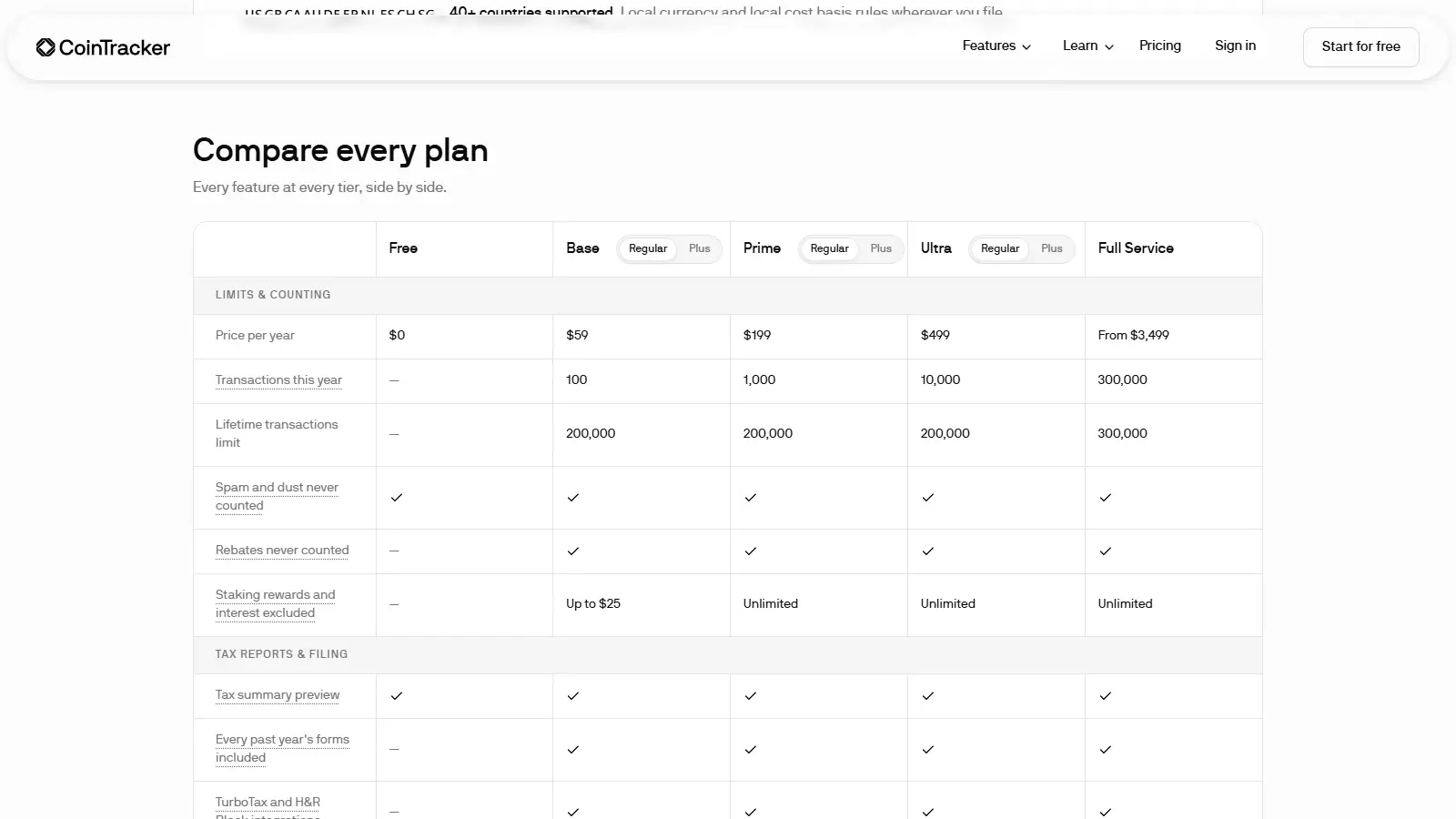
The billable count can be smaller than the number of rows you import. Spam and rebates are excluded from paid-plan counts. On Base and Base+, staking rewards do not count until they reach $25 in proceeds for the year. Prime and higher plans exclude staking and interest transactions entirely, a difference that favors rewards-heavy accounts.
Access to forms depends on both your billing anniversary and the reporting season. The season your purchase covers depends on the purchase date and your region’s tax extension deadline. When a new tax year’s forms are released, you may need to renew before your billing anniversary. Historical forms lower the cost of catch-up work. Future reports still depend on the subscription’s reporting-season rules.
Upgrades charge the difference between plans. Downgrades take effect at renewal, and canceling turns off auto-renewal while preserving access until the billing period ends.
The pricing page offers a 30-day refund before tax-form download, while the report guide says downloading any report counts as using the plan. A supporting comma-separated values (CSV) file can therefore affect eligibility too.
Exchanges, Wallets, and Data Imports
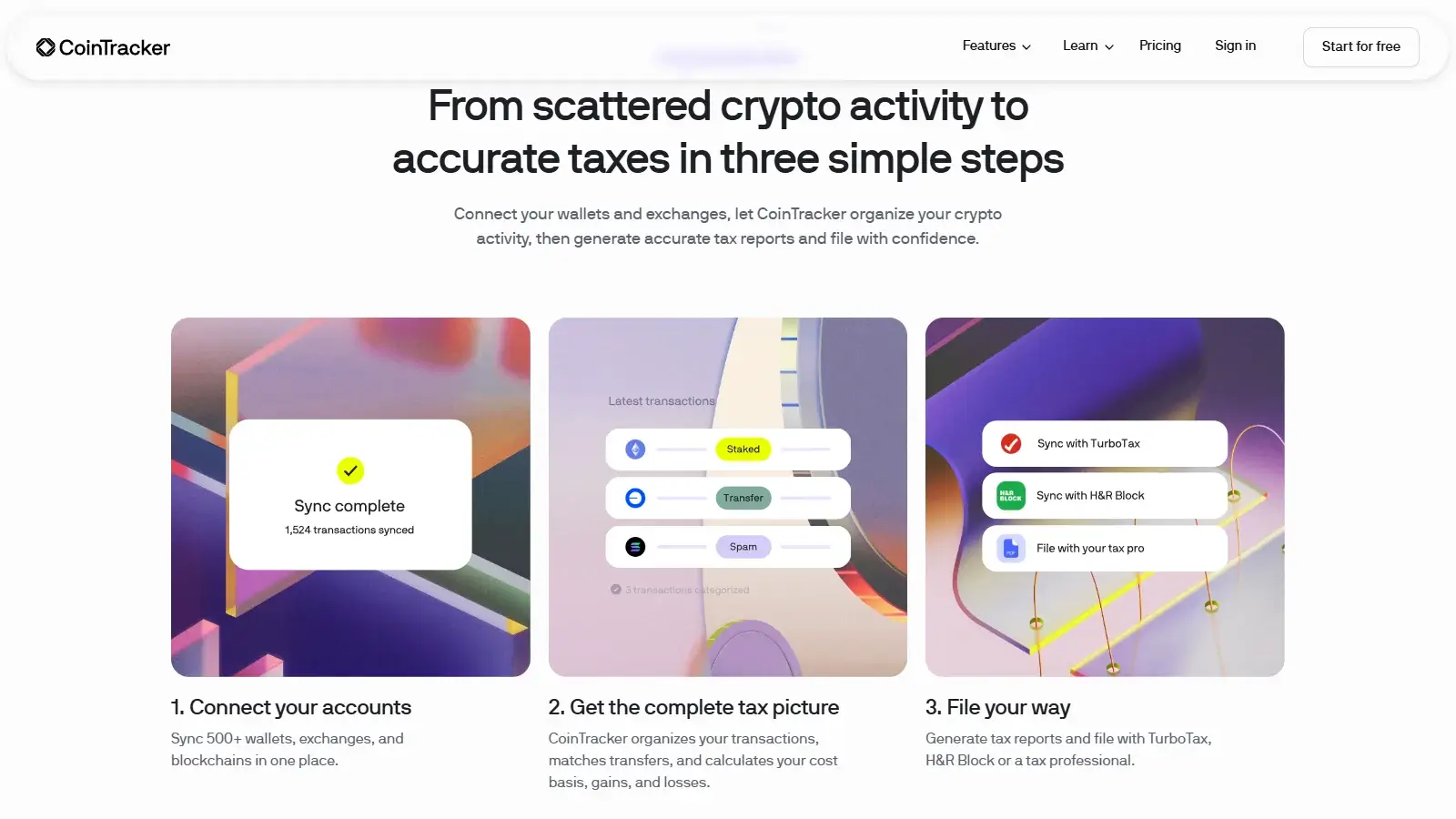
CoinTracker’s Coinbase connection uses a read-only sign-in, and other supported exchanges sync through read-only application programming interface (API) keys, with historical coverage depending on each exchange’s connection. Self-custody wallets import from a public address or an extended public key (xpub) without a private key. Where a source cannot sync, a file import can supply the missing records, which helps when a recent sale depends on a purchase made on an older exchange.
In the generic CSV, the tag field accepts specific transaction categories rather than personal notes, and unsupported tags can make rows fail or be ignored. Trades and transfers use blank tags. If you have years of loosely organized exports, expect to rework them into this layout before they import.
Files can be added to an existing wallet or a new one, so a file can fill a missing period in a connected account. If the file overlaps synced records, reconcile the duplicates.
When we entered records manually, choosing a currency or wallet cleared amounts already typed. Choose those fields before filling in quantities, or use a file import for a longer history.
Accuracy and Transaction Cleanup
The transaction view makes it possible to investigate a gain before buying a report. Cost basis is an asset’s tax cost, which for a purchase includes the price and eligible acquisition fees. Category, wallet, currency, status, and date filters narrow the history to relevant records, while missing-price warnings identify valuations that need attention. For an account assembled from several sources, those filters help locate a missing purchase behind an implausible gain. Bulk category changes reduce repetitive corrections.
CoinTracker displays the gross sale value and fee separately, so the prominent value may differ from the net proceeds used to calculate a gain. A manual purchase-and-sale check confirmed the fee was included in the gain calculation. It used the US profile, tax year 2025, and wallet-based first-in, first-out (FIFO) accounting.
For some missing acquisition prices, CoinTracker estimates a value from nearby transactions. An unknown price for a sale or other disposal can initially produce zero proceeds. A missing-price warning flags both cases, and whatever price you supply or accept is the one the report uses.
Archiving a wallet preserves its existing history and stops syncing, which suits an exchange that has closed or lost API access. Deleting the wallet instead removes its records and manual edits.
The detailed lot breakdown lists every purchase behind a holding and requires Prime or above. Base supplies the forms. Consider Prime if you regularly need to inspect the acquisition lots, even when you do not need its larger allowance.
DeFi, NFTs, and Staking
CoinTracker’s category controls distinguish staked principal from rewards, liquidity contributions from withdrawals, and loans from repayments. An investor repairing misclassified activity can pick the matching category instead of relying on a single generic decentralized finance (DeFi) label. Categorization for chains compatible with the Ethereum Virtual Machine (EVM) and Solana is included on every plan. Prime adds views of your lending, staking, and liquidity-pool positions.
When a DeFi token or NFT arrives without a reliable price, CoinTracker’s fix is the same price edit by transaction date and quantity used for exchange records, or a custom currency if the token itself is unsupported. Supply a defensible valuation for the date you received or sold an illiquid asset. A price-edit field cannot determine that value for you.
Tax Reports and Filing
CoinTracker prepares crypto tax forms and reports for use when you file your return. US users can access Form 8949 and Schedule D through paid plans, alongside reports that explain the underlying calculations. An investor can use the supporting records directly or give a preparer access to the account.
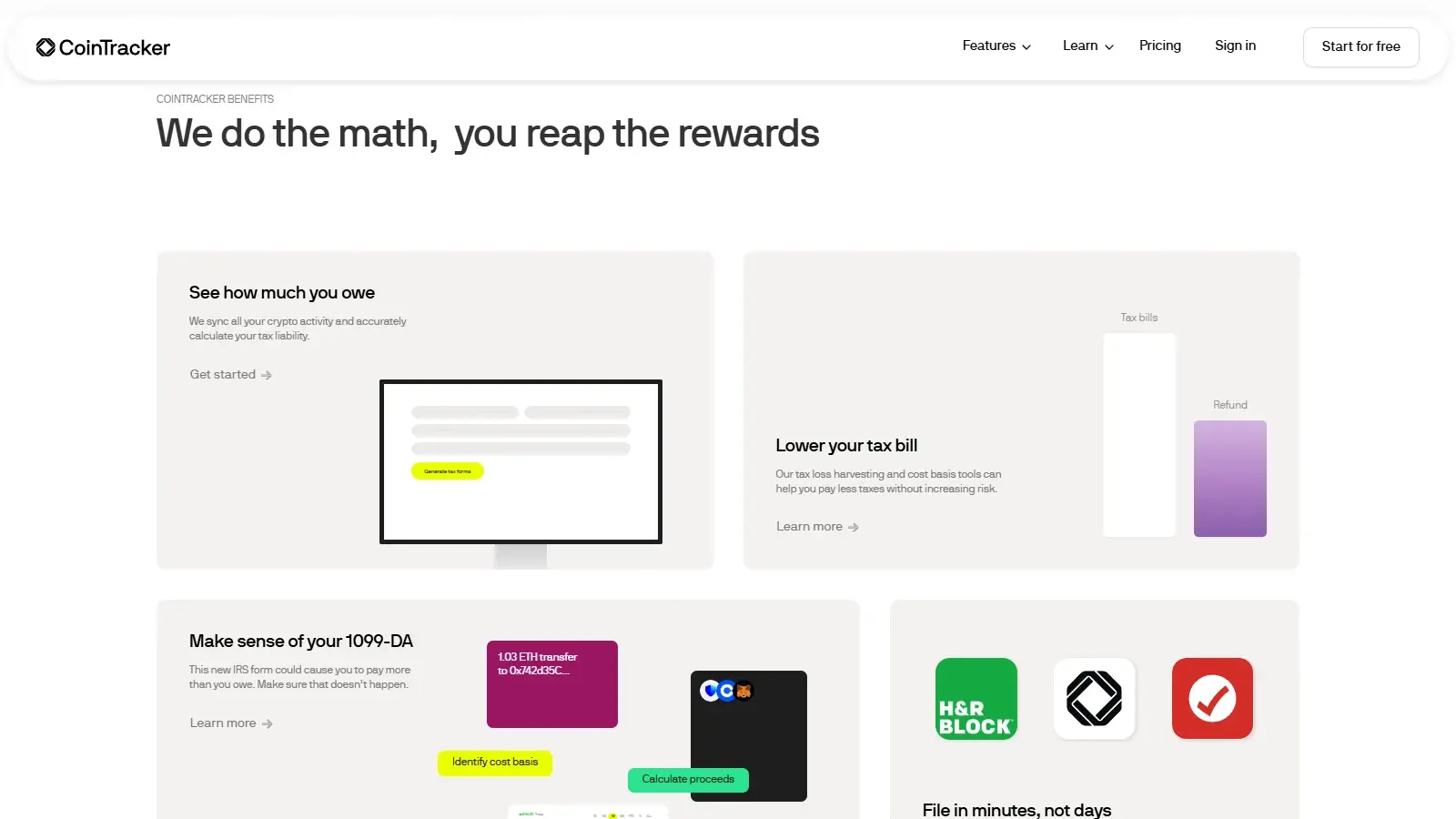
CoinTracker’s TurboTax Online sync supports up to 1,000 capital gain or loss transactions. Buying a larger CoinTracker plan does not raise that limit.
In TurboTax Online, crypto income, including staking rewards, must be entered by hand. CoinTracker also notes that TurboTax may label the synced gain and loss data “1099-DA,” even though it is CoinTracker’s Form 8949 detail rather than a broker’s statement.
For 2025 broker statements, CoinTracker can add a separate Form 8949 adjustment entry without changing the individual transaction records. Brokers generally were not required to report cost basis that year, so you need your complete purchase history, including records from other exchanges or wallets.
The 1099-DA upload is optional when you create your tax forms in CoinTracker. Changes to proceeds or the underlying transaction history can make an earlier comparison out of date. Run a fresh comparison after those changes. Use the current comparison to explain why the broker’s figures differ from yours. Keep the original broker statements, and file the return through your tax software or preparer.
Security and Privacy
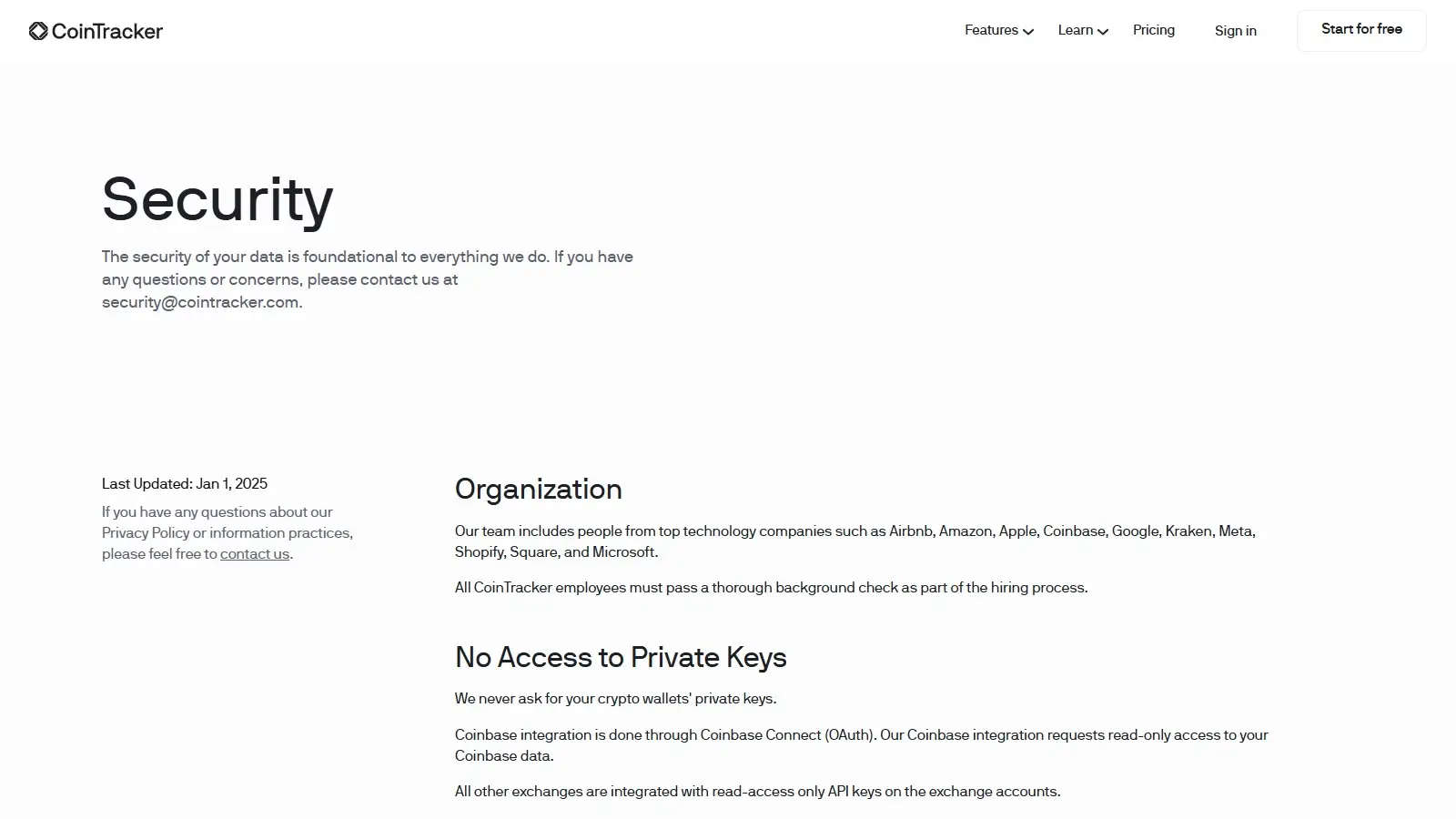
CoinTracker’s Coinbase connection reads transaction data without permission to trade or withdraw. Other exchange connections use read-only API keys, and CoinTracker does not require wallet private keys.
In privacy settings, you can stop CoinTracker from using your future chats with its AI assistant to improve the service. That opt-out does not apply to customer-support conversations or automated support chat.
Support and Accountant Access
CoinTracker’s help center covers imports, missing prices, reporting, and billing. Online and Desktop filing software get their own guides because those products do not always accept the same file.
Full Service includes CSV assistance and quarterly account checks. That can suit someone with a large history who needs the reconciliation work done, but the $3,499 starting price is about 59 times Base’s $59 annual price. Arrange preparation and submission of the complete return separately.
Alternatives to CoinTracker
-


Koinly
You want a one-time report for one tax year. Several unfiled years can require one purchase per year.
-

CoinLedger
You want a $49 one-time report for up to 100 transactions, with a free transaction view available before purchase. Each reporting year is paid for on its own.
Final Verdict
CoinTracker is a good fit for investors bringing Coinbase and other account histories together, especially when several past returns need reports. Included historical forms give the annual subscription a clear purpose, and the transaction filters and editable valuations help explain discrepancies before you pay for a report. Its value is less convincing for a single small return or someone expecting the software to resolve missing prices unaided. Detailed lot inspection requires Prime, and TurboTax Online users enter income by hand. CoinTracker suits investors willing to review their own records. Full Service adds paid cleanup help at a much higher price.

Best For
Investors combining Coinbase and other histories who need forms for several unfiled returns
Avoid If
- Investors filing one small return who prefer a one-time purchase over an annual subscription
CryptoSlate may earn a commission when you use partner links, at no extra cost to you. Our reviews, ratings, and editorial decisions remain independent of advertisers. Read How CryptoSlate Makes Money for funding details.